0:38

Maayan Albert - I was shocked that 3/4s of designers work in coding agents rather tha
Proto · B2B · Nov 2026
Playad’s 1:09 launch film runs 23 scenes, about 3.0 s each. The product is on screen from the first frame and 5 features are revealed. The call to action lands at 1:06 (96% in). The video runs a typed headline intro, a five-card feature montage, and one long BRASA case-study walkthrough on flat white panels over a pastel gradient, closing on a locked CTA card. Signature moves are letter-by-letter typing behind a purple caret, tilted cards settling upright, and metric numbers counting up as green line charts draw in.
Is this your launch? to your site or press kit.
Proto · B2B · Nov 2026
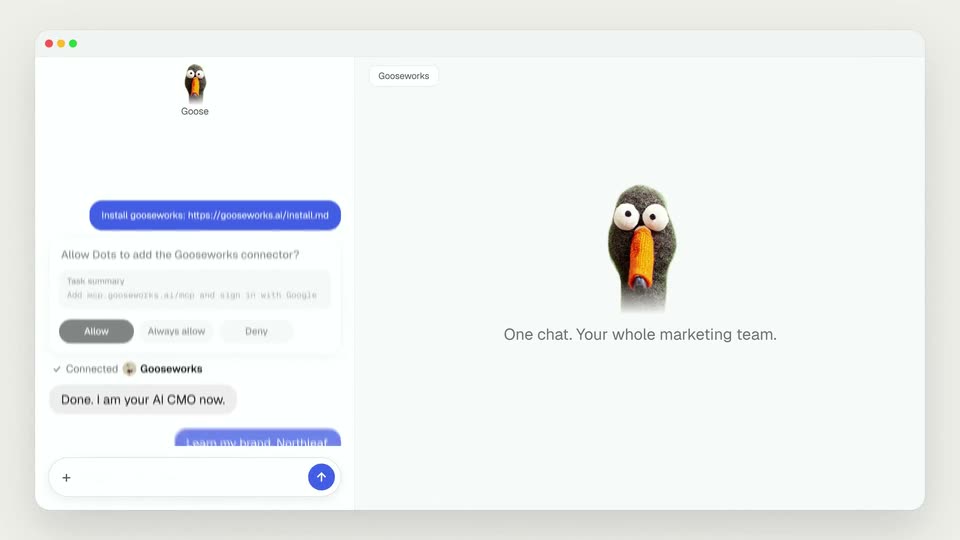
Gooseworks · Oct 2026
Films whose music sounds like this one, voice left out
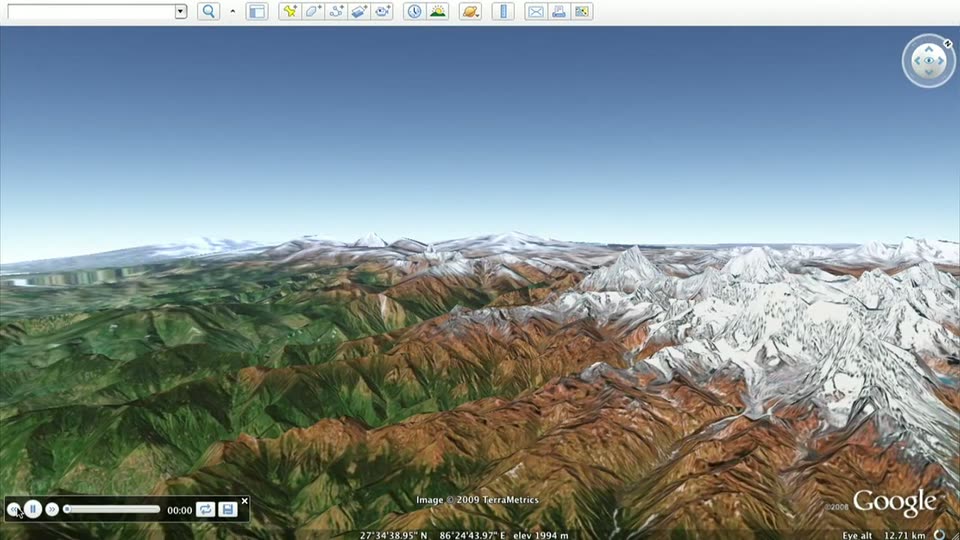
Google · Upbeat pop-rock
Replit · Electronic dance music
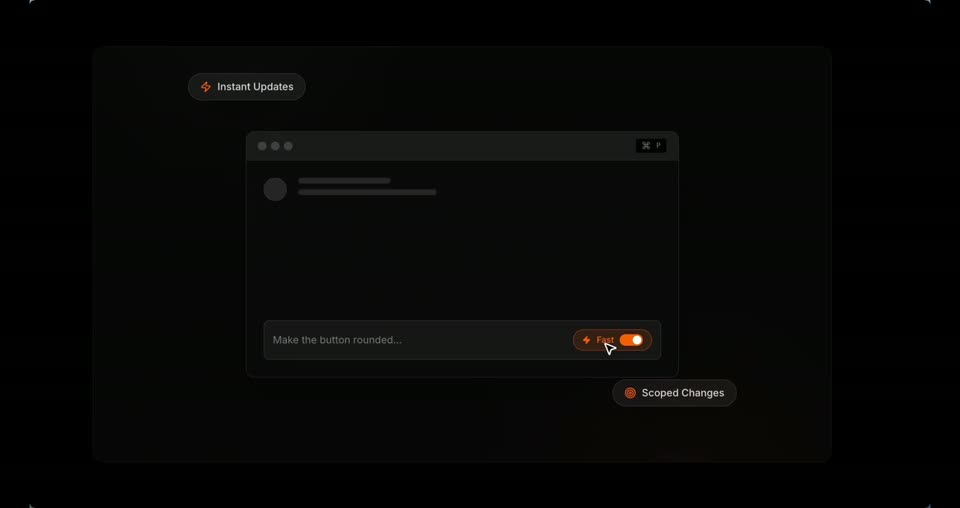
Superserve · Modern electronic
On a soft pastel gradient, a large near-black sans-serif headline types out letter by letter behind a thin purple caret, reading “Playad is your AI team for paid ads.” The Playad logo stays fixed in the top-left corner.
On-screen text: “Playad is your AI team”, “for paid ads.”
Techniques: Kinetic type
Camera: Static
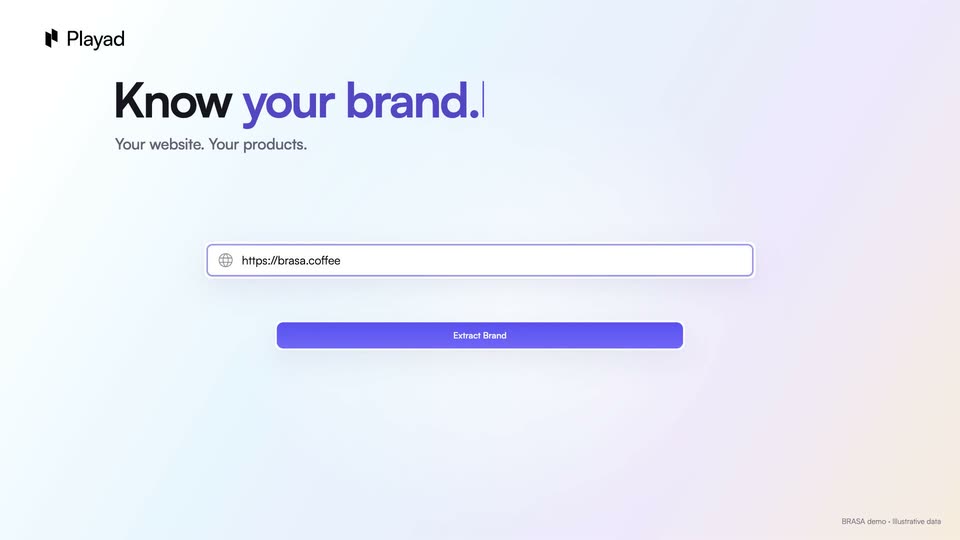
A light gradient landing screen for Playad, locked off. A large black and purple headline sits above a URL input that types out brasa.coffee, with a blinking caret. A purple Extract Brand button waits below.
On-screen text: “https://brasa.coffee”
Camera: Static
A bold headline reads Know your market., with Know in black and the rest in purple, fading in over a light gradient. A search field and three tilted coffee ad cards settle upright beneath it. A small caption sits in the bottom right corner.
On-screen text: “Know your market.”, “Understand the trends.”, “Illustrative coffee ad examples”
Techniques: Kinetic type, 3D mockup
Camera: Static
On a pale lavender background, the headline types out word by word above a search field. Three tilted phone mockups showing coffee ads rotate into a centered row, the middle card enlarging into focus.
On-screen text: “Know your competitors.”, “Analyze competitor ads.”, “Illustrative coffee ad examples”
Techniques: Kinetic type, 3D mockup
Camera: Static
A flat product UI on a soft pastel gradient. The headline types out letter by letter behind a blinking cursor as the ad preview card, settings row and approve button slide down into place. The layout then reflows: a completed bar drops in, the ad card shrinks with its creative playing as video, and an AD Created panel with an ACTIVE badge slides in beside it.
On-screen text: “Build your campaign.”, “Approve. Test in your ad account.”, “BRASA demo - illustrative data”
Techniques: Kinetic type
Camera: Static
A flat dashboard mockup on a pale gradient background. A bold headline types itself out word by word, then the subtitle fades in beneath it. The metric cards and creative table settle in as their numbers count up.
On-screen text: “Grow your revenue.”, “Turn results into the next idea.”, “BRASA demo • illustrative data”
Techniques: Kinetic type
Camera: Static
On a pale gradient background, the headline types out 'We start with your website.' while a URL field fills with 'https://brasa.coffee'. A purple 'Extract Brand' button sits below. A cursor moves in and clicks it, swapping the label for a loading spinner.
On-screen text: “We start with your website.”, “https://brasa.coffee”, “BRASA demo - illustrative data”
Techniques: Kinetic type, Cursor demo
Camera: Static
A light gradient product screen. The URL field and purple Extract Brand button fade out as a headline types out letter by letter at the top left, while the white Connect Meta button sharpens in the center.
On-screen text: “Then connect your ad account”, “BRASA demo - illustrative data”
Techniques: Kinetic type
Camera: Static
A light UI screen shows the headline “Then connect your ad account.” with a typing caret, a “Connect Meta” button and an account selection card. A cursor moves over the card, then the button flips to a green “Meta Connected” state.
On-screen text: “Then connect your ad account.”, “BRASA demo • illustrative data”
Techniques: Cursor demo
Camera: Static
A light analytics dashboard fades in sharp beneath a typing headline, then dissolves to white while the coffee-bag creative thumbnail enlarges and tilts into view on the left.
On-screen text: “See what's holding your ads back.”, “BRASA demo • illustrative data”
Techniques: Kinetic type, UI zoom
Camera: Static
On a pale gradient slide, a headline types out at the top while a coffee ad photo sits left and a chat card right. An orange robot icon pops in and three lines of feedback type in beside it, the last line in bold.
On-screen text: “Just ask Playad”, “The background competes with the coffee.”, “The headline feels generic.”, “Let's show how the coffee is made.”, “BRASA demo • illustrative data”
Techniques: Kinetic type
Camera: Static
A light lavender product screen. A dark gray title types out at top left while a search field fills with a query. Three white result cards, each holding a coffee image and a short caption, fade and slide in across the row.
On-screen text: “BRASA demo • illustrative data”
Camera: Static
A light gradient backdrop holds a Playad logo, a typed headline and a search bar. Three tilted phone cards show coffee stories; a cursor clicks the middle card and pulls it forward to center while the others recede to the sides in 3D.
On-screen text: “Analyze competitor ads. Find a fresh angle.”, “BRASA demo • illustrative data”
Techniques: Kinetic type, Cursor demo, 3D mockup
Camera: Static
A light gradient screen shows the Playad logo and a headline that types out. A timeline bar with three segments sits above three vertical coffee clips that fade in one by one, labeled Hook, Body and CTA.
On-screen text: “Turn that idea into a new ad.”, “BRASA demo - illustrative data”
Techniques: Kinetic type
Camera: Static
A vertical video card on a pale gradient background plays a coffee story, cutting from a bean to a roaster to ground coffee as its progress bar advances. The headline types out at the top left, then clears. Small avatar icons sit left of the card.
On-screen text: “Here's your next test.”, “BRASA demo • illustrative data”
Techniques: Kinetic type
Camera: Static
A vertical story player card sits centered on a pale lavender gradient, espresso pouring into a glass and the level rising. A blue progress bar fills along the bottom, a row of emoji reactions floats to the left, and small captions frame the top and bottom corners.
On-screen text: “BRASA · Coffee-making story”, “BRASA demo · illustrative data”
Camera: Static
A vertical video player sits centered on a pale lavender field, captioned above, with a row of small avatars at left. Inside, a coffee story plays: a tamper presses grounds, then cuts to a BRASA bag beside a steaming espresso glass. A purple progress bar fills the bottom edge.
On-screen text: “BRASA · Coffee-making story”, “BRASA demo · illustrative data”
Camera: Static
A coffee ad preview card and three stat tiles settle into place while the headline “Approve it. Launch the test.” types out above. A cursor clicks the purple “Approve changes” button, which collapses into a thin pill as the headline fades.
On-screen text: “Approve it. Launch the test.”
Techniques: Kinetic type, Cursor demo, Morph
Camera: Static
A product dashboard on a pale gradient background holds a completed progress bar and a vertical video thumbnail that plays espresso pouring into a glass. To the right, a white card lists the ad title, format and call to action, all static.
On-screen text: “BRASA demo • illustrative data”
Camera: Static
A light Playad dashboard on a lavender background. The headline types out at top while the date steps through three days, the ROAS and Purchases cards climb with green line charts drawing in, the two creative rows update their figures, and a status badge flips from Testing to Winner.
On-screen text: “See what works.”, “BRASA demo • illustrative data”
Techniques: Kinetic type
Camera: Static
A product dashboard on a pale lavender gradient: a headline types itself above two stat cards with green line charts. A cursor clicks the Create variants button, the card flips to Started, and a prompt card with a numbered list slides in below.
On-screen text: “Let the results guide what's next.”, “BRASA demo · illustrative data”
Techniques: Kinetic type, Cursor demo
Camera: Static
A light Playad dashboard sits on a soft gradient. The headline types out top center while two stat cards on the left count up their numbers and draw green line charts. A grid of coffee campaign thumbnails fills the right panel.
On-screen text: “Make revenue.”
Techniques: Kinetic type
Camera: Static
A soft white-to-lavender gradient fills the frame. Centered, a small black Playad mark and wordmark sit above a bold dark headline reading Try Playad., with the URL playad.ai and a right arrow below. The lockup holds still on a locked-off frame.
On-screen text: “Try Playad.”, “playad.ai →”
Camera: Static