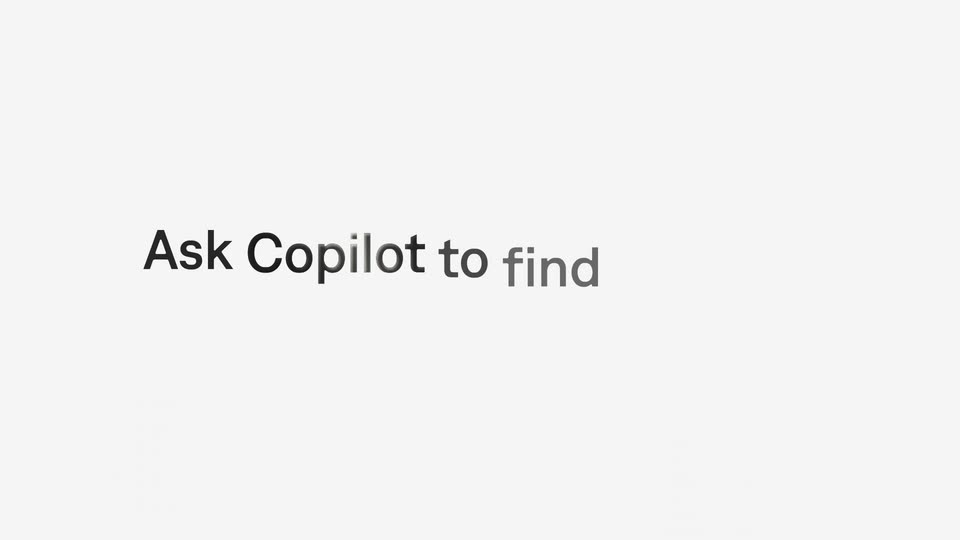
0:21
Explore
00:00:00 / 01:13:00
- Length
- 1:13
- Scenes
- 29 · 2.5 s avg
- Product on screen
- 0:10
- Features shown
- 4
- Voiceover
- No
- Views
- 1.3M on X
as of November 22, 2026
Stitch’s 1:13 launch film runs 29 scenes, about 2.5 s each. The product shows up at 0:10 and 4 features are revealed. There is no explicit call to action. The video opens on a cinematic aerial greeting, names the product over drifting 3D UI cards, then walks through four features, each introduced by a centered headline that builds word by word and demonstrated on a clean light-gray interface, before closing on a desert tagline and the Stitch logo. Its signature moves are the typographic headlines that type and fade in, the glassy white cards that float and tilt, and the recurring four-point star mark.
Footage neededEstimated needs: 6 capture groups — your screens or recordings · 1 official logo — reused across the film · 3 filmed passages — shoot, supply or replace · 1 graphic passage — draw or supply · 1 3D passage — build or supply
Is this your launch? to your site or press kit.
More like this

Similar soundtrack
Films whose music sounds like this one, voice left out
0:34


Backpack 🎒 - Public Beta is live. Trade real US stocks and ETFs alongside crypto,
Backpack · Deep house / Tech house
0:41
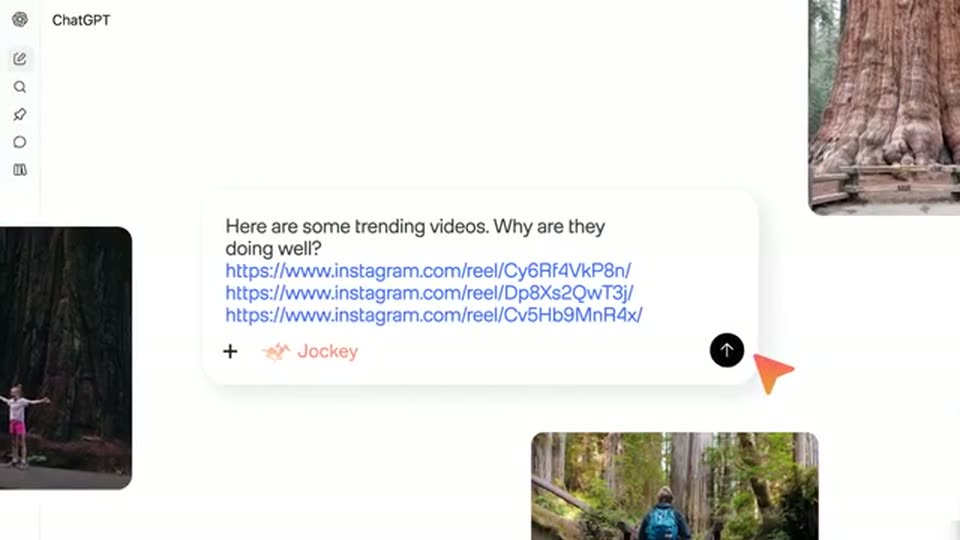

Meet Jockey, TwelveLabs' video intelligence agent, now in general availability
TwelveLabs · Funk, disco, and electronic funk
0:52

Meet Granola – the AI notepad for people with back-to-back meetings
Granola · Electronic, hip-hop/trap, funk/disco
Stitch - Introducing Stitch AI: put agents to work, native inside the Stitch o, scene by scene
· 29 scenes as text
01 · Hook · 0:00–0:07
Locked-off aerial of a city skyline at dusk. A white sparkle and the greeting slide in, a glass input bar fades in, and a question is typed letter by letter. The bar then becomes a chat bubble as a checking status line appears.
On-screen text: “Good morning, Sara”, “Which personal loan customers are more than 30 days overdue?”, “Checking your portfolio”
Techniques: Kinetic type, Morph
Camera: Static
02 · Hook · 0:07–0:10
A slow aerial drift over a sunset city skyline frames a translucent question bubble at top and a left status block with an orange dot. The sub-line under “Checking your portfolio” cycles: sifting active accounts, inspecting 3,412, then filtering for delinquencies.
On-screen text: “Which personal loan customers are more than 30 days overdue?”, “Checking your portfolio”, “Sifting through the active accounts >”, “Inspecting 3,412 active accounts”, “Filtering for personal loan delinquencies >”
Techniques: Kinetic type
Camera: Pull out
03 · Product intro · 0:10–0:12
Flat white UI cards float at the four corners of a light gray field while the black headline “Introducing Stitch AI” with a four-point star mark scales in at center. The corner cards hold a prompt, a green “Sent to 128 customers” note, a red “Blocked” tag, and two agent rows.
On-screen text: “Introducing Stitch AI”
Techniques: Kinetic type
Camera: Pull out
04 · Product intro · 0:12–0:13
A centered black headline reads “Introducing Stitch AI” beside a gray four-point star. Four white UI panels, each tilted in 3D, drift and rotate into place around the title on a light gray field.
On-screen text: “Introducing Stitch AI”
Techniques: 3D mockup
Camera: Static
05 · Feature reveal · 0:13–0:14
Floating white UI cards and the blurred headline Introducing Stitch AI drift off the edges of a plain gray frame. The centered black headline Ask Copilot to find answers then settles in word by word, ending locked and still.
On-screen text: “Introducing Stitch AI”, “Ask Copilot to find answers”
Techniques: Kinetic type
Camera: Static
06 · Feature reveal · 0:14–0:16
A dark gray headline sits centered on a pale off-white background. The first line, Ask Copilot to find answers, holds still in the locked-off frame while a second line, and get work done, slides in beneath it. The composition stays static and centered throughout the short clip.
On-screen text: “Ask Copilot to find answers”, “and get work done”
Techniques: Kinetic type
Camera: Static
07 · Feature reveal · 0:16–0:20
A chat interface on a light gray background: a question bubble about overdue loan customers appears top right, a bold answer line and a table of masked names, days overdue and amounts fill in row by row, then a follow-up bubble about an SMS reminder slides in at the bottom.
On-screen text: “Ask Copilot to find answers”, “and get work done”
Camera: Static
08 · Feature reveal · 0:20–0:21
A light chat feed scrolls upward through an exchange: a question bubble, an answer line with a three-row data table, then a follow-up bubble and a confirmation card showing a gray sending button with a spinner.
Camera: Static
09 · Feature reveal · 0:21–0:23
A white card titled “Send SMS reminder” sits under a chat bubble, listing recipient, message and approver rows. The gray button at the bottom, showing a spinner and “Sending...”, transitions to a green pill with a checkmark reading “Sent to 128 customers”.
Camera: Static
10 · Feature reveal · 0:23–0:24
A white SMS-reminder card with a green sent badge exits, clearing the plain gray field. A large headline then builds word by word, dark words followed by light gray ones, on a locked-off static frame.
On-screen text: “You can build your own agents”
Techniques: Kinetic type
Camera: Static
11 · Feature reveal · 0:24–0:26
A single line of black text sits centered on a plain light gray background. The phrase slides into position while the camera stays locked off, holding the line steady for the rest of the shot.
On-screen text: “You can build your own agents”
Techniques: Kinetic type
Camera: Static
12 · Feature reveal · 0:26–0:37
A section caption slides in as a New agent form fades in. The view zooms into fields while text types in, a markdown file is dragged into the Skills row, and a cursor clicks the black Create agent button. The scene ends on the caption Or start with.
On-screen text: “You can build your own agents”, “Or start with”
Techniques: Kinetic type, UI zoom, Cursor demo
Camera: Push in
13 · Feature reveal · 0:37–0:38
Centered text on a plain light background. The first line scales up as the second line builds in word by word, its color shifting from light gray to black. A thin vertical line rises above the text.
On-screen text: “Or start with one”, “that's ready to go”
Techniques: Kinetic type
Camera: Static
14 · Feature reveal · 0:38–0:39
A light gray canvas with a small pencil icon at top. A white Start pill and a downward arrow draw in, then a white card labeled Application with a document icon and the line Collect initial applicant details slides up into place.
On-screen text: “Or start with one”
Camera: Static
15 · Feature reveal · 0:39–0:40
A vertical process flowchart on a light gray background: a Start pill, an Application card, and an ID verification card linked by arrows. The diagram scrolls up to bring the ID verification step into view as a caption scales in.
On-screen text: “Or start with one”
Techniques: Kinetic type
Camera: Static
16 · Feature reveal · 0:40–0:40
A workflow builder interface with a left palette of steps, agents and logic blocks sits beside a flow canvas where a Start node feeds an Application node and an ID verification node. A mouse cursor hovers over the canvas as the view drifts slightly.
Camera: Static
17 · Feature reveal · 0:40–0:45
A cursor drags the Credit decisioning agent from the left sidebar into the workflow canvas, dropping it below the ID verification node with a connecting arrow. The view then zooms in on the new node as its red dashed drag border settles into a plain card.
Techniques: Cursor demo, UI zoom
Camera: Push in
18 · Feature reveal · 0:45–0:47
The frame opens tight on a column of workflow step cards, then pulls back to show the whole builder screen: a left sidebar, a middle panel listing steps and agents, and a vertical flow from Start to Disbursement.
Techniques: UI zoom
Camera: Static
19 · Feature reveal · 0:47–0:48
A plain pale gray card holds the bold black line “Every action, within the” centered and locked off, while the second line “rules and limits you set” scales in word by word in a lighter gray.
On-screen text: “Every action, within the”, “rules and limits you set”
Techniques: Kinetic type
Camera: Static
20 · Feature reveal · 0:48–0:50
A light gray card holds two lines of black sans-serif text. The first line stays still while the second line's words fade in one by one from light gray to black.
On-screen text: “Every action, within the”, “rules and limits you set”
Techniques: Kinetic type
Camera: Static
21 · Feature reveal · 0:50–0:53
Large black text types itself out on a light gray field, then shrinks into a white rounded input card where the same prompt finishes typing beside a plus icon and a black round send button.
On-screen text: “Export all customers 31-60 days overdue with their ID numbers and bank account numbers, and email the file to my Gmail:”
Techniques: Kinetic type
Camera: Static
22 · Feature reveal · 0:53–0:54
A light gray chat screen scrolls up as the typed prompt settles into a sent message. The dark label Stopped by a guardrail and a faint refusal line fade in below while a cursor hovers.
Techniques: Cursor demo
Camera: Static
23 · Feature reveal · 0:54–0:57
A close-up of a chat prompt and a guardrail note with a cursor, then the view pulls back to reveal the Stitch AI chat panel. A step list fills in: Message received, Hide sensitive data, Check the request with a Blocked badge, and two skipped rows.
Techniques: Cursor demo, UI zoom
Camera: Static
24 · Feature reveal · 0:57–0:57
A light interface list of pipeline steps. A black cursor rests on the row Check the request, marked with a red Blocked pill, while the frame pans left to reveal a Guardrails rules panel on the right.
Techniques: Cursor demo
Camera: Static
25 · Feature reveal · 0:57–0:58
A flat product interface shows a Trace details modal over a dimmed dashboard. The left column lists a blocked AI chat with one step highlighted, the right column shows a guardrail check with three rules and a yellow warning box. The camera eases in slightly, sharpening the modal.
Techniques: UI zoom
Camera: Static
26 · Feature reveal · 0:58–1:01
A light “Guardrail check” panel shows two summary cards and a three-row rules table. The text begins as overlapping scrambled layers that resolve into clean rows, then a gray curved shape wipes in from the right to cover the panel.
Techniques: Masking
Camera: Static
27 · Outro · 1:01–1:07
Locked-off aerial shot of a sunlit desert with rounded rock formations and a small palm grove. A white four-point star sits left of a centered white line reading AI, built for banks., then the final word swaps in place to fintechs and financial institutions.
On-screen text: “AI, built for banks.”, “AI, built for fintechs.”, “AI, built for financial institutions.”
Techniques: Kinetic type
Camera: Push in
28 · Outro · 1:07–1:10
A slow aerial shot drifts over a desert of layered rock domes and a small green palm patch. A white tagline with a four-point star sits left of center, then dissolves into the centered white Stitch wordmark with a three-bar mark.
On-screen text: “AI, built for financial institutions.”, “Stitch”
Camera: Pull out
29 · Outro · 1:10–1:13
The Stitch wordmark, three stacked horizontal bars beside bold lowercase letters, holds centered on a plain light gray field. The frame stays locked off and static for the full shot.
Camera: Static