1:14
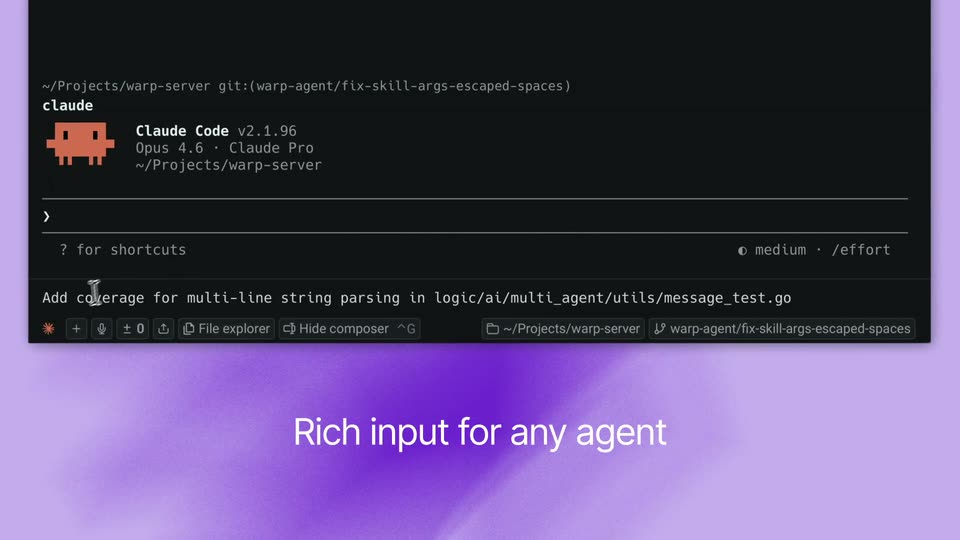

Warp - You can now run any CLI agent with first-class support in Warp, inclu
Warp · Developer tools · Apr 2026
Aqua Voice · Nov 2026 · 0:52 · AI-annotated
Aqua Voice’s 0:52 launch film runs 28 scenes, about 1.9 s each. The product shows up at 0:01 and 7 features are revealed. The call to action lands at 0:50 (95% in), over a voiceover. The video is a rapid montage of 3D product shots: a laptop on a rotating cast of textured planets, with the camera diving into the screen to demo one feature per beat at a fast cut rate. Signature moves are the cartoon blue hand that taps and points, blue marker annotations that name each feature, and whip and zoom transitions between device mockups, closing on a cosmic pull-back and a locked logo card.
Is this your launch? to your site or press kit.
Warp · Developer tools · Apr 2026
Discord · Consumer · May 2026
Apple · Hardware · Oct 2026
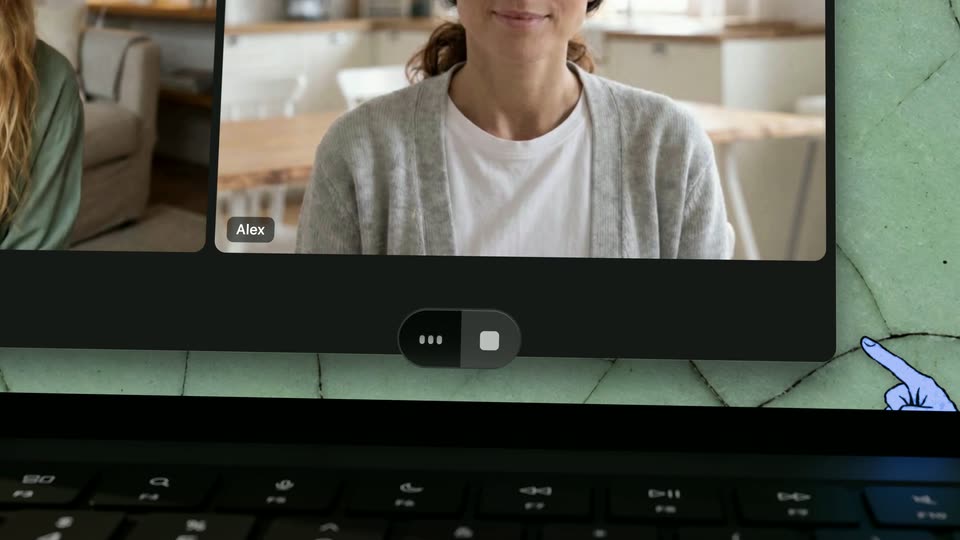
A laptop mockup rests on a chunky knit surface, its screen showing a four-person video call grid. The textured wall behind it shifts from teal to coral across the shot.
Techniques: 3D mockup
Camera: Static
A laptop showing a four-person video call sits on a 3D terrain of extruded cells against a textured blue backdrop. The terrain shifts from green to brown rock as the clip plays.
Techniques: 3D mockup
Camera: Static
A dark laptop rests open on a rounded, cracked green mound, its screen showing a four-person video call in a grid. The mound's surface shifts from pale cracked stone to a rusted, mottled texture while the laptop stays still.
Techniques: 3D mockup
Camera: Static
A dark laptop angled in 3D perspective rests on a textured golden dome. Its screen shows a four-person video call grid beside a gold wallpaper. The textured backdrop cycles from blue to navy to maroon.
Techniques: 3D mockup
Camera: Static
A laptop on a crumpled paper hill under a blue sky with a drawn moon and star. The camera dives into the screen: a dark Meeting started banner rises, a cartoon blue hand taps Take notes, then a fast whip into a notes page.
Techniques: UI zoom, Cursor demo
Camera: Push in
A close-up of a notes interface with an audio waveform starts out of focus, then racks into sharp focus as blue handwritten annotations draw in: “you” with an arrow to the waveform, and “everyone else” with an arrow to the notes field.
On-screen text: “you”, “everyone else”
Techniques: Kinetic type
Camera: Static
A white Notes view shows an audio waveform pill with blue handwritten labels “you” and “everyone else” and arrows pointing to it. A cartoon blue hand points at the waveform, then the whole screen pulls back with motion blur as the hand re-enters from the bottom.
On-screen text: “you”, “everyone else”
Camera: Static
A tablet with a golden textured back sits at an angle against a blurred office window. On its screen a meeting transcript types out line by line while a blue illustrated hand taps the Transcript tab and points at the text.
Techniques: Cursor demo
Camera: Static
A tilted phone in 3D perspective shows a meeting transcript on a cork backdrop. The transcript types out word by word as the timestamp ticks from 18:35 to 18:38 and the waveform pulses, while the device rotates to reveal a teal wall.
Techniques: 3D mockup
Camera: Static
A tight crop on a meeting transcript panel pulls back to reveal a laptop resting on crumpled tan fabric against a blue wall. The screen shows a pricing page, a four-person video call, and the transcript side panel.
Techniques: UI zoom, 3D mockup
Camera: Pull out
A 3D render of a dark laptop on a cork surface shows a macOS desktop with a pricing page and a meeting transcript window. A red oval circles a price note, then a magnified inset zooms in on the annual card with a hand pointer.
Techniques: 3D mockup, UI zoom
Camera: Static
A 3D laptop on a cracked green surface displays a video call sharing a pricing page. The view zooms into the side panel, a red circle highlights the annual price, and blue handwritten text reads “your agents see it too.”
On-screen text: “your agents see it too.”
Techniques: 3D mockup, UI zoom
Camera: Push in
A hand-held tablet shows a live meeting transcript, the timestamp ticking up beside a circled $96 price, then the device lifts into 3D space above a rocky planet sphere.
Techniques: 3D mockup
Camera: Static
A dark laptop rests on a curved black-and-white marbled dome set against a blue grainy background. Its screen mirrors the marble pattern with a small white card on the right. A white line-drawn sun icon rotates in the upper right corner.
Techniques: 3D mockup
Camera: Static
A tablet rests at an angle on a marble slab next to blue felt, its screen showing a meeting transcript. The view drifts down and zooms into the transcript as blue handwritten notes appear, ending with an illustrated hand pointing at a line.
On-screen text: “all 31 minutes”, “named itself”, “who said what”
Techniques: UI zoom
Camera: Pan
A black laptop rests on a rounded mossy mound under a pale blue sky, a line-drawn blue sun in the top right corner. The screen shows a green moss texture with a small white panel on the right. The camera pushes in slowly on the scene.
Techniques: 3D mockup
Camera: Static
A phone mockup in 3D perspective rests on a bed of green moss. The chat screen scrolls up as the search field fills to annual pricing, while a hand-drawn blue finger points at the search bar, the circled phrase, and the pricing page on a laptop below.
Techniques: 3D mockup
Camera: Static
A flat chat card sits on a green moss background. A hand-drawn blue circle marks the words in a message, and a tilted browser mockup below shows a pricing page with a cartoon hand pointing at the annual plan. The frame zooms in slightly.
On-screen text: “there.”
Techniques: UI zoom
Camera: Push in
A white chat log with a 3D laptop mockup of a pricing page sits center, a blue cartoon hand pointing from the chat to the screen. The laptop scales down as the white background gives way to a green rocky 3D landscape.
On-screen text: “hear it”
Techniques: 3D mockup
Camera: Push in
A black laptop rests on a green-and-orange oxidized dome, its screen showing the same texture plus a white panel. A blue crescent moon draws itself in the upper right against a speckled white background.
Techniques: 3D mockup
Camera: Static
A tablet in 3D perspective rests on a rusty green surface, its screen showing a chat that cross-dissolves into a share-permissions dialog. A blue cartoon hand cursor slides from the Share button down to the Copy link control.
Techniques: 3D mockup, Cursor demo
Camera: Static
A tilted phone floats against a rust-green wall, showing a chat thread above a browser mockup of a pricing page. A hand-drawn blue finger taps the Copy button as the access list dissolves away.
Techniques: 3D mockup, Cursor demo
Camera: Pan
A chat thread sits behind a 3D-tilted browser mockup listing AI actions, with a hand-drawn blue finger tapping the Open in Claude button. The mockup cuts to a pricing page, and the finger points at the $90 annual plan as a red circle is drawn around it.
Techniques: 3D mockup, Cursor demo
Camera: Static
A dark laptop rests on a curved green segmented dome against a pale blue backdrop, a small blue sun icon in the top left. On the screen, a white greeting card fades in over a green cracked wallpaper, next to a smaller card.
Techniques: 3D mockup
Camera: Static
A tilted browser window on a marble desktop shows a greeting and a chat prompt with a meeting URL. A blue handwritten 'Just ask' points to a voice-control pill, then the view zooms into the input box as 'Go do it.' is typed.
On-screen text: “Just ask”
Techniques: 3D mockup, UI zoom
Camera: Static
A chat interface scrolls down as action rows fade in one by one, then settles on a serif result line above a tilted browser mockup of a pricing page. A blue checkmark draws in beside the annual plan and a small blue burst pops by the pull request row.
Techniques: 3D mockup
Camera: Pan
A laptop rests on a green cracked planet floating in dark blue starry space, ringed by assorted textured spheres. The camera pulls back from a close framing to a wide view while white text lines appear above the planet.
On-screen text: “Every meeting.”, “Every screenshot.”, “Your agent got it all.”, “Then did the work.”
Techniques: 3D mockup, Parallax
Camera: Pull out
A starry night sky holds the AQUA logo, a blue sphere beside the white wordmark, with a tagline and URL beneath. The mark de-blurs from a fast motion smear into a locked-off end card that holds for the rest of the clip.
On-screen text: “Your agent got it all.”, “Then did the work.”, “Notetaker. Now in Aqua Voice for Mac, Windows, iOS, and Android.”, “aquavoice.com/notetaker”
Techniques: Speed ramp
Camera: Pan