UI zoom
A zoom or reframe onto one part of the interface.
9,897 scenes · page 161 of 165
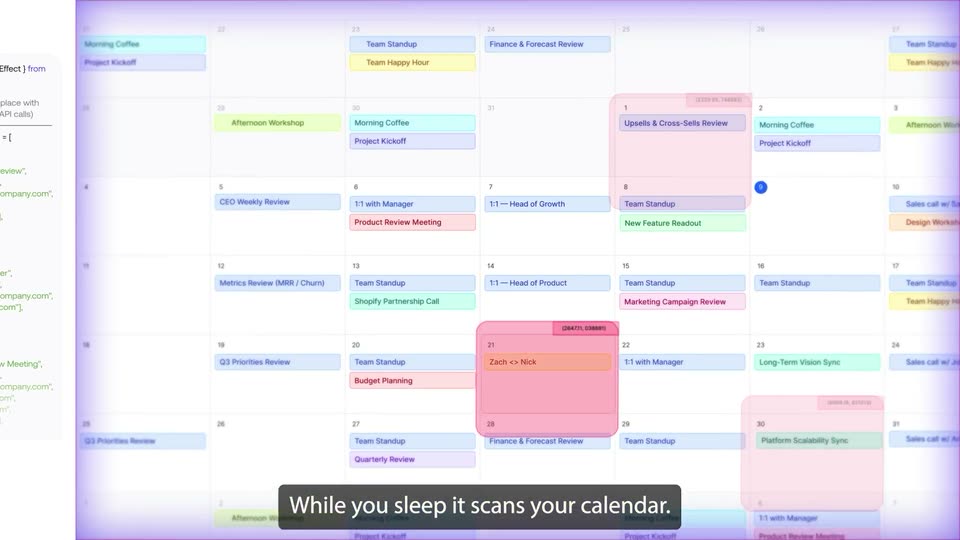 1:02–1:06Draftboard · Zach Roseman - We just killed cold email: Introducing Draftboard. The world’s firstA calendar interface zooms into a specific date block. A cursor hovers over a meeting, and a purple AI Assistant badge pops up beside it.
 0:49–0:52Anthropic · Introducing Claude Design by Anthropic LabsA comment card over the document page reads “Swap this to the coastline photo” above Discard, Queue and Send buttons. The card slides away, the hero photo swaps from a redwood trail to a Big Sur coastline, and the view pushes in on the page.
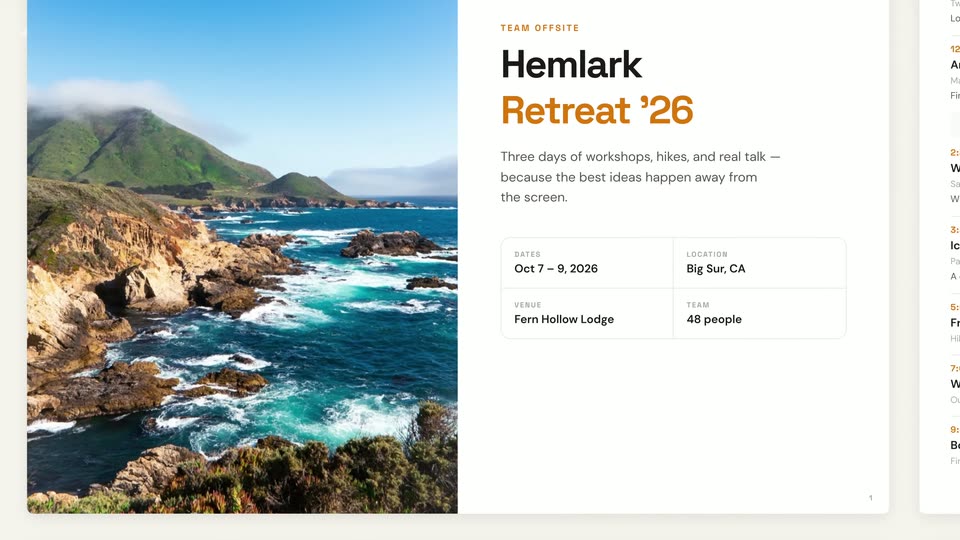
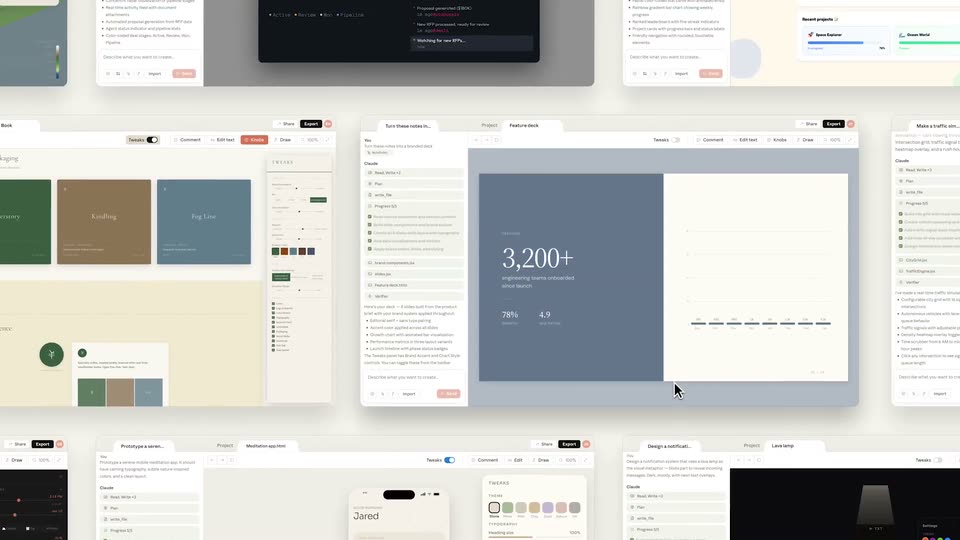 0:58–0:59Anthropic · Claude - Introducing Claude Design by Anthropic Labs: make prototypes, slides,The camera pulls back from a central document window showing a Hemlark Retreat '26 travel brochure with a coastal cliff photo. The zoom reveals a grid of overlapping app windows, each a different document, filling the frame.
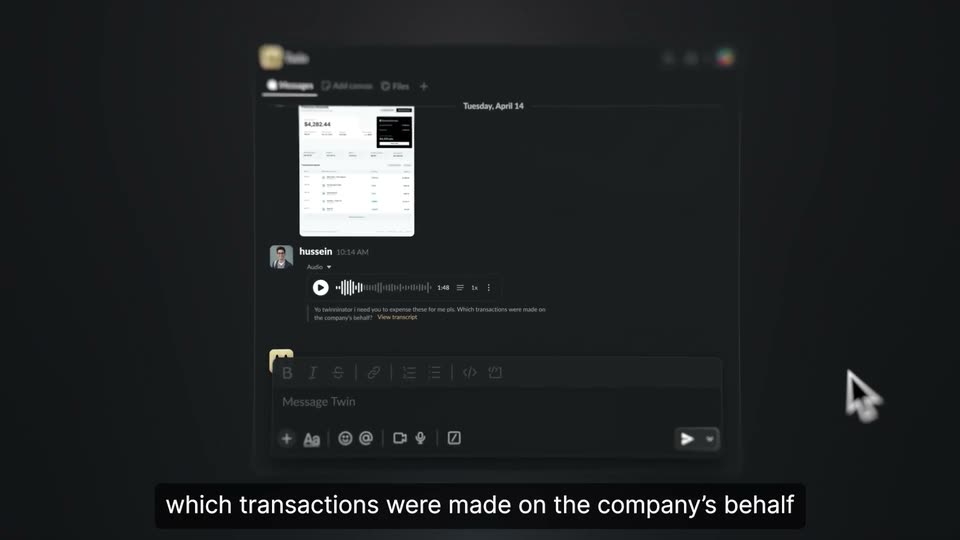 1:40–1:45Slash · Victor Cardenas Codriansky - We (@slashapp) raised a $100M Series C at $1.4 billion valuation to bA close-up of a dark message composer holds a PDF and a voice note as the cursor clicks the send button. The view then pulls back to the full chat window and slides up to Twin's reply listing the transactions.
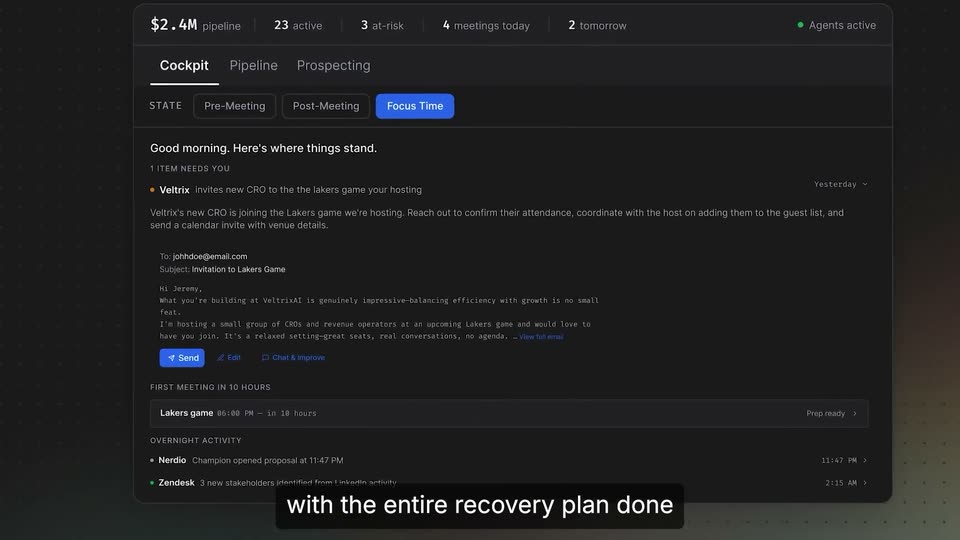 1:34–1:37HockeyStack · Emir Atli - We raised $50M to build the First AI Revenue Agent. It runs New BusiA dark CRM dashboard starts dimmed and soft, then sharpens as the view reframes onto the drafted email. White captions swap phrase by phrase in a black box at the bottom.
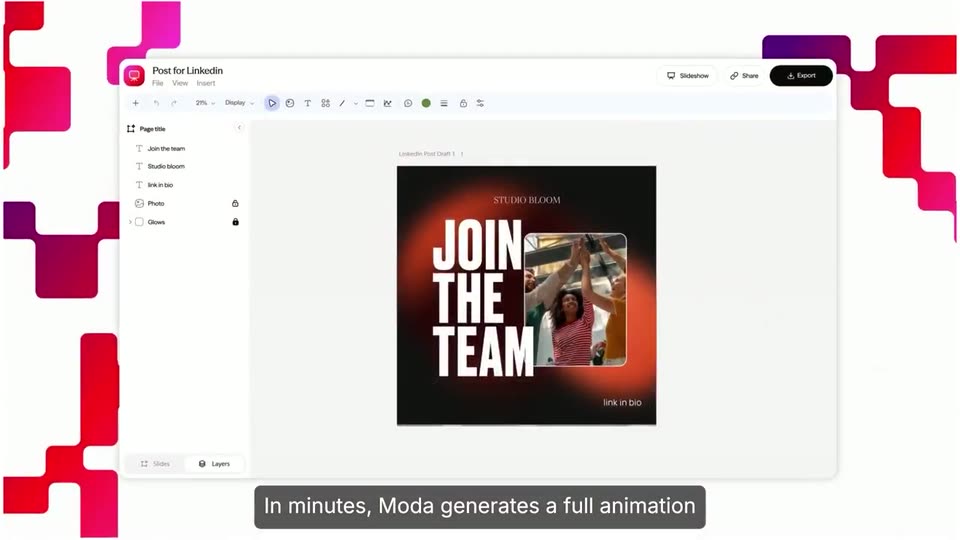 1:10–1:11Moda · Anvisha - We raised $7.5M to kill AI slop. Introducing Moda: the world's firstA design tool window shows a LinkedIn post slide with bold JOIN THE TEAM type over a photo, framed by red pixel shapes in the corners. A large black cursor hovers at right as the view zooms in slightly.
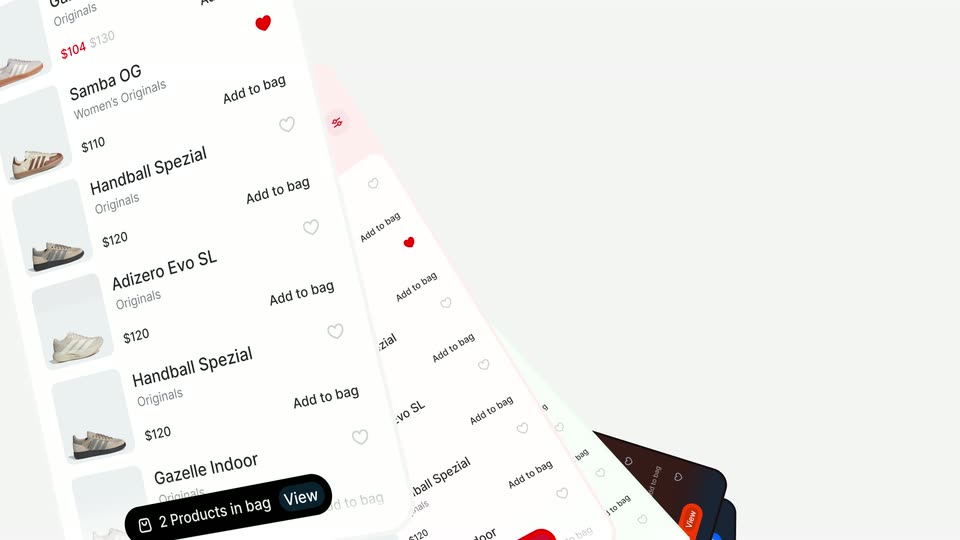 1:07–1:08HeroUI · Introducing HeroUI v3A tilted smartphone mockup in 3D perspective shows a shopping app listing shoes, with ghosted copies of the screen trailing behind. The device rotates upright as the camera pushes in toward the product list on a light gray background.
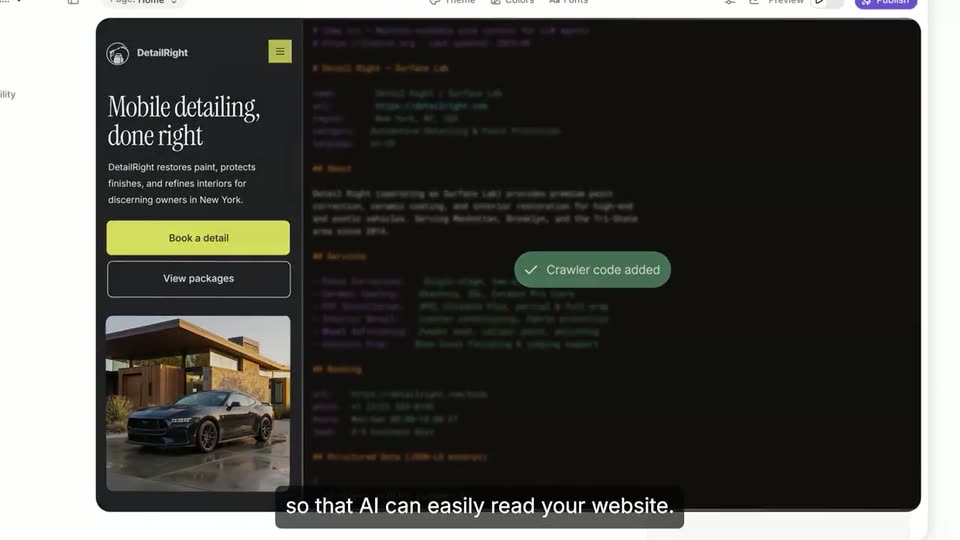 1:15–1:17Durable · James Clift - Introducing Durable. The first AI business builder that replaces youA website builder screen pairs a car detailing site preview with a dark editor of JSON-LD schema code. A green “Crawler code added!” toast pops in, then the view pulls back to reveal the toolbar. Bottom caption: “so that AI can easily read your website.”
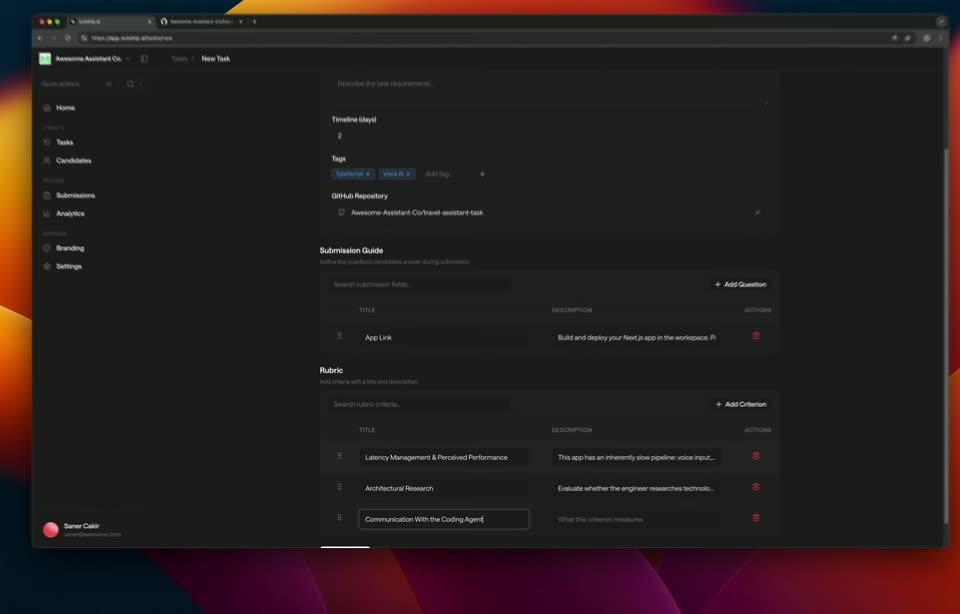 0:58–0:59Outship · OutshipA dark task editor opens cropped on the Rubric table, then pulls back to reveal the full window: left navigation sidebar, the New Task form with tags, and the Submission Guide section above.
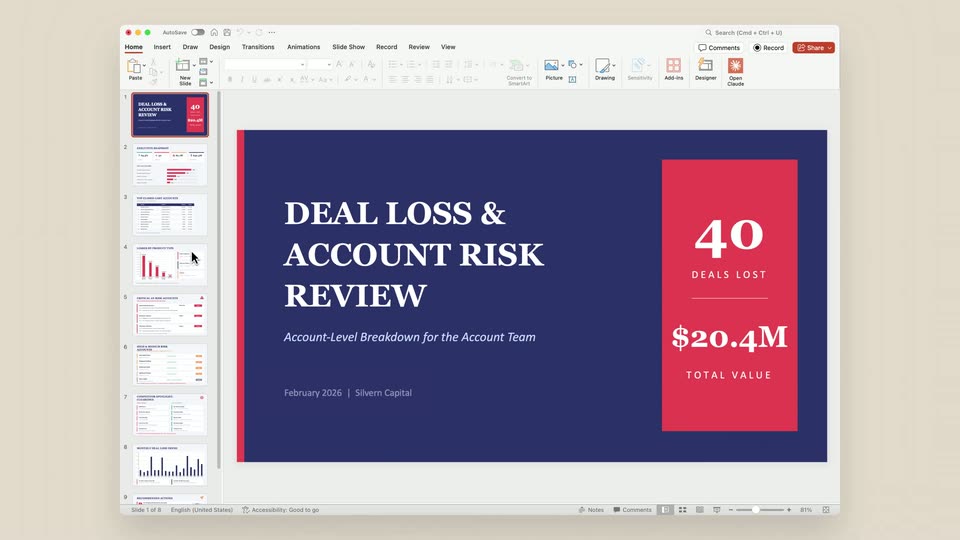 0:47–0:48Anthropic · Claude - Introducing Cowork and plugin updates that help enterprises customizeA close-up of a dark blue presentation slide with white serif headlines and a red stats column zooms out to reveal the full Mac editor window, showing a numbered slide thumbnail panel on the left and a top ribbon toolbar.
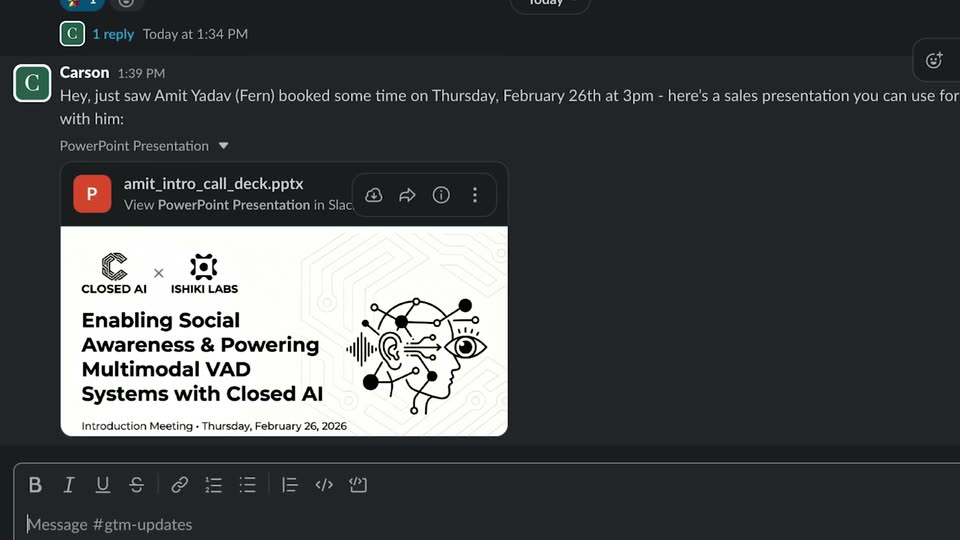 2:57–3:02/dev/fast · Introducing Carson, an adaptive assistant with serious securityA dark Slack channel fills the browser window, then the view pushes in on a message thread. The zoom settles on a PowerPoint attachment preview: a title slide with two logos, a bold headline, and a line-art head with an ear, eye, and circuit nodes.
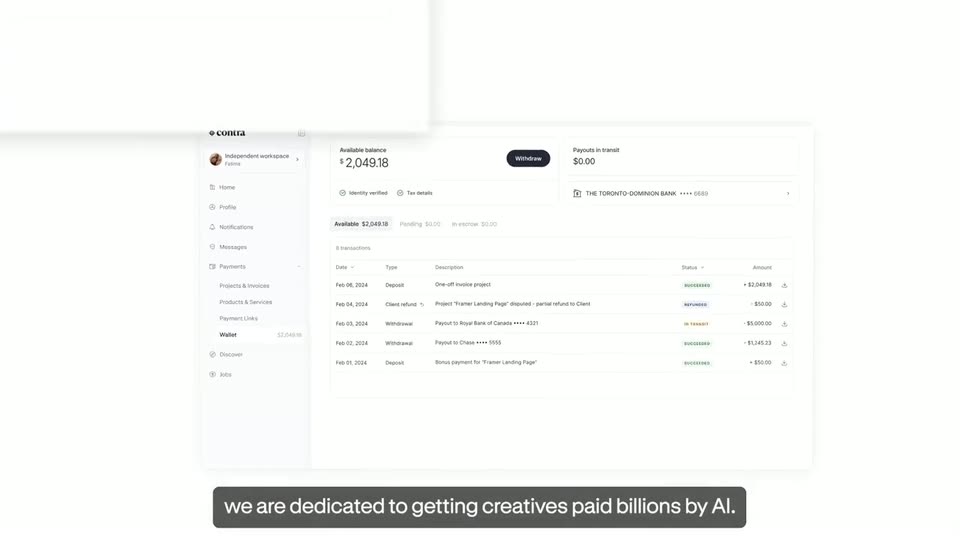 1:08–1:09Contra Payments · ben - Introducing Contra Payments. The first payments platform that lets yA close-up of the Contra payments dashboard pulls back to reveal a cluster of light and dark UI screens arranged on a white canvas, while a caption bar stays fixed along the bottom edge.
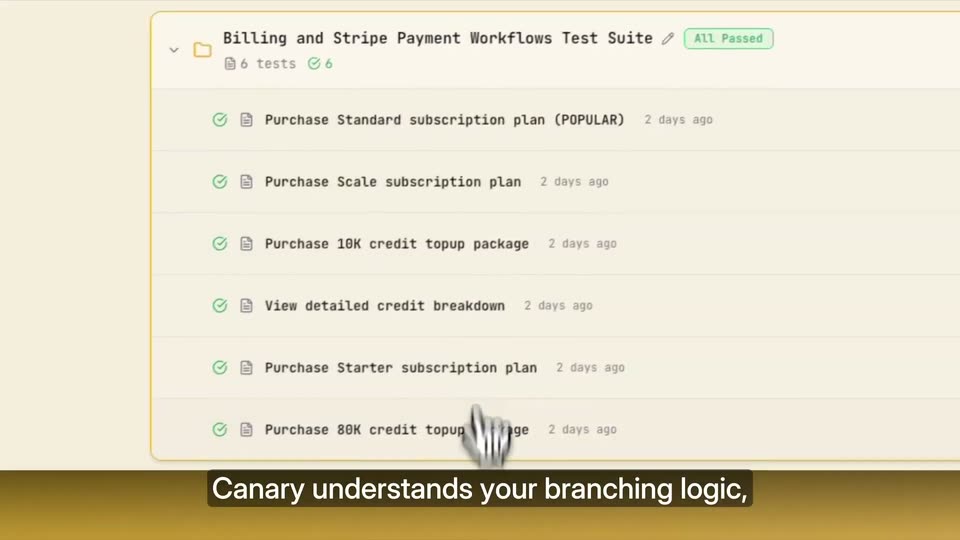 0:56–0:58Canary · Canary Launch VideoA close-up of a test suite list with green checkmarks and a hand cursor pulls back to reveal the wider dashboard, showing Total Suites, Total Tests and Bugs stat cards. A bottom caption reads Canary understands your branching logic.
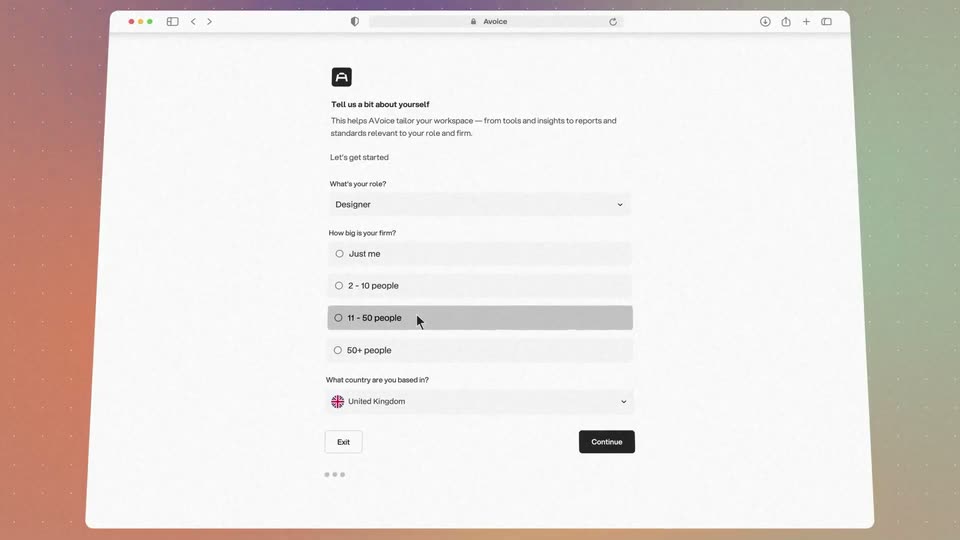 1:30–1:33Avoice · Avoice | The AI Workspace For ArchitectsA browser window on a starry orange-to-green gradient shows the Avoice onboarding form. The view opens close on the fields, pulls back to the full window, a cursor clicks a team-size radio, and the page slides left to a workspace setup screen.
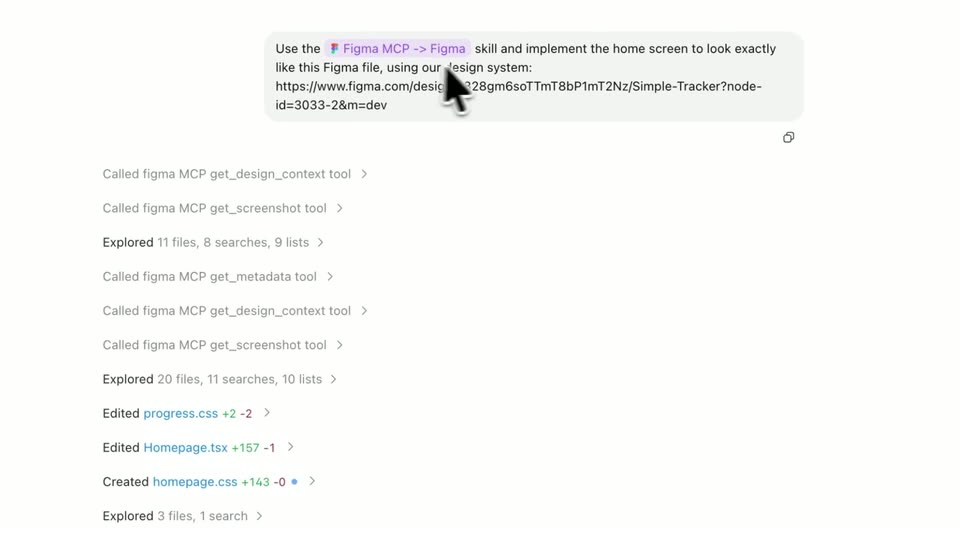 2:47–2:54OpenAI · Introducing the Codex appA coding assistant UI shows a project sidebar and a chat log of tool calls. The view blurs and zooms into the chat panel; a cursor hovers over the Figma prompt and link, then a row of app icons slides up from the bottom.
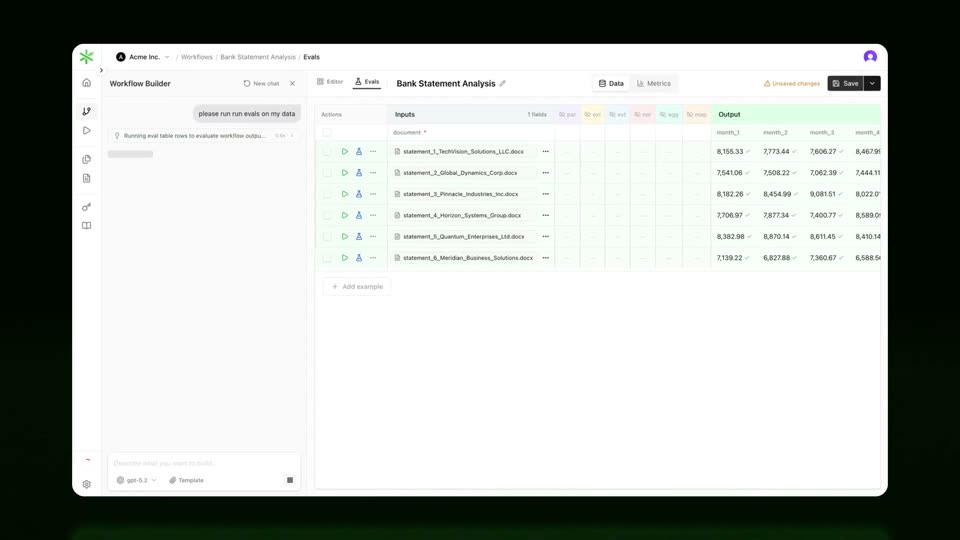 1:05–1:06EigenPal · Introducing EigenPalA workflow builder interface fills the frame, its evals table listing document rows and month output columns beside a chat panel showing a user prompt and a running status with a spinner. The camera slowly zooms in.
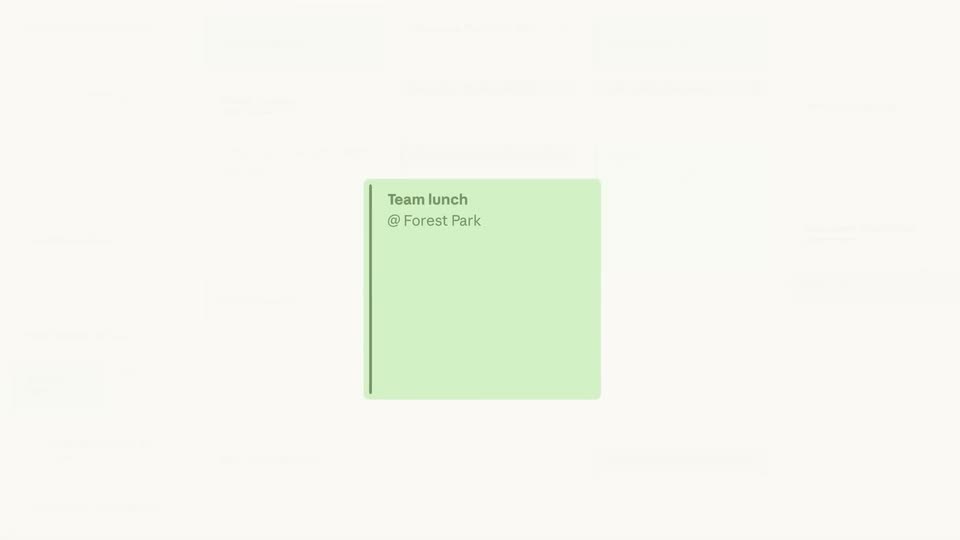 1:25–1:27Anthropic · Claude works with you on slides, spreadsheets, and contract redlinesA blurred weekly calendar grid fills the frame, then the background fades to flat cream, isolating a single green event card titled Team lunch at Forest Park, centered with a green left edge.
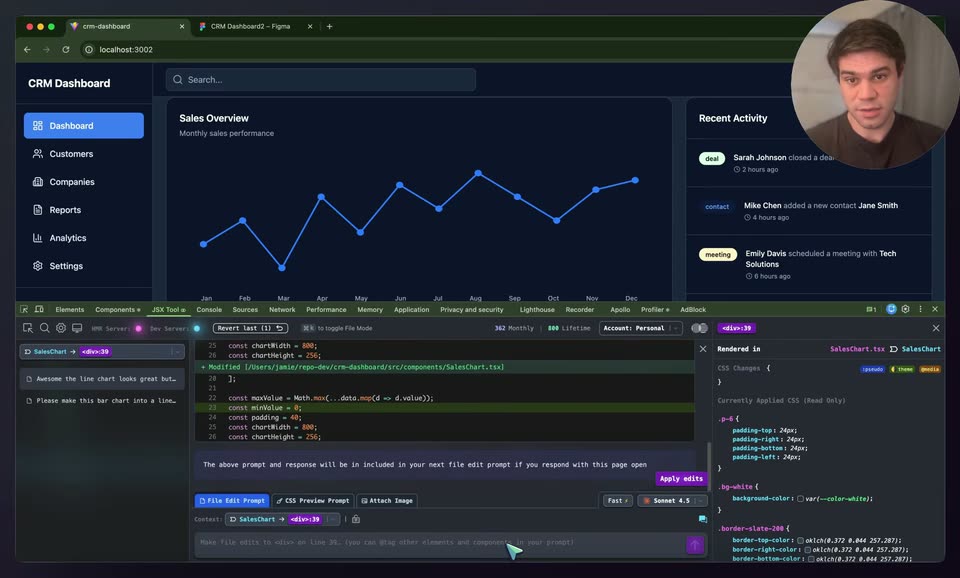 3:12–3:23Coasts · JSX Tool DemoA CRM dashboard with a blue line chart sits above an AI code editor. The editor types a plan, then a green-highlighted diff appears. The cursor clicks Apply edits, and the view zooms into the chart, now starting at zero. A circular webcam of the presenter is top right.
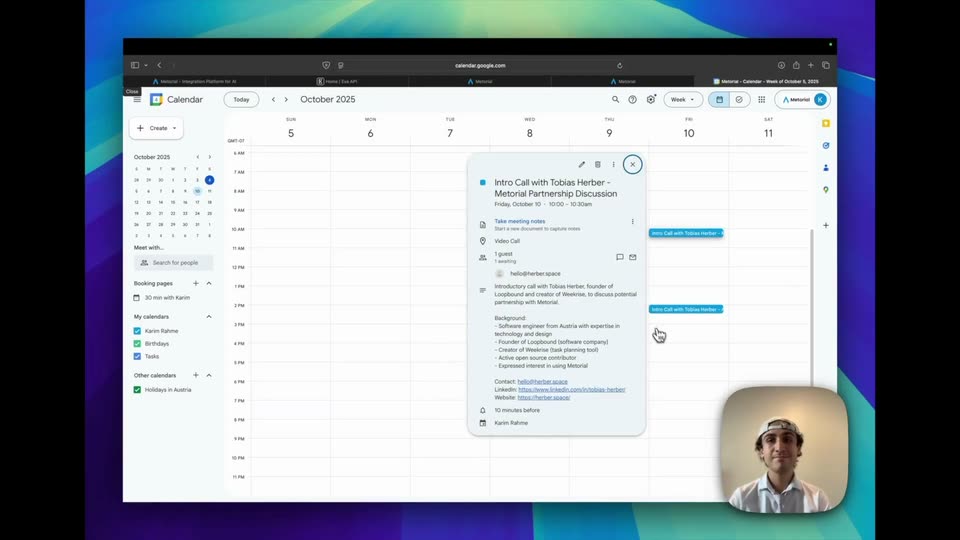 1:34–1:39Metorial · Introducing Metorial - YC F25A Google Calendar week view sits on a colorful desktop, an event card open at center. A cursor glides across the grid, then the frame zooms in to a macOS menu bar with a Go Pro dropdown. A vertical wipe splits the screen, revealing a pink panel on the right.
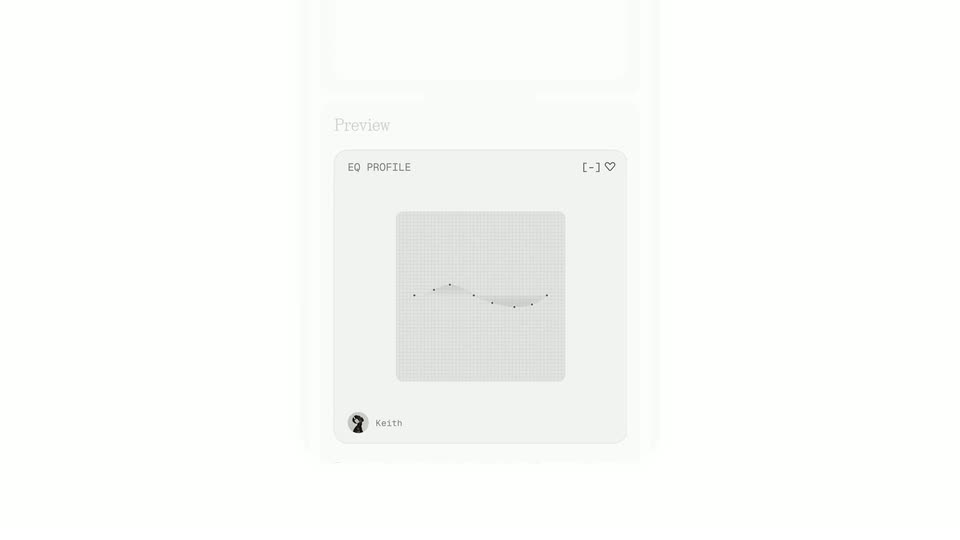 2:05 · 0.8sNothing · Introducing PlaygroundA close-up of an EQ profile card with a dotted curve on a grid scales down to reveal a Review your creation form above it, showing name and description fields and a Preview label.
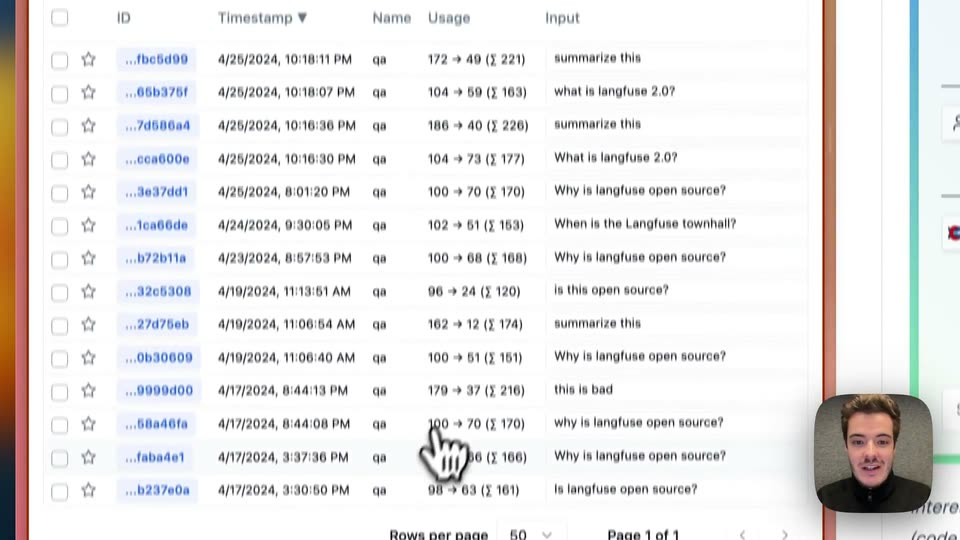 1:53–1:57Langfuse · Introducing Langfuse 2.0A product UI shows a User Detail page. A hand cursor clicks the Traces tab, a table of trace rows loads, then the view pulls back to reveal a chat panel on the right. A small presenter webcam sits in the lower corner.
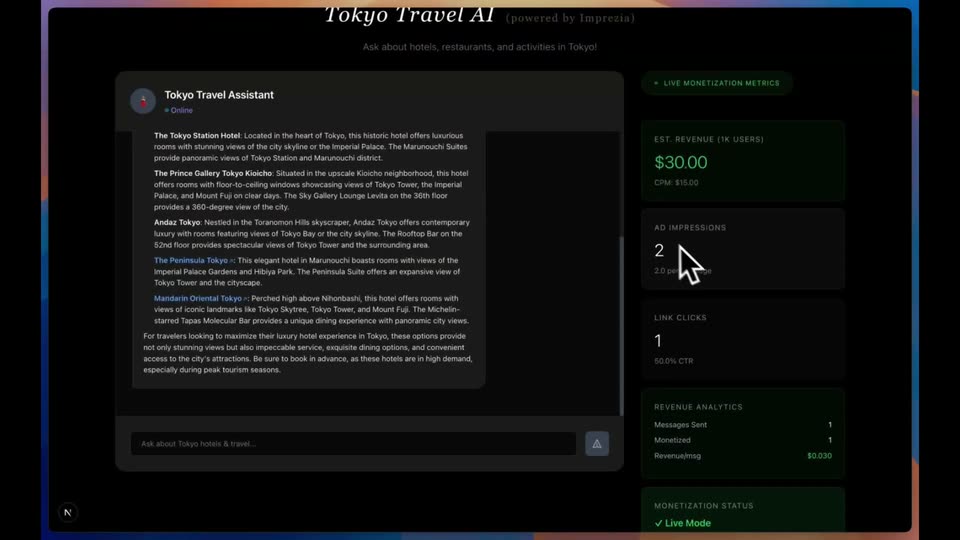 1:16–1:19Imprezia · Imprezia Launch VideoA dark chat window with a block of hotel text sits left of a green metrics panel. A white cursor hovers across the revenue, impressions, and clicks cards. The interface then scales down and slides left as the right half fades to black.
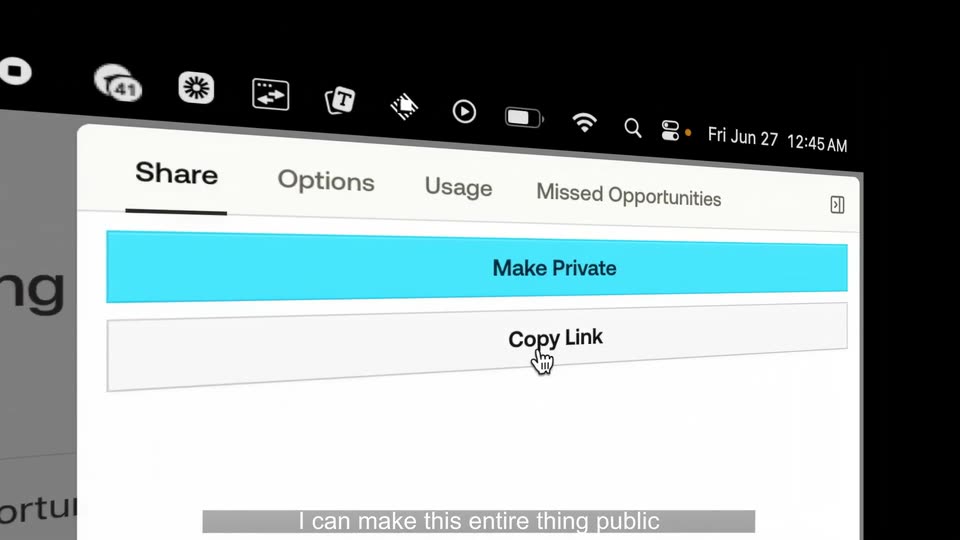 1:41–1:46Cluely · Roy - introducing @cluely. today is the start of a world where you never hA flat screen recording of a meeting summary page zooms into the open Share panel on the right. The cursor clicks the cyan Make Public button, which toggles to Make Private, as the panel tilts into a 3D perspective.
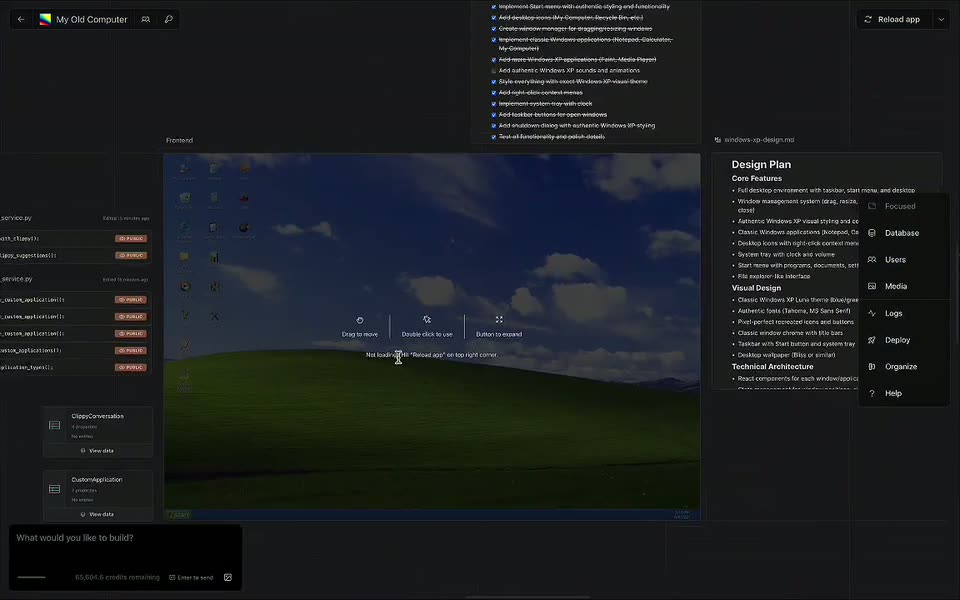 0:48–0:50Sharpe · Introducing Solar by LumenaryA dark build interface fills the frame: a code panel with public badges on the left, a Windows XP desktop with instructional captions in the center, a design plan and side menu on the right. The view reframes and zooms toward the left panel and the XP desktop.
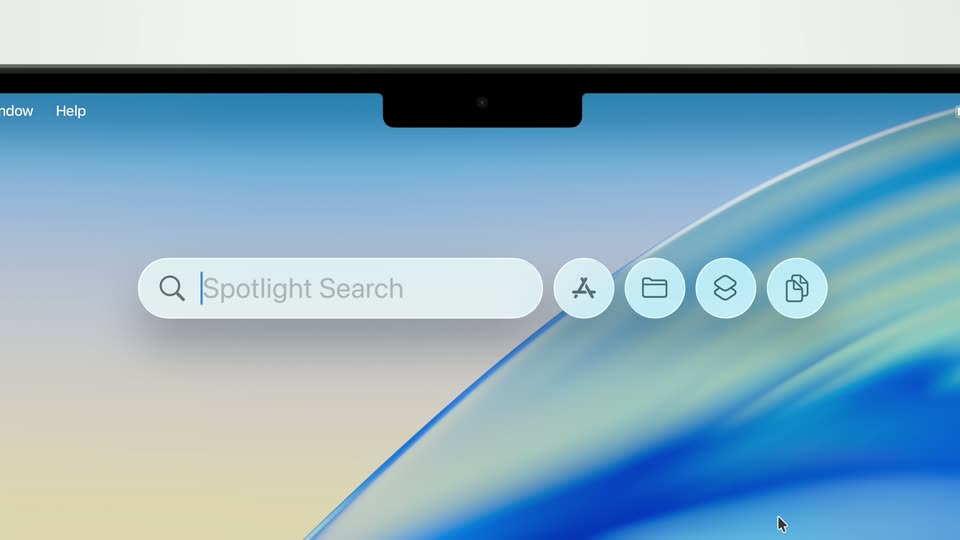 4:05–4:07Apple · iOS 26: Introducing Liquid GlassClose-up of a laptop screen showing the macOS desktop, with a centered Spotlight Search field and four circular app icons to its right. The frame slowly zooms in on the search bar as a command-key shortcut hint fades in at its right edge.
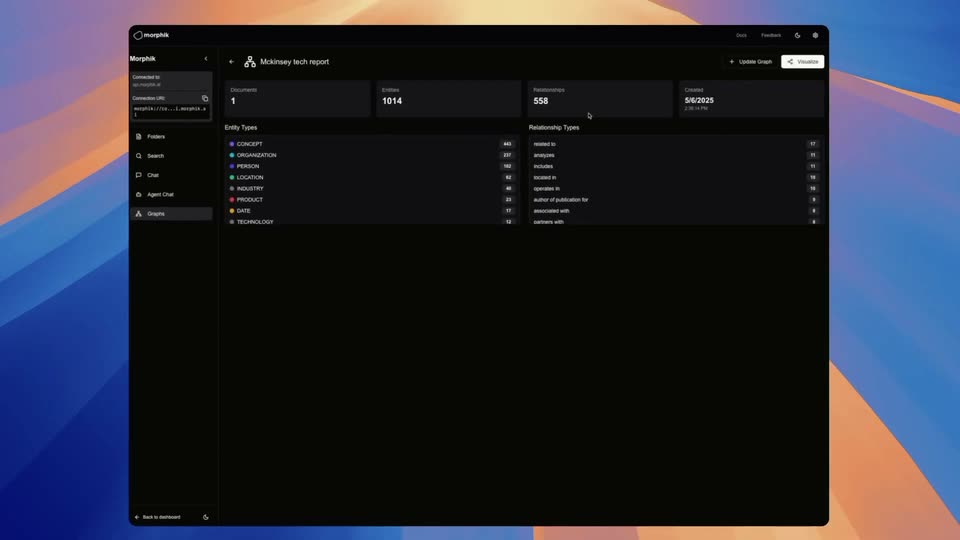 0:56–1:01Morphik · Morphik Launch DemoA dark Morphik window titled Mckinsey tech report settles over an abstract blue and orange background, showing stat cards and two lists of entity and relationship types. The camera zooms into the interface until the left sidebar exits frame, and a cursor drifts across the numbers.
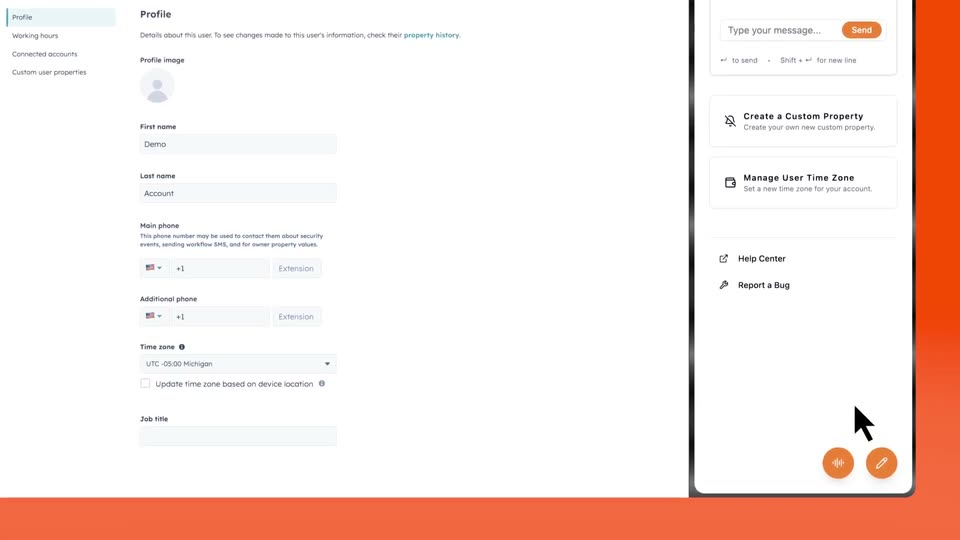 1:33–1:43SAMMY Labs · SAMMY Labs - Product TourA HubSpot profile screen and a chat control panel sit on an orange backdrop, the window tilted in 3D at the open. The view zooms in as a cursor hovers the panel's orange mic and pencil buttons, triggering Start recording and Start drawing tooltips, then clicks them.
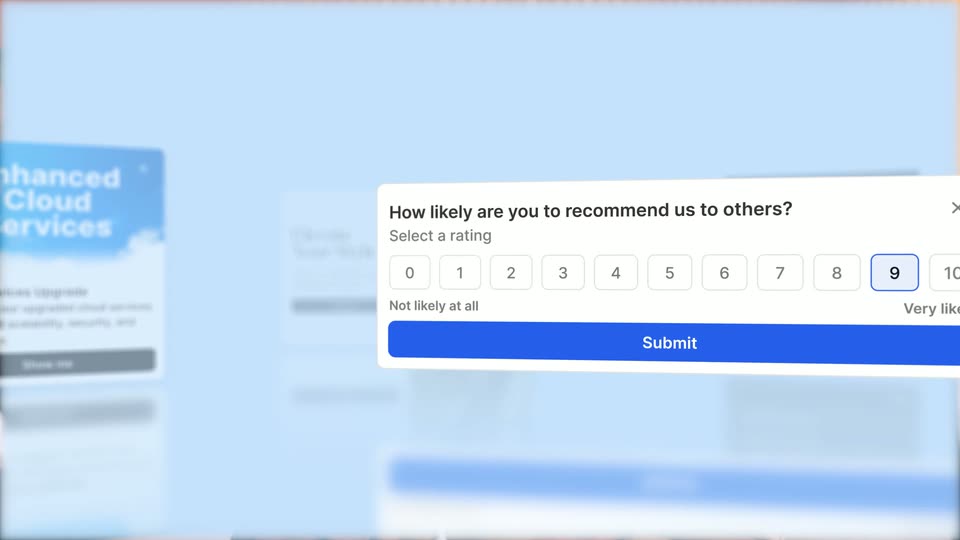 2:45–2:46Amplitude · Amplitude Guide and Survey OverviewA blurred dashboard sits behind a white feedback modal that racks into focus. The modal poses a recommendation question, its 0 to 10 rating row fills in with 9 highlighted, and a blue Submit button spans the bottom.
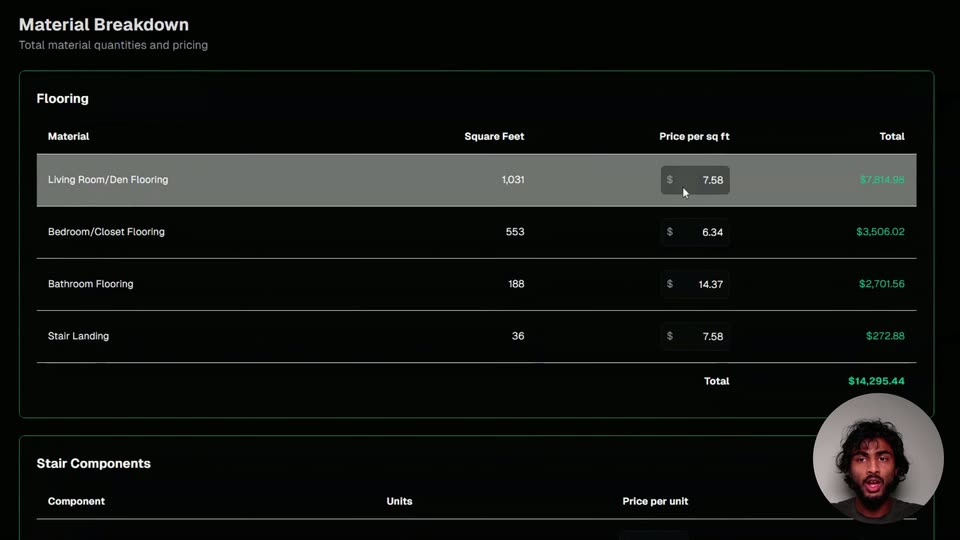 1:19–1:24Bild AI · Read Blueprints Using Bild AIA white scanned estimate page dissolves away from the dark Material Breakdown screen, revealing the Flooring and Stair Components tables. The view then zooms in on the Flooring table as the cursor drifts across the rows, with the presenter's webcam circle pinned bottom right.
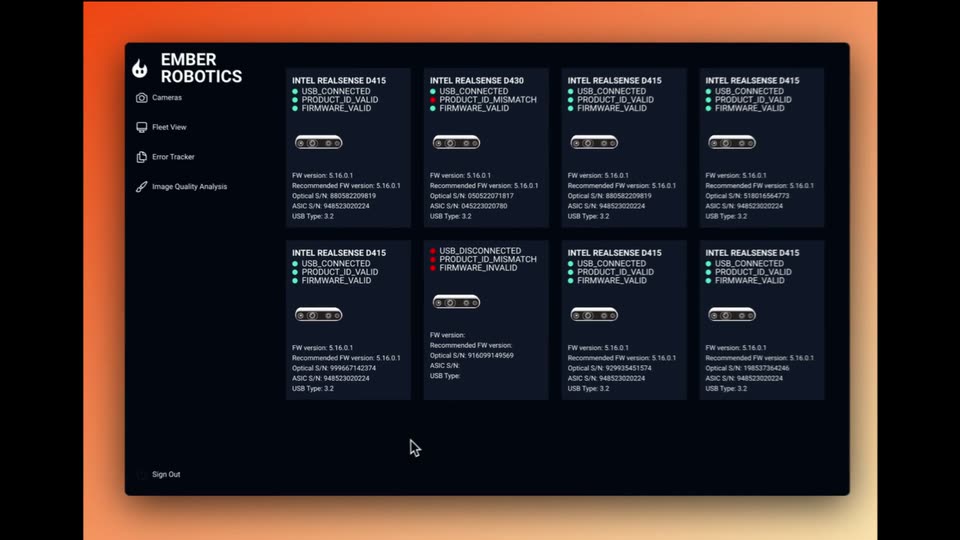 1:00–1:03Ember Robotics · 🔥 Introducing Ember Assistant 🔥- Robotics Camera System Assistant!The clip opens zoomed into the top-left of a dark Ember Robotics dashboard, then pulls back to reveal a four-by-two grid of Intel RealSense camera cards with green and red status dots, framed by an orange gradient. A mouse cursor drifts across the lower area.
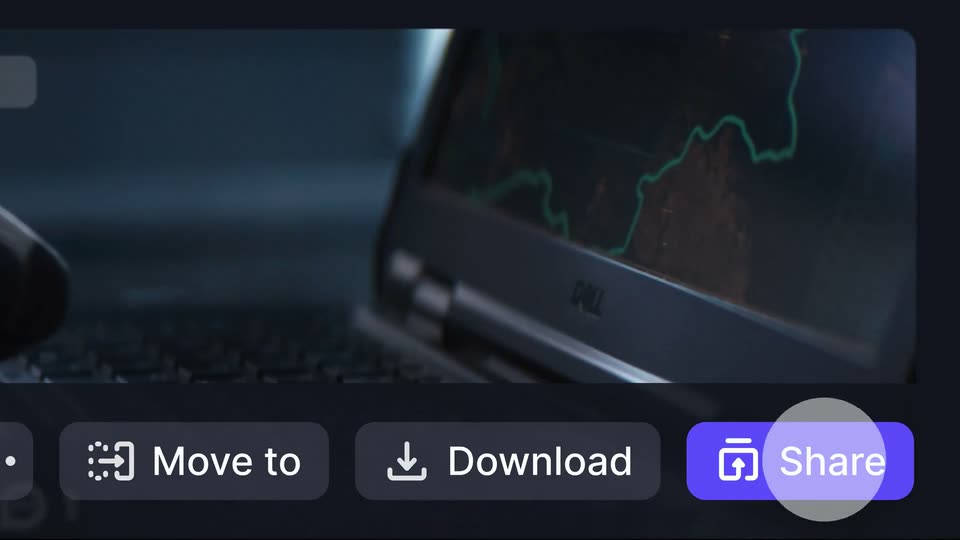 0:57–1:00Frame.io · Frame.io - It's here. The all-new Version 4. Now in beta.A dark asset-management grid of sci-fi film stills fills the frame, ten thumbnails gain purple selection borders, then the view pushes in on the bottom bar so Move to, Download and Share buttons enlarge over a blurred laptop screen.
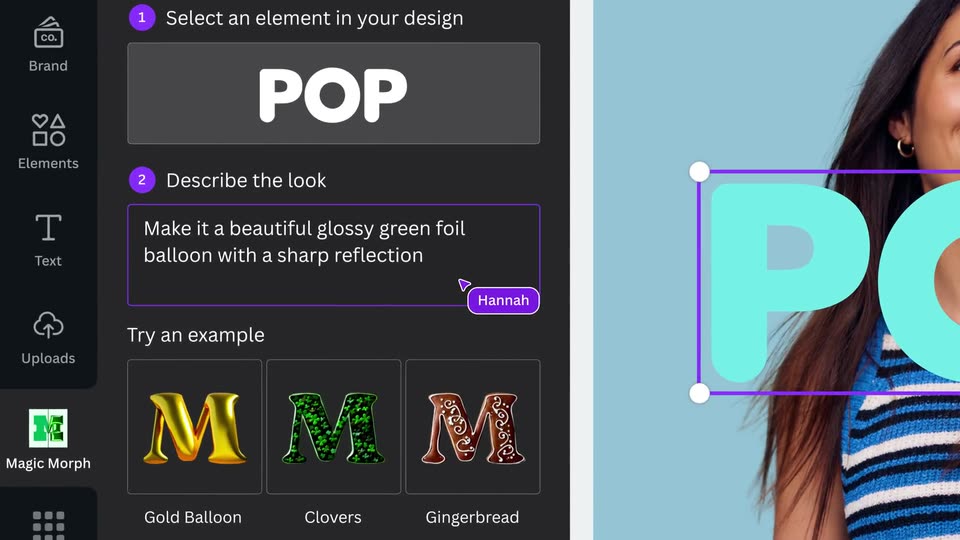 1:31–1:33Canva · Canva - Meet Magic Studio. Supercharge your workflow with all the power of AIA dark Canva side panel lists the Magic Morph steps while a prompt types itself into the description box. On the right, a smiling woman in a striped top stands beside a large cyan POP word inside a purple selection frame, and the view slowly pushes in on her.
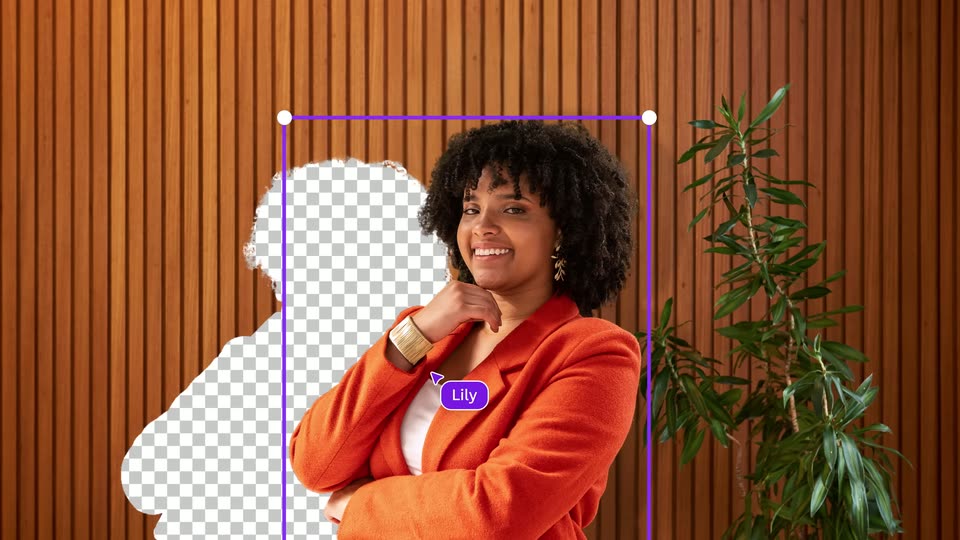 1:23–1:26Canva · Meet Magic Studio | Let the power of AI supercharge your workThe Canva Magic Studio panel fills the left, then the view zooms into the canvas. A woman in an orange blazer sits inside a purple selection box tagged Lily. Sparkles flash as her body dissolves into a transparent checkerboard, demonstrating the erase tool.
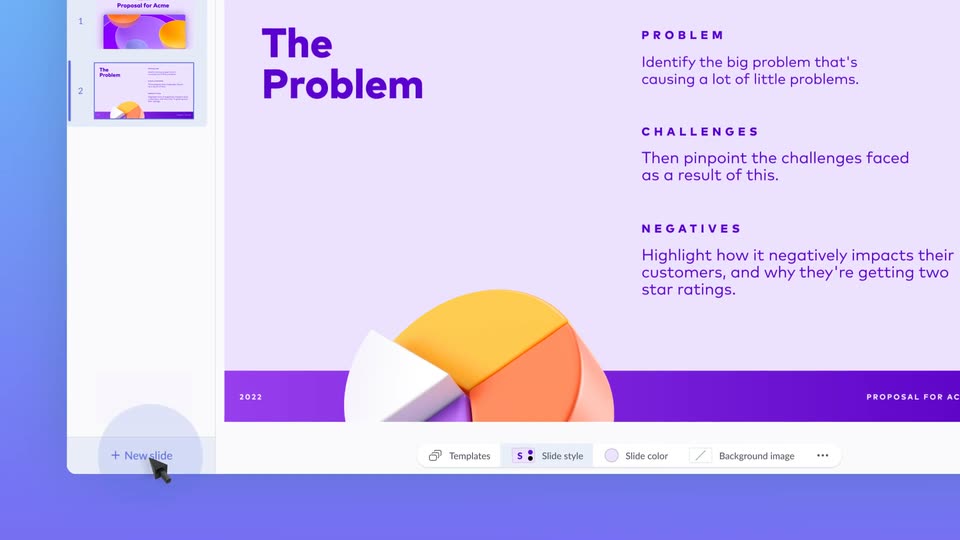 0:52–0:54Pitch · Introduction to Pitch | Create beautiful presentations with your teamThe editor window zooms in on a purple slide titled The Problem with a style popup open. The cursor clicks New slide, and a blank third slide appears in the sidebar and on the canvas.
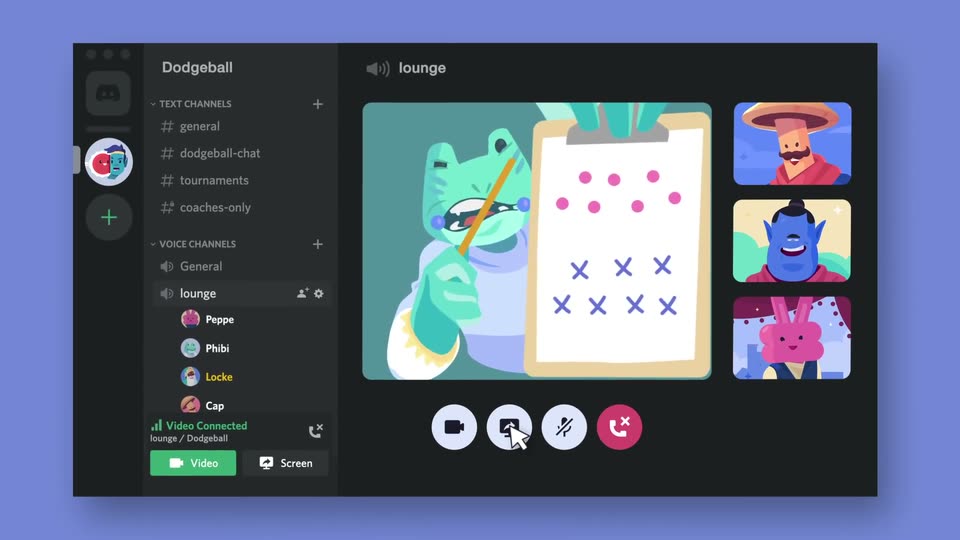 1:47–1:48Discord · How Discord Works in 148,000 Miliseconds or LessA dark video-call screen shows a frog avatar holding a strategy clipboard. A cursor clicks the screen-share button and the center tile zooms onto the board, while three teammate avatars sit in a column at the right.
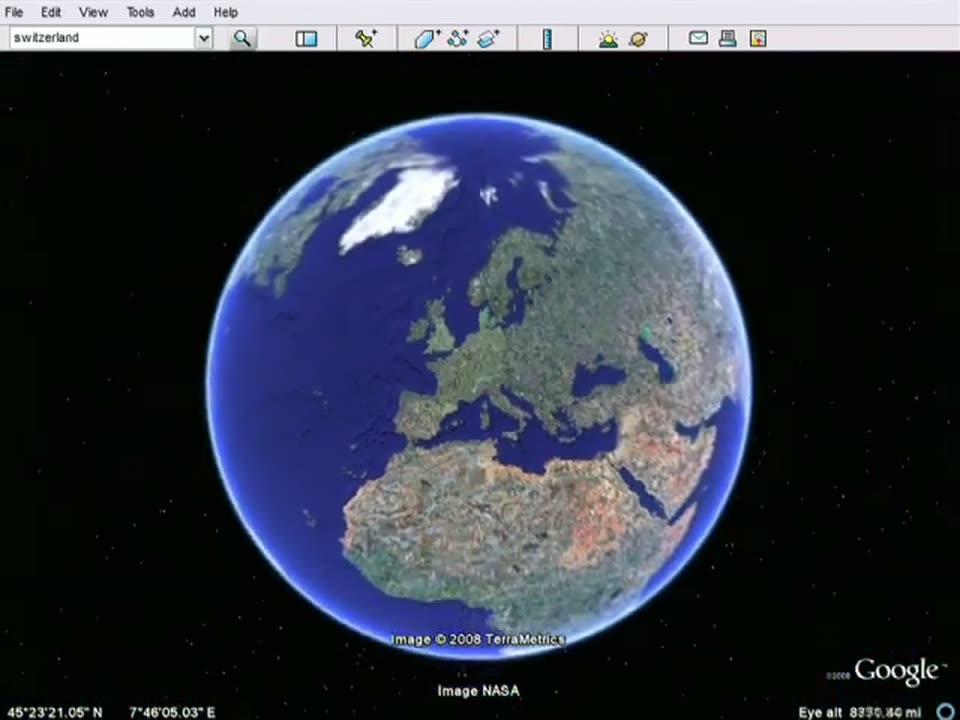 1:11–1:12Google · New features in Google Earth 4.3The Google Earth window shows a 3D globe centered on Europe and Africa against black space, with the app menu and toolbar at top. The view pulls back from a close globe to a smaller centered globe as earth.google.com appears across it.
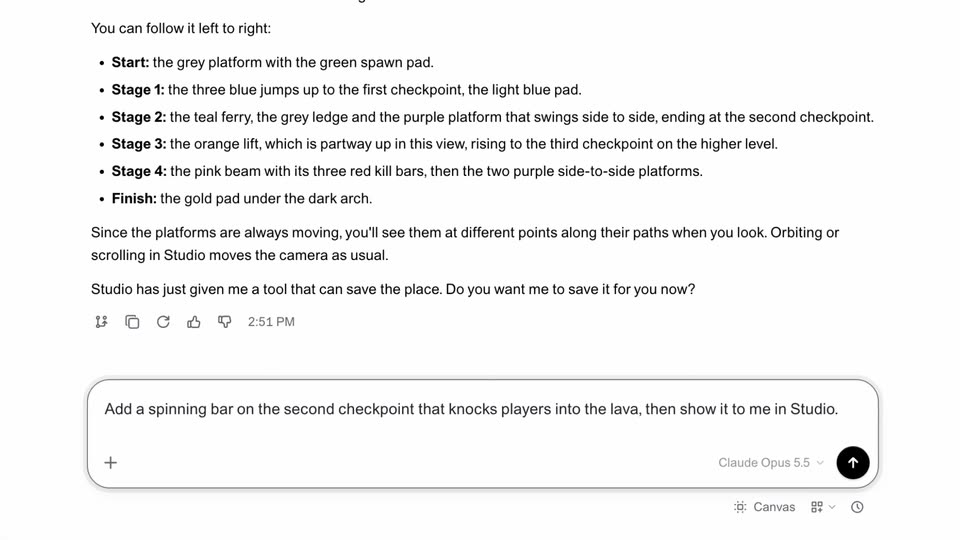 1:16–1:22Voyager · Connect Roblox Studio to Voyager (Build an Obby with One Prompt)A full chat app window with a left sidebar zooms in gradually, cropping the sidebar and the top of the thread so the bulleted stage list and the bottom input field grow to fill the frame. The input field shows a typed prompt.
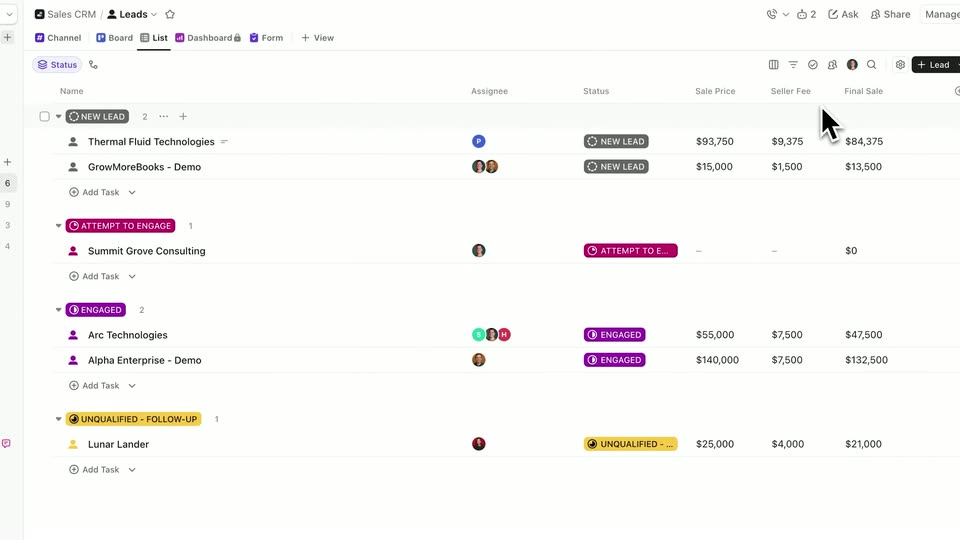 3:00–3:02ClickUp · ClickUp Release 4.10: Sheets, Work Schedules, Email Triggers, and more!A CRM leads list view pans horizontally to the right, revealing the Seller Fee and Final Sale columns, while a cursor glides from the bottom row up to the Ask button at the top right.
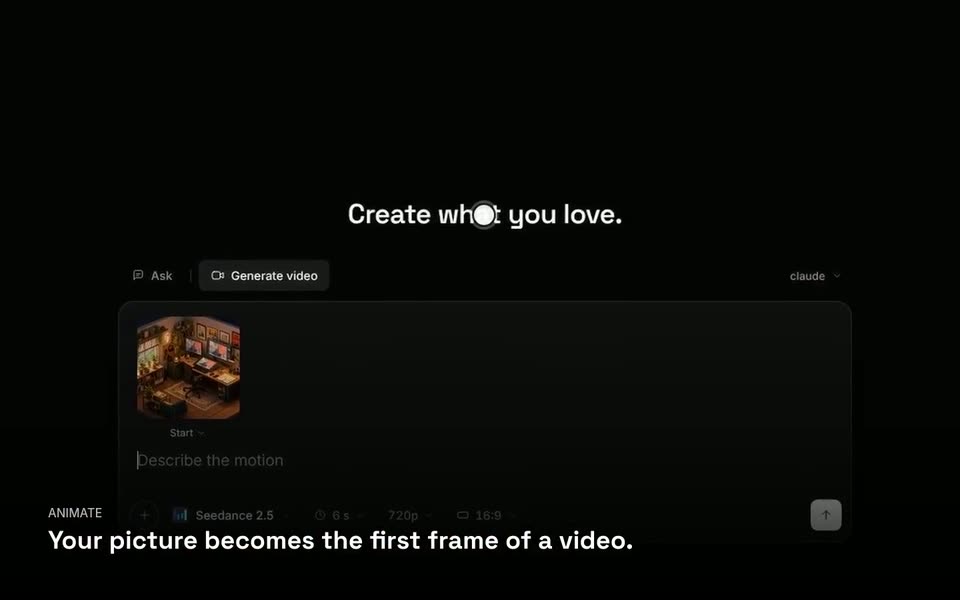 1:21–1:27LetzAI · Introducing LetzAI V5 | LetzAI BlogThe dark interface zooms from a grid of isometric room renders into the Generate video panel, spotlighted as the rest dims. A cursor hovers over the panel, which holds a small isometric image, a motion prompt field and model, length, resolution settings. A white caption sits at the bottom.
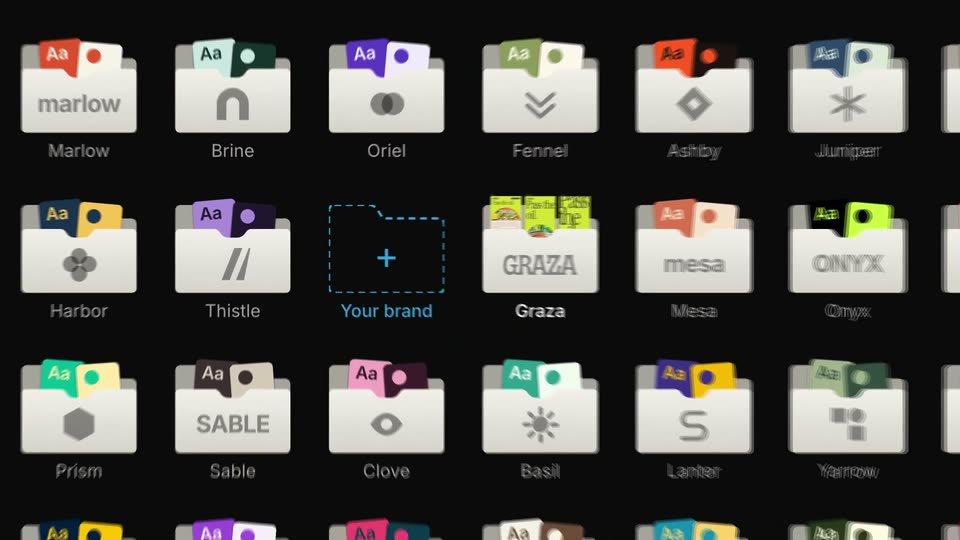 0:52–0:55Kite.new · Loukman - Excited to launch Kite today The design canvas for agents and humansA grid of folder icons on a black background, each labeled with a brand name and a colored Aa tab. The view pulls back from a close-up to reveal the full library, with a dashed placeholder folder marked Your brand and a plus sign at the center.
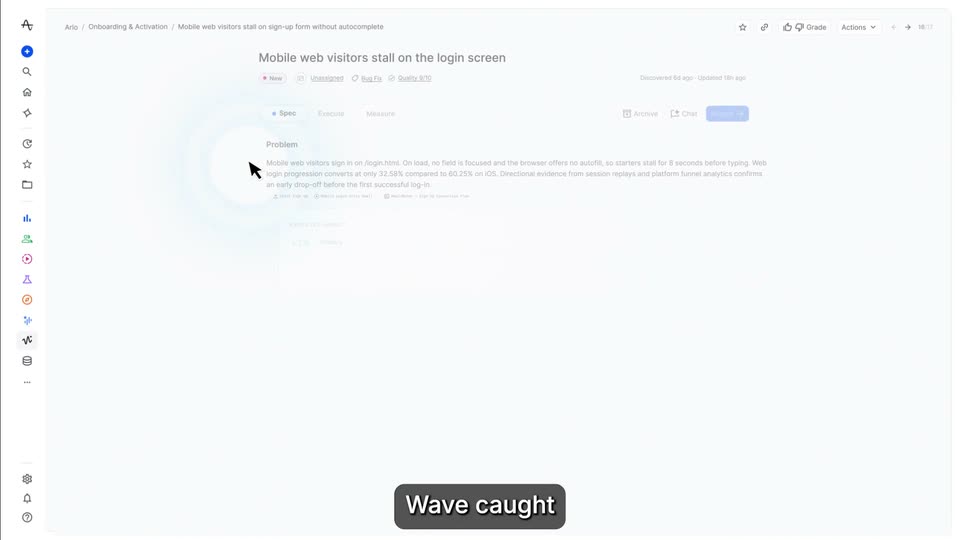 1:16–1:18Amplitude · Spenser Skates - Introducing Wave. The world's first AI that reads your customers' miA cursor hovers over a highlighted issue row in a project tracker, then the view reframes into that issue's detail page with a problem summary and an embedded mobile login mockup. A dark “Wave caught” caption sits at the bottom.
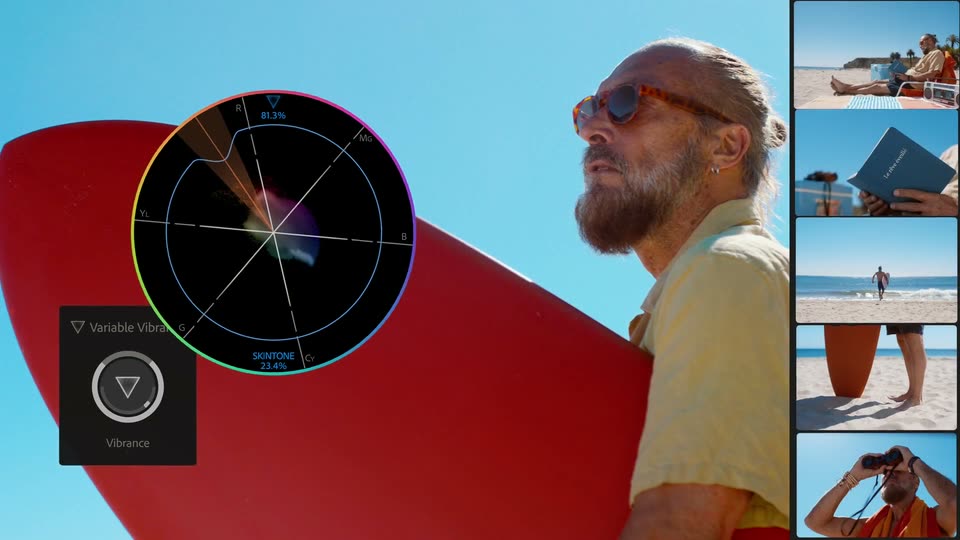 1:36–1:40Adobe · What’s New in Creative Cloud and Adobe Firefly | Adobe MAX 2026A color-grading app interface over a beach shot: a man in sunglasses holds a red surfboard while a control panel with a circular color wheel expands on the left and a column of photo thumbnails on the right reflows into a two-by-four grid. A cursor hovers the Vibrance knob.
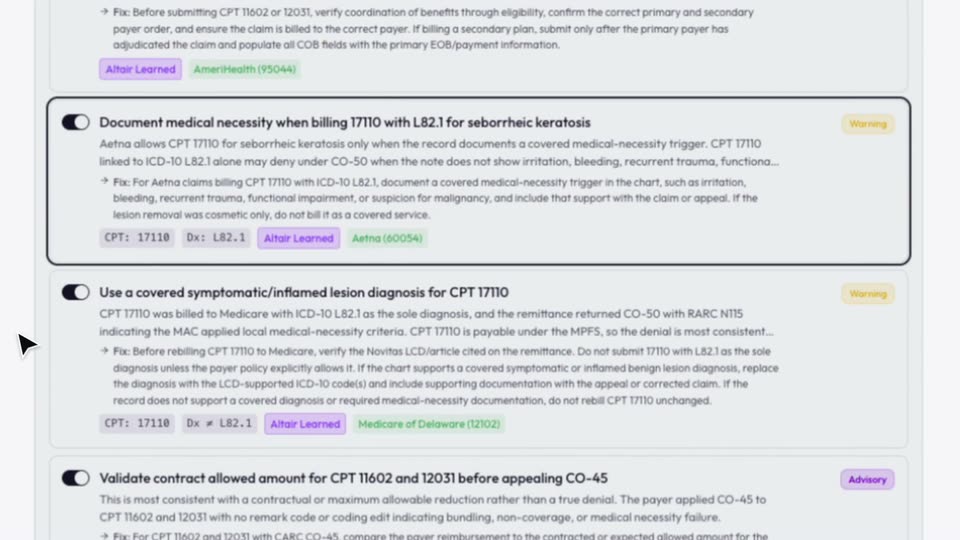 1:40–1:43Altair Health · Altair Health: manifestoA list of payer denial rows, one expanded with guidance text, then the view reframes onto a stack of guidance cards. A dark border highlights the medical-necessity card while the cursor moves to its Activate toggle.
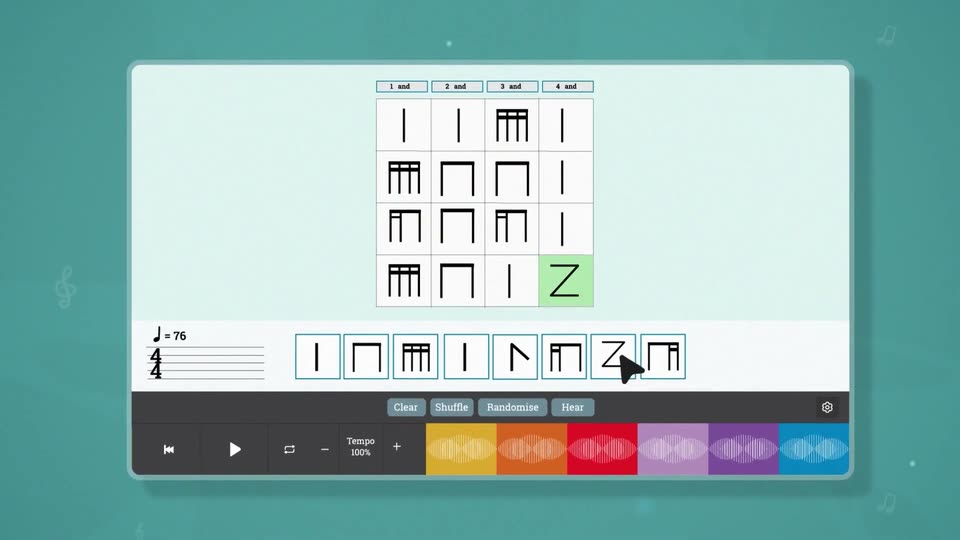 2:12–2:19MusicFirst · Music Education Software Explainer Video | MusicFirst x MotionCueA music app screen shows a 4x4 grid of abstract notation shapes above a row of eight shape tiles. A cursor clicks through the tiles, highlighting the matching grid cells in green, then the view zooms down to the playback toolbar with colored waveform blocks.
 1:48–1:49Motion · Adish Jain ☕️ - today, we're launching the General Video Agent. GVA edited this entiA light-gray chat panel shows a wedding-footage.zip attachment above a prompt being typed. The view reframes down to the input bar, where a black cursor moves onto the green circular send button and clicks it.
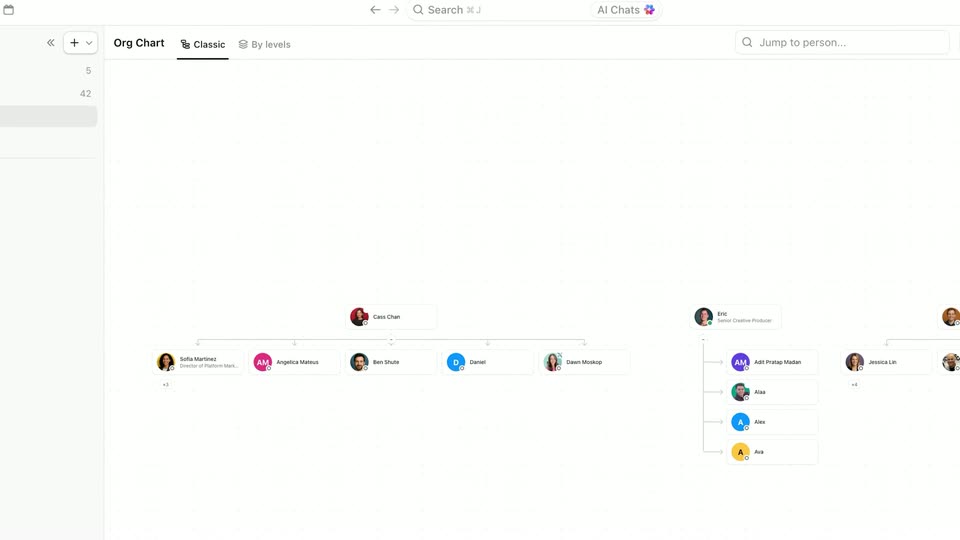 2:53–2:54ClickUp · ClickUp Release 4.09: List Templates in Automations, Parent Task Date Sync, and more!A light Teams window opens on the Org Chart view with the left navigation panel, then the frame zooms into the chart canvas. Circular avatars with names link into a hierarchy under Cass Chan, Eric and Rob Wong, the connecting lines drawn in thin gray.
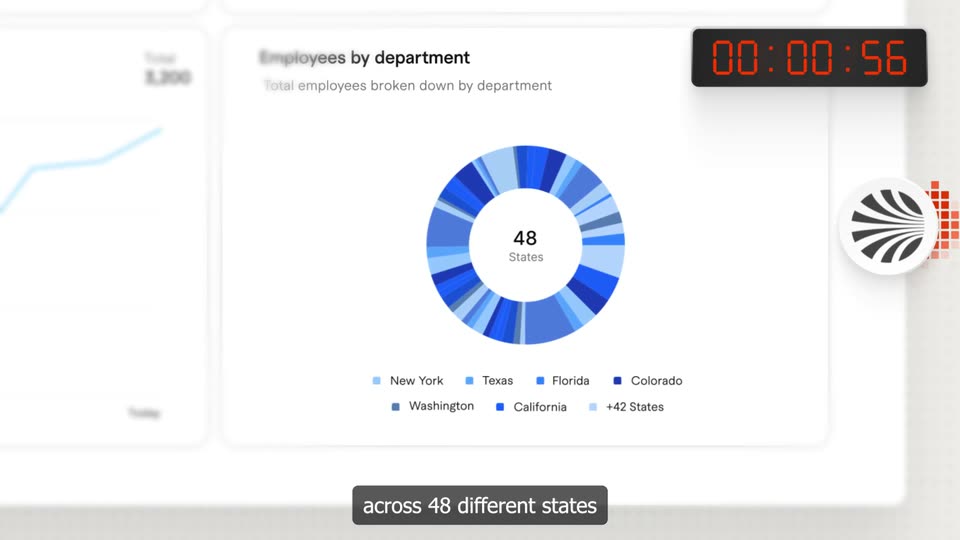 1:25–1:26Warp · Ayush S - We’ve raised $85M for this moment. Introducing Warp 2.0: The firstA light “Employees by department” card centers as the view zooms in, pushing a line-chart card off the left. A blue donut chart labeled “48 States” sits above a state legend. A red LED stopwatch counts up top right; a bottom caption reads “across 48 different states”.
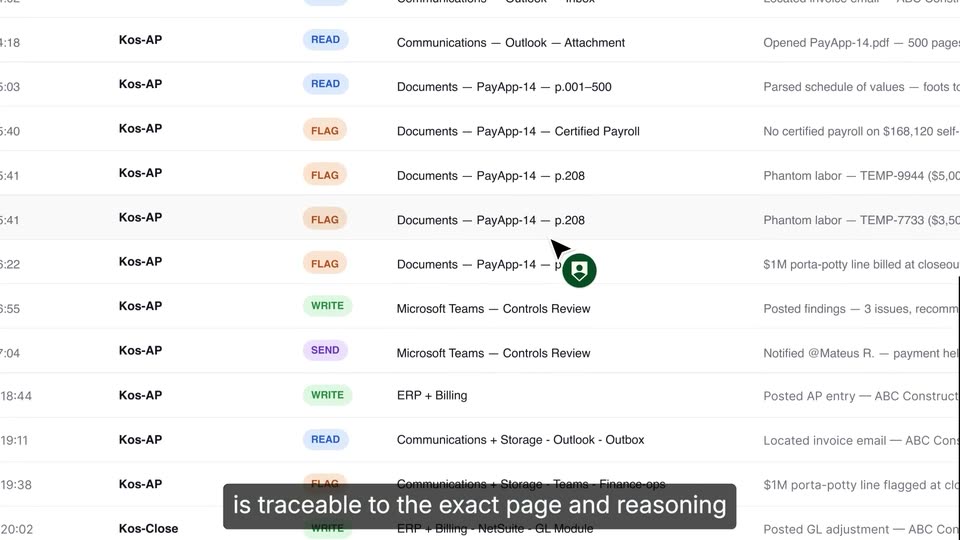 1:22–1:25Kos AI · Tanuj Thapliyal - China is winning the AI race. So we raised $12M from @8vc to build tA zoomed-in audit-log table pulls back to reveal the full grid with colored action labels and a top filter bar. A black cursor moves down the rows, a green person badge trails it, and a dark caption box stays pinned at the bottom.
 1:24–1:25Anthropic · Meet Claude Slides, Claude Design and Claude DocsThree UI cards sit in 3D perspective on a cream field with floating shapes. The camera zooms into the right card, blurring the others, then a white card scales in centered with the tagline and a small Claude logo at the corner.
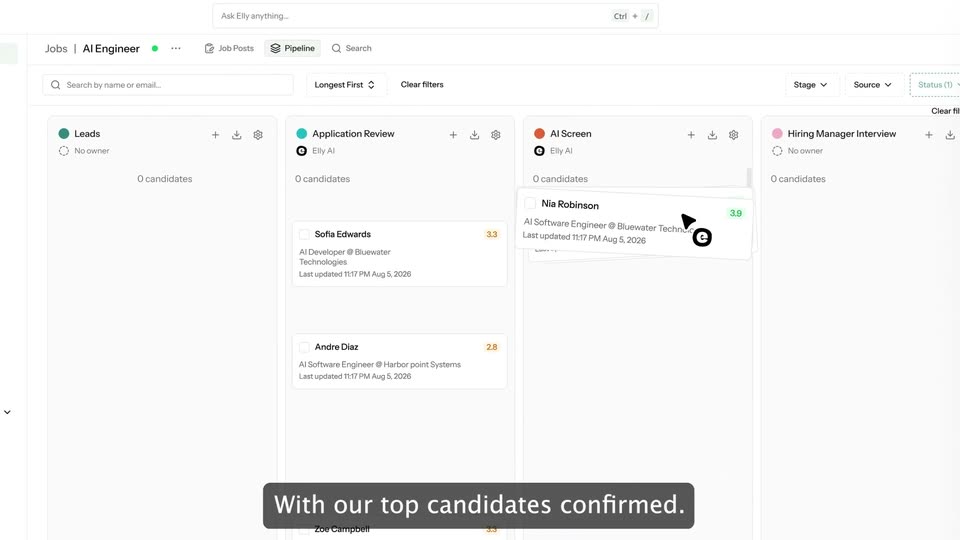 1:20–1:22Elly · Kristen Habacht - AI broke hiring. Candidates use AI to mass apply, recruiters use AIA candidate detail panel on the right slides away, revealing a Kanban pipeline board whose columns refill with new candidate cards. A black cursor drifts over the board, then the view zooms in on the columns as a dark caption bar holds the line at the bottom.
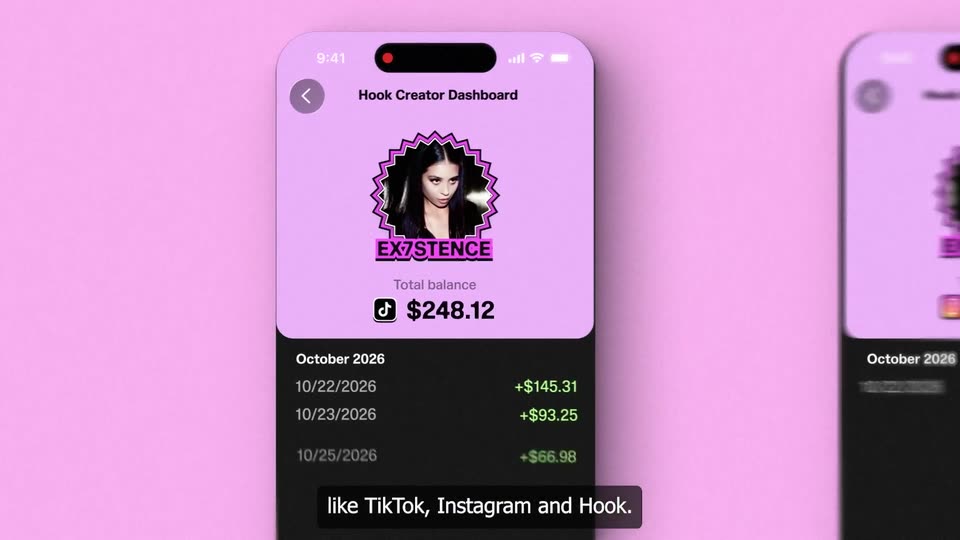 1:45–1:47Hook · Gaurav Sharma - AI platforms are stealing from artists > Millions spent on data cA pink backdrop holds a front-facing phone mockup showing the Hook Creator Dashboard, a starburst profile and a TikTok balance. The view zooms out, then the phone splits into two side-by-side phones, each listing a different platform balance.
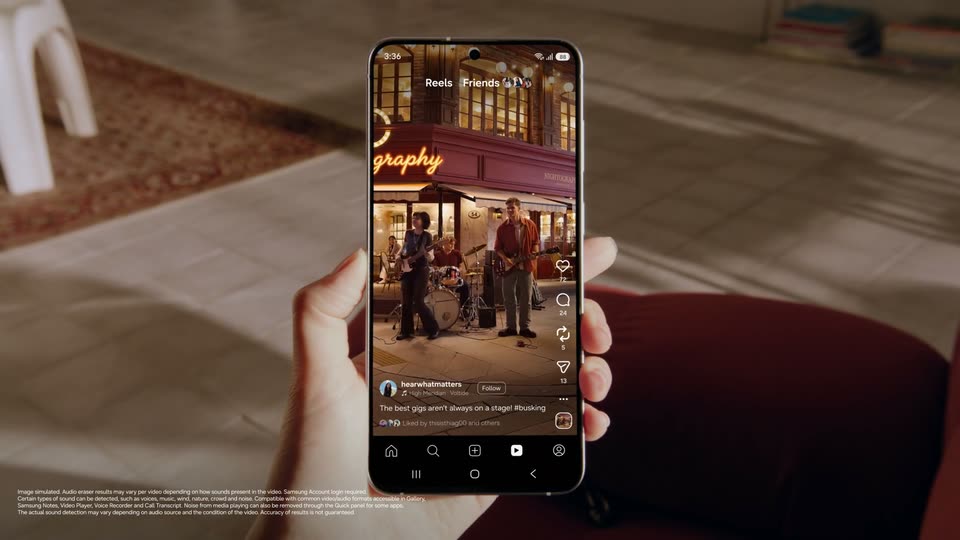 1:25–1:28Samsung · Introducing Galaxy S26 FE | Galaxy AI | SamsungA hand holds a phone playing a Reels clip of a street band, the shot opening tight on the screen and pulling back to frame the device against a blurred patio with a red chair.
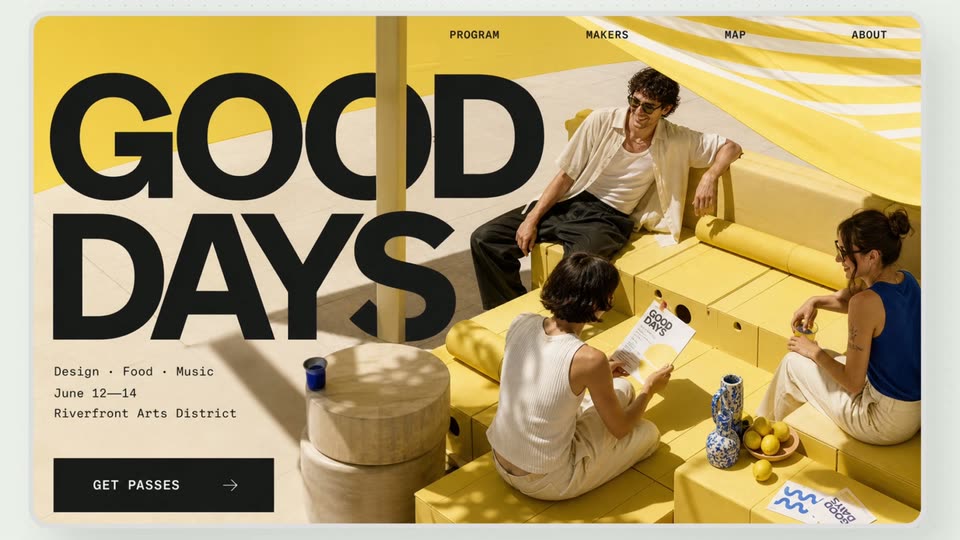 1:14–1:15OJO · OJO - Today, we're introducing OJO: The first Design Agent Team Workspace.A flat website layout for the GOOD DAYS event fills the frame, navigation across the top and a photo of three people on yellow seating at right. A slow zoom pushes into the page while a caption scales in over the layout.
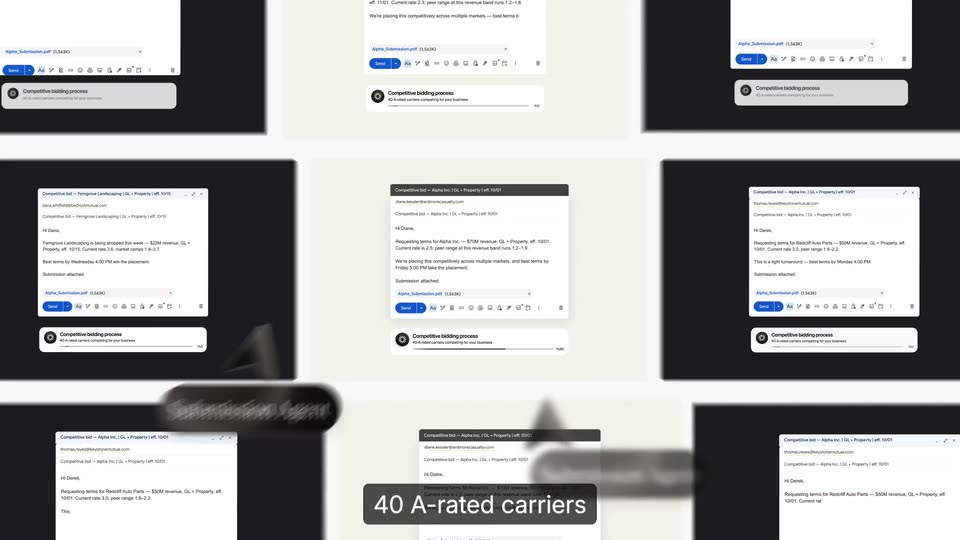 1:12–1:13With Coverage · JD Ross - In 2014, I took on real estate brokers w/ my company Opendoor In 202A single bid-email window sits centered between two dark device frames, then the view zooms out to a grid of identical emails filling the frame. A charcoal caption box at the bottom reads 'we're making', then swaps to '40 A-rated carriers' as it scales up.
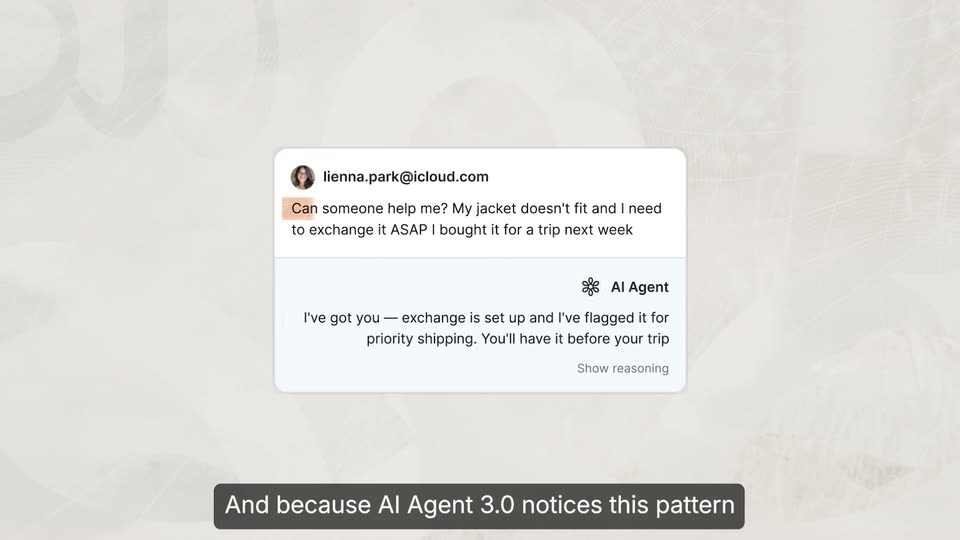 1:18–1:20Gorgias · Romain Lapeyre - We’ve raised over $100M to create AI customer support that doesn’t soA single email card from [email protected] sits on a paper-textured background, its message truncated, then the card grows to reveal the full request and the AI Agent reply. The view then widens into a grid of similar cards, each with a highlighted snippet, before the whole grid softens into a blur while the central card stays in focus.
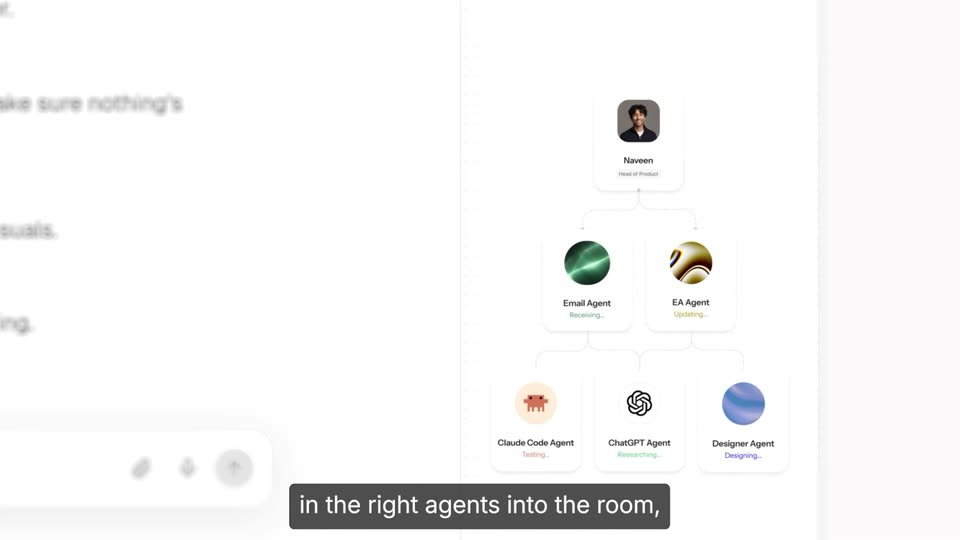 1:15–1:16Oasis · Stefano - Your next coworker won’t be human. Introducing Oasis: The first virtA blurred chat panel sits on the left while a sharp agent hierarchy on the right shows Naveen above two rows of agent avatars with status labels. The frame drifts right and zooms slightly into the diagram as a caption reads at the bottom.
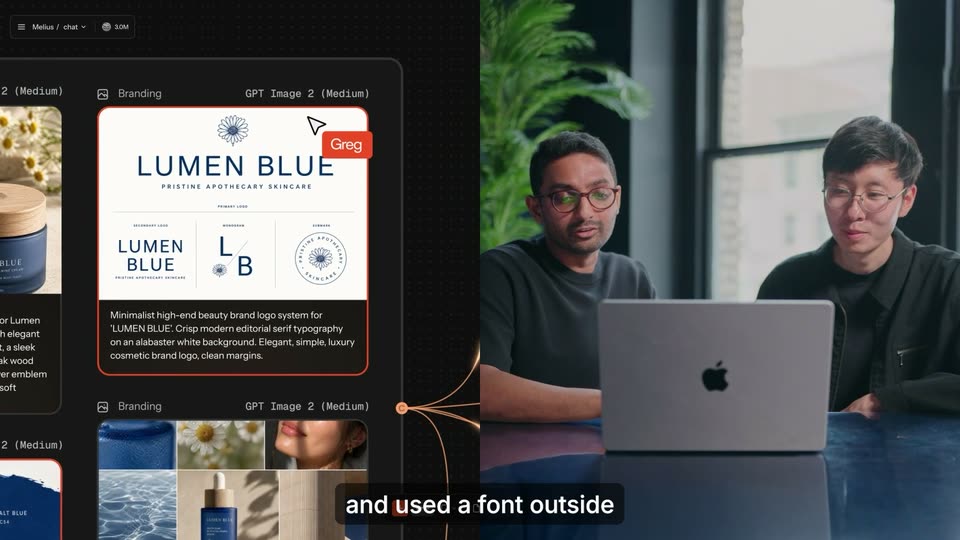 1:02–1:07Melius · joowon - If you’re a creative not using AI you’re fcked. Introducing Melius:Split screen: the dark Melius canvas zooms onto a LUMEN BLUE branding card as a cursor moves across it and a red outline highlights it, while two men sit at a laptop on the right. White captions in a black bar at the bottom state the issue.
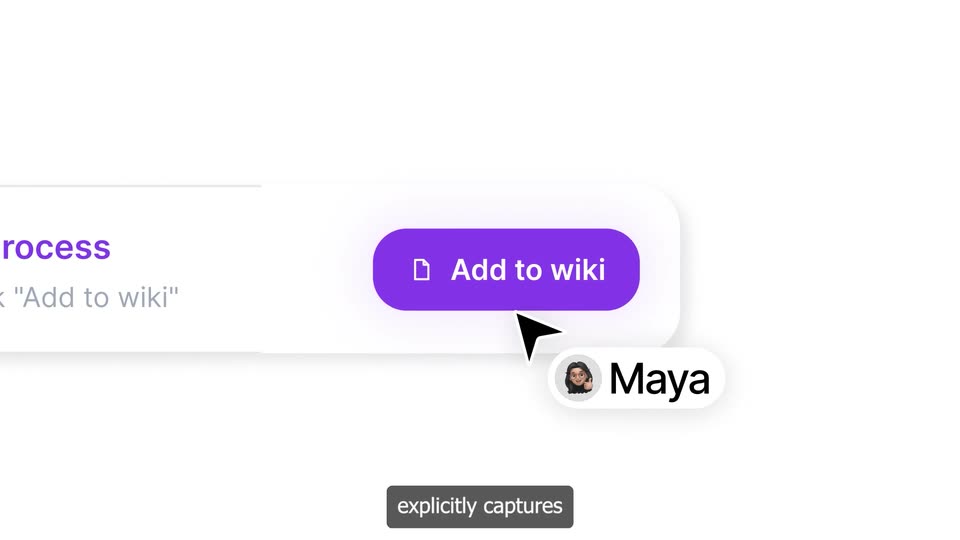 1:23–1:26PromptQL · Tanmai Gopal - We raised $136M to kill Slack. Introducing PromptQL: The first AI veA white notification card with the PromptQL logo sits on a pale field. The camera pans across it to the purple Add to wiki button as the cursor clicks. The shot zooms into the button, then pulls back to a wiki page of small cards.
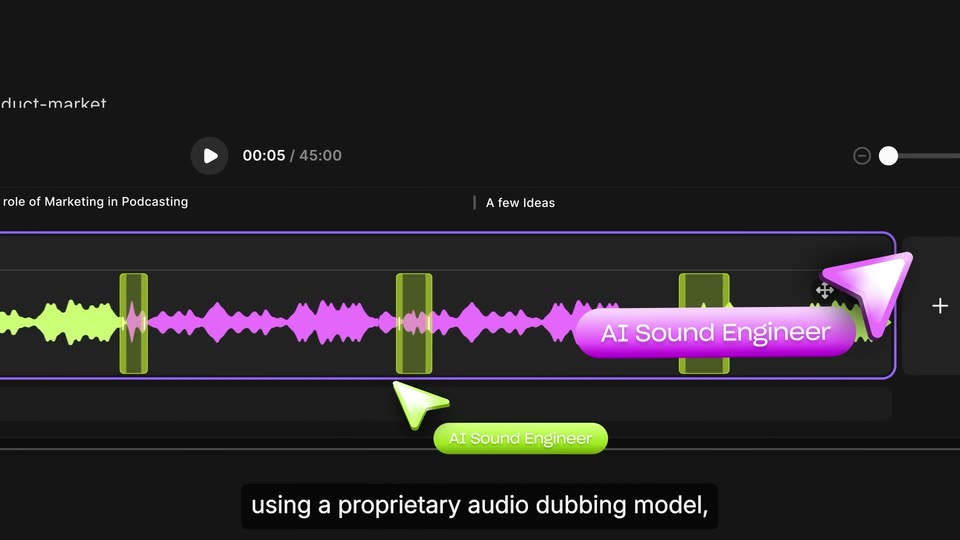 1:14–1:20Riverside · Nadav Keyson - AI Videos are ALL slop. AI should be making you a content machine.The dark Riverside editor shows a transcript, two speaker video tiles and an audio waveform. The view zooms into the waveform as purple segment bars appear, then a cursor drags a boundary and green handles snap into place. White captions in black boxes narrate at the bottom.
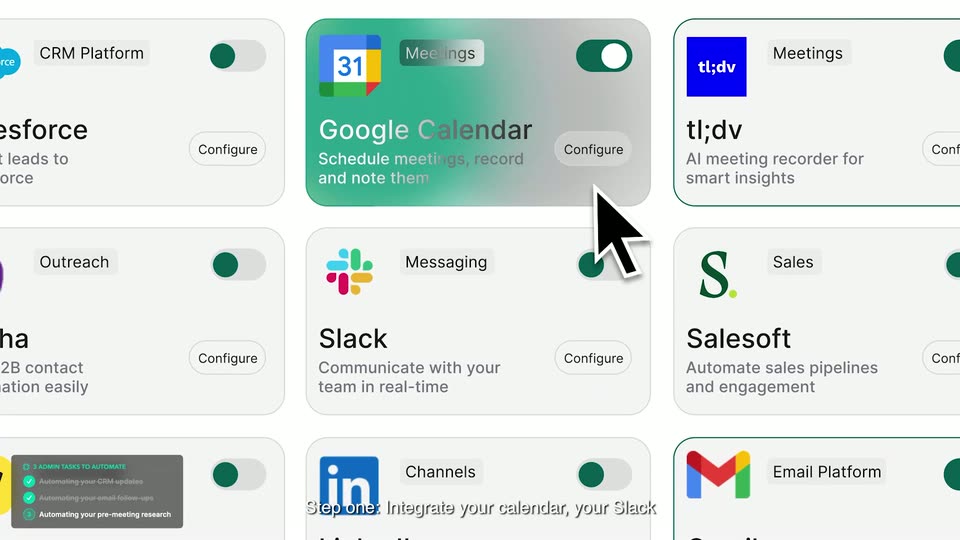 1:35–1:40Expertise · Expertise AI - Introducing Expertise: the executive assistant for Account ExecutivesA light Connections screen shows a grid of integration cards. The view zooms in as a cursor flips toggles on Google Calendar and Slack, each card lighting up green as it is enabled.