UI zoom
A zoom or reframe onto one part of the interface.
9,945 scenes · page 137 of 166
 0:28–0:30OpusClip · OpusClip - Welcome OpusSearch, the first AI growth agent that can automaticallyA dark Twitter post close-up fills the frame. The video thumbnail shows a person in blue scrubs with a lapel mic. Below it, the views counter ticks rapidly upward from 17.8M to 49.2M while the like and reply counts stay fixed. The frame scales in slightly.
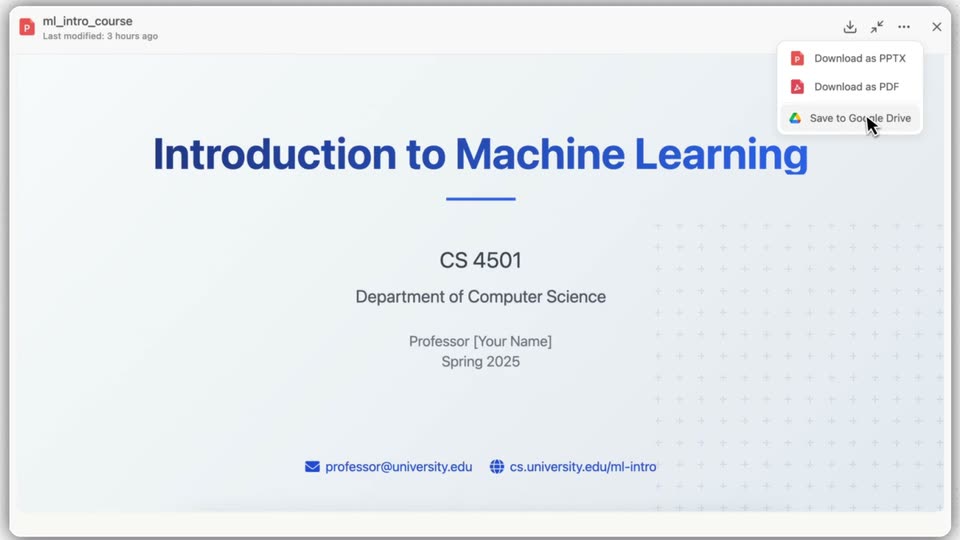 0:31–0:36Manus · Manus - Today, we are introducing Manus slides! Manus creates stunning, struA slide viewer displays a presentation titled Introduction to Machine Learning. A hand cursor clicks the download icon, opens a menu, and picks Download as PDF. The view then zooms out to reveal the full multi-section document on a dotted grid background.
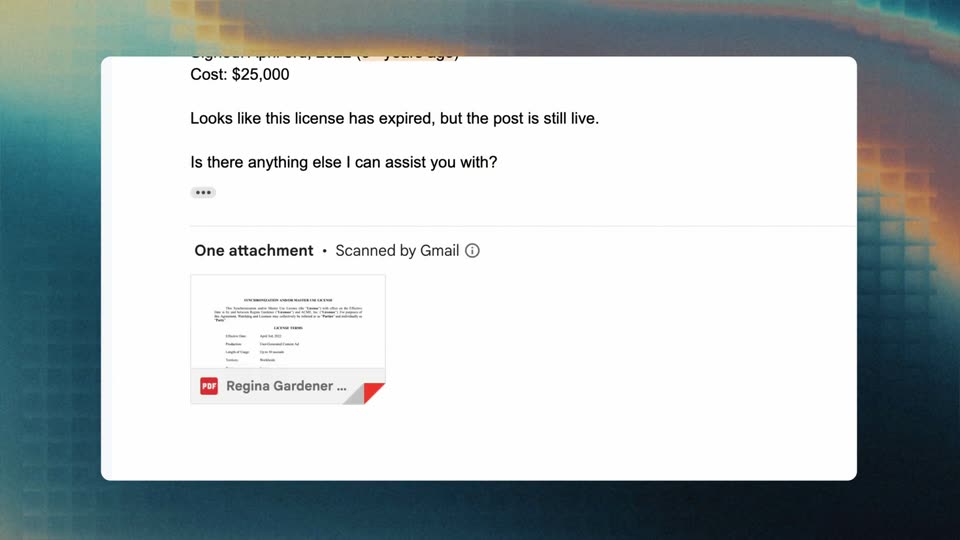 0:53–0:56Third Chair · Third Chair Product DemoA flat email card floats on a blurred gradient backdrop. The thread opens into a full message listing a matched licensing contract with term and cost, then scrolls to a PDF attachment where a Fill & Sign tooltip and three reply chips appear.
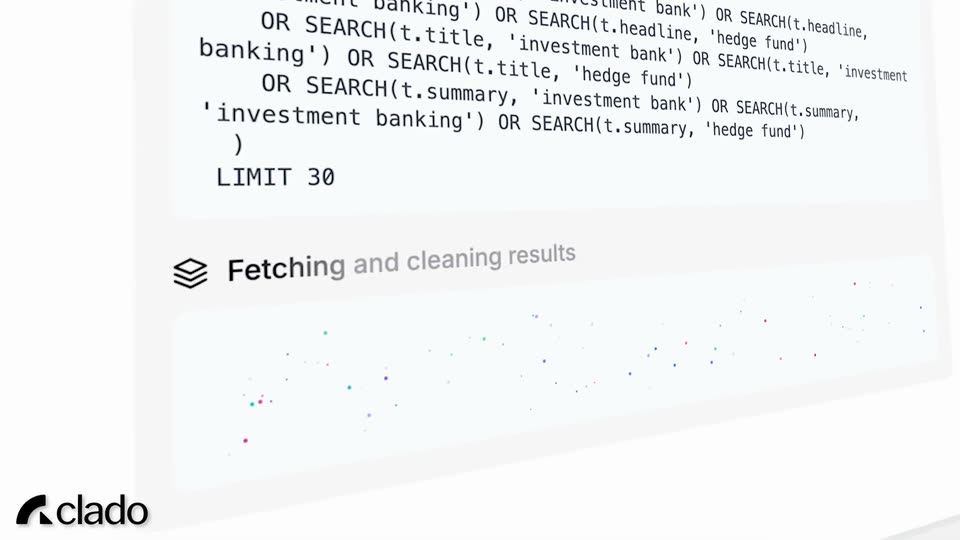 0:19–0:20Freesolo · Introducing Clado (YC X25): Deep Research for PeopleA light interface shows a SQL query above a status line with a layers icon. The view zooms into the code while a faint field of small colored dots drifts, then horizontal streak lines sweep across as the content lifts.
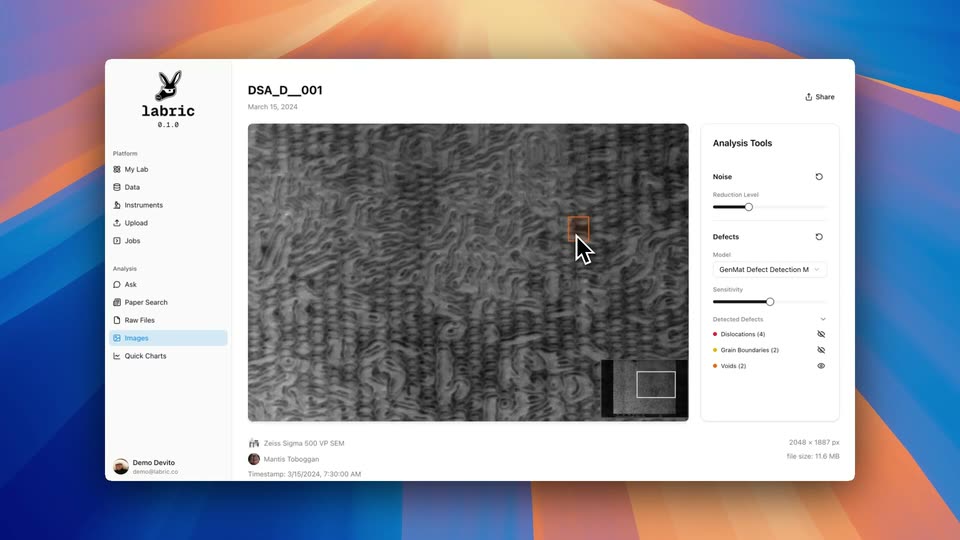 0:44–0:49Labric · Labric (YC X25) Launch VideoA white labric app window on a blue and orange gradient background zooms into its Analysis Tools panel; a cursor clicks the Voids toggle, the view pulls back, and an orange box marks a detected defect on the grayscale microscope image.
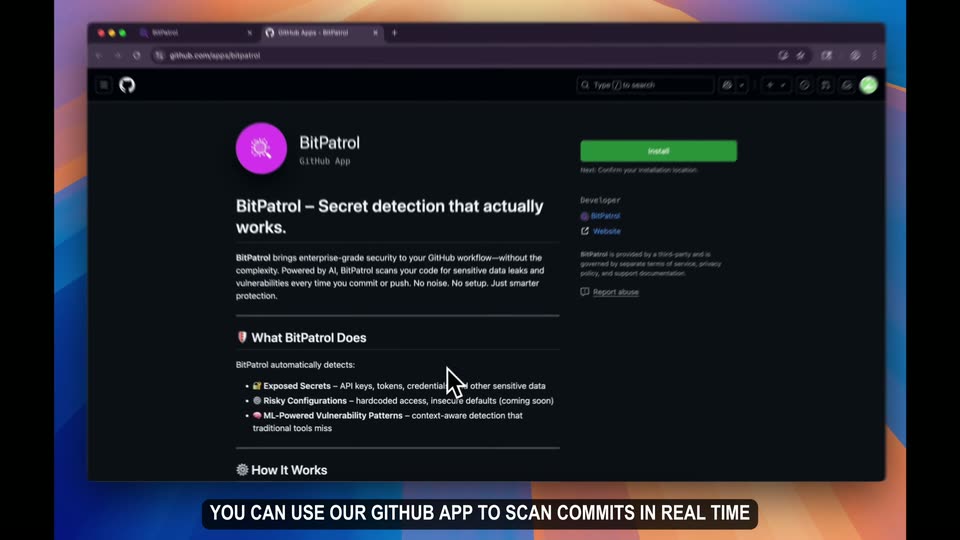 1:13–1:14BitPatrol · BitPatrol - Secret Detection That Actually Works (YC X25 Launch Video)A dark GitHub App page for BitPatrol fills the frame with a white cursor over the feature list, then zooms out to show the full browser window on a colorful abstract gradient. A black lower-third caption sits at the bottom.
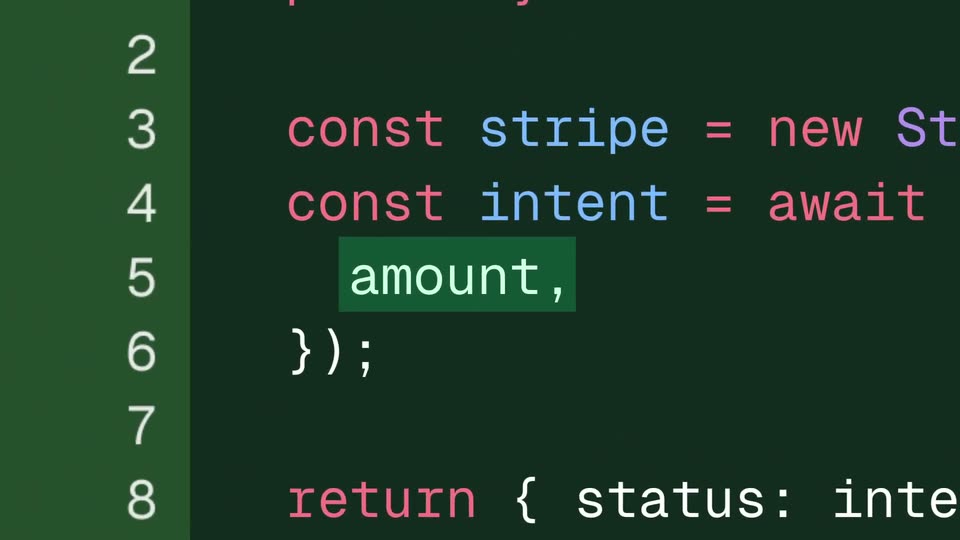 0:35–0:38cubic · Introducing cubic.devA dark code editor window shows TypeScript code, then the view zooms into the lines and a green box highlights the word amount, before pulling back out as the caption Immediate, appears at the bottom left.
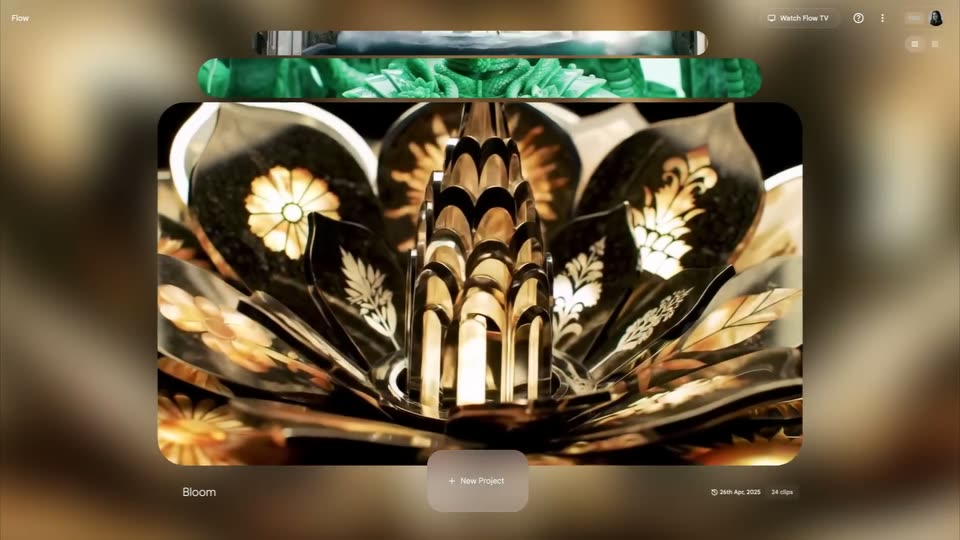 1:10–1:11Google · Introducing Flow | Google’s New AI Filmmaking ToolA dark Flow interface centers a video card of a gilded filigree flower. The view zooms into the card until the gold petals fill the frame, pushing the New Project button and the Bloom label toward the edges.
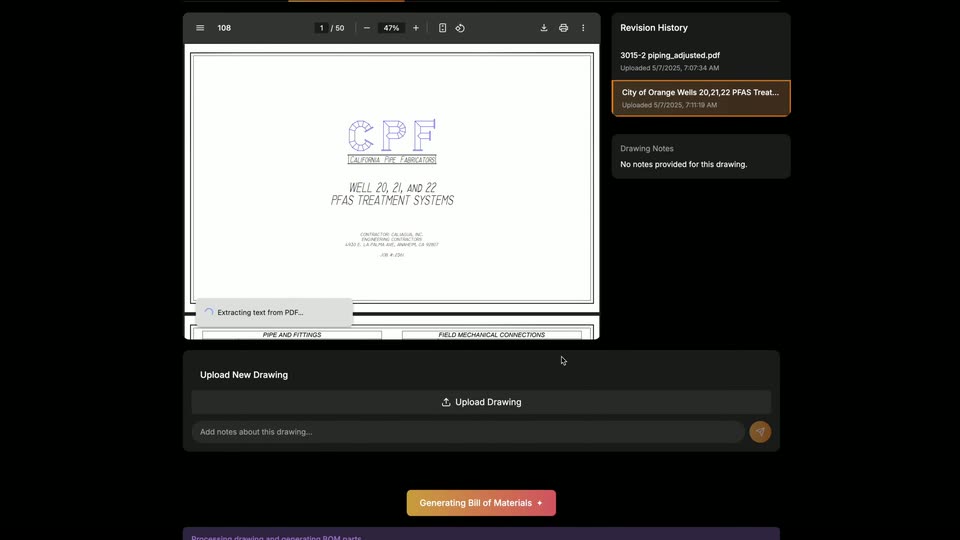 3:05–3:07Jeevy Fabrication · Introducing Jeevy FabricationA dark project dashboard shows a PDF drawing of a pipe manifold with a revision history panel on the right. The cursor selects a file entry, then the view zooms into the document as an orange button appears below.
 0:54–0:58Kestral · Kestral - Your AI Work Prioritizer -- Launch YCA light task app screen with a left sidebar; a hand cursor moves from the sidebar to the task list, then the view zooms into the table as the cursor hovers a yellow High priority badge.
 0:53–0:54sieve · sieve (YC X25) launch videoA dark candlestick chart on a trading screen zooms steadily inward, tightening on the price bars. The caption “updates your model.” slides in, then the word “BUY” scales up over the chart.
 0:35–0:36Airweave · Airweave AI // Launch YC DemoA Google Drive screen recording shows the cursor clicking a view toggle, then the frame zooms into a document line reading “Lennert and when his flight to Amsterdam” with Amsterdam in red, above a model selector bar.
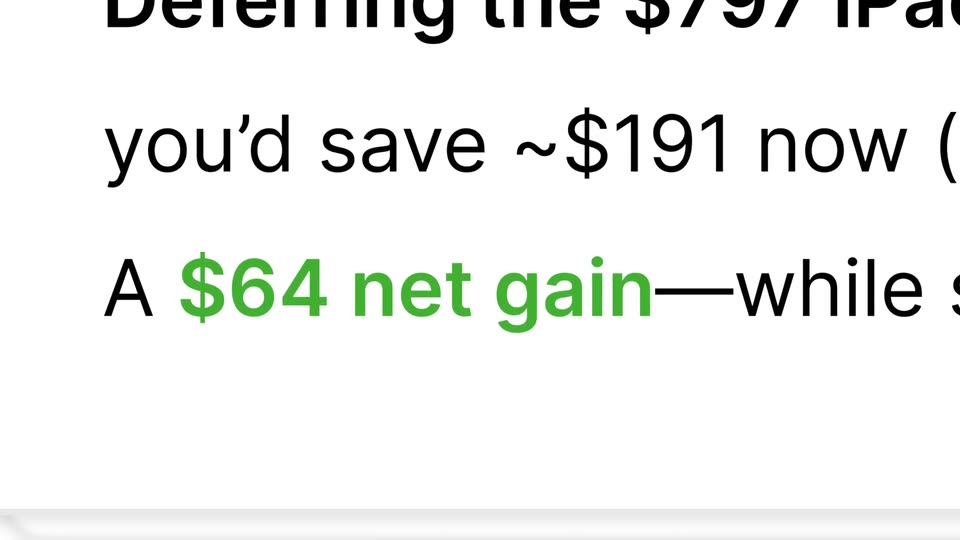 0:50–0:52Minerva · Meet MinervaA white document fills the frame and the view slowly zooms in on a paragraph about deferring an iPad purchase. The phrase “$64 net gain” is set in bold green while the rest of the text stays dark gray.
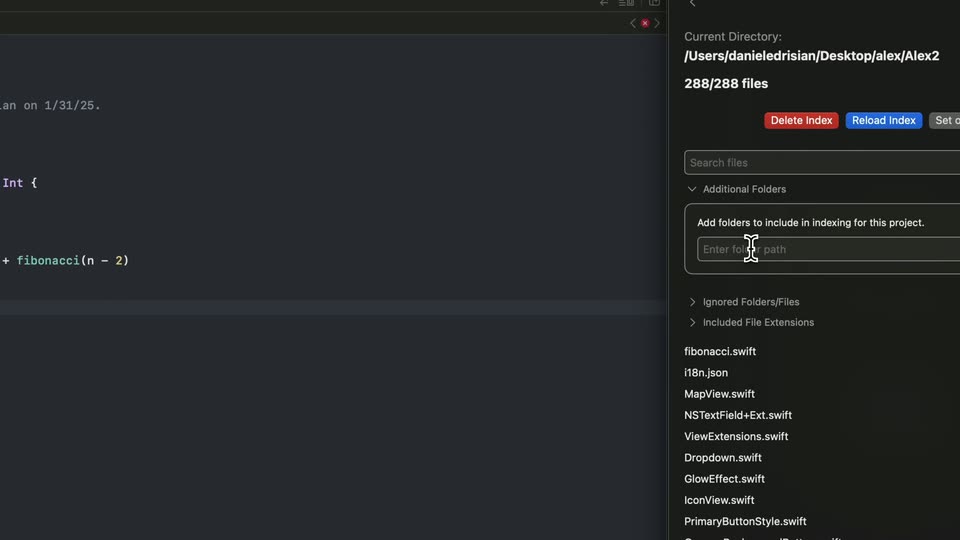 1:12–1:19Alex · Alex - Xcode AI Coding AssistantA dark Xcode editor shows Swift code beside a right-hand panel. The panel switches to a file index list, the view zooms in on rows tagged Indexed and on an Add Folders input where the cursor types, then zooms out to the full window.
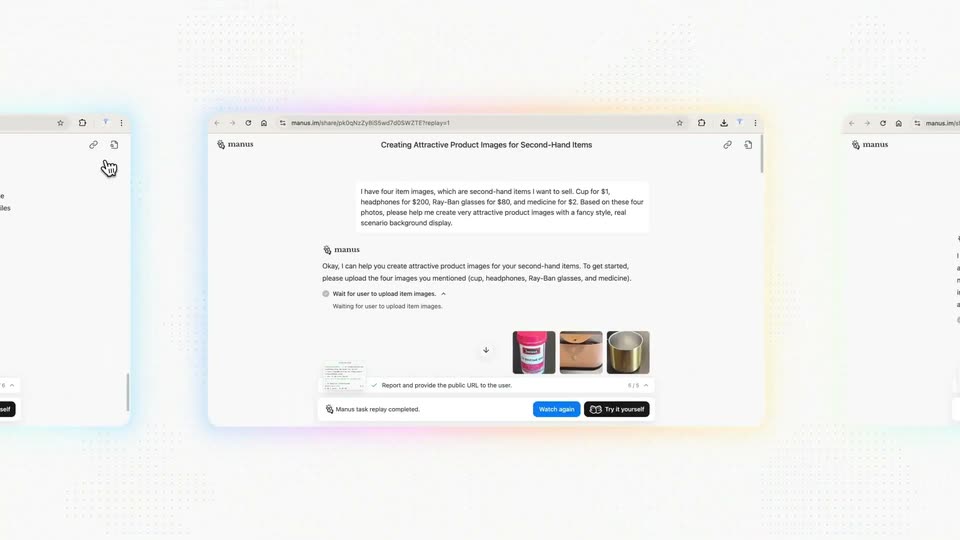 0:41 · 0.8sManus · Manus - Introducing Manus image generation. Manus doesn’t just generate imagTwo overlapping browser windows: the left one, a Manus chat about a TeaVive bottle, slides out to the left as the right one, a chat about second-hand product images, slides in and centers, reframing the view onto that task.
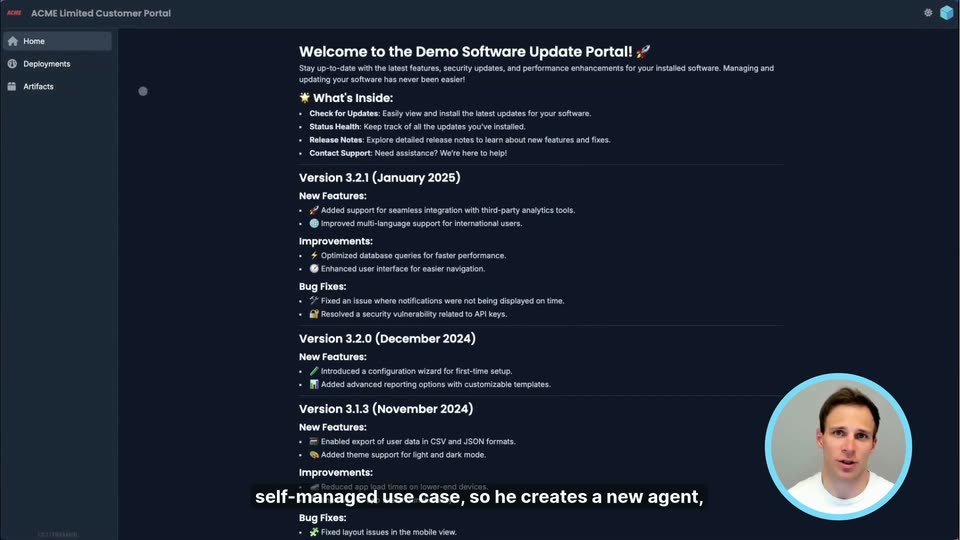 1:54–2:02Glasskube · Distr DemoA dark customer portal shows a release-notes page with version entries; the page scrolls up, then zooms in on the header before cutting to the empty Deployments list. A circular presenter video sits bottom right, with white captions along the bottom.
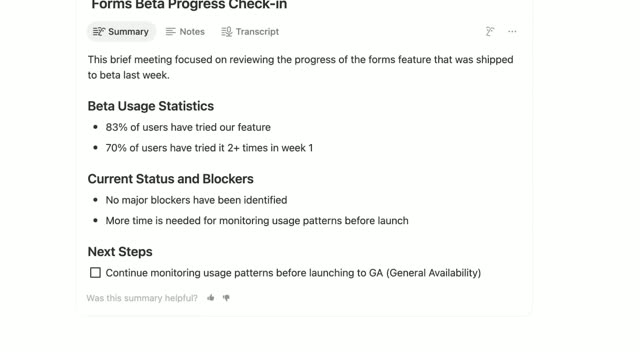 0:48–0:49Notion · Introducing AI Meeting NotesA close-up of a meeting summary document pulls back to show the full window, then a Follow up bar appears at the bottom with an open dropdown listing draft options.
 0:58–1:00Notion · Meet the all-in-one Notion AI for workThe document interface fills the frame, then the view zooms into the top-right toolbar. A cursor glides to the Share button and hovers, raising a gray highlight box around the label.
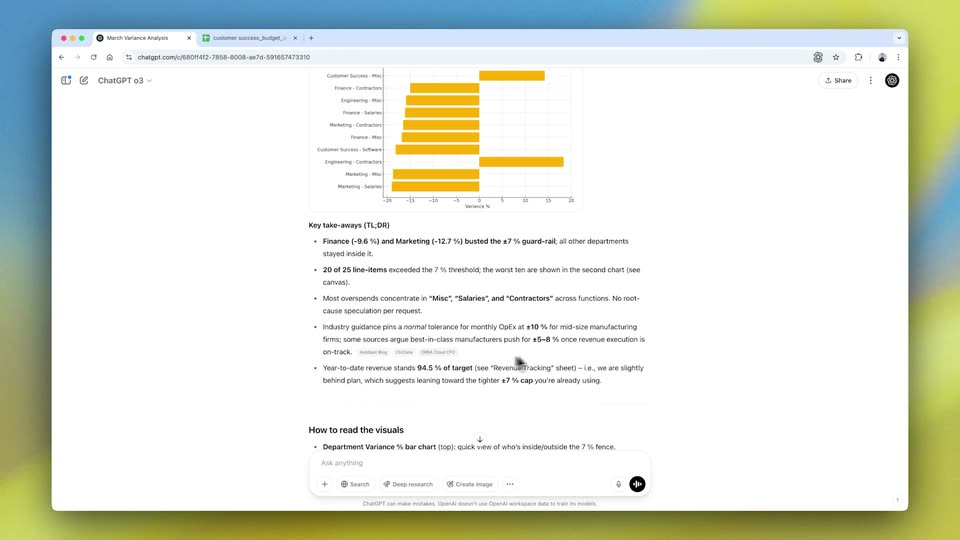 2:20–3:15OpenAI · Automate complex workflows with OpenAI o3A close-up of an in-chat dashboard shows a flagged-items table and an orange bar chart; the cursor hovers over bars, popping dark value tooltips. Then the frame zooms out to the full browser window on a desktop as the cursor scrolls the analysis text to the end.
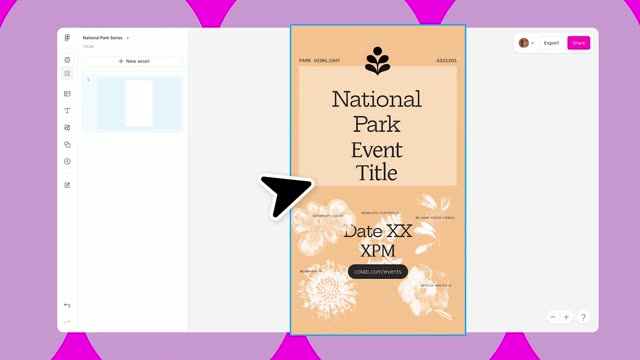 0:57–0:58Figma · All the launches at Config 2025 | FigmaA design-tool interface shows an orange event poster; the view zooms and reframes to center the poster as the background shifts to purple with pink chevrons. A large black cursor points at the poster.
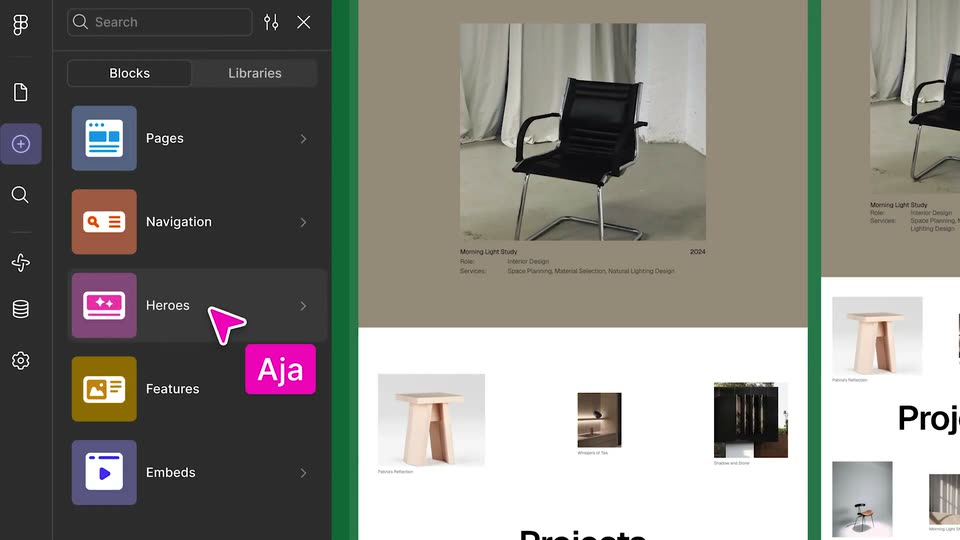 0:17–0:19Figma · Figma - Introducing Figma Sites Take your designs straight to the web. WithA website builder screen shows a portfolio page with a chair photo and project cards. A large cursor with a pink Aja badge hovers over the hero copy as the canvas zooms in, then a blue selection box labeled Hero outlines the headline.
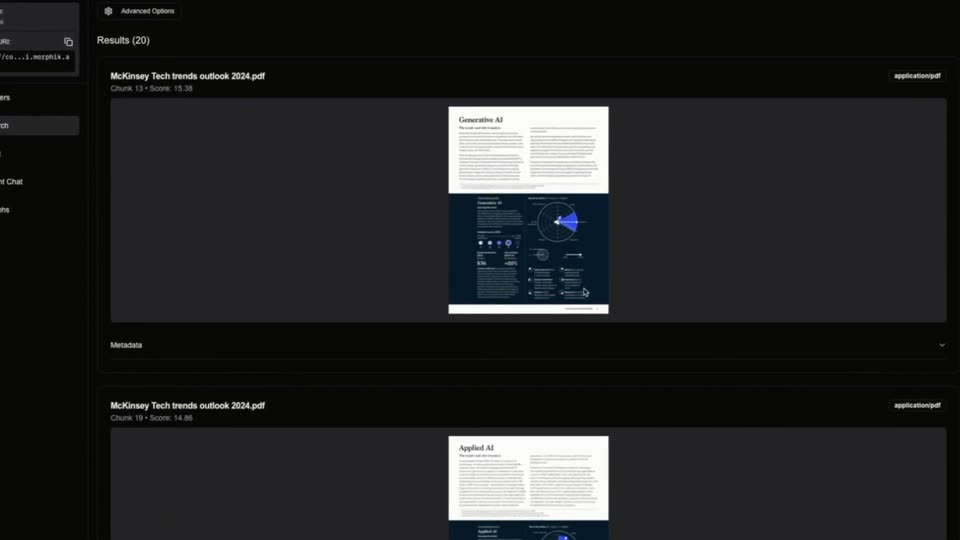 0:37–0:39Morphik · Morphik Launch DemoA dark search results view, framed in a window over a blue and orange background, zooms forward until it fills the screen. A list of PDF chunks shows page thumbnails, and a cursor hovers over the top result.
 0:36–0:38Stripe · Stripe - Introducing Stablecoin Financial Accounts. Hold a stablecoin balance.A purple rounded Send button, tilted in 3D perspective on a white panel, zooms in from a small blurred position to fill the center of the frame. A dark purple device edge runs along the right side. The motion settles to a static hold.
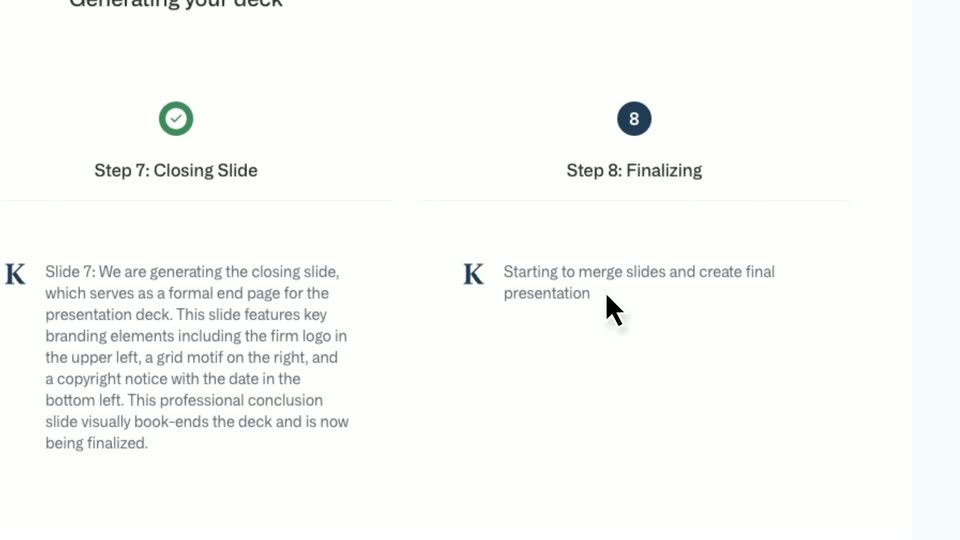 0:34–0:39Kenley · Introducing Kenley WorkStreamsA light document interface shows a progress bar and three step columns with checkmarks. The camera zooms right onto the Finalizing column while a cursor hovers and new status lines type in beneath each step.
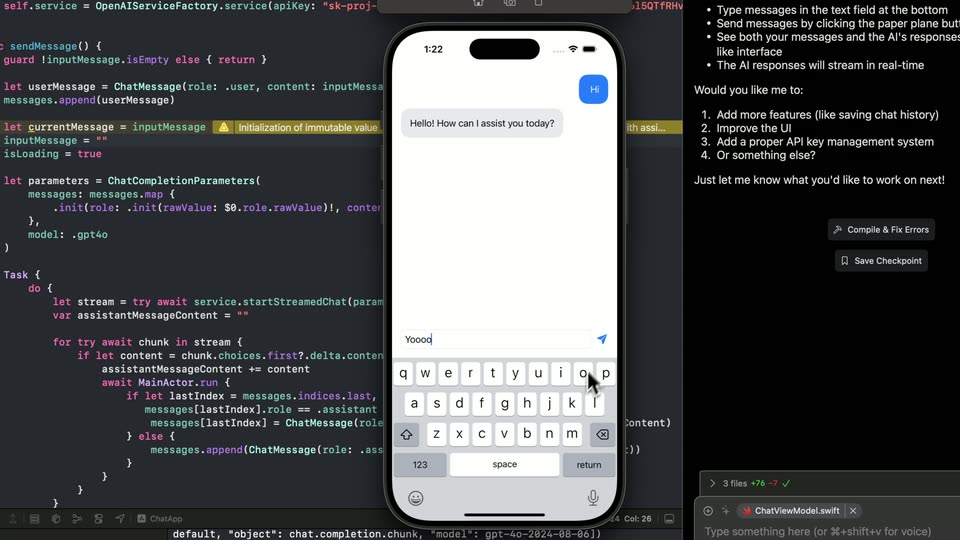 0:58–1:06Alex · Alex - Xcode AI Coding AssistantA front-facing phone mockup sits centered over a dark code editor. A cursor taps an on-screen keyboard to type a message, sends it, and the chat app replies. The view then pulls back to reveal the full desktop workspace.
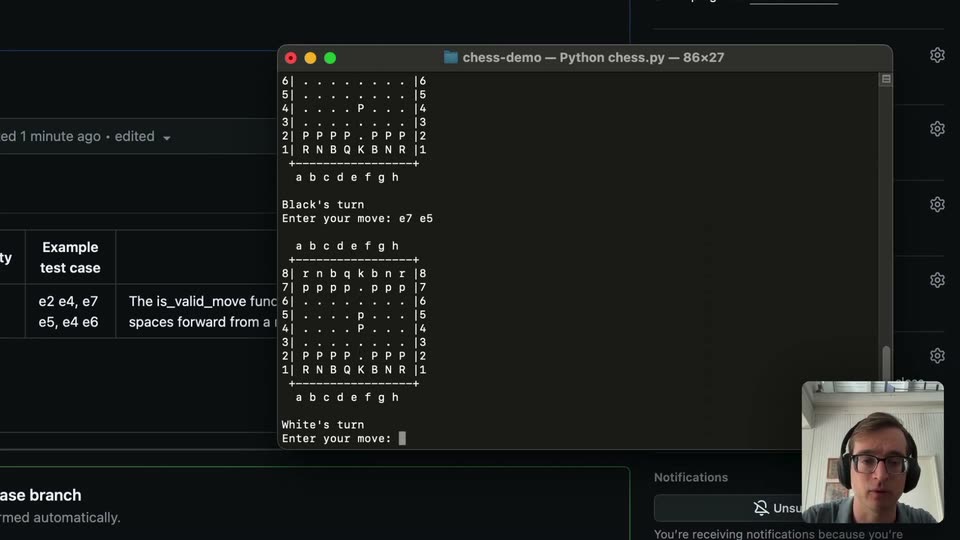 2:13–2:29Cartpole · Jazzberry DemoA terminal window sits over a GitHub page, a man in a corner webcam. The cursor drags the window, then types chess moves e2 e4, e7 e5, e4 e6 as the text board scrolls and updates. The screen zooms out to reveal the page.
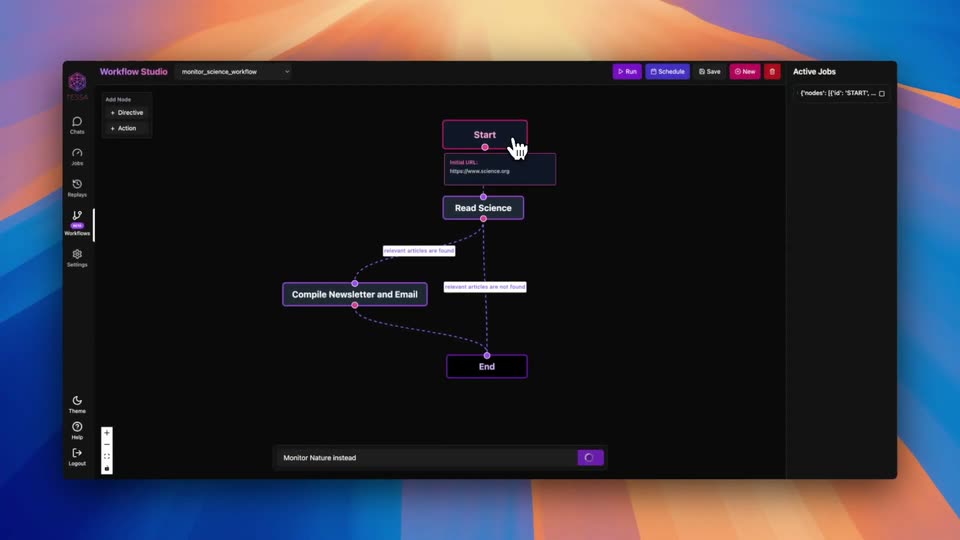 0:35–0:44Altrina · Workflow EditorA tight crop of the flowchart pulls back to reveal the full workflow editor window over a gradient backdrop. A cursor types a prompt and clicks Modify; the 'Read Science' node updates to 'Read Nature'. The camera zooms into the Start node, whose Initial URL field shows the nature.com address.
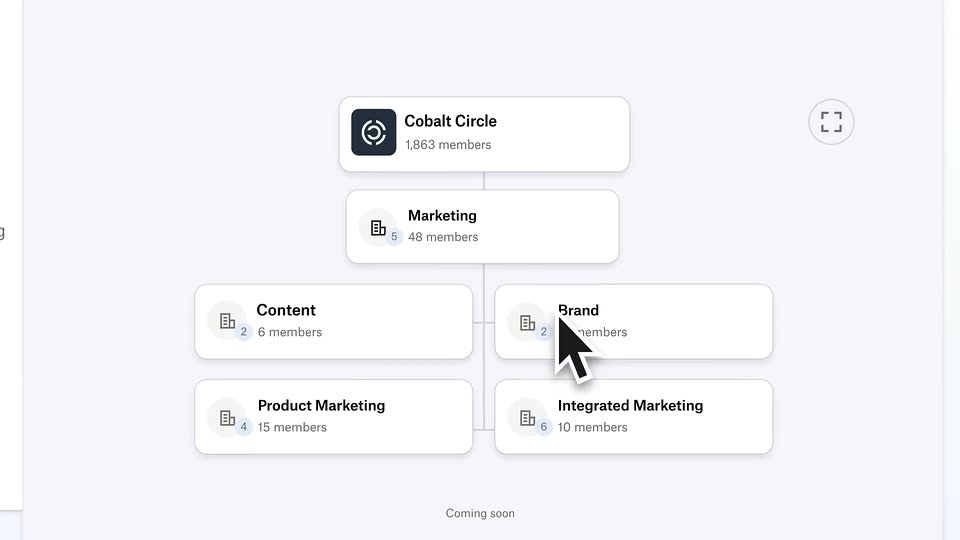 0:29–0:31Dropbox Dash · Dropbox Dash: Search videos, images, and create content fastA white product UI card showing an organization tree zooms in on the Marketing card, which gains a purple glow as a cursor hovers beside it. A small Coming soon caption stays fixed at the bottom.
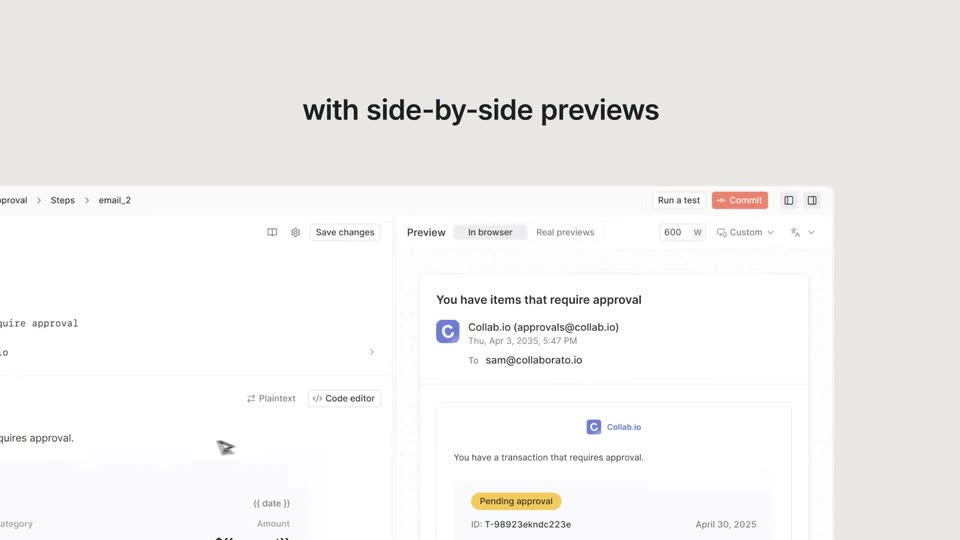 0:42–0:44Knock · Knock - Launch week → Day 2 Introducing Knock workflows 3.0. Rebuilt with aA light-gray screen shows an email editor with a live preview pane on the right, set under the headline with side-by-side previews. The headline darkens from gray to black, then the view zooms into the preview pane as the headline exits.
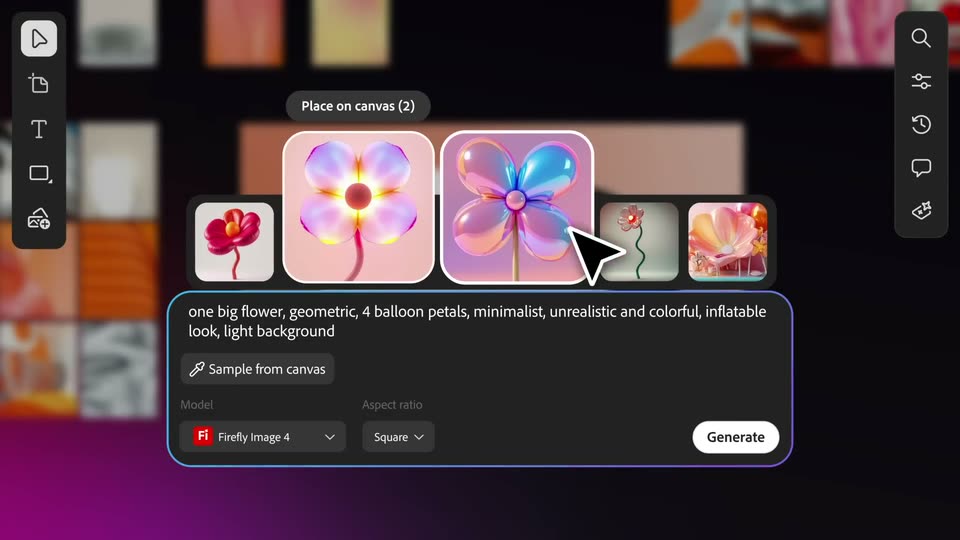 0:26–0:33Adobe · Adobe Firefly: The next evolution of creative AI is hereA dark prompt panel sits over a blurred canvas. A cursor types a flower prompt into the field, clicks Generate, and a row of generated flower thumbnails pops up. Hovering shows a Place on canvas tooltip, then the view reframes to the canvas with the flowers placed on a white card.
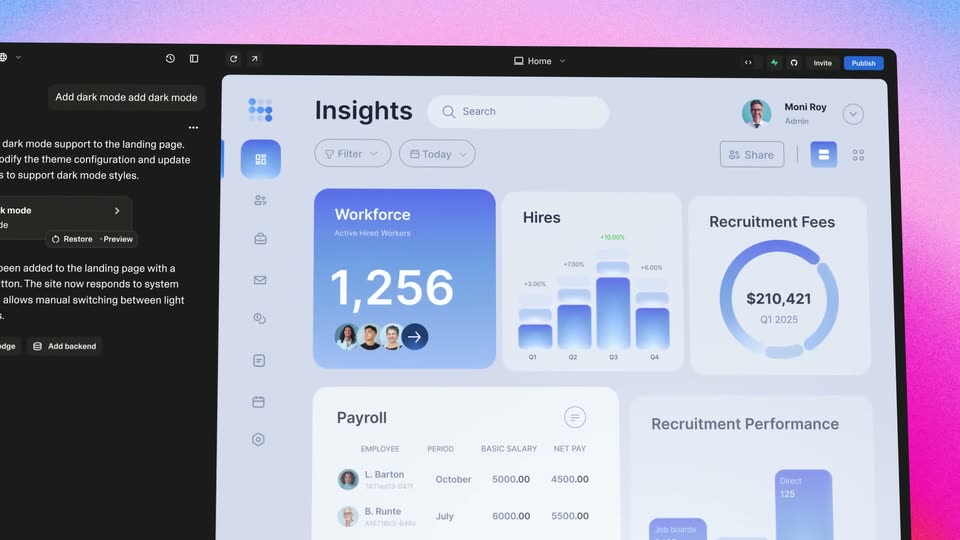 1:06–1:07Lovable · Lovable 2.0 is here. Multiplayer vibe coding. Smarter & more secure.A close-up of a tilted laptop screen shows the app top bar and user profile, then the camera pulls back to reveal the full dashboard with Workforce, Hires and Recruitment Fees cards and a payroll table, on a pink-to-blue gradient backdrop.
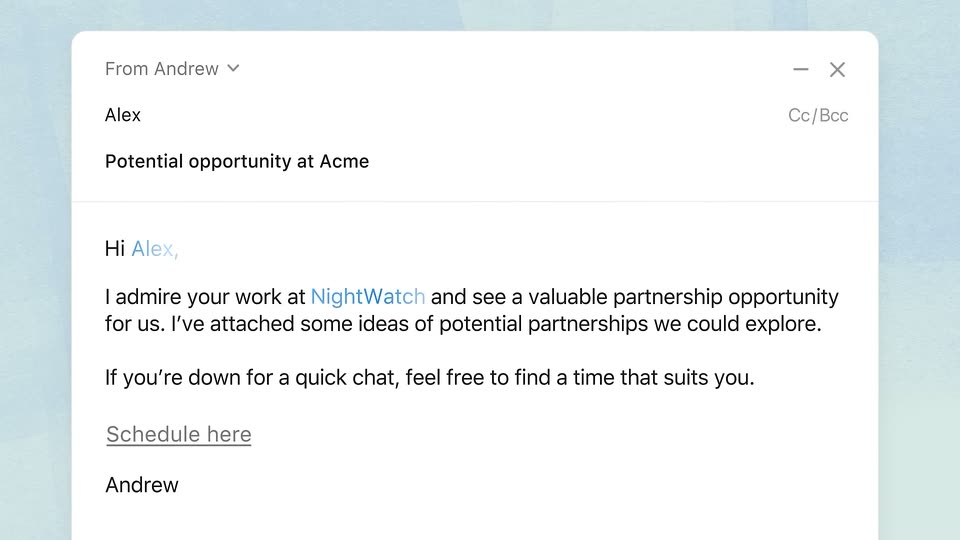 0:30–0:33Notion · Meet Notion MailA snippet list panel with a cursor hovering over Partnership sits over an email draft. The panel closes and the frame zooms into the email body, where the template variables resolve to the recipient's name and company.
 1:16–1:19Google · Introducing AI Mode: A New Experiment in Google SearchA close-up of the AI search interface with result cards holds the centered headline. The interface slowly zooms out and fades to black, then the gradient word “research” scales in beneath the headline.
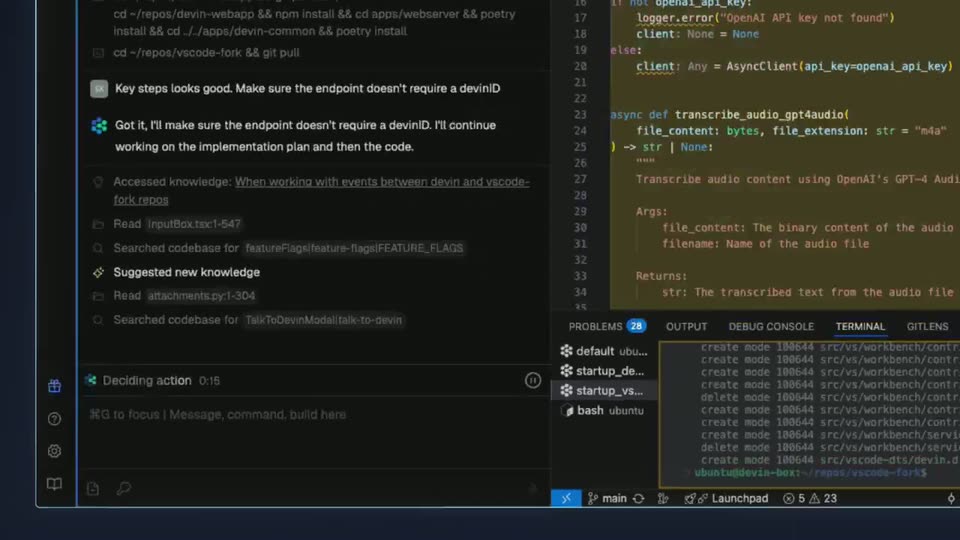 0:25–0:28Devin · Cognition - Introducing Devin 2.0: a new agent-native IDE experience. GenerallyA close-up of a dark chat panel shows a status line typing out, then the frame zooms out to reveal the full IDE workspace with a blue FOLLOWING DEVIN badge at the top.
 1:00 · 0.8sIdeogram · Ideogram - Meet Ideogram 3.0 — stunning realism, creative designs, and consistenA black cursor hovers over a white file card showing the project name and metadata as the view reframes right, sliding the cream logo canvas off the left edge.
 0:39–0:41Google · Introducing Canvas in GeminiA dark editor toolbar shows a Code/Preview segmented toggle glowing blue while a white cursor hovers on Preview. The frame zooms in until the toggle fills the screen over a radial halo.
 1:06 · 0.4sNexera · Web3 Explainer Video | Crypto Animation Video - NEXERAA 3D carousel of dark feature cards rotates so the purple Strategic Partnerships card swings to center while the green and orange cards slide out of frame. The card then locks off, filling the middle of the dark blue space.
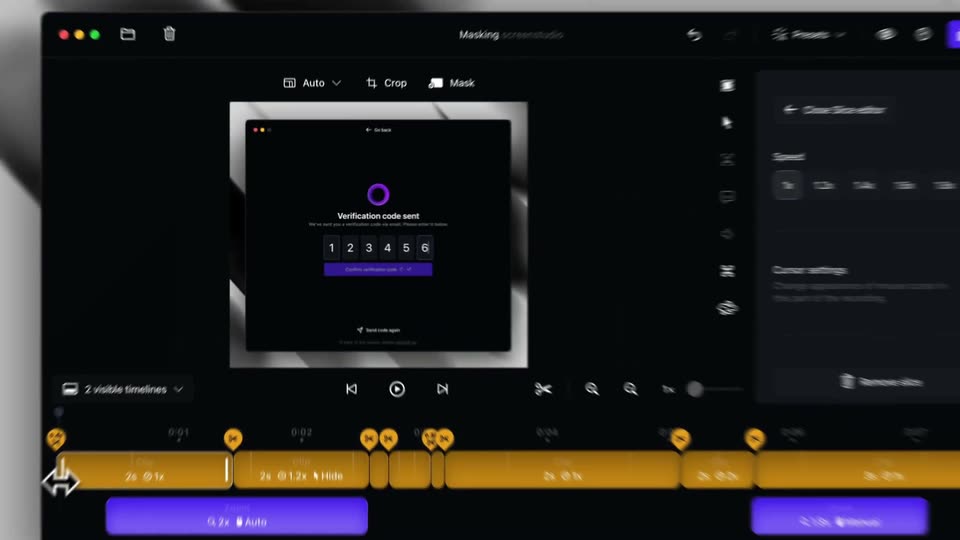 0:17–0:18Screen Studio · Screen Studio - Screen Studio 3.1 is here Introducing Masks: Blur sensitive data orA dark video editor window zooms out from a tight crop of a verification code card to reveal the full interface, with an orange timeline and a right-hand speed panel. The card shows a six-digit code row and a purple confirm button.
 0:41–0:42Reka · Reka - We use Reka Flash 3 to power Nexus, our new platform for organizationA dark upload card with a PPT file icon and an Upload Files button floats over a dotted grid. The card and a dashed crosshair scale and shift while the grid dots drift and a bright band sweeps across the background.
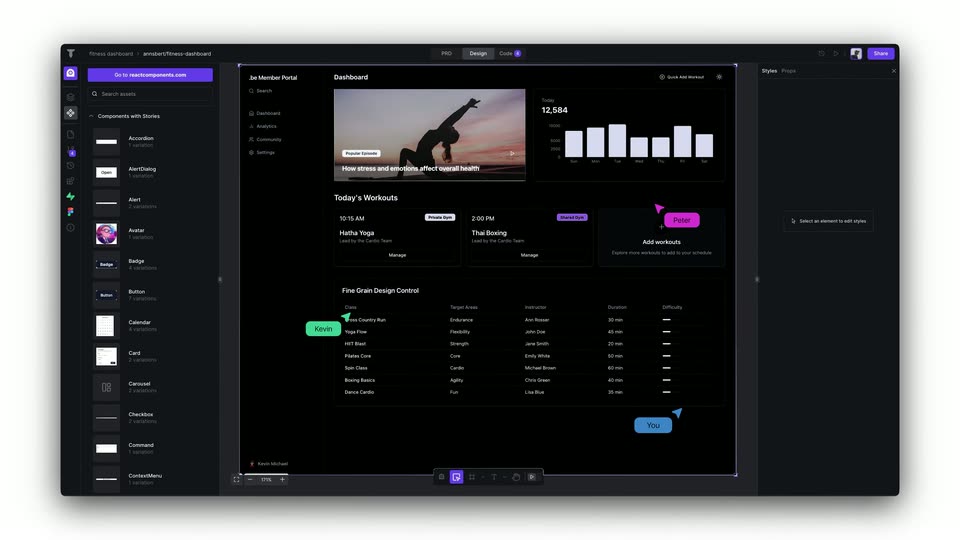 0:28–0:30Tempo · Introducing Tempo V2 - AI web design tool for designers and developersA design tool window on white shows a fitness dashboard; a cursor edits it as the panel flips from light to dark theme, a caption scales in, and the view zooms to 171%.
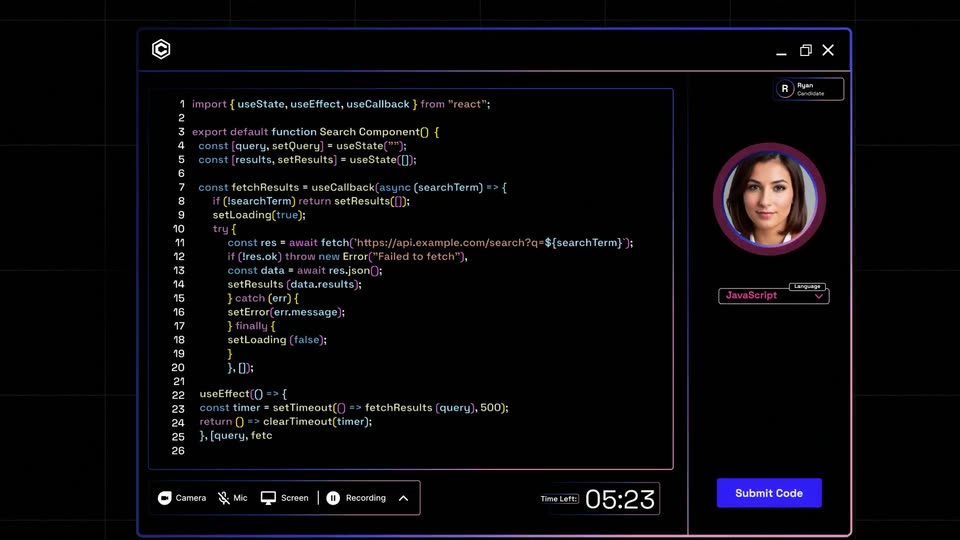 0:42–0:44Contrario · Contrario Launch VideoA code editor interface fills the frame, showing JavaScript code typing out line by line. A circular video feed of a woman and a language dropdown sit on the right panel. The window frame shifts from blue to pink, and a timer counts down at the bottom.
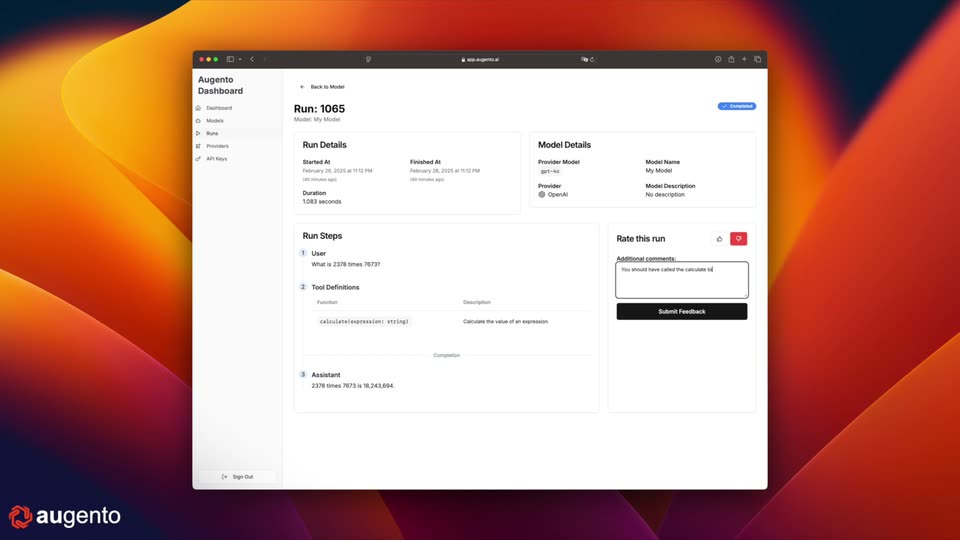 1:04–1:28Stillwind · Augento AI – DemoA browser window of the Augento dashboard rests on a wavy orange and purple gradient. The view zooms into the run steps, a cursor clicks the thumbs-down icon, types a comment and submits it, triggering a confetti burst and a success toast.
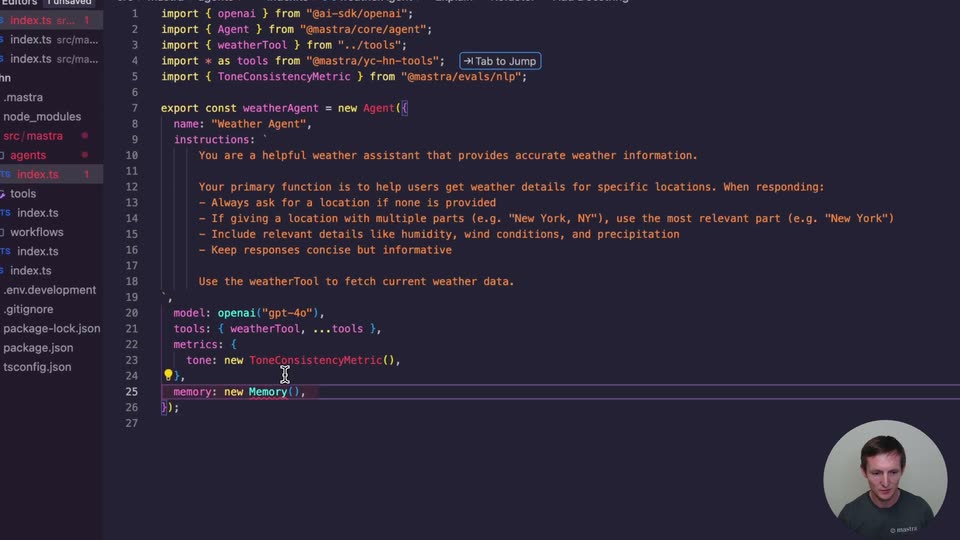 2:10–2:29Mastra · Mastra Demo - The Typescript AI Agent Framework (2024)A dark code editor displays a TypeScript file as new import and metric lines type in, autocomplete lists pop up, and red error highlights flash. A small circular webcam of the presenter stays in the corner, then a blurred zoom transition closes the shot.
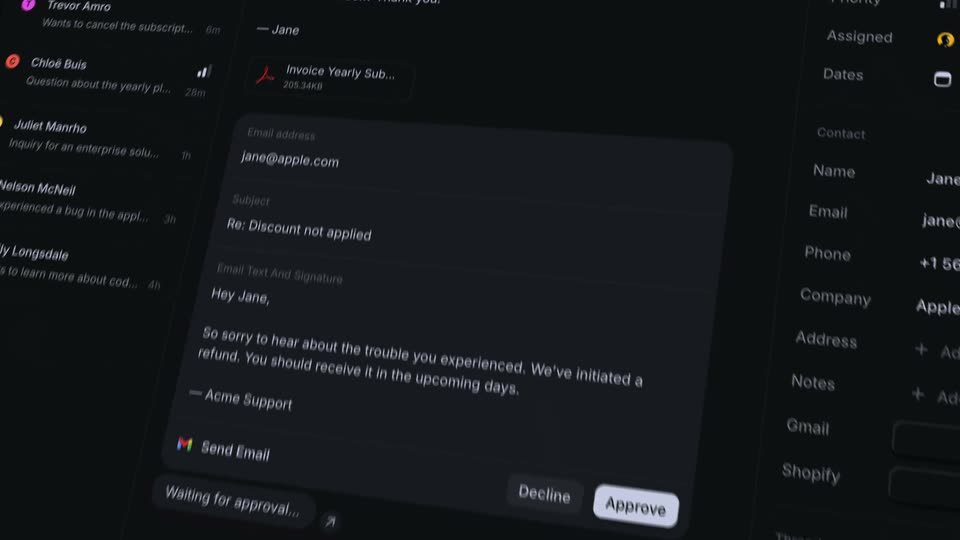 0:28–0:29Input Systems · Input - Meet Lemni. Set up Ai agents for all your customer interactions, in jA dark helpdesk interface tilts in 3D, centered on a drafted refund reply email with an Approve button. The view eases out to reveal an inbox list on the left and a contact form on the right.
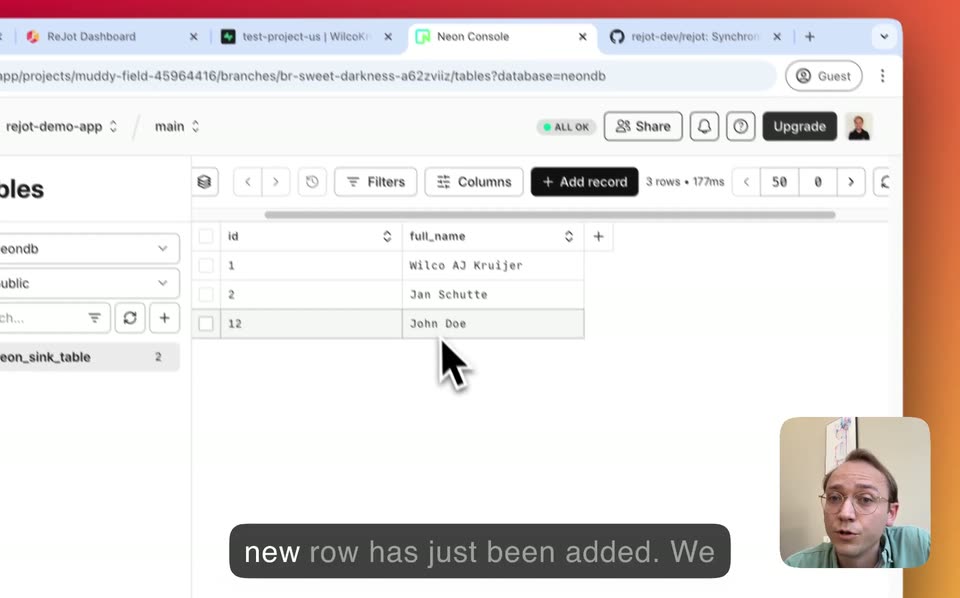 1:01–1:06ReJot · ReJot YC LaunchA browser screen capture of the Neon Console table view; the cursor clicks the Upgrade button, hovers over the rows, then switches to the GitHub repository tab. A small webcam feed of the speaker sits bottom right, and dark caption pills roll along the bottom.
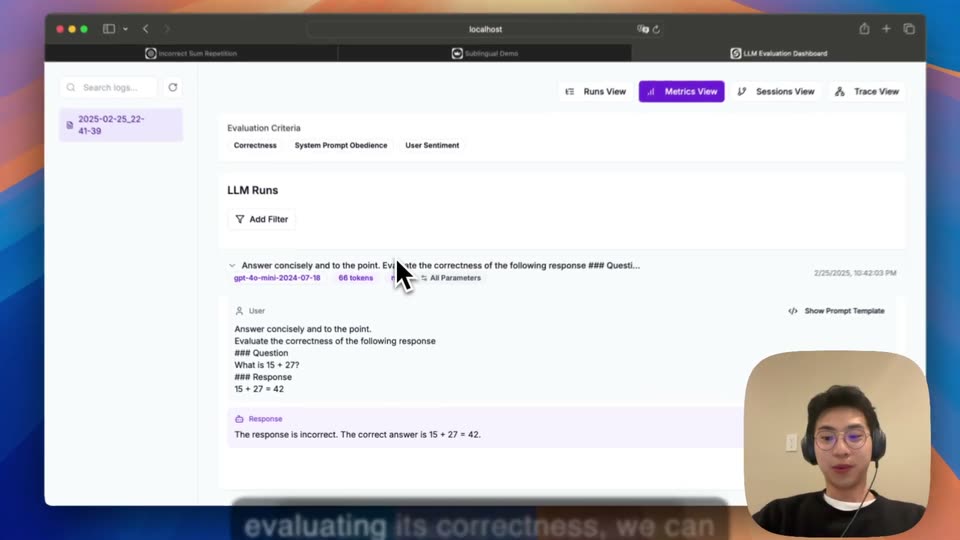 1:17–1:19Sublingual · Sublingual AI DemoA product dashboard dissolves from a tight crop on an LLM conversation log to the full browser window, showing the active view tab and a highlighted response row. A cursor hovers over the list and a small webcam feed of the presenter sits in the bottom right.
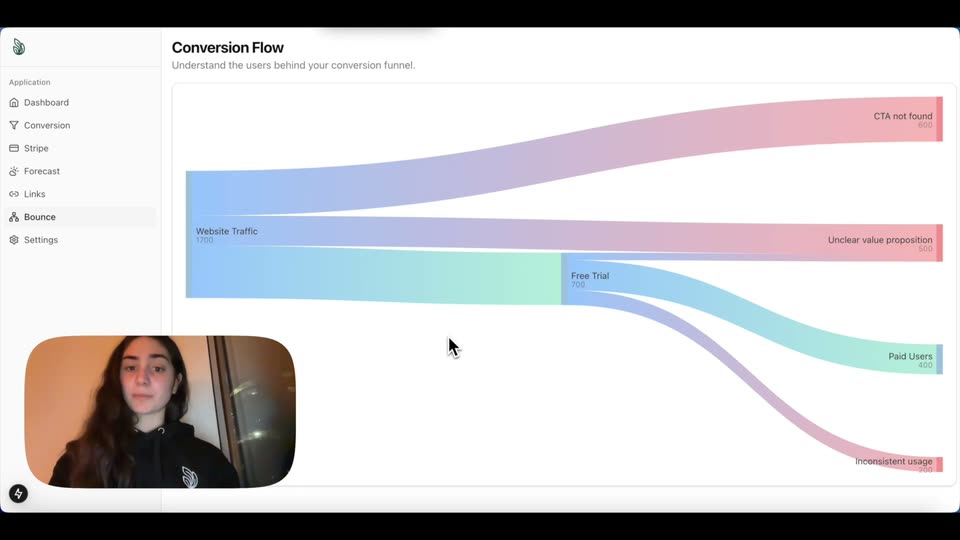 1:44–2:00Cedar · Cedar Demo 🌲A conversion funnel dashboard fills the frame, a Sankey diagram of colored flows, with a small webcam inset of a woman speaking in the lower left. A cursor hovers over a pink flow, popping a tooltip, then the view zooms in on the left node.
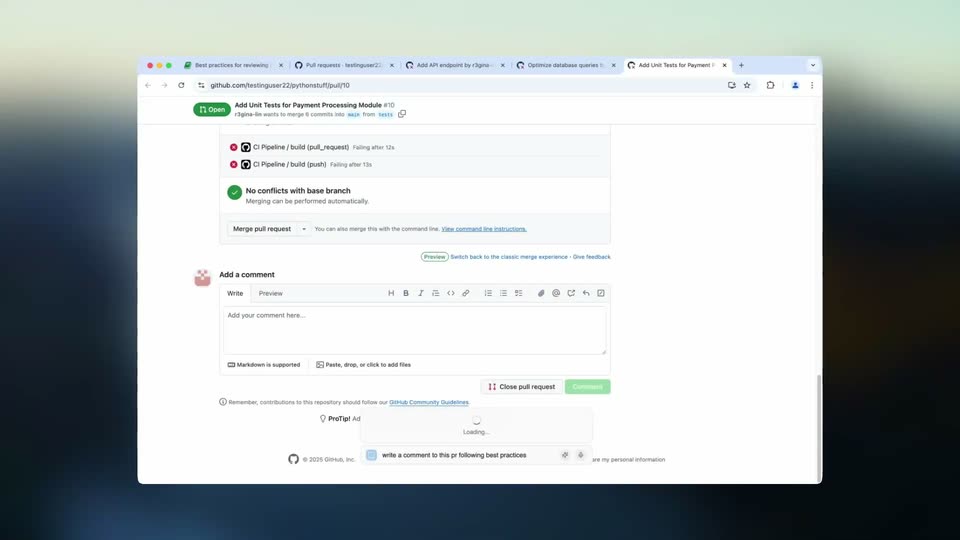 1:10–1:42Thirdlayer · Meet Dex - Your AI Coworker for the Browser.A floating browser mockup on a blurred background loads a GitHub pull request page; a cursor clicks an AI suggestion and a summary types out, then the view zooms to the comment box as a drafted review fills in.
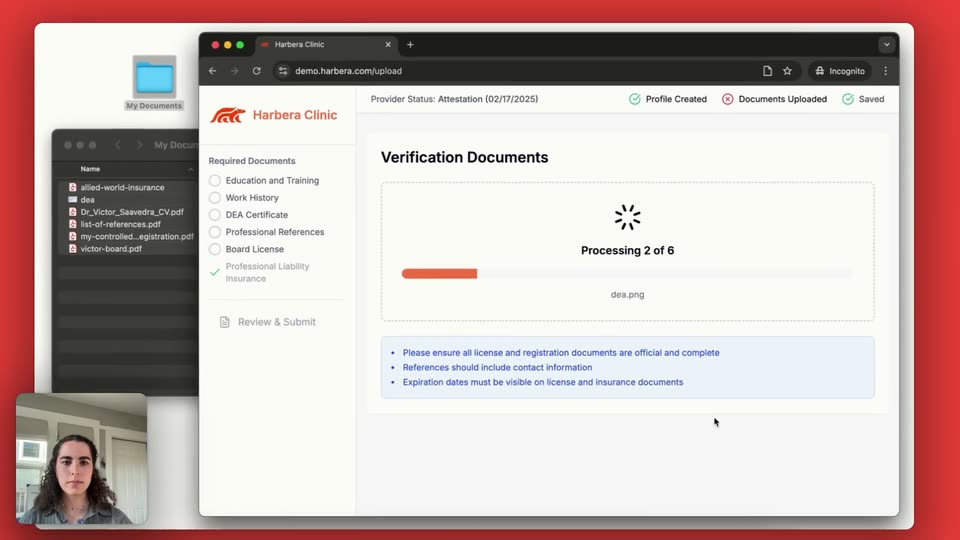 0:32–0:38Harbera · Launch YC: HarberaA close-up of a document verification screen showing a DEA license and a filled form pulls back to reveal the full browser window and desktop on an orange background. A progress bar advances and a save confirmation appears, with a small video feed of a woman in the corner.
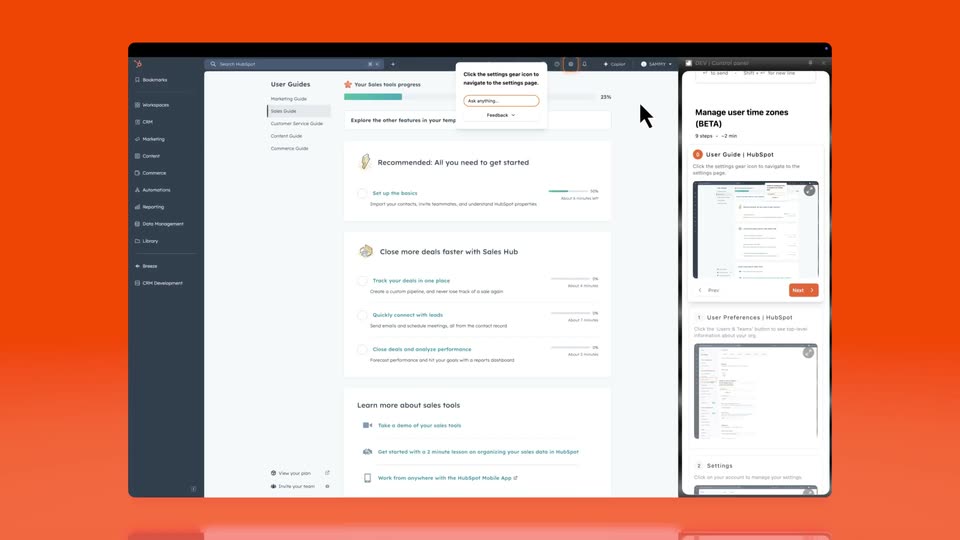 0:28 · 0.6sSAMMY Labs · SAMMY Labs - Product TourA laptop mockup sits angled on a reflective orange surface, its screen showing a HubSpot user-guides page with a help tooltip and two cursors. The view pushes in, reframing onto the right article panel as the left sidebar slides out of frame.
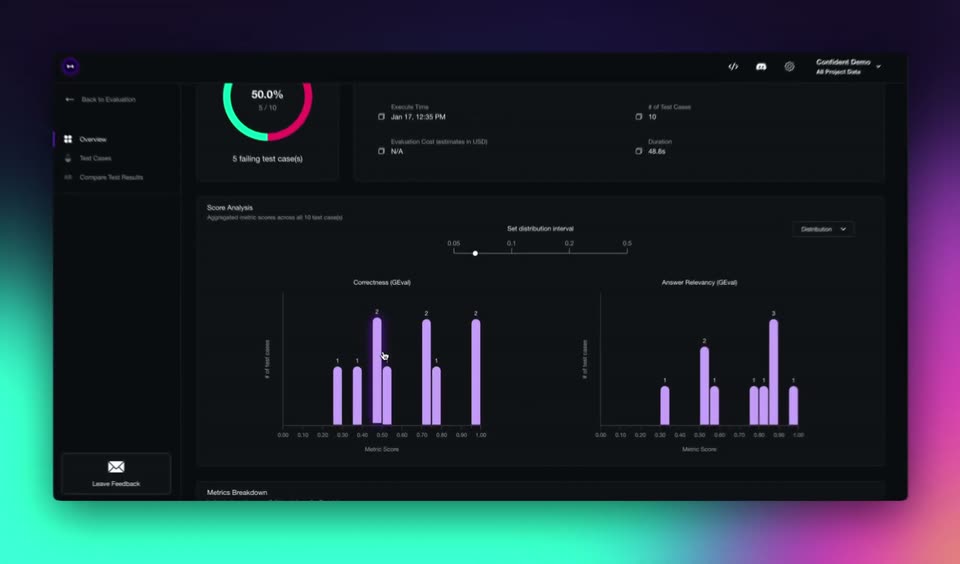 0:46–0:47Confident AI · Confident AI Launch YCThe dark Score Analysis panel shows two lavender bar charts and an interval slider. The frame pulls back to reveal the full dashboard with a left sidebar and top metric cards, while a cursor rests on the left chart. A teal-to-pink gradient strip lines the bottom edge.
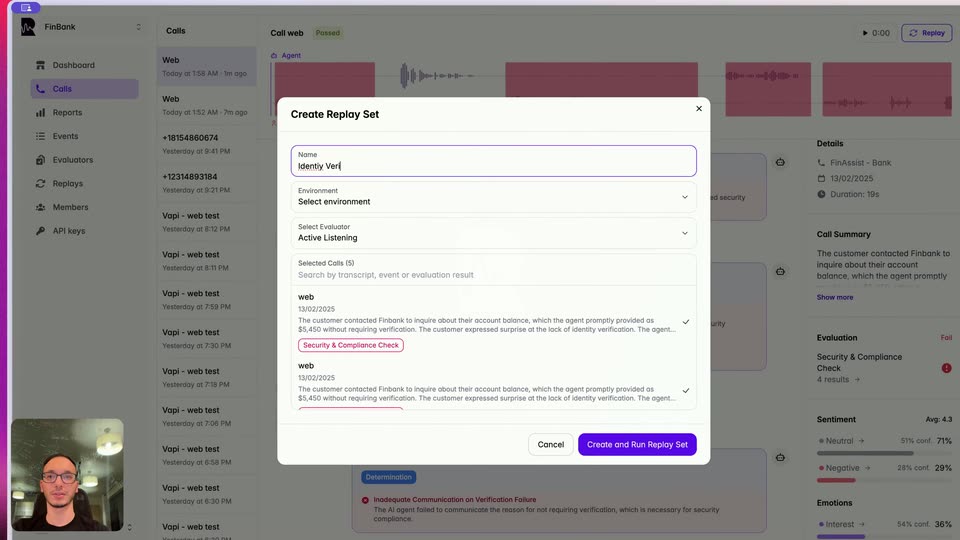 1:45–1:59Roark · Roark (YC W25) - DemoA screen recording pulls back from the 'Create Replay Set' dialog to the full calls dashboard. The cursor types a name and opens the Environment dropdown. A presenter's webcam sits bottom-left; a caption bar runs along the bottom.
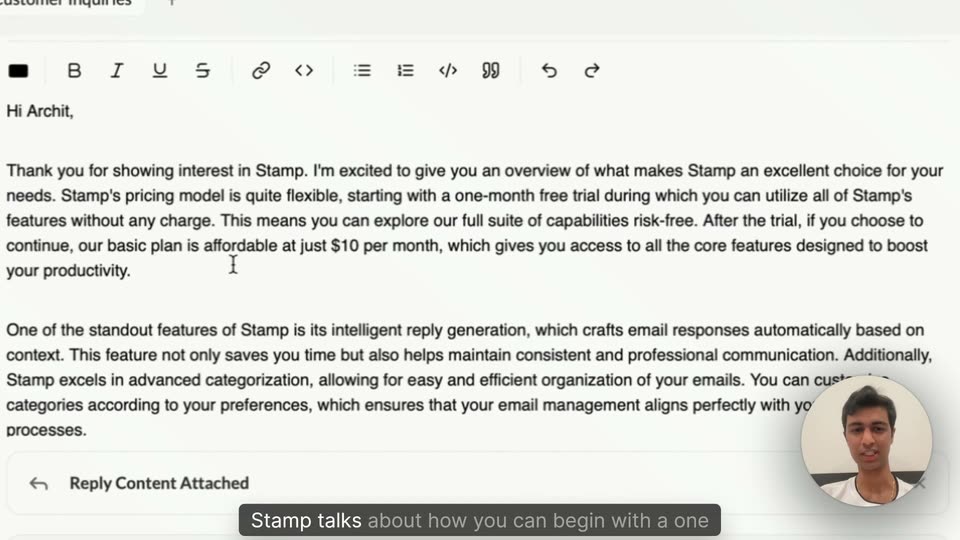 2:18–2:19Stamp · Introducing Stamp: The AI Native Email ClientA screen recording of an email draft in the Stamp app shows a formatted message with a small circular video-call avatar of a man in the lower right. The view slowly zooms in on the email body text. A dark caption bar sits along the bottom edge.
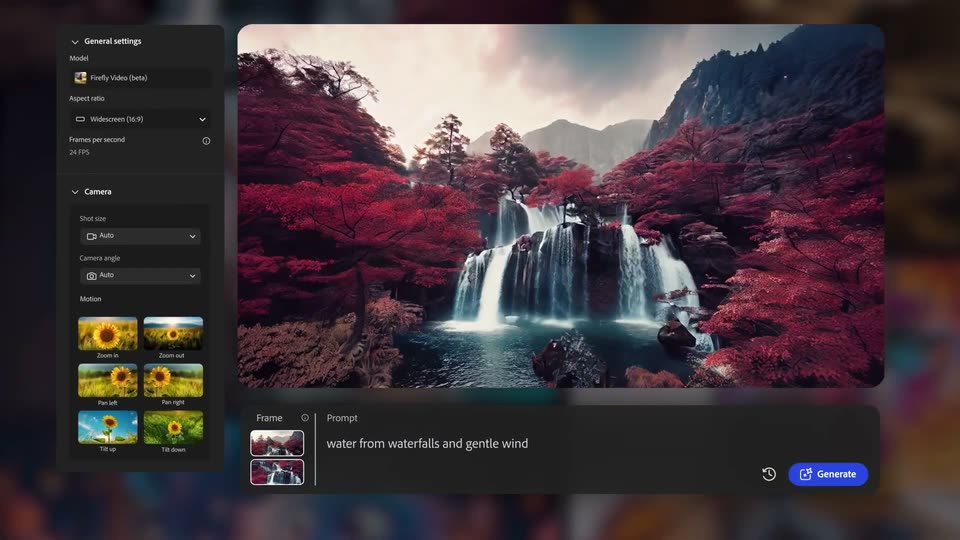 0:35–0:37Adobe · Meet Firefly Video Model | AdobeA close-up of a prompt panel with a cursor pulls back to reveal the full editor: a left settings sidebar listing camera motions, and a large preview of a waterfall framed by red autumn trees. A blue Generate button sits at the bottom right.
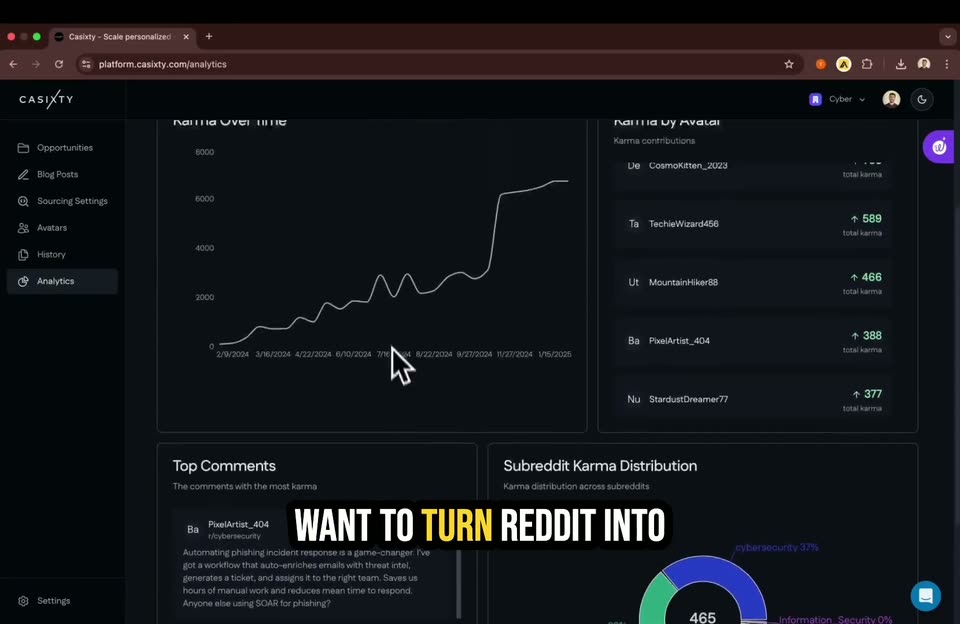 0:51–1:07Flowtel · Casixty DemoA dark SaaS dashboard fills the frame. A cursor hovers the Post button, then the view blurs and zooms onto the analytics page. The UI scrolls past karma charts and a donut chart, then reframes on engagement stat cards as bold captions with yellow words appear at the bottom.
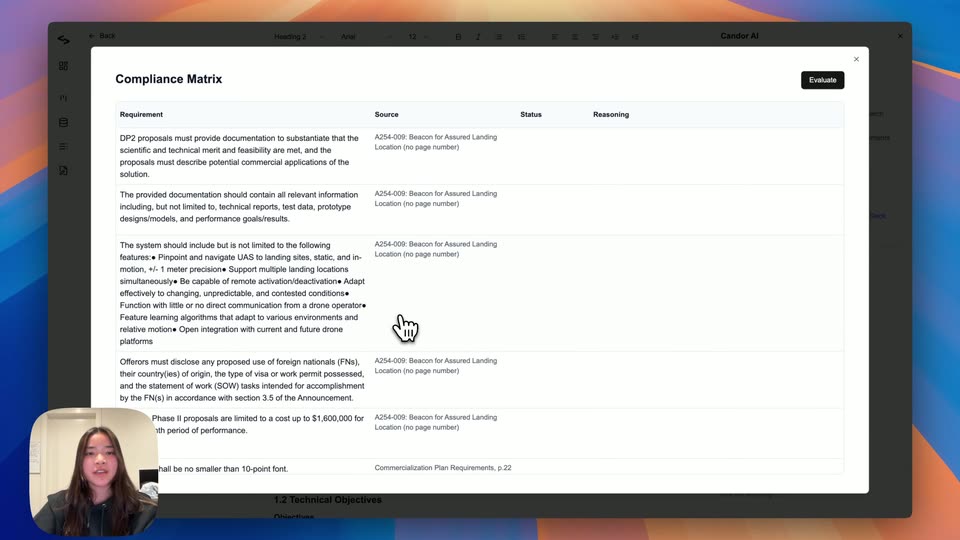 2:09–2:21Candor · Candor (YC W25) Demo || Win Government Funding With AIA document app shows a Compliance Matrix modal: a loading spinner fills into a requirements table that scrolls down and back up. The view zooms to the top right as a cursor clicks the Evaluate button, starting a new spinner. A webcam of the presenter sits in the corner.
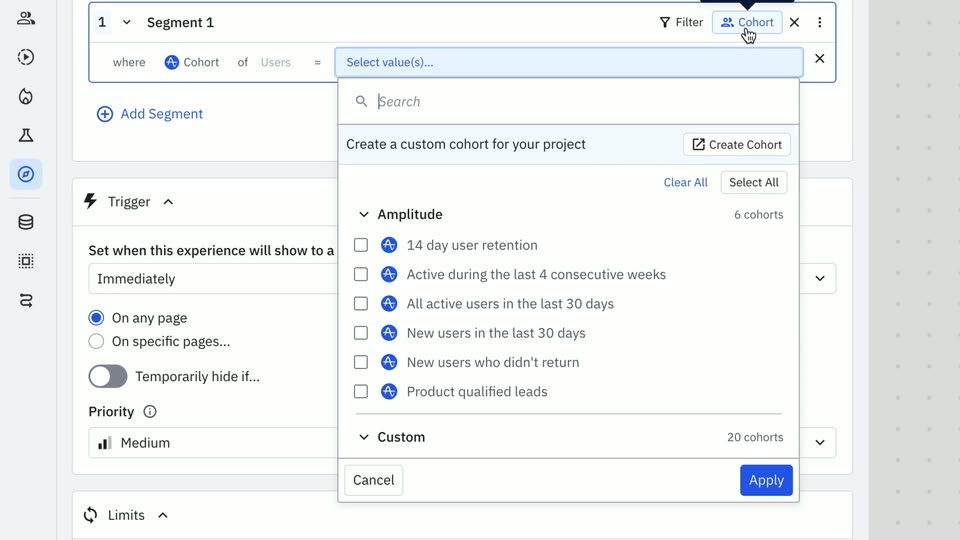 1:34–1:38Amplitude · Amplitude Guide and Survey OverviewA flat Amplitude targeting panel fills the frame. A cursor moves to the Cohort button on the Segment 1 row and clicks it, opening a dropdown of cohort options, while the view reframes to center on that row.
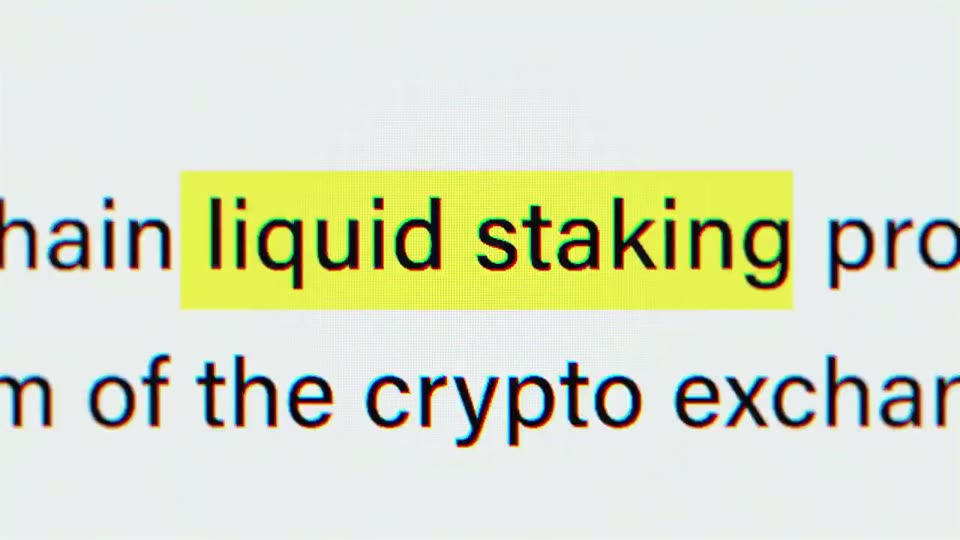 1:56–1:57Berachain · Berachain Foundation 🐻⛓ - Berachain is finally real.Extreme close-up of a light screen showing article body copy in dark sans-serif. A yellow highlight bar marks the phrase liquid staking, then the view zooms in and the highlight lands on BERA.
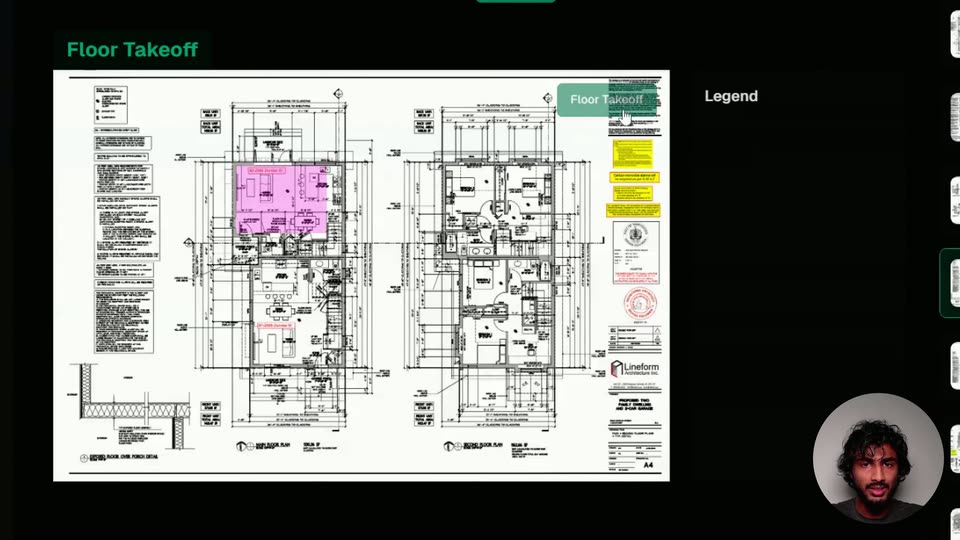 0:35–0:38Bild AI · Read Blueprints Using Bild AIThe dark Bild AI app shows a blueprint with a page list on the right; the view zooms into the floor plan and a pink fill marks one room, the presenter's webcam fixed in the corner.
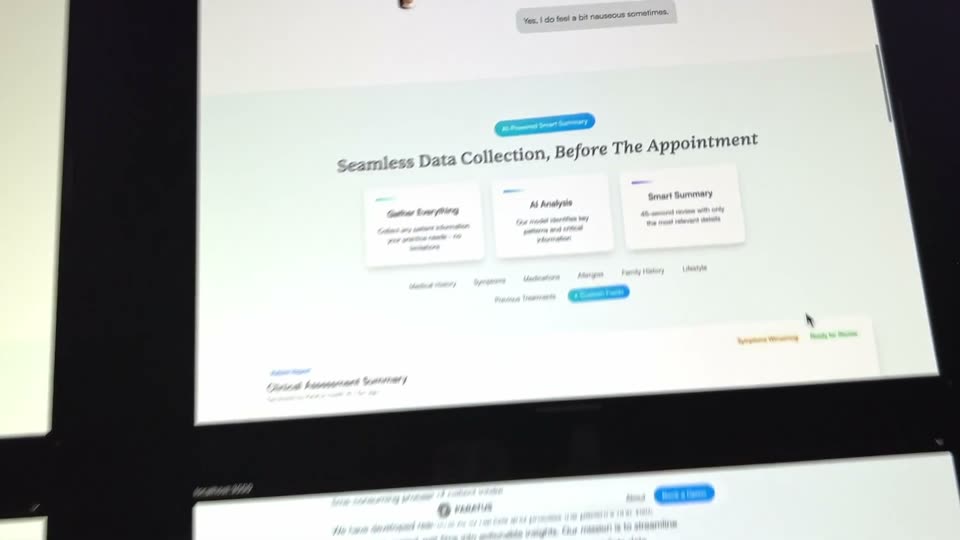 0:45–0:46Onlook · Onlook - The Open-Source Cursor for DesignersA wall of white product screens tilts in 3D perspective against a black void. The camera pushes in toward the central panel, revealing a bold headline, three feature cards, and a chat summary with patient data.