UI zoom
A zoom or reframe onto one part of the interface.
9,945 scenes · page 138 of 166
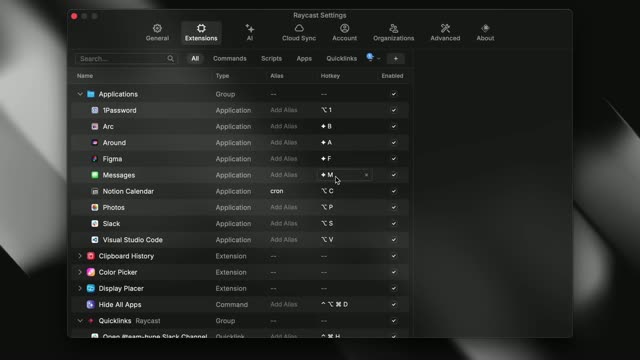 3:24–3:35Raycast · Raycast Just Got You A New KeyA dark Raycast Extensions list fills the frame; the cursor taps a hotkey cell and a small popup records a new shortcut, then the field updates. The view zooms into the hotkey column to show the new star-prefixed keys.
 0:46–0:49Quantstruct · Quantstruct Launch VideoA dark code editor with a chat sidebar fades out, leaving a video call tile of a bearded man in a black jacket centered on diagonal blue and orange stripes. Subtitles swap from “We want to learn more.” to “Tell us about your docs.”
 0:39–0:40Zapier · Introducing Zapier Agents: The Future of Automation is Here!Split screen: a Zapier webpage with a video thumbnail fills the left, the Agents chat panel the right. The view reframes from a close crop to the full layout while a cursor hovers over the panel and a 'Just a moment' line appears under the Outreach Agent entry.
 1:13–1:17BlindPay · BlindPay - DemoThe view zooms out from an empty payins table reading 'We didn't find any payins for this instance.' to reveal the full dashboard with a left sidebar and top bar. A cursor moves, and a small webcam feed of a man with headphones sits in the bottom-right corner.
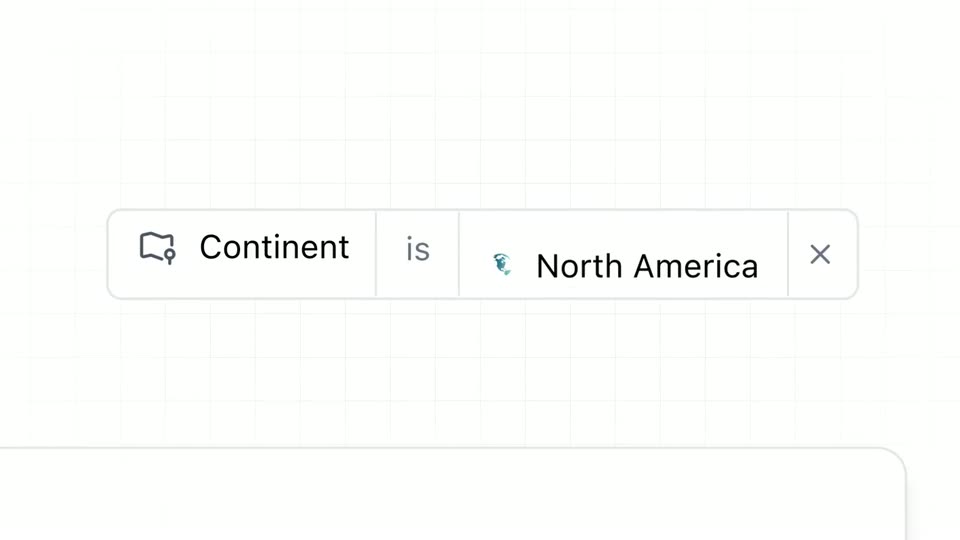 0:25 · 0.8sDub · Dub.co - Introducing Dub Conversions 📈 Track how your clicks convert to signuThe interface floats in 3D perspective over a faint grid, the typed prompt 'Show me North America sales in Q1 2025' across the top. The camera flattens the angle and a segmented chip, 'Continent is North America', slides down to settle inside an empty card.
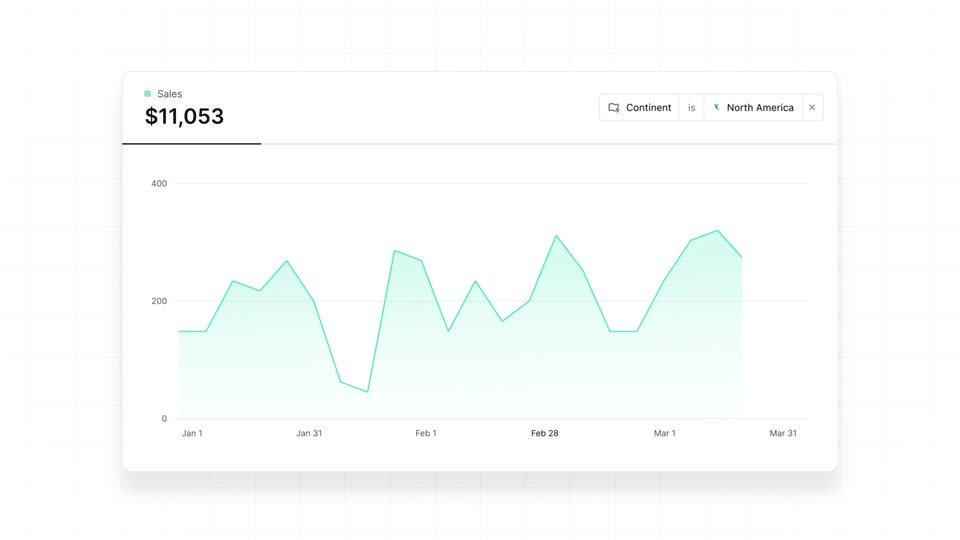 0:25–0:27Dub · Dub: conversionsA teal area chart draws across the months on a white dashboard card as the sales total counts up to $12,398. A large filter chip shrinks from center into the top-right corner, then the gray headline 'Unlock powerful' fades in.
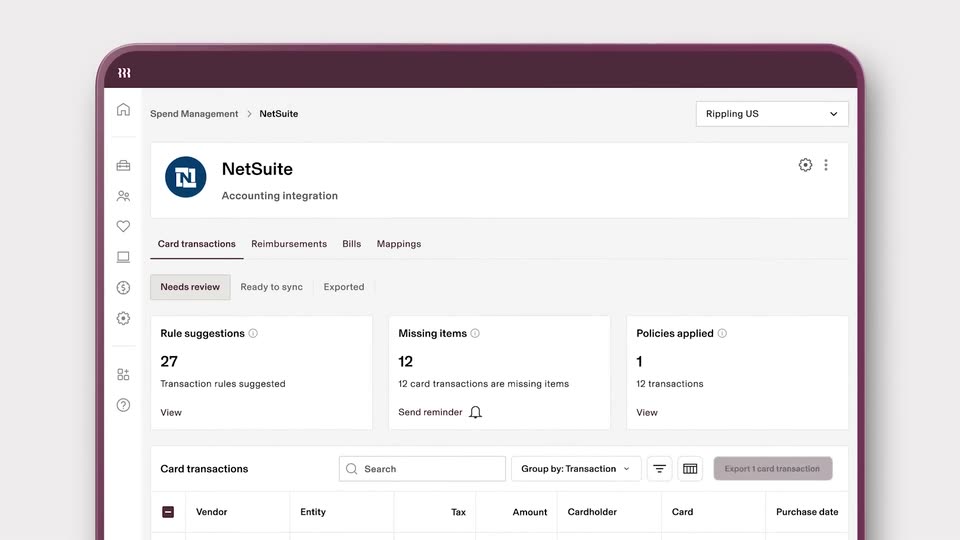 2:07–2:09Rippling · Meet Rippling Spend. Everything you need to run your company spend in one place.A tablet in 3D perspective shows a NetSuite accounting integration screen with a left icon sidebar, tabs and three stat cards. The view zooms in and scrolls up to frame the stat cards and the card transactions table header.
 0:55–0:57Superhuman · New Year, New InboxA silver laptop sits on a wooden desk beside a framed photo and a warm lamp, its screen showing an email app over a snowy mountain wallpaper. The camera pushes in, reframing from the whole desk to the laptop screen.
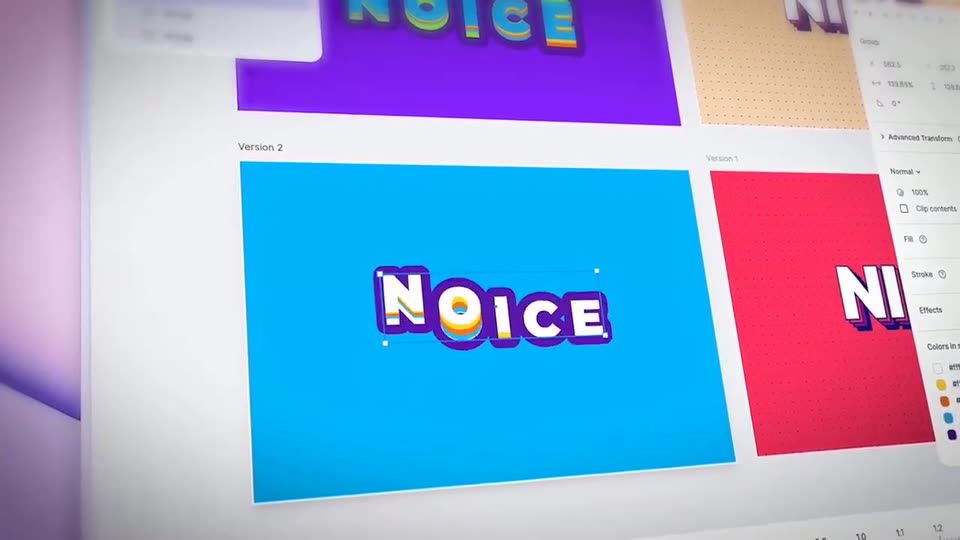 0:57–0:59Lottielab · Lottielab - After months in public beta, we’re thrilled to announce that LottielaA design app screen at a slight angle shows three colored artboards with 3D NOISE lettering and a properties panel on the right. The view zooms in on the central blue artboard as its selection box disappears.
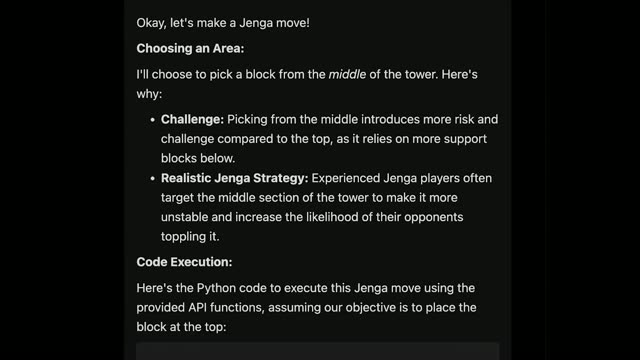 2:27–2:31Google · Introducing Gemini 2.0 | Our most capable AI model yetA split screen pairs a scrolling code panel on the left with a top-down video of a Jenga tower between two black robotic grippers on the right, marked by blue 3D boxes labeled top, middle, bottom. The view zooms into the left panel, filling the frame with the model's text.
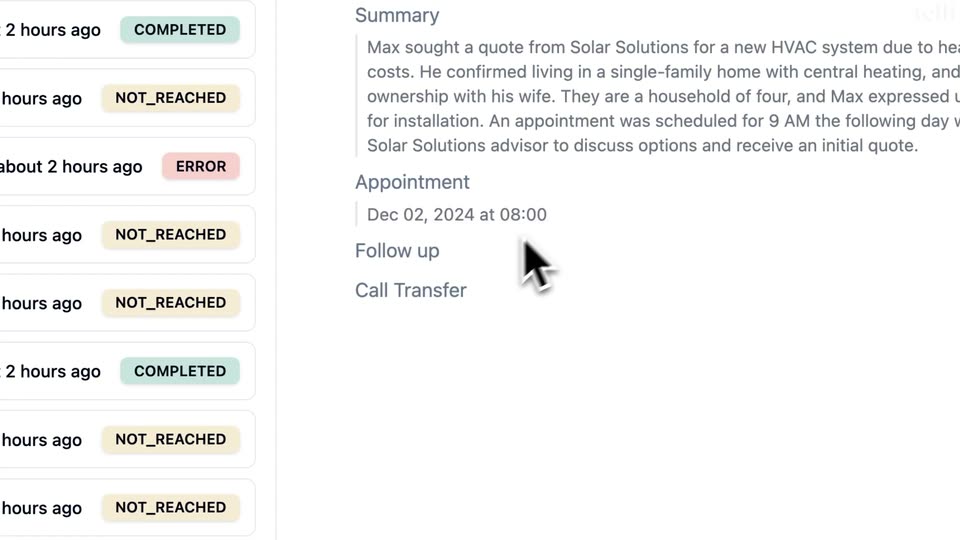 1:25–1:38telli · Launch YC - telli - outbound call automation for B2C companiesA call history dashboard fills the frame, then the view zooms into the right-hand detail panel. A cursor scrolls down the panel, pausing on the appointment date and the call transfer line, before zooming back out to the full layout.
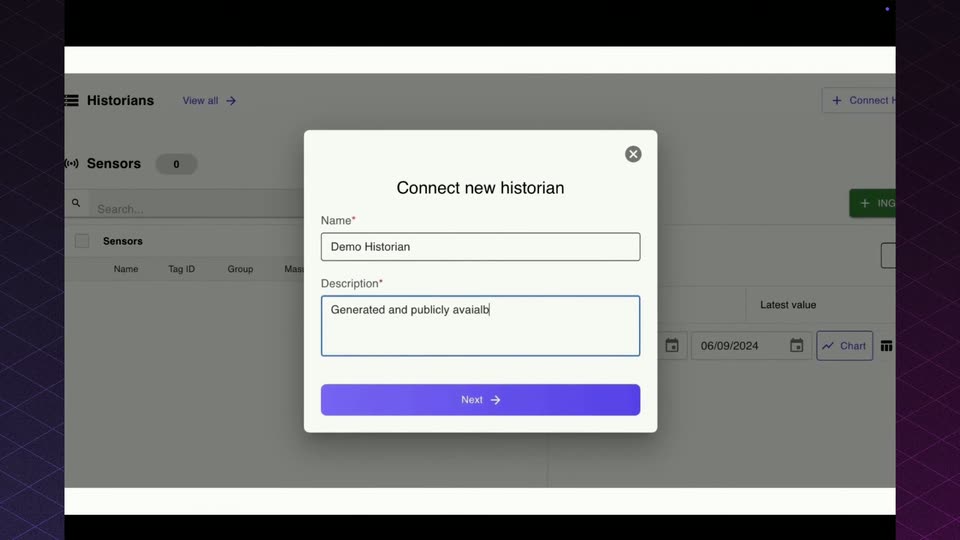 1:15–1:18Vortexify · Praxis AI LaunchA screen recording of the Praxis dashboard zooms in on a centered Connect new historian modal while a cursor types Demo Historian into the Name field and a description into the Description field. A small video-call overlay of two men in the corner fades out as the frame tightens.
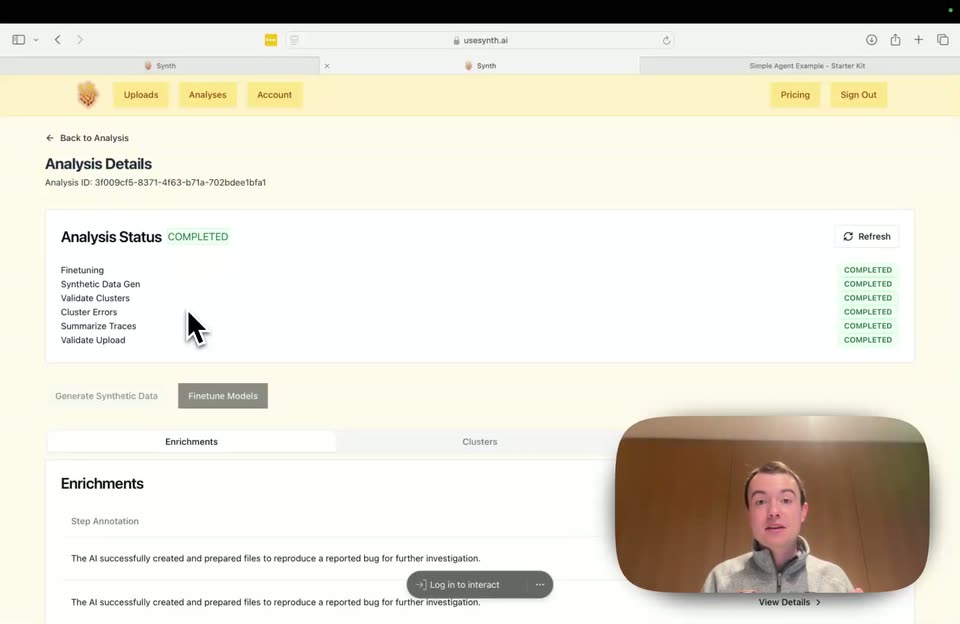 1:11–1:24Synth · Synth AI YC LaunchA close-up of an 'Analysis Status' panel in a web interface lists completed tasks. The view zooms out to show the full browser window with a yellow navigation bar. A presenter talks and gestures in a small video box at the bottom right corner.
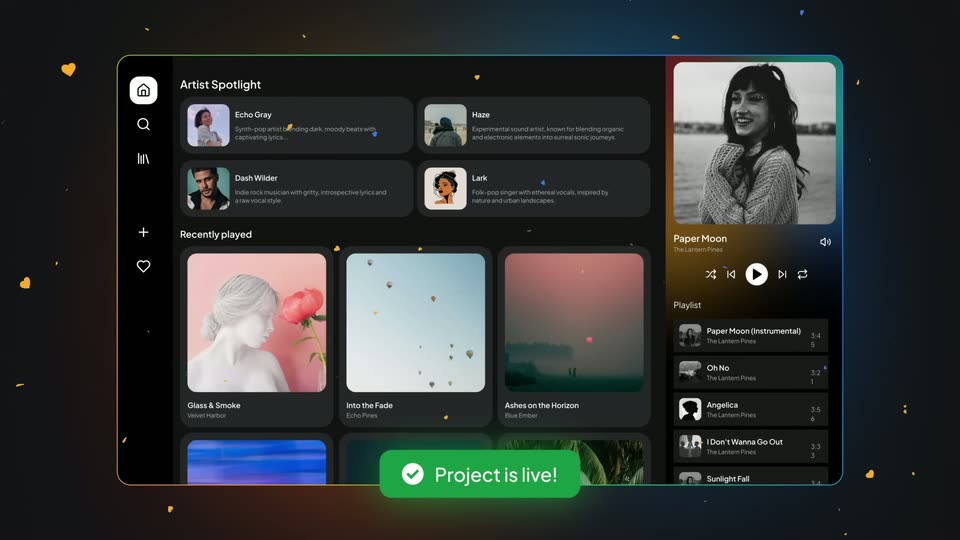 1:12–1:15Lovable · Lovable – An AI Full-Stack EngineerA close-up of a dark music app dashboard pulls back to reveal the full interface as a 3D mockup with a rounded frame, while yellow confetti and heart shapes drift across the screen. A green 'Project is live!' pill anchors the bottom.
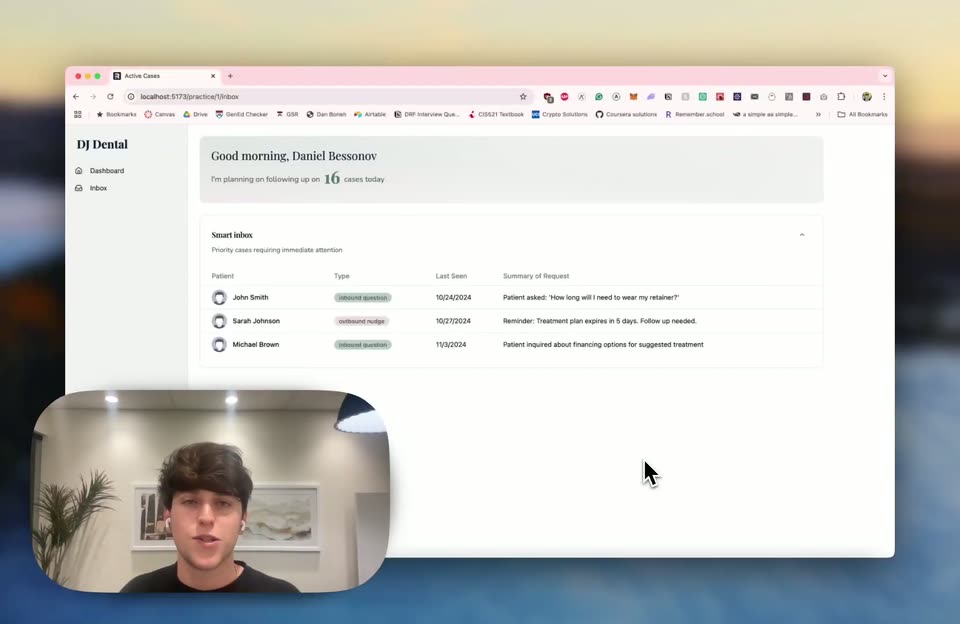 0:57–1:20Avora · ShowAndTell: AI agents for dental patient operationsA close-up of a draft-response panel zooms out to reveal the full DJ Dental inbox in a browser window, with a young man talking in a rounded webcam overlay at the bottom left. A cursor scrolls the letter, highlights lines, then closes the panel.
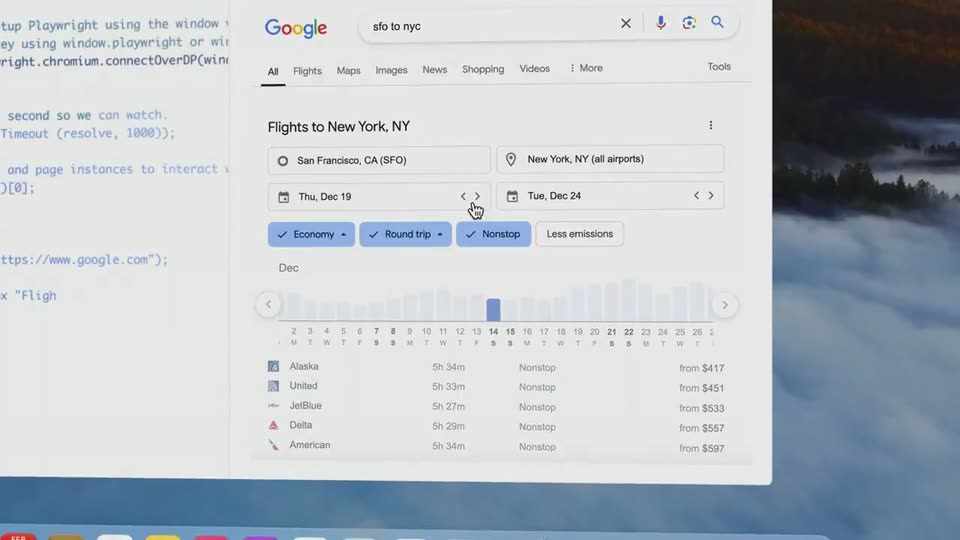 0:47–0:48Browserbase · Browserbase - What will you 🅱️uild?Google flights results card over a blurred backdrop of code and misty forest. A cursor clicks the back arrow on the departure date, rolling it from Dec 20 to Dec 19, and the price bar chart and airline list refresh. The view zooms in on the card.
 0:53–0:54Pitch · Pitch - Pitch is now more than just presentation software — it’s a complete pA purple gradient fills the frame while a blurred, light-purple interface panel scales up from the center. A sharp black-and-white cursor arrow sits at the panel's lower right, staying fixed as the panel grows.
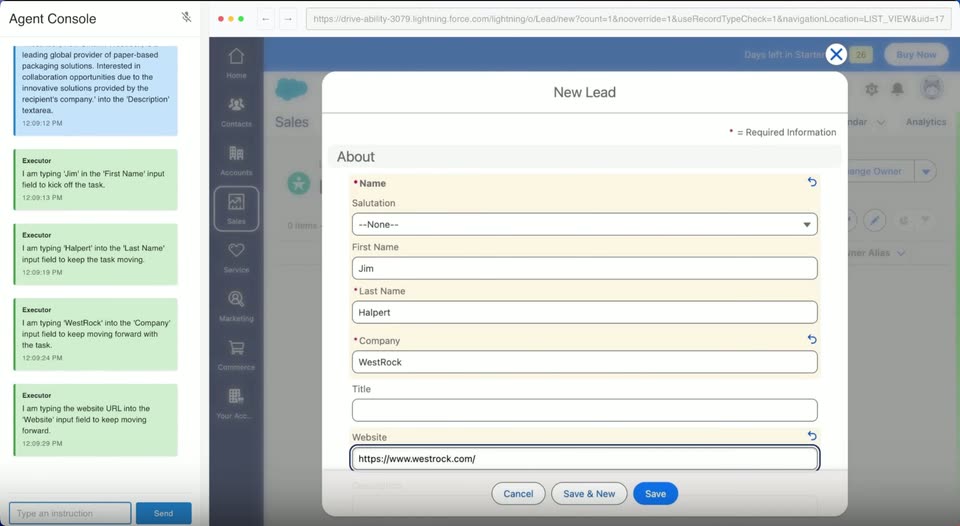 1:32–2:23Kura AI · Kura CRM demoA split screen shows an Agent Console chat log on the left, its colored message cards scrolling as new entries appear, beside a Salesforce New Lead form on the right. Form fields fill in sequence with typed text. The view then zooms into the Description field and Save button.
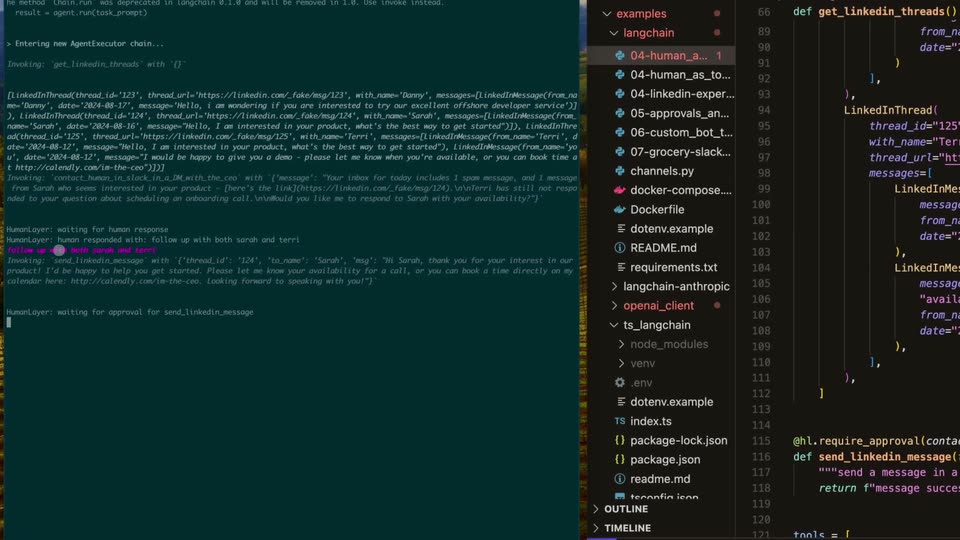 1:54–1:59HumanLayer · HumanLayer Deep DiveA code editor fills the frame, split into a terminal log left and a Python file right showing the send_linkedin_message function. The terminal prints LinkedIn thread data and a 'waiting for human response' line as the view zooms in. A step badge at the bottom counts from 2 to 4.
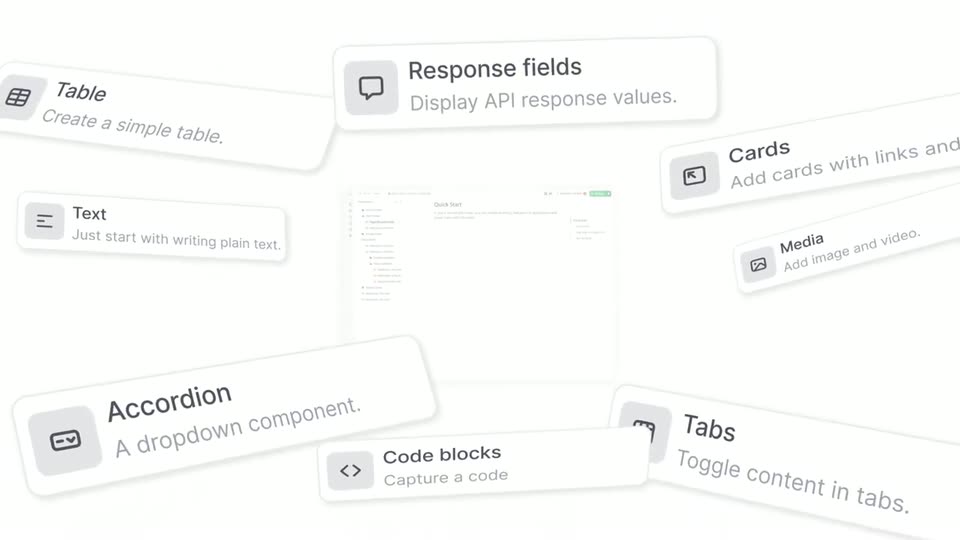 0:26–0:29Mintlify · Mintlify - Introducing our new Web Editor! You can now create, edit, and publisA 3D perspective shows a documentation page at the center, ringed by tilted white cards labeled with component names. The camera pushes in, the central page sharpens to reveal a green video block, and the outer cards drift past the frame edges.
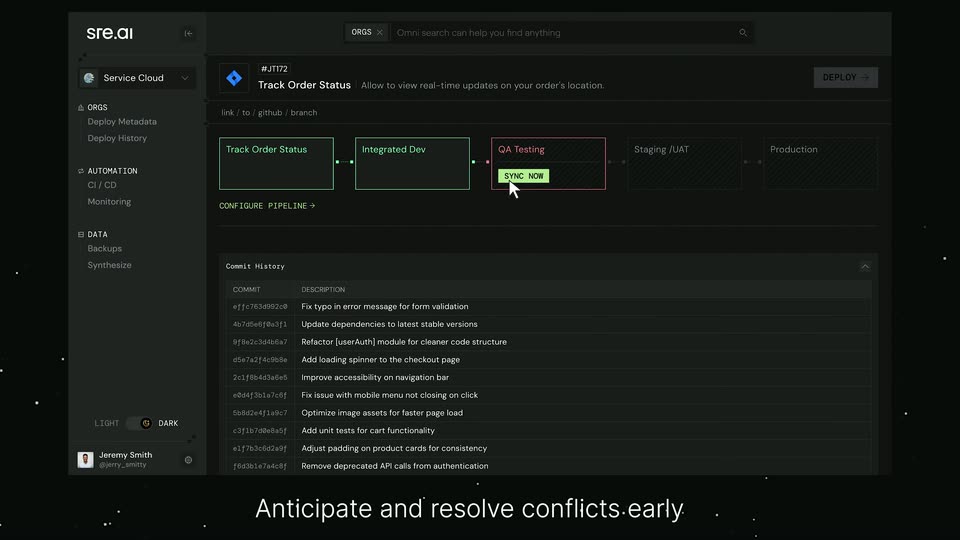 1:06–1:09Laminar · SRE.ai - AI Agents for Salesforce DevOpsDark SRE dashboard shows a ticket with a five-stage pipeline and a commit history table. A cursor moves to the SYNC NOW button under QA Testing, then the view zooms into a code diff with conflict markers and an AUTO RESOLVE panel.
 1:01–1:02StoreTrack · Product Explainer Video for SaaS | StoreTrack | ZeliosA blue pill button with a bookmark icon and the label Save Location sits centered on a plain light background. The button scales up to fill the frame while a cursor arrow tracks along its lower-right edge.
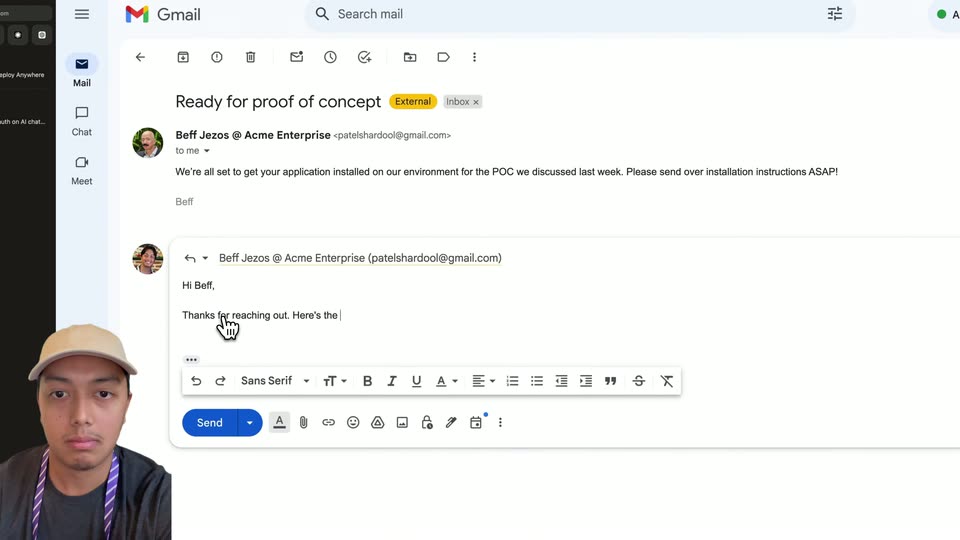 0:56–1:05Ryvn · Ryvn | On-prem deployments, without the stressA Gmail thread fills the screen as the frame tightens, with a small webcam feed of the presenter in the lower left. The cursor clicks Reply, types a message with an installation link, and clicks Send, posting the reply into the thread.
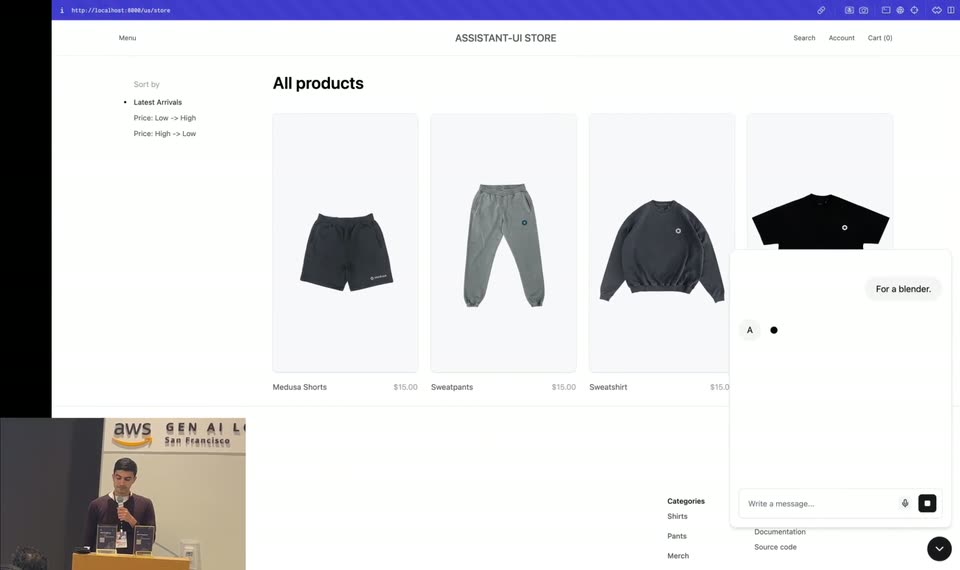 3:15–3:17assistant-ui · assistant-ui | AWS GenAI Loft DemoA browser window shows the ASSISTANT-UI STORE product grid. A chat widget in the corner opens and a cursor types a message. A small inset in the lower left shows a man speaking on stage. A dark caption reads the typed query.
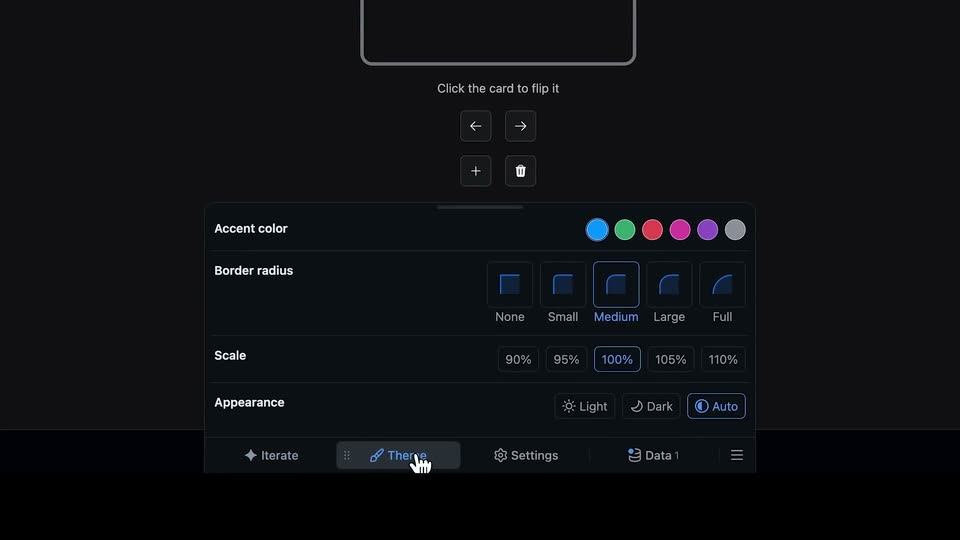 0:57–0:59GitHub · What is GitHub Spark? Introducing a brand new way to build powerful, AI assisted applicationsA dark app interface shows a flashcard preview above a control bar; a cursor clicks Theme and a settings panel drops open with rows for accent color, border radius, scale and appearance, the view reframes onto the panel, and the cursor moves to Auto.
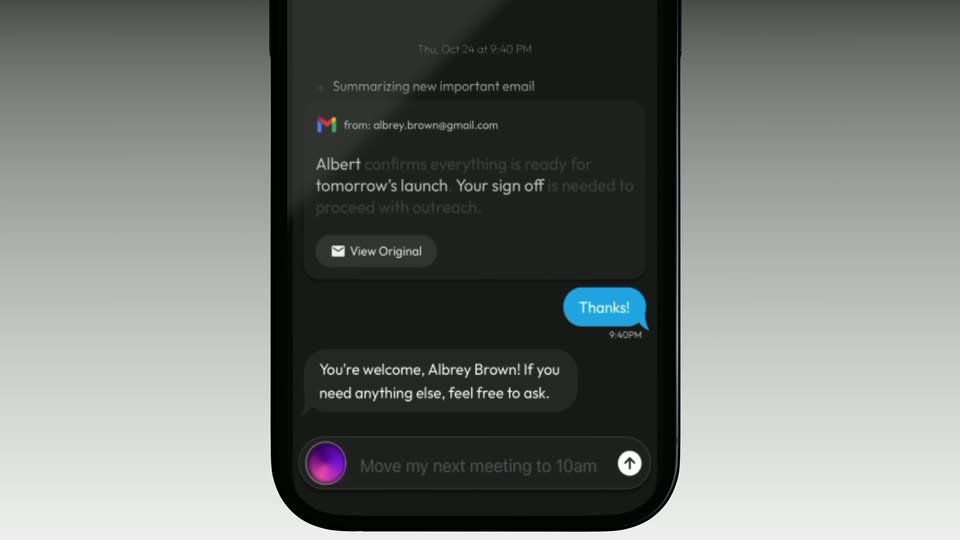 0:37–0:42Doublezero · Introducing Ceejay, your personal assistant for work.A phone in 3D perspective displays a dark email summary card. The word Thanks is typed into the input bar, sent as a blue chat bubble, then a gray reply bubble appears below. The frame tightens on the screen.
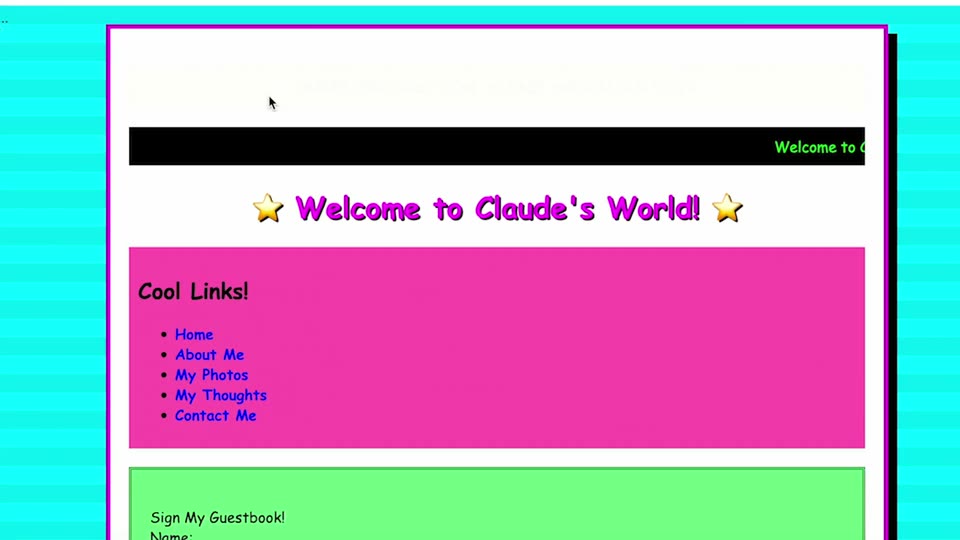 2:46–2:47Anthropic · Claude | Computer use for codingA close-up of a bright retro webpage with a yellow under-construction banner, a magenta welcome title and pink link box. The view pulls back to reveal the page inside a Chrome browser window on a striped desktop, the macOS dock visible below.
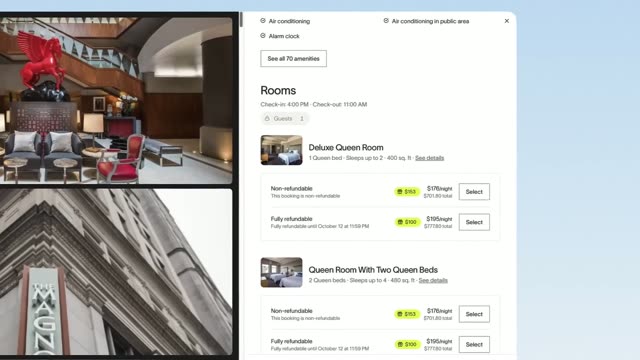 1:05–1:09Ramp · Meet Ramp: A smart finance operations platform that saves you time and moneyA tilted laptop mockup in 3D perspective shows a hotel booking screen with room photos and a rates list on the right. The view zooms in to flatten the interface, then crossfades to a Dallas Conference budget panel where a cursor appears.
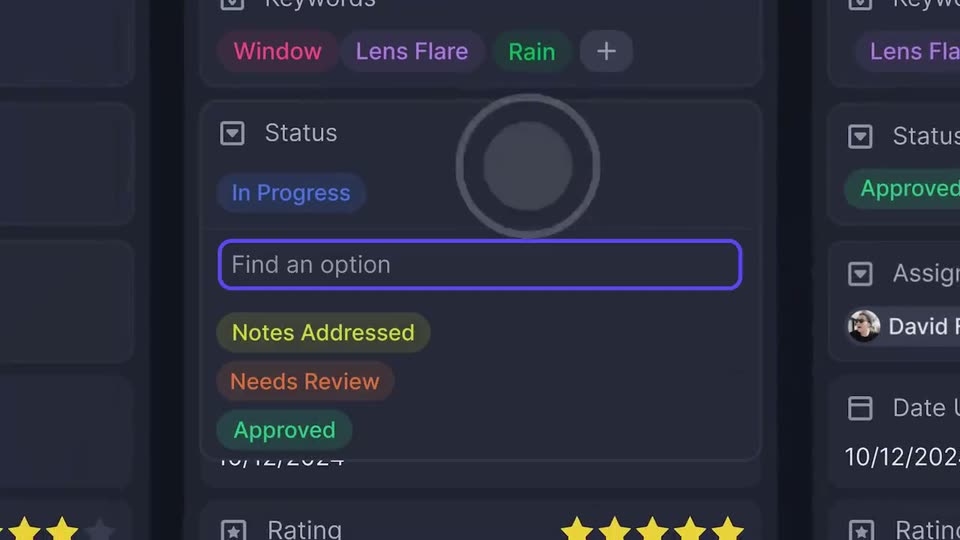 0:17–0:18Frame.io · Frame.io - Move creative projects forward faster with Version 4.A dark user interface displays a kanban board with columns and tags. A modal window appears in the center, featuring a text input field and a list of status options with colored pills.
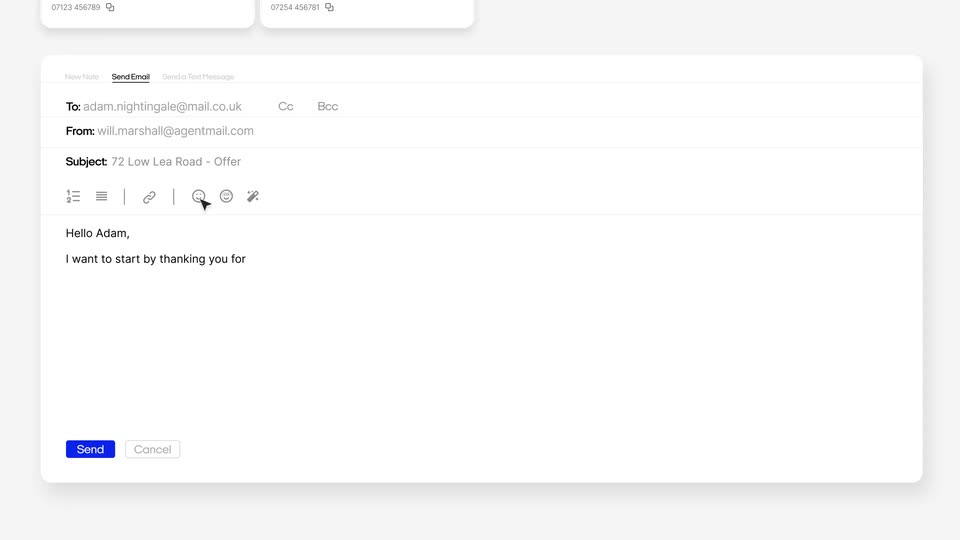 0:29–0:36Street · Street.co.uk - Street AIA white email draft types itself out under a subject line. The view zooms to the toolbar as a cursor clicks a wand icon, raising a blue Make friendlier tooltip. The draft rewrites in a warmer tone, then the cursor moves to the Send button.
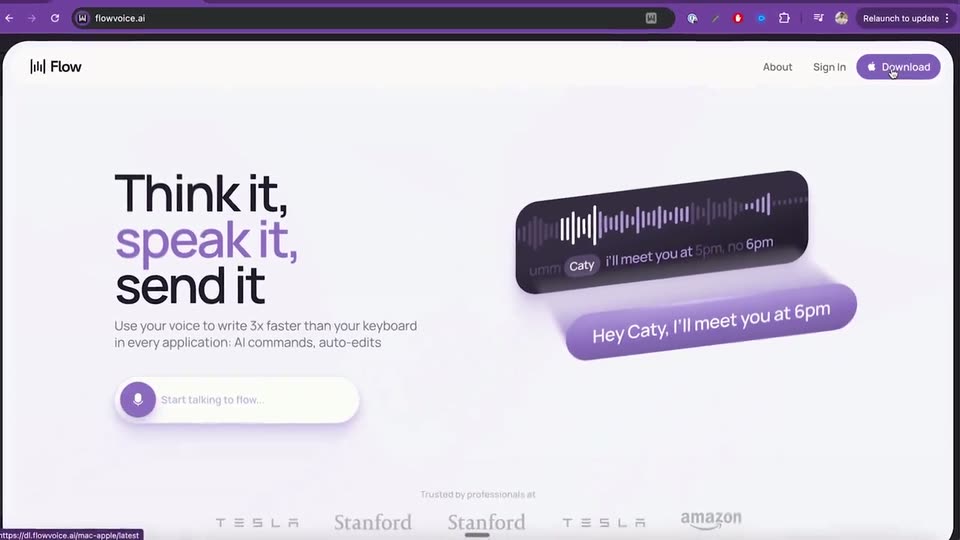 1:08–1:12Wispr Flow · Wispr Flow - Today, we’re excited to announce Wispr Flow 🚀 Just speak, and FlowA browser window starts zoomed on the nav bar with a cursor on the purple Download button, then pulls back to the full Flow landing page: headline, a dark voice-waveform card and a purple reply pill. A small feed of a man in a gray hoodie sits bottom-right.
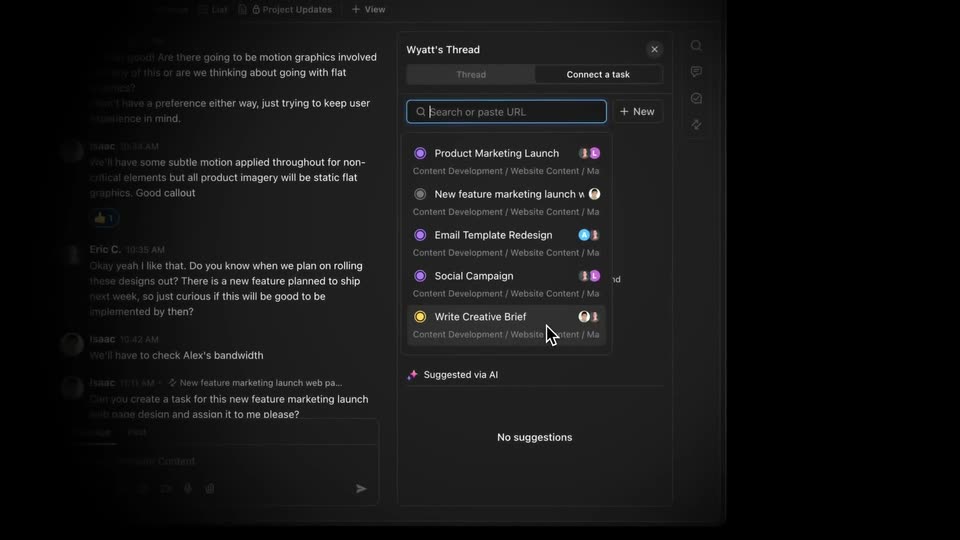 0:55–1:01ClickUp · Introducing ClickUp ChatIn a dark chat interface, a cursor clicks a toolbar icon and a Connect a task panel opens beside the thread. The view then zooms into the panel as a list of tasks fills in and the cursor moves down it.
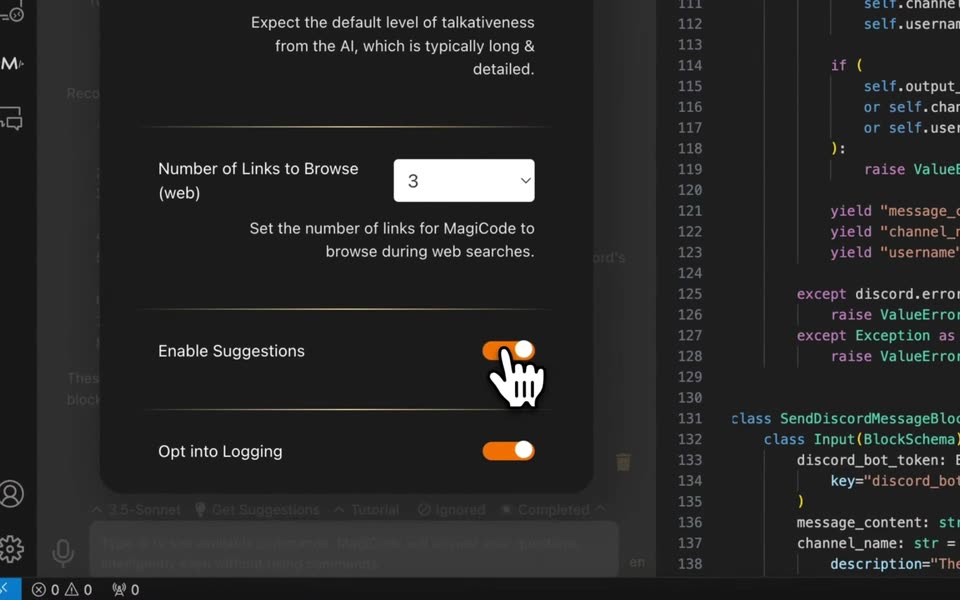 1:26–1:28MagiCode · MagiCode: Your Proactive Pair ProgrammerA dark code editor pairs a settings panel on the left with Python code on the right. A white hand cursor moves down the panel past a dropdown and two toggles as the view reframes from a tight crop to the full window over a blurred backdrop.
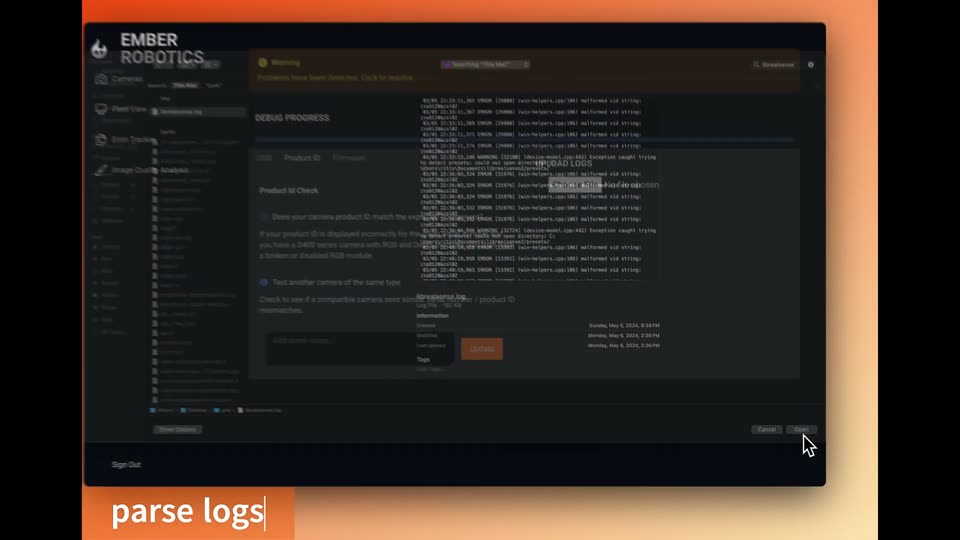 0:27–0:28Ember Robotics · 🔥 Introducing Ember Assistant 🔥- Robotics Camera System Assistant!A dark log viewer with a left file tree and a log panel; a file dialog for Breadcrumbs.log overlays it as the cursor moves to the Open button. The frame reframes from a tight blurred crop to the full window. An orange 'parse logs' caption sits bottom left.
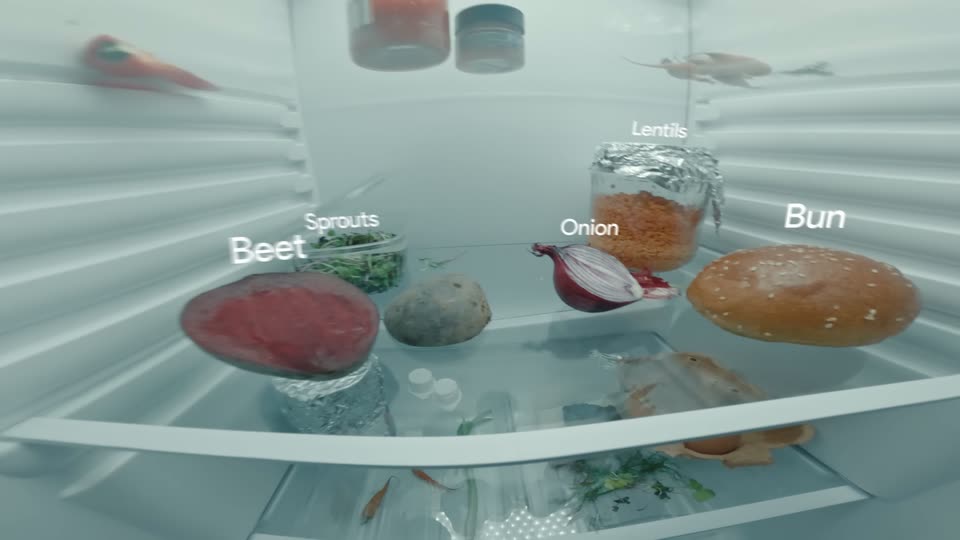 1:02–1:04Google · Meet Google Pixel 9 and Pixel 9 Pro With Gemini | The Best of Google AIA 3D fridge interior filled with ingredients and floating white labels zooms out fast, blurring, to reveal the whole scene is a small image on a phone held in a hand.
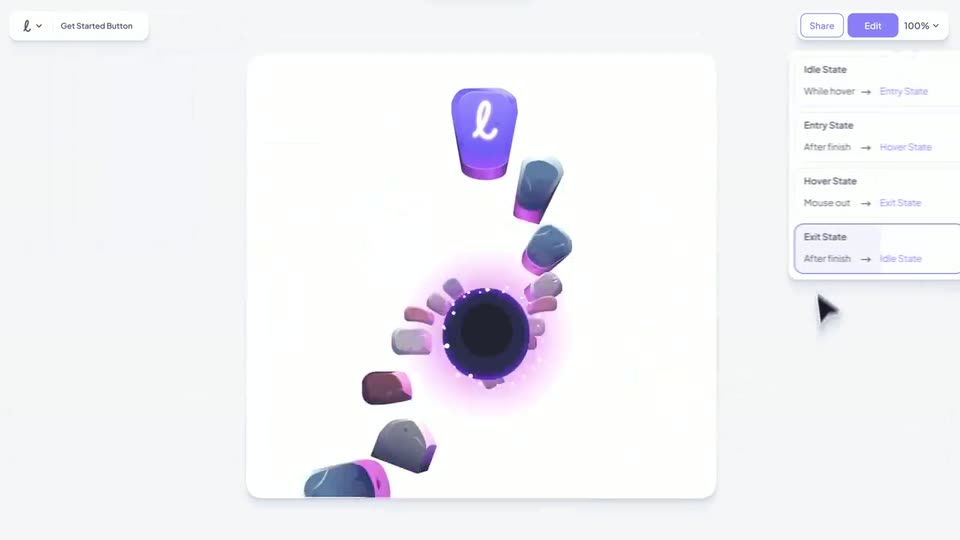 0:38–0:39Lottielab · Lottielab - Interactivity is now live on Lottielab. 📣A 3D fitness dial of colored buttons tilts in the canvas, then the view reframes to a flat white card holding a purple 3D logo button and a small Get started button. The center elements fade out, then a large purple Get started button rises from the bottom edge while a state list panel stays fixed on the right.
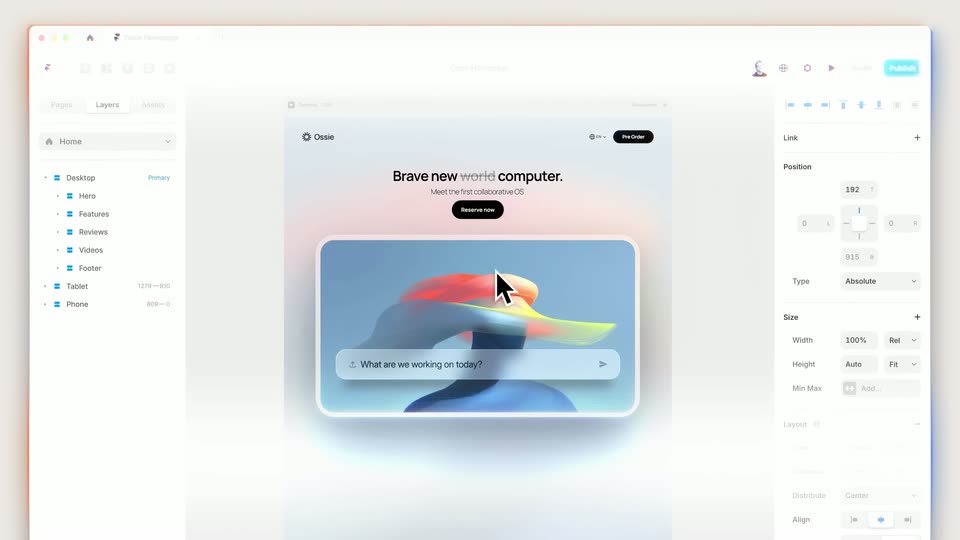 0:35–0:36Framer · Framer Design: Design on an intuitive CanvasA design-tool interface shows an Ossie Homepage mockup: a hero with the headline “Brave new world computer.” and a 3D image of hands over a search bar. The frame starts blurred and wide, then zooms in and sharpens; layer and property panels flank the canvas.
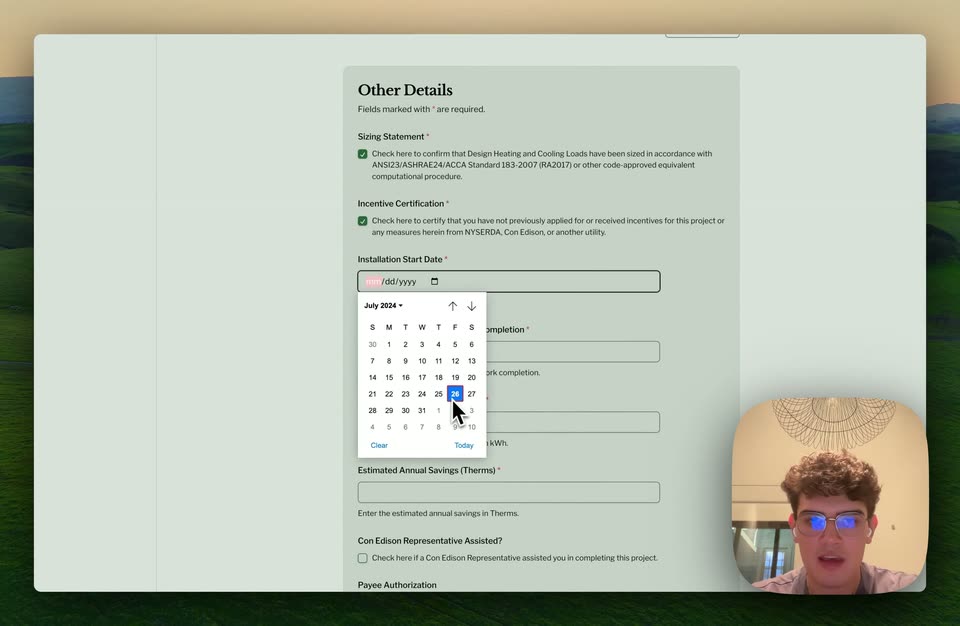 1:00–1:30RetroFix · RetroFix Product DemoA RetroFix form fills in step by step: the view zooms onto the “Fill with AI” button, then a cursor types values and selects options across screens. A small webcam of the presenter sits bottom right over a blurred landscape.
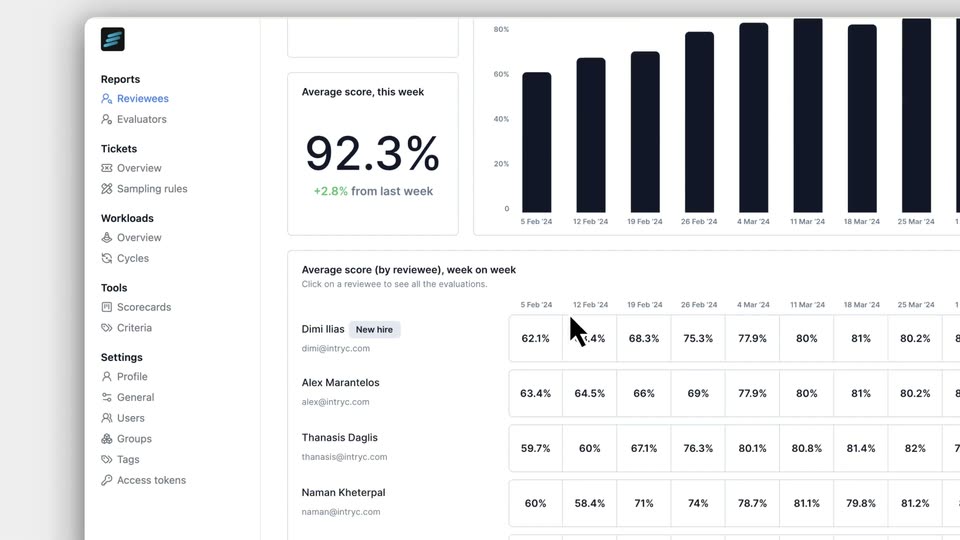 0:55–1:00Intryc · Intryc YC Launch videoA flat dashboard interface fills the frame as the camera zooms in and a cursor clicks through the left sidebar, swapping the reviewee score cards and bar chart for evaluator metrics.
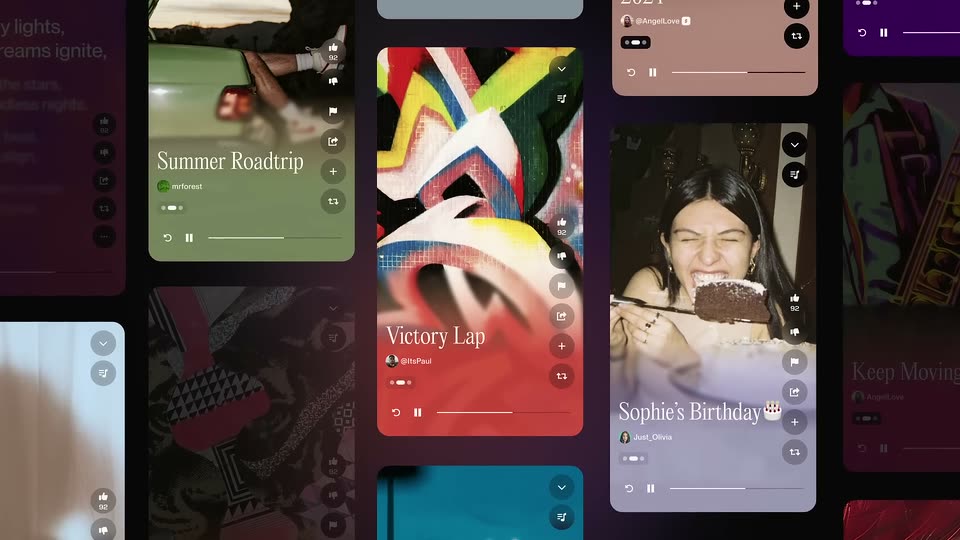 0:18–0:20Suno · Suno iOS App is Here! Make any song you can imagineA grid of story cards fills the frame on a dark purple background, then the view zooms into the central Victory Lap card, enlarging it while the surrounding cards recede.
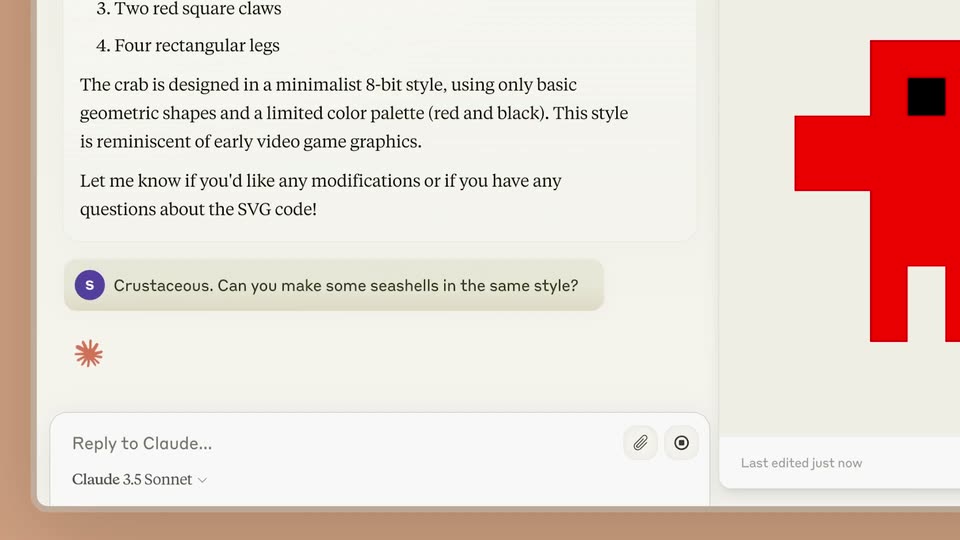 0:13–0:22Anthropic · Claude 3.5 Sonnet for sparking creativityA cream chat interface on a peach backdrop displays a red 8-bit crab in a side panel. The frame zooms into the chat column as a new prompt is typed in the input field and an AI reply streams in with a generating card.
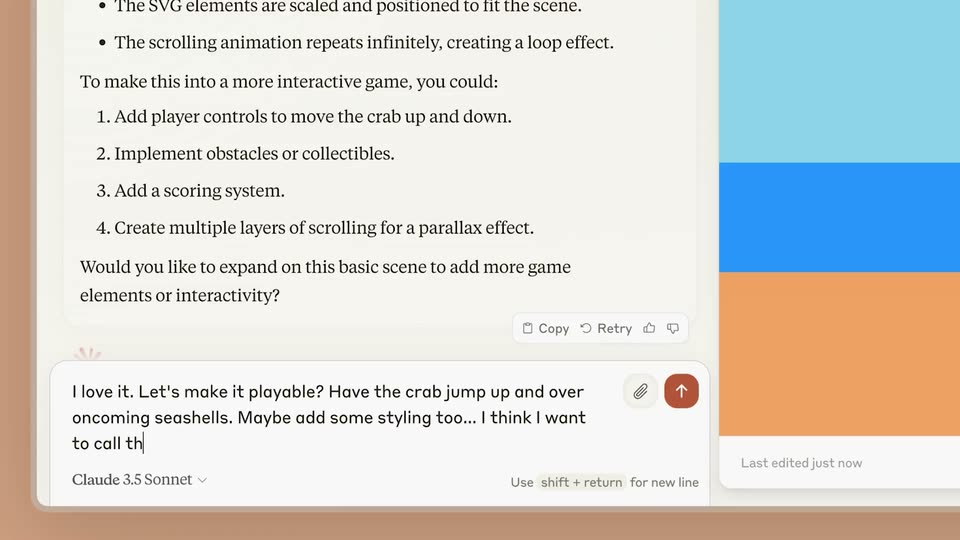 0:45–1:02Anthropic · Anthropic - We're also launching a preview of Artifacts on You can ask Claude toA chat interface splits the screen with an 8-bit beach game preview. The conversation scrolls while a prompt is typed into the reply box; pixel clouds and a red crab drift across the game. The view zooms into the chat as the message sends and a reply begins.
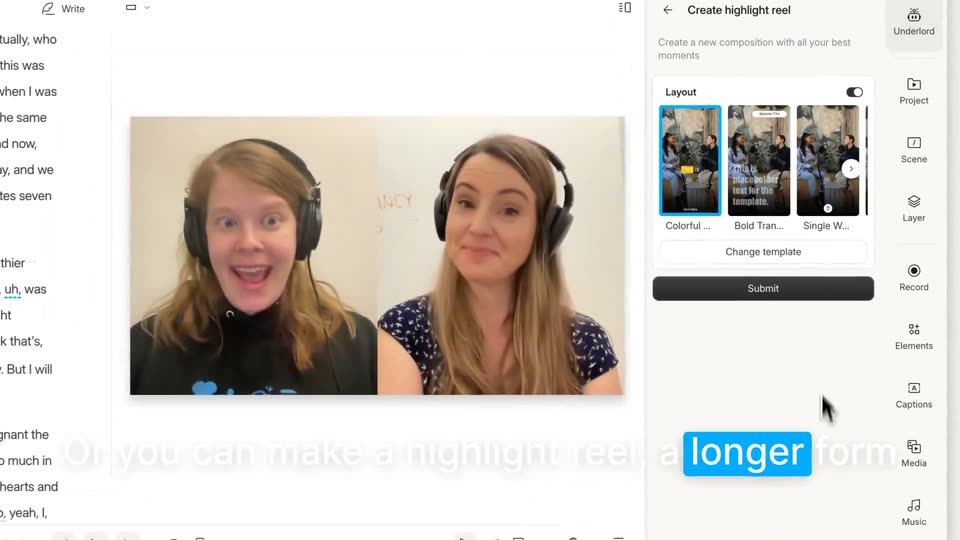 2:31–2:32Descript · Descript - Today, we're launching Descript's new AI assistant editor, Underlord.The view opens on a close-up of a video editor's timeline, then zooms out to show the full interface: a preview of two women wearing headphones, a waveform track, and a right-hand panel. A white caption line at the bottom highlights each spoken word in a blue box.
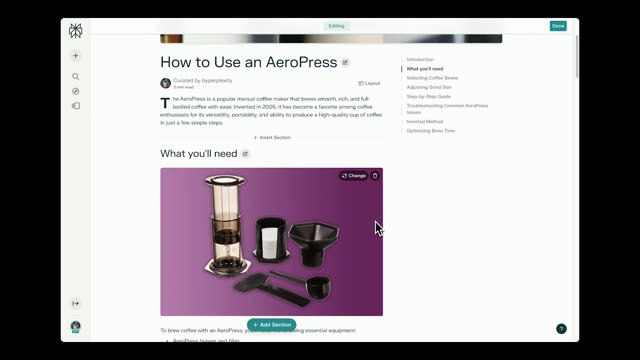 0:41–0:43Perplexity · Introducing Perplexity PagesA white document editor on a black background scrolls through an AeroPress how-to page, then zooms into a paragraph as a cursor hovers over a dark pill labeled Custom Instructions.
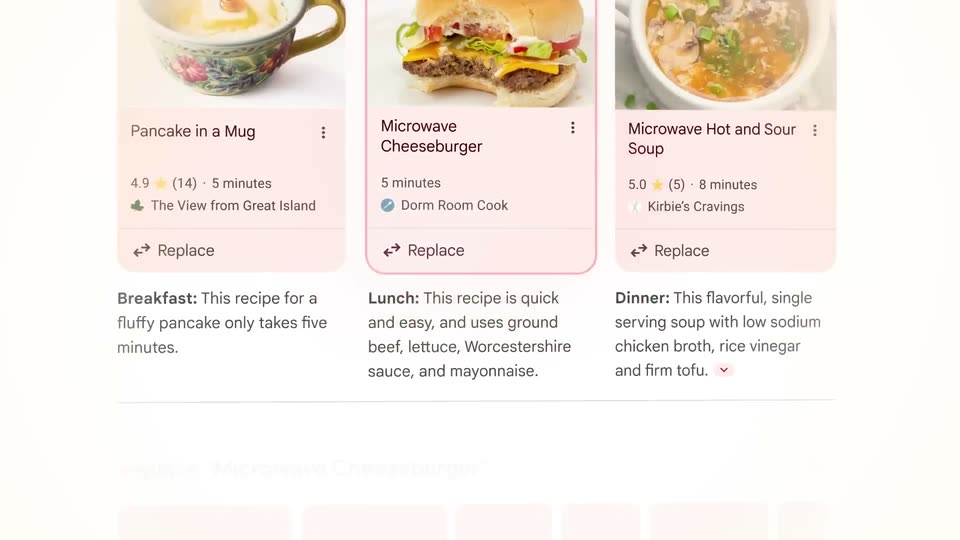 0:39–0:40Google · Search in the Gemini era | Google I/O 2024A meal-planning UI shows three recipe cards with ratings and Replace buttons. The view reframes as a search panel labeled Replace 'Microwave Cheeseburger' opens below, with a query field, filter chips, and a result list loading behind gray placeholder cards.
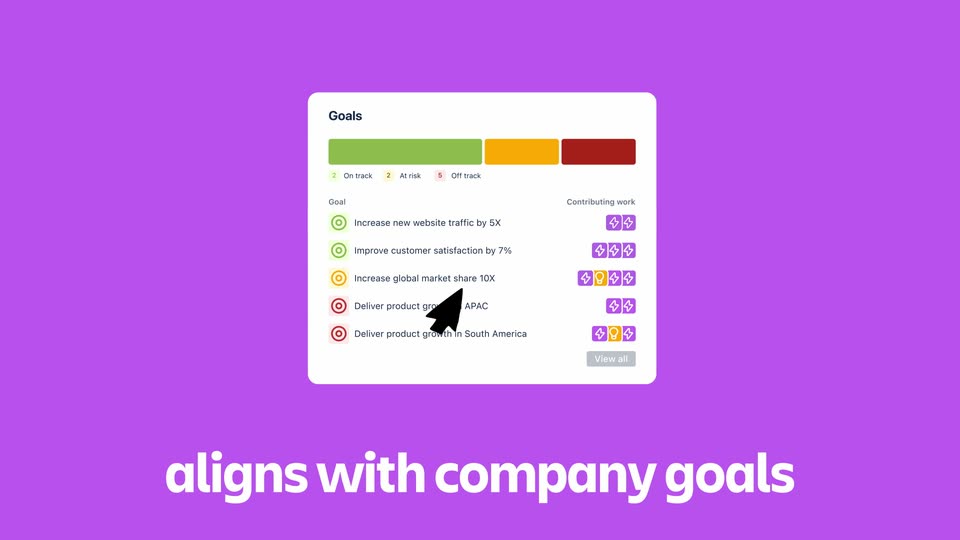 0:55–0:58Atlassian · Welcome to the next era of Jira - Inside AtlassianA purple project dashboard zooms into the Goals panel, dimming the rest of the screen. A yellow cursor points at the first goal row, which lights up with a white bar and a small black burst, while the caption aligns with company goals appears at the bottom.
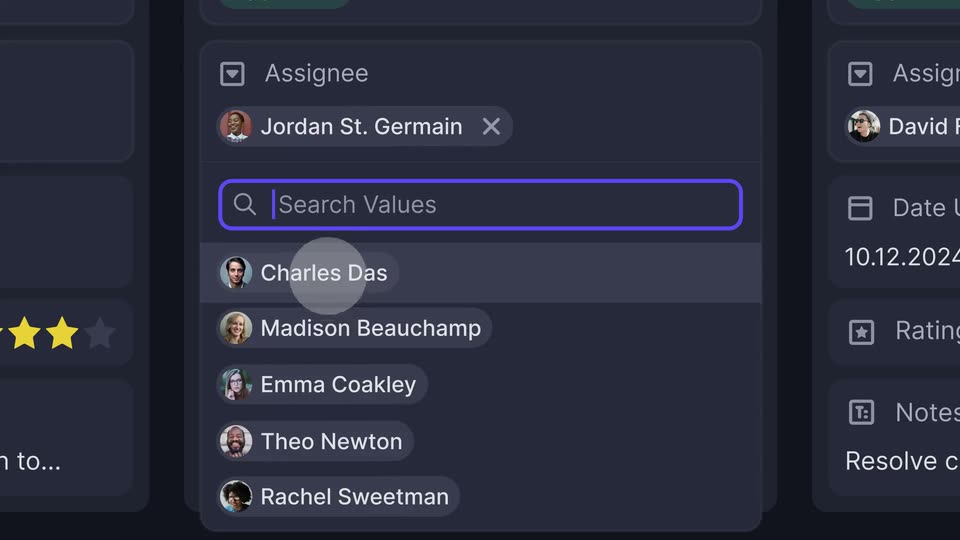 0:28–0:32Frame.io · Frame.io - It's here. The all-new Version 4. Now in beta.A dark media-management UI opens on a field-settings panel over a grid of graded video thumbnails. The frame tightens onto one asset card; a cursor opens the Status dropdown and the Assignee search field. The clip ends on a black screen with a partial caption.
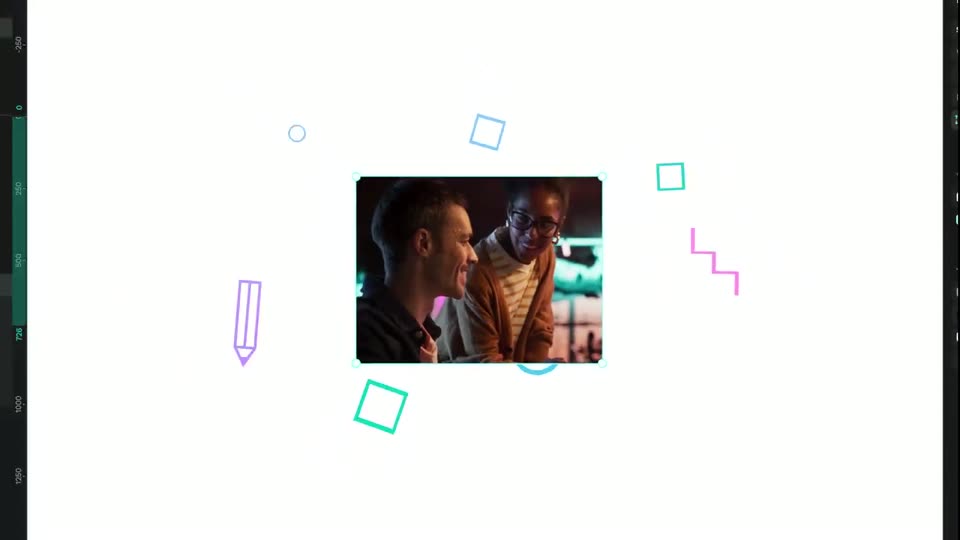 1:12–1:13Penpot · Penpot - 💥 Penpot 2.0 is now available! Explore & enjoy the unique featurA white canvas holds a selected photo of two smiling people, framed by outlined shapes: a blue circle, teal and blue squares, a purple pencil, and a pink zigzag. The photo scales down, then the view pulls back to reveal the full Penpot interface with left and right panels.
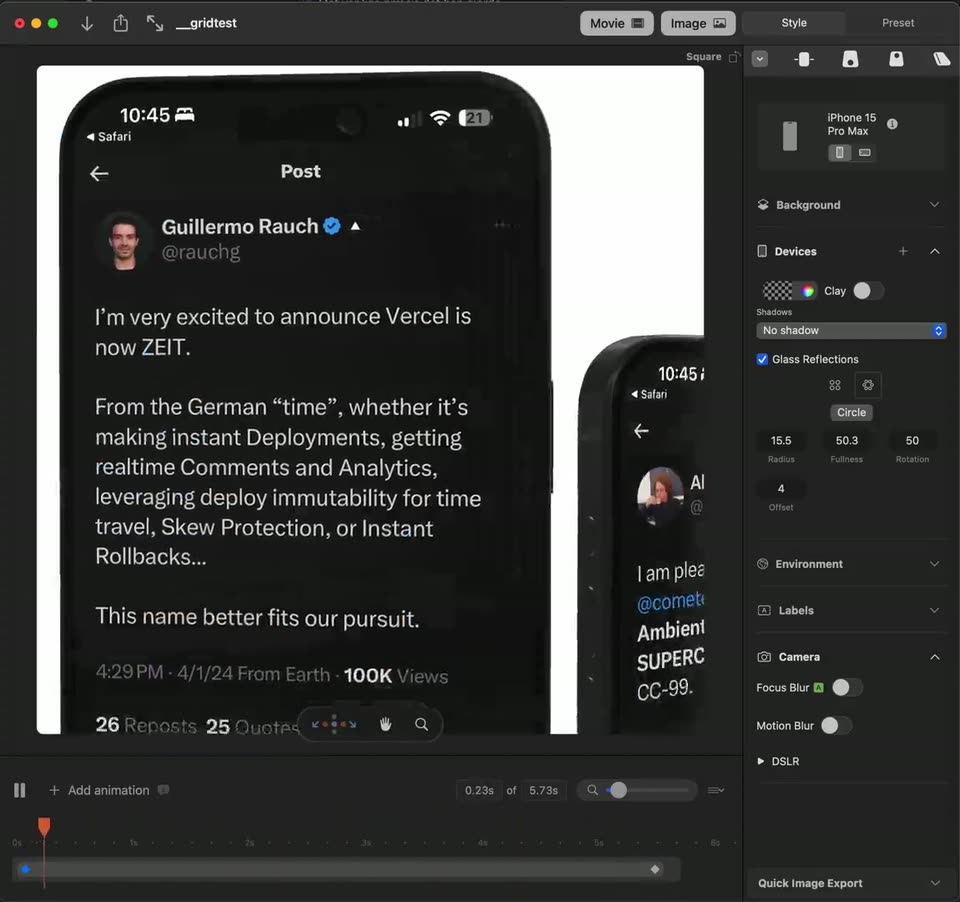 0:31–0:34Rotato · Morten from Rotato - Circles, half circles and grids rolling out to beta users soon:A dark mockup app window shows an iPhone mockup whose screen cycles through breaking-news posts. The canvas then pans and zooms out to reveal a second phone beside it, while a cursor scrubs the timeline at the bottom.
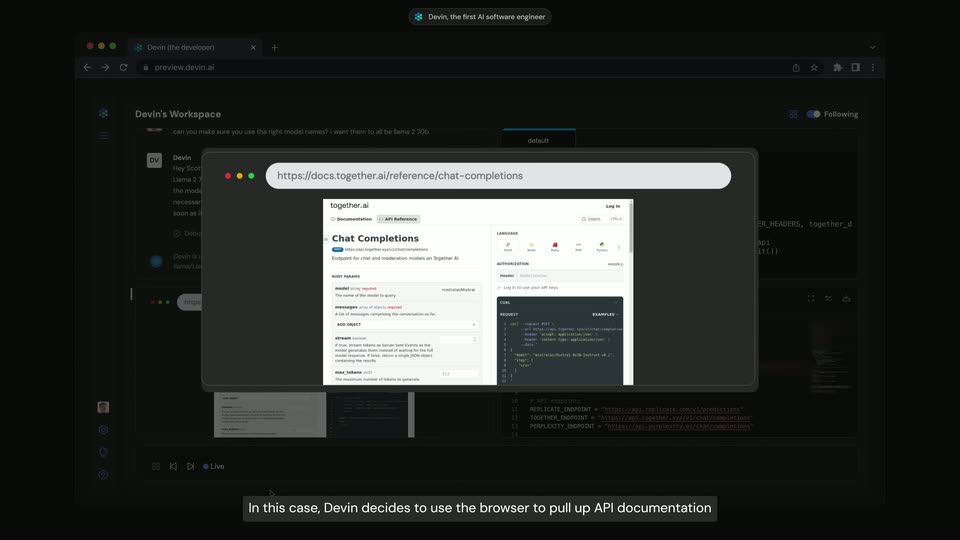 0:40–0:50Cognition · Introducing Devin, the first AI software engineerA browser window floats in the center of the Dev.ai workspace, cycling through API documentation pages for Replicate, Perplexity and Together as the address bar and content swap. The window then shrinks, reframing the view onto the chat and code panes.
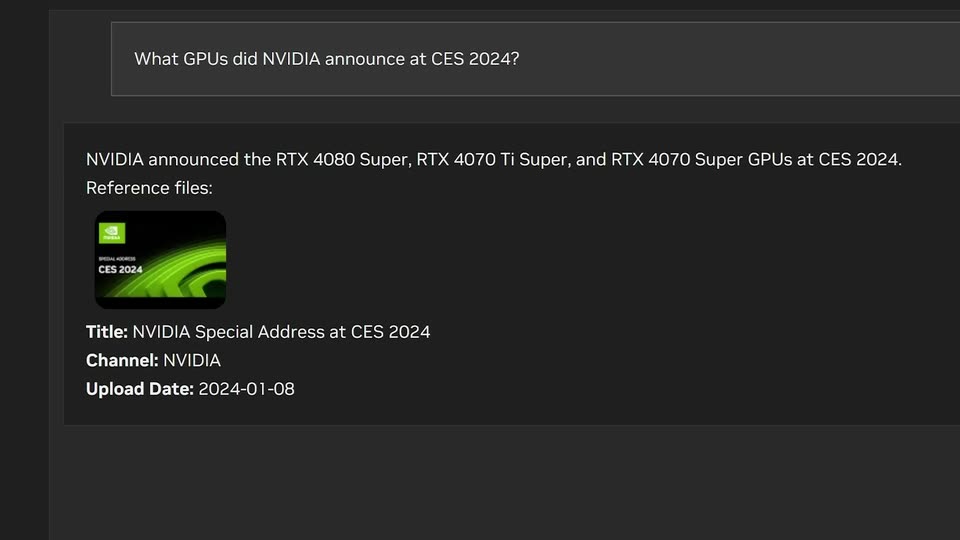 0:34–0:42NVIDIA · Create A Personalized AI Chatbot with Chat With RTXA dark chat interface types the question “What GPUs did NVIDIA announce at CES 2024?” into the input bar, then zooms out as the answer types in and a reference card with a green thumbnail appears, ending on black with light streaks.
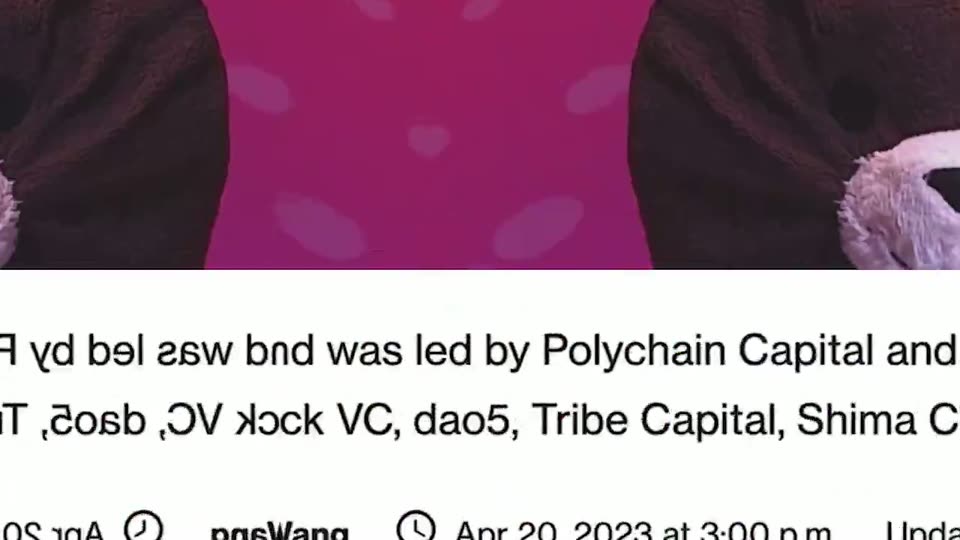 0:41 · 0.5sBerachain · Berachain Foundation 🐻⛓ - Berachain’s Public Testnet "Artio" is now live. The March of the BerA translucent Latest Transactions panel sits over live-action footage of a costumed mascot. The panel scales up to fill the frame, resolving into a dark title card where the product name and URL slide in.
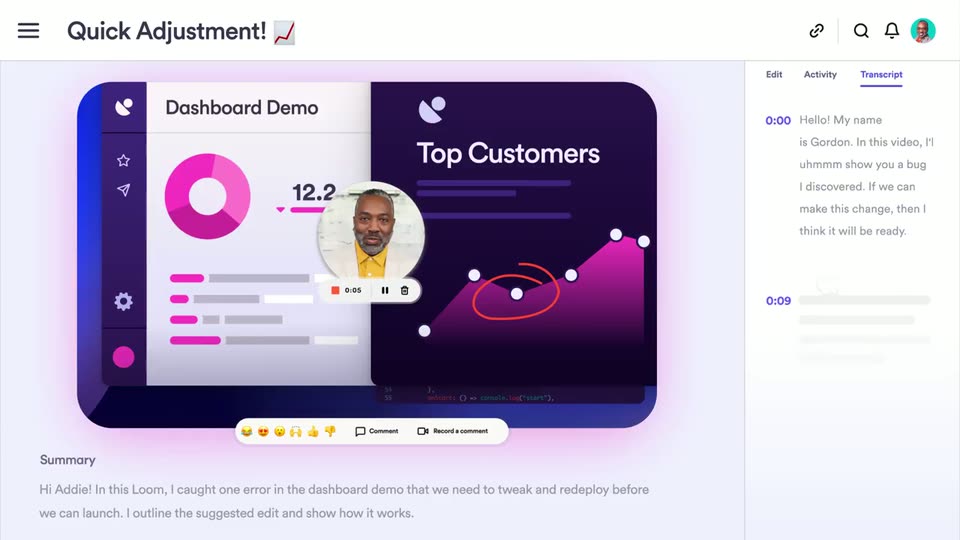 0:26–0:28Loom · Loom - It’s a new year — and it’s easier than ever to embrace new ways of woThe Loom interface opens on a tilted dashboard mockup beside a transcript panel, a hand cursor tapping the Transcript tab. The view then pans and zooms right, framing the transcript where the filler word umhhm is boxed in purple.
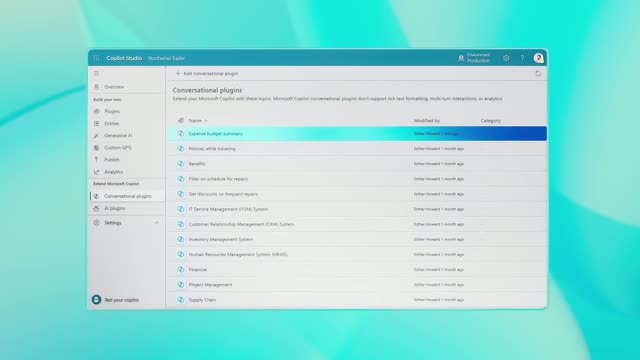 0:44–0:47Microsoft · Introducing Microsoft Copilot Studio | Your Copilot, Your WayThe Copilot Studio conversational plugins page sits on a soft cyan gradient, one row highlighted in blue. The view pulls back slightly, then zooms in and drifts right, reframing from the full window onto the right-hand columns of the plugin table.
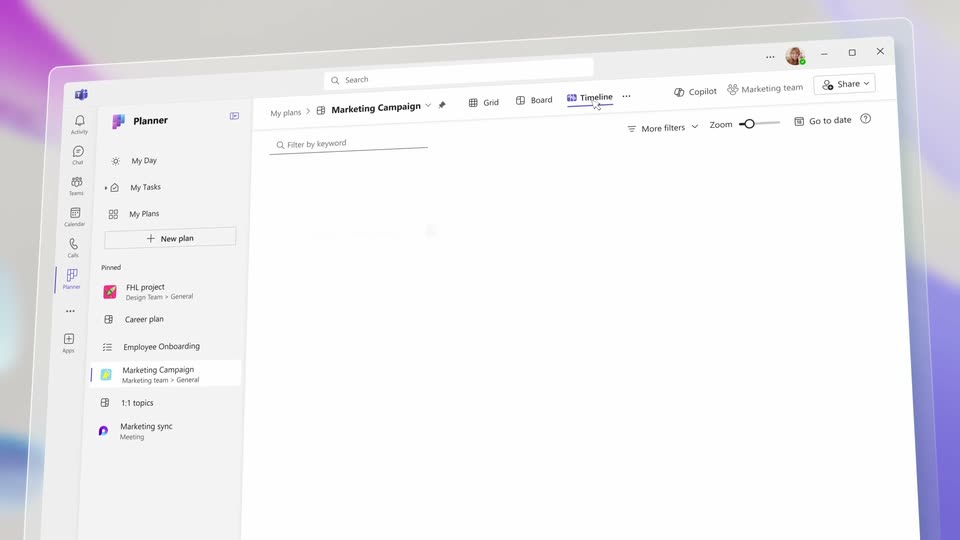 1:02–1:09Microsoft · The new Microsoft Planner: Manage all your tasks and plans in one simple, familiar experienceA tilted Planner window floats over a blurred gradient. The shot opens close on the plan list, then pulls back to the full window. A cursor selects a plan and clicks the view tabs, the grid animating into board columns and then into a timeline of blue bars.
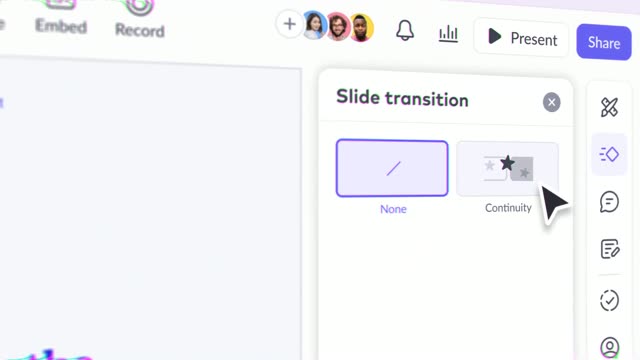 0:52–0:56Pitch · Introducing Pitch 2.0A presentation editor shows a slide with a bicycle photo and blue serif copy. A cursor picks an enter animation, then the view reframes onto the Slide transition panel as the cursor selects Continuity, ending on a magnified star-in-brackets icon over a blurred thumbnail.
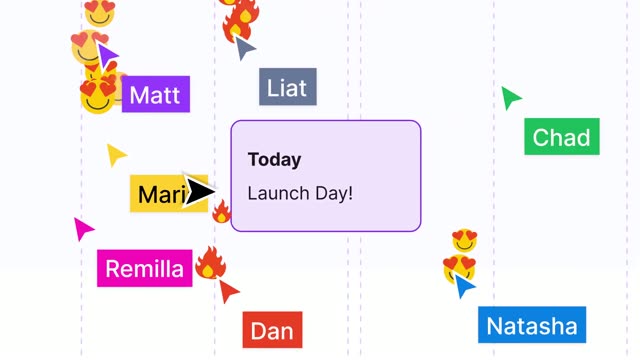 0:42–0:48Figma · Introducing FigJam AIA hand-drawn LAUNCH PLAN! title sits above a timeline board of October and November task cards. The camera pans right as colored name tags with cursors pop in, then zooms onto a Today Launch Day! card as fire and heart-eyes emojis burst out, ending with a rocket and thumbs-up.
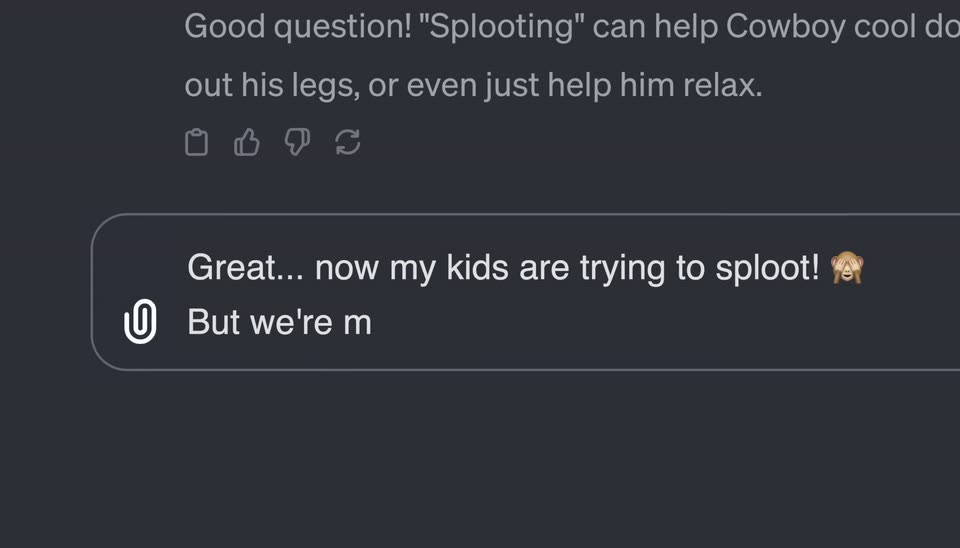 0:47–0:51OpenAI · Introducing GPTs in ChatGPTA dark chat screen shows a post above a rounded input field. A reply types itself into the field, the box expanding to two lines with emojis, while the frame slowly zooms in on the message.
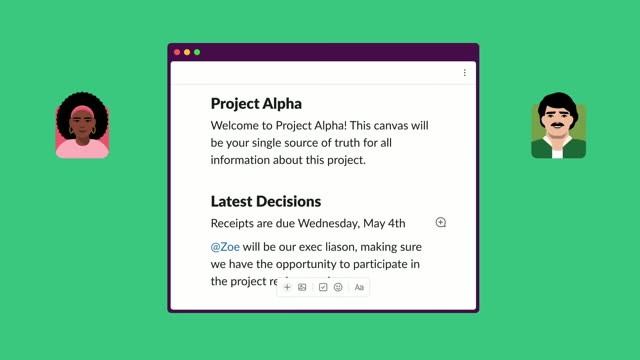 0:48–1:07Slack · Introducing canvas | A new surface to share and organize knowledge | SlackA flat browser window on green: cursors drop a video and two plant images into the canvas, then link cards fly in. The page scrolls past checklists, a cursor types a welcome line, and teammate avatars pop in around the window.
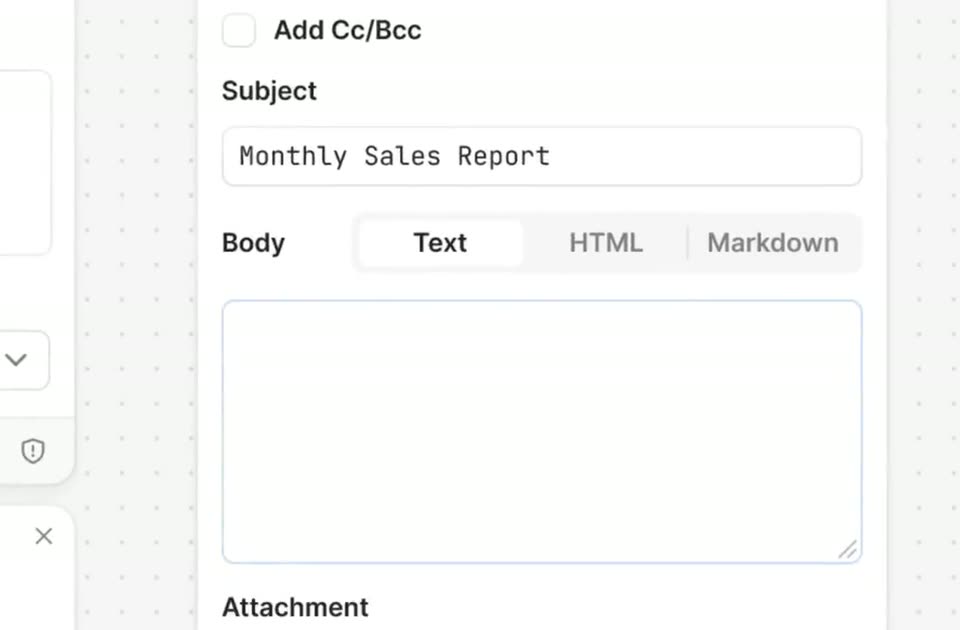 0:29–0:32Retool · Retool - Say hello to the fusion of visual programming, code, and AI. RetoolA white email node panel crossfades into a tighter crop on the Body field. A blinking caret sits in the empty box, then a sentence ending in a green template variable is typed in while a hand cursor hovers at the right.