UI zoom
A zoom or reframe onto one part of the interface.
9,937 scenes · page 139 of 166
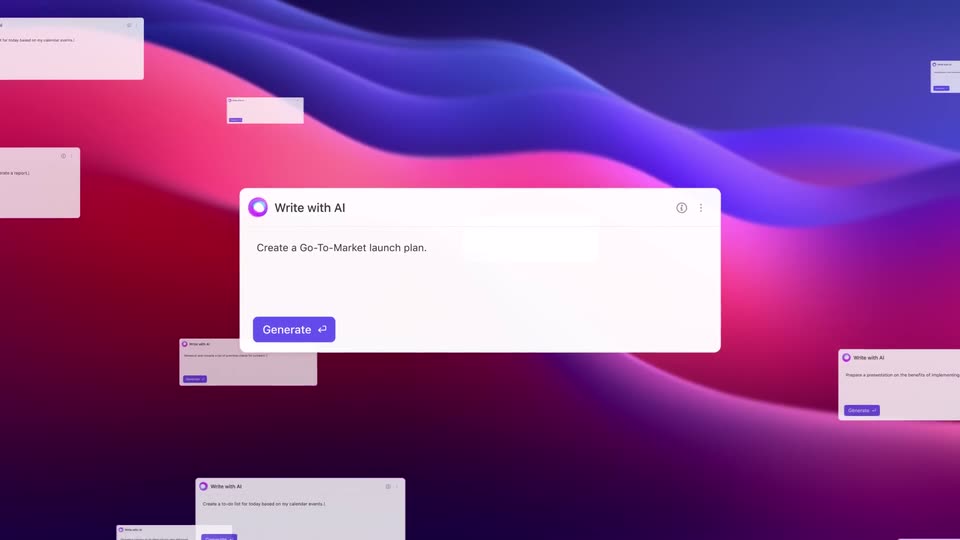 1:44–1:48ClickUp · Introducing ClickUp AIA white 'Write with AI' card floats over a flowing pink and blue wave as the prompt 'Create a Go-To-Market launch plan.' types in. Copies of the card multiply and drift at different depths, then the view pulls back into a grid that dissolves to the ClickUp logo on black.
 1:30 · 0.8sNotion · Welcome to Notion ProjectsA close-up of a light toolbar pans right, sliding truncated tab labels and icon buttons across the frame while a blurred live-action office scene shows through the top bar.
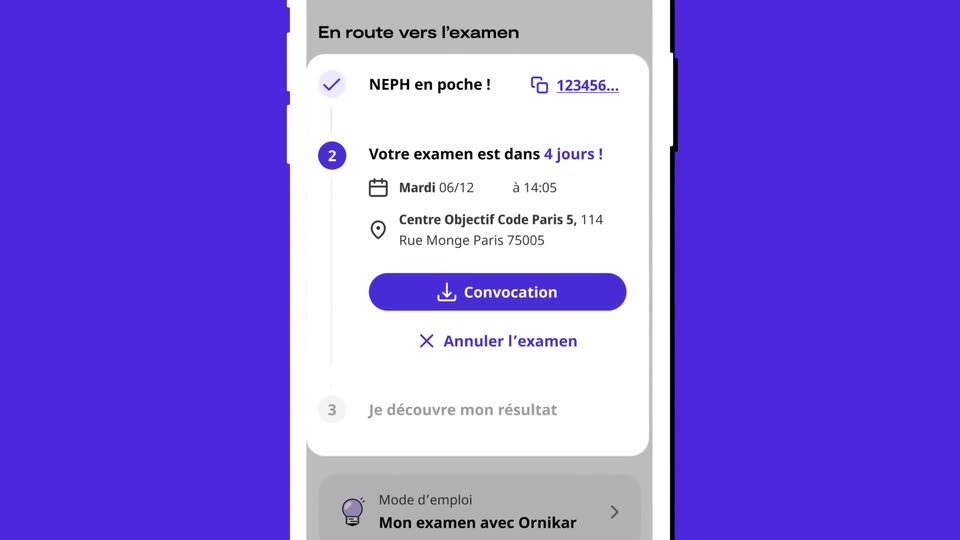 2:09–2:12Ornikar · Le PERMIS avec ORNIKAR : comment ça marche ?A flat phone mockup on a violet field shows a French exam app. The interface scrolls down past a readiness gauge to a step timeline, while the camera zooms in on the card listing the exam date, venue and a Convocation button.
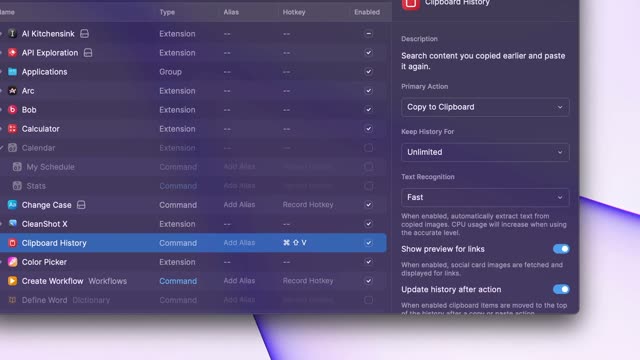 1:25–1:34Raycast · Introducing Raycast ProClose-up of the Raycast settings panel. The cursor opens the Keep History For dropdown, listing durations from 24 Hours to Unlimited with Pro tags, then the field reads Unlimited. The camera pulls back to reveal the full settings window on a purple gradient background.
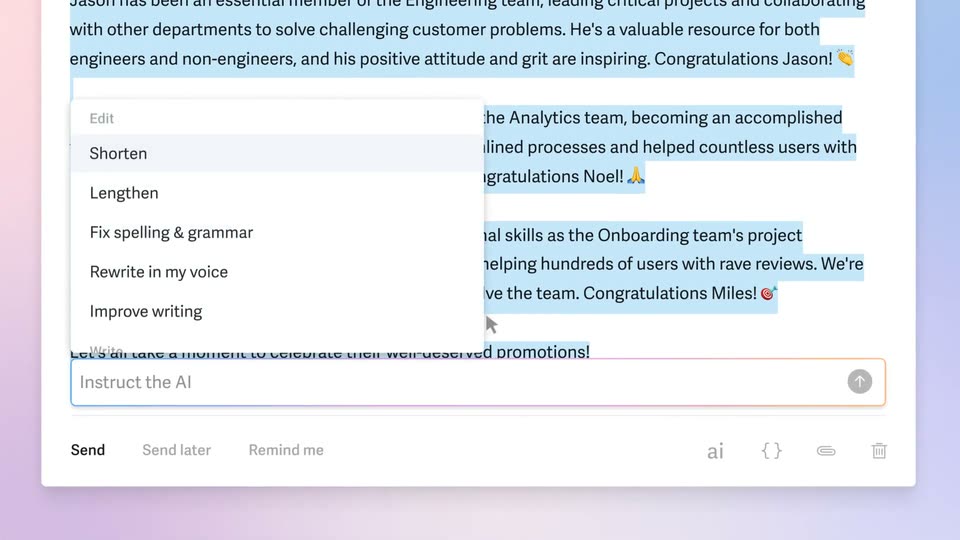 0:41–0:49Superhuman · Superhuman AIA white email draft card sits on a soft pink-blue gradient. The view zooms into the body as the text highlights in blue. A cursor clicks the AI button in the floating toolbar, a dropdown of edit options opens, then an input field with an animated gradient border appears.
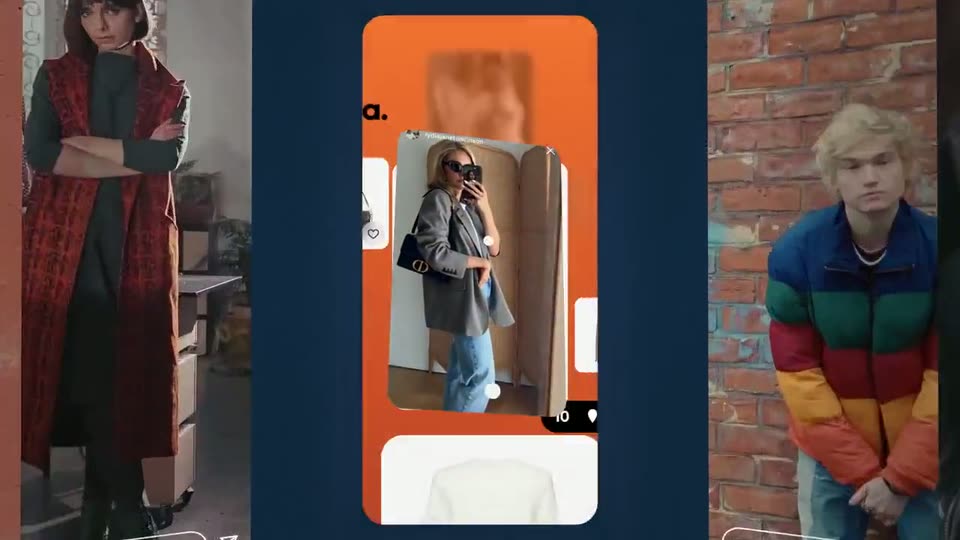 0:30–0:31Klarna · Klarna - #klarnaspotlight is here! 📱An AI-powered, personalized shopping feedA row of phone mockups curves in 3D on a dark blue field, scrolling sideways as 2K like badges float around them. The view pushes into one screen showing a mirror-selfie post with an Add to bag button, then cuts to a white product grid under the Klarna wordmark.
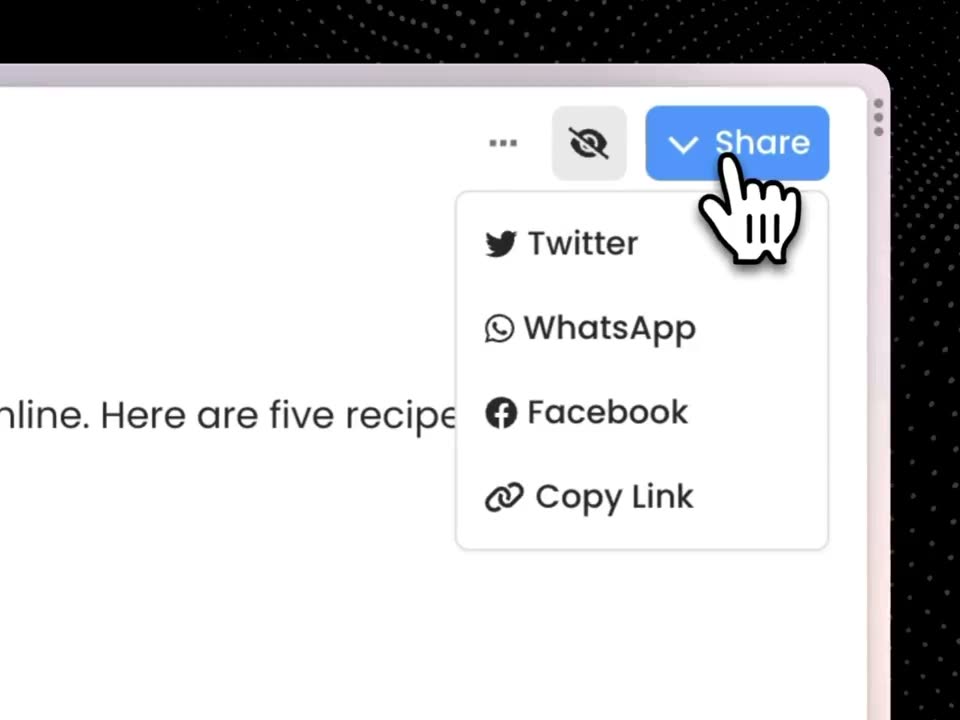 0:48–0:52Perplexity · Perplexity - We are excited to launch the next version of Introducing login, threaA close-up of a white interface on a black dotted background. A cartoon hand cursor moves to a blue Share button and clicks it, opening a dropdown that lists Twitter, WhatsApp, Facebook and Copy Link one by one.
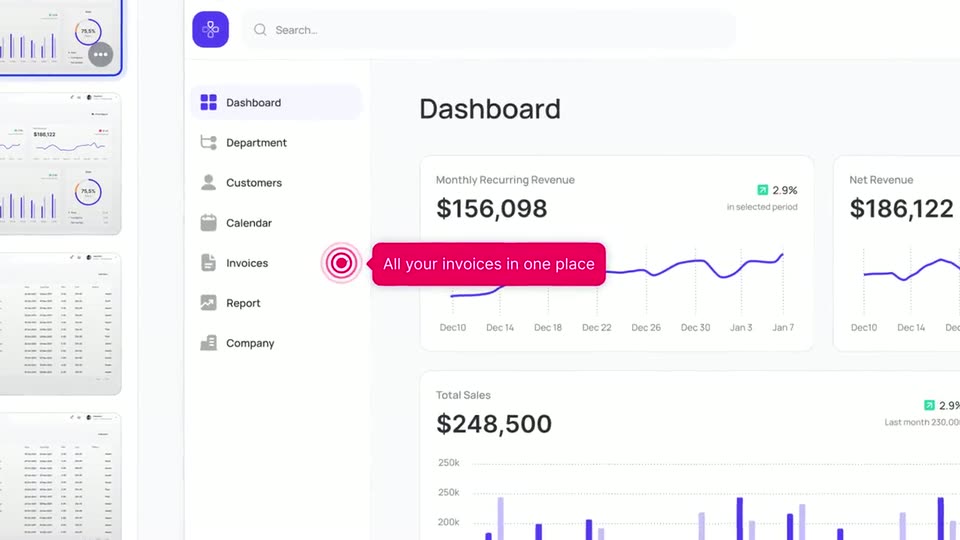 0:30–0:32Arcade · Arcade - Introducing Arcade Growth:A product dashboard mockup sits in 3D on a pink gradient, a stack of smaller screen thumbnails floats at the left edge. A pink pill with a target reticle types out a line over the invoices row as the camera pushes into the interface.
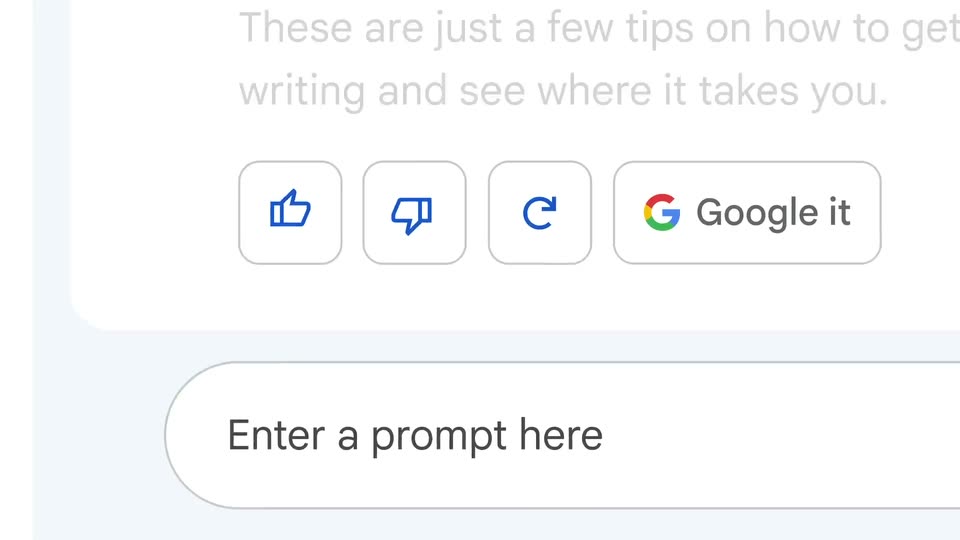 0:49 · 0.8sGoogle · Google’s new AI chatbot | Meet BardA close-up of a chat interface pans slowly left across a row of feedback buttons, thumbs up, thumbs down, reload, and a Google it pill, while the prompt field placeholder stays at the bottom.
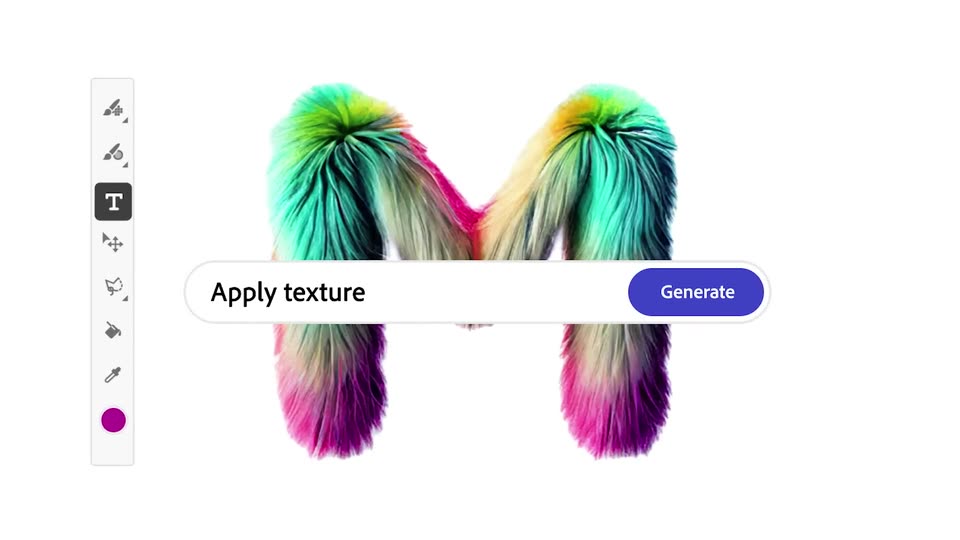 0:56–0:58Adobe · Adobe Firefly: Family of New Creative Generative AI Models | AdobeA white design-tool screen shows a rainbow furry letter M on the canvas, a left icon toolbar with the text tool selected, and a prompt bar with a blue Generate button. A cursor picks a texture thumbnail, then the view zooms in on the M as the thumbnails fade and a prompt is typed.
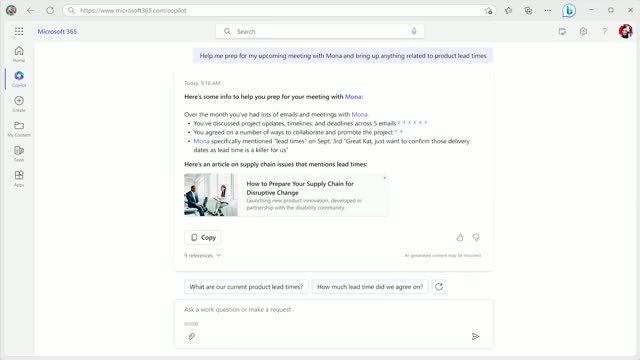 1:36–1:37Microsoft · The Microsoft 365 Copilot AI Event in Less than 3 MinutesA blurred, zoomed crop of the Copilot answer card settles into the full Microsoft 365 Copilot chat screen in a browser, showing the meeting-prep response, an article card, and follow-up chips.
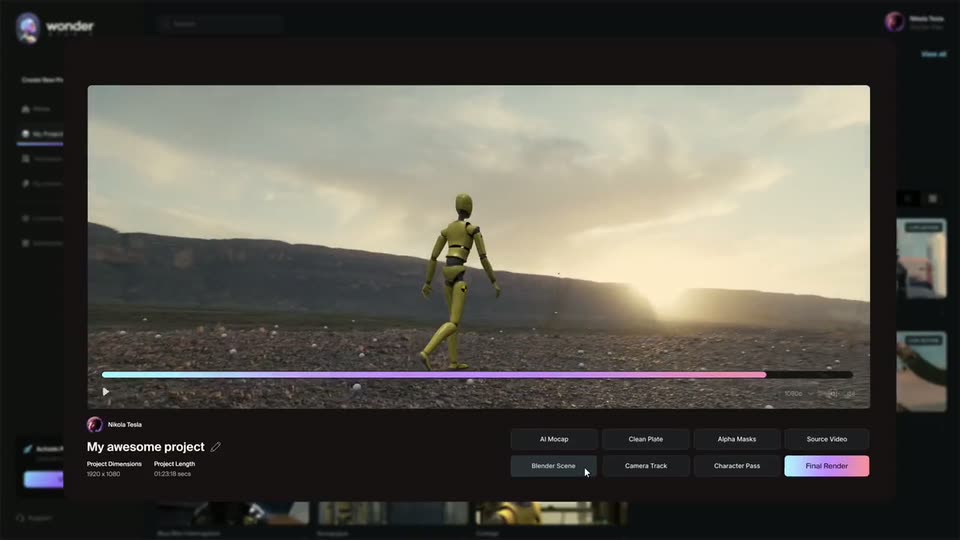 1:34–1:37Wonder Studio · Autodesk Flow Studio - We are proud to introduce Wonder Studio. An AI tool that automaticalA dark editing interface frames a desert sunset preview; a cursor moves to the Blender Scene button and the preview swaps to a yellow 3D humanoid walking, then the camera zooms into the preview so the character fills the frame as it strides across the rocky plain.
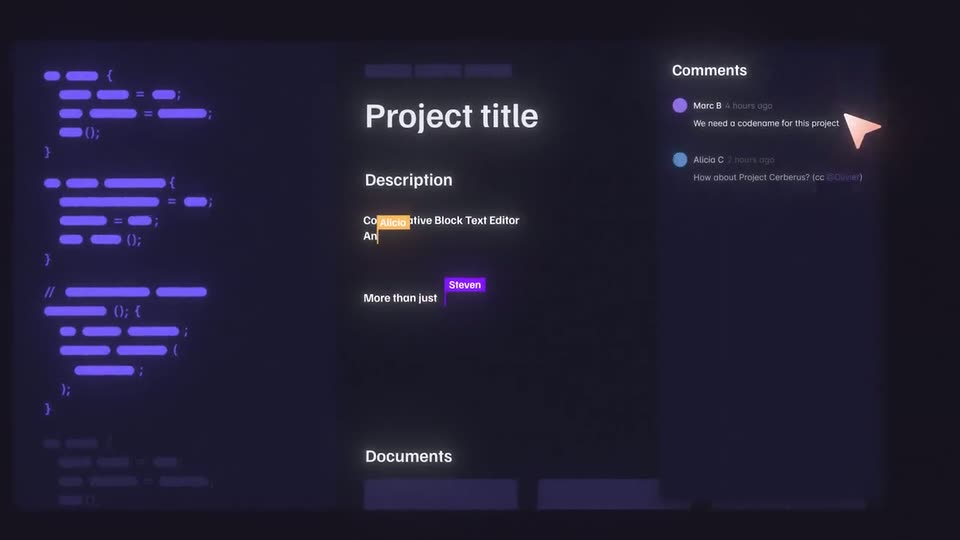 0:54–1:04Liveblocks · Liveblocks - #LiveblocksLaunchWeek – Day 1 Introducing Liveblocks 1.0: the compleA dark project dashboard pans right as a cursor clicks the feature cards on the left rail, then fades them out. The view lands on a live document where text types in and a comments panel slides in from the right, the frame zooming in.
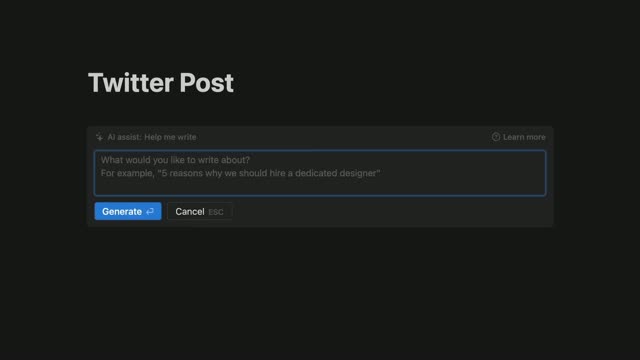 0:57–1:08Notion · Introducing Notion AIA dark editor shows a Twitter Post title over a placeholder line. A slash command types out, a dropdown offers Help me write, and a hand cursor picks it. An AI panel opens, a prompt is typed, and the cursor moves to Generate as the frame zooms in.
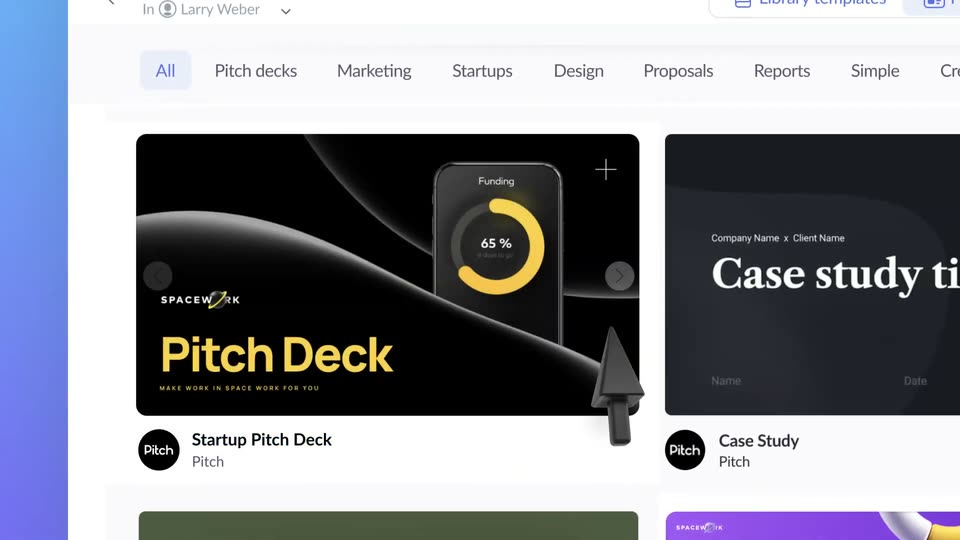 0:18–0:20Pitch · Introduction to Pitch | Create beautiful presentations with your teamA template library grid of dark pitch-deck cards sits under a row of category tabs. A large cursor hovers a Use template button, then the view zooms into the orange-sphere Board Deck card.
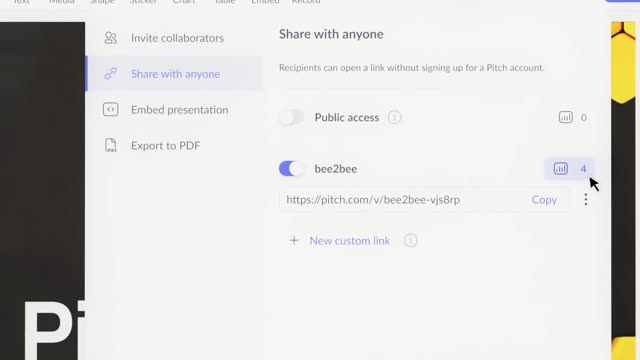 0:59–1:02Pitch · Introducing recordings | Turn presentations into expressive video narrativesA share panel overlays a dark pitch deck slide. The frame zooms in on the link row as the cursor glides to the Copy button and clicks it, the view counter ticking up to 12.
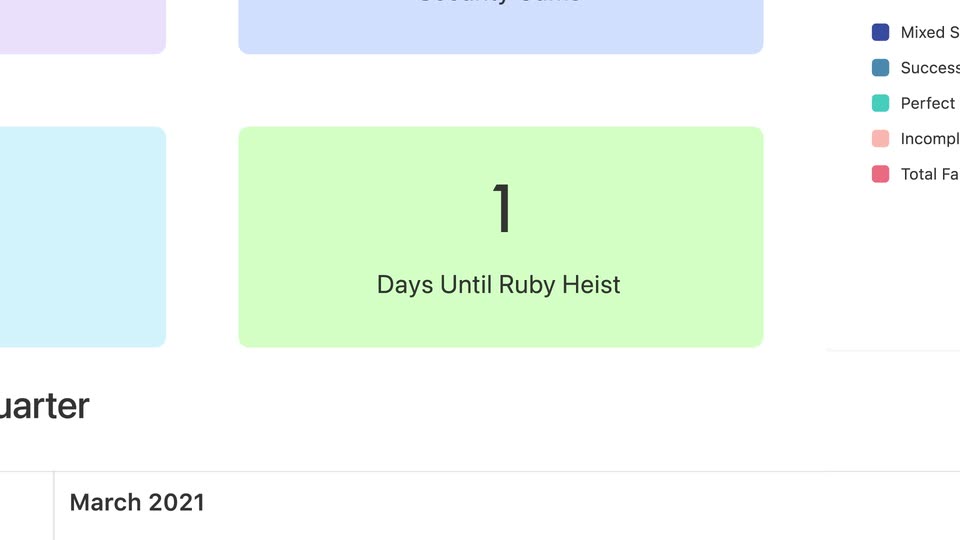 0:49–0:51Airtable · Airtable: introducing interface designerA dashboard interface zooms into a light green stat card labeled 'Days Until Ruby Heist' while its large number animates from 5 to 0. The surrounding Gantt chart, map and legend slide out of frame as the card centers.
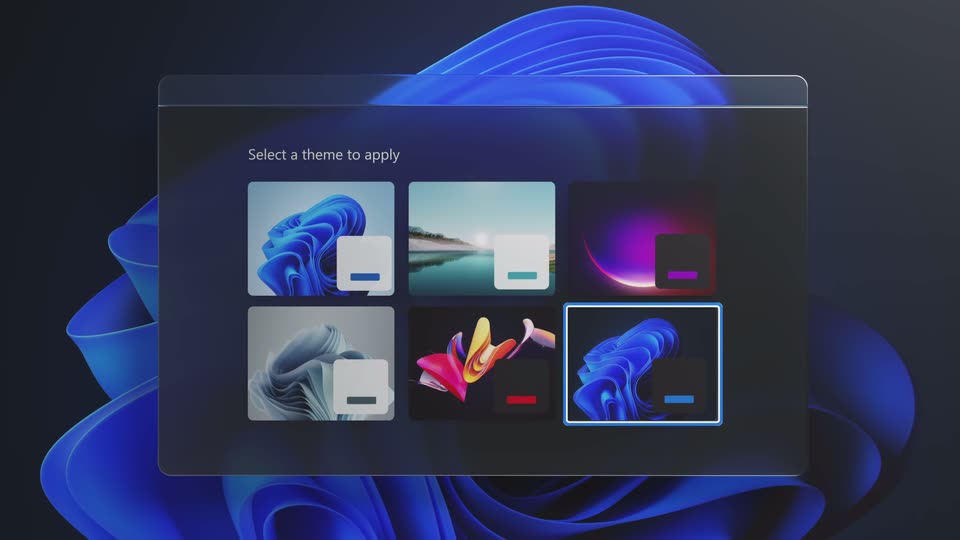 1:05–1:06Microsoft · Introducing Windows 11A frosted dark panel titled Select a theme to apply floats over the blue Windows 11 bloom wallpaper, showing six wallpaper thumbnails in a grid; the bottom-right tile carries a blue selection border, and the panel eases in with a slight scale-up.
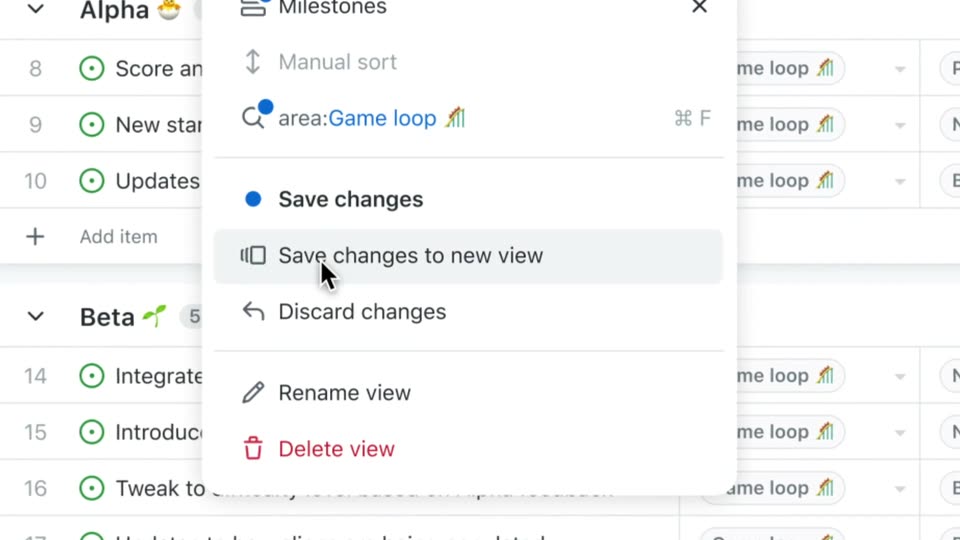 0:47–0:48GitHub · The new GitHub IssuesA white dropdown menu floats over a project table, listing view options. A hand cursor glides down the list and pauses on the highlighted row as the menu reframes to center the lower options.
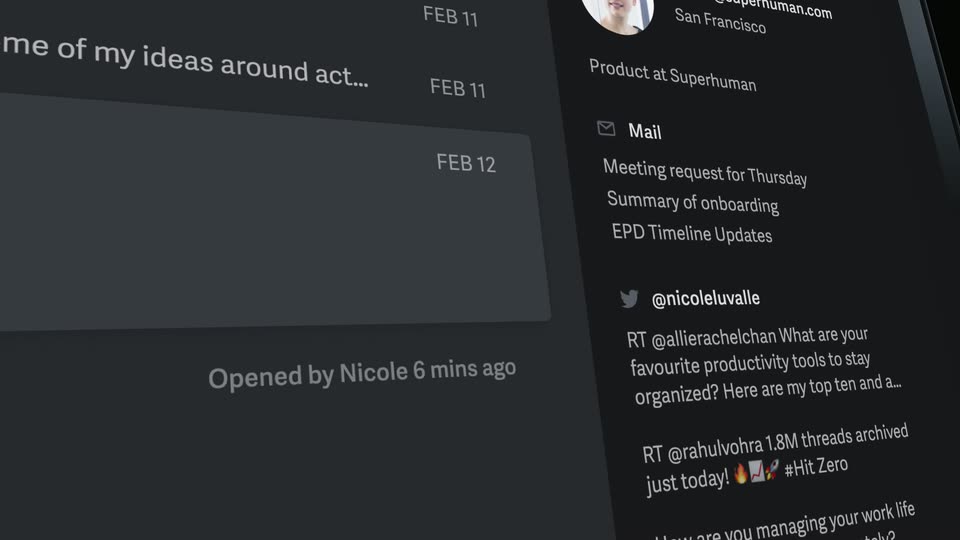 0:53–0:56Superhuman · Introducing SuperhumanA dark inbox interface floats in 3D perspective, tilted and rotating as the camera pushes in. The view flattens to a front-on tablet screen showing a tabbed inbox list with two highlighted message rows.
 1:18 · 0.8sNotion · What is Notion?A cursor hovers over a plus button in a workspace sidebar. The view pans right, sliding the list out of frame to center and zoom in on a large 'Untitled' title.
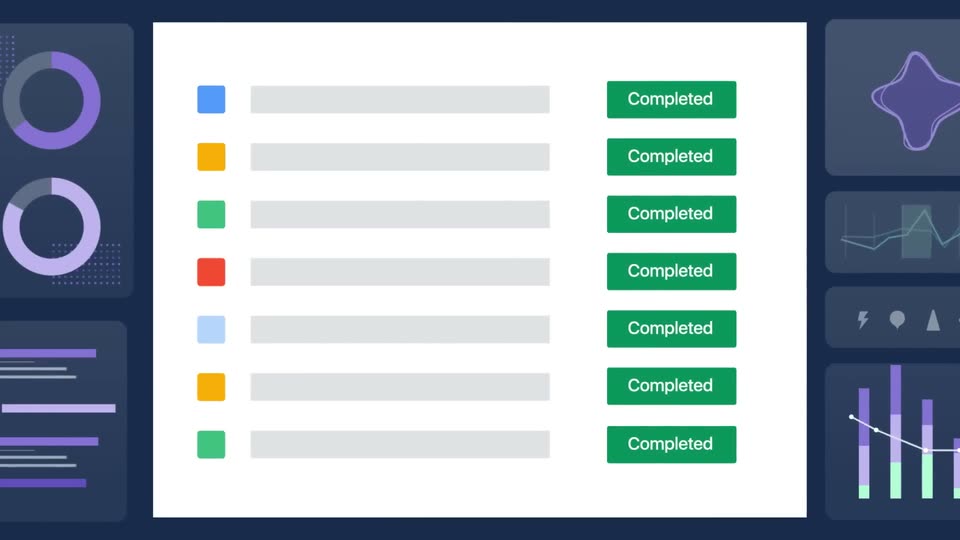 1:04–1:07Atlassian · Introducing Jira Service ManagementA flat white task list with colored squares, gray bars, and green Completed buttons sits between chart panels. A pointing hand indicates a row, then the hand and the avatar column with green checks vanish, the side panels fade out, and the view zooms in on the list.
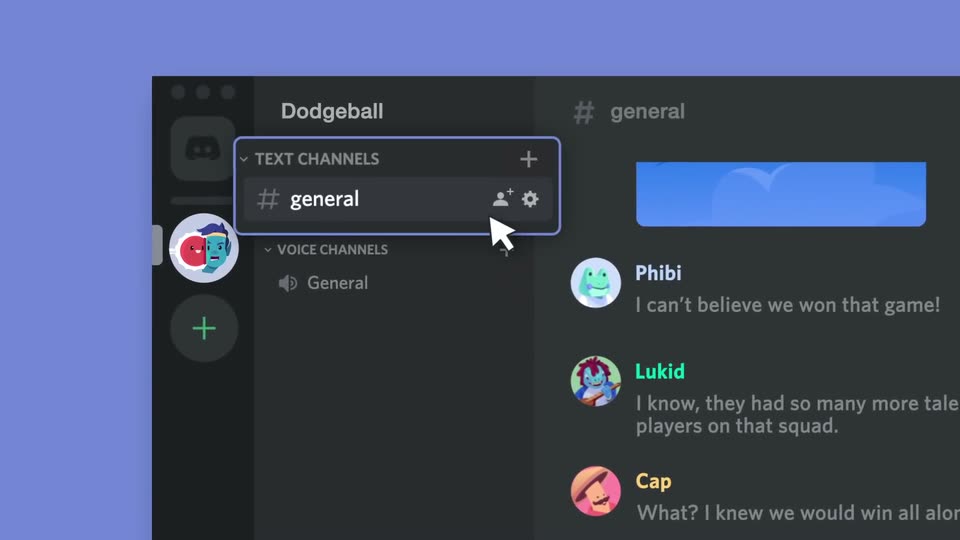 0:42–0:45Discord · How Discord Works in 148,000 Miliseconds or LessA dark Discord-style chat window sits on a blue background. The camera zooms into the left sidebar as a cursor slides from the message list to the general channel row, and a blue outline highlights the text channels section.
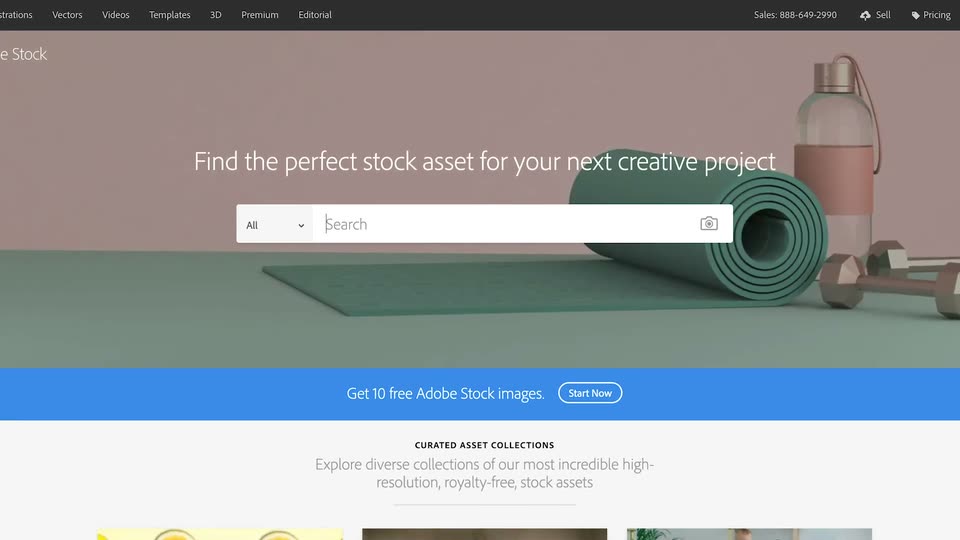 1:44–1:47Adobe · New in Premiere Pro - Introducing Adobe Stock Audio | Adobe Creative CloudA browser window on the Adobe Stock homepage zooms in and reframes onto the hero section, where a white headline and search bar overlay a stock photo of a rolled yoga mat, water bottle and dumbbells on a mauve backdrop.
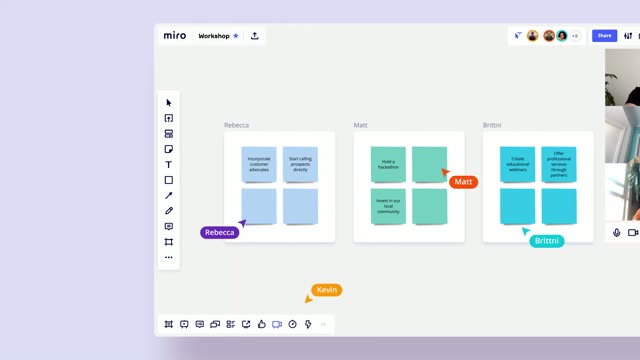 0:35–0:40Miro · Introducing Miro for meetings and workshopsA Miro workshop window pulls back from the toolbar to show three boards of sticky notes beside a video call strip; the notes swap from personal prompts to action items, then the view zooms in on a five-minute timer under Kevin's cursor.
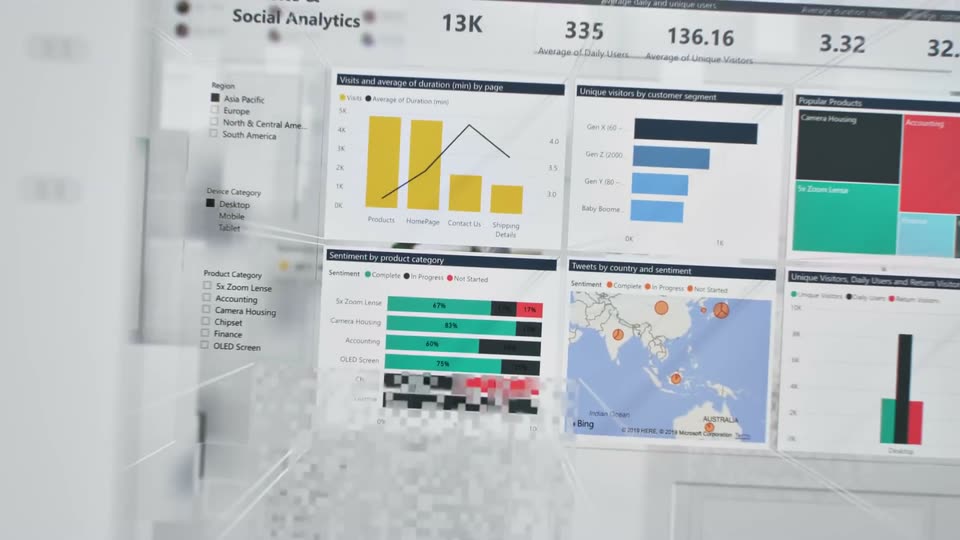 0:44–0:46Microsoft · New SharePoint innovationsA soft, out-of-focus close-up of stacked chart panels racks into focus while the frame pulls back, revealing a full analytics dashboard with a left navigation menu, a top KPI number row, and a July calendar at the bottom.
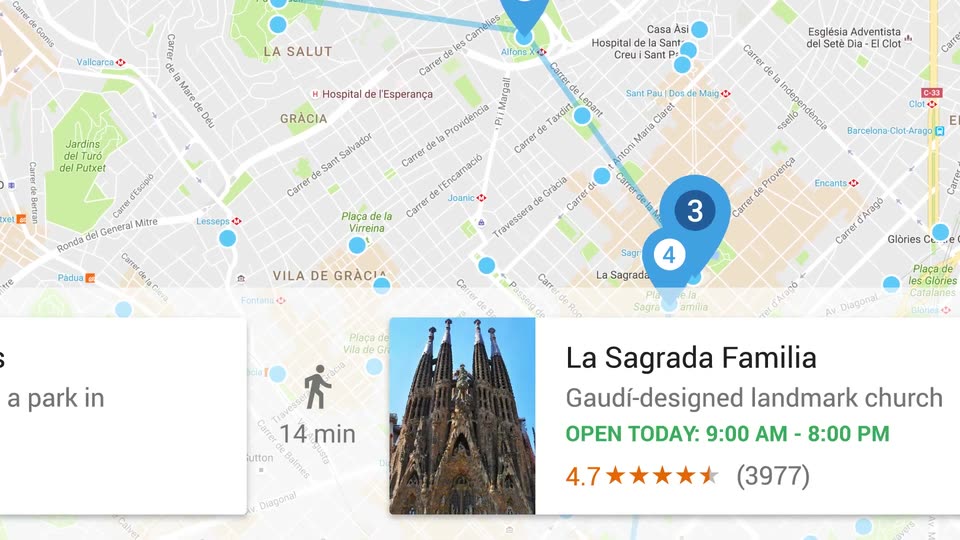 1:06–1:09Google · Introducing Google TripsA Barcelona map with numbered route pins pans and reframes as a row of place cards slides left along the bottom, replacing the Parc de Les Aigües card with the La Sagrada Familia card.
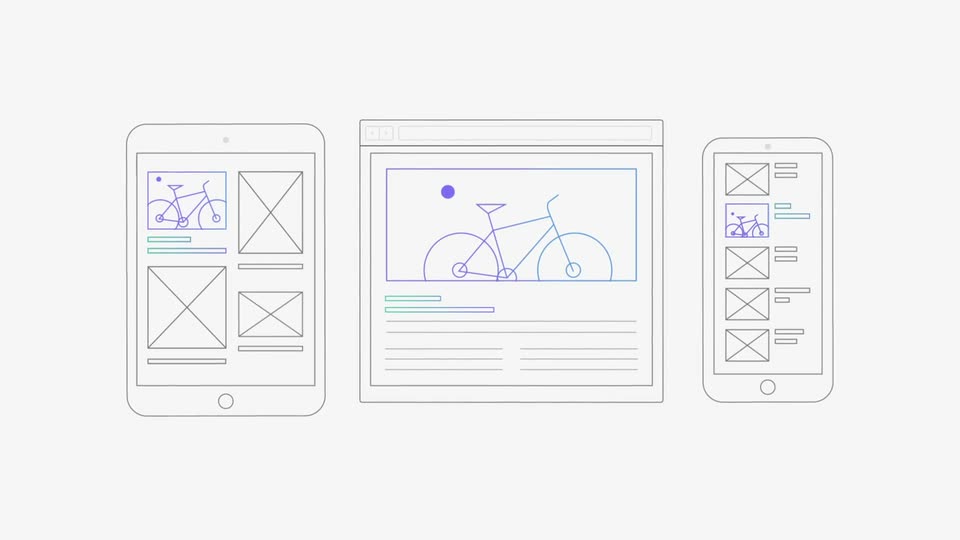 1:01–1:07Webflow · Introducing Webflow CMSThree wireframe panels labeled GRID, BLOG POST, and LIST show line-art bicycles and placeholder boxes on a light gray field. The panels morph into tablet, browser, and phone frames, then a zoom into the browser reveals a dark schematic with green connection lines and HTML and CSS labels.
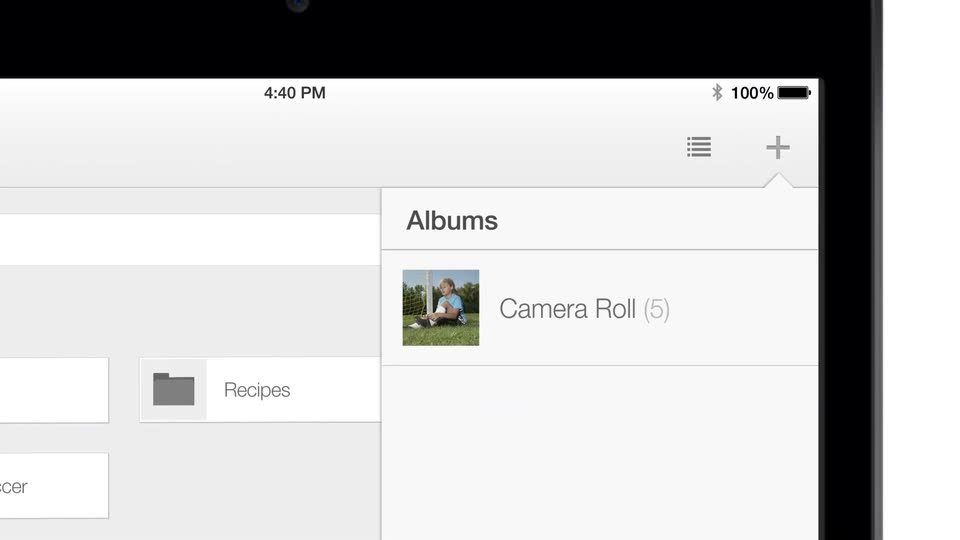 0:52–1:07Google · Meet the new Google DriveA tablet in 3D perspective shows a file list that switches to a thumbnail grid. The camera zooms in as a plus menu opens, revealing Albums and a Camera Roll panel with photo thumbnails. The view pulls back to the grid, now with a new photo added.
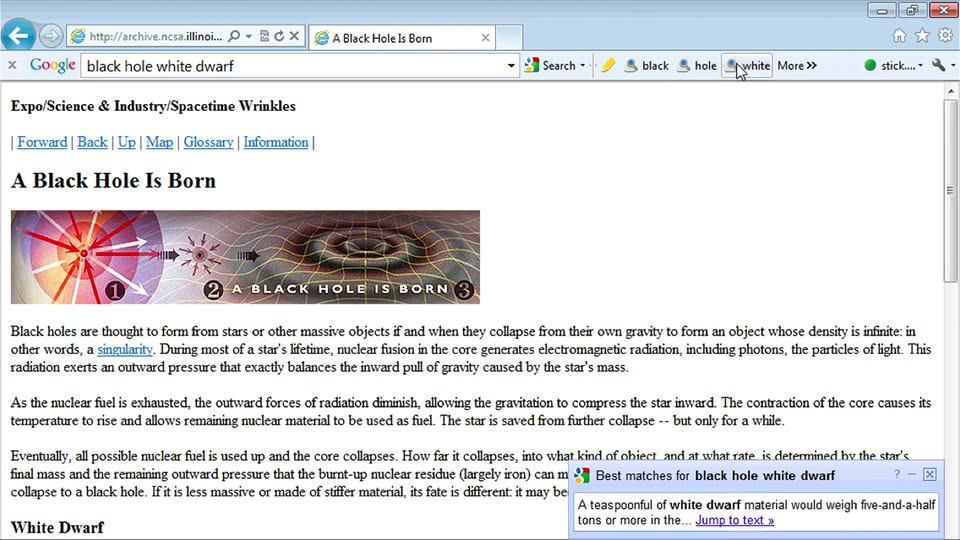 0:45–1:04Google · Introducing Google Toolbar 7The cursor clicks the highlighter icon in the search toolbar, and Black and Hole in the page heading get colored highlights. The view zooms into the toolbar, the cursor clicks the chips black, hole, white, then Jump to text in the popup, and the page scrolls to the match.
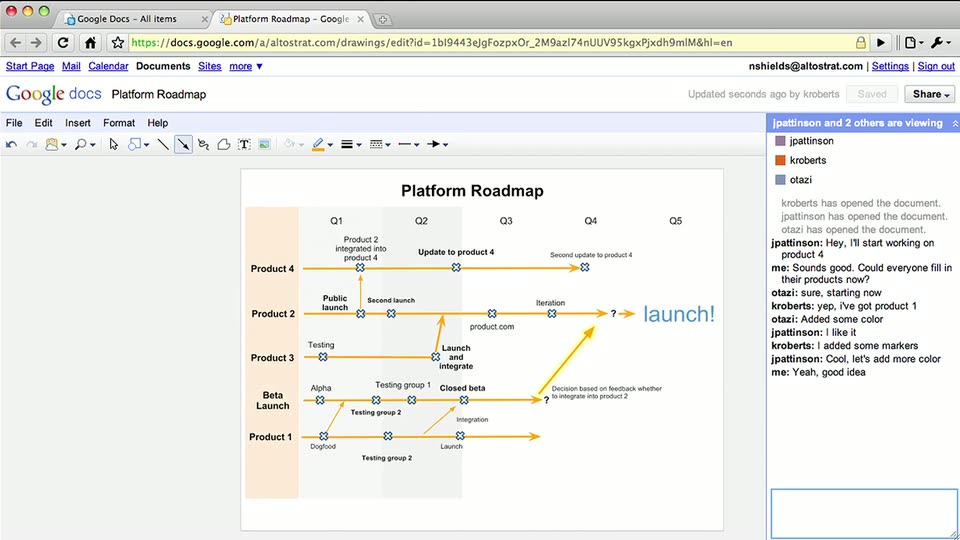 1:29–1:39Google · Introducing a new Google DocsA browser shows a Google Docs roadmap diagram that completes itself, the frame zooming out from a close crop of the timeline to the whole sheet as orange, gray and green quarter bands and a blue launch checkmark drop in. A side chat panel types out collaborator messages.
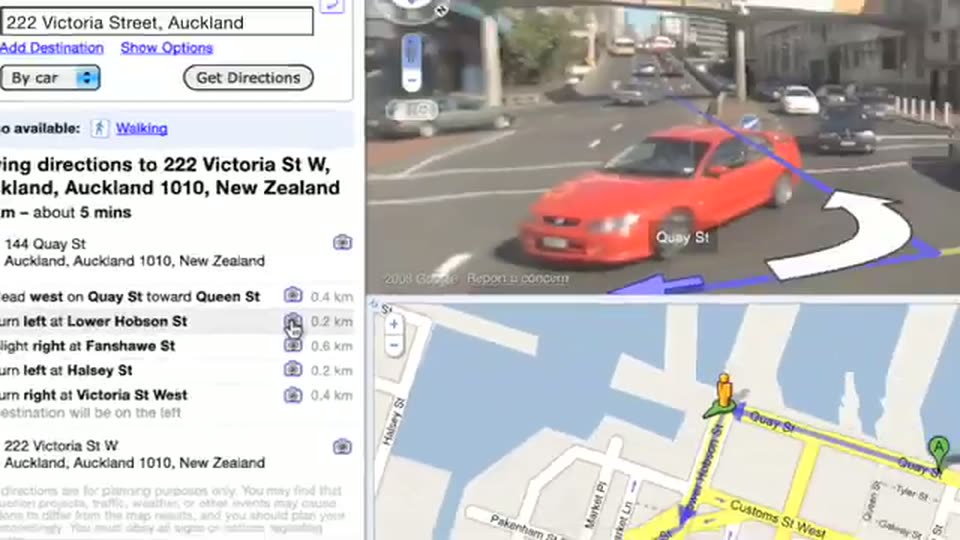 0:56–0:59Google · Street View now available in New ZealandA directions panel opens on a zoomed-in bold heading, then the view pulls back to the full step list as a cursor hovers the small camera icons beside each turn. The frame widens to the whole Google Maps page, showing a street view and a map with the route highlighted.
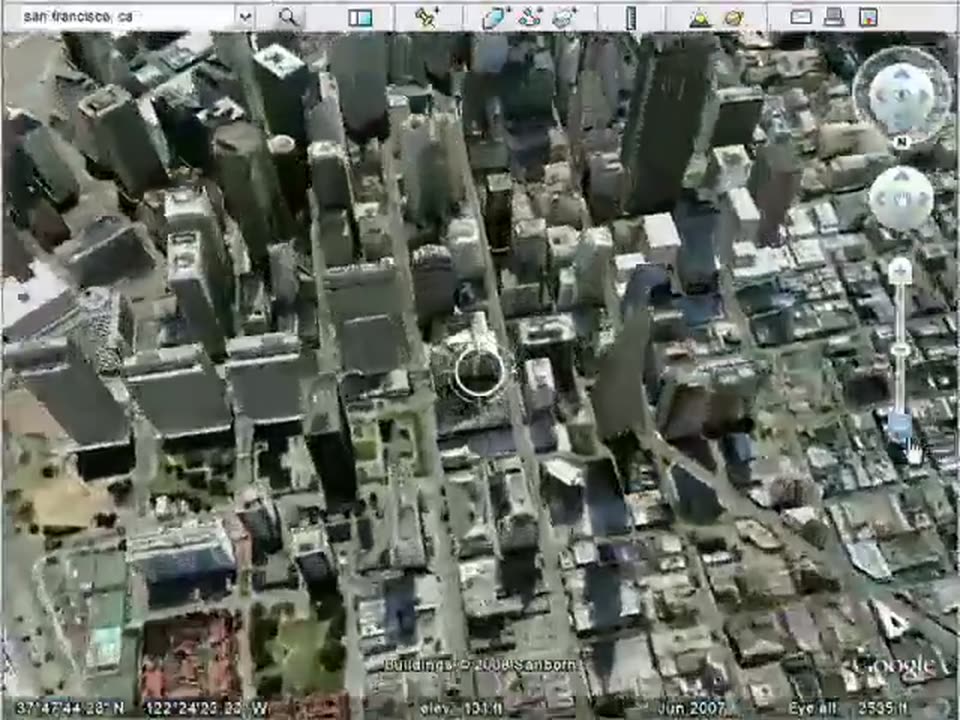 0:27–0:28Google · New features in Google Earth 4.3A flat satellite map of San Francisco tilts and zooms into a 3D perspective, extruding the city's buildings, while a white cursor rests on the altitude slider at the right edge.
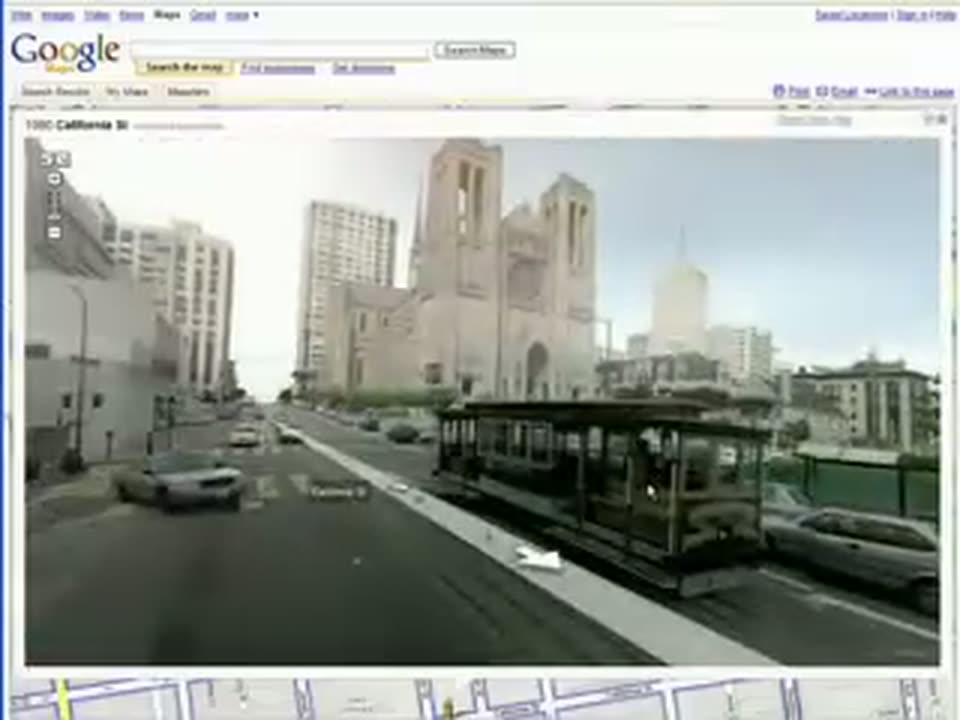 1:05–1:10Google · Google Maps Street View - launch videoA Google Maps street view dollies forward down a city street, passing a bus shelter and a stone cathedral, with a white arrow on the pavement marking the path. The view dissolves in from a wider angle, advances, then holds on the street.
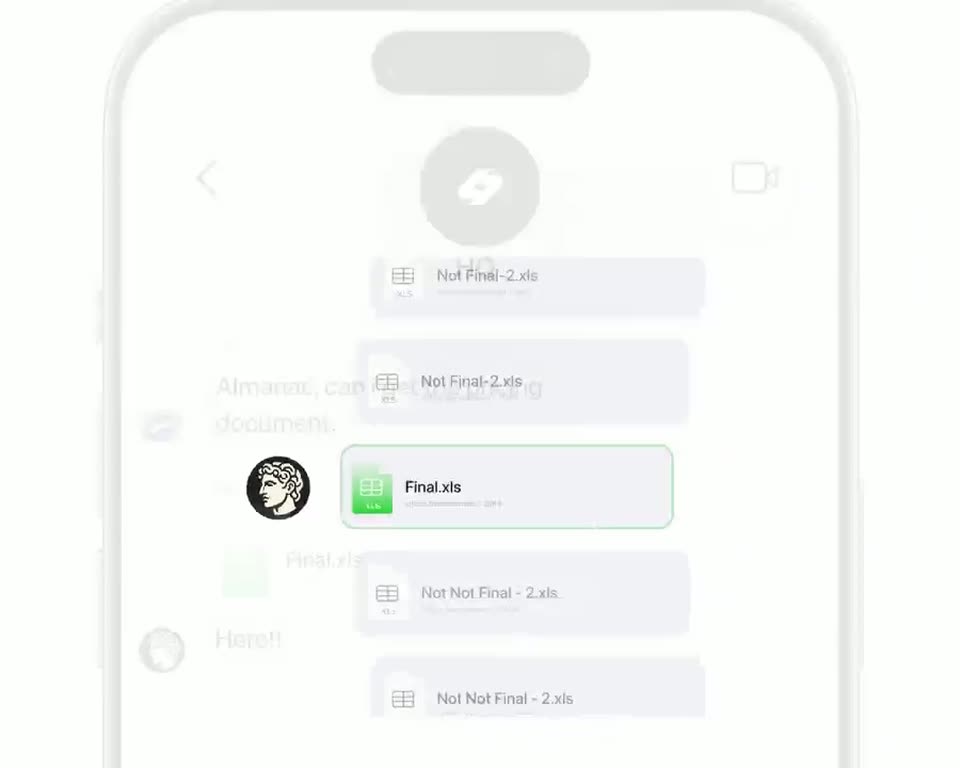 0:30–0:31Almanac · We just killed two biggest limitations of your favourite AI agents: Their memory and Your laptop Almanac’s agents have unlimited memory, their own computers, browsers and access to the tools theyA tight crop on a file list pulls back to reveal a phone mockup in 3D perspective. Its screen shows a chat thread where a user requests a pricing document and a reply drops a green Final.xls card.
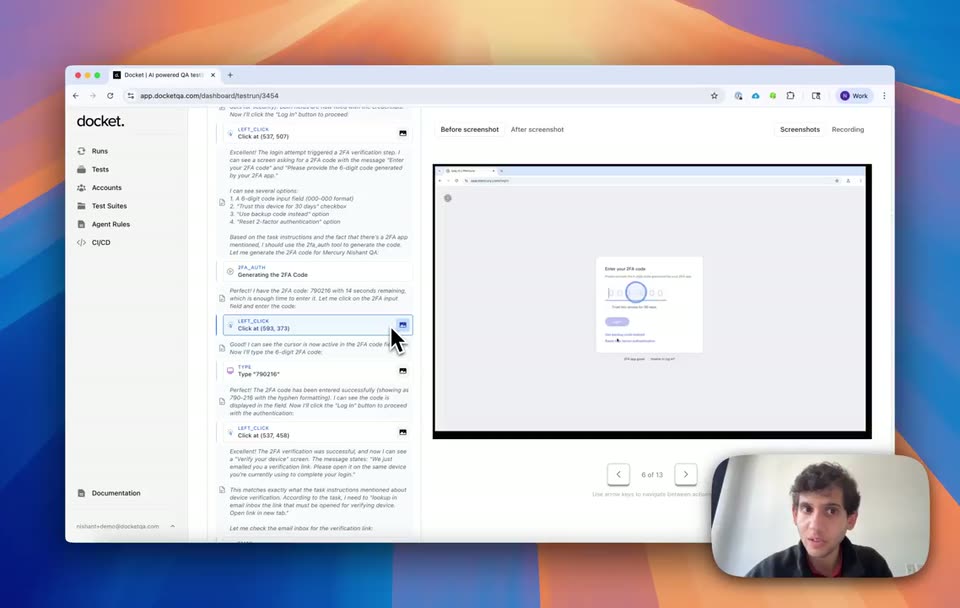 1:00–1:11Docket · #fintech #qa #ai #e2etest #yc #automation | Docket (YC P25)The Docket test-run interface fills the screen, its action log scrolling past a login sequence while a presenter's webcam sits in the corner. The view pulls back to the desktop, then pushes in on the 2FA code step before returning to the full window.
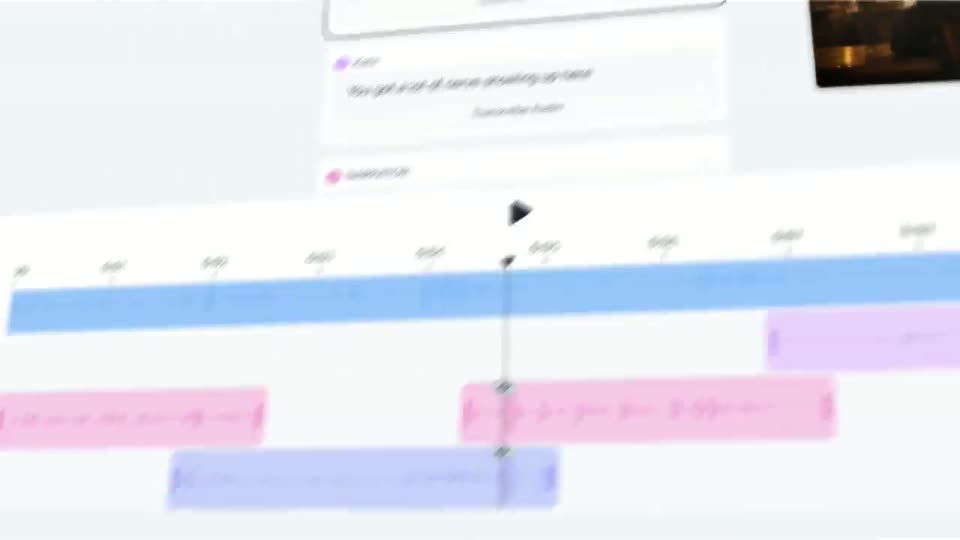 0:45–0:48ElevenLabs · Introducing Dubbing Studio. Our Dubbing Studio gives you precise control when translating your videos for global audiences. We detect and label each of your speakers and create an editable scriptA light editing interface shows a transcript panel on the left and a tilted video preview on the right, then the camera zooms down into the bottom timeline, where blue, pink and purple clip blocks grow to fill the frame.
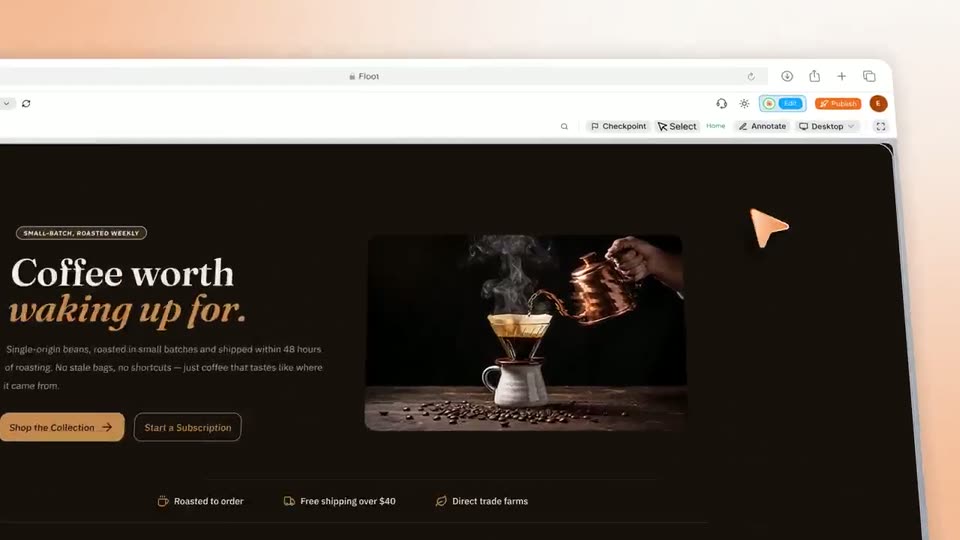 0:35–0:36Floot · Claude and ChatGPT can already write you an app. Getting it live is another story. Today we're fixing that: connect Floot, and you can build and ship real apps directly inside Claude and ChatGPT -A tilted 3D browser mockup of a dark coffee landing page. The camera reframes and zooms toward the hero image of a copper kettle pouring over a dripper, while a peach cursor arrow drifts in from the right and hovers over the image.
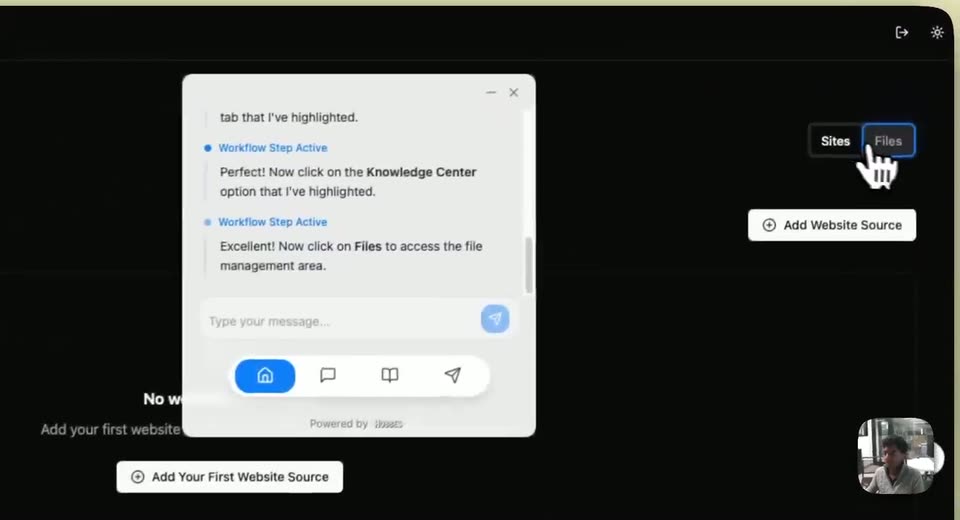 1:17–1:18Hobbes · 🚨Major update🚨 Syra is now Hobbes (hihobbes.com)! As we worked with some amazing teams this year, we saw a big gap in the agent landscape: visual context. Agents trained on knowledge bases + helpA dark app interface with a left sidebar and a central chat panel fills the frame. The camera zooms in toward the right, where a cursor rests on a blue Files button. A small webcam video of a man sits in the bottom right corner.
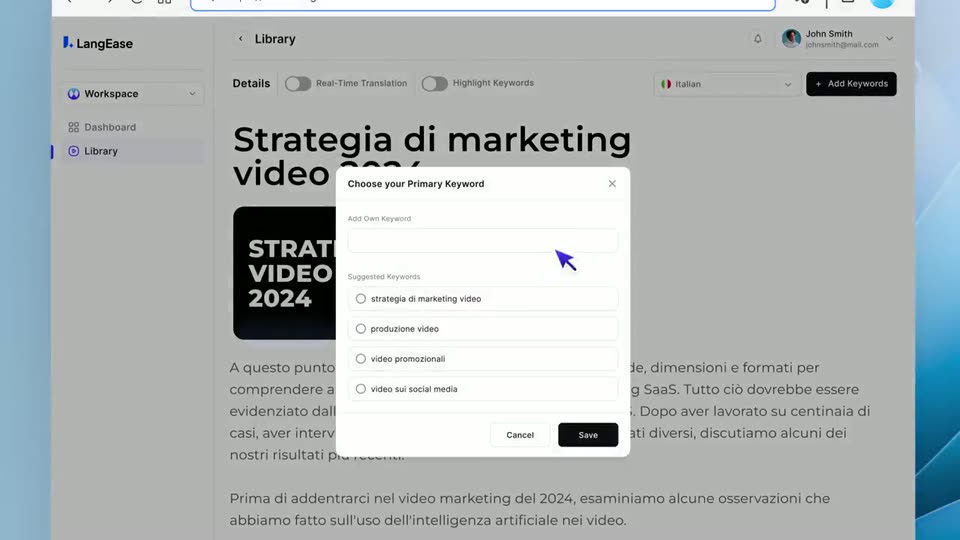 1:04–1:13LangEase · Imagine reaching a global audience without breaking a sweat. 🌎 LangEase is making it a reality. Our AI-powered localization platform is coming soon! Join the waitlist for exclusive early access.… | LangEaseA browser window on a desktop shows the LangEase.ai article page. The frame zooms into the interface as a cursor clicks Add Keywords, opens a keyword modal, ticks two suggested keywords and clicks Save.
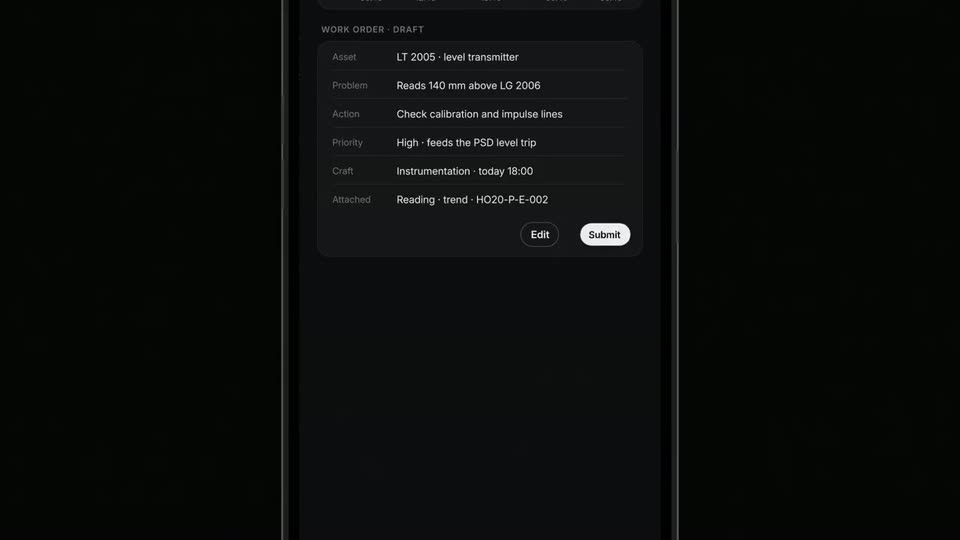 1:48–1:53Operon · Operon Solutions posted on LinkedInA dark work-order card fills the phone screen with asset, problem, action, priority and craft rows. An Attached row fades in, the header flips to SUBMITTED with a status line, the Submit button is tapped, then the view pulls back to the full unit screen with two reading lists.
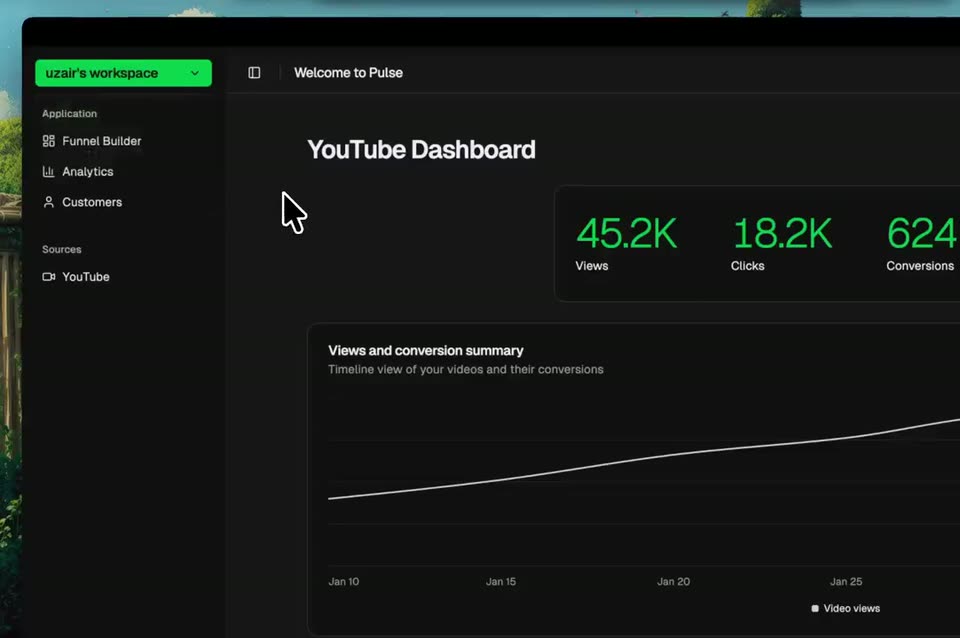 0:30–0:36Pulse · Psst, dark mode is here. If you're running youtube lead gen offers then you need to setup some tracking for your content, because YouTube dashboard only tells views. Pulse makes it easy by giving… | PulseA dark dashboard is shown in close-up on a conversions table, then a fast zoom-out with motion blur reveals the full YouTube Dashboard screen set in 3D perspective, a cursor moving over the rows.
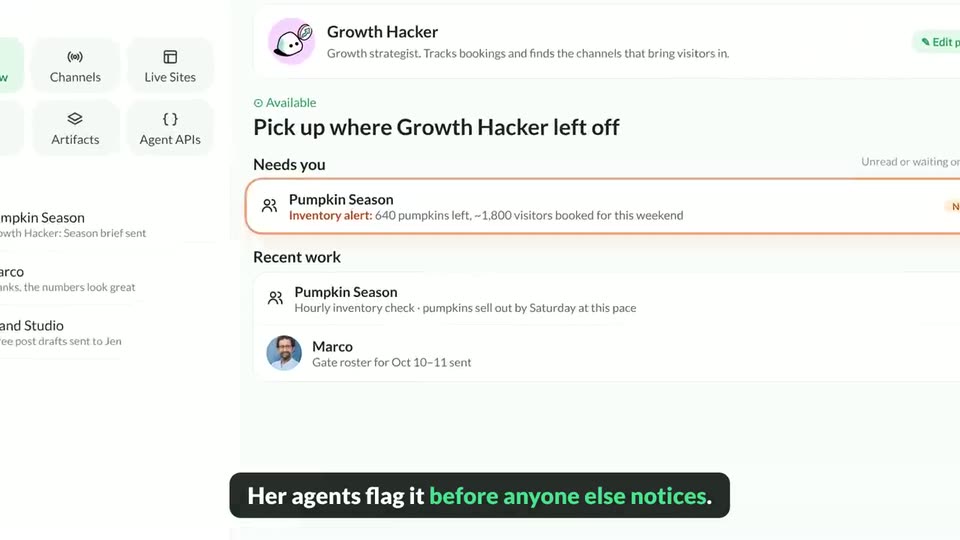 1:47–1:50Teamily AI · 150,000 small business owners and employees are already using Teamily AI. Today, we're opening it to everyone: your personal AI agent and an entire team of AI agents, ready to work for you and your… | Teamily AIA light product interface for a Growth Hacker agent shows an overview list. The view zooms into the Needs you row, which gains an orange highlight, while a black caption bar with white and green text sits at the bottom, then the screen cuts to black.
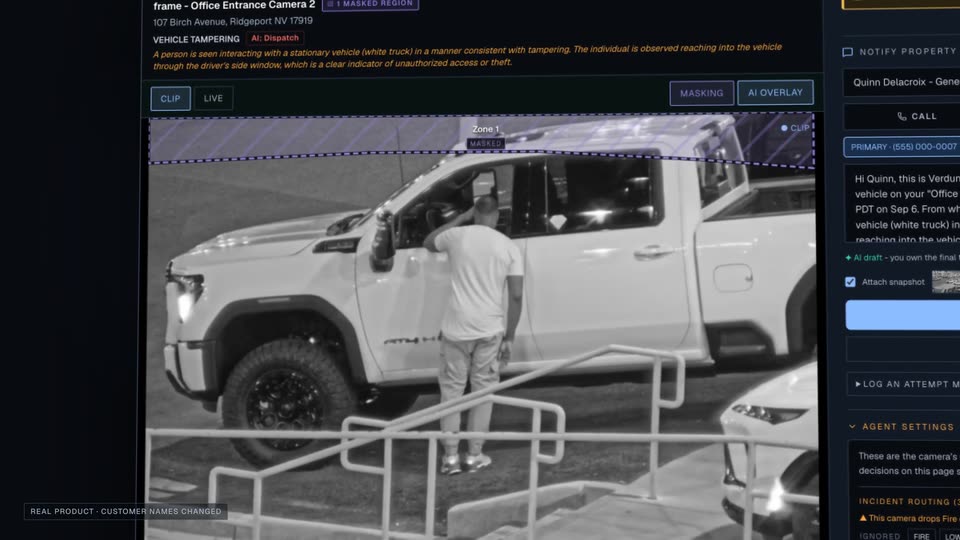 1:04–1:08Verdun · Verdun launch filmA security dashboard shows a night-vision feed of a man reaching into a white pickup's window, framed by a purple zone mask and a blue AI bounding box. The view reframes to reveal an ESCALATED header and a right-hand panel holding an auto-drafted message to the property owner.
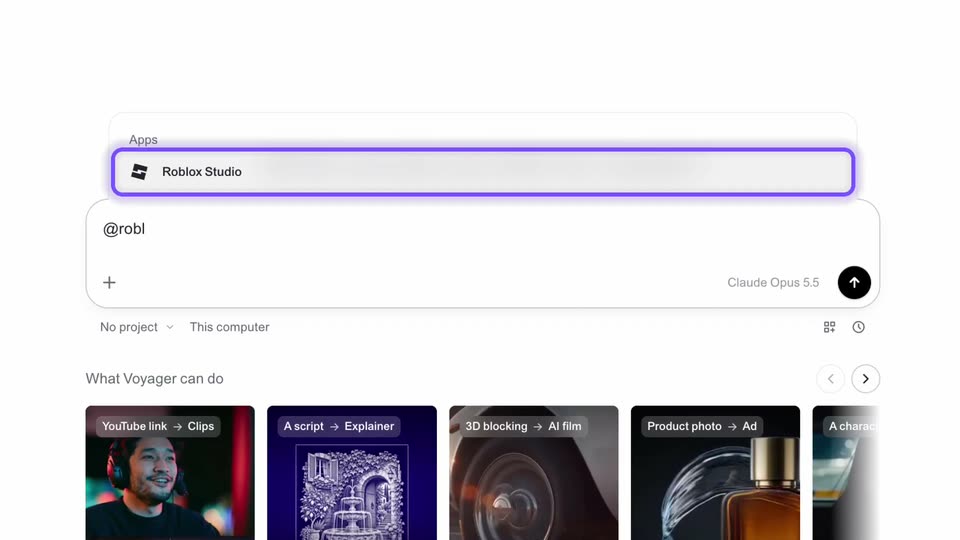 0:38–0:41Voyager · Connect Roblox Studio to Voyager (Build an Obby with One Prompt)A close-up of a chat composer on a pale background. The frame zooms in on the card as the text @robl is typed into the input line, then the Roblox Studio app row fills with a purple selection outline.
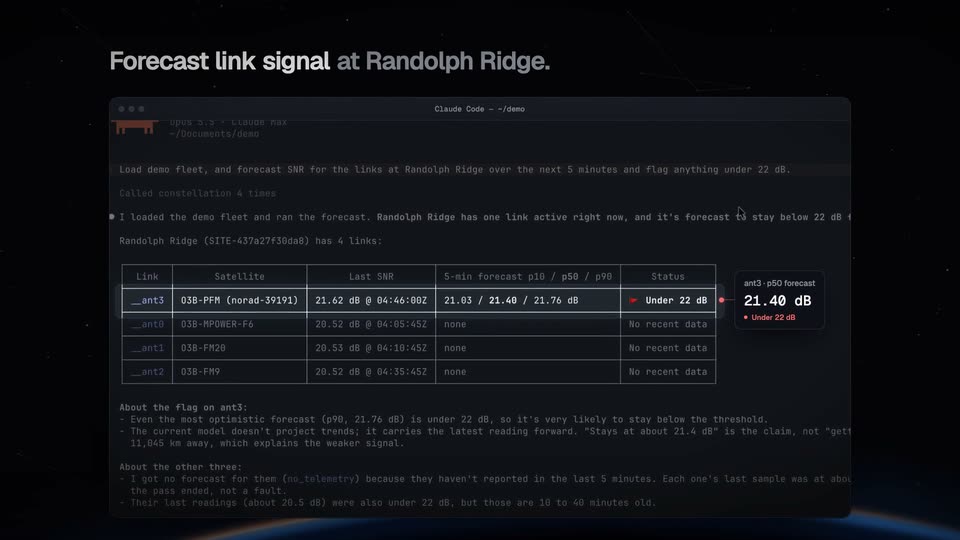 1:00–1:12Constellation Space · Space intelligence for all: Constellation SpaceA Claude Code terminal on a starfield under a headline. The prompt jumps to the top and a Sped up badge appears as the response fills the window with a link table. A red callout flags ant3 at 21.40 dB, then the view zooms out to fit the table.
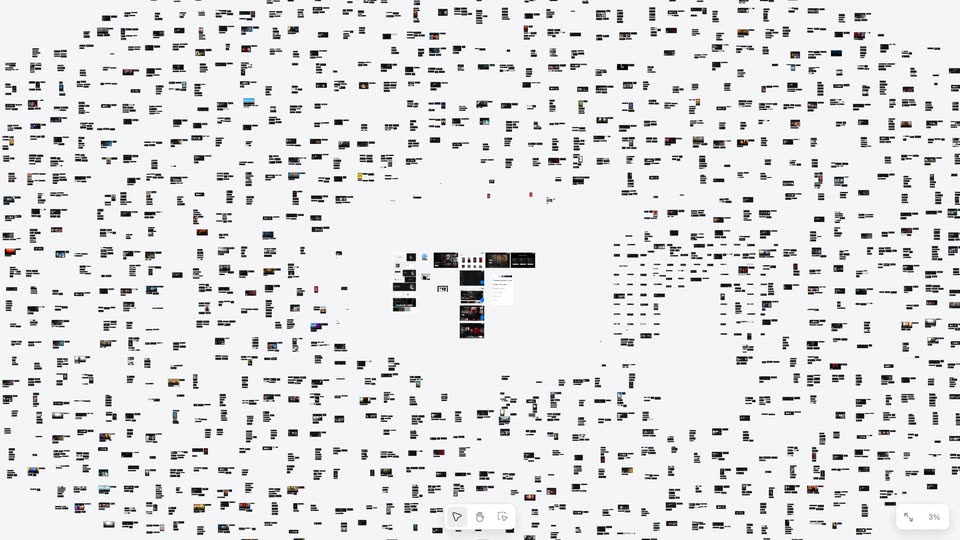 0:35–0:37Neueface · Ibelick - Introducing Neueface, a spatial environment to build with your agentsA white canvas is packed with a dense grid of tiny dark cards. A central cluster of larger interface panels holds the eye. The view zooms in slowly on that cluster while a bottom toolbar with cursor, pan and reload icons stays fixed.
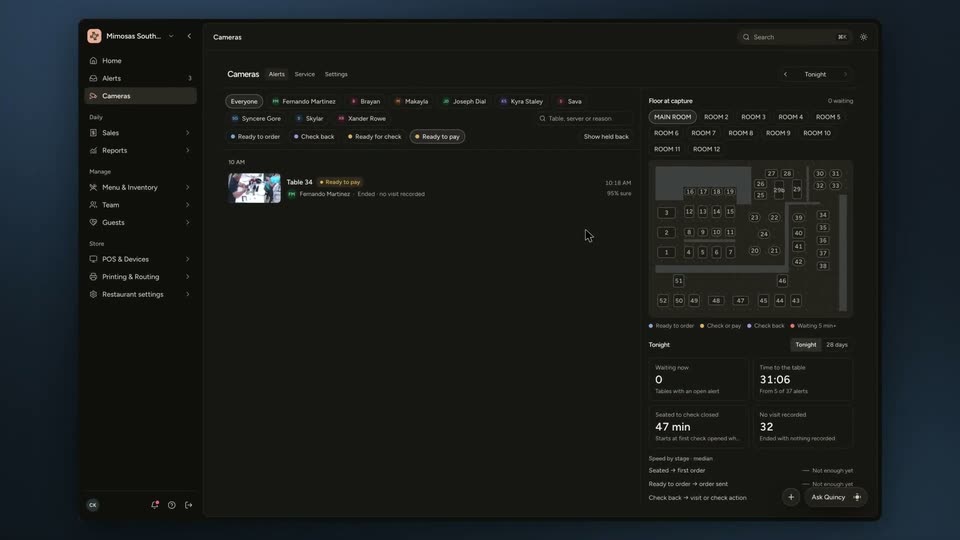 0:52–1:00Shire · Shire Latest DemoA dark dashboard shows a camera alert list beside a floor-plan map. A cursor clicks the Ready to pay filter, collapsing the list to one row. The frame pulls back to reveal the full app window with a sidebar, then blurs as a notification card slides in at lower left.
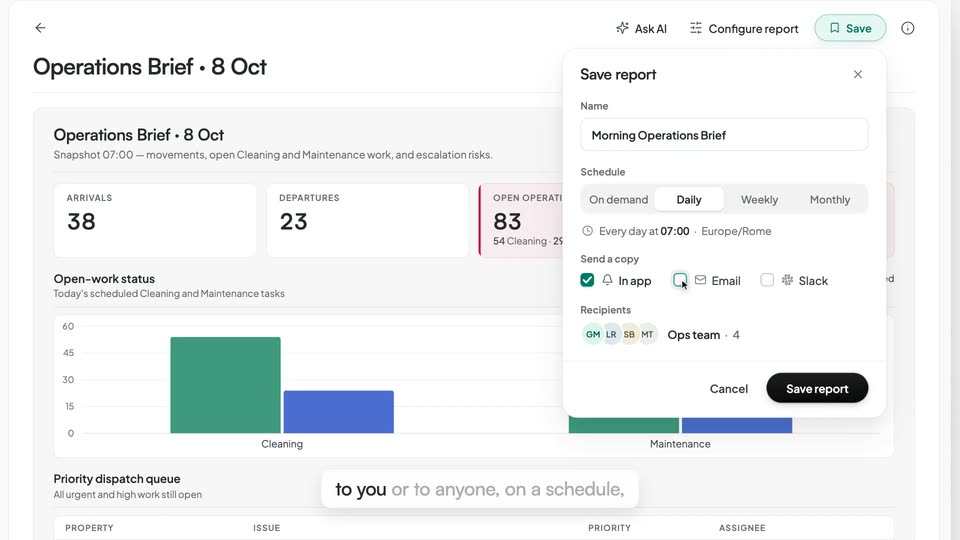 1:08–1:14Trellis · Introducing Trellis ReportsA browser window shows an Operations Brief dashboard; a cursor clicks Save and a Save report panel opens on the right. The view zooms in as the cursor ticks Email and Slack under Send a copy, then rests on the Save report button. A bottom caption bar reads the narration.
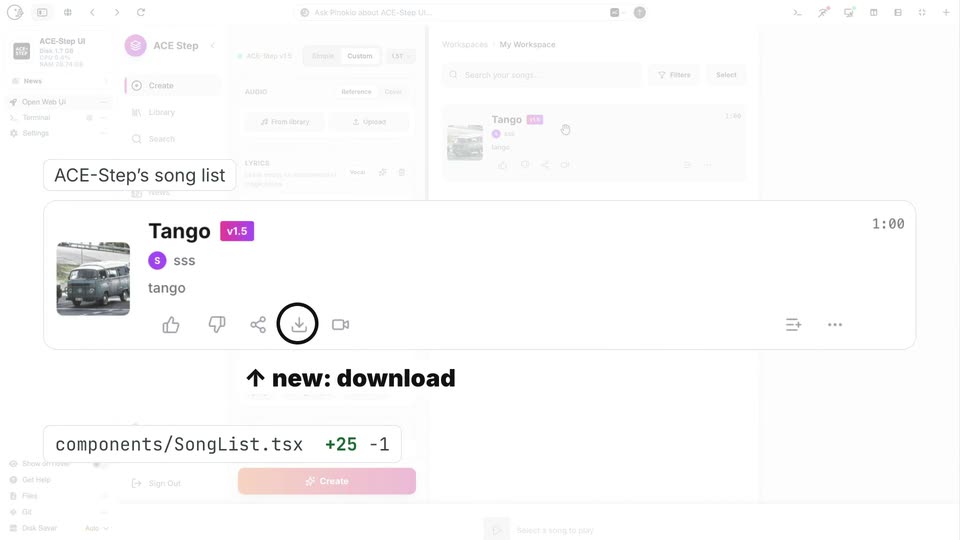 0:54–1:02Pinokio · cocktail peanut - Introducing Pinokio Agent Messenger What if you could chat with allA chat prompt types itself into the top input bar above a music app UI. The frame zooms out to the full window, a boxed caption labels the song list, a download icon pops into the Tango row with a bold new tag, then the view cuts to the app home list.
 1:04–1:05Manifold · Motion Graphics Product Video | Agents Security PlatformA pale dashboard diagram links a left list panel with curved red lines to a central claude-code-agent card and a column of live provider cards. The frame blurs and reframes right as the links turn blue and large counters appear beside OpenRouter and OpenAI cards.
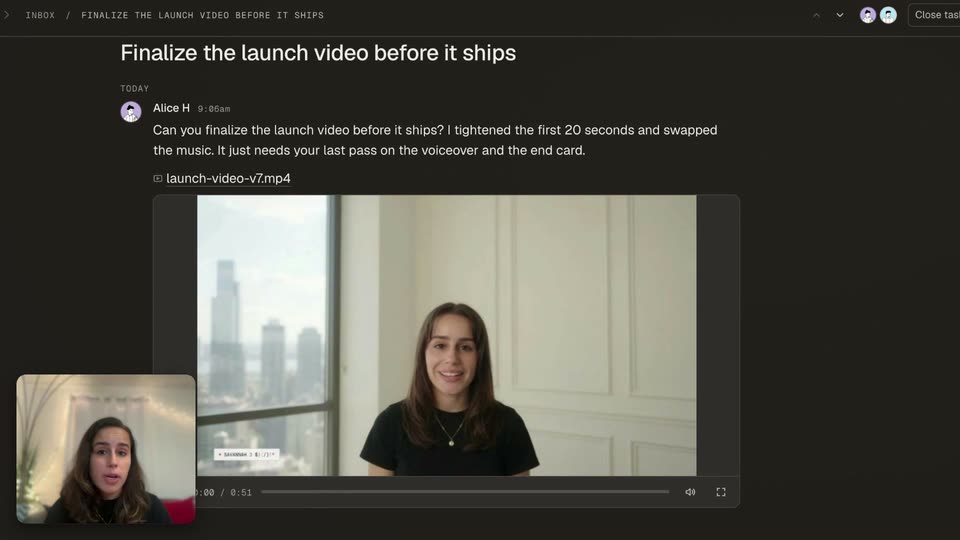 0:41–0:44Agentbox · Savannah - introducing multiplayer for coding agents. the place you code is nowA dark inbox screen zooms out from a close-up of a task message and an embedded video of a talking woman to reveal the full interface with sidebar and top bar. A cursor moves to the launch-video file link while a small face-cam overlay stays in the corner.
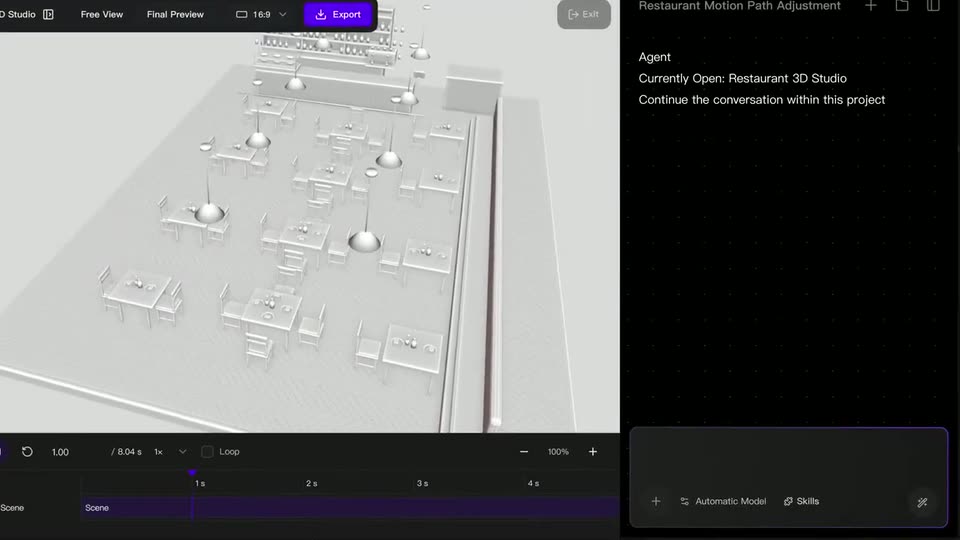 1:17–1:18Alibaba Cloud · Alibaba Cloud - 3D Studio is now live on WonderClip. Try it free for a limited timeA 3D studio window displays a white clay restaurant model with tables and pendant lamps. The window expands to fill the frame while the viewport zooms in, a large cursor hovers, and a purple playhead moves along the bottom timeline.
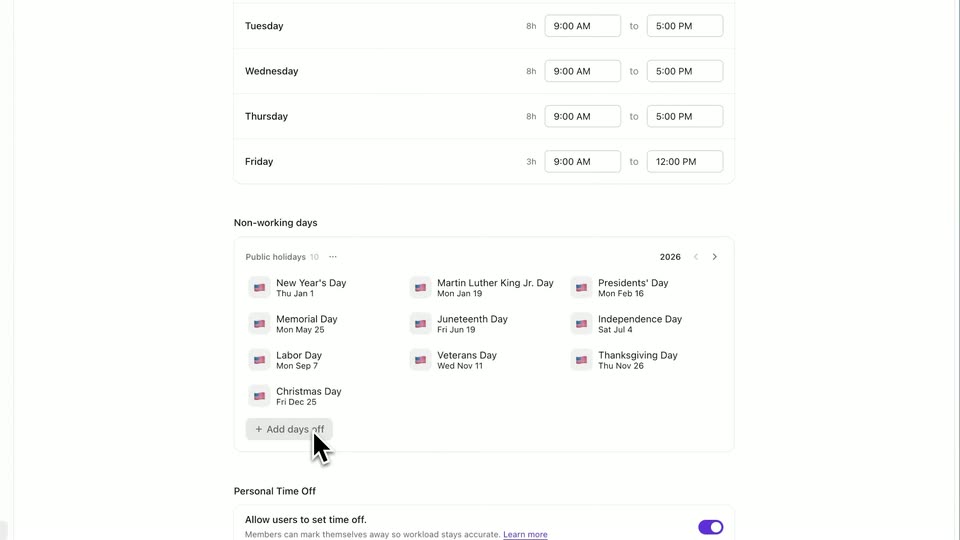 1:11–1:13ClickUp · ClickUp Release 4.10: Sheets, Work Schedules, Email Triggers, and more!A work-schedule settings panel lists weekday hours and a grid of public holidays, a cursor hovers near the add button, then the view zooms out to a full-year calendar with the holiday dates highlighted.
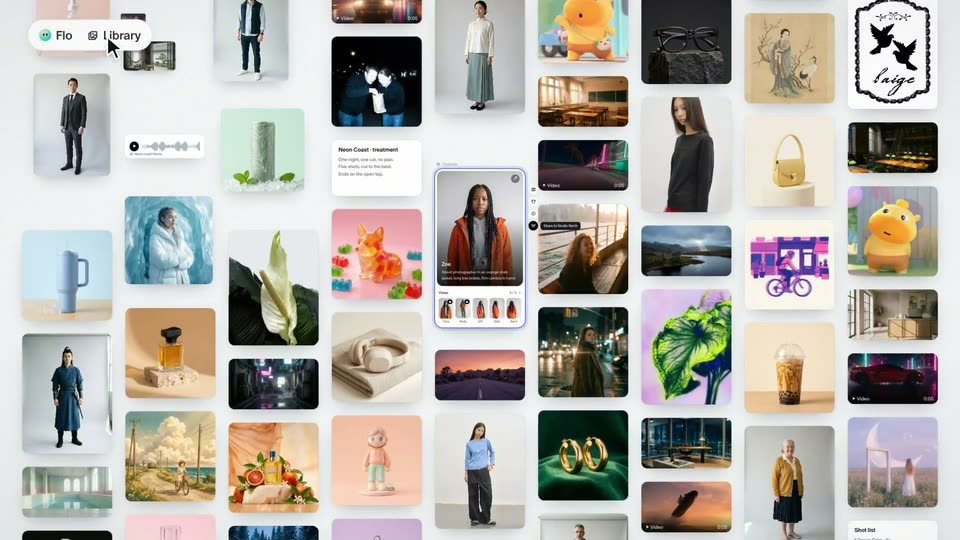 0:46–0:51Flowith · Flowith - introducing Flowith 3.0. the ultimate canvas for human-ai creation.A dense grid of content thumbnails fills the frame as the cursor selects a character card, which highlights and enlarges. The view zooms into the card, then the surrounding grid fades to white, leaving the card centered under a breadcrumb.
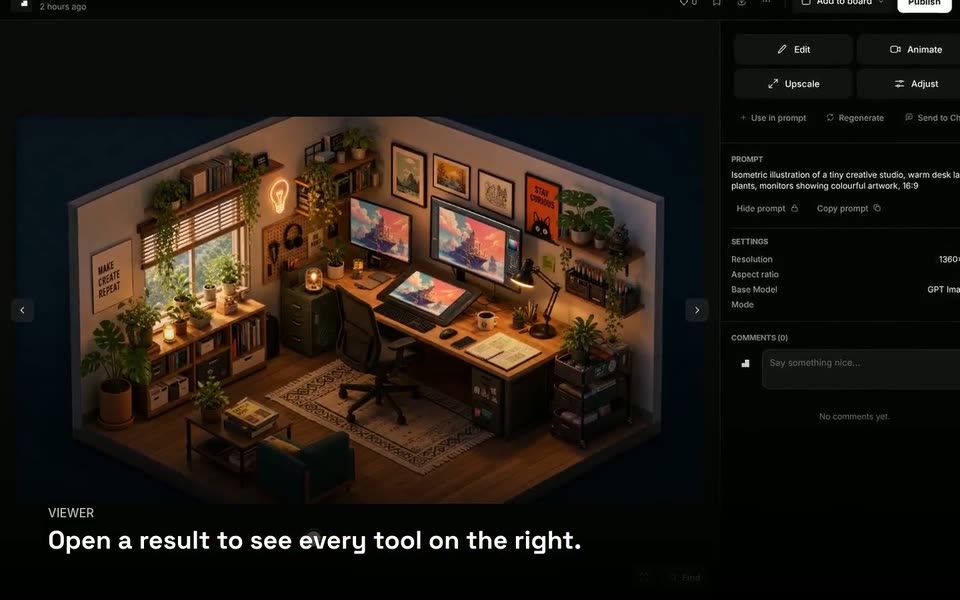 0:52–0:56LetzAI · Introducing LetzAI V5 | LetzAI BlogA dark image-generation interface fades in from black, the view pushing in slightly. An isometric illustration of a warmly lit creative studio with two monitors and plants fills the left; a tools panel with prompt and settings fields sits on the right.
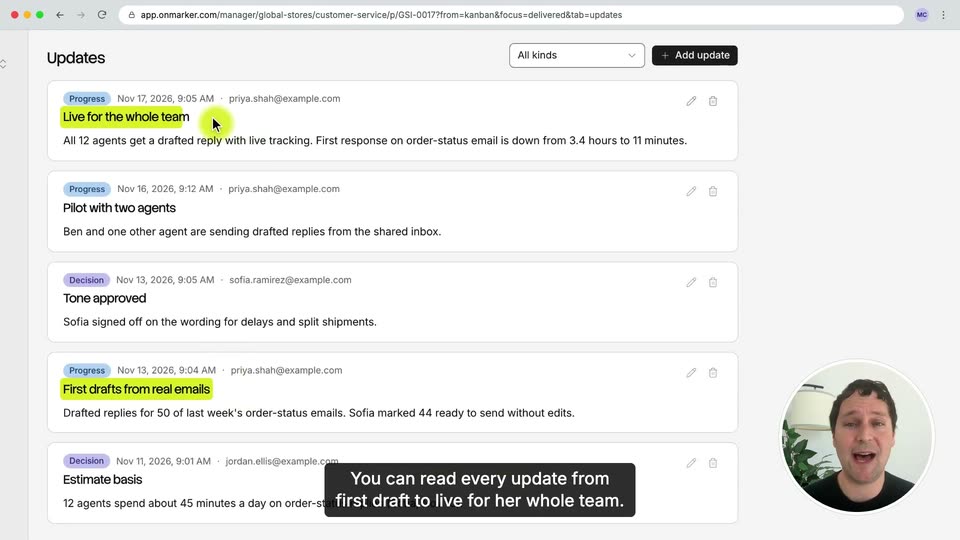 1:39–1:44Marker · Introducing Marker ManagerA browser window shows a project page; the cursor clicks the Updates tab and the view reframes onto a scrolling list of update cards. Two card titles flash a yellow highlight while a circular webcam feed of a man sits in the corner and a caption holds at the bottom.
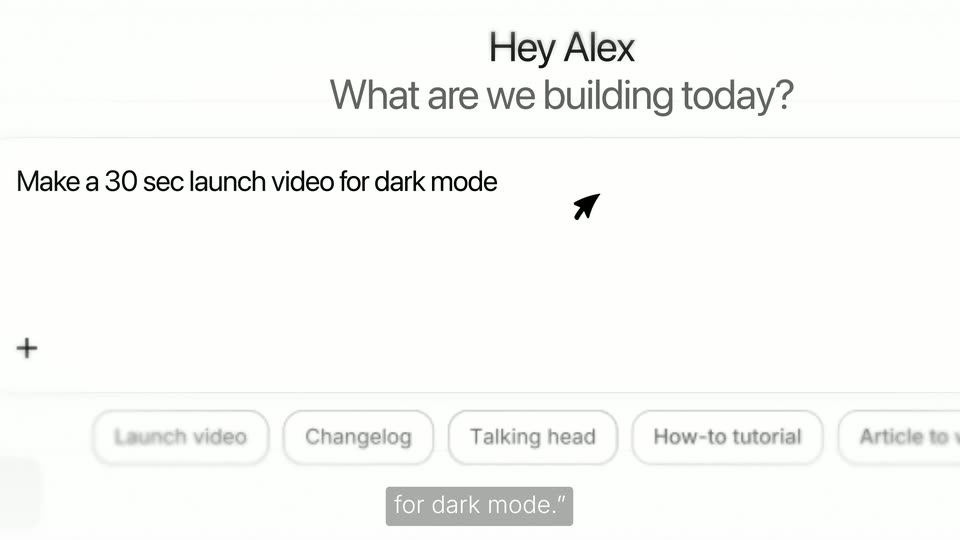 0:46–0:50Arcade · Caroline Clark - Frontier AI has solved math. Science. Coding. But it still hasn’t solA white prompt interface with pill buttons. The view zooms into the input field while the prompt is typed, '30 sec' in green, then pans right to a cursor over the black send button. A gray caption below quotes the prompt.
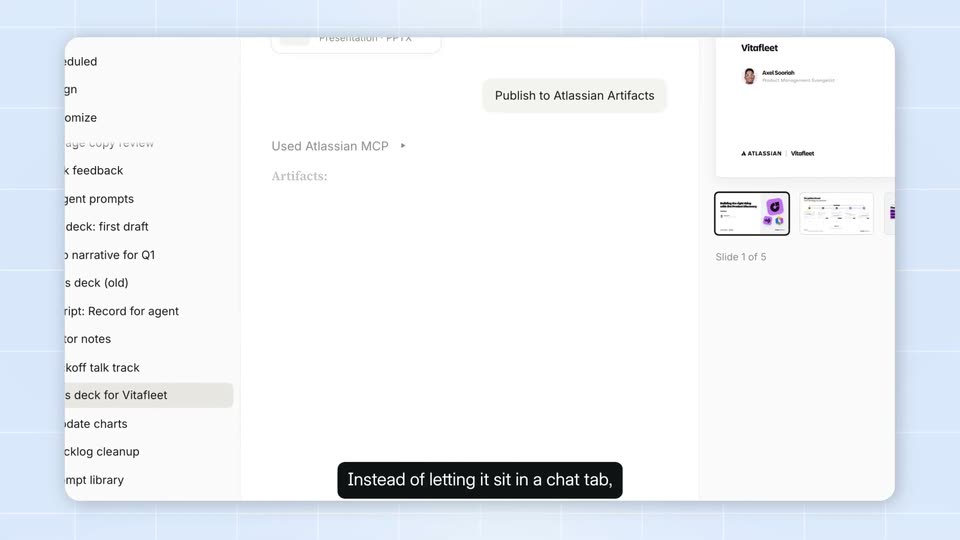 0:30–0:34Atlassian · Give your AI work a home with Artifacts App | Rovo at WorkThe Claude chat shows a PPTX file chip next to a slide preview. The interface pans to the artifacts panel, where a publish button and a published artifact card with the deck thumbnail appear. Black caption boxes track the narration at the bottom.
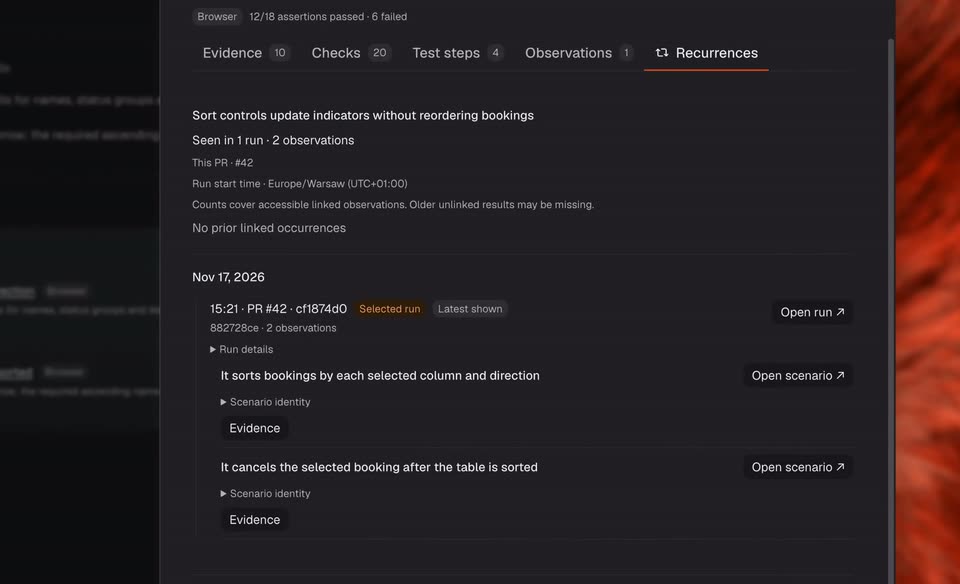 0:32–0:39CodeRabbit · CodeRabbit - Introducing CodeRabbit Verify Don't let your users be the first testA dark test-report panel cycles through its top tabs, Test steps, Observations, then Recurrences, each swap blurring and settling on new lists. A white cursor enters and clicks the Fix with Coding Agent button, reframing to the scenario detail header.