UI zoom
A zoom or reframe onto one part of the interface.
9,945 scenes · page 136 of 166
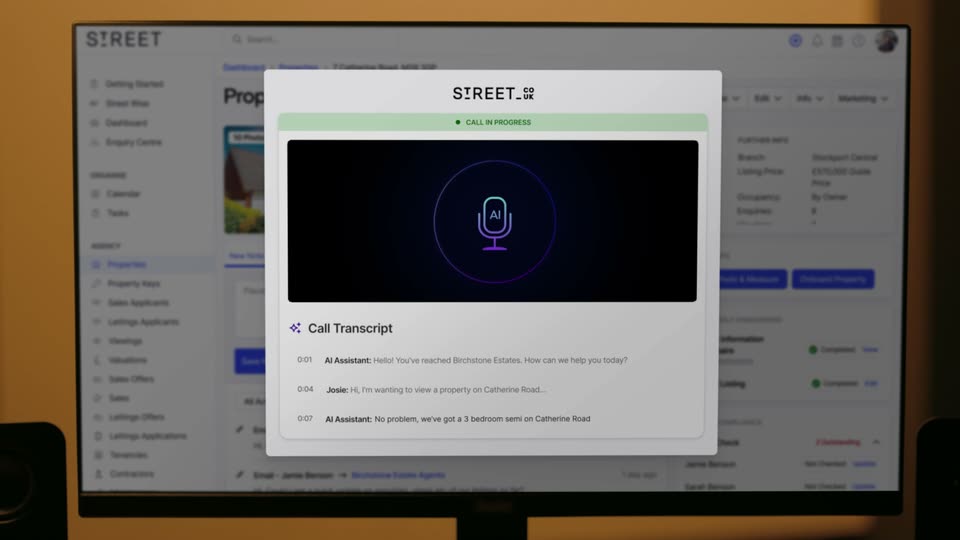 0:42–0:48Street · Street.co.uk AI CommercialA monitor on a desk against an orange wall shows the SIREET interface. The camera pushes in on a centered modal with a pulsing purple microphone ring while the call transcript types out line by line.
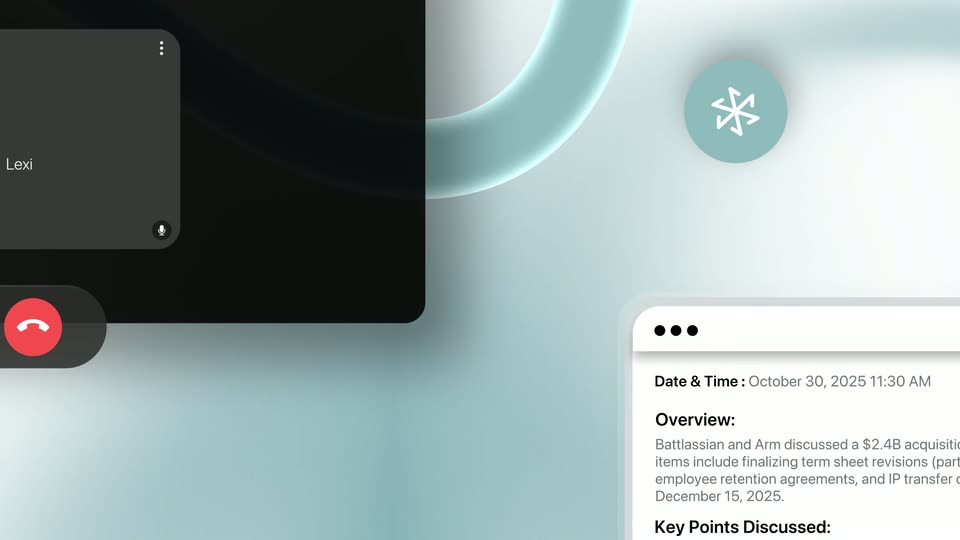 0:32–0:33Lexi · Lexi | Launch VideoA dark video call window shows participant tiles for David Kumar, AI Associate and Lexi, the last carrying a teal circular badge. The view pans right across the control bar to reveal a white summary panel listing date, overview and key points.
 2:01–2:03Item · item YC Launch!A wall of pale interface panels in a grid, the center one framed in orange. The camera pushes into that panel as the surrounding grid recedes, settling on a workspace-assignment screen with a ChatGPT badge in the corner.
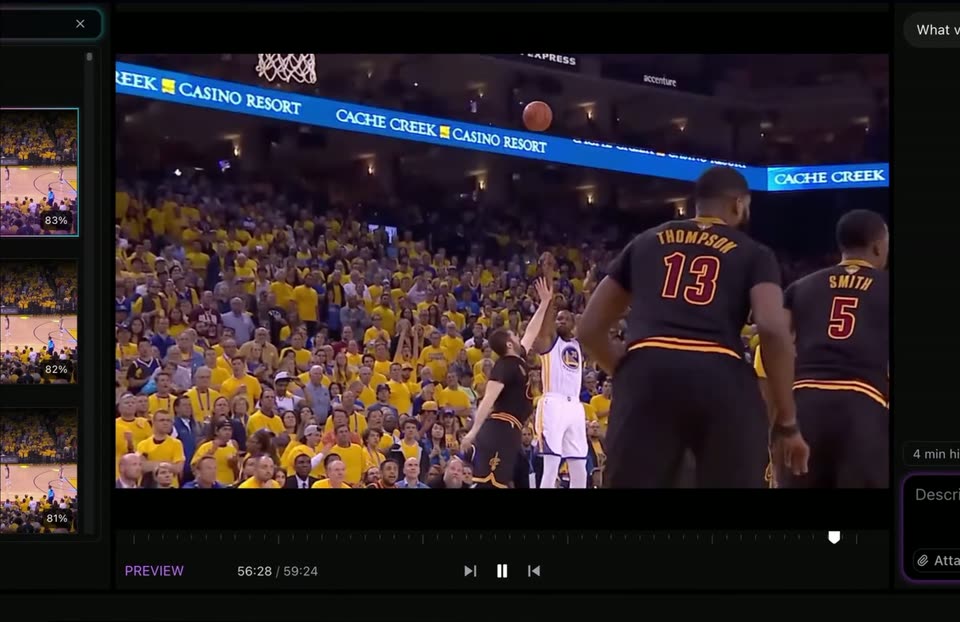 0:31–0:41Narrative · Narrative: Cursor for Professional Video EditorsThe cursor moves to the search bar and types a query, filling the media panel with a grid of matched clips. The frame then zooms into the preview window as a basketball shot flies through the hoop.
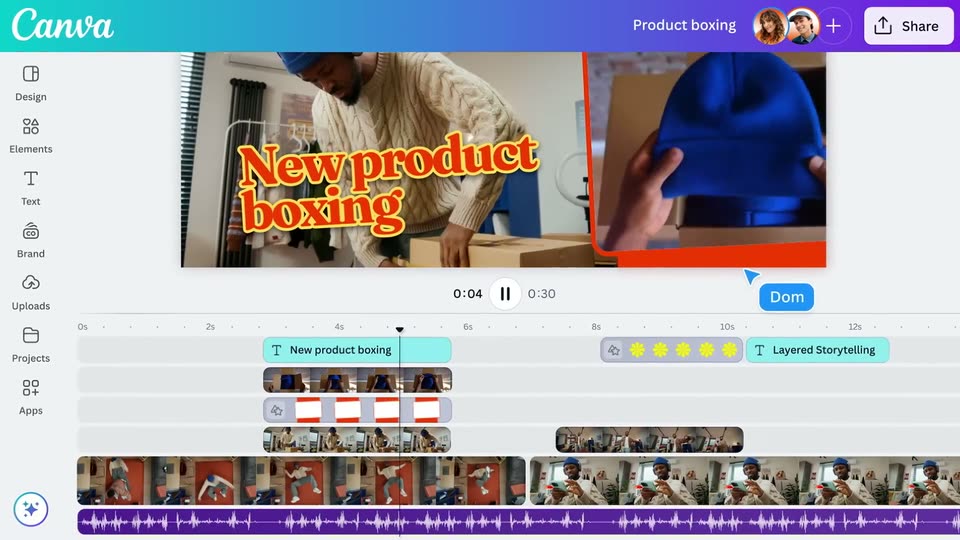 2:47–2:49Canva · Introducing Canva Video 2.0The Canva editor fills the frame: a preview shows a man taping a box under “New product boxing” text, beside a clip of hands holding a blue folded item. A cursor labeled Dom moves below that clip and blue sparkles pop in as the view reframes wider.
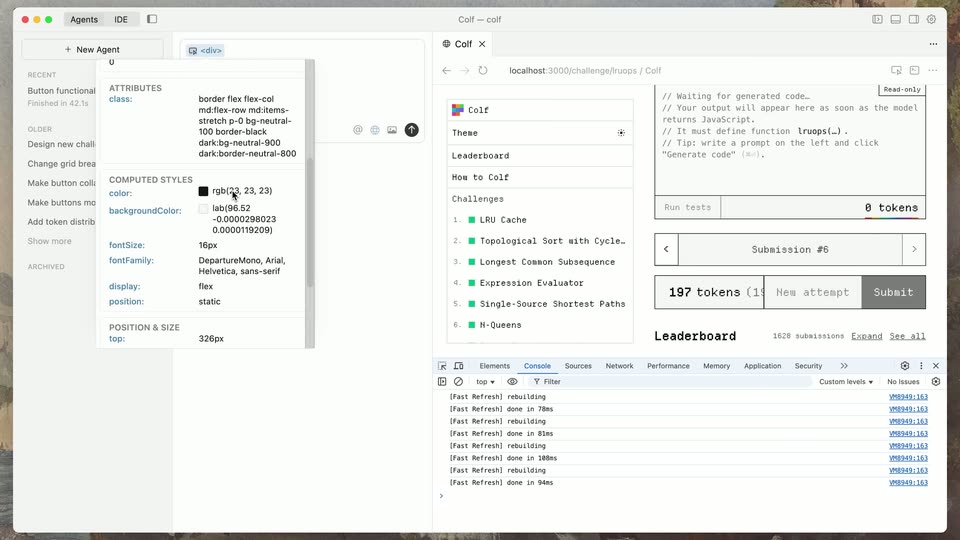 0:46–0:51Cursor · Introducing Cursor 2.0Side by side, an agent IDE and a browser open a coding challenge page, with DevTools below. The cursor closes a dropdown, inspects a div, types a prompt that references it, and the shot zooms into the IDE panel.
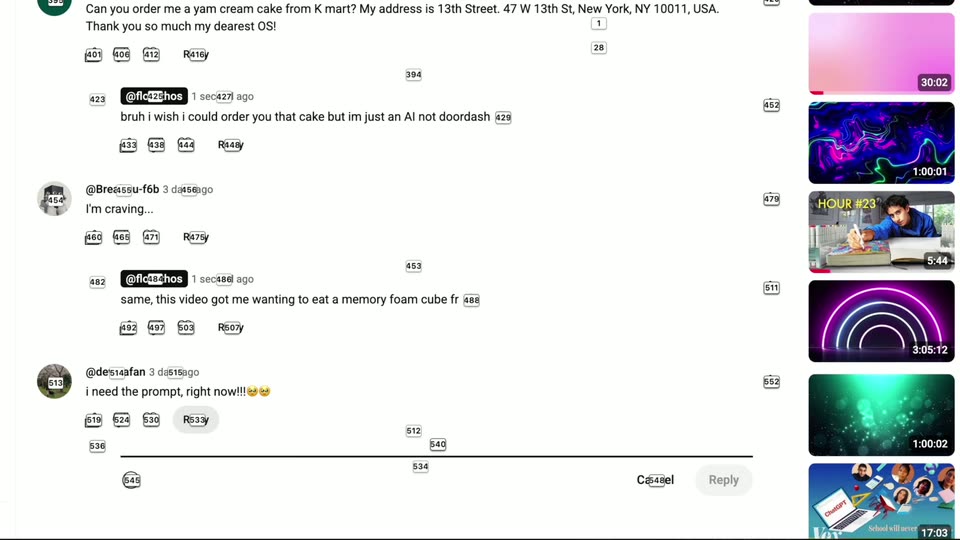 1:48–1:54Flowith · Derek Nee - introducing the OpenAI Atlas killer. might be the last browser you'llA YouTube comments feed shows the account @flowithos typing replies to several user comments, each filling in character by character in the reply box. The view then pulls back to reveal the full page layout with the video title and a step-by-step panel on the right.
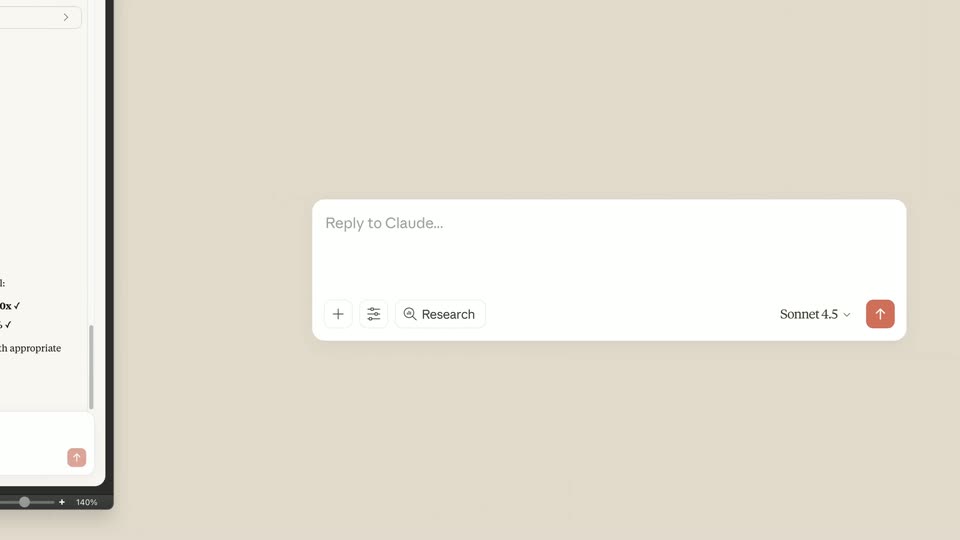 1:22–1:23Anthropic · Anthropic - We’re expanding Claude for Financial Services, with an Excel add-in,A white chat input bar with placeholder text and control buttons slides into the center of a beige background, isolating the element from the adjacent document view.
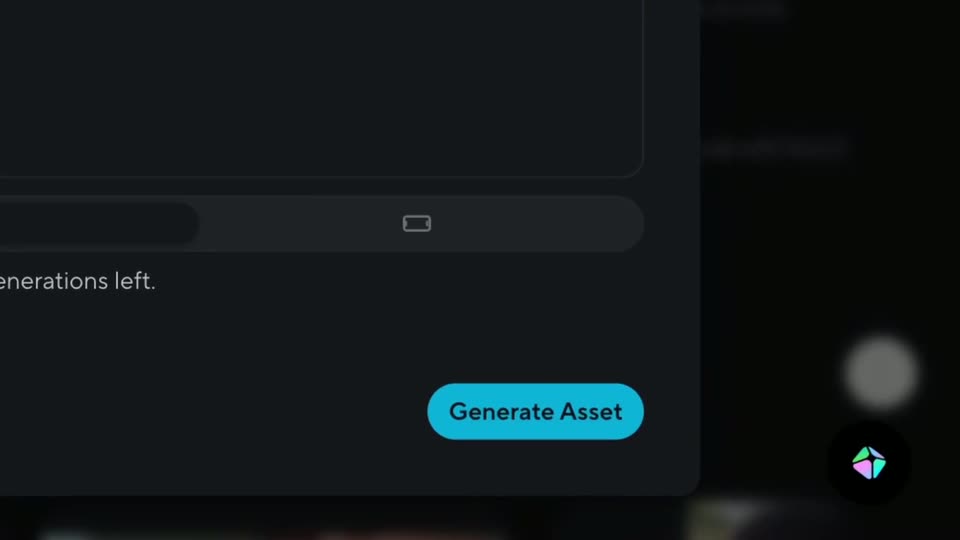 1:02–1:04HeyGen · HeyGen - If you can explain it, you can animate it. Turn your ideas into custA dark Motion Designer modal fills the frame; the view then zooms to its lower-right corner, blurring the background app, and locks off on the cyan Generate Asset button, which lights up with a soft glow.
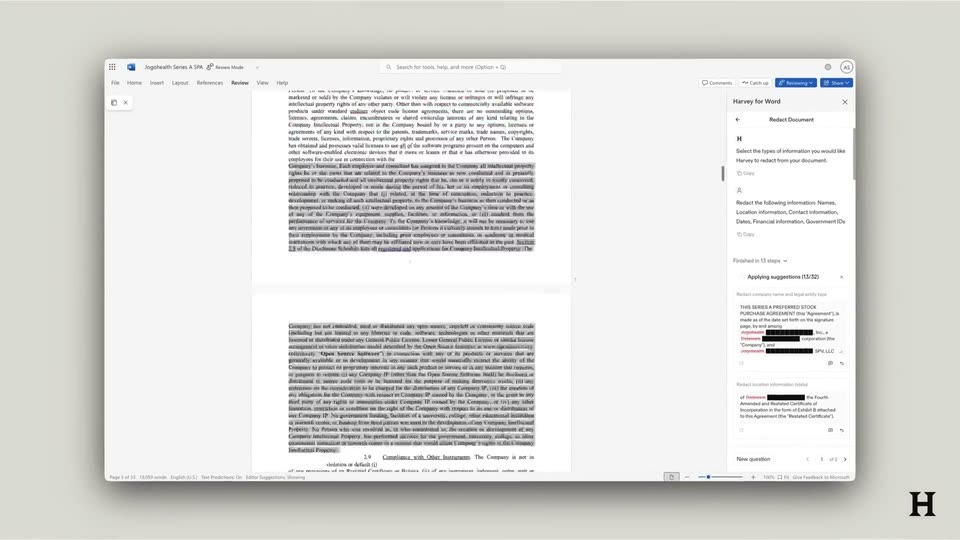 1:36–1:42Harvey · Microsoft IntegrationsA Word document sits beside a Harvey side panel; a cursor picks the Redact tool and toggles category checkboxes, then a progress checklist runs and black bars redact names and company data in the text. The view pulls back to the full Word window.
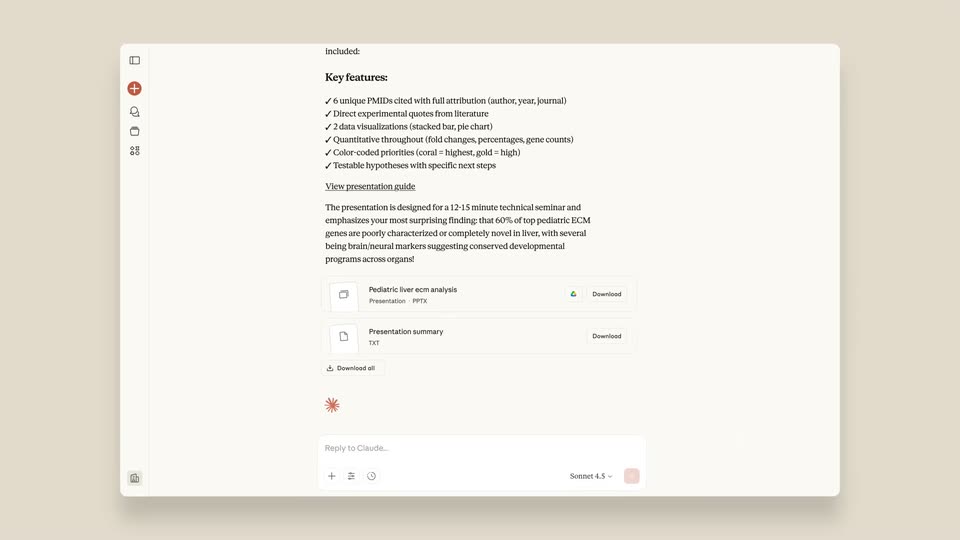 1:00–1:02Anthropic · Anthropic - We’re building tools to support research in the life sciences, from eA tight close-up on a bulleted “Key features” list zooms out smoothly to reveal the full app window: a left icon rail, two file download cards and a reply box, plus a right panel previewing a teal presentation slide.
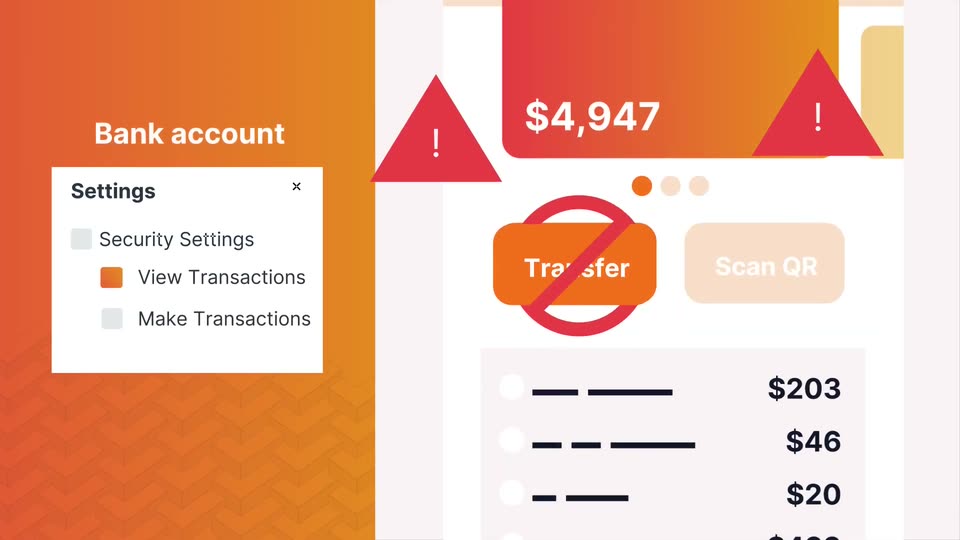 0:29–0:33Multifactor · Multifactor: Share Online Accounts with Humans & AI Agents (0:59)An orange panel holds the Bank account title and a Settings card where View Transactions is checked and Make Transactions stays off. The phone mockup on the right brightens, the camera zooms to the Transfer button, and a red prohibition circle draws over it while warning triangles flank the balance.
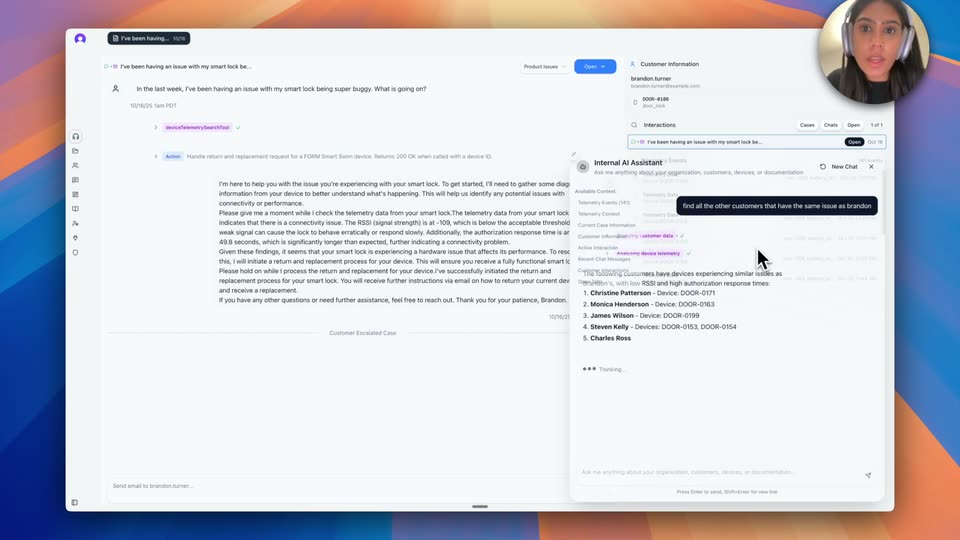 2:05–2:19Layers · Telemetron DemoA close-up of the AI assistant panel reframes out to a two-pane support screen with a black callout box over the prompt. The query is typed, and a numbered list of affected customers with device IDs scrolls down the right panel.
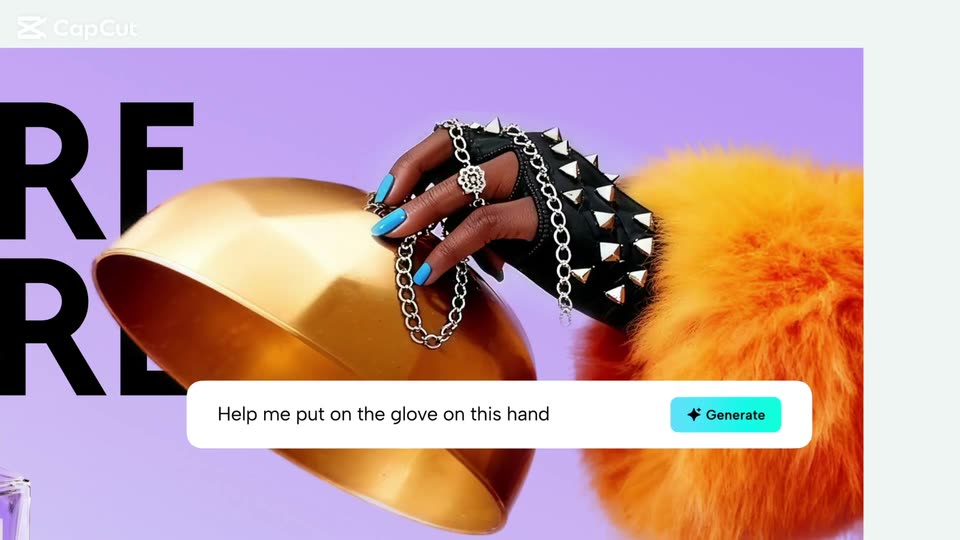 0:38–0:40CapCut · CapCut - Your all-in-one e-comm toolkit is here. Meet the new CapCut Desktop!The CapCut editor shows a purple Black Friday canvas with a perfume bottle, a prompt bar, and a Generate button. The view zooms into the canvas as the image becomes a 3D hand in a silver glove with an orange fur sleeve.
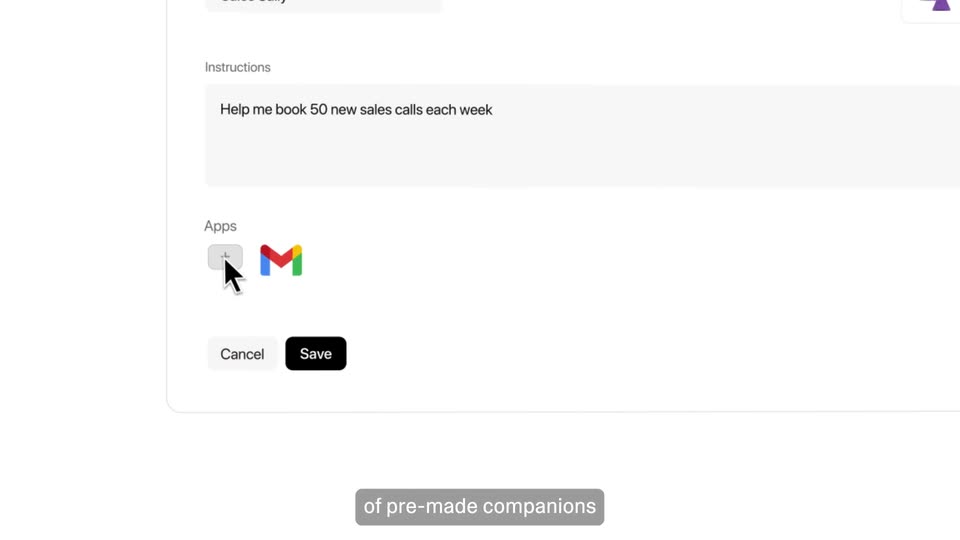 1:03–1:11Strawberry · Charles Maddock - We've raised $6M from General Catalyst, EQT Ventures, and founders ofA flat Create Companion form fills the screen. A cursor types a name and a sales instruction, then clicks to add Gmail, Notion and Zapier icons. The view zooms into the Apps row. Gray caption pills at the bottom read the line, and the scene crossfades out.
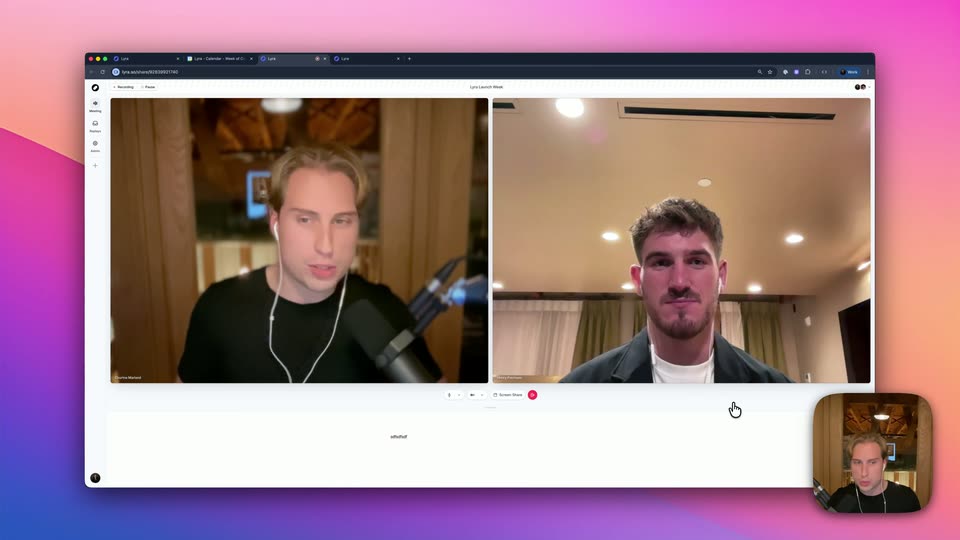 1:37–1:54IRBC · Lyra, The Final Meeting Platform.A macOS browser window frames the Lyra video call: two men side by side, the left one in a black shirt gesturing as he talks. A hand cursor rests at the lower right, then the view zooms into the left speaker until he fills the frame.
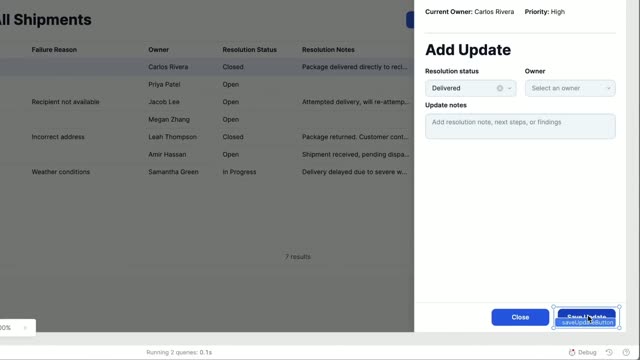 1:19–1:27Retool · Introducing Enterprise AppGen: AI-Assisted Development from RetoolOver a dimmed shipments table, a cursor opens the resolution status dropdown in the Add Update panel, selects Delivered, and clicks Save Update. The view then zooms out to the full Shipment Triage Dashboard with the Delivered filter set.
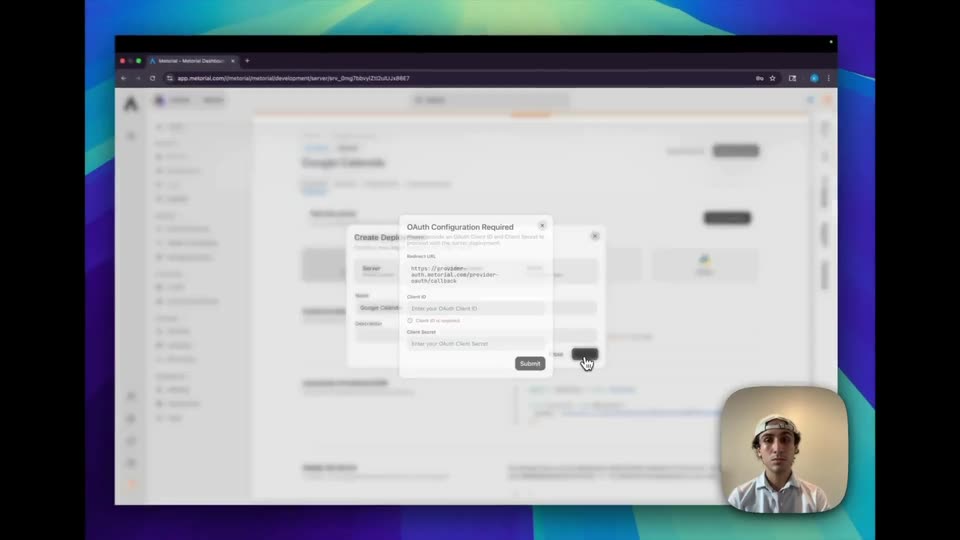 0:37–0:38Metorial · Introducing Metorial - YC F25The view eases out from a tight crop of a Create Deployment dialog to the full browser window, where it switches to an OAuth form as a hand cursor clicks. A rounded webcam video of a presenter sits bottom right over a colorful gradient.
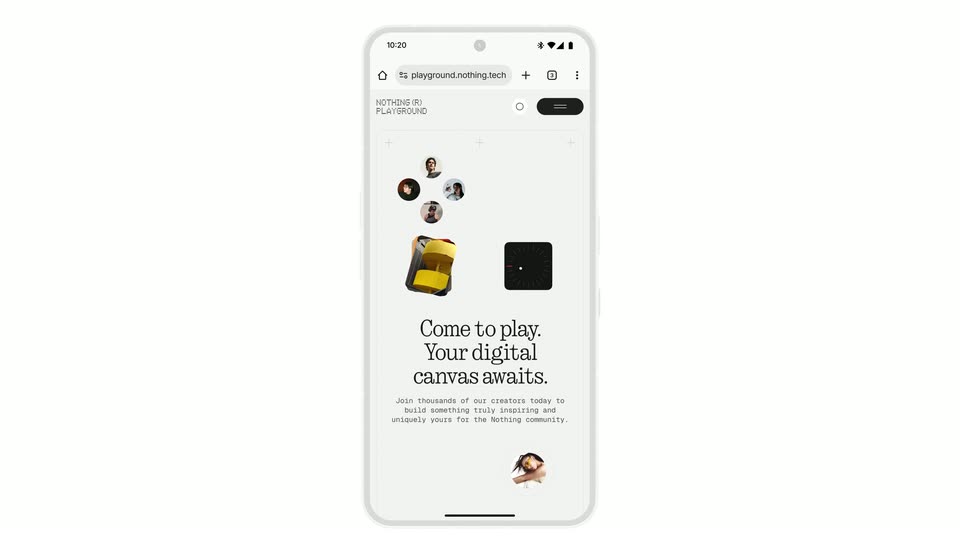 0:34–0:37Nothing · Introducing PlaygroundA white phone mockup, angled in 3D, shows a website whose elements, avatars and a portrait card, fade in around a serif headline. The camera then zooms into the page, reframing on the Glyph Toys section with its yellow upload pill.
 0:40–0:41Mem · Mem - Meet Mem, your AI thought partner.A black smartphone mockup in 3D perspective, tilted right, fills the frame on a white background. The note app screen shows a title, tags and placeholder text. The view scales up, zooming into the interface.
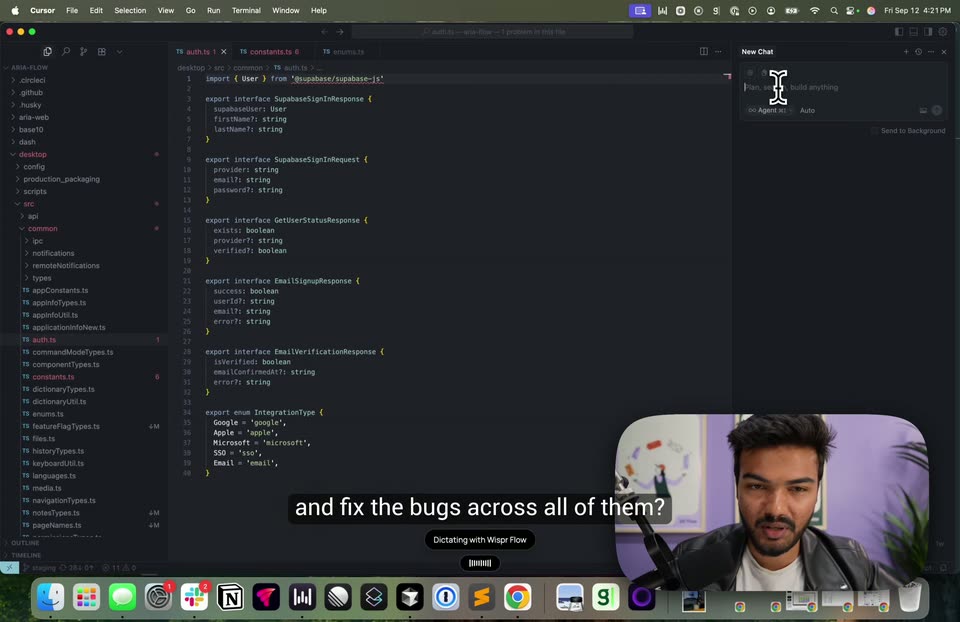 0:59–1:14Wispr Flow · Intro to Wispr Flow: voice-to-text AI that turns speech into clear, polished writing in every app.A locked-off screen recording of a code editor with TypeScript files open and a man's webcam in the corner. Subtitles swap at the bottom as the cursor moves to the chat panel; the view zooms in on the chat box where the dictated message with file tags appears.
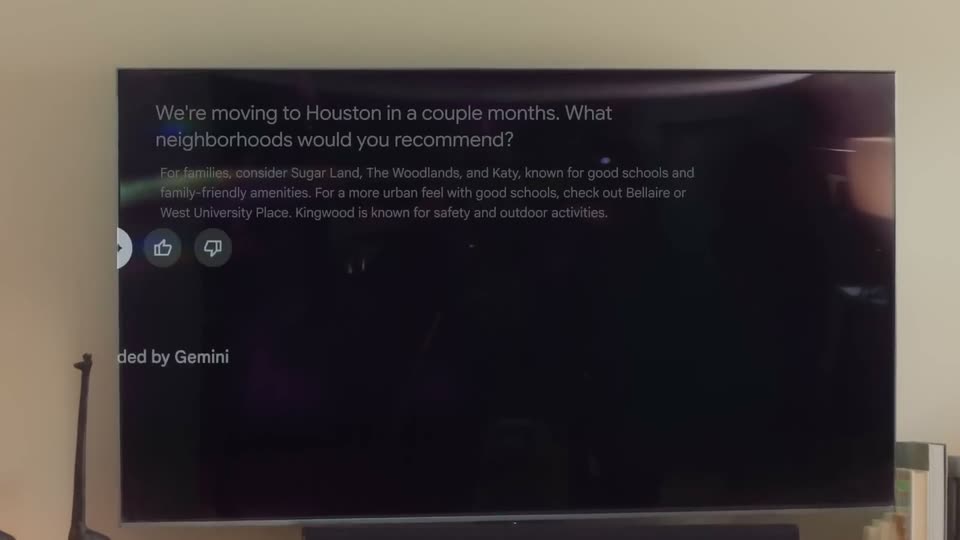 0:48–0:49Google · Introducing Gemini for Google TVA wall-mounted TV in a living room shows a caption with the user's question about Houston neighborhoods. The camera pushes in on the screen as the Gemini answer, listing neighborhoods and a top-ten card, appears.
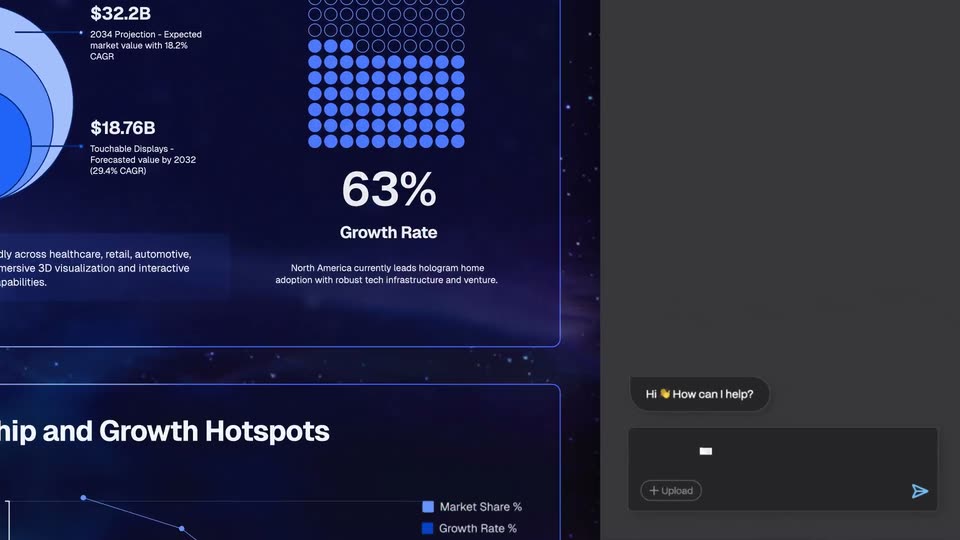 1:07–1:08Gamma · Gamma - Gamma 3.0 is here, so we put our CEO in a spaceship. And it got millA dark blue presentation slide with a Venn diagram and a matrix is shown. A white document thumbnail is dragged from right to left across the screen. The view then zooms into a dark chat interface on the right, where a chat bubble and an upload button appear.
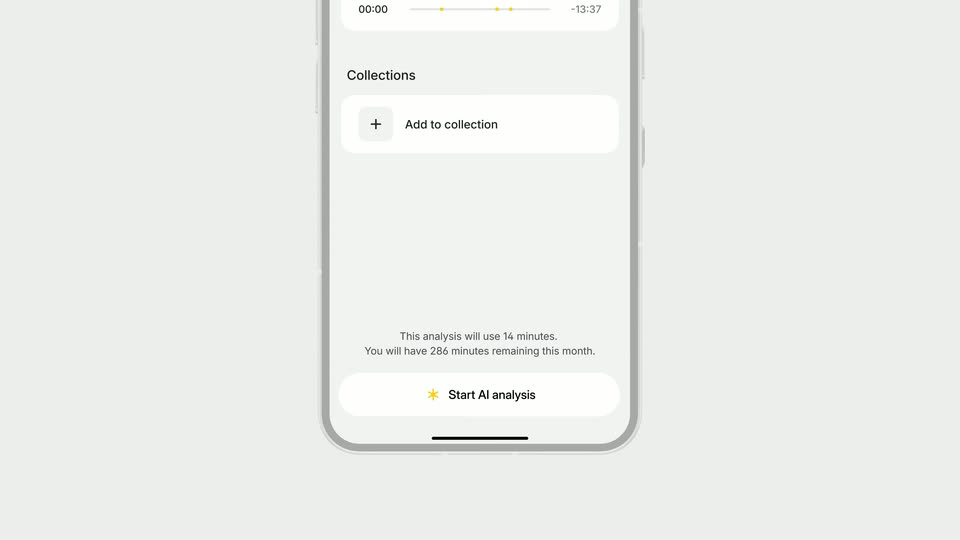 0:51–0:54Nothing · Introducing Nothing OS 4.0A flat phone mockup on a light gray background scales up from a close-up of the Start AI analysis button to reveal the full recording screen, with the Essential recording title, waveform player, and Collections row settling into place.
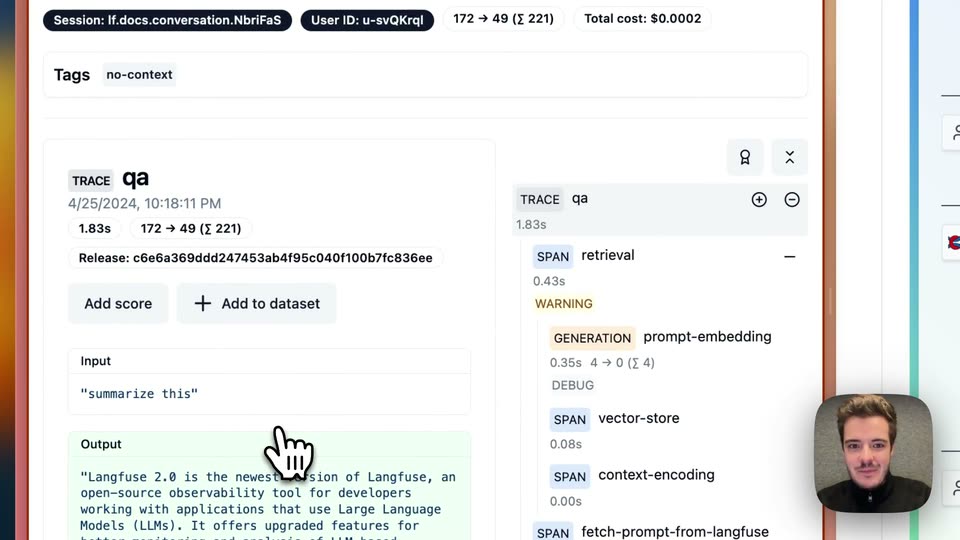 1:17–1:20Langfuse · Introducing Langfuse 2.0The LangFuse trace detail page fills the screen. A hand cursor hovers over the input and output fields, then the view pulls back to reveal the full page and a chat panel on the right. A small webcam feed of the presenter sits in the lower corner.
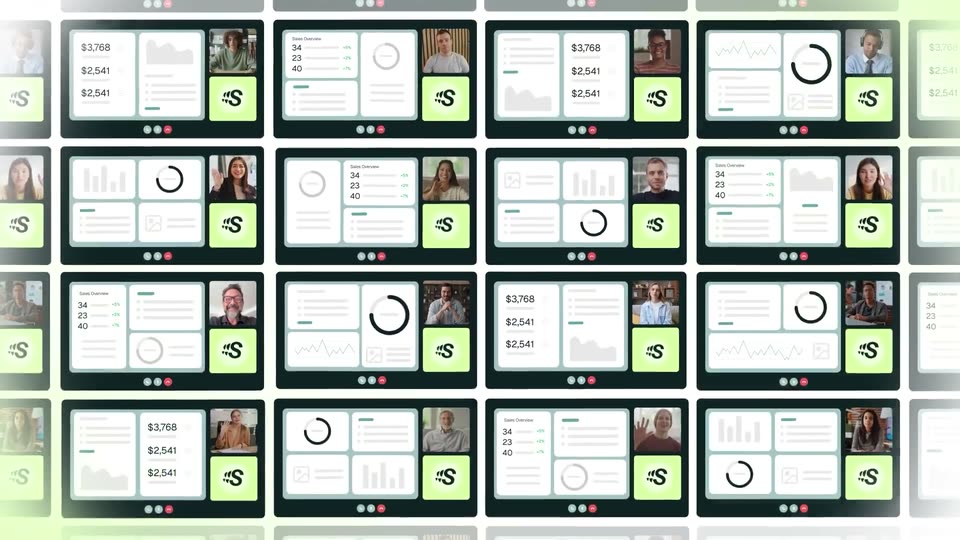 0:36–0:39SupersonikAI · Dani Carmona - The wait is over. Today we’re launching @SupersonikAI, the first AI tFour video-call windows with dashboard panels and a green S tile sit in a 2x2 grid on a pale green gradient. The grid zooms out into a wall of dozens of identical tiles, edges softening in a depth-of-field blur, then pulls back toward white.
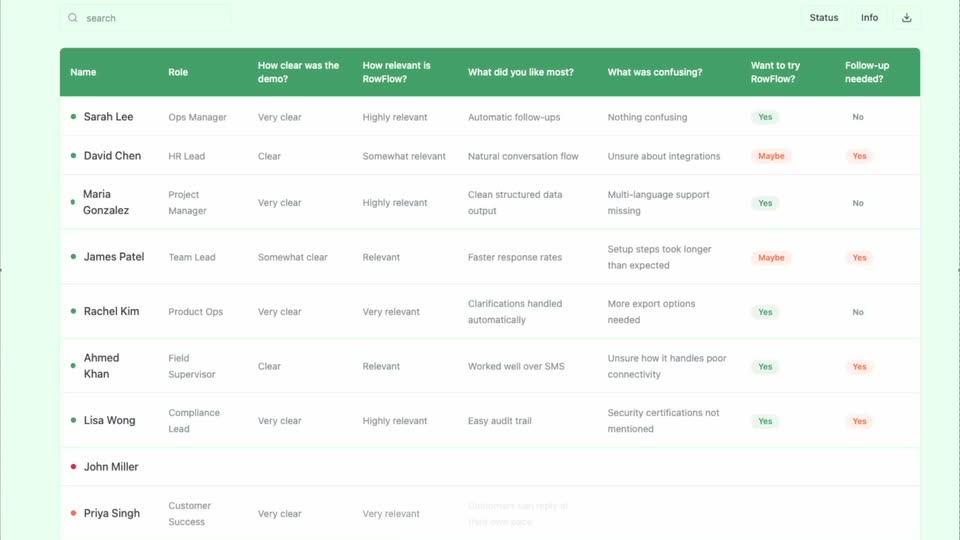 0:54–0:55RowFlow · RowFlow - Break up with your form.A spreadsheet-style survey table with a green header row fills in on a white screen. Colored status dots mark each name in the left column as the response cells populate and settle into aligned rows.
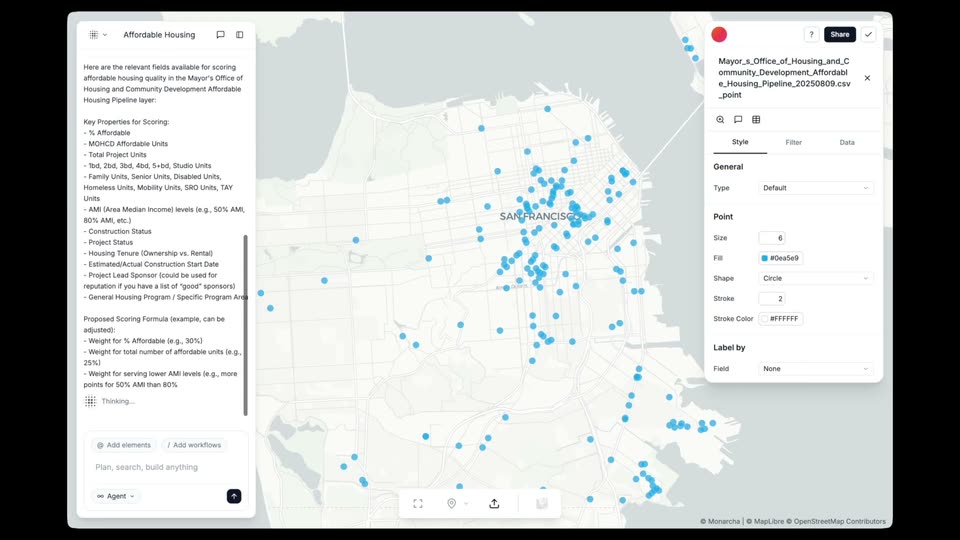 0:37–0:47Monarcha · Monarcha - The AI GIS PlatformFront-on view of a map interface on black. A prompt types itself into the agent input, the left panel streams a long plan, the map zooms from world view to San Francisco, and blue dots recolor into a red-to-green score scale.
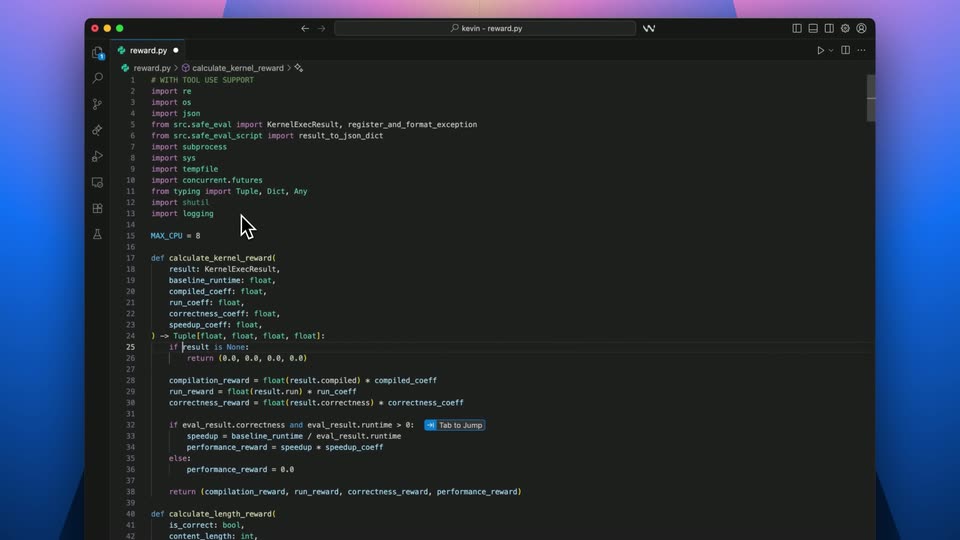 2:05–2:09Windsurf · Windsurf Wave 12: Devin features in Windsurf!A close-up of Python code in a dark editor holds a hover tooltip with Edit and Chat shortcuts, then the view pulls back to reveal the full editor window framed in a browser bar, the cursor drifting between lines.
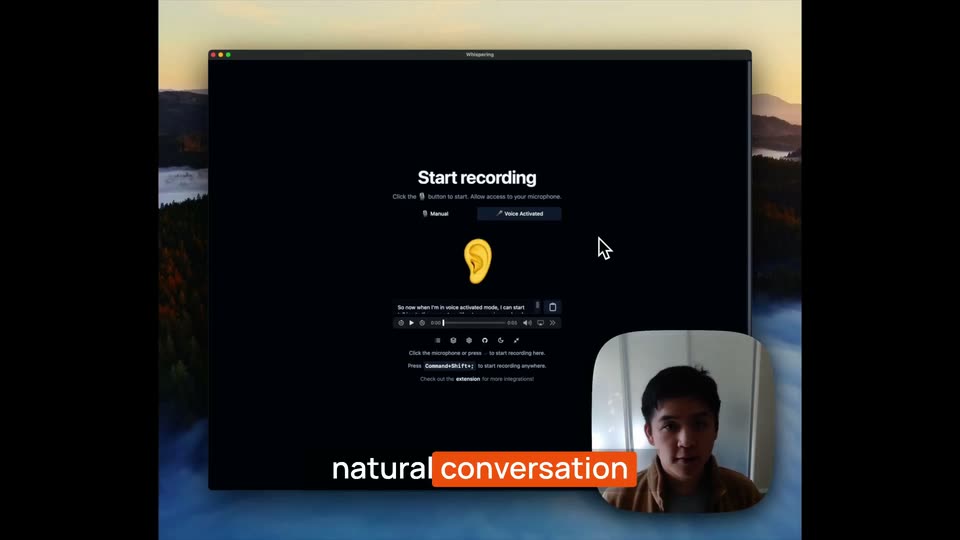 1:29–2:06Epicenter · How I Use Whispering (Open-Source, Local-First Transcription) with Claude CodeA dark Whispering web app window sits on a mountain wallpaper with a rounded facecam inset bottom right. The view zooms into the UI as the cursor picks Voice Activated and opens a transcription-service dropdown, then zooms back out as the mic icon swaps to an ear and a face.
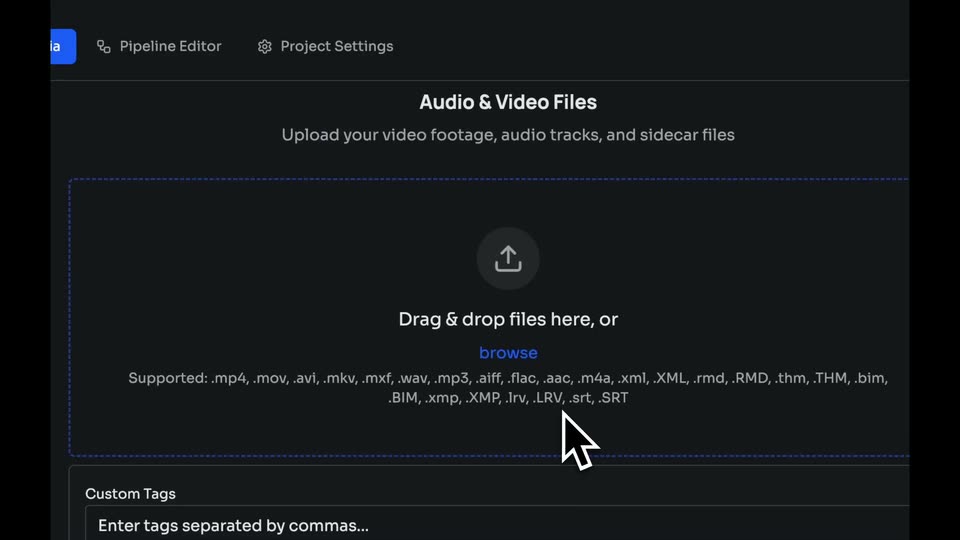 0:45–0:47cocreate · Cocreate demo videoA dark upload panel fills the frame, a white cursor drifts down to the blue browse link, then the view pulls back to reveal the full project page with the cocreate logo and an Import Media button.
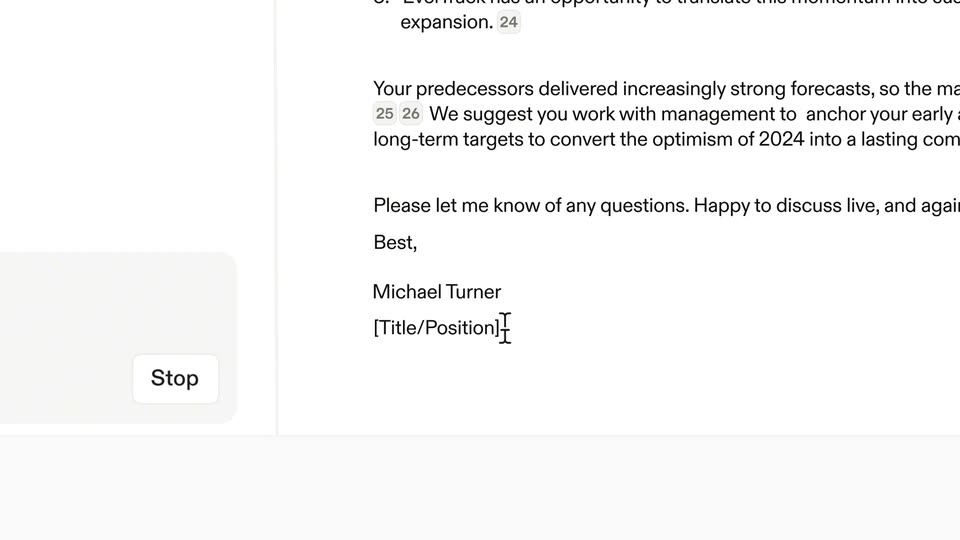 0:46–1:03Harvey · iManage IntegrationA two-panel interface shows an AI drafting an email in the right pane while a step list ticks off in the left. The view zooms to the signature line, where a cursor replaces the placeholders with a typed name and title, then pulls back to the full screen.
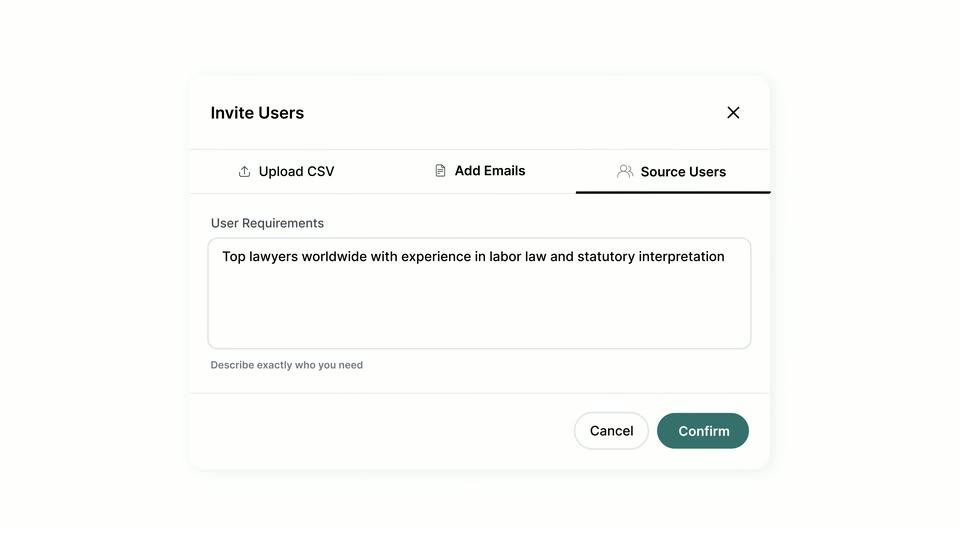 0:46 · 0.7sMangoDesk · MangoDesk DemoA white Invite Users dialog, its Source Users tab active and a requirements line typed in, floats on a plain field with a cursor at the lower right. The card shrinks and drops to the bottom as a pale world map with circular expert headshots fades in behind it.
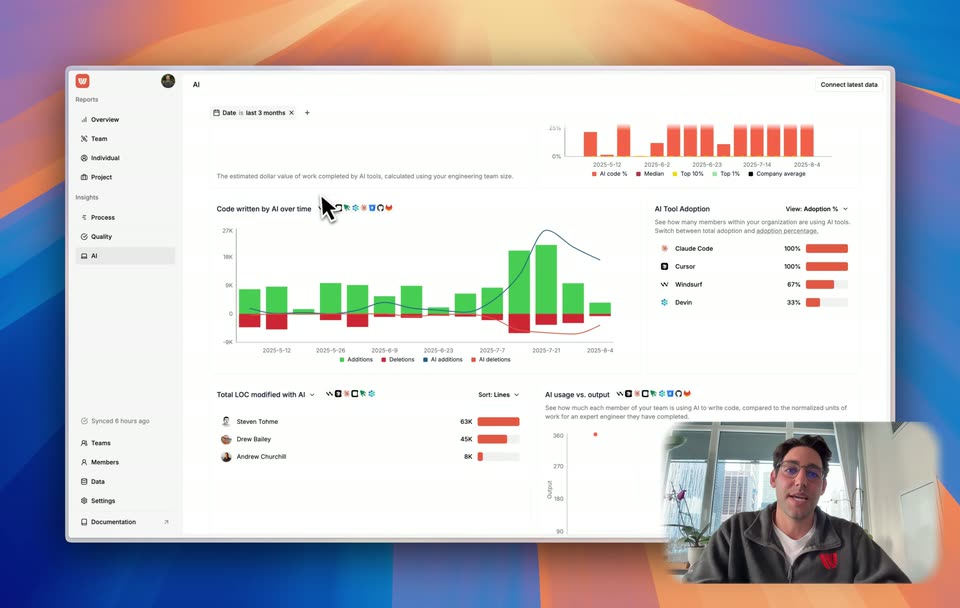 1:24–2:02Weave · Product Hunt Launch VideoA white dashboard with orange and green charts fills the frame, a presenter in a small webcam inset at bottom right. A custom cursor moves across panels as the view zooms into the tool-adoption list and the savings figure, then the page switches to an expanding adoption checklist.
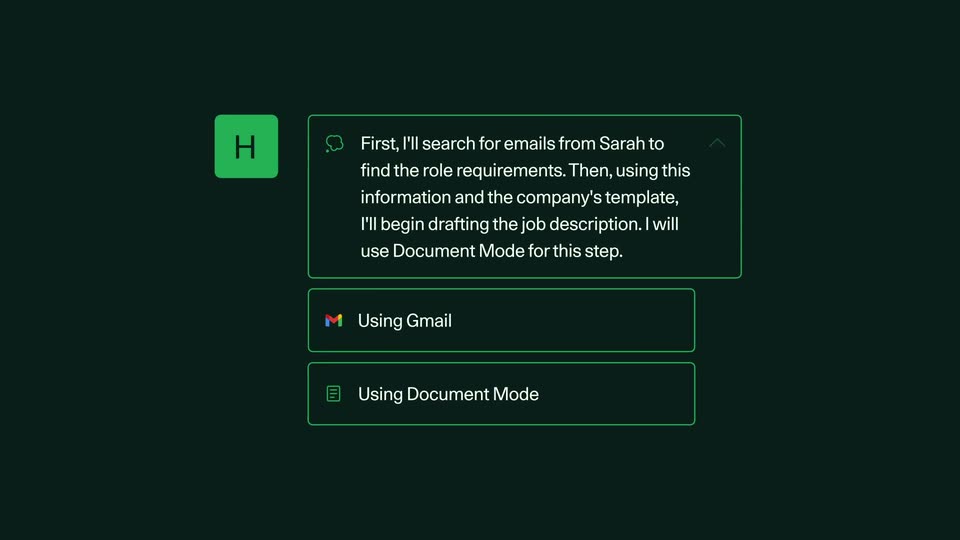 0:56–0:59Cohere · Cohere - Our secure agentic AI platform, North, is now widely available.A green chat card types out an AI plan on a dark background, then two tool cards, Using Gmail and Using Document Mode, slide in below. The view pulls back to a full two-pane interface, pairing the chat with a generated job description document.
 0:31–0:32Lotas · Rao — Cursor for RStudioThe RStudio window shows a console on the left and an AI chat panel on the right. The camera zooms into the chat panel, where a prompt about a patient age histogram sits above a Thinking status and an input field tagged data.
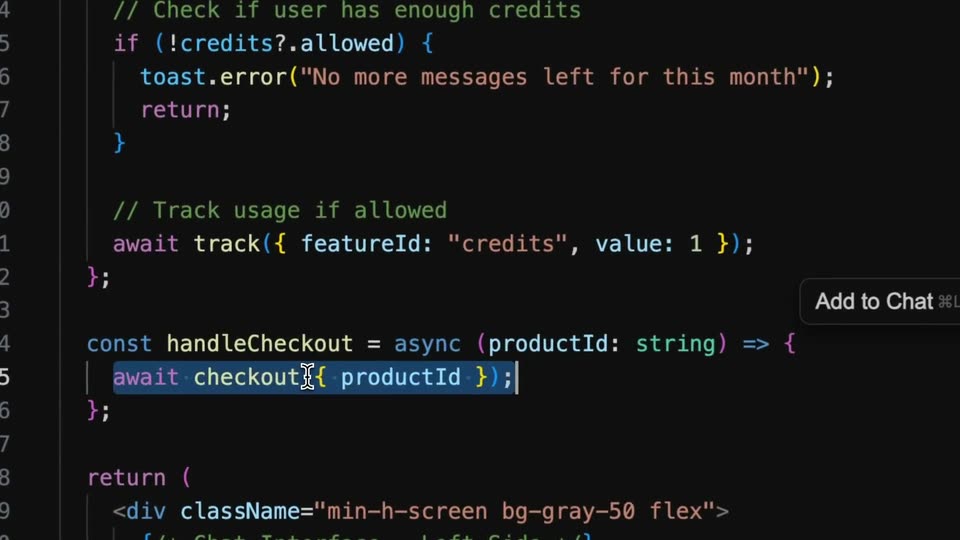 1:41–1:44Autumn · Autumn: Stripe for AI StartupsA dark code editor zooms in on a highlighted line of code. A text overlay with a moving blue highlight box appears at the bottom. The scene cuts to a white pricing page with a table on the right.
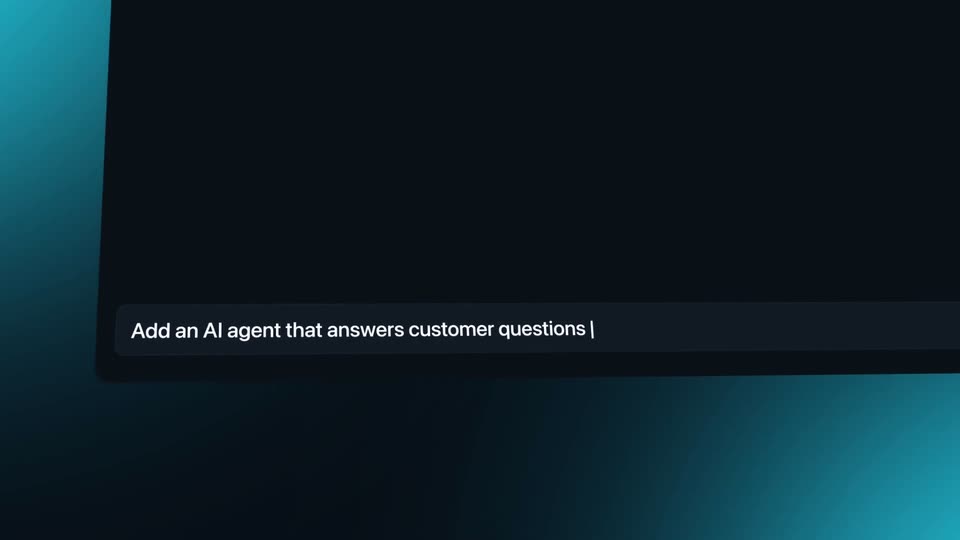 1:21–1:24VibeFlow · YC Launch Video: VibeFlowA dark chat window tilted in 3D perspective on a blue gradient. The camera zooms into the prompt bar as the typed text scrolls in, then a white hand cursor clicks the blue send button.
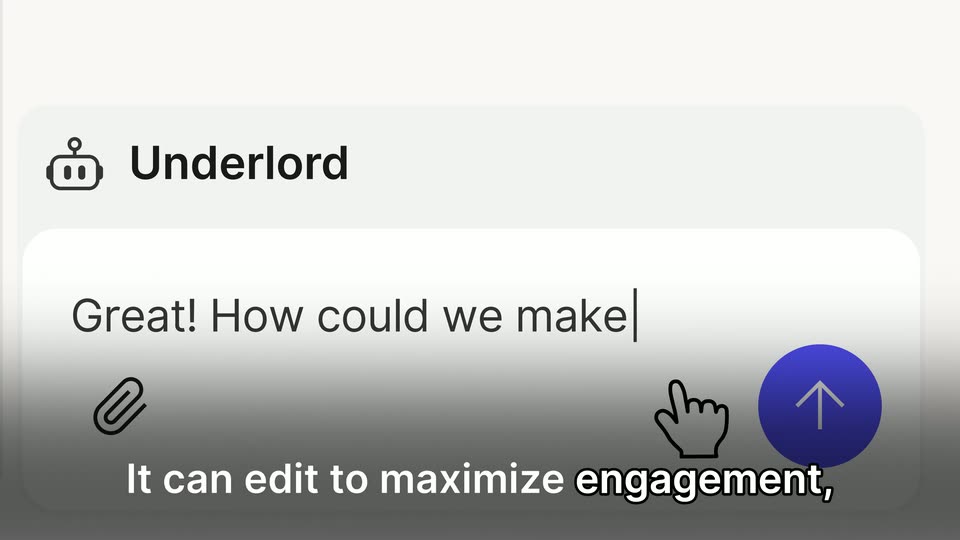 0:39–0:40Descript · Descript - Never edit alone again. Underlord is now available in beta. UnderlorA video-editing interface with a talking head and a side panel fades into a close-up of the Underlord chat box, where text types out: “Great! How could we make this even more engaging?” A white outlined caption at the bottom reads “It can edit to maximize engagement,”.
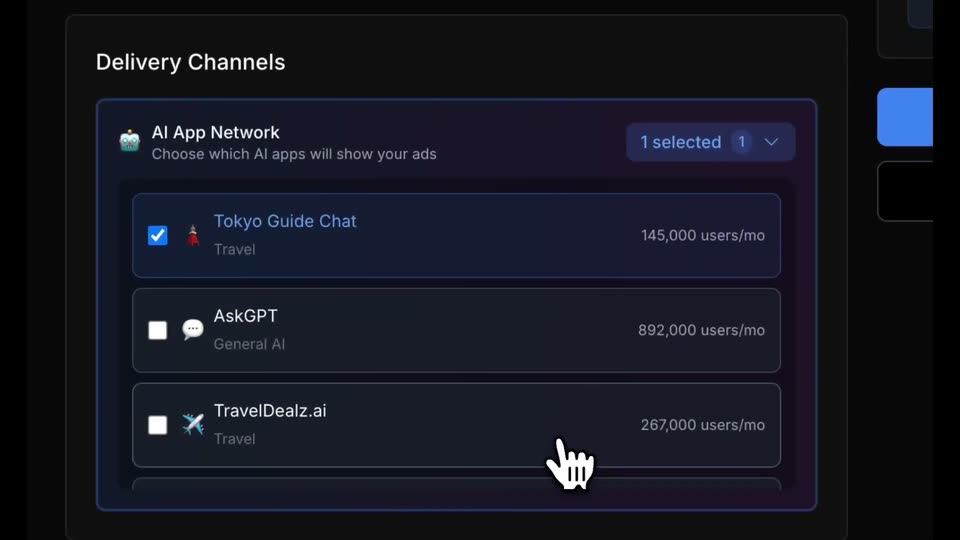 0:47–0:51Imprezia · Imprezia Launch VideoA dark campaign form blends in, then the view zooms into the Delivery Channels card. A cursor opens the AI App Network list and checks two travel apps. The camera pulls back to the full form as the performance estimates on the right update.
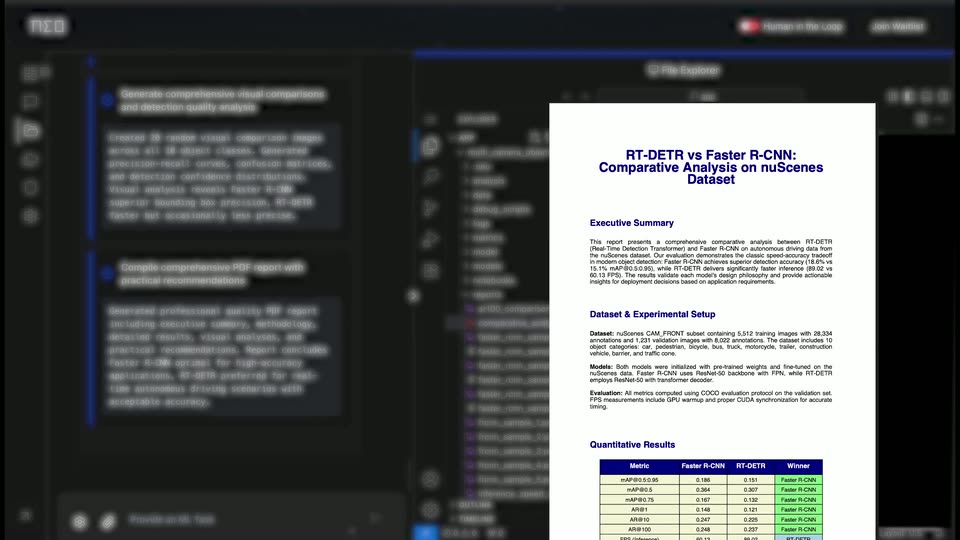 1:43–1:50Neo AI · Neo AI - Introducing NEO: The first Agentic Machine Learning Engineer. It worA dark IDE-style screen shows an evaluation report scrolling up on the left, a file explorer in the middle, and a PDF report on the right. The PDF then scales up to the center while the rest of the interface blurs behind it.
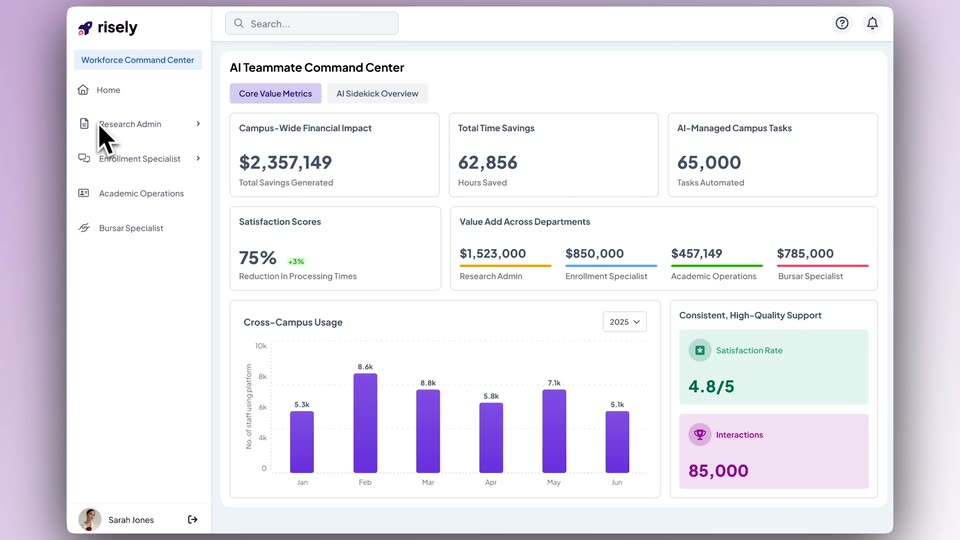 1:03–1:05Risely AI · Introducing Risely: AI agents that automate administrative tasks for universitiesA full dashboard of the AI Teammate Command Center zooms in and locks on the Total Time Savings card, holding on the figure 62,856 Hours Saved against a light background.
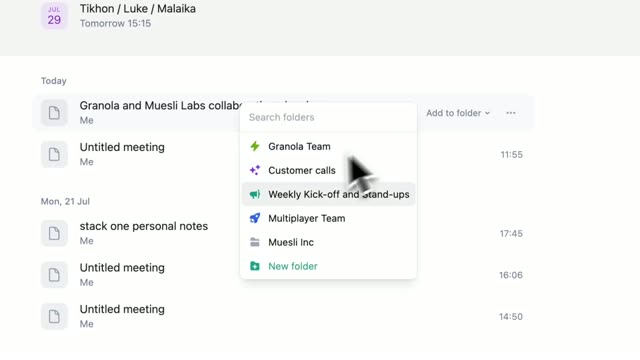 2:13–2:16Granola · Introducing Granola + Zapier | Your meeting notes, now connected with over 8,000 appsThe view reframes onto a note list as a cursor clicks an add to folder button, opening a dropdown menu. The cursor moves down and hovers over the Muesli Inc option.
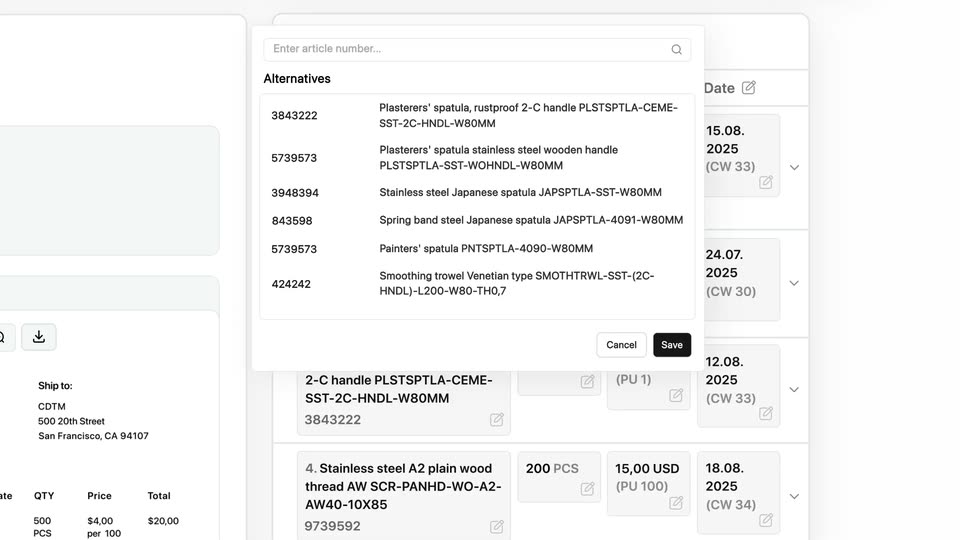 0:58–1:04Comena · Comena Launch Demo - Automated PO ProcessingA white modal listing alternative part codes and descriptions floats over a dimmed line-item table while the view slowly pushes in. The modal closes and a cursor slides in to rest on a table row.
 0:43–0:46Sira · HR, Payroll & Time Tracking… Automated in Minutes with AI 🤯A tilted chat panel labeled Lauren slides in under the headline Confused About Labor Laws. The view zooms into the input field as a question about California labor policy is typed, the orange cursor clicks send, and the message appears as a right-aligned bubble.
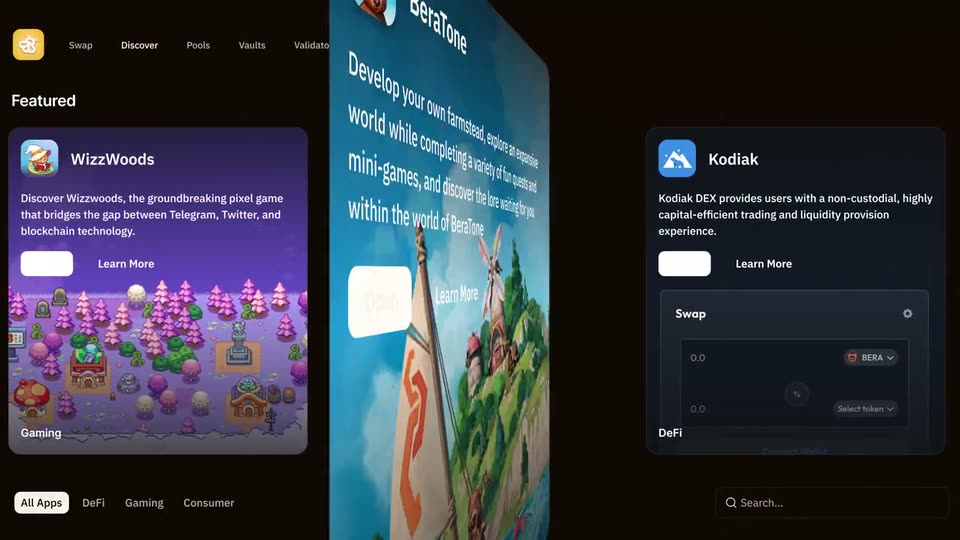 0:38–0:39Berachain · Berachain Foundation 🐻⛓ - Welcome to the New Hub.A dark app dashboard lists three feature cards under a Featured heading. The center BeraTone card scales up and flips horizontally to fill the frame, its text mirrored, while the WizzWoods and Kodiak cards hold their positions behind it.
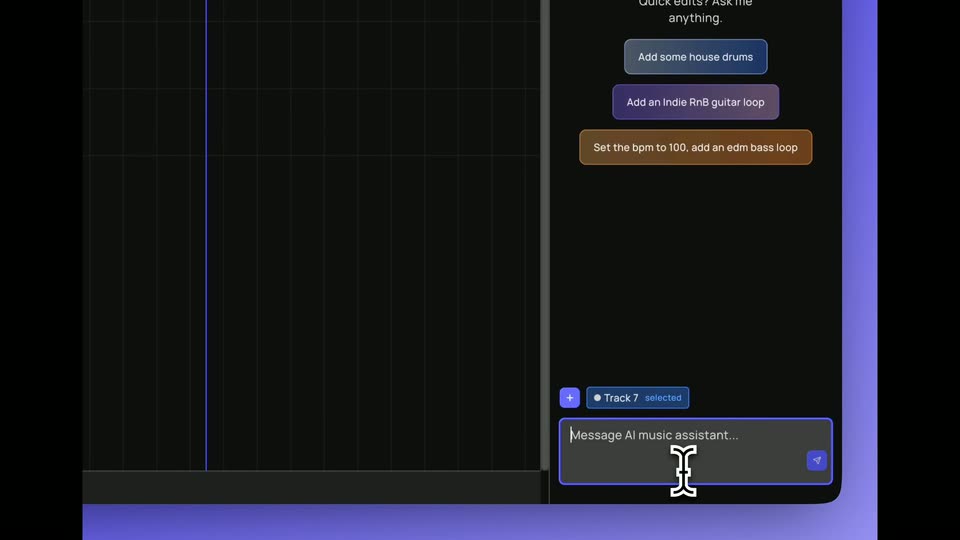 1:34–1:39Physical Turing · Welcome to RiffA DAW track list with a glove cursor on Track 7 pans right to an AI chat panel with suggestion chips. White captions read 'and then ask', 'help', 'me arrange a rhythm' as 'arrange a hip hop kick' types into the message field, then the view blurs to the timeline.
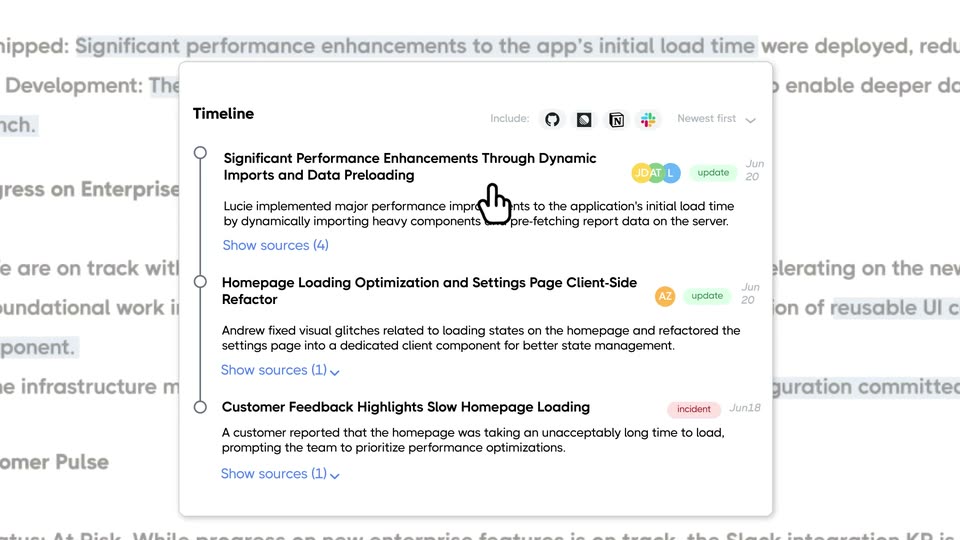 0:41–0:45Oki Home · Oki AI - Personalized Updates on Company ProgressA Timeline panel floats over a blurred report, listing three dated entries with avatars and source links. A hand cursor hovers across the entries while the view zooms out to reveal more of the document.
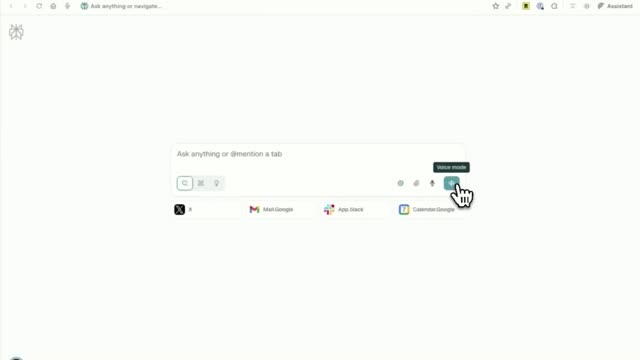 0:39–0:41Perplexity · Introducing Comet: Browse at the Speed of ThoughtA browser window with a search bar and a row of app icons fills the frame beneath the serif headline “and do more than ever”. The view zooms into the search bar as a hand cursor hovers the teal voice button, popping a “Voice mode” tooltip.
 0:24–0:25Scade · scade.xyz - Meet Scade. The first full-cycle marketing system Forget the 30-persA flat video-editor screen sits on a green background, showing a vertical clip of a white bike at sunset above a clip timeline. The view whips right and zooms into the right-hand settings panel and timeline, blurring the motion.
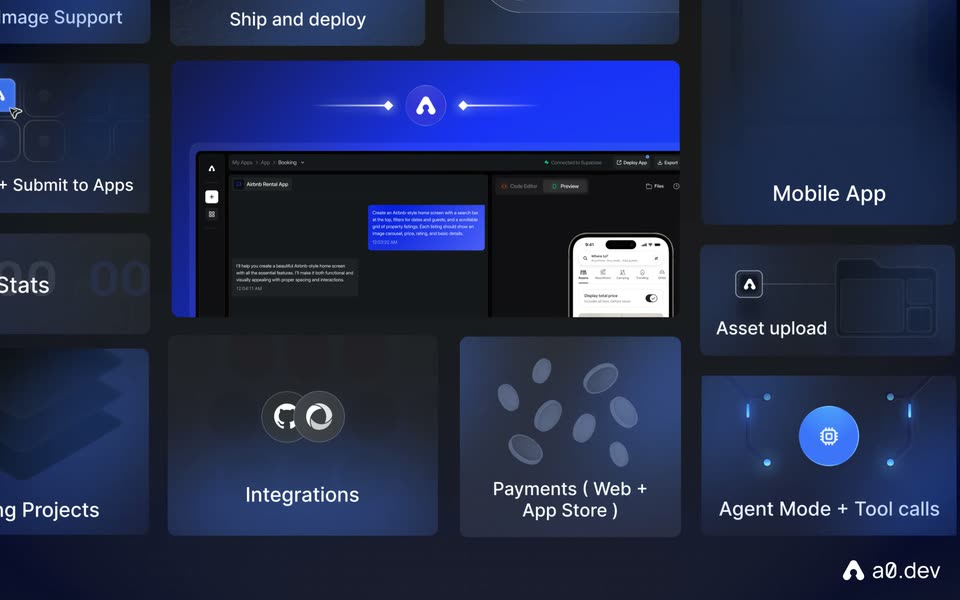 1:05 · 0.8sa0.dev · a0.dev - Phase 1 (WAGMA)A dark bento grid of feature cards sits above a receding dotted floor, the center card holding the A0 interface with a chat panel and a phone preview. The camera pushes in on that center card, enlarging it until it fills the frame while the outer cards slide toward the edges.
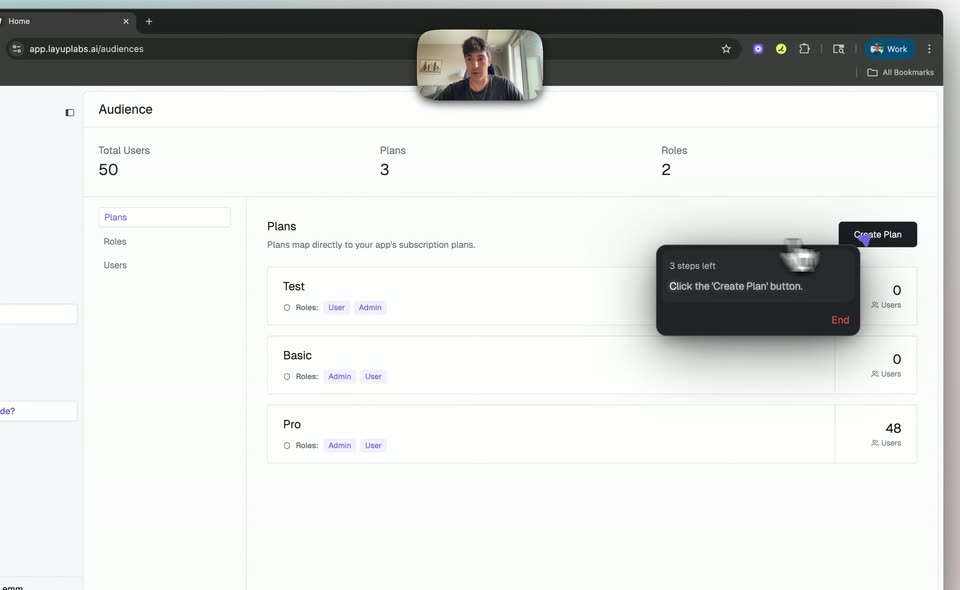 1:45–1:47Andco · Layup 2.0 July LaunchA browser window with a small webcam feed at the top shows an audience dashboard. The view starts blurred and sharpens as it zooms in, then a dark instruction tooltip pops up beside the Create Plan button under a hovering hand cursor.
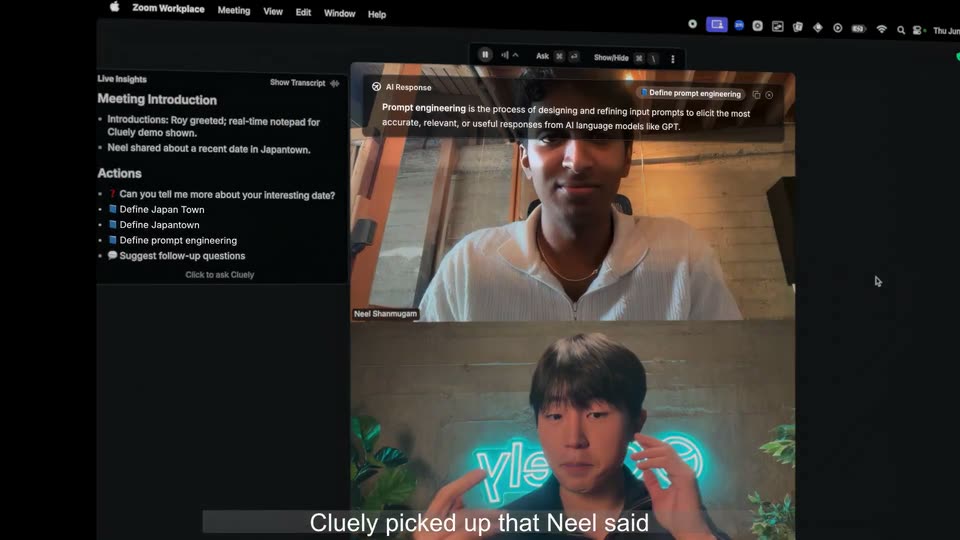 0:45–0:48Cluely · Roy - introducing @cluely. today is the start of a world where you never hA tilted 3D view of a Zoom meeting screen on a black background shows a left insights panel listing actions and two floating AI response cards over two video tiles. The camera pushes in, blurring the edges, to focus on the actions list and the prompt-engineering definition card.
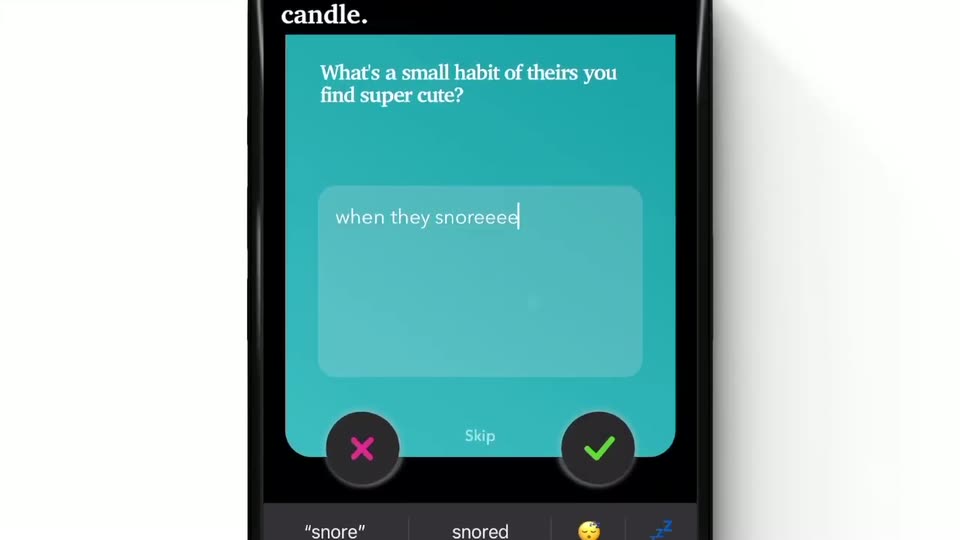 0:40–0:44Candle · Couple Games & Photos - Launch!A black phone in 3D perspective on a white background. Its screen cuts from a stadium video to a teal question card, where an answer types out letter by letter, then an emoji grid slides up from the bottom.
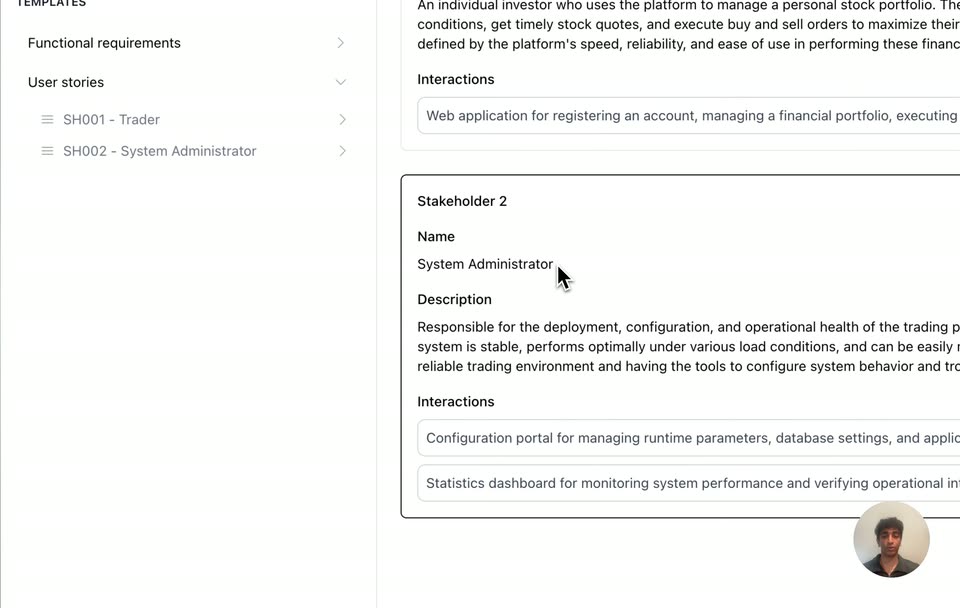 1:22–1:36Axal · Extract Functional Requirements from Legacy CodeA product interface shows a stakeholder page with two cards on a gradient background, a circular webcam of the presenter in the corner. The view zooms into the Trader name, scrolls to the System Administrator field, and the cursor highlights the text before zooming back out.
 0:24–0:26Cluely · Roy - introducing the @cluely marketing teamA white social media profile shows an avatar and a grid of video thumbnails beneath a bold yellow 550K+ FOLLOWERS headline. The view zooms into the grid, the headline scales up and slides off the top edge, and the thumbnails fill the frame.
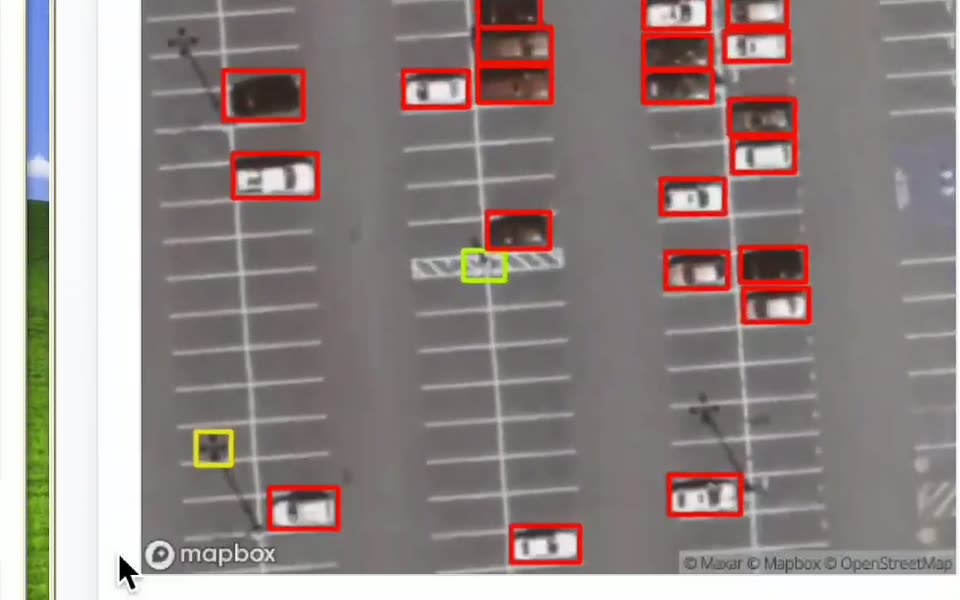 0:21–0:24Sharpe · Introducing Solar by LumenaryA desktop shows three browser windows of an analysis app. The view zooms into a satellite parking lot marked with red bounding boxes, a cursor hovers, then it settles on a results page with a portrait, detection summary, and a bottom bar.
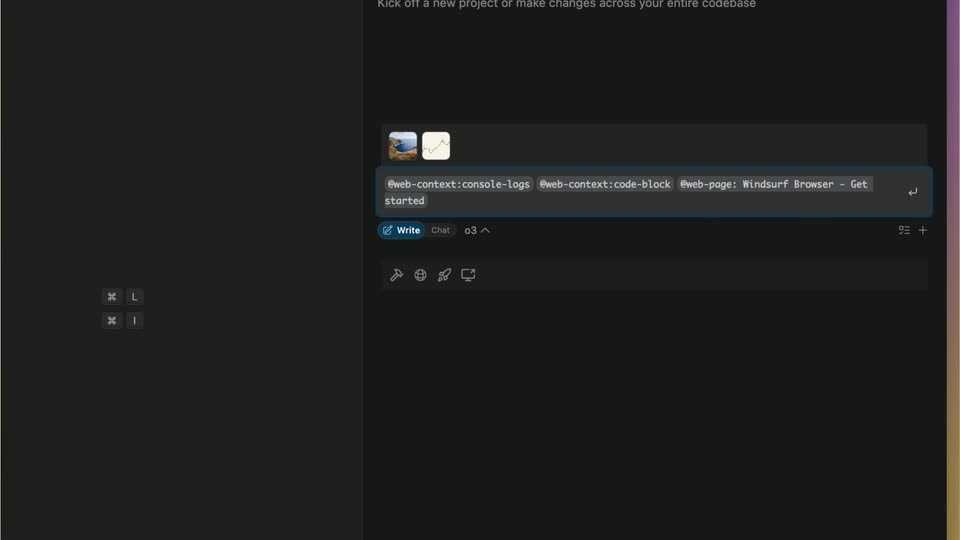 1:07–1:09Windsurf · Windsurf Wave 10 – Day 2: Windsurf BrowserA dark chat panel fills the frame, its input box tagged with three gray context chips; a fast zoom settles the view. The scene then cuts to a man in a black polo seated in a white chair against a two-tone yellow and green wall.
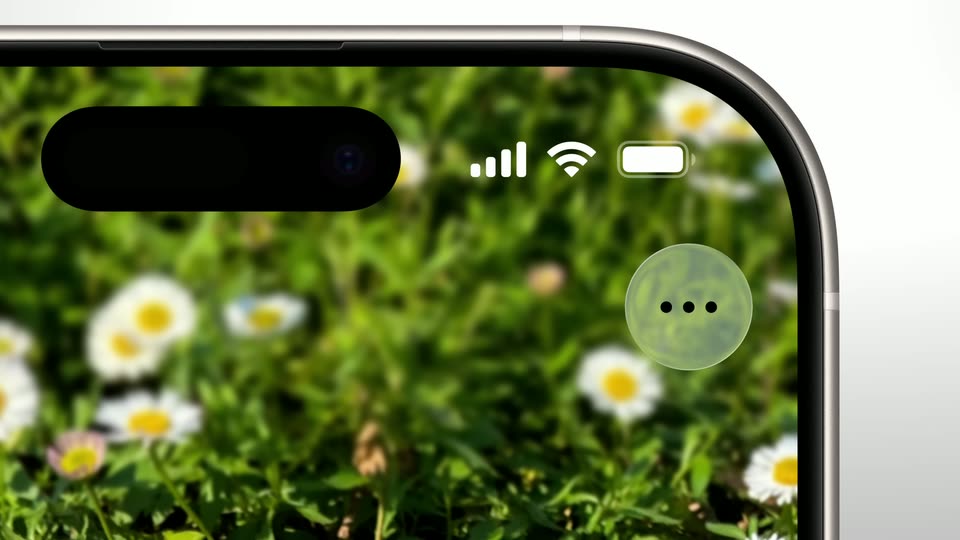 2:17–2:19Apple · iOS 26: Introducing Liquid GlassA close-up of a phone's top corner on a light background. The screen shows a blurred daisy photo with two frosted buttons; the Select pill and menu circle collapse into a single three-dot circle, then re-expand, while the framing slowly zooms.
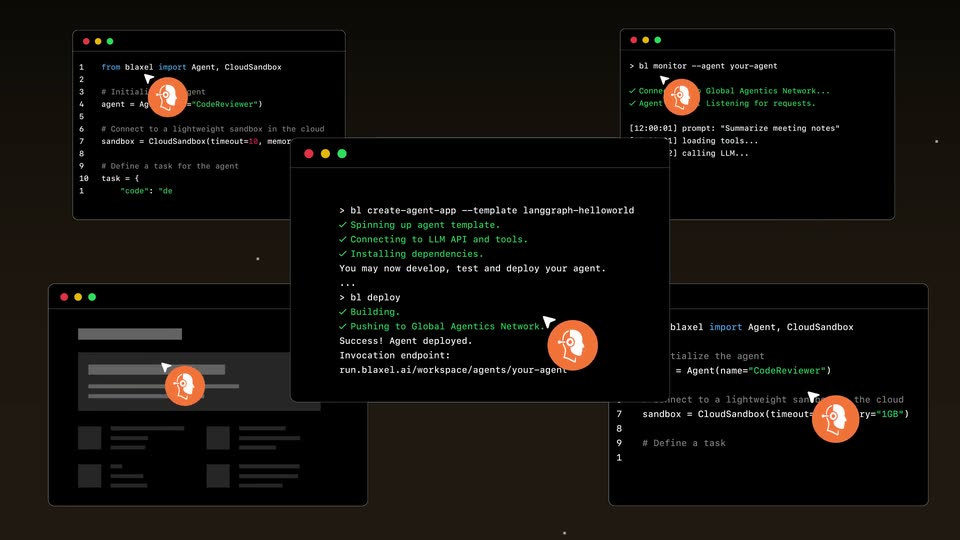 0:48–0:52Blaxel · Introducing Blaxel - The cloud for your AI agentsA black terminal window types a deploy command and logs green status lines while orange robot badges pop in and drift around it. The camera pulls back to reveal a grid of surrounding code, monitor and skeleton-UI windows, each with floating robot icons.