UI zoom
A zoom or reframe onto one part of the interface.
9,945 scenes · page 135 of 166
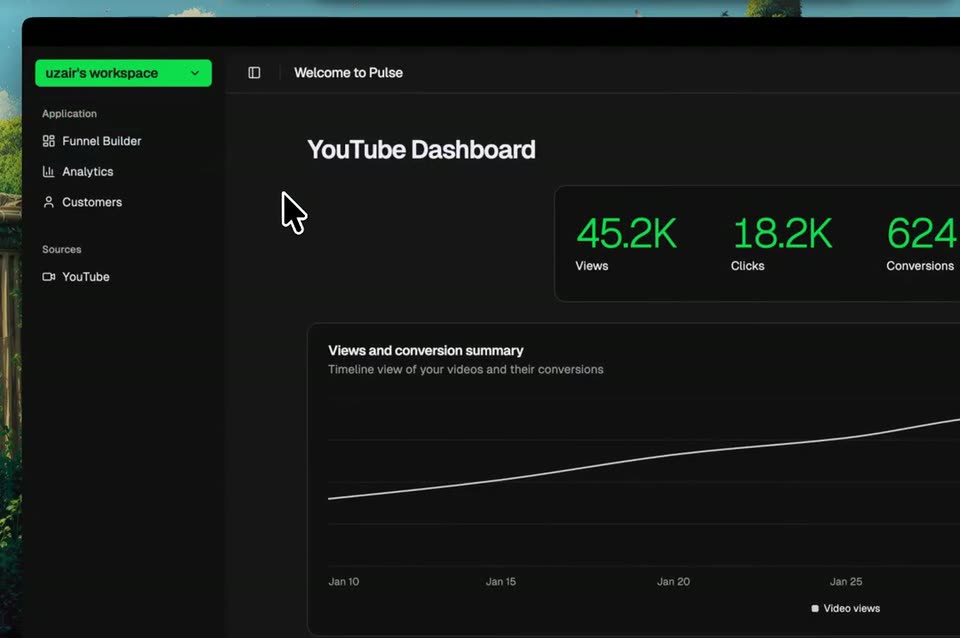 0:31–0:36Pulse · Pulse App - Psst, dark mode is here. If you're running youtube lead gen offers,A dark YouTube dashboard fills the screen. The view starts tight on a views-and-conversions table, a cursor opens the workspace dropdown, then the frame zooms out to reveal the full layout: a stats row, a line chart, and a strip of top converting video thumbnails.
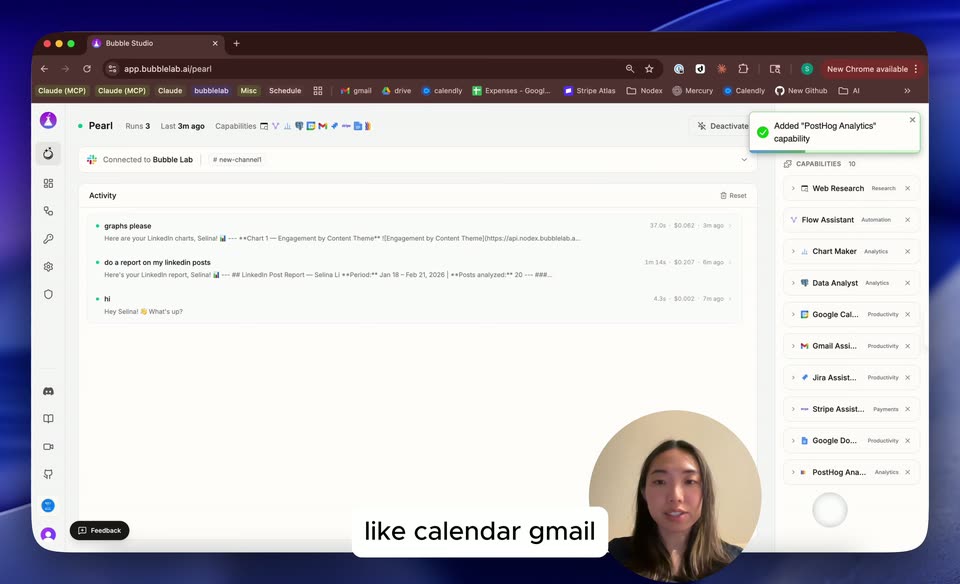 1:03–1:16Bubble Lab · Pearl in Slack (Bubble Lab) demo!A browser screen shows the Bubble Studio app: a dropdown picks a Postgres database, then the dashboard appears with green toasts confirming added capabilities and a growing sidebar list. A circular webcam of the presenter sits bottom right, and the frame zooms into the interface at the end.
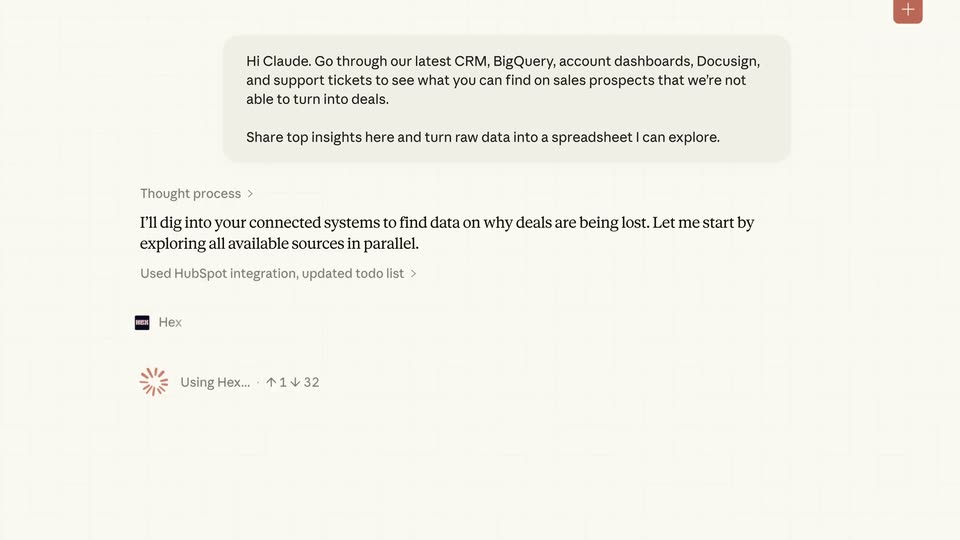 0:22–0:25Anthropic · Claude - Introducing Cowork and plugin updates that help enterprises customizeA chat screen shows a user prompt and the assistant's thought process, with a spinner row for a Hex integration. The view reframes right, revealing a numbered Progress panel listing seven steps, the first highlighted.
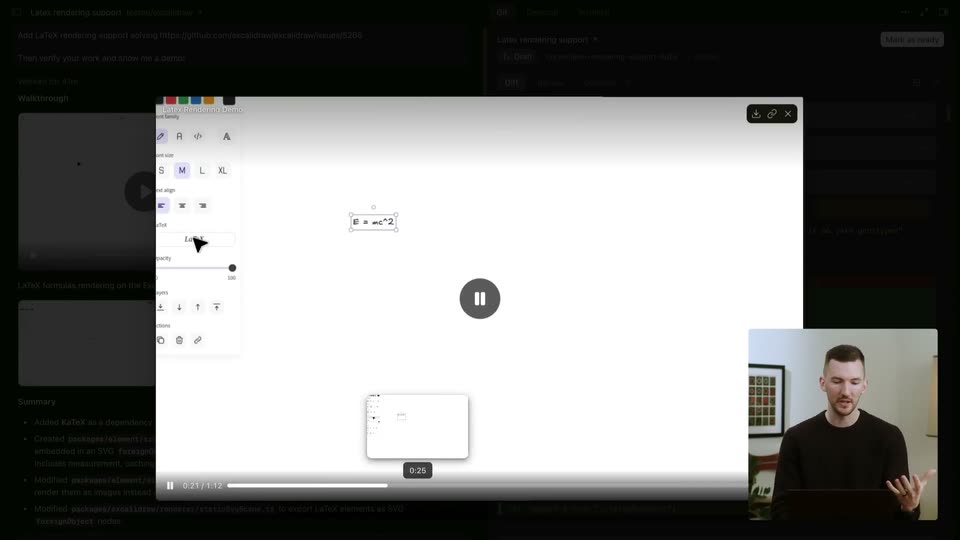 2:29–2:50Cursor · A computer for every agentA screen capture plays a LaTeX demo inside a whiteboard app: rendered equations on a white canvas are selected and deleted as ^A and Del key hints pop up, then re-typed. A presenter's webcam inset sits in the lower right corner.
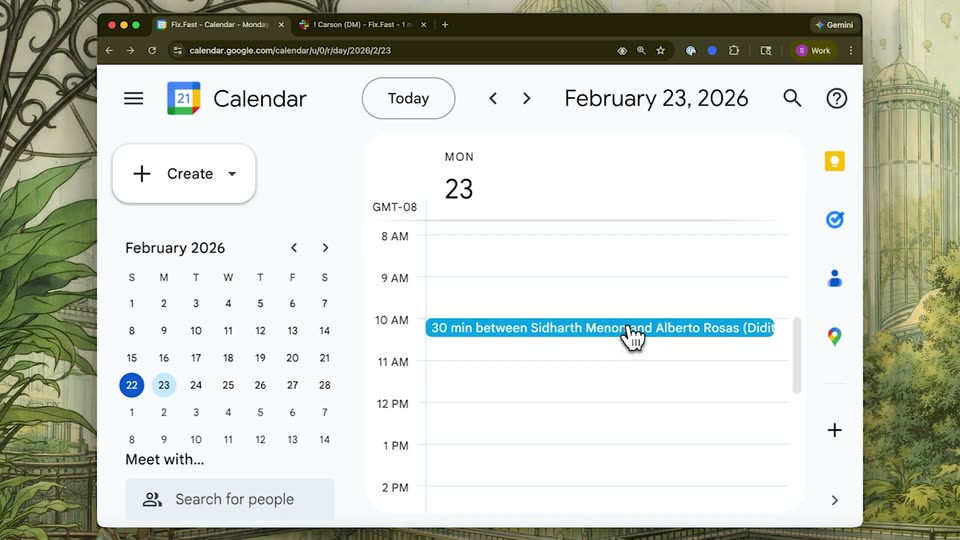 1:37–1:38/dev/fast · Introducing Carson, an adaptive assistant with serious securityA browser window shows a Google Calendar day view over a blurred building backdrop. A cursor hovers over a blue event block, then the event expands into a detail card listing the title, time, link and RSVP buttons.
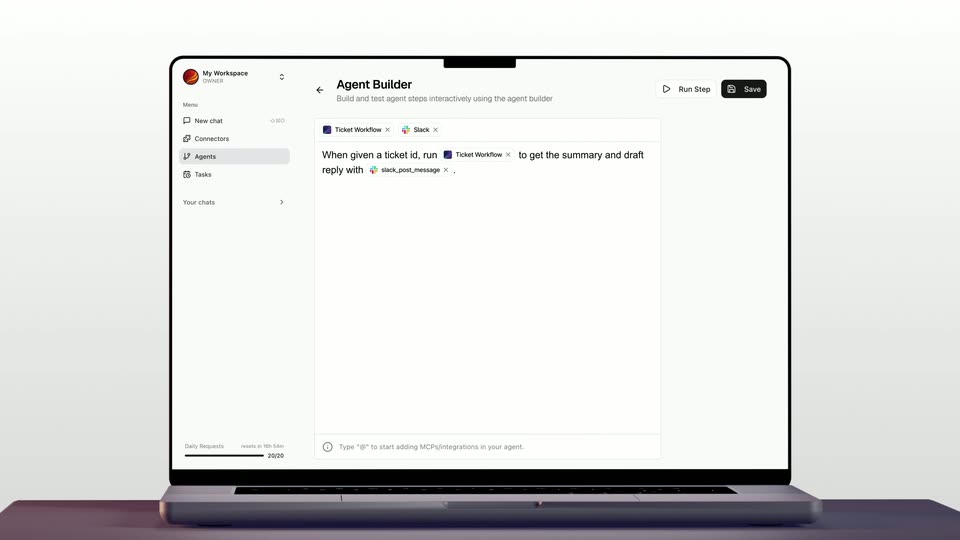 0:27–0:32Jinba · Jinba (YC W26) - Workflow Builder for Enterprise AI AutomationA tight view of a white config panel with a model dropdown and API key fields pulls back to reveal a 3D laptop on a desk. On its screen the Agent Builder prompt assembles word by word, inserting two integration chips, as the camera dollies out.
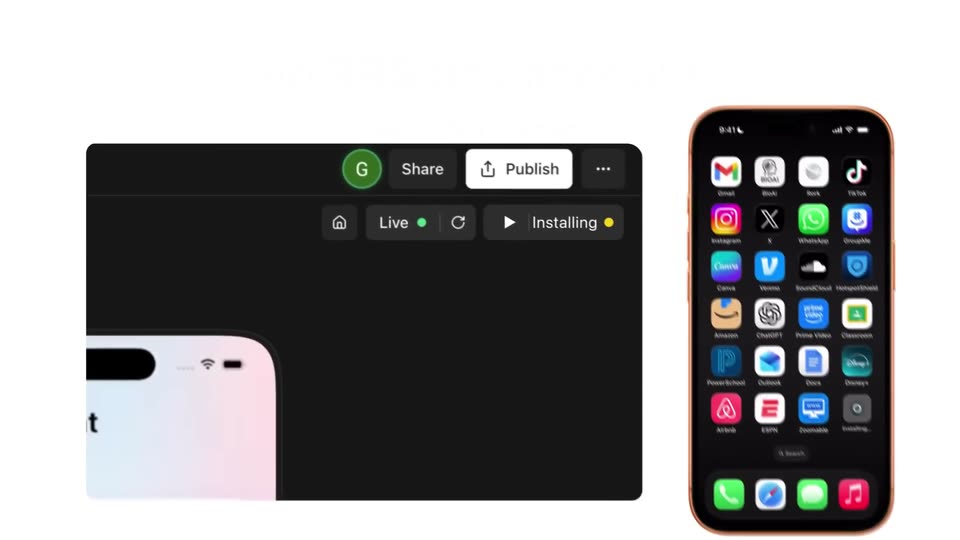 0:37–0:41Rork · Introducing Rork Max. Best AI for iOS apps. Website that replaces XcodeA dark app-builder window with a code panel and phone preview sits under a centered headline. The view zooms into the top bar as the headline crossfades to a second line, then reframes to place the window beside an orange iPhone that loads the installed app.
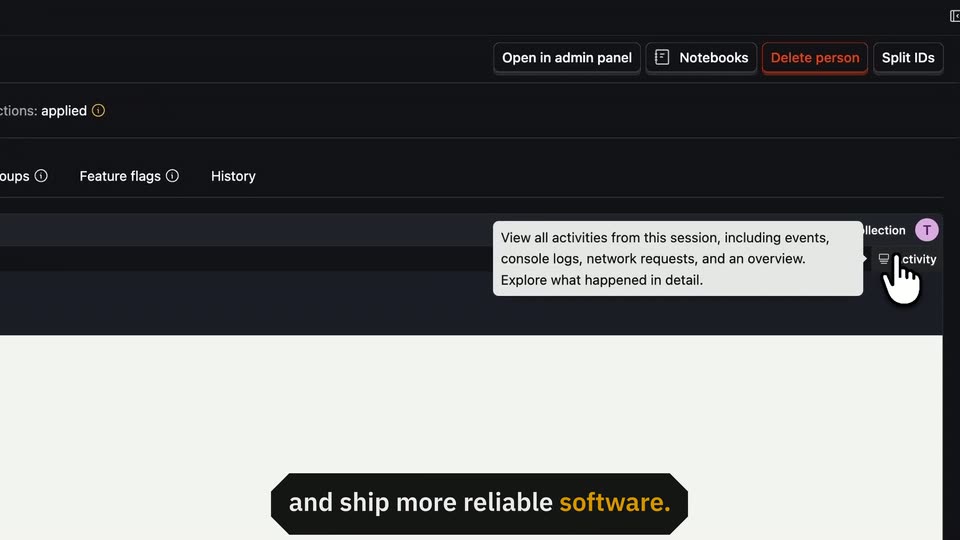 1:46–1:48Posthog · PostHog - Introducing Logs by PostHog - Free, up to 50 GB for free every monthA dark analytics dashboard shows a recordings list on the left and a session replay panel on the right, with a hand cursor hovering near the Activity label and a tooltip open. The view zooms into the top-right corner as a caption sits in a black box at the bottom.
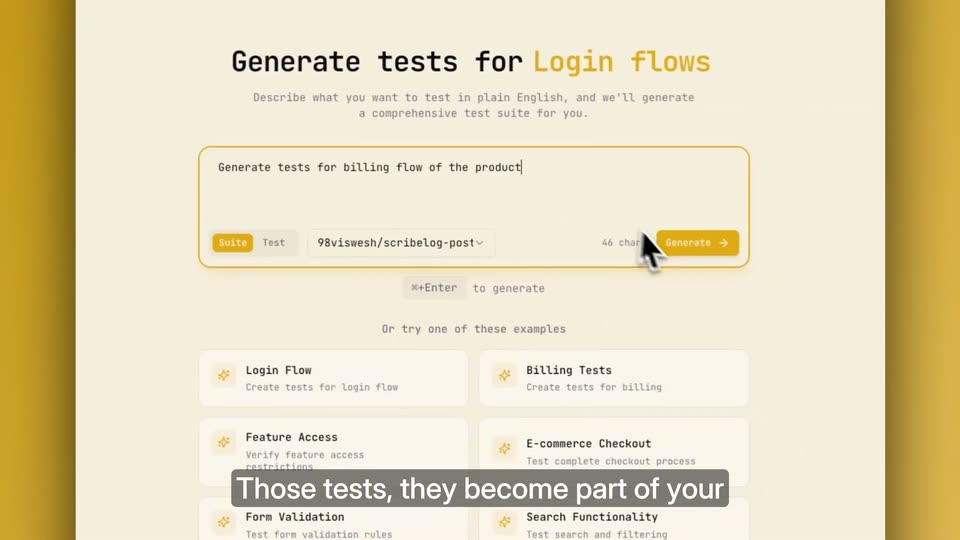 0:49–0:55Canary · Canary - Friday. 5:47 PM. Quick Claude session, small auth refactor. LGTM, meA flat product screen titled 'Generate tests for' is reframed and zoomed as a mouse cursor types a sentence into the input box, then a hand cursor clicks the yellow Generate button, which switches to a red Stop button. Dark caption bars with white text appear along the bottom.
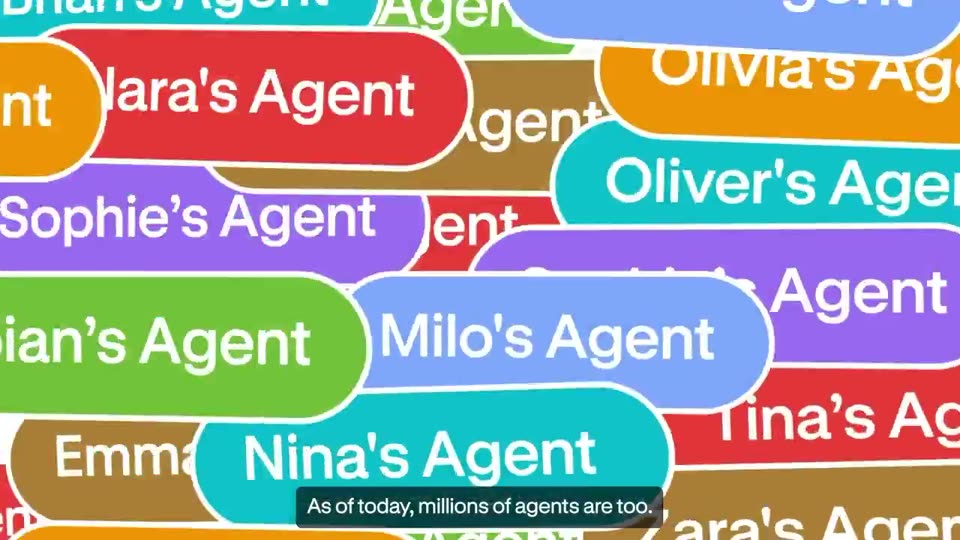 0:36–0:39Contra Payments · ben - Introducing Contra Payments. The first payments platform that lets yA social thread with an embedded Framer website mockup scrolls and reframes onto the hero, then the comment pills expand into a full screen of colorful agent name bubbles, which give way to a centered headline on a light background.
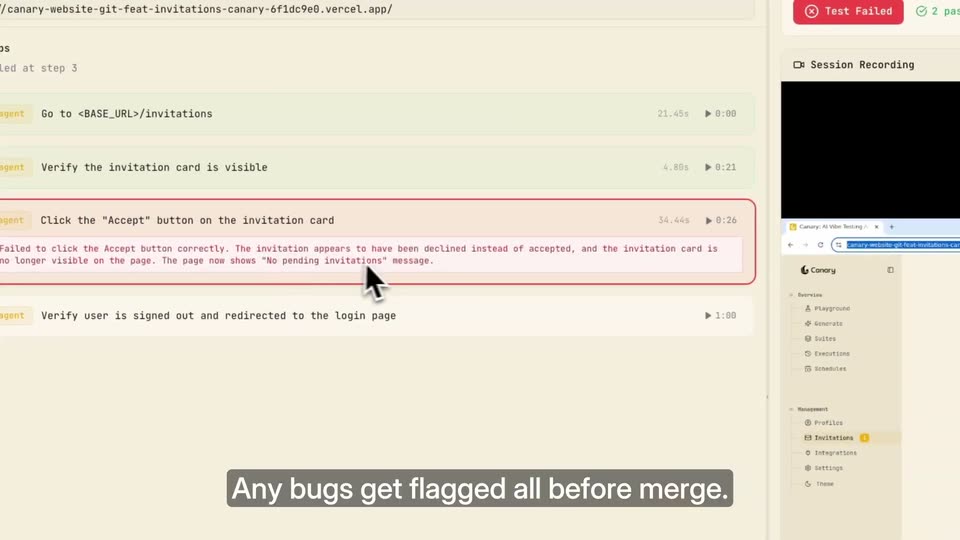 0:38–0:40Canary · Canary Launch VideoA flat product UI: a test-step list on the left with one step boxed in red as failed, and a session-recording panel on the right showing a browser. The view zooms into the red step, then pans right to the recording. A dark caption sits at the bottom.
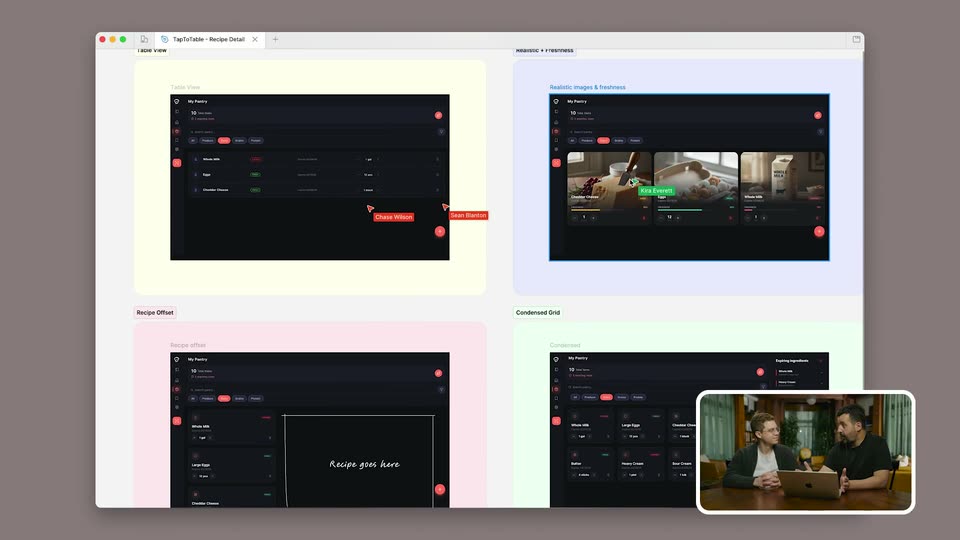 2:26–2:31Figma · Figma - Tired: code or canvas Wired: code AND canvas Introducing Claude CodeA design tool canvas holds a two-by-two grid of dark mobile screens on colored tiles. The view zooms into the grid and a cursor drifts across it. A small video call of two men at a laptop stays pinned in the bottom-right corner.
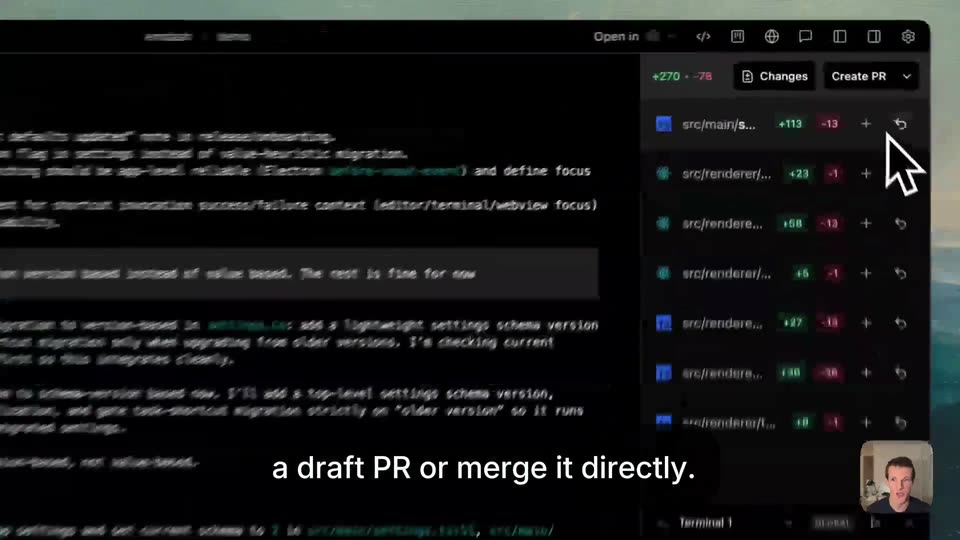 0:44 · 0.9sEmdash · Y Combinator - .@emdashsh is building an open-source Agentic Development EnvironmentA dark IDE fills the frame, a chat panel with review notes on the left and a file-diff list on the right. A hand cursor hovers near the Create PR button as the view zooms in, and a small webcam feed sits in the lower right.
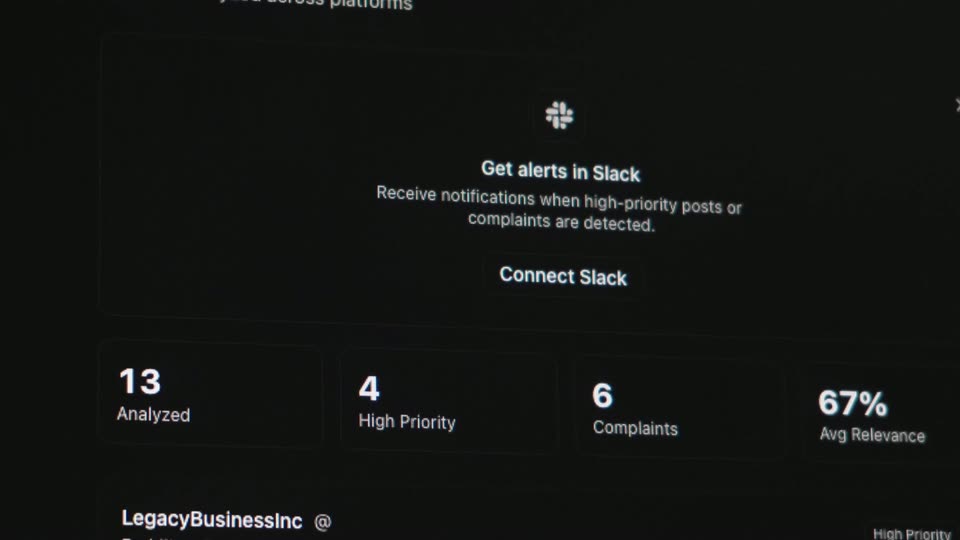 1:32–1:36Jam · jia - i proposed... introducing jam. you build, jam spreads.A dark analytics dashboard holds a centered Slack integration card with a white Slack mark, the line Get alerts in Slack and a Connect Slack button, above four stat tiles. The view slowly zooms in on the card.
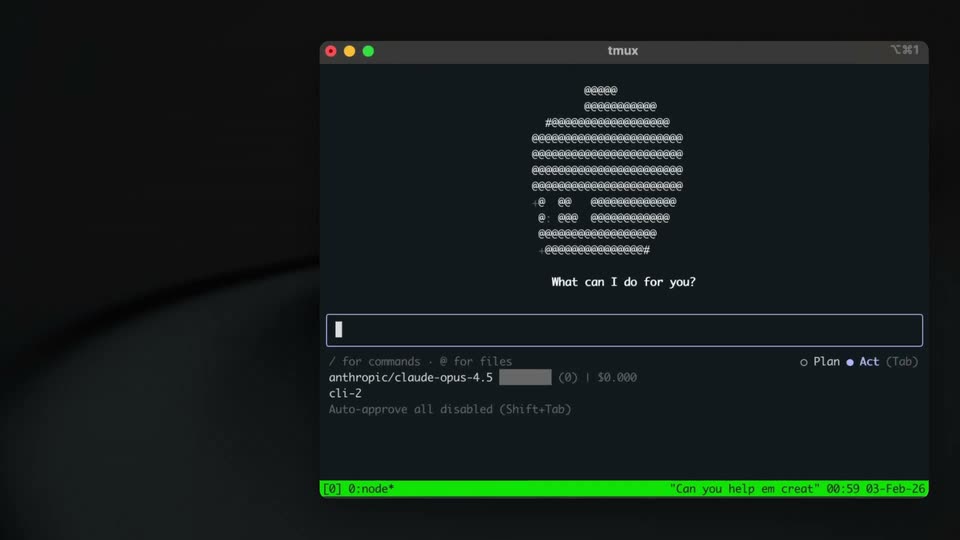 0:27–0:30Cline · Cline - Introducing Cline CLI 2.0: An open-source AI coding agent that runs eA dark terminal window shows a CLI chat interface, cycling from a settings panel to a model list, then to the main prompt with a blinking cursor. White captions on the left swap from 'Select any model or provider' to 'Bring your own keys' and fade.
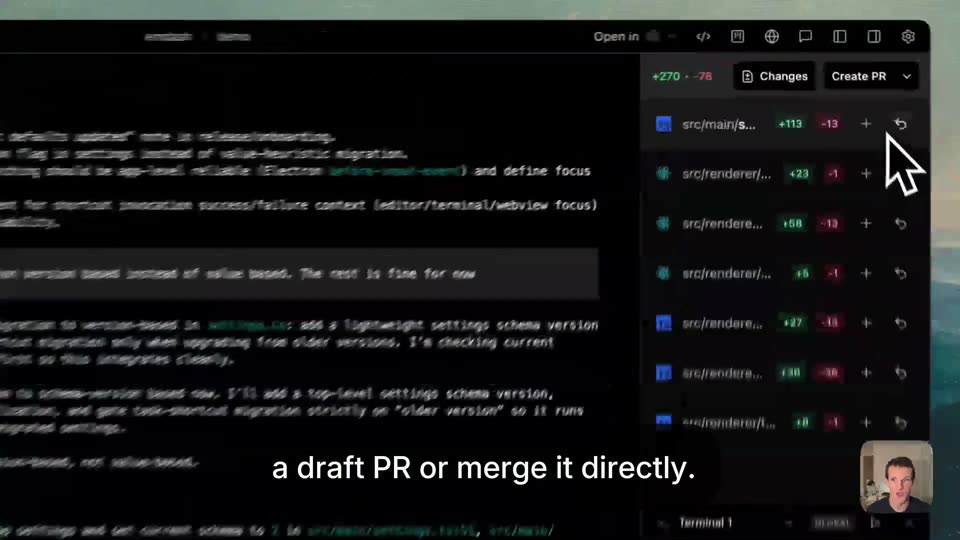 0:44 · 0.8sEmdash · Launch Emdash (YC W26)A dark editor window shows a task list, a chat log and a file-changes panel. A white cursor hovers by the Create PR button while a small webcam feed sits bottom right. The frame pushes in on the right panel.
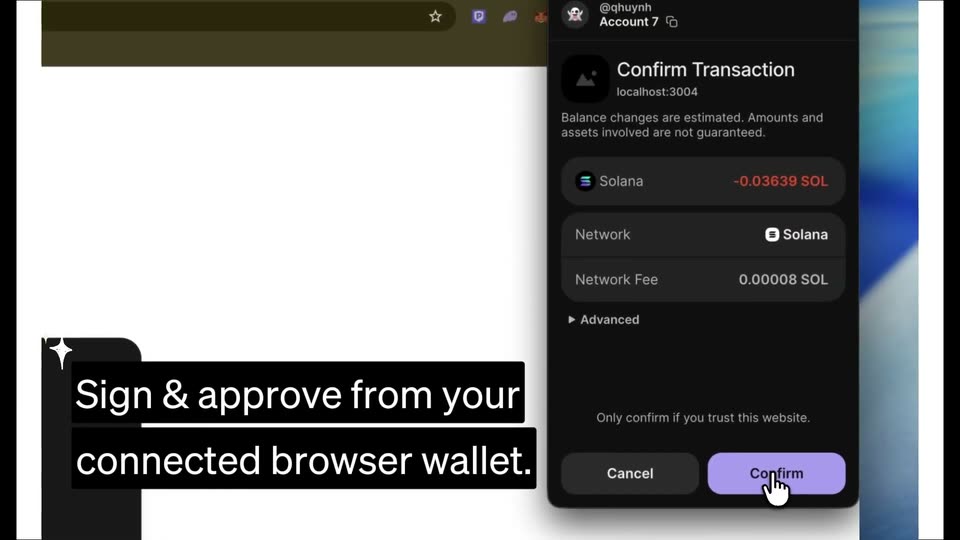 0:33–0:34Unifold · Unifold - Universal Deposit InfrastructureA browser window shows a white page left and a dark wallet confirmation panel right, the panel sliding into sharp focus as a hand cursor hovers the Confirm button. A black caption box in the lower left carries the sign-off line.
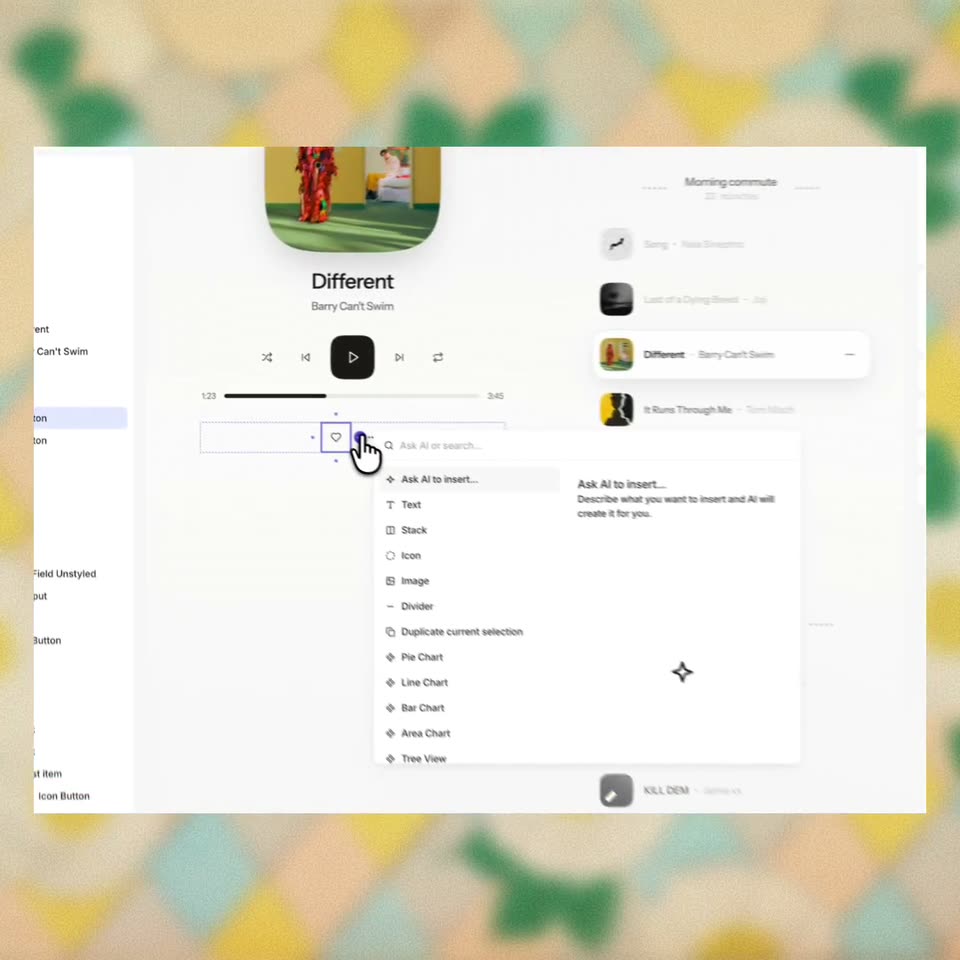 0:22–0:38Design Canvas · Irvin Zhan - Today we’re launching Design Canvas for AI agents. AI can build a feA Figma canvas over a blurred color background shows a music player design. The view zooms into the song title and the bottom control row; a cursor selects elements, swaps a button for a slider via a component menu, then clicks the Code tab.
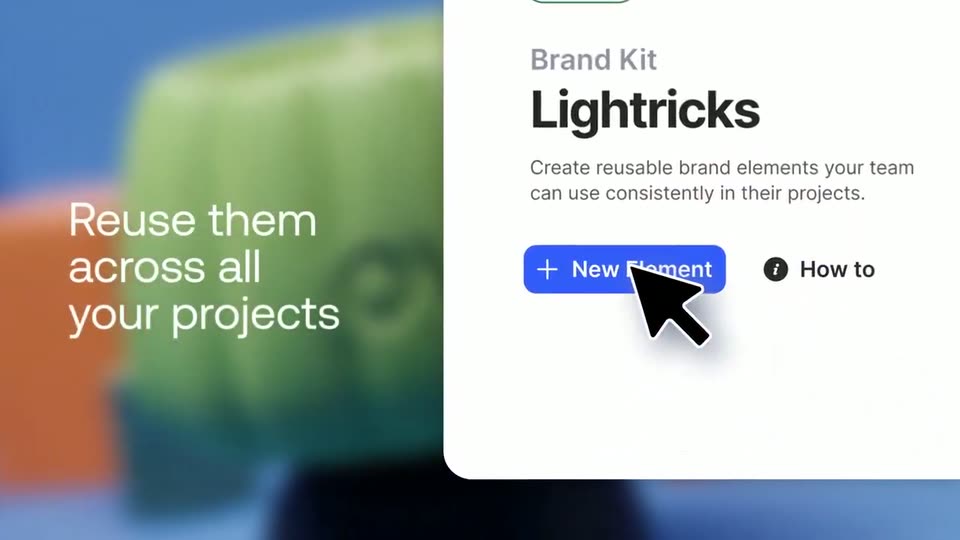 0:11–0:14Lightricks · LTX.io - Introducing Brand Kit. A new enterprise feature in LTX Studio that lA white brand-kit card floats over a blurred colorful background, showing the Lightricks logo, image grid and color swatches. The view zooms into the left panel as a cursor moves onto the New Element button, while the caption Reuse them across all your projects appears at left.
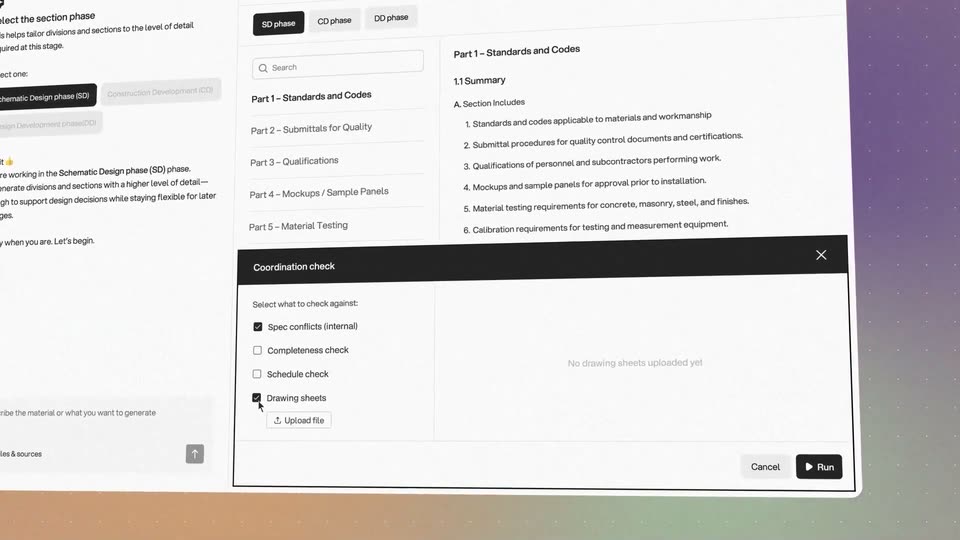 0:52–0:54Avoice · Avoice | The AI Workspace For ArchitectsA flat app window on a peach background shows a specifications list and a document; a Coordination check dialog slides up from the bottom while a cursor ticks each checkbox in turn.
 0:28–0:29Kortix · Kortix - Our Super AI Worker just landed in your pockets Out on all app stoA dark tablet stands in 3D perspective against black as the camera pulls back from a close-up of its top bar. On the screen, a pink cherry blossom tree image zooms out from a tight crop of petals to the full tree under a header with a Preview button.
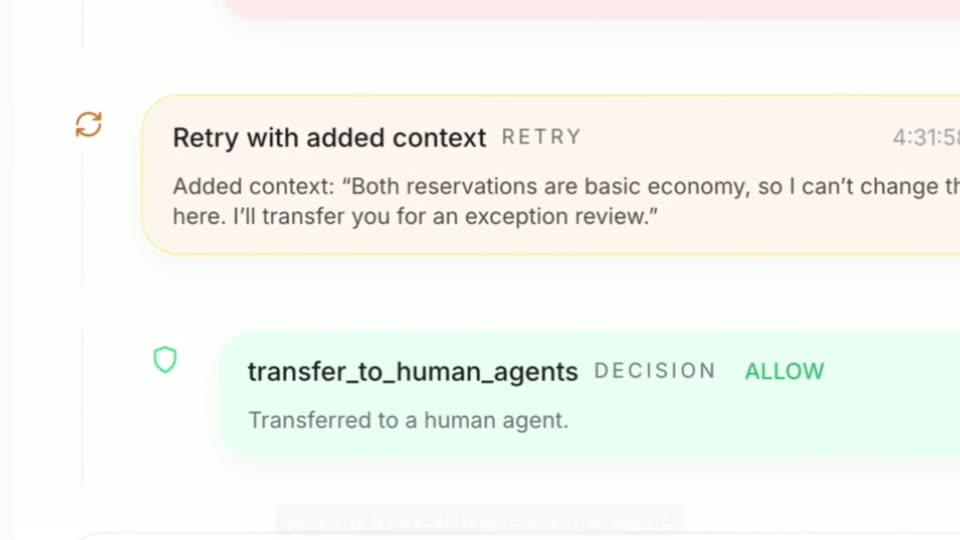 1:12–1:15Salus · Salus (YC W26) Launch DemoThe view opens zoomed in on a yellow retry row and a green allowed-transfer row, then pulls back to reveal the full audit dashboard and its evidence sidebar in a browser window. A dark caption bar sits at the bottom.
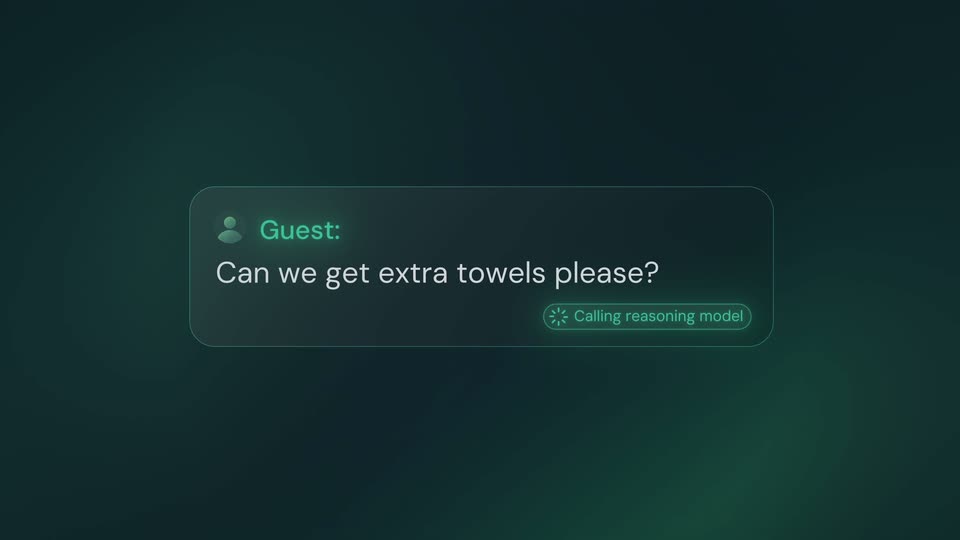 1:09–1:12Lance · guests got places to beA teal chat bubble on a dark gradient types out a guest request. A pill in its corner spins, then flips to a checkmark. The frame pulls back to a grid of similar request bubbles.
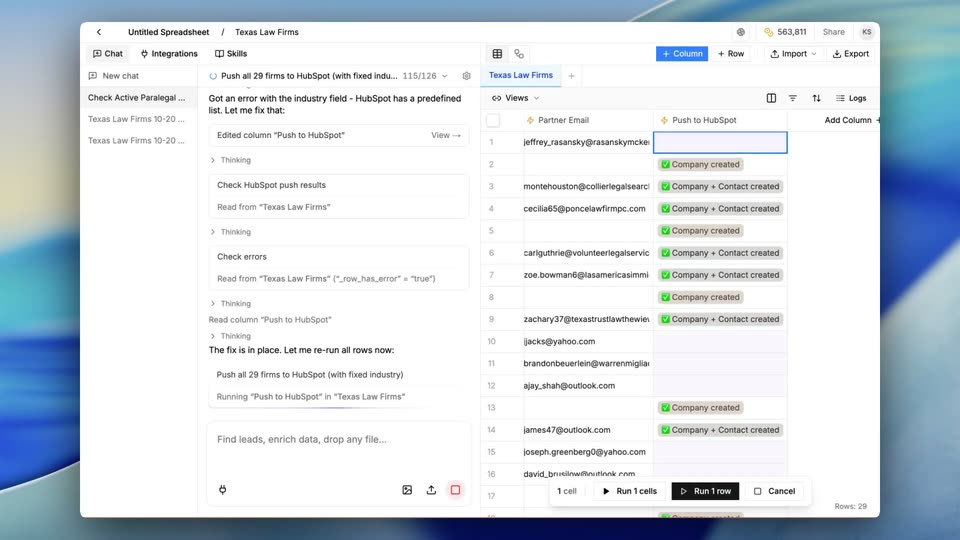 0:52–0:55Orange Slice · Orange Slice LaunchA cursor hovers the Approve button on a chat panel, the feed scrolls, and the frame pulls back to reveal the whole spreadsheet app in 3D on a desktop wallpaper. It then cuts to two men seated in a living room.
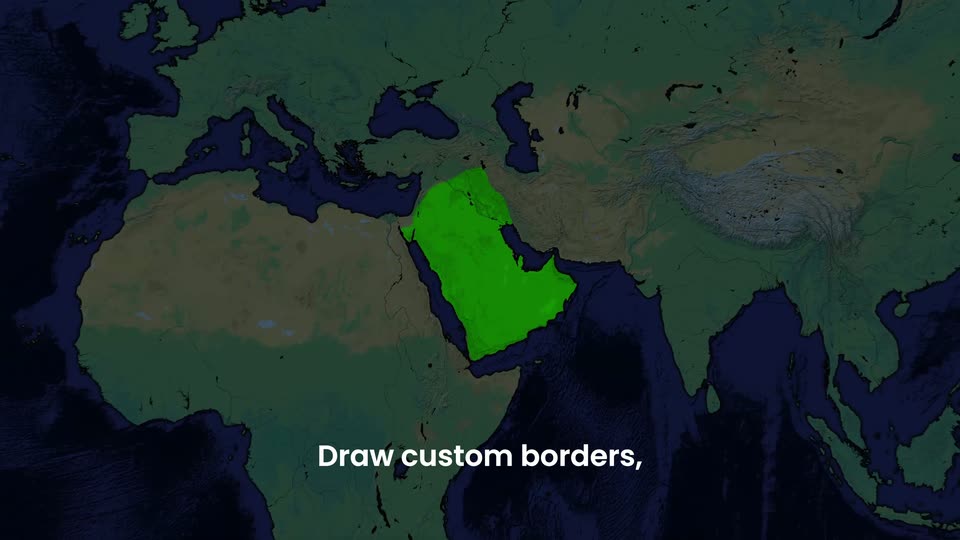 0:51–0:53Pax Historia · Pax Historia IntroductionA dark satellite map of the Middle East shows a white cursor drawing a green border; the region fills solid green as the view reframes closer and the lower half fades to black.
 0:43 · 0.6sCardboard · Cardboard | Launch YCA man in a dim room sits still as a translucent interface panel overlays the footage, its labels rendered mirrored. The panel shifts from a row of buttons to a centered value, and a large white 0.0 scales up across the frame while a cursor drifts at the lower left.
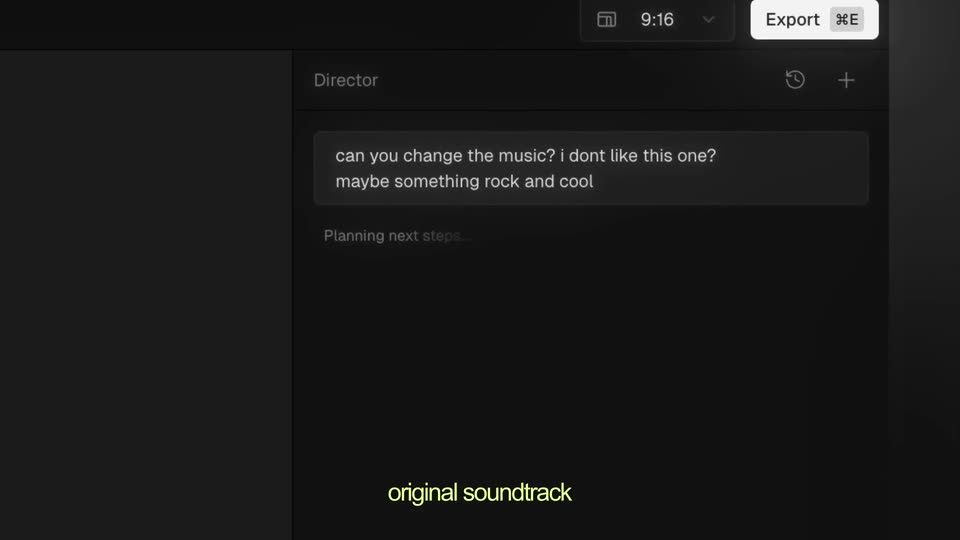 0:38–0:40Cardboard · Y Combinator - .@usecardboard is an agentic video editor where you upload raw footagA dark video-editor UI starts zoomed into the Director chat panel, where a user asks to swap the music, then pulls back to reveal the media bin and a multi-track timeline with green audio waveforms. Olive-yellow lowercase text types out at the bottom.
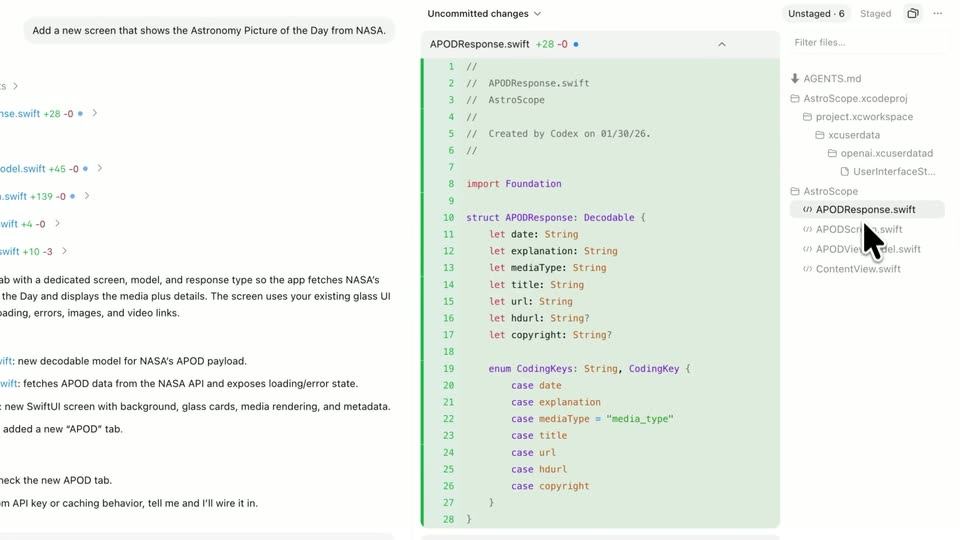 1:29–1:37OpenAI · Introducing the Codex appA code-review interface opens on an agent chat listing changed Swift files, then settles into a three-panel diff view. The cursor clicks files in the right tree to swap the green diff, then the frame zooms in as a Request change comment box pops up over a line.
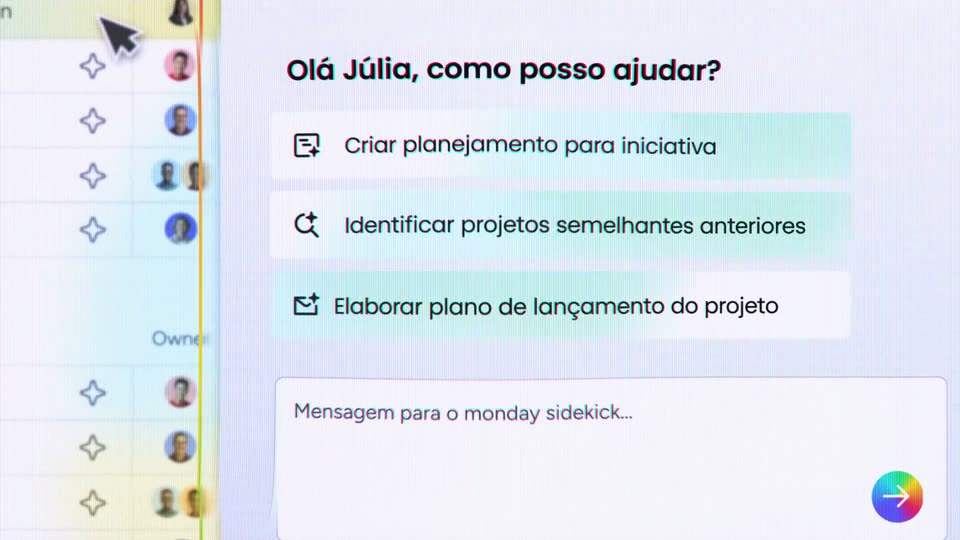 0:31–0:32monday sidekick · monday sidekick: a IA que realmente trabalhaA monday.com sidekick panel overlays a task list of avatar rows. The frame zooms in from a wide view to a tighter crop on the greeting and three prompt cards, a cursor arrow parked at the top left.
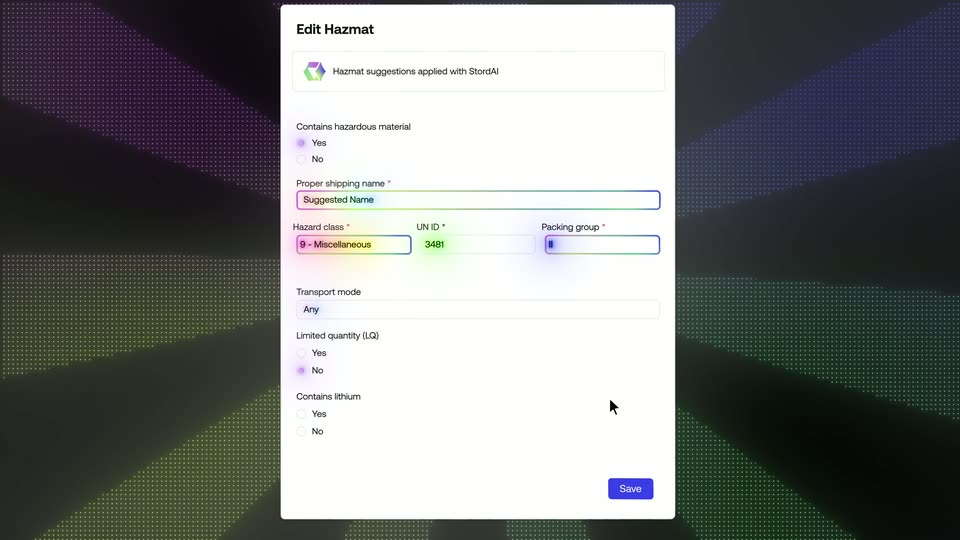 0:21–0:24Stord · Smart Commerce - Meet Stord AIA close-up of the Auto-fill Hazmat Information button glows with a rainbow gradient as a cursor hovers over it. The frame zooms out to reveal the full Edit Hazmat form with pre-filled fields, then the cursor moves to the blue Save button.
 0:51–0:55Google · Google AI - Last August, we previewed Genie 3: a general-purpose world model thatA close-up of a dark input panel shows a prompt typing out under the MODIFY THE SKETCH label, then the frame pans right to settle on the Modify and Create world buttons as a cursor hovers over the latter.
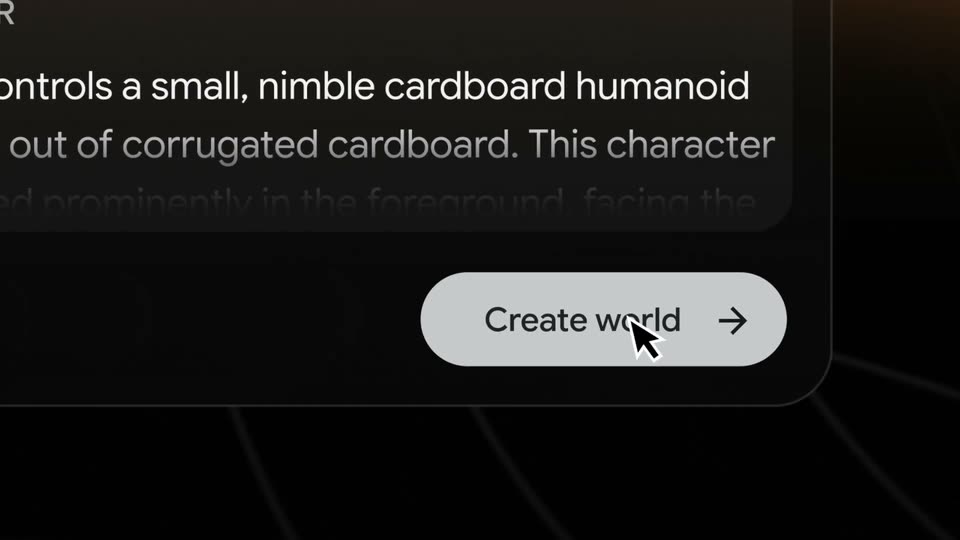 1:14–1:16Project Genie · Google DeepMind - Step inside Project Genie: our experimental research prototype that lA dark UI card showing a world prompt and a small room thumbnail pans across the screen, reframing onto a Create world button where a white cursor hovers and shifts.
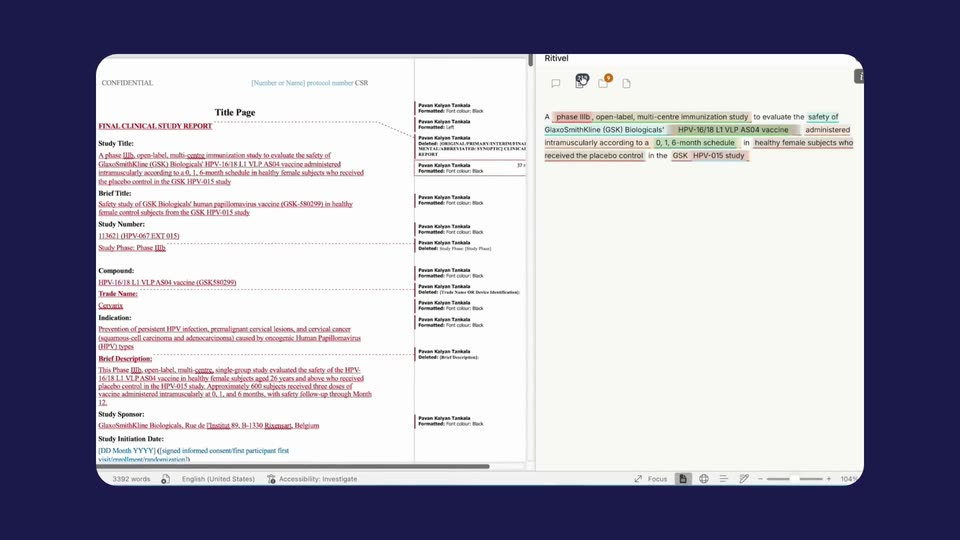 0:53–1:08TensorTest · ritivel drafts regulatory documents in minutes!A document with red tracked changes and an AI chat panel sits as a tilted card on navy. A cursor clicks Send via Outlook; a green toast confirms the email. The card then rotates in 3D and pans to a PDF page, where a red box highlights the synopsis text.
 0:29–0:30Google · Google - We’re introducing major updates to Gemini in @GoogleChrome for MacOS,A wide view of a document with an assistant side panel and a small share widget resolves into a centered close-up of the widget, which scales up against a white field. The widget shows a tab list and an input line.
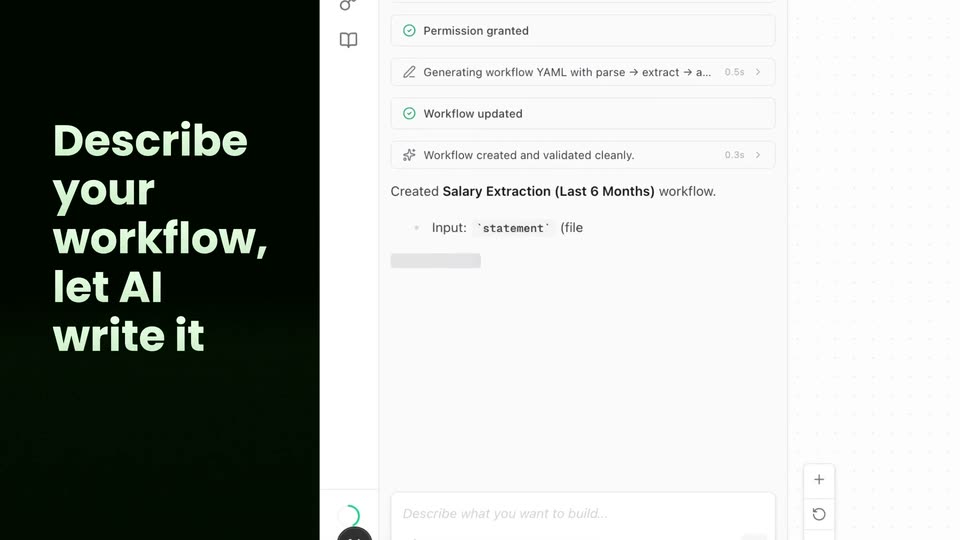 0:37–0:38EigenPal · Introducing EigenPalA black panel holds a pale-green headline on the left while the right shows the app's chat feed. The view pulls back to reveal the full workflow builder window, its node graph and sidebar, as the headline shrinks and rises.
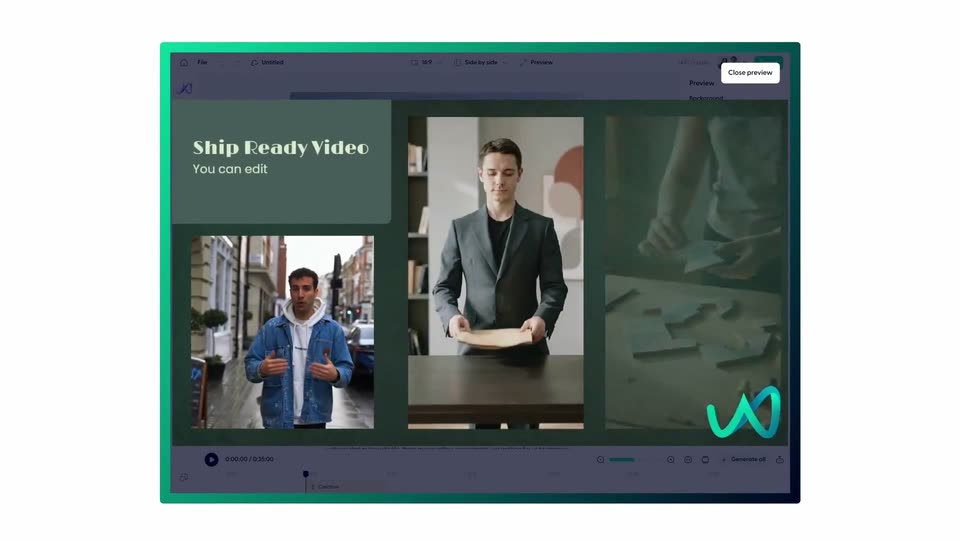 0:47–0:49Wondercraft · Dimi Nikolaou - Today AI Video stops being slop. Introducing Wondercraft Video, an AA 3D editor window with a glowing teal border fills the frame as three vertical video clips and a headline card populate its dark canvas. The view then zooms into the office clip, showing a man in a denim jacket standing beside a whiteboard.
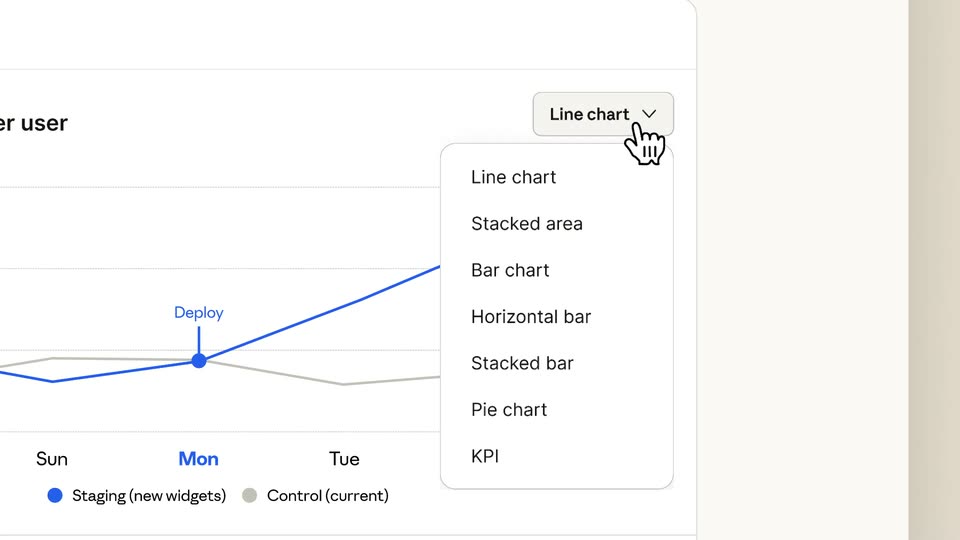 0:23–0:27Anthropic · Claude - Your work tools are now interactive in Claude. Draft Slack messages,A dashboard showing a line chart of user engagement zooms in on the graph, then a cursor clicks the chart-type dropdown and hovers over the Bar chart option.
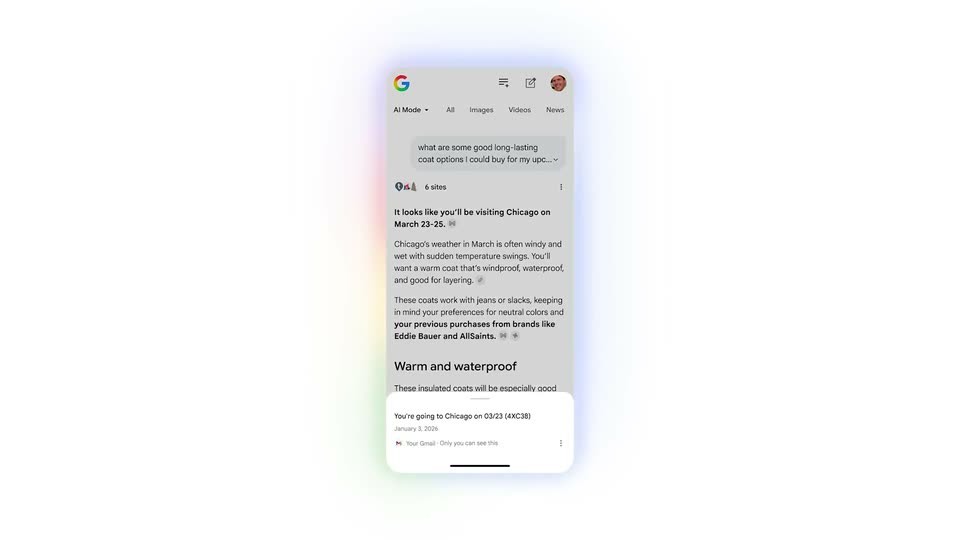 1:09–1:17Google · New in Search | Personal Intelligence in AI ModeA Google AI Mode card on a white field with a soft glow. Its status line cycles from Checking Connected Apps to Searching, then the answer fills in. A Gmail card slides up and the frame zooms into it, the flight line turning green.
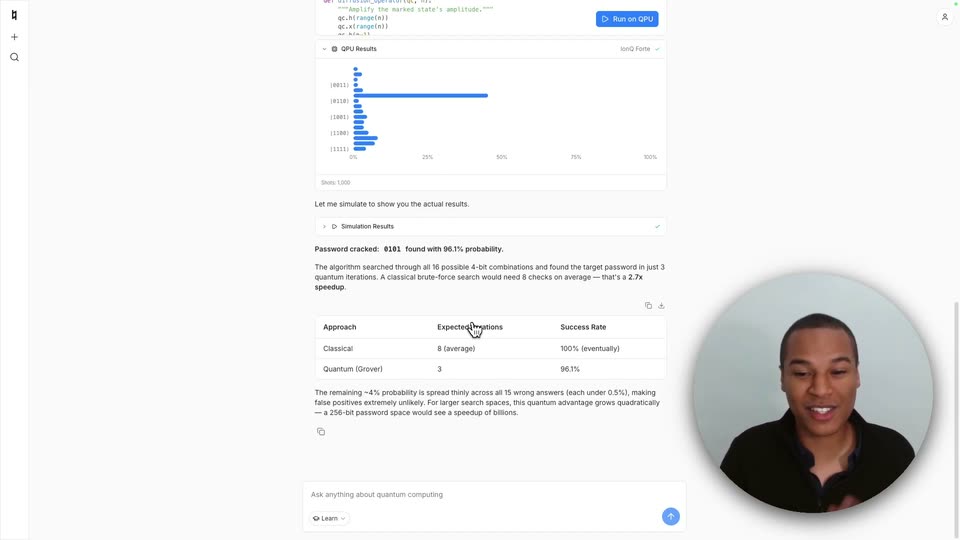 3:01–3:30Conductor Quantum · Coda | Natural language quantum computingA document interface for a quantum simulation fills the screen: a bar chart, a results table, and a circular video of a presenter in the bottom right. A cursor hovers over the chart, the view pulls back to the full page, then zooms in on the results text.
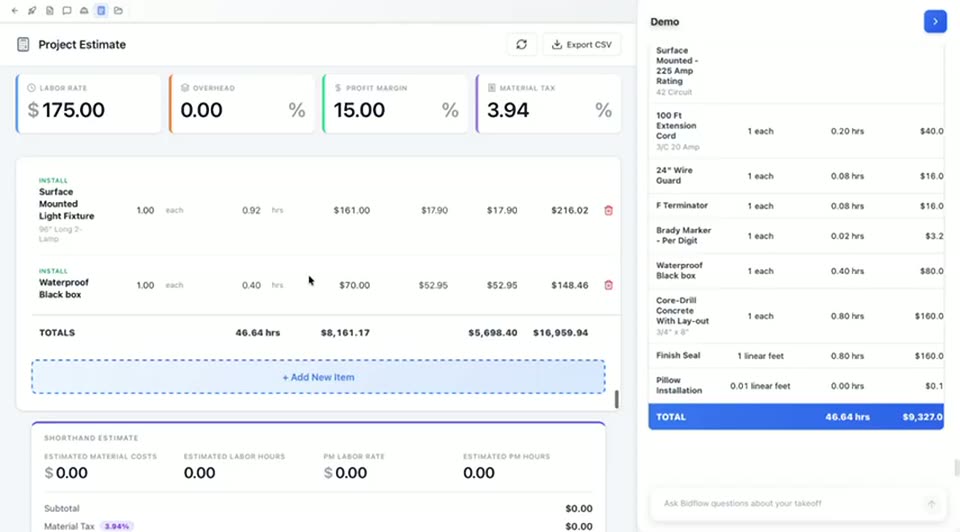 1:15–1:30Bidflow · Bidflow DemoA close-up of the estimate dashboard's rate cards and line items blurs into the full app view. A cursor hovers the Export CSV button, then the line-item table swaps to a totals row beside a side panel.
 1:00–1:03Accordio · Accordio AI - Vibe coded a gift contract tool yesterday. Took 2 hours. Add someoneThe Accordo dashboard tilts in 3D perspective on a soft blue gradient while a cursor taps the green send button. The view then zooms through a motion blur into a flat close-up of the Campaign Tracking panel, where the cursor opens a follow-up dropdown listing three options.
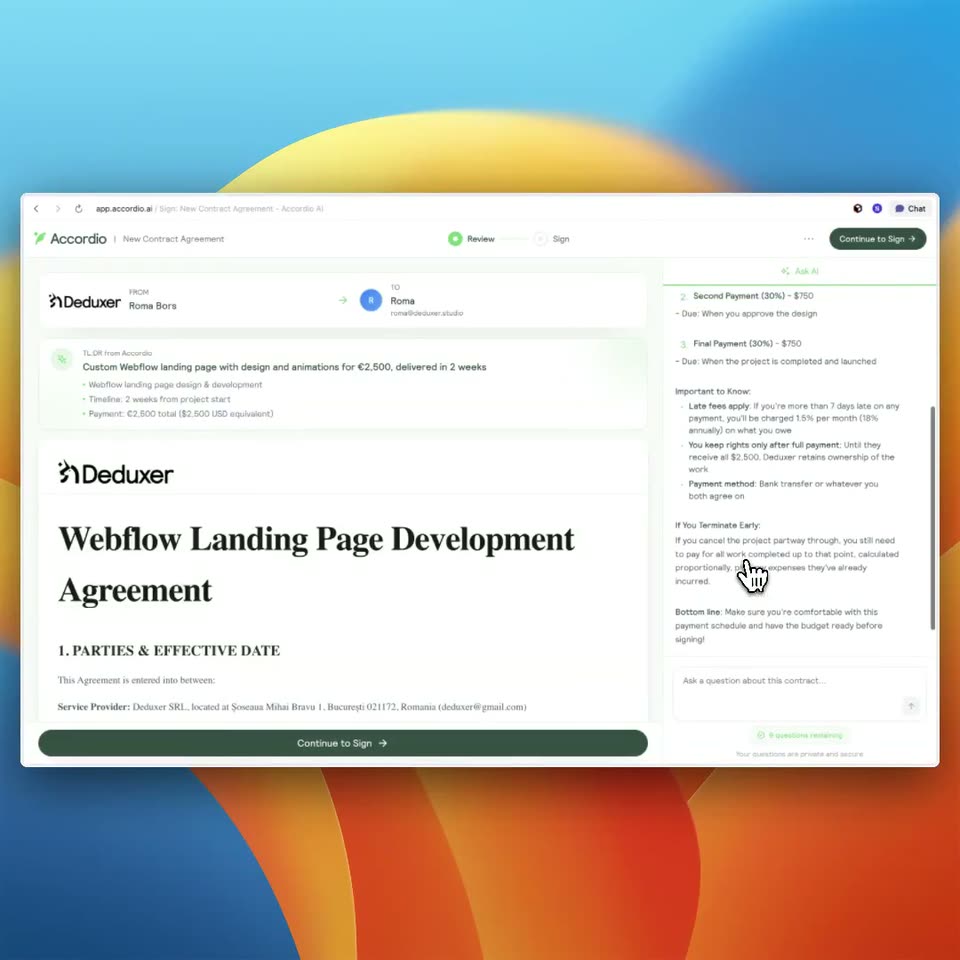 1:14–1:25Accordio · Accordio AI - Founders spend way too much time on contracts. In 2026, you describA browser window of the Accordio contract app floats on a colorful abstract background, opening zoomed into the AI chat panel before pulling back to a flat view. A cursor scrolls the streaming payment answer, then hovers the green Continue to Sign button.
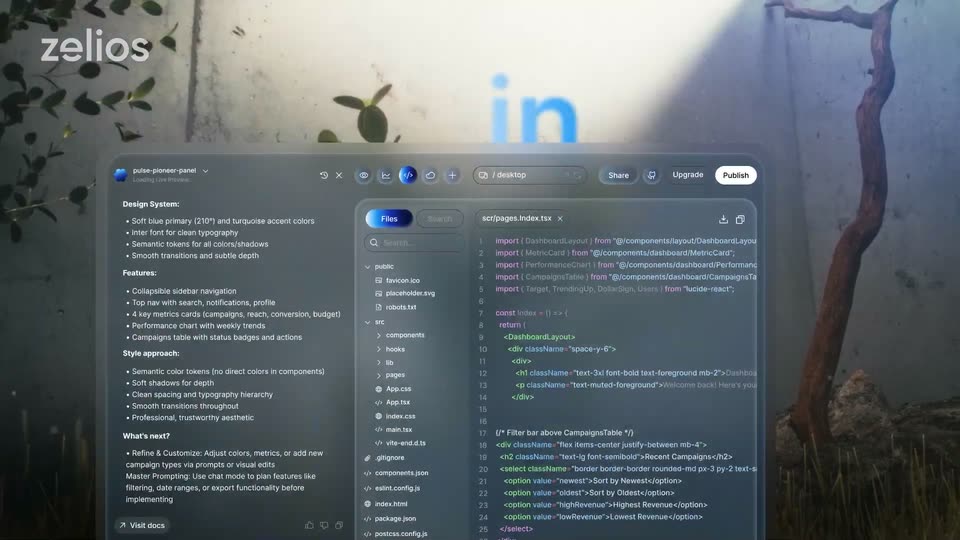 0:33–0:35Lovio · Best AI Product Video for SaaS | LovioA close-up of syntax-highlighted code pulls back to reveal a full editor window in 3D perspective, with a file tree and a top bar of buttons. The window floats over a soft-focus background of greenery and rippling water, the zelios wordmark fixed top-left.
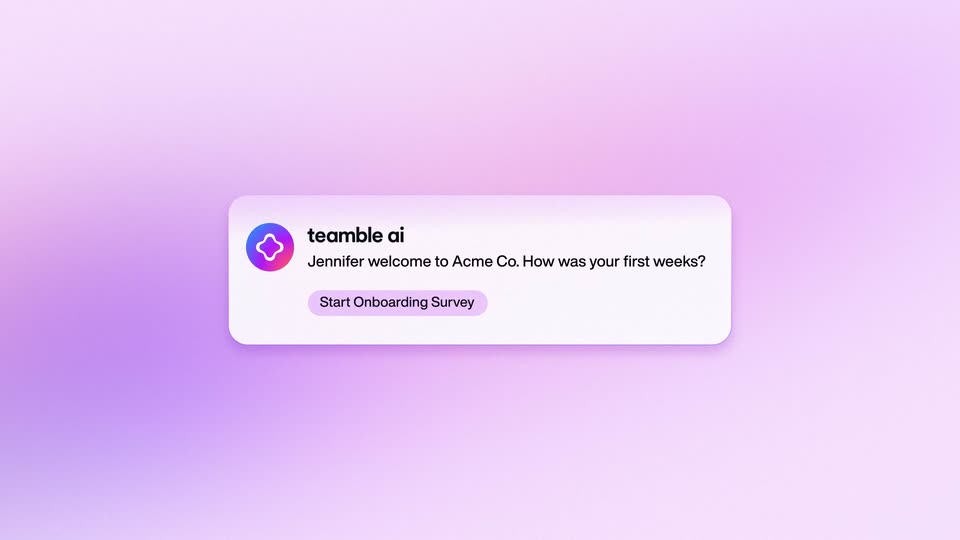 1:35–1:39Teamble · Teamble launch filmA white notification card with a gradient star logo fills the frame, its message line fading in the final word, then the card scales down to a small centered card on a soft pink gradient, softening as it recedes.
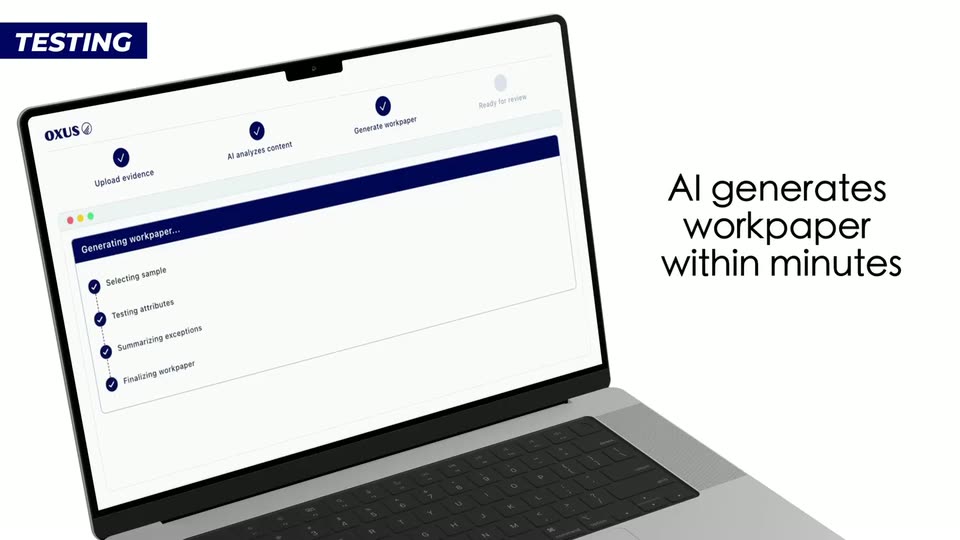 0:39–0:43Oxus · Oxus: Modern intelligence for better auditsA 3D laptop mockup on a white background shows the OXUS interface, with checkmarks ticking off the workpaper generation steps. The caption “AI generates workpaper within minutes” types in on the right, then the view zooms into the screen to a green check and a Workpaper Complete panel.
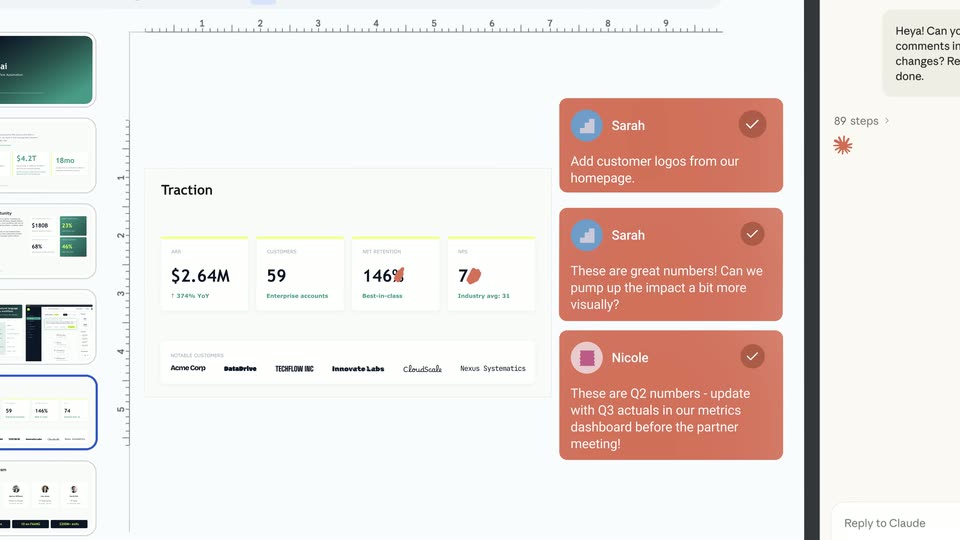 0:57–0:58Anthropic · Let Claude handle work in your browserA Figma canvas shows a Traction dashboard mockup with four metric cards and a logo row. The numbers tick upward while orange comment cards from Sarah and Nicole sit on the right. The view zooms out to reveal the top toolbar and a left rail of file thumbnails.
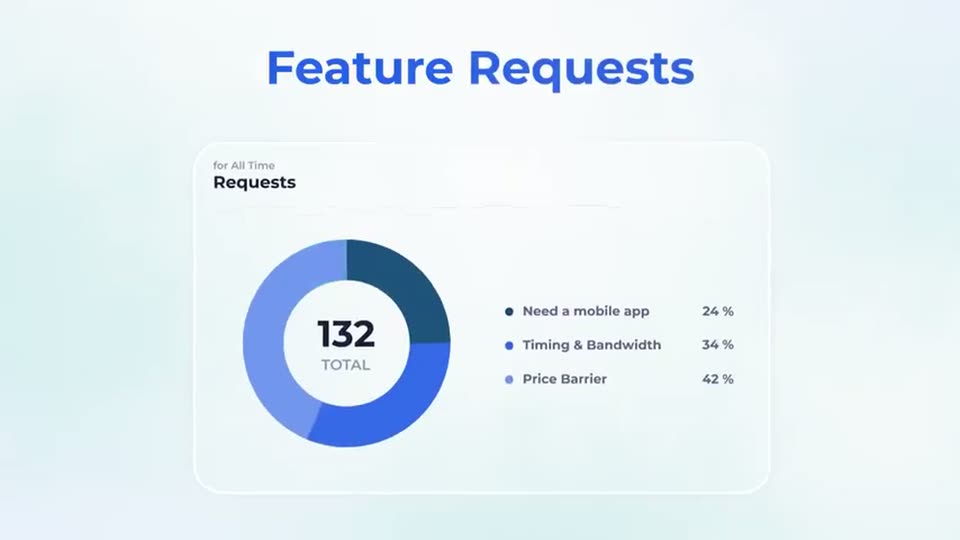 0:50 · 0.5sErgo · Ergo (joinergo.com) Launch VideoA pale blue gradient holds a bold blue 'Feature Requests' headline above a white dashboard card. The card tilts into 3D and the view zooms right, sliding the donut chart off-frame to expose six legend rows.
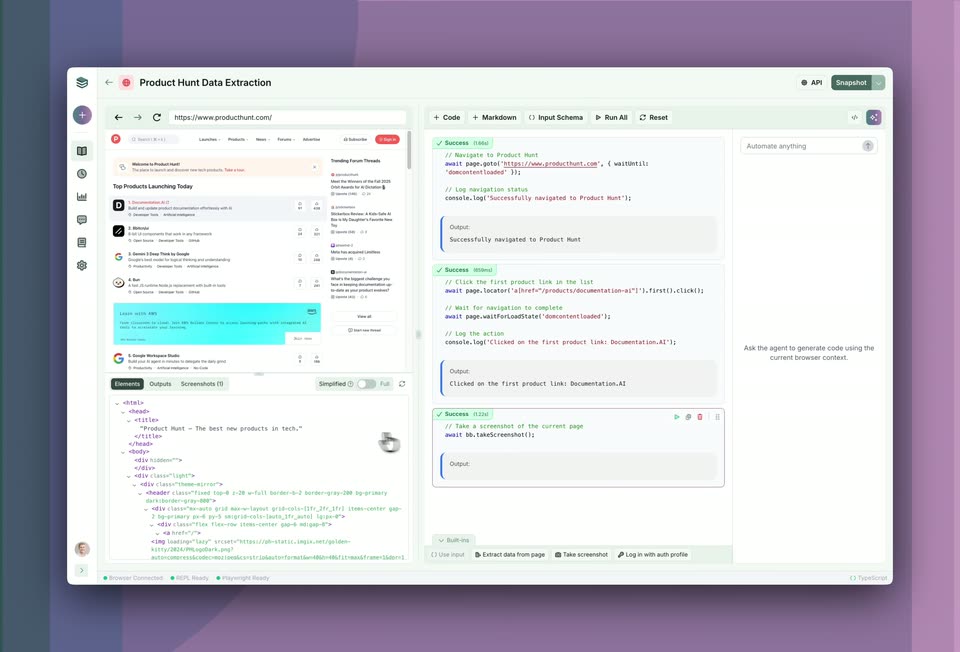 1:25–1:44Kilvin · BrowserBook YC DemoA close-up of a button bar zooms out to a full browser-automation IDE, then in on a code cell. A cursor clicks the run icon, the cell flips to success, then clicks the Screenshots tab where a page thumbnail appears.
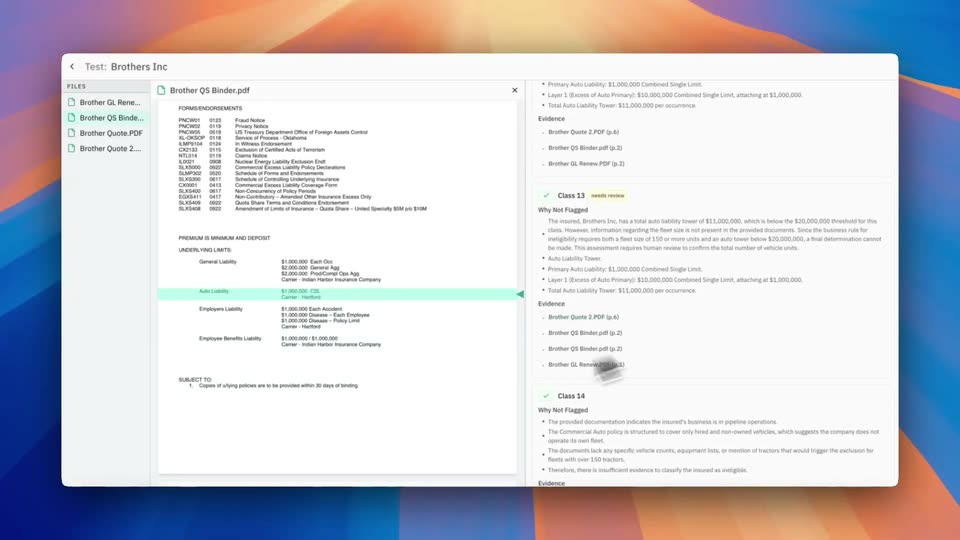 1:18–1:20Adaptional · Adaptional IntroA close crop of an underwriting panel shows a hand cursor hovering a PDF link, then the frame pulls back to reveal the full three-column window. The interface dissolves into a man in a gray suit speaking in a sunlit office, the UI ghosted over him.
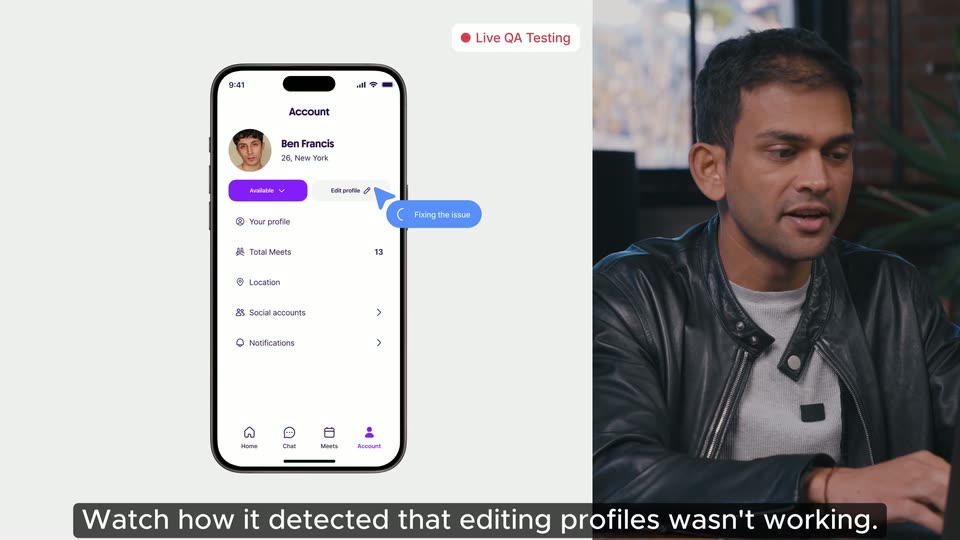 1:11–1:12Anything · Anything - Introducing Anything Max: Vibe Coding that's leaps above Lovable andSplit screen: a phone Account screen on the left with a cursor over Edit profile and a blue 'Fixing the issue' bubble, a 'Live QA Testing' badge above. On the right, a man in a black leather jacket talks and gestures. The phone scales up slightly; a caption bar sits at the bottom.
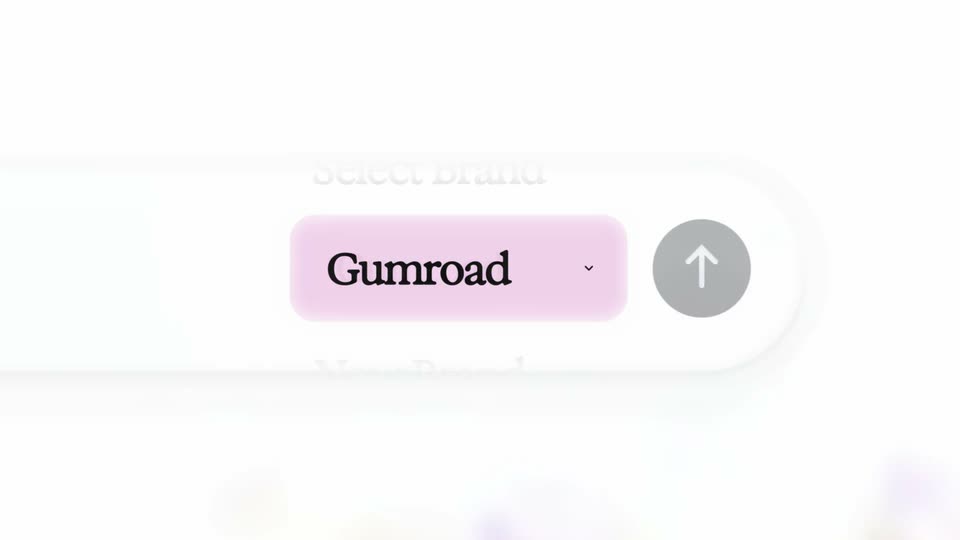 0:35–0:37Bloom · Ray - World's first on-brand AI. Introducing Bloom.A white pill input reframes into a brand dropdown. A pink 'Gumroad' pill with a checkmark slides to the center between faded 'Select Brand' and 'New Brand' rows, as a dark circular up-arrow button fades out on the right.
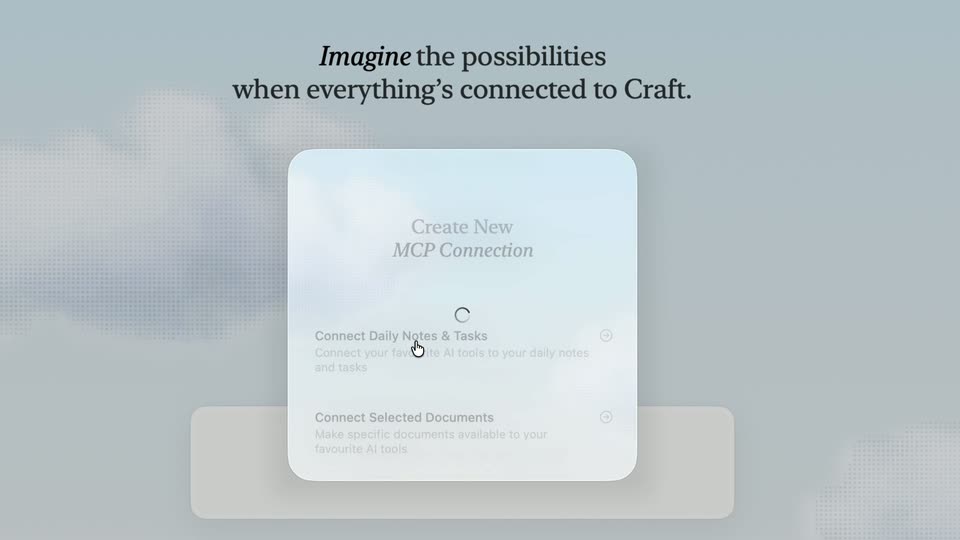 0:42–0:47Craft · Introducing the new Craft Assistant, MCP & API and more!The Craft app's Imagine page fades in, showing a sidebar and a heading above connection cards. The view zooms into a Create New MCP Connection popover as the cursor hovers over Connect Daily Notes & Tasks, and a loading spinner spins.
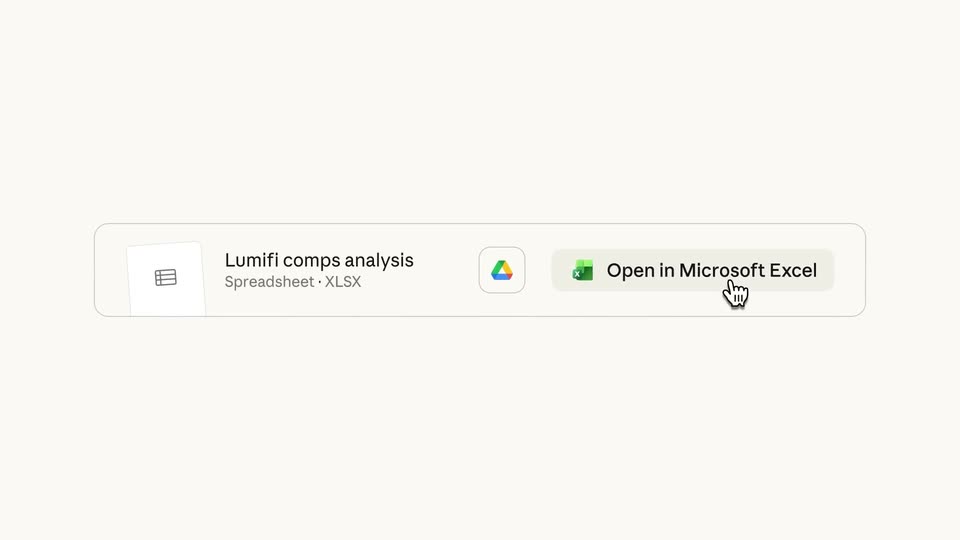 0:49–0:52Anthropic · Claude works with you on slides, spreadsheets, and contract redlinesA file chip on a cream background shows the spreadsheet name and an Open in Microsoft Excel button with a hand cursor on it. The chip zooms, then the Excel window opens below it, showing a comps analysis table on the left and an AI chat panel on the right.
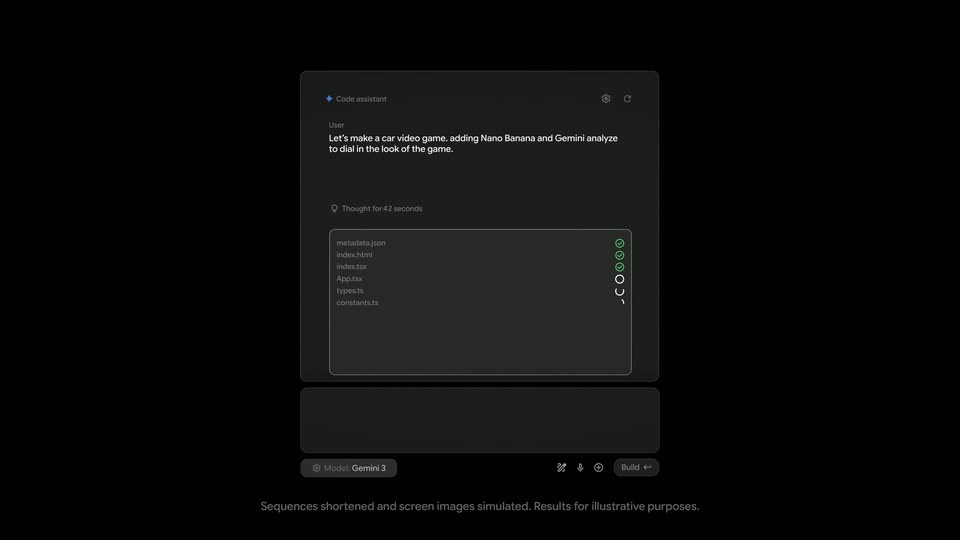 0:22–0:34Google · Vibe Coding with Gemini 3 in Google AI StudioA dark chat panel shows the blue placeholder “Get inspired” over stacked ghost cards. The camera zooms onto the “I'm feeling lucky” pill, cuts to the typed prompt with two model chips, then tilts into a 3D close-up of a file list gaining green checkmarks.
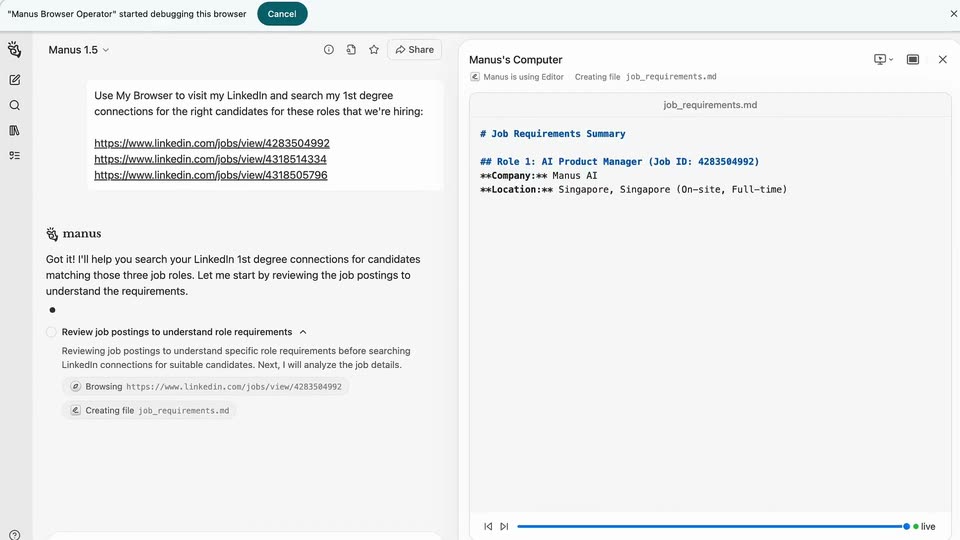 0:21 · 0.8sManus · Manus - Today we're launching Manus Browser Operator. Any browser can now beA two-pane product screen shows a chat on the left and a markdown file on the right filling with job-requirement lines. The view then reframes to reveal a browser window with tabs and a URL bar around the app.
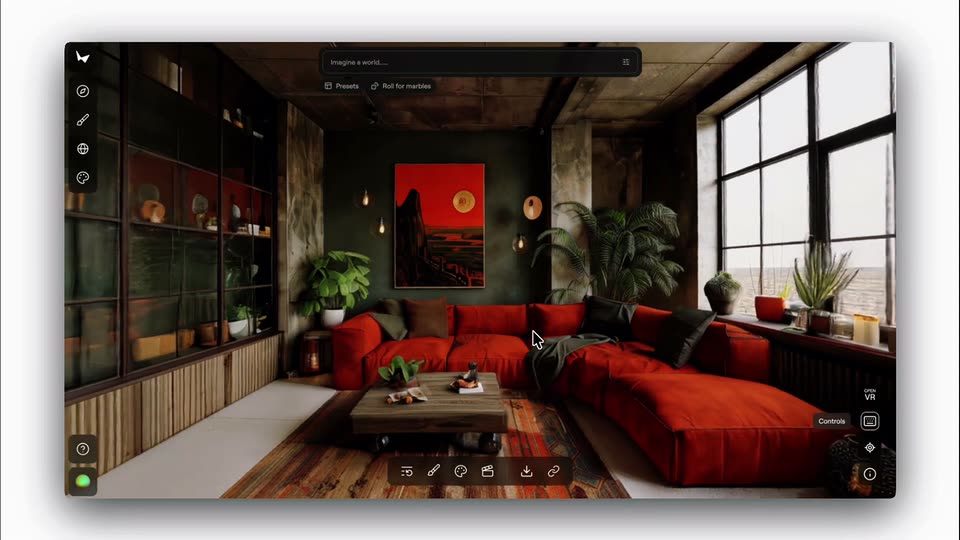 0:51–1:01World Labs · Welcome to Marble!A screen recording of a 3D world viewer. The view zooms into the room as the cursor clicks the keyboard icon, opening a dark Controls panel with WASD keys and mouse toggles. The cursor closes it, and the camera glides through the orange-sofa living room.
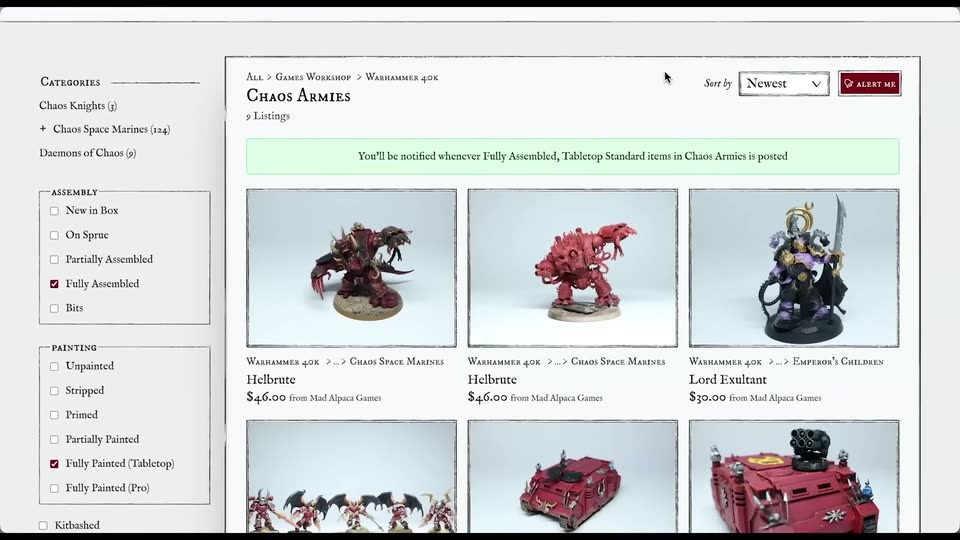 1:38–1:45Miniswap · Introducing Miniswap — The Marketplace For Tabletop GamesA Warhammer marketplace listing page scrolls past filter checkboxes and miniature cards, then pulls back to the full Chaos Armies view. A cursor clicks the red Alert Me button, and a green banner appears confirming that matching listings will trigger a notification.
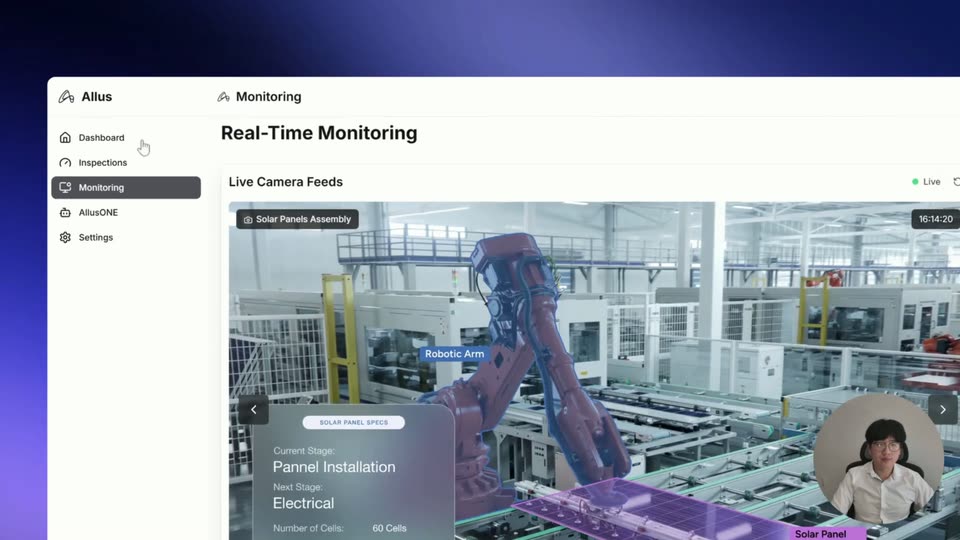 1:51–1:52Allus AI · Allus AI: Transforming Manufacturing with Next-Gen Vision Foundation ModelA product dashboard card floats on a dark blue gradient. The camera pushes in on the Real-Time Monitoring view, and a cursor hovers the left sidebar, moving the highlight from Monitoring to Dashboard. A circular presenter webcam sits in the bottom-right corner.
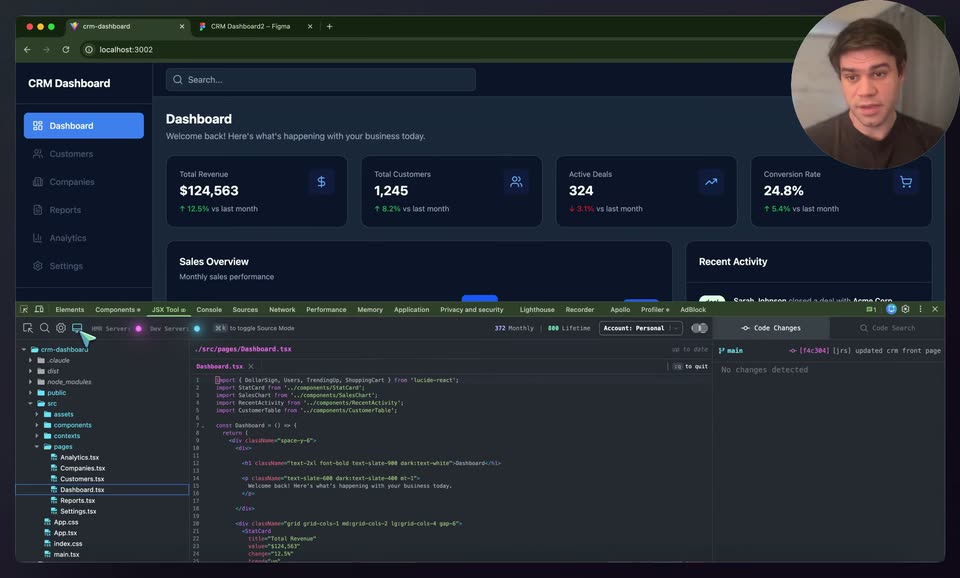 1:28–1:31Coasts · JSX Tool DemoA dark CRM dashboard occupies the top of the screen above an open code inspector. A cursor hovers over the inspector, then the frame blurs and pushes in on the highlighted code lines.
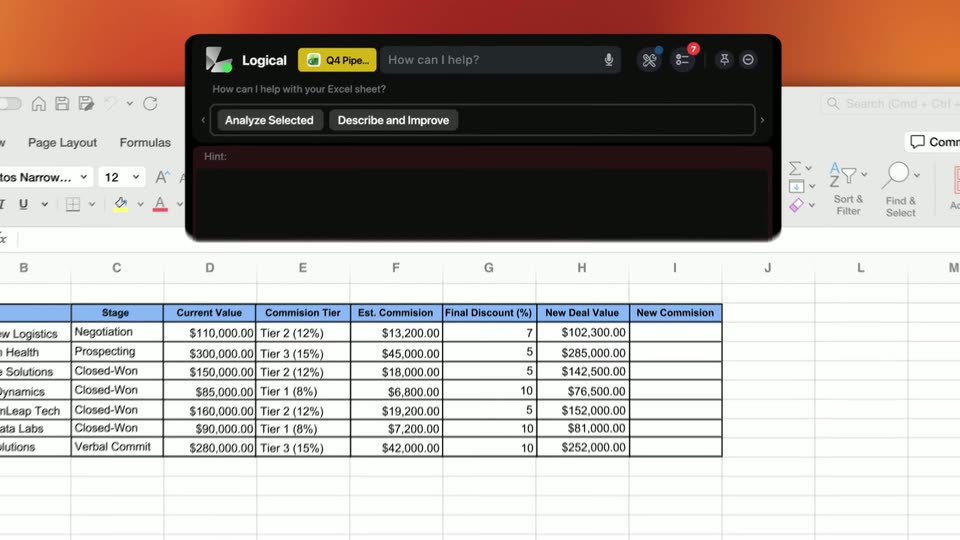 0:57–0:58Logical · Logical | The Proactive Desktop CopilotA dark assistant bar with the Logical logo and two action buttons hovers above an Excel sheet listing client deals and commissions. The view slowly zooms into the table, tightening on the first columns.