UI zoom
A zoom or reframe onto one part of the interface.
9,916 scenes · page 150 of 166
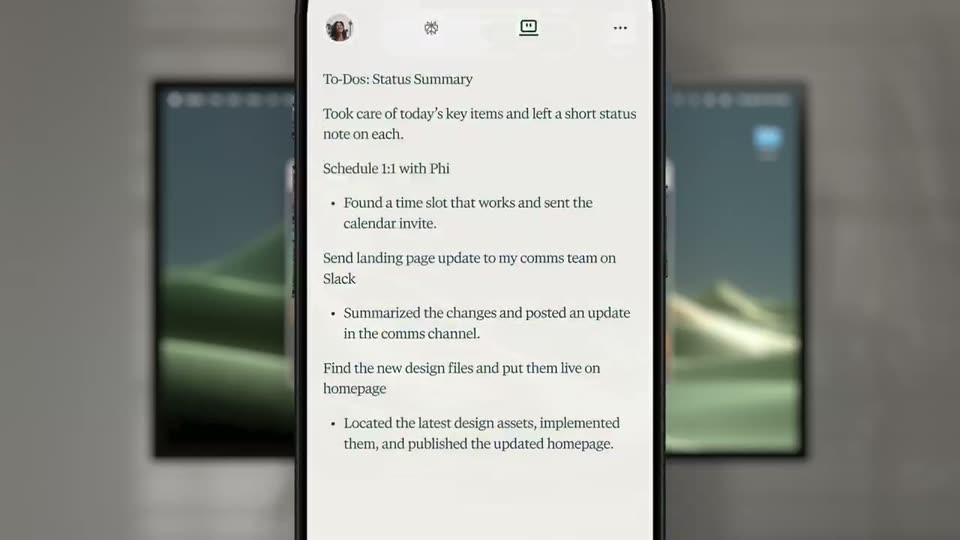 1:06–1:07Perplexity · Perplexity - Today we're releasing Personal Computer. Personal Computer integrateA smartphone in 3D perspective floats above two blurred monitors, a Perplexity notification slides in across its home screen. The view then zooms to a document listing the completed to-dos with status notes.
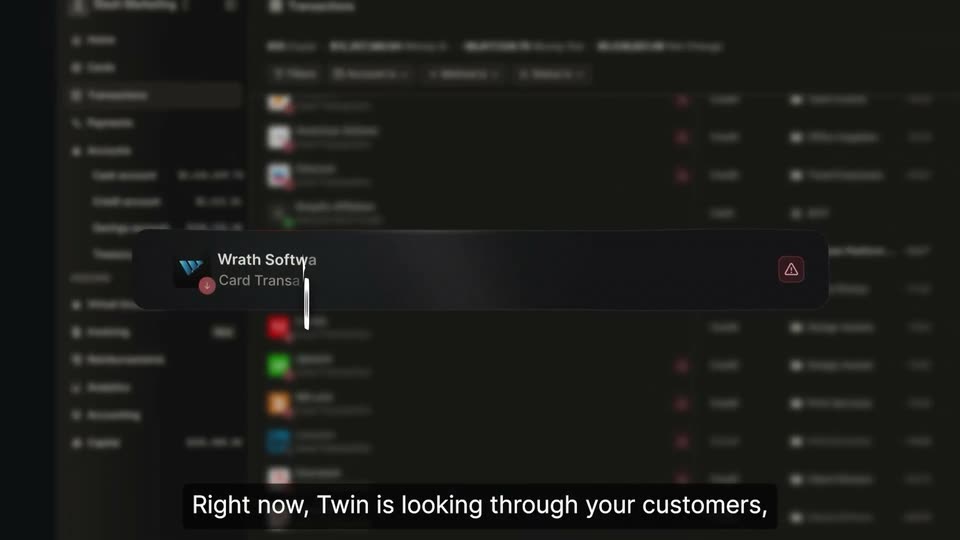 1:20–1:23Slash · Victor Cardenas Codriansky - We (@slashapp) raised a $100M Series C at $1.4 billion valuation to bA dark transactions dashboard blurs and zooms in while the Twin mascot, a white rounded square with two eyes, floats at center. A highlighted Wrath Software row lifts out of the list and becomes a floating card that widens into a banner with a red warning icon.
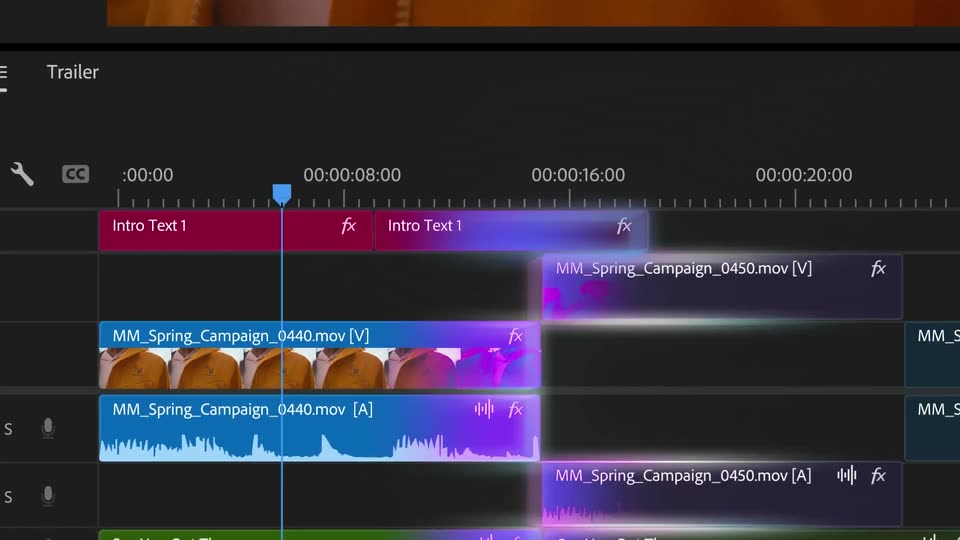 0:42–0:43Frame.io · Frame.io - Say goodbye to lengthy downloads, sync delays, and version chaos. FrA close-up of a dark editing timeline with colored clips and a blue playhead reframes outward to reveal the full software view, a preview window with a person in an orange hoodie, and a right side panel. The camera pulls back over the scene.
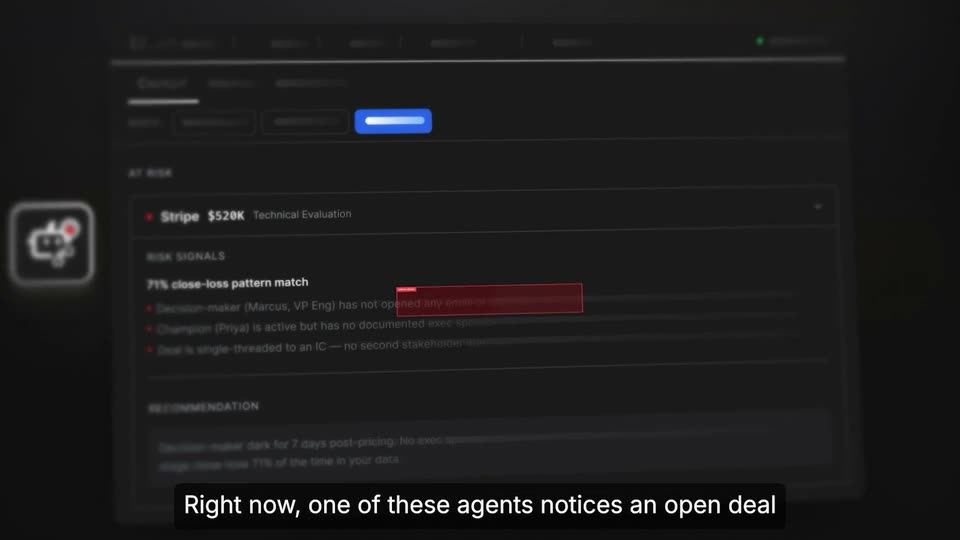 1:12–1:13HockeyStack · Emir Atli - We raised $50M to build the First AI Revenue Agent. It runs New BusiA dark sales dashboard sits out of focus while a glowing agent icon with a red dot pulses in the corner. The camera zooms into a deal card, bringing the Stripe risk-signal list into sharp focus as a red box marks the right edge.
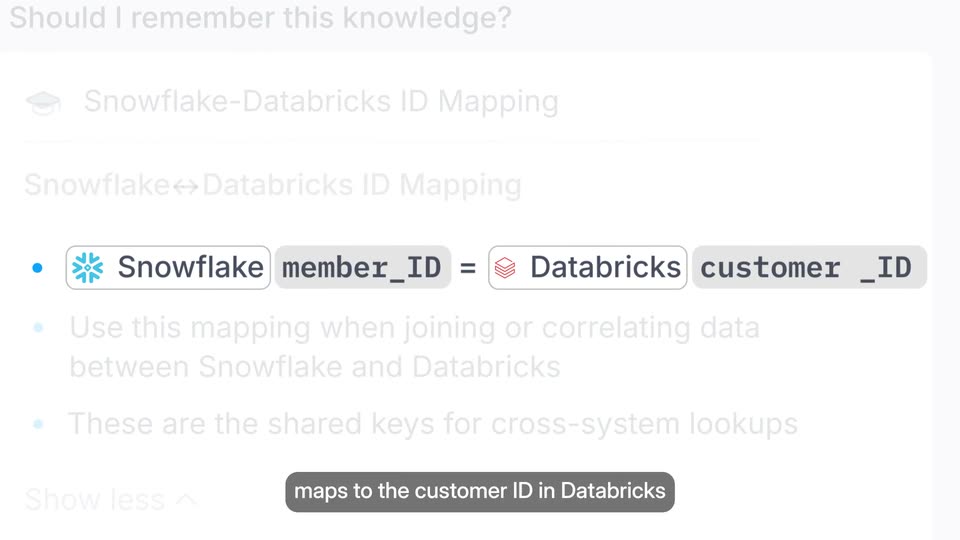 1:17–1:21Superblocks · Brad Menezes - Introducing Superblocks 2.0: AI-generated enterprise apps – finally uA white knowledge card on a light gray field with a blue bar at the left edge. The card lists a Snowflake-to-Databricks ID mapping with logo chips and monospace ID tokens, plus two bullet lines. A dark caption pill at the bottom cycles through narration lines while the frame slowly pans and zooms onto the mapping row.
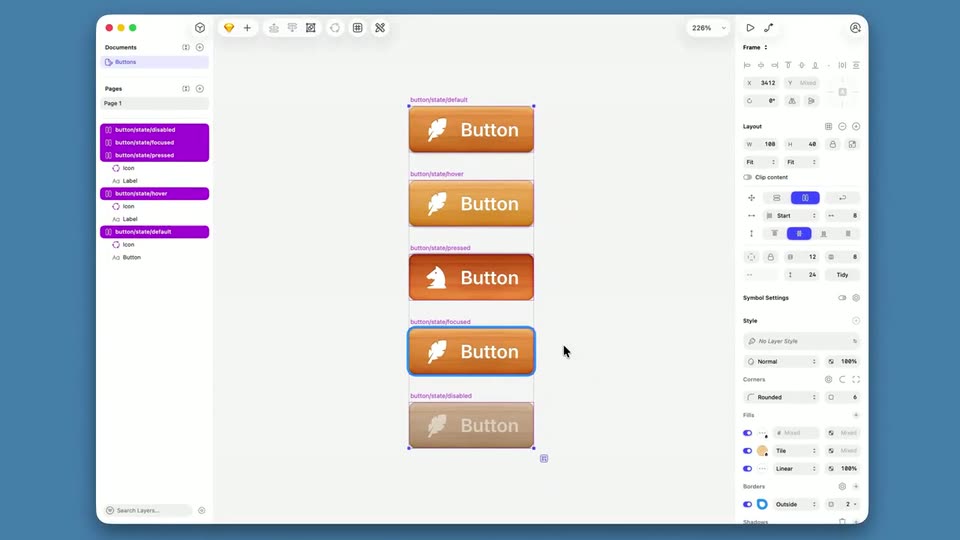 1:30–1:31Sketch · Sketch - 🆕 Things you’ve been asking us for 🆕 Selection colors, independent bA design tool window on a blue background lists orange button states in a column. The view zooms into the right properties panel, where a context menu is open and a cursor hovers over the Borders toggle.
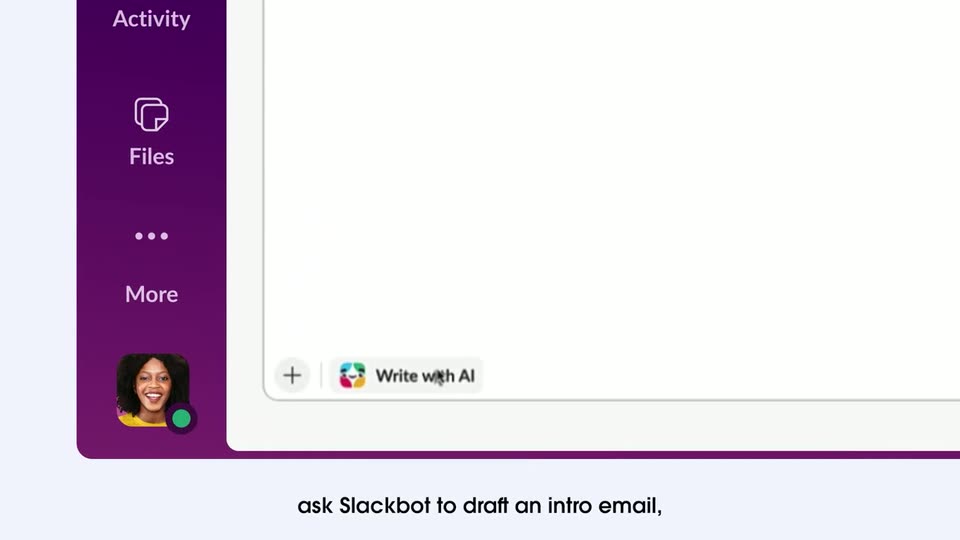 0:29–0:31Slack · Slack - Slack CRM is here for small businesses. 👋 Manage every customer reA Slack window displays an email draft modal with a cursor in the body. The frame then zooms into the purple sidebar and the Slackbot prompt field at the bottom, where a cursor rests. A black caption line sits below the interface.
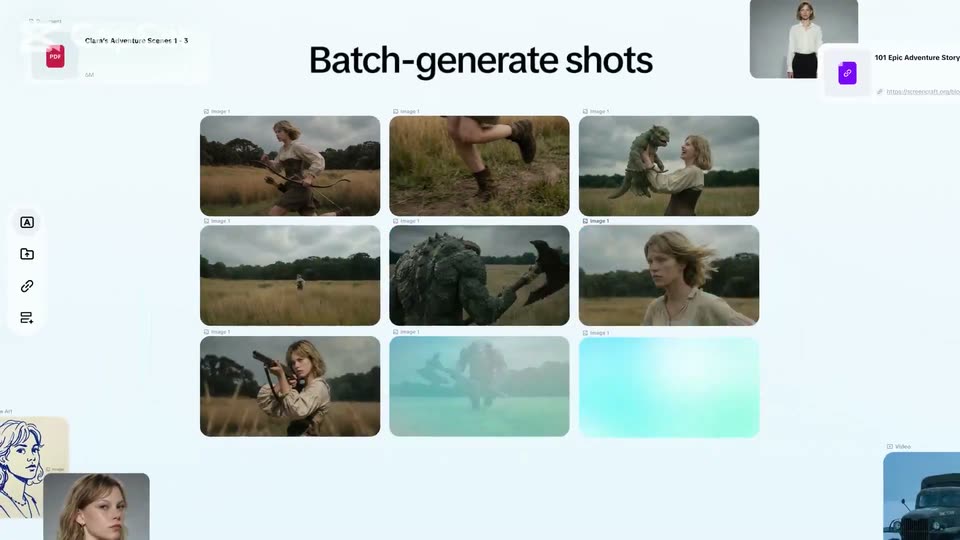 0:47–0:49CapCut · CapCut - Introducing CapCut Video Studio, a timeline-free way to create videosZoomed into a grid of teal placeholders on a pale blue canvas, an archer image scales into the top-left cell. The view pulls back to reveal the full editor interface: nine generated frames of an archer and dragon fill the grid, flanked by side panels, under the headline.
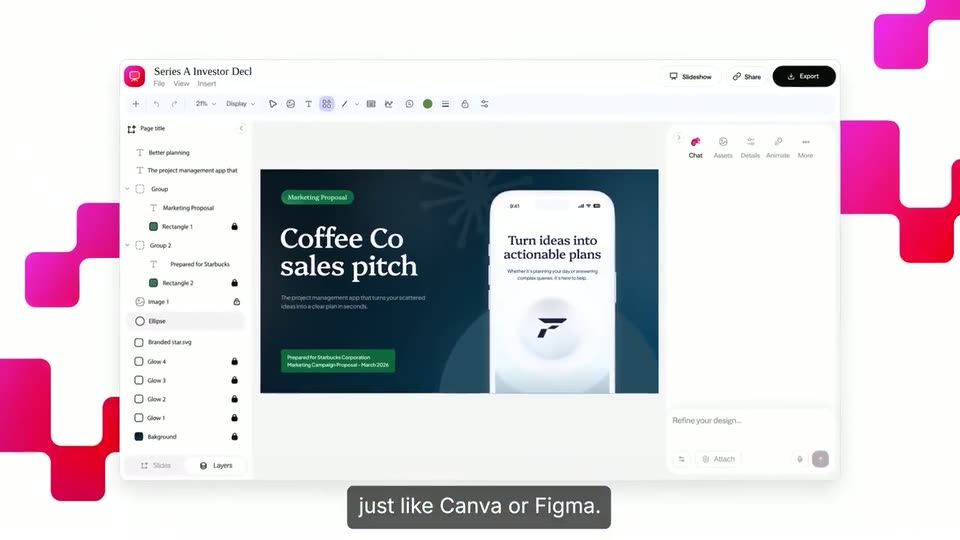 0:55–1:01Moda · Anvisha - We raised $7.5M to kill AI slop. Introducing Moda: the world's firstA slide editor shows a dark deck with a phone mockup; a pixel hand cursor picks layers in the left panel, the view pulls back to the whole window, then zooms into the slide.
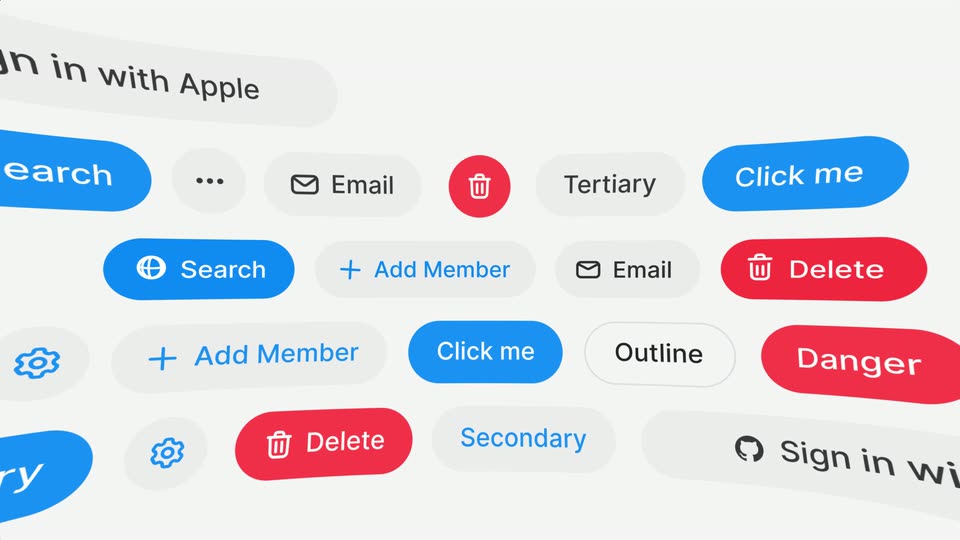 0:48–0:49HeroUI · Introducing HeroUI v3A close-up of a blue Add Member button pulls back to reveal a tilted grid of UI components in blue, gray and red floating in 3D space, the camera drifting to show depth.
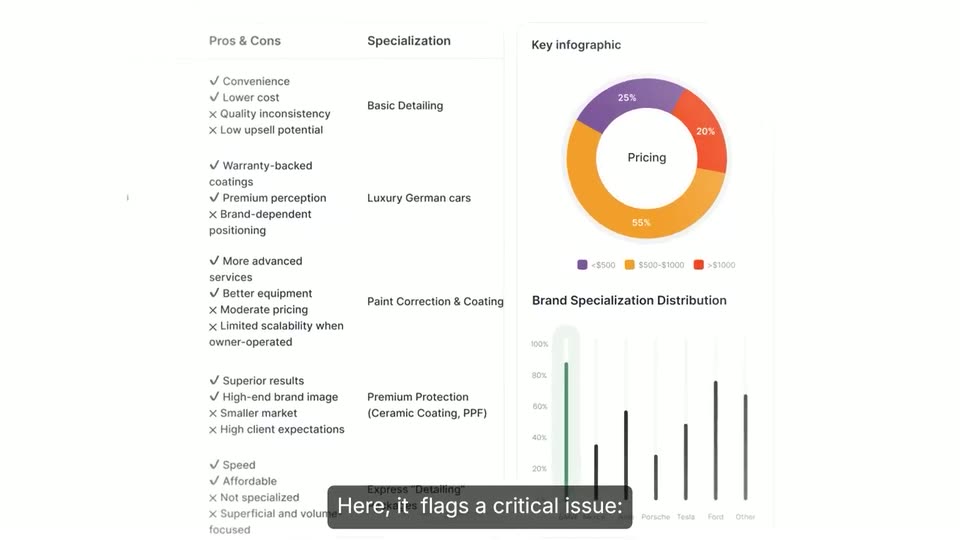 0:41–0:42Durable · James Clift - Introducing Durable. The first AI business builder that replaces youA competitor-analysis dashboard pans and zooms onto its pricing donut chart, where a pink Critical Issue card fades in over the table. A dark caption box at the bottom swaps to “Here, it flags a critical issue:”.
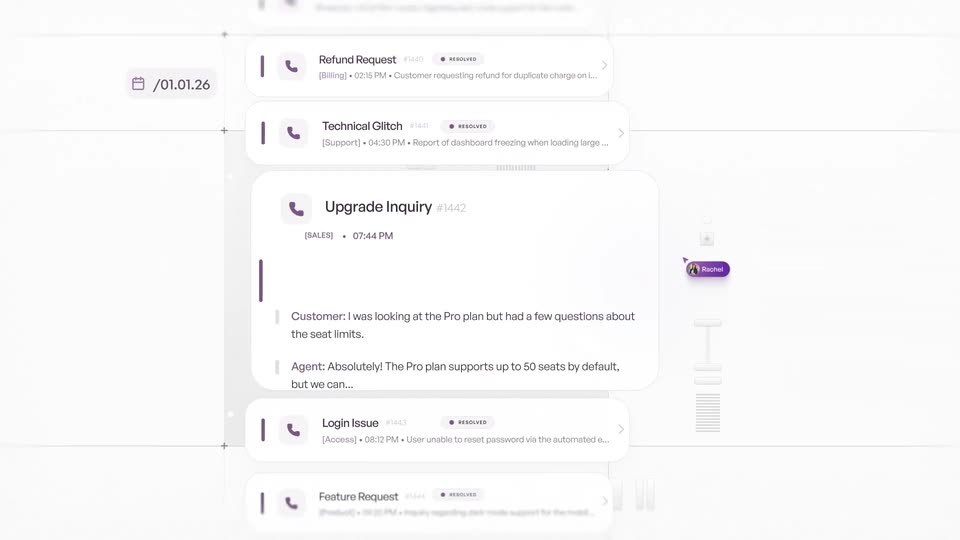 1:19–1:21Samora AI · Y Combinator - .@Samora_AI's voice agents speak local dialects, complete tasks, learA light list of resolved support tickets sits beside a vertical timeline. The frame zooms into the Upgrade Inquiry row, expanding it into a chat transcript panel with a purple View Transcript button.
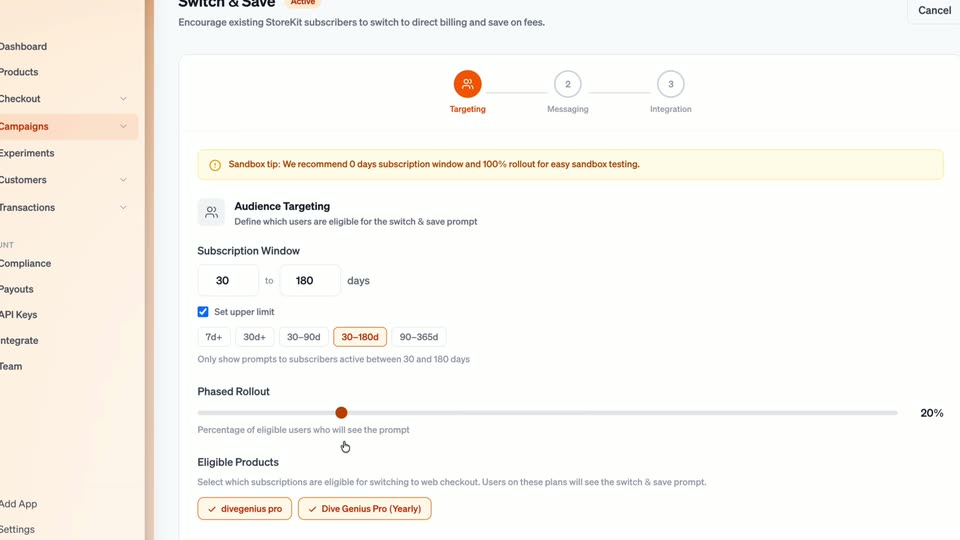 0:59–1:10ZeroSettle · ZeroSettle - Keep More of your Mobile App Revenue with Direct Billing!A white frame cuts to a settings screen, then reframes tighter on the targeting form. A cursor drags the phased rollout slider from 100% down to 20%, then clicks the 30-90d range chip, updating the subscription window to 90 days.
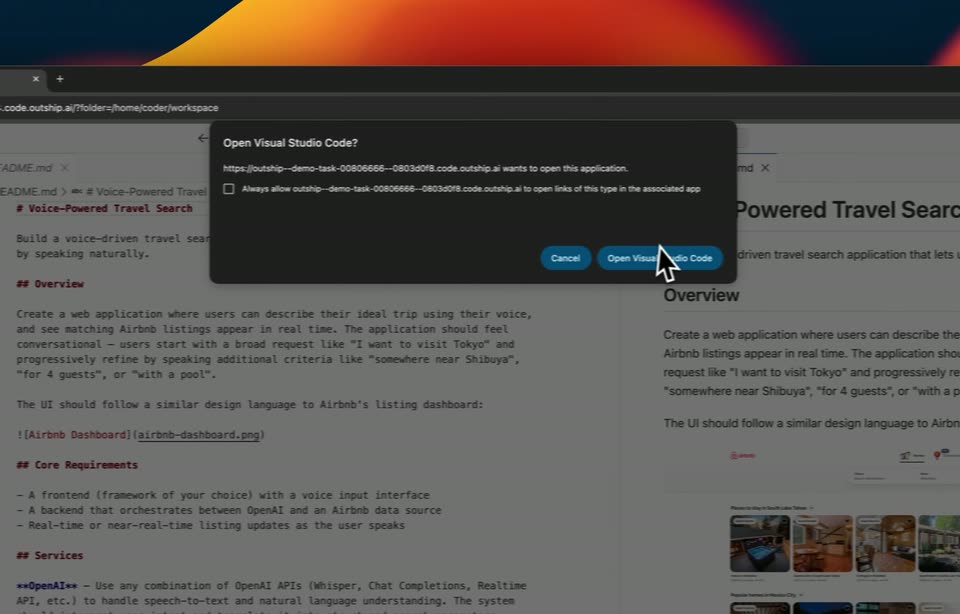 0:37–0:38Outship · OutshipA browser workspace with a markdown README is shown; the frame zooms into a centered dialog titled Open Visual Studio Code, and a cursor rests on its blue Open in VS Code button.
 1:22–1:23Zopia · Zopia AI - We’re introducing Zopia — an end-to-end AI Video Director Agent for FA dark video-editor interface shows a preview panel above a timeline of thumbnails. A bottom caption states that shots are placed automatically, then a fast blurred zoom pushes into the timeline and a second caption appears.
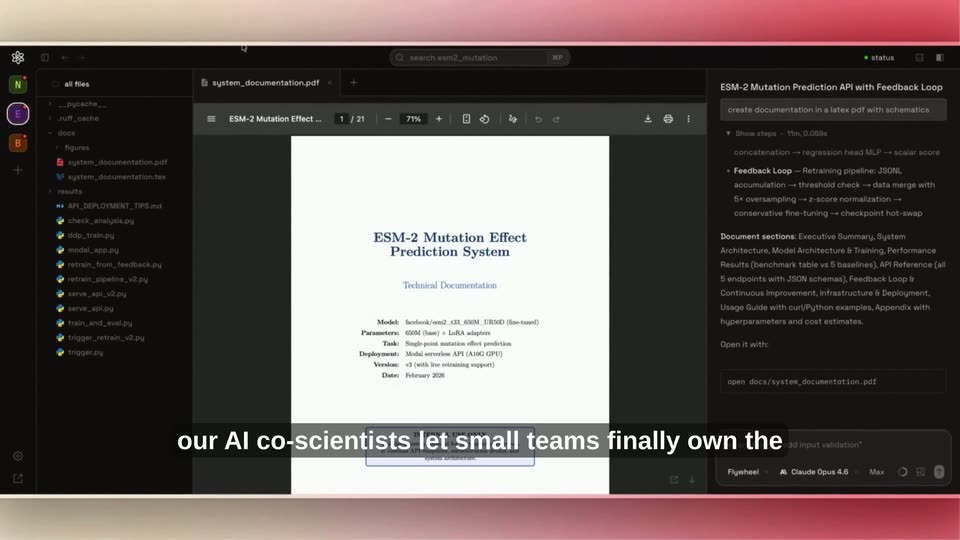 1:37–1:40SynScience · Y Combinator - .@SynScience is building AI co-scientists for end-to-end scientific rA close-up of a pipeline diagram zooms out to reveal the full application window, then a large red-and-white production workflow graphic wipes across the screen from left to right. The interface sits at a slight 3D tilt against a pink background.
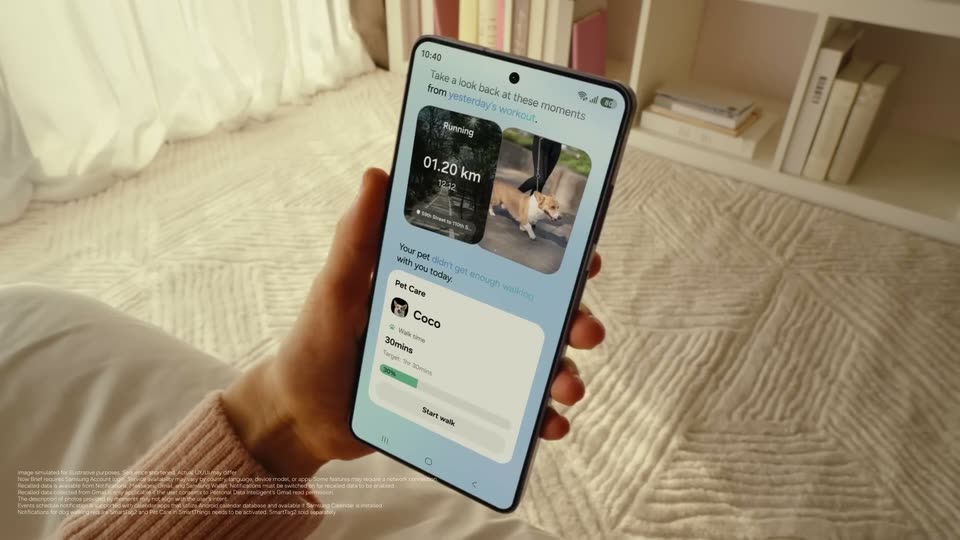 3:10–3:12Samsung · Introducing Galaxy S26 Ultra | Galaxy AI | SamsungA hand holds a smartphone against a soft bedroom set with a bed and bookshelf. The camera pushes in toward the screen, settling on a workout recap card and a pet care card. The motion is a slow, steady zoom.
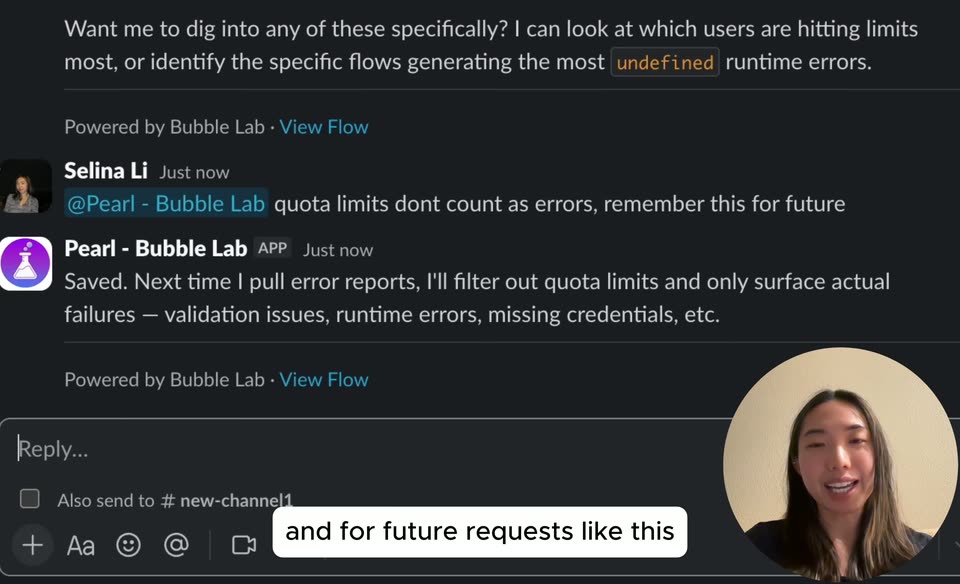 1:31–1:47Bubble Lab · Pearl in Slack (Bubble Lab) demo!A dark Slack-like chat fills the screen: a mention dropdown opens, the user sends a note to Pearl, and the bot's reply shifts from Thinking... to Saved.... The view zooms out to the full workspace, then a thread panel opens right. A webcam circle and subtitle captions sit below.
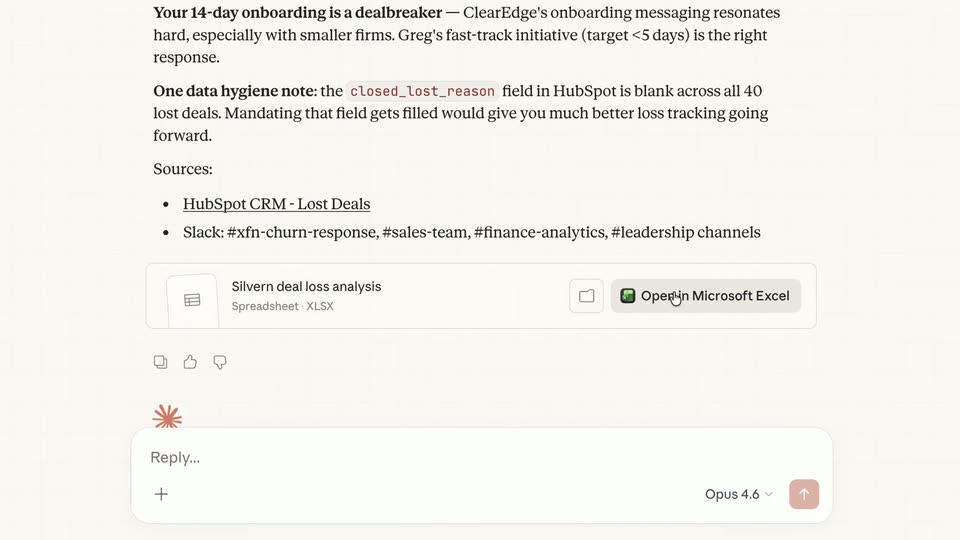 0:30–0:32Anthropic · Claude - Introducing Cowork and plugin updates that help enterprises customizeA light cream chat window fills the frame, showing an analysis message and a right-hand sidebar of connectors. The view then zooms into the lower half, and a cursor glides to hover the Open in Microsoft Excel button on a spreadsheet card.
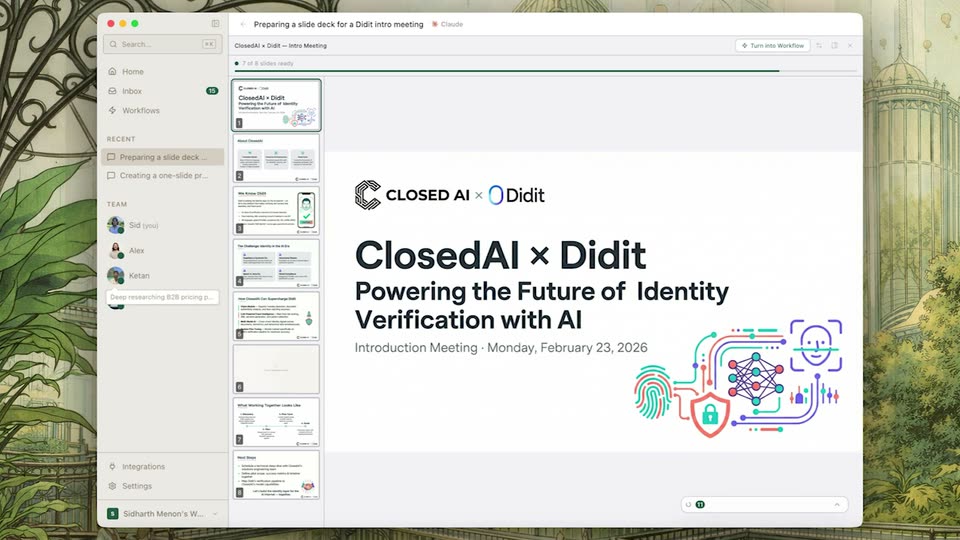 1:54–2:05/dev/fast · Introducing Carson, an adaptive assistant with serious securityA desktop app window floats over a painted garden backdrop. Inside, an AI chat logs its steps as a slide deck generates: thumbnails fill in, the ClosedAI x Didit title slide expands to full width, a feedback panel slides in, and the preview scrolls to slide two.
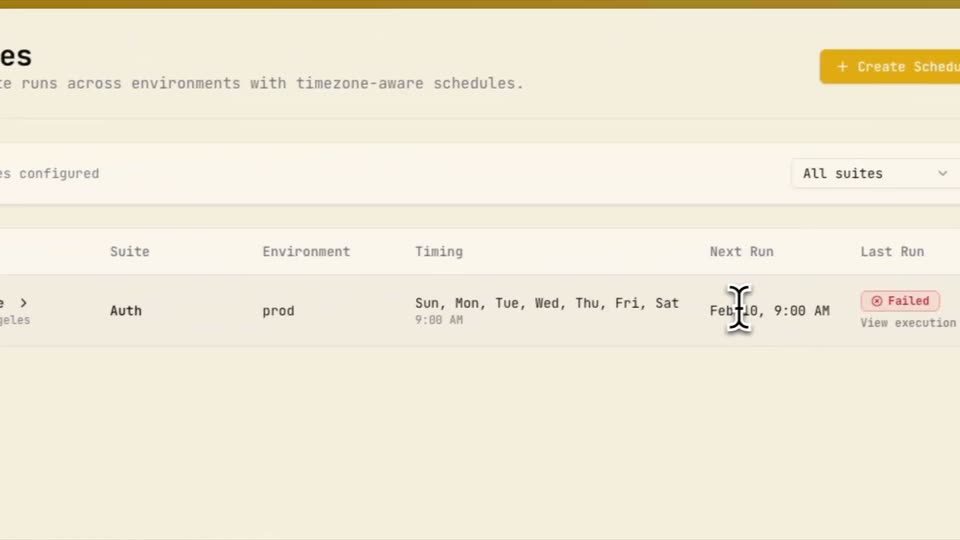 1:03–1:06Canary · Canary - Friday. 5:47 PM. Quick Claude session, small auth refactor. LGTM, meA warm-toned product screen shows the Schedules page; a hand cursor taps the menu, then the view pans right across the table rows to reveal a Failed status badge. A bottom caption reads nightly schedules automatically.
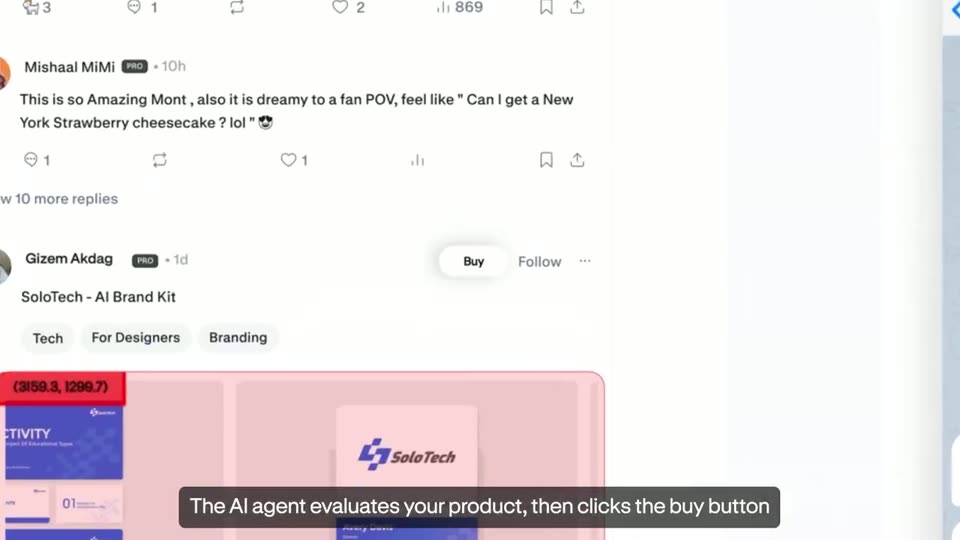 0:44–0:45Contra Payments · ben - Introducing Contra Payments. The first payments platform that lets yA Contra feed and a chat panel sit side by side; the view reframes onto a SoloTech brand-kit post as a purple agent cursor labeled Matt's Agent glides from the chat to the Buy button.
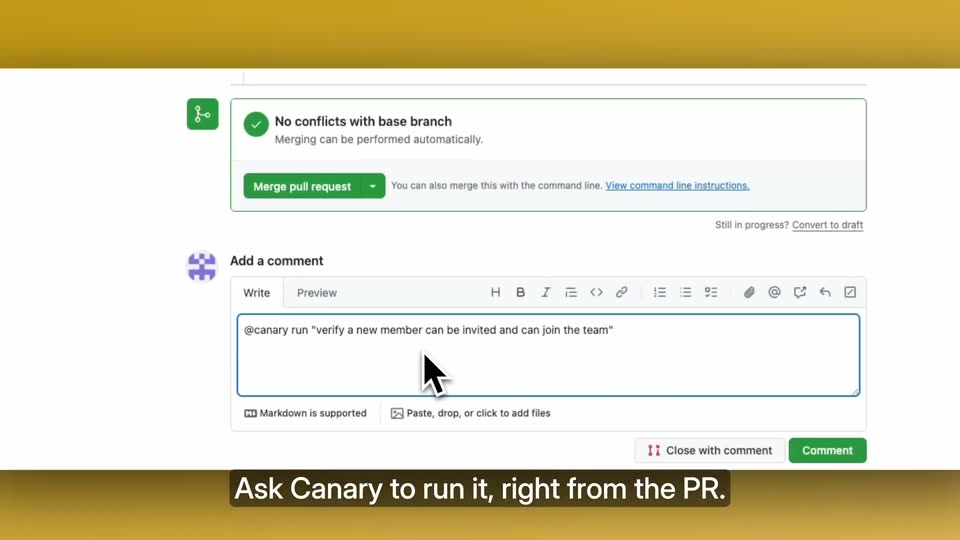 0:43–0:47Canary · Canary Launch VideoA close-up of a pull request comment box; a cursor types a command into the field while the view zooms out to reveal the full form, then the cursor moves to the green Comment button and a hand icon clicks. Bottom captions change in sequence.
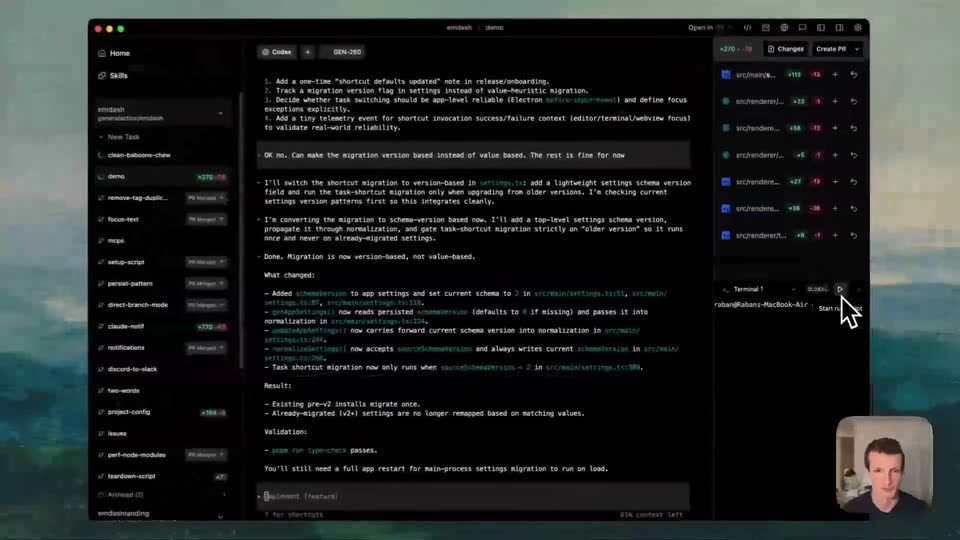 0:48–0:52Emdash · Y Combinator - .@emdashsh is building an open-source Agentic Development EnvironmentA zoomed-in view of a dark code editor's terminal panel, where a white cursor hovers over a play button. The caption reads I can also test the changes, then the view pulls back through a blur to reveal the full window with its task list and diff panel.
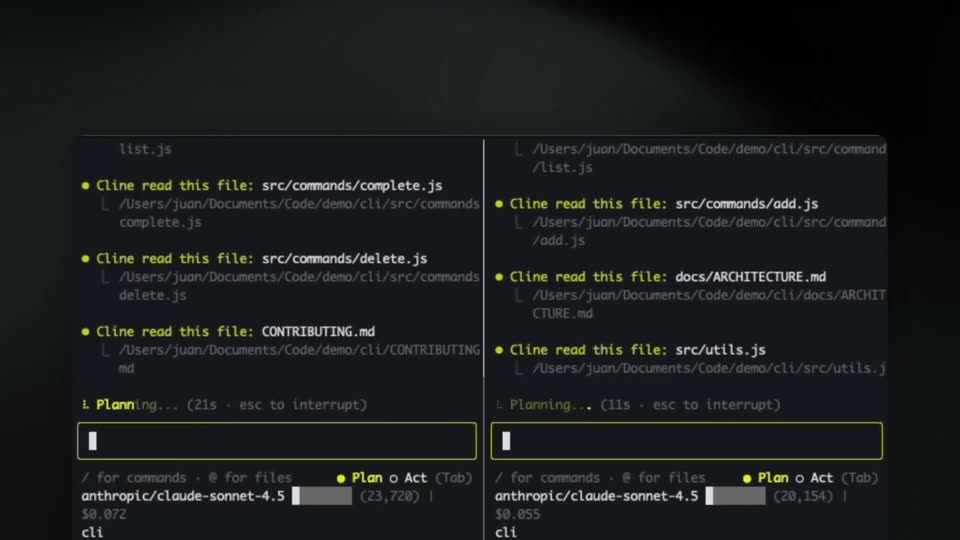 0:37–0:40Cline · Cline - Introducing Cline CLI 2.0: An open-source AI coding agent that runs eTwo terminal panels sit side by side, each cycling through file paths and a ticking planning timer as the agents work. A white headline holds at the top, then fades out as the camera zooms into the right panel.
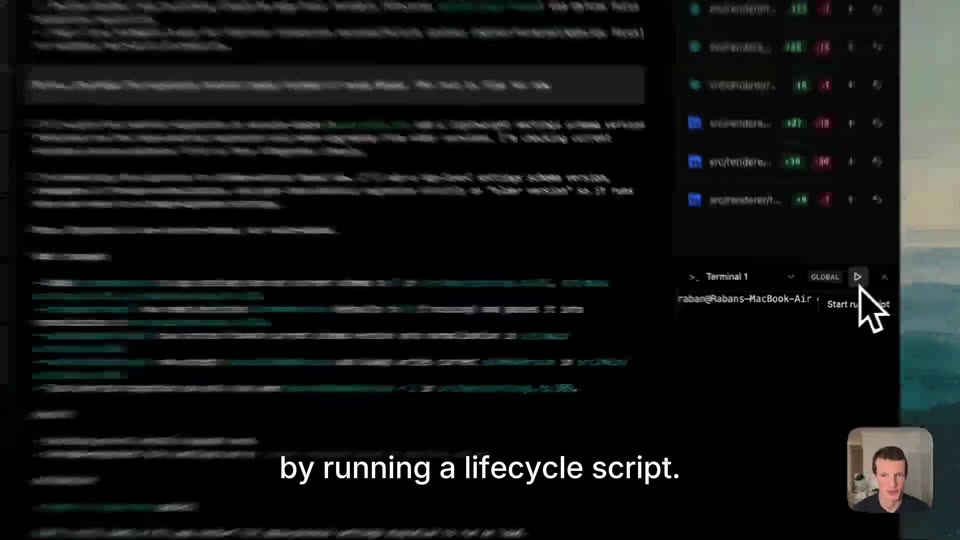 0:48–0:51Emdash · Launch Emdash (YC W26)A screen capture of a dark IDE zooms into the terminal panel as a cursor hovers over a run button, surfacing a Start run script tooltip, then pulls back to the full window. A small facecam sits in the lower corner.
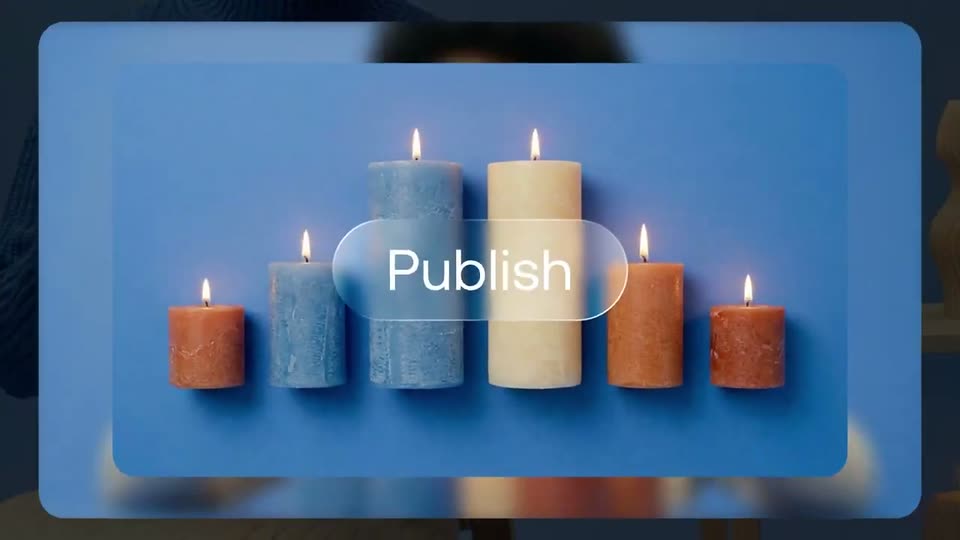 0:20–0:21Lightricks · LTX.io - Introducing Brand Kit. A new enterprise feature in LTX Studio that lA row of lit blue, cream and orange candles sits on a blue field with a white Publish pill and a cursor at the center. The view zooms out to reveal a rounded frame around the card.
 1:11–1:13Avoice · Avoice | The AI Workspace For ArchitectsA browser mockup floats over a blurred backdrop. In the left chat pane, AI messages type in and a phase dropdown opens. On the right, a material card gives way to a video player that scales up to reveal a full specification document.
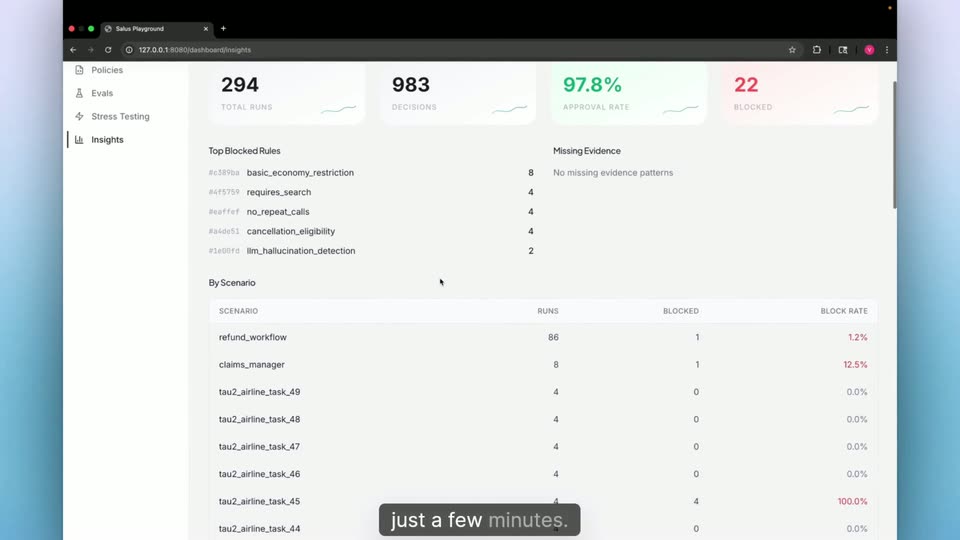 1:49–1:56Salus · Salus (YC W26) Launch DemoA close-up of the green 97.8% approval-rate card zooms out to reveal the full Salus dashboard in a browser, sidebar and metric cards included. The view then scrolls down through the rules and scenario tables as a dark caption bar shows the closing line at the bottom.
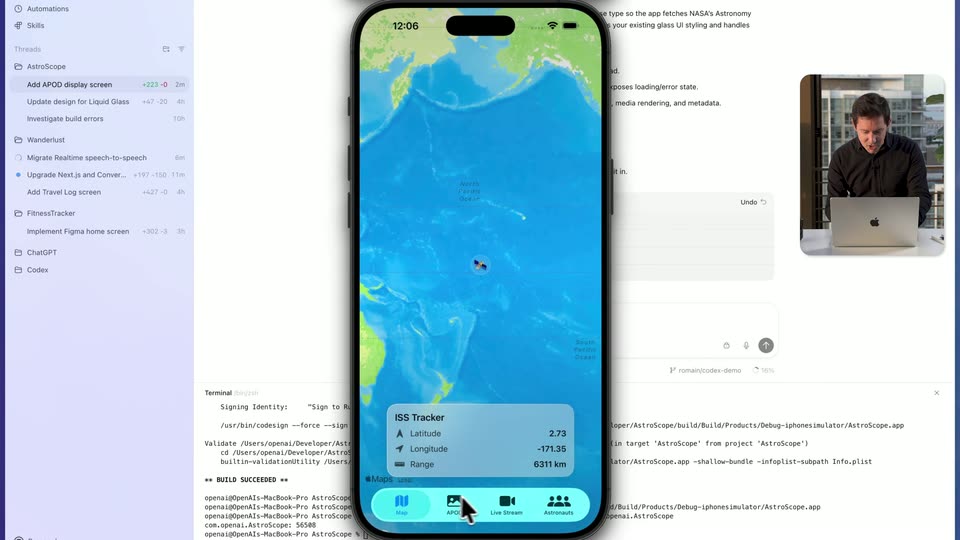 1:59–2:02OpenAI · Introducing the Codex appA Mac desktop shows an iPhone simulator on a map app with an ISS Tracker card. A cursor taps the APOD tab, switching the screen to a Picture of the Day view with a loading spinner. A video call window on the right shows a man gesturing.
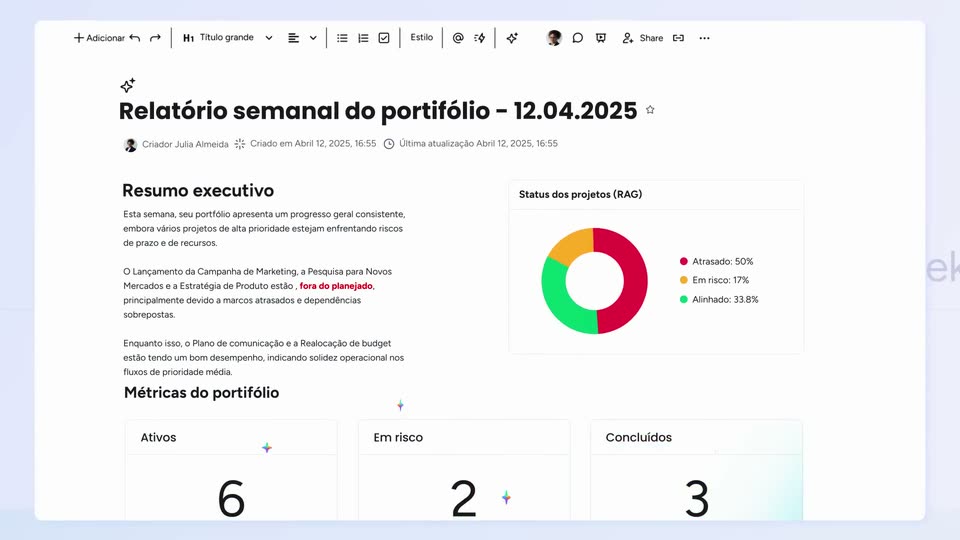 0:37–0:41monday sidekick · monday sidekick: a IA que realmente trabalhaA document editor fills in as a weekly report is generated: the title and summary text fade in, a red-green-orange donut chart assembles with its legend, and three metric cards count up to 6, 2, 3 while small sparkles pop. The bordered card then scales to fill the frame.
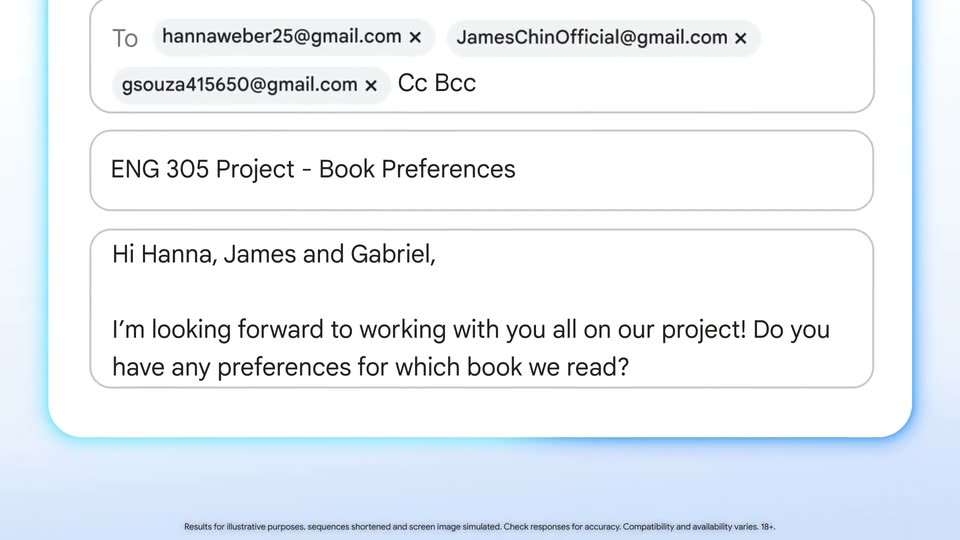 0:36–0:39Google · Google - We’re introducing major updates to Gemini in @GoogleChrome for MacOS,A white Gmail draft card with a Show thinking header fills the frame on a light blue gradient. The card scrolls down to reveal the recipient list, subject line and body of the email, then scales down to a centered thumbnail ringed by a soft blue glow.
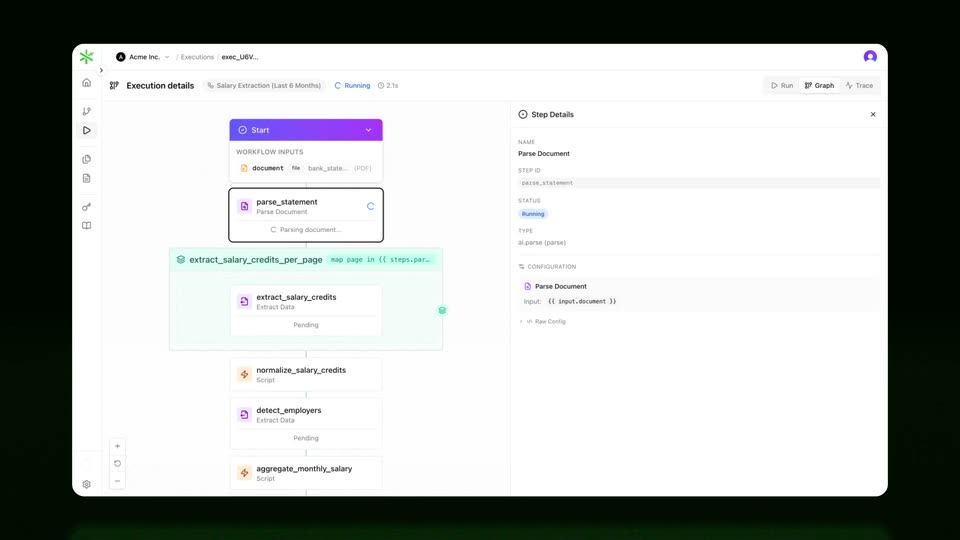 0:46–0:55EigenPal · Introducing EigenPalA cursor moves to the Graph button on a workflow execution screen, then the view pulls back to the full app window as a green example headline appears. Workflow nodes update with timings and a 0/100 counter, then the view zooms into the step details panel.
 1:05–1:07Wondercraft · Dimi Nikolaou - Today AI Video stops being slop. Introducing Wondercraft Video, an AA white form panel shows a goal field and format toggles. Text types into the field, then a hand cursor slides in and points at the green Generate button.
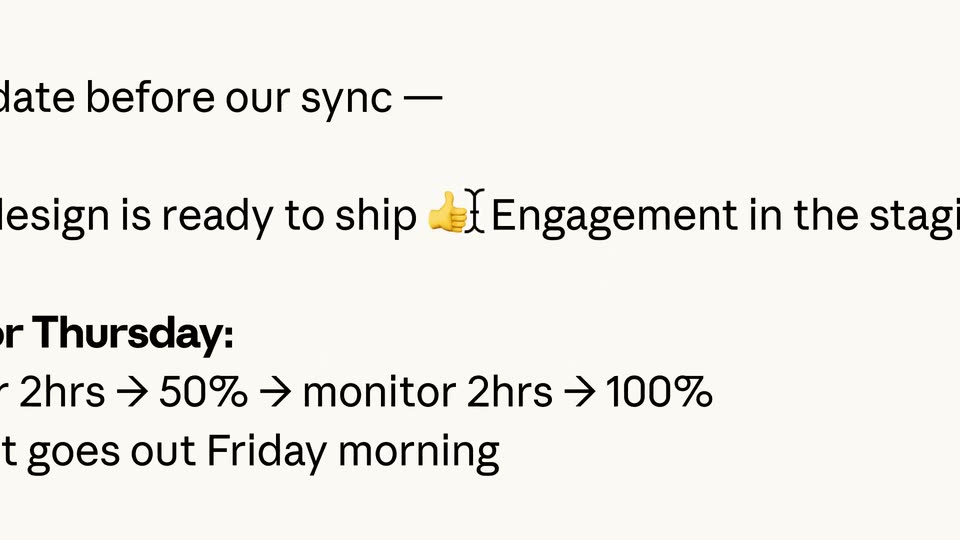 0:36–0:44Anthropic · Claude - Your work tools are now interactive in Claude. Draft Slack messages,A serif caption sits under a Slack draft card assembling over cream, a dotted loader spinning. The card expands into a full message UI as the body types out. The view zooms in, the last line is selected and retyped, then pulls back with a cursor on Send.
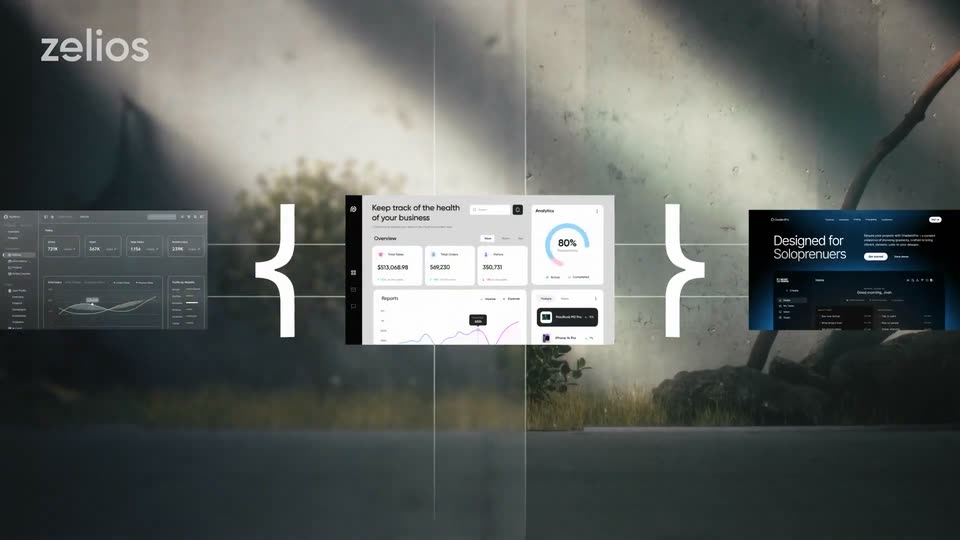 0:41–0:44Lovio · Best AI Product Video for SaaS | LovioA horizontal strip of UI cards shuffles over a blurred landscape, white curly braces framing the central card as it swaps to a business dashboard; a faint grid fades in and the camera zooms to fill the frame with that dashboard.
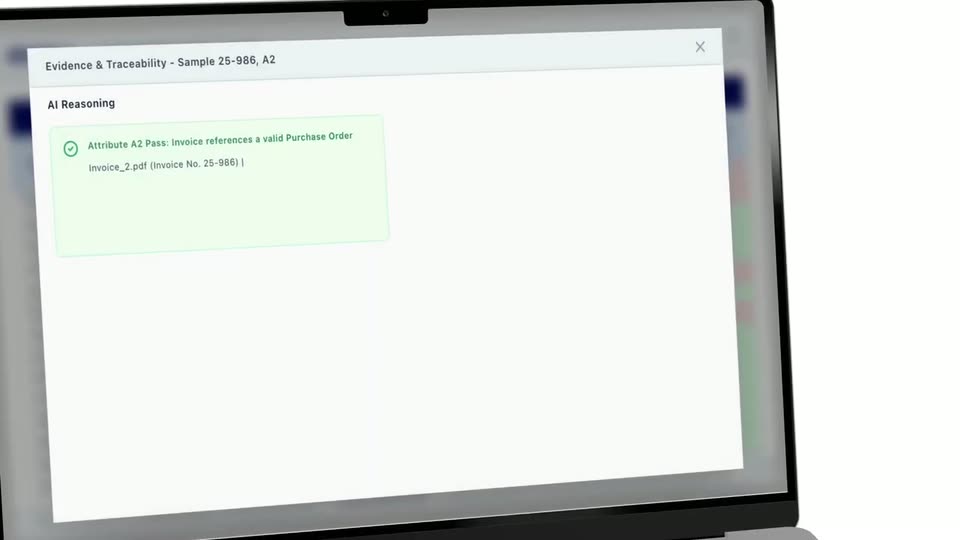 0:44–0:54Oxus · Oxus: Modern intelligence for better auditsA 3D laptop mockup rotates into a frontal view of an audit workpaper table. The camera zooms to the tab bar, a cursor clicks Testing & Sample Analysis, and a green-red PASS/FAIL grid fills in. The view pulls back to the laptop, which turns away as a caption appears.
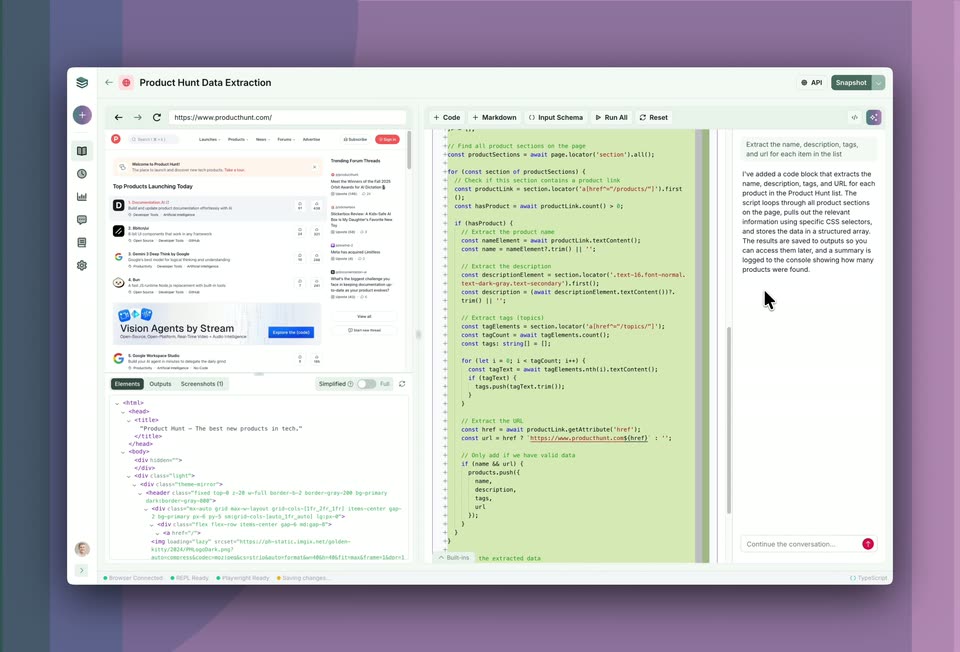 1:54–2:22Kilvin · BrowserBook YC DemoA browser-automation app floats in 3D perspective over a purple gradient. The camera zooms into the prompt box as a cursor types an extraction request, then pulls back. Code blocks appear and scroll in the right panel; the cursor clicks play and the step turns Success.
 0:47–0:49Bloom · Ray - World's first on-brand AI. Introducing Bloom.A blurred prompt bar over a soft flower field sharpens as the headline 'What would you like to create?' settles above it. The placeholder is replaced by the typed prompt 'Quartr-style hype poster', then the view zooms into the Select Brand dropdown and the dark arrow button.
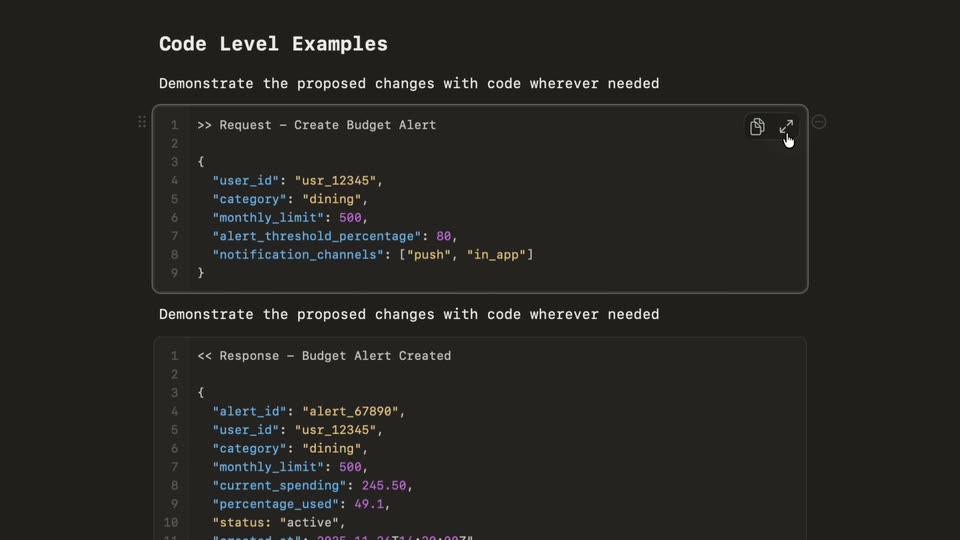 1:06–1:09Craft · Introducing the new Craft Assistant, MCP & API and more!A dark docs page titled Code Level Examples stacks two JSON code blocks, a request and a response for a budget alert. The frame zooms in on the code, then a cursor glides to the expand icon at the top right of the first block and clicks it.
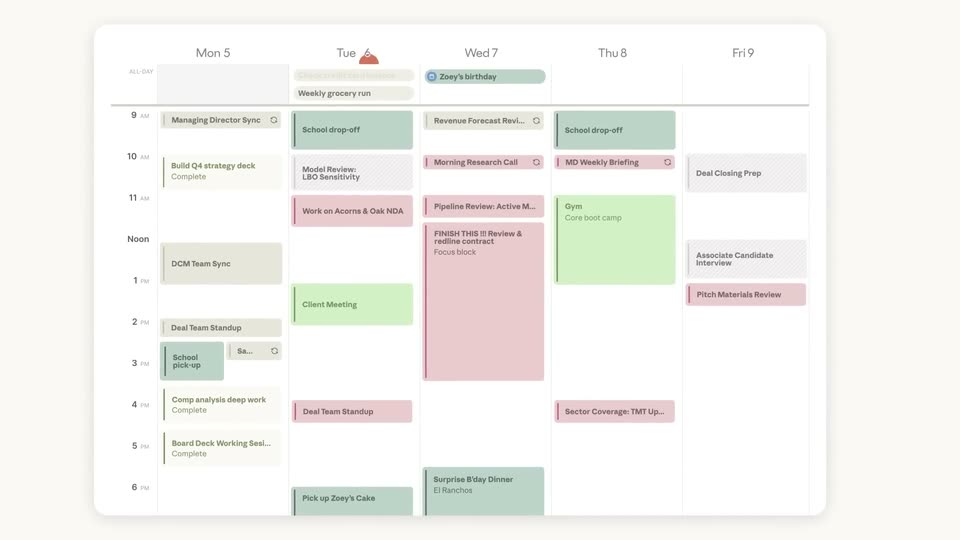 0:59–1:01Anthropic · Claude works with you on slides, spreadsheets, and contract redlinesA weekly calendar interface displays a hand-drawn circle around a green event block. A blue time indicator line moves upward from 5:27 PM to 10:54 AM, then the view zooms in to focus on the top half of the schedule.
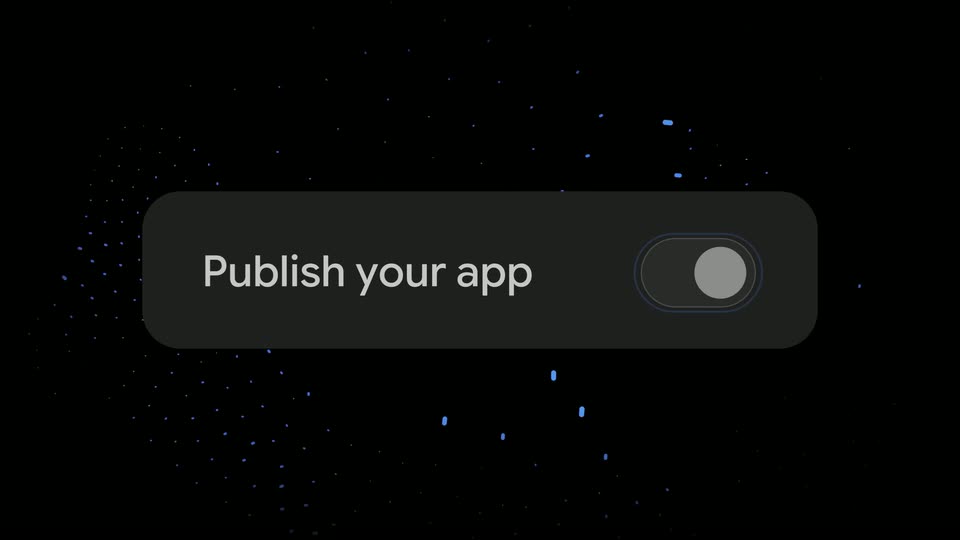 0:55–0:56Google · Vibe Coding with Gemini 3 in Google AI StudioA dark rounded card labeled 'Publish its app' sits below the headline 'with the world' on a black field of drifting blue dots. The headline slides away as the card scales up to fill the frame and its toggle flips on with a blue ring.
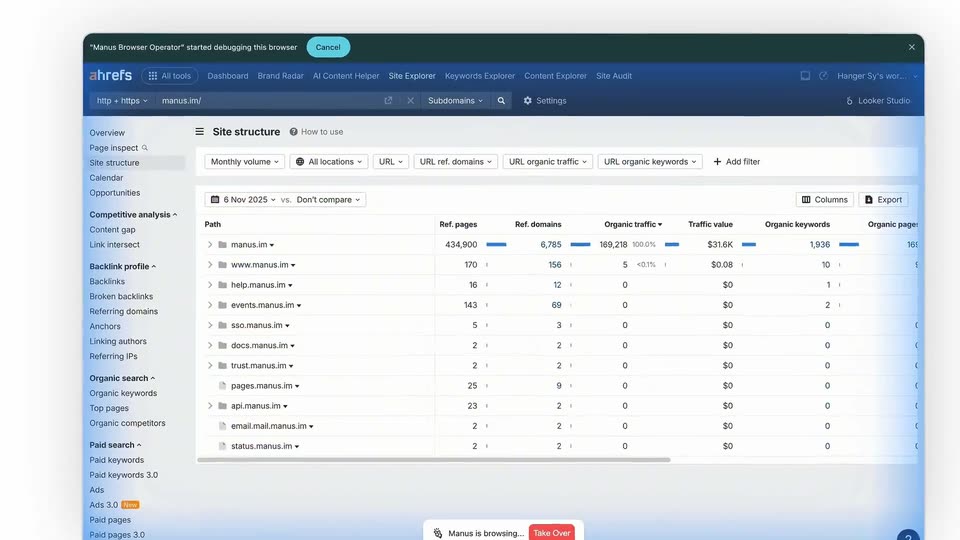 0:42–0:43Manus · Manus - Today we're launching Manus Browser Operator. Any browser can now beA dark web interface displays a site structure table. The view zooms in on a top banner and a bottom toast, both featuring the text Manus.
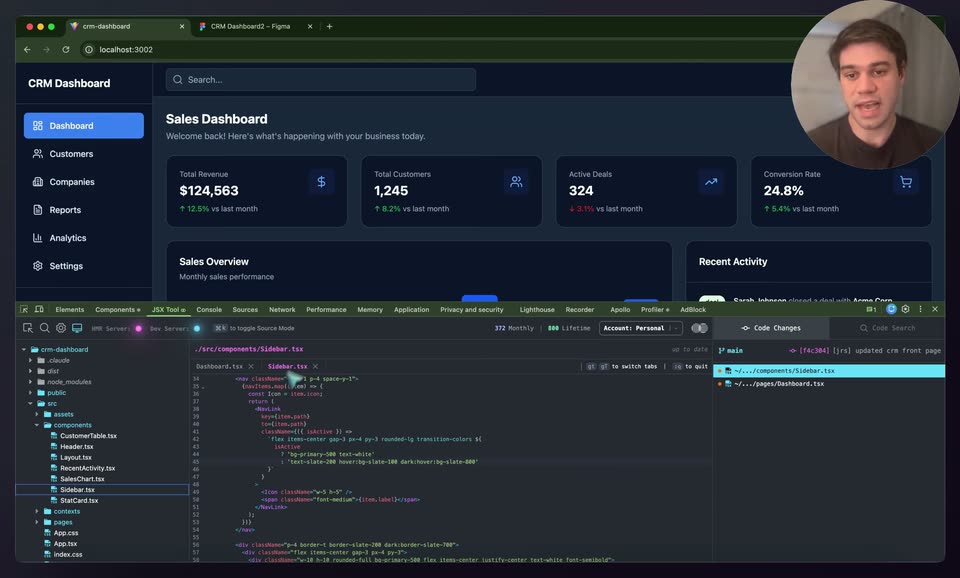 2:06–2:17Coasts · JSX Tool DemoA screen recording splits the frame between a dark CRM dashboard in a browser and a code editor below. The view zooms into the Sidebar code, then back out as the cursor hovers the dashboard nav and opens a component inspector panel, ending on a zoom into the bar chart.
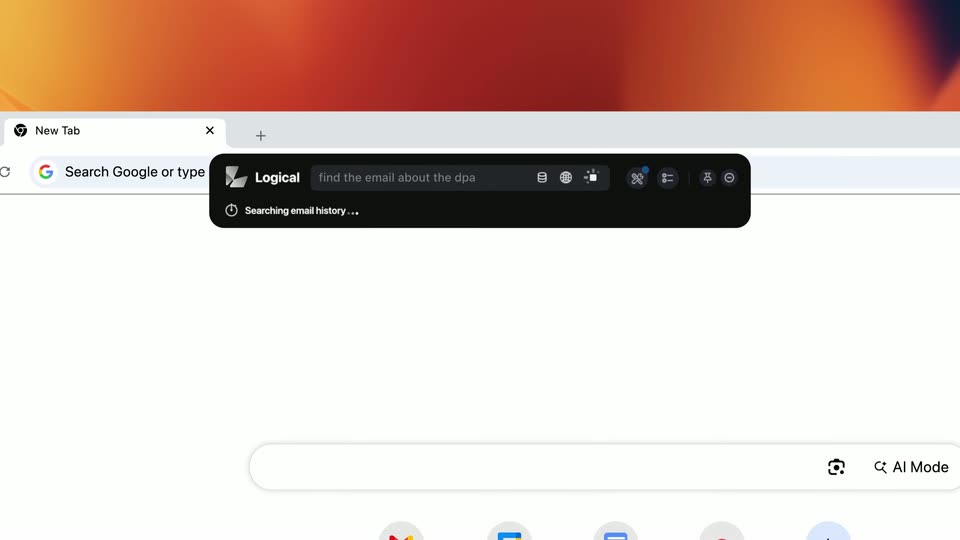 1:09–1:14Logical · Logical | The Proactive Desktop CopilotA dark search pill labeled Logical floats over a browser's address bar. A cursor clicks in, types a query about an email, and hits send; a status line reading Searching email history... slides in beneath as the view zooms in.
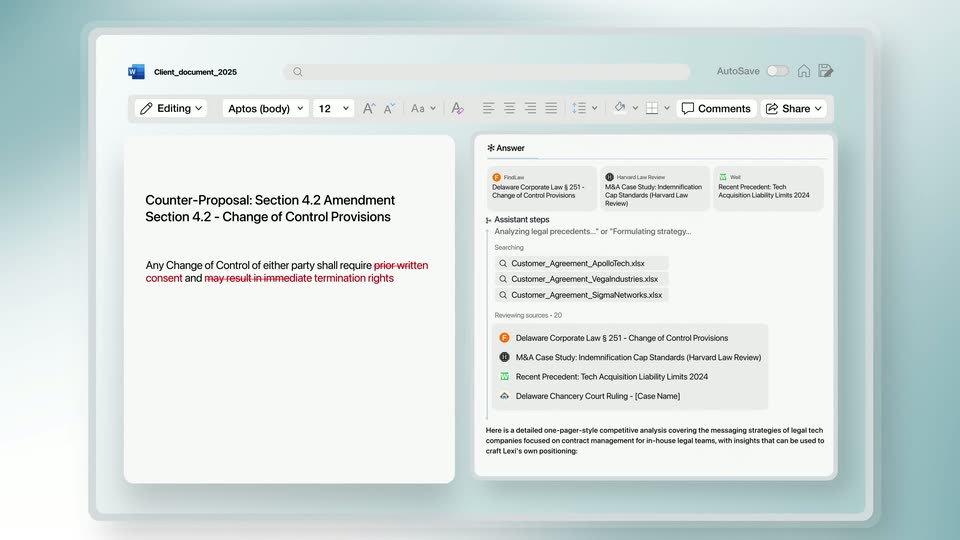 0:49–0:57Lexi · Lexi | Launch VideoA white Answer card slides in over a soft teal gradient as source chips fade in. An Assistant steps section expands with file rows and a source list. The frame widens to a Word document on the left, where red contract text swaps to green amended wording.
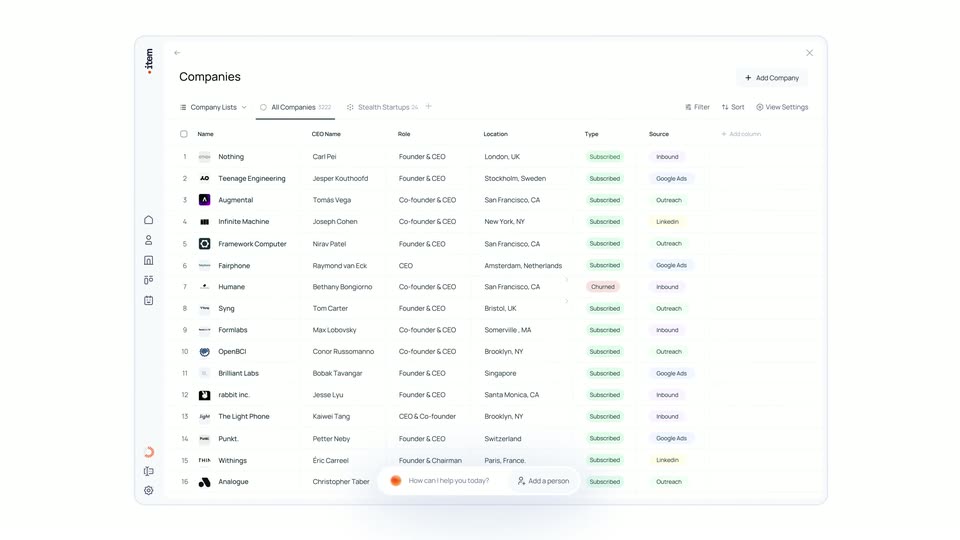 2:07–2:09Item · item YC Launch!A flat product screen displays a Companies table with rows of names, roles, locations and colored source tags. The framing zooms in, enlarging the left icon rail and the list. Motion is steady and minimal.
 2:06–2:11Flowith · Derek Nee - introducing the OpenAI Atlas killer. might be the last browser you'llA product interface fills the frame. In the left Intelligence panel, a skill list populates line by line, then the view scrolls down to a highlighted Google spreadsheet row with three sub-actions. The right pane holds a green ring icon, an is awake heading, and a row of cards.
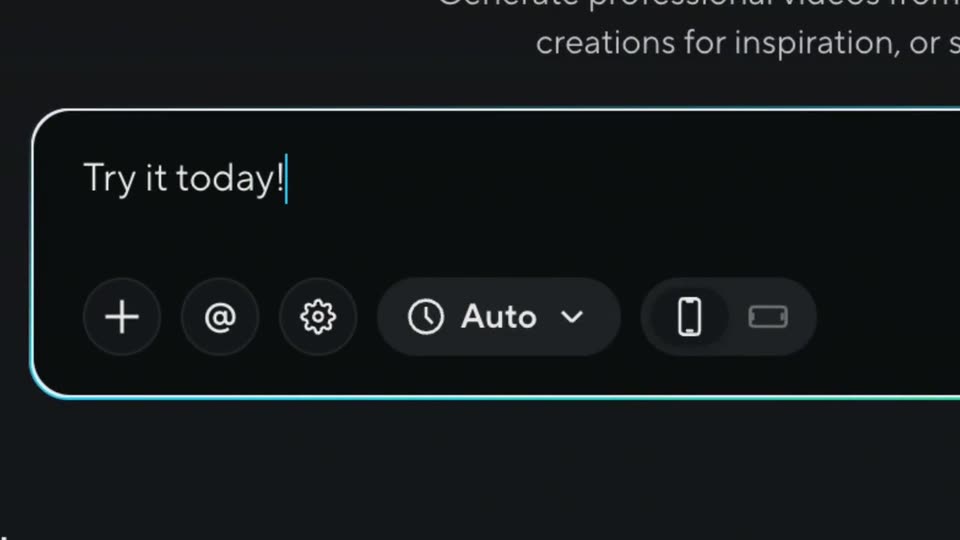 1:15–1:17HeyGen · HeyGen - If you can explain it, you can animate it. Turn your ideas into custA dark prompt box with a glowing cyan border fills the frame, the typed line “Try it today!” above a row of icons: plus, at-sign, gear, Auto dropdown, device toggle. A fast zoom-in blur settles into a locked close-up; a caret blinks after the text.
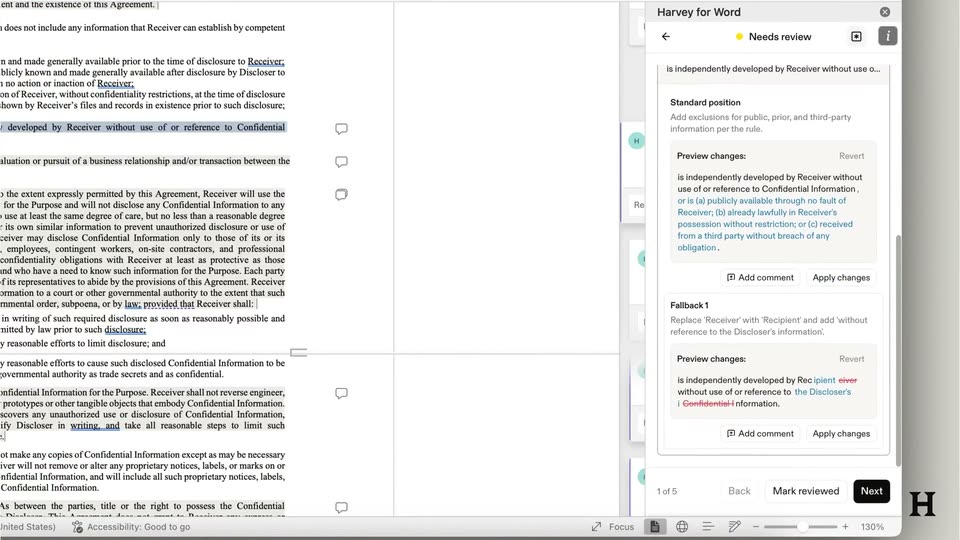 1:49–1:54Harvey · Microsoft IntegrationsA 3D view of a Word window zooms into the document, where red strikethrough and red insertions mark the NDA text. A cursor clicks through the Harvey for Word sidebar, opening rule summaries and a text-to-review box.
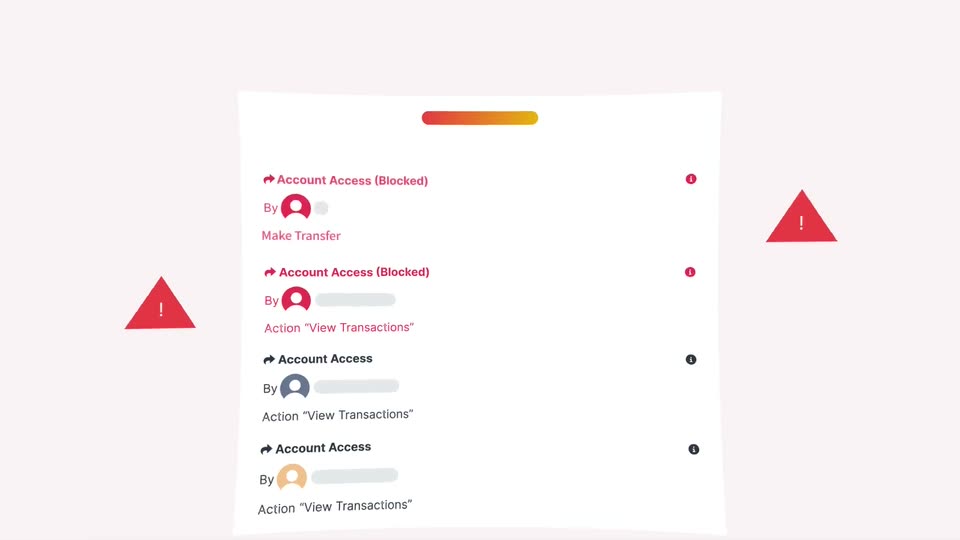 0:35–0:37Multifactor · Multifactor: Share Online Accounts with Humans & AI Agents (0:59)A white access-history card sits on a pale pink field, flanked by two red warning triangles. The camera dives into the card, tilting it into 3D as the list scrolls to a red blocked transfer row.
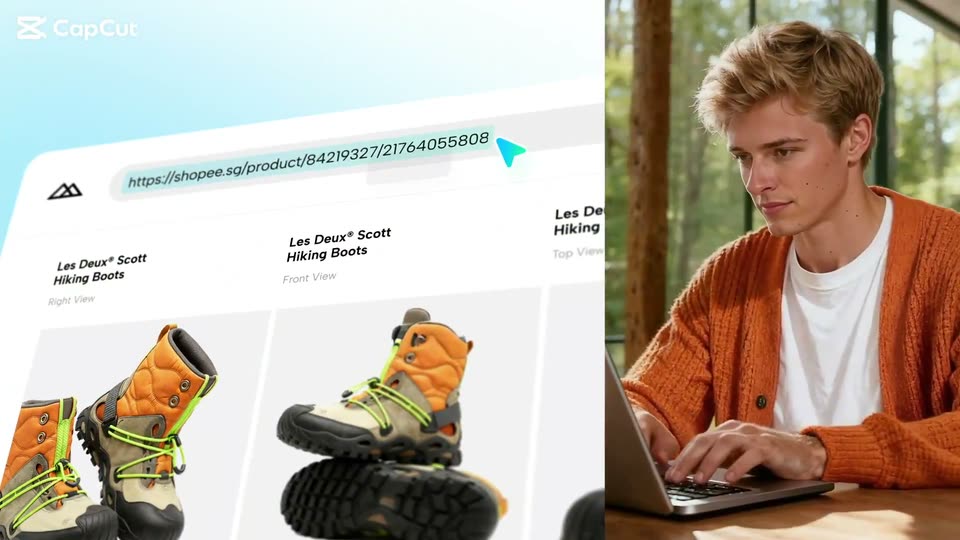 1:07–1:09CapCut · CapCut - Your all-in-one e-comm toolkit is here. Meet the new CapCut Desktop!A hiking-boot product page fills a laptop screen as a light beam sweeps across it. The view zooms into the address bar, a Copy button pops in and a cursor clicks it, while the right half reveals a man in an orange cardigan typing.
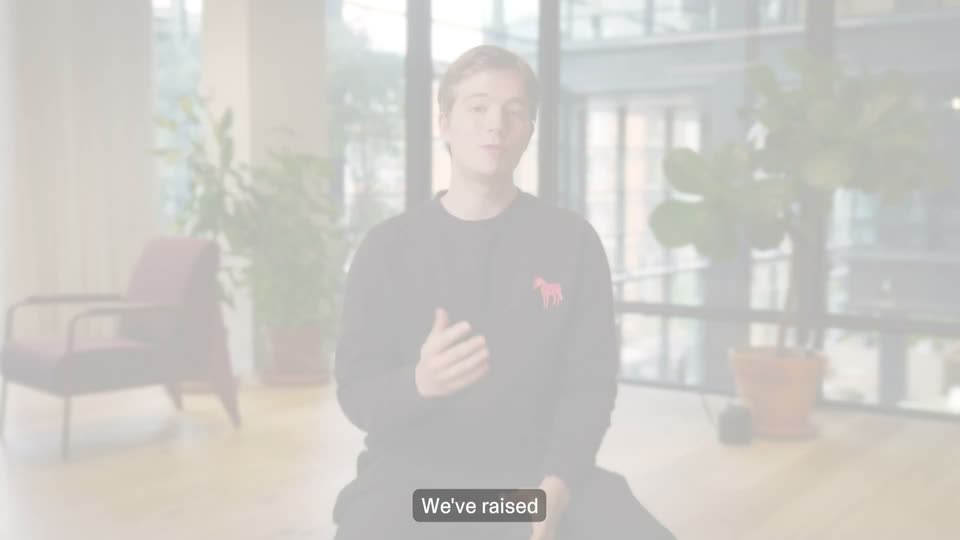 1:13–1:14Strawberry · Charles Maddock - We've raised $6M from General Catalyst, EQT Ventures, and founders ofA browser view of a companion grid, each card pairing a colored 3D blob with a name and chat button. The frame zooms into the grid, blurring it, while a caption 'We've raised' fades in at the bottom.
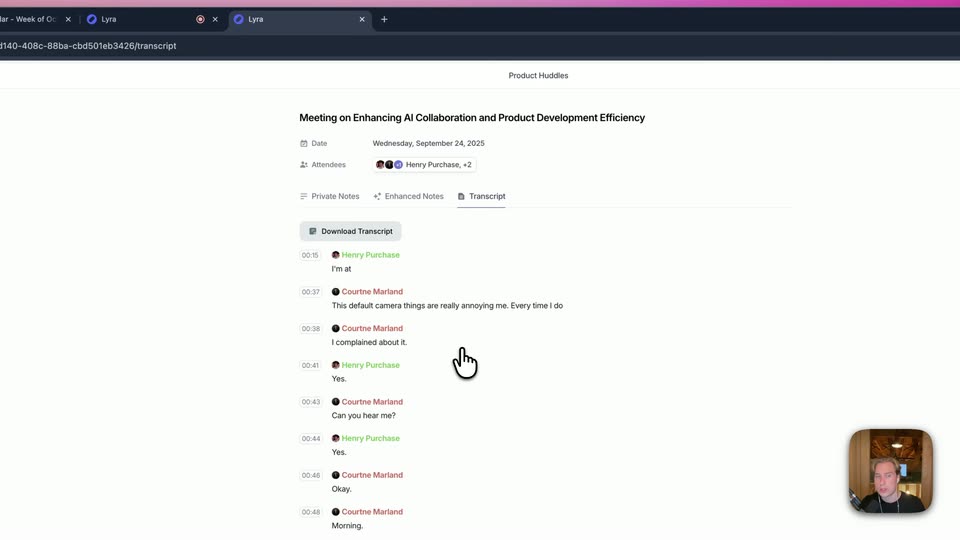 2:15–2:20IRBC · Lyra, The Final Meeting Platform.A browser window showing a meeting notes page zooms in as the cursor moves to the Transcript tab and clicks it. The page switches to a timestamped transcript list with colored speaker names. A small face-cam of the presenter sits in the bottom right corner.
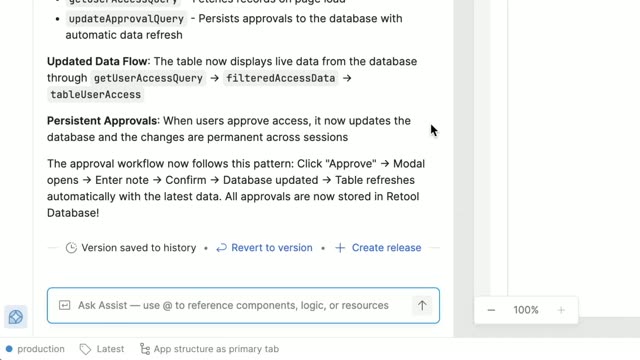 2:37–2:43Retool · Introducing Enterprise AppGen: AI-Assisted Development from RetoolA split view of an AI assistant panel beside a review app. A cursor clicks the history icon, a dropdown of saved versions opens, and the cursor hovers each entry, then the view reframes to the panel footer where the cursor rests on 'Revert to version.'
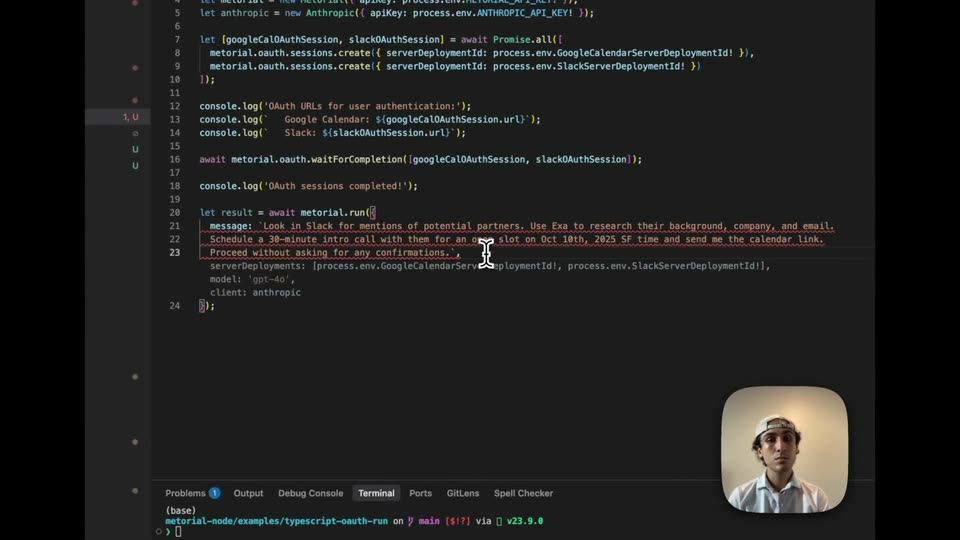 0:46–1:09Metorial · Introducing Metorial - YC F25A Cursor editor window fills the frame on a colorful macOS desktop, TypeScript code typing out line by line with a visible cursor, a terminal panel docked below. A small rounded webcam feed of the presenter sits in the bottom right corner. Pink caption cards appear at the lower left.
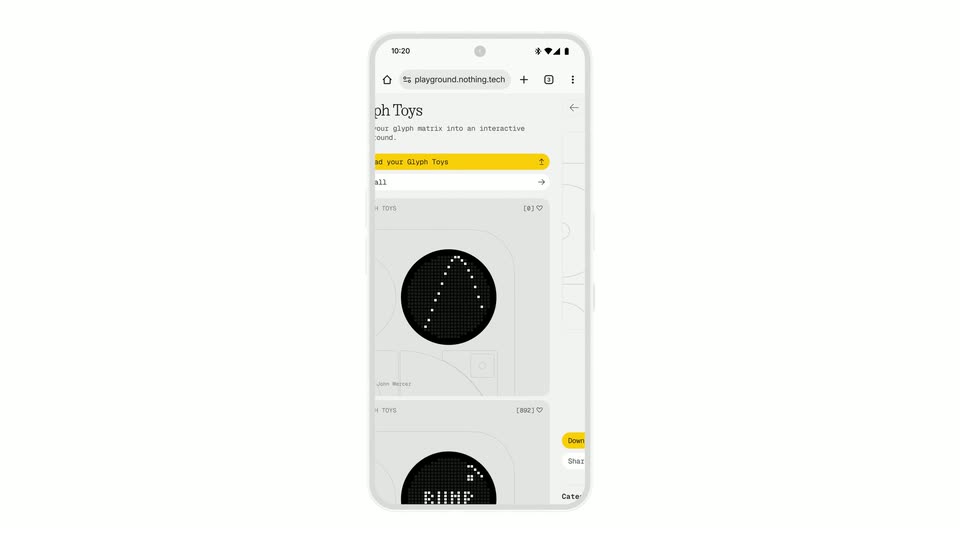 0:50–1:02Nothing · Introducing PlaygroundA white phone mockup fades in on a plain background, showing the Glyph Toys page. The view zooms into the Review your creation form as Wave is typed, scrolls to the yellow Continue button, zooms out to the toy detail page with a share sheet, then fades out.
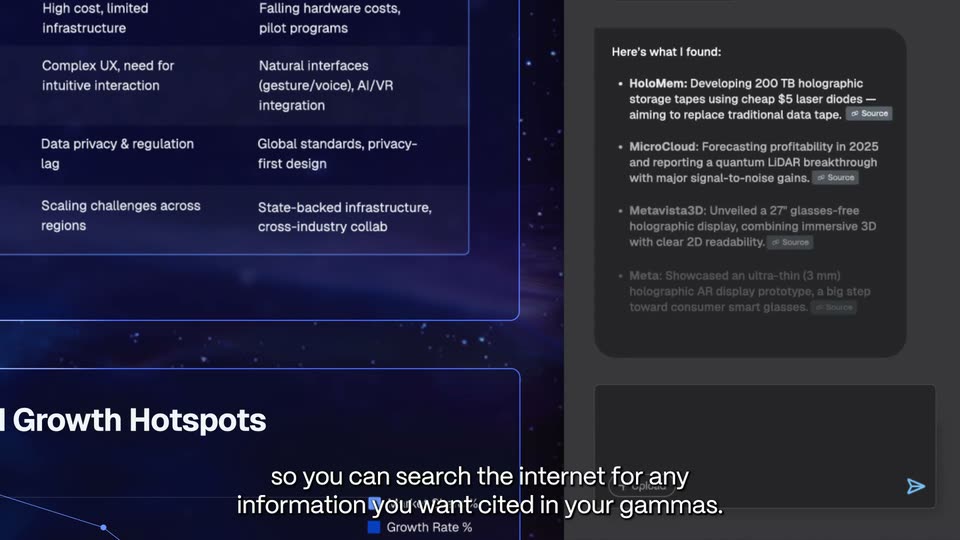 1:11–1:19Gamma · Gamma - Gamma 3.0 is here, so we put our CEO in a spaceship. And it got millA dark slide interface shows a table filling in row by row beside a chat panel that logs a conversation with the Agent. The view zooms onto the chat as the agent returns a web search results list, while white subtitles run along the bottom.
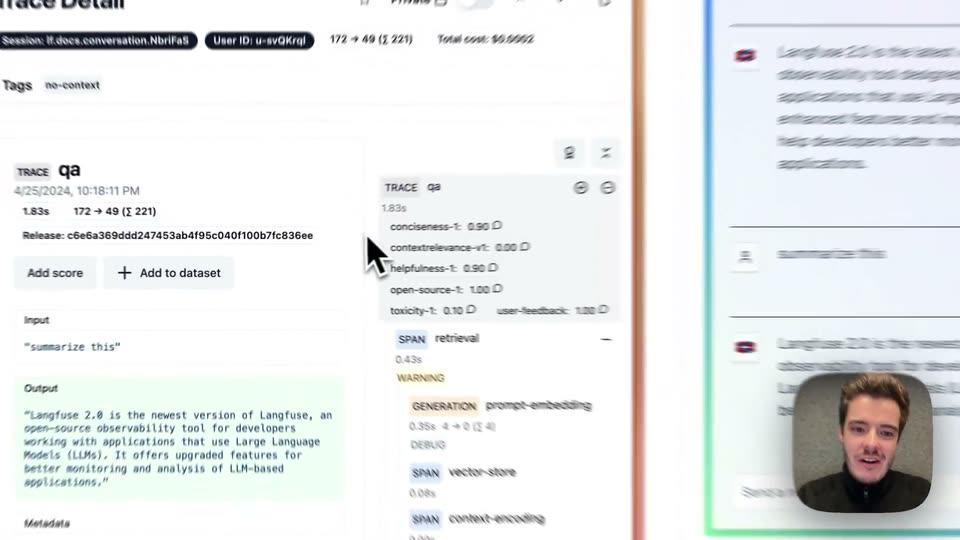 1:27–1:30Langfuse · Introducing Langfuse 2.0A chat panel with a gradient border fills the screen, a hand cursor hovering over the response. The view widens to a trace detail pane beside the chat, then zooms into the pane's score list. A presenter's webcam sits in the corner.
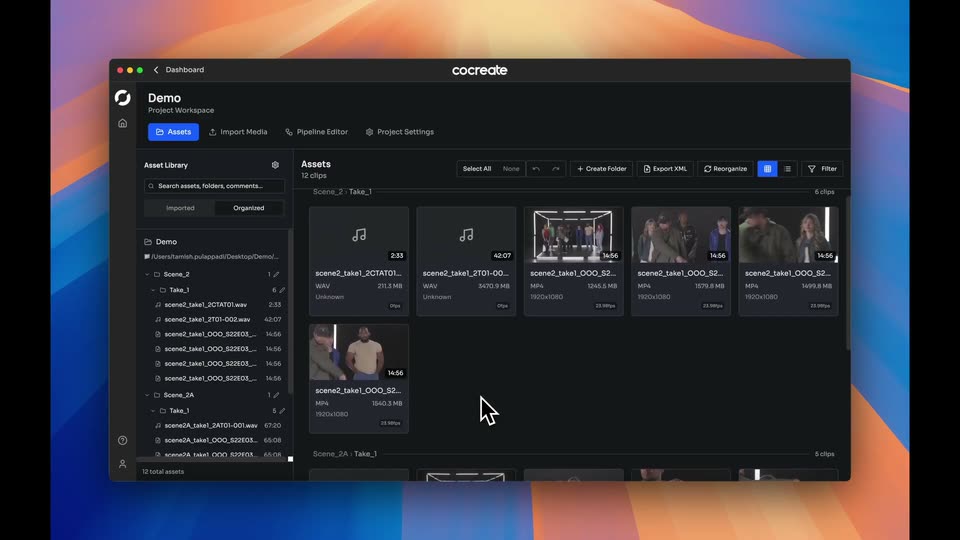 1:01–1:27cocreate · Cocreate demo videoA dark cocreate app window shows the Import Media file list, then zooms into the Assets tab where clips are grouped by scene and take. The cursor scrolls the grid, selects six clips, and opens a Sync Media dialog, clicking Sync as a spinner appears.