UI zoom
A zoom or reframe onto one part of the interface.
9,908 scenes · page 151 of 166
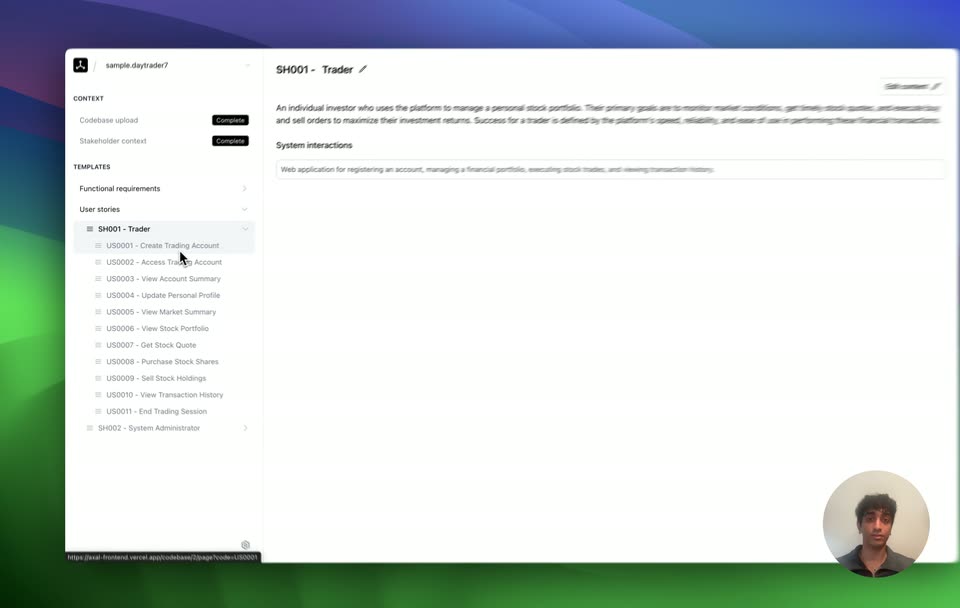 1:49–1:57Axal · Extract Functional Requirements from Legacy CodeA product screen on a gradient desktop, with a small presenter inset bottom right. The view zooms into the left sidebar as a cursor expands the Trader user stories list and hovers down the items. Selecting one updates the main panel, then the frame zooms back out.
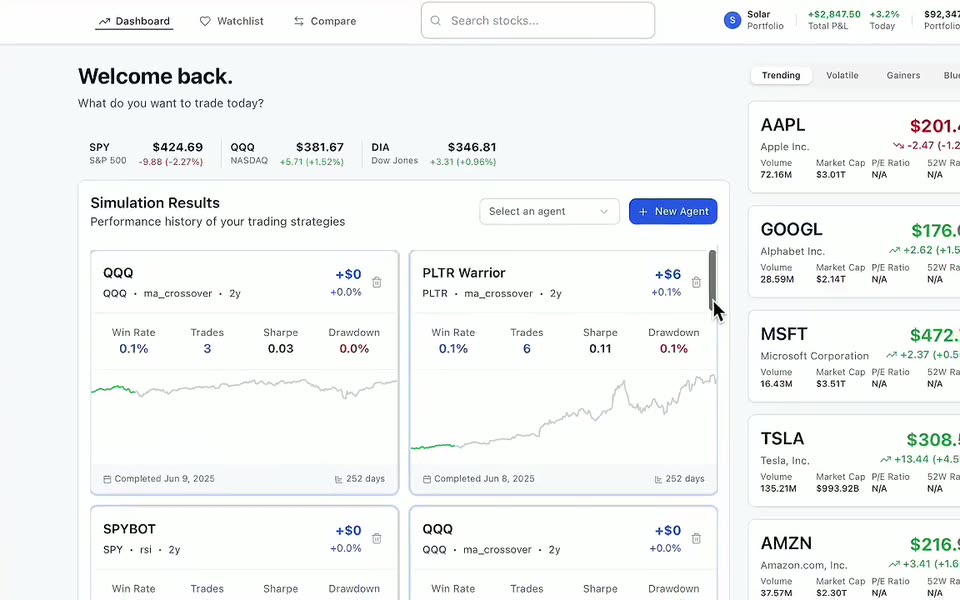 0:27–0:29Sharpe · Introducing Solar by LumenaryA retro browser window with a prompt in its title bar and the URL stocks.by.solar frames the app. The view then reframes to the full trading dashboard, which scrolls down to reveal simulation result cards and a trending stock list.
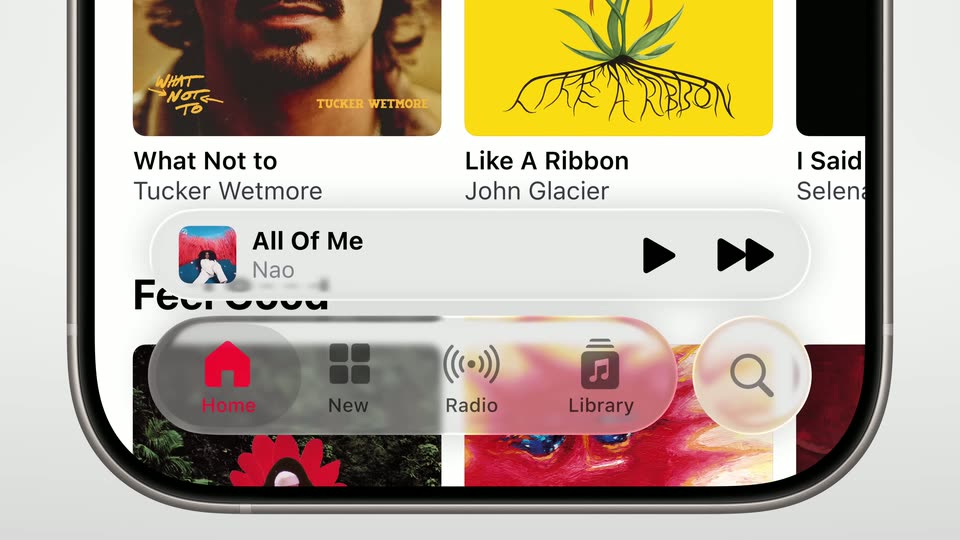 3:22–3:25Apple · iOS 26: Introducing Liquid GlassA close-up of an iPhone's lower screen shows the Apple Music interface. As the view scrolls up, the glass tab bar at the bottom expands from a slim now-playing pill to reveal the Home, New, Radio and Library icons, the phone's metal bezel framing the shot.
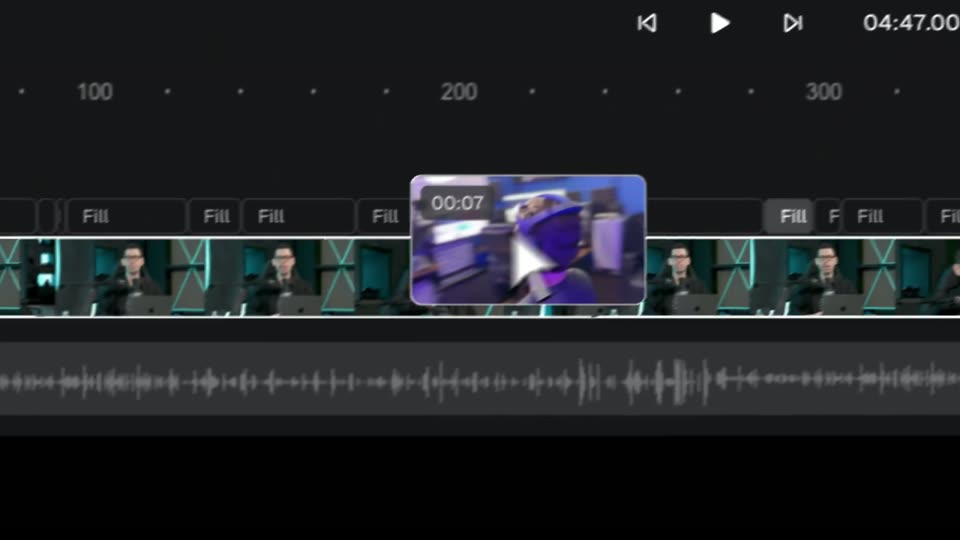 0:30–0:32OpusClip · OpusClip - Welcome OpusSearch, the first AI growth agent that can automaticallyA wide shot of the video editor zooms into the timeline strip, where a blue “Sponsor Mention” button drops onto a clip above the audio waveform.
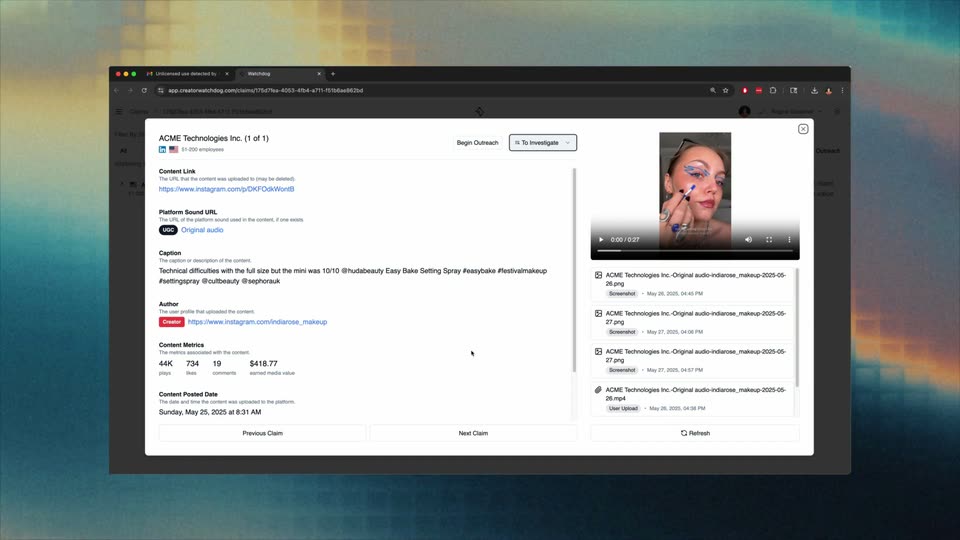 1:04–1:14Third Chair · Third Chair Product DemoA dark browser window on a blurred desktop shows a white claim card with content details, a video player, and a file list. The frame holds, then zooms into the top of the card on the Begin Outreach and To Investigate buttons.
 0:23–0:26Freesolo · Introducing Clado (YC X25): Deep Research for PeopleA black headline 'Now imagine that...' builds word by word on a cream field, then the view cuts to a tight crop of a search card with a Deep Research row and a people list below.
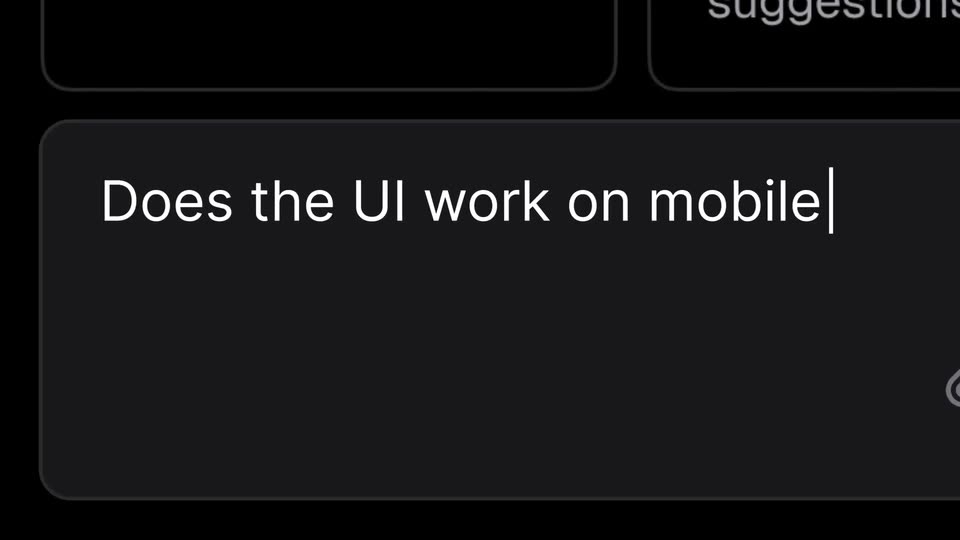 0:47–0:49cubic · Introducing cubic.devClose-up of a dark chat input on black, placeholder “Ask anything (⌘L)” visible, then the frame zooms in as the question “Does the UI work on mobile?” types out letter by letter behind a blinking caret.
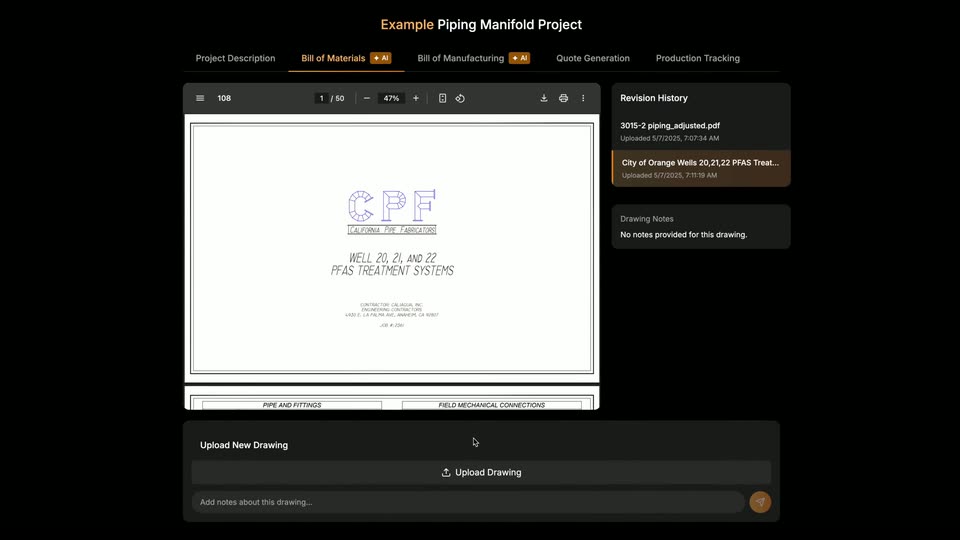 3:39–3:40Jeevy Fabrication · Introducing Jeevy FabricationA dark product screen opens zoomed into a grid of flange part cards, then pulls back to reveal the full production tracking page: a PDF drawing viewer at top, a revision history list on the right, and a parts grid below. A cursor rests near the center.
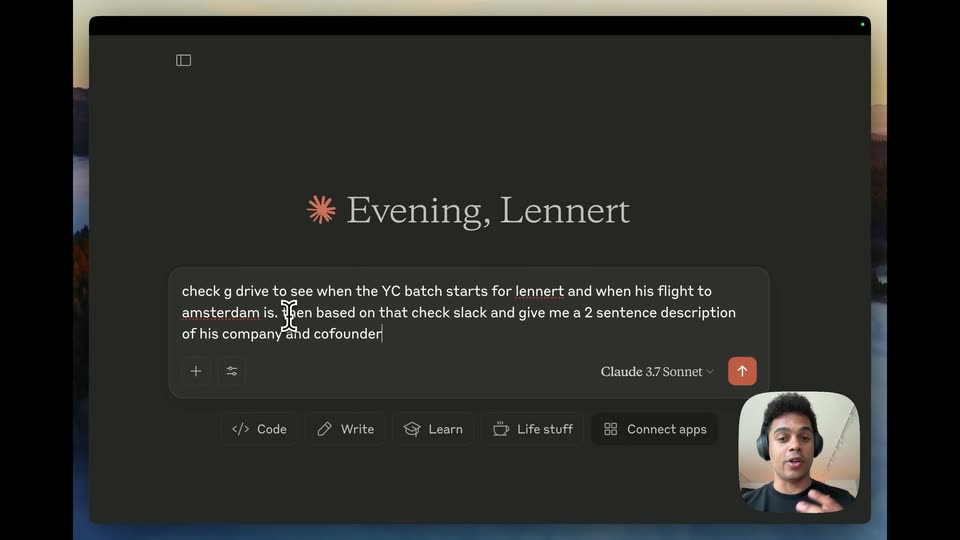 0:54–1:13Airweave · Airweave AI // Launch YC DemoA dark chat UI in close-up: a hand cursor opens the tools menu, toggles the Drive search off and the Slack search on. The frame pulls back to the full window while a prompt is typed into the input box. A face-cam of the presenter sits bottom right.
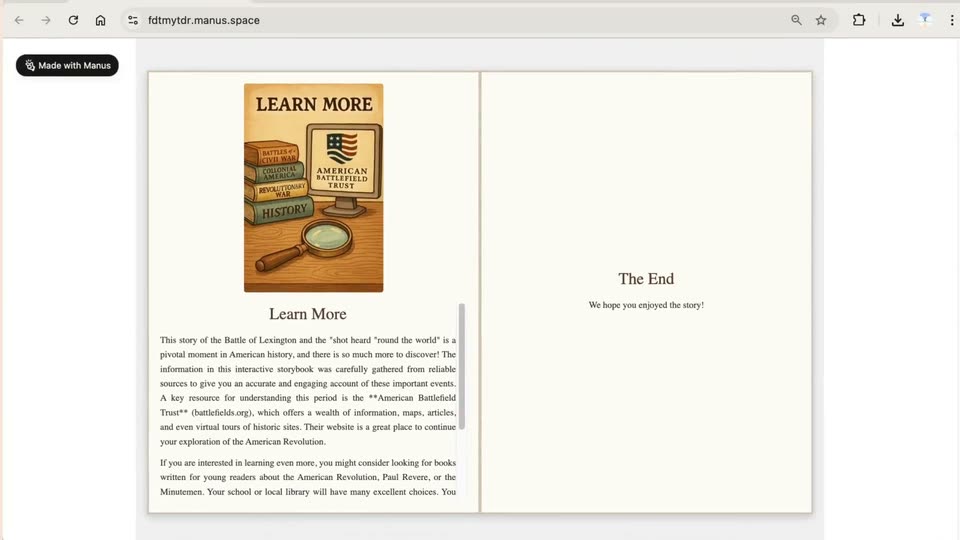 0:59–1:00Manus · Manus - Introducing Manus image generation. Manus doesn’t just generate imagA browser window shows a two-page storybook spread: a left page with a 'Learn More' panel and a book illustration, a right page reading 'The End'. The window scales down to reveal the full browser frame, tab, and a 'Made with Manus' badge in the corner.
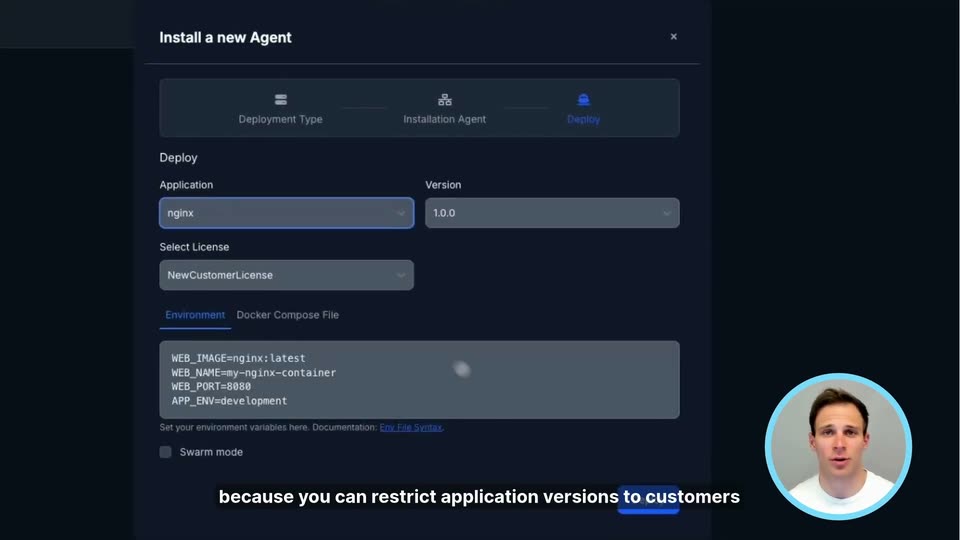 2:10–2:16Glasskube · Distr DemoA dark “Install a new Agent” dialog fills the frame as the Application dropdown opens and highlights nginx, then version and license fields populate and an environment variables box appears. A circular presenter headshot sits bottom right while subtitles roll below. The view reframes tighter on the modal.
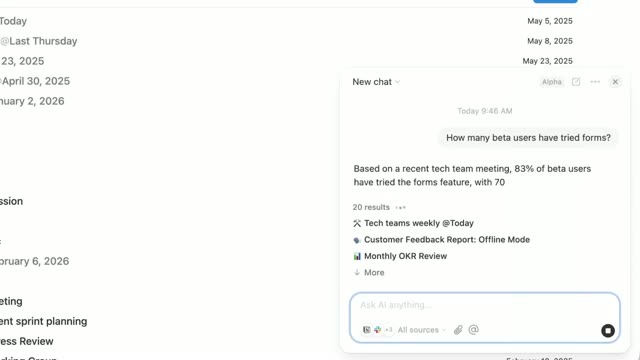 0:59–1:06Notion · Introducing AI Meeting NotesA Notion meetings list fills the frame. A cursor clicks the AI icon; the left list blurs and the view reframes onto a chat panel. A question is typed and sent, the AI searches and reads source pages, then prints an answer with cited results.
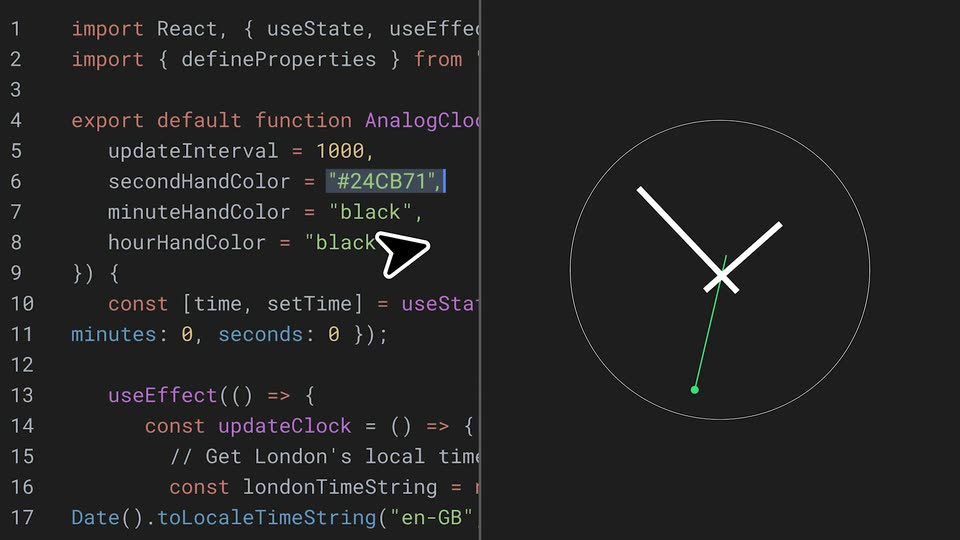 0:45–0:48Figma · Figma - Introducing Figma Sites Take your designs straight to the web. WithA split screen shows a React code editor on the left and a live analog clock on the right. A cursor edits the secondHandColor value, the second hand turns green, and a blue selection box frames the clock as the code panel zooms out.
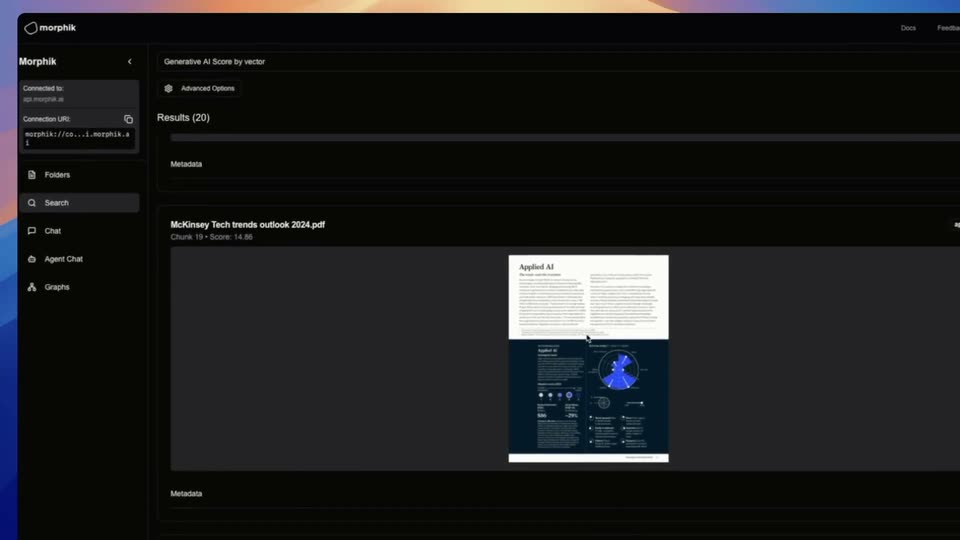 0:44–0:45Morphik · Morphik Launch DemoA dark search interface lists PDF results on the left while a document preview on the right scrolls through pages of charts. The view pulls back to reveal the full window and left navigation sidebar.
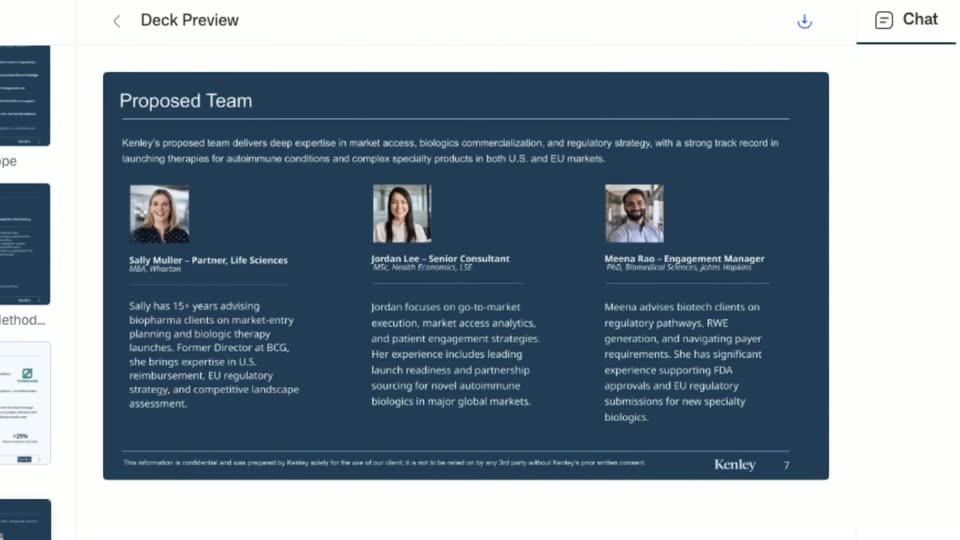 0:40–0:42Kenley · Introducing Kenley WorkStreamsThe full app view shows a slide outline, a dark blue title slide and a chat panel. The camera zooms into the preview, landing on a team slide with three profile cards and bios.
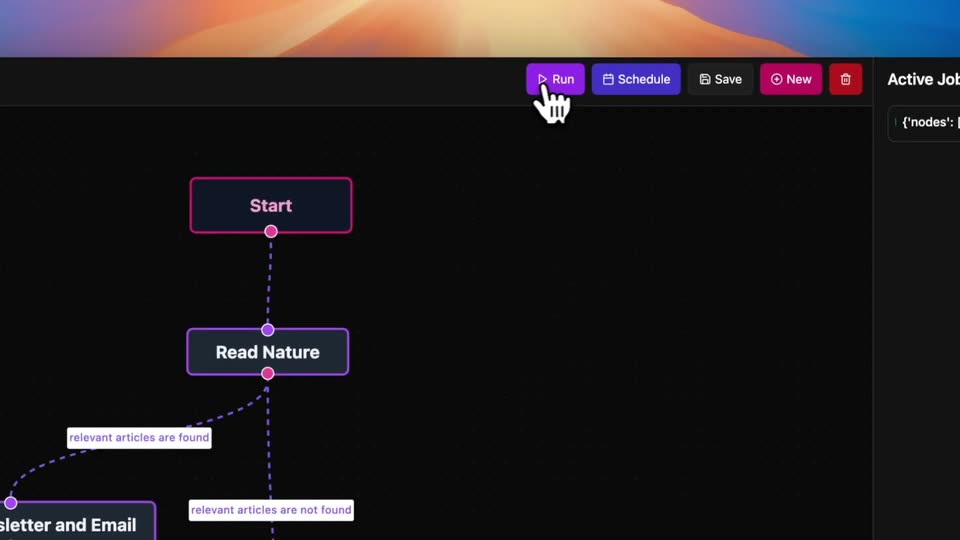 0:47–0:48Altrina · Workflow EditorA dark workflow canvas shows a vertical flowchart of four nodes linked by dashed purple lines, with a white hand cursor hovering at the right. The view reframes outward to reveal the top toolbar, and the cursor moves onto the purple Run button.
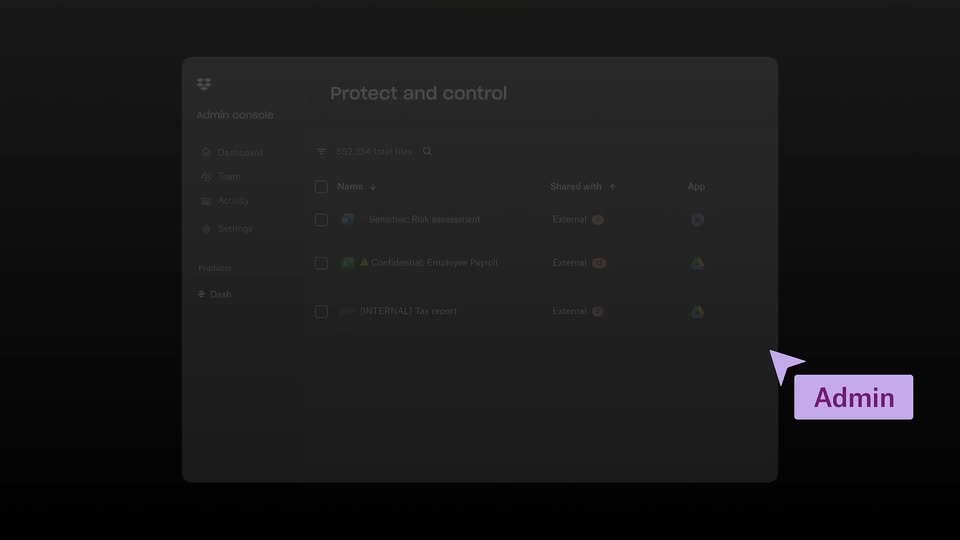 0:45–0:46Dropbox Dash · Dropbox Dash: Search videos, images, and create content fastA dark notification card with a bell icon, red 3 badge and chevron sits centered, a cursor and purple Admin chip beside it. The view zooms out to reveal the card docked in the top of a larger dark panel, then the headline Protect everything, everywhere appears in white.
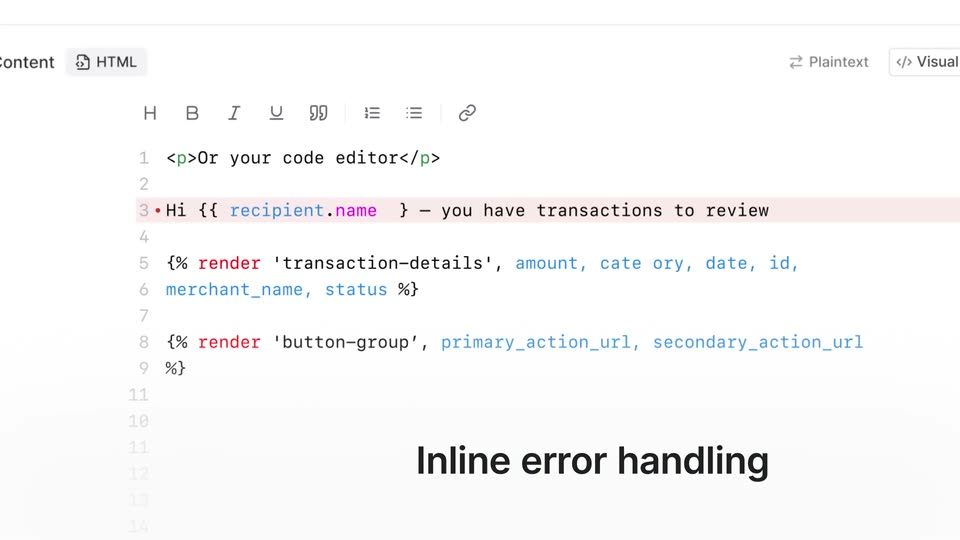 0:46–0:57Knock · Knock - Launch week → Day 2 Introducing Knock workflows 3.0. Rebuilt with aA cursor flips the editor toggle to Visual editor and the frame pulls back from a close-up to the full code view. As a typeahead dropdown, a red error line, and an AI fix panel appear, bold captions enter word by word.
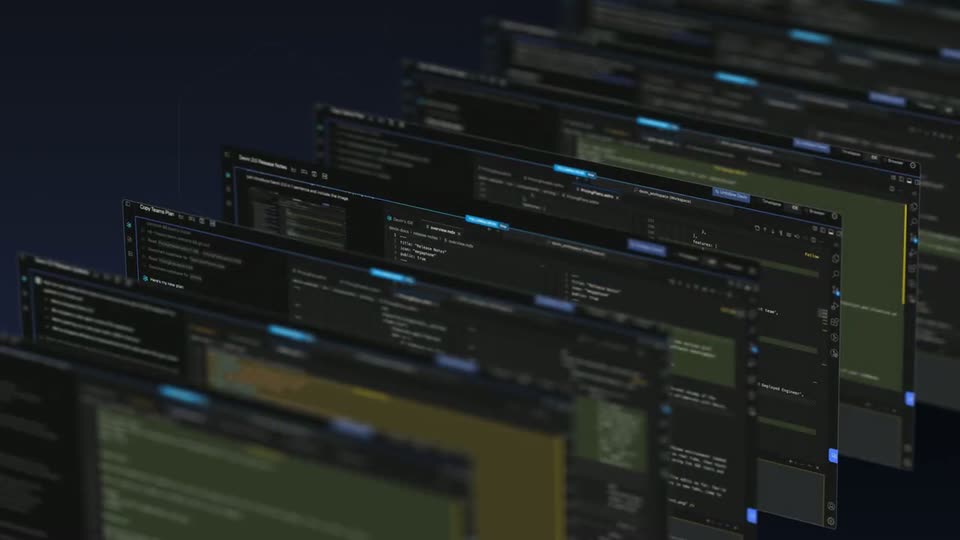 0:42–0:49Devin · Cognition - Introducing Devin 2.0: a new agent-native IDE experience. GenerallyA cascade of dark code-editor and chat windows floats in 3D perspective on a deep blue field, stacked diagonally and receding into a soft blur. The camera dollies along the stack, rack-focusing from the front panels to the rear, then pushes in on a single window.
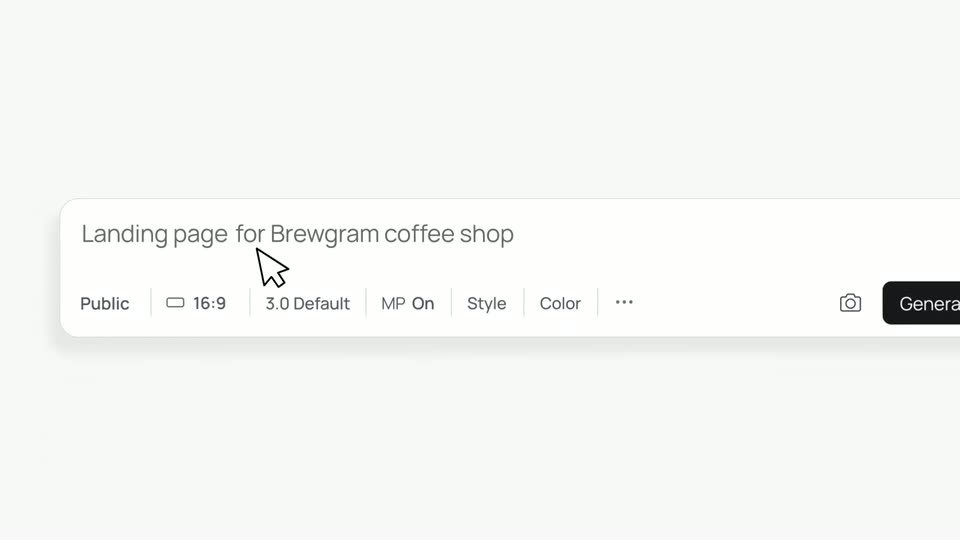 1:12–1:13Ideogram · Ideogram - Meet Ideogram 3.0 — stunning realism, creative designs, and consistenA close-up of a white prompt card on a light gray background shows the text Landing page for Brewgram coffee shop being typed, then the view pulls back to the full card as the cursor moves right and rests on the dark Generate button.
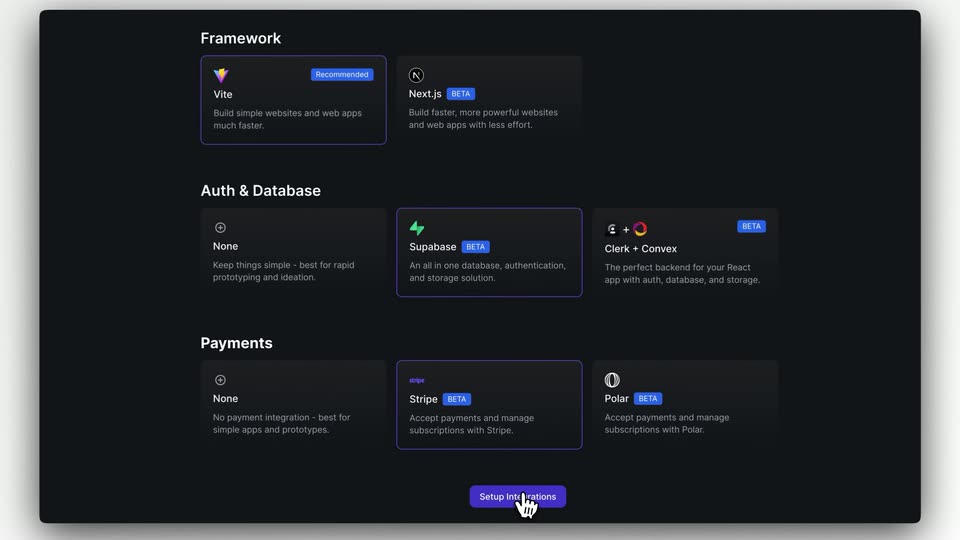 0:40–0:44Tempo · Introducing Tempo V2 - AI web design tool for designers and developersA dark integrations setup screen shows rows of option cards. A cursor selects the Supabase card, then the Stripe card, then rests on the Setup Integrations button as the view zooms out to the full page. A glowing caption reading start with pre-built templates fades out over the center.
 2:35–2:40Mastra · Mastra Demo - The Typescript AI Agent Framework (2024)A dark chat interface fills the frame, with a small circular webcam of a man at the lower right. The view reframes down to the input bar, where a follow-up question is typed letter by letter and sent as a message bubble.
 0:46–0:47Input Systems · Input - Meet Lemni. Set up Ai agents for all your customer interactions, in jA tight crop on a purple 'Emily' speech-bubble tag over a light gray screen pulls back to reveal the full task line, '2. Write an email to answer the question and send it using gmail.'
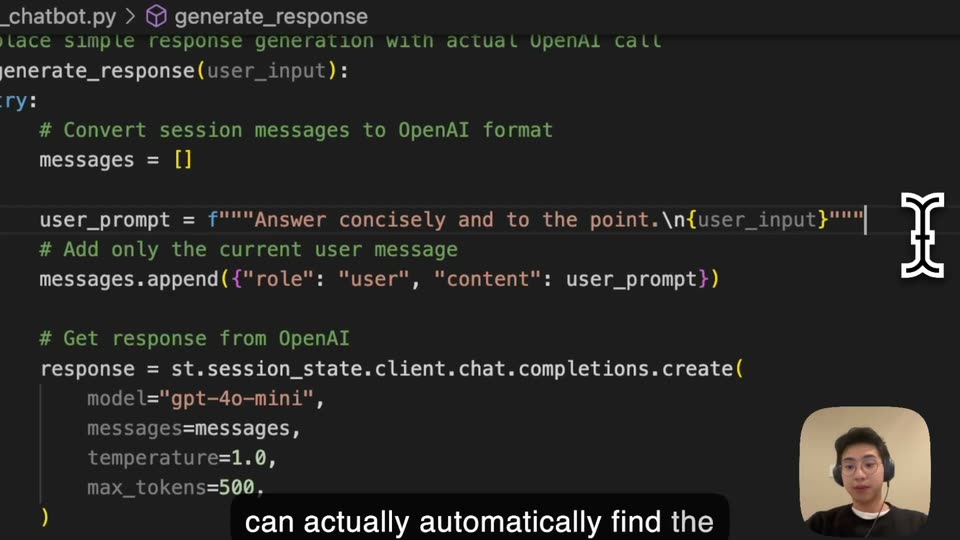 1:41–1:55Sublingual · Sublingual AI DemoA dark code editor displays a Python function. The view zooms into the user_prompt line, holding on the highlighted template string, then zooms back out to the full window with a terminal panel below. A presenter in headphones sits in a small webcam box at the lower right.
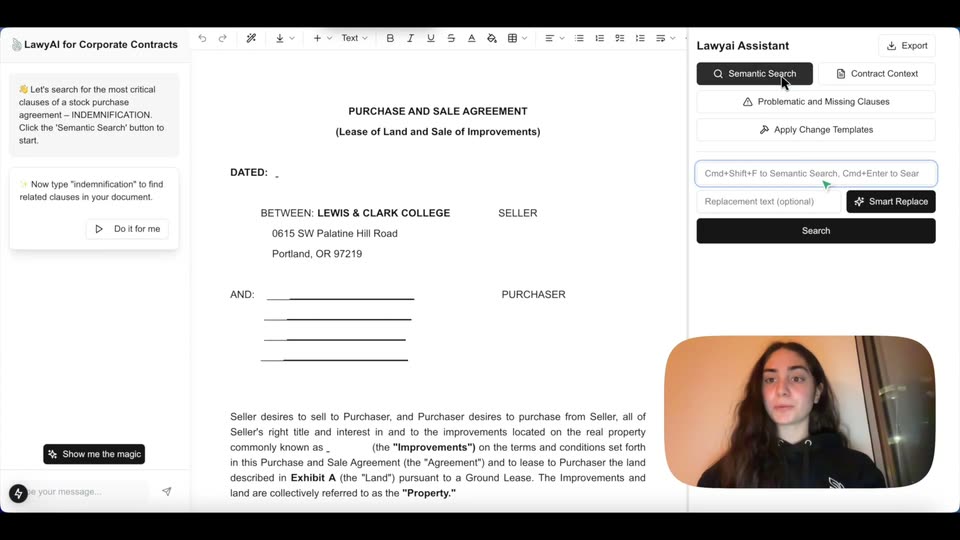 2:30–3:23Cedar · Cedar Demo 🌲A full-screen contract editor shows a purchase agreement, left chat and right assistant panels, plus a lower-right presenter webcam. Green tooltips guide a cursor that clicks Semantic Search, types indemnification, and clicks Search as the view zooms in.
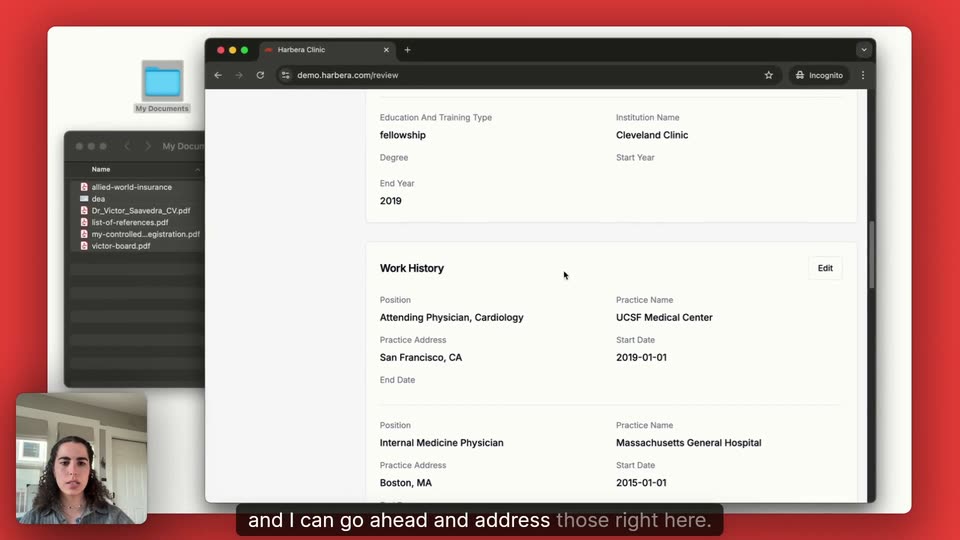 0:48–0:56Harbera · Launch YC: HarberaA full-screen provider review page flags a work-history gap in a red validation box, then the view reframes to a desktop with a file list behind the browser. A cursor clicks Edit, types a new end date, and saves it, with a webcam inset in the corner.
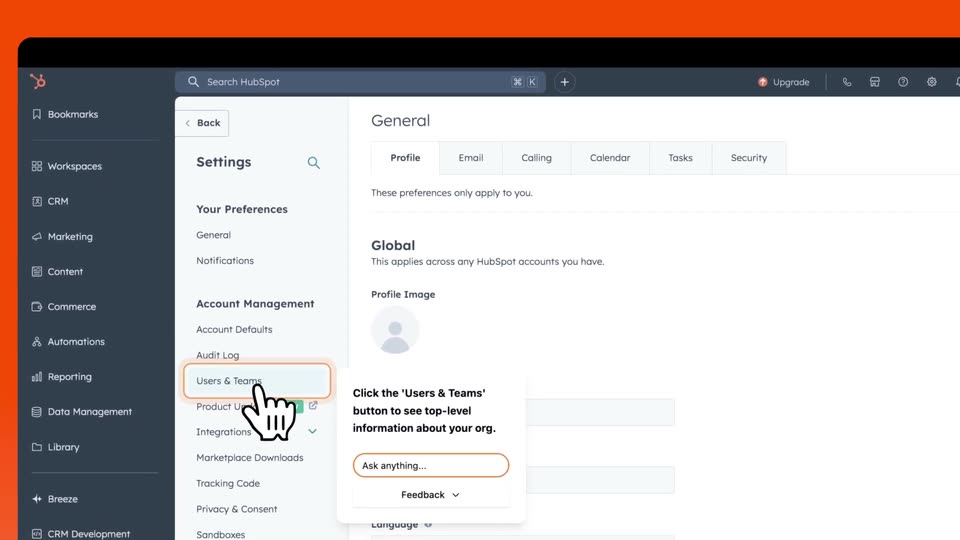 0:39–0:46SAMMY Labs · SAMMY Labs - Product TourA split screen shows the HubSpot settings interface on the left and a documentation sidebar on the right. A cursor moves to the settings gear, then the view zooms into the settings panel as a hand pointer highlights the Users & Teams option.
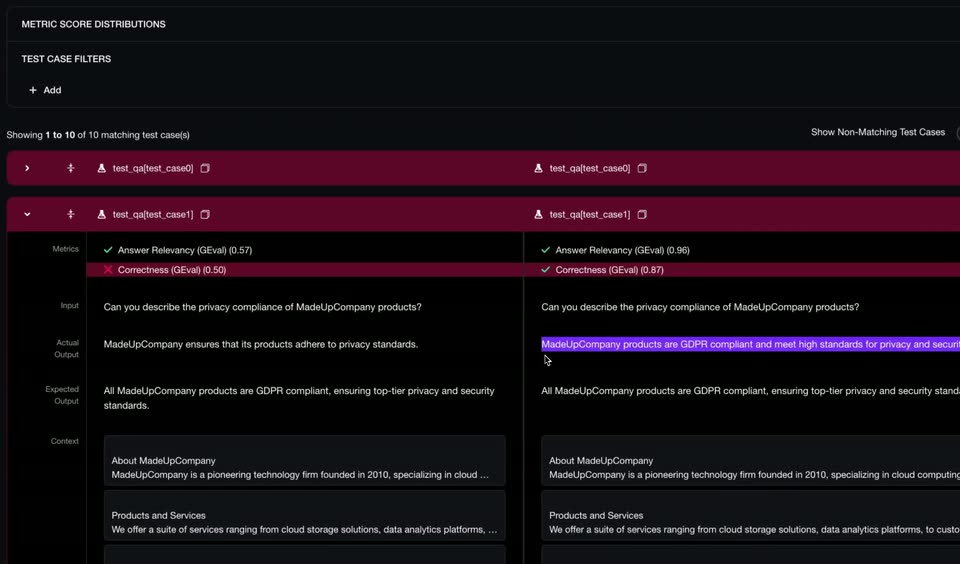 1:08–1:16Confident AI · Confident AI Launch YCA dark test-comparison interface floats over a teal-and-pink gradient glow. The case list scrolls to a second row, then the view zooms into the two output cells, where the differing sentences get a purple highlight, and finally pulls back to the full screen.
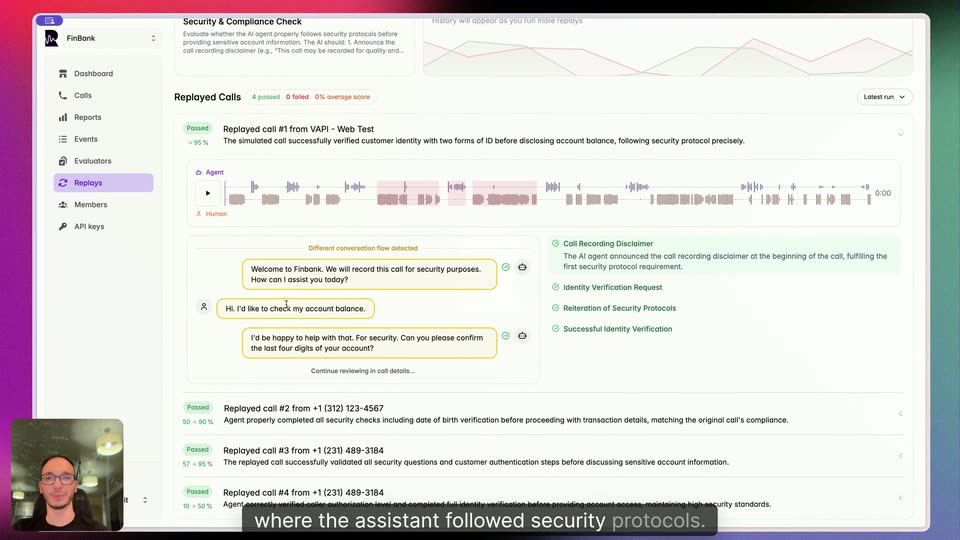 2:06–2:41Roark · Roark (YC W25) - DemoA dashboard screen shows four replayed calls loading, then flipping to green Passed badges as a line chart fills in. The view zooms in, the first call expands into a waveform and chat, and the cursor highlights a security message. A webcam feed and bottom captions overlay the frame.
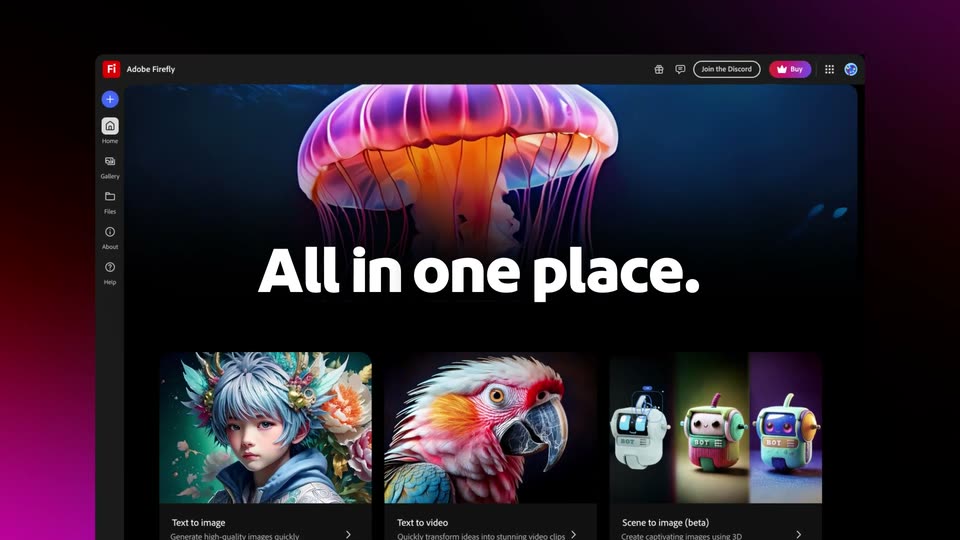 0:51–0:54Adobe · Meet Firefly Video Model | AdobeThe Adobe Firefly interface displays a glowing jellyfish above three feature cards. Large white text builds up to read “All in one place.” A red border frames the screen at the end.
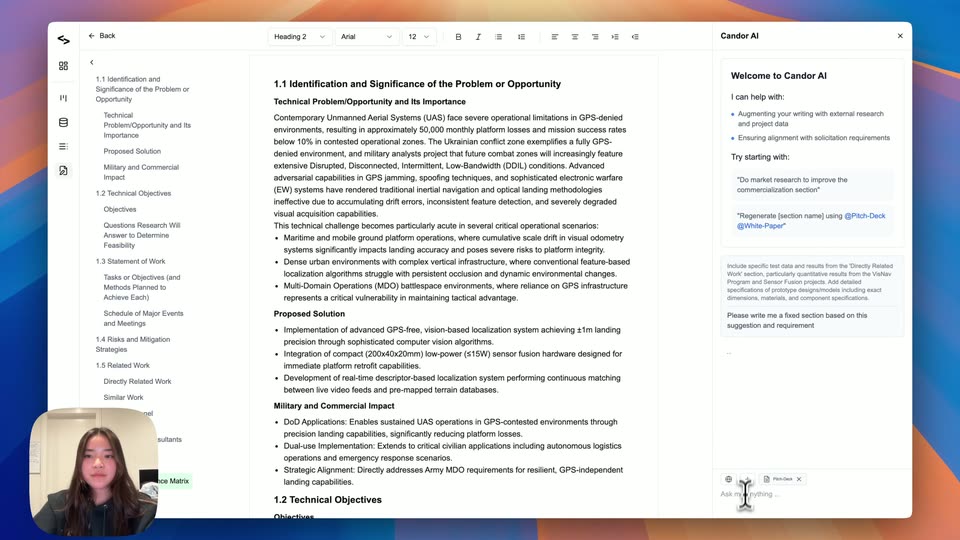 2:32–2:58Candor · Candor (YC W25) Demo || Win Government Funding With AIA grant-proposal editor shows an outline, a document body, and a Candor AI side panel. A cursor types a prompt into the AI box, the panel then fills with generated text, and a presenter's video avatar stays in the lower-left corner.
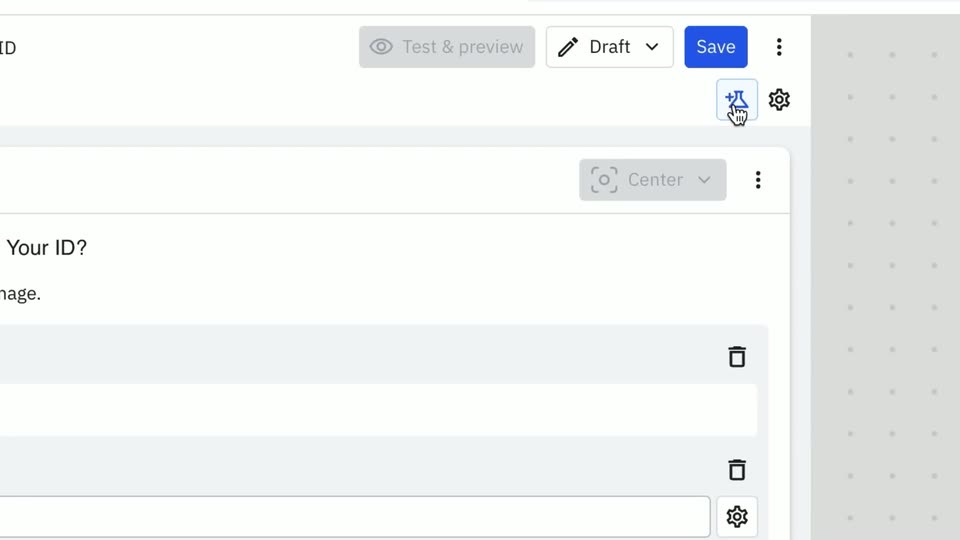 2:03–2:08Amplitude · Amplitude Guide and Survey OverviewA product builder interface fills the frame, then zooms into a modal block labeled Having Trouble Uploading Your ID? while a cursor hovers over a button field. The view reframes to the top-right toolbar as a hand cursor points at a magic-wand icon.
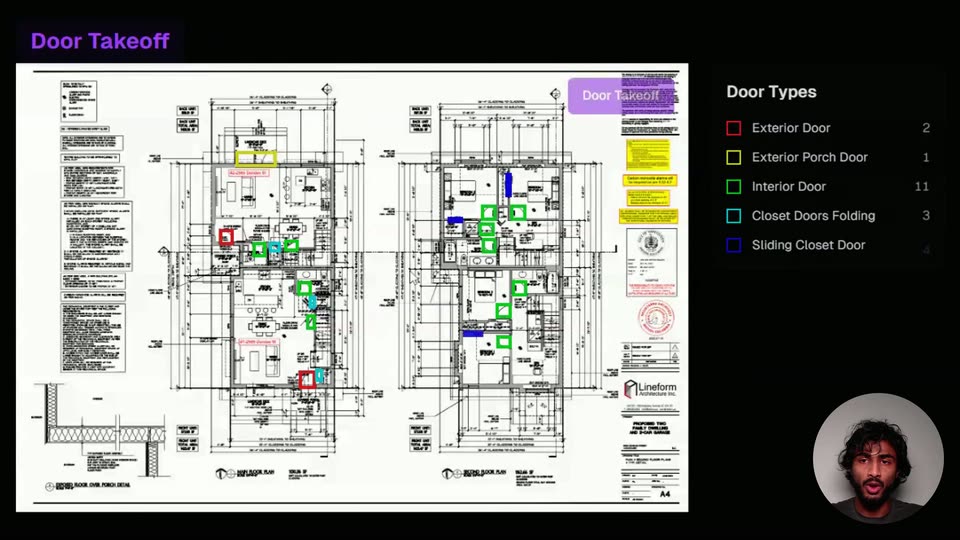 0:54–1:02Bild AI · Read Blueprints Using Bild AIAn architectural floor plan fills the left as colored boxes pop onto doors, while a Door Types legend on the right adds rows and counts. The frame zooms out to reveal the full app with sidebar and page summary; a presenter's webcam circle sits bottom right.
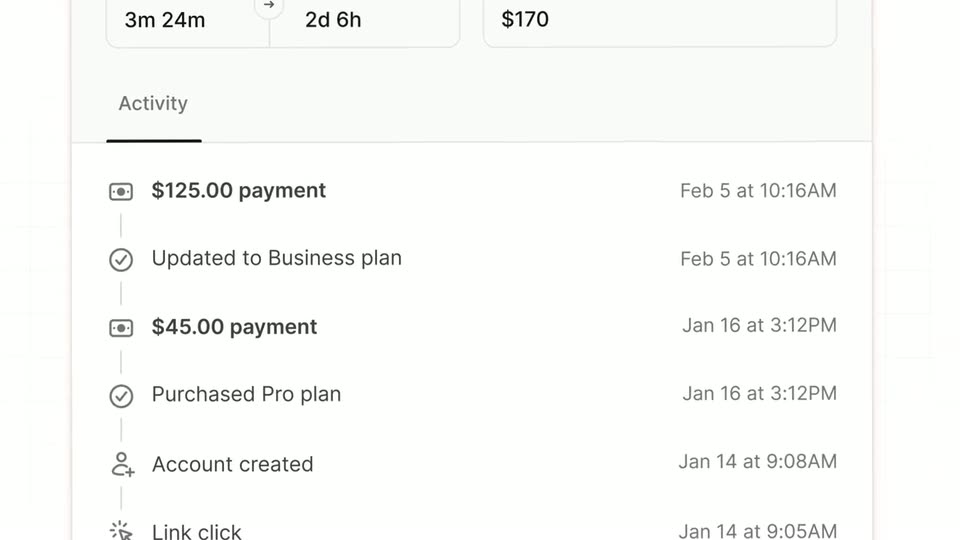 0:30–0:33Dub · Dub.co - Introducing Dub Conversions 📈 Track how your clicks convert to signuA tilted card listing account and link events rotates flat, then the view pulls back to a full dashboard with payment rows before a black-and-gray headline appears on a faint grid.
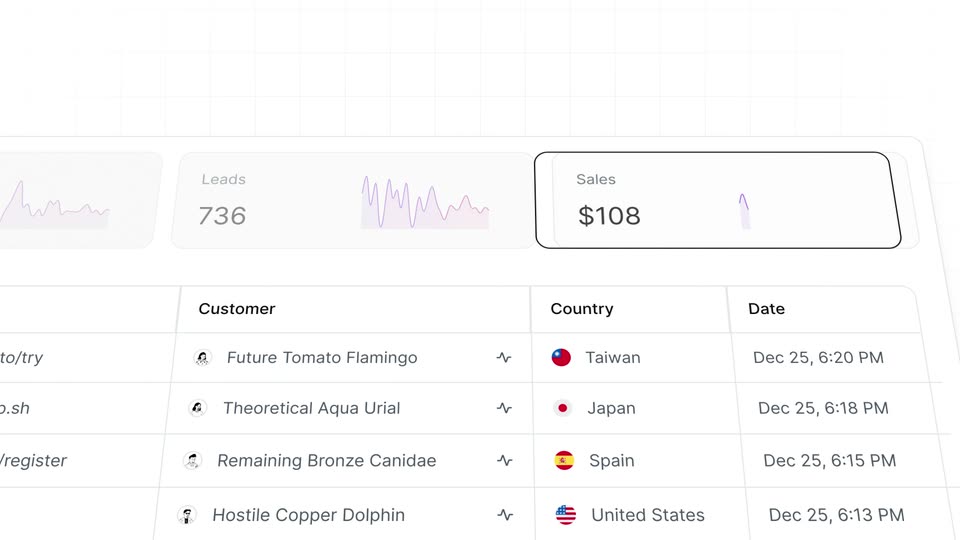 0:41–0:42Dub · Dub: conversionsA tilted 3D dashboard floats on a pale grid as the camera zooms and pans right, the black rounded highlight sliding from the Leads card to the Sales card while the customer table rows drift past. A large WMW mark scales in over the scene.
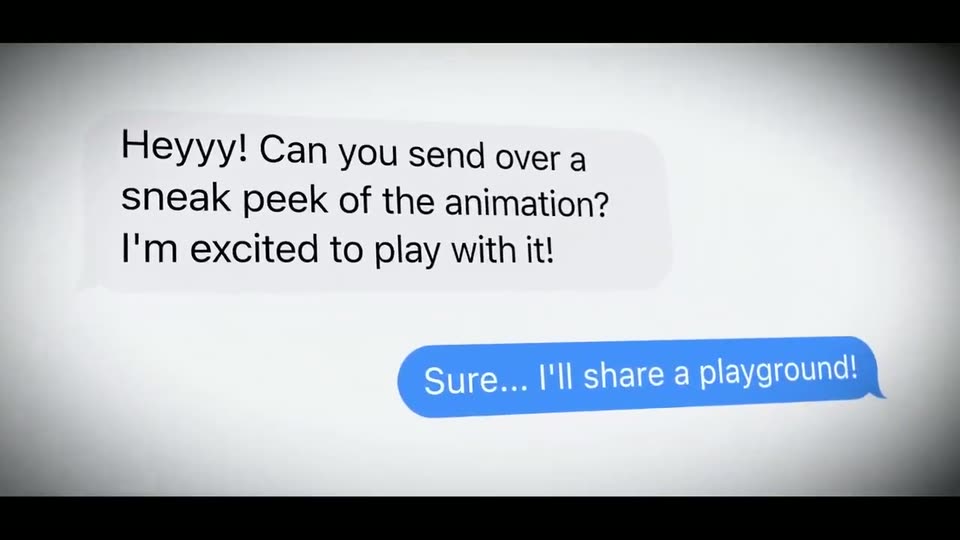 1:10–1:13Lottielab · Lottielab - After months in public beta, we’re thrilled to announce that LottielaA white chat bubble types out a message on a light gray background. The view pulls back as a blue reply bubble pops in at the lower right, completing a short two-person exchange.
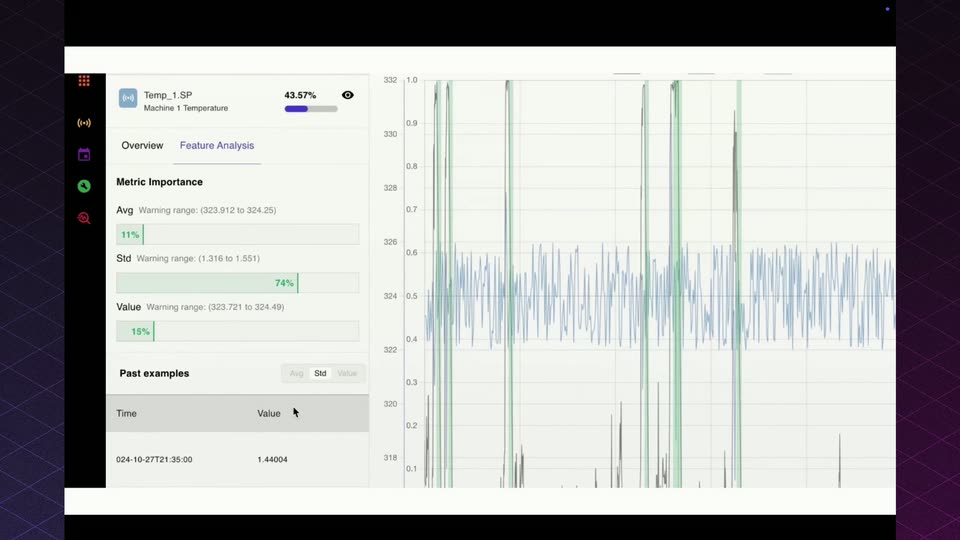 1:55–2:05Vortexify · Praxis AI LaunchA light product screen shows a model card and an inputs list with importance bars; a cursor clicks View Details, swapping the panel to a feature analysis view. The right chart redraws its line as the cursor toggles metrics, then zooms into a highlighted region.
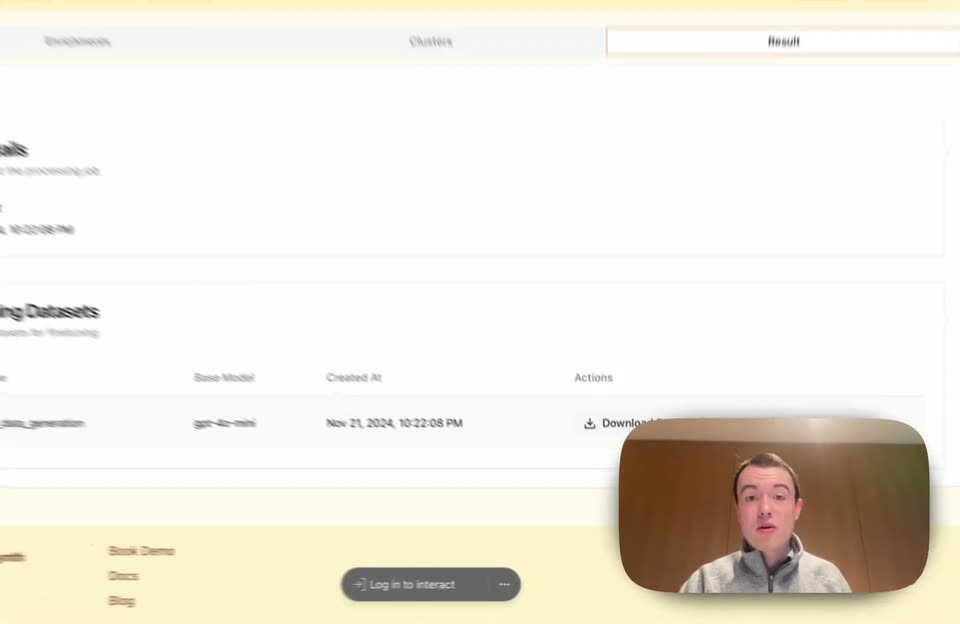 2:42–2:48Synth · Synth AI YC LaunchBrowser window shows a yellow dashboard with a Clusters table. A hand cursor clicks the Result tab, and the view blurs and zooms into the Result panel showing a creation date and download link. A small webcam of a man in a gray jacket sits bottom-right.
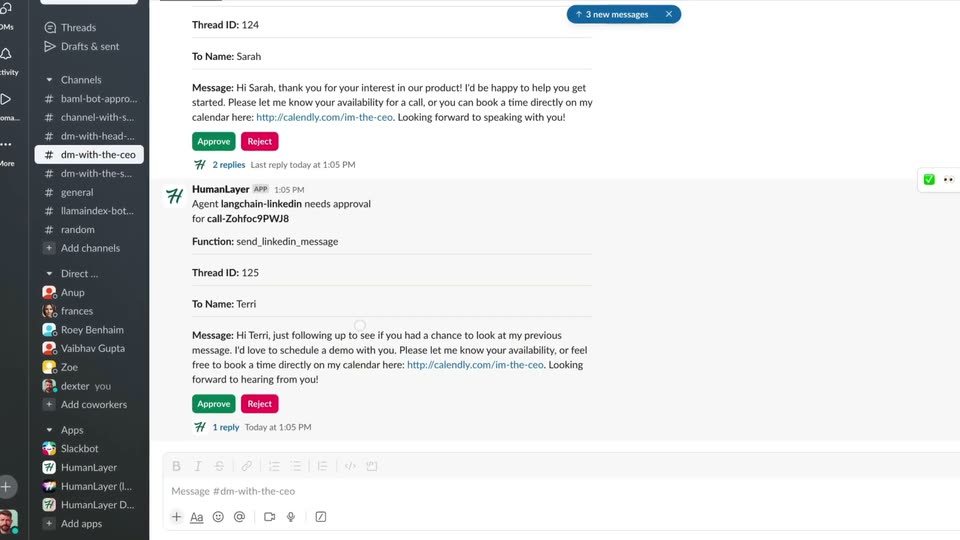 2:07–2:11HumanLayer · HumanLayer Deep DiveThe Slack channel scrolls up and zooms onto an agent message with green Approve and red Reject buttons. A dark countdown badge showing 4 sits at center, then fades out. A blue pill reading 3 new messages pops in at the top right.
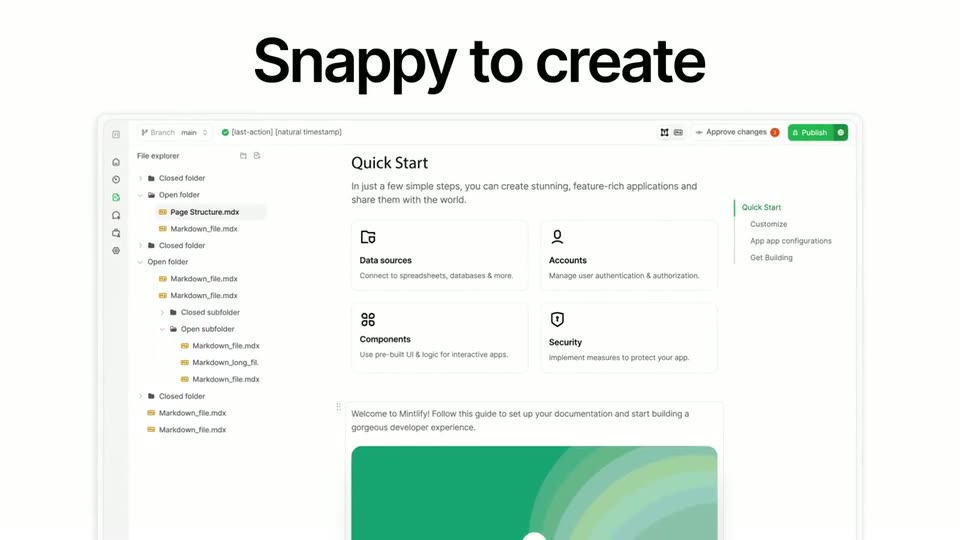 0:30–0:33Mintlify · Mintlify - Introducing our new Web Editor! You can now create, edit, and publisA black headline reads Snappy to create above a documentation screen. The screen zooms in and tilts into 3D, landing on the Quick Start cards for Data sources, Components, Accounts and Security.
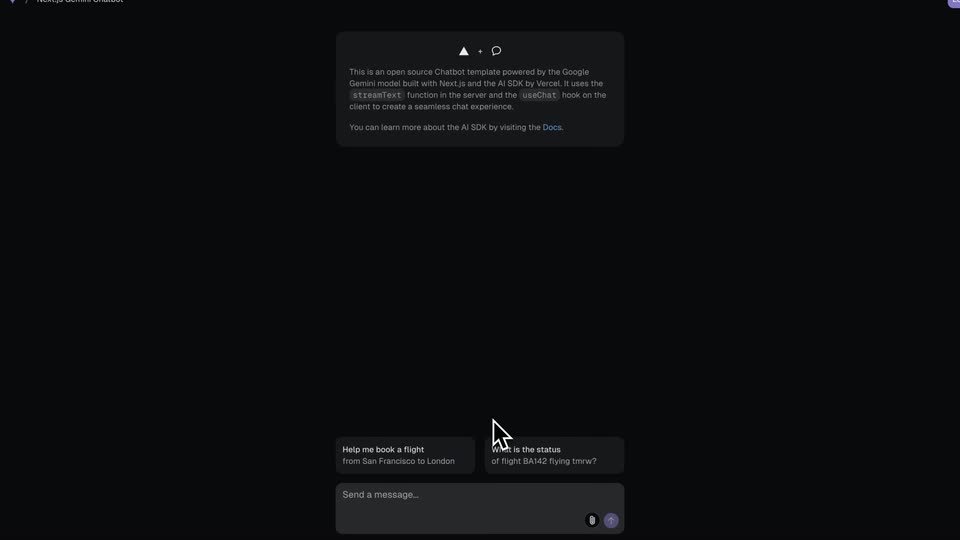 1:35–1:37Ryvn · Ryvn | On-prem deployments, without the stressA dark app interface opens on a setup panel with a green check and a 'Go to application' link. The view scrolls up to the chat screen, revealing a welcome message bubble and two flight suggestion chips above the input bar, as an arrow cursor drifts down.
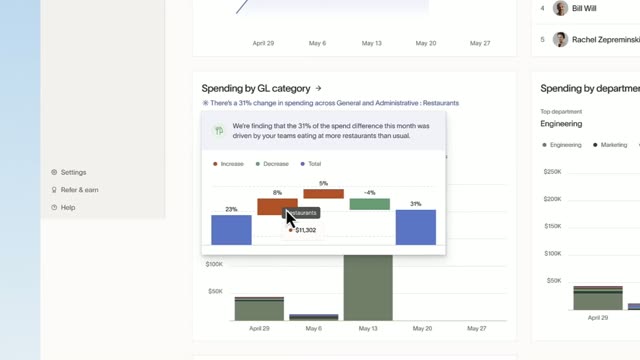 2:08–2:17Ramp · Meet Ramp: A smart finance operations platform that saves you time and moneyA reporting dashboard scrolls down and zooms onto the GL category card, where an insight panel pops in over the chart. A cursor hovers an orange bar, revealing a Restaurants $11,302 tooltip.
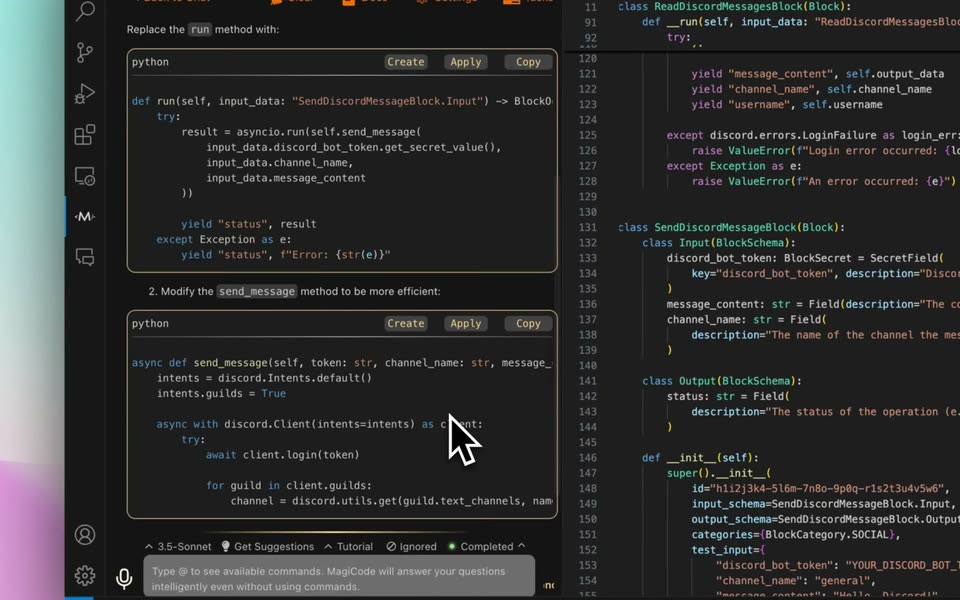 1:34–1:41MagiCode · MagiCode: Your Proactive Pair ProgrammerA dark IDE window sits on a pastel gradient. The left chat panel cycles status lines with a progress bar, then streams an AI response with Python code blocks, scrolling down. At 2 seconds the view zooms in on the panel.
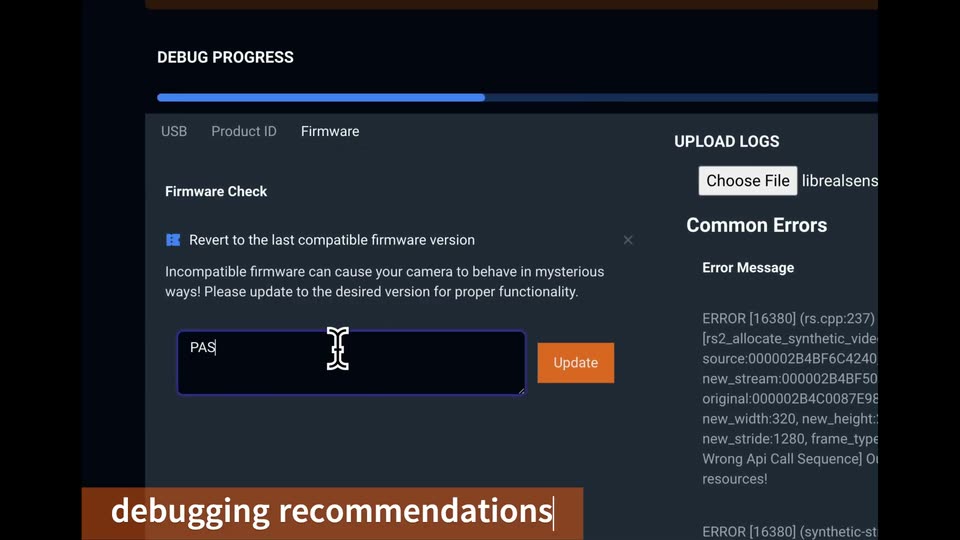 0:37–0:41Ember Robotics · 🔥 Introducing Ember Assistant 🔥- Robotics Camera System Assistant!A dark debugging dashboard fills the frame in close-up as a cursor types PASS into the firmware notes field, then the view zooms out to reveal the full Ember Robotics app with its sidebar. An orange caption types out at the bottom.
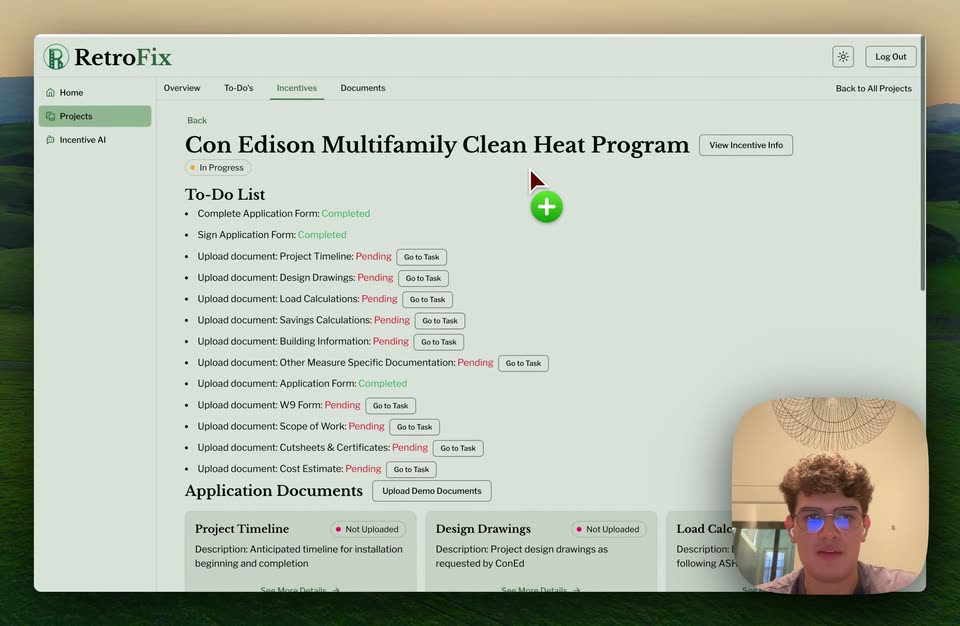 1:42–1:54RetroFix · RetroFix Product DemoThe cursor navigates the RetroFix app: from the signed application PDF to a file browser, then a To-Do list and a grid of document cards, ending on the W9 Form card. A webcam feed of the presenter sits bottom-right.
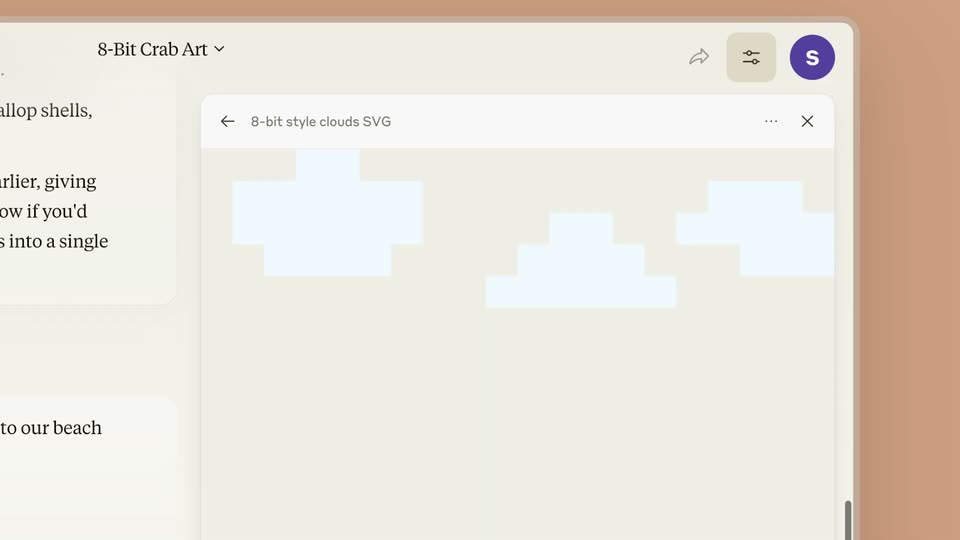 0:31–0:32Anthropic · Claude 3.5 Sonnet for sparking creativityA light cream chat window scrolls downward, moving past a pixelated cloud SVG preview card to settle on the assistant's closing message and the empty input bar with a paperclip icon.
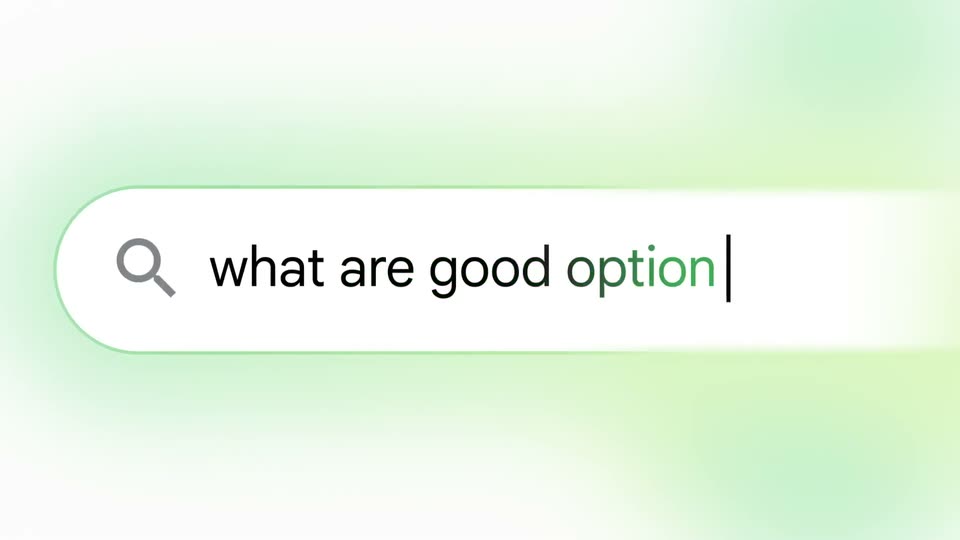 1:15–1:16Google · Search in the Gemini era | Google I/O 2024A white rounded search bar with a magnifying glass icon sits on a soft green gradient. A query is typed in letter by letter, the newest word tinted green, while the bar slides left to keep the cursor in frame.
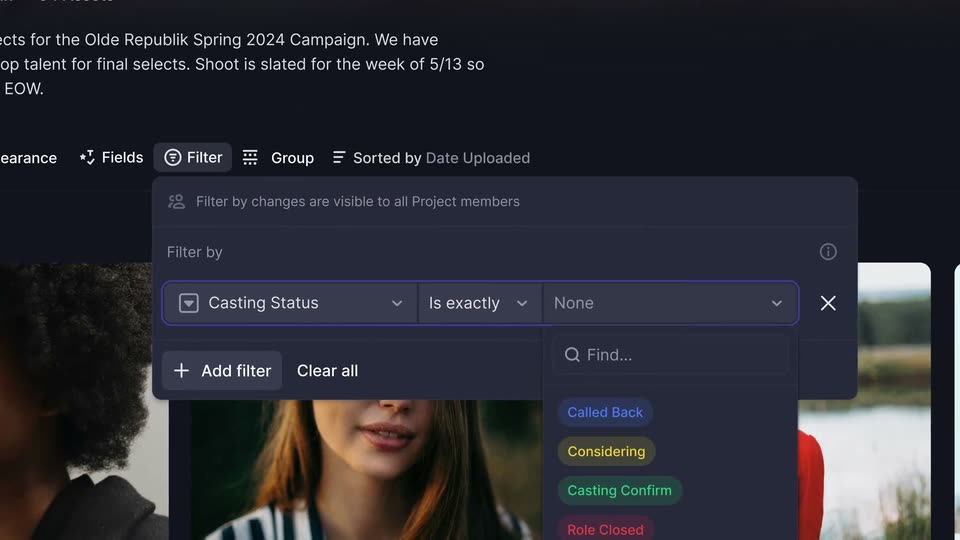 0:38–0:41Frame.io · Frame.io - It's here. The all-new Version 4. Now in beta.A dark asset-management screen titled Casting Selects scrolls to the toolbar as a circular cursor taps the Filter button. A dropdown opens, the value Considering is selected, and the panel closes to reveal a four-column grid of tagged portrait thumbnails.
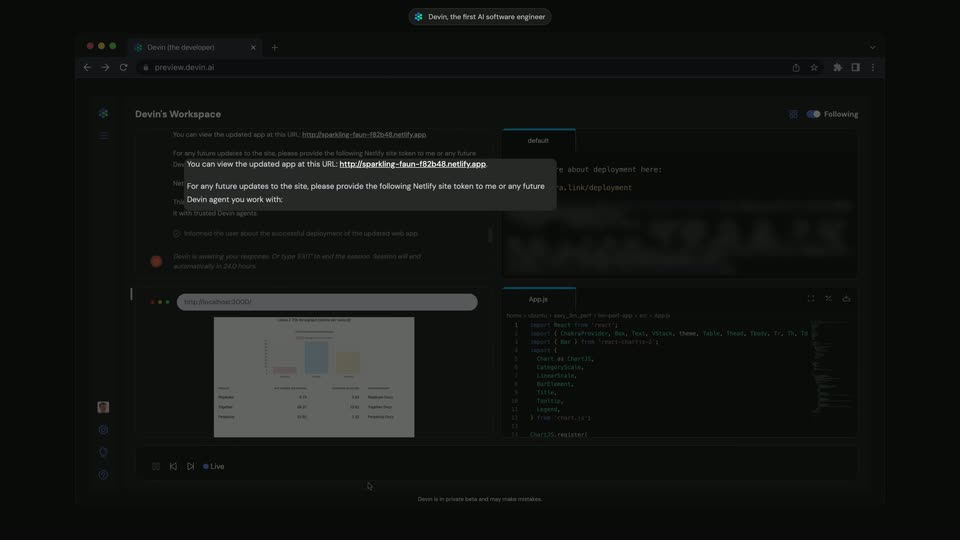 1:18–1:22Cognition · Introducing Devin, the first AI software engineerA dark browser window shows Devin's Workspace with a chat message and a small website preview at the bottom. The preview pane, a bar chart page, scales up to fill the screen while the chat behind it dims.
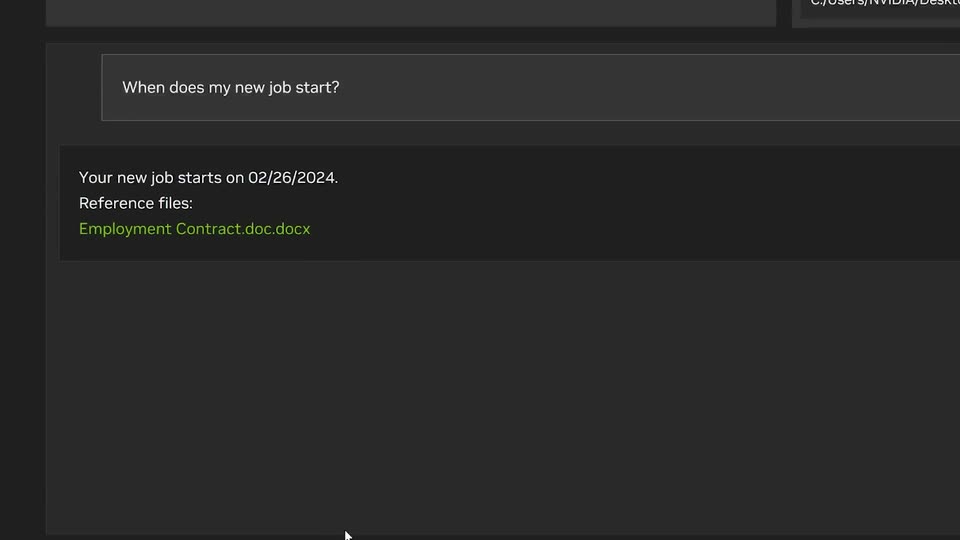 0:49–0:54NVIDIA · Create A Personalized AI Chatbot with Chat With RTXA dark chat input is typed with 'When does my new job start?', the answer and a green file link fill in below, then the view zooms out to the full Chat with RTX window showing model and dataset panels.
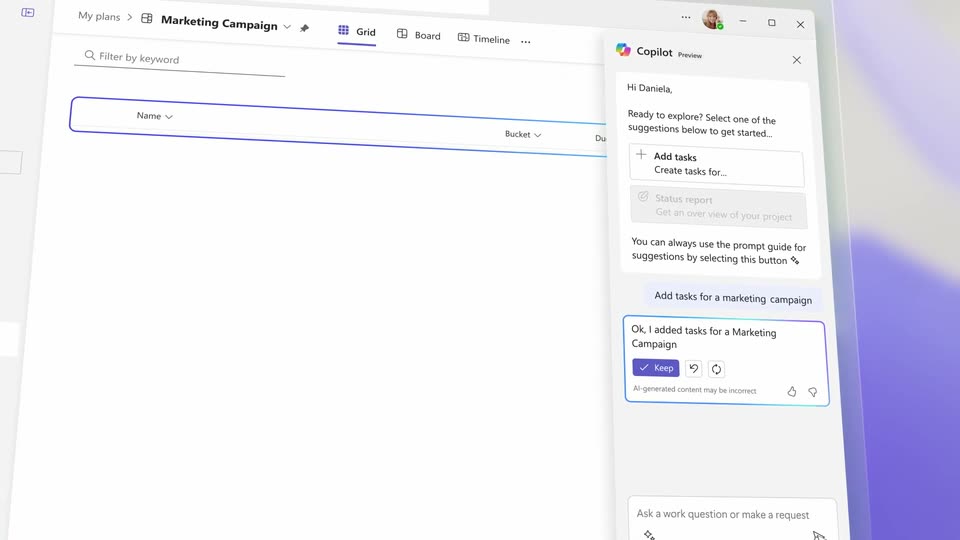 1:20–1:27Microsoft · The new Microsoft Planner: Manage all your tasks and plans in one simple, familiar experienceA Planner window sits in 3D perspective against a blurred purple backdrop. The view pushes into the Copilot panel as a cursor types a prompt, then reframes left to reveal a task grid filling row by row.
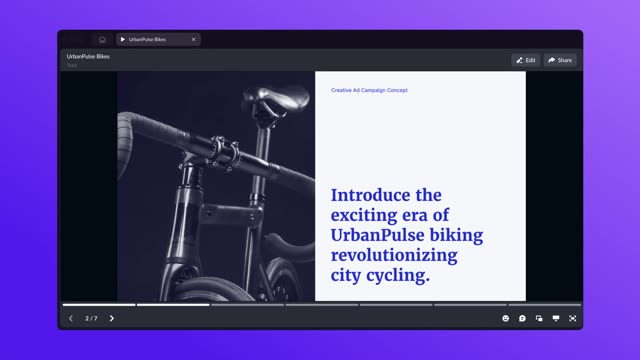 0:59–1:02Pitch · Introducing Pitch 2.0A presentation slide fills a browser window on a purple background. Blue serif headline text sits on white; a black-and-white bicycle photo slides in from the left beside it, then the view zooms out to reveal the full deck interface with its top and bottom toolbars.
 1:09–1:13Slack · Introducing canvas | A new surface to share and organize knowledge | SlackA flat Slack-style window sits on a pink background. A cursor clicks the top search bar, the view zooms in as a dropdown opens, and the word Technical is typed, revealing two matching suggestions below.
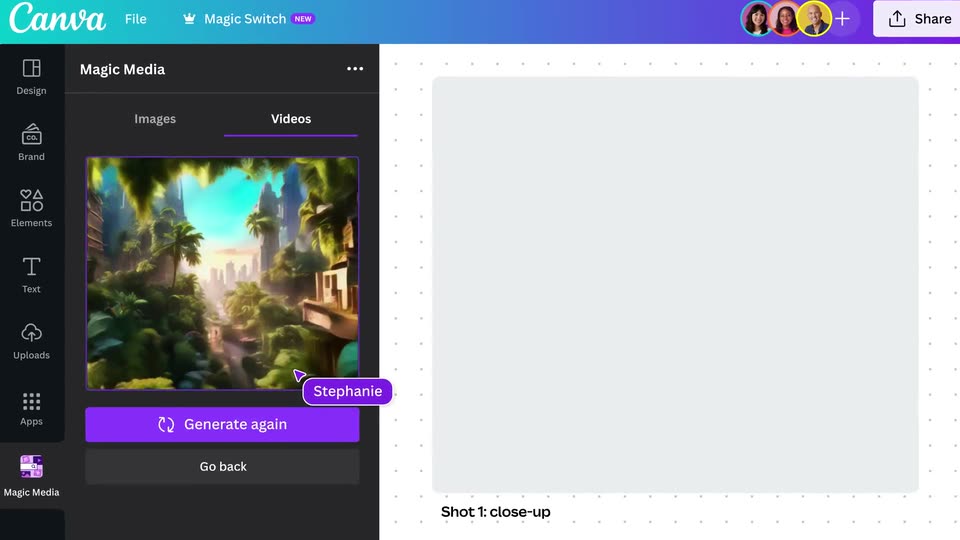 0:58–1:03Canva · Canva - Meet Magic Studio. Supercharge your workflow with all the power of AIA close-up of the Canva Magic Media panel shows a cursor labeled Stephanie typing a jungle-city prompt, then clicking Generate video. The frame zooms out to the full editor, a progress bar loads, and the generated image lands on the canvas.
 1:00–1:03Canva · Meet Magic Studio | Let the power of AI supercharge your workThe Canva Magic Media panel displays a text prompt; the cursor clicks the Generate video button, a loading bar fills, then a generated image of a lush jungle city fades in while the frame zooms in on it.
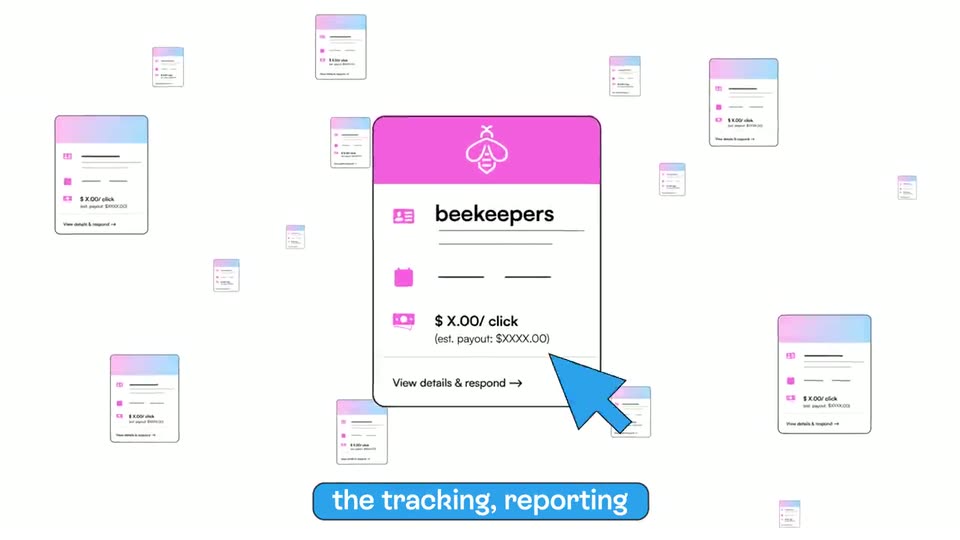 0:34–0:36beehiiv · beehiiv 🐝 - your newsletter 🤝 quality sponsors enter: the built in ad networkSmall payment cards with pink-blue headers scatter on white, then fly inward around a central beekeepers card, flanked by chart cards. A blue cursor arrow points at it before drifting off; a blue pill caption below reads the tracking, reporting, then and payments for you.
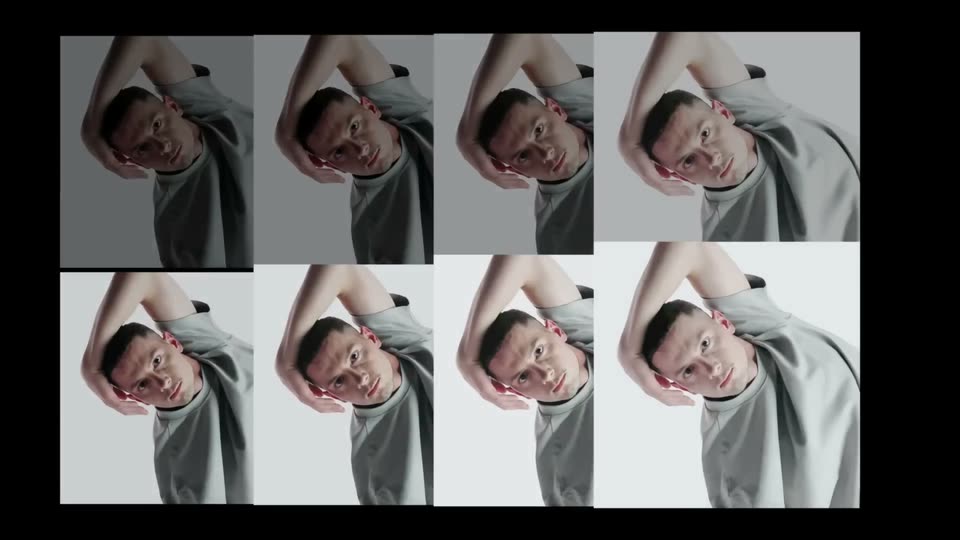 2:57–2:58Nothing · Phone (2): Lights, camera, less distractionA camera interface frames a portrait of a man in a grey shirt against white. The vertical mode labels and side icons slide out, the photo scales up, then it breaks into a 2x2 grid of four tiles.
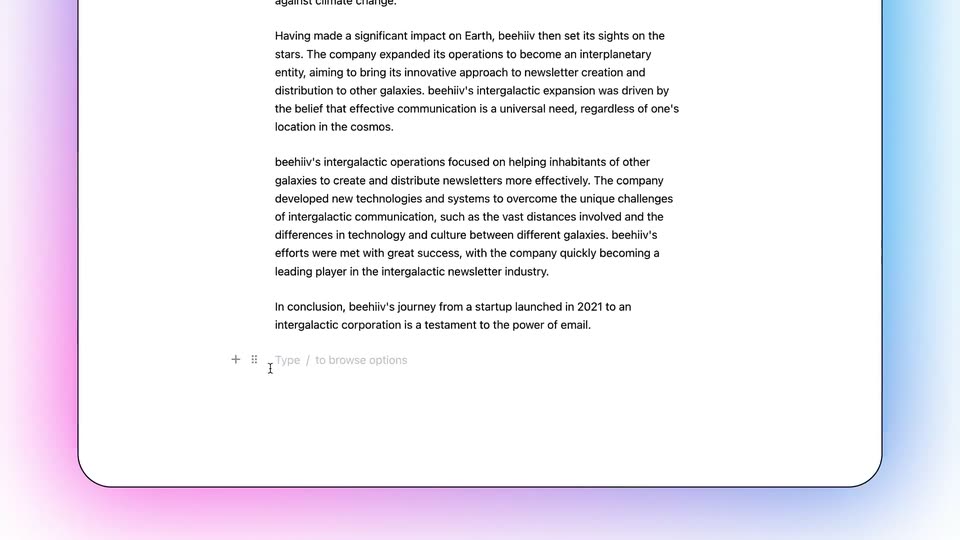 0:58–1:00beehiiv · beehiiv 🐝 - Introducing beehiiv AI ✨ Coming live from UranusA white document editor card sits on a light blue field with a soft pink glow along its lower edge. The page eases upward and zooms in to a centered full-size view, settling on a blue 'Tishotok by go' pill button at the bottom.
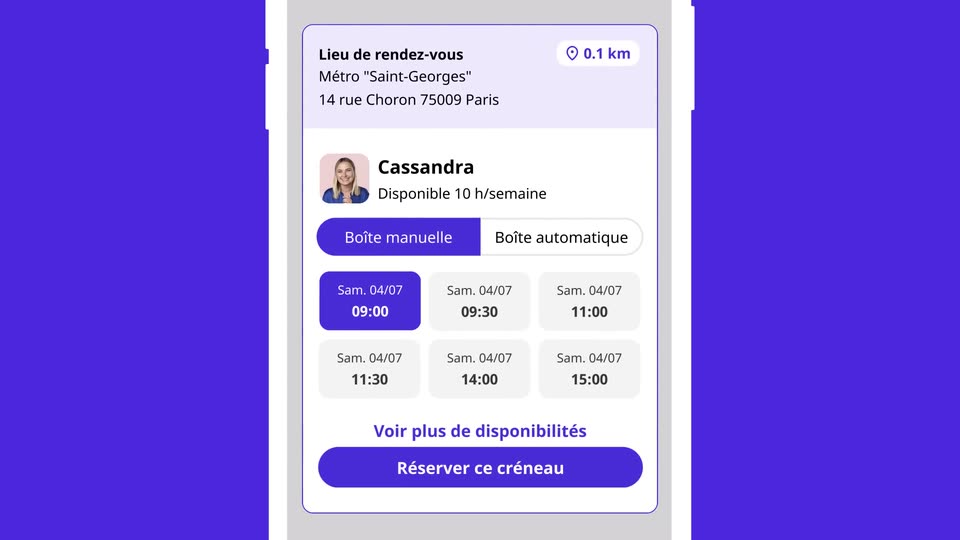 2:18–2:26Ornikar · Le PERMIS avec ORNIKAR : comment ça marche ?A mobile booking card on a purple background slides in: a meeting-place header with a distance badge, an instructor row, a gearbox toggle and a grid of six time slots. The 09:00 slot fills purple, a reserve button appears below, then the view zooms out to reveal the wider page.
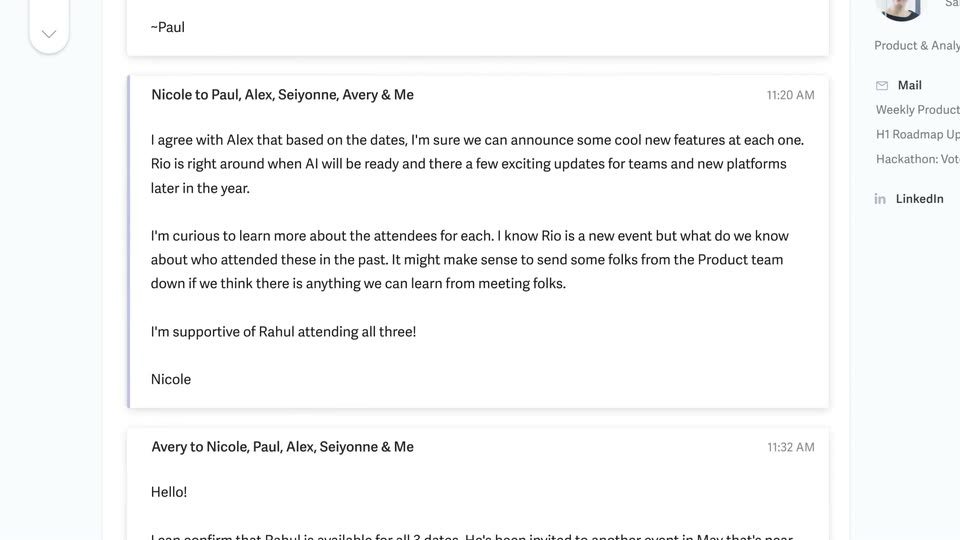 1:14–1:34Superhuman · Superhuman AIAn email client on a soft pink-to-blue gradient. The Web Summit 2023 thread scrolls through replies while the right sidebar swaps each sender's profile. A zoom-in on the messages gives way to a zoom-out that reveals a reply box at the bottom.