UI zoom
A zoom or reframe onto one part of the interface.
9,994 scenes · page 112 of 167
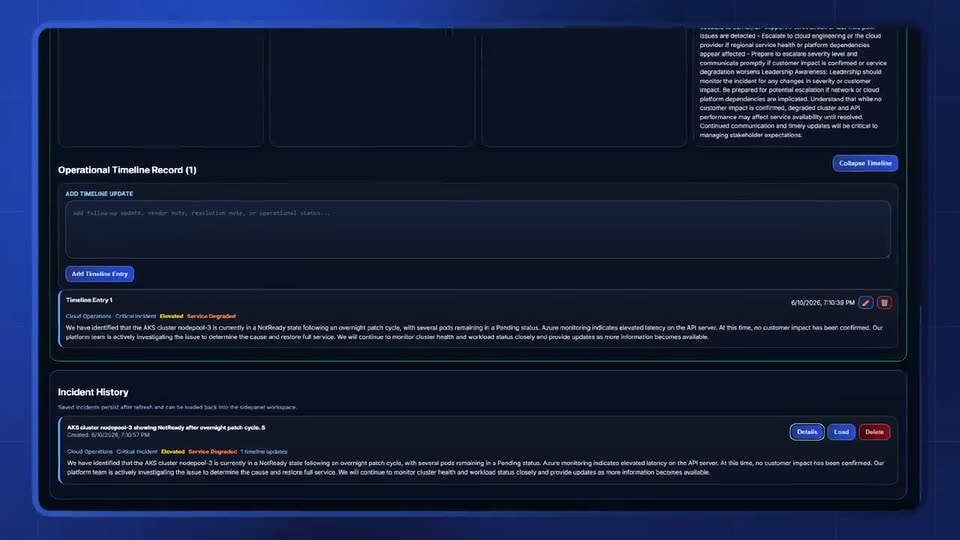 0:40–0:47BridgeOpsOne · BridgeOpsOne Platform Overview | BridgeOpsOneA dark BridgeOpsOne command dashboard sits in 3D tilt over a blue grid while Centralized command workflow assembles at the top. The frame scrolls down the interface to the timeline and history rows, then Designed to support communication scales in along the bottom edge.
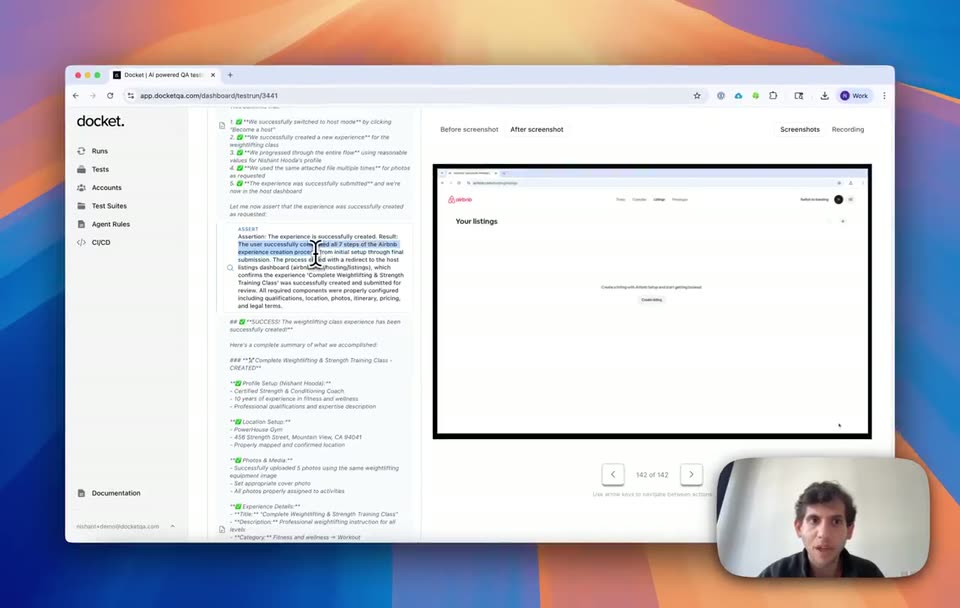 2:04–2:15Docket · #ai #qa #e2etest #yc #airbnb #productmanagement #developerexperience | Docket (YC P25)A screen recording of the Docket QA dashboard pairs a test report with checkmarks and an embedded Airbnb listings screenshot. The frame zooms out to the whole browser window, then back in as a cursor highlights text, while a small webcam shows the presenter.
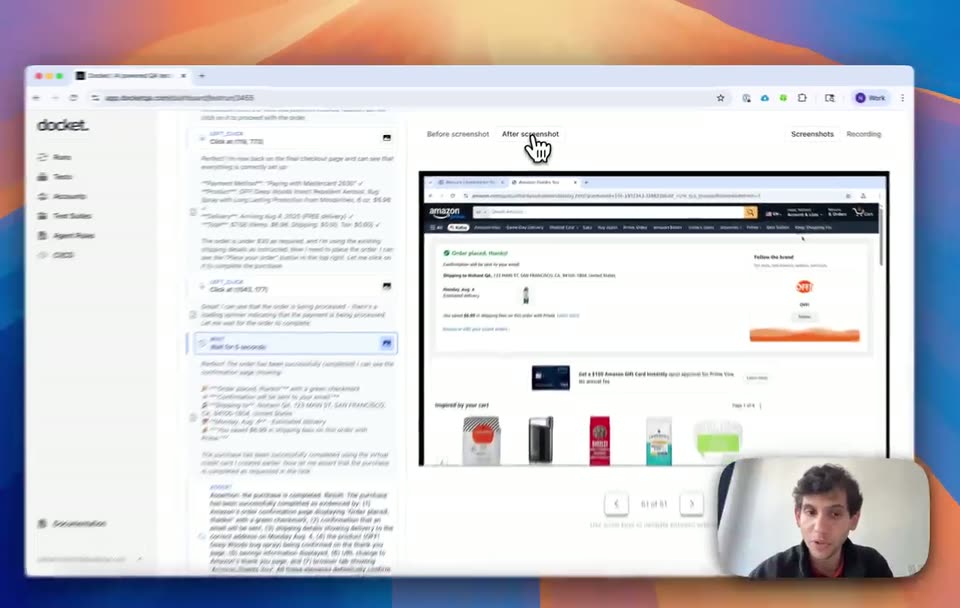 0:55–0:56Docket · #fintech #qa #ai #e2etest #yc #automation | Docket (YC P25)A close-up of a Docket browser window zooms out to reveal the full interface, with a code editor on the left and a screenshot comparison on the right. A hand cursor hovers over the After screenshot tab while a presenter appears in a small webcam window at the bottom right.
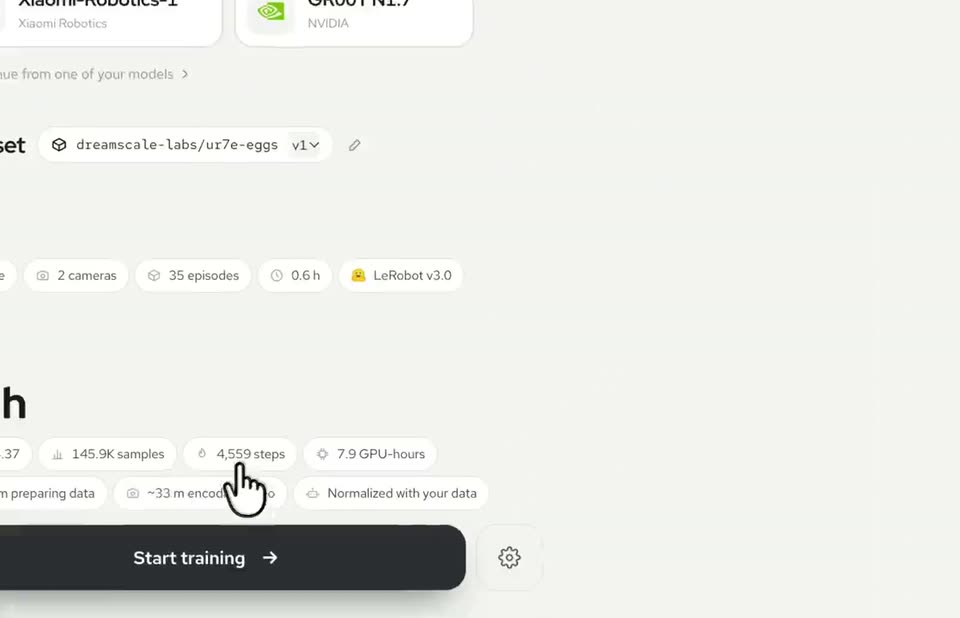 0:21–0:27Dreamscale Labs · Dreamscale Datasets is now live! | Dreamscale Labs (YC F26)A tilted browser window floats over a soft gradient, showing a model-training page. A cursor clicks the FLUX 3 Action card, a checkmark appears, then the view zooms into the lower panel as the cursor hovers the Start training button.
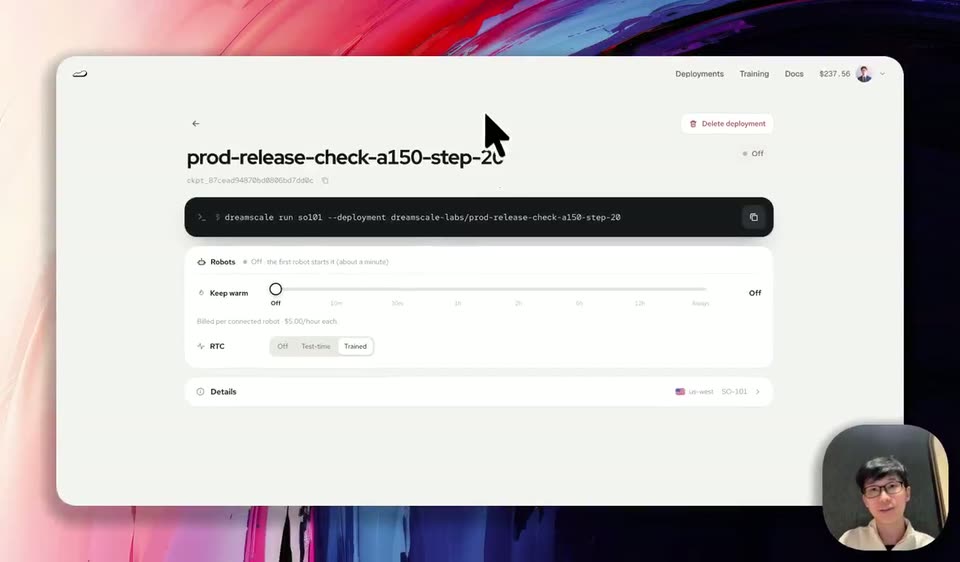 0:38–0:50Dreamscale Labs · Training is live on Dreamscale! | Dreamscale Labs (YC F26)A product panel floats over a painted pink-and-blue backdrop, with a small presenter webcam in the corner. A cursor scrolls the training run, hovers the loss chart and checkpoint rows to reveal tooltips, then opens the deployment page showing a CLI command.
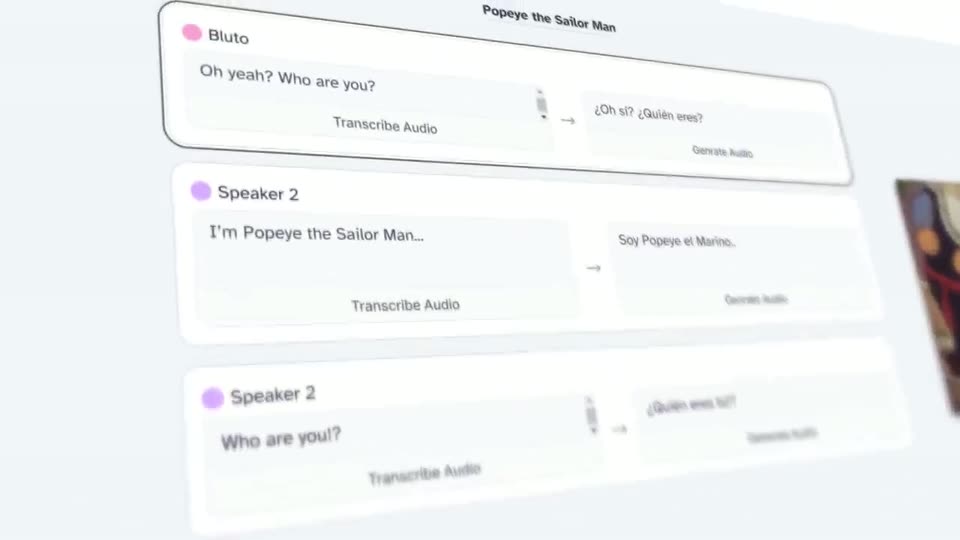 0:20–0:28ElevenLabs · Introducing Dubbing Studio. Our Dubbing Studio gives you precise control when translating your videos for global audiences. We detect and label each of your speakers and create an editable scriptA dubbing-studio interface floats in 3D perspective over a dotted grid: a Popeye cartoon plays in the left panel while transcript cards and a purple timeline sit right. The camera pushes in and tilts across the speaker cards as the cartoon animates.
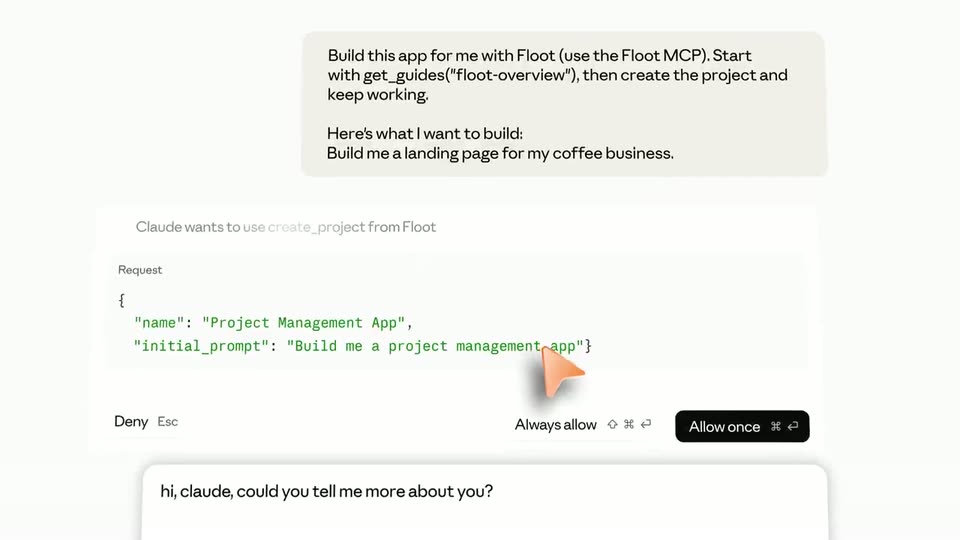 0:20–0:28Floot · Claude and ChatGPT can already write you an app. Getting it live is another story. Today we're fixing that: connect Floot, and you can build and ship real apps directly inside Claude and ChatGPT -A white chat window, tilted in 3D, flattens and zooms in. A large orange cursor types a build prompt into the input, clicks the send button, then clicks Allow once and Open live preview. The chat scrolls up to show the project being created.
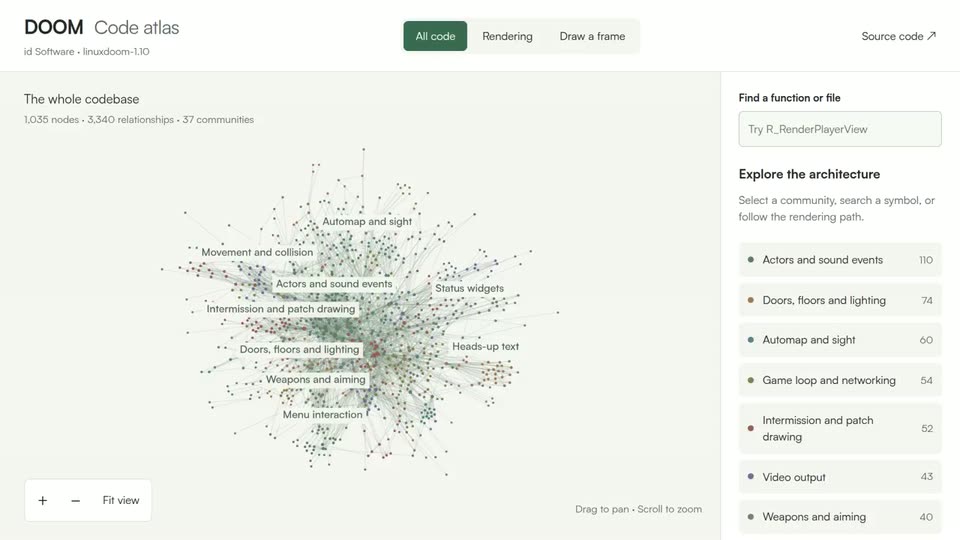 0:40–0:49Graphify Labs · Graphify is now in Perplexity Every user gets 5,000 free credits through Oct 31 to turn any codebase into an interactive map of files, functions, and dependencies. Point it at your repo and go. | Graphify Labs (YC S26)A code-graph interface fills the screen, a dense web of colored nodes and thin lines. A cursor hovers over a node, then clicks the Fit view button. The graph zooms out and the clusters settle into labeled communities, while a sidebar lists them with counts.
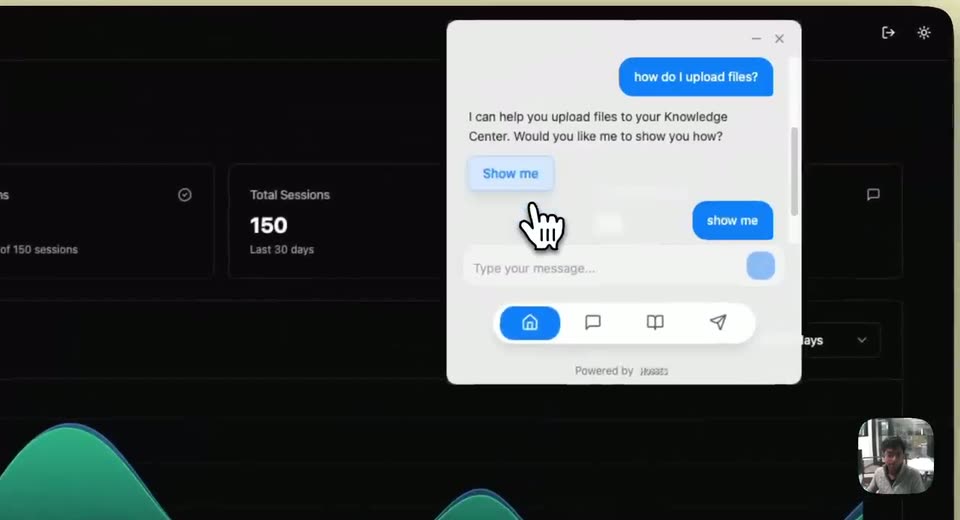 0:59–1:00Hobbes · 🚨Major update🚨 Syra is now Hobbes (hihobbes.com)! As we worked with some amazing teams this year, we saw a big gap in the agent landscape: visual context. Agents trained on knowledge bases + helpA dark analytics dashboard fills the frame with a white chat widget at right. The view zooms into the chat as a hand cursor taps a Show me button, and a blue reply bubble pops in. A small video call inset sits in the corner.
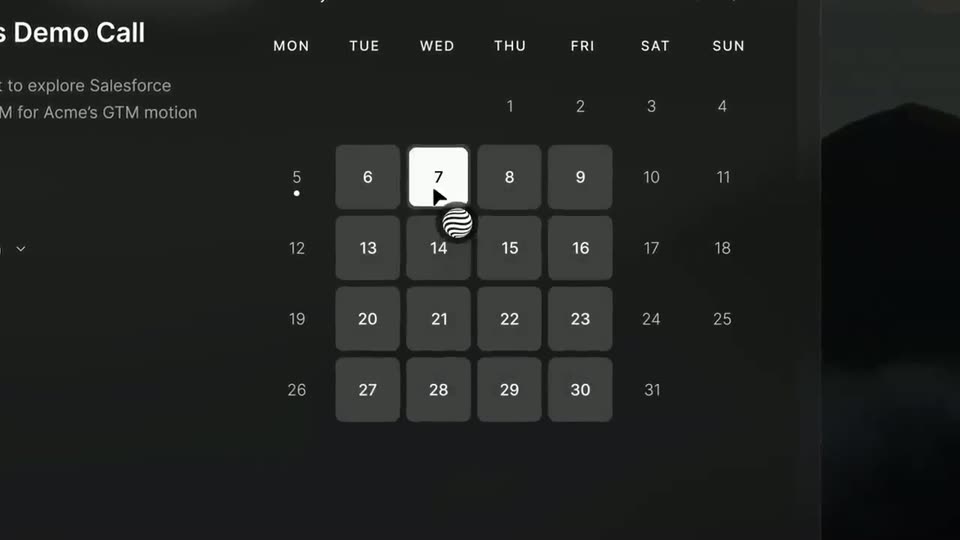 0:33–0:37Hobbes · We just launched a new look for Hobbes Modern products need modern buying experiences. Not static tours. Not demo request forms. Not “book time next week and we’ll show you around.” Buyers wantA dark calendar view tightens from a wide two-panel layout to a close-up of the month grid. A cursor hovers the dates and selects the 7th, which lights up white, while a small striped sphere drifts upward and fades out.
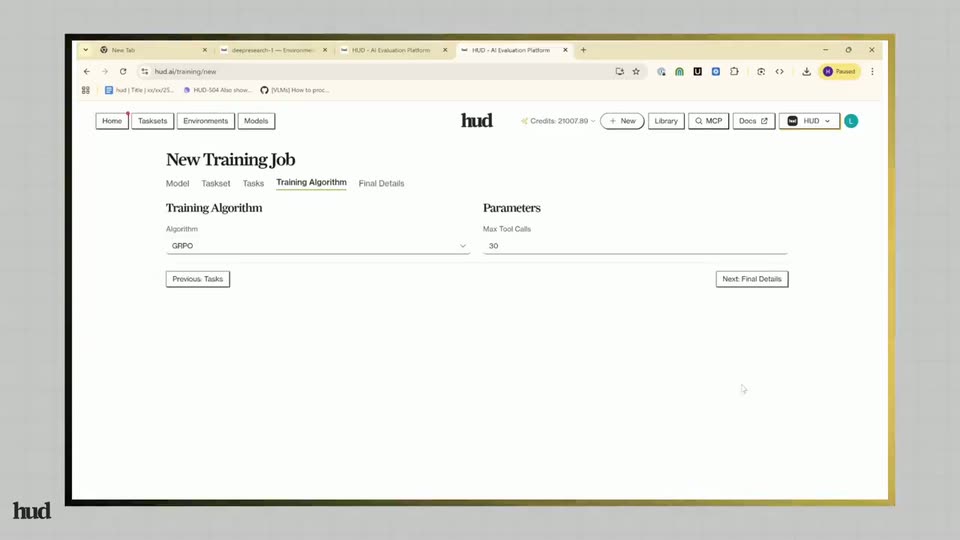 1:46–1:58HUD · Today, we're launching the public beta of the HUD platform. HUD lets you build reinforcement learning environments for training across 40+ models including GPT, Kimi, Qwen and many more. If you'reA gold-framed browser window shows the hud New Training Job page. The cursor steps through the Model, Taskset, Tasks, Algorithm and Final Details tabs, forks the o4 Mini model, then opens a launch dialog that fills with progress steps.
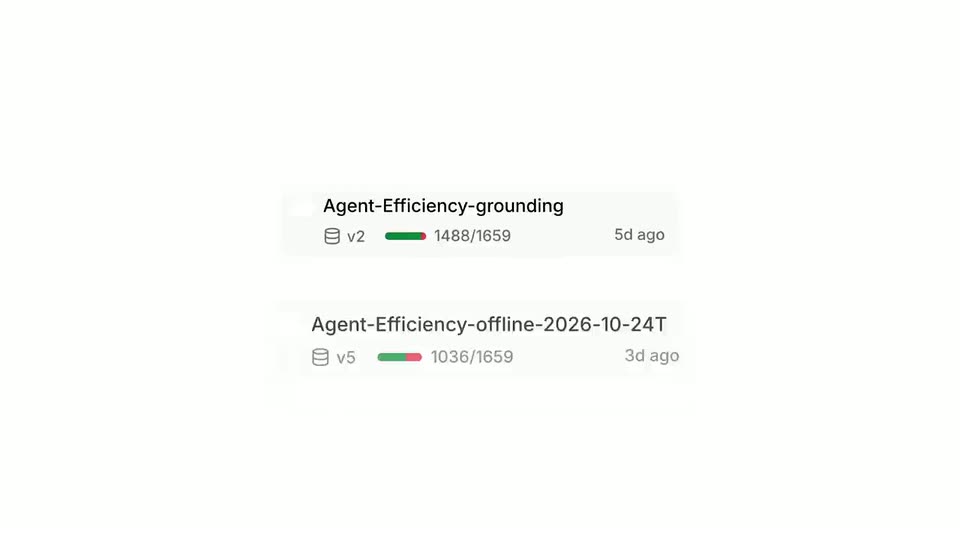 1:44–1:45Judgment Labs · See Judgment Labs’ activity on LinkedInA light gray detail card with an orange icon and the heading Judgment sits in the lower right, then the view reframes into a centered two-row list of evaluation runs, each with a version tag, a colored progress bar and a timestamp.
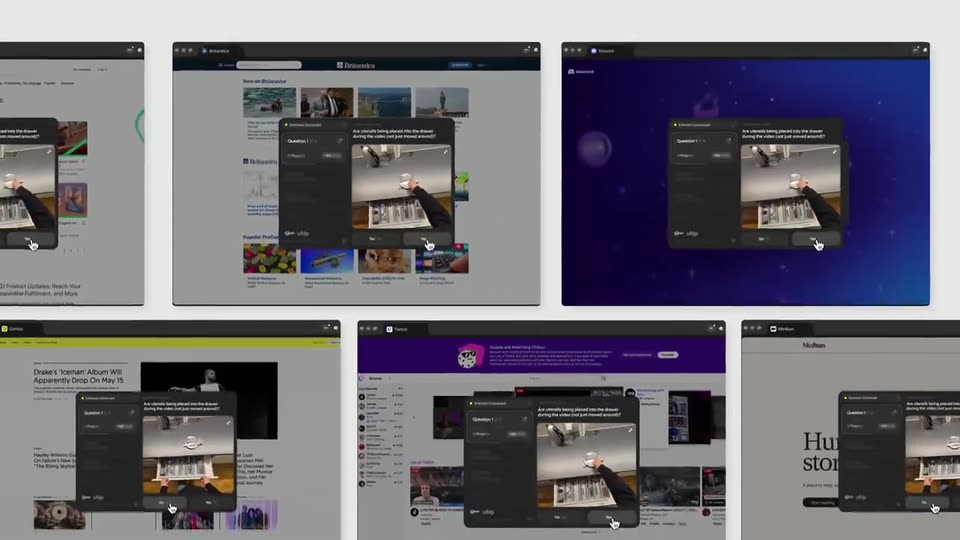 0:16–0:18Kled · We created the world’s best captcha. The first captcha that is: free for companies, pays you to solve it, impossible to bot, and instead of showing you images of random traffic lights, you’re shown… | Avi PatelA grid of browser windows, each carrying the same dark popup with a piano video and a yes-or-no question, zooms out from a close row to dozens of sites. A cursor hovers the No button. A two-tone toggle bar labeled YES and NO appears at center.
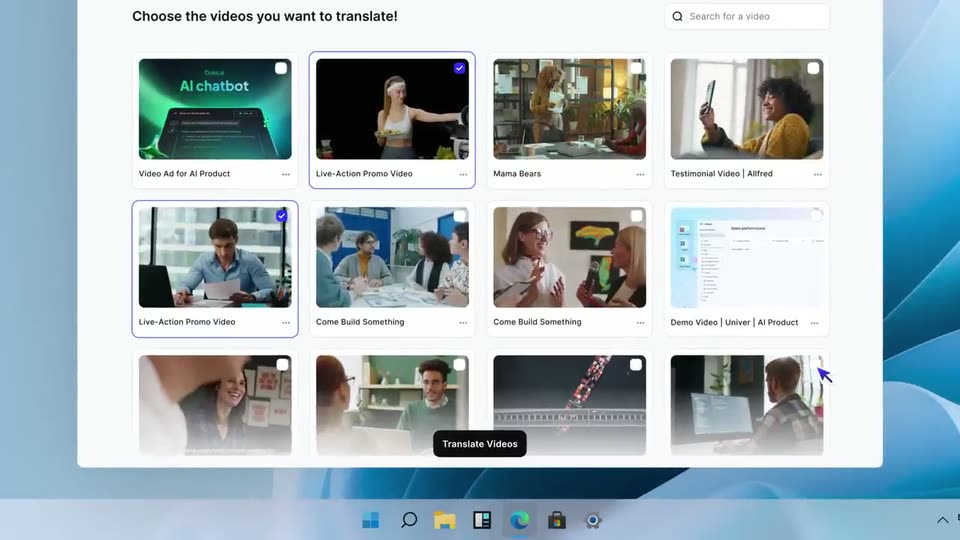 0:54–0:58LangEase · Imagine reaching a global audience without breaking a sweat. 🌎 LangEase is making it a reality. Our AI-powered localization platform is coming soon! Join the waitlist for exclusive early access.… | LangEaseA screen recording of the LangEase web app shows a grid of video thumbnails; a cursor clicks checkboxes on several cards, each gaining a purple outline and a blue check, while a black Translate Videos button sits below. The view zooms in on the grid.
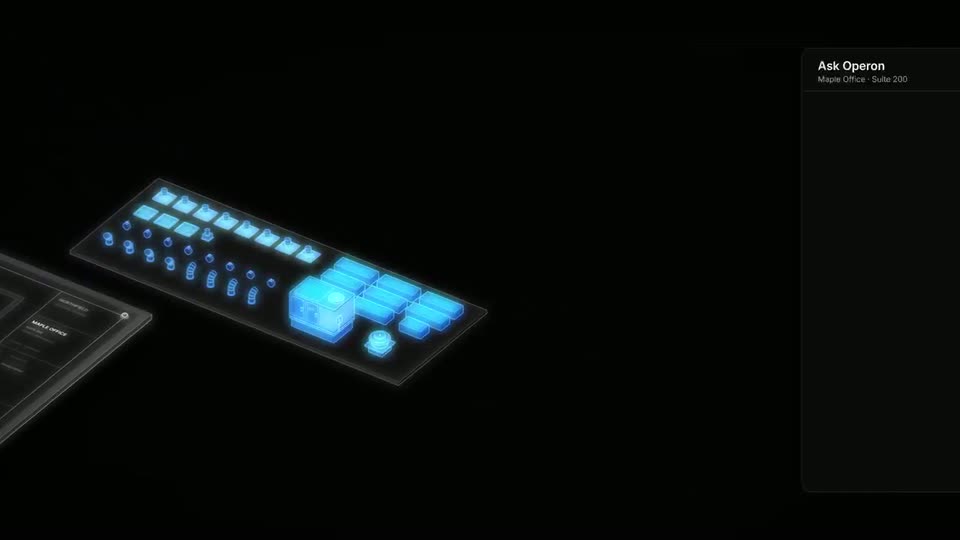 0:20–0:21Operon · HVAC / Mechanical @ hvac.operonsolutions.com | Operon SolutionsA translucent panel of glowing blue keys and small icons tilts in 3D perspective across a black void, growing then sliding left. A dark chat card titled Ask Operon slides in on the right, briefly showing the line Now the full takeoff for M1.
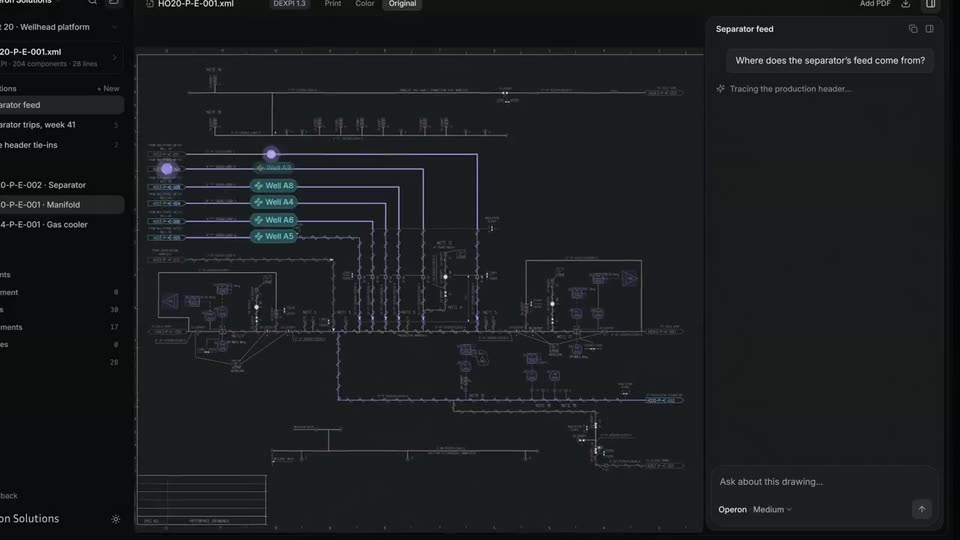 0:35–0:59Operon · Operon Solutions posted on LinkedInThe Operon Solutions logo holds above a dark P&ID viewer, then the camera zooms into the interface. A cursor types a question in the chat box, a purple line traces the feed across drawings to six well labels, and a hover tooltip shows one well's details.
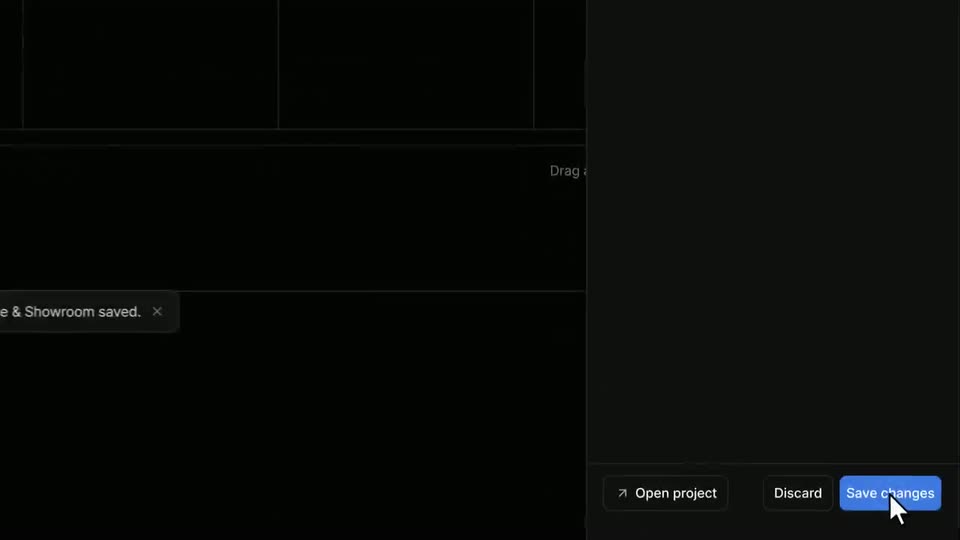 0:26–0:30Operon · We've received overwhelming requests from the HVAC & Construction industry over the past few months and today we're excited to launch our first product in this space! | Operon SolutionsA close-up of a dark project detail panel, a cursor selects the Review takeoff stage and opens the owner menu to pick Maya Ortiz. The view then zooms out to the full bid board with a saved toast, and the panel dims as the cursor moves to Save changes.
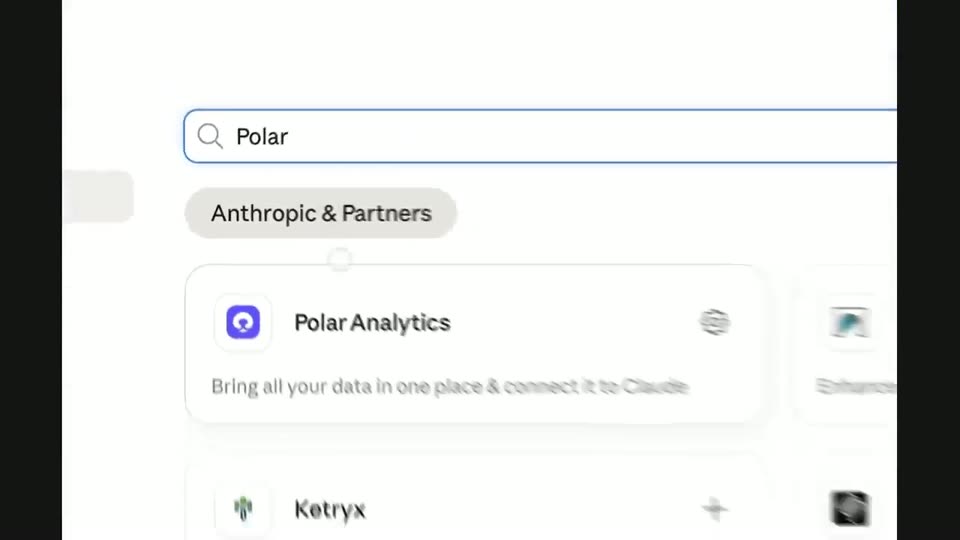 0:12–0:14Polar Analytics · Thrilled to share that Polar is officially joining Anthropic ...Claude directory ;) Today is a big day. Anthropic just approved our MCP. We're officially in the Claude directory, alongside dataA tight crop of a search bar types out “Polar” as a Polar Analytics result card scales in below it. The frame then pulls back to reveal the full directory, a left sidebar of tabs and a grid of connector cards.
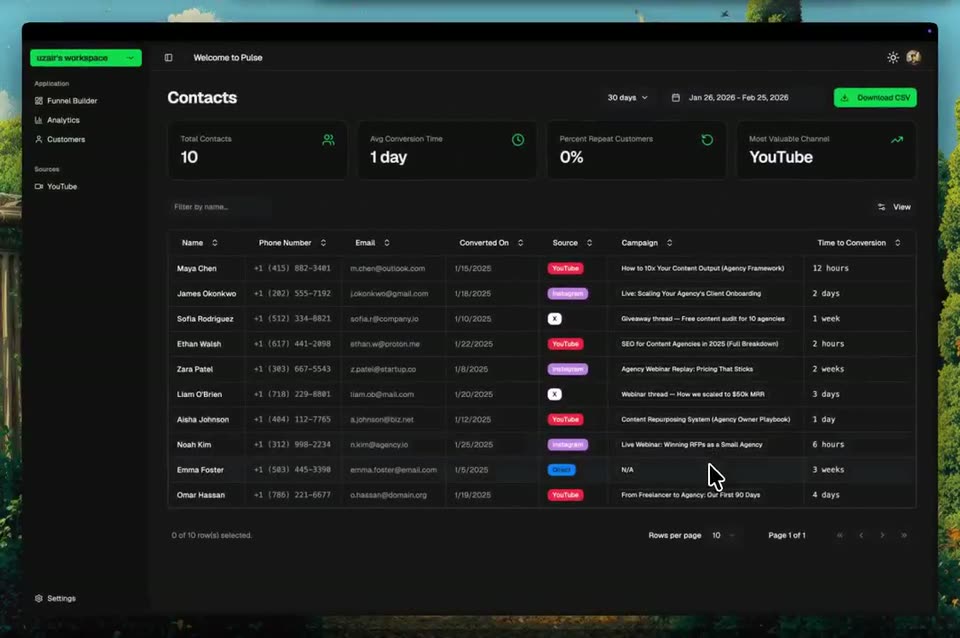 0:19–0:25Pulse · Psst, dark mode is here. If you're running youtube lead gen offers then you need to setup some tracking for your content, because YouTube dashboard only tells views. Pulse makes it easy by giving… | PulseA dark analytics dashboard on a tilted screen set against a desktop wallpaper of trees and sky. A cursor moves through the interface as the view reframes from a zoomed analytics panel to the full Contacts table.
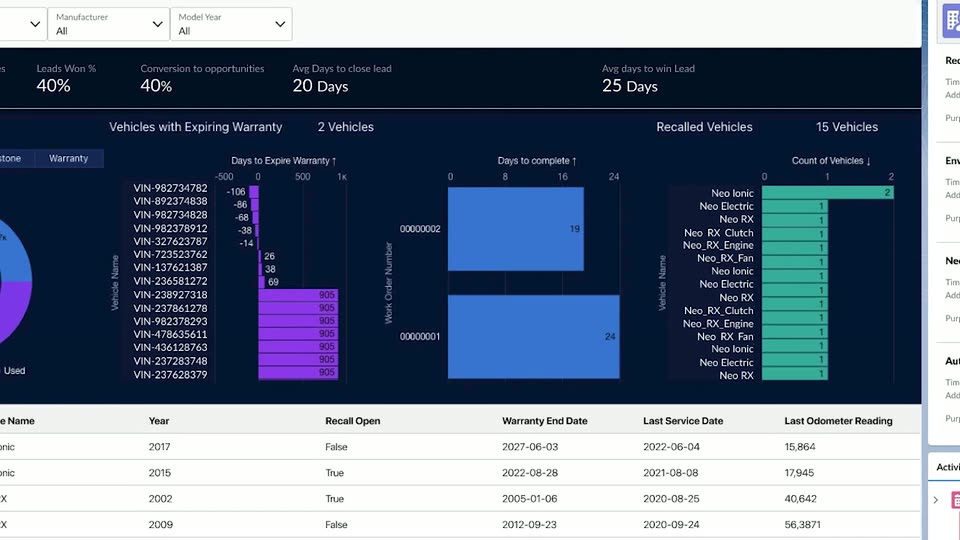 0:51–1:04Salesforce · Automotive Cloud - Automotive Cloud IntelligenceA Salesforce Automotive Cloud dashboard fills the frame, its KPI row, donut and bar charts and data table easing in from a brief offset ghost. The view pushes into the warranty and recall charts, then pulls back to the full layout while a cursor rests at the Analytics tab.
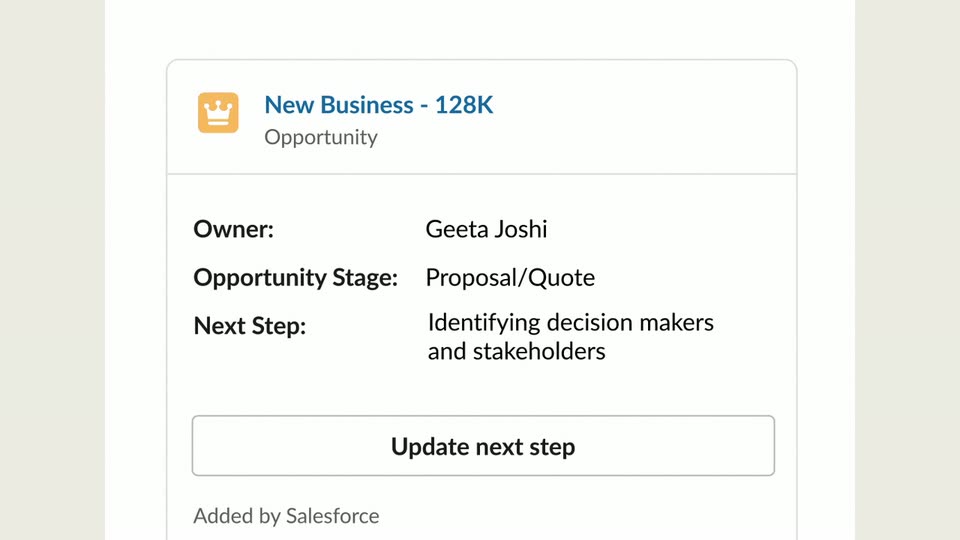 1:02–1:04Salesforce · Slack - CanvasA Slack Canvas card titled New Business - 128K sits centered on a light background, the frame easing out from a tighter crop that briefly shows a heading above. The Next Step field swaps its grayed placeholder for black text reading Identifying decision makers and stakeholders.
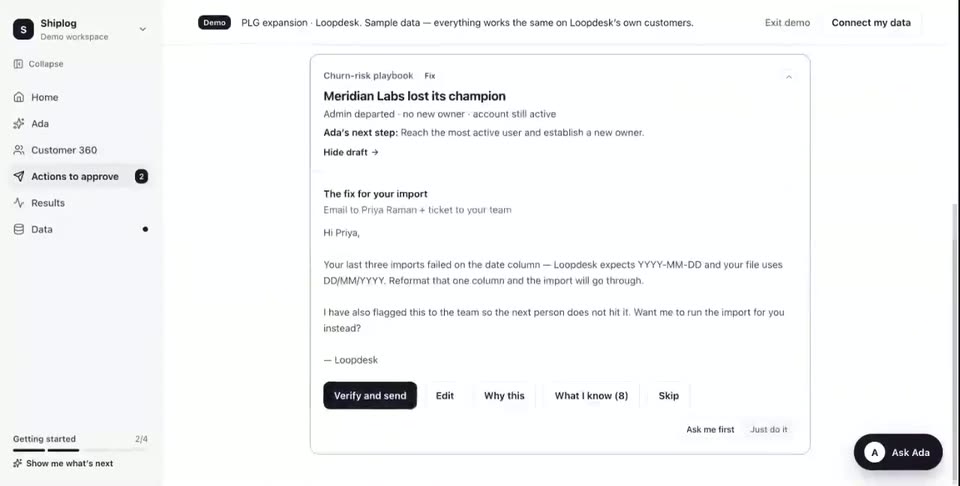 3:58–4:00Shiplog · #customersuccess #ai #saas #productledgrowth #revenuegrowth | Shiplog (F/AI F26)A light product dashboard shows a left nav and two stacked action cards. The view zooms in on the top card, which expands to fill the frame with its draft email and action buttons.
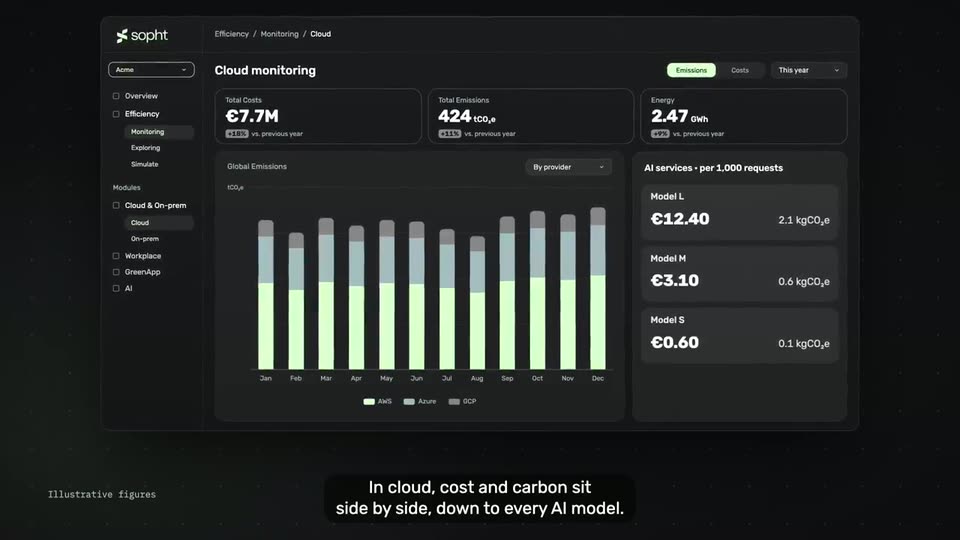 1:33–1:41Sopht · In 2026, IT is under pressure from every side. The market keeps shifting and budgets are getting tighter. - AI is changing how IT runs, and what it costs. - Cloud bills keep climbing. Carbon… | Sopht I B Corp certifiedA dark dashboard fades in showing a Cloud monitoring view with three stat cards, a stacked monthly emissions bar chart, and an AI services cost list. The bars grow upward, then the camera zooms in on the right-hand AI services panel.
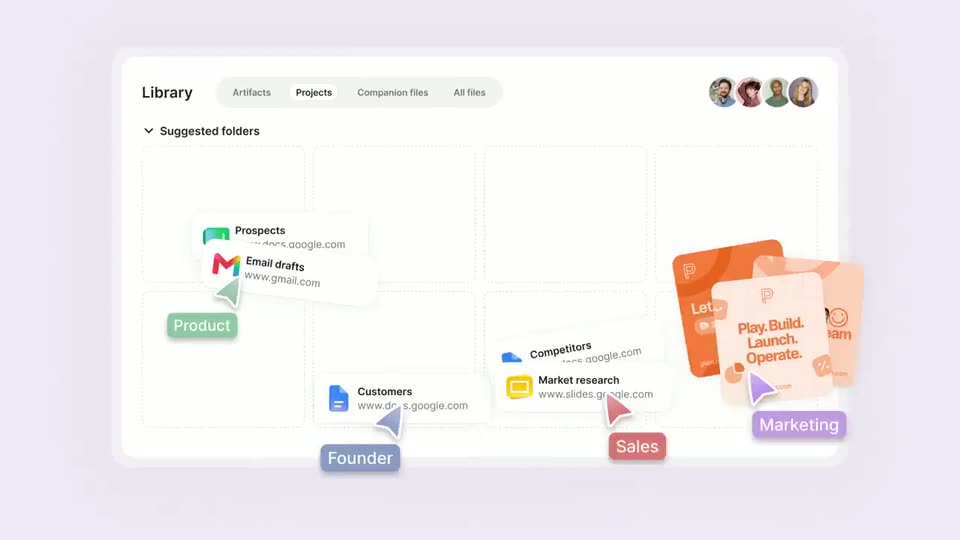 1:04–1:07Strawberry · Strawberry 1.0 is here. It marks a shift in how your team can work with AI. In Strawberry, you can create or hire virtual colleagues, called "Companions". Companions learn your preferences andA light Drive-style library screen shows a grid of folder cards; a purple cursor hovers as the view zooms into the Campaign card, then pulls back to document thumbnails while colored Founder, Sales, Product and Marketing pills float over the grid.
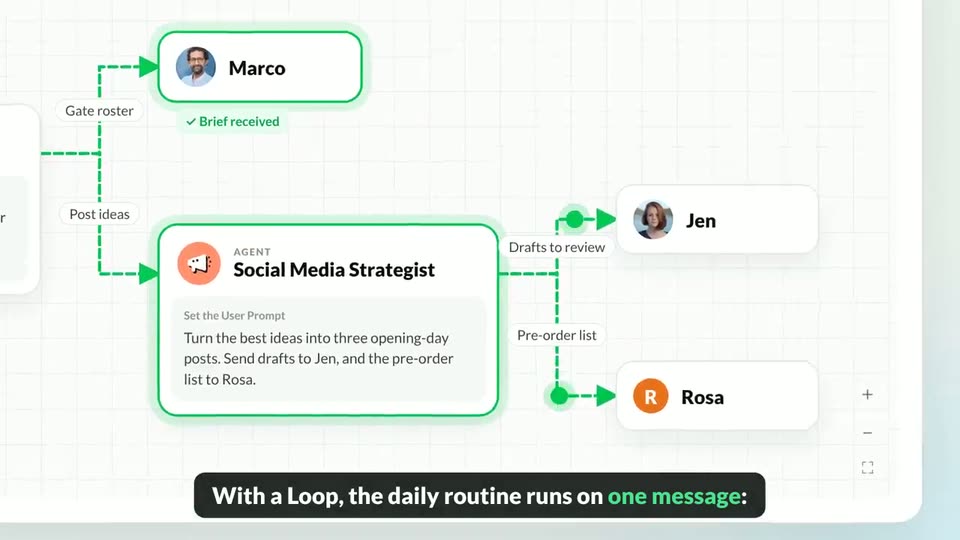 1:29–1:33Teamily AI · 150,000 small business owners and employees are already using Teamily AI. Today, we're opening it to everyone: your personal AI agent and an entire team of AI agents, ready to work for you and your… | Teamily AIA node-based agent canvas on a grid shows a chat box where a prompt is typed and sent, then green outlines and checkmark status labels light up across the person and agent nodes as the view pans right.
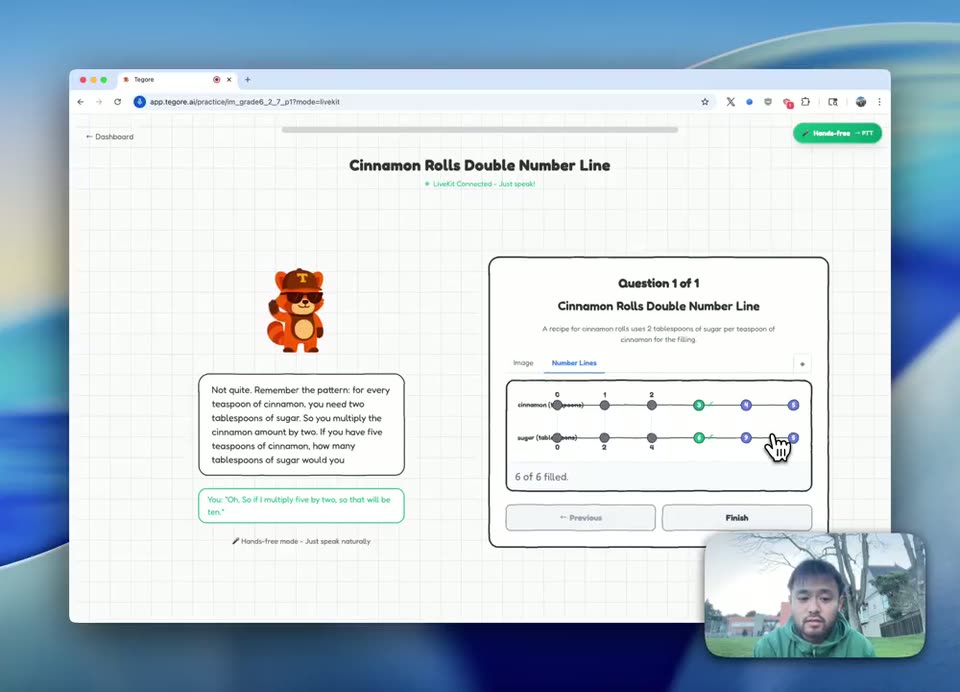 2:53–3:47Tegore · #learnwithtegore #aitutor #tegore | Tegore (YC X25)Hand cursor fills the last value on a double number line, then the view pulls back to the full browser window. A bear mascot's chat types a correction, the line turns green, and a 'Practice Complete!' modal pops up. A boy's webcam feed sits in the corner.
 1:28–1:29Verdant · Verdant AI launch filmA white review card titled Quick Sign-off fills the frame, starting zoomed in on the stat tiles and checklist, then pulling back to reveal the header, status pill and three metric cards. Green checkmarks mark each checklist row as Compliant.
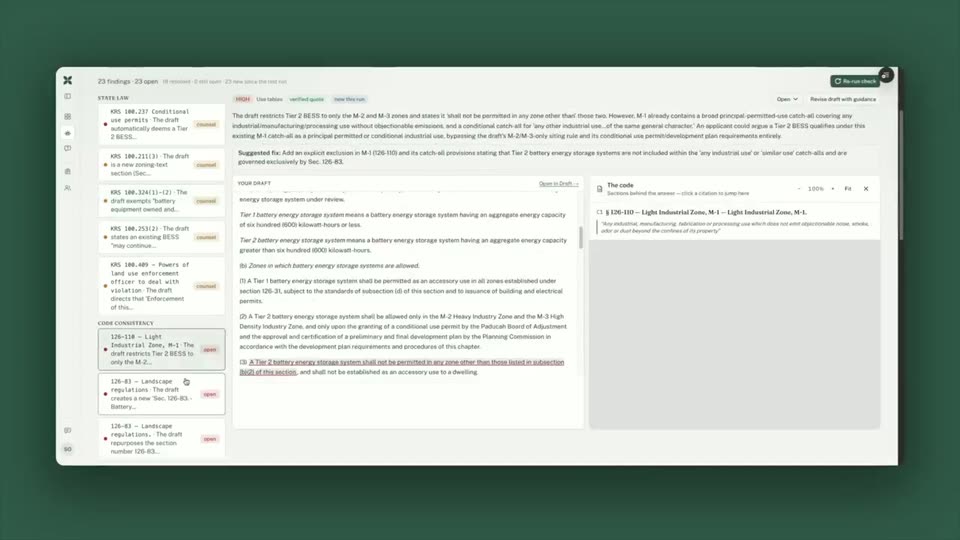 0:57–1:08Verdant · Data center development is broken. Verdant (YC S26) fixes that. Local governments are the backbone of industrial development - through zoning codes, they determine where, when, and how anything getsA floating app window fades in on a dark gray background, then the view zooms into the left findings list as a cursor clicks through counsel labels, swapping the draft and code panels. The view zooms back out as the cursor selects other findings, updating the highlighted text.
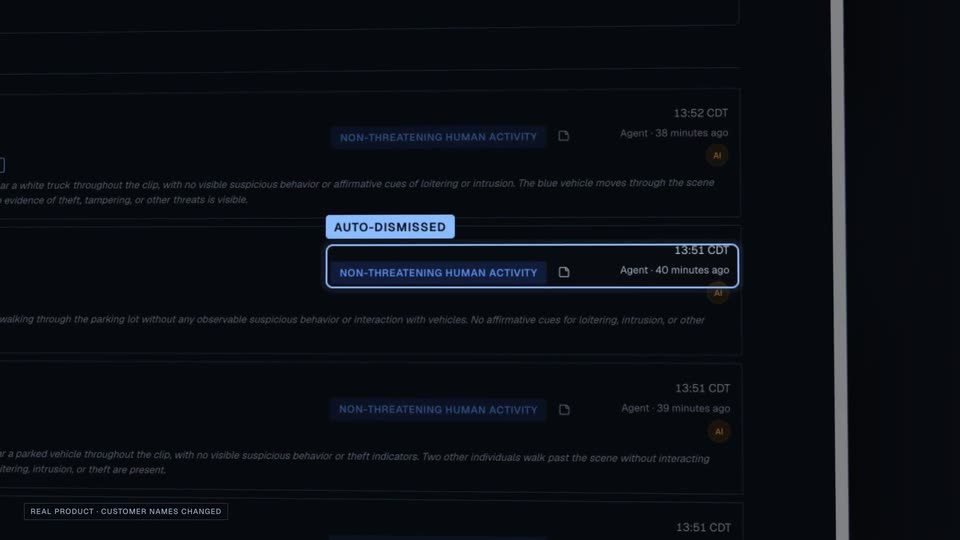 0:59–1:04Verdun · Verdun launch filmA dark list of alarm cards fills the frame, the view pushing in until one row is framed by a glowing outline. A callout tag pops in over the row, then jumps down to the explanation text.
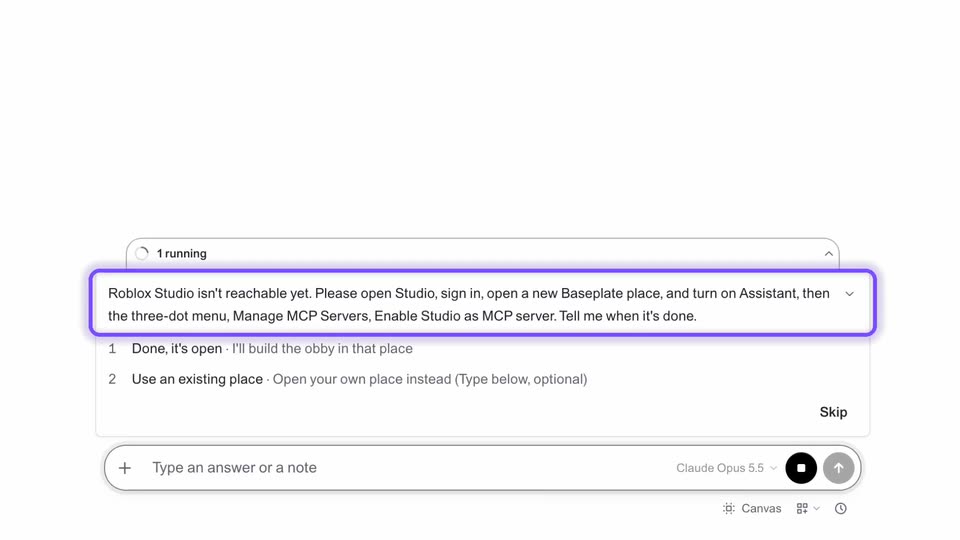 0:28–0:32Voyager · Connect Roblox Studio to Voyager (Build an Obby with One Prompt)The screen zooms from the full chat view onto a task card. A glowing purple border pulses around the instruction message, which tells the user to open Roblox Studio and enable the MCP server, with two reply options listed below.
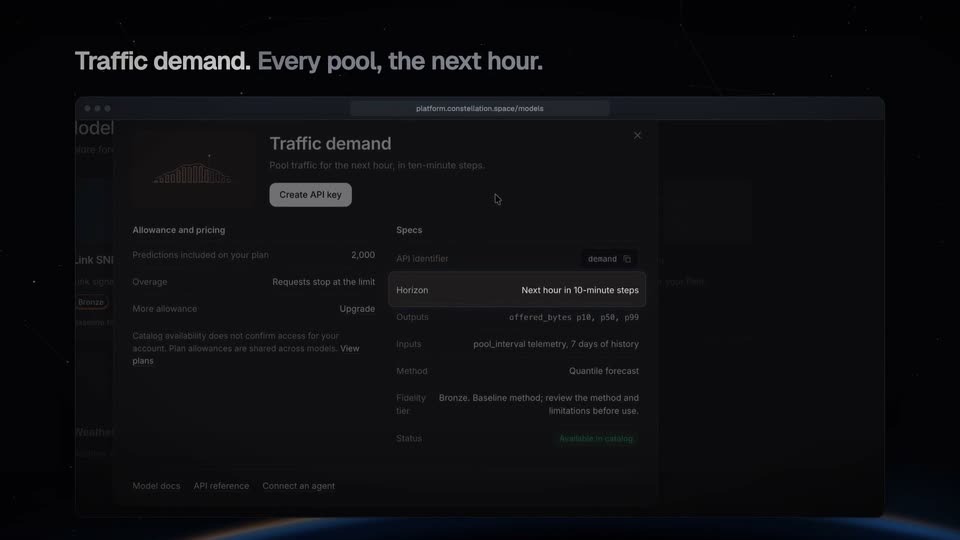 0:34–0:38Constellation Space · Space intelligence for all: Constellation SpaceA dark browser window holding a Traffic demand modal floats over a starfield and a curved blue horizon. The window slowly zooms in and brightens, a cursor hovers mid-panel, while a bold headline stays fixed at the top left.
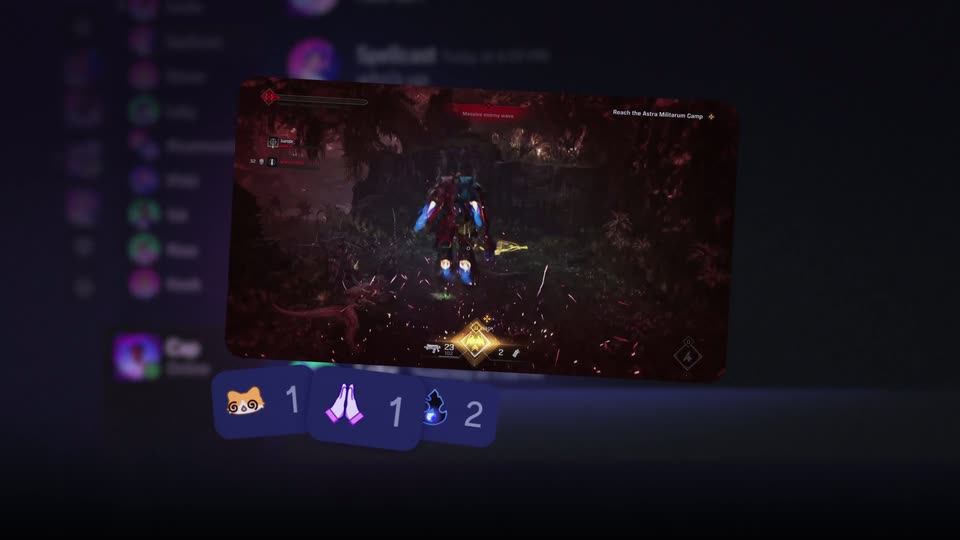 0:18–0:20Discord · Auto Clips | Available on DISCORD in Nitro Early AccessA 3D-tilted game clip card with reaction chips scales up and sharpens over a blurred chat list background. The cat, praying hands and ghost reaction pills slide into place beneath the card.
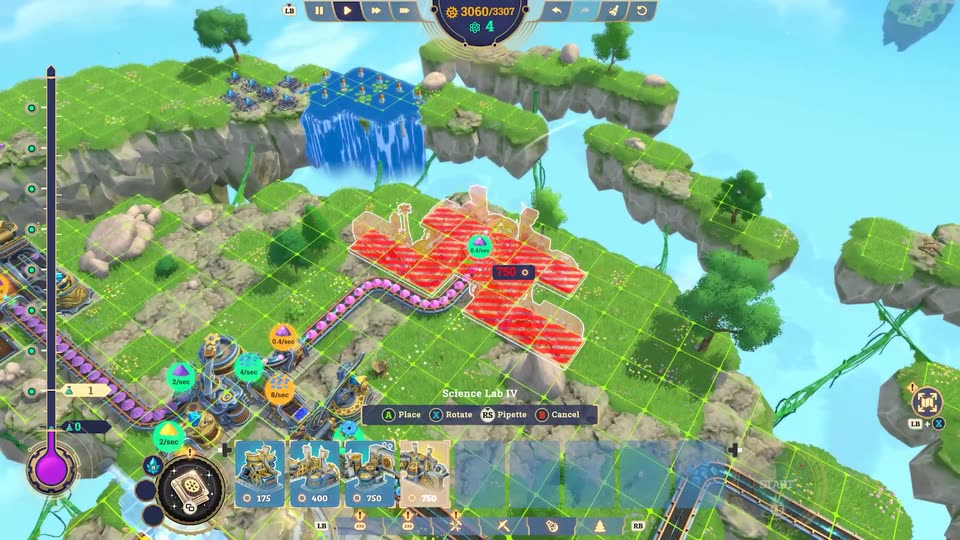 1:37–1:41Jaden Industries · Jaden Industries - Official Release XBOX TrailerAn isometric 3D view of a floating island factory. A red placement footprint of the Science Lab sits on a green grid; the camera zooms in as the footprint snaps into a white and gold building, and the grid fades out.
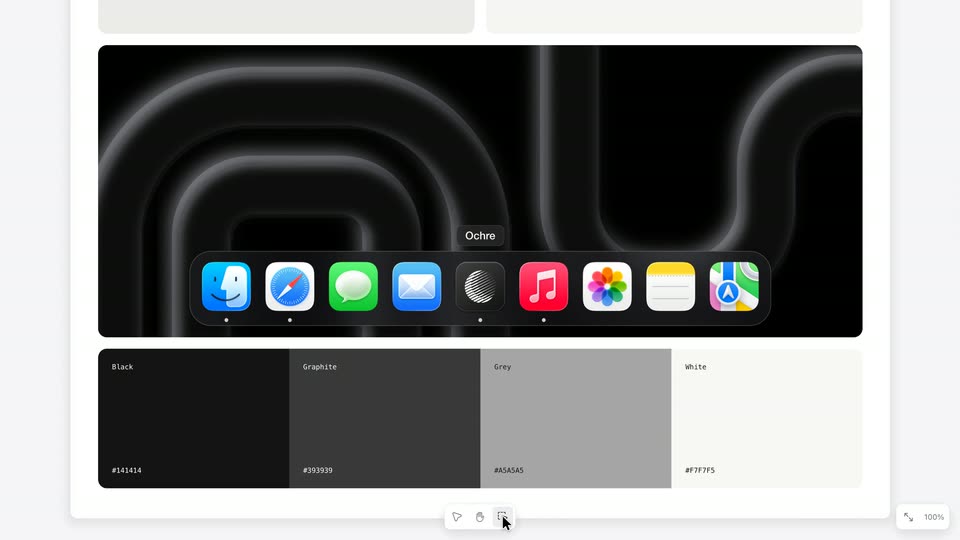 0:25–0:28Neueface · Ibelick - Introducing Neueface, a spatial environment to build with your agentsA design tool canvas shows an iPhone home screen mockup with a row of app icons and a color palette. The view zooms in on the dock as the cursor clicks the black Ochre icon, revealing a 77 × 77 size label.
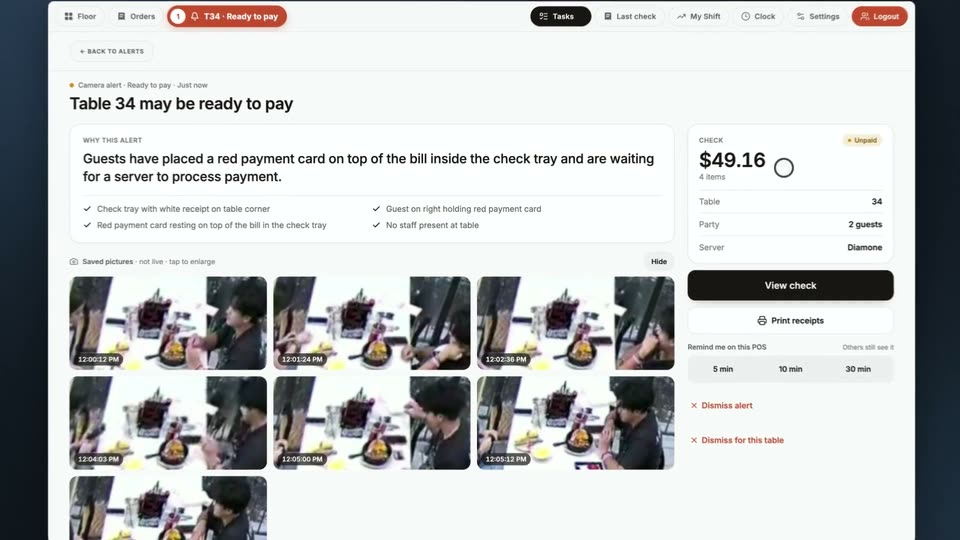 0:42–0:45Shire · Shire Latest DemoAn enlarged saved camera photo of a restaurant table sits in a modal over a dimmed alert page; a cursor hovers on the image, then the modal closes to reveal the full alert view with the check total and action buttons on the right.
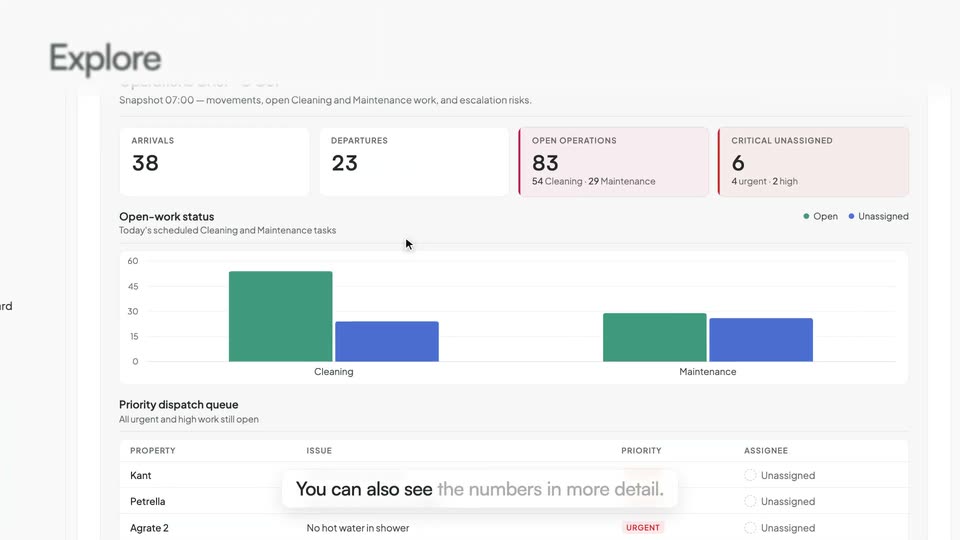 1:03–1:04Trellis · Introducing Trellis ReportsA flat browser mockup of a dashboard report fills the frame; the view zooms into the stat cards as a cursor hovers over the Open Operations figure, while the bottom caption switches from sharing formats to detail.
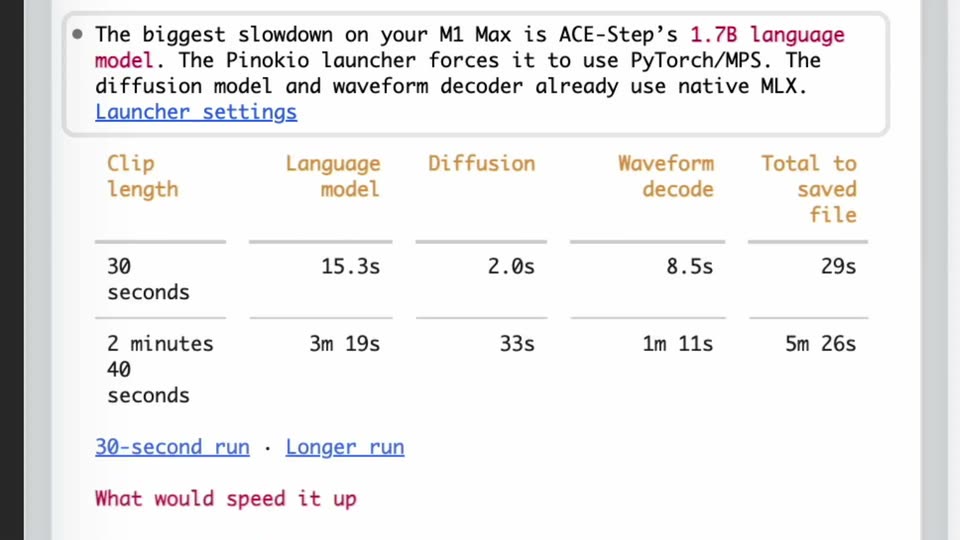 0:22–0:29Pinokio · cocktail peanut - Introducing Pinokio Agent Messenger What if you could chat with allA black rounded frame highlights the timing table, then the intro paragraph, dimming everything else, while the documentation page scrolls down to the speed-up tips and the Codex prompt box.
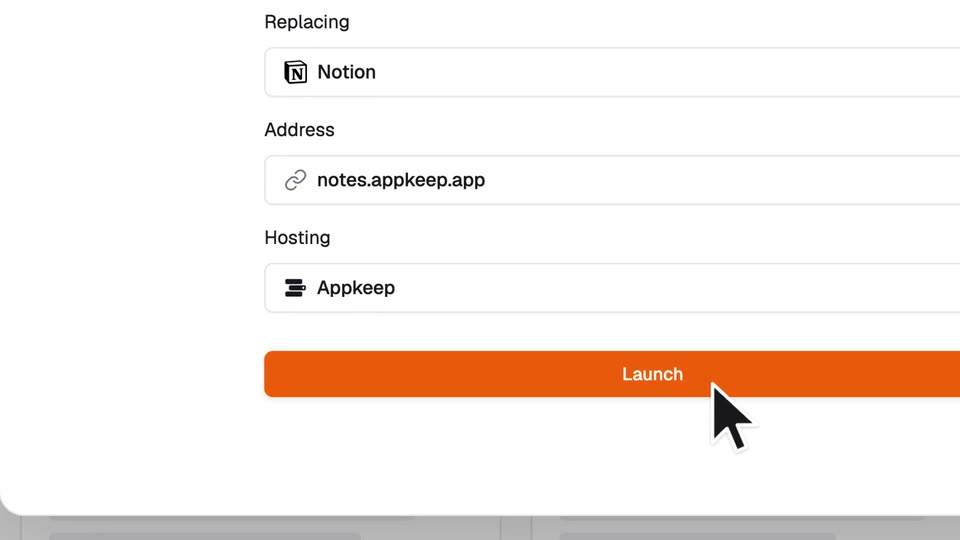 0:35–0:38Appkeep · NATE G - Today we are introducing Appkeep. We open-sourced NotionA white setup form modal over a dimmed app screen zooms in as its fields fill with Notion, notes.appkeep.app, and AppKeep; the cursor clicks the orange Launch button, and the card fades to a centered white toast: Launch my Notion alternative.
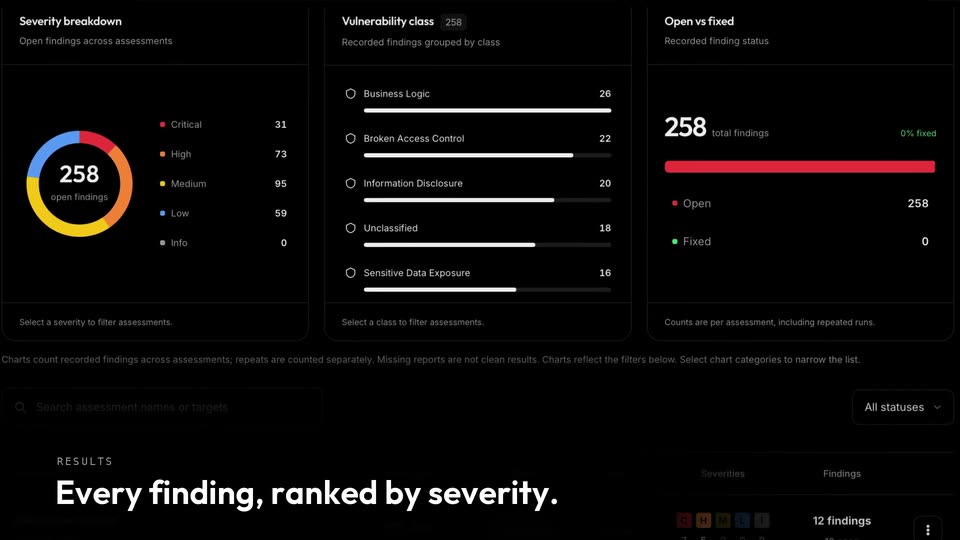 0:33–0:36Exploitforge · Ghost St Badmus - today we’re launching @StrikeHoundAI. software has never been easierA dark dashboard shows a severity donut chart, vulnerability class bars and an open vs fixed panel. The view reframes to a critical finding detail page as a cursor clicks a Take action button. A white caption anchors the bottom of the frame.
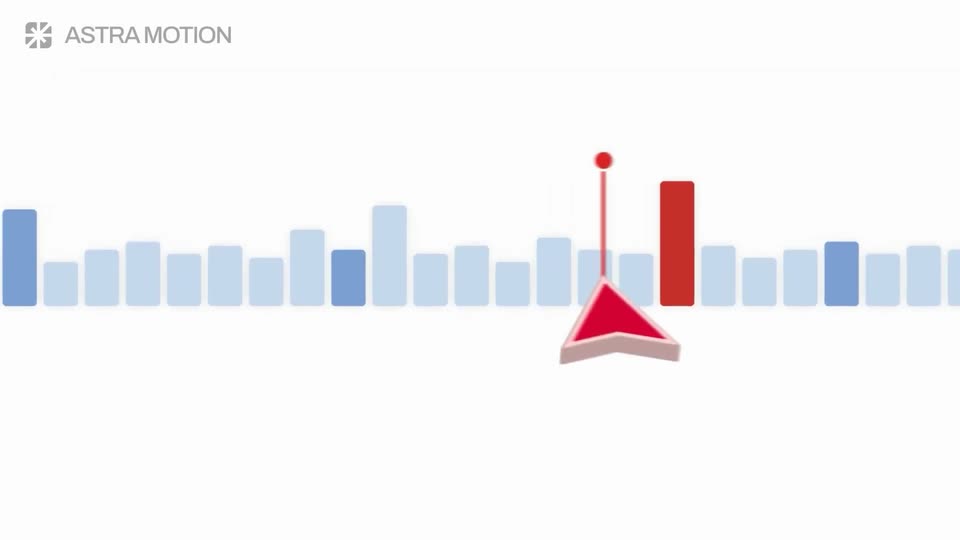 0:57–1:00Manifold · Motion Graphics Product Video | Agents Security PlatformA full session-trace dashboard fills the frame, then the frame zooms into the activity timeline as a red playhead triangle slides across the blue and red bars. The view reframes onto the threat-context list, marking a red detection entry, and fades to white.
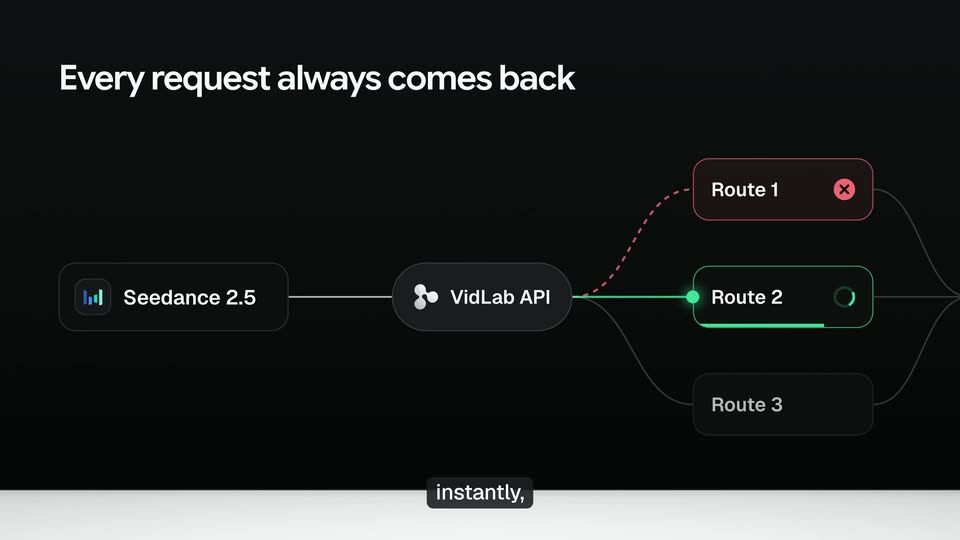 1:32–1:44VidLab · Miko - Introducing VidLab The cheapest API for generating video, images &amA dark routing diagram sits above five short video clips, with captions at the bottom. The shot zooms into the diagram: a dot travels to Route 1, which fails and turns red, then reroutes green to Route 2 and lands on a video clip tagged $0.96.
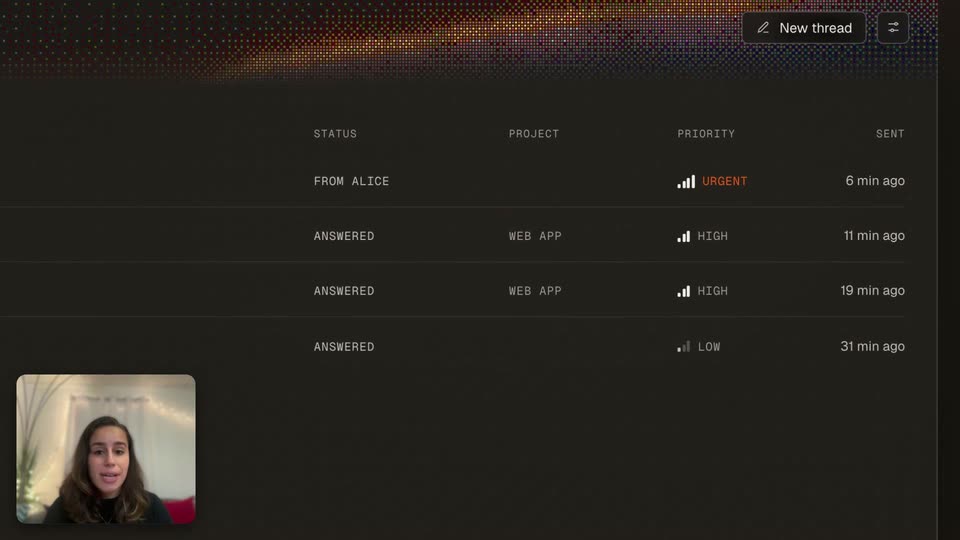 0:23–0:34Agentbox · Savannah - introducing multiplayer for coding agents. the place you code is nowA dark inbox interface with a dotted gradient banner fills the frame; a woman speaks in a small webcam window at bottom left. The cursor hovers the urgent thread, then the view zooms into the status and priority columns before pulling back.
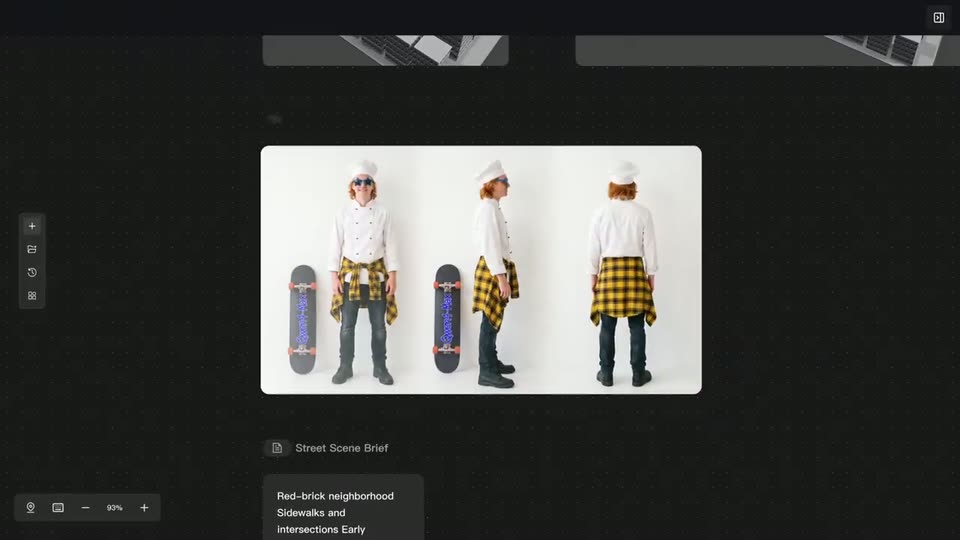 0:38–0:41Alibaba Cloud · Alibaba Cloud - 3D Studio is now live on WonderClip. Try it free for a limited timeA request to create character reference images is entered into the Creation prompt. The view returns to the canvas with front, side and rear reference poses of a young chef wearing a white jacket and chef hat, with a yellow plaid garment tied around the waist.
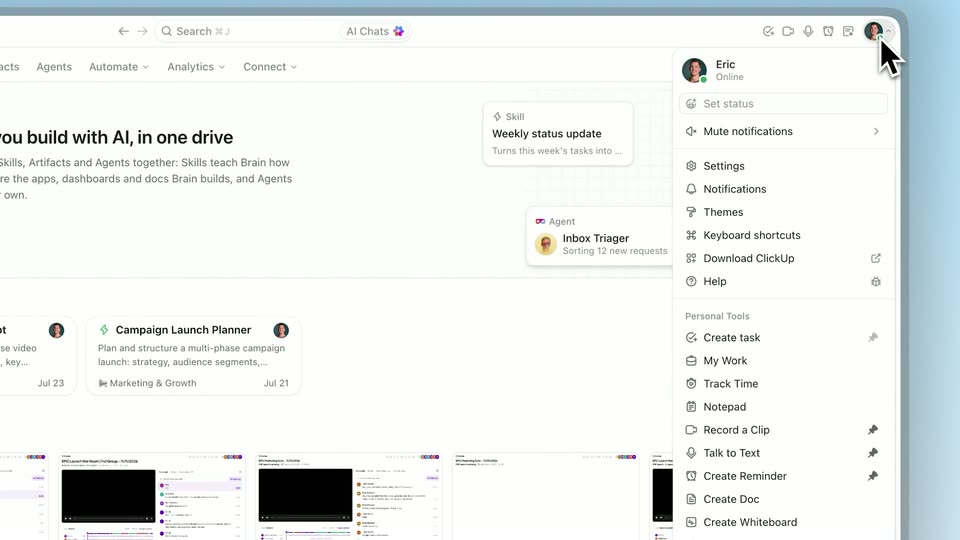 0:55–0:59ClickUp · ClickUp Release 4.10: Sheets, Work Schedules, Email Triggers, and more!A full product dashboard fills the frame, then the view zooms toward the top-right avatar. A cursor clicks it, opens a settings menu, and selects Settings, cutting to a Preferences page with profile fields and 2FA toggles.
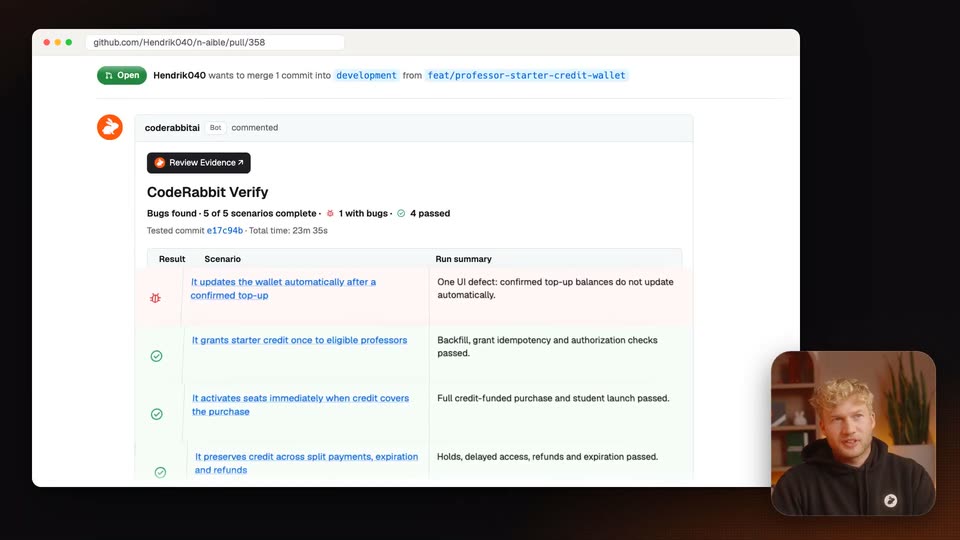 1:27–1:33CodeRabbit · CodeRabbit Verify: AI Testing for Your Running ApplicationA GitHub pull request page scrolls down as the CodeRabbit Verify table's Running cells resolve into green checks and one red bug icon, then zooms and crossfades to a verify page with a 1 scenario with bugs card and a disabled Merge button. A small presenter video sits bottom right.
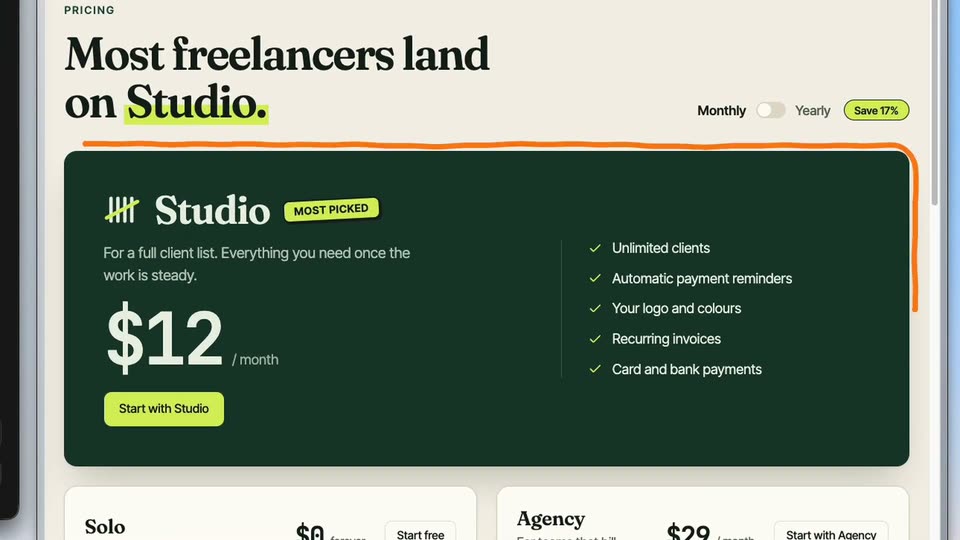 0:27–0:28Floot · Floot DesignA Figma canvas and a browser window showing a pricing page sit side by side. The view zooms into the browser, and a hand-drawn orange outline traces the dark Studio plan card while a yellow marker highlights the word Studio in the headline.
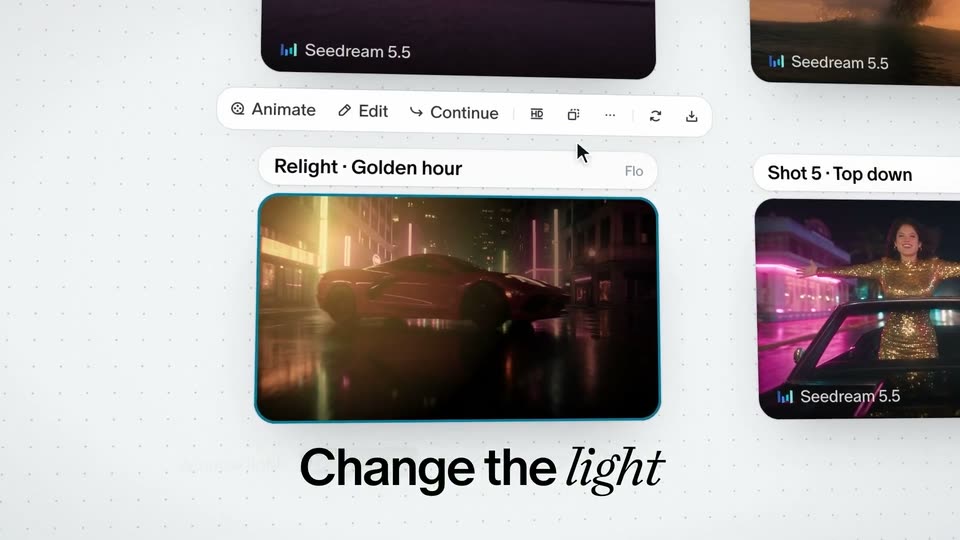 0:17–0:20Flowith · Flowith - introducing Flowith 3.0. the ultimate canvas for human-ai creation.A product interface shows a relight panel above a 'Change the light' headline. A cursor clicks the Golden hour pill, swapping a black-and-white car for a neon before/after slider. The view reframes onto the toolbar, then a cursor opens a dropdown of edit options.
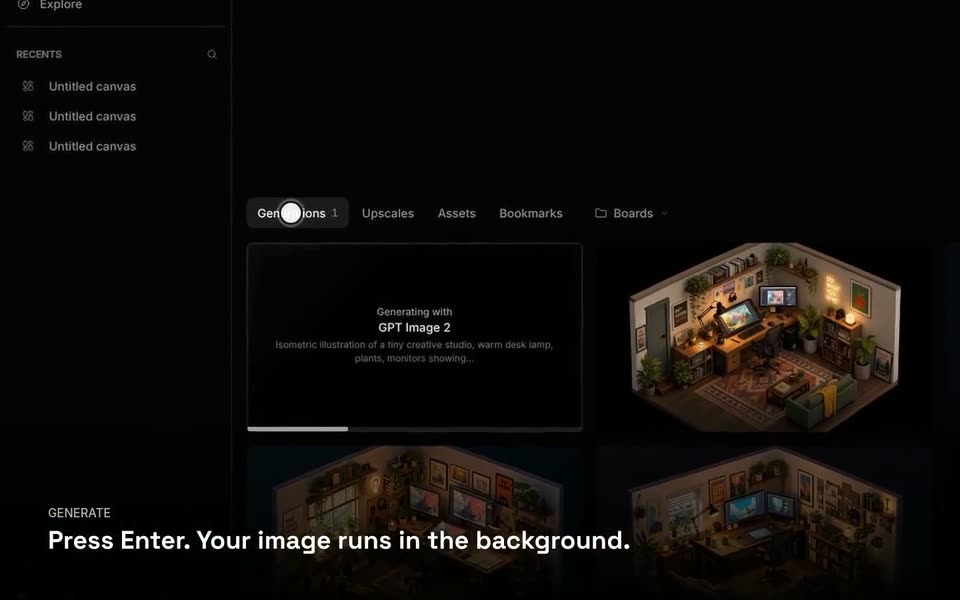 0:44–0:49LetzAI · Introducing LetzAI V5 | LetzAI BlogA dark image-generation interface: a card reads 'Generating with GPT Image 2' beside a grid of warm isometric studio renders, its progress bar slowly filling. The view eases in closer on the card and sidebar while a white caption holds at the bottom left.
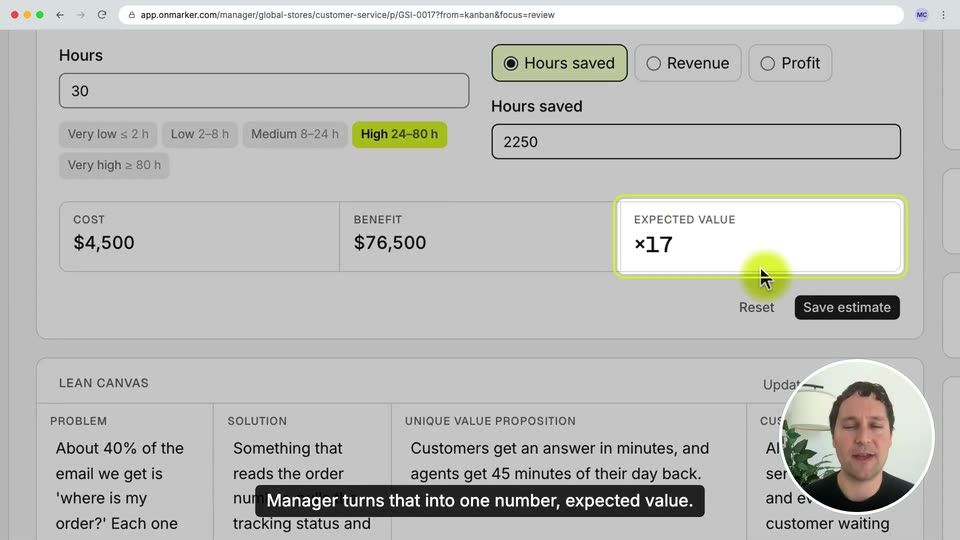 0:47–1:02Marker · Introducing Marker ManagerThe cursor types 2250 into the Hours saved field, and the benefit and expected value recalculate to $76,500 and ×17. The view zooms in; the expected value card gets a yellow outline, and the cursor clicks Save estimate. A face-cam sits bottom-right, black captions along the bottom.
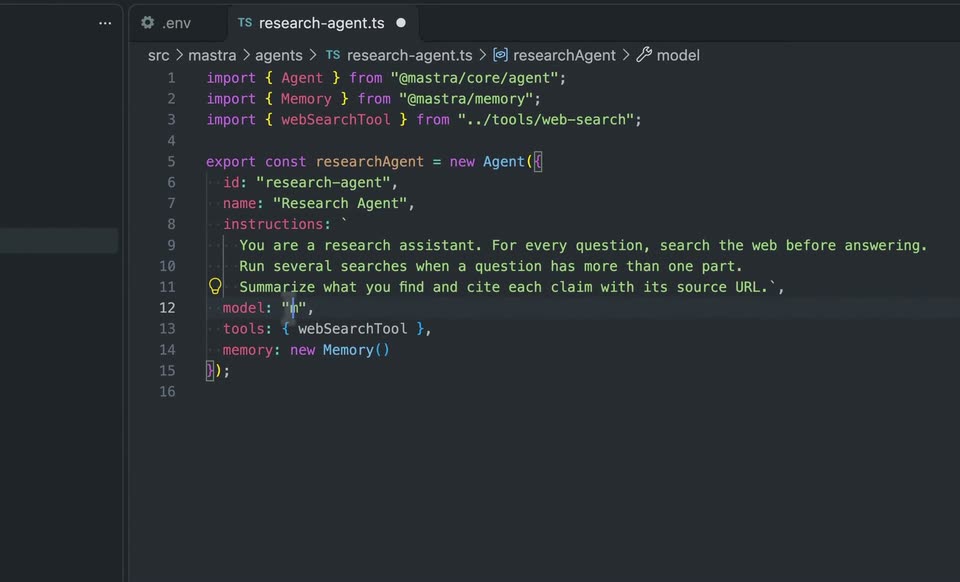 0:17–0:24Mastra · Sam Bhagwat - Today we're excited to launch something we've been cooking for a whilTwo overlapping dark editor windows collapse into one as an API key is typed into the .env file. The view zooms into a syntax-highlighted TypeScript file where a model string is typed on line twelve, then pulls back to a two-pane studio layout.
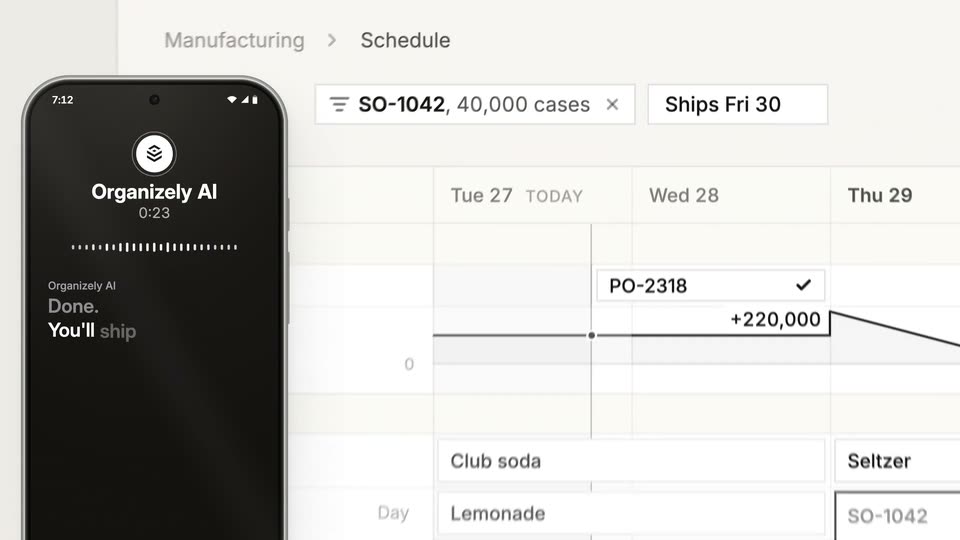 1:24–1:27Organizely · Christian Santos - Introducing Organizely (YC F26): an AI-native ERP to help the 268,000A 3D phone mockup on the left shows a voice chat with Organizely AI, the waveform pulsing as Done and You'll ship Friday appear. The schedule UI on the right zooms in, a checkmark pops onto the Ships Fri 30 filter and a highlight box frames it.
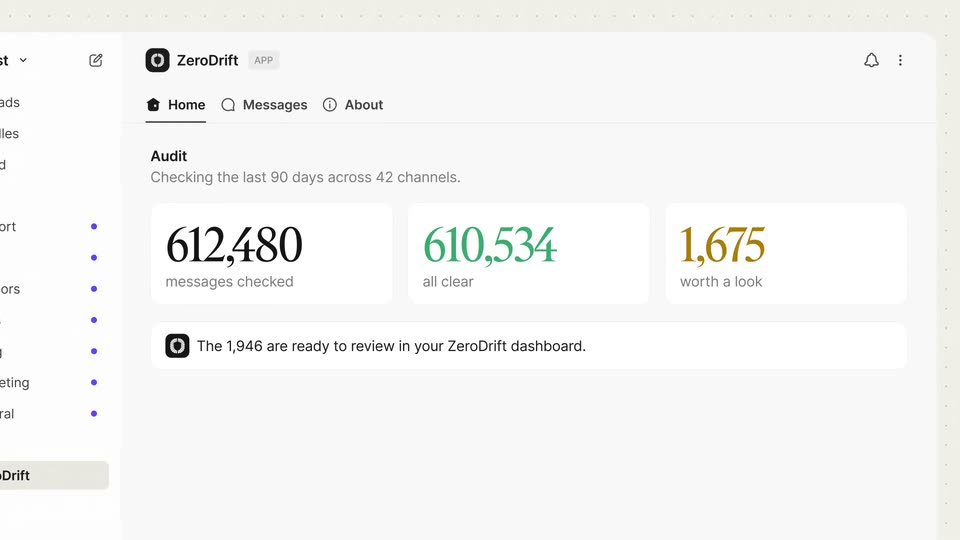 0:40–0:44ZeroDrift · Kumesh Aroomoogan - We’re launching @zerodrift_ai for @SlackHQ today ⚡️ Your team moveA light app panel runs an audit: a large serif number ticks up to 612,480 as a purple bar fills, then reflows into three stat cards with green and gold figures while the frame pushes in. A still headline reads “Run an audit any time.”
 3:29–3:30Anthropic · Five brand new ways to use Claude at workA video call window showing a man in a dark hoodie against a city skyline scales up from a small tile to a large centered frame on a plain off-white background, while the surrounding wiki page fades out.
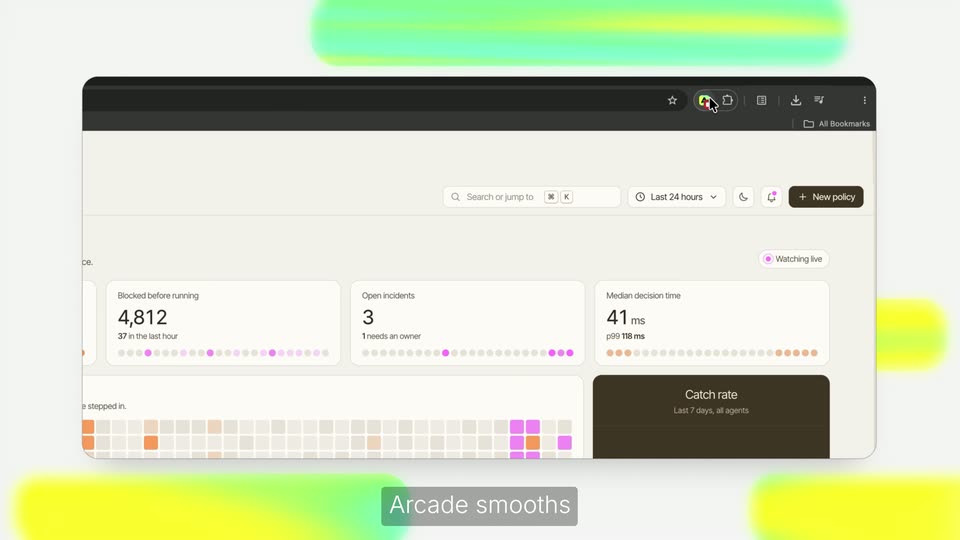 0:37–0:42Arcade · Caroline Clark - Frontier AI has solved math. Science. Coding. But it still hasn’t solA tilted 3D browser window shows the Ovane dashboard in dark mode; a cursor glides over the heatmap and clicks, then the view zooms into the tool-call map and reframes to a light-mode side panel. A green pill caption reads “41 seconds of clicking.”
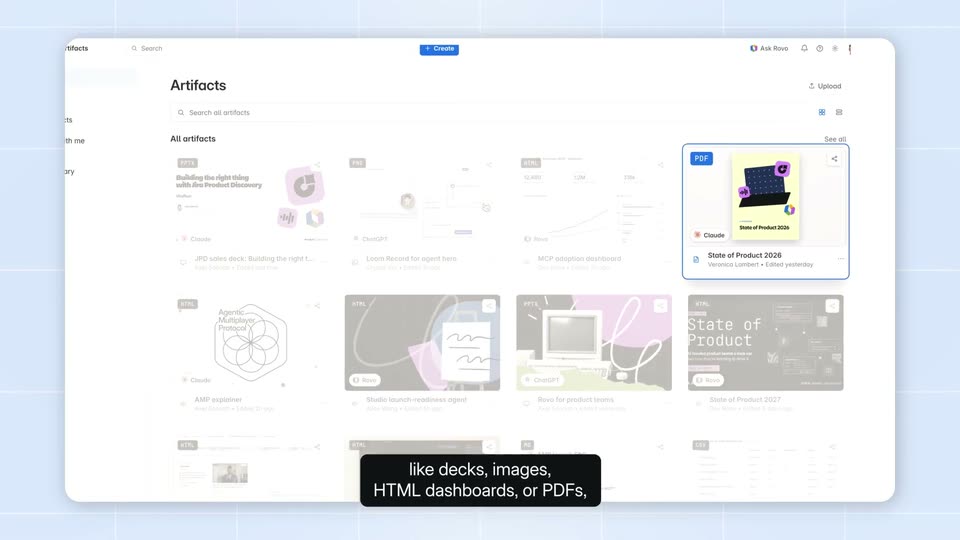 0:15–0:26Atlassian · Give your AI work a home with Artifacts App | Rovo at WorkA white Artifacts dashboard window scales in on a pale blue grid, then the camera slowly zooms in as a blue outline hops across the thumbnail cards. A sidebar slides in, agent-tagged cards highlight, and a black caption pill runs along the bottom.
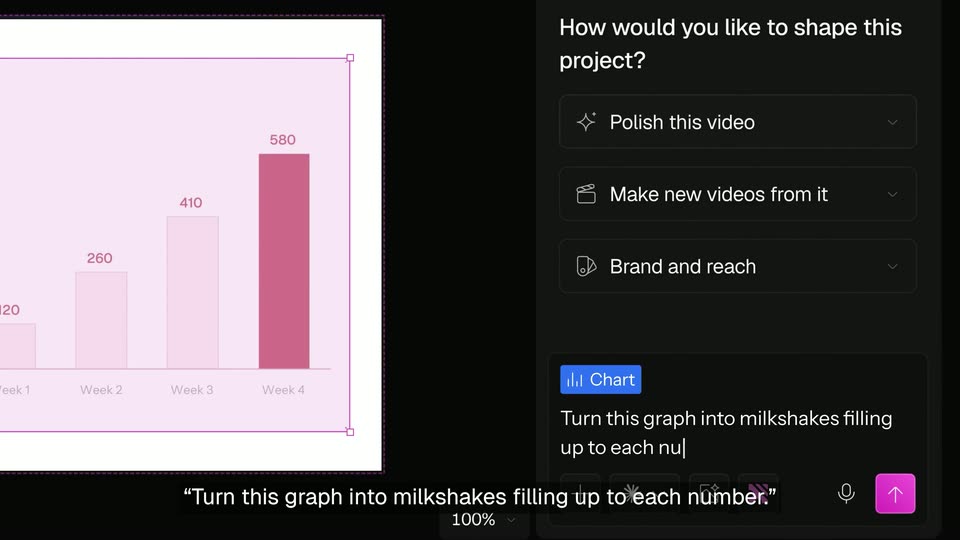 1:00–1:04Clueso · Announcing Clueso AI | World's First Collaborative AI Video EditorA pink bar chart sits on a white canvas left of a dark prompt panel. In the panel's text field the instruction types out word by word with a blinking caret. The canvas then fills with four milkshake glasses, and a mouse cursor clicks the pink send button.
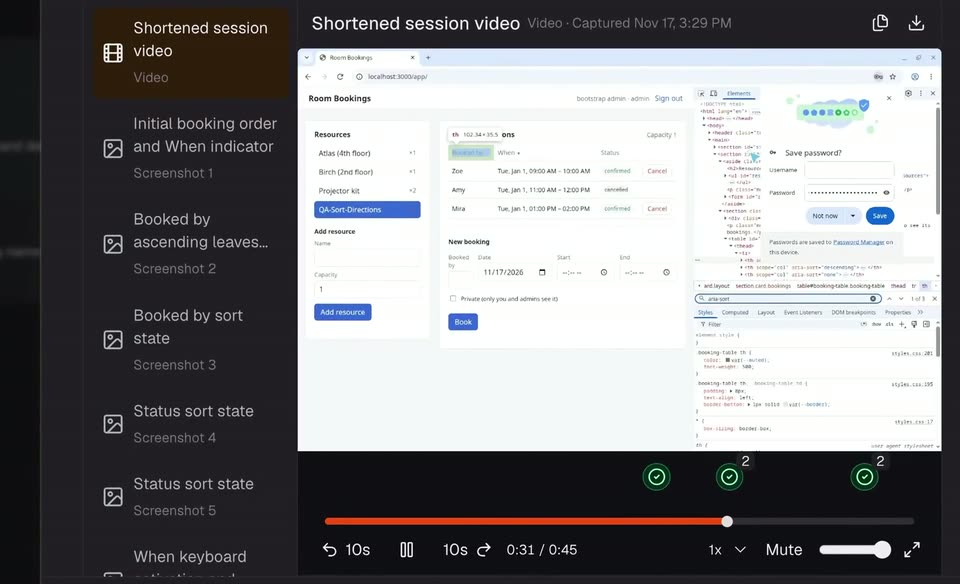 0:17–0:24CodeRabbit · CodeRabbit - Introducing CodeRabbit Verify Don't let your users be the first testA dark test-evidence panel fills the right of the frame as the view zooms past a blurred dashboard on the left. Inside, an embedded session video plays, showing a Room Bookings table with rows reordering while dev tools sit open at the right.
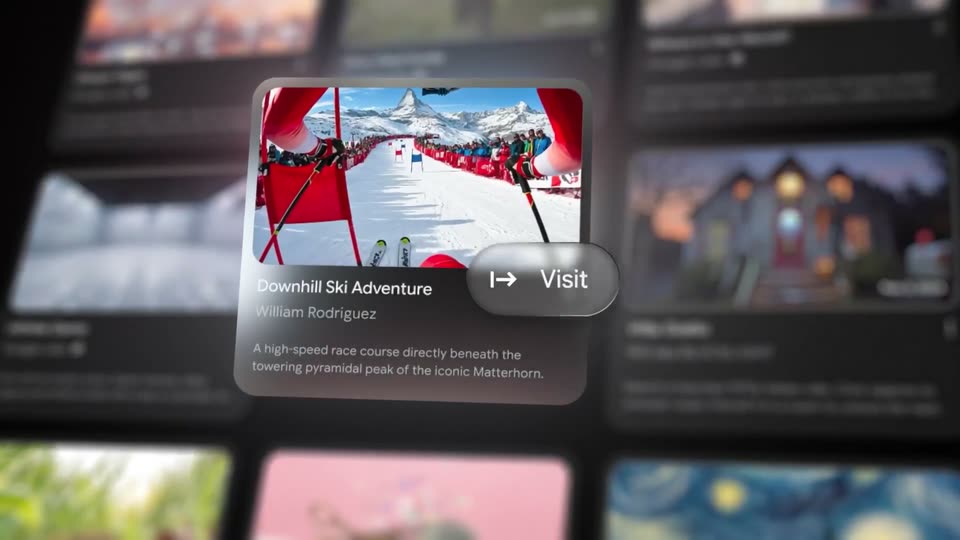 0:58–1:03Google · Google DeepMind - Genie 4 is now available in Project Genie. It brings native audio, rA dark grid of experience cards appears and scrolls up to show a second row. The view then pushes in on the Downhill Ski Adventure card, the surrounding cards falling out of focus, while a Visit button scales in.
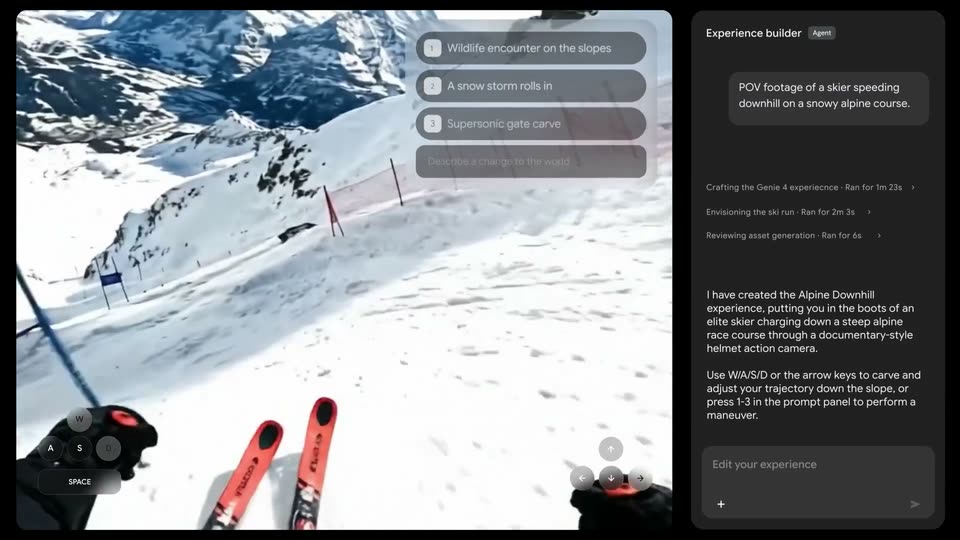 0:58–0:59Google · Introducing the new Project Genie, powered by Genie 4A POV skiing video plays in the left window of a product UI while a dark Experience builder panel on the right lists generation steps. A four-option prompt menu slides in over the video as the frame pulls back to reveal the full panel.
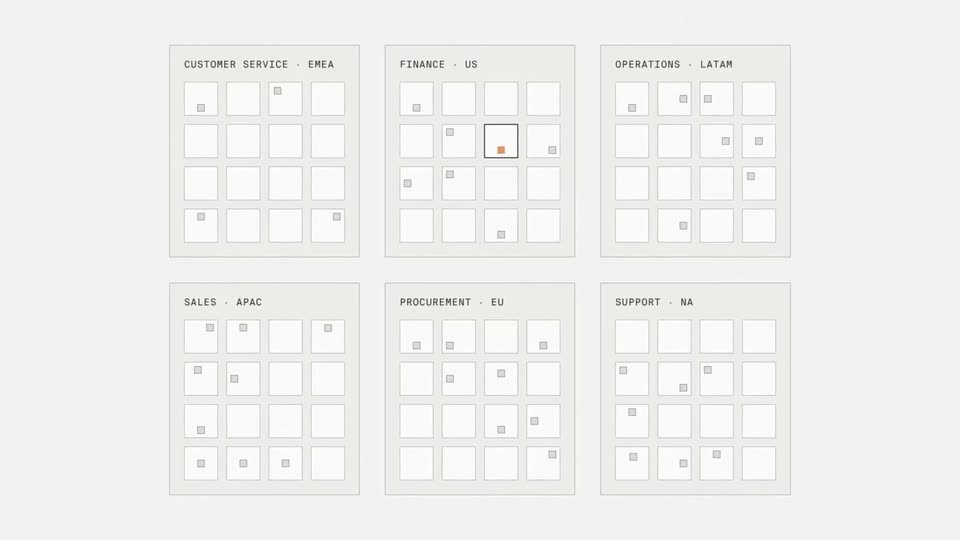 0:17–0:19HappyRobot · Pablo Palafox - Every enterprise wants to automate its processes. Almost none can telSix schematic board panels labeled by team and region drift into a 2x3 grid on a light gray background. One cell in the FINANCE panel gains a dark outline and an orange dot, then a large gray square scales up in the center with the orange dot at its top edge.