UI zoom
A zoom or reframe onto one part of the interface.
9,986 scenes · page 113 of 167
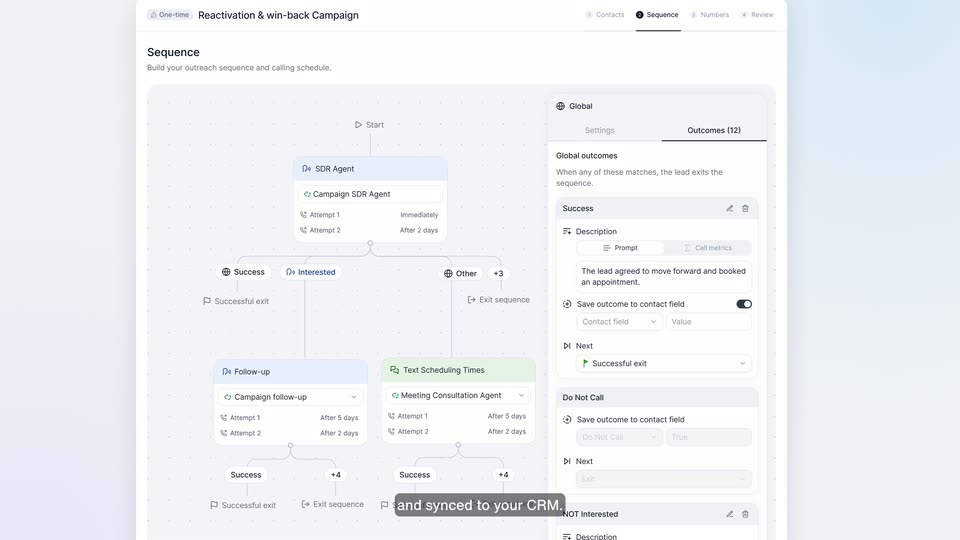 0:55–0:57Retell AI · Retell AI - Introducing Retell Dialer, the first AI-native dialer, built for end-The sequence builder screen shows a flow diagram on the left and a Global outcomes panel on the right. A dark caption pill at the bottom reveals the line word by word, then the view zooms into the right panel where a Synced to your CRM badge appears.
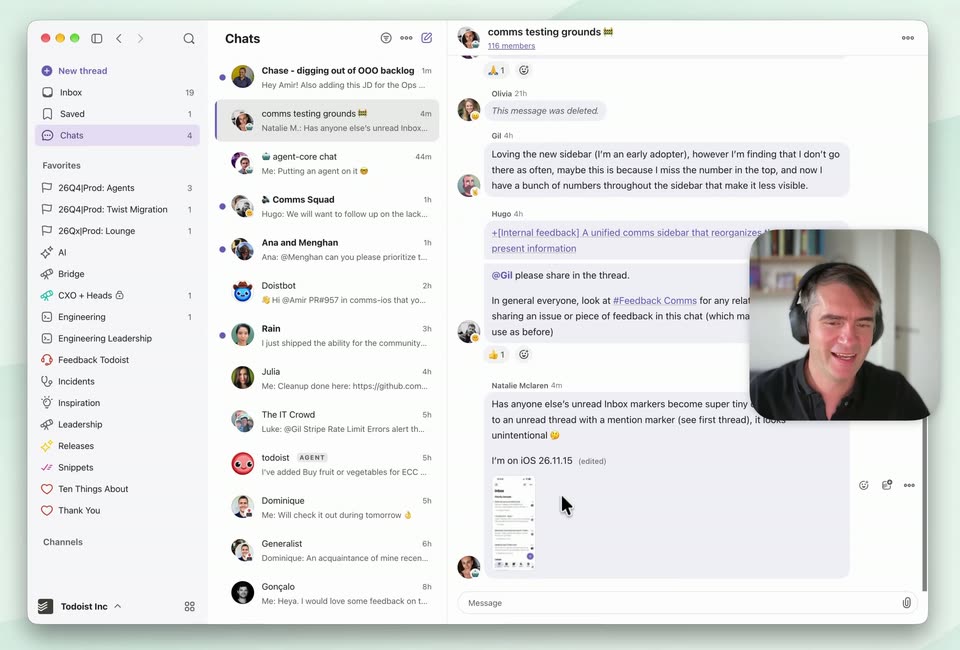 0:47–0:58Todoist · Amir Salihefendić - Todoist Comms is now in public beta 🚀 What's in it: ⋅ Turn any threA three-pane chat app fills the screen; a hand cursor taps Chats and scrolls the messages while a small video-call inset of a man with headphones sits lower right. The view zooms out to reveal the macOS window on a pale background as the cursor hovers chat rows.
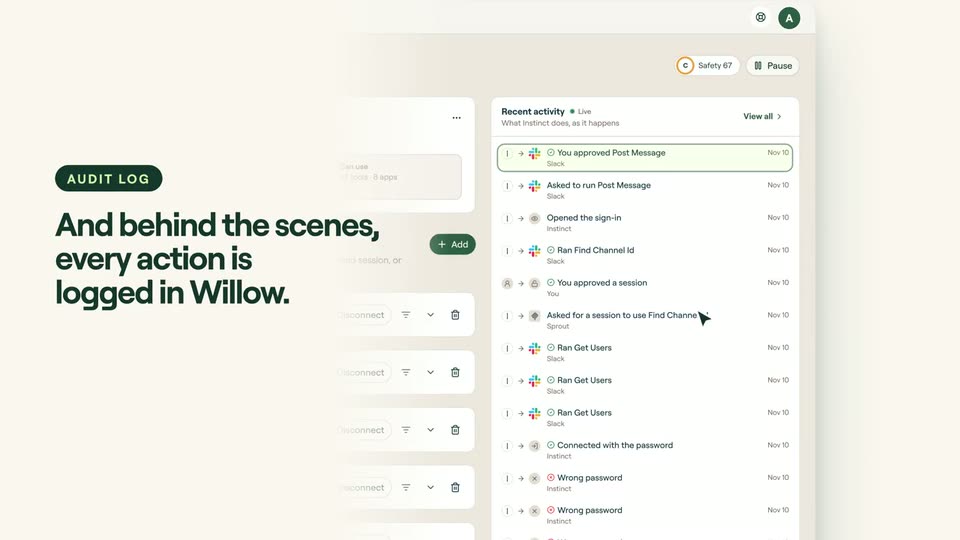 0:35–0:37Willow · Willow | AI Basecamp - 1/ "Ask me before you delete anything" is a prompt. Prompts get summA cream dashboard: a dark green AUDIT LOG pill and headline overlay a faded settings panel on the left, while a Recent activity list highlights an approved Slack action on the right. A cursor moves to View all, then the view zooms into the full log with timestamps as the left panel fades.
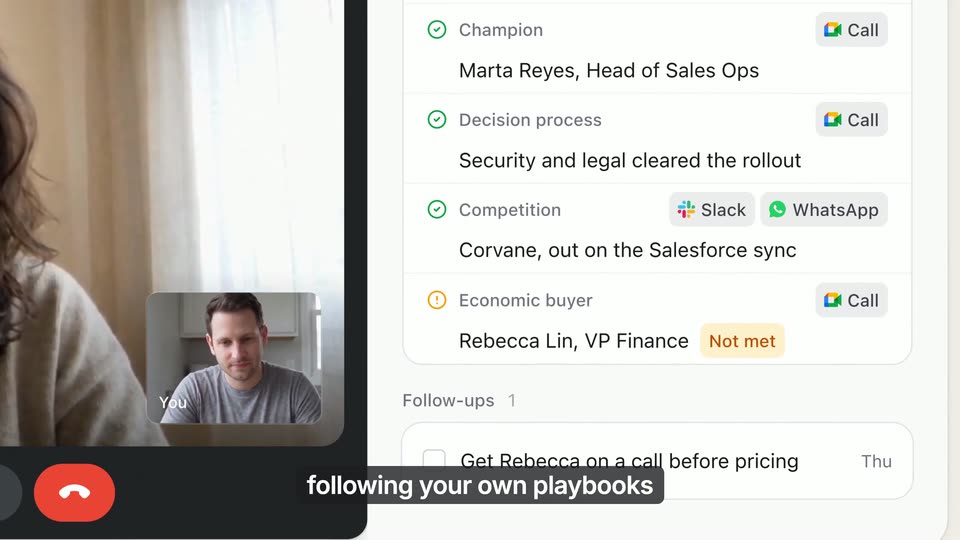 0:47–0:48Bigmind · Dana Majid - Excited to announce @bigmind_ai is now available for all! In the lasA video call screen shows a woman speaking beside a small self-view tile; the frame pans right to reveal a side panel of deal signals with Call buttons and a follow-up row. Bottom captions change from “following your own playbooks” to “After the call”.
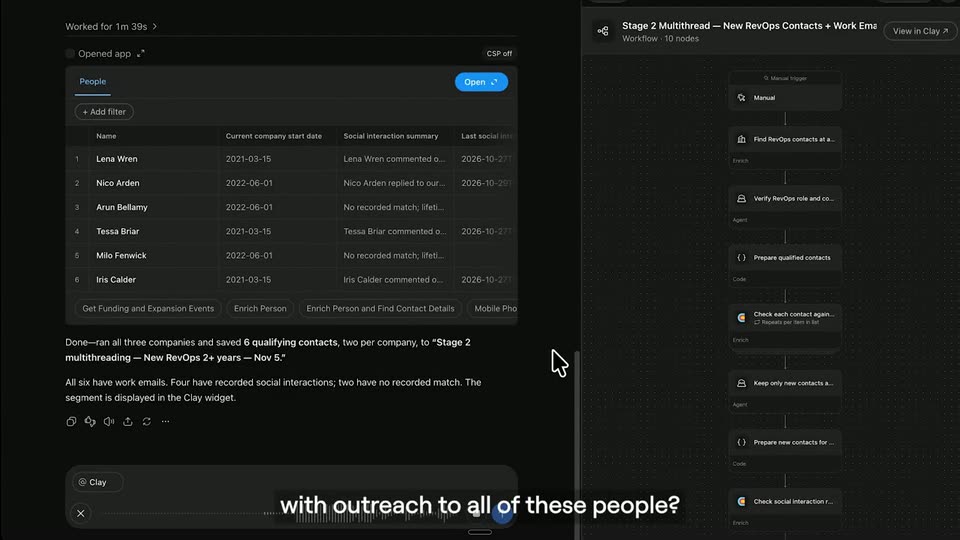 2:54–3:02Clay · Clay - Today, we’re excited to relaunch our official MCP connection with @OpA dark product UI shows a contact table beside a workflow diagram, with white captions building a question at the bottom. The view then zooms into the chat, where the typed question appears as a blue bubble above a Thinking label.
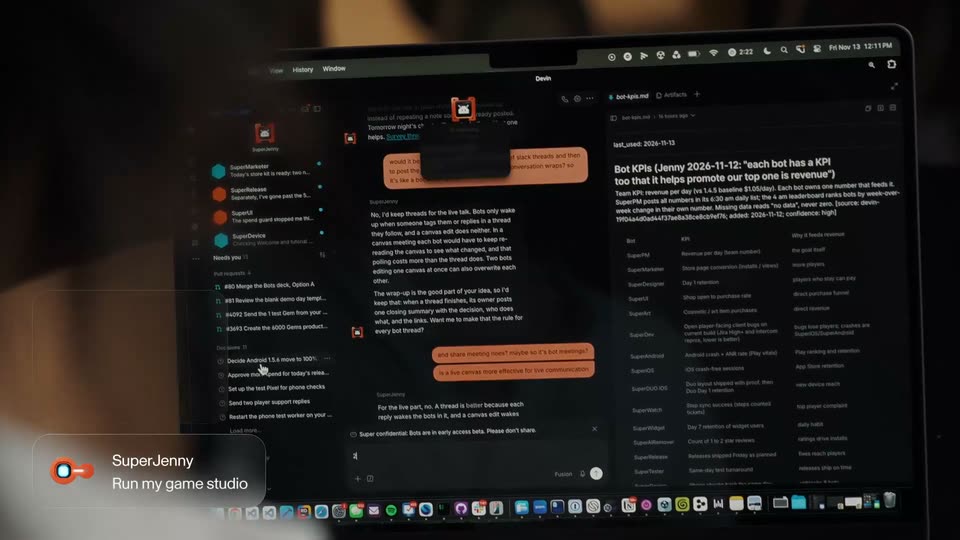 0:42–0:44Cognition · Cognition - Meet Devin Bots. From writing firmware to merging thousands of PRs aA dim laptop screen sharpens into focus in a dark room. A lower-left card reads SuperJenny, Run my game studio, and a Needs you panel shows Pull requests 50 per week. The view then zooms into the interface, revealing a bot list on the left and a KPI table on the right.
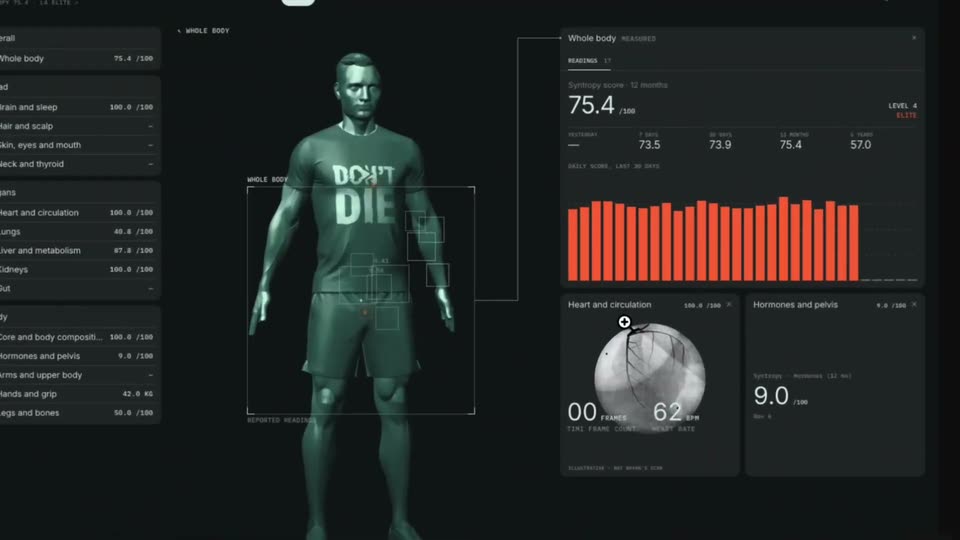 1:08–1:09Cognition · Meet Devin BotsA dark health dashboard displays a 3D male model and data panels. The view zooms in from a full-body overview to a close-up of the torso and a heart rate panel with orange bar charts.
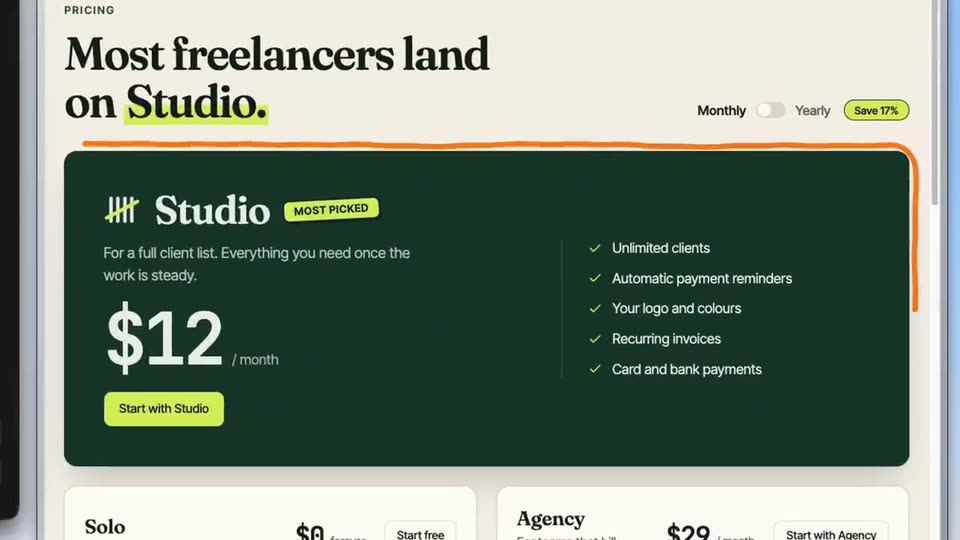 0:27–0:28Floot · Vibe coding doesn’t have to mean AI slop. Building an app is now faster and cheaper than ever. But it’s dangerous to let the AI take the full reign and ship something generic for you. Floot is theA browser preview of a pricing page zooms in, tightening from the full window to the dark green Studio card framed by a hand-drawn orange outline. The headline and $12 price stay centered as the frame crops the surrounding tabs.
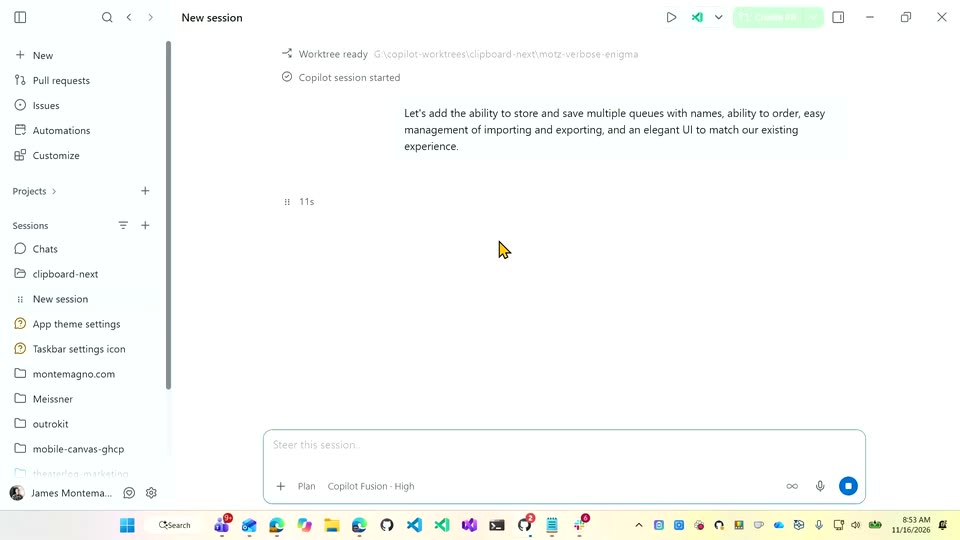 2:13–2:39GitHub · Stop manually picking AI models: how GitHub Copilot Fusion worksA Copilot window shows a typed prompt. The cursor picks Plan mode and sets Copilot Fusion effort to High, then sends it. The view zooms into the prompt bar, back out as the session starts, and in again on a red-boxed Main pass line.
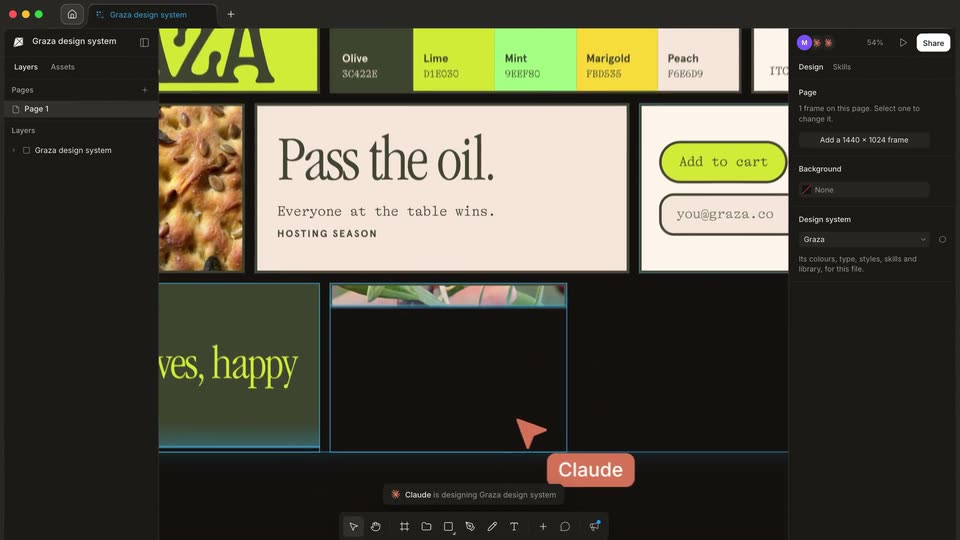 0:12–0:16Kite.new · Loukman - Excited to launch Kite today The design canvas for agents and humansA dark design-tool screen shows the Graza design system page: colour swatches, a GRAZA logo tile, a 'Pass the oil.' headline and a token table appear on the canvas as an orange cursor moves and a 'Claude' badge hovers. The view zooms out to reveal the full layout.
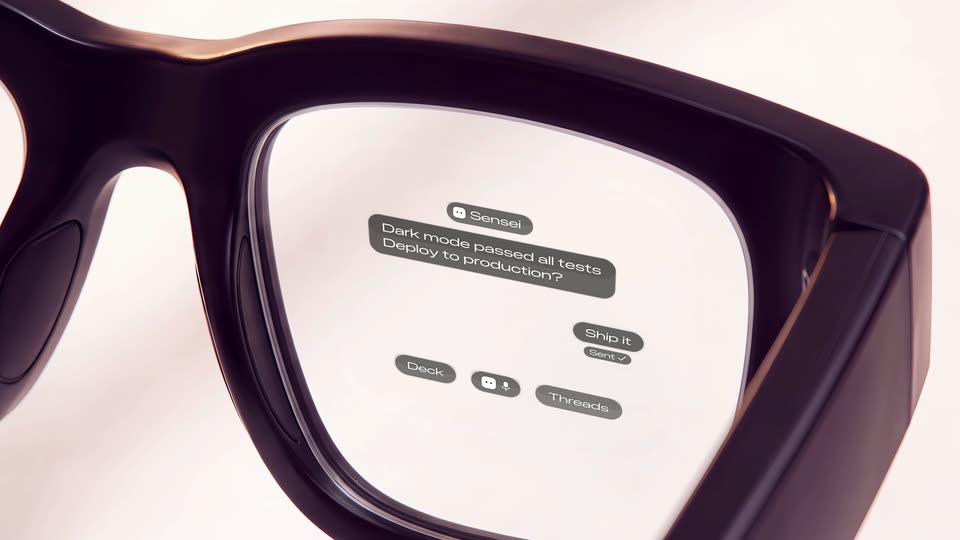 0:51–0:55Kosuke · Filippo Pedrazzini - Today we launch Sensei, the first generative experience across all yoA black smart glass with a small camera on the temple rests on a white surface. The camera sweeps from the side to the front as a chat UI fades into the lens, showing a Sensei message, a Ship it reply, and Deck and Threads buttons.
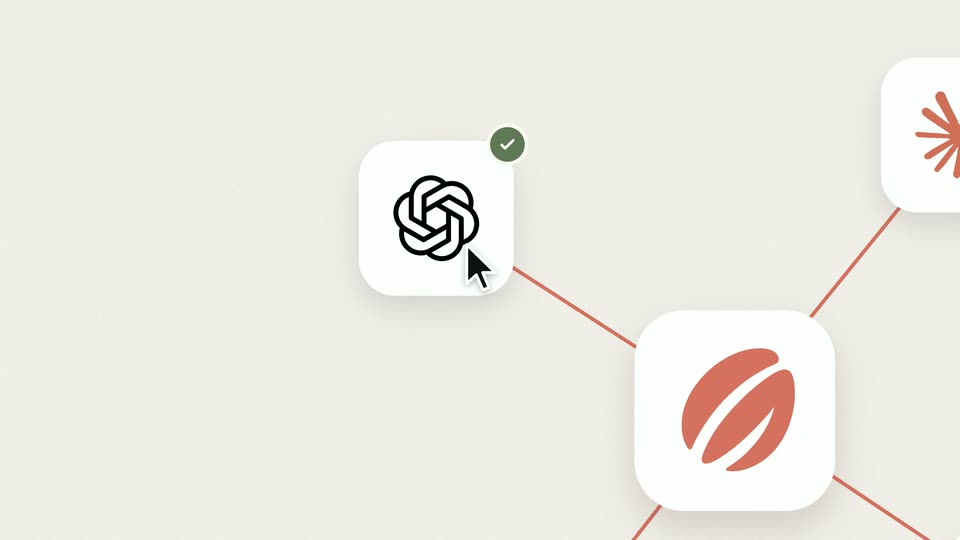 1:02–1:03Logical · Sam Karu - Your AI notetaker is blind. My meetings are full of screen shares: cA cream background holds a hub-and-spoke diagram: a central red logo tile connects via red lines to four white icon tiles, each tagged with a green check. The frame zooms onto the top-left knot icon as a black cursor hovers over it.
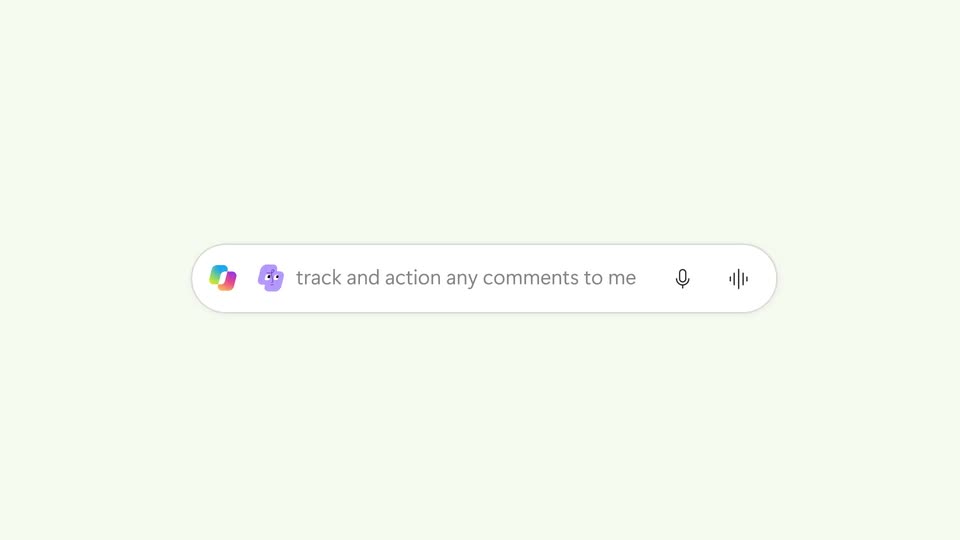 0:48–0:51Microsoft · Introducing Copilot Workspaces | Microsoft Ignite 2026A white prompt bar on a cream field opens zoomed in on a purple pill reading @Evo (Priya's Autopilot), then pulls back to the full bar as a small purple face avatar appears and the command track and action any comments to me types in beside it.
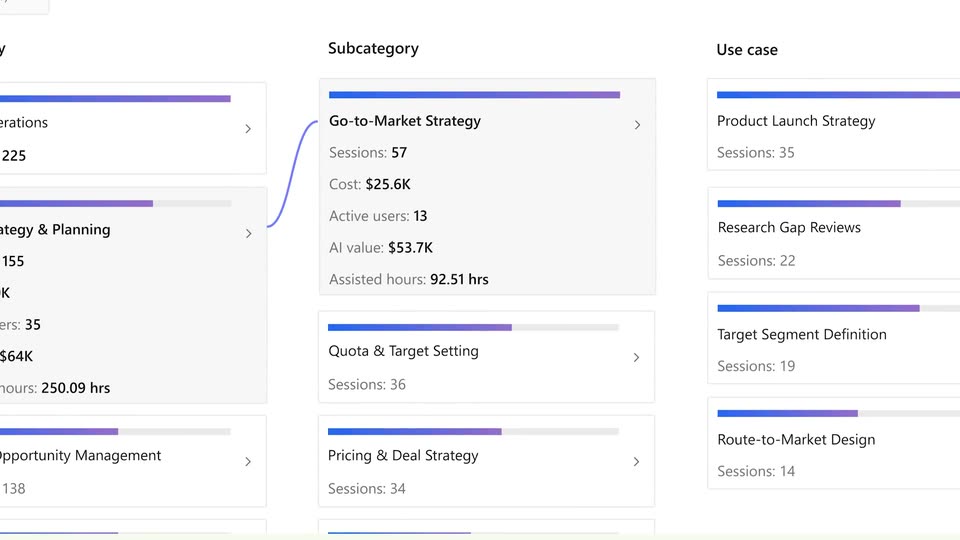 0:45–0:52Microsoft · Optimize your AI spend with Microsoft Agent 365A dashboard interface opens zoomed on its header, then pulls back to the full analytics view. The camera dives into a highlighted Domain card and follows a curved blue line across the Category, Subcategory and Use case columns as each card expands to reveal session and cost metrics.
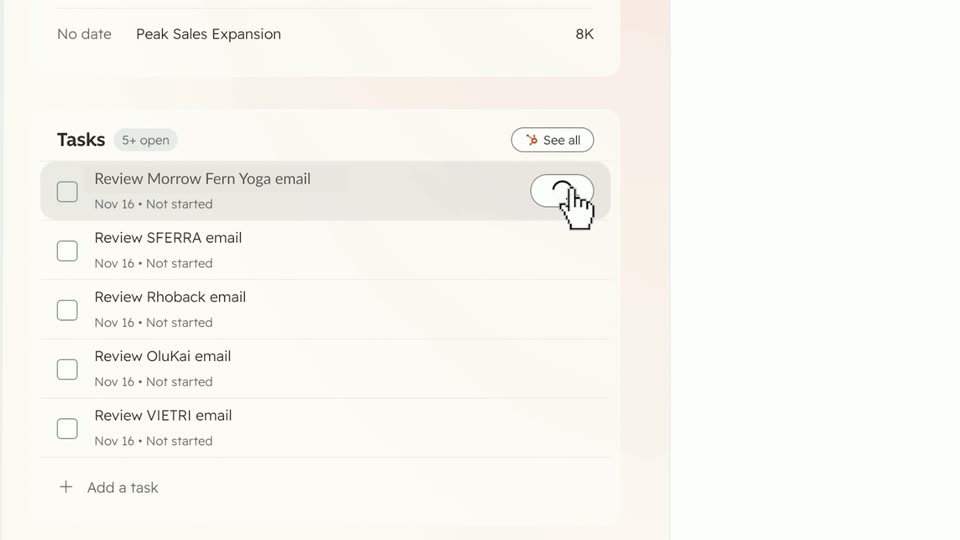 0:30–0:33OpenAI · Introducing ChatGPT for SalesA close-up of a task list in a web app; a cursor clicks the Start button on the first item, turning it into a checkmark. The camera then zooms out to reveal the full browser window on a colorful gradient background.
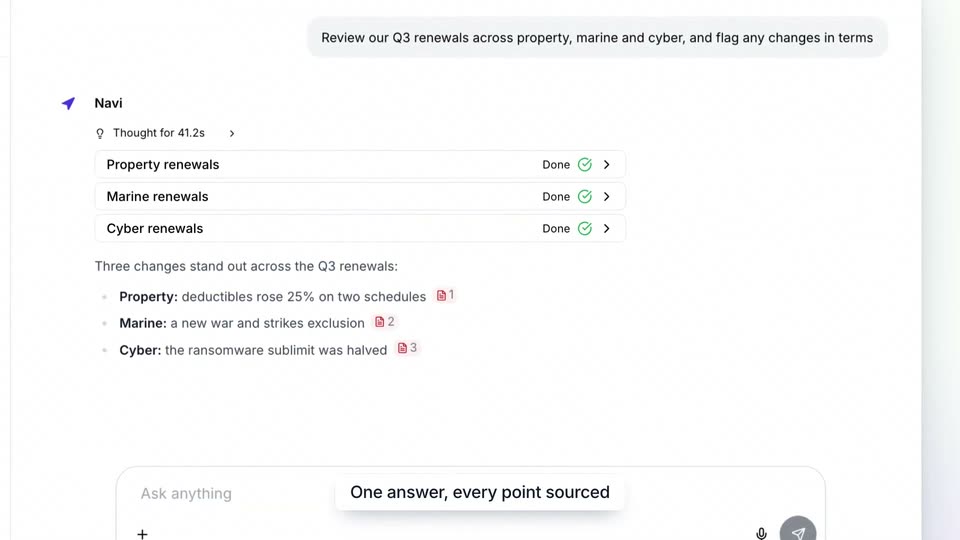 0:22–0:28Parsewise · Parallel Agents on NaviA light chat UI fades in; Navi's three task rows flip from Researching to Done with green checks, then a sourced answer types out as three bullets. A caption pill reading One answer, every point sourced slides up at the bottom and a cursor hovers the list.
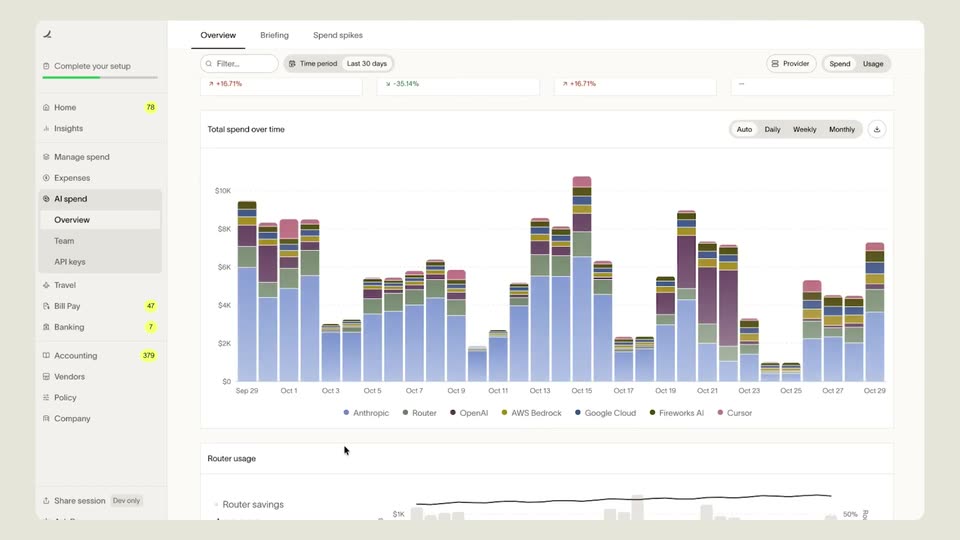 1:56–2:01Ramp · AI spend x Router demoThe AI spend dashboard scrolls down past the stat cards to a stacked bar chart of daily spend. The cursor hovers over the Router legend item, and a yellow highlight appears over the left sidebar.
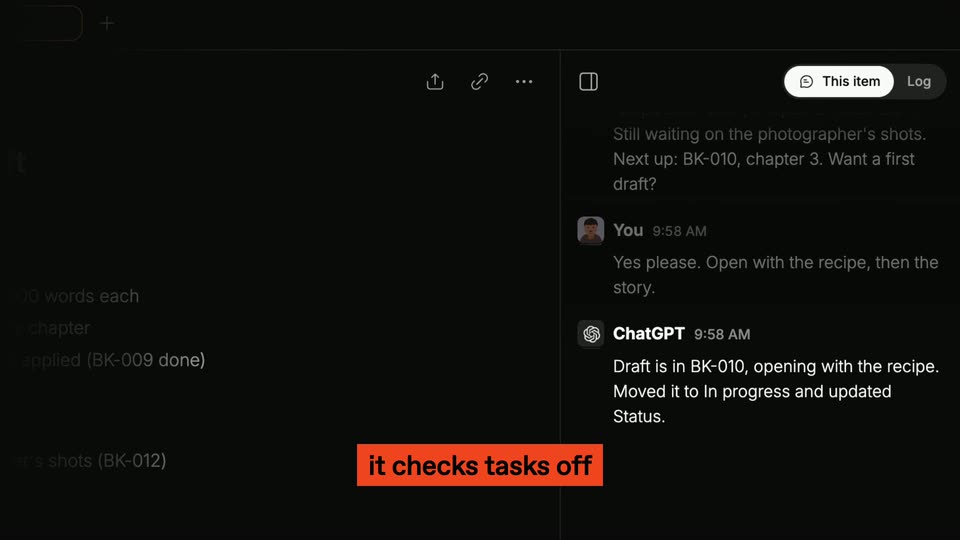 0:20–0:29Roma · Every New ChatGPT Chat Starts From Zero. His Doesn't.A dark task app window shows a status note beside a ChatGPT chat panel. The view zooms into the chat, then into the note as a task line updates. Orange caption phrases swap in at the bottom in sequence.
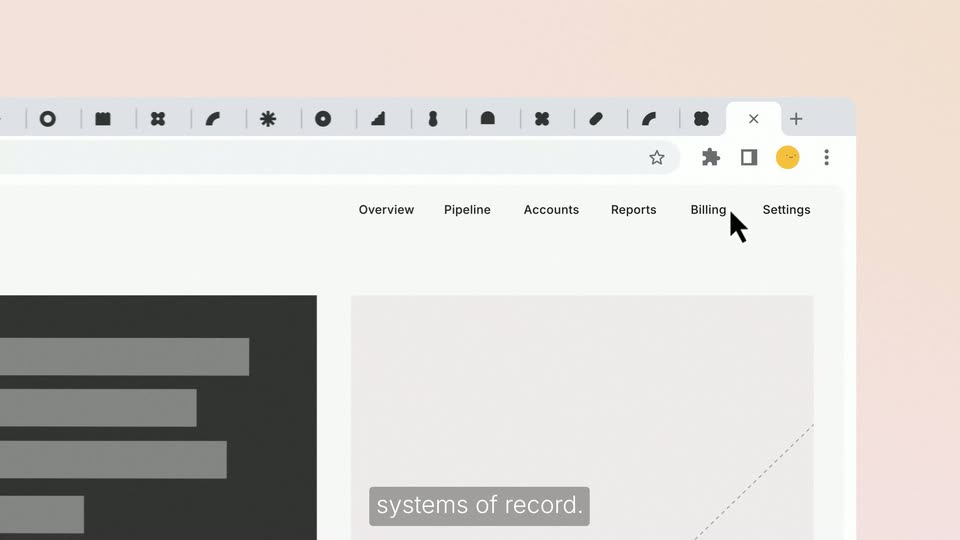 1:07–1:09Spara · David Walker - Today we’re launching Scout, the AI assistant built for sales. It liA flat CRM browser window sits on a pale pink background. The frame pans right across the interface, from a dark sidebar of gray bars to a light panel with a dashed diagonal and a black triangle. A dark caption box at the bottom updates with the spoken line.
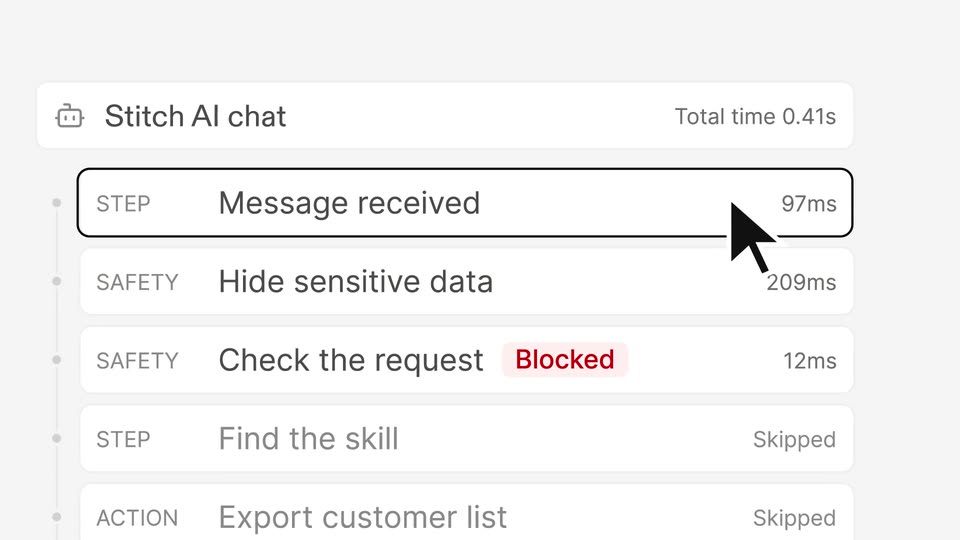 0:54–0:57Stitch · Stitch - Introducing Stitch AI: put agents to work, native inside the Stitch oA close-up of a chat prompt and a guardrail note with a cursor, then the view pulls back to reveal the Stitch AI chat panel. A step list fills in: Message received, Hide sensitive data, Check the request with a Blocked badge, and two skipped rows.
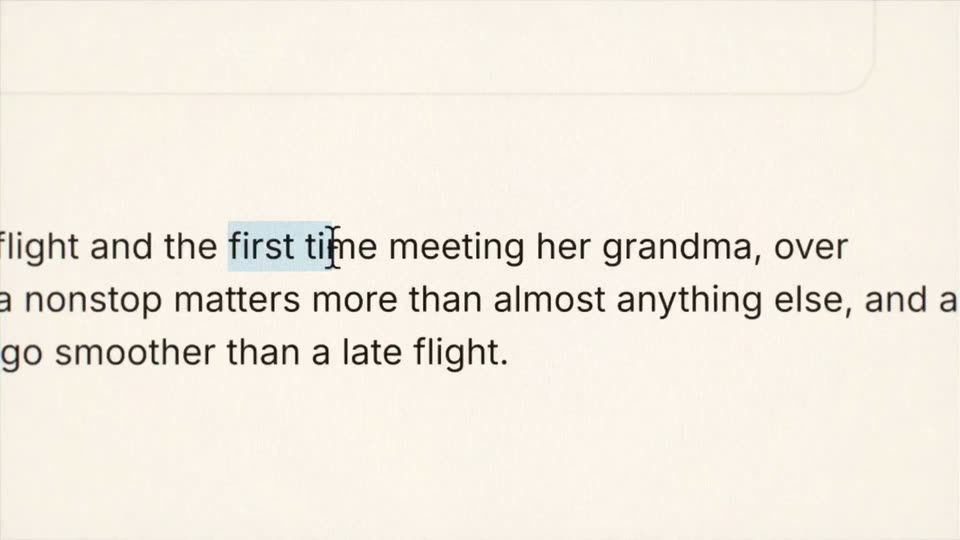 0:23–0:24Voyage Labs · Manik Gupta - Yogesh and I just raised $12M to help everyone experience more of theA cream chat screen shows a typed trip prompt in the input bar, a hand cursor hovering over the dark up-arrow send button. The frame then zooms into the response text, where 'first time meeting her grandma' is highlighted in light blue.
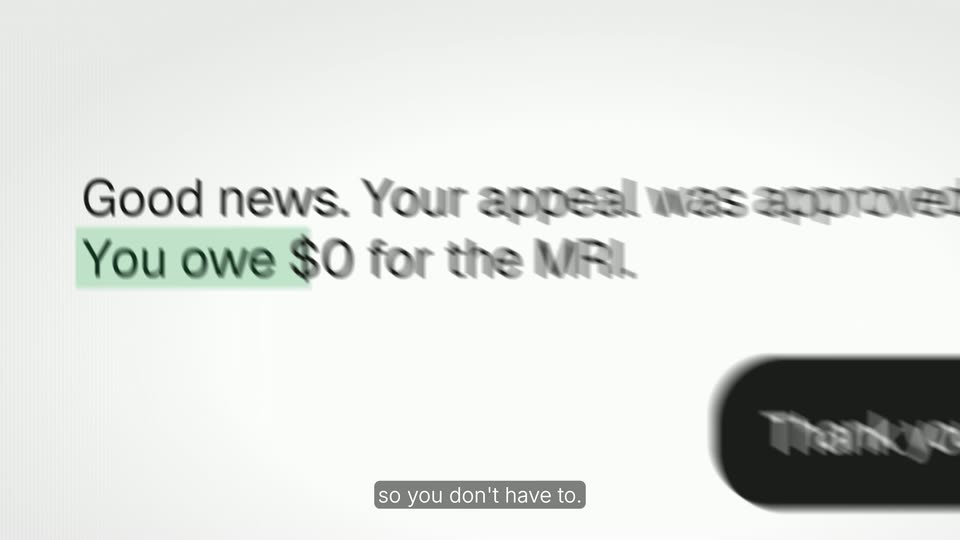 2:01–2:04August · Anuruddh Mishra - We raised $12M from @Accel and @PeakXV to put AI through the bullshitA two-line message scales in on a light striped background, then a dark rounded “Thank you!” bubble slides in from the right. The frame zooms onto the second line as a green highlight marks “You owe $0”, while a small caption pill reads the voiceover.
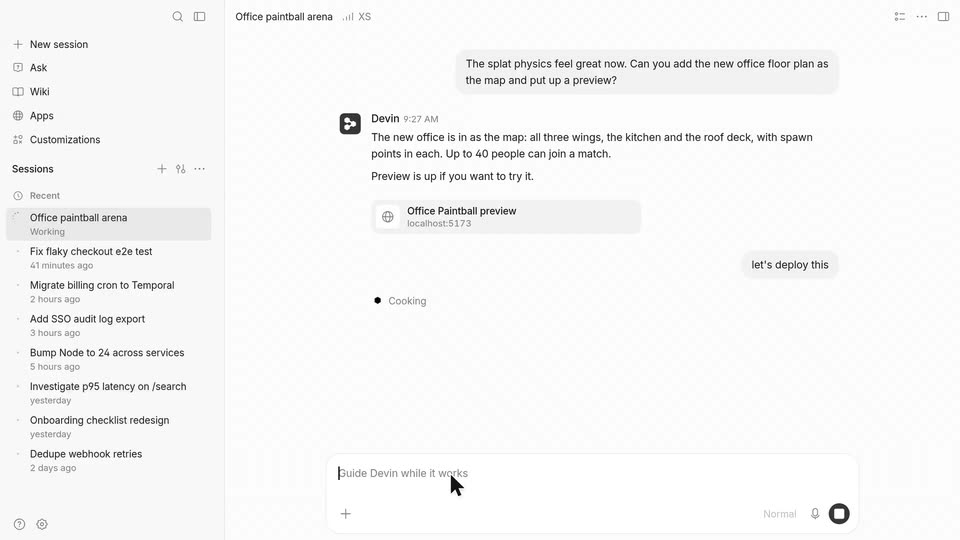 1:32–1:38Cognition · Introducing Devin AppsA chat app screen with a session list on the left. The cursor types “let's deploy this” into the prompt box and sends it, the agent status flips to a spinning “Cooking”, then the view reframes down to a deployment card showing a live app thumbnail and a staging link.
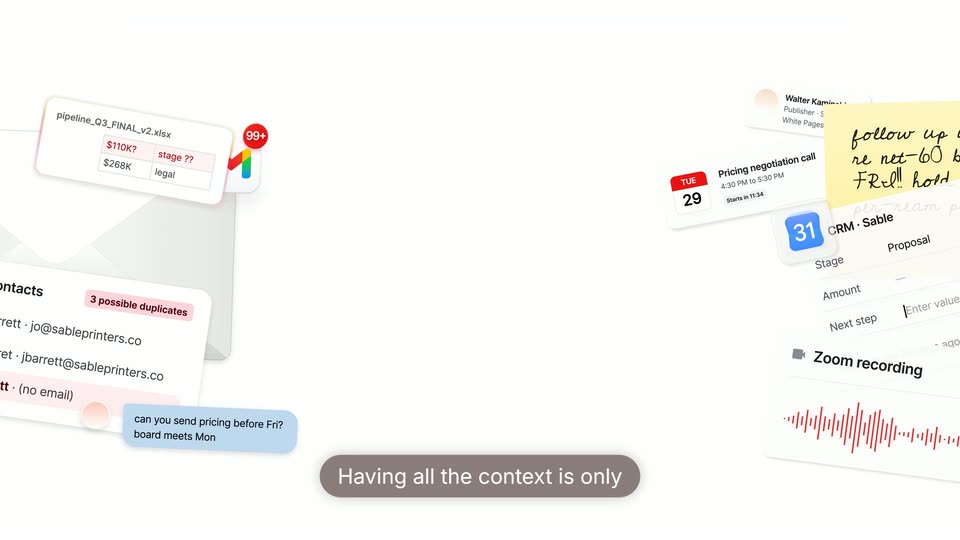 1:04–1:05Dreamteam · Anand Venkatraman - We just raised $53M from Accel India, Together Fund, and Premji InvesA collage of floating product cards (Gmail icon, spreadsheet, contacts list, yellow sticky note, CRM card, calendar, Zoom recording) pulls back from a tight crop to a wide spread over white. A brown caption pill at the bottom grows word by word with the voiceover.
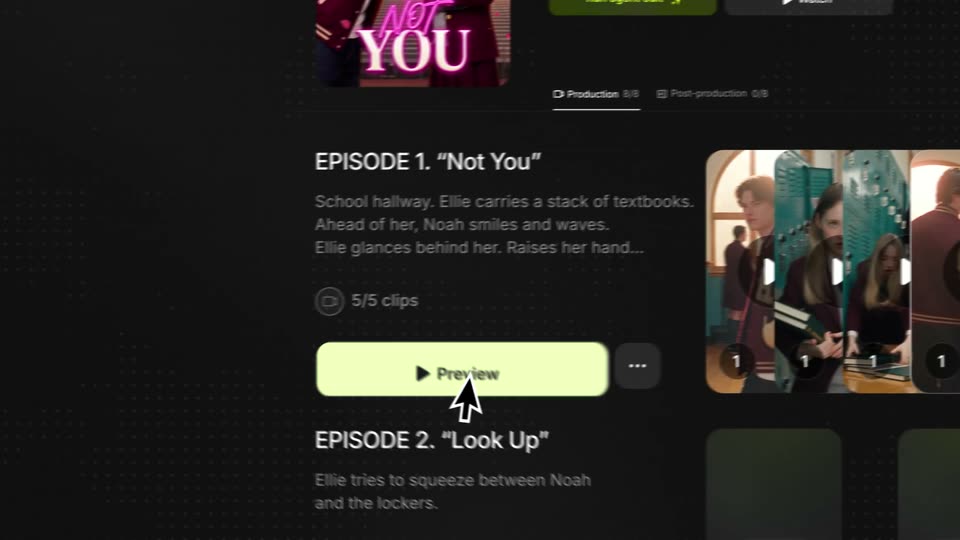 0:58–0:59Higgsfield · Higgsfield AI 🧩 - Introducing Short Drama Studio. Drop a script → get a full season ofA dark editing dashboard lists episode cards and a row of hallway video clips. The frame pushes in with motion blur as the cursor lands on the Preview button, which flashes lime green.
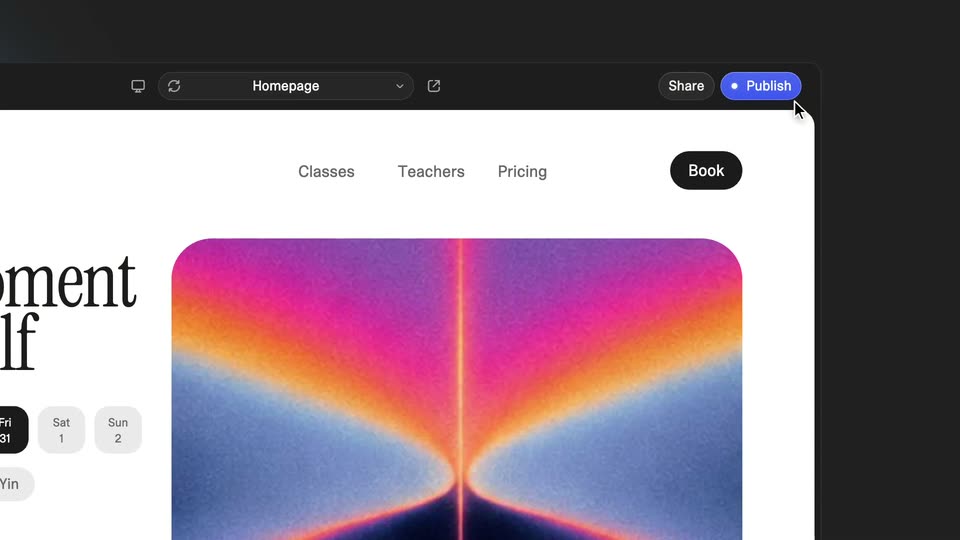 0:20–0:22Lovable · Anton Osika - Today, we’re launching Drafts in @Lovable. Build a new feature, tryA cursor hovers the blue Accept button in the dark editor toolbar; on click the example-data banner vanishes and the button becomes Publish. The view then zooms into the page, reframing on the navigation links and the large serif headline.
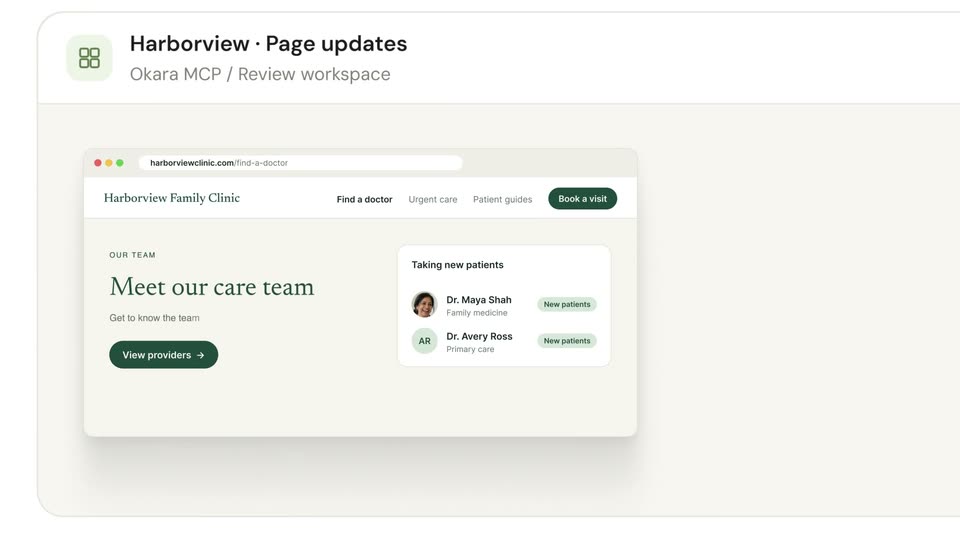 0:24–0:25Okara · Okara - Today, we're introducing Okara MCP. Connect it to Claude, Cursor, CoA pale review panel holds a clinic website inside a browser frame, with a status line and a Fix it button above it. The view zooms in on the browser mockup, sliding the header and button out of frame as the page enlarges.
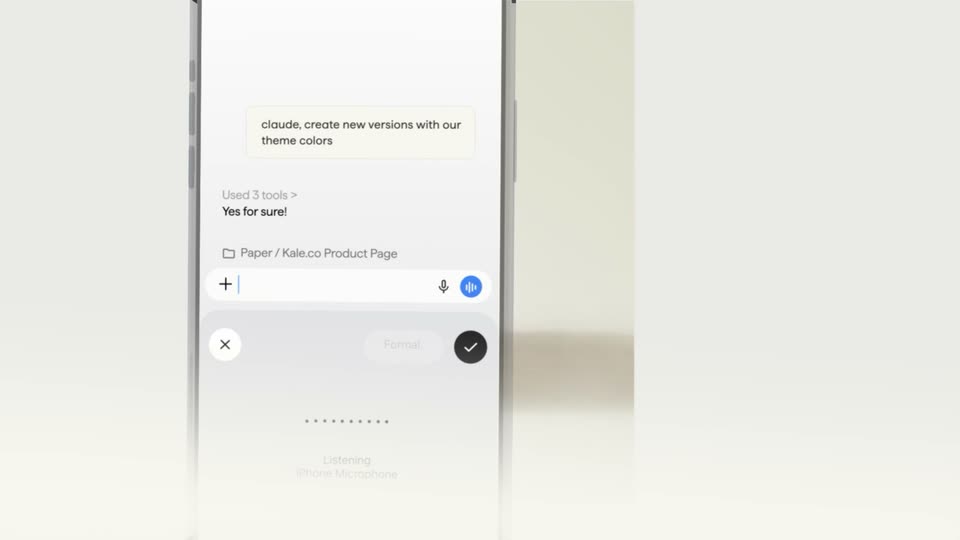 0:27–0:28Paper · Stephen Haney - Good morning! Today @paper launches Remote MCP This may change theA tilted phone mockup floats on a pale background with soft blue dots. Its screen shows a voice chat bubble and a listening waveform while the camera pushes in on the interface.
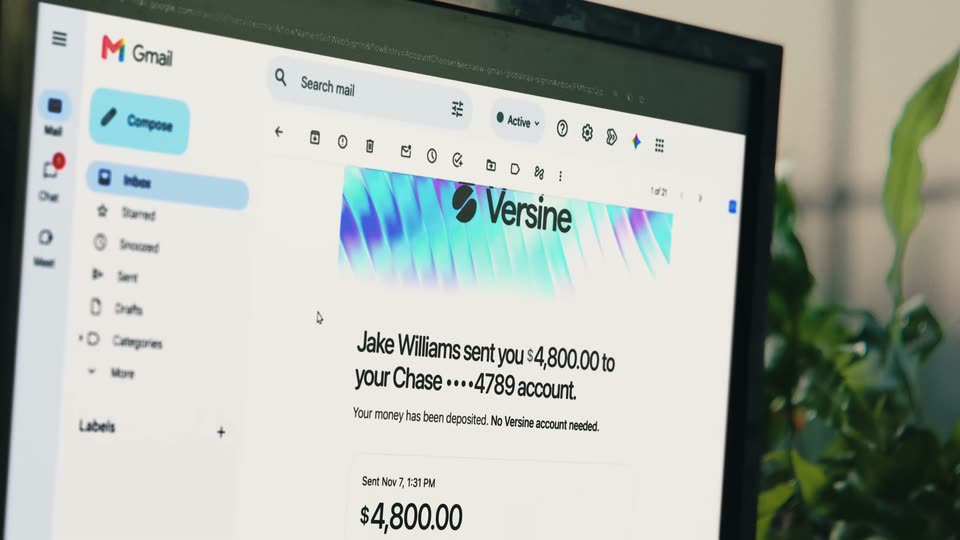 1:05–1:07Versine · Versine: Send money with AIA close-up of an angled monitor shows a Gmail inbox with an opened Versine email. The blue and purple banner and black logo sit above the message, and the view scrolls down to reveal the sent time and dollar amount.
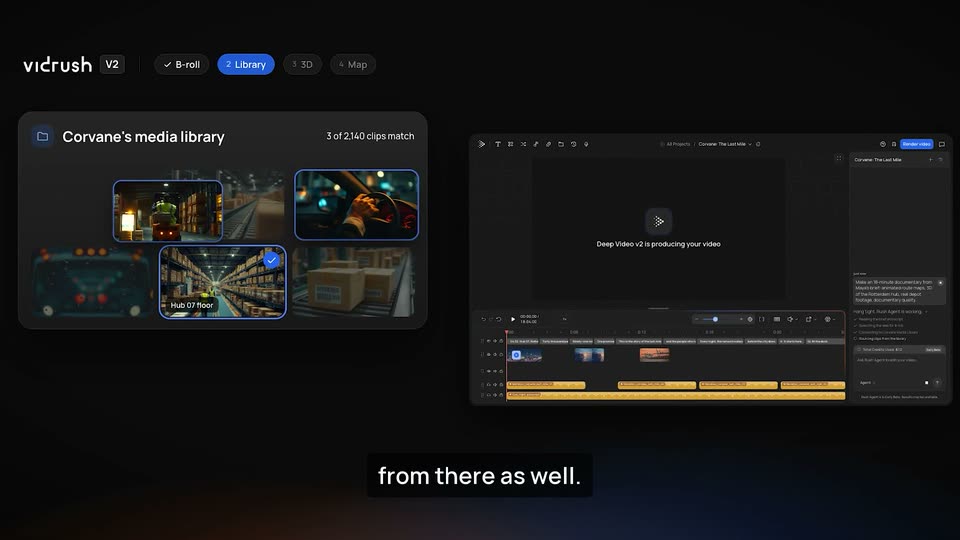 1:13–1:25VidRush · Noah Morris - We just KILLED Claude Opus 5.5 Video Editing Introducing VidRush V2A dark product UI shows a left card morphing from a B-roll search into a media library, a 3D depot render, and a Benelux route map, while a timeline editor sits on the right. The view zooms into the timeline as the map clip lands on it.
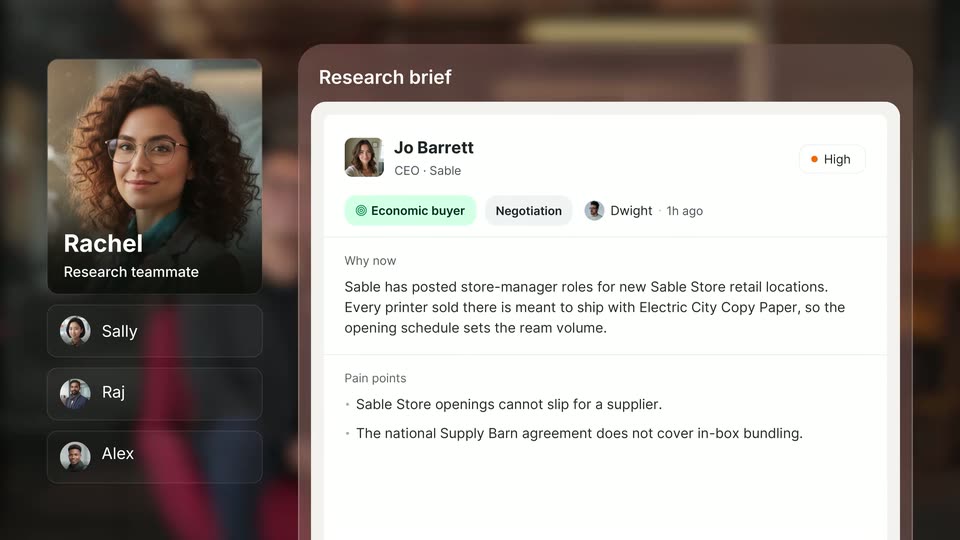 1:18–1:22Dreamteam · Introducing Dreamteam: $53M to build an AI-native CRMA research brief card fills the frame over a blurred office, its body text lines fading in behind pink gradient bars, then the view pulls back to reveal a teammate list on the left with Rachel selected.
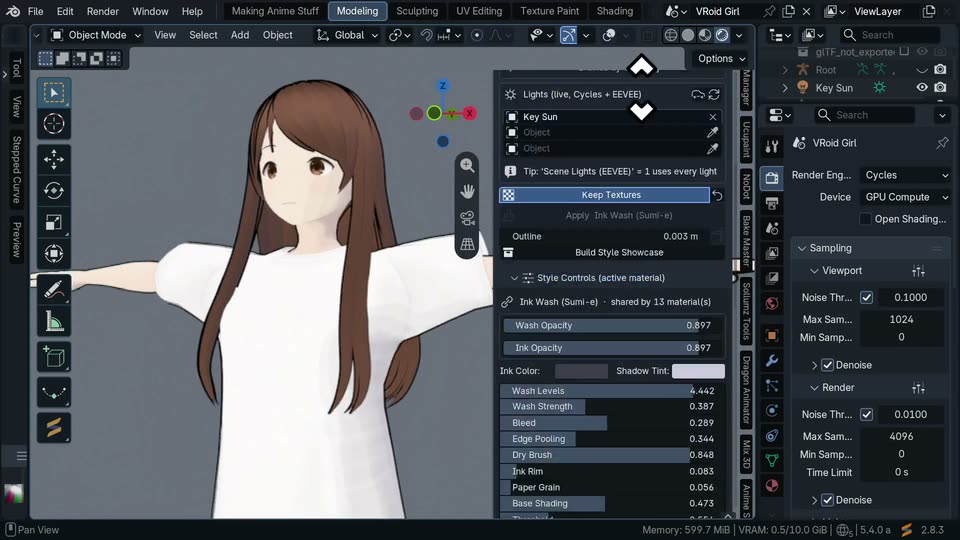 2:15–2:22Mix 3D Design · Mix 3D - Your 3D character is just ONE shader away from looking like an ANIME!A dark Blender viewport shows an anime girl in a T-pose. The view zooms in on her torso, then back out as the right panel switches from the Ink Wash style library to the Anime Compositor settings.
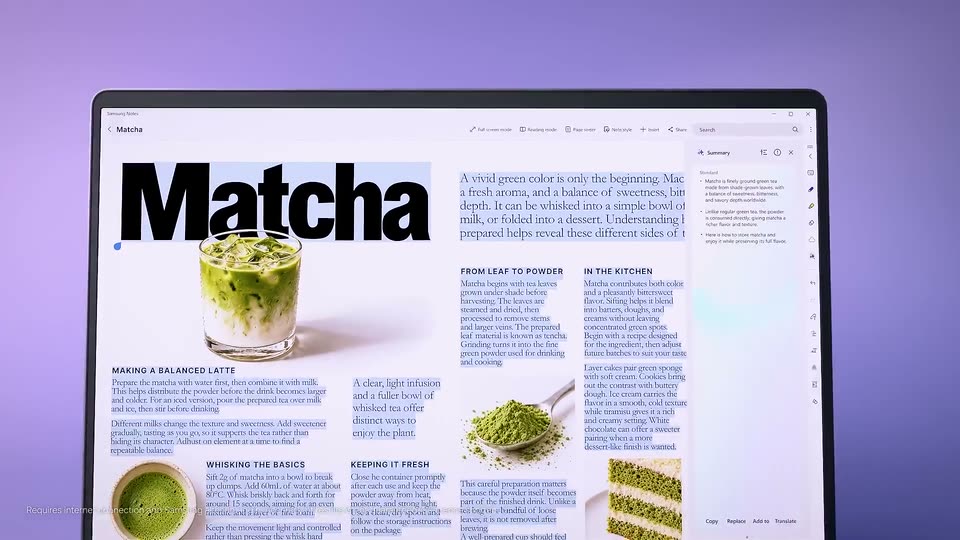 0:29–0:31Samsung · Introducing Galaxy Book6 | SamsungA glassy Summarize button hovers over a 3D tablet on a lavender background, its screen showing a Matcha note with an iced drink photo. The camera pulls back, then the interface splits to add a Summary panel of bullets on the right.
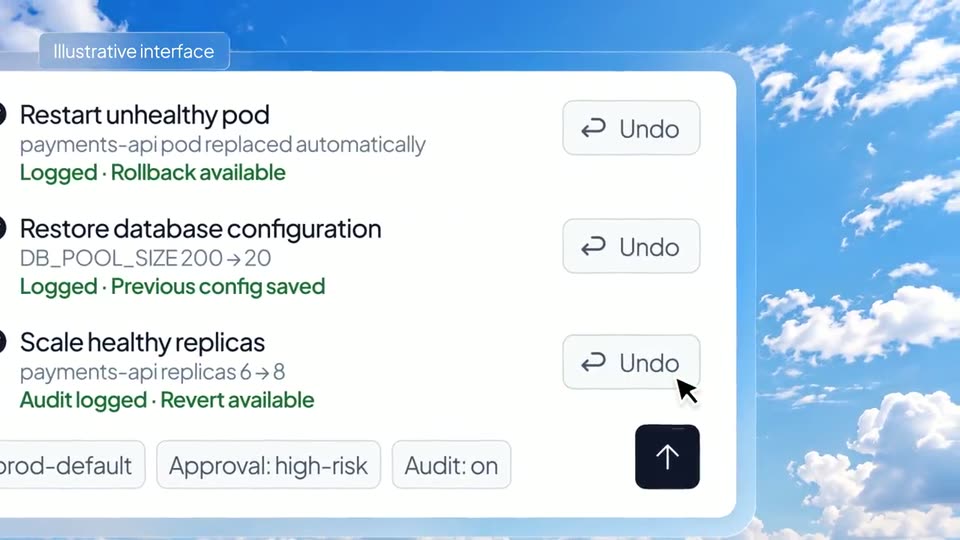 0:53–0:57Aokumo · Ctrl+Z for AI: the motion design video we made for AokumoA white action-log card floats over a blue sky. The camera zooms into the card as a cursor clicks a green Undo button, then pulls back as the third row's text updates to confirm the revert.
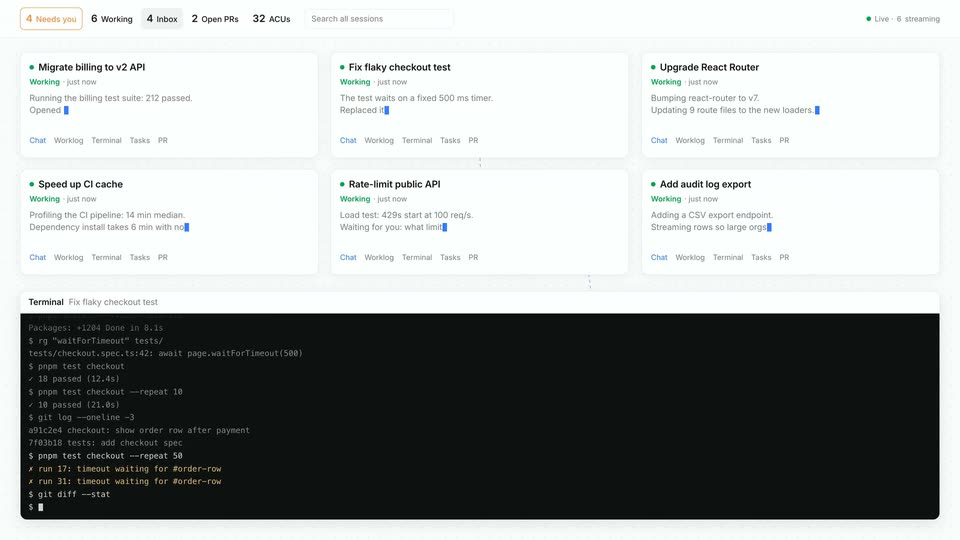 1:13–1:20Cognition · Cognition - Introducing: Devin Apps Private, secure, sharable web applications rA split view pairs the product dashboard on the left with a presenter at his desk on the right, then the dashboard expands to full screen. Live cards type out updates, the terminal logs test runs, and the view zooms onto two finished cards.
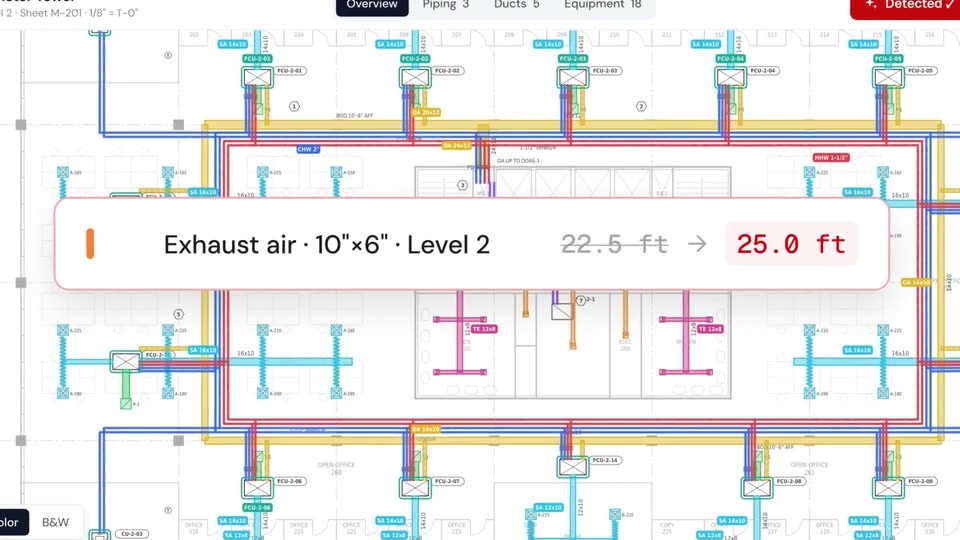 0:51–0:54Constor · Constor YC26A multicolored CAD floor plan of Constor Tower Level 2 fills the frame. A white annotation card floats at center, its label changing from Duct to Exhaust air and a length value flashing red. The plan zooms in as the card updates.
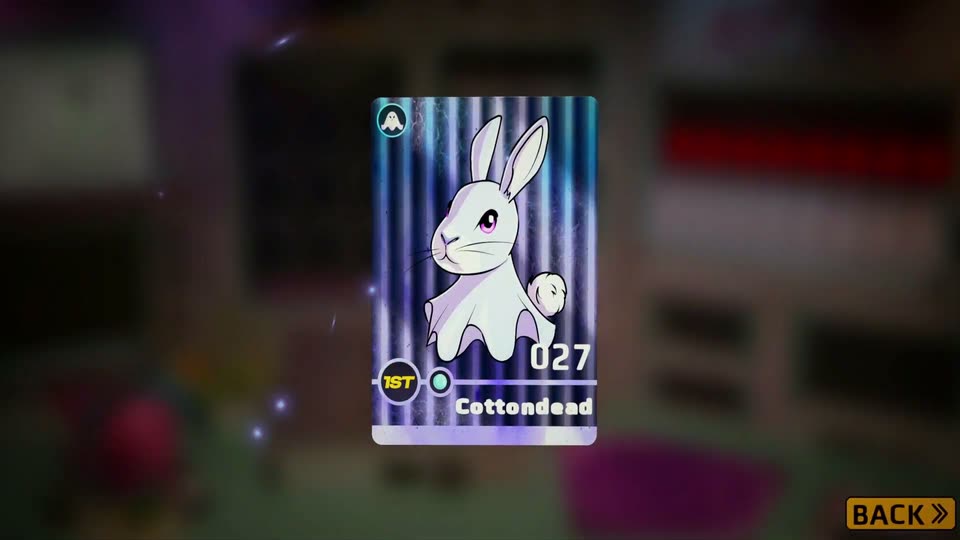 0:52–0:53Cybernetic Walrus · Rip It! Card Collector | Launch TrailerA blue striped card with a white rabbit illustration scales up at center, the blurred game menu behind it sliding out of frame. A yellow BACK button holds the bottom right corner throughout.
 2:27–2:33Fish Audio · Introducing Fish AgentA social post interface shows a man speaking in its video player while a reply box types “Live 3”. The view zooms into the video, the man stands and exits frame right, and a white bar waveform animates over the empty chair.
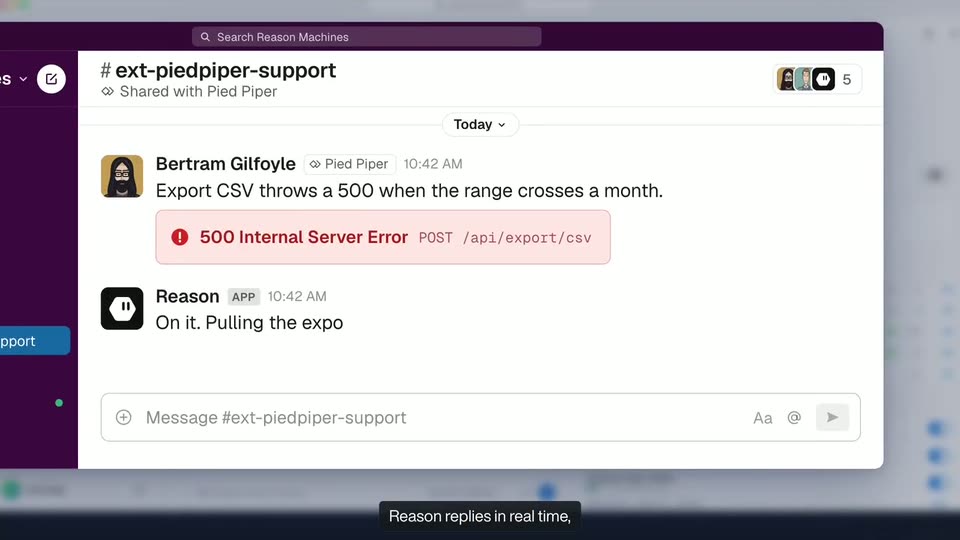 0:58–1:02Reason Machines · Adi Singh - Frontier coding performance at up to 20x lower cost. Introducing theTwo overlapping app windows sit on a blurred desktop; the view zooms into the front support-channel card. A customer message with a red 500 error sits above the Reason bot, which shows a typing indicator, then a reply and a file-investigating line appear in turn.
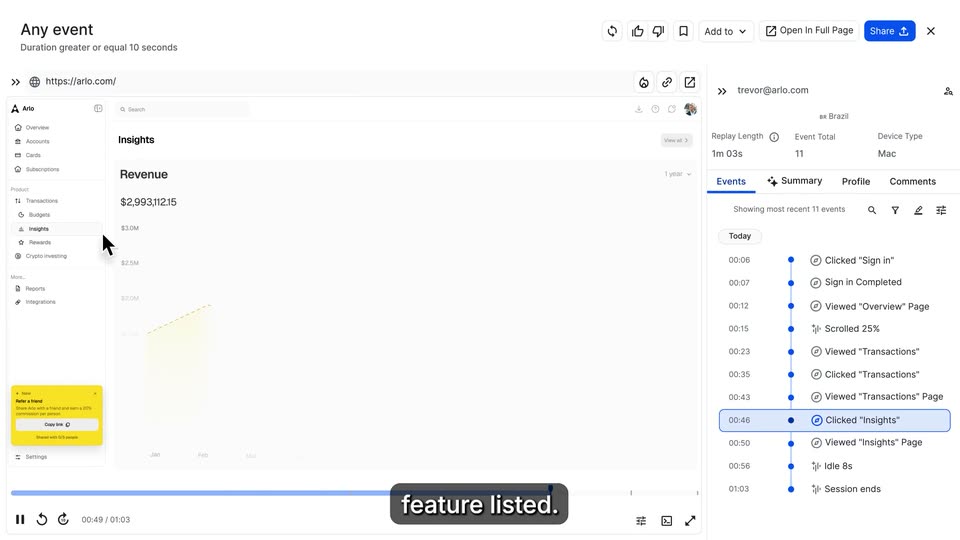 0:39–0:42Amplitude · Spenser Skates - Introducing Wave. The world's first AI that reads your customers' miThe Ario session-replay interface plays back a visit: a cursor moves through the left app as it switches from a transactions table to a revenue chart, while the right-hand event list highlights each step in turn. The view then zooms onto the chart.
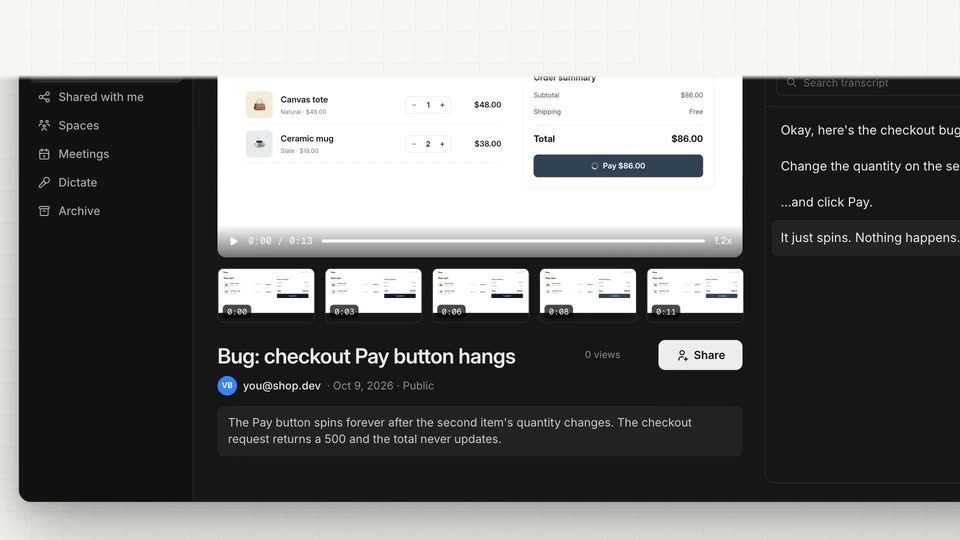 0:12–0:16Builder.io · Steve (Builder.io) - Introducing Agent-Native Clips, now in beta. Give any agent eyes andA dark bug-report panel with a white checkout card and transcript list pulls back to reveal the full page: sidebar, video player with cart frames and thumbnails, title and description. The view pans right to the transcript panel as a cursor hovers over a highlighted line.
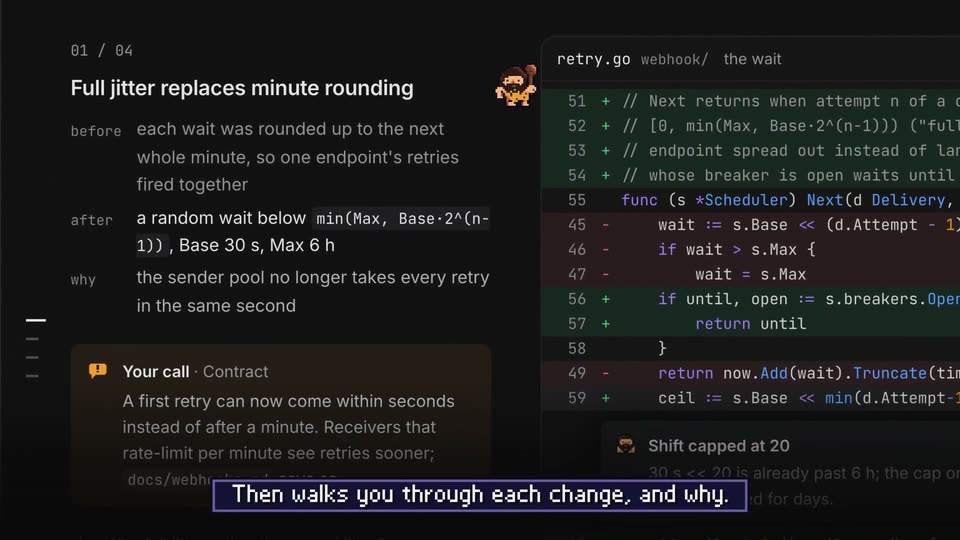 0:30–0:32Caveman · Introducing Caveman Code | The Most Efficient Coding AgentA dark pull-request screen reframes from the full diff onto a before, after, why panel beside the code, while a pixel avatar hovers top center and a purple caption box swaps its line at the bottom.
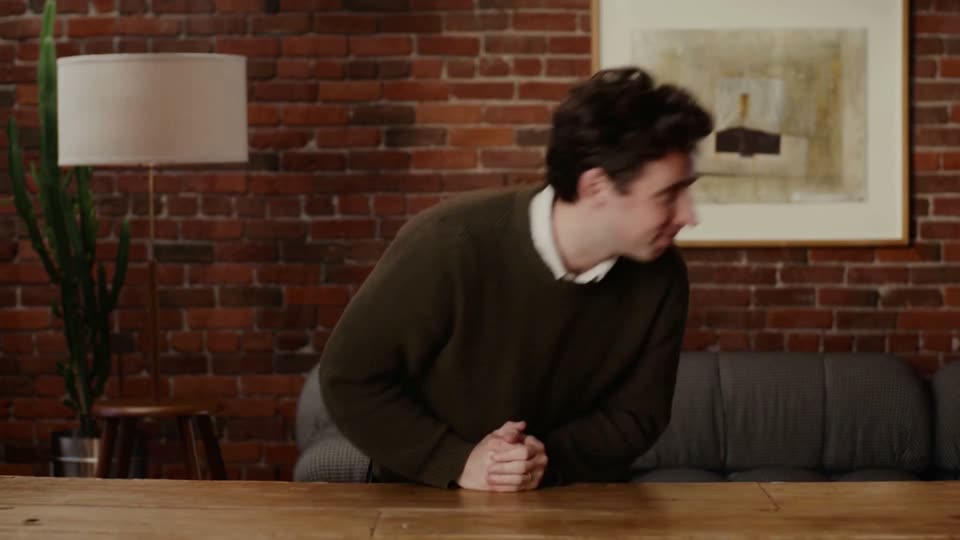 2:27–2:33Fish Audio · Fish Audio - Introducing Fish Agent: a no-code platform to build custom AI voice aA social post mockup shows a man in a brown sweater; 'Live 3' is typed into the reply box. The frame zooms into the video as he says 'And we'll send you the link,' then stands and exits, leaving a white audio waveform over the empty brick room.
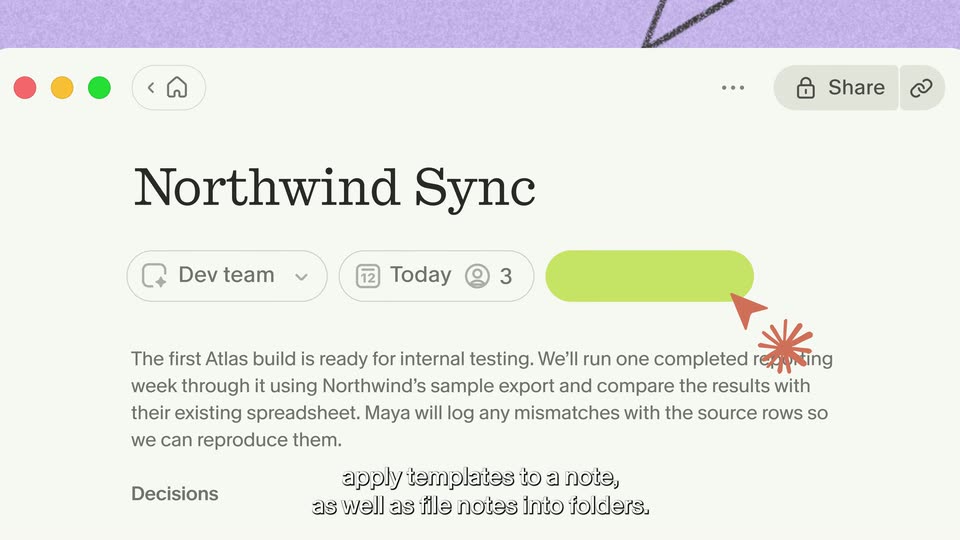 1:10–1:16Granola · Introducing Granola MCP 2.0A note window titled Northwind Sync sits on a lavender paper background beside a calendar. An orange cursor taps the Summary and Add to folder chips, which change to Dev team and Northwind, while the view zooms into the note body. White outlined captions run along the bottom.
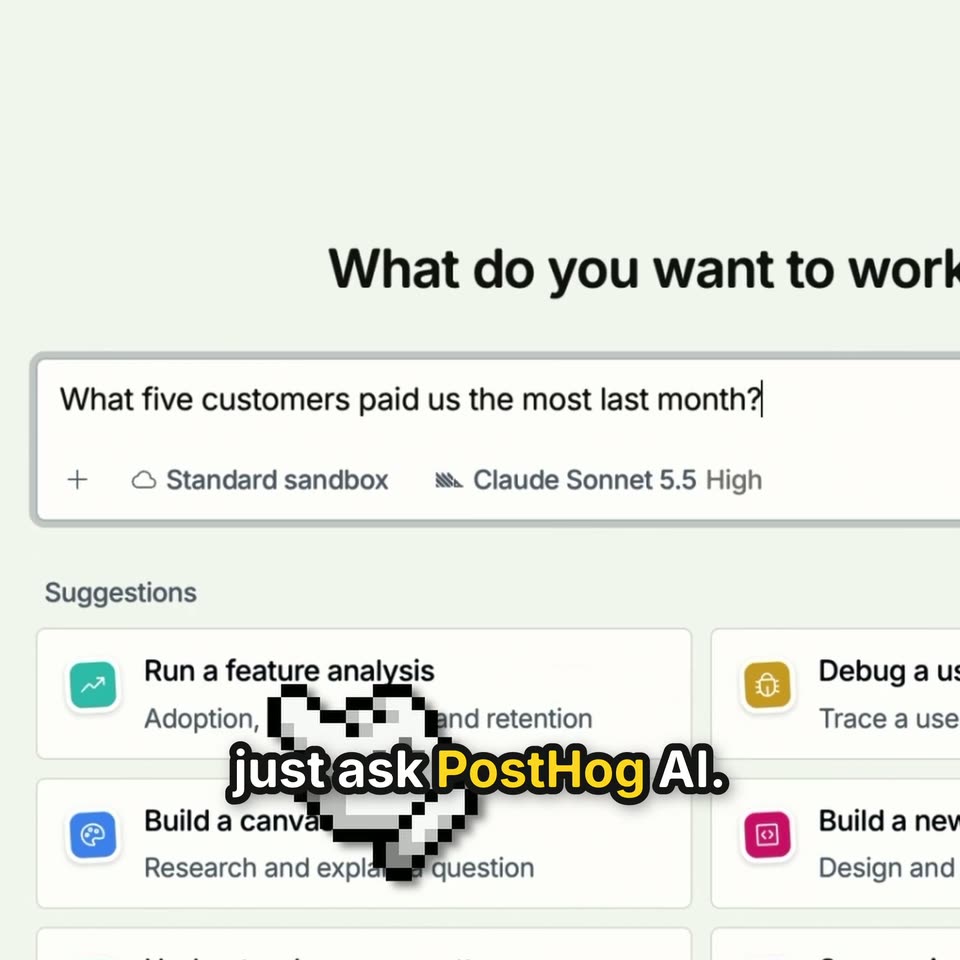 0:39–0:42Posthog · PostHog - Mamma Mia, PostHog Sources is here - Sync from 700+ sources like StrThe PostHog dashboard zooms into the question input as a query is typed, a pixel cursor clicks the send button, and the interface blurs. White outlined captions run along the bottom.
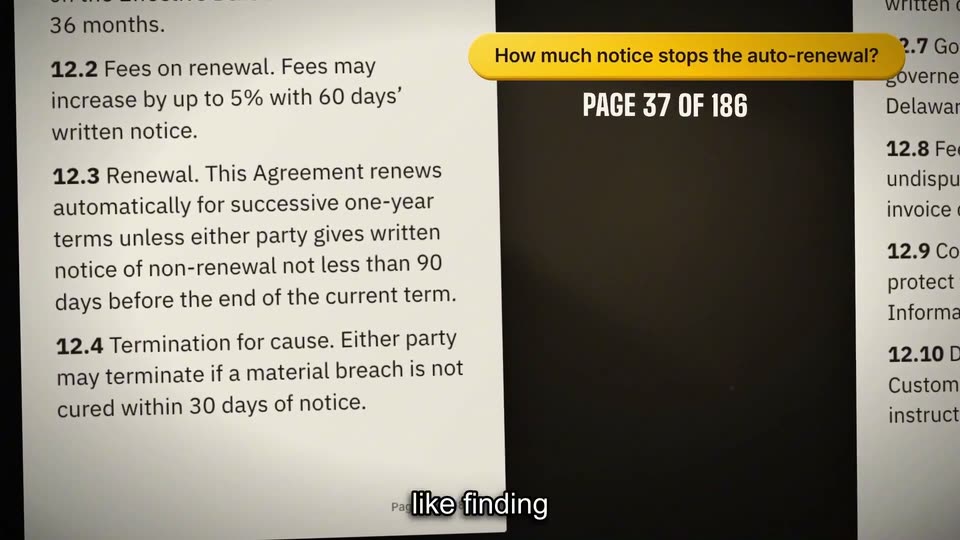 1:04–1:10XERJ · Ivan Novikov - I've built a new AI model that is not allowed to generate text. InsteWhite contract pages float in 3D over a dark background, a yellow badge asks the question and the page counter jumps from 3 to 37 as the camera pushes in. A yellow highlighter sweeps across the renewal clause while captions appear word by word below.
 0:17–0:19AdaL · li yin - General agents have mastered code. Video is next. I quit my computA white card tilts in 3D on a cream tiled floor, reading 'Muse is your personal AI agent' with 3D emoji props floating between the words. The camera levels to face it, a caption appears below, then the view zooms into the headline.
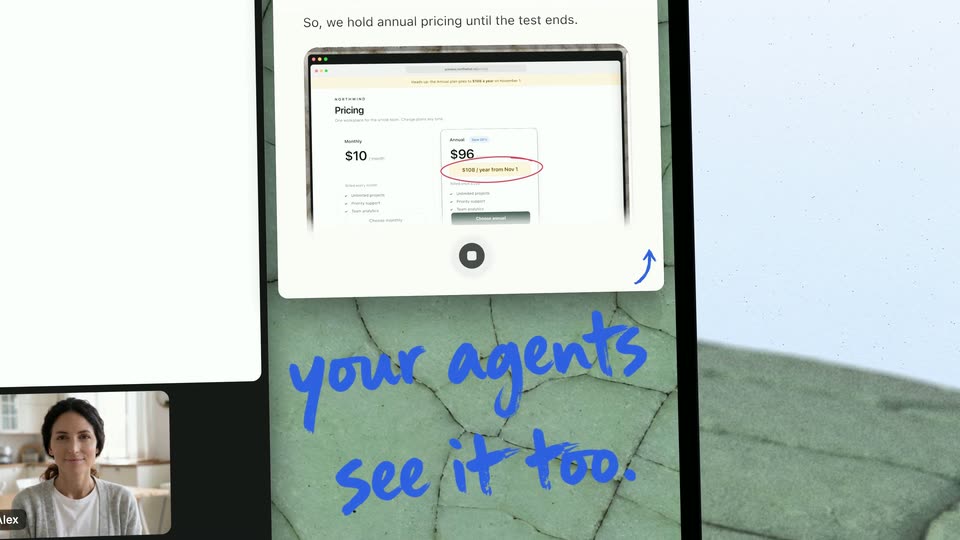 0:15–0:18Aqua Voice · Aqua Voice - Introducing Aqua Notetaker. Available today on MacOS, Windows, iOS aA 3D laptop on a cracked green surface displays a video call sharing a pricing page. The view zooms into the side panel, a red circle highlights the annual price, and blue handwritten text reads “your agents see it too.”
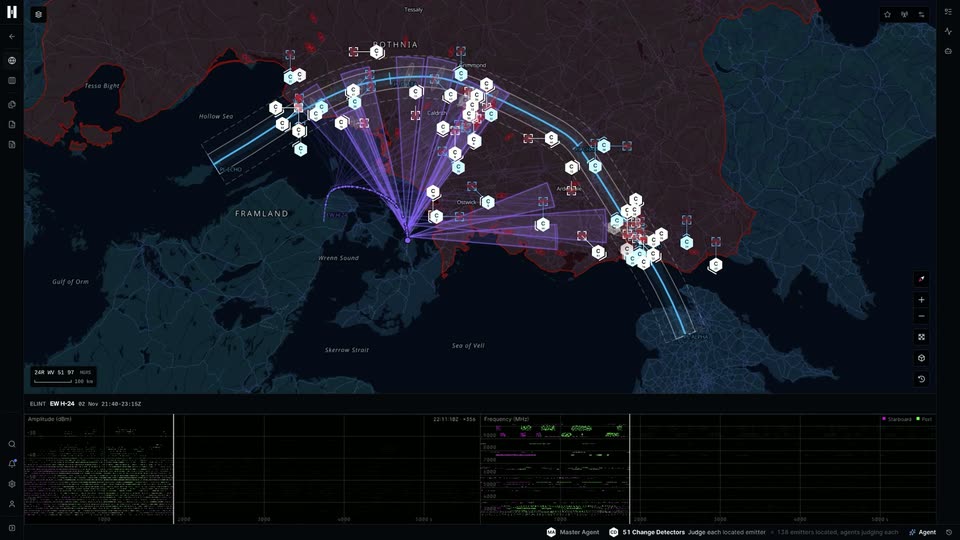 0:52–0:56Helsing · Helsing - Introducing Clarity – an AI-native agentic intelligence platform forA dark tactical map with hexagonal C icons and red crosshairs fills the frame, purple beams radiating from a central node. The view pulls back to reveal side toolbars and a bottom panel of frequency graphs and an agent status bar.
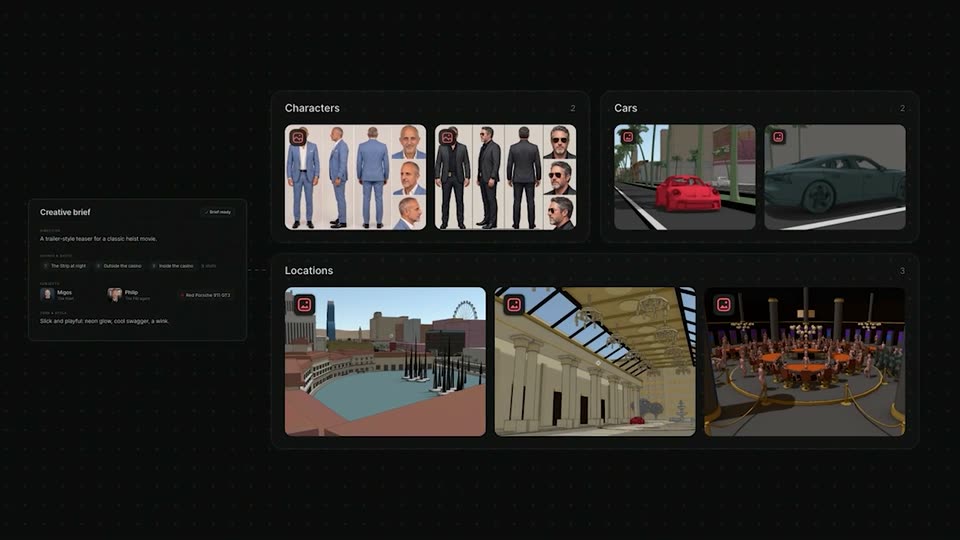 1:01–1:07Intangible · Bharat Vasan 🇺🇸 - Today, excited to launch Intangible 2.0. Finally, one AI studio for iA dark workspace fades in: a brief card at left, then Characters, Cars, and Locations panels fill with 3D thumbnails of suited men, sports cars, and sets. The view slowly pushes in, then cuts to a bearded man in a black shirt speaking in a dim room.
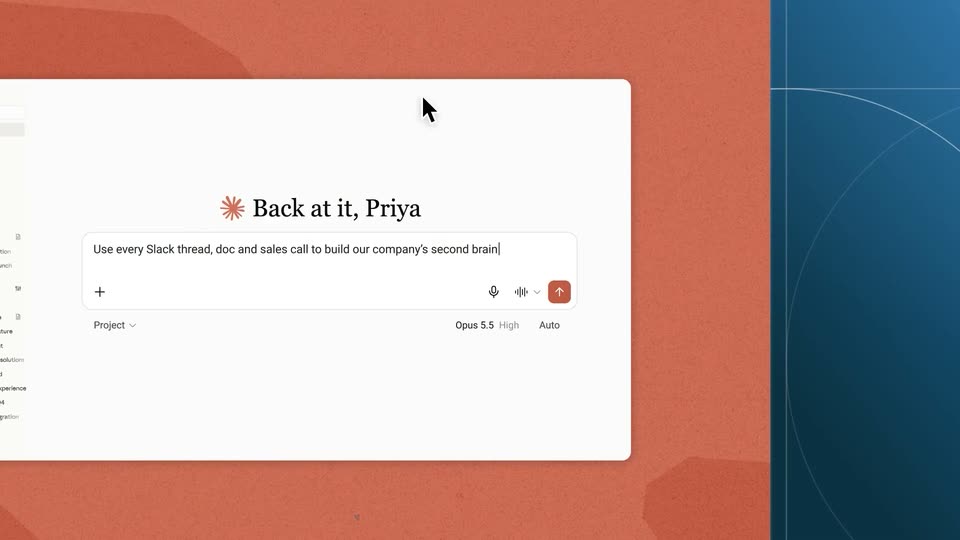 0:53–0:54Rayline · David Valerio Gilmore - In 2015, I built an AI that detects early cancer. Today, we’re introThree tilted desktop screens top the frame while a flat Claude window and a browser window flank a centered greeting and prompt box. The side windows fade out as the view reframes onto the prompt, the cursor taps the red send button, and a Router: ARC pill drops away.
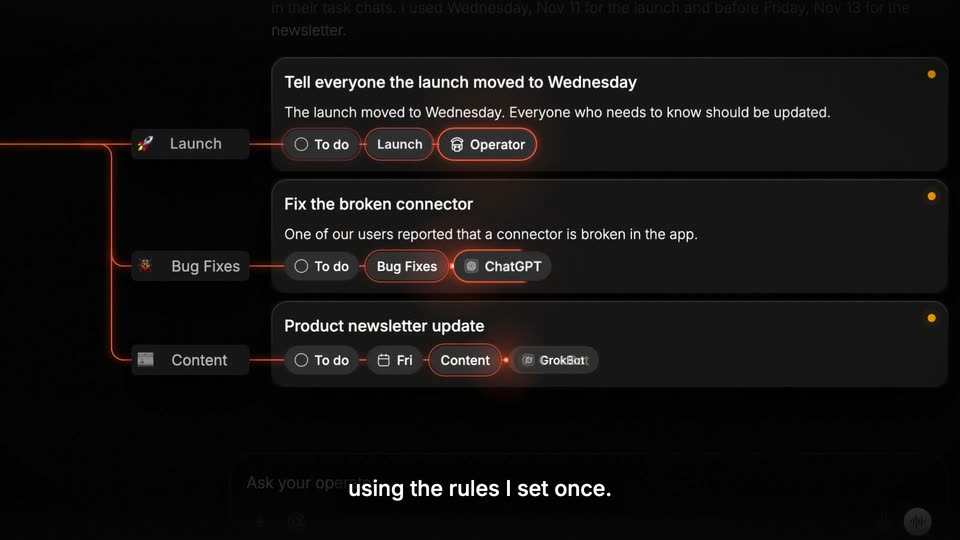 0:44–0:50Roma · Jan Senderek - In 2014, I sold my first company Loom to Dropbox. Today, I’m proud tA dark task list zooms out as an orange line draws from the left, branching to three cards. Glowing ellipses highlight labels, category chips slide in from the left with icons, and agent chips pop in with orange outlines. Subtitles swap at the bottom.
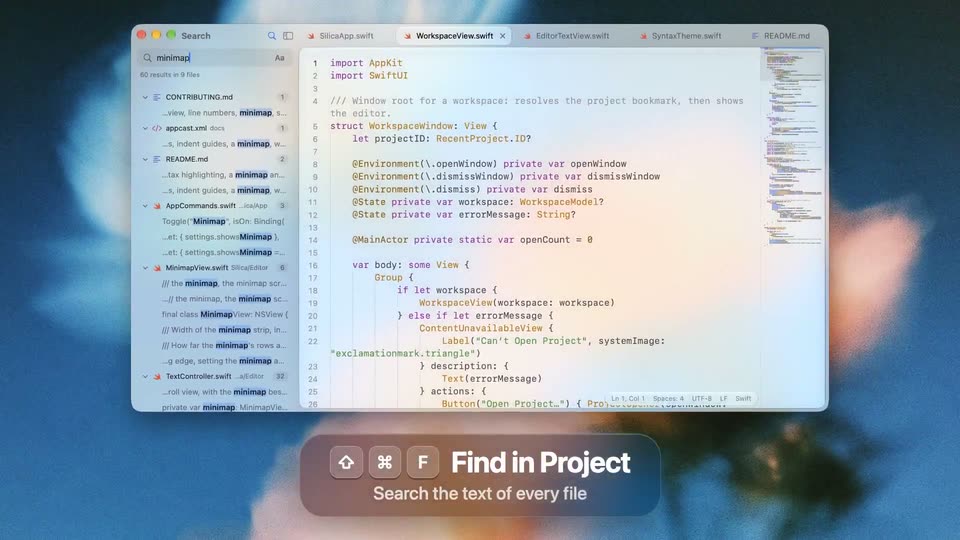 0:19–0:21Silica · Hieu Dinh - Introducing Silica: a lightweight code editor for macOS, made of glasA dark rounded caption with keycap icons and the text Find in Project sits over a blurred code editor; the frame zooms out to the full window as the caption fades. The scene cuts to the editor on a dark plant-lined desk with a new caption, Markdown Preview.
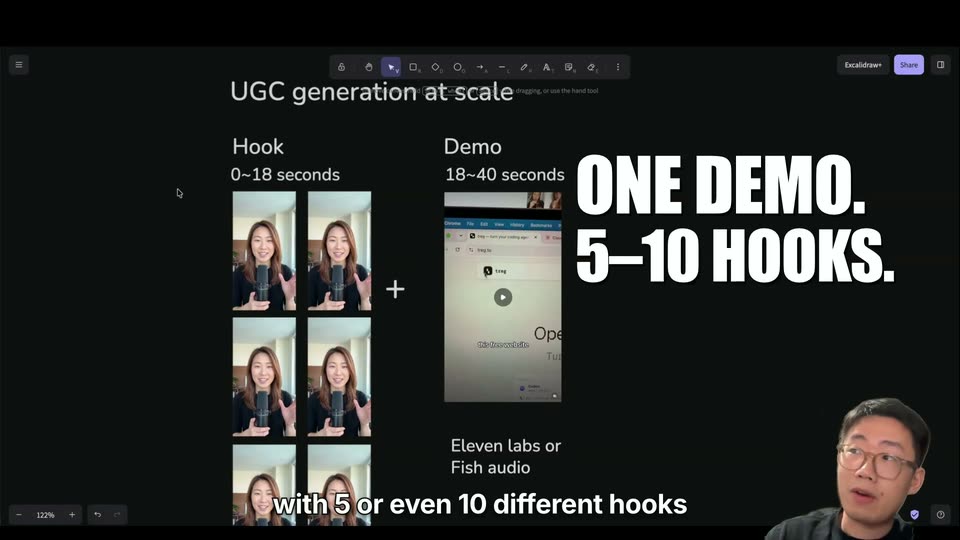 3:25–3:34Treg · Treg - OpenSource our AI-UGC workflow For as low as $0.2/s instead of $50A dark whiteboard canvas shows a diagram of UGC video generation, a grid of hook clips plus a demo clip, with a presenter in the corner. The view zooms in as bold white text ONE DEMO. then 5-10 HOOKS. pops in on the right.
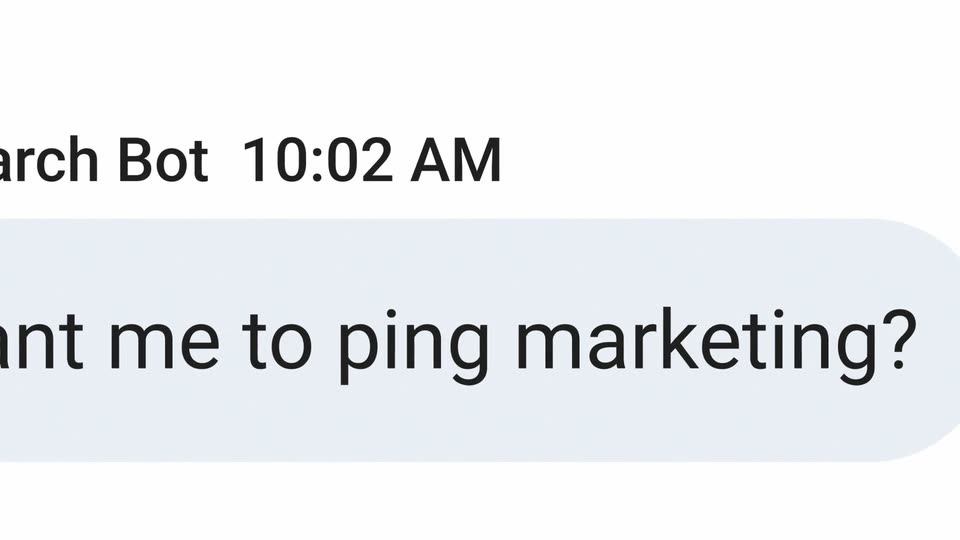 0:27–0:33xAI · Grok Bot - Introducing Grok Bot 1.0. AI teammates that work alongside your wholeA light chat thread scrolls as heart and headphone reaction pills pop in under a bot message. The frame then zooms in on the final question bubble, where a blue thumbs-up counter appears at the top right.
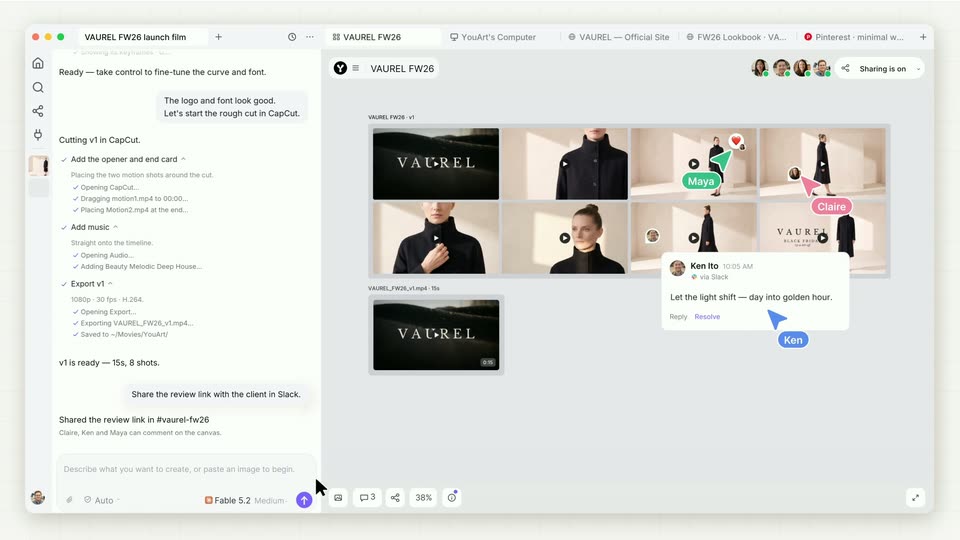 0:47–0:59YouArt · YouArt - Introducing the YouArt Desktop App: your AI creative teammate on yourA locked-off front view of the app. A cursor types and sends a review-link message in the left chat, then three colored multiplayer cursors glide over the storyboard grid as a Slack comment pops up. A thumbnail expands into a video player with a comments panel.
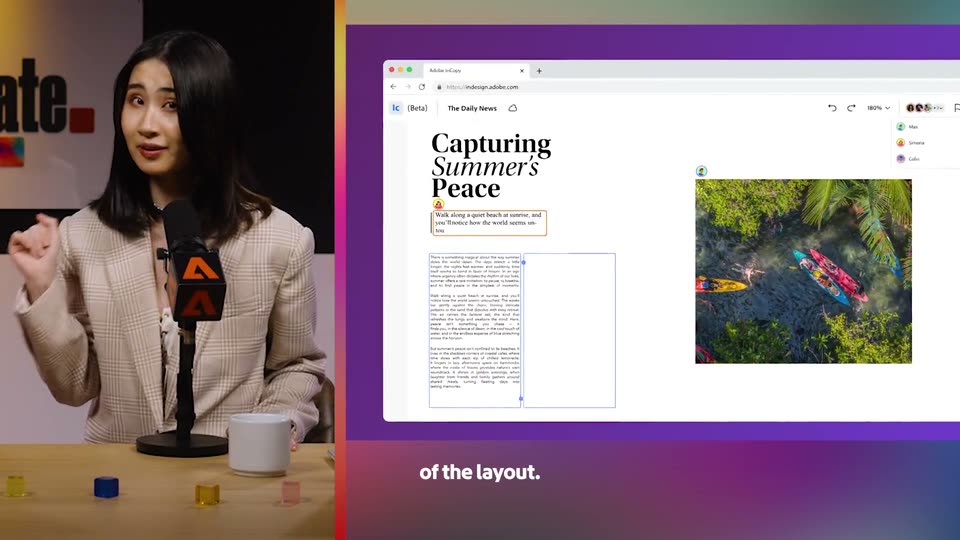 1:14–1:16Adobe · Exploring the Latest Release for Adobe Illustrator and InDesign | The Update | Adobe Creative CloudSplit screen: a presenter in a beige plaid blazer gestures at a microphone on the left, while a browser window on the right shows an InDesign newspaper layout that scales up. A white subtitle sits on the purple lower bar.
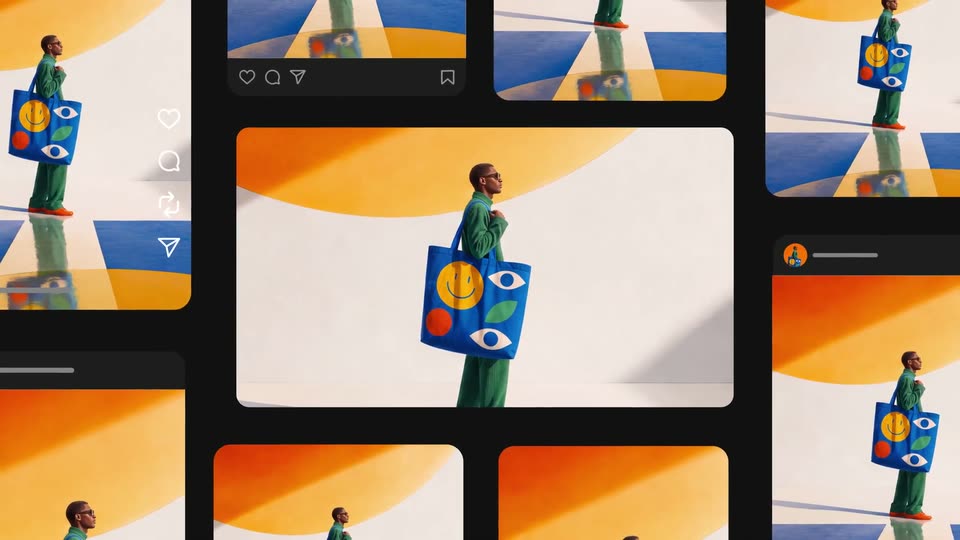 0:45–0:46Adobe · What’s New in Creative Cloud and Adobe Firefly | Adobe MAX 2026A white card reveals a grid of images, centering on a person with a blue tote bag. The text “Approve & run” scales into view.
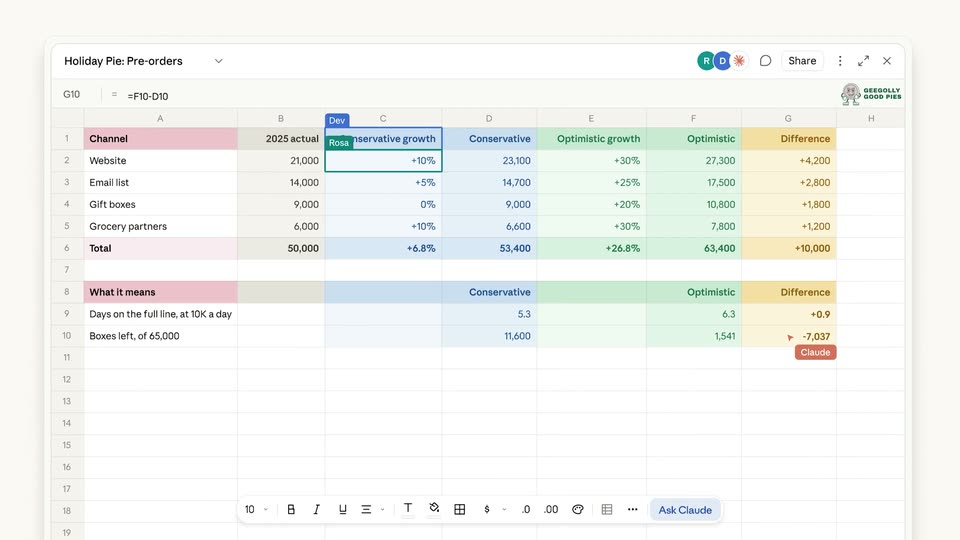 0:29–0:32Anthropic · Claude - Starting to roll out today: Claude Whiteboards, Claude Sheets and ClaA spreadsheet opens zoomed in on two columns, then pulls back to reveal the full pre-orders sheet with growth and difference columns. Named collaborator cursors for Rosa, Claude and Dev rest on cells and shift down a row.
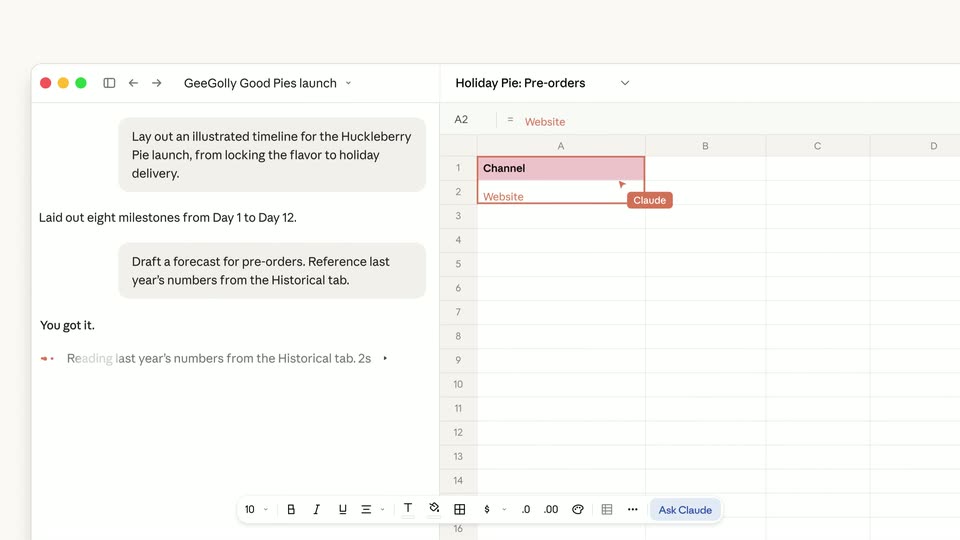 0:27–0:29Anthropic · Introducing Claude Whiteboards, Sheets, and DataSplit product view: a chat panel on the left, a spreadsheet on the right. The grid fills with a pink header row and a value while a SUMIFS formula appears in the formula bar. Small orange Claude cursor tags drift over the cells as the frame shifts right.