UI zoom
A zoom or reframe onto one part of the interface.
9,994 scenes · page 111 of 167
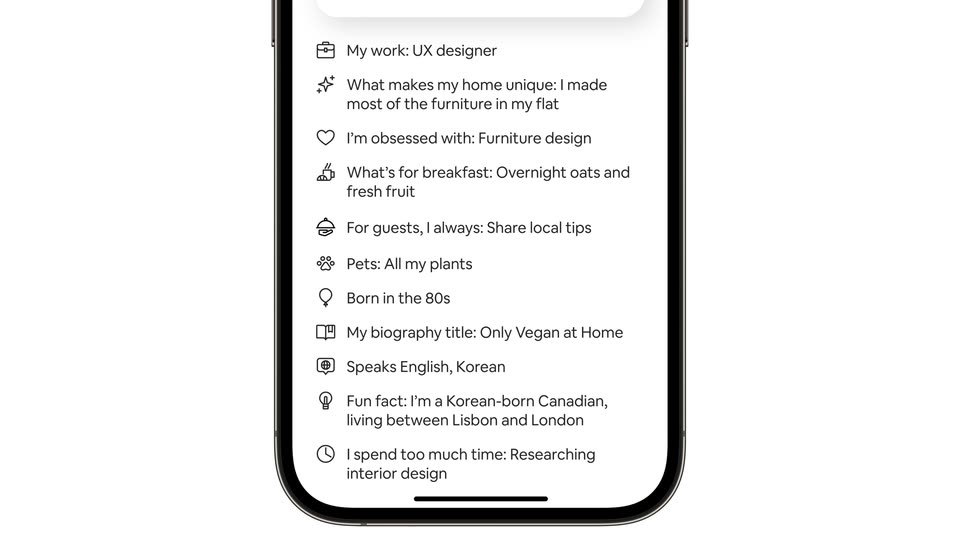 1:27–1:32Airbnb · Introducing Airbnb Rooms – featuring the new Host PassportA front-facing iPhone mockup on a white background shows a host profile card for Lena with rating and review stats. The screen scrolls up, revealing a list of host facts with small line icons, then the view zooms in on the list.
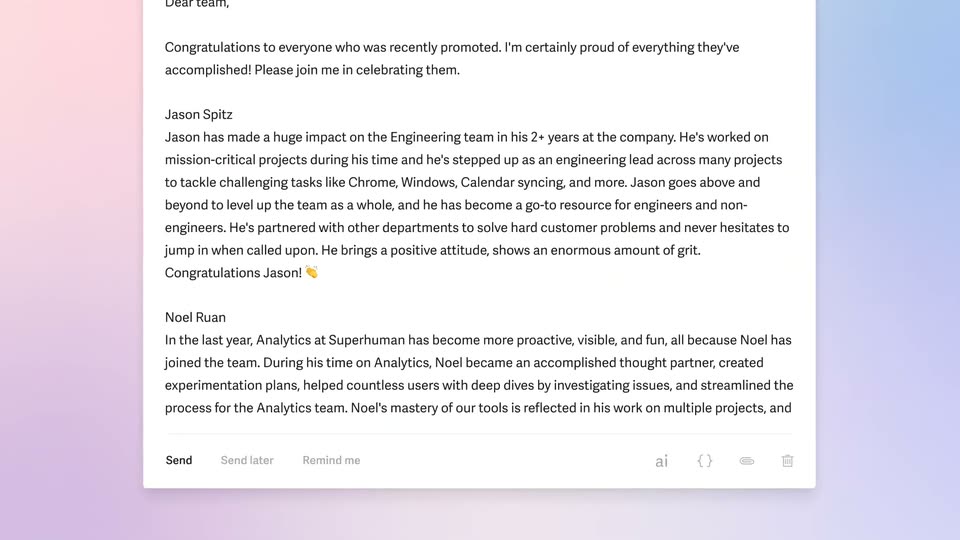 0:25–0:27Superhuman · Superhuman AIA white email card sits centered on a pink-to-purple gradient. The view zooms in on the congratulations email until the body copy fills the frame.
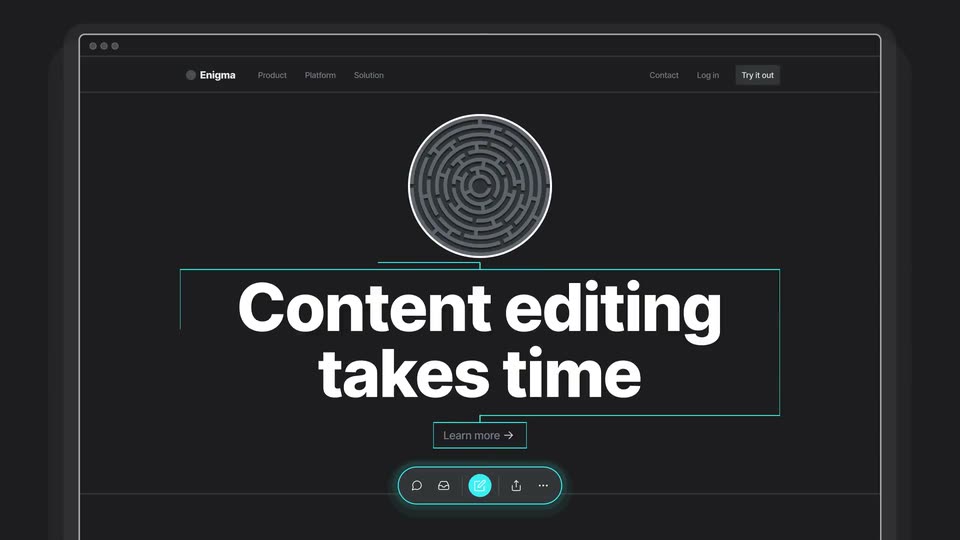 0:11–0:13Vercel · Vercel - Introducing Visual Editing for Headless ◆ Designed with our launch pA dark browser mockup of the Enigma site sits in 3D perspective, showing a circular maze icon above the white headline Content editing takes time and a floating icon toolbar. Thin teal wireframe lines draw around the headline, then the view zooms into the top navigation bar.
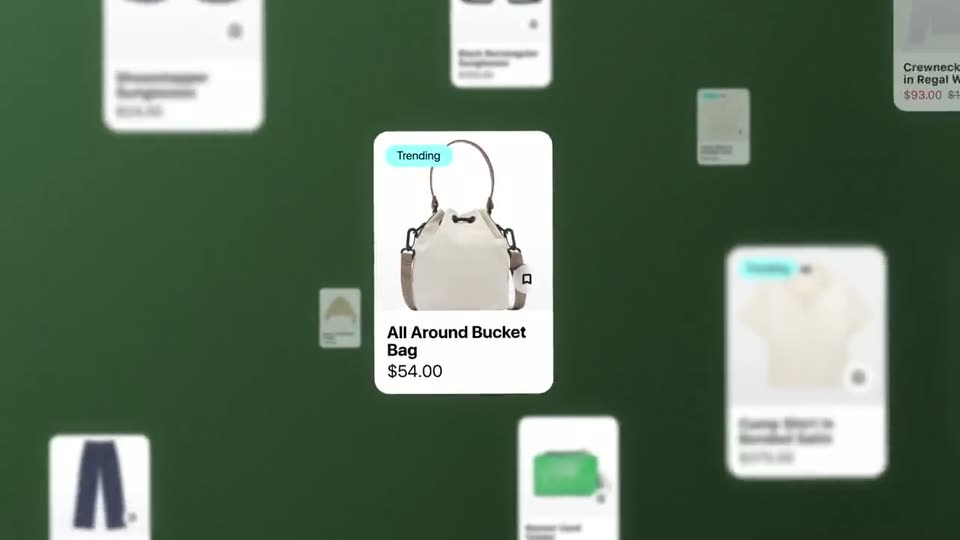 0:17–0:20Klarna · Klarna - #klarnaspotlight is here! 📱An AI-powered, personalized shopping feedA field of white product cards with photos, names and prices floats at varying depths on a dark green background, several blurred by depth of field. The camera dives through the field and settles on the Trending bucket bag card, which sharpens in focus. On the right, pill-shaped text bubbles slide in with black sans-serif type: Get, expert, shopping, advice.
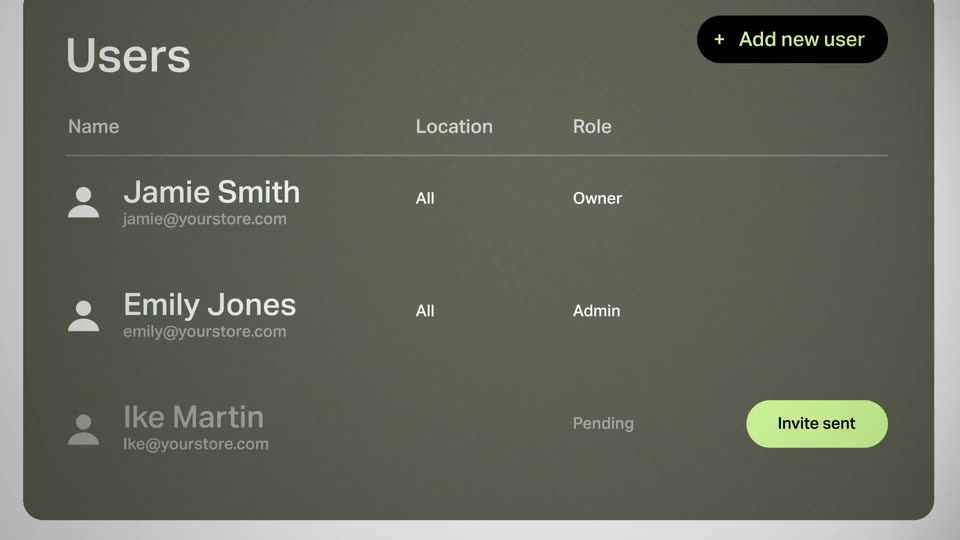 0:51–0:53Sonos · Introducing Sonos Pro | Sound at your serviceA dark olive Users card scales up and fades in over the app screen, settling centered with a three-person list showing names, emails and roles. The corner button switches from Resend invite to a green Invite sent pill.
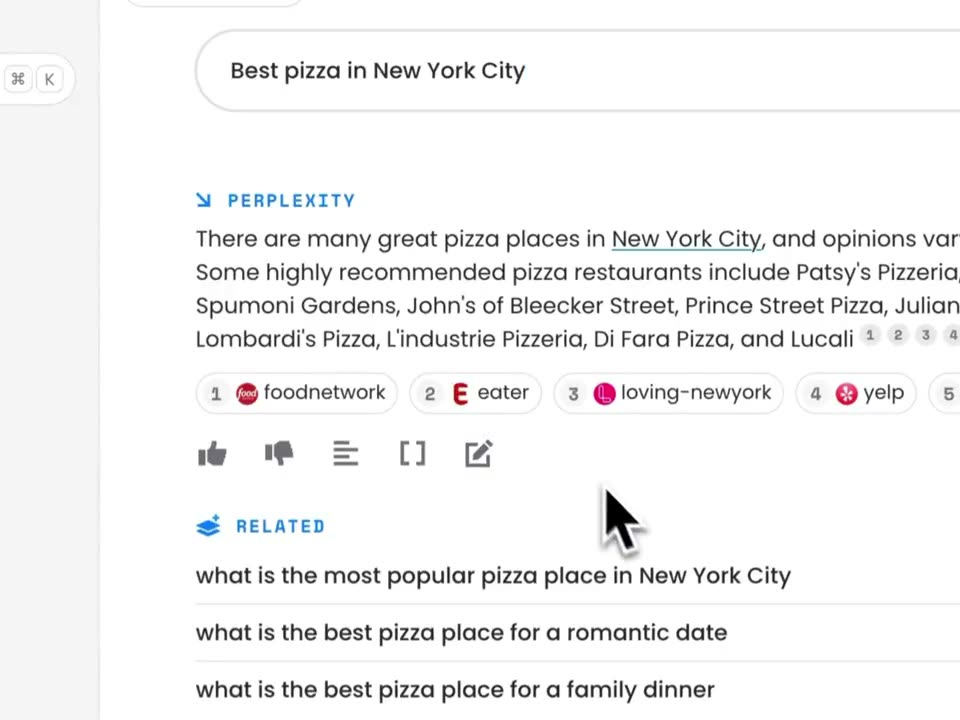 0:34–0:37Perplexity · Perplexity - We are excited to launch the next version of Introducing login, threaA blurred close-up of a chat answer sharpens and zooms out to reveal the full interface, with a search box, source chips and a related-questions list. A cursor hovers the edit icon, then drifts down the panel.
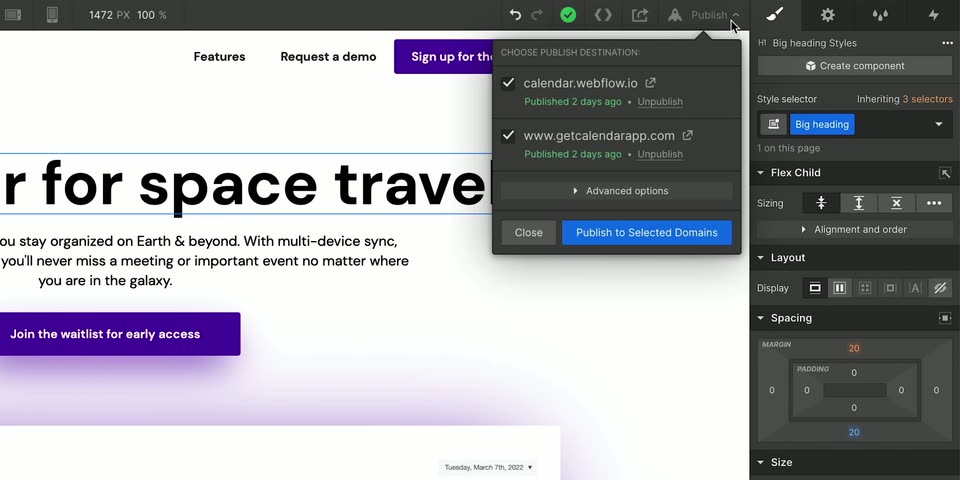 0:57–1:03Webflow · Introducing WebflowA design tool canvas displays a landing page titled “A calendar for space travel”. The frame zooms to the top toolbar, a cursor clicks Publish, and a dropdown opens with two publish destinations.
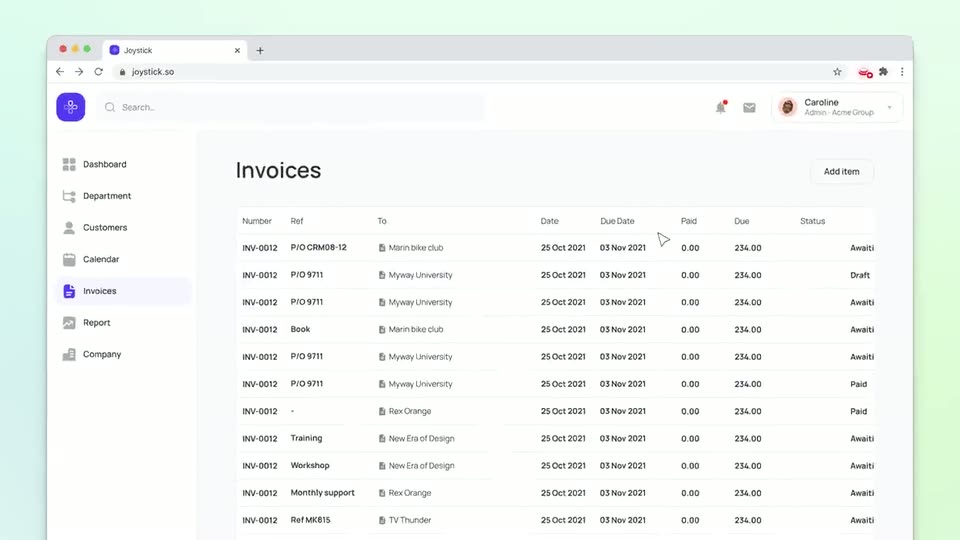 0:25–0:27Arcade · Arcade - Introducing Arcade Growth:A close-up of a sidebar menu and a revenue chart zooms out to reveal a full browser window. The cursor clicks the Invoices item, switching the main panel to an invoices table, then moves toward an Add item button.
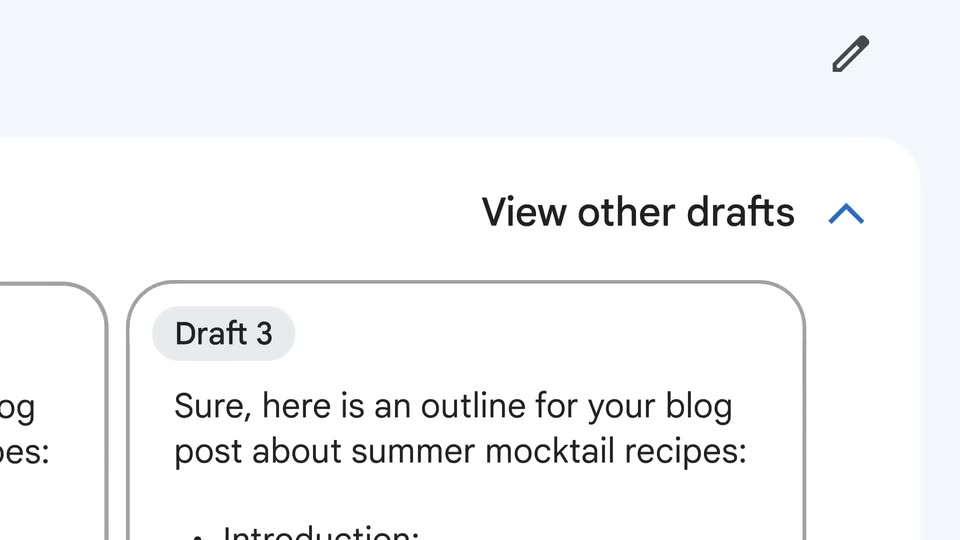 0:30–0:32Google · Google’s new AI chatbot | Meet BardA close-up of the View other drafts control zooms out as its icon flips from a cross to a chevron, revealing three draft cards side by side, each holding the same outline prompt. The view settles on the full list.
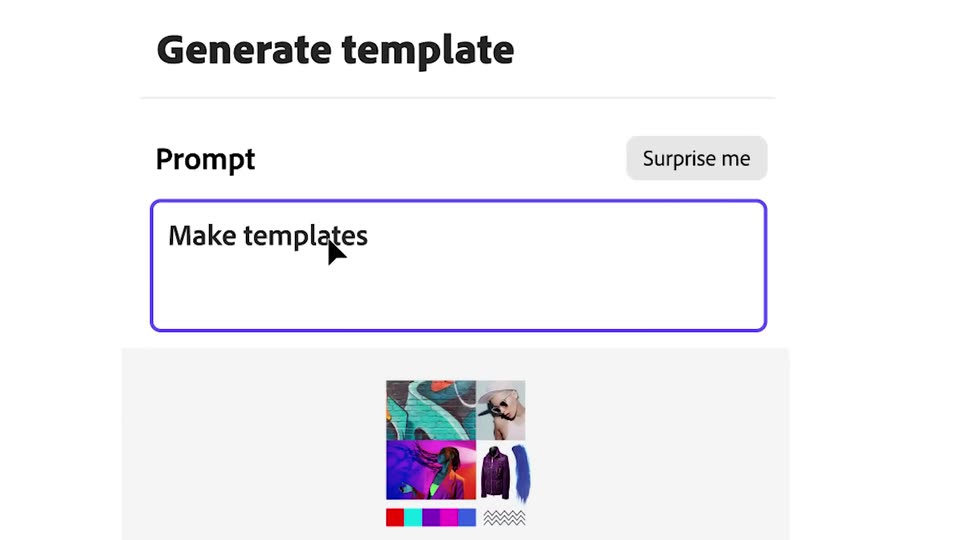 0:31–0:33Adobe · Adobe Firefly: Family of New Creative Generative AI Models | AdobeThe product editor reframes from the full layout to the prompt field, where a cursor types “Make templates from mo” and a moodboard collage with a color palette sits on the canvas below.
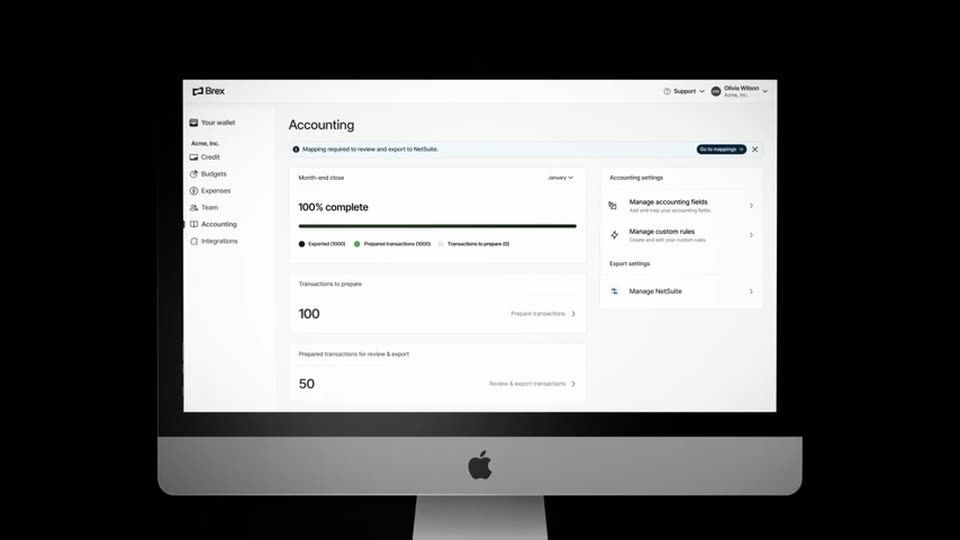 0:50–0:53Brex · Brex Launches Integrated Travel SolutionA white Month-end close card fills its progress bar from 24% to 100% while the legend counts up, then the camera pulls back to reveal the card on a laptop screen showing the full Brex accounting page. A tagline slides in over the dark background.
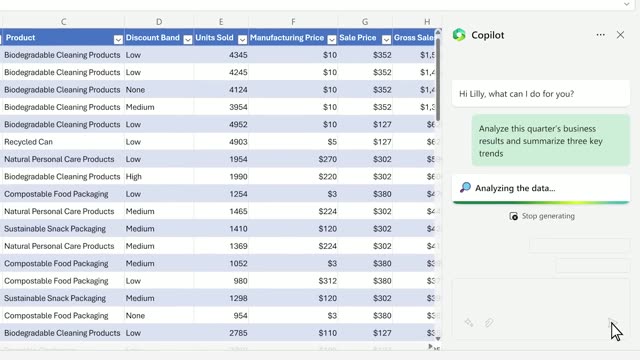 0:53–1:01Microsoft · The Microsoft 365 Copilot AI Event in Less than 3 MinutesZoomed onto an Excel sales table beside the Copilot panel, a cursor types a prompt into the chat box and sends it. A progress bar runs, then a green-outlined card lists key trends.
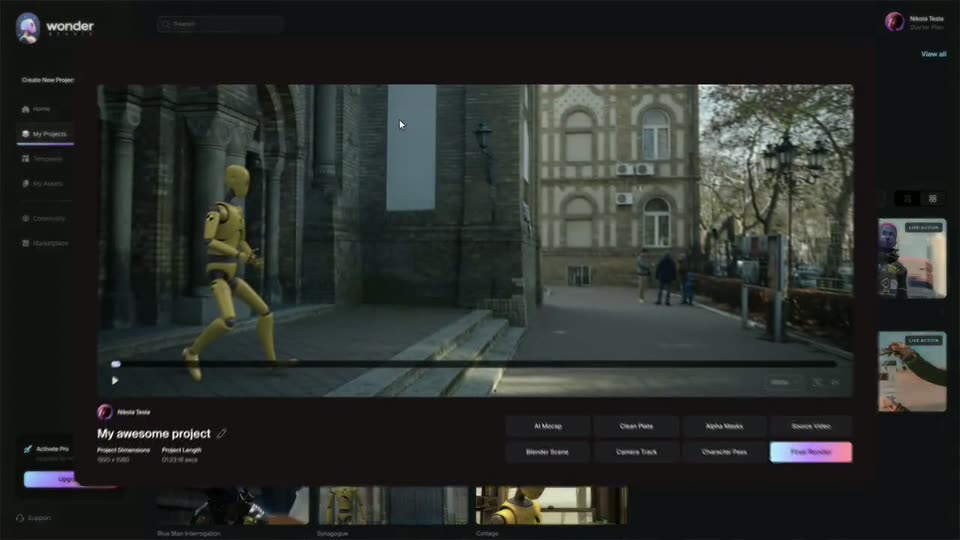 0:25–0:26Wonder Studio · Autodesk Flow Studio - We are proud to introduce Wonder Studio. An AI tool that automaticalA dark project dashboard fills the frame, its left rail and grid of labeled video thumbnails in view. The In Progress preview expands into a larger frame, revealing a yellow CG figure walking down a street, while a cursor hovers near the top edge.
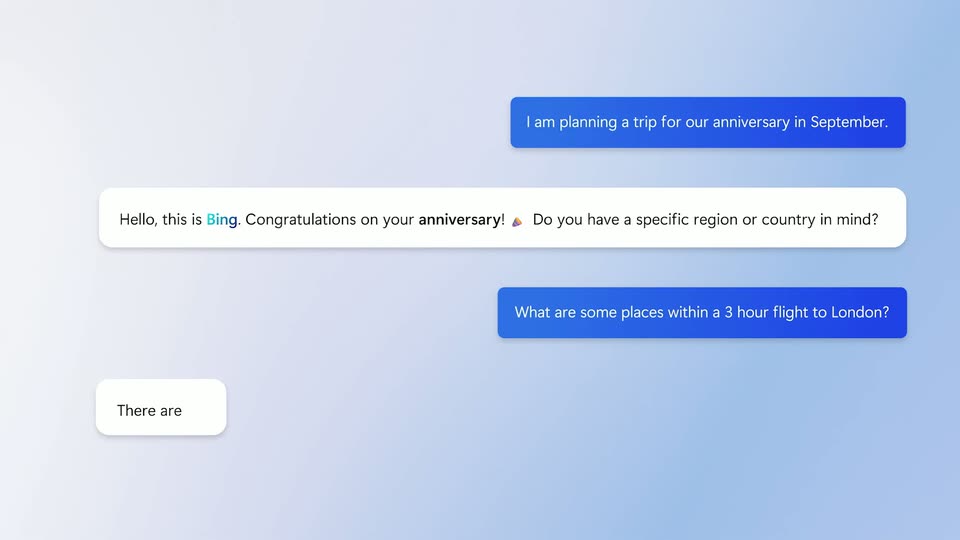 0:24–0:27Microsoft · Introducing the new Bing in Windows and MoreThe clip opens zoomed in on a blue question bubble fading in beneath a white reply bubble, then pulls back to reveal the full Bing chat thread of anniversary-trip messages on a light blue gradient. The caption “Ask real questions” sits centered below the bubbles.
 0:24–0:31Notion · Notion AI is here, for everyoneA document editor shows a paragraph beside a comment card reading “Could be stronger.” The view zooms onto the text, which is highlighted, then a cursor opens the Ask AI menu and picks Change tone, Confident, raising an “AI is writing” banner.
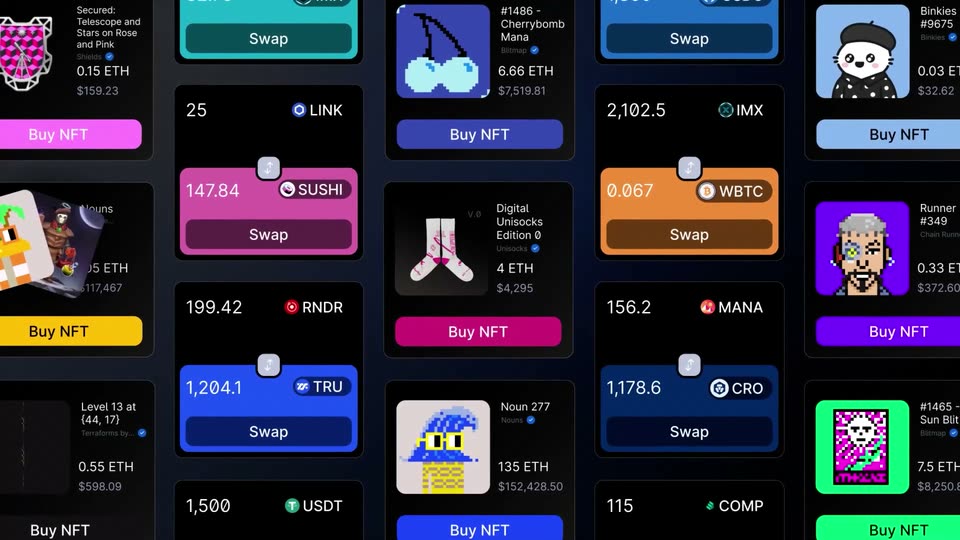 0:12–0:21Uniswap · Gm, NFT Frens - Uniswap Labs Has Acquired GenieA dark card with a pair of white socks and pink markings fades in at center, then the view pulls back to reveal a full-screen grid of NFT listings and token swap cards, the socks card staying centered.
 0:16–0:20Liveblocks · Liveblocks - #LiveblocksLaunchWeek – Day 1 Introducing Liveblocks 1.0: the compleA framed dark screen with four glowing blue corner dots holds blurred purple code lines with visible syntax symbols. The lines drift and scroll while the view zooms in, ending on an abstract field of floating dashes.
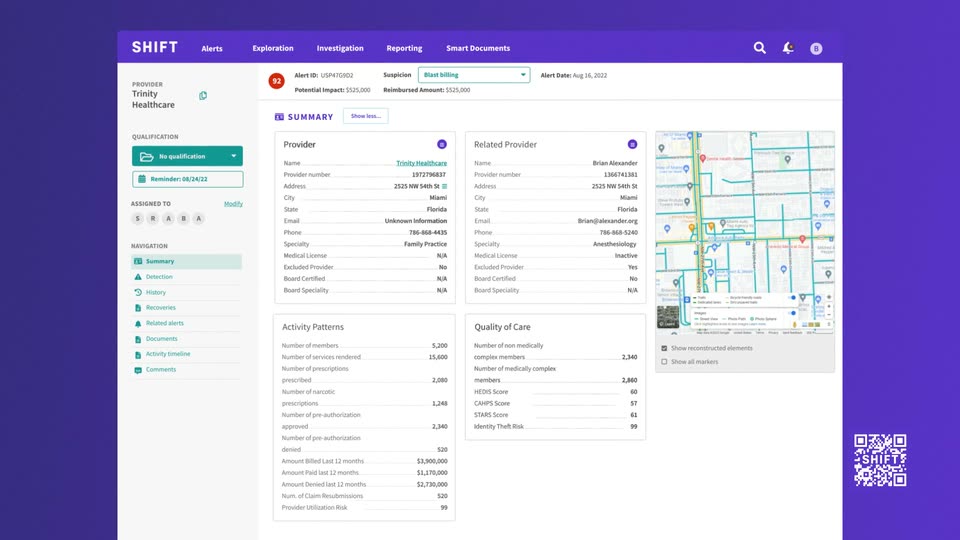 0:19–0:25Shift Technology · SHIFT_Improper Payment Detection_360 View_Video_FINALA map card with a SUMMARY heading on a purple field shrinks and slides right as the full SHIFT dashboard fills the screen. The interface then scrolls down through provider and activity cards into a detection table with a Send Email button.
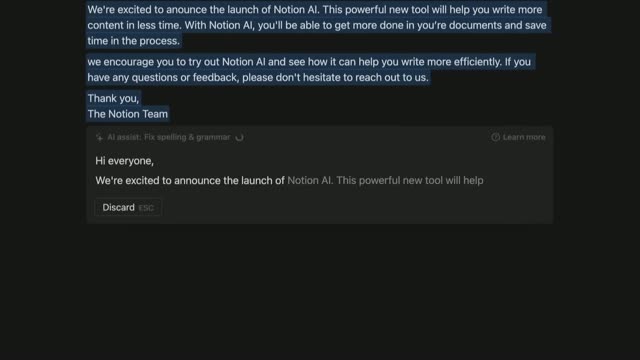 0:39–0:47Notion · Introducing Notion AIOn a dark Notion page, an email titled 'Launch Email' shows underlined typos. A cursor selects the text and opens the AI assist menu; a panel types the corrected copy and the document updates when Replace is clicked.
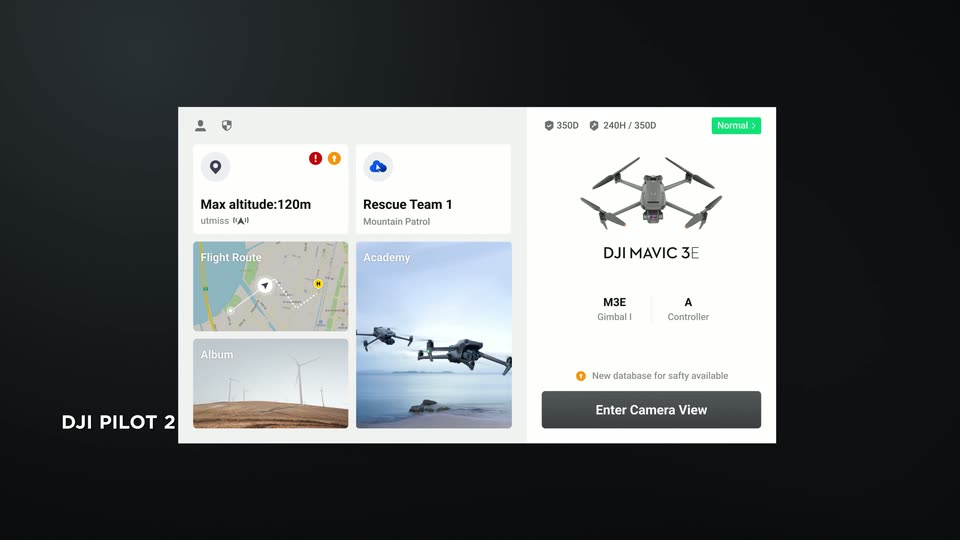 2:33 · 0.8sDJI · DJI Enterprise - Introducing the Mavic 3 Enterprise SeriesA white DJI Pilot 2 app window opens large, then scales down to a centered card on a dark backdrop. The interface shows a drone render, a map tile, and menu cards for Flight Route and Academy, with a dark button at the bottom right.
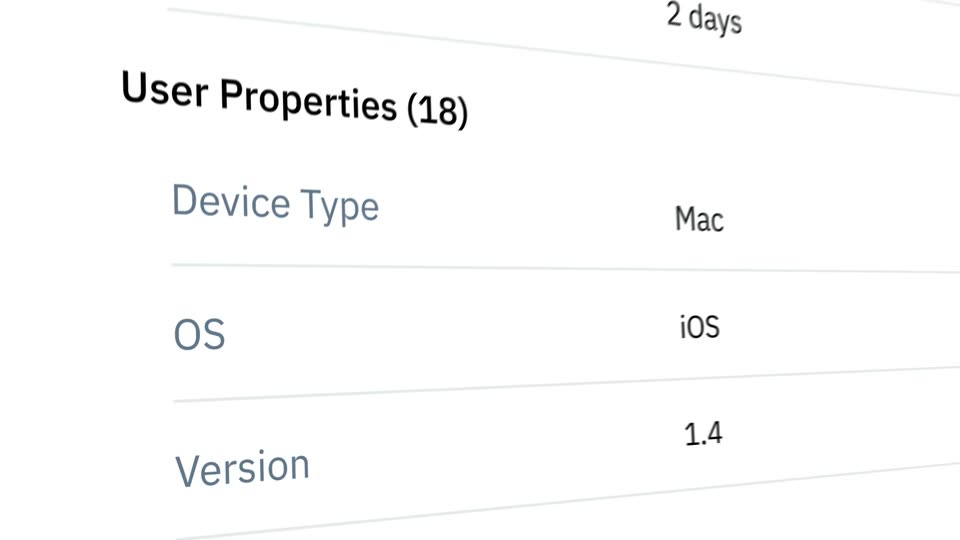 0:35–0:42Amplitude · Introducing Amplitude CDPA white user profile card tilts in 3D perspective, the camera gliding down past the email header, a Properties list and a User Properties list, then pulling back to reveal the full User Profile page with a name table on the left.
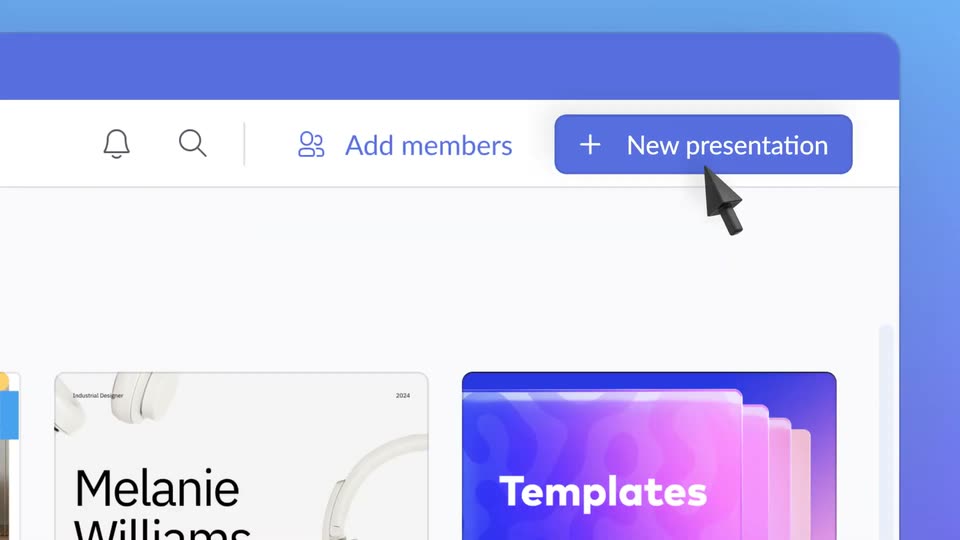 0:08–0:09Pitch · Introduction to Pitch | Create beautiful presentations with your teamA 3D cursor hovers over a blue New presentation button in close-up, then the view pulls back to reveal the full dashboard with a left sidebar and a grid of template cards below.
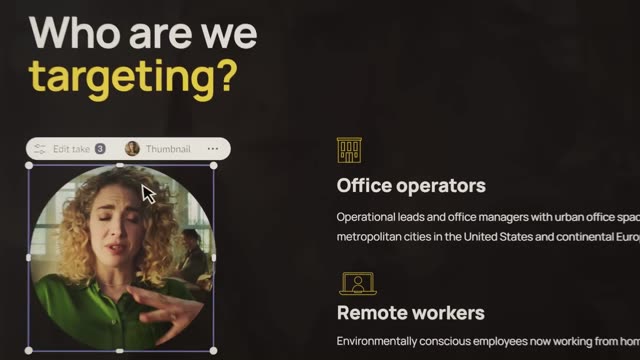 0:49–0:50Pitch · Introducing recordings | Turn presentations into expressive video narrativesA zoom-out reframes from a tight crop of a selected circular photo to the full slide editor: a white and yellow headline top left, the avatar with a floating edit toolbar, and two audience blocks with yellow line icons on the right.
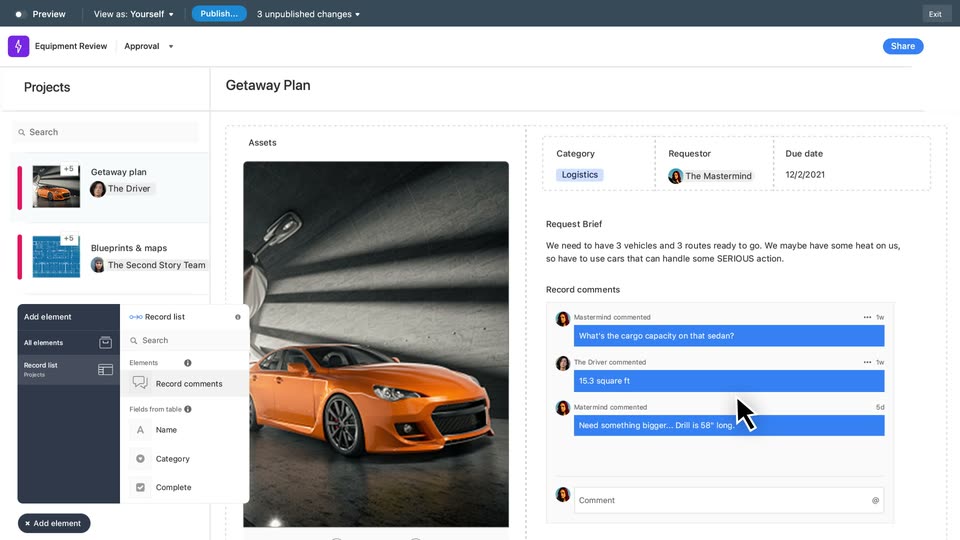 0:20–0:24Airtable · Airtable: introducing interface designerA cursor clicks the Publish button in a project tracker interface, the view zooms onto the top bar, then the screen tilts into a 3D perspective with a Share dialog open and a large Getaway Plan headline scaling in below.
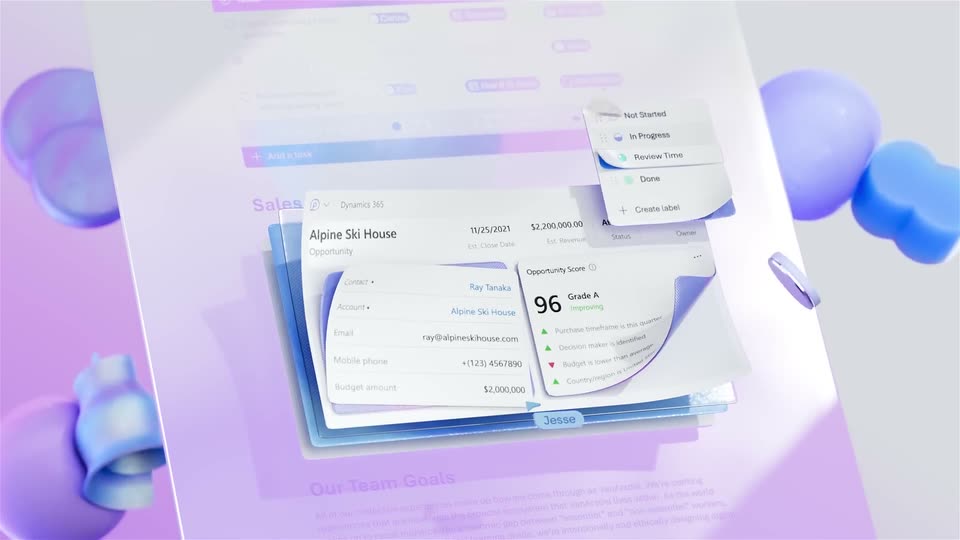 0:30–0:32Microsoft · Introducing Microsoft LoopA tilted Microsoft Loop page rotates as the camera pushes into the Task List. A Dynamics 365 card for Alpine Ski House, scored 96, lifts out and floats in 3D while a dropdown opens and a cursor highlights Review Time. Blue blobs and name tags drift around.
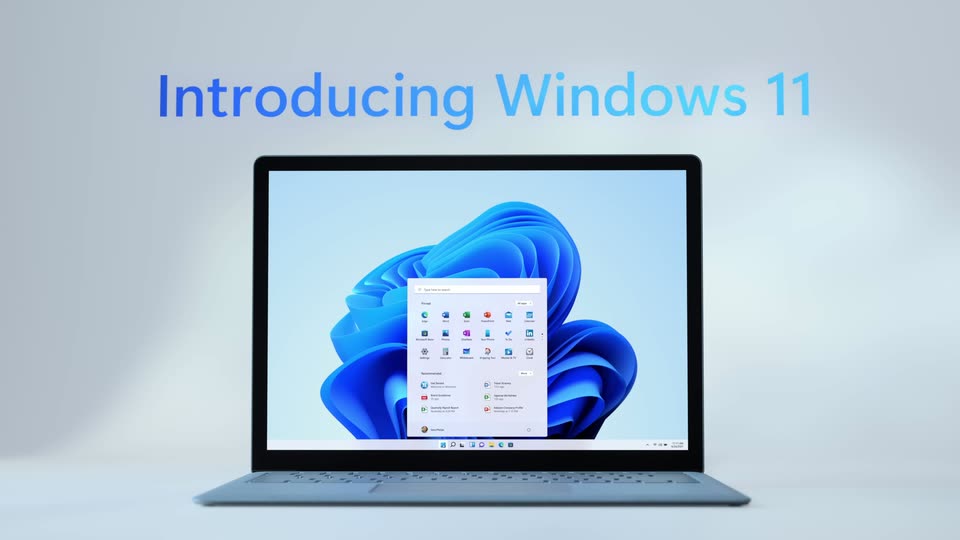 0:44–0:50Microsoft · Introducing Windows 11A close-up of a laptop screen showing the Windows 11 wallpaper pulls back to a full 3D laptop on a white surface, the blue headline scaling in above it. The Start menu opens on the display, then a fast blurred zoom dives into the screen through a white frame.
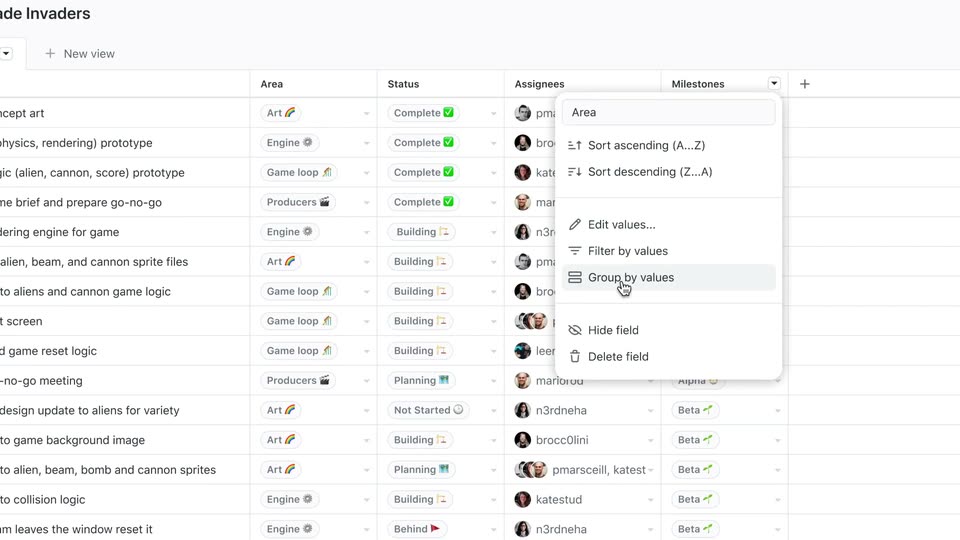 0:32–0:36GitHub · The new GitHub IssuesA light spreadsheet table lists game tasks across Area, Status, Assignees and Milestones columns. A cursor clicks the Milestones header, opening a dropdown menu, then glides down to highlight Group by values as the frame zooms in on the menu.
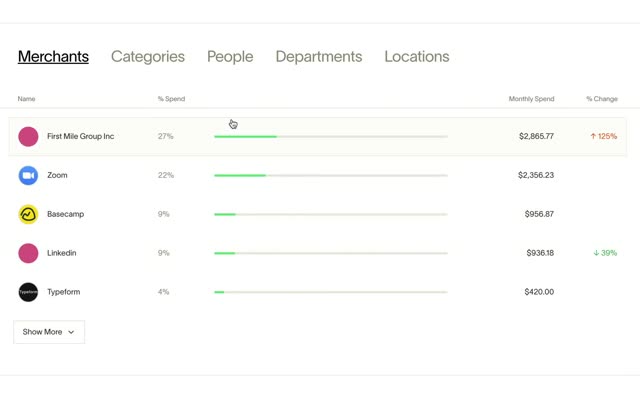 0:58–1:07Ramp · Meet Ramp: The finance automation platform that saves you time & moneyA cursor picks SaaS / Software from the category dropdown, the chart recolors pink and a hover shows a $7,208.05 tooltip. The view scrolls down as the cursor clicks the People tab, swapping the merchant rows for a people list, then fades to white.
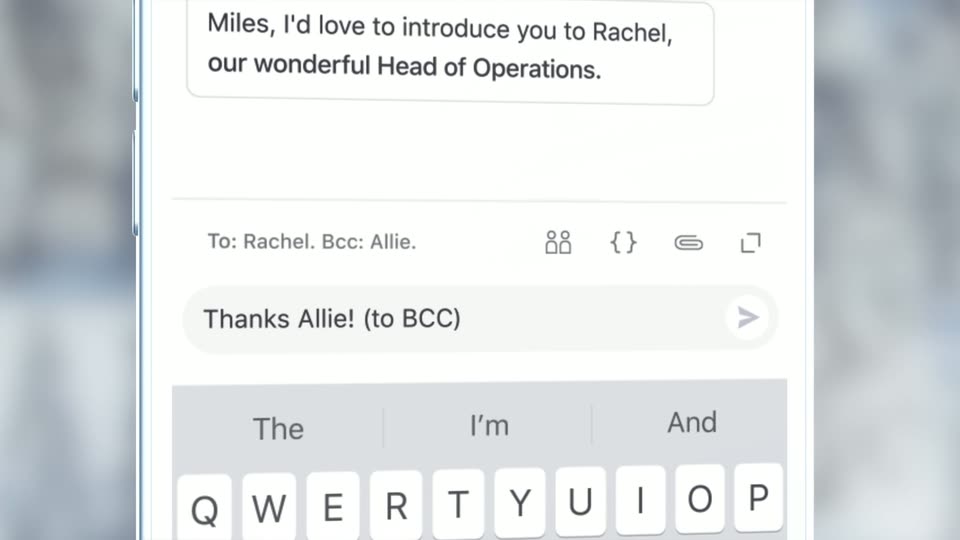 0:39–0:43Superhuman · Introducing SuperhumanA light-blue phone floats at an angle over a blurred backdrop, its screen showing an email thread. The camera pushes in as a suggestion banner appears, the To field updates Allie to BCC, and a reply snippet types itself.
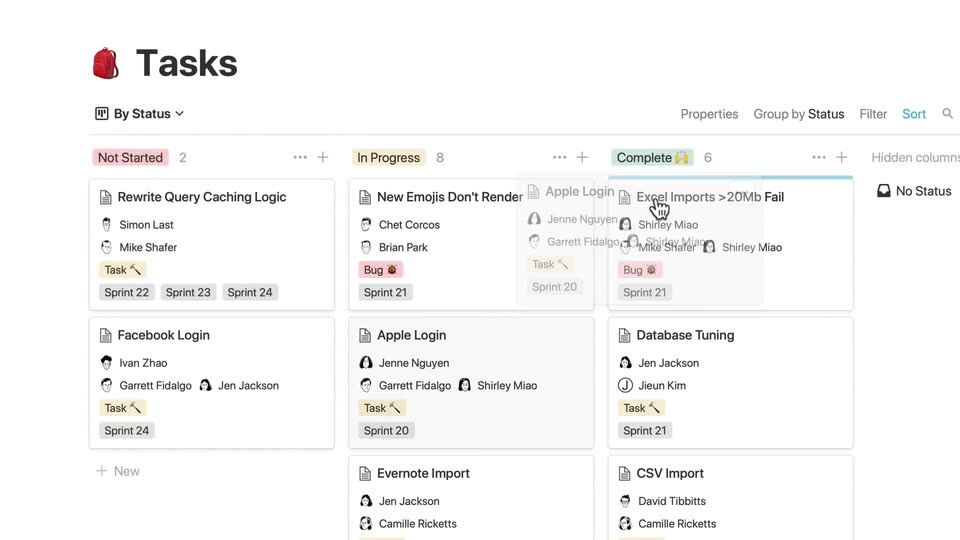 0:43–0:47Notion · What is Notion?A cursor hovers over a task card, opens its menu, then drags the Apple Login card from In Progress into the Complete column. The view pulls back to reveal a left sidebar listing the workspace pages.
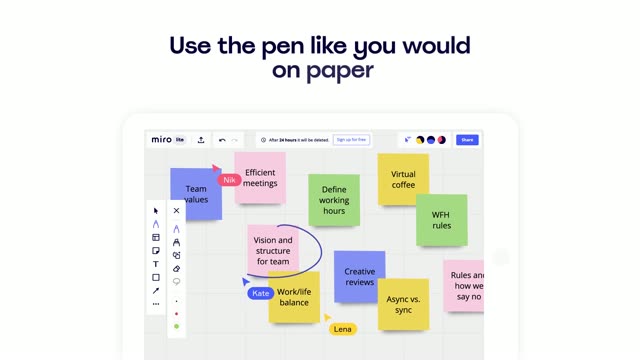 0:33–0:42Miro · Meet Miro Lite, the free online visual workspace for teamsA Miro whiteboard sits under the headline “Or start from scratch.” Sticky notes pop in one by one as named cursors drift across the grid. The view zooms in, the pen tool opens, a blue circle is drawn around a note, and a red line links it to another.
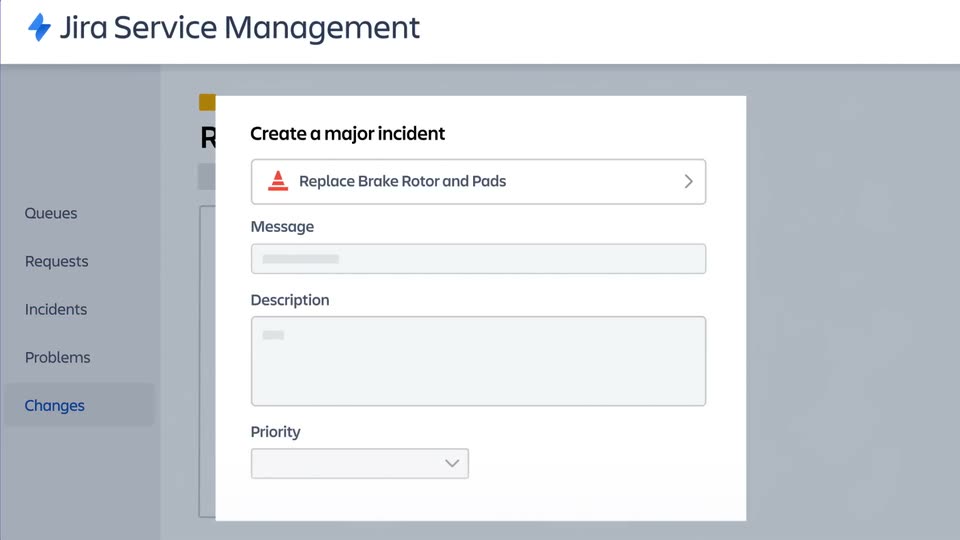 0:24–0:26Atlassian · Introducing Jira Service ManagementA Jira Service Management 'Create a major incident' dialog sits over a dimmed dashboard. 'Replace Brake Rotor and Pads' is typed into the top field, gray bars fill the Message and Description fields, then the view pulls back into a lavender frame.
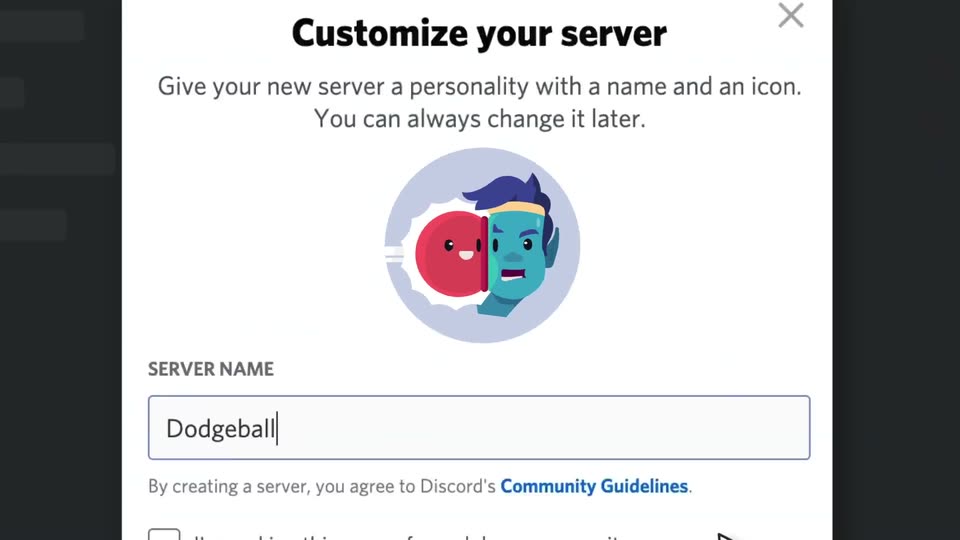 0:29–0:31Discord · How Discord Works in 148,000 Miliseconds or LessA tight crop on the round server icon and the Dodgeball name field pulls back to reveal the full Customize your server modal. A cursor hovers beside the icon, then rests near the checkbox as the field stays filled.
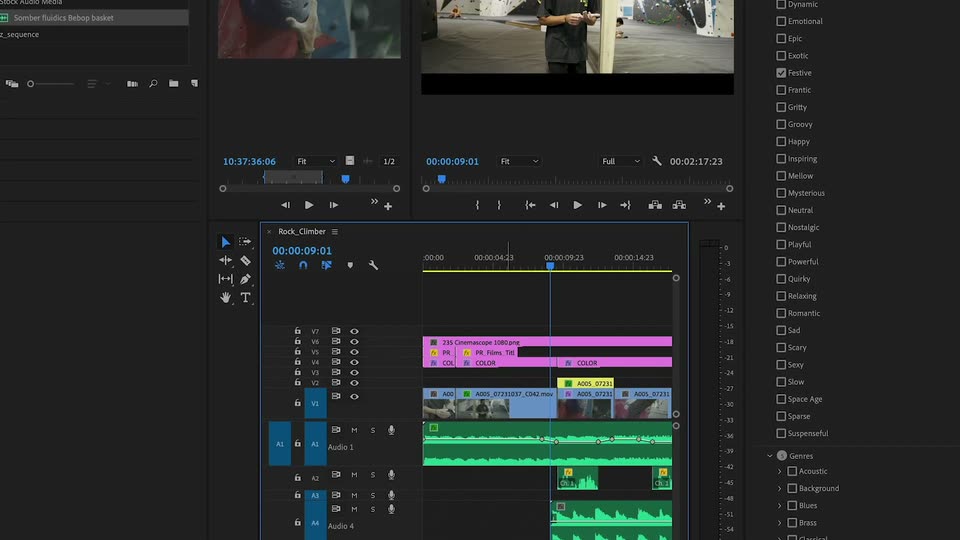 1:19–1:22Adobe · New in Premiere Pro - Introducing Adobe Stock Audio | Adobe Creative CloudA dark non-linear editor fills the frame. The view pans left across a timeline of magenta, blue and green clips to reveal a media browser list and a preview monitor playing a rock-climbing shot.
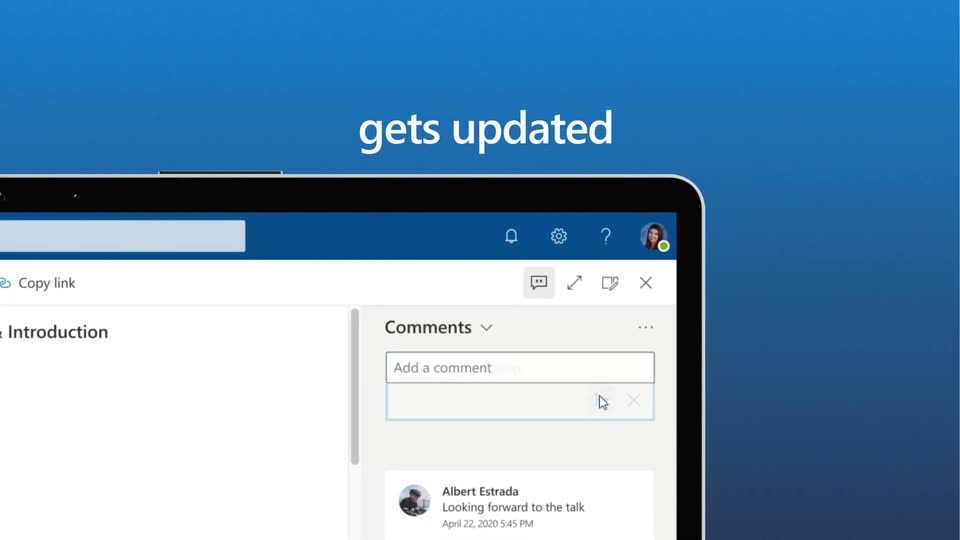 0:24–0:26Microsoft · Announcing Microsoft Lists - a new Microsoft 365 app to track information and organize workA laptop in 3D perspective on a blue background shows a web app with a comments panel. White text reads above it while a cursor types a comment into the box, then the camera zooms into the screen.
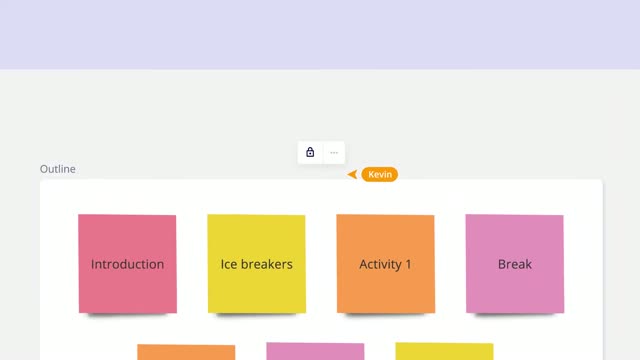 0:20–0:24Miro · Introducing Miro for meetings and workshopsA Miro window tilts from 3D perspective into a flat front view, then the view zooms into the canvas. Colored sticky notes sit under an Outline heading as a lock icon pops in and the Kevin cursor drifts across the board.
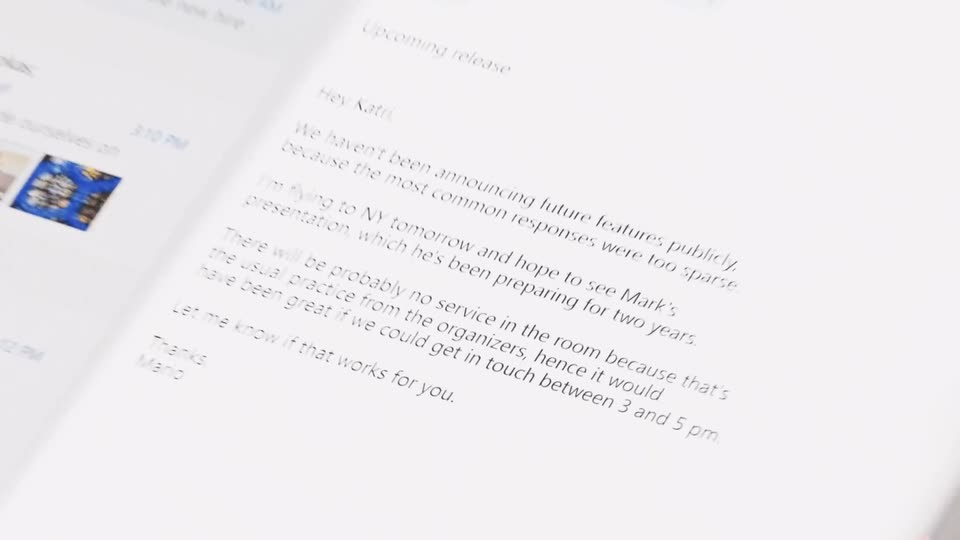 0:39–0:40Microsoft · Introducing Microsoft Editor: Write confidently across your Office apps and favorite websitesA tilted sheet of paper with a thin letter sits in 3D space beside an orange paperclip. The camera pulls back to reveal the sheet as the body of an email, with a left sidebar and a blue header bar.
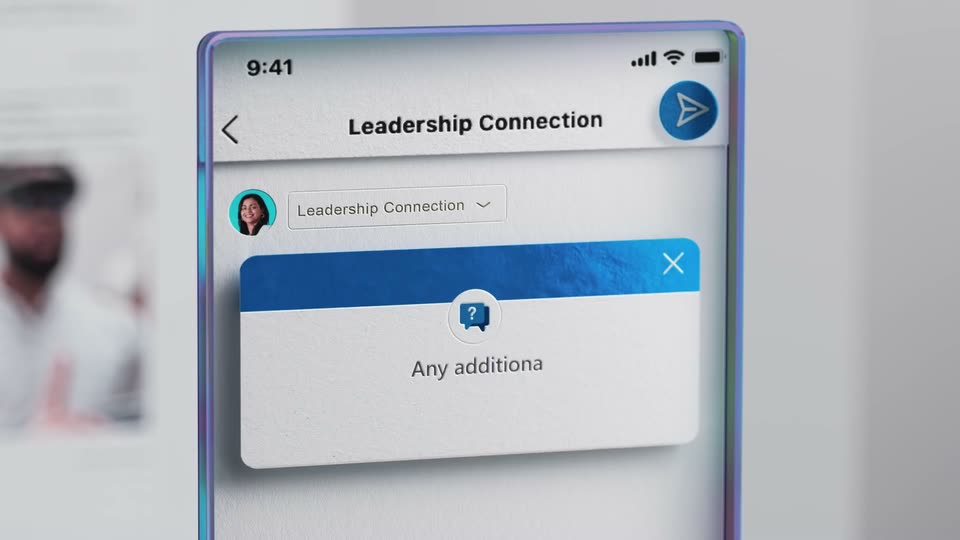 0:38–0:43Microsoft · The new Yammer in Microsoft 365A 3D phone mockup rotates from an angled tilt to front-on, showing a social post with a photo of people in VR headsets. The screen then switches to a message view, where “Any additional thoughts after the all-hands?” types into a card, and the frame zooms onto the tilted card.
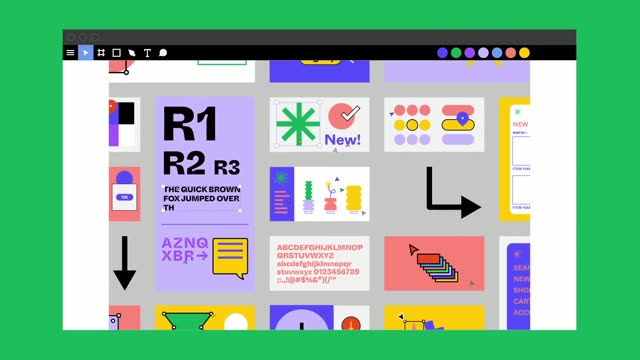 1:26–1:33Figma · What's Figma? [2019]A flat browser window on a green background holds a grid of colorful design tiles, and the view zooms out from a close-up of one row to reveal the full gallery of type specimens, icons, color swatches and arrows. Several multiplayer cursors sit parked on different tiles as the grid settles into place.
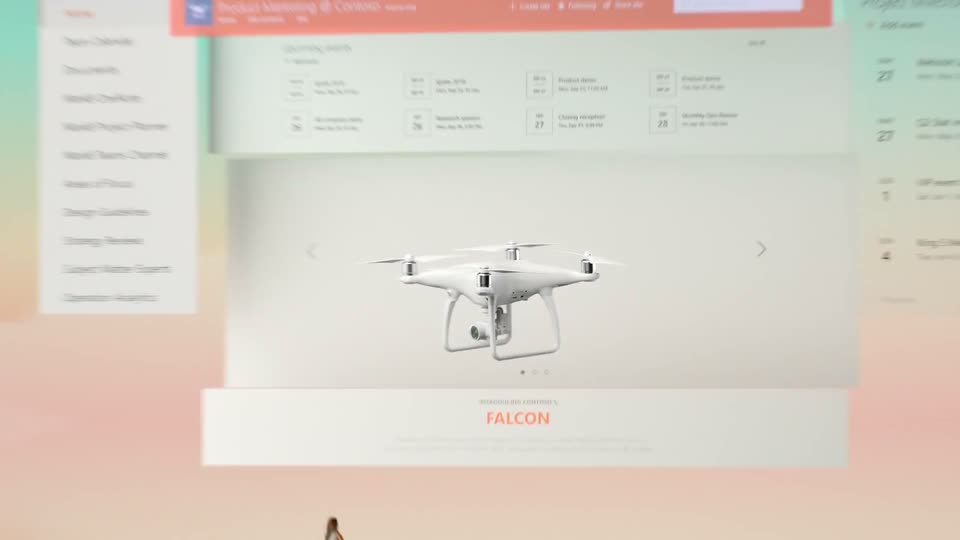 0:35–0:36Microsoft · New SharePoint innovationsA zoomed view of a white quadcopter drone on a cream website page pulls back to reveal the full interface, with a left sidebar, top tabs, an events list, and a FALCON product section holding a small walking figure.
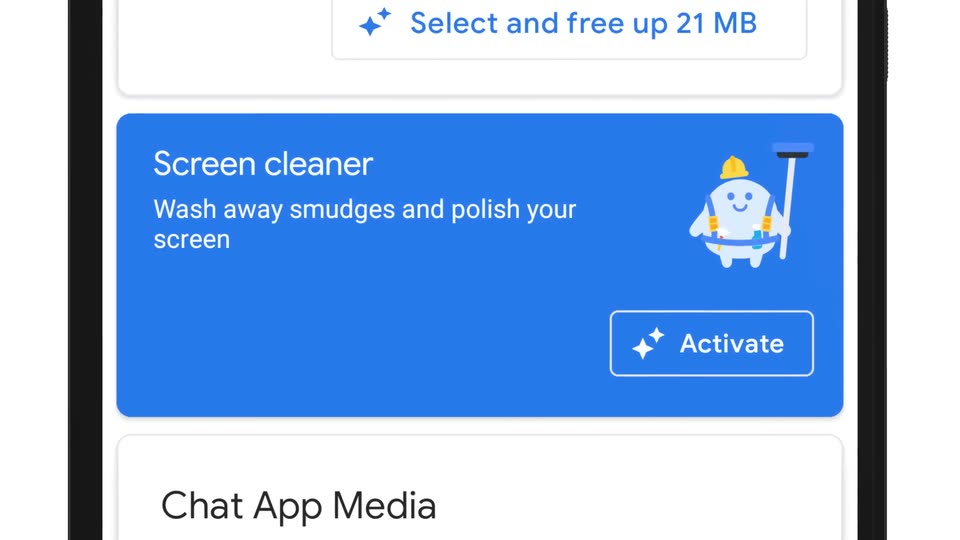 0:43–0:47Google · Introducing Screen Cleaner in the Files appA close-up of a phone screen scrolls down the Files app cleanup list, past the Junk files and Duplicate files cards, then zooms in on the blue Screen cleaner card showing its Activate button and a small cartoon character holding a broom.
 0:33–0:40Google · Introducing Subscribe with GoogleA close-up of a phone screen shows a Google Pay sheet. A finger taps the blue Subscribe button, and a “You're now subscribed!” confirmation slides in. The article text scrolls up, and the camera zooms out to reveal the whole phone with a paywall card prompting a free subscription.
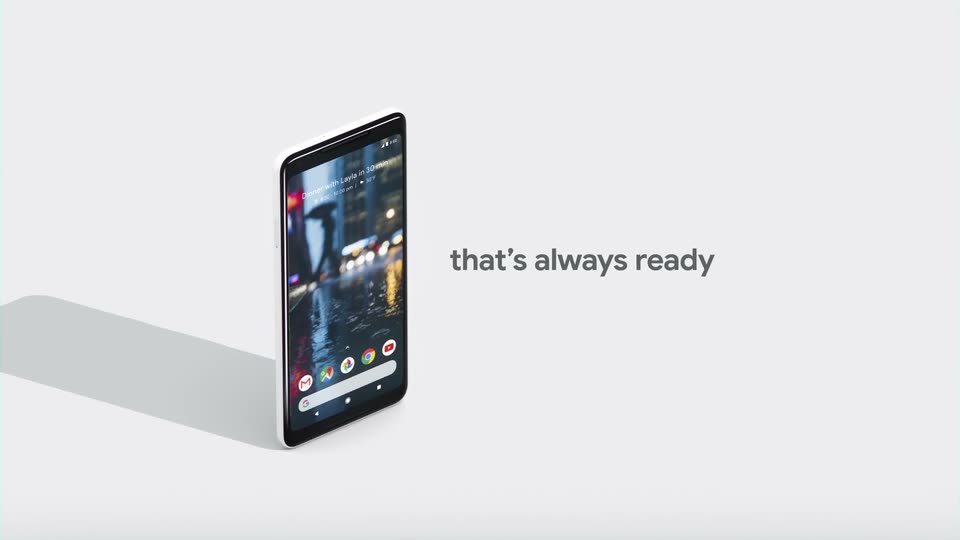 0:45–0:46Google · Meet Google Pixel 2 | More, more, moreA tight crop on the phone's status bar pulls back to a 3D phone standing at an angle on a white surface, its screen showing a dog wallpaper and a dinner notification. Text on the right reads that's always ready, then swaps to more.
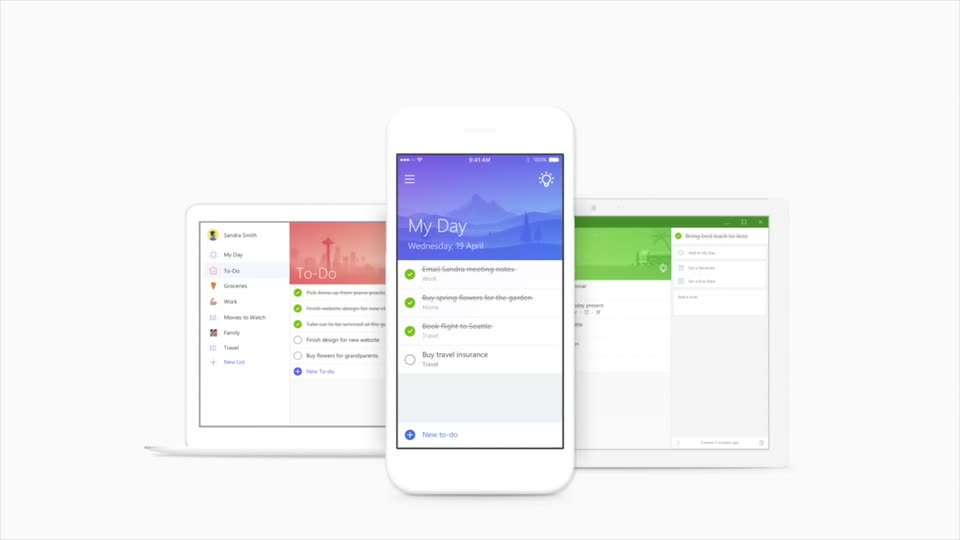 0:58–1:03Microsoft · Introducing Microsoft To-Do, now in PreviewA white smartphone stands in front of a laptop and a tablet, each showing the same to-do app in blue, red and green themes. The phone's screen scales down to fit its frame, then the whole composition blurs out.
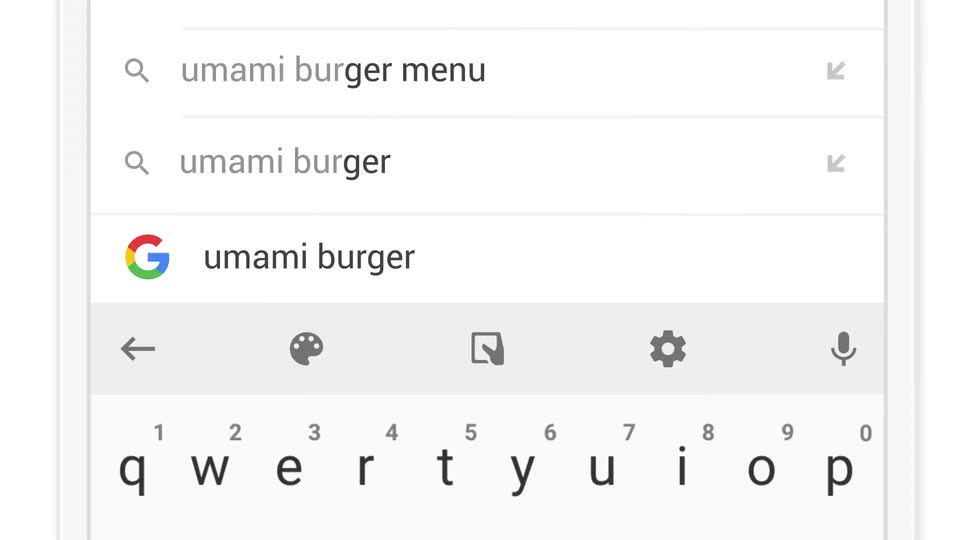 0:30–0:32Google · Gboard: now available for AndroidA close-up of a Google search bar on a phone. The query umami burger types in letter by letter as autocomplete suggestions populate the list above. The frame then zooms out, shrinking the interface to the right half as the search is submitted.
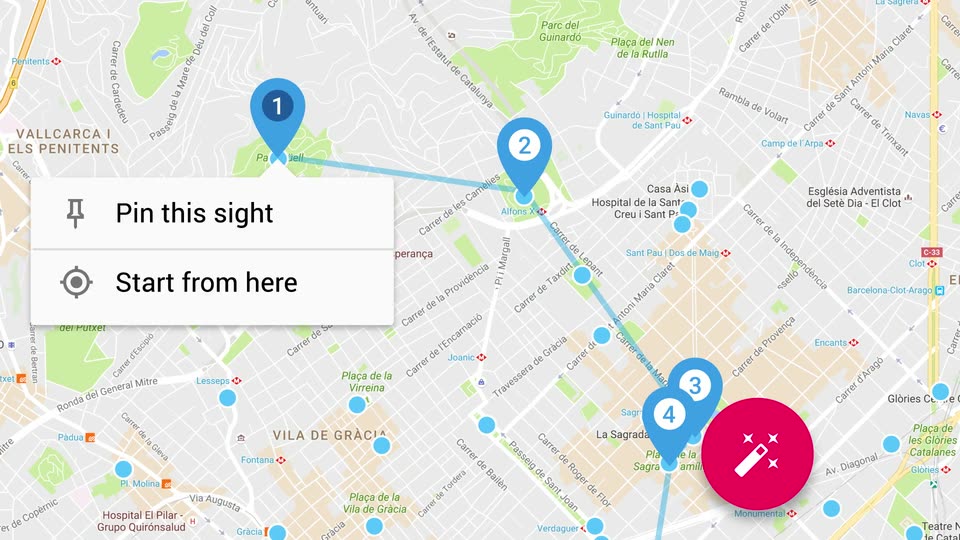 0:49–0:52Google · Introducing Google TripsA tilted 3D map of Barcelona straightens as scattered blue dots snap into four numbered pins joined by a blue route line. A white menu card slides in on the left with two options, then a red pin drops onto stop 1.
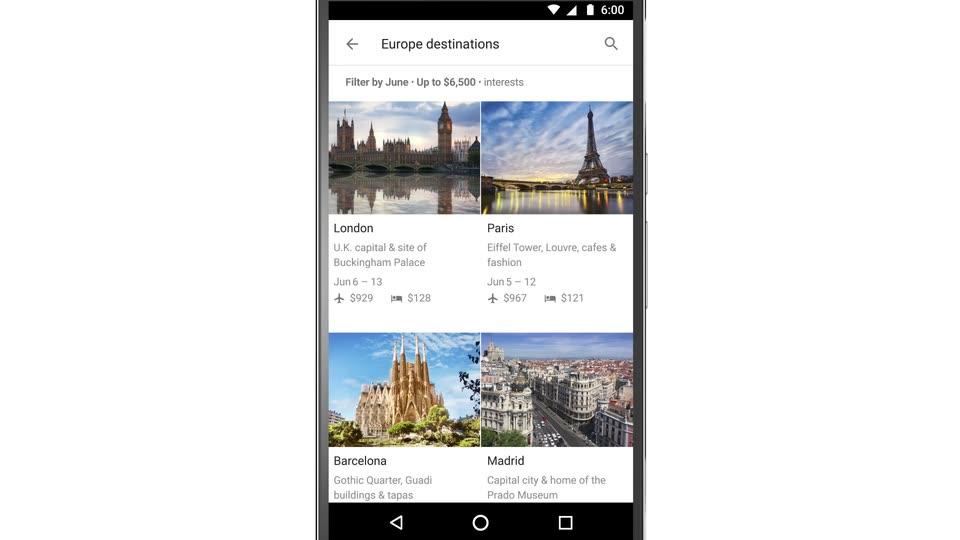 0:30–0:33Google · Introducing Destinations on GoogleA close-up of a travel app's Europe destinations grid zooms out to reveal the full phone frame, showing London, Paris, Barcelona and Madrid cards with photos, dates and prices. A white fade then washes over the top of the screen.
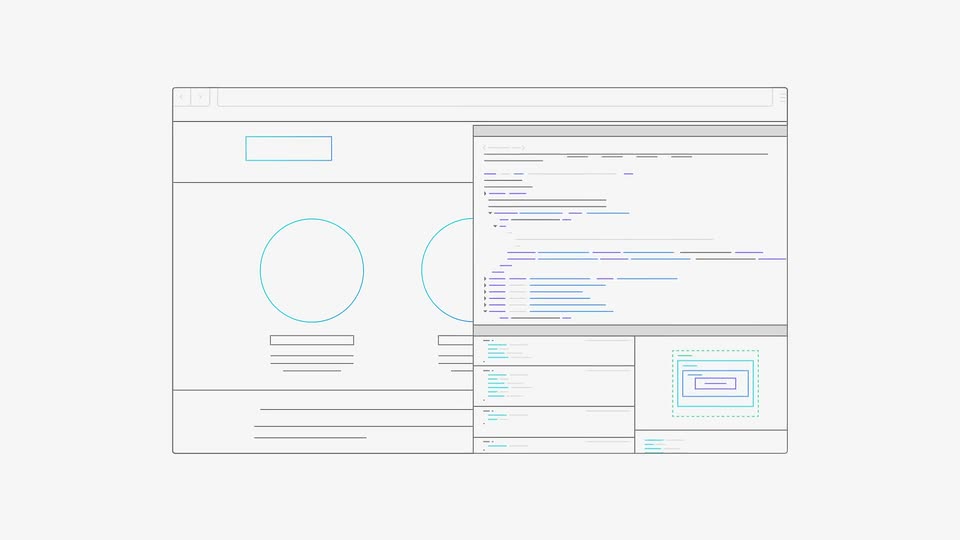 0:20–0:22Webflow · Introducing Webflow CMSA thin-line wireframe of a browser window, with circles, rectangles and dashed text bars in gray and blue, sits on a pale gray field. The mockup zooms out and settles toward the center while a second window outline with dashed selection boxes glides behind it.
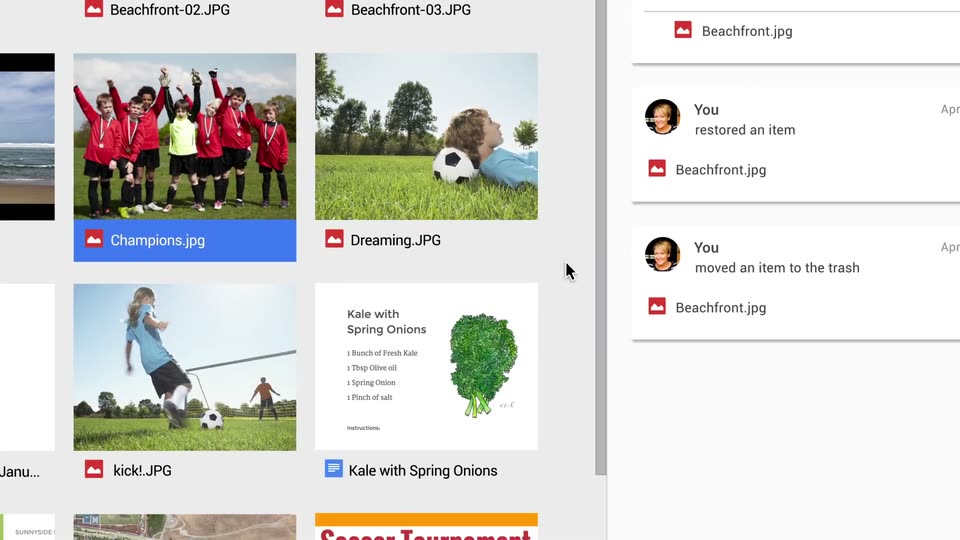 0:25–0:30Google · Meet the new Google DriveA Drive file grid sits beside a details panel that opens for an image. The cursor selects the Activity tab, the log scrolls, then double-clicks a recipe document, which opens in a new window.
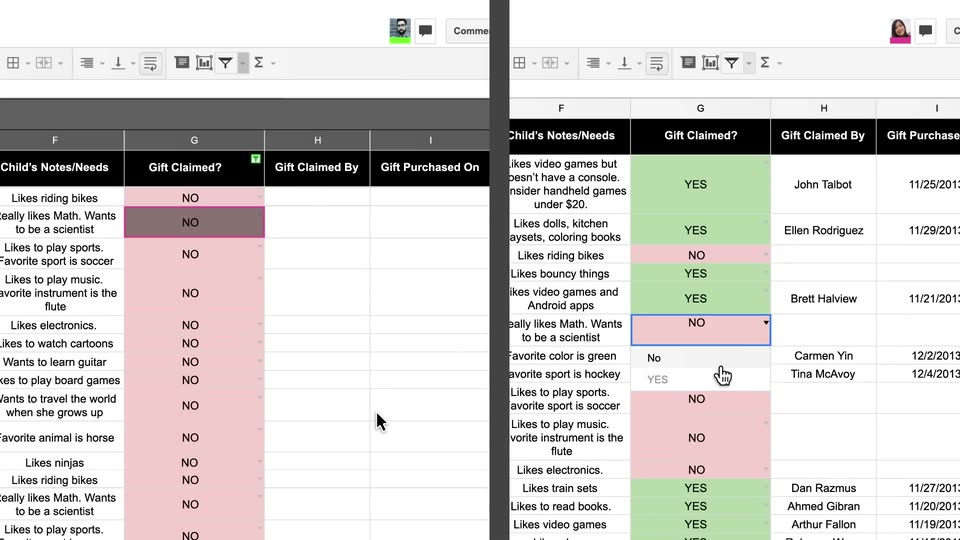 0:25–0:36Google · Meet the new Google SheetsA close-up of a Google Sheets toolbar zooms out as a cursor opens the filter menu, then the view splits into two collaborators who scroll and change a NO cell to YES together.
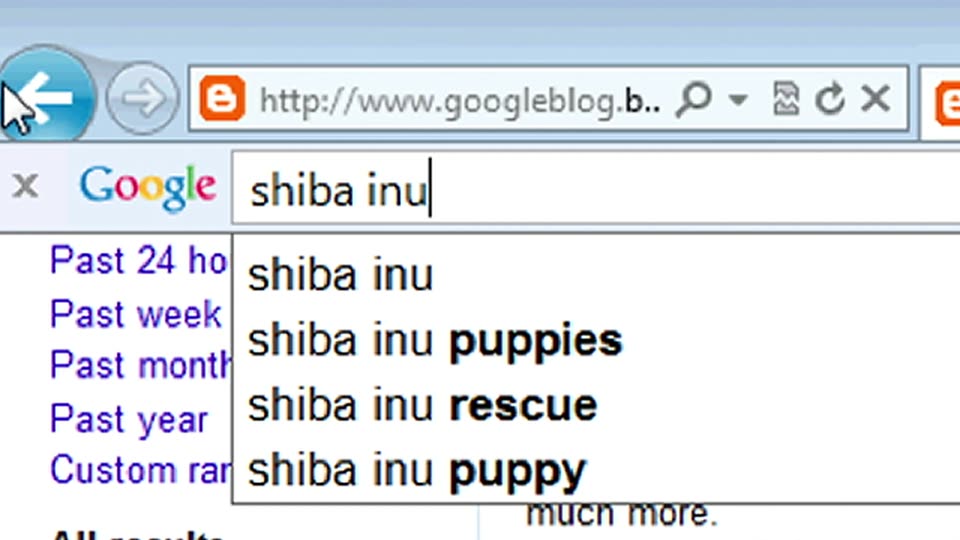 0:29–0:30Google · Introducing Google Toolbar 7A browser window shows Google search results for 'shiba inu' with the cursor idle at the bottom right. The view zooms into the top-left corner, scaling up the Google logo, search box and left sidebar of time filters.
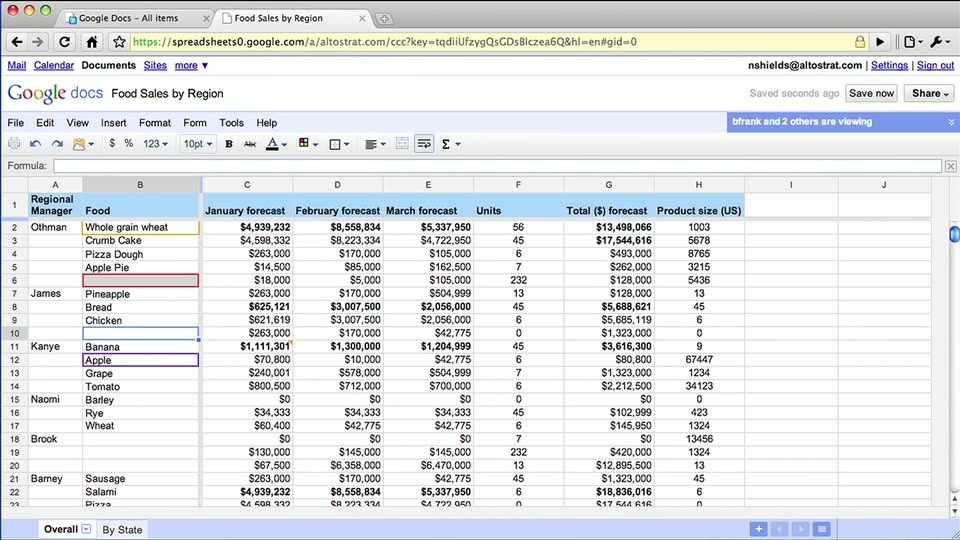 1:21 · 0.4sGoogle · Introducing a new Google DocsA Google Docs spreadsheet fills the frame, then the view dives into the grid, zooming onto a pale green highlighted cell and the white column lines.
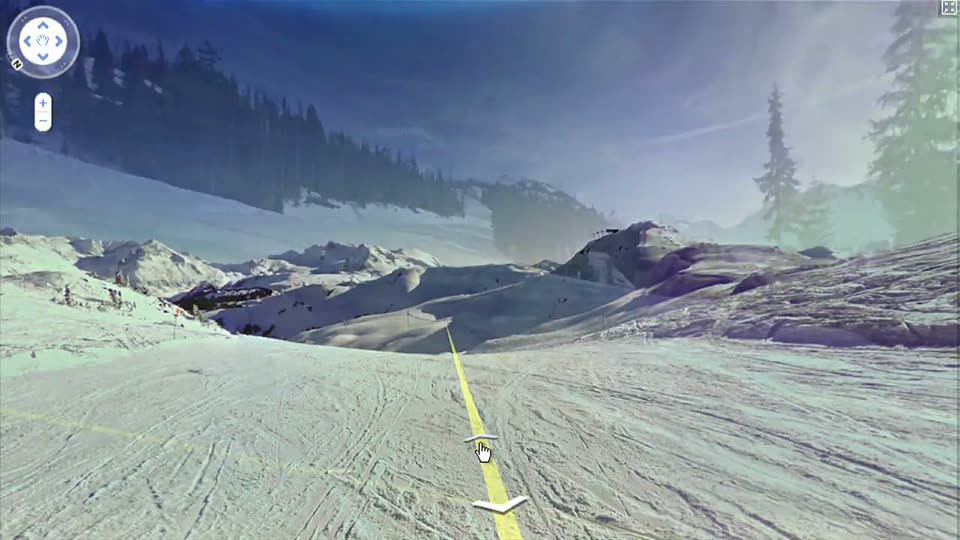 0:52–0:54Google · Introducing the Street View snowmobileA 3D map view flies over a snow-covered ski slope, the yellow trail line and hand cursor held in the foreground. The camera pushes in and reframes from the wide mountain vista to a closer slope with pine trees at the edges, the compass and zoom controls fixed in the top-left corner.
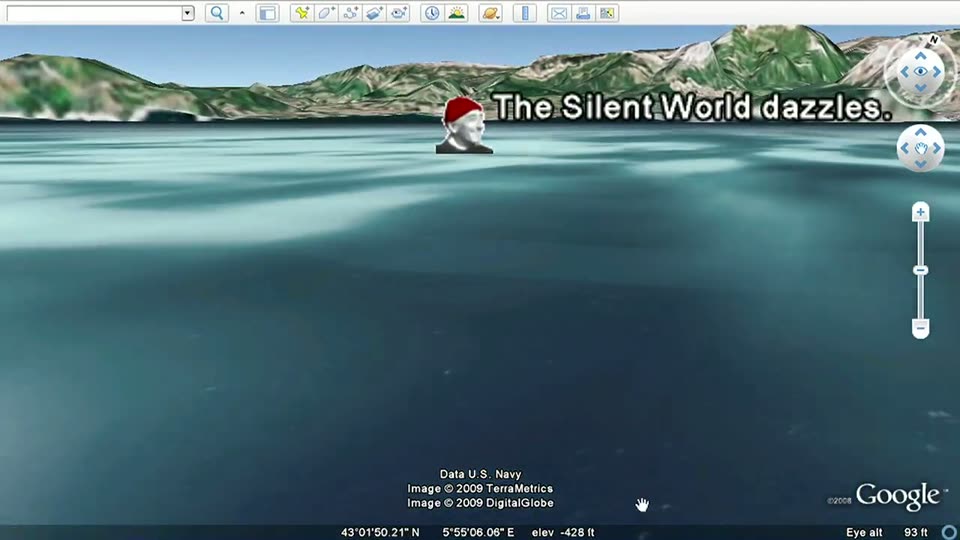 0:49–0:52Google · What's New in Google Earth 5.0A Google Earth 3D view of a Mediterranean bay zooms in on a small Cousteau figure with a red hat floating on the water. The headline sits at the top right, then a dark blue info panel with the Cousteau logo and body copy pops in over the scene.
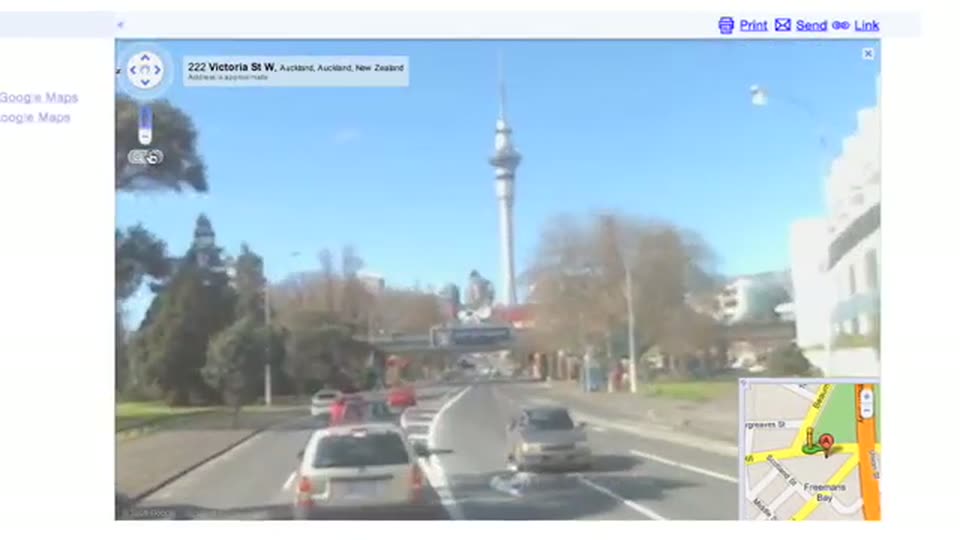 0:45–0:51Google · Street View now available in New ZealandA Google Maps Street View screen follows a car down Victoria St W in Auckland, the Sky Tower rising ahead. The interface chrome, address bar and minimap stay fixed while the street view dollies forward, then zooms in for a closer look at the tower.
 0:16–0:17Google · New features in Google Earth 4.3A 3D dusk view of a clock tower fills the Google Earth window, a hand cursor on the timeline. The view zooms into the search panel as 'san' is typed into the field.
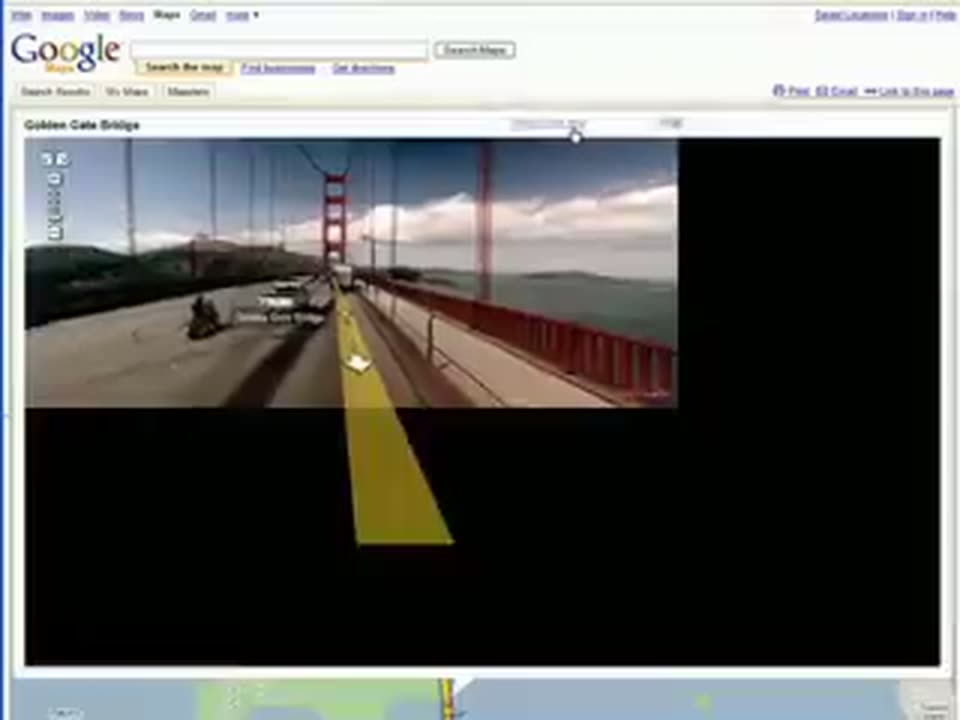 0:38–0:39Google · Google Maps Street View - launch videoA Street View image of the Golden Gate Bridge inside a white popup card expands to fill the browser window, pushing the map out of view below.
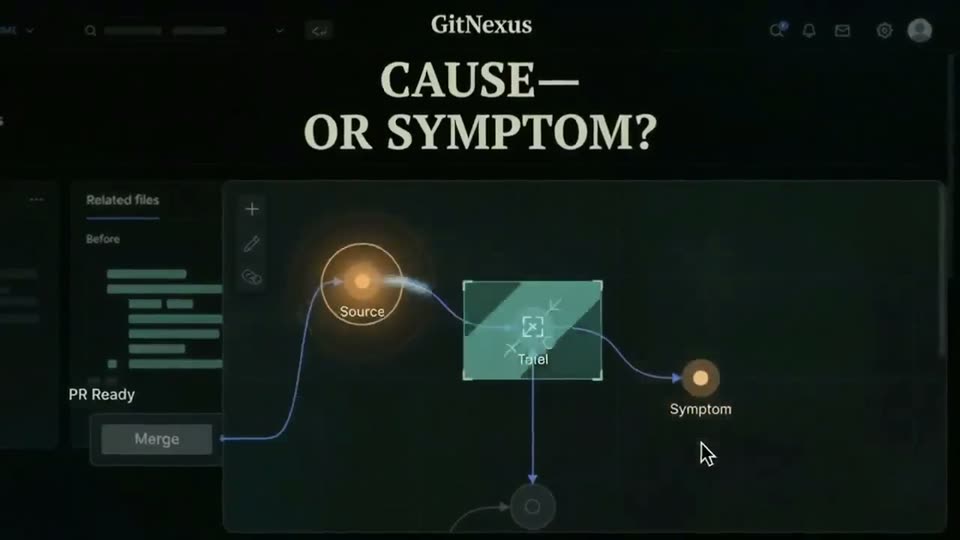 0:31–0:34Akon Labs · #ai #governance #coding | Akon Labs (YC S26)A dark GitNexus interface shows a node graph assembling under a serif headline. A blue line runs from a Merge button to a glowing Source node, through a square Total node, to a glowing Symptom node that a cursor points at. The Total node gains a teal selection box, then the whole diagram dims and fades out.
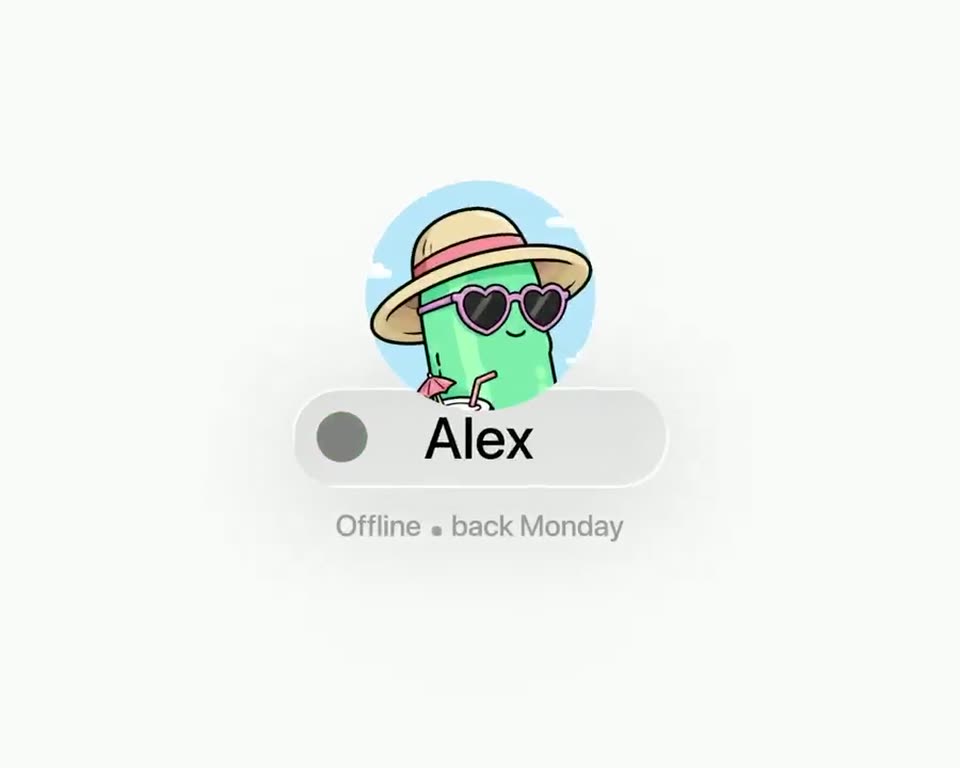 0:17–0:19Almanac · We just killed two biggest limitations of your favourite AI agents: Their memory and Your laptop Almanac’s agents have unlimited memory, their own computers, browsers and access to the tools theyA green cactus avatar in a blue circle scales up, morphing from black glasses and a tie into a straw hat, heart sunglasses, pink umbrella, and a drink. The status dot shifts from green to gray on the Alex pill below.
 1:20–1:22Asakana · Asakana (YC F26) automates sales and the entire back office for food distributors. Restaurants still order by text, WhatsApp, phone, or a photo of a handwritten note, often not in EnglishA white order form card titled New Rep shows Item and Quantity fields as the camera zooms in on the dark Send order button. A cursor slides in from the lower right and comes to rest on the button.