UI zoom
A zoom or reframe onto one part of the interface.
9,996 scenes · page 110 of 167
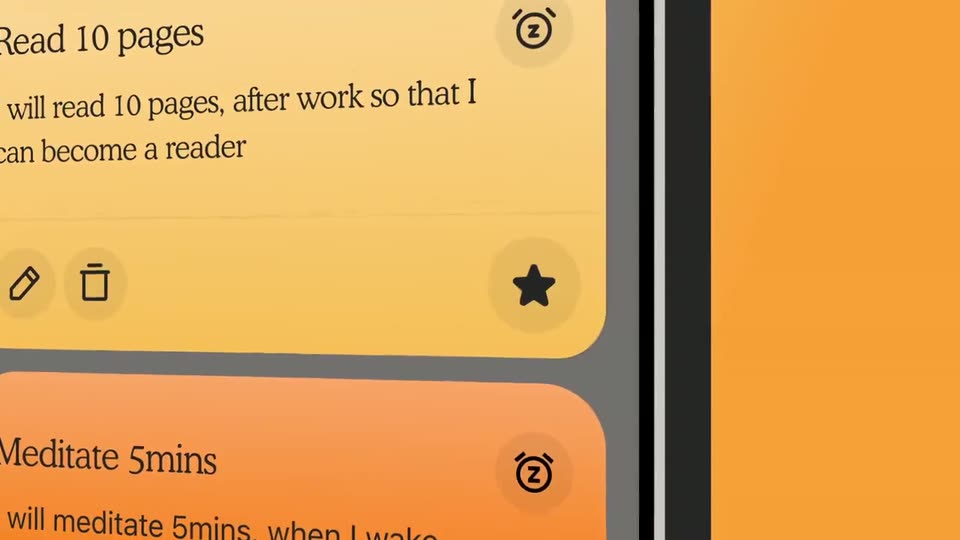 0:30–0:34Atoms · Metalab - Say goodbye to bad habits. Together with @JamesClear (you know who),A phone mockup in 3D shows a habit tracker interface. The circular progress ring fills from 2/7 to 5/7 as the card list scrolls, then the camera pulls back to reveal the device standing on a perforated metal panel.
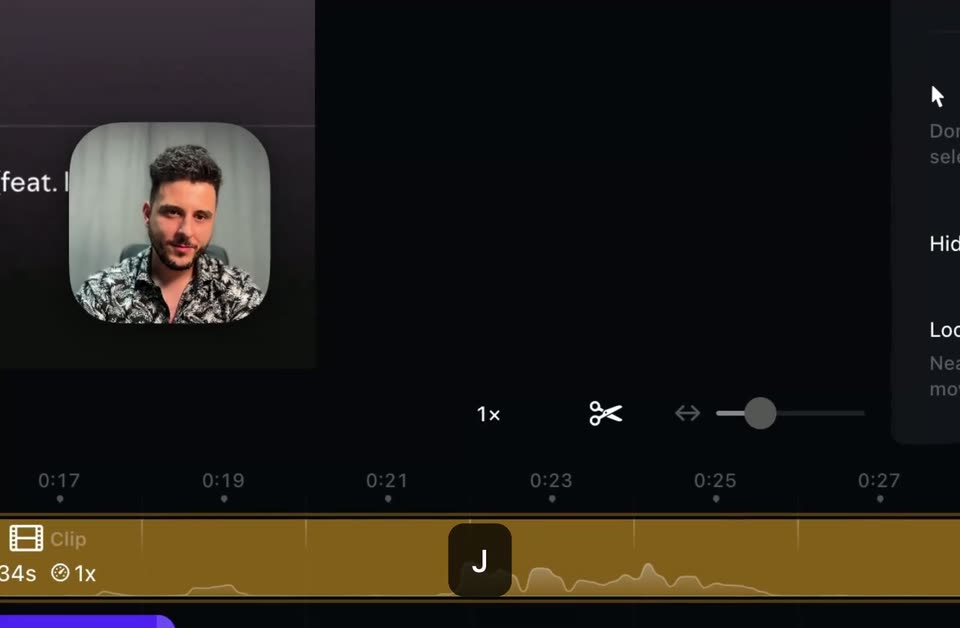 0:19–0:30Screen Studio · Screen Studio - There is a major new update coming soon to Screen Studio! The updateA dark tracklist UI close-up shows a watermelon emoji cursor over a row and a small webcam video of a man. The view reframes to an editing timeline with a cycling speed readout, then pulls back to reveal the editor window tilted in 3D over a pink and blue gradient.
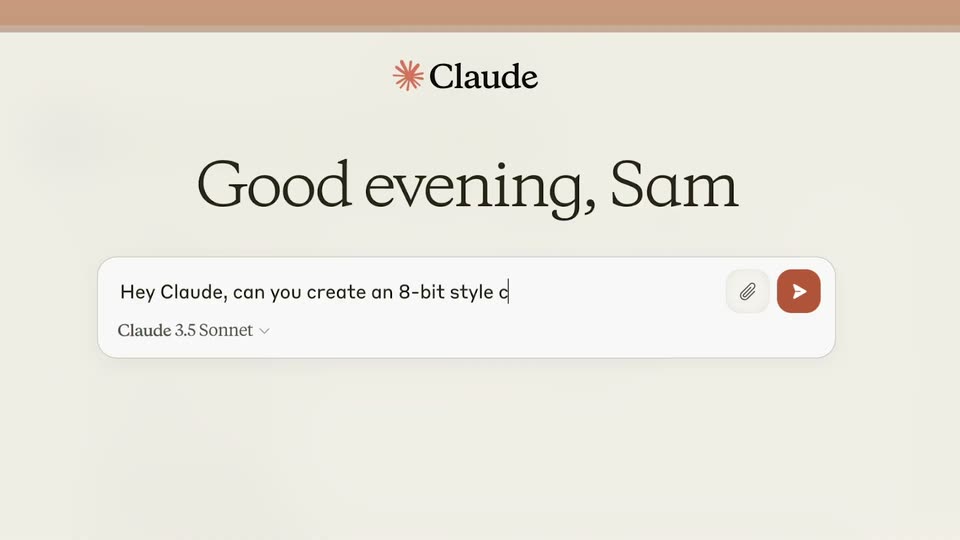 0:04–0:07Anthropic · Claude 3.5 Sonnet for sparking creativityThe Claude chat window fills the frame as the view zooms in on the prompt field. The question types out character by character, and the orange send button switches to a loading spinner.
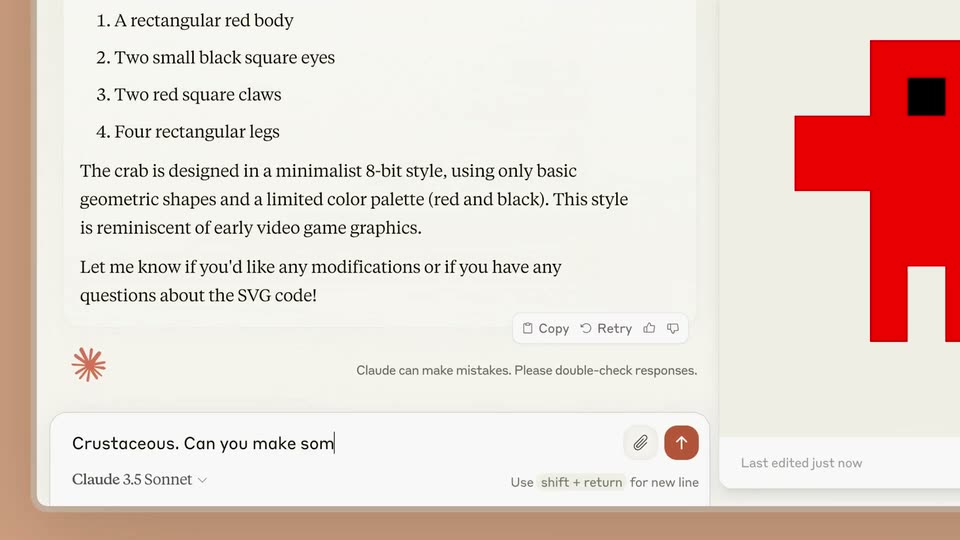 0:13–0:18Anthropic · Anthropic - We're also launching a preview of Artifacts on You can ask Claude toA cream chat window on a tan backdrop shows a Claude thread on the left and a red pixel crab on the right. The view zooms into the reply box as the prompt Crustaceous. Can you make some seashells in the same style? types out.
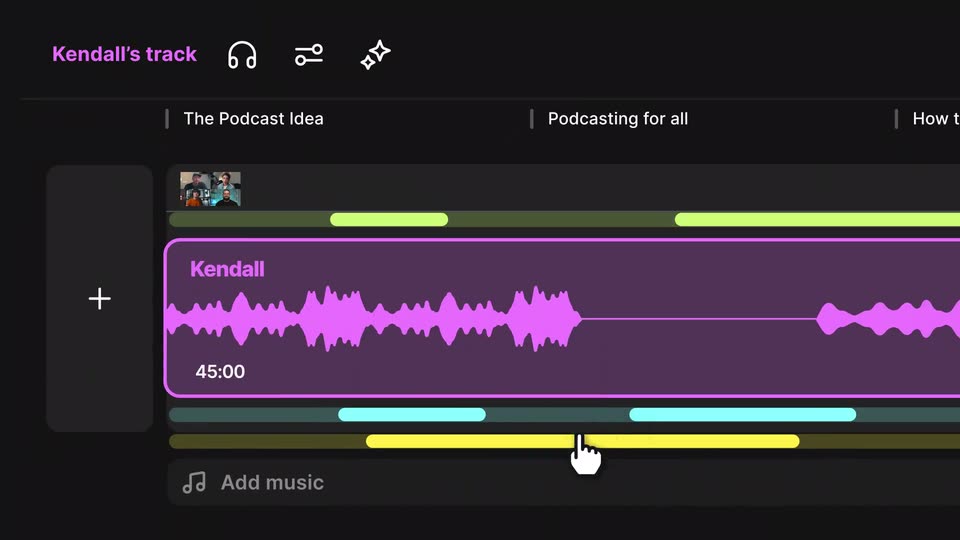 0:24–0:27Riverside · Riverside - Introducing the new Conversation Studio. With full HD live streamingThe podcast editor UI appears with a feature list overlay, Multi-track editing filled white among outlined labels. The overlay clears, the view zooms into the timeline, and a hand cursor hovers the yellow track as the track label switches from Roni's track to Austin's track.
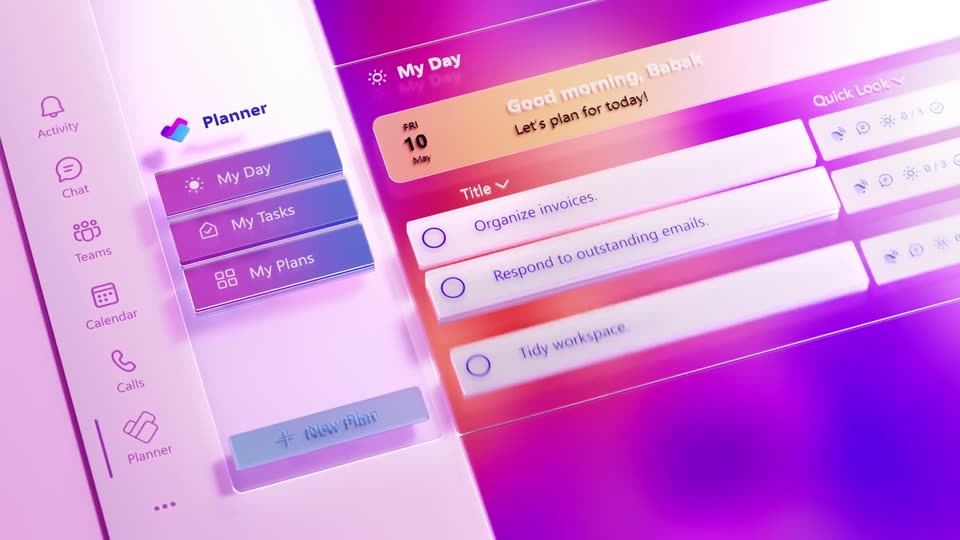 0:12–0:16Microsoft · The new Microsoft Planner is here! Streamline the planning, management, and execution of workA pink Planner interface floats in 3D perspective, its left rail and stacked My Day, My Tasks, My Plans tabs catching light. The camera eases right onto the My Day panel, where a glossy blue pointer hovers the first tab as the task list sharpens into focus.
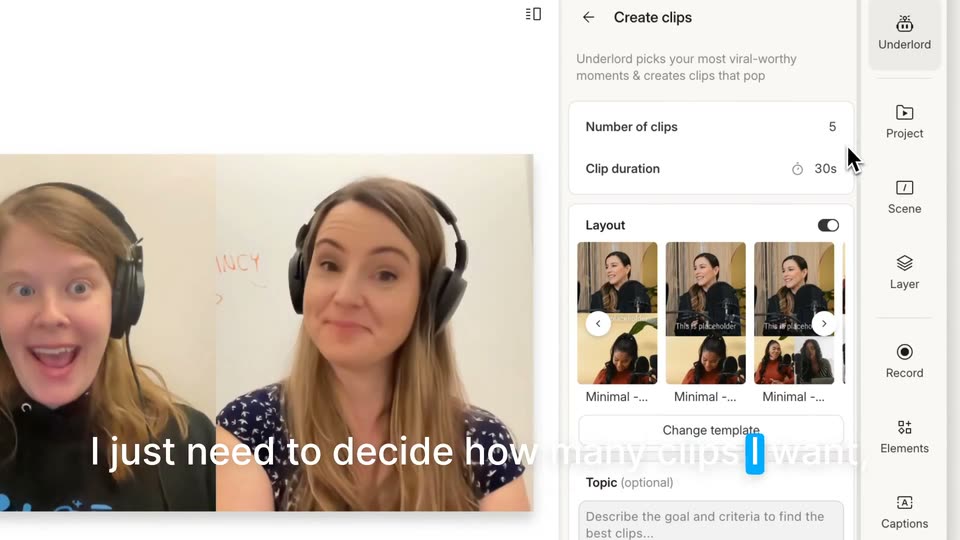 2:21–2:25Descript · Descript - Today, we're launching Descript's new AI assistant editor, Underlord.The view reframes from the sidebar to the full Underlord screen: a clip of two women with headphones on the left, the Create clips panel on the right. A cursor sets the clip count to 5 and toggles the layout, while white captions with a blue highlight appear word by word.
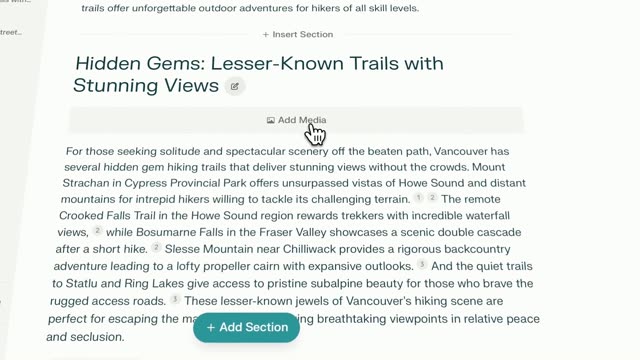 0:19–0:22Perplexity · Introducing Perplexity PagesA document editor view of a hiking article; a hand cursor clicks the Add Media button, a Finding Media spinner loads, then Change and delete controls appear. The frame reframes tighter on the heading. A static tagline caption is overlaid.
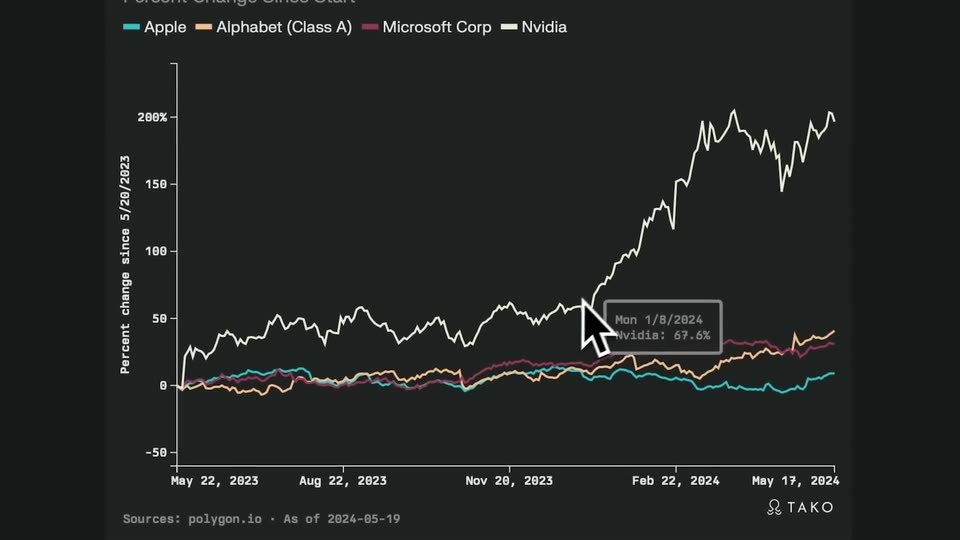 0:13–0:16Perplexity · Introducing Interactive Knowledge CardsThe full app view zooms in on a dark line chart comparing four stock prices. A cursor glides across the plot and stops on the Nvidia line, popping a tooltip that reads Mon 2/5/2024, Nvidia: 122.4%.
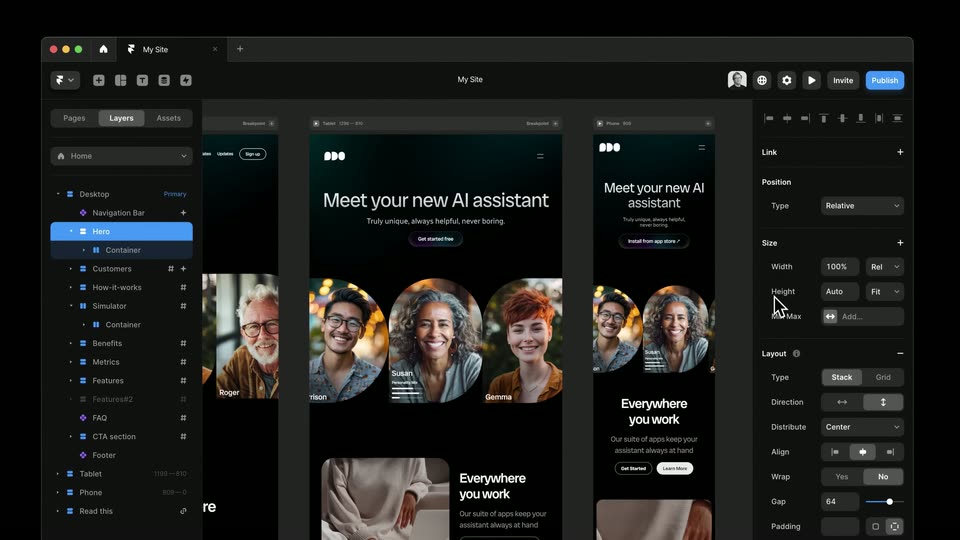 0:28–0:31Framer · Framer: All Design, No Code, Real WebsitesThe screen shows the Framer interface with a website mockup in the center. The canvas zooms out to display the mockup's responsive design across desktop, tablet, and phone breakpoints simultaneously.
 0:14–0:16Google · Search in the Gemini era | Google I/O 2024A woman in a green sweater sits on a couch, typing on a laptop showing the Google homepage as a “Simplify” caption scales in. The camera pushes in from over the shoulder to a tight view of the screen.
 0:14–0:15The Browser Company · The Browser Company - Arc on Windows is finally here. No more waitlists, no more betas. DA flat blue desktop holds the colorful Arc icon in the center, a white cursor arrow resting on its edge. The icon zooms toward the viewer, then the word Finally lands in white italic at the center.
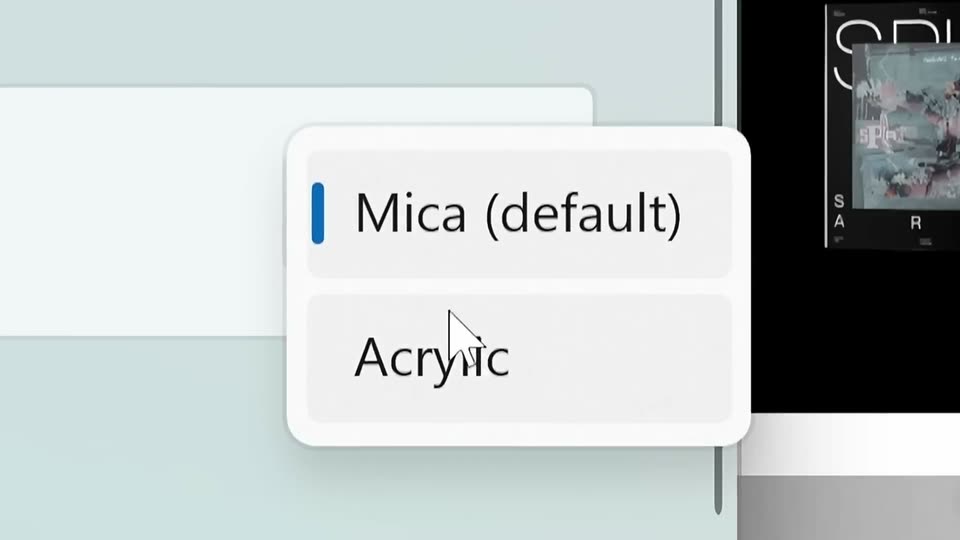 0:26–0:28The Browser Company · Arc on Windows. Download now.A Windows desktop with a file explorer, a YouTube video and a recipe browser window zooms into a settings dropdown listing Mica (default) and Acrylic, where a cursor hovers over Acrylic.
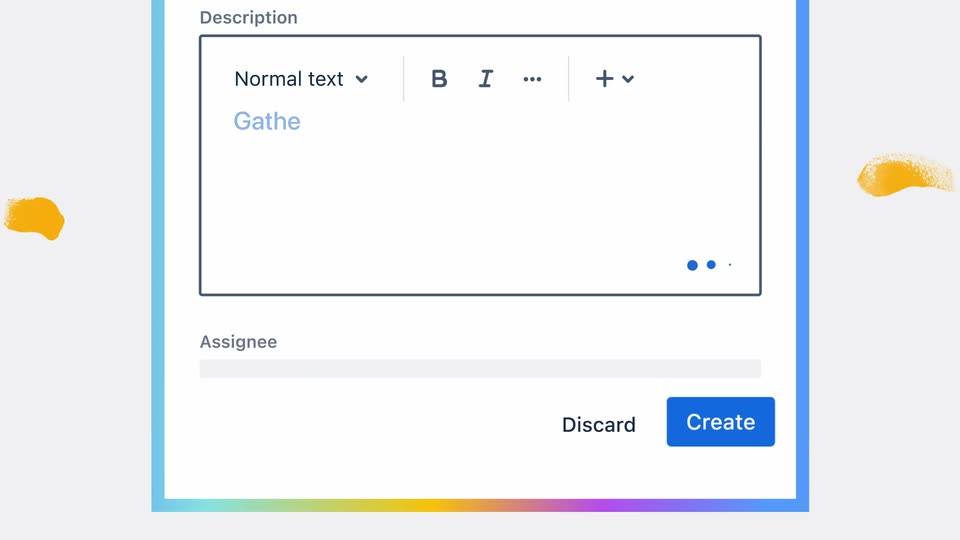 0:28–0:31Atlassian · Welcome to the next era of Jira - Inside AtlassianA white form card with a rainbow gradient border is centered on a pale background. The Summary field types out text, the view reframes downward, and the Description field types, ending on the blue Create button.
 0:27–0:32Captions · Mirage - Introducing Captions for web. Video editing made simple, thanks toNine video tiles of the same man with headphones form a grid, each tagged with a country flag, over a blurred backdrop. A white cursor moves between tiles, then the view zooms into one tile as French subtitles appear.
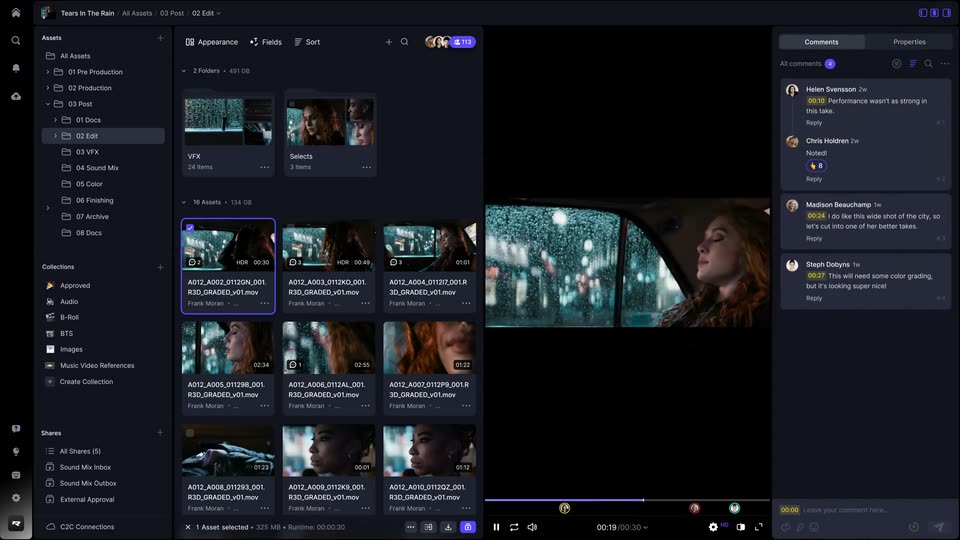 0:20–0:23Frame.io · Frame.io - It's here. The all-new Version 4. Now in beta.A dark asset-manager window fills the frame after a magnified crop of the file grid and video player scales back out. The view then zooms into the top toolbar, enlarging the Appearance settings panel with its Card Size and Aspect Ratio controls.
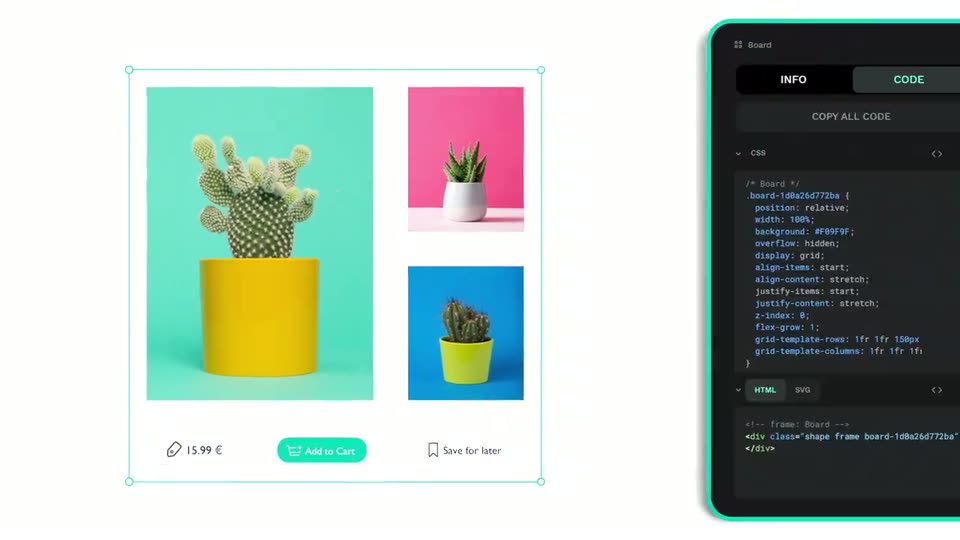 0:31–0:33Penpot · Penpot - 💥 Penpot 2.0 is now available! Explore & enjoy the unique featurA product page mockup of a potted cactus sits on white, framed by pink 1FR and 180PX measurement ticks. A green selection box snaps onto the main image as the right column swaps its thumbnails for a code panel showing CSS and HTML.
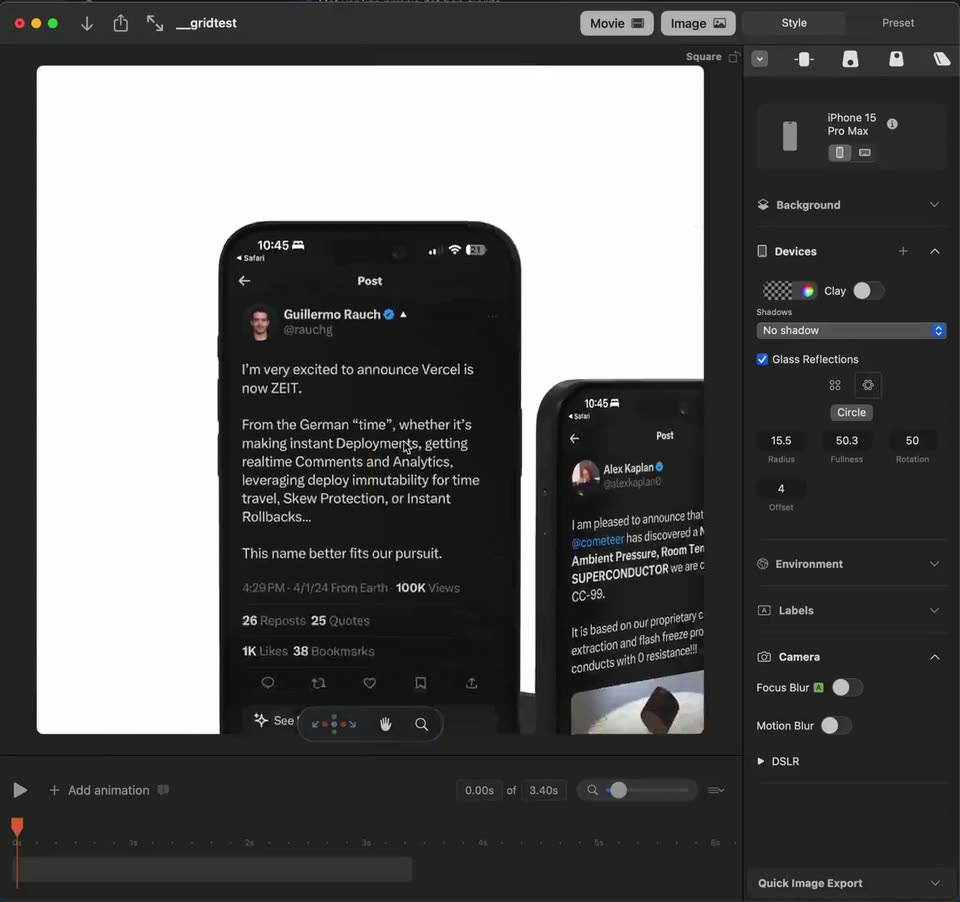 0:18–0:25Rotato · Morten from Rotato - Circles, half circles and grids rolling out to beta users soon:A screen capture of a mockup editor zooms into a phone showing a dark-mode social post, then pans right to reveal two more phone mockups on the white canvas. A cursor moves across the canvas while the timeline playhead advances along the bottom.
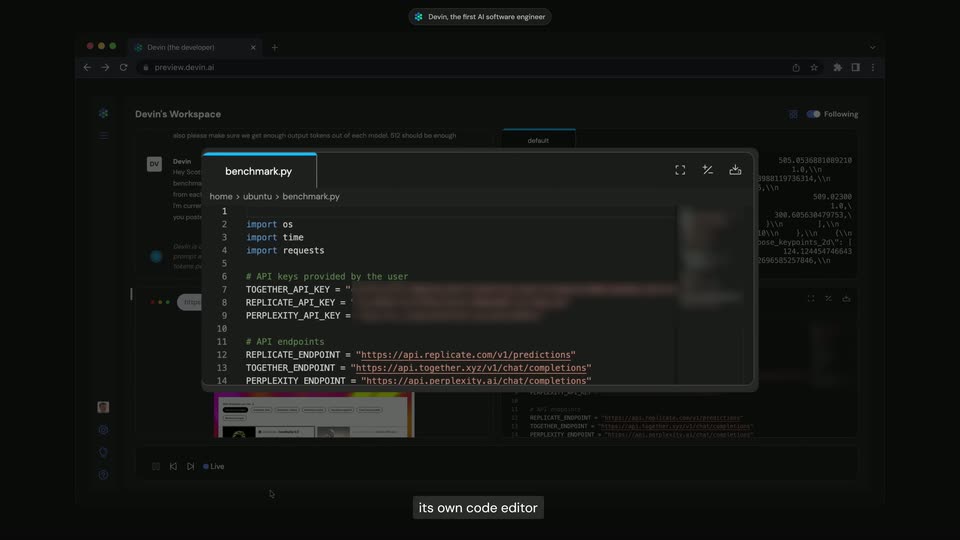 0:35–0:39Cognition · Introducing Devin, the first AI software engineerInside a browser, Devin's Workspace stacks a chat log, a terminal and a code editor. The benchmark.py editor pulls forward and scales up as the other panels blur, and a bottom caption reads its own code editor.
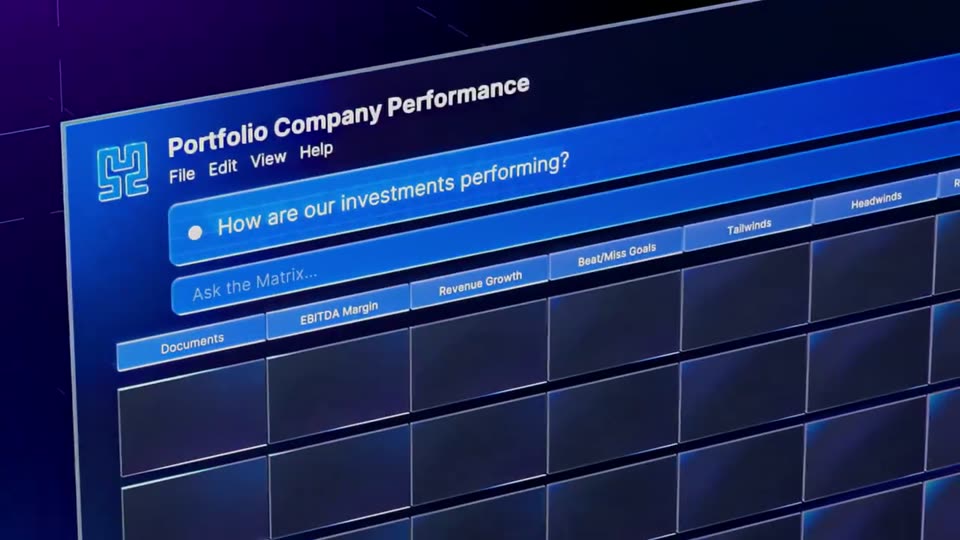 0:18–0:21Hebbia · Hebbia - Introducing the biggest change to AI products since ChatGPT. Enter tA 3D interface mockup tilts and pulls back from a close-up of stacked blue data bars to reveal a full spreadsheet grid. A blue cursor moves over the floating elements as they flatten into a single row within the table.
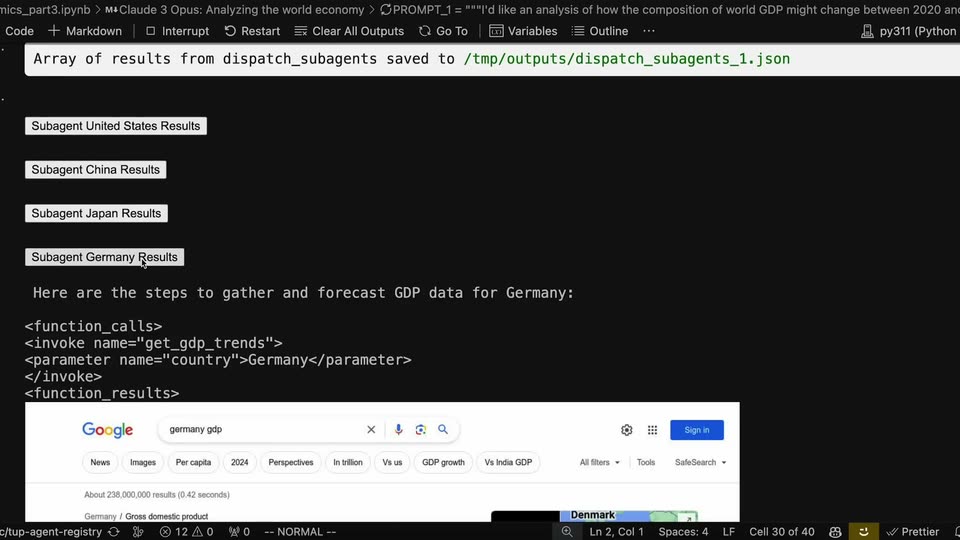 3:05–3:07Anthropic · Claude 3 Opus as an economic analystA dark Jupyter notebook scrolls down a column of subagent result labels that stack in one by one, then reframes onto a cell where the Germany analysis expands to reveal a Google search screenshot with a GDP chart and map.
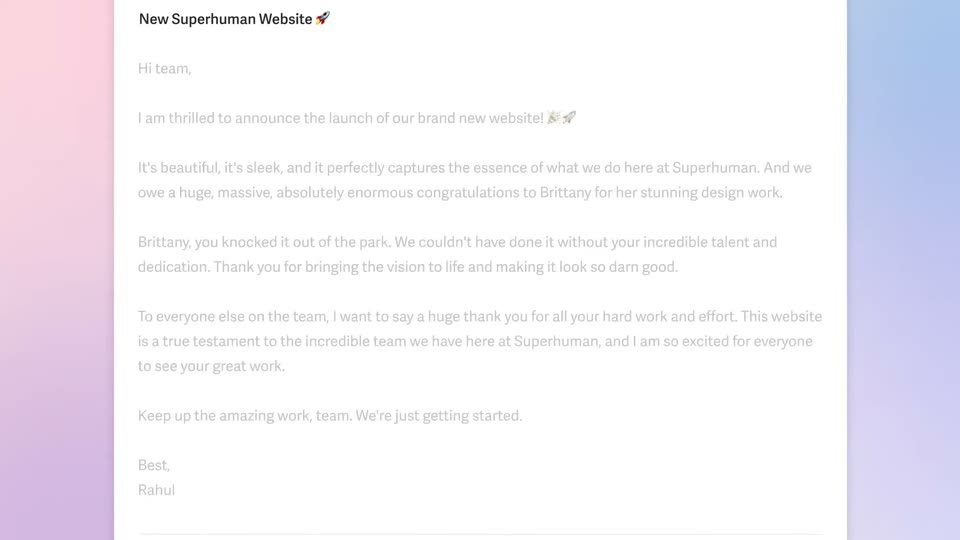 0:46–1:00Superhuman · Superhuman AI 2.0A white email composer card floats on a soft pink-to-blue gradient. Brief notes are typed into the draft box, which flashes 'Writing...' then expands to reveal a full AI-drafted email; the view scrolls and a cursor clicks Accept.
 0:35–0:41Uniswap · All New Uniswap Extension and More Tools for Users to Swap SmarterA dark limit-swap form in close-up: the price field shows a pink caret as the value changes from $2,209.81 to $2,800, then the frame pans down through the pay and receive rows, expiry pills and the pink Submit button.
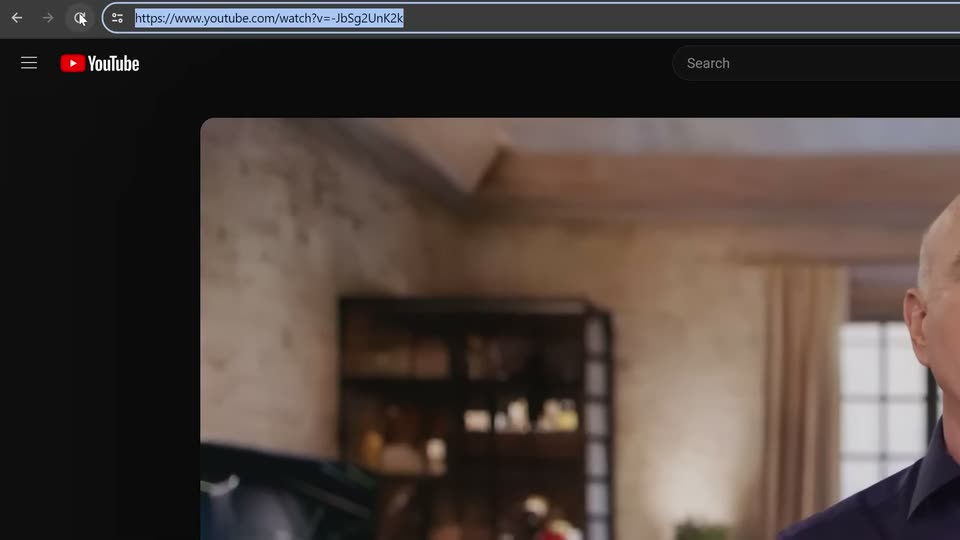 0:28–0:31NVIDIA · Create A Personalized AI Chatbot with Chat With RTXA screen capture of a YouTube watch page; the cursor selects the address bar, then the frame zooms into the embedded video of a man in a dark shirt, pushing the player controls and header out of view. A caption reads 'Search for answers within selected YouTube videos.'
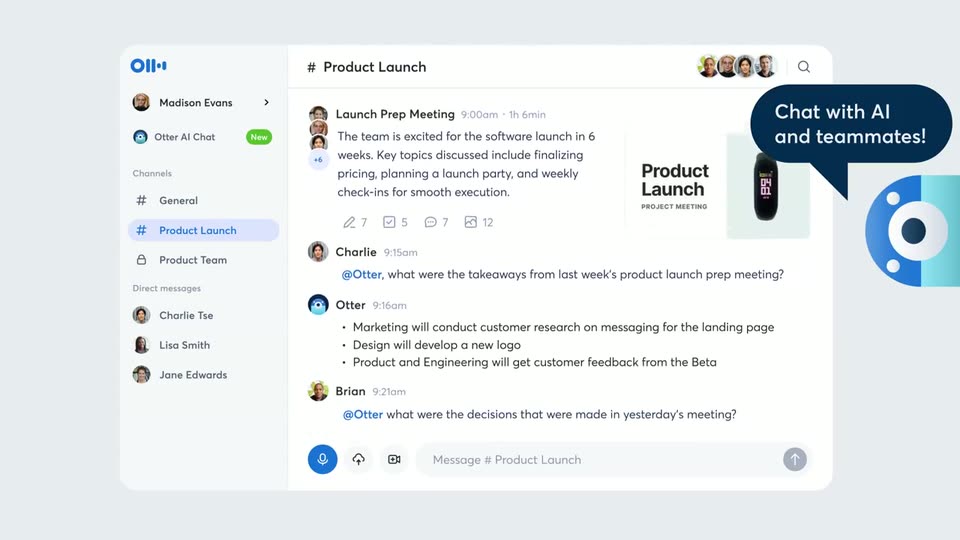 0:38–0:58Otter · Otter.ai - Introducing Meeting GenAI ✨ Say goodbye to lost insights and helloThe chat window opens zoomed on the sidebar, then pulls back to the full interface. Messages fill the Product Launch channel one by one, the list scrolling up. A dark speech bubble reading 'Chat with AI and teammates!' with a teal owl slides in on the right.
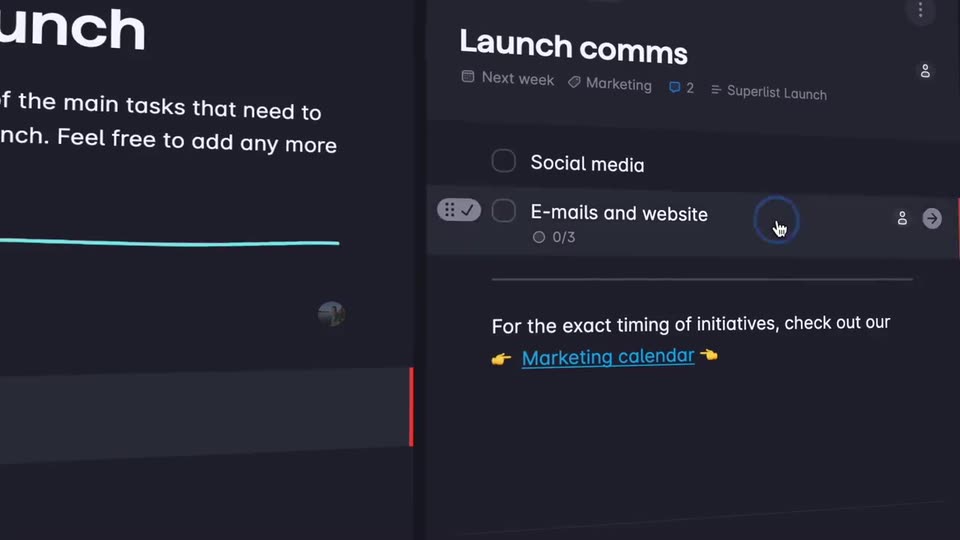 0:26–0:28Superlist · Superlist - We've got wunderful news: Today, we're releasing Superlist 1.0 – theA dark task-management interface zooms from a wider page view to the right-hand Launch comms panel. A cursor moves to the circular button beside E-mails and website and clicks it, while the checklist and note stay in frame.
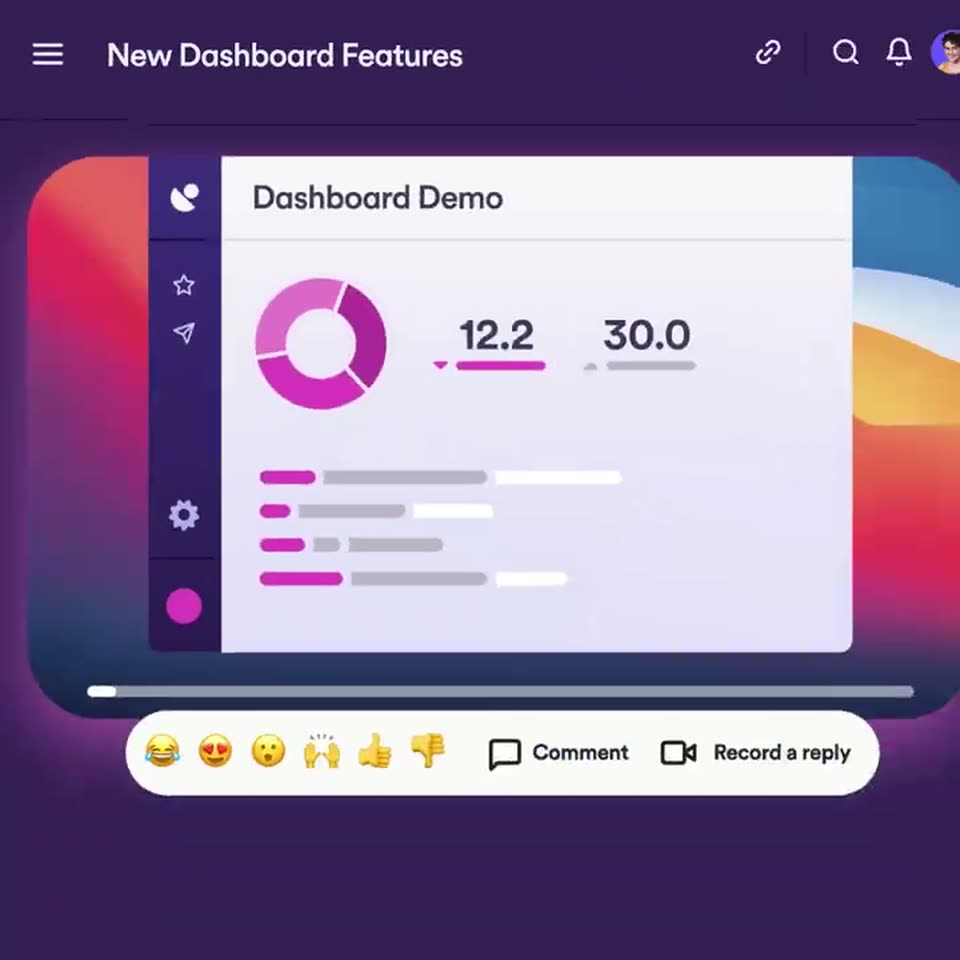 0:26–0:29Loom · Loom - 🚨 Sales & customer-facing teams — unlock more revenue with Loom!On a dark purple background, a rounded dashboard card shows a donut chart, two numbers and an emoji reaction bar. The frame zooms in as a title field fills with text, then the card morphs into an email view listing sender and recipient.
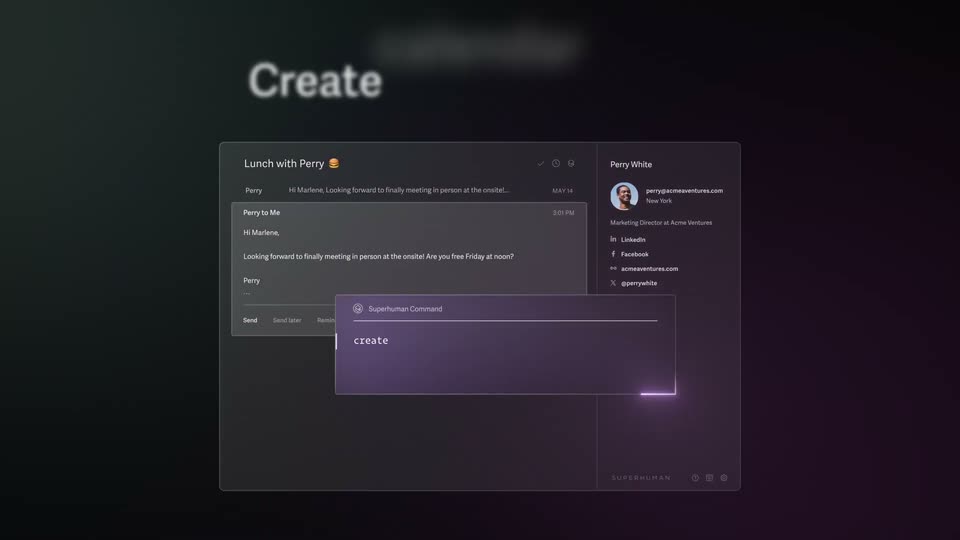 1:02–1:03Superhuman · Introducing SuperhumanThe view settles on a dark email thread titled Lunch with Perry as the Superhuman command bar opens and create even is typed, revealing a Create Event option. A blurred Create calendar events headline hovers above the window.
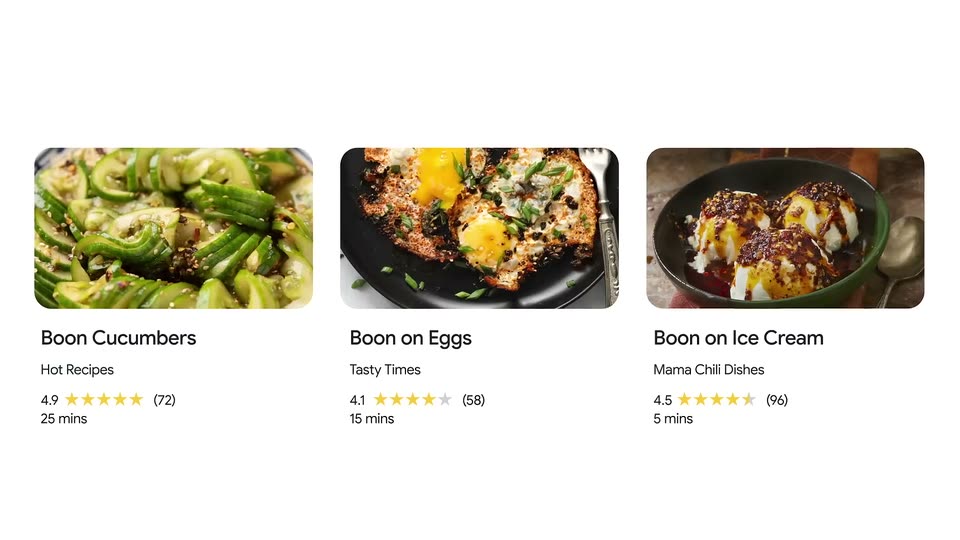 0:37–0:38Google · Introducing a new way to search | Circle to SearchThree recipe cards with food photos sit in a row on a white background. The center card grows larger while the outer cards shrink and slide toward the edges, reframing the view onto the middle recipe.
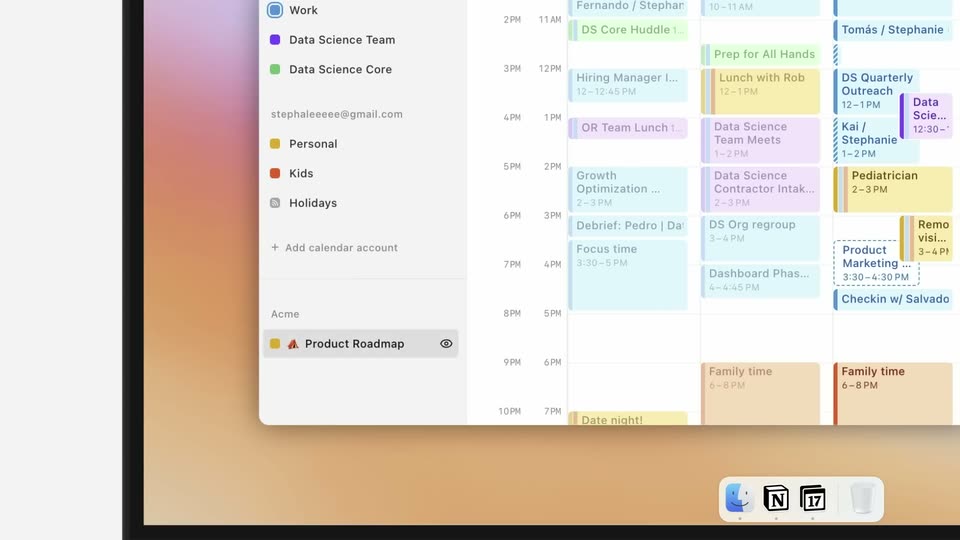 1:05–1:07Notion · Meet Notion CalendarA calendar window, angled in 3D, rotates to face the camera and pulls back to show the full app with its sidebar and week grid. A cursor hovers over the highlighted Product Roadmap entry.
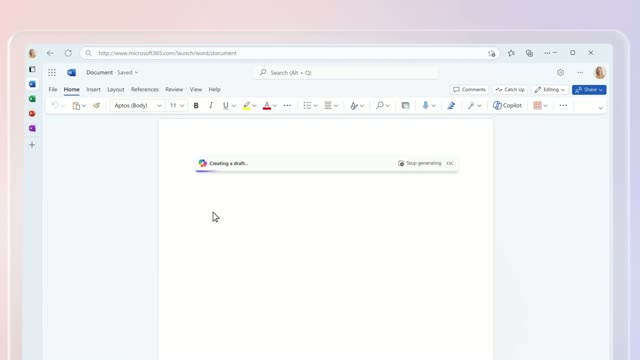 0:23–0:26Microsoft · Introducing Copilot Pro: Supercharge your Creativity and ProductivityA cursor enters a drafting prompt in Word. The floating document and Copilot pane tilt as the camera moves toward the response.
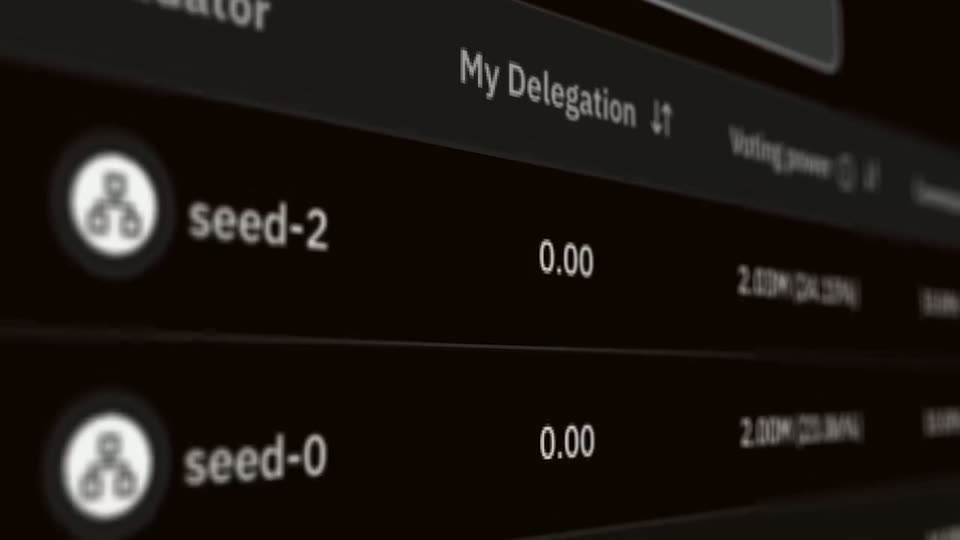 0:22–0:23Berachain · Berachain Foundation 🐻⛓ - Berachain’s Public Testnet "Artio" is now live. The March of the BerA dark validator table sits in tilted 3D perspective with a shallow depth of field. The view pushes in on two rows as a white cursor hovers over them and moves down the list.
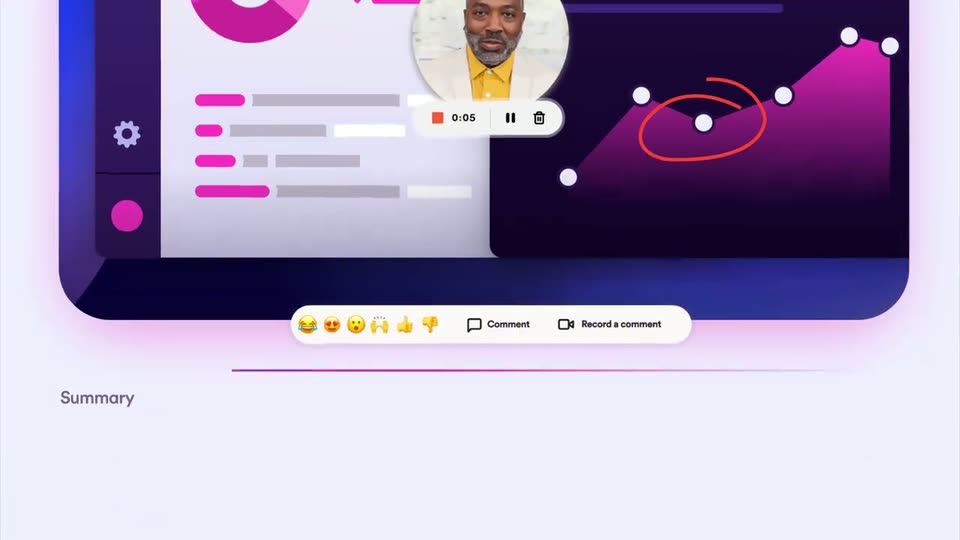 0:11–0:16Loom · Loom - It’s a new year — and it’s easier than ever to embrace new ways of woA rounded Loom card holds a dashboard demo video with a circular presenter thumbnail and an emoji reaction bar. The camera zooms into the Quick Adjustment! header, then eases down to expose a summary paragraph and a code review panel.
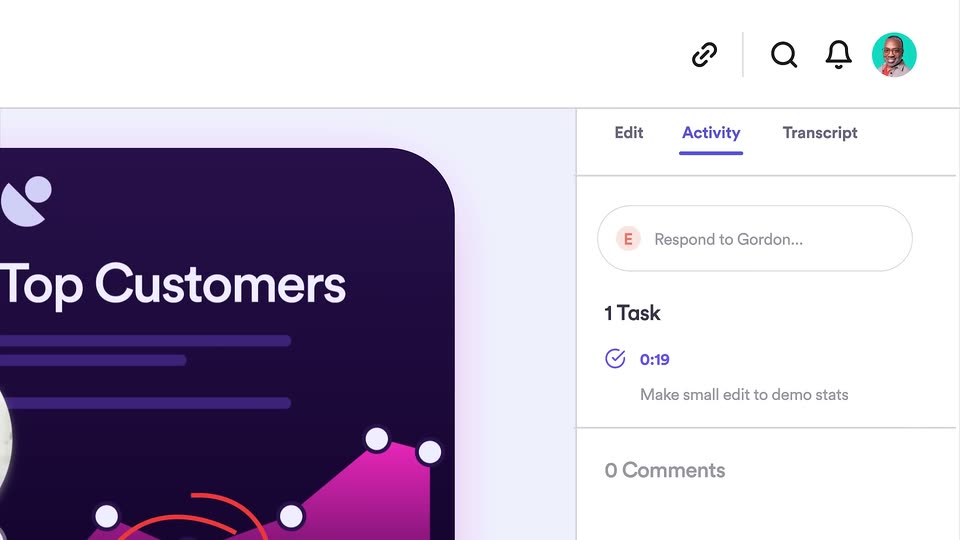 0:18–0:28Loom · Work Faster and Smarter with Loom AIA close-up of the Loom interface: a cursor clicks the Copied button in the Loom AI panel, then switches the sidebar from Edit to Activity and Transcript. The frame zooms out to show the full page with the video player and transcript.
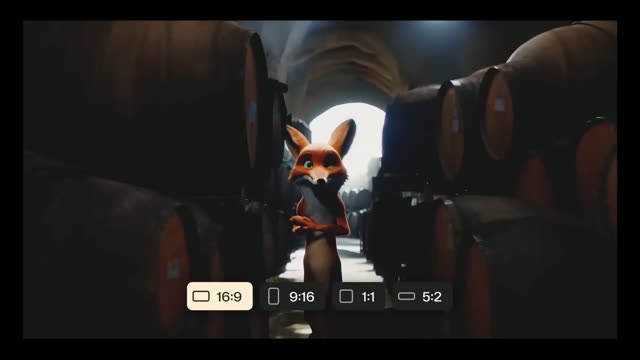 0:39–0:40Pika · Introducing Pika 1.0, An Idea-to-Video PlatformA 3D-rendered fox in a barrel cellar is reframed from a wide 16:9 canvas to a tighter crop, while a row of aspect-ratio buttons stays at the bottom with 16:9 selected.
 0:39–0:43Microsoft · Introducing Microsoft Copilot Studio | Your Copilot, Your WayA white callout card reading Expense budget summary floats over a blurred Copilot window. The view zooms into the topic list, where the matching row fills with a teal highlight sweep.
 0:55 · 0.8sMicrosoft · The new Microsoft Planner: Manage all your tasks and plans in one simple, familiar experienceA planner sidebar with a cursor resting on My Day fades out as the view zooms into the My Day panel, where a yellow sun and grey cloud icon sits in the empty content area.
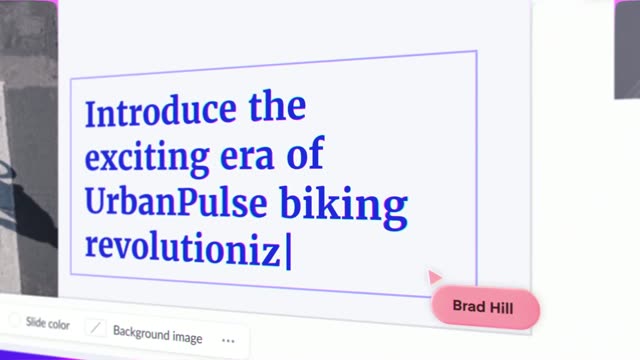 0:41–0:47Pitch · Introducing Pitch 2.0A presentation app shows a slide with a cyclist photo and a blue serif headline. The view zooms into the text box as the words revolutionizing city cycling type out letter by letter, then pulls back as the photo becomes a close-up of a bike frame.
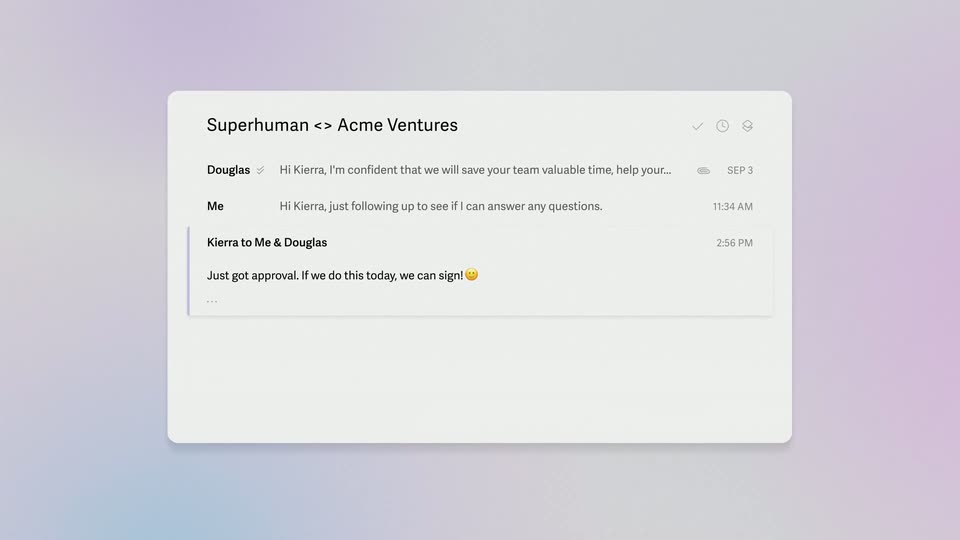 0:37–0:43Superhuman · Superhuman for Teams 🤝A white email thread card on a soft pastel gradient. The view zooms in on the conversation as a blue 'Douglas is replying...' note fades in, then zooms back out as a new reply block with a blue contract link appears at the bottom.
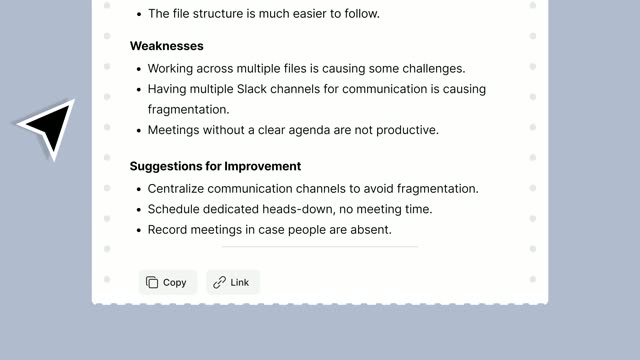 0:29–0:33Figma · Introducing FigJam AIA white note card with a perforated edge on a gray-blue background scales up, then its summary text scrolls down through Strengths, Weaknesses, and Suggestions sections. A purple block fades in over the last lines as a black cursor moves around the card.
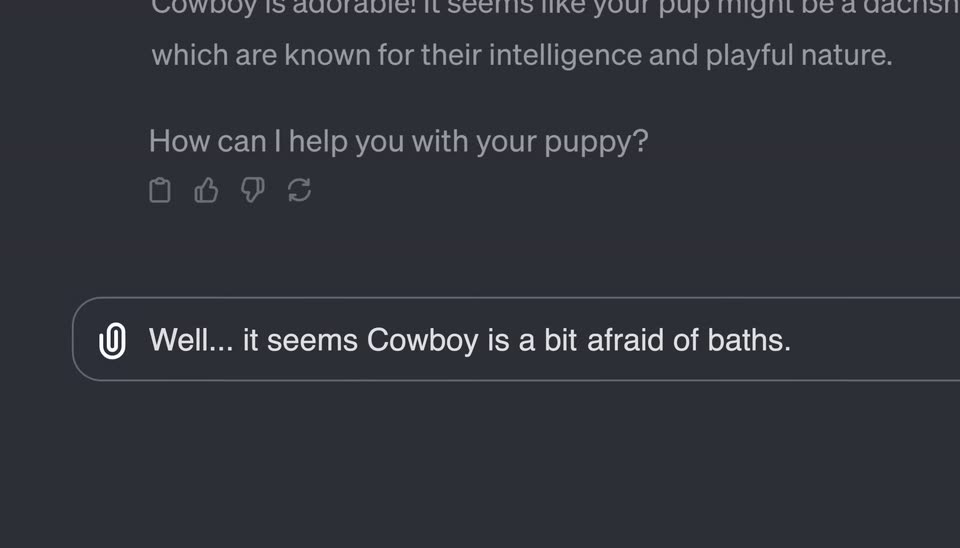 0:15–0:26OpenAI · Introducing GPTs in ChatGPTA dark chat thread shows the Puppy Hotline bot reply beneath a cropped dog photo. The frame zooms out and scrolls to the input bar, where a message types in word by word and a puppy photo attachment fades in with a loading ring.
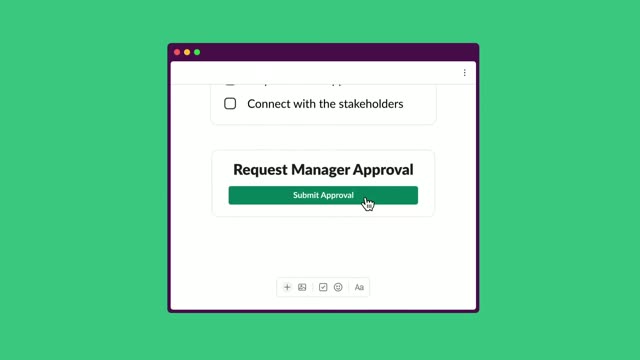 0:26–0:31Slack · Introducing canvas | A new surface to share and organize knowledge | SlackA flat browser window on a green background shows a Project Alpha canvas with an Action Items checklist. A hand cursor clicks a Request Manager Approval card, the frame zooms onto it, and it expands into a modal form with a Priority dropdown and a Send button.
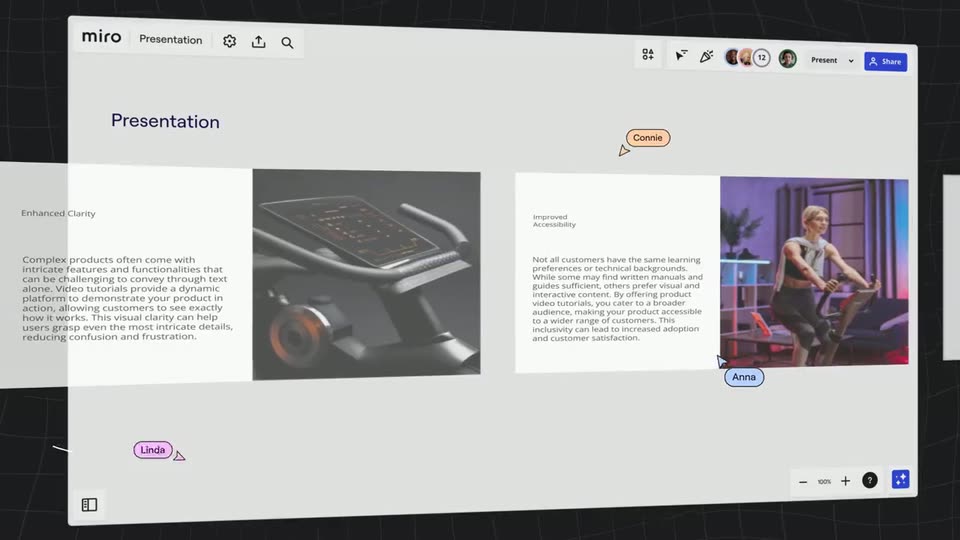 0:28–0:31Miro · Miro - Meet your AI partner for innovation, launching November 1. What wilA Miro whiteboard mockup floats in 3D perspective over a dark grid, scaling up as named cursors (Linda, Connie, Anna) drift across its presentation cards. The view then zooms into the board through an expanding octagonal mask, settling on a flat close-up of the two content cards.
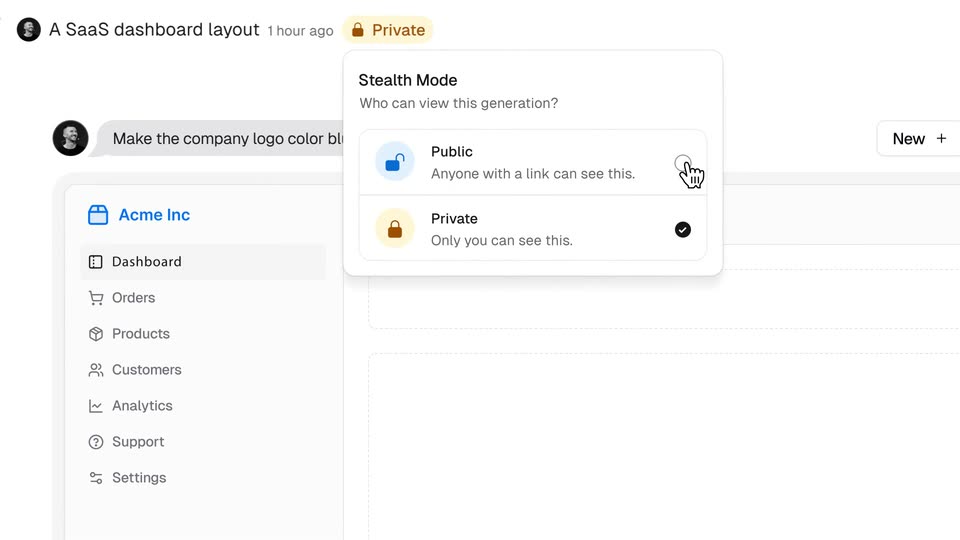 0:30–0:36Vercel · Introducing v0: Generative UIA tilted 3D code panel rotates away, flattening the SaaS dashboard, then the view zooms into the top bar as a cursor opens the Stealth Mode dropdown and moves the check from Private to Public, before zooming back out.
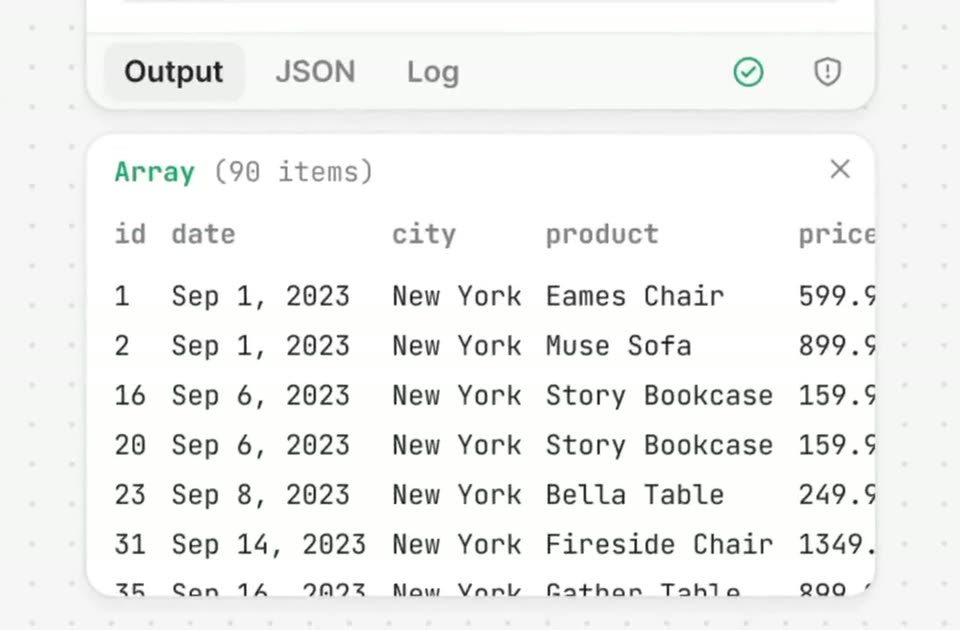 0:15–0:17Retool · Retool - Say hello to the fusion of visual programming, code, and AI. RetoolA light interface panel with Output, JSON and Log tabs holds a data table titled Array (90 items). The view zooms in, enlarging the rows of product names and prices until the table fills the frame.
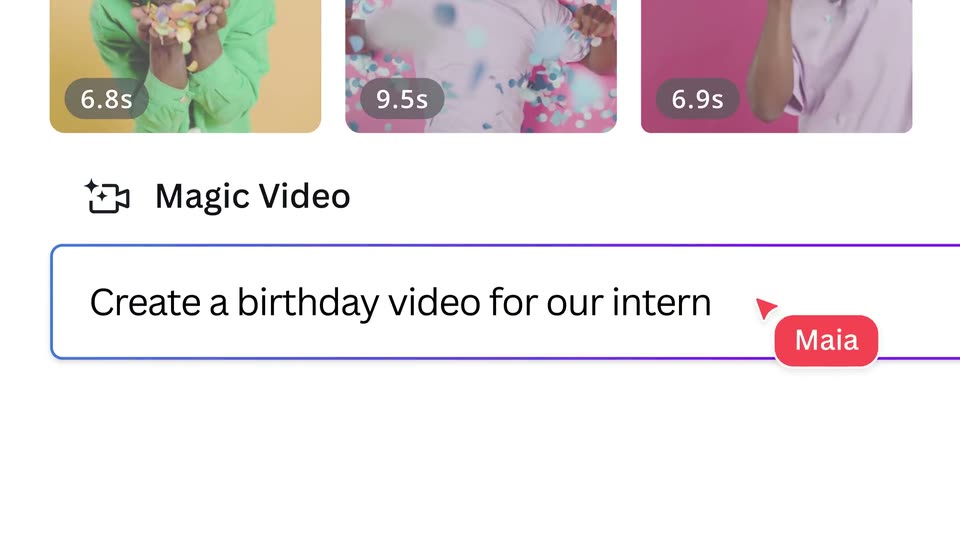 0:18–0:21Canva · Canva - Meet Magic Studio. Supercharge your workflow with all the power of AIThree video cards of people tossing confetti, each with a duration badge, line up on white. The view pans down to the Magic Video heading and a prompt box, where the typed text fills in while a red Maia cursor sits at the end.
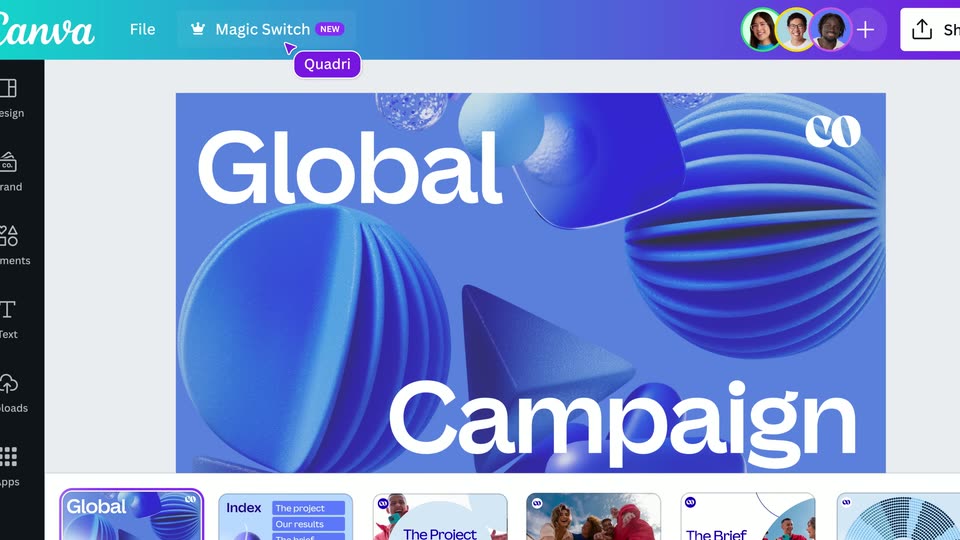 0:38–0:39Canva · Meet Magic Studio | Let the power of AI supercharge your workA Canva editor screen holds on a blue slide titled Global Campaign with abstract 3D spheres, a left tool rail, and a numbered filmstrip of thumbnails along the bottom. A collaborator cursor hovers over the title while the frame tightens with a slow zoom into the canvas.
 0:27–0:30Microsoft · Introducing Microsoft 365 ChatA white document page in 3D perspective, softly out of focus, with body copy and two suggestion pills. A small gradient arrowhead moves across the page and draws a magenta curve as the camera pans right and pushes in.
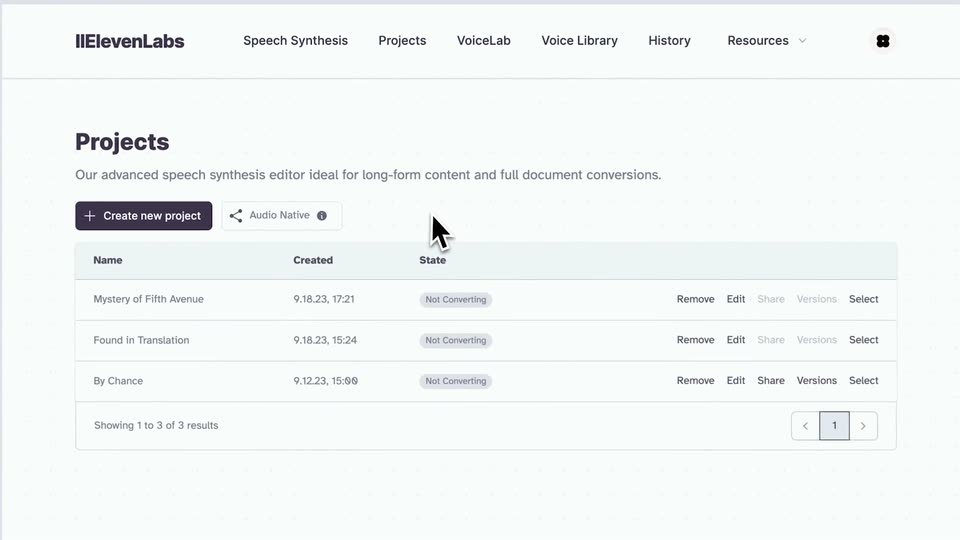 1:01–1:03ElevenLabs · Introducing: ProjectsA hand cursor glides across the top of the ElevenLabs Projects page as the view pulls back from a blurred close-up to a full, in-focus screen showing the project list table.
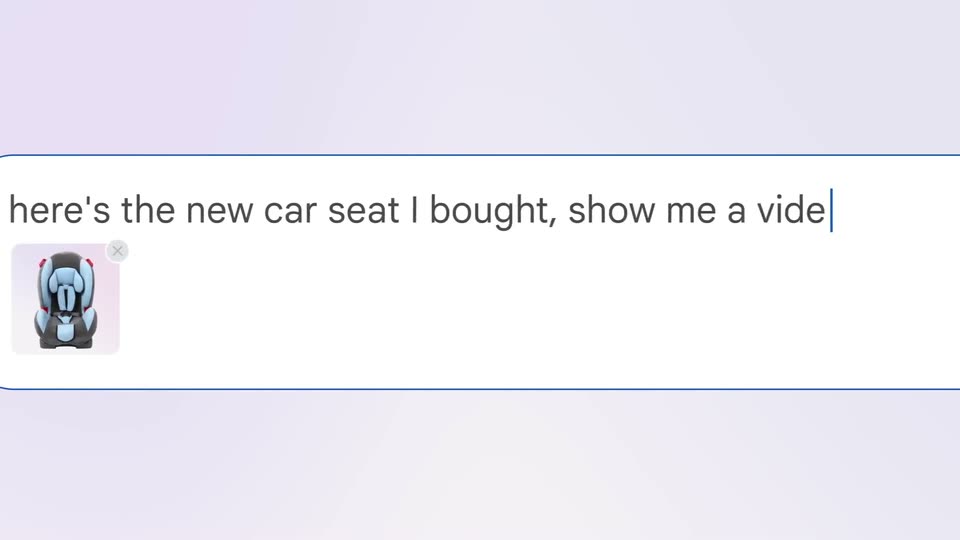 0:56–1:00Google · Introducing Extensions ✨ | BardA product UI shows an upload card and a car seat image, then zooms into the prompt field as a sentence types out letter by letter beside a small car seat thumbnail, the camera panning right to follow the text.
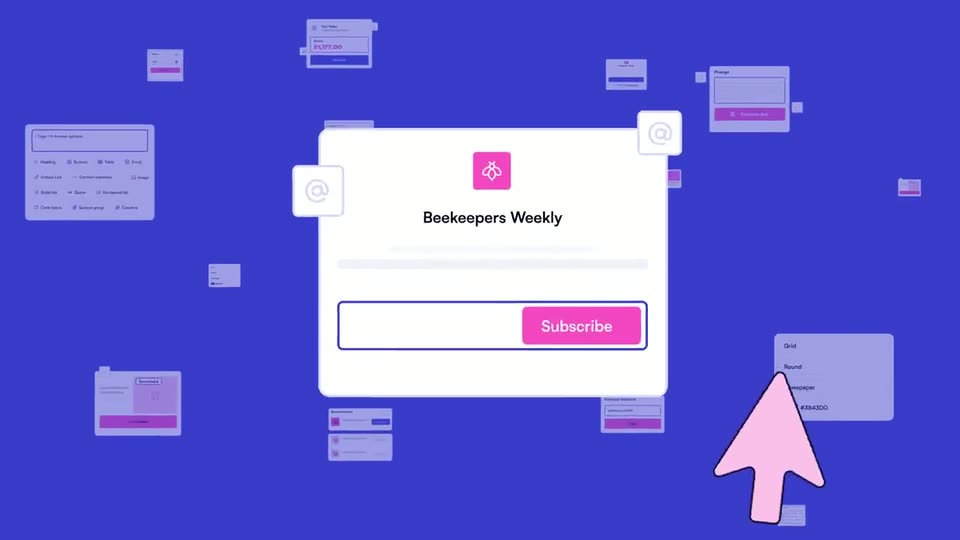 0:25–0:26beehiiv · beehiiv 🐝 - new beehiiv who disA white subscribe card with a pink bee logo and a pink Subscribe button scales up at the center of a royal blue field of floating UI mockup cards. A large pink cursor arrow with a dark outline drifts up from the lower right toward the button.
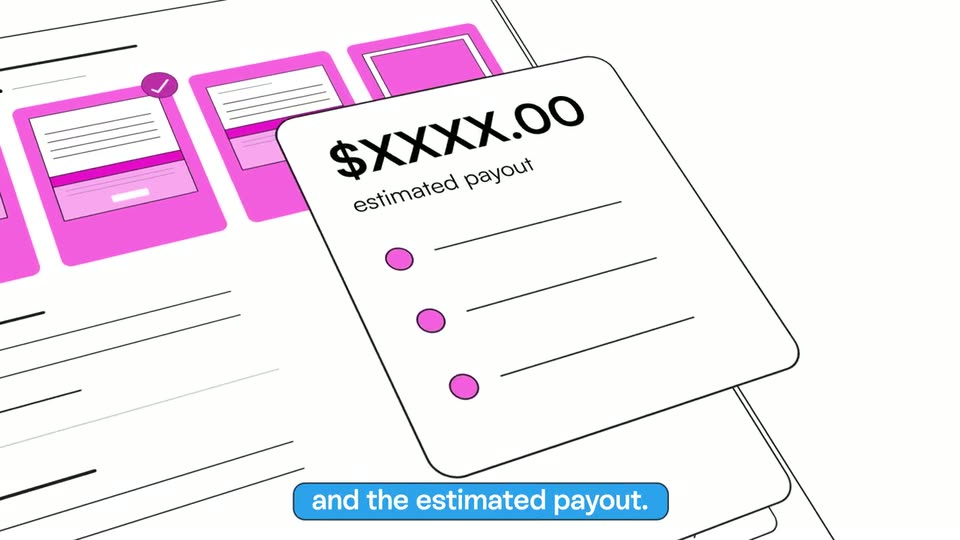 0:23–0:26beehiiv · beehiiv 🐝 - your newsletter 🤝 quality sponsors enter: the built in ad networkA tilted 3D mockup of an ad dashboard shows a row of pink placement cards above line-drawn copy. The view zooms onto a white card reading $XXXX.00 estimated payout while a checkmark pops onto the selected card. A blue caption bar at the bottom states the step.
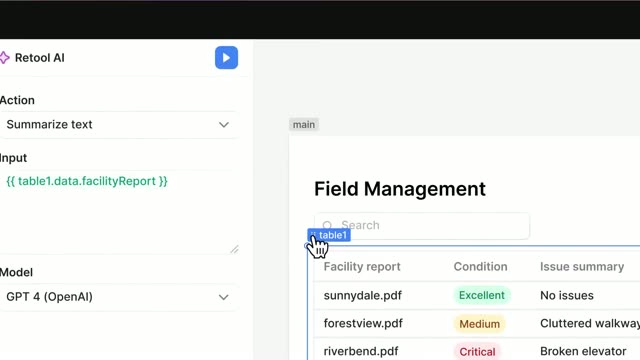 0:05–0:06Retool · Introducing Retool AI—powerful AI building blocksA Retool builder shows a Field Management table of PDF rows and condition badges. A hand cursor clicks an envelope, raising a dark 'Email sent to field manager' tooltip. The view pulls back to reveal the AI panel on the left, then returns to the table.
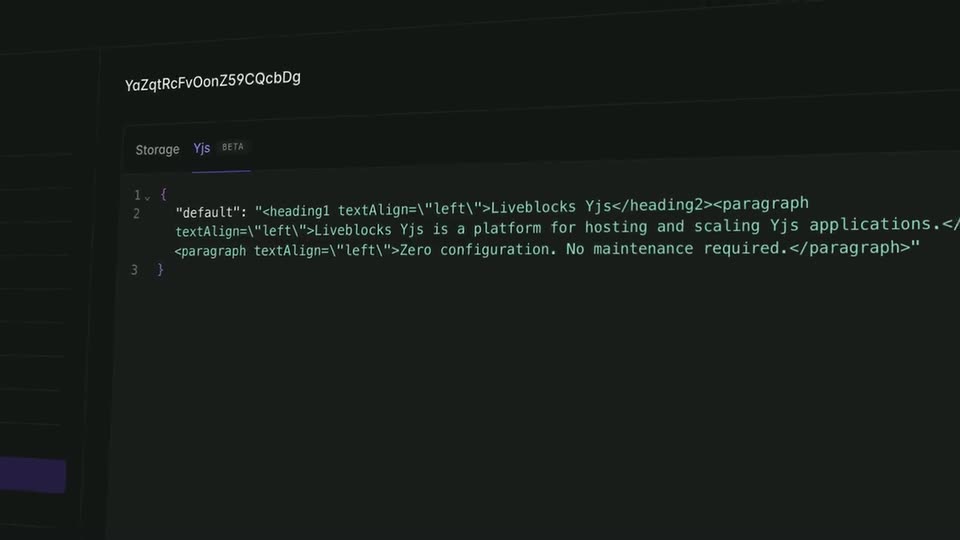 0:50–0:55Liveblocks · Liveblocks - Introducing the most advanced platform for Yjs. →A dark dashboard fills the frame: a left sidebar, a Rooms list, and a Storage panel on the right. The view zooms and pans right, ending on the Storage panel, which tilts into a slight 3D angle as its code text comes fully into view.
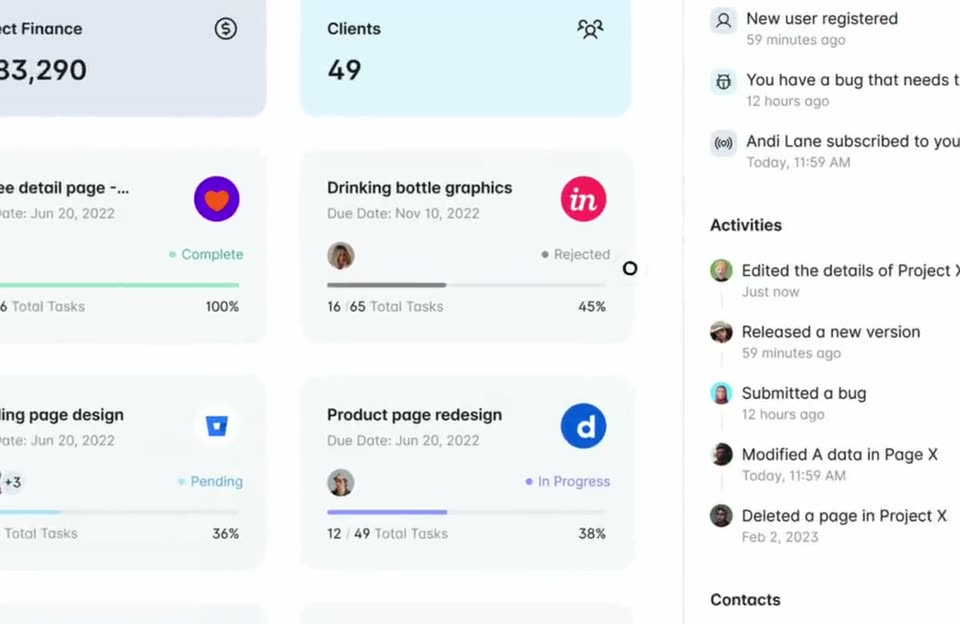 0:35–0:41Arcade · Arcade - 🕹 Introducing new creator tools to create effortlessly beautiful demos.A grid of project cards with progress bars and status labels fills the frame. A circular zoom marker with a dark tooltip appears over the center card, then the view pans right to reveal an activity feed sidebar as the marker shifts to its header.
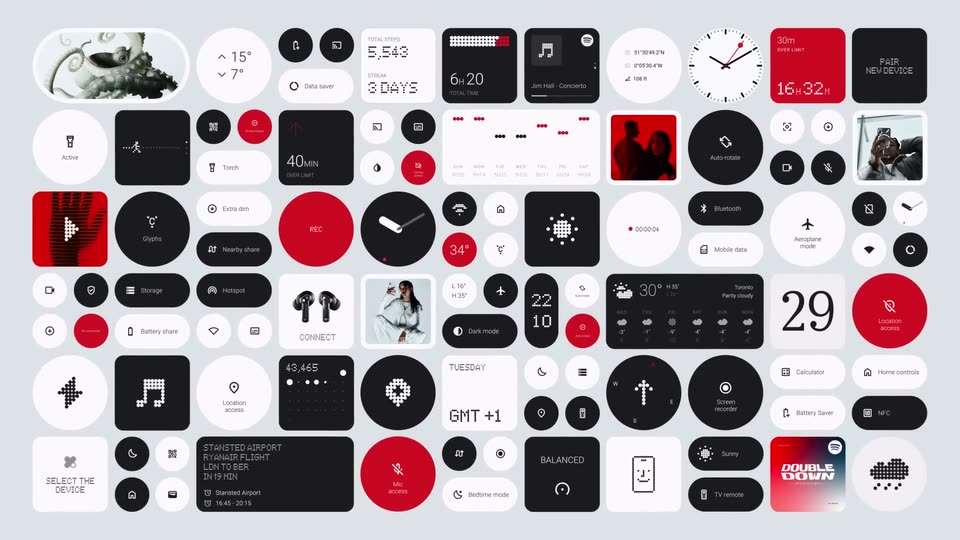 1:55–1:59Nothing · Phone (2): Lights, camera, less distractionA dense grid of black, white and red rounded widgets, including clock, weather, music and calendar tiles, fills the screen. The view starts zoomed into a cluster of tiles, then pulls back to reveal the full wall of widgets, which holds static.
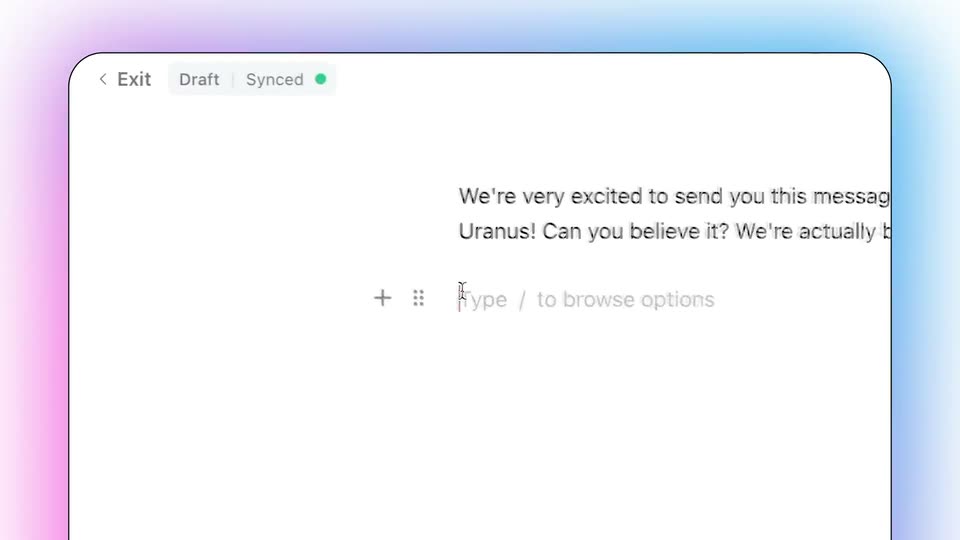 0:21–0:28beehiiv · beehiiv 🐝 - Introducing beehiiv AI ✨ Coming live from UranusA white editor card floats on a blue-to-pink gradient. A cursor clicks Simplify in a dark toolbar, and the pink-highlighted paragraph rewrites itself shorter. The view zooms onto an empty line, where a slash menu opens and the cursor hovers over AI Image. Blue caption bubbles track the voiceover.
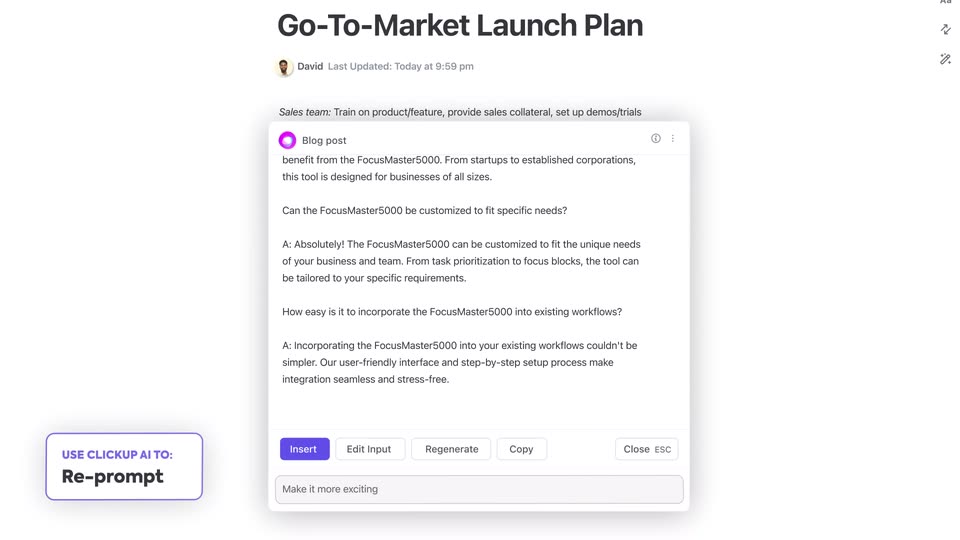 1:04–1:22ClickUp · Introducing ClickUp AIClose-up of a Go-To-Market Launch Plan document. A caption in the lower left reads Create Blog Posts. A cursor opens the AI Tools menu, fills the blog post form, and generates text. A re-prompt regenerates it, then the view zooms out to the full window on a blue gradient.
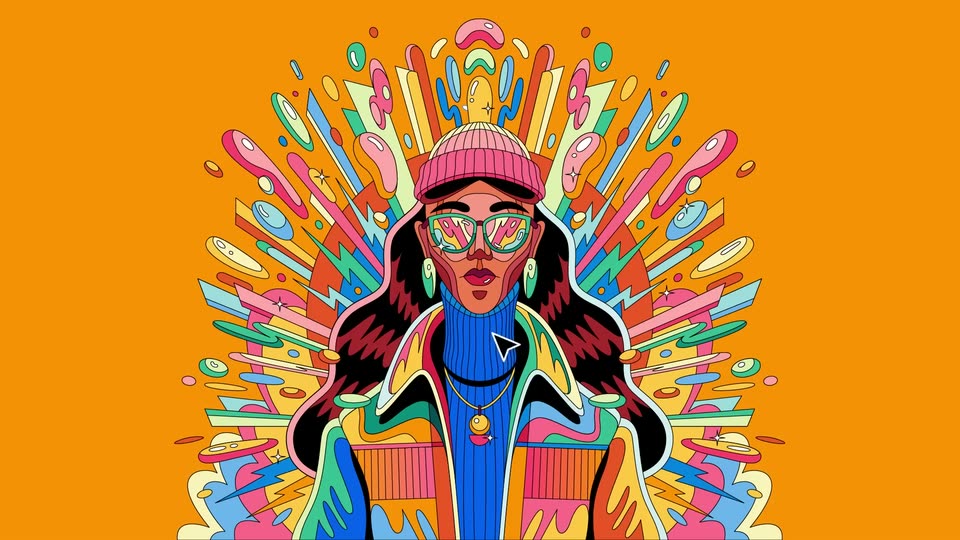 0:47–0:49Adobe · Adobe Illustrator x Adobe Firefly: Announcing Generative Recolor | AdobeA vibrant illustrated portrait on orange sits inside a dashed selection box with corner handles. A dark Generative Recolor dialog with a prompt field and Generate button appears at the bottom center while a cursor hovers over it.
 0:33–0:37Notion · Welcome to Notion ProjectsA flat Notion interface fills the frame as a cursor clicks the Status field and a dropdown of colored status chips opens. The view zooms into the right panel while the cursor selects Approved, swapping the orange chip for a green one.