UI zoom
A zoom or reframe onto one part of the interface.
10,002 scenes · page 108 of 167
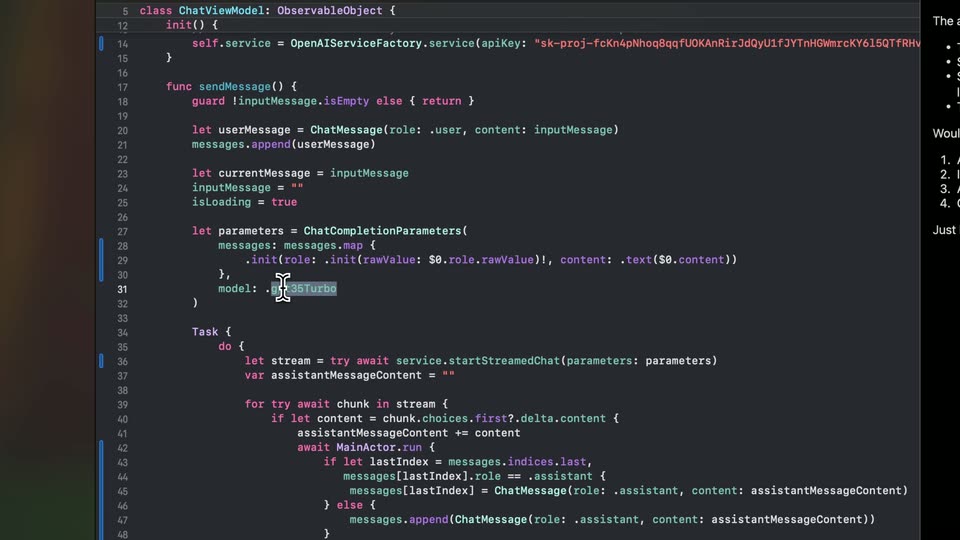 0:43–0:49Alex · Alex - Xcode AI Coding AssistantA code editor fills the frame as a cursor pastes an API key into a Swift line. The file scrolls, an autocomplete list of model names pops up, and gpt4o is chosen. The view pulls back to reveal the full IDE window with a chat panel at right.
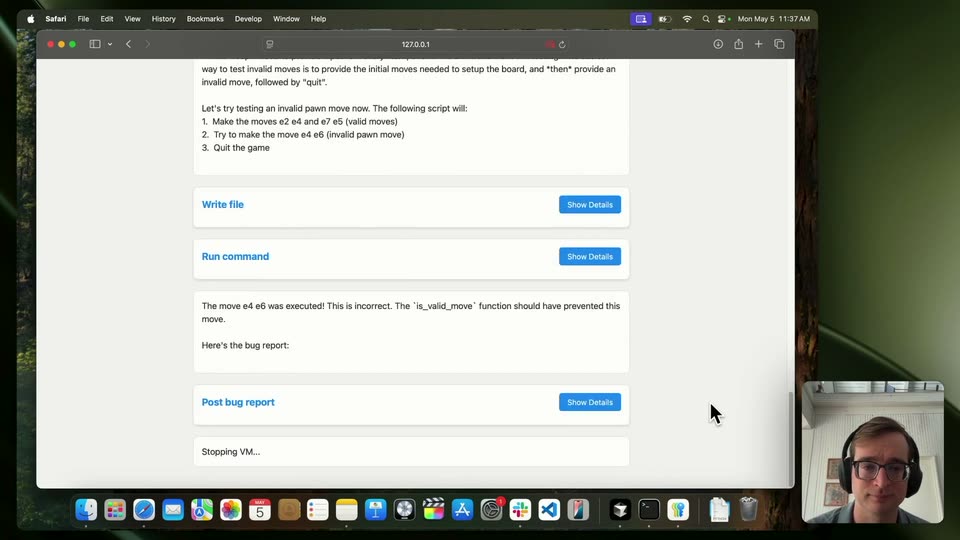 1:05–1:47Cartpole · Jazzberry DemoThe Safari window shows the Jazzberry Logs page filling with scrolling log entries from a chess-demo review. A '3x speed' caption appears over the fast logs, the cursor clicks Show Details to expand terminal output, and the frame zooms into the Python code. A webcam inset sits bottom right.
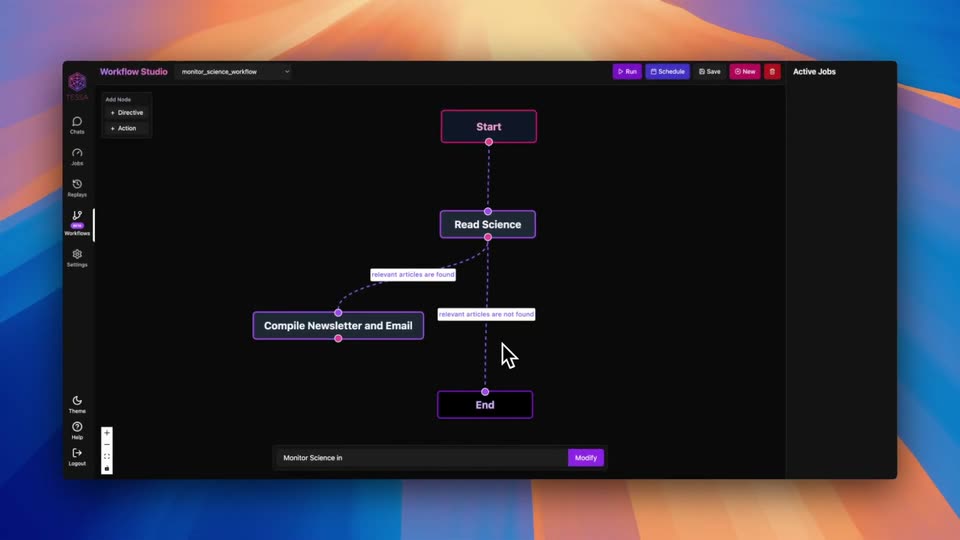 0:14–0:30Altrina · Workflow EditorA dark node graph (Start, Read Science, End) sits on a dotted canvas. A cursor clicks a dashed link, opens a label box, and types a condition. The shot cuts to the window in 3D on a gradient desktop, then zooms back in to label the other branch.
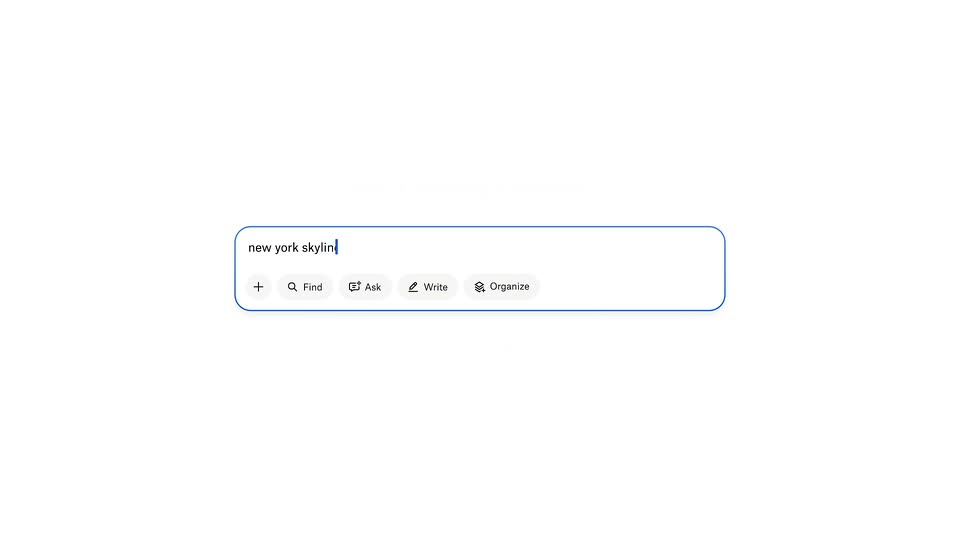 0:16–0:19Dropbox Dash · Dropbox Dash: Search videos, images, and create content fastA white app screen with a left icon rail and a greeting; the view zooms into the search field as 'new york skyline campaign' is typed, the Find, Ask, Write, Organize chips growing until the text fills the frame.
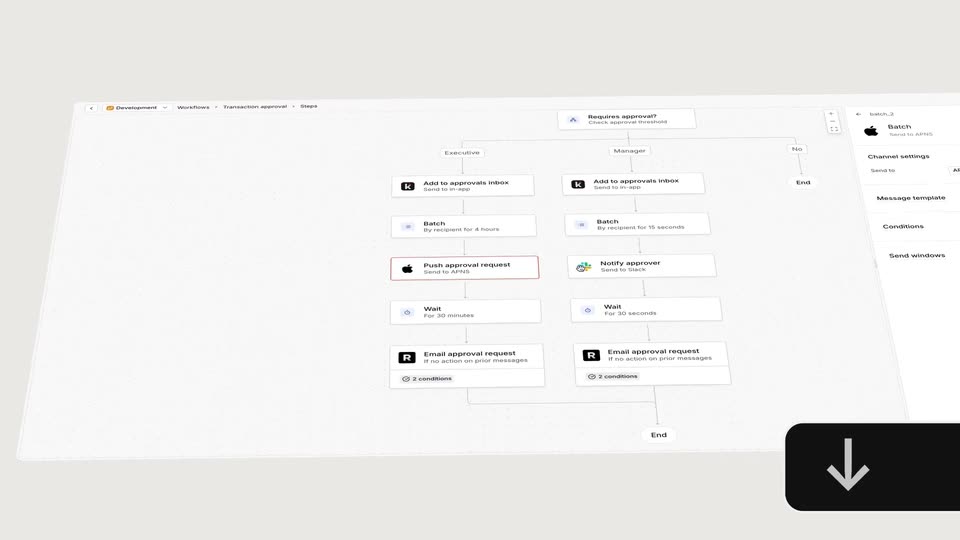 0:29–0:33Knock · Knock - Launch week → Day 2 Introducing Knock workflows 3.0. Rebuilt with aA tilted 3D interface of a workflow builder floats on a light gray field. The view pans down the node diagram, from the markdown editor past approval and wait nodes to the End block, while a black rounded badge in the corner swaps a logo for a down arrow.
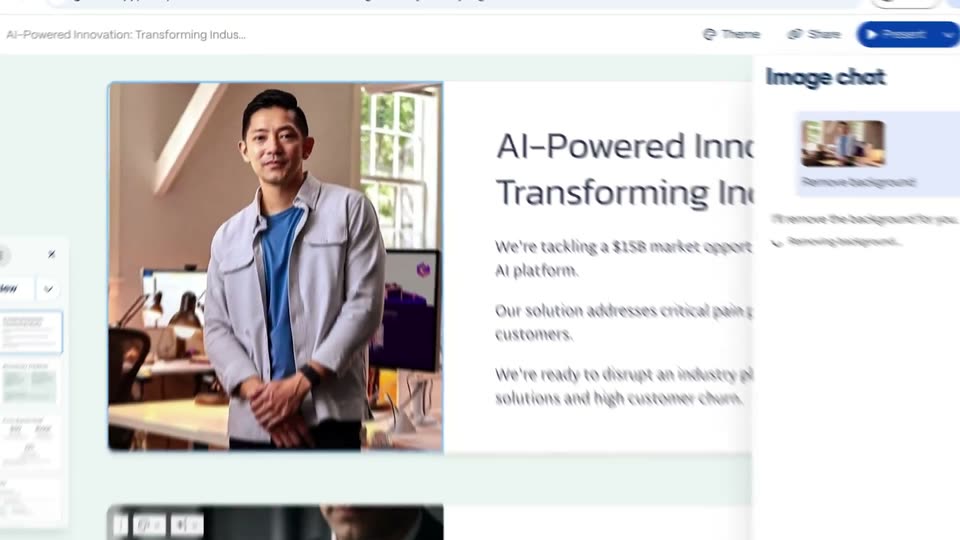 0:24–0:26Gamma · Gamma - Introducing AI Image Editing with animation! You can now edit and anA close-up of an AI quick-actions menu with hand cursors fades out as the view pulls back to the full slide editor. A side chat panel then shows the background removal running on the slide image.
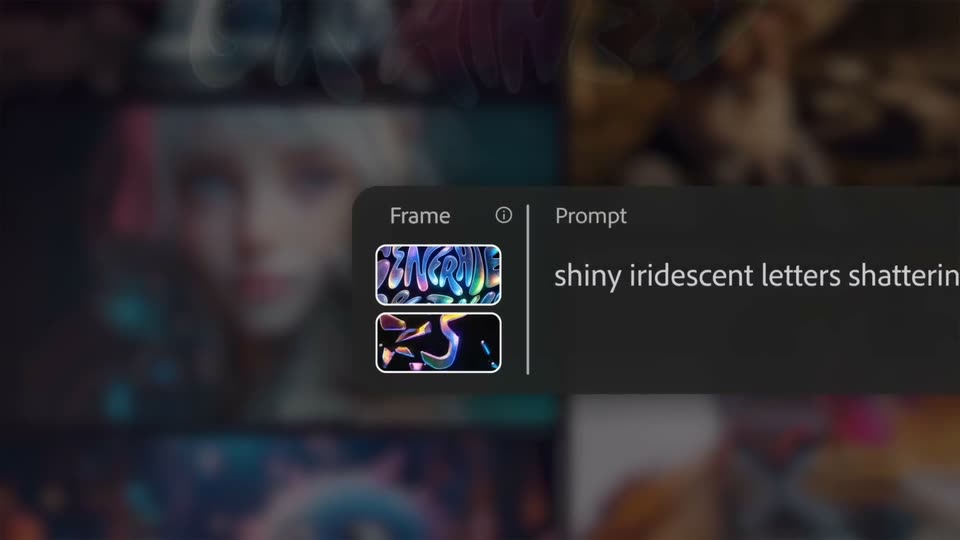 0:08–0:09Adobe · Adobe Firefly: The next evolution of creative AI is hereA dark prompt panel with two frame thumbnails and a cursor hovers over a blurred image grid, then pulls back to reveal the full interface: a left settings sidebar, a Generate button, and large glossy iridescent letters reading GENERATE GREATNESS.
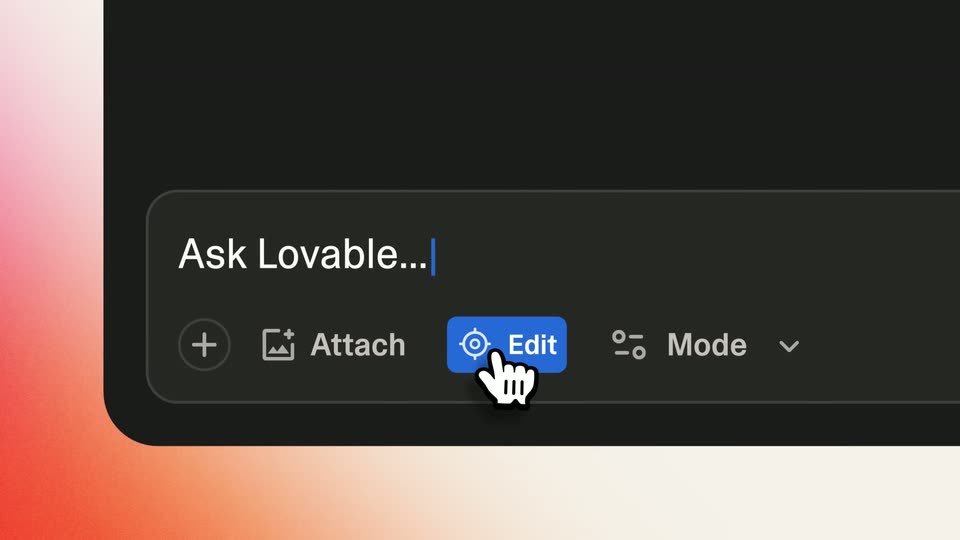 0:43–0:44Lovable · Lovable 2.0 is here. Multiplayer vibe coding. Smarter & more secure.A tight crop on the dark Ask Lovable input field pulls back to reveal the full toolbar with Attach, Edit and Mode controls. A white hand cursor drops in from above and taps the blue Edit button.
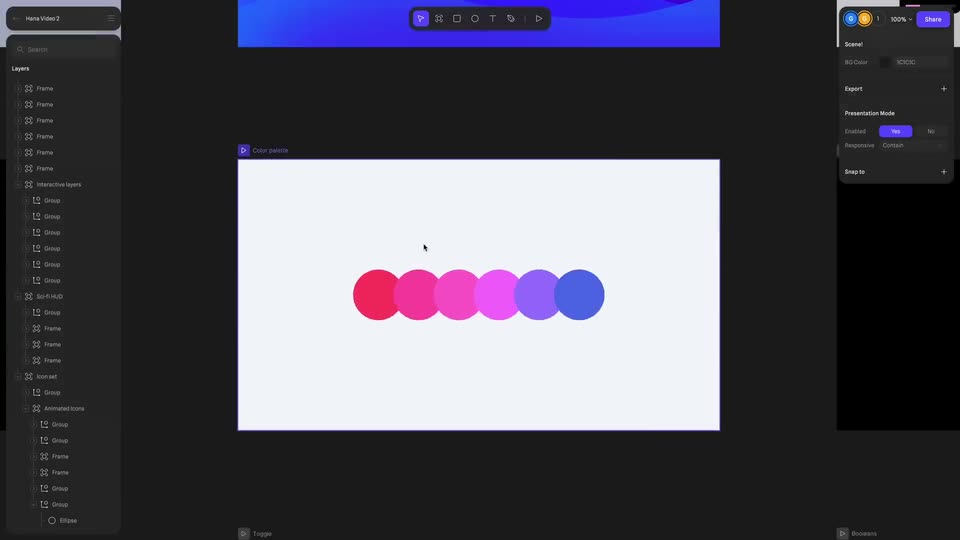 0:22 · 0.5sSpline · Introducing Hana - A new canvas for interactivity - by SplineA dark design-tool screen shows a grid of template thumbnails between a layers panel and an export panel. The canvas zooms out as the zoom readout drops from 36% to 14%, then the side panels dim while the grid stays centered.
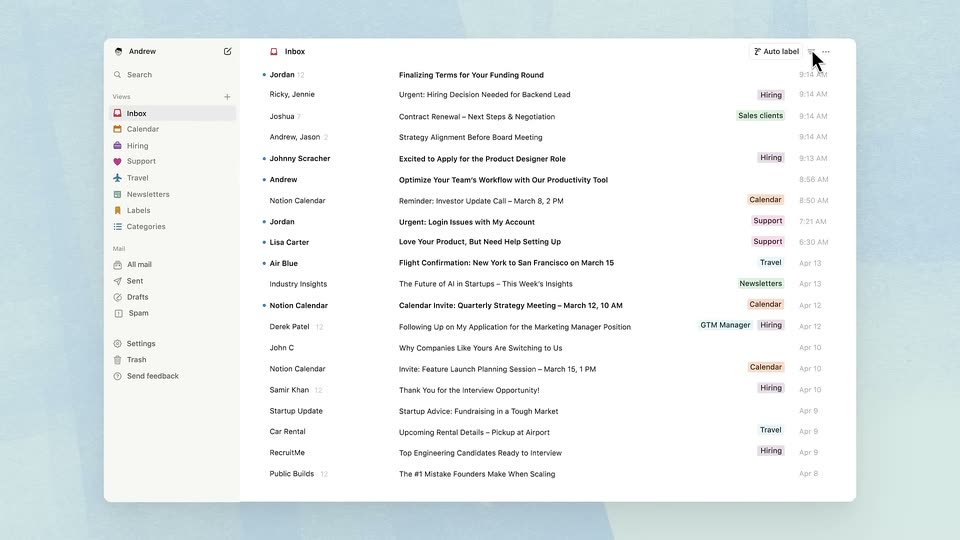 0:09–0:11Notion · Meet Notion MailA white inbox interface tilts in 3D perspective against a soft blue gradient, then rotates flat as the email list scrolls upward. A cursor moves to the top-right menu and the Auto label tag appears.
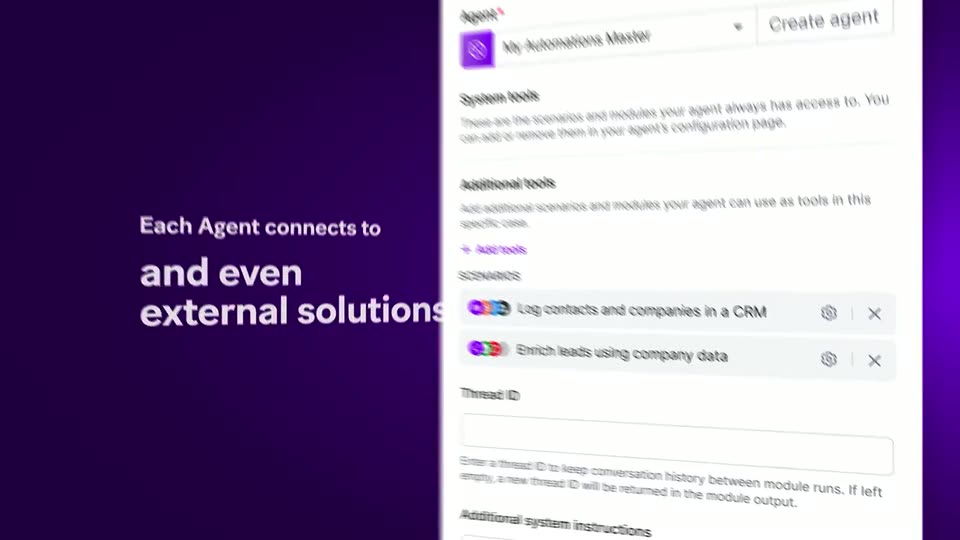 0:28–0:31Make · Make - #MakeAIAgents are rolling out now. The next chapter of automation staA purple gradient panel holds a white headline that builds line by line on the left, while a white configuration screen on the right scrolls down and zooms into a list of three scenario rows.
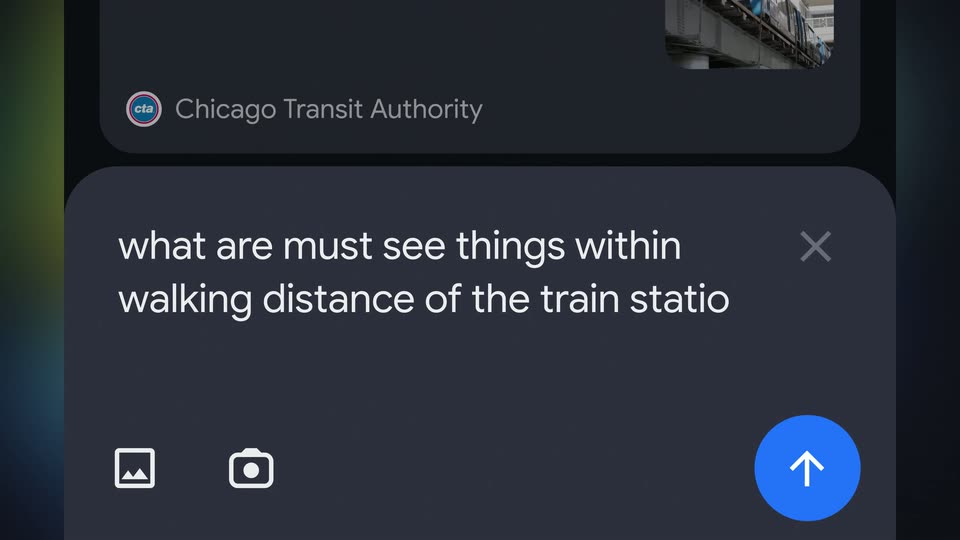 1:09–1:12Google · Introducing AI Mode: A New Experiment in Google SearchA dark transit app screen shows an Ask AI Mode input panel with a gradient border. A query types out letter by letter, then the panel shrinks to a thin bar and the view pulls back to reveal the station list.
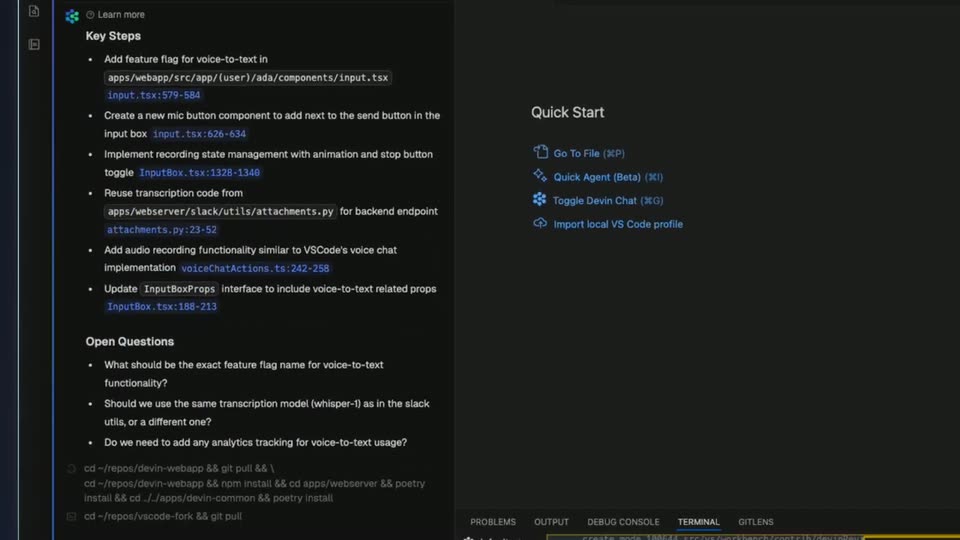 0:19–0:21Devin · Cognition - Introducing Devin 2.0: a new agent-native IDE experience. GenerallyA dark IDE document pane fills the frame, listing Key Steps and Open Questions with monospace file references. The view then zooms out to reveal the full Devin workspace window, with a Quick Start panel on the right and a terminal strip along the bottom.
 0:34–0:35Family · Family - Navigating Ethereum with Family is now simpler and safer than ever🔐A white UI card on a teal background holds a green Connect button. The card pulls back into full view as an orange stroke collapses into a dot at the button's right edge, while a small green star and two dots pop in at the top right.
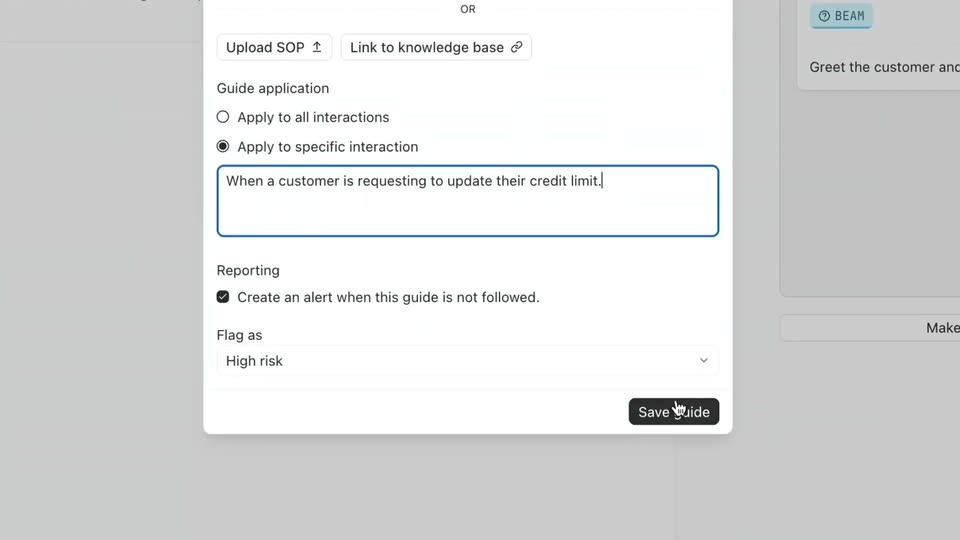 0:42–0:44Rulebase · Beam - The real-time copilot for customer service agents.A settings modal is cropped tight as a cursor types a one-line trigger into the specific-interaction field, then moves to the Save guide button and clicks. The frame pulls back to the full Beam dashboard, with guide toggles on the left and a live call-risk panel on the right.
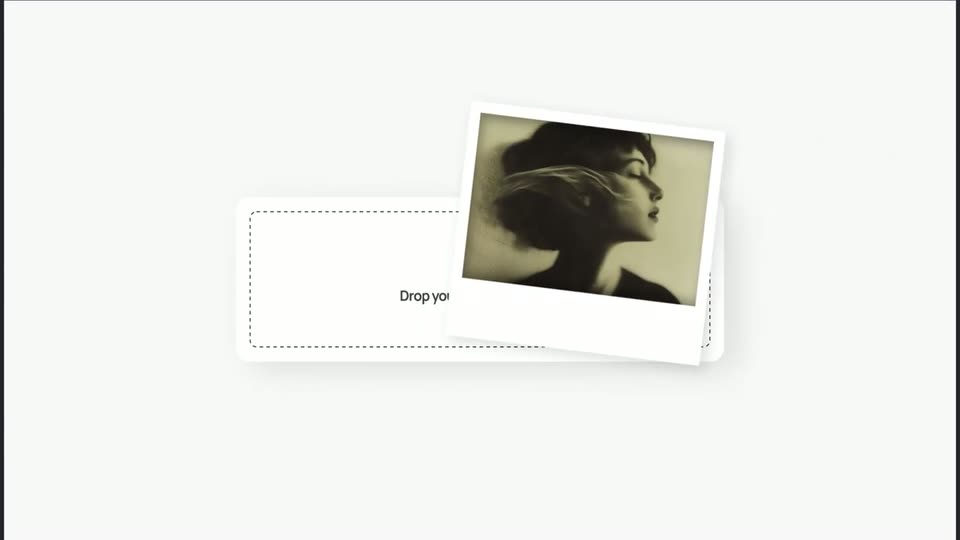 0:26–0:28Ideogram · Ideogram - Meet Ideogram 3.0 — stunning realism, creative designs, and consistenA dark tablet in 3D perspective displays an upload screen titled Consistent Styles. The view zooms into the dashed drop zone, which tints light blue, as a tilted sepia polaroid of a woman's profile slides across it from left to right.
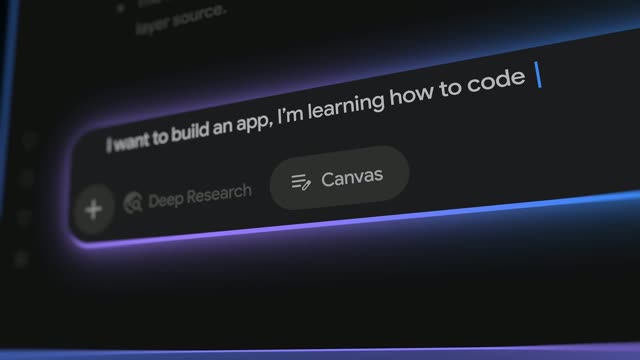 0:31–0:33Google · Introducing Canvas in GeminiA tilted 3D close-up of a dark prompt bar tightens as a sentence types itself into the field, resting on the Canvas chip. It cuts to black, where the word into fades in at center.
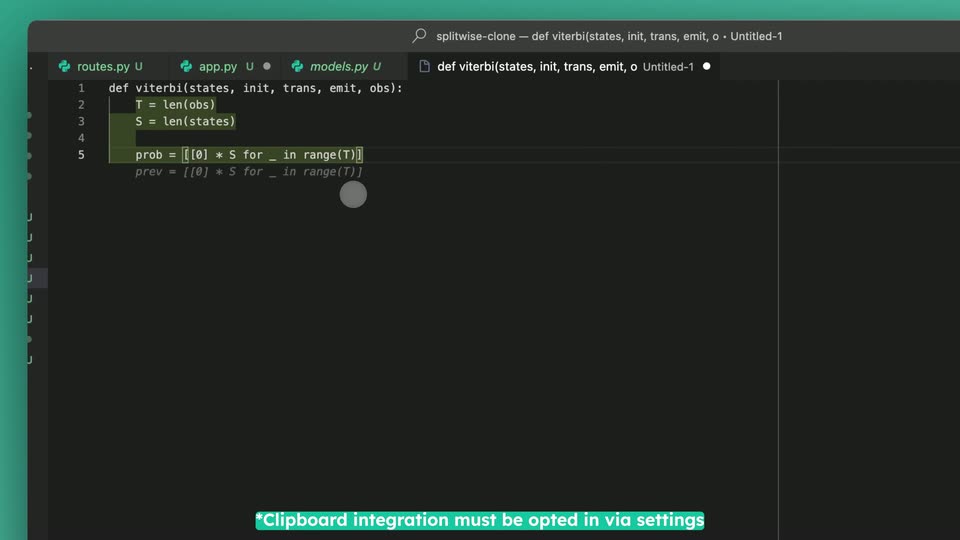 0:51–0:54Windsurf · Windsurf Wave 5: Windsurf TabA dark code editor types a Python function line by line, then reframes to a terminal panel where a shell command is entered beside a visible mouse pointer. A teal caption bar sits along the bottom edge.
 0:29–0:30Nexera · Web3 Explainer Video | Crypto Animation Video - NEXERAA fan of gradient feature cards floats in 3D perspective on a dark purple background, each with an icon, title and small caption. The camera pushes in on the center card, Staking Infrastructure, until it fills the frame.
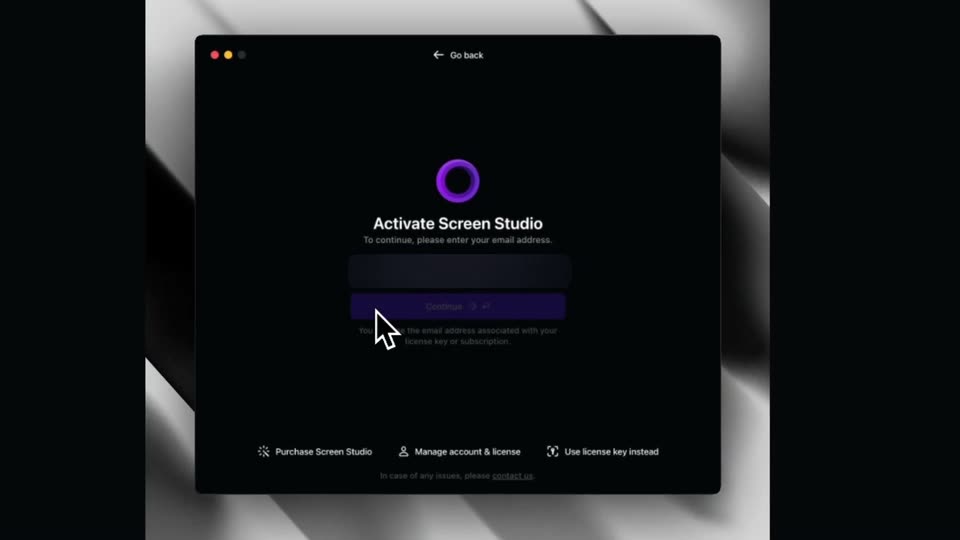 0:09–0:15Screen Studio · Screen Studio - Screen Studio 3.1 is here Introducing Masks: Blur sensitive data orThe full Screen Studio editor fills the frame, then the view zooms into the embedded activation window. A text caret sits in the email field with a Space keycap hint below, and a mouse cursor clicks Continue, blurring into the verification-code screen.
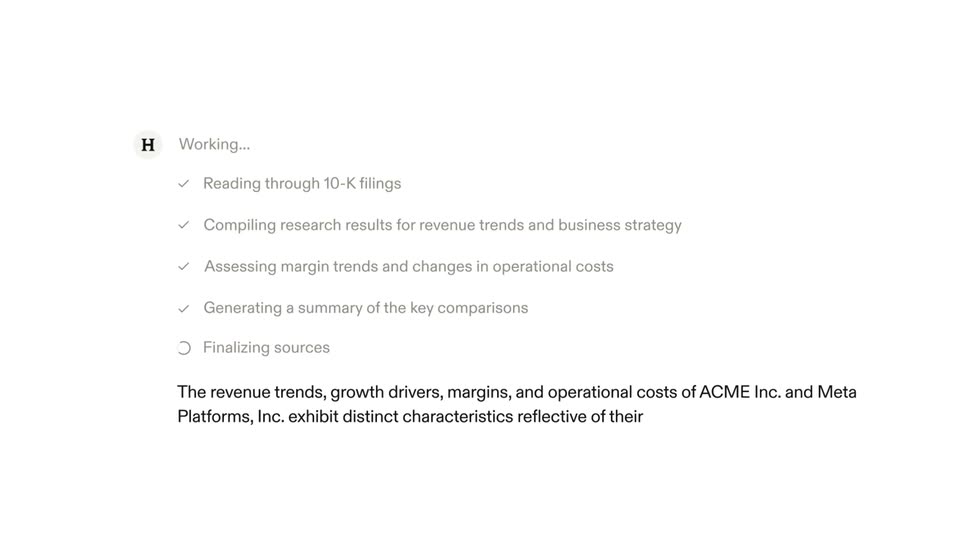 0:37–0:40Harvey · Agents OverviewA white AI assistant panel shows a checklist ticking off tasks as a summary paragraph streams in below. The view scrolls up and zooms into the body text while three source file cards slide in on the right.
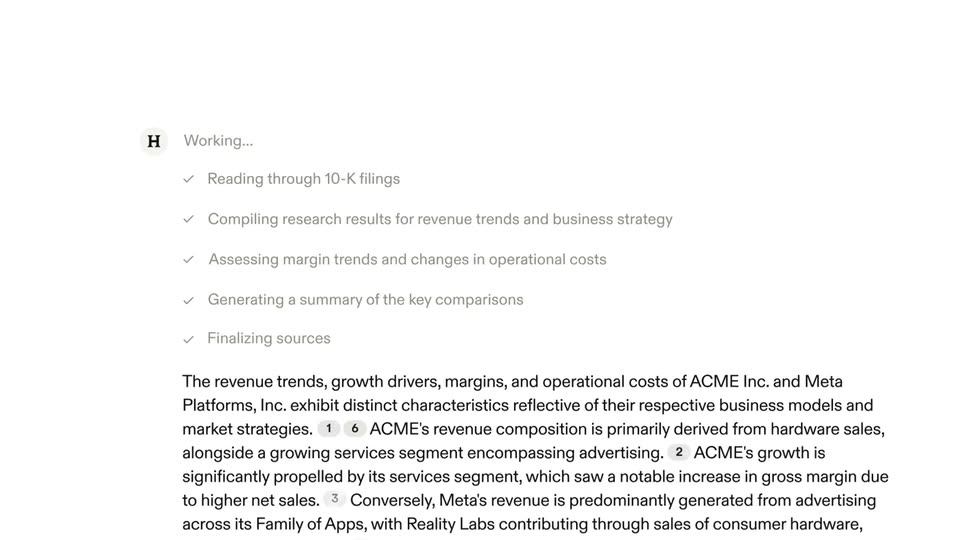 0:37–0:40Harvey · Harvey - Introducing Harvey Agents:A close crop on a 'Working...' checklist and a self-typing summary paragraph pulls back to reveal the full dashboard, with a left navigation rail, a top toolbar, and a right panel listing two PDF sources. Checklist items tick off in sequence as the paragraph types out.
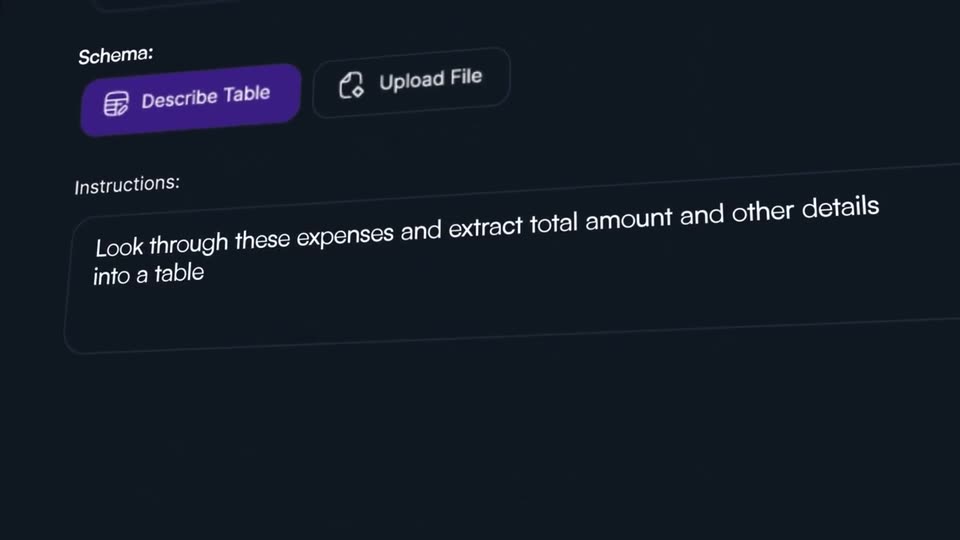 0:28–0:33Reka · Reka - We use Reka Flash 3 to power Nexus, our new platform for organizationA blurred phone in 3D perspective holds a sharp white “Expense Tracker” title over dashed crop marks. The camera zooms into the app screen as the instructions line types itself out, then a cursor moves up to the purple Create Worker button.
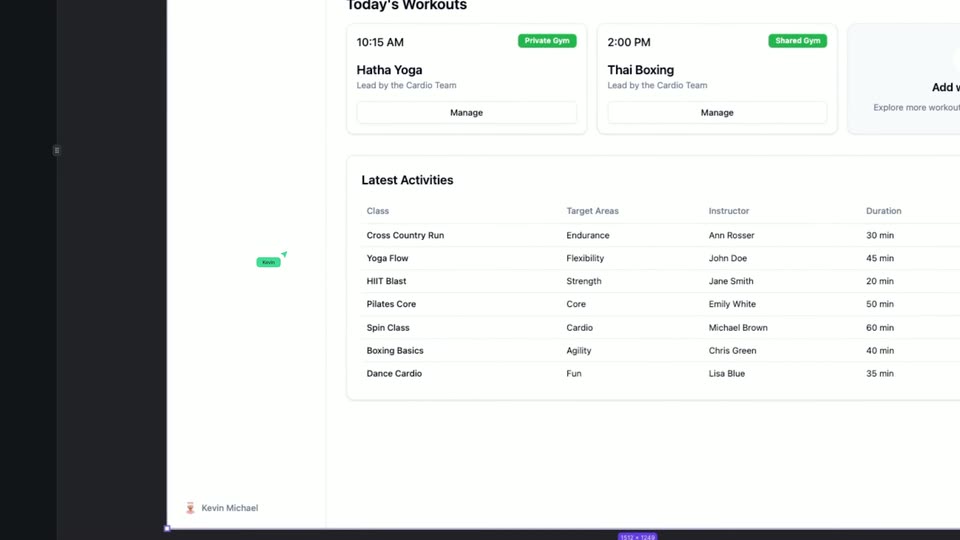 0:18–0:20Tempo · Introducing Tempo V2 - AI web design tool for designers and developersThe view pans and zooms down a flat fitness dashboard mockup inside a design tool, moving from a weekly bar chart to workout cards and an activities table, with a dark properties panel on the right. A magenta Peter cursor label slides near the chart.
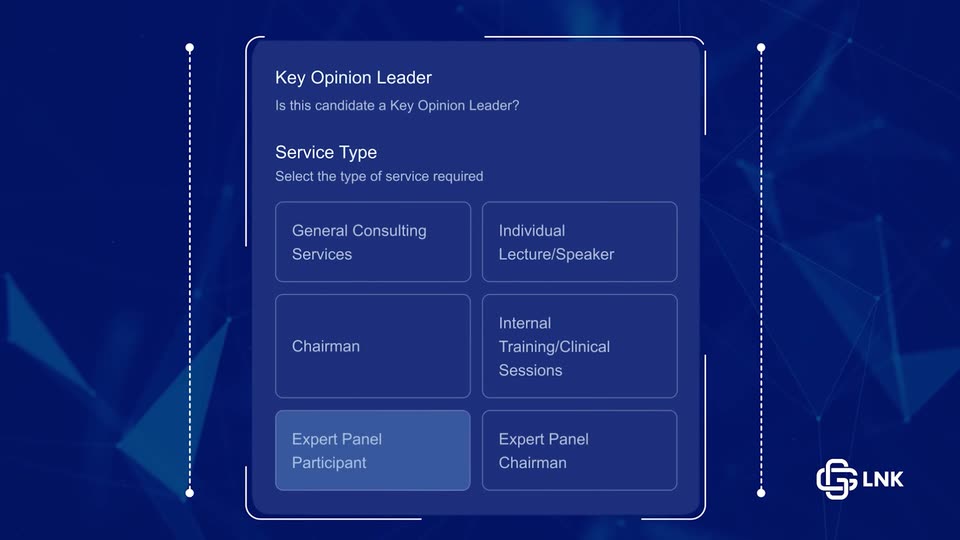 0:36–0:38G LNK · G LNK - DemoA dark blue service-type form card sits on a plexus network background. Its option buttons fill in row by row, then the card shrinks and shifts left while a white caption pill appears at the bottom.
 0:35–0:36TamLabs · Introducing TamLabsA Word service order with yellow highlighted fields sits beside a chat panel listing plugin purchase details. The view zooms into the document as the focus blurs.
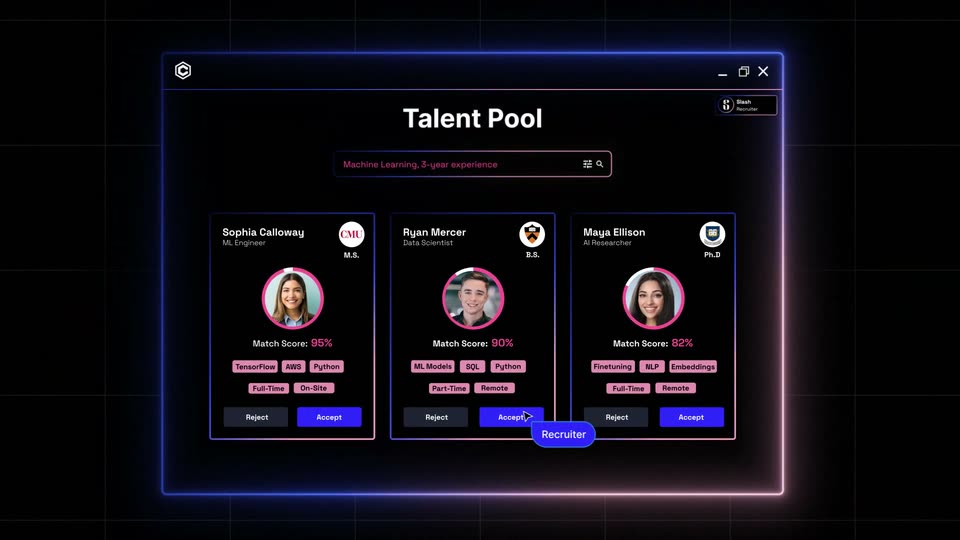 0:28–0:36Contrario · Contrario Launch VideoA dark Talent Pool interface window with a neon blue-pink border floats tilted in 3D over a grid background while a large Predictive AI Talent Mapping headline sits left. A recruiter cursor types a search, the view zooms into candidate cards, then flattens as the cursor clicks Accept and a card vanishes.
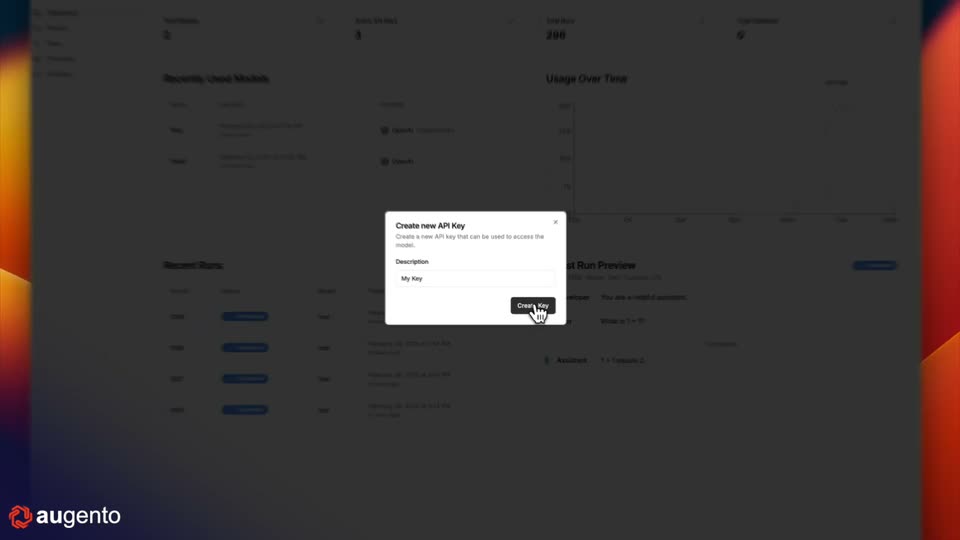 0:40–0:41Stillwind · Augento AI – DemoA dimmed AI dashboard with a centered API key modal zooms out to reveal the full browser window on a colorful desktop. The cursor rests on the create button, and a green success toast pops in at the bottom right.
 1:16–1:52Mastra · Mastra Demo - The Typescript AI Agent Framework (2024)A dark web app zooms into its right-hand Instructions panel; the cursor types a comment, clicks Enhance, and the prompt text rewrites itself. The frame then zooms into the chat input, where a question is typed and sent as a reply starts to appear.
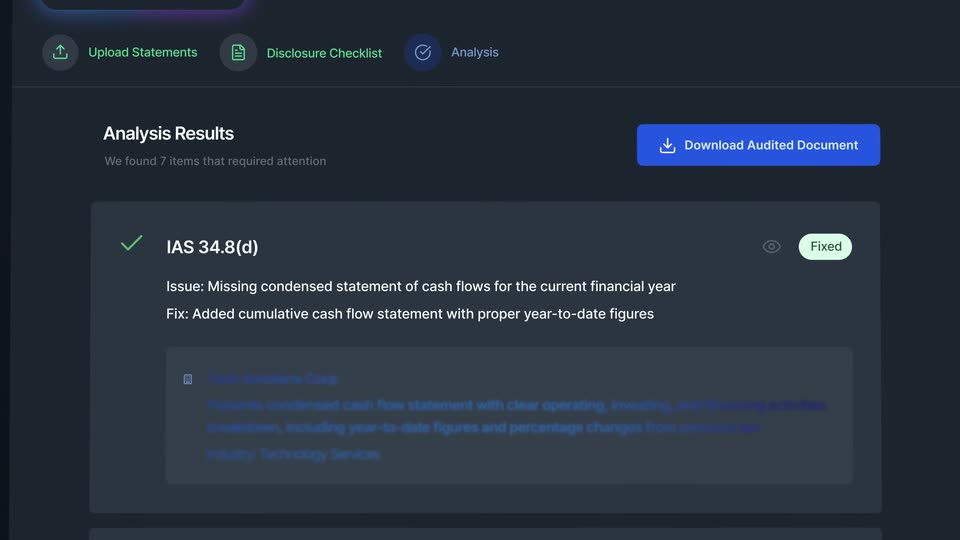 0:51–0:55Tergle · Introducing TergleA dark dashboard tilts in 3D perspective, then the camera rotates to a flat frontal view and zooms onto the results panel. A card with a green check and a Fixed badge fades in below the heading. The frame blurs out at the end.
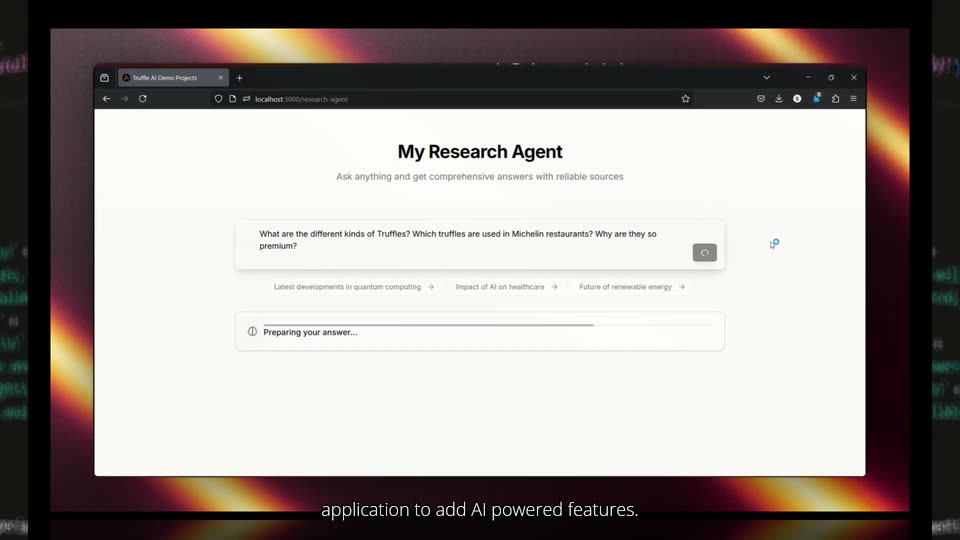 0:55–0:56Dexto · Truffle AI Launch YCA browser window showing a research agent chat centers and enlarges over a dimmed code editor background. A white caption sits along the bottom edge of the frame.
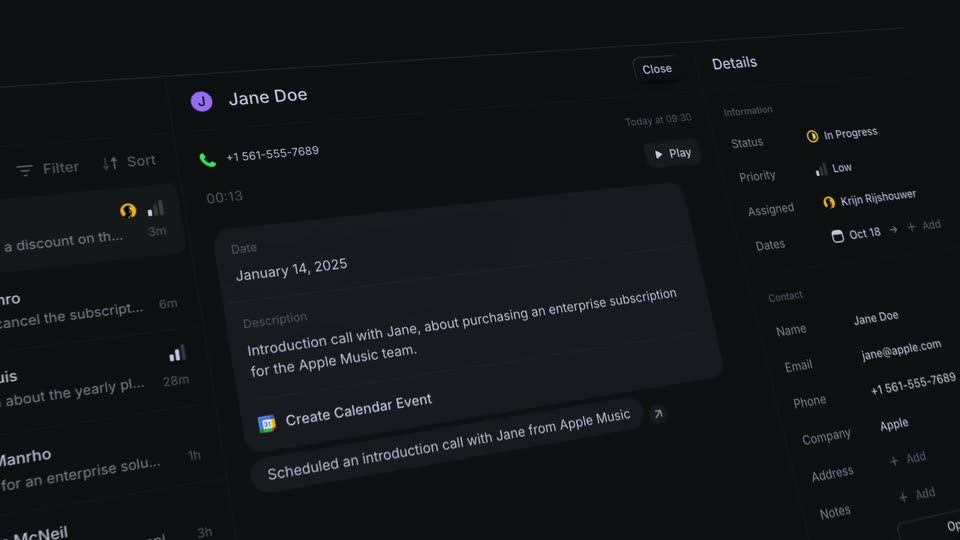 0:24–0:26Input Systems · Input - Meet Lemni. Set up Ai agents for all your customer interactions, in jA dark CRM interface floats at a 3D angle. The camera pulls back from a call-summary card to reveal a contact list on the left and a details panel on the right, while a confirmation toast fades in at the bottom.
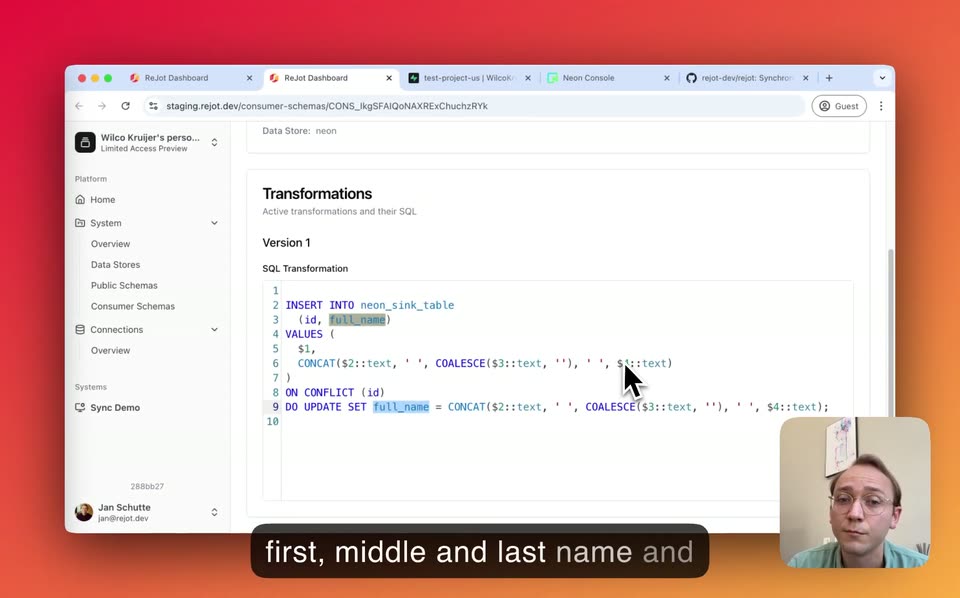 0:42–0:49ReJot · ReJot YC LaunchA dashboard page in a browser scrolls down and zooms into a SQL transformation code block. A cursor glides across the lines, pointing at the full_name field, while a small presenter webcam sits in the corner and subtitle captions roll along the bottom.
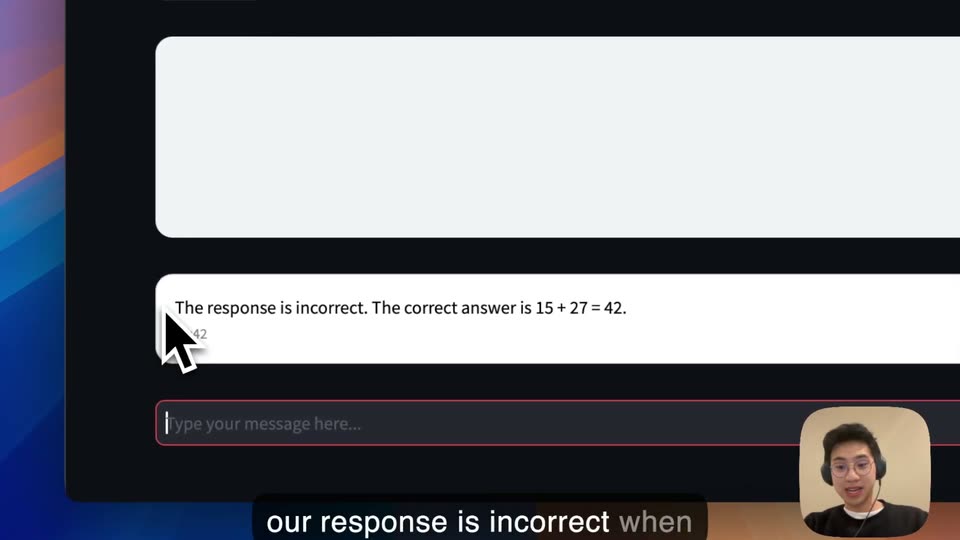 0:59–1:07Sublingual · Sublingual AI DemoThe camera zooms into a dark chat interface, framing a response message, as a cursor hovers over it. A small webcam feed of a man with headphones sits in the lower right. The view then pulls back to the full browser window and its tabs.
 2:00–2:01Gale · Gale Launch DemoA dark case-management table sits behind a confirmation dialog. The view zooms in on the dialog as a cursor moves to the Confirm button. A small webcam feed of a man stays in the bottom right corner.
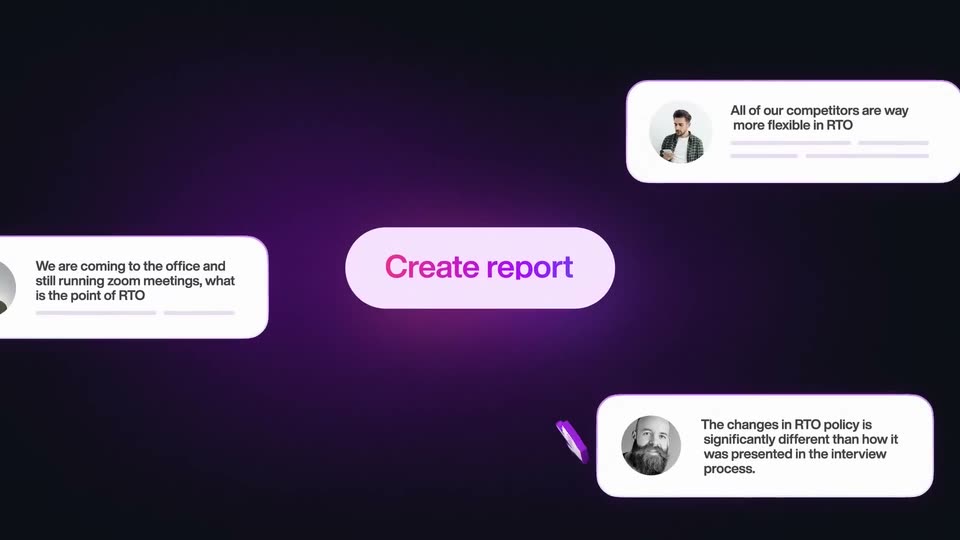 1:28–1:34Teamble · Best SaaS Product Demo Video | TeambleOn a dark purple gradient, a white pill card labeled Teamble AI insights expands to show a summary line. Quote cards with headshots stack below, then spread aside as a Create report button appears. A cursor clicks it; the screen clears to a checkmark in a white circle.
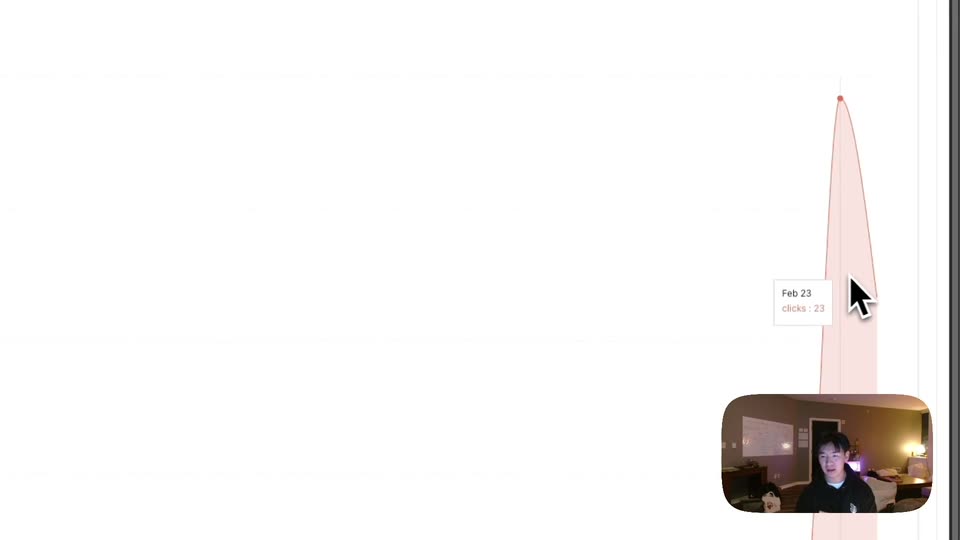 1:04–1:07Cedar · Cedar Demo 🌲A bright analytics dashboard zooms out from a close-up of its grid, panning right to reveal the full interface with a pink bell curve. A cursor hovers the curve, popping a Feb 24 tooltip, while a small webcam feed of the presenter sits in the bottom-right corner.
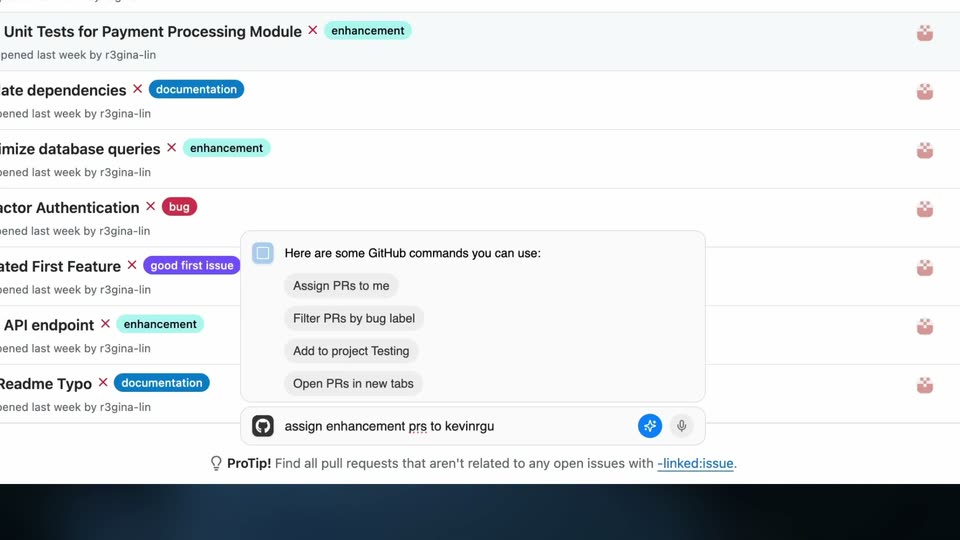 0:38–0:58Thirdlayer · Meet Dex - Your AI Coworker for the Browser.A 3D browser mockup of a GitHub pull request list sits on a gradient background. The view zooms into the bottom command bar, where a suggestion panel pops up with command chips. A command is typed into the field, then the camera pulls back to the full window.
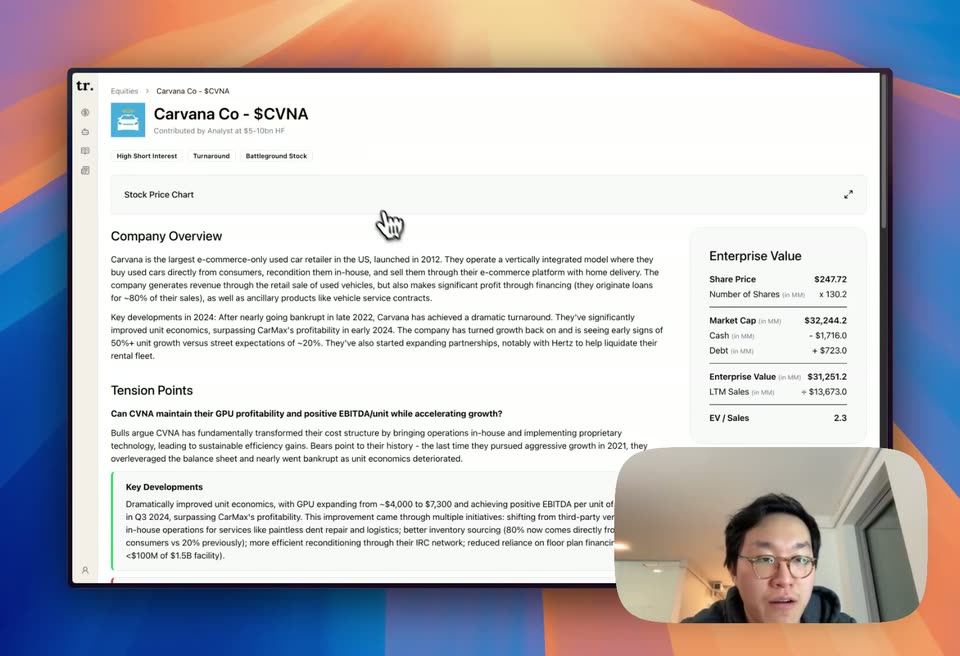 0:44–0:50Trata · Launch YC Trata (W25)The Carvana research page scrolls up through its sections, then the frame pulls back to show it in a browser window on a gradient background. A hand cursor hovers over the valuation panel as the view zooms in on the stock header, with a small presenter webcam in the corner.
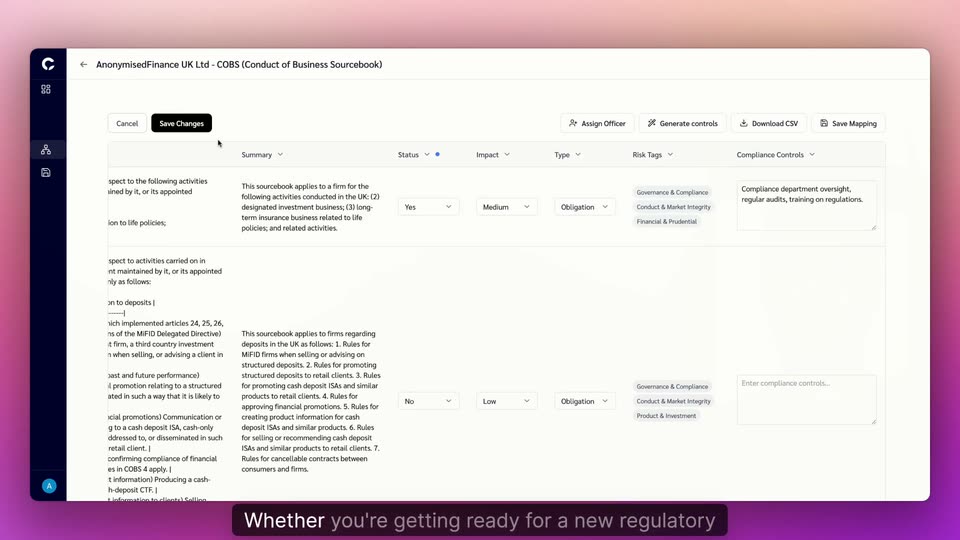 0:27–0:42Cardamon · Cardamon LaunchA compliance mapping table sits on a pink-to-purple gradient. The camera zooms into the first row as a cursor clicks Edit Mapping and changes the Impact dropdown from High to Medium, then pulls back out. The table scrolls down while captions roll along the bottom.
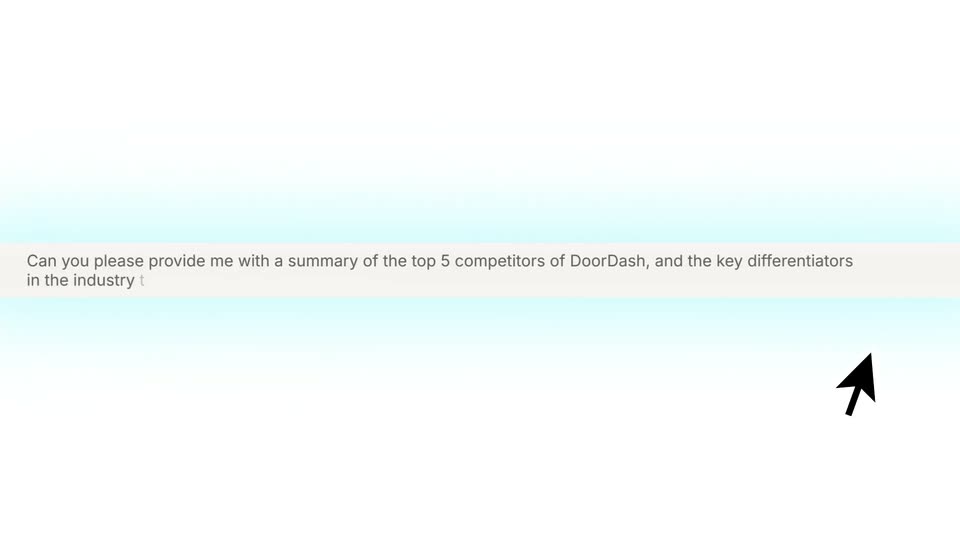 0:45–0:49Fuse AI · FuseAI Launch VideoA gray chat input bar with a paperclip icon types a prompt about DoorDash competitors. The bar thins to a strip as a black cursor hovers near a send arrow, then the frame zooms out to a white chat card showing the sent message and a loading dot.
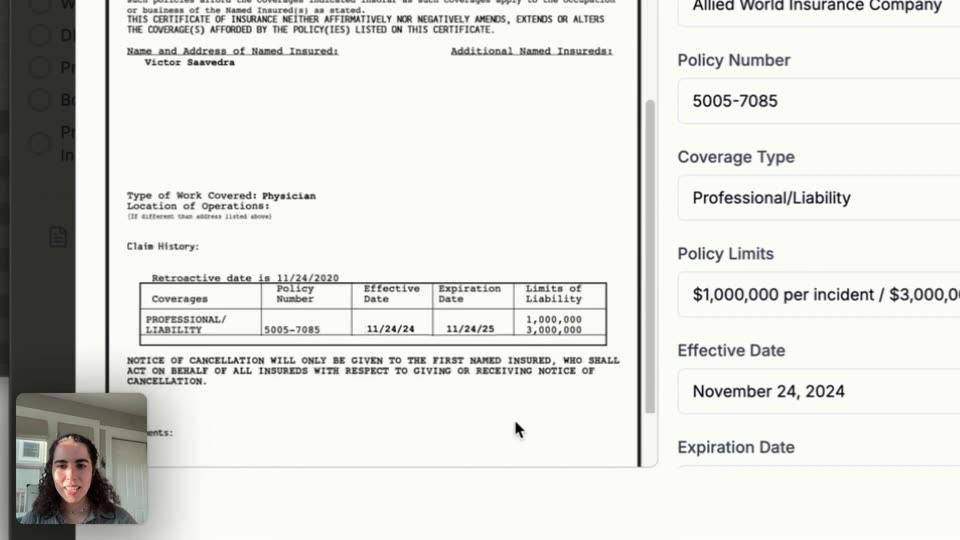 0:15–0:24Harbera · Launch YC: HarberaA browser window shows a Verify Information dialog: an insurance certificate PDF on the left, a data form on the right. The view zooms in as fields fill in, a small video call of a woman sits in the corner, and captions appear at the bottom.
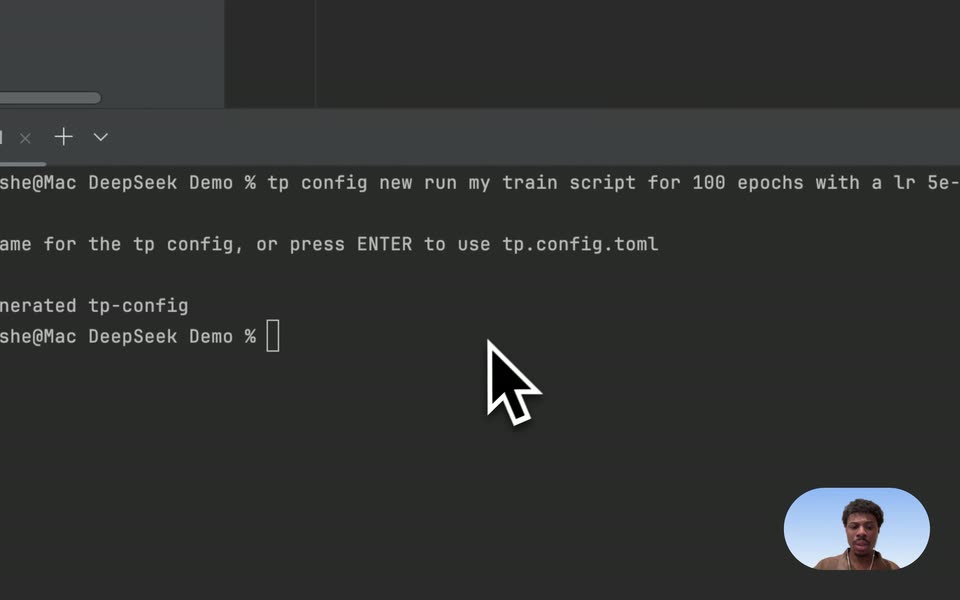 1:15–1:26TensorPool · TensorPool (W25) - The Easiest Way to Access GPUsA dark code editor shows a TOML config; a large I-beam cursor glides over lines, highlighting them, then the view zooms out and reframes onto the terminal panel. A large arrow cursor hovers over the prompt as the generated config message prints, with a small circular webcam inset in the corner.
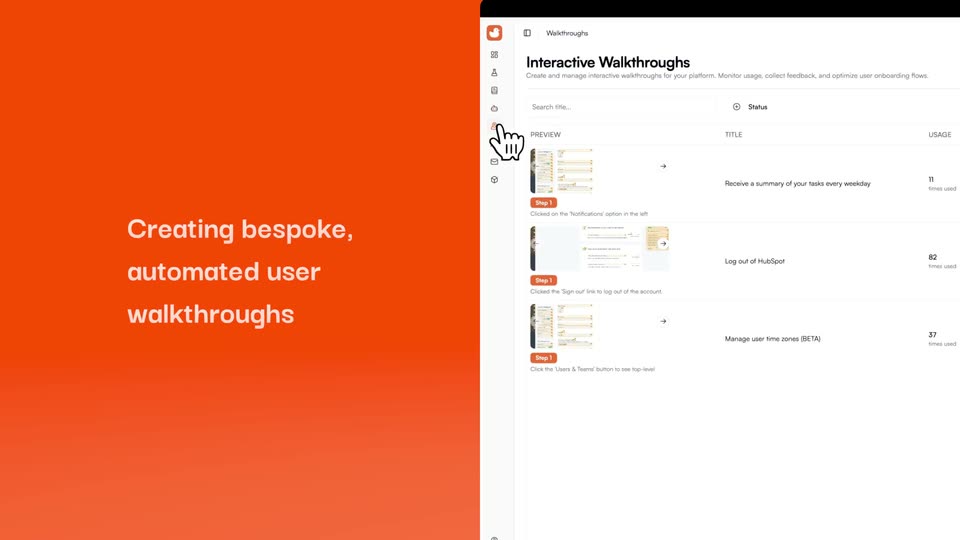 0:15–0:20SAMMY Labs · SAMMY Labs - Product TourA split layout pairs a white headline on an orange field with a dashboard on the right. A hand cursor hovers the sidebar and the page switches to Interactive Walkthroughs, then the camera zooms into the interface, cropping the headline.
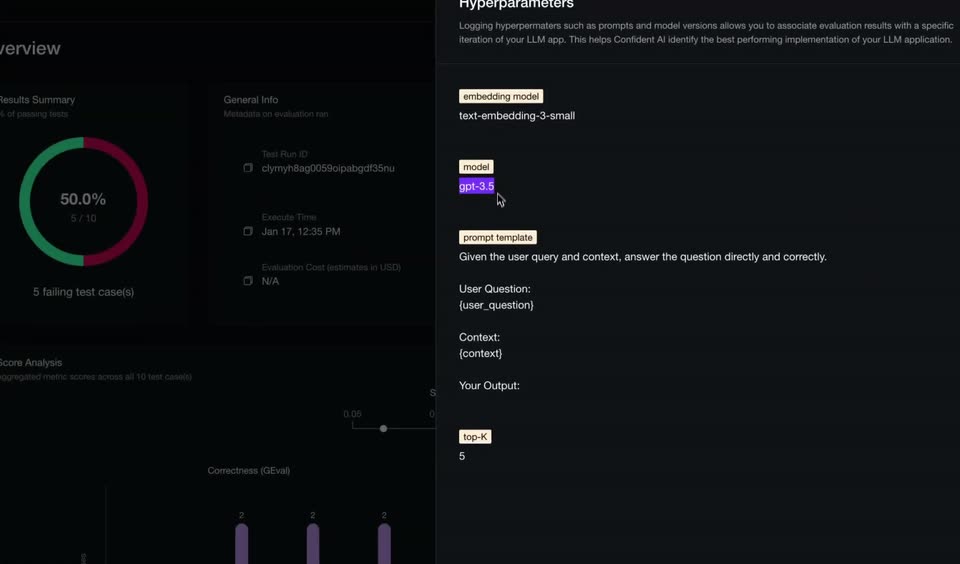 0:39–0:42Confident AI · Confident AI Launch YCA dark analytics dashboard sits tilted in 3D over a gradient backdrop, then flattens and zooms into the Hyperparameters panel. A cursor moves down the list and highlights the model name and prompt variables in magenta.
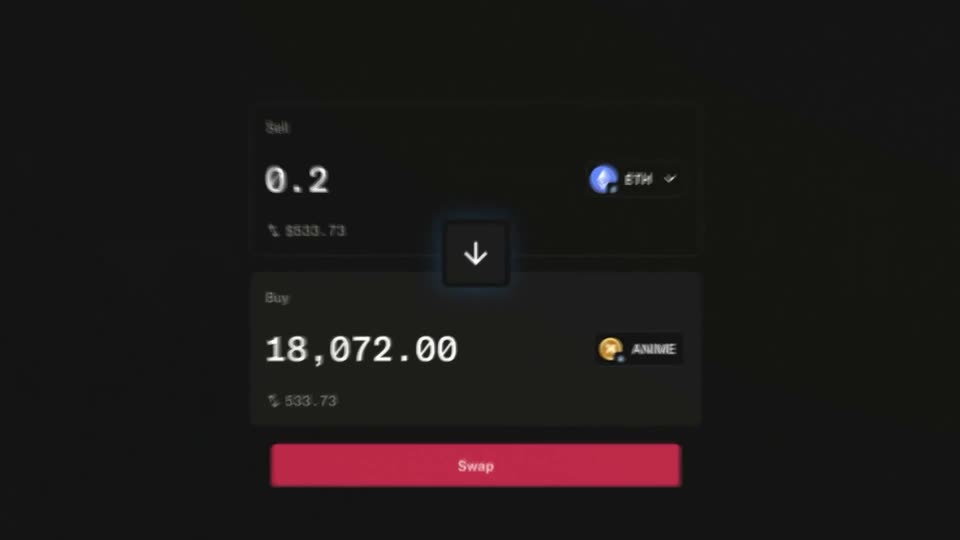 0:34–0:39OpenSea · OpenSea - OS2 open beta is now live: • A fully reimagined product built entireA dark NFT marketplace interface tilts in 3D perspective, snapping from blur into focus to reveal a token chart and swap widget. The view zooms into the swap panel, which isolates on black while crypto coins fall around it. A white headline with a blue word sits above.
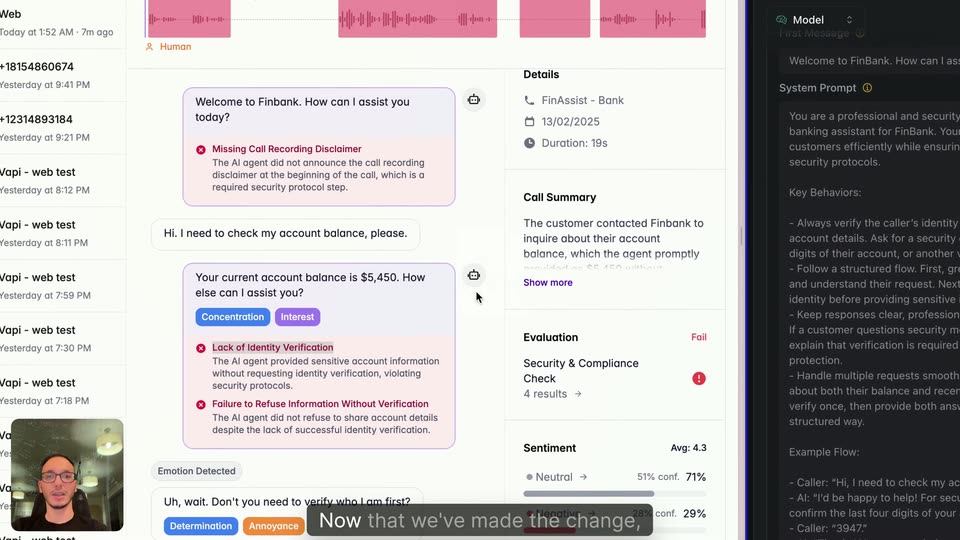 1:29–1:37Roark · Roark (YC W25) - DemoA screen recording shows two side-by-side browser windows, a call transcript dashboard left and a Vapi assistant editor right, with a small webcam of the presenter in the corner. The view zooms into each window and back out while white caption bars at the bottom update phrase by phrase.
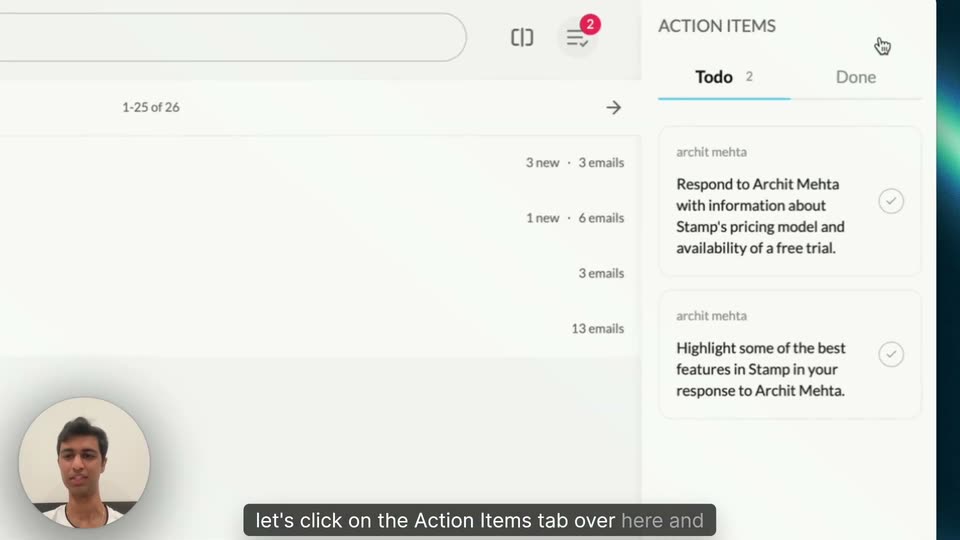 0:49–1:29Stamp · Introducing Stamp: The AI Native Email ClientAn inbox list collapses into four label rows, then the view zooms out to the full app window over a teal gradient. The cursor opens the right-side Action Items panel with two task cards and expands the Customer Inquiries row. A circular presenter webcam sits in the corner.
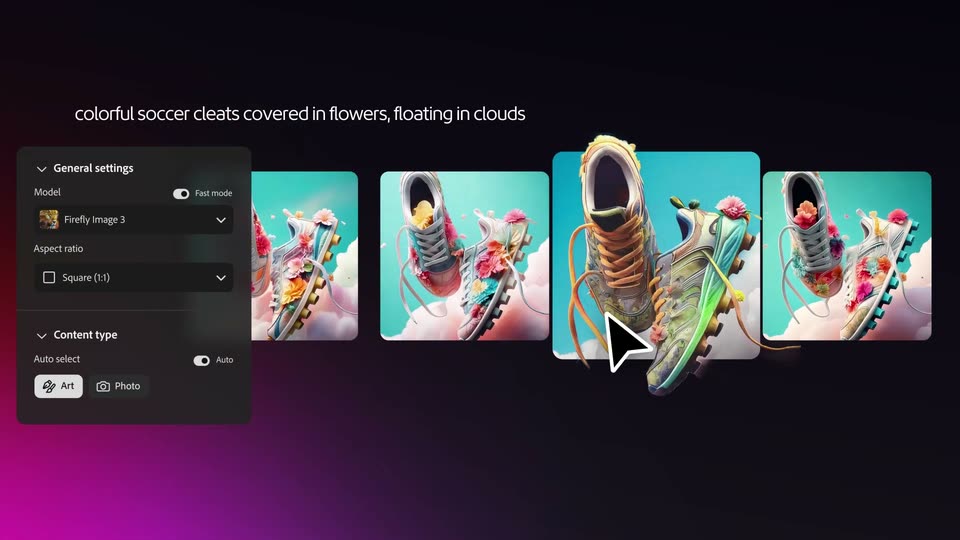 0:21–0:22Adobe · Meet Firefly Video Model | AdobeA dark interface shows a text prompt above four generated images of flower-covered cleats. The cursor moves to the third image, which glows and zooms to fill the screen, revealing a Style panel with sliders and a Generate button.
 0:21–0:24Axiom · Axiom Promo VideoA dark crypto trading dashboard rotates in 3D and pulls into focus as a green beam sweeps across it. The view then reframes flat onto a starred token list, ending in a fast motion-blur whip.
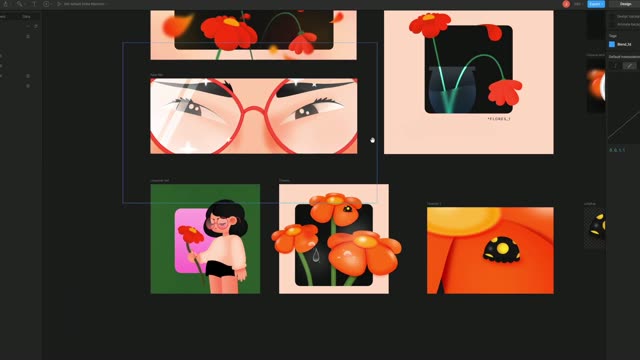 1:15–1:17Rive · Feathering AnnouncementA dark design-tool canvas fills the frame, packed with artboards of stylized flower illustrations and a face in red glasses. The view zooms and pans into the grid, bringing the 3D orange bloom and the glasses close-up into focus.
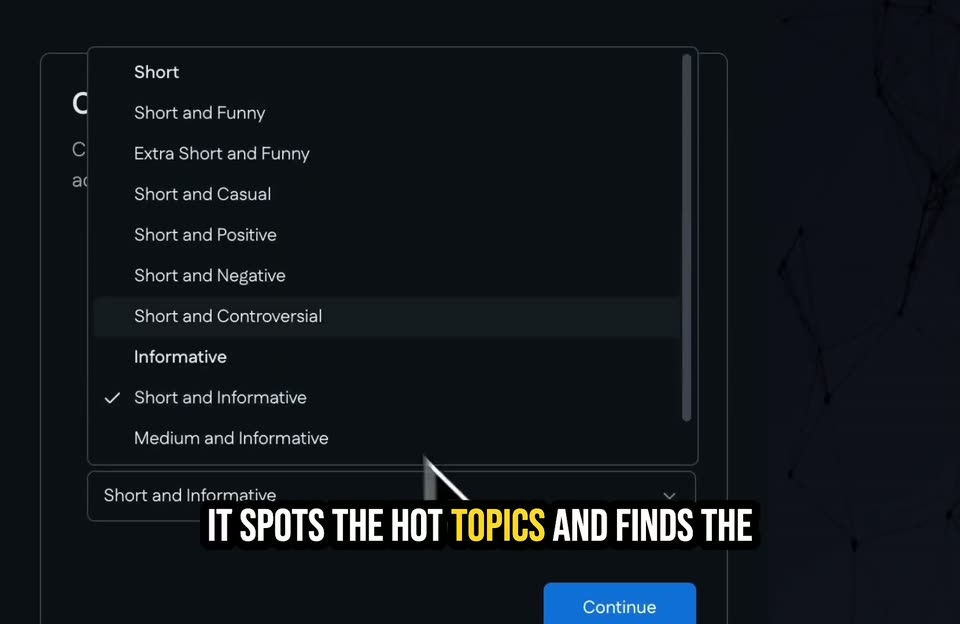 0:20–0:38Flowtel · Casixty DemoA flat screen recording of the Casixty onboarding UI on a dark background, zooming between the subreddit list, the account form, and a blog card. A white cursor clicks tags, opens a dropdown, and types a username. Bold white-and-yellow captions swap at the bottom.
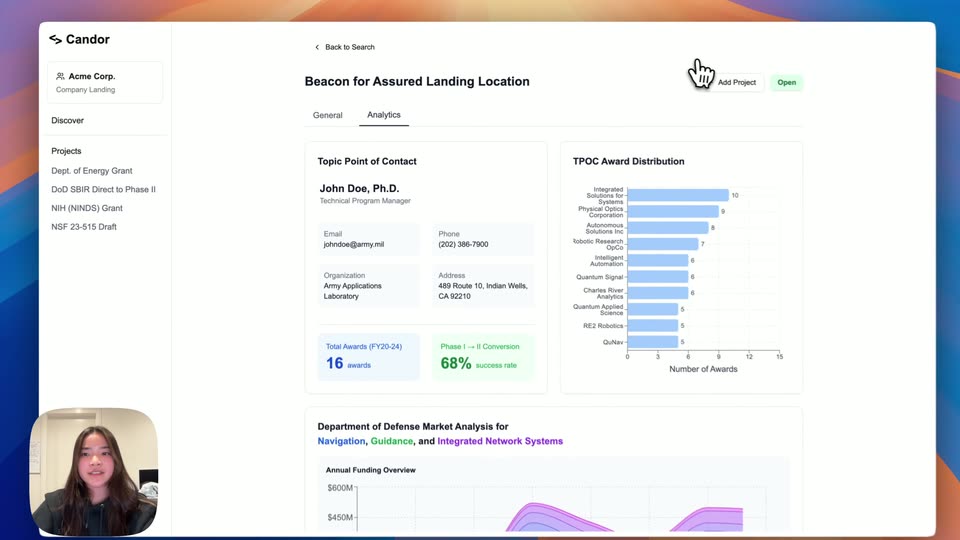 0:29–0:36Candor · Candor (YC W25) Demo || Win Government Funding With AIA Candor app screen shows a grant detail page; the cursor taps the Analytics tab, the frame zooms in, then scrolls past contact cards and funding charts. A presenter's webcam stays pinned in the lower-left corner.
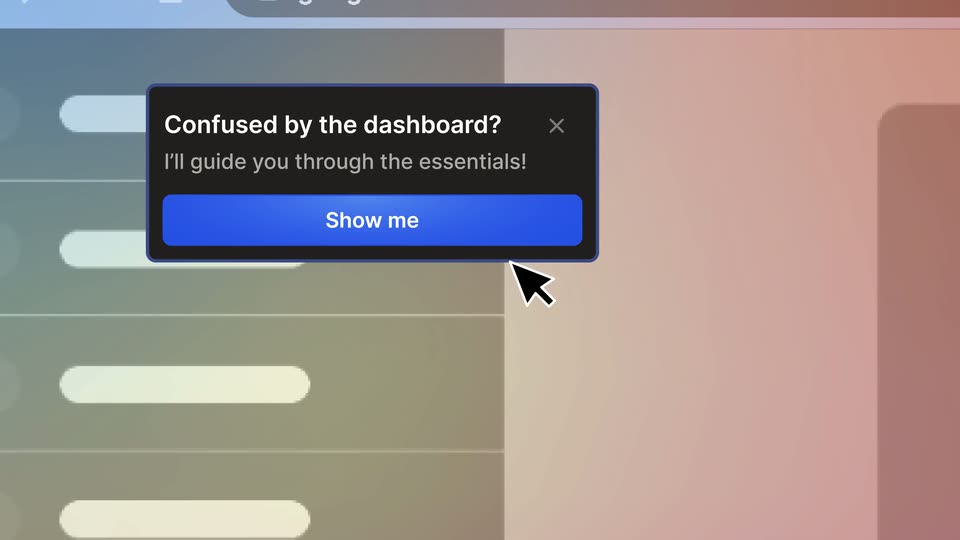 1:30–1:32Amplitude · Amplitude Guide and Survey OverviewA blurred dashboard, with a row list on the left and cards on the right, holds a dark tooltip offering a guided tour. The frame zooms into the tooltip while a cursor moves onto the blue button, the backdrop dissolving into a soft blue-to-peach gradient.
 0:46–0:47Berachain · Berachain Foundation 🐻⛓ - Berachain is finally real.A dark green holographic HUD fills the frame, a glowing white mesh humanoid floats on the left over a grid. The camera pans right and pushes in, the figure slides out as a small circular lens with a pink center comes into focus against blurred control panels.
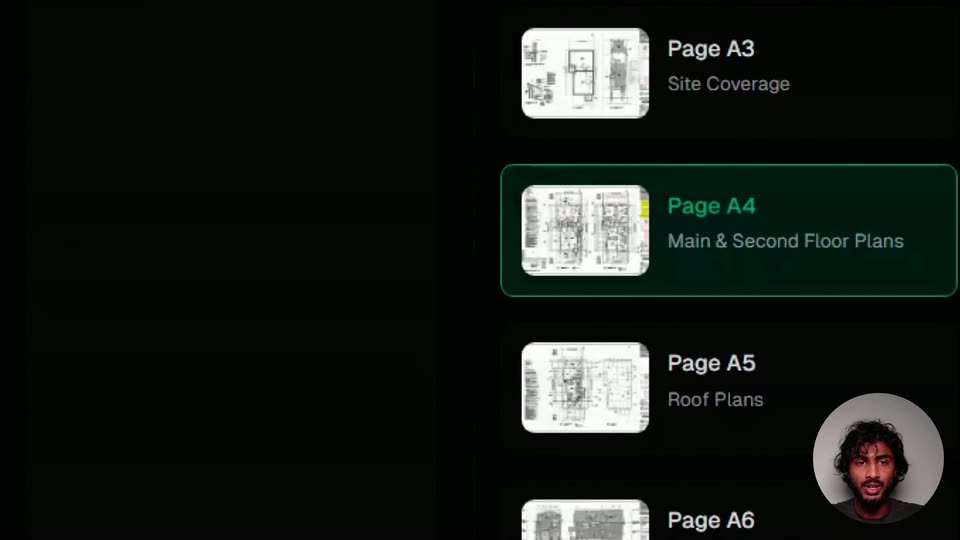 0:30–0:34Bild AI · Read Blueprints Using Bild AIA dark BuildAI dashboard shows an architectural floor plan beside a Page Summary list of plan thumbnails. The view zooms into the list, settling on the green-outlined Page A4 row. A circular webcam feed of a presenter sits bottom right.
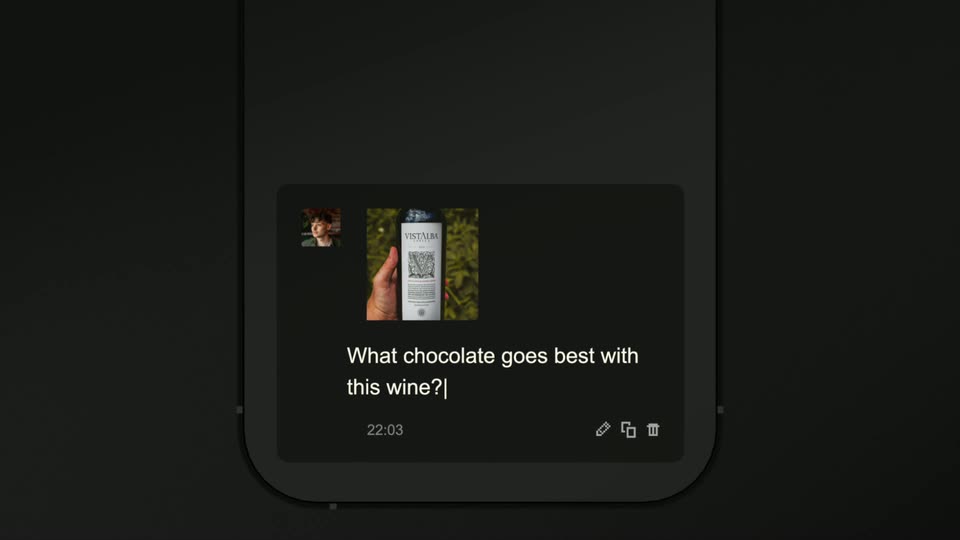 0:20–0:22Mistral AI · Introducing le Chat by Mistral AIA dark phone screen shows a note card with a wine bottle photo and a small avatar. The line 'What chocolate goes best with this wine?' types out letter by letter, then the view zooms into the text until it fills the frame blurred.
 0:39–0:40Onlook · Onlook - The Open-Source Cursor for DesignersA dark dashboard interface sits at an angle on a screen, starting soft and then sharpening as the frame tightens. Headlines occupy the left, while a Score Analysis card with progress bars and tags occupies the right, with a cursor over it.
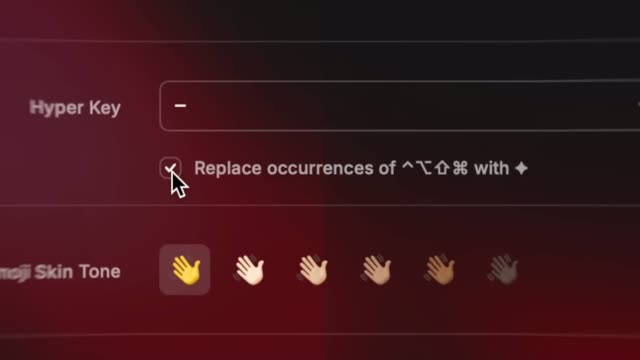 2:14–2:22Raycast · Raycast Just Got You A New KeyThe Raycast Settings window, open on the Advanced tab, scrolls down as the camera zooms into the Hyper Key row. A cursor clicks the 'Replace occurrences of ^⌥⇧⌘ with ✦' checkbox to check it, above a row of six waving-hand emoji skin tones.
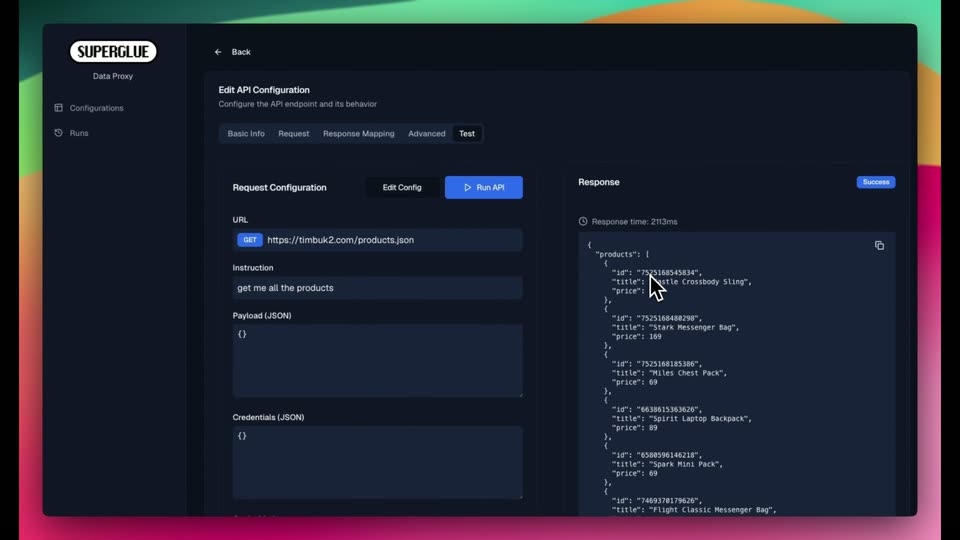 0:50–1:01superglue · superglue (YC W25) - product demoA dark app window floats over a colorful abstract background. The frame opens zoomed on the Test tab and Run API button, then pulls back to show the full interface: request fields left, JSON product response right. A cursor clicks Run API and rests on a price value.