UI zoom
A zoom or reframe onto one part of the interface.
10,002 scenes · page 107 of 167
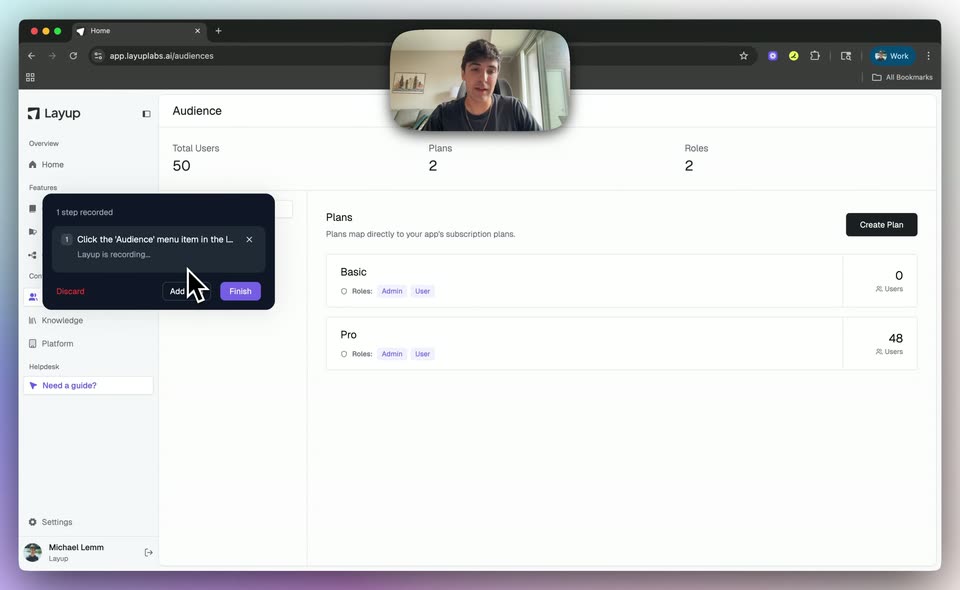 0:32–0:49Andco · Layup 2.0 July LaunchScreen recording of the Layup Audience page with a webcam inset of the presenter at top. A dark recording panel updates as the cursor clicks it, then the view zooms out to the full browser window and back in toward the Create Plan button.
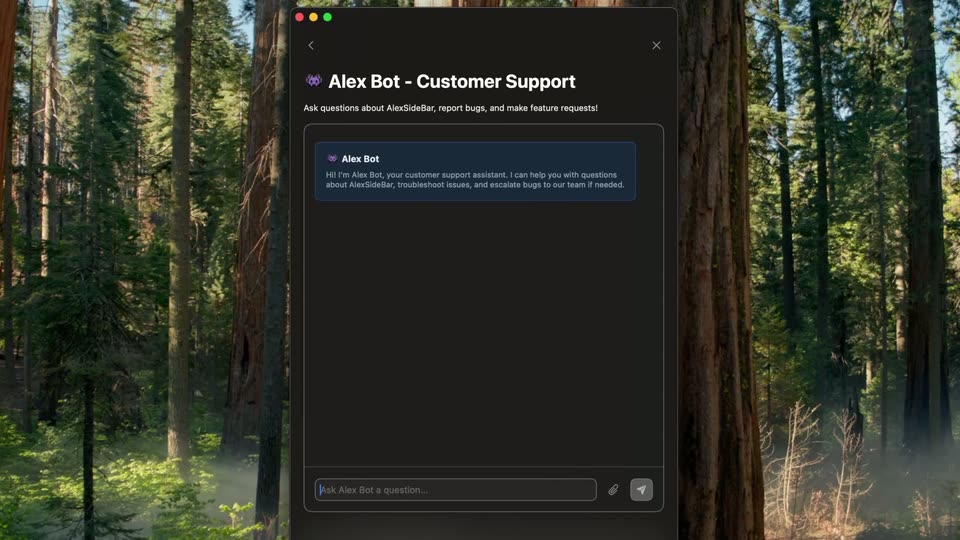 1:29–1:30Alex · Alex - Xcode AI Coding AssistantA dark chat window titled Alex Bot sits over a sunlit redwood forest. The panel scales up, zooming into the conversation area so the Docs and FAQ section slides out the bottom while the header and input field settle into frame.
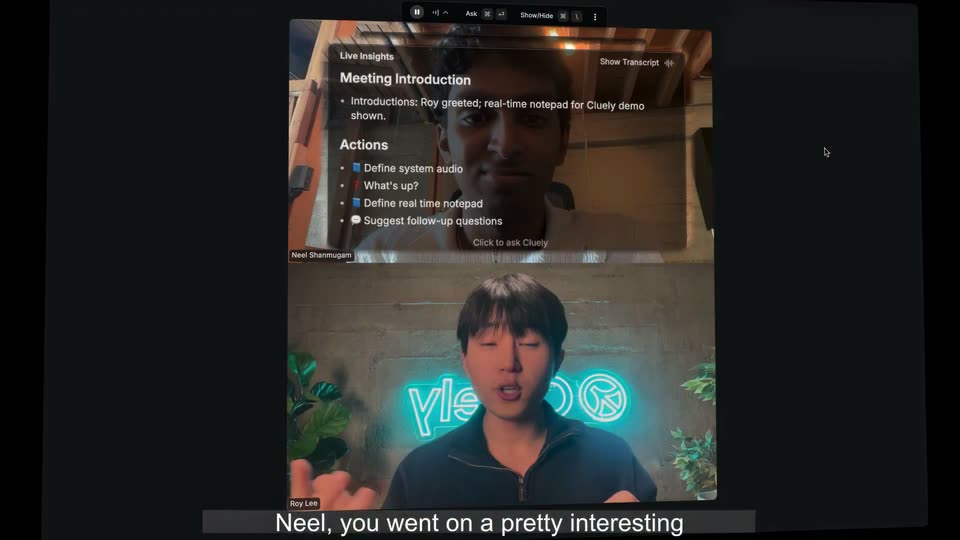 0:31–0:32Cluely · Roy - introducing @cluely. today is the start of a world where you never hA screen recording of a video call app opens on the Live Insights notes panel, then pulls back to reveal the full window with two participant tiles and the app menu bar. A subtitle caption runs along the bottom edge.
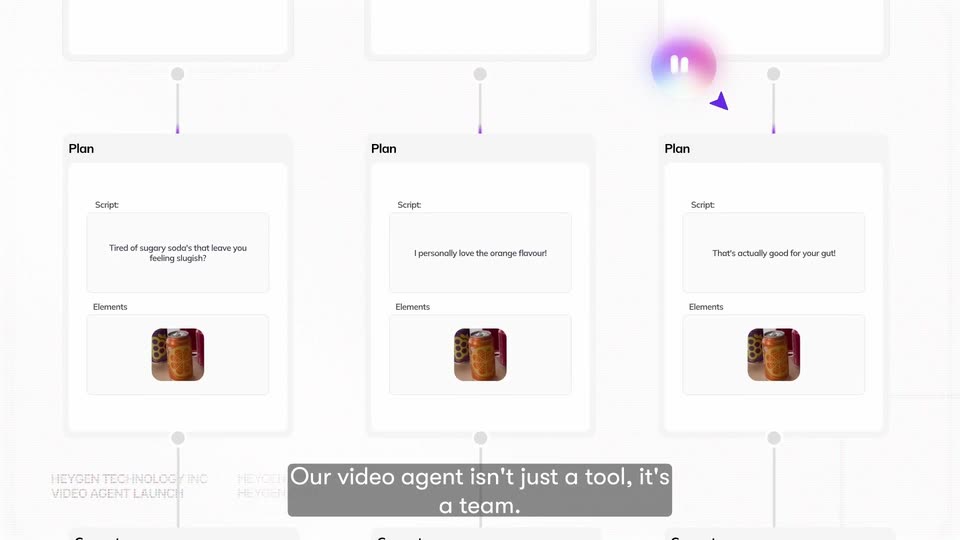 1:39–1:49HeyGen · Joshua Xu - Today we’re introducing you to the future of video. The world’s firsThree columns of a video-agent interface scroll down: footage of hands pouring soda, then Analyze, Plan and Generate cards with scripts and final clips. A purple pause orb with a cursor rides the right column, and the view pulls back to a grid of repeated columns.
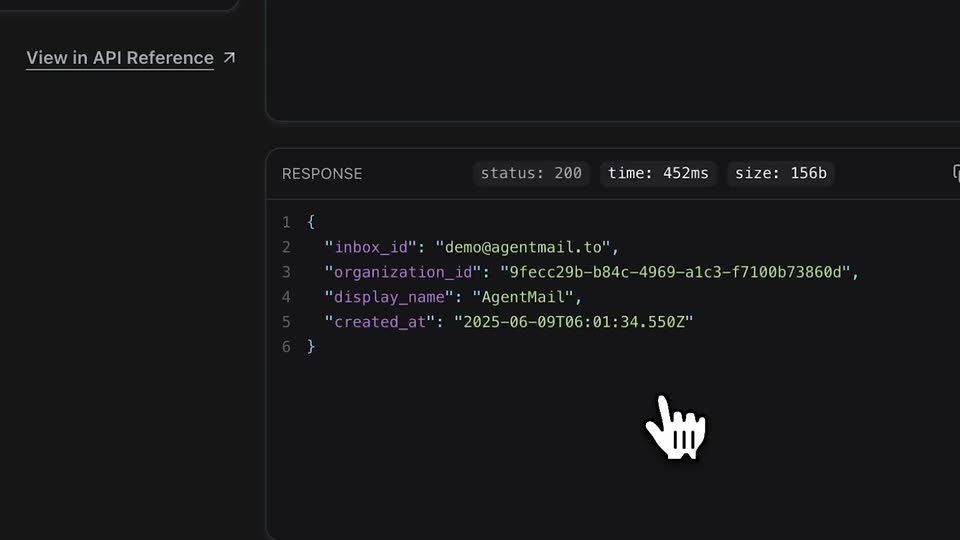 0:28–0:31AgentMail · AgentMail Integration DemoA dark API console opens blurred on a Send Request button as a hand cursor taps it. The response JSON snaps into focus, then the camera zooms out to reveal the full interface: sidebar, request code and response panels.
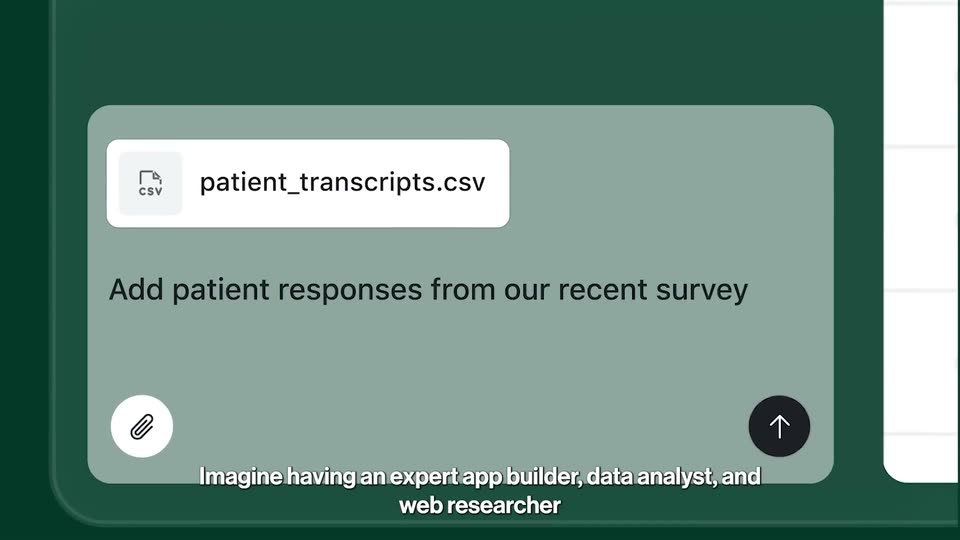 0:31–0:34Airtable · Introducing a new generation of Airtable - built for the AI eraOn a dark green backdrop, a chat panel and a white Acme Clinical Trials table sit side by side. A cursor drops the patient_transcripts.csv chip into the upload box, the camera zooms in as the prompt line appears, then pulls back to the full layout.
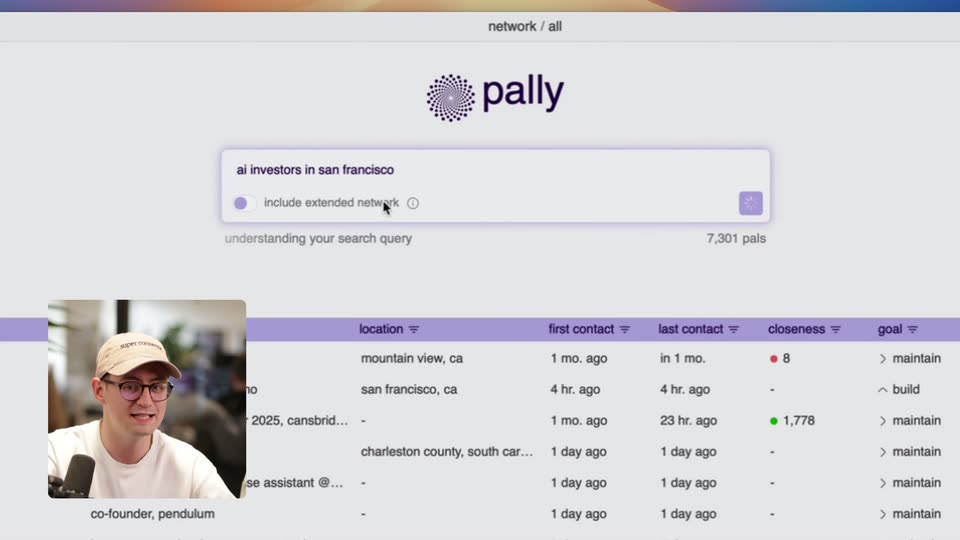 1:40–2:04Pally · Pally Launch VideoThe pally network screen sits over a gradient backdrop with a small talking-head video in the lower left. The view zooms into the search bar, a cursor types a query, flips the extended-network toggle, and status lines cycle before the contact list refreshes.
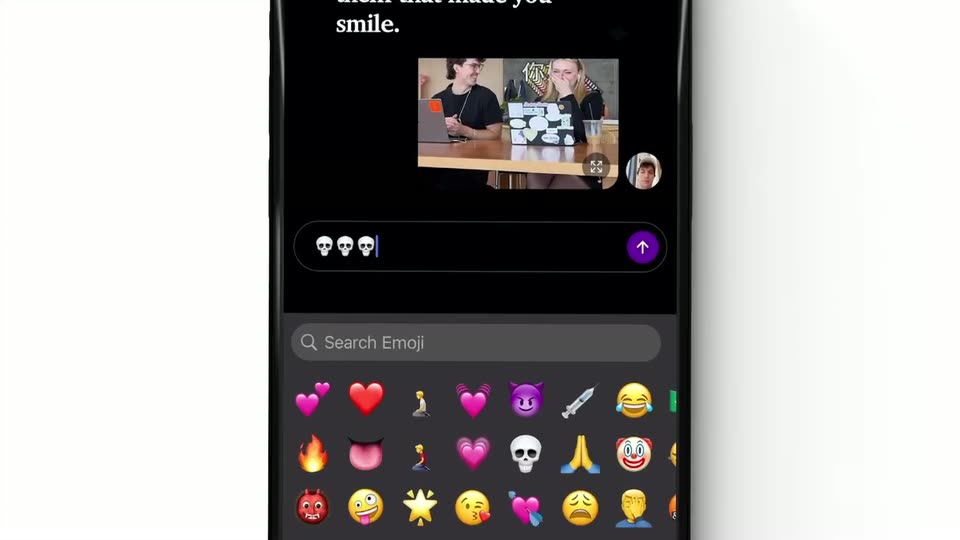 0:12–0:13Candle · Couple Games & Photos - Launch!A phone mockup in 3D perspective shows a chat thread with two photos. The thread scrolls up as an emoji panel slides in from the bottom, then the view zooms into the reply field and the emoji search bar.
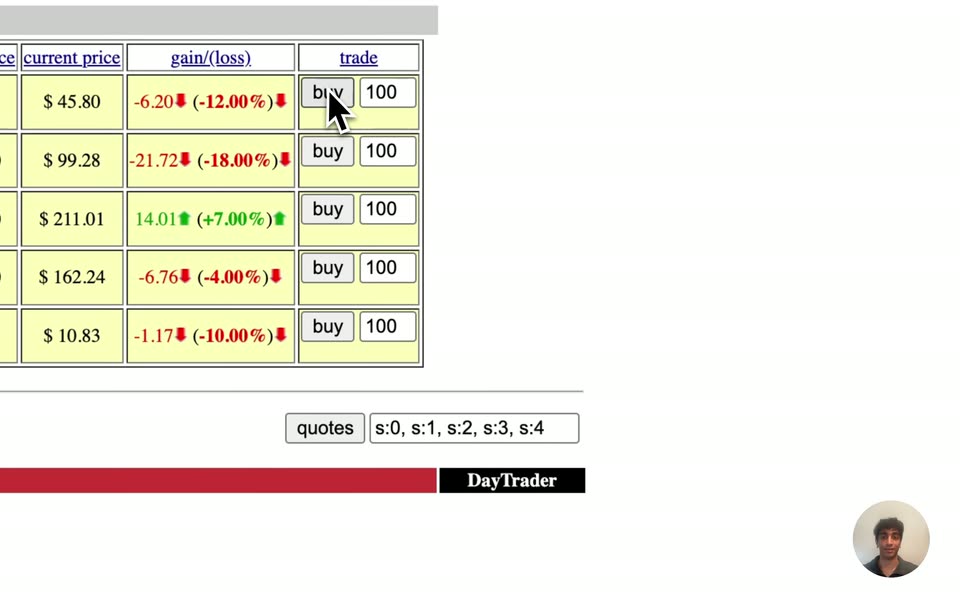 0:43–0:45Axal · Extract Functional Requirements from Legacy CodeA full-screen capture of the DayTrader web app displays a stock table with a cursor near the top menu. The view zooms into the price and trade columns, the cursor settling on a buy button, while a small circular webcam of a man stays in the lower right corner.
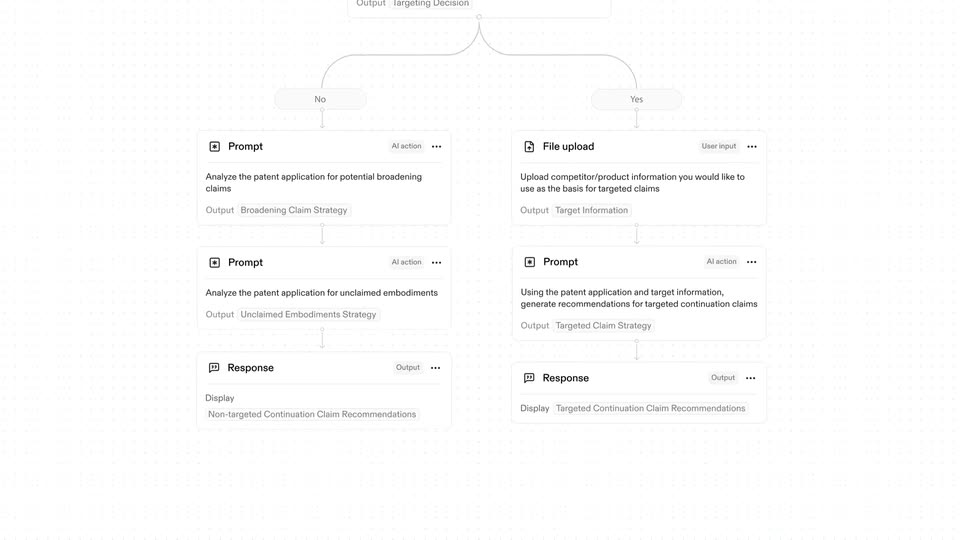 0:17 · 0.8sHarvey · Workflow BuilderA node-based workflow diagram on a light dotted grid. Two columns of white cards titled Prompt, File upload and Response connect through No and Yes branches. The frame slowly pulls back to reveal a Text Input card at the top of the flow.
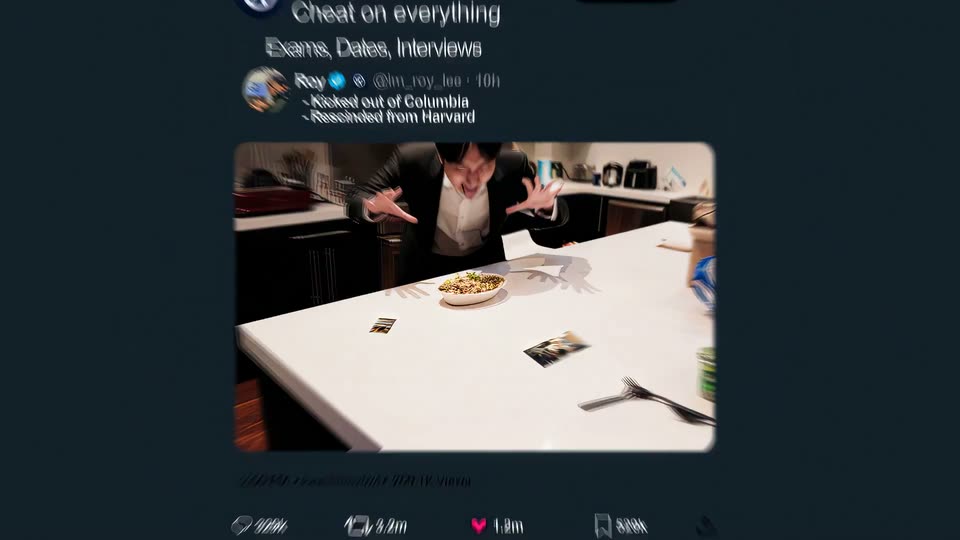 0:07–0:09Cluely · Roy - introducing the @cluely marketing teamA tilted 3D social post opens on the engagement bar, where the heart icon flashes with a burst of white and yellow rays. The view pulls back to reveal the full card: a profile header, a quoted tweet, and a video of a person at a kitchen table.
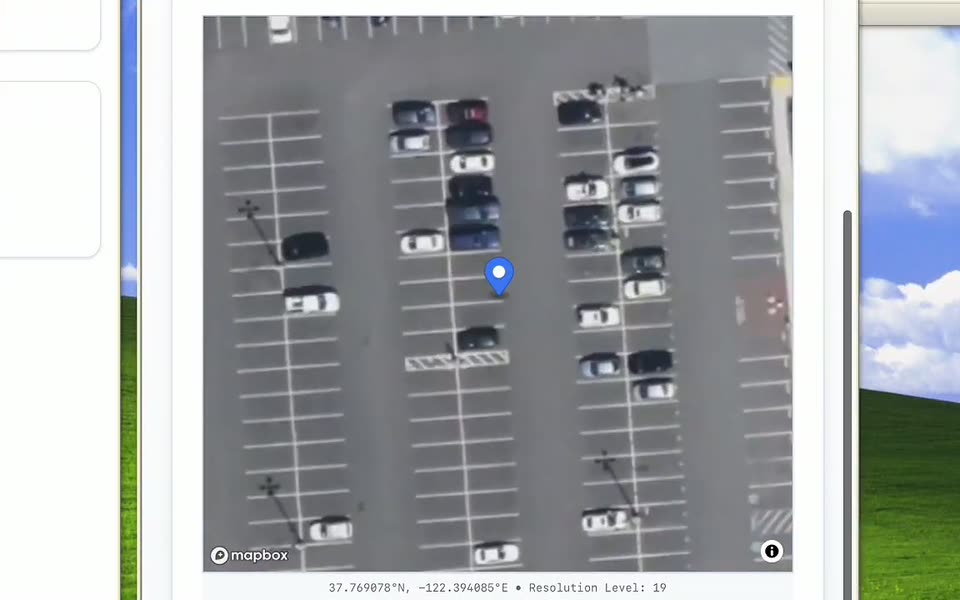 0:13–0:15Sharpe · Introducing Solar by LumenaryA map on a tablet mockup zooms from city blocks to a parking lot, two hand cursors and a blue pin held steady, set in a 3D scene of green hills and a cloudy sky.
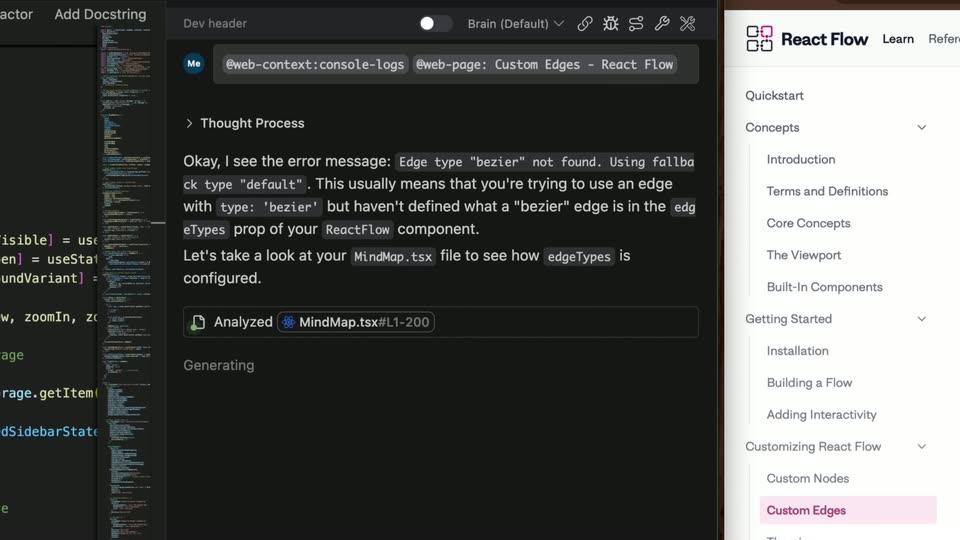 0:40–0:50Windsurf · Windsurf Wave 10 – Day 2: Windsurf BrowserA docs page resolves from horizontal motion blur into focus, then the frame pulls back to a side-by-side code editor and browser window. It zooms into an AI chat panel that types an error diagnosis, then cuts to a seated presenter against a yellow backdrop.
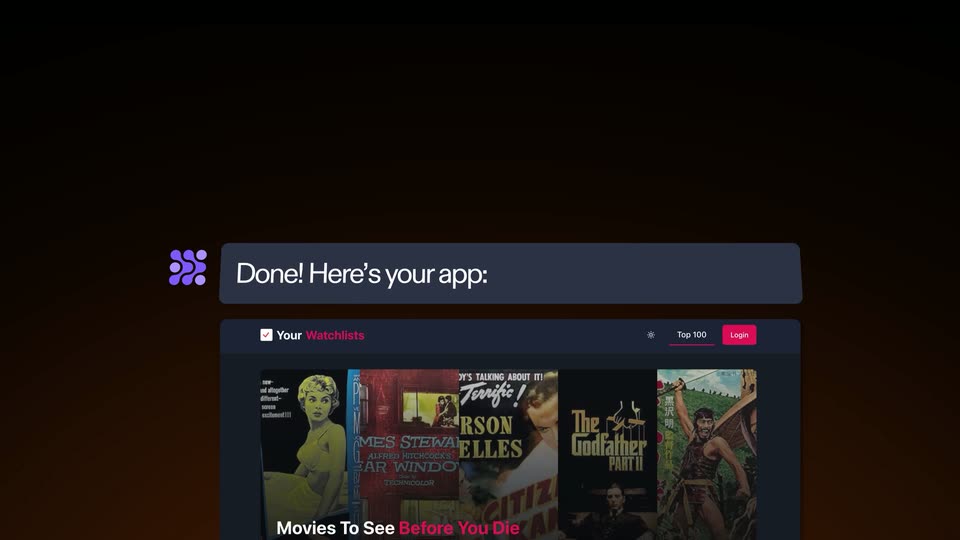 0:13–0:14Replit · Replit ⠕ - Import Figma & Other Designs into Fully Functional Apps with ReplA dark pill banner reading “Done! Here's your app:” sits above a flat watchlist UI showing movie posters, with the caption “Movies To See Before You Die” below. The whole stack scrolls upward with motion blur, enlarging the watchlist panel and pushing the banner off the top.
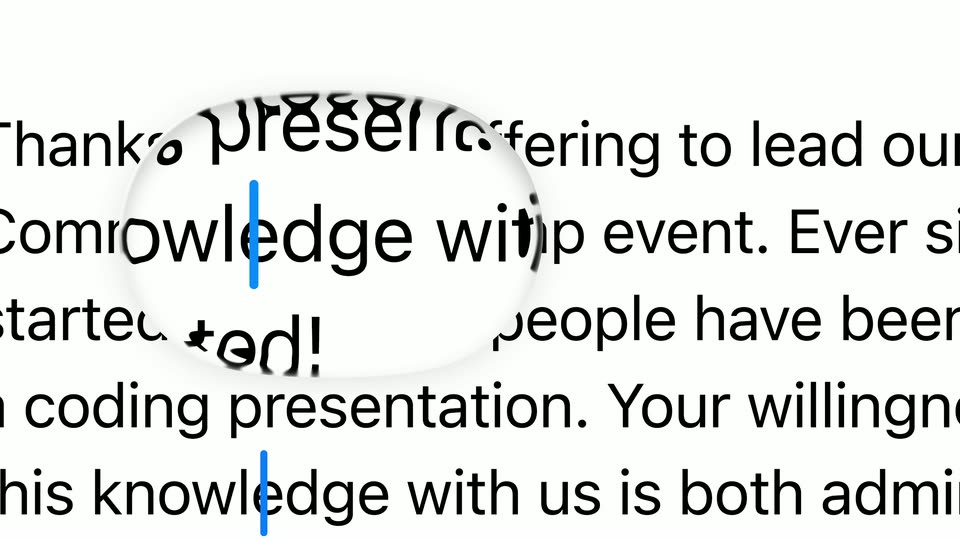 1:32–1:37Apple · iOS 26: Introducing Liquid GlassA close-up of a document view on off-white: a black paragraph addressed to Sophie with a thin blue text caret. A transparent 3D magnifying lens drifts across the lines, magnifying and warping the letters beneath it. The view then zooms in toward the body text.
 0:22–0:24Blaxel · Introducing Blaxel - The cloud for your AI agentsA stack of bold black headlines on a near-white background, tagged with a small red LEAD label, zooms fast into one line so the words AI Agents fill the frame and blur at the edges.
 0:17–0:19OpusClip · OpusClip - Welcome OpusSearch, the first AI growth agent that can automaticallyA tilted 3D view of a YouTube channel page fills the dark frame, then blurs and recedes in a fast zoom as a search field and the large headline settle into the center.
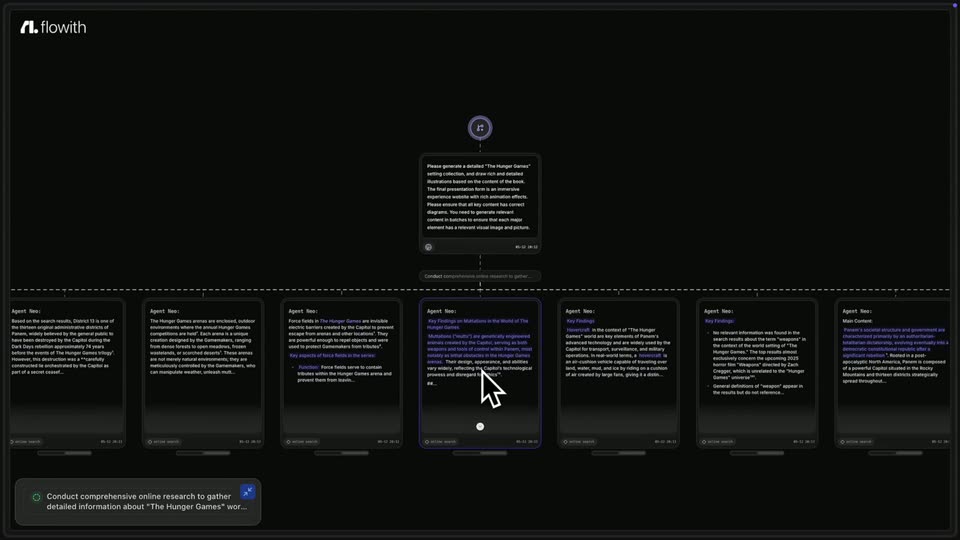 0:41–0:44Flowith · Flowith - flowith neo is now open to everyone. no more codes hunting. gen anytA dark node-graph interface sharpens from a blurred wide view, then zooms onto a central vertical column of generated cards. A cursor hovers over the active card while a task list fills with checked items at bottom left.
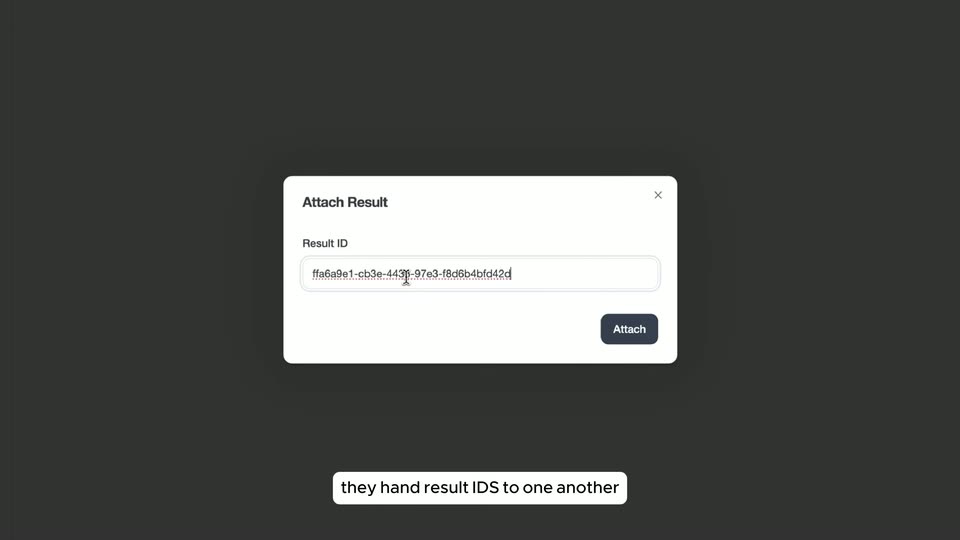 1:48–1:50Leeroo · Leeroo Continuous Learning AgentsA dimmed chat screen centers on a white Attach Result dialog. A cursor types a Result ID, a dark dropdown of IDs appears, then the cursor clicks Attach and the dialog closes as the screen brightens to full view.
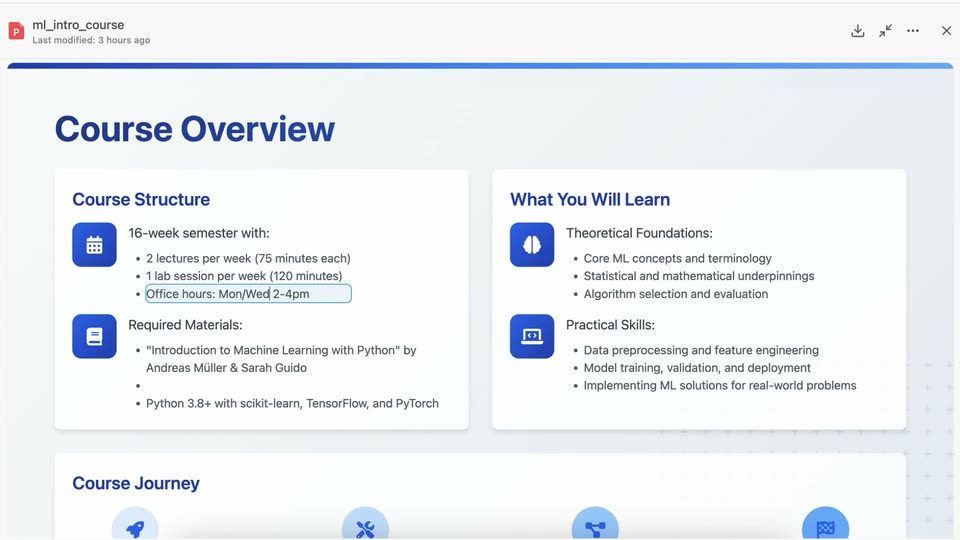 0:18–0:24Manus · Manus - Today, we are introducing Manus slides! Manus creates stunning, struA close-up of a course document shows a cursor editing the office-hours line, the text switching from Mon/Fri to Mon/Wed inside a selection box. The frame then pulls back and the page tilts into a 3D perspective on a dotted grid.
 0:25–0:32Melder · Melder - AI for ExcelA spreadsheet with a green header row and LinkedIn URLs in column G. The cursor clicks the Scraped Profile cell and types =M.WEB_PAGE(G2); scraped profile text fills each row as the view pans right and down to reveal a bulleted Job History column.
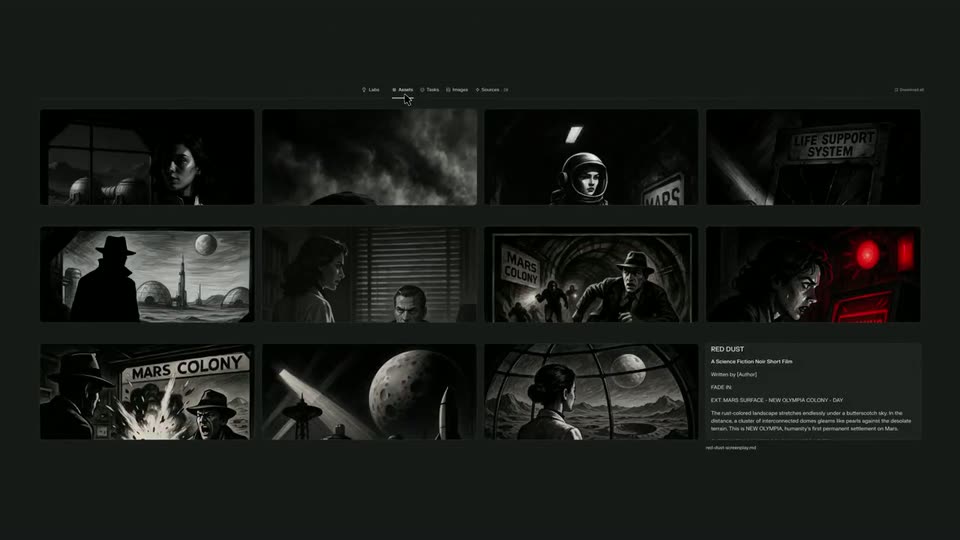 0:52–0:54Perplexity · Perplexity - Today we're launching Perplexity Labs. Labs is for your more complexA dark interface screen shows a 3 by 4 grid of monochrome Mars-noir concept thumbnails, a top nav bar, and a screenplay detail panel on the right. A cursor hovers the Assets tab as the view pushes in, enlarging the grid and the panel.
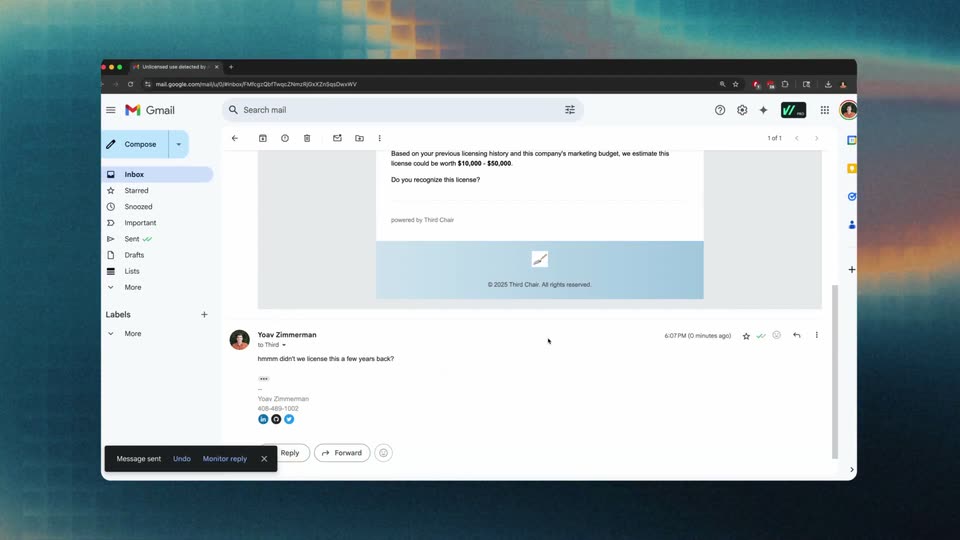 0:31–0:48Third Chair · Third Chair Product DemoIn a Gmail compose close-up, the line 'hmmmm didn't we license this a few years back?' is typed, the cursor clicks Send, and the frame zooms out to the full inbox. A 'Message sent' toast appears, and the cursor clicks Monitor reply.
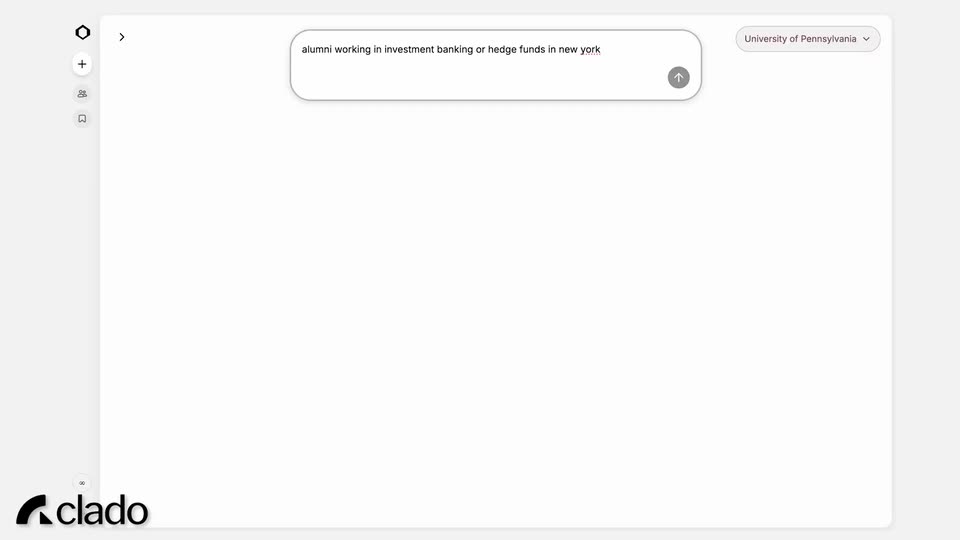 0:15–0:16Freesolo · Introducing Clado (YC X25): Deep Research for PeopleA white search bar with a query sits above a row of text pills. The view reframes to show the search bar at the top, with a dropdown and icons appearing below.
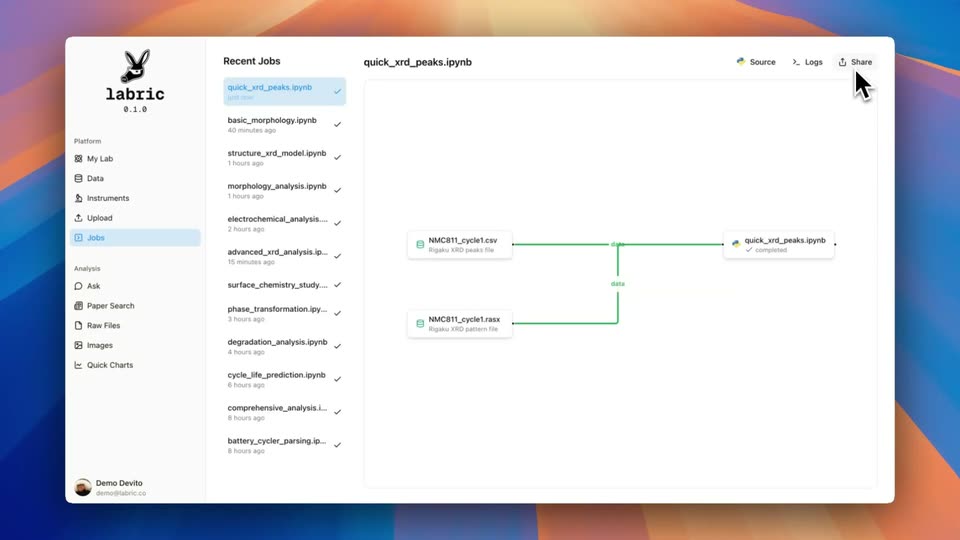 0:25–0:35Labric · Labric (YC X25) Launch VideoZoomed on a node graph linking two data files to a notebook, the view pulls back to the full Labric dashboard with sidebar and job list. The graph lines turn green as the job completes, then a cursor clicks Share, opening a dialog with a link and access list.
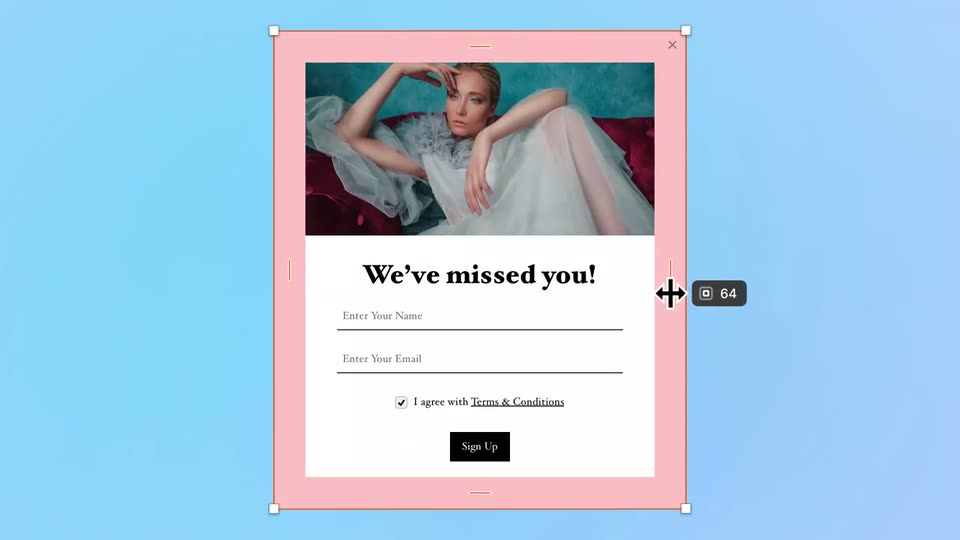 0:28–0:31Sketch · Sketch - Remember when we said auto layout was coming to Sketch? It’s here. ItA signup card with a model photo and form fields sits on a blue canvas, selected by corner handles as two cursors hover over the fields. The selection turns pink with a size badge, then the view zooms out to reveal a dark phone mockup on the left.
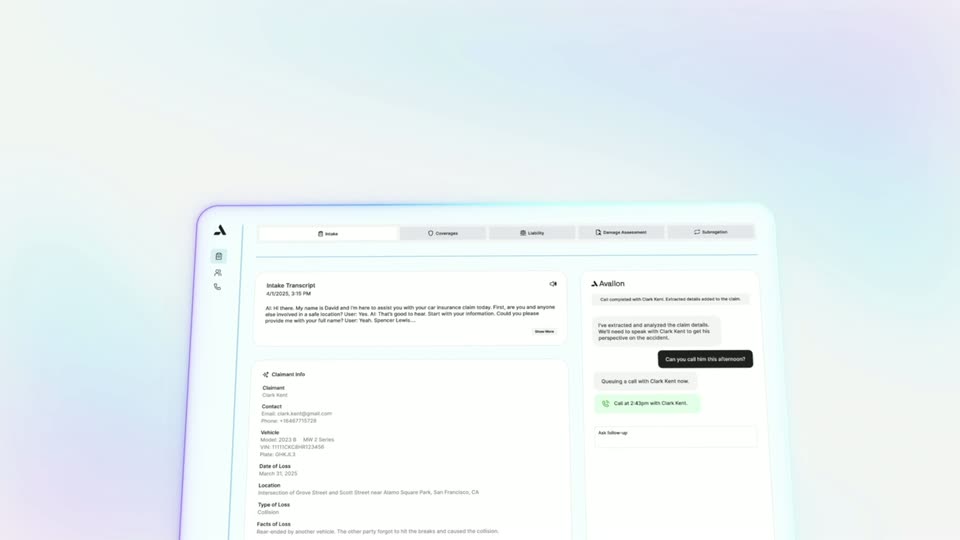 0:30–0:31Avallon AI · Introducing Avallon AIA claims dashboard interface floats as a glowing card on a light background, then the view zooms in to a close-up of the transcript and AI summary panels. A small badge and icon animate on the left rail.
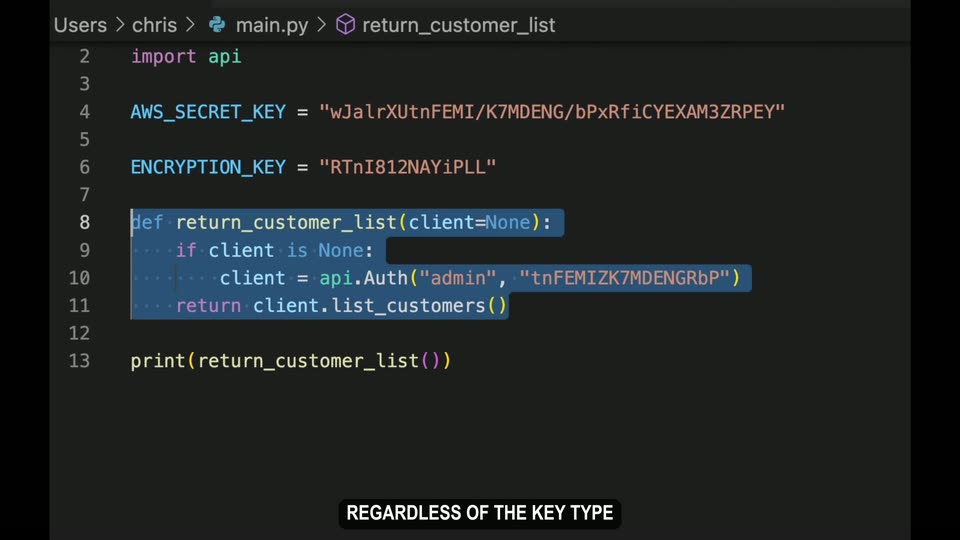 0:53–0:57BitPatrol · BitPatrol - Secret Detection That Actually Works (YC X25 Launch Video)A dark code editor close-up shows Python code with a function block highlighted in blue while bottom captions cycle through phrases. In the final second the frame zooms out to reveal the whole editor window on a colorful desktop background.
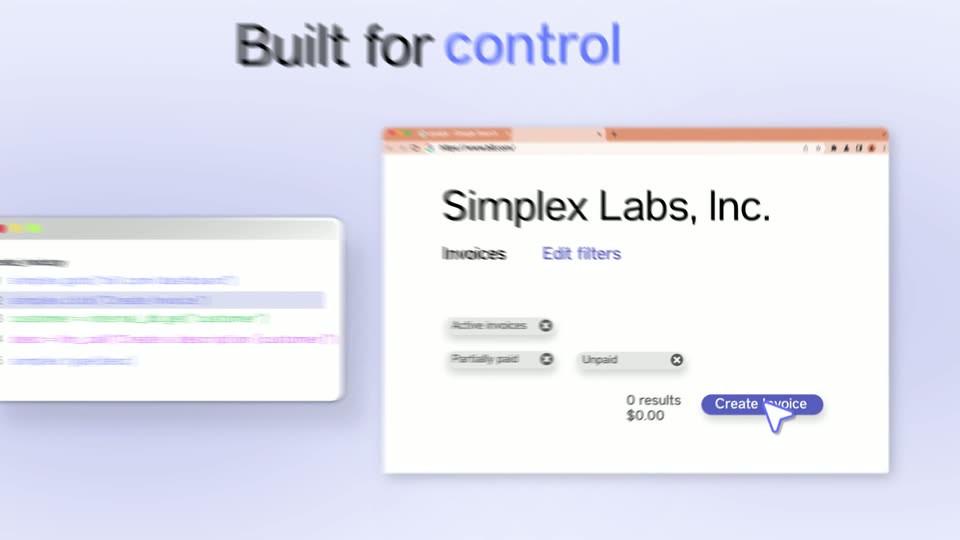 0:32–0:36Simplex · Simplex Launch VideoOn a lavender background, the headline 'Built for control' sits above two floating mockups: a code editor left and a browser with a Simplex Labs invoice page right. A blue cursor reaches the Create Invoice button as the view zooms into the browser.
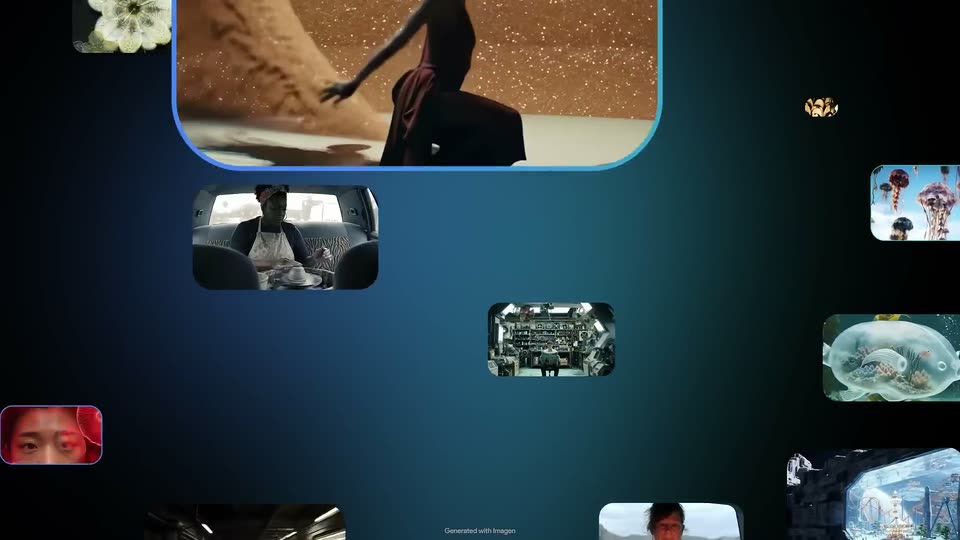 0:42–0:43Google · Introducing Google AI Ultra: The best of Google AI in one subscriptionA dark blue field of rounded video tiles, each looping a different generated clip, drifts across the screen as the camera glides through the collage. A glowing blue border marks the active tile while the layout shifts from a lantern-lit street to a desert dancer.
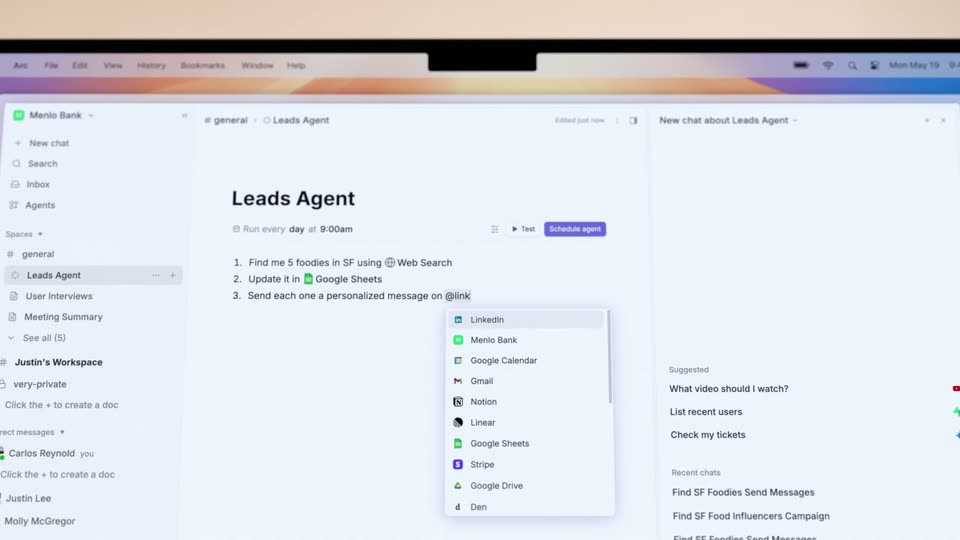 0:37–0:41Den · Introducing Den (2025)A MacBook screen displays a workspace app with a 'Leads Agent' panel. A numbered task list types itself out and an integrations dropdown opens as the camera pushes in from a wide angled shot to a tight close-up of the interface.
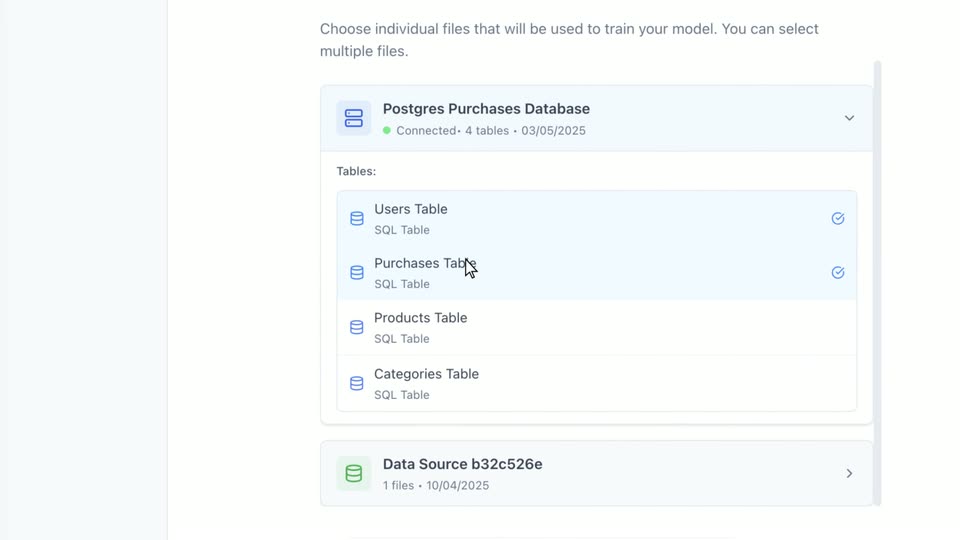 0:27–0:31Plexe · Plexe AI Launch VideoA product interface shows a database table list. A cursor moves down the rows, checking the Users and Purchases tables, then the view zooms in and scrolls to a blue Next button, which the cursor clicks.
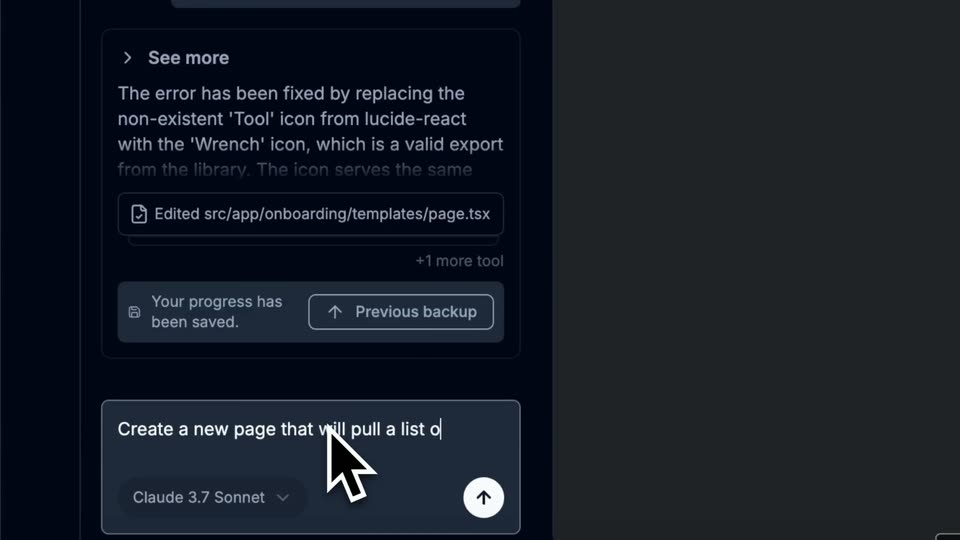 2:02–2:05Vybe · Vybe Demo - Build internal apps 10X fasterClose-up on a dark chat input where a prompt types out letter by letter beside a large white arrow cursor. The frame then zooms out to reveal the full app window, with a left icon rail, top tabs and a column of message cards.
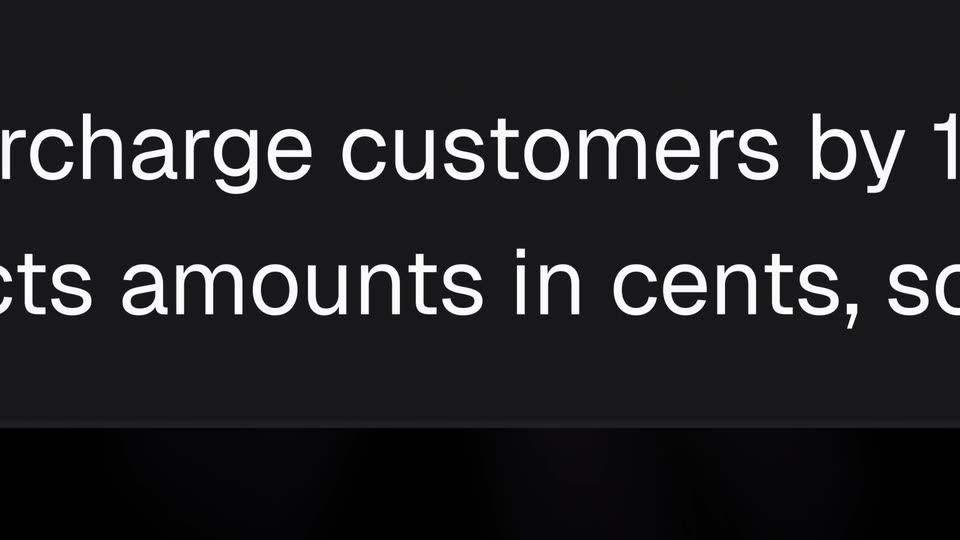 0:28–0:32cubic · Introducing cubic.devA dark comment card reading 'cubic commented now' with a Bot pill sits over a blurred green code block. The comment body types out, then the camera pushes in until the text fills the frame, then pulls back to the full card.
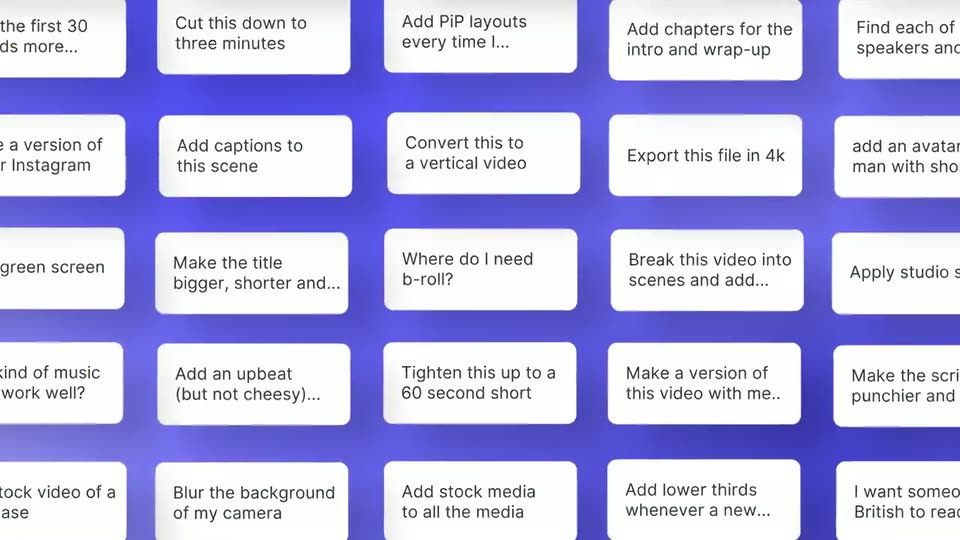 0:16–0:19Descript · Descript - Vibe editing is here. Any job, any video. Underlord’s got it.A white prompt card reading “Where do I need b-roll?” fills the frame on a blue field. The view pulls back to reveal a tight grid of matching cards, each holding a different editing request such as converting to vertical or exporting in 4k.
 1:02–1:04Google · Introducing Flow | Google’s New AI Filmmaking ToolA dark prompt bar with an Extend chip and a typed line sits under a blurred preview, then the video expands to full frame: a woman with a glowing red lantern walks away down a dusk street strung with paper lanterns.
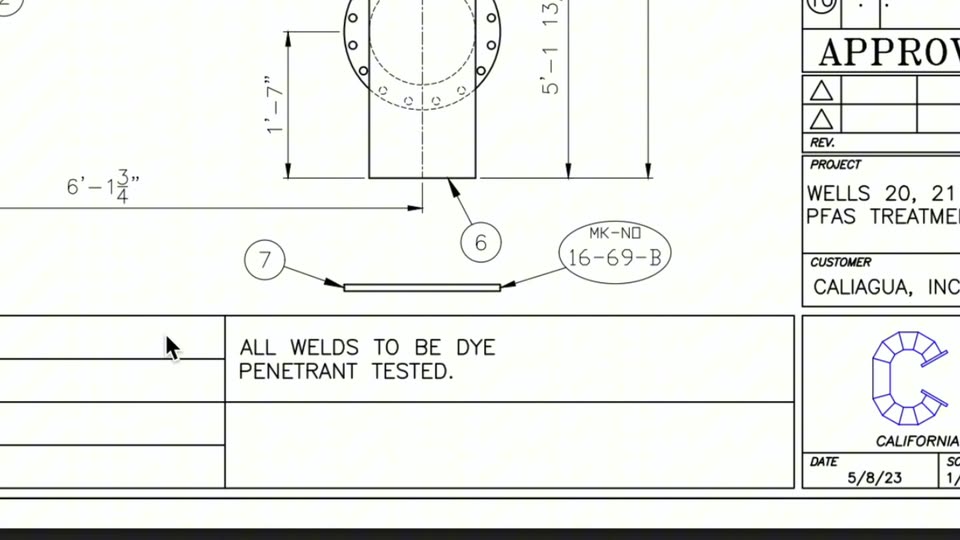 2:22–2:24Jeevy Fabrication · Introducing Jeevy FabricationA 2D pipe spool blueprint fills the frame, line art with dimensions and a parts table. The view zooms into the lower note box reading ALL WELDS TO BE DYE PENETRANT TESTED, then settles on the title block.
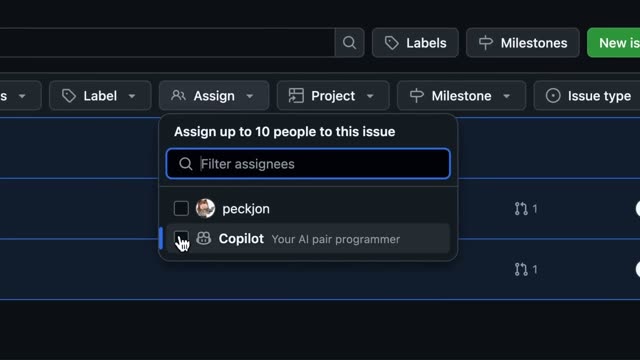 0:21–0:27GitHub · Introducing the GitHub Copilot coding agentA dark GitHub issues list fills the frame; a cursor ticks three checkboxes, then the view zooms to the Assign menu and checks the Copilot row. The tagline scales in on a static frame.
 0:31–0:32Kestral · Kestral - Your AI Work Prioritizer -- Launch YCA white chat panel shows a message input bar with a Send button and a black cursor. The frame then widens to the full app, revealing a Kestral AI card with a green progress bar reading 'Analyzing your input.' while the cursor drifts down.
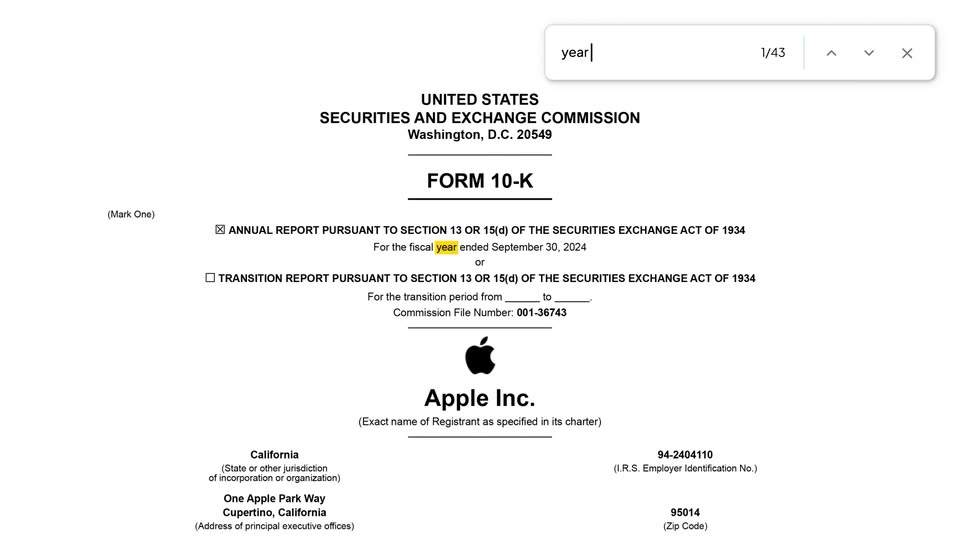 0:21–0:22sieve · sieve (YC X25) launch videoA document viewer shows an Apple 10-K cover page with the word “year” highlighted in yellow. A find bar at the top right holds the typed query and a match count, and the page reframes to center the highlighted term.
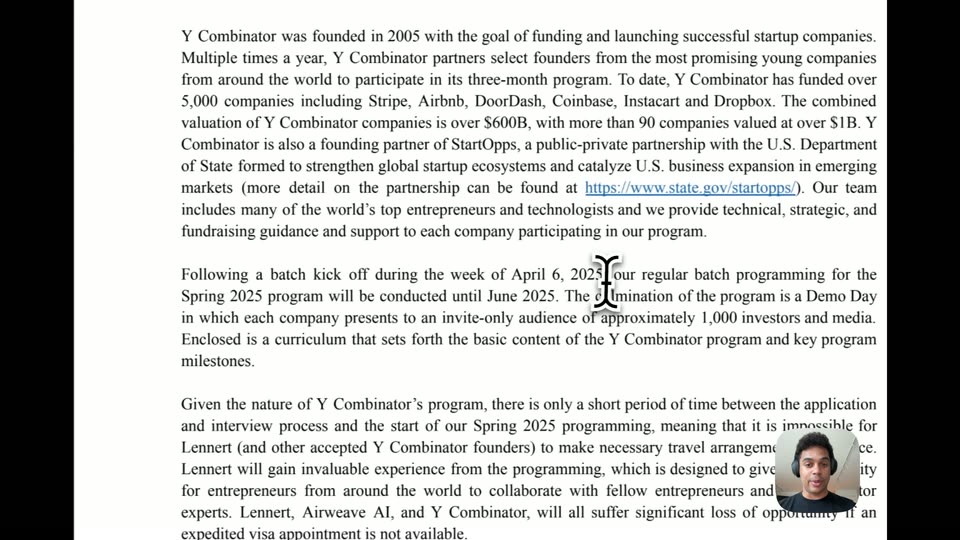 0:24–0:27Airweave · Airweave AI // Launch YC DemoA Google Drive window opens on a Y Combinator letter. The page reveals through a horizontal mask, the camera zooms onto it, and the text scrolls down past the name and body copy. A circular webcam bubble of a man with headphones stays in the corner.
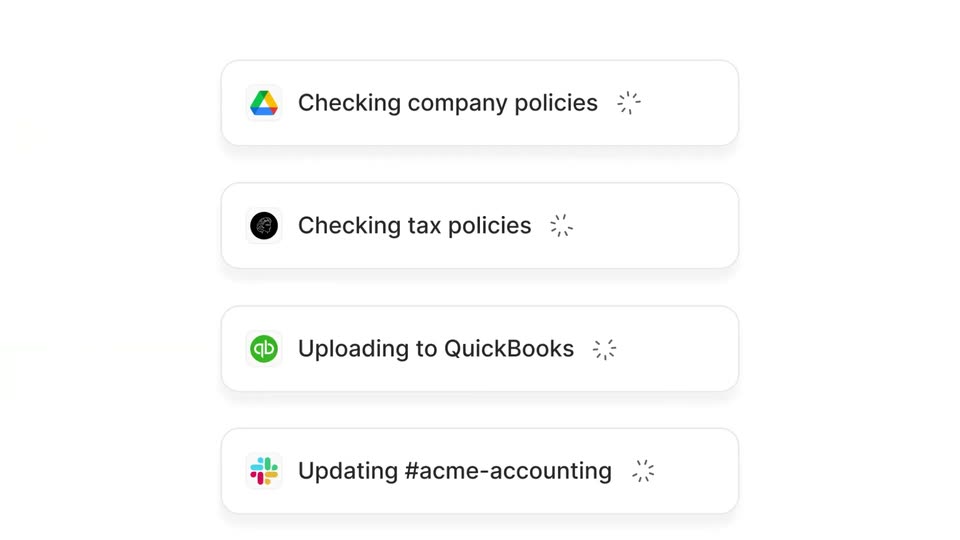 0:44–0:45Minerva · Meet MinervaA vertical list of four white status cards sits on a pale gray field, each pairing a service icon with a task label and a small spinner. The view zooms in, enlarging the cards until the top one crops at the frame edge.
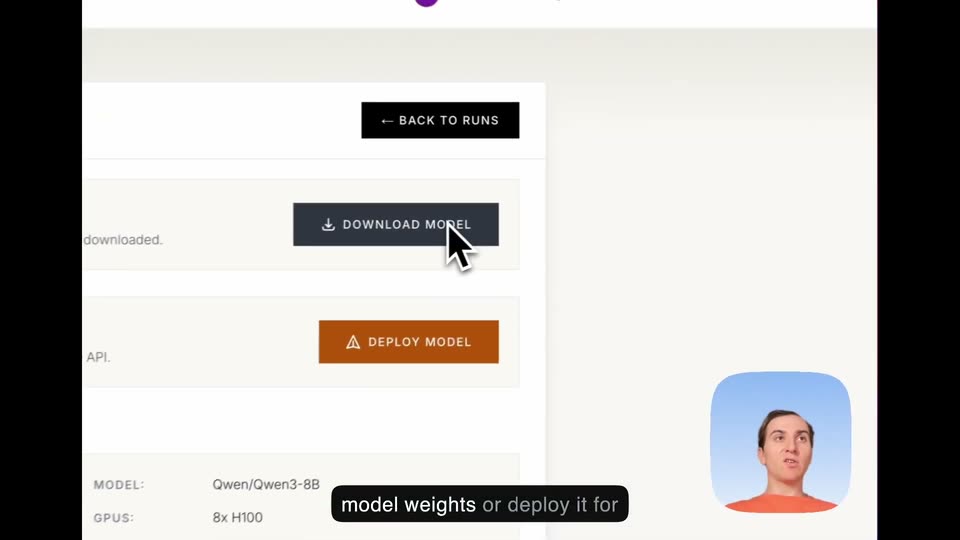 0:57–0:59RunRL · RunRLA browser window showing the RunML details page sits in 3D on a multicolor gradient, then the view zooms into the page. A cursor hovers over the download and deploy buttons while a small face inset stays in the lower right.
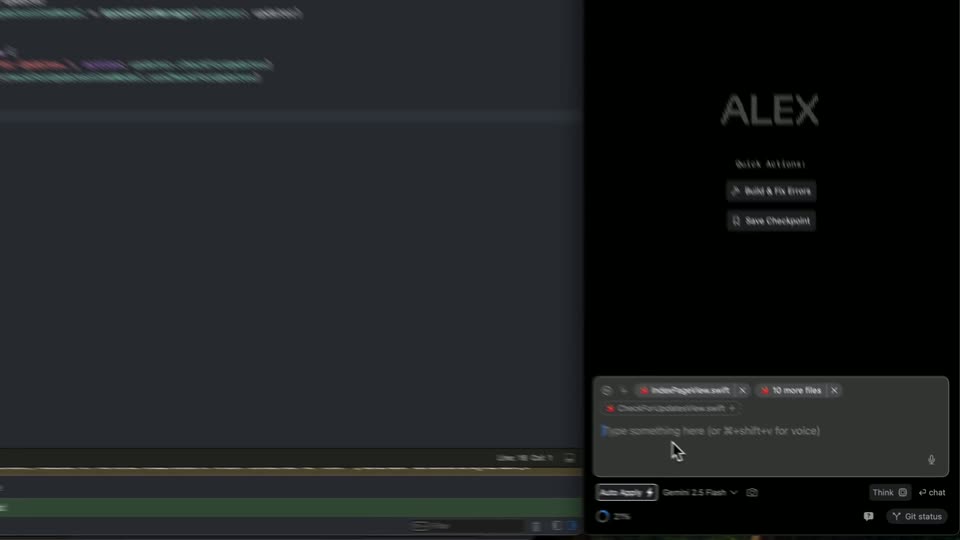 0:41–0:44Alex · Alex - Xcode AI Coding AssistantA dark Xcode editor shows Swift code beside the ALEX side panel. A cursor glides down into the chat field and types a query, then the frame zooms in on the panel and the input box.
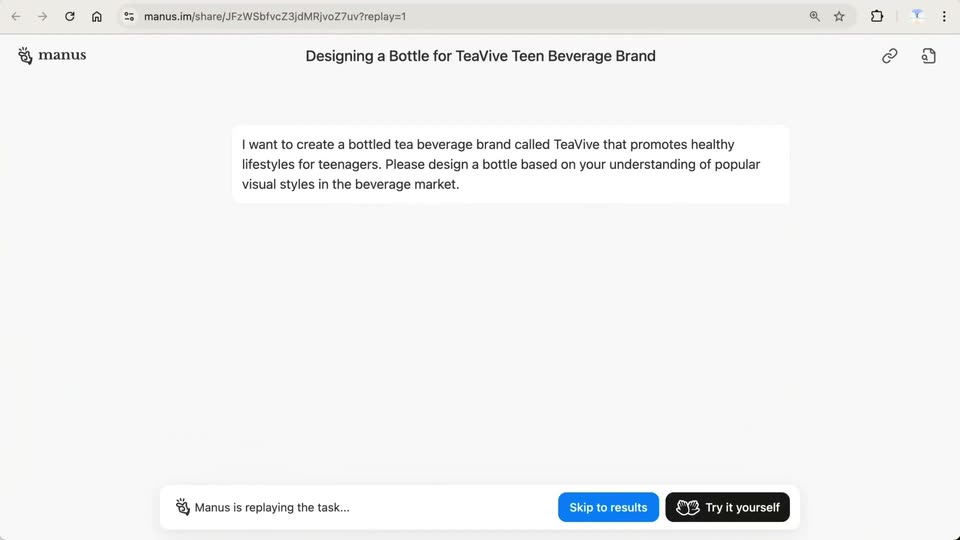 0:26–0:27Manus · Manus - Introducing Manus image generation. Manus doesn’t just generate imagA close-up of the Manus chat screen, with the TeaVive bottle-design prompt bubble and a replaying status bar, zooms out to reveal the full browser window and its address bar. The view then holds steady on the interface.
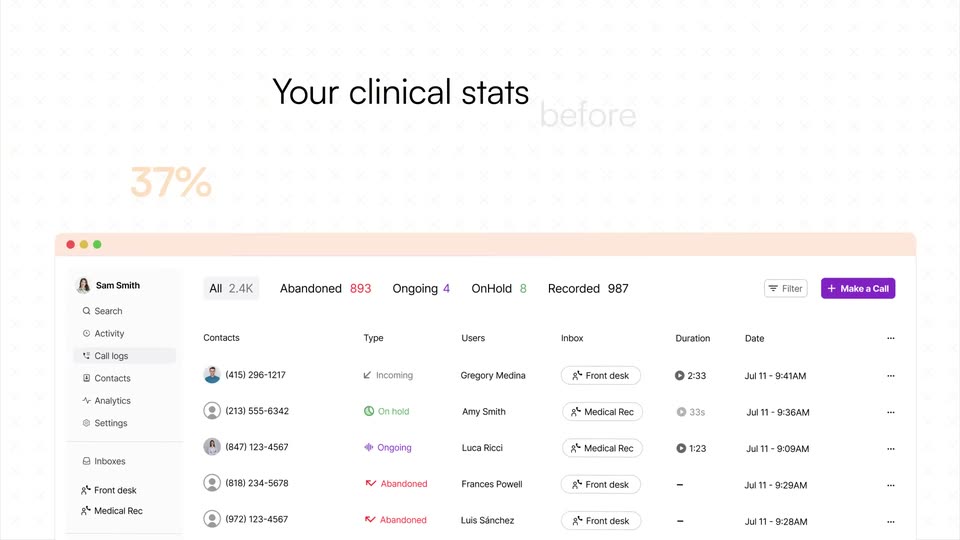 0:15–0:18Novoflow · Novoflow Launch (YC X25)Two tilted browser mockups of a call logs dashboard overlap diagonally on a dotted background, then settle into one flat window that shrinks and drops to the bottom as the headline and an orange 37% appear above it.
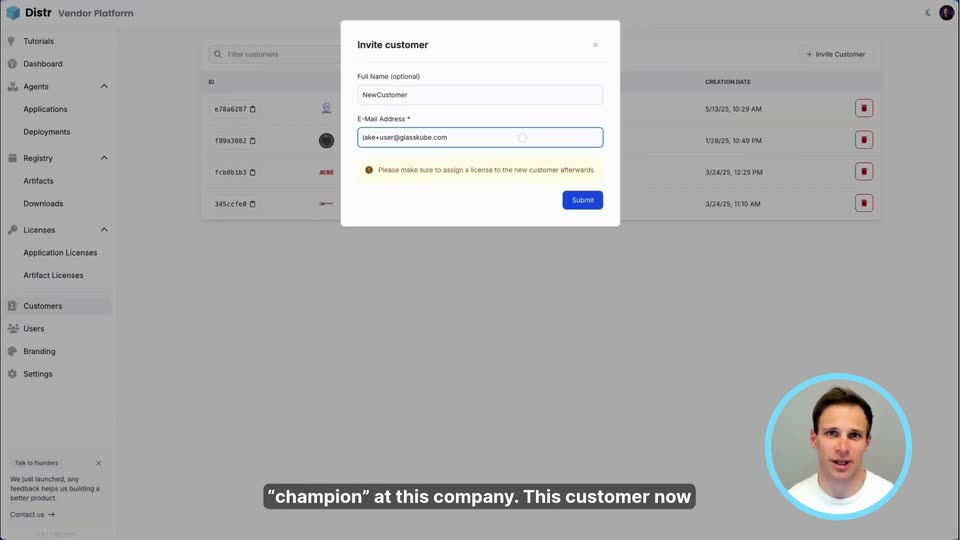 1:25–1:35Glasskube · Distr DemoA product UI screen shows a customer list with an Invite customer modal centered; a presenter headshot in a blue circle sits bottom right. The modal's name and email fields fill with typed text, then switch to a success message, as the view zooms out to reveal the sidebar.
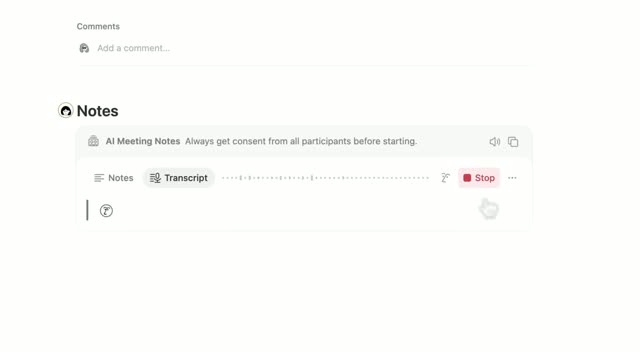 0:28–0:36Notion · Introducing AI Meeting NotesA Notion page scrolls to center the AI Meeting Notes card. The cursor selects the Transcript tab, then clicks Confirm consent, turning it into a red Stop button. A waveform and loading spinner appear, then transcript text fills in.
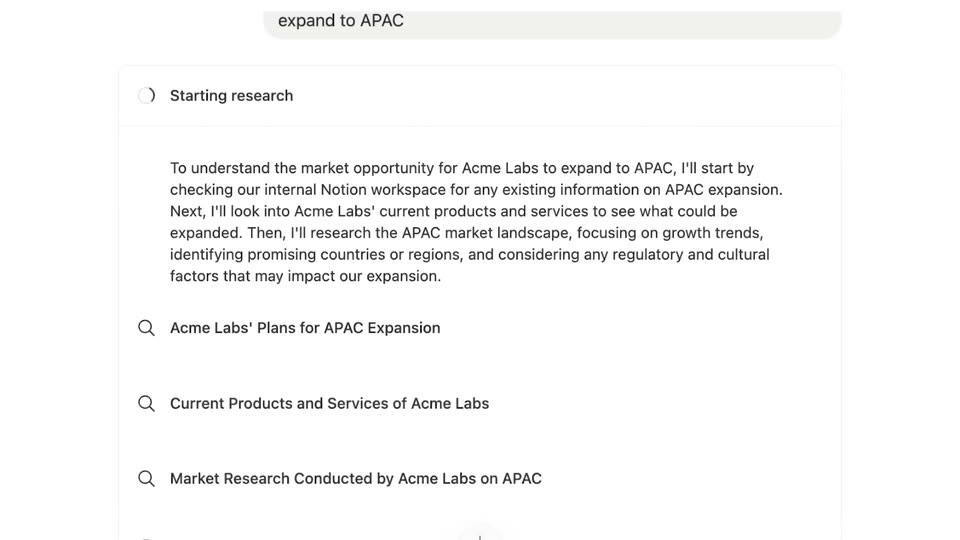 0:45–0:46Notion · Introducing Enterprise SearchA light chat window on a gray background shows a user prompt about a market report and a Thinking indicator. The view zooms into the panel as the assistant's plan and a list of search queries populate below the message.
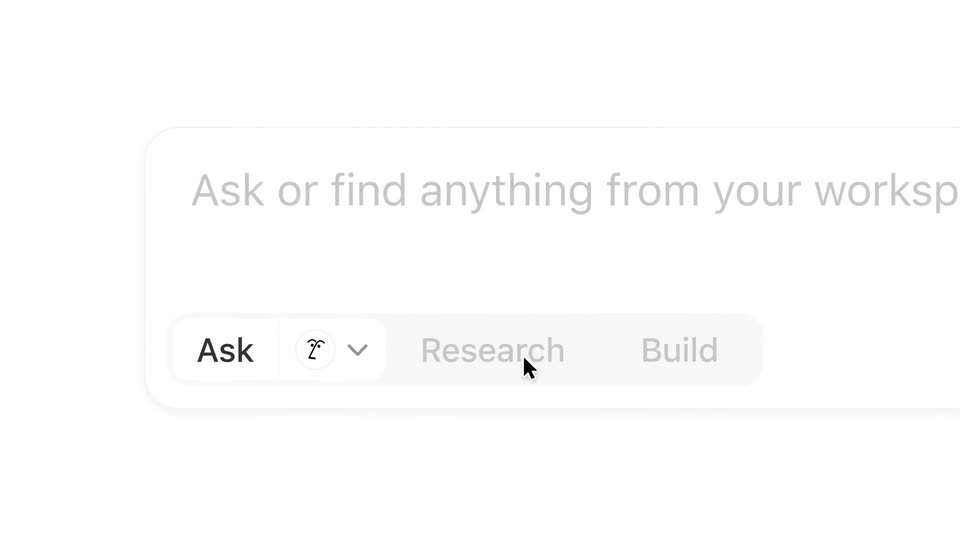 0:44–0:46Notion · Meet the all-in-one Notion AI for workA workspace home screen with a greeting, search bar and recent cards zooms into the search field, where the Research tab highlights white as the cursor hovers below.
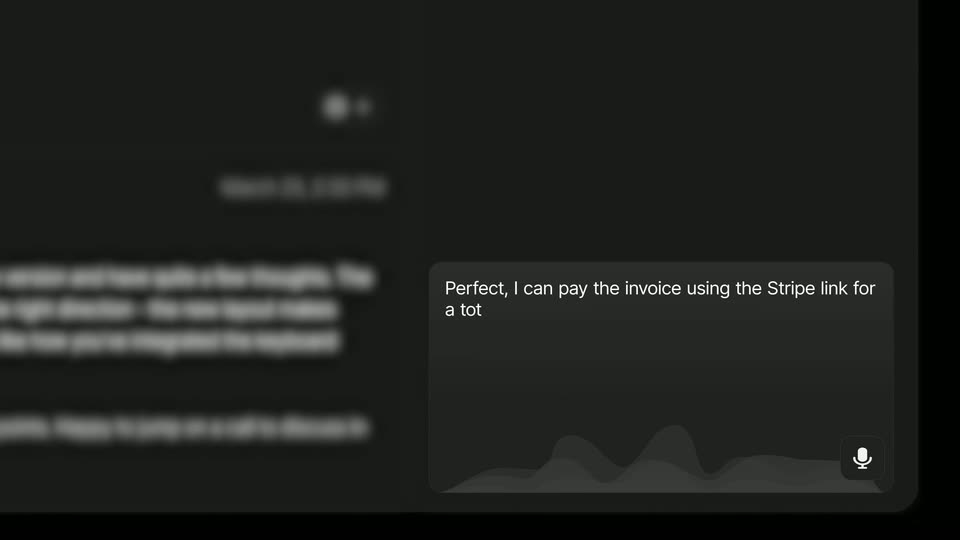 1:07–1:23Orchid · Zero - The AI-native email that manages your inboxThe tilted dark email client sits in 3D space as the camera pushes in on the voice input card; a cursor hovers over the mic while a white caption pill states the command. The waveform ripples, then the reply types in word by word and a Confirm button appears.
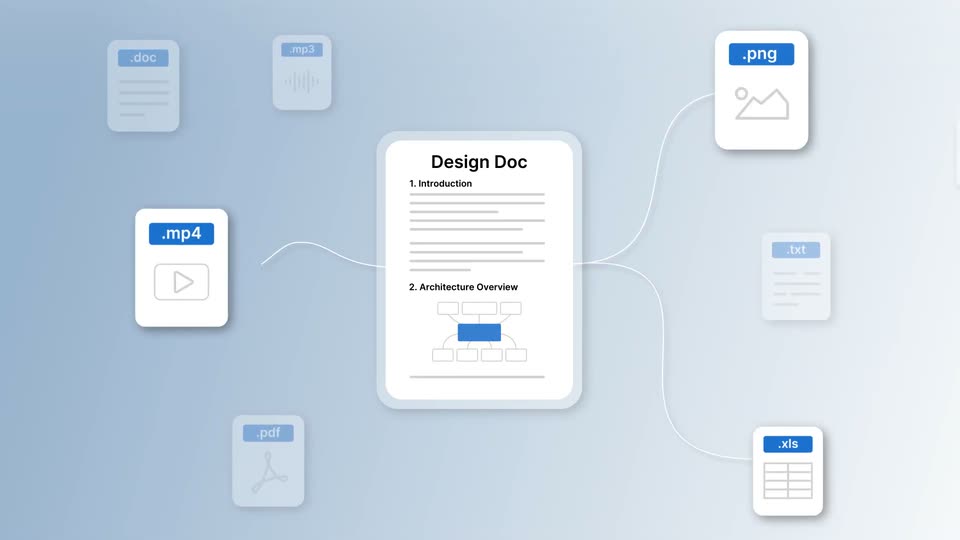 0:54–1:01Auctor · Auctor AI (YC X25) Launch VideoA white Design Doc card sits centered on a pale blue field, ringed by floating file icons joined by white lines. The document builds up with a diagram and yellow lines, ending in an Approve Changes prompt with check and cross buttons. The camera zooms in as a cursor appears.
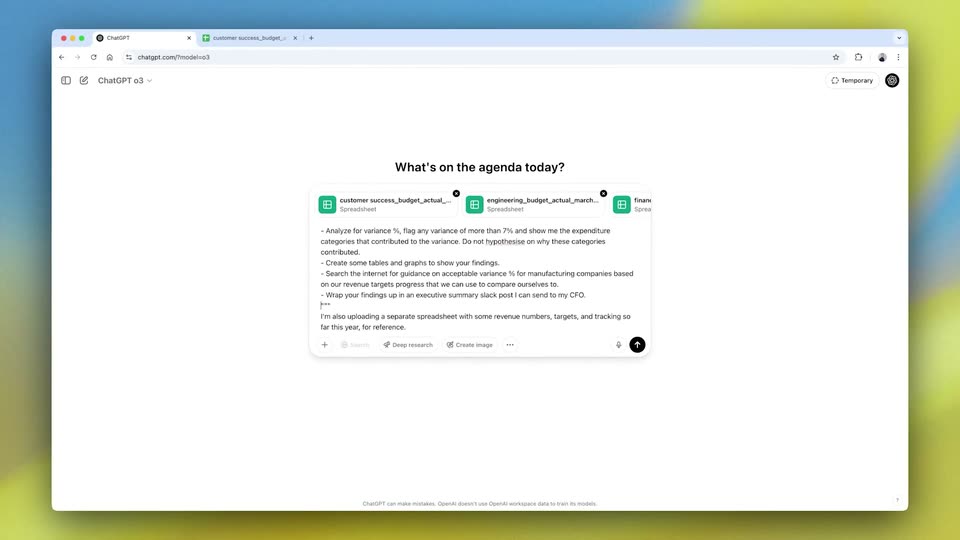 0:47–1:24OpenAI · Automate complex workflows with OpenAI o3Close-up of an AI chat prompt with three spreadsheet attachments; blue highlights sweep across the typed steps as the list scrolls. At 19s the view pulls back to the full browser window on a blurred desktop, a cursor appears, and the frame cuts to a reframed card.
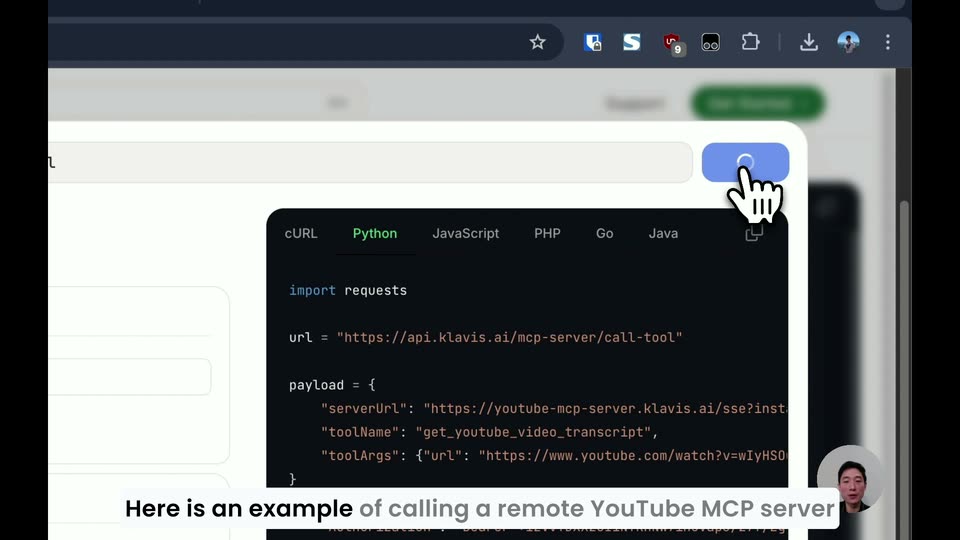 0:44–0:59Klavis AI · Klavis AI: Open Source MCP integrations for AI ApplicationsA screen capture of the Klavis API docs page shows the Call Tool form beside a Python code panel. The view zooms onto the Send button, the cursor clicks it, and the panel switches to a 200 JSON response. A presenter's face sits in a circular inset at bottom right, with caption bars along the bottom.
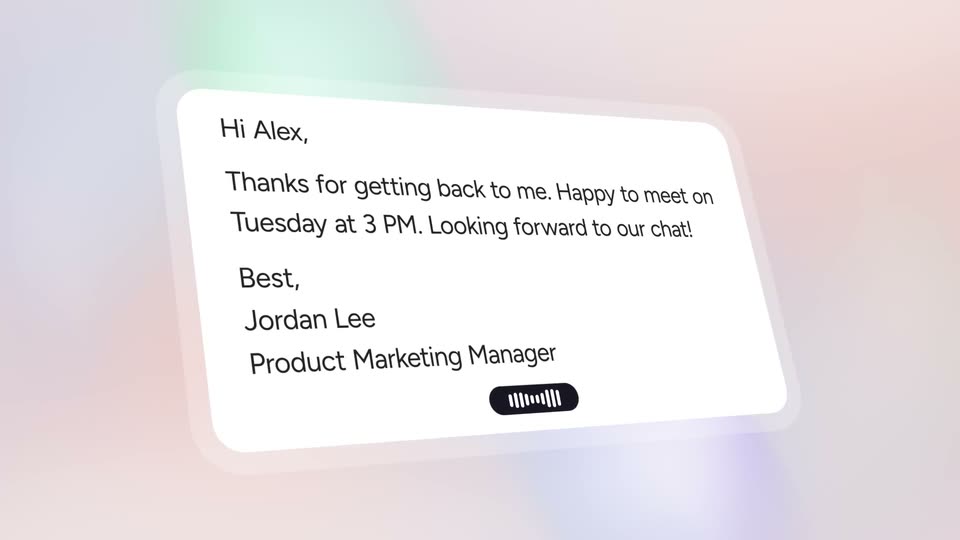 0:44–0:46Willow · Meet Willow — Make Voice Your New KeyboardA white email card tilted in 3D perspective floats over a soft pastel gradient. A purple headline reads “Hey Willow, make this formal” while the card zooms forward and the email body fills in, ending with a signature and a dark audio-waveform pill.
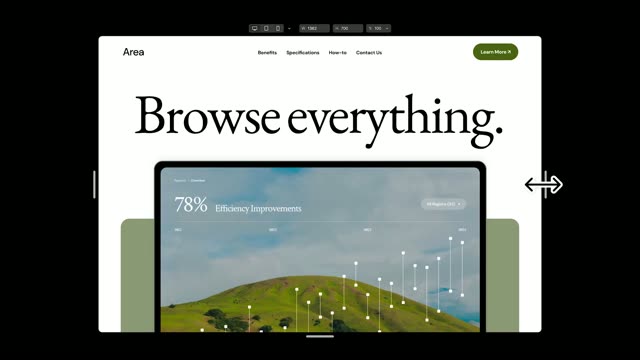 0:11 · 0.6sFigma · All the launches at Config 2025 | FigmaA design-tool canvas frames a white web page mockup with a large serif headline and a tablet dashboard; the artboard is resized and the layout reflows, the tablet and its chart scaling up.
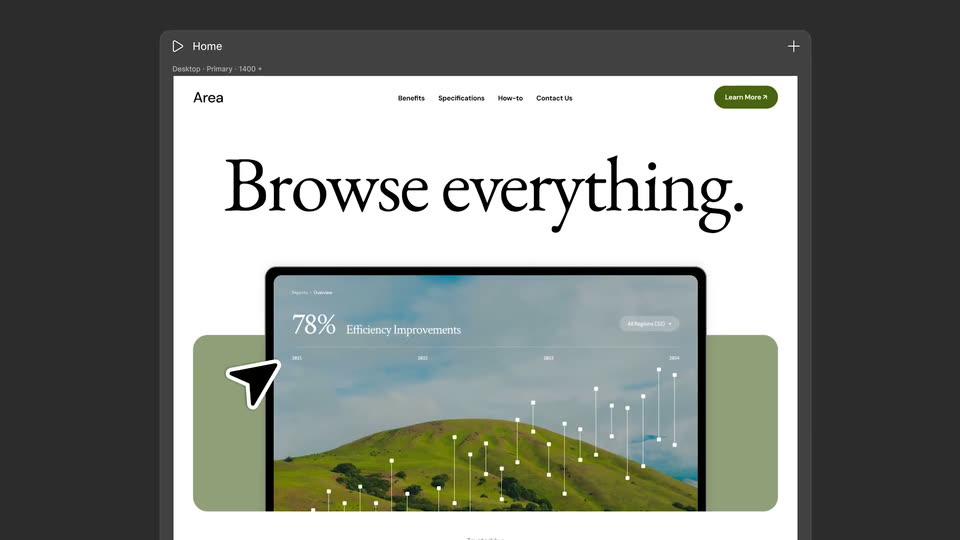 0:06–0:07Figma · Figma - Introducing Figma Sites Take your designs straight to the web. WithA browser window frames a webpage; the shot starts tight on the large serif headline, then pulls back to reveal the nav bar and a tablet showing a line chart over a hill. A black cursor hovers at the left as the headline text slides into place.
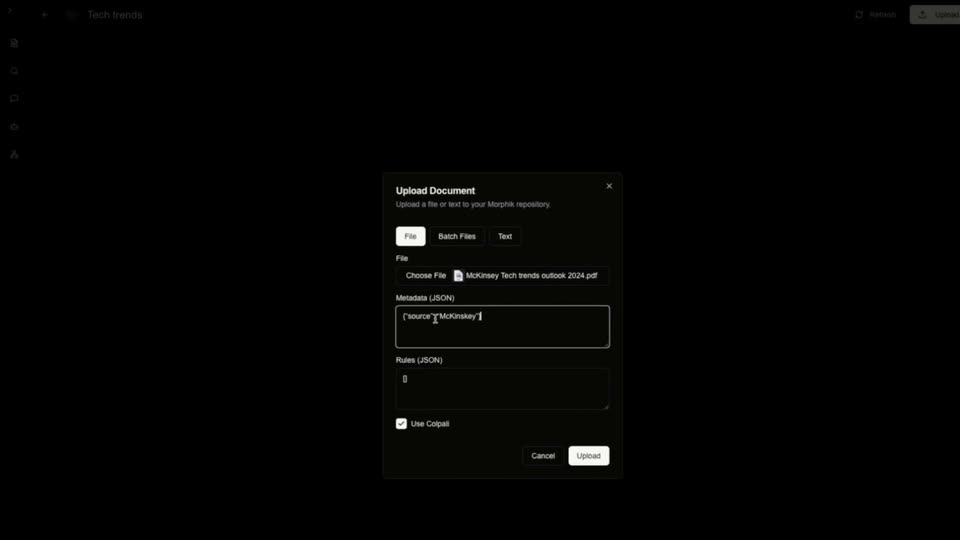 0:23–0:25Morphik · Morphik Launch DemoA dark document viewer inside a tablet frame floats over blue and orange diagonal stripes, then the view zooms into the Upload Document dialog. A cursor blinks in the empty Rules JSON field below a filled metadata field.
 0:19–0:22Stripe · Stripe - Introducing Stablecoin Financial Accounts. Hold a stablecoin balance.A close-up of a payment interface begins out of focus and zoomed in, then the camera pulls back and the image sharpens. A Send button with a paper-plane icon and a blue-to-purple gradient outline sits left of a Transfer button and a partially visible Add button.
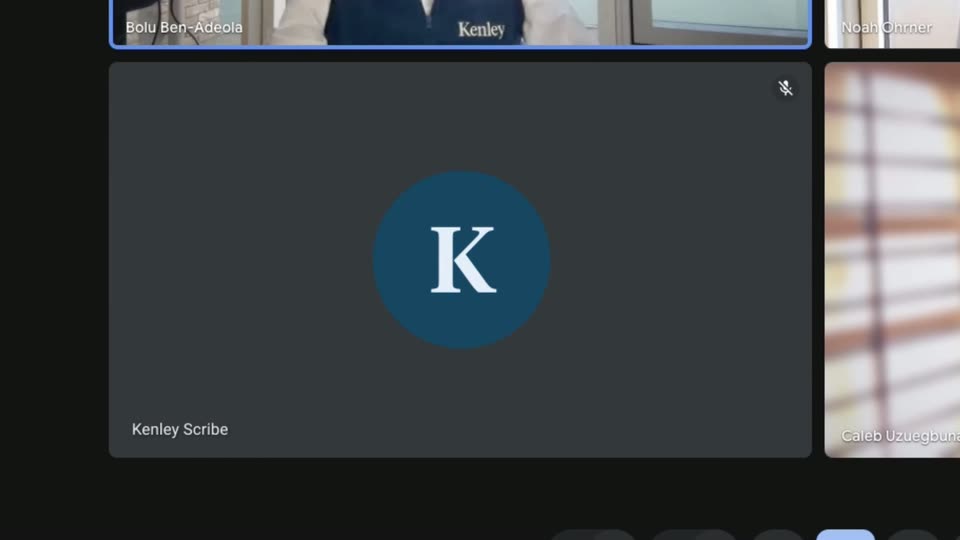 0:22–0:24Kenley · Introducing Kenley WorkStreamsA video call grid in a dark window zooms into the bottom-left participant tile, a dark panel with a blue circle holding a white K and the name Kenley Scribe. The other tiles slide out of frame as the avatar grows to fill the screen.