UI zoom
A zoom or reframe onto one part of the interface.
10,002 scenes · page 105 of 167
 0:12–0:16Google · Google Gemini: Mr. Fuzzy’s Big AdventureA photo of a child hugging a white lamb plush under grey bedding sits at the top of a dark screen with a blue text caret below it. The view then reframes to a rounded chat card showing the thumbnail, the typed prompt and a bottom toolbar.
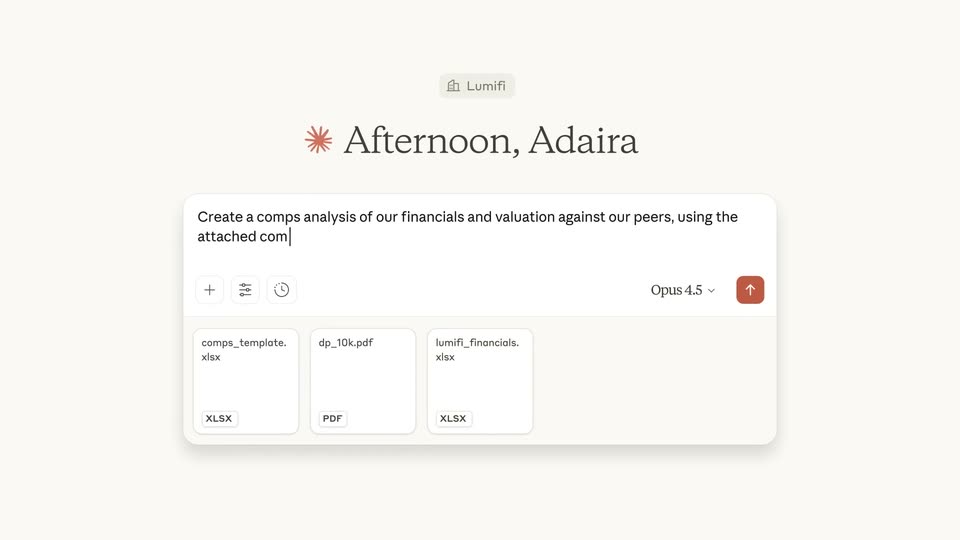 0:38–0:45Anthropic · Claude works with you on slides, spreadsheets, and contract redlinesUnder a serif “Afternoon, Adaira” greeting, three file cards are dragged into the chat drop zone and lock into the attachment row. The prompt types itself out, a hand cursor clicks the orange send button, then the frame zooms into a rounded text chip.
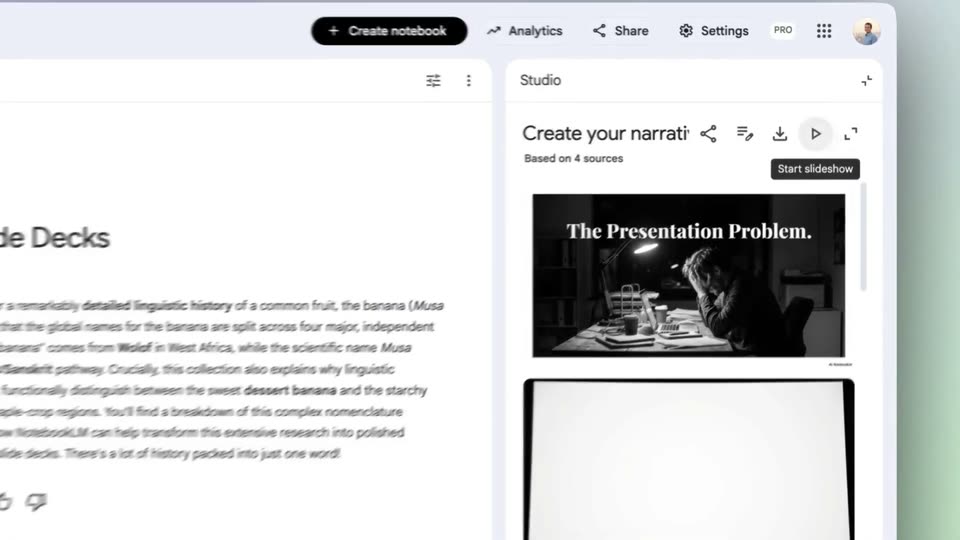 0:17–0:18Google · NotebookLM introducing Slide DecksA split product interface with a research note on the left and a slide studio on the right scales down and drifts right, revealing the note title and a banana icon. A Start slideshow tooltip hovers beside the play button.
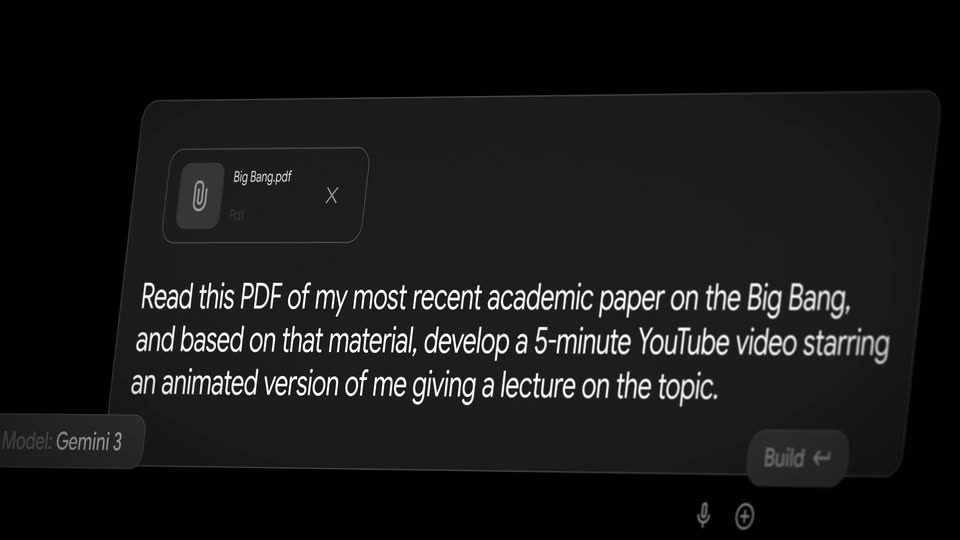 0:19–0:20Google · Vibe Coding with Gemini 3 in Google AI StudioA dark prompt card floats on black, a PDF chip and a typed instruction visible. The card tilts into 3D perspective and the camera pushes in, enlarging the text until it fills the frame.
 0:12–0:15Manus · Manus - Today we're launching Manus Browser Operator. Any browser can now beA light gray interface shows a serif greeting above an empty input field and a row of category icons. It cuts to the prompt typed in large gray sans on white, then returns to the interface where the field holds the full prompt and the Manus agent replies.
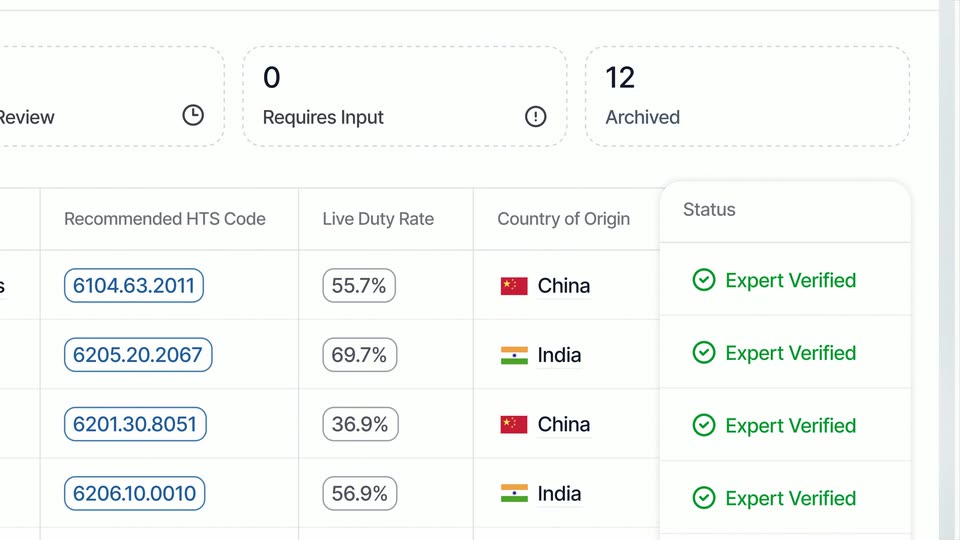 1:11–1:18Trava · Trava - Protect your margin on every importA light product catalog dashboard with stat cards and a table of apparel items. The view zooms into the table as Generating spinners resolve into HTS codes and duty rates, then the orange Pending Review statuses flip to green Expert Verified.
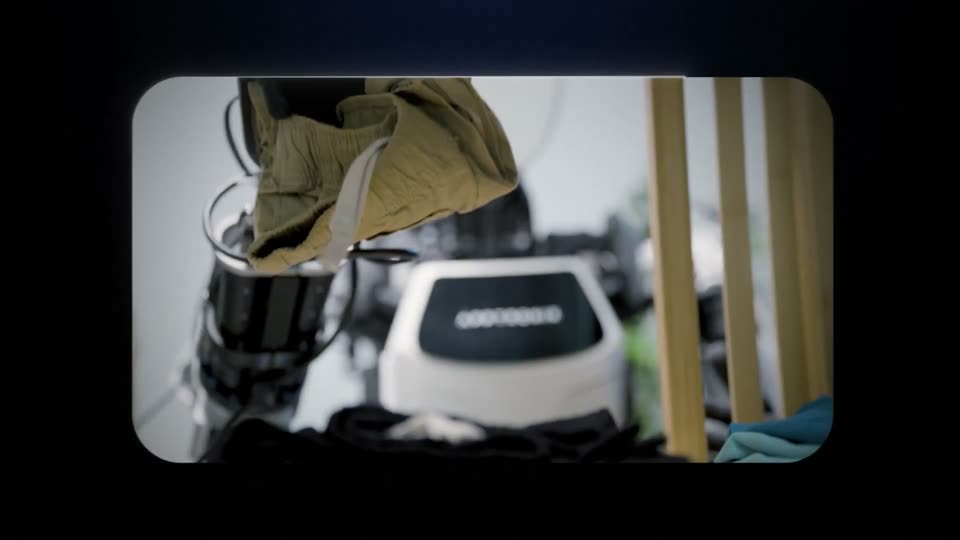 1:31–1:33SIMA 2 · Google DeepMind - SIMA 2 is our most capable AI agent for virtual 3D worlds. 👾🌐 PowereA dark stage holds a row of rounded photo cards. The centered card shows a desk where a tan jacket lifts onto a metal stand in front of a white device. The view zooms in, then blurs as the carousel scrolls to the next card.
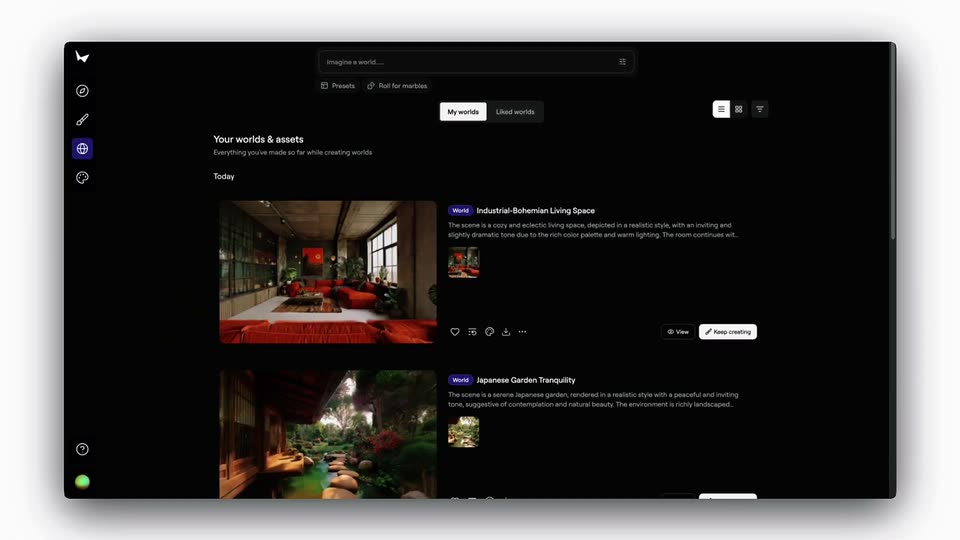 0:47–0:50World Labs · Welcome to Marble!A dark app interface dissolves from a generating state to a completed world list, the framed panel zooming to full screen. A cursor glides over the list toward the View button on the first card.
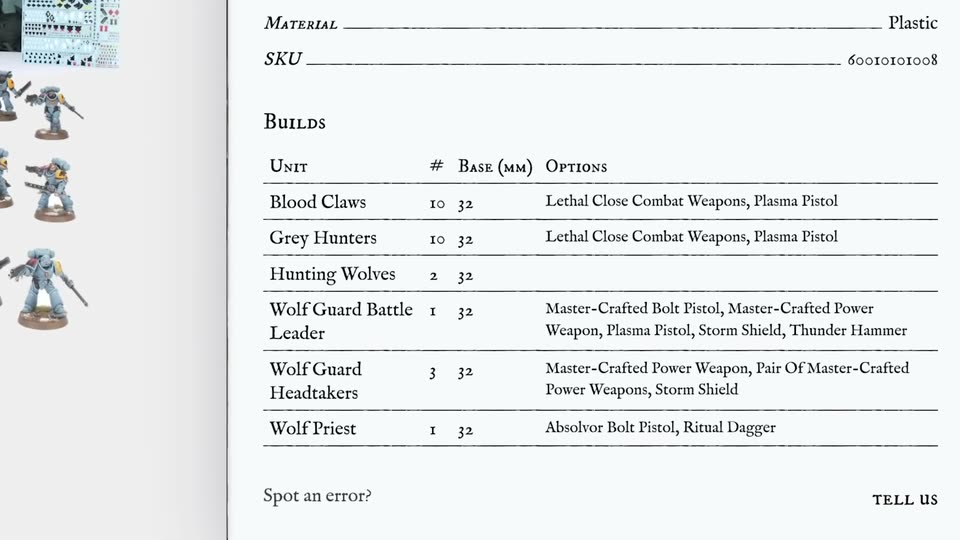 1:27–1:33Miniswap · Introducing Miniswap — The Marketplace For Tabletop GamesA full view of the Miniswap listing page for the Space Wolves Army Set zooms in step by step, the header and sidebar sliding out of frame, ending locked on a close-up of the Builds table with unit names, base sizes and options.
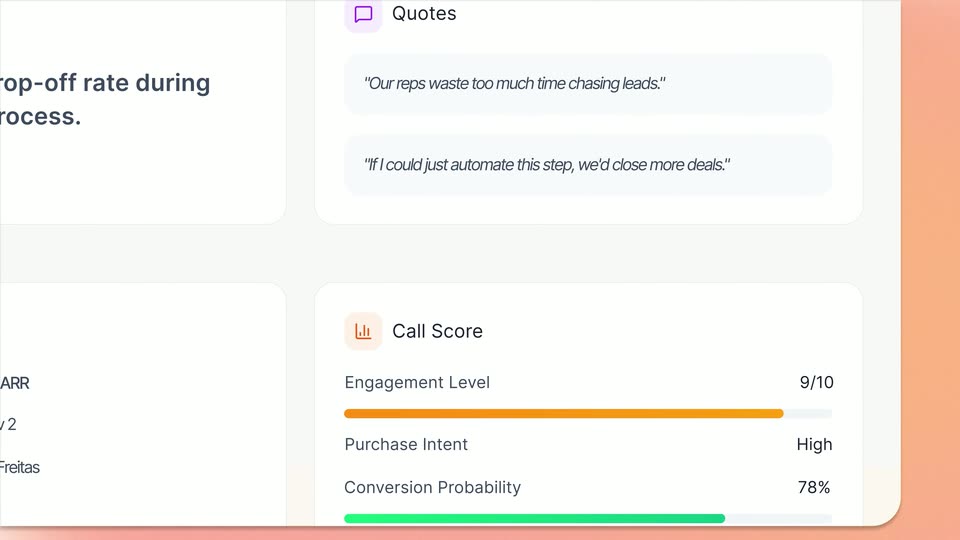 0:52–1:00Karumi · Launch Karumi, your AI demo agentA white Call Insights panel on a peach gradient zooms in and pans across its sections, showing key insights, customer quotes, and a Call Score with orange and green metric bars, then cuts to a man in a plaid shirt presenting in a bright room.
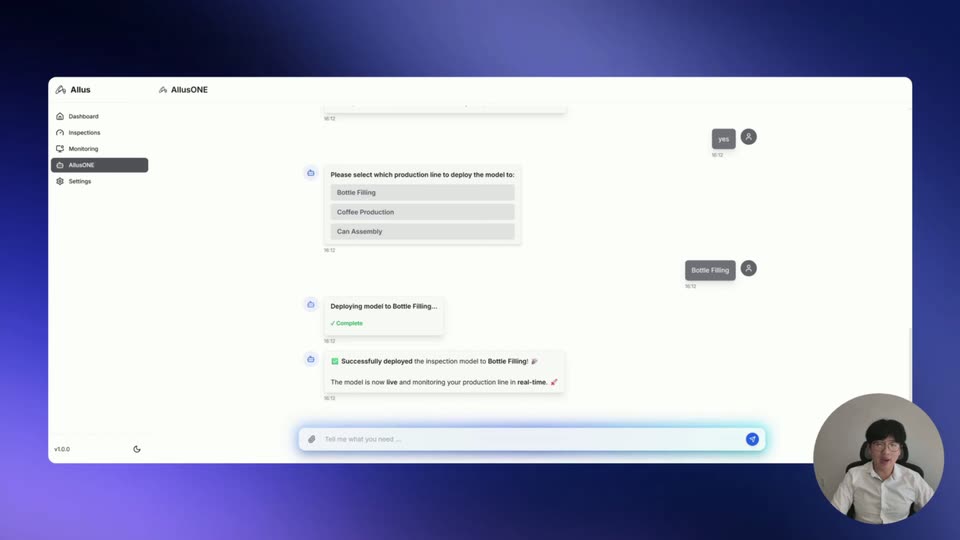 1:16–1:35Allus AI · Allus AI: Transforming Manufacturing with Next-Gen Vision Foundation ModelA white chat panel floats over a blue gradient, a presenter's webcam circle at lower right. The log scrolls as the AI confirms a trained model and shows a factory image; the cursor clicks 'yes' then 'Bottle Filling', a deploy-complete message appears, then the view zooms into the line list.
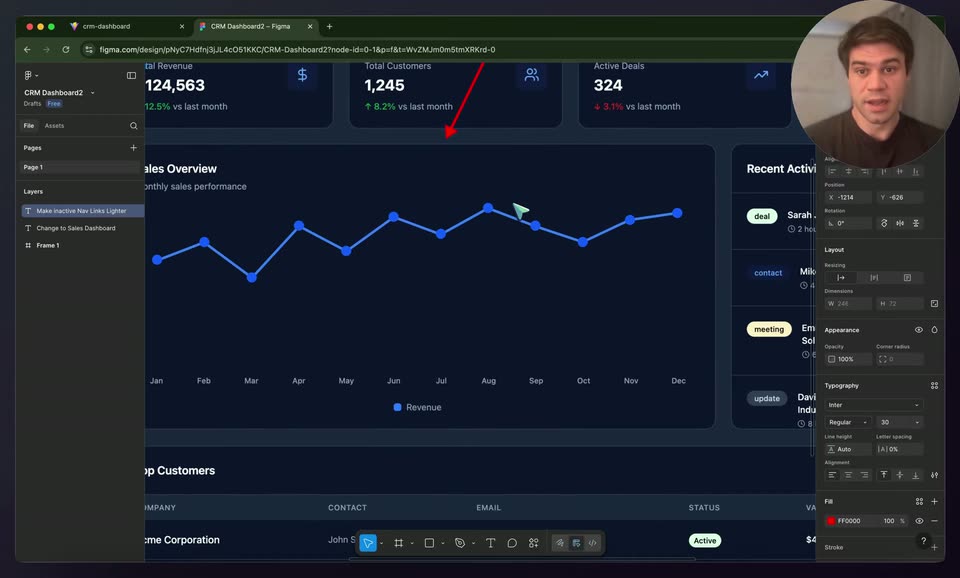 0:31–0:32Coasts · JSX Tool DemoA Figma screen recording shows a dark CRM dashboard with a sales line chart, stat cards, and a customers table; red arrows mark the nav links and cards. The canvas zooms out to frame the full layout, with the presenter's webcam bubble in the top right.
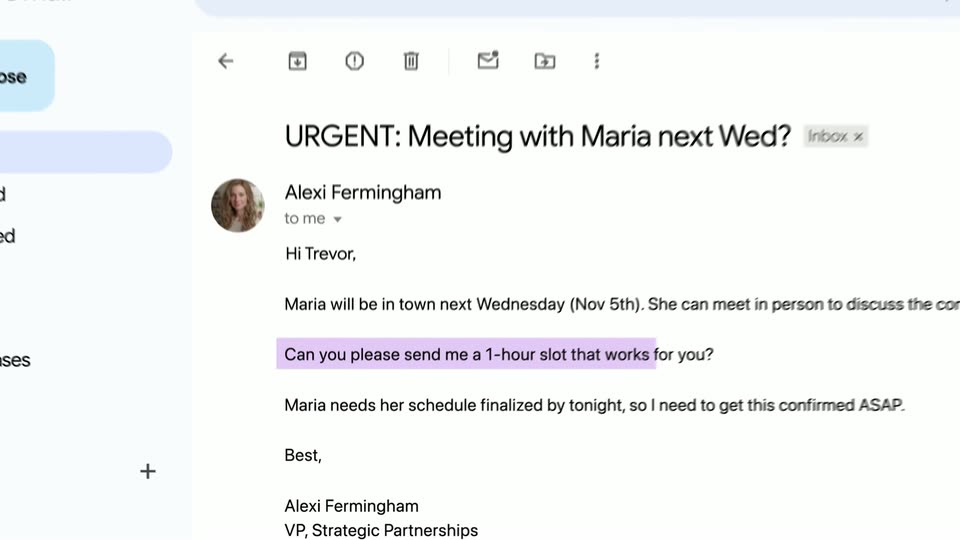 0:32–0:37Logical · Logical | The Proactive Desktop CopilotA macOS desktop with an orange gradient background frames a Gmail window open to an email from Alexi Fermingham. A dark Logical assistant bar hovers above it. The camera zooms into the email body, where one sentence highlights in purple.
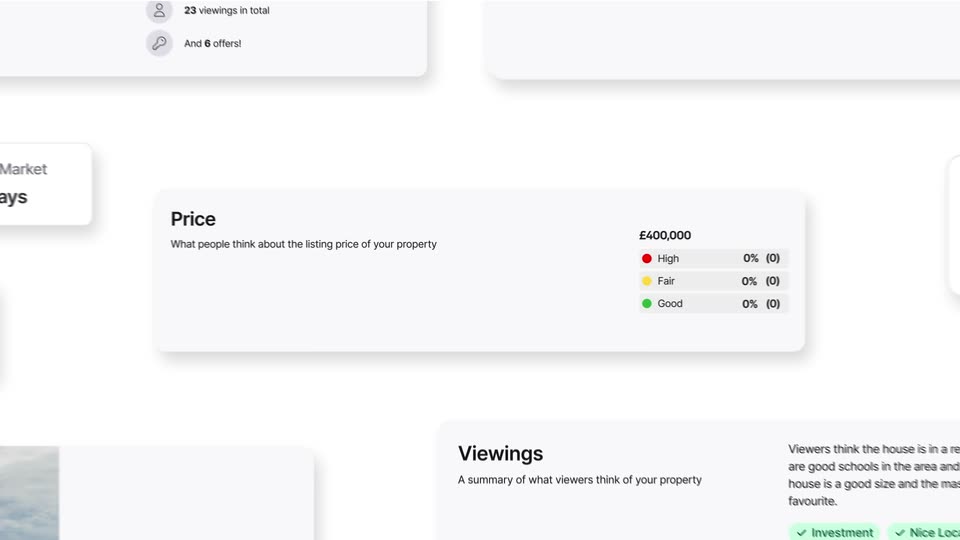 0:22–0:24Street · Street.co.uk AI CommercialA grid of white interface cards sits on a pale background. The camera slowly zooms in, reframing onto the central Price card, which shows a value and three rating rows with colored dots.
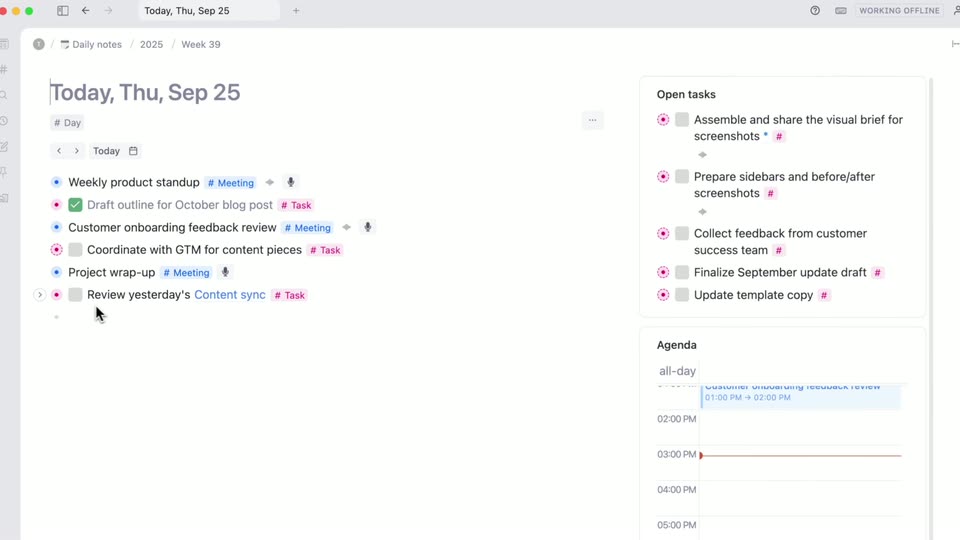 0:45–0:50Tana · Tana Outliner Offline Is HereA close-up of the Open tasks list under a Working Offline badge pulls back to reveal the full daily note page with task list and agenda. A cursor clicks a task, opening a new tab that shows its properties.
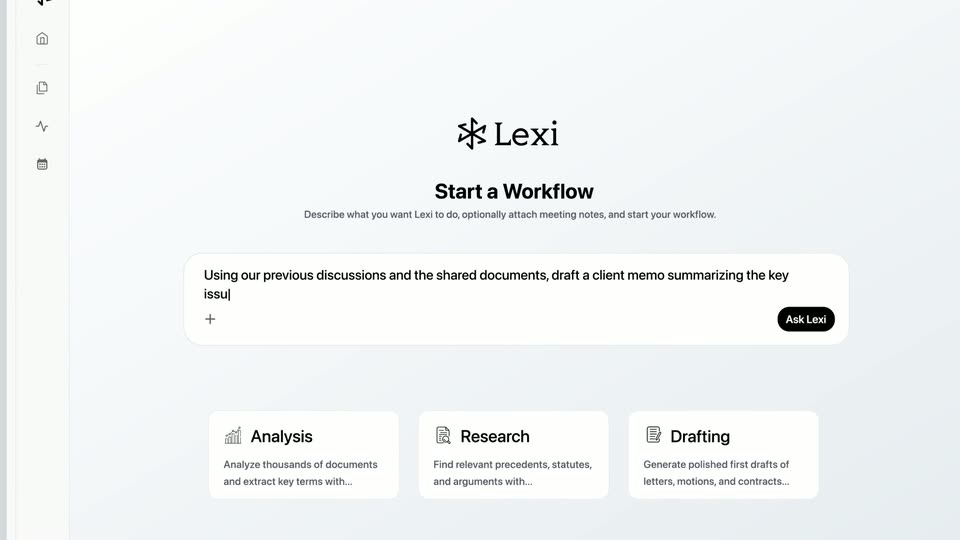 0:15–0:20Lexi · Lexi | Launch VideoA teal Lexi logo and tagline sit left of a browser window showing the Start a Workflow screen. The logo blurs and slides away as the view zooms into the input field, where a prompt types out and a cursor moves to the Ask Lexi button.
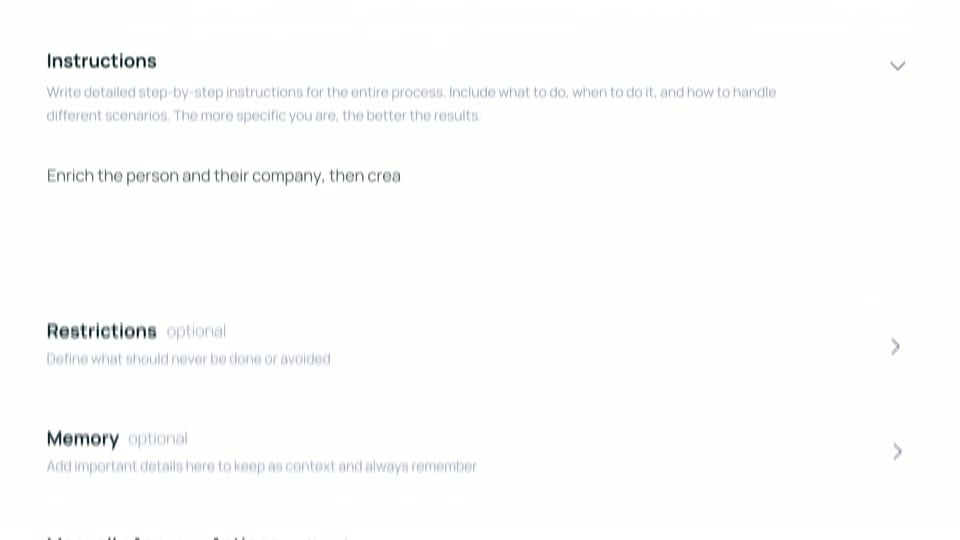 1:41–1:49Item · item YC Launch!A light UI editor fills itself in. The view zooms onto the left column as the title placeholder types into Outbound Campaign and the Goal line writes in. The page then scrolls down while the Instructions section types out numbered steps with colored action chips.
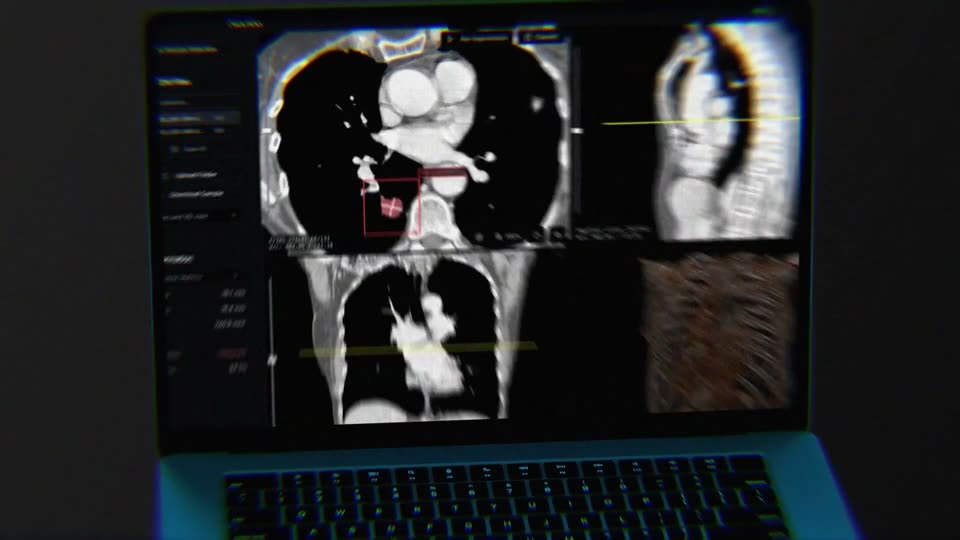 1:01 · 0.5sNucleo · Nucleo - Automated cancer diagnosticsA blue laptop in 3D perspective displays a grayscale chest scan marked by a red bounding box. The camera pushes in on the screen, cropping the side panel and keyboard until the scan and its red box fill the frame.
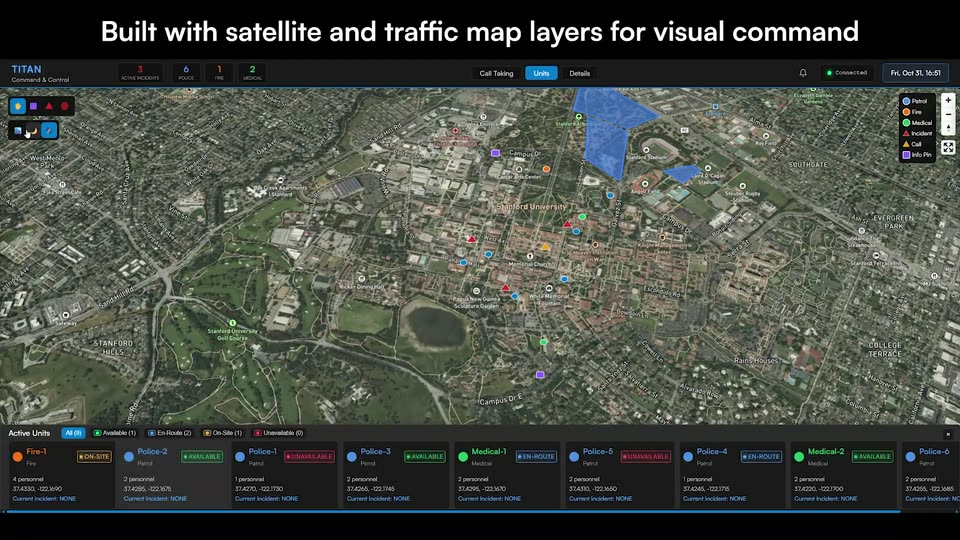 1:17–1:21Lakonia · Introducing: LakoniaA satellite map dashboard of a command and control app fills the frame, with a top status bar and a row of unit cards along the bottom. The map zooms in toward Stanford University while a white headline fades in across the top.
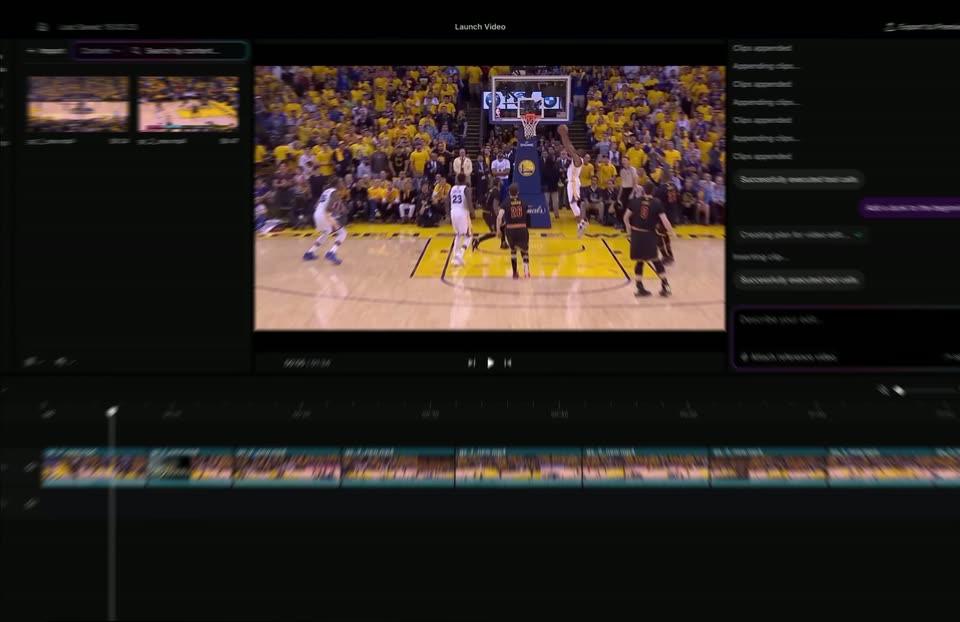 0:20–0:21Narrative · Narrative: Cursor for Professional Video EditorsA dark video editor interface fills the frame, a chat log on the right and a clip timeline below a center preview of a basketball game. The view zooms into the preview as it switches to a player shooting at the hoop, while the timeline re-lays out the clips.
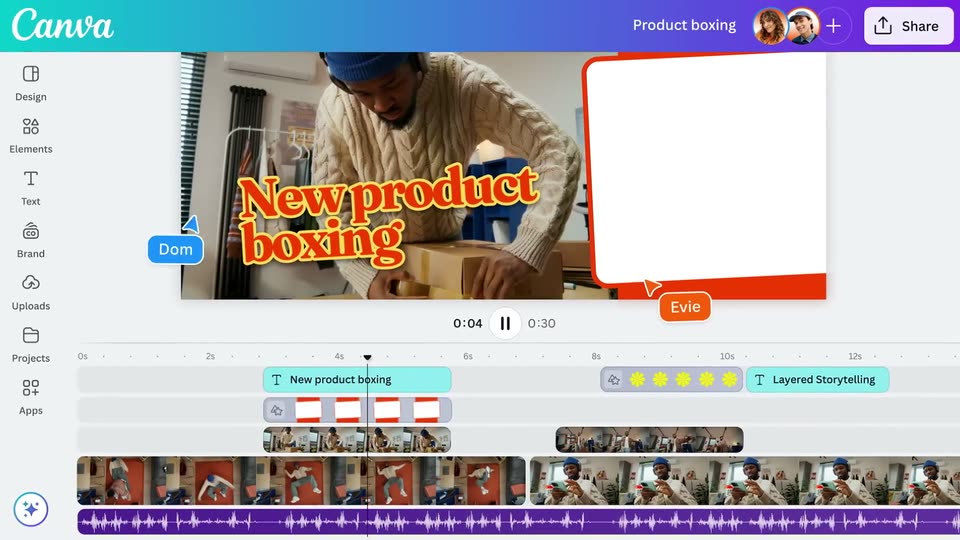 2:40–2:42Canva · Introducing Canva Video 2.0The Canva video editor fills the frame: a preview plays a man taping a box under an orange headline, while blue and orange collaborator cursors hop around the canvas. The timeline ruler ticks along below as the playhead advances.
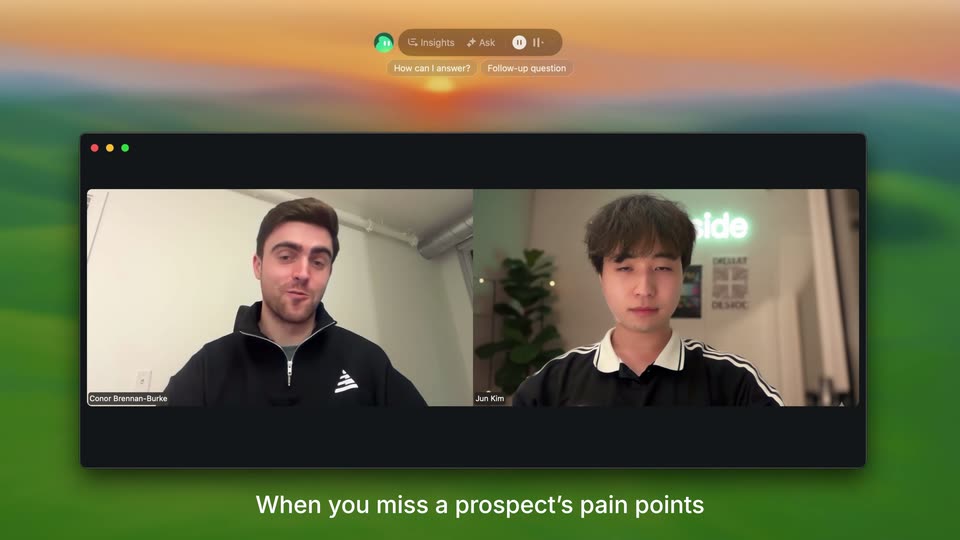 0:48–0:50Aside · Introducing AsideA dark video-call window with two participants sits centered on a blurred sunset gradient, with a floating pill toolbar above it. White captions run along the bottom. The window holds still, then zooms in and blurs out at the end.
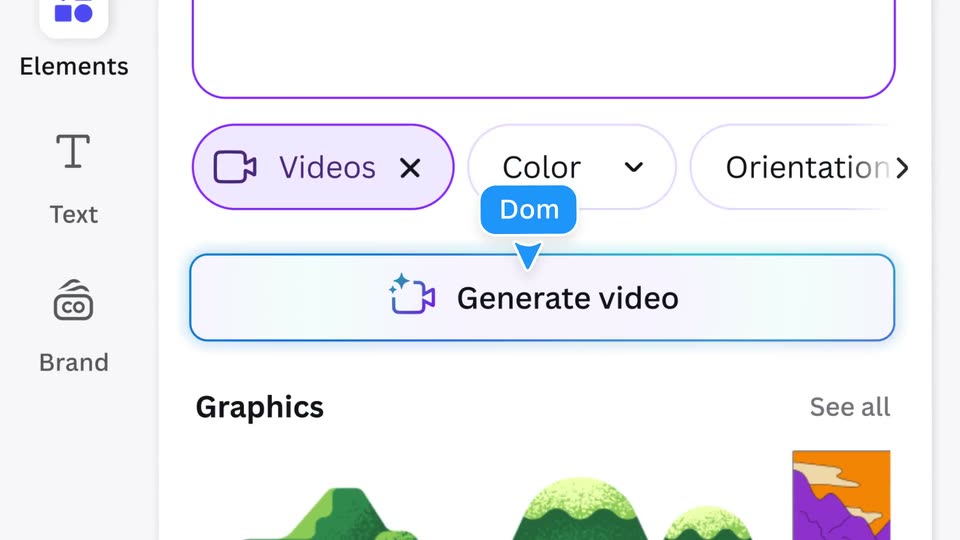 0:22–0:26Canva · Canva - Yep, you heard it right. No watermarks, no paywalls, no awkward exporThe Canva editor zooms from a wide view into a prompt field as “Unpacking blue beanies from a cardboard box” types out. A blue “Dom” tag slides to the Generate video button, then a clip of a person in a blue beanie holding a box appears below.
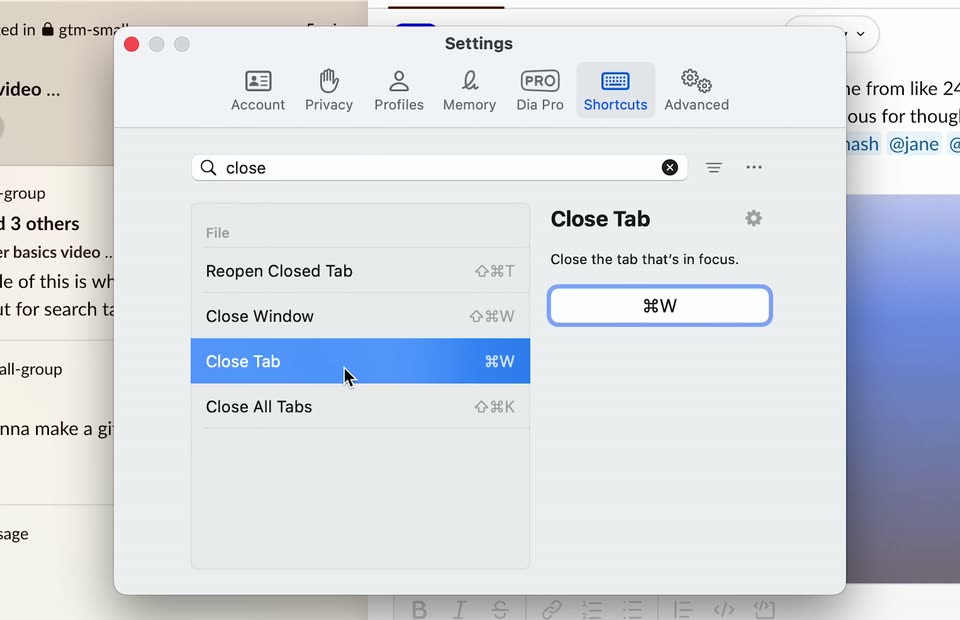 0:35–0:37The Browser Company · Dia - 3️⃣ new features live in Dia today: - Focus Mode - Custom keyboard sA blurred desktop sits behind a browser Settings window that scales up into frame. The Shortcuts tab is active, the search field reads close, and a cursor rests on the highlighted Close Tab row while the right panel shows its command W shortcut.
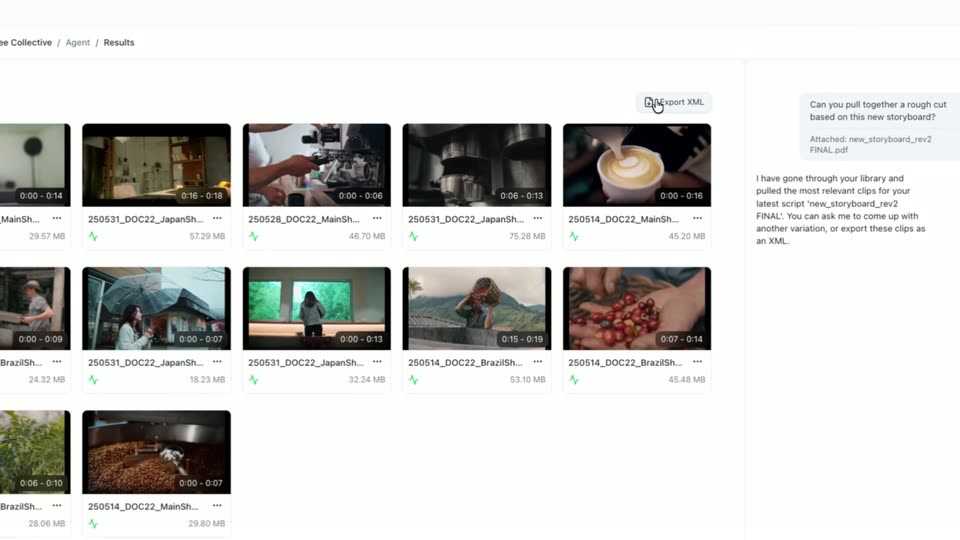 0:41–0:44Aspect · Aspect: AI platform for enterprise media content | YC F25A white interface card shows a grid of coffee video thumbnails with file names and a chat panel on the right. The view zooms in on the grid, then a cursor slides in and hovers the Export XML button.
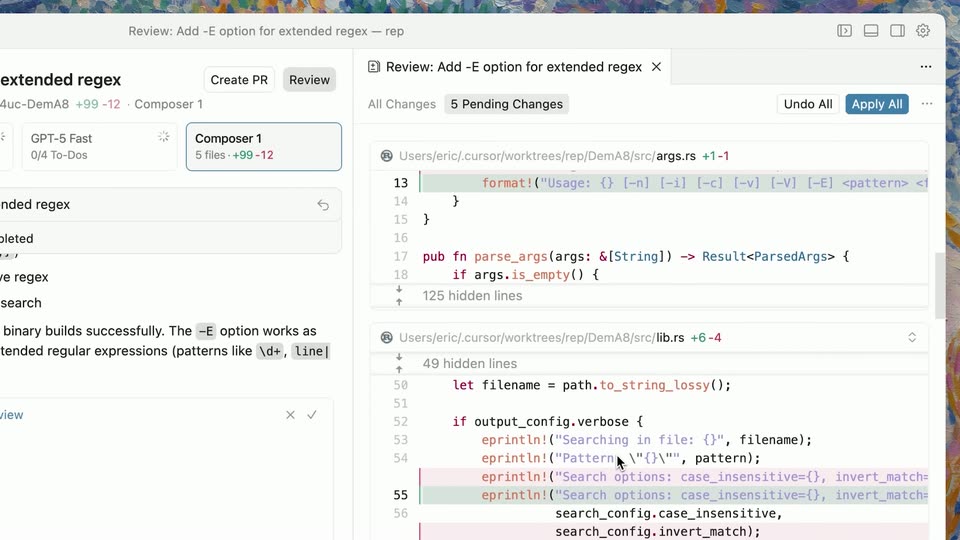 0:35–0:42Cursor · Introducing Cursor 2.0A code review UI in a light IDE. The frame pulls back from the summary and file list to reveal the whole window, then pushes into the diff pane, following a cursor as it moves across the edited Rust files.
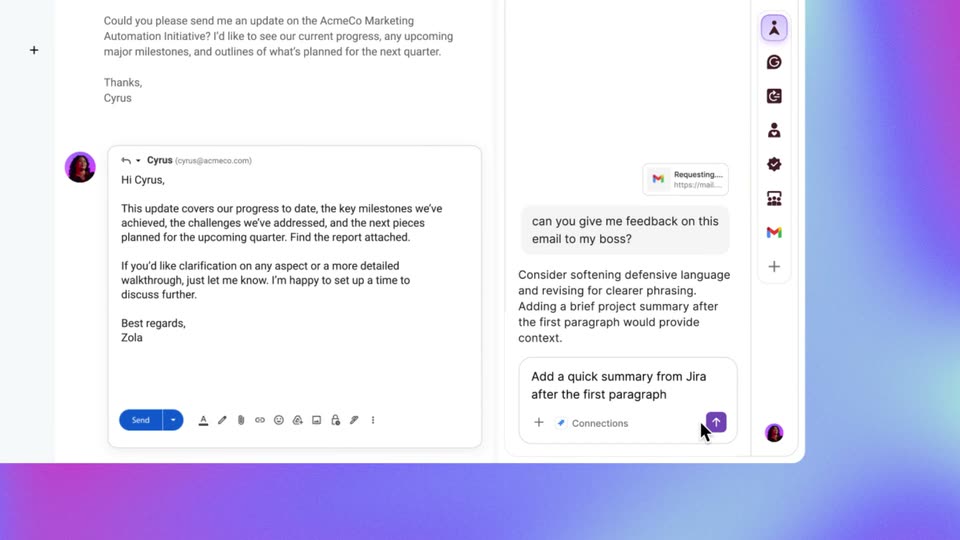 0:08–0:28Superhuman · Superhuman - We built Superhuman Go for you. Go is the proactive AI assistant thatA Gmail compose window sits beside an AI chat panel on a purple gradient. A cursor accepts and dismisses inline edit suggestions, then opens a connections menu, types a Jira prompt, and inserts the returned summary into the email before the view zooms out to the full browser.
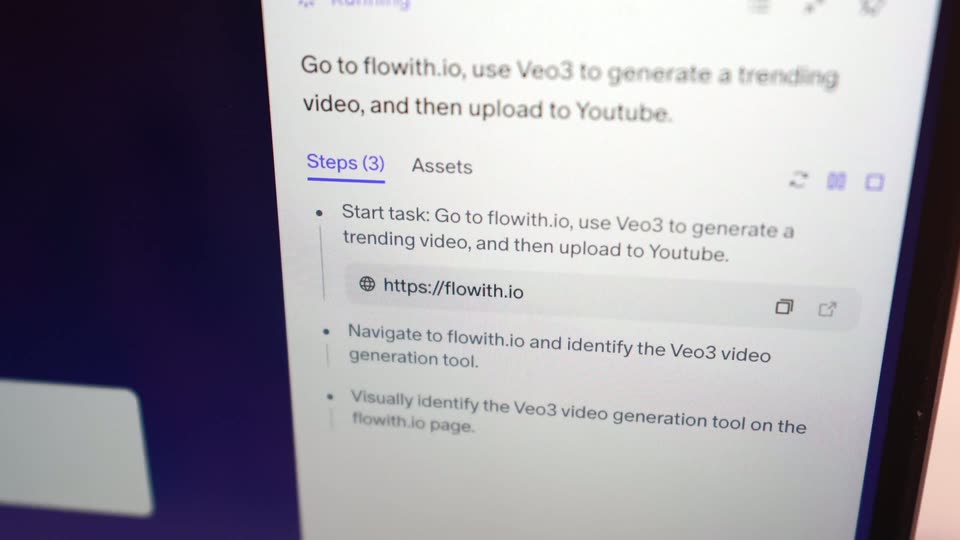 1:12–1:13Flowith · Derek Nee - introducing the OpenAI Atlas killer. might be the last browser you'llA split graphic pairs a grid of app icons, labeled Conventional Productivity Tools, with a Flowith task window on the right. The camera zooms into that window, framing a bulleted three-step list and a URL field.
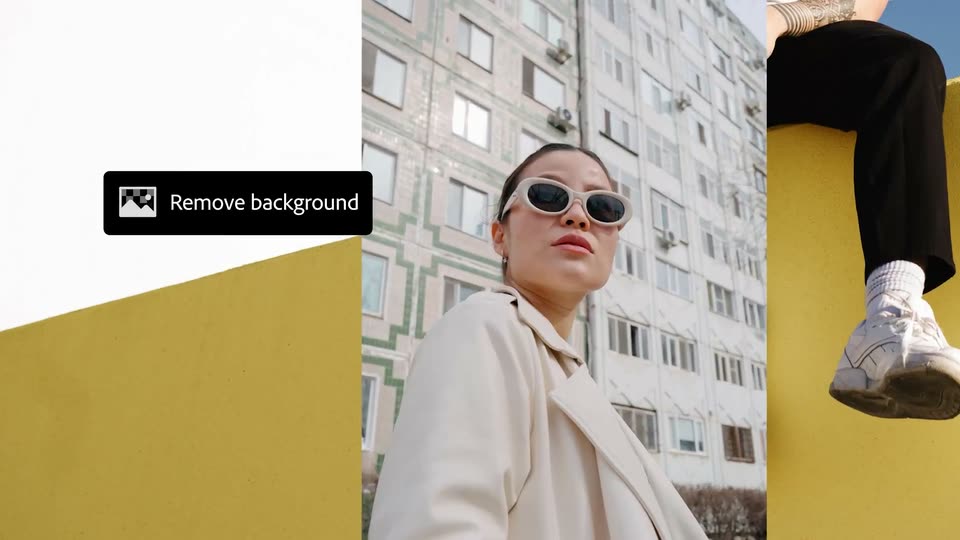 0:16–0:20Topaz Labs · Topaz Labs - @Adobe + Topaz Labs 🤝🙌 Just announced—you can now access select TopazA photo of a man on a yellow wall sits right on a white canvas as a smaller photo of a woman in a beige coat scales up to fill the center. A black button reading Remove background slides in from the left under a hovering cursor.
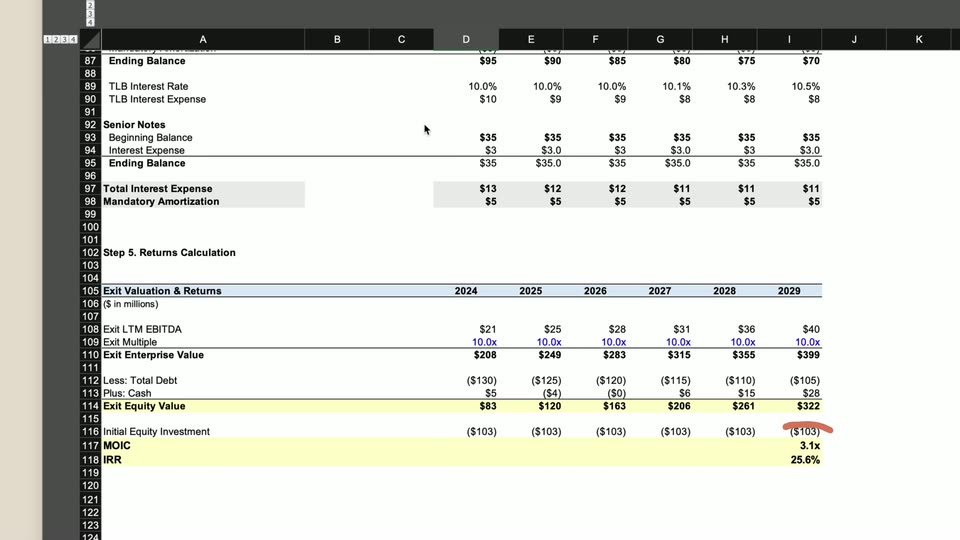 0:56–1:03Anthropic · Anthropic - We’re expanding Claude for Financial Services, with an Excel add-in,An Excel LBO model scrolls down through its assumptions and returns, a red circle highlighting the IRR cell. The cursor clicks Add-ins in the ribbon, and a menu opens with the Claude add-in icon circled in white.
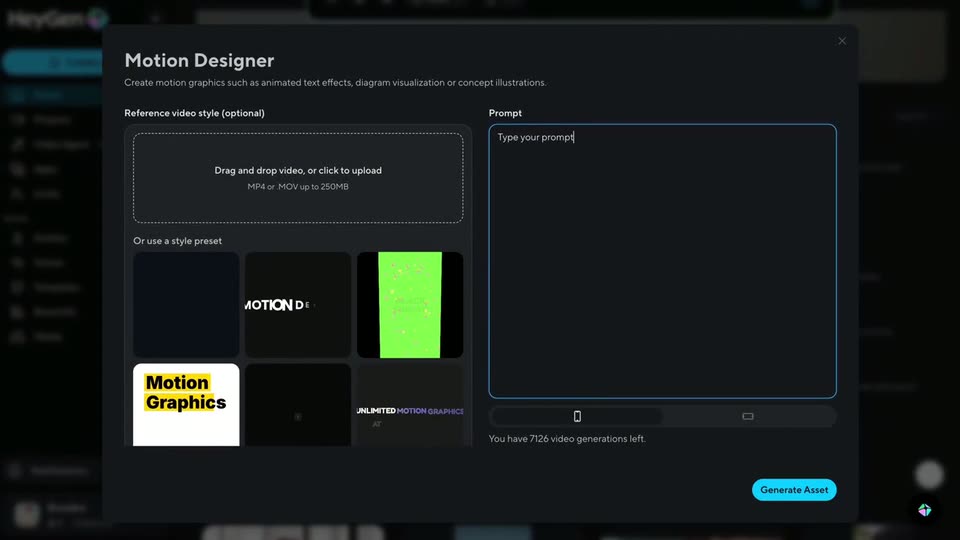 0:51–0:54HeyGen · HeyGen - If you can explain it, you can animate it. Turn your ideas into custA dark Motion Designer dialog slides in over a blurred app, showing an upload box and a grid of style presets. The view then zooms into the grid, settling on a white card reading Motion Graphics.
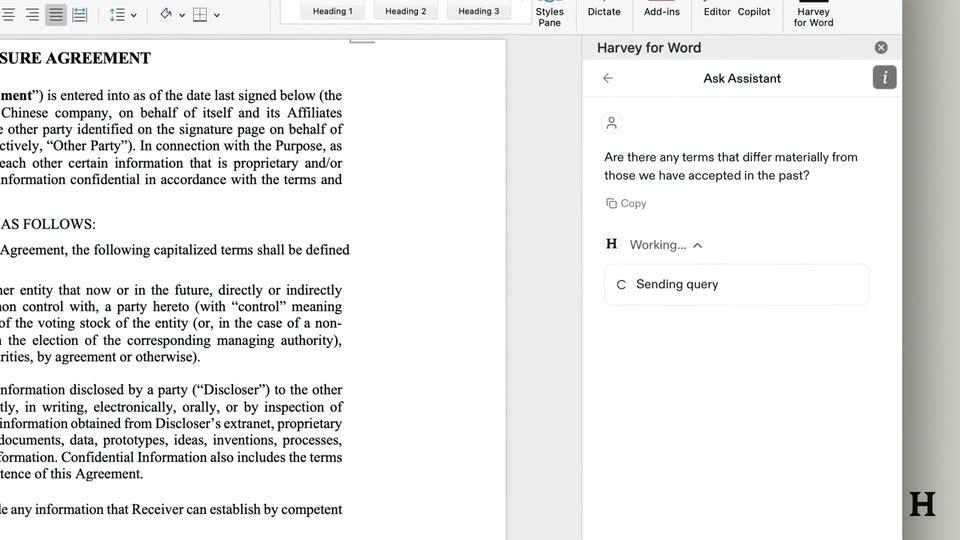 0:59–1:15Harvey · Microsoft IntegrationsA cursor works through the Harvey add-in inside a Word NDA: it attaches files from the Vault, picks the Check NDA prompt, and sends the query, while the sidebar lists the AI's working steps as the view zooms into the panel.
 0:26–0:31Anthropic · Anthropic - We’re building tools to support research in the life sciences, from eA close-up of a white rounded card shows a P badge and the label pubmed_search typing out. The camera zooms out to reveal a vertical step list headed 9 steps with repeated P badges, then scrolls down to a second card with a terminal icon and a task line.
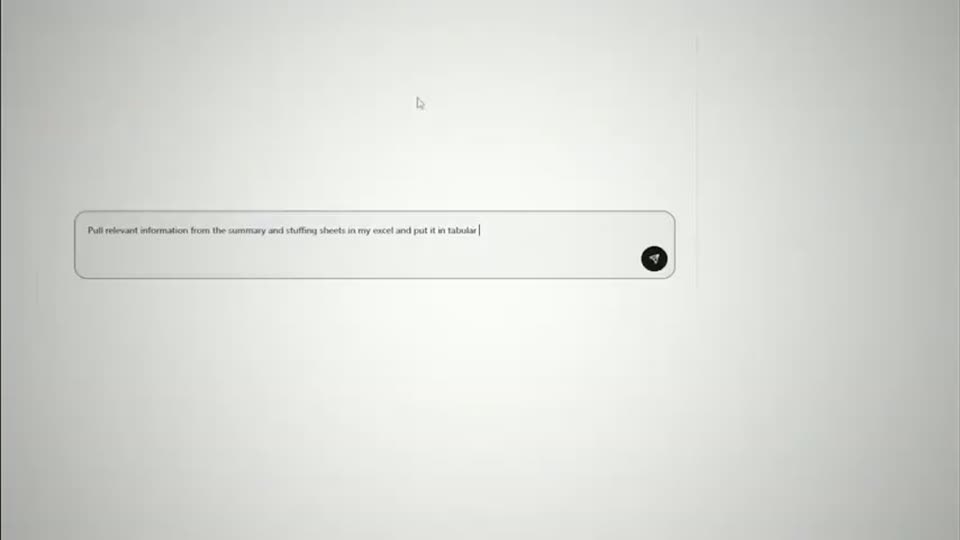 0:23–0:24MarkIt · MarkIt Launch VideoA light chat interface assembles on screen. A rounded input field types a request about an excel file, then the view reframes to reveal the full layout with a greeting bubble, a dark user message and a right panel listing upload options and attached files.
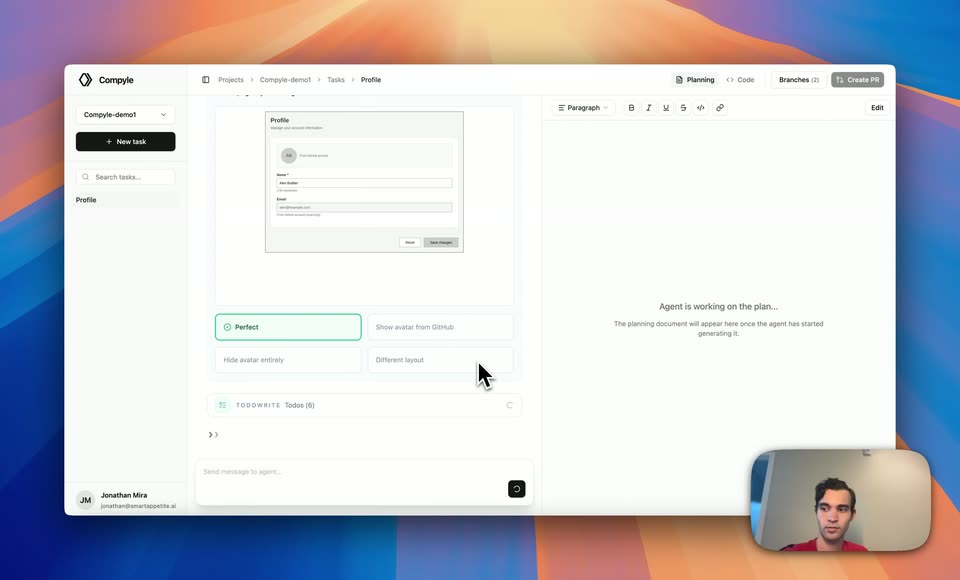 0:52–1:38Compyle · Compyle | Demo VideoThe clip opens zoomed into a question card, then pulls back to the full Compyle window on a colorful gradient desktop. A cursor clicks answer options as the chat scrolls, and a planning document fills the right panel. A small webcam video sits in the bottom right corner.
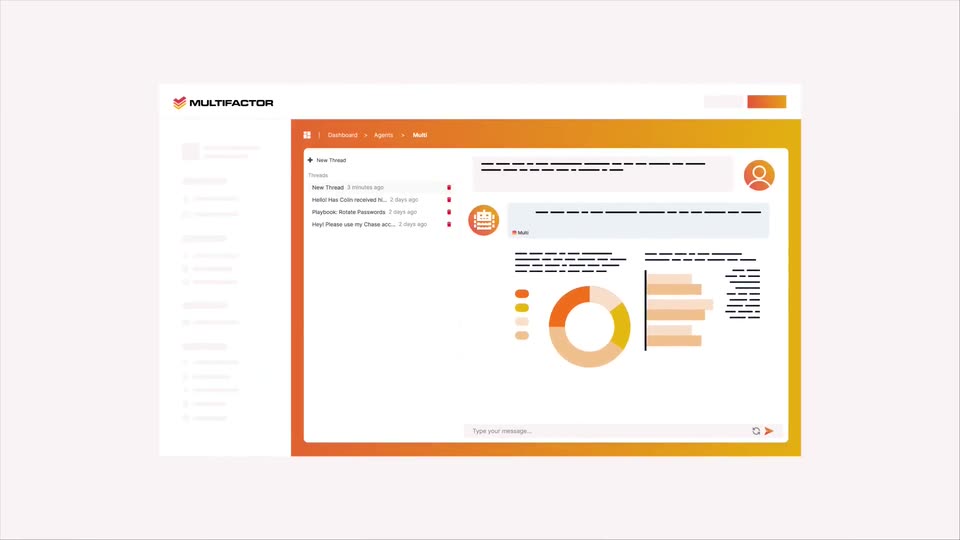 0:22–0:24Multifactor · Multifactor: Share Online Accounts with Humans & AI Agents (0:59)A flat front-on mockup of a Multifactor chat dashboard sits on a pale pink field, its orange-bordered panel holding a thread list, dashed placeholder lines and a donut chart. The frame then reframes to the right, dropping the left menu sidebar and revealing a Security Settings panel on the left and a Framework panel on the right.
 1:23–1:24Layers · Telemetron DemoA dark help-center interface zooms in on a chat widget as the cursor moves to the Talk to a Human button. A circular webcam feed of a presenter sits in the top right corner over a blue and orange gradient.
 0:33 · 0.8sCapCut · CapCut - Your all-in-one e-comm toolkit is here. Meet the new CapCut Desktop!A white poster canvas pans right past a lipstick and a purple Black Friday jar, then reframes onto a teal circular up-arrow button as a gradient cursor moves in and clicks it.
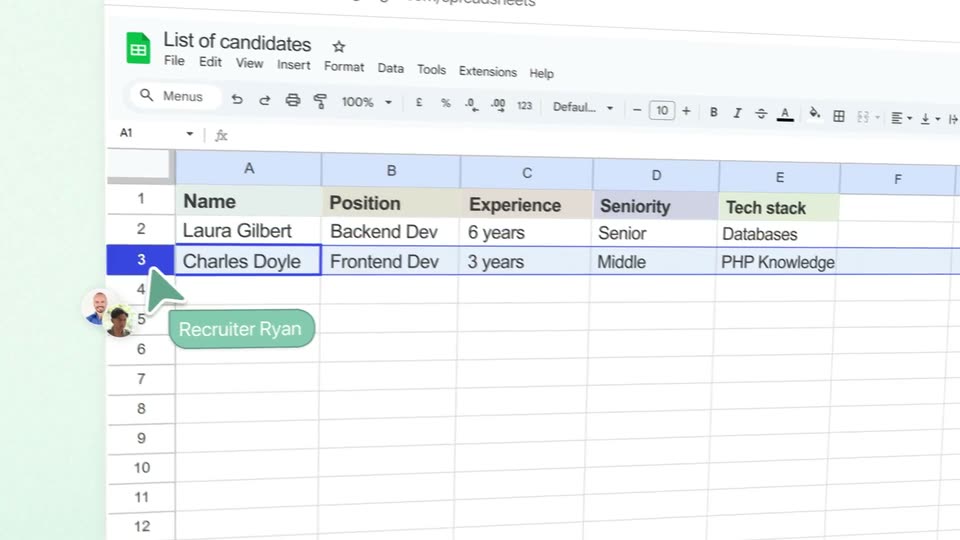 0:40–0:43Strawberry · Charles Maddock - We've raised $6M from General Catalyst, EQT Ventures, and founders ofA Google Sheets spreadsheet titled List of candidates fills the frame, with a green Recruiter Ryan label and a cluster of small avatar photos drifting across the rows. The view zooms out to reveal the browser window, where a black cursor clicks the Mail tab at the top.
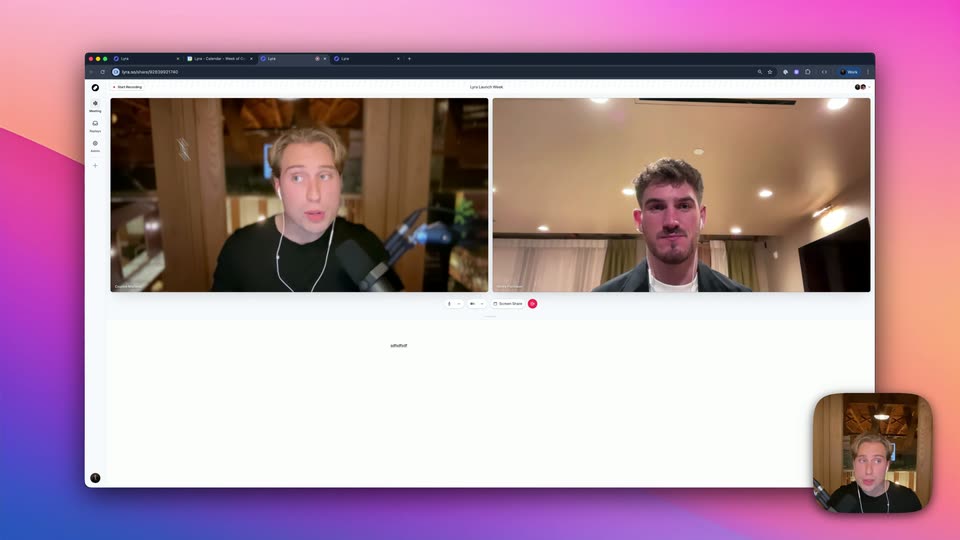 0:45–1:08IRBC · Lyra, The Final Meeting Platform.A browser window on a pink-purple gradient shows a two-person video call. The cursor clicks a toolbar control, the video tiles shrink to the top and a large white note field opens below, where the cursor types. A small floating self-view stays in the lower right.
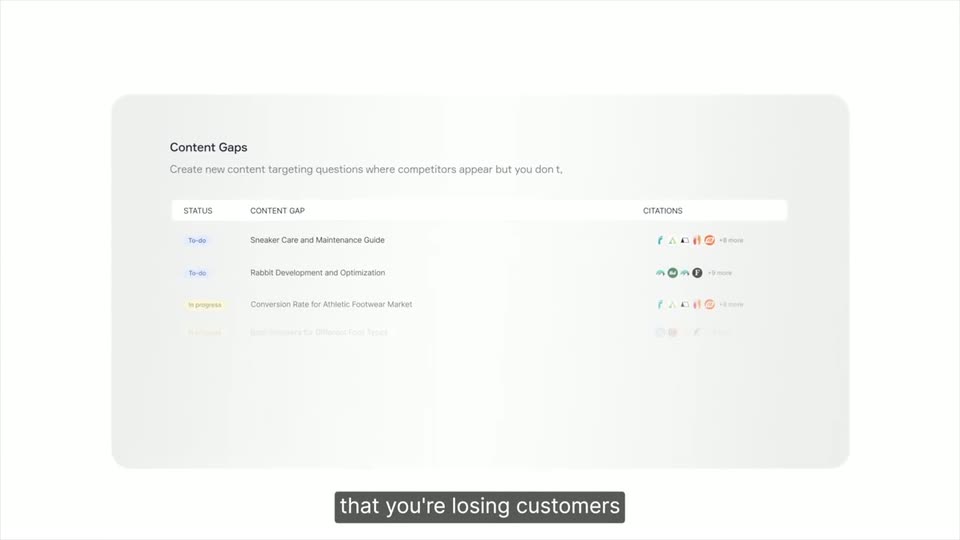 1:05–1:09Meridian · Alex Dees - Introducing Meridian. 50% of searches are now powered by AI (Think CA rounded Content Gaps panel sits on a white background; the frame opens cropped on its header and pulls back to reveal a five-row table of content-gap recommendations with status pills and citation icons. White caption pills at the bottom narrate the voiceover.
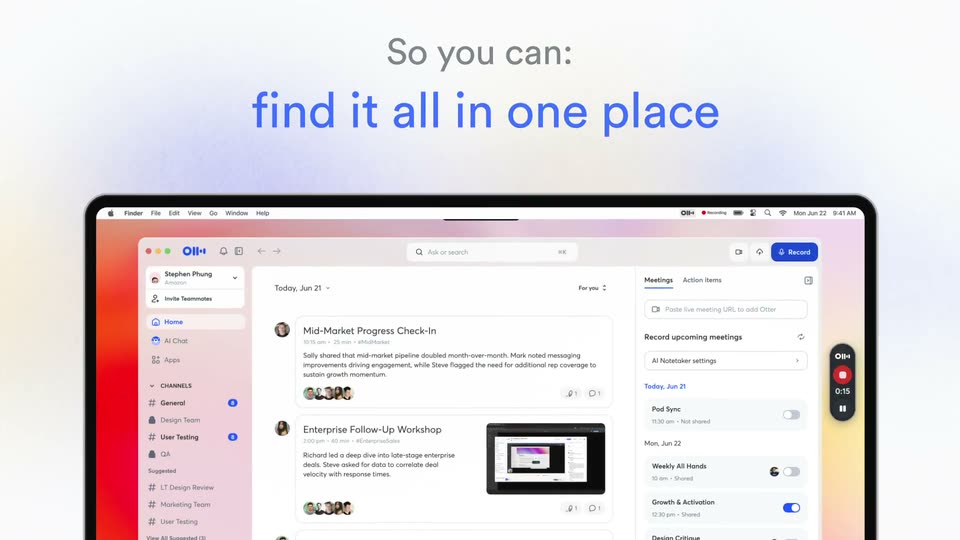 0:20–0:23Otter · Otter.ai - Introducing the Otter Desktop App for Mac 🖥️ and Windows coming soon!A 3D laptop mockup on a white-to-lavender gradient shows a meeting app with channel list and feed. Above it, 'So you can:' in gray and 'find it all in one place' in blue, the blue line sliding up into place. The laptop then scales forward, filling the frame.
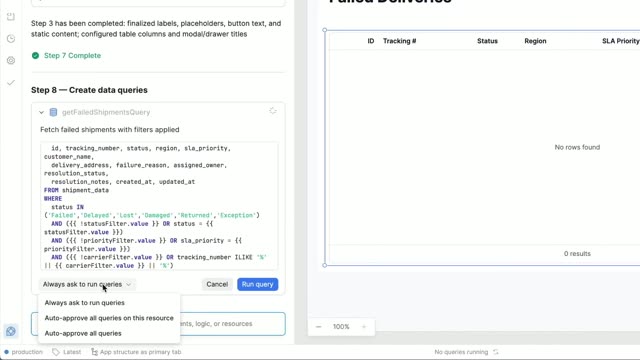 1:01–1:05Retool · Introducing Enterprise AppGen: AI-Assisted Development from RetoolSplit view of the Retool builder: a SQL query card on the left, an empty Failed Deliveries table on the right. A cursor clicks the run-queries dropdown to open its options, then the frame reframes to the full Shipment Triage Dashboard with a properties panel.
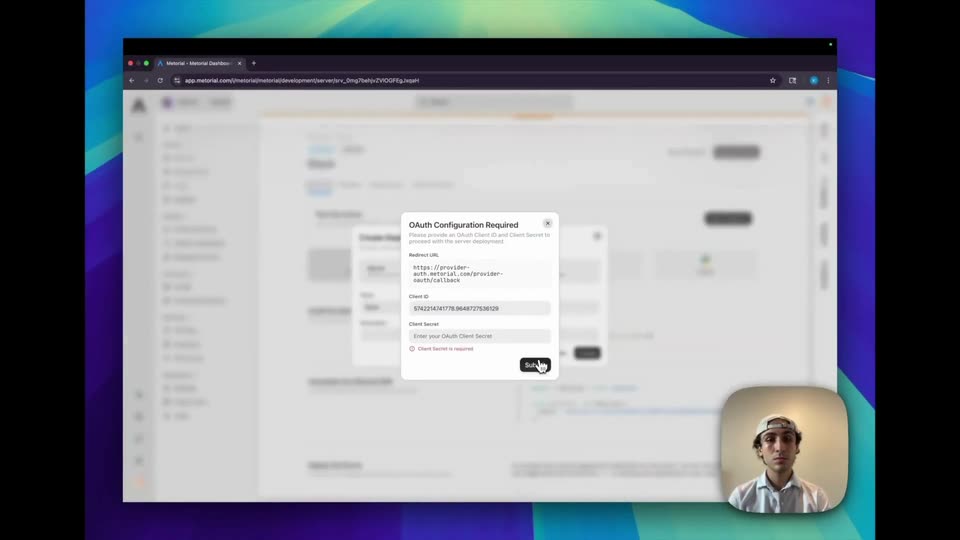 0:28 · 0.8sMetorial · Introducing Metorial - YC F25A browser window on a colorful desktop shows a blurred dashboard with a centered OAuth dialog. The view zooms in to sharpen the dialog, revealing its form fields and a Submit button, while a small webcam self-view of a man in a cap sits in the corner before disappearing.
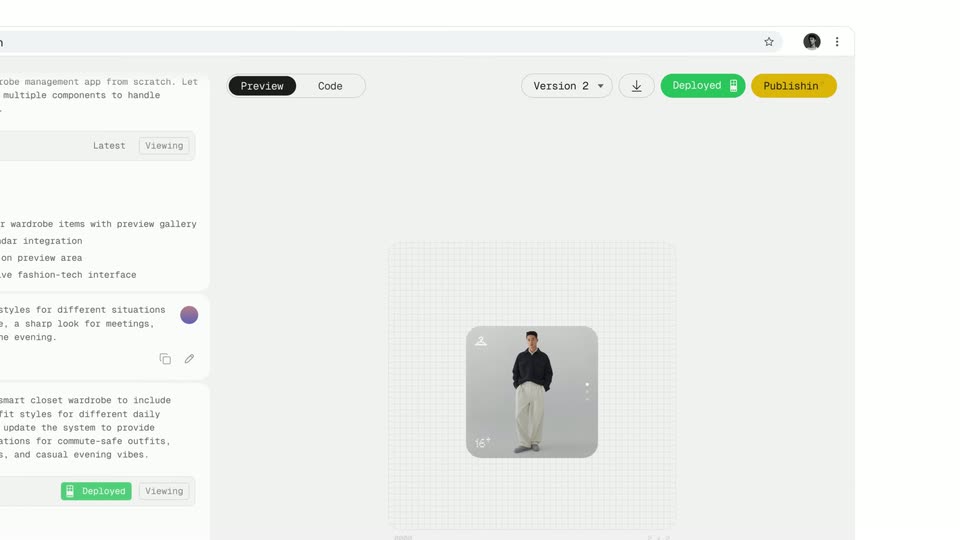 0:17–0:21Nothing · Introducing PlaygroundA browser window of an AI app builder fills the frame, chat log left, live preview of a wardrobe app right. The view zooms in as the version switches to 2 and Publish turns Published, then pulls back out as a weather card fades into the preview.
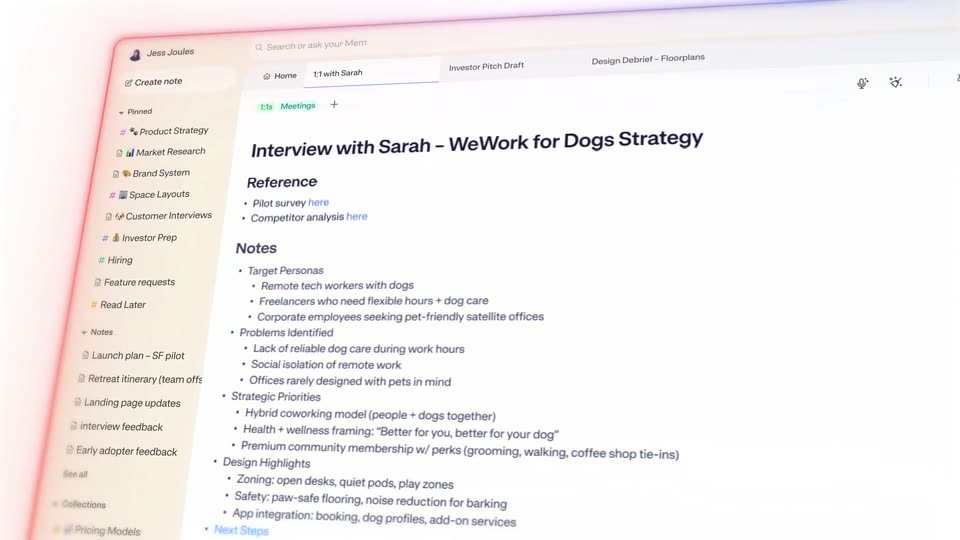 0:21–0:24Mem · Mem - Meet Mem, your AI thought partner.A notes app window, framed by a soft pink border, begins blurred and tilted, then racks into focus as the camera slowly pushes in. The view settles on a meeting note with bulleted sections, the sidebar list of projects staying visible at left.
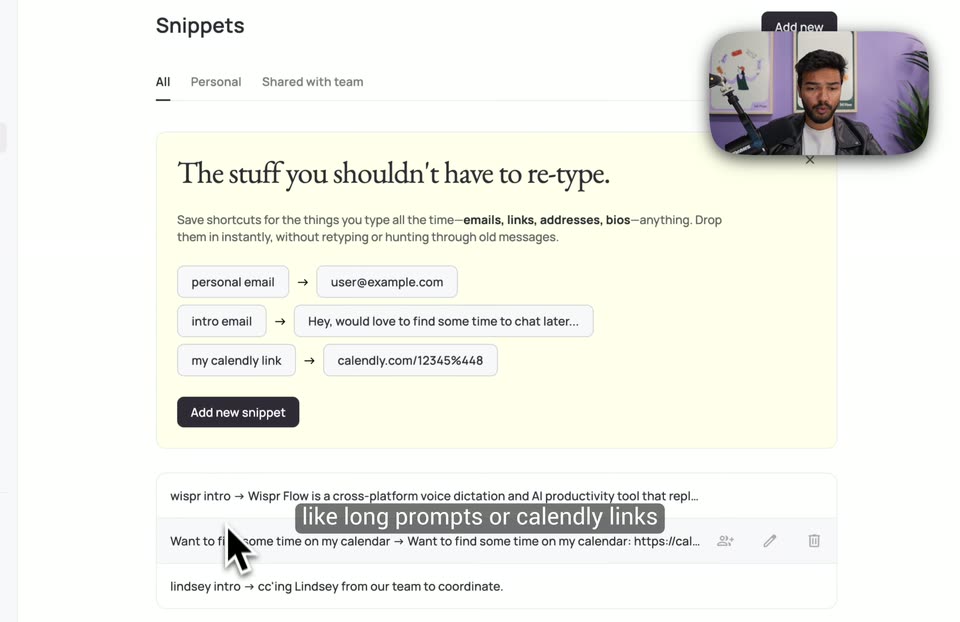 0:45–0:51Wispr Flow · Intro to Wispr Flow: voice-to-text AI that turns speech into clear, polished writing in every app.The Snippets screen zooms in from the full desktop, a yellow card listing example shortcuts at the center, presenter in a top-right inset. A cursor moves down the list while captions swap below, then the frame pulls back slightly.
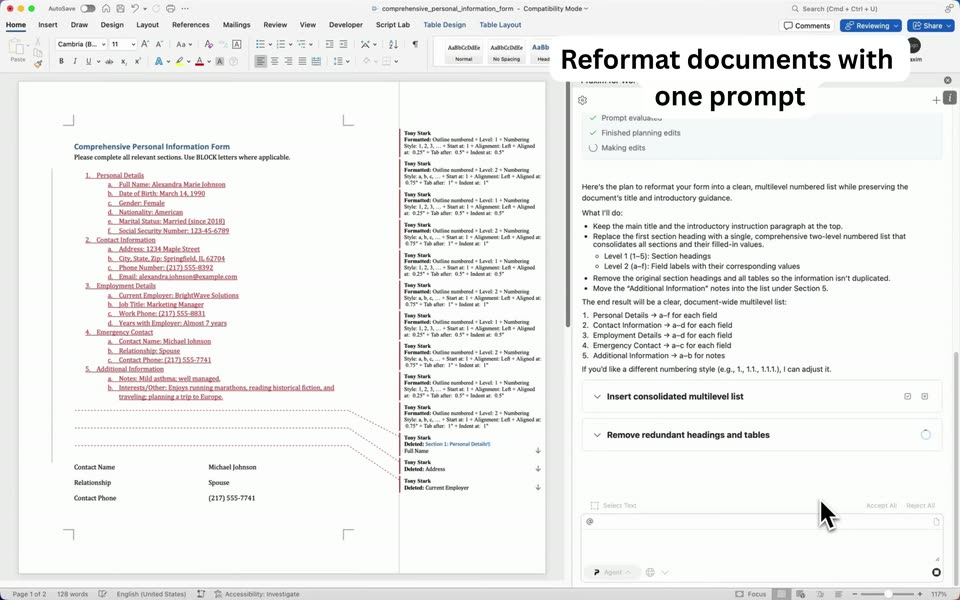 0:34–0:43Praxim · Praxim for Word DemoA Word window shows a form beside an AI sidebar; the view zooms to the prompt box where a cursor types a reformat request, then pulls back as the form reflows into a numbered list with tracked changes. Cuts to a blank page.
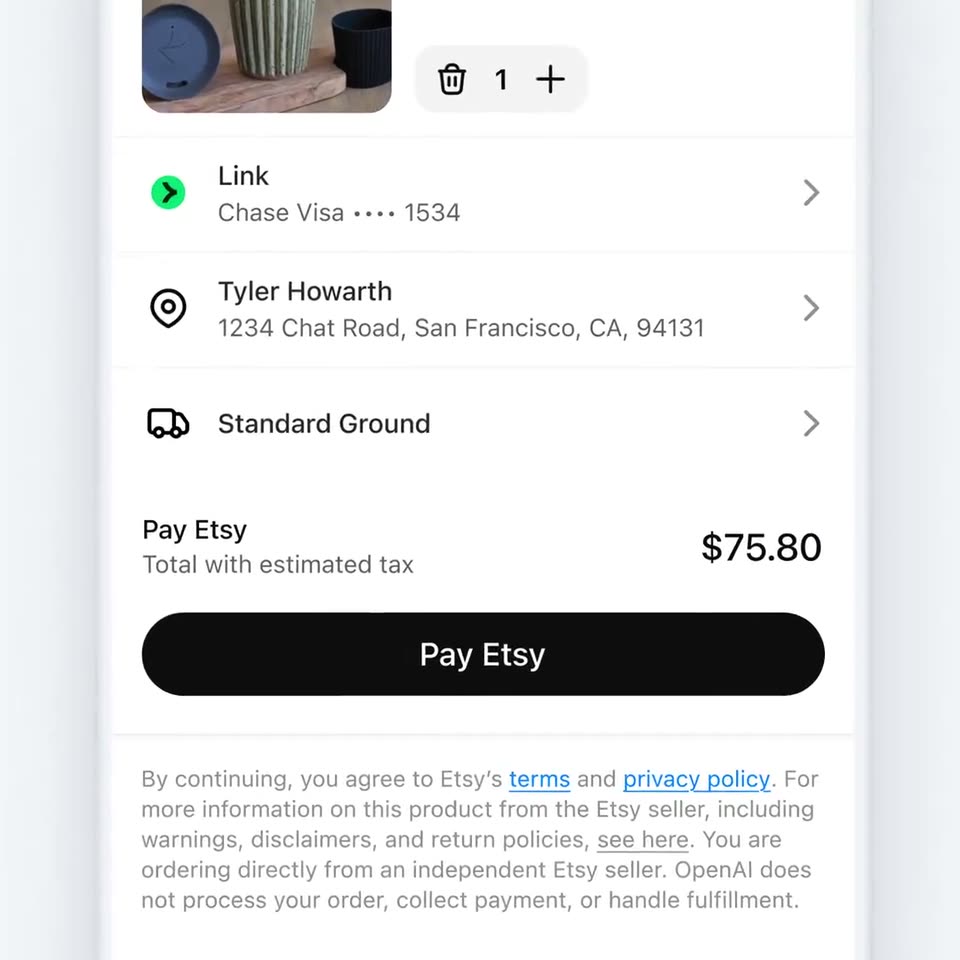 0:11–0:14Stripe · Stripe - We’re codeveloping an open standard for agentic commerce with @OpenAIA front-facing phone shows an Etsy checkout with a ceramic mug, payment, address and shipping rows. The view zooms into the list, then the black Pay Etsy button changes to Working on it with a spinning loader.
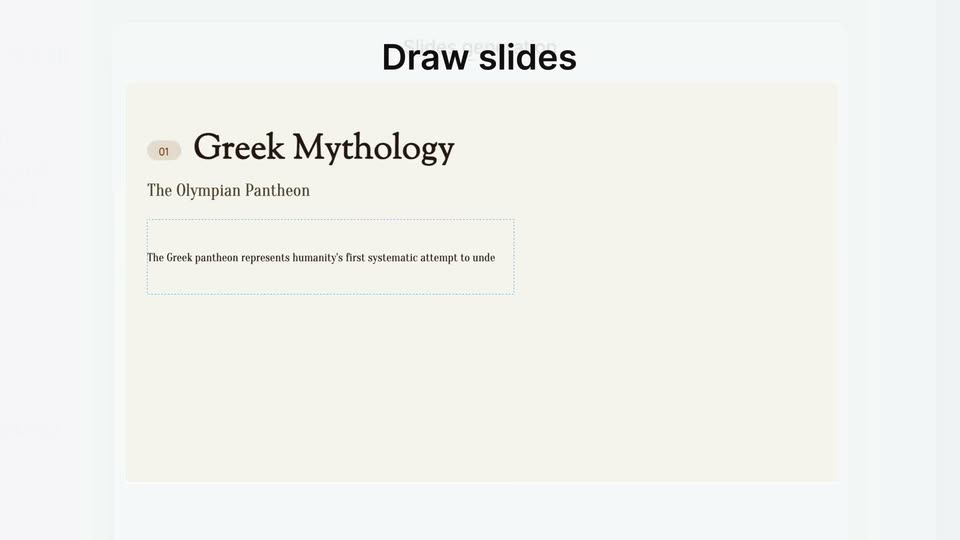 0:43–0:44Moonshot AI · Kimi.ai - Say hi to OK Computer, Kimi's agent mode 🤖🎸 Your AI product & engA slide-generation view crossfades from a mythologies title card to a Greek Mythology slide. The Draw slides heading fades in above as the body paragraph and three labeled columns type out beneath the title.
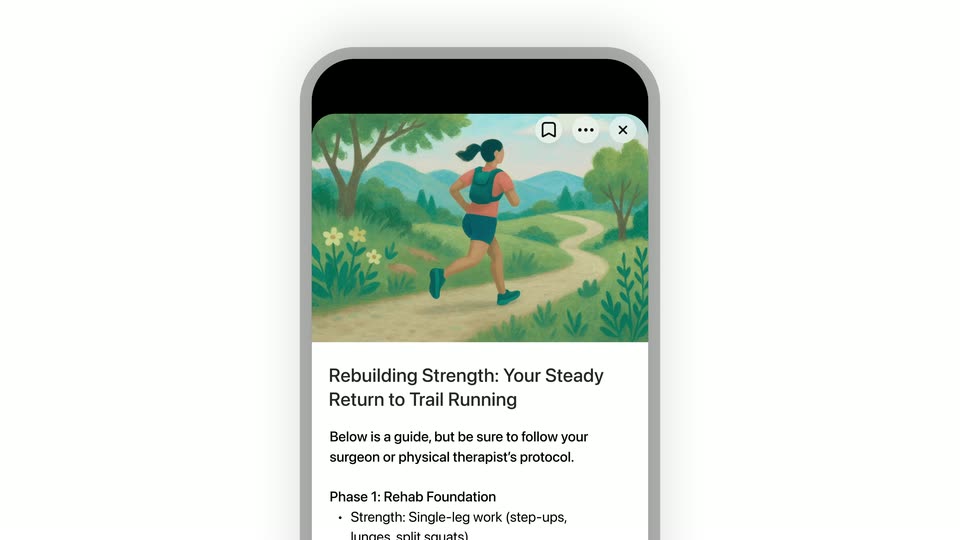 0:32–0:40OpenAI · Introducing ChatGPT PulseA bold headline “To help achieve your goals” sits over a close-up of a chat card, then the frame zooms out to reveal a phone holding the message and an illustrated trail-running card. The card expands into a full article, which scrolls and zooms into the phase-by-phase tips.
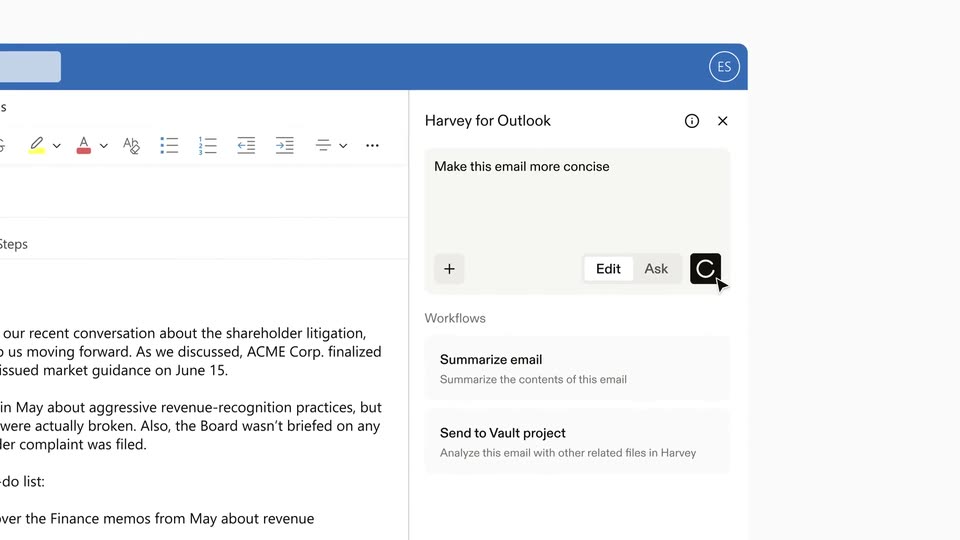 0:19–0:26Harvey · Outlook Add-InThe Outlook compose screen with a Harvey for Outlook panel on the right. The frame zooms into the panel as the phrase Make this email more concise types into the prompt box, then a cursor clicks the arrow button, a spinner loads, and the view pulls back to full width.
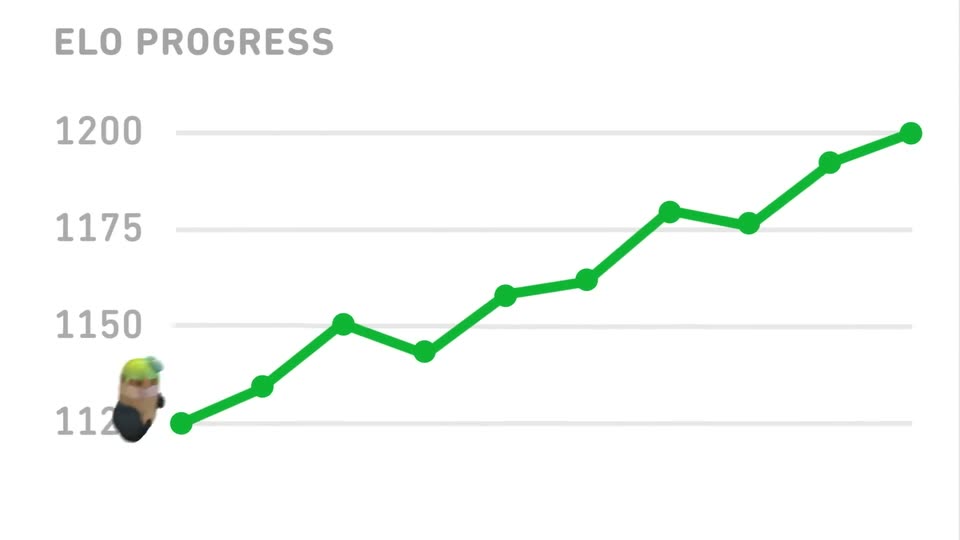 0:51–0:55Duolingo · Introducing...Duolingo Chess!A flat stats screen zooms into an ELO progress line chart as a small 3D figure holding a globe walks down the green line from right to left. The figure exits and the word STALEMATE pops in, blurred, at the bottom left.
 0:20–0:21Google · Introducing Gemini for Google TVA recommendation card for The Pitt, tagged Recommended by Gemini with a 95% match, fills the screen then reframes outward to reveal the TV in a wooden living room set. The card dissolves as the screen settles on a Pittsburgh skyline at sunset.
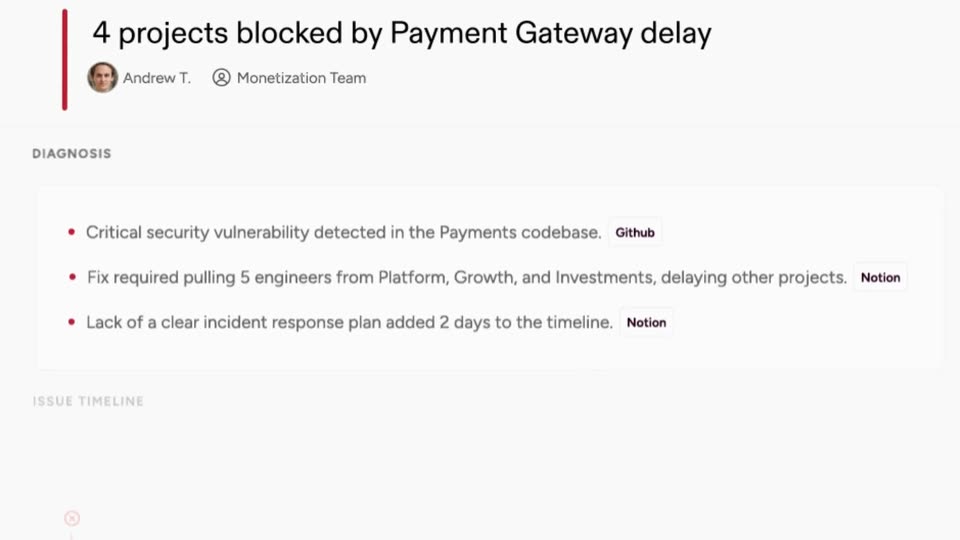 0:53–0:58Mesmer · Mesmer: The AI Operating System for Engineering • Vision VideoA tilted 3D dashboard on a maroon background, headed '4 projects blocked by Payment Gateway delay'. The view scrolls down through a diagnosis list and an issue timeline, then zooms out to reveal an Assistant chat panel on the right.
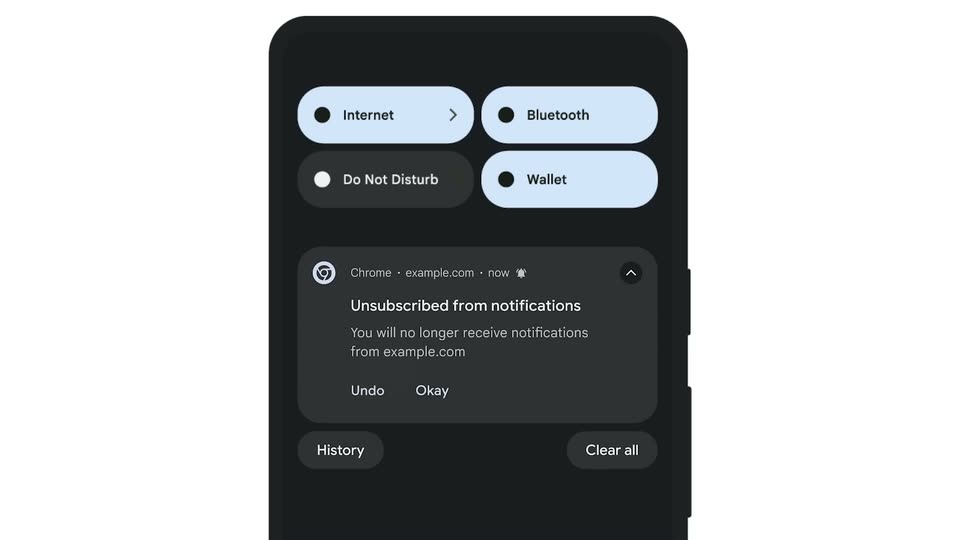 1:29–1:38Google · Behind the Browser: AI Edition HighlightsA flat black phone on white shows a quick-settings panel with a Chrome notification. The view zooms in as a gray cursor taps the card; its text switches from a scam alert to a malware warning, then to an unsubscribe confirmation before the card disappears.
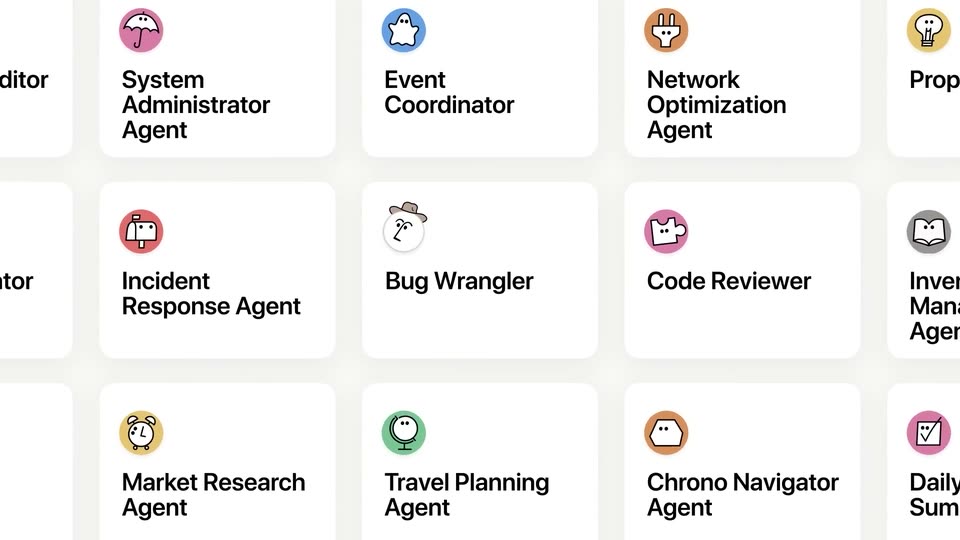 1:15–1:22Notion · Introducing Notion 3.0: AgentsA white card labeled Bug Wrangler, with a cowboy-hat face icon, sits centered on a light background. The view zooms out to reveal a wide grid of many agent cards, each with a colored icon and a name.
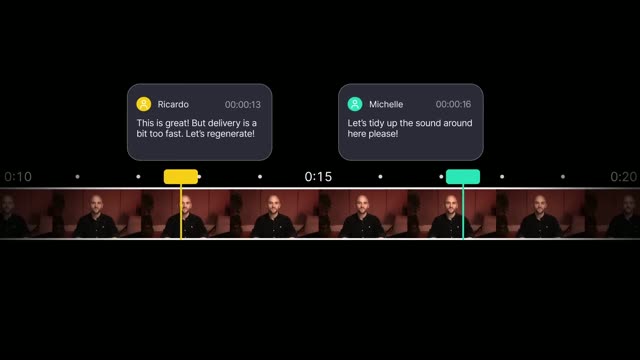 0:52–0:57ElevenLabs · Introducing Studio 3.0 — The Best AI Audio Models in One EditorA video timeline of repeated presenter frames sits on black, flanked by Share and Export pills. A teal selection box snaps on, two comment pins drop in and type out their notes, then expand into named comment cards as the timeline pans right to reveal more feedback.
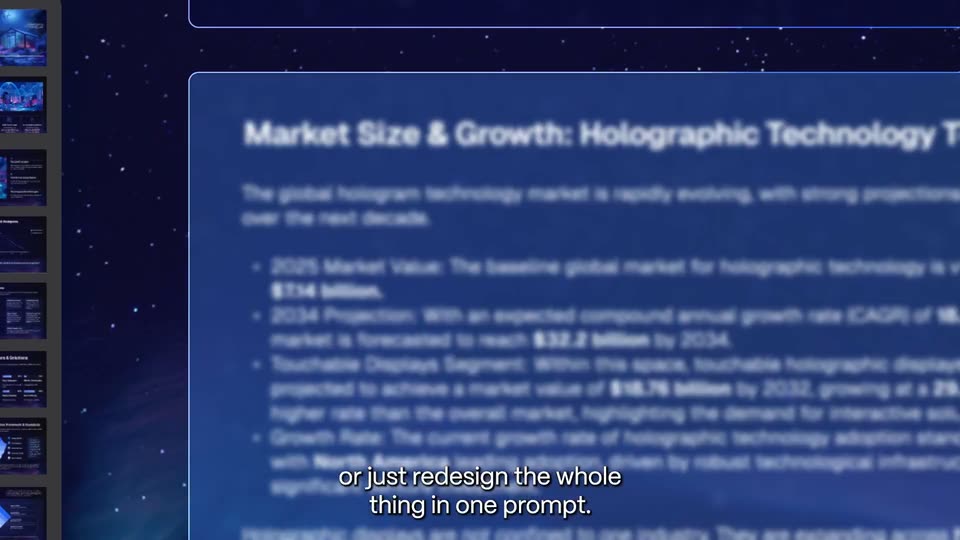 0:55–1:03Gamma · Gamma - Gamma 3.0 is here, so we put our CEO in a spaceship. And it got millA screen recording of the Gamma editor scrolls down a dark, space-themed deck. A cursor opens the Agent menu, picks a redesign option, and the bullet slide rebuilds into a chart with a 63% growth figure while a chat panel slides in.
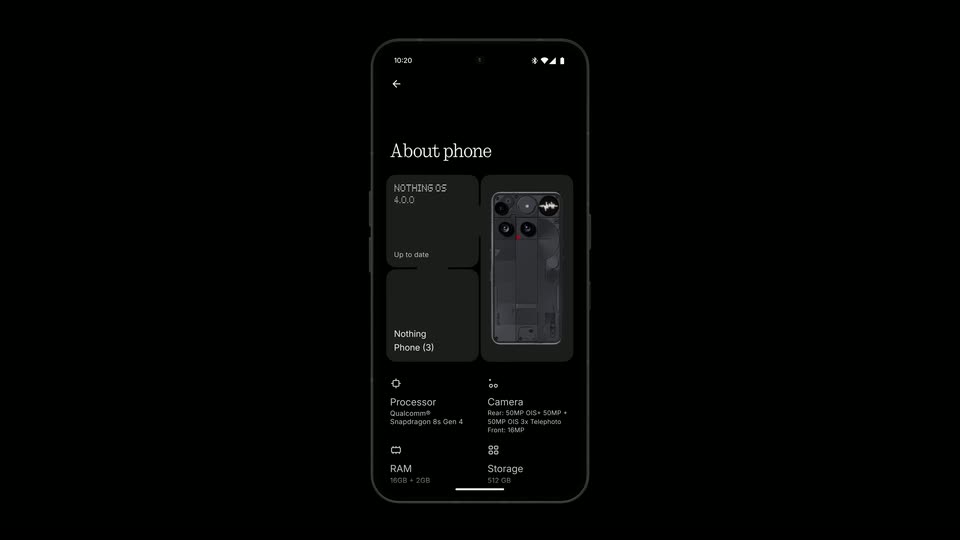 0:37–0:38Nothing · Introducing Nothing OS 4.0A phone mockup centered on black shows a dark settings screen. The Glyph Interface page with its oval light matrix scrolls upward, revealing the About phone page with OS version, device card, RAM and storage tiles, ending on the processor and camera rows.