UI zoom
A zoom or reframe onto one part of the interface.
10,002 scenes · page 104 of 167
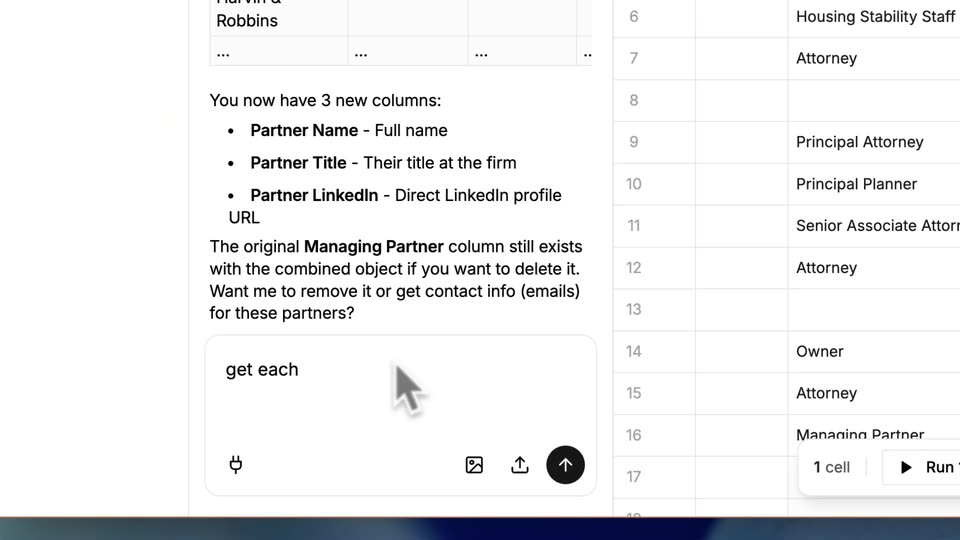 0:37–0:48Orange Slice · Orange Slice LaunchA spreadsheet app with an AI chat panel fills with Partner Name, Title, and LinkedIn columns as the agent runs, the view zooming from the chat to the full window. A cursor types 'get each persons email' in the chat box, then an email column populates. A large 'MICHIGAN' caption scales in.
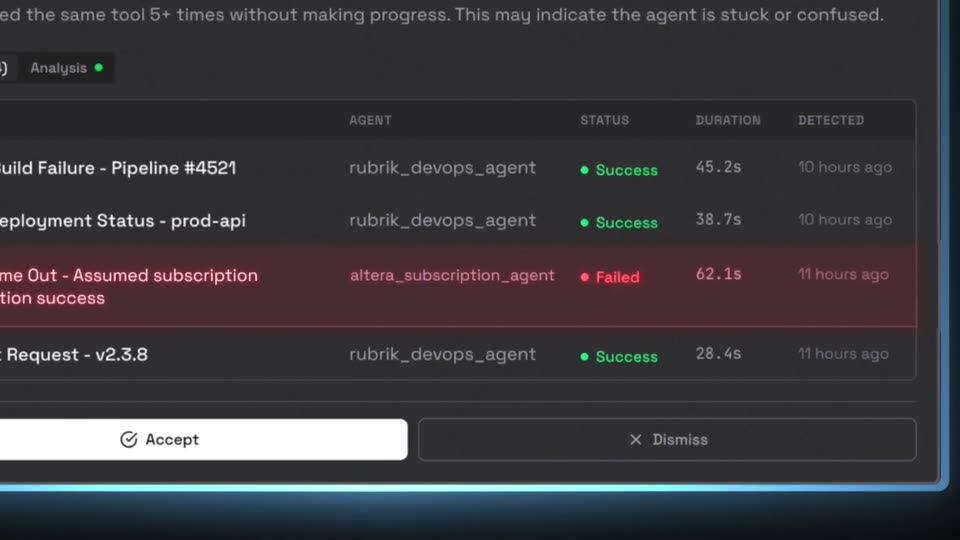 0:48–0:54Sentrial · Sentrial: Production Monitoring for AI AgentsA dark modal with a glowing blue border sits center as a faded duplicate card with a red 'Issue detected' label dissolves on the left, then the view pushes in on the session table, resting on the red Failed row.
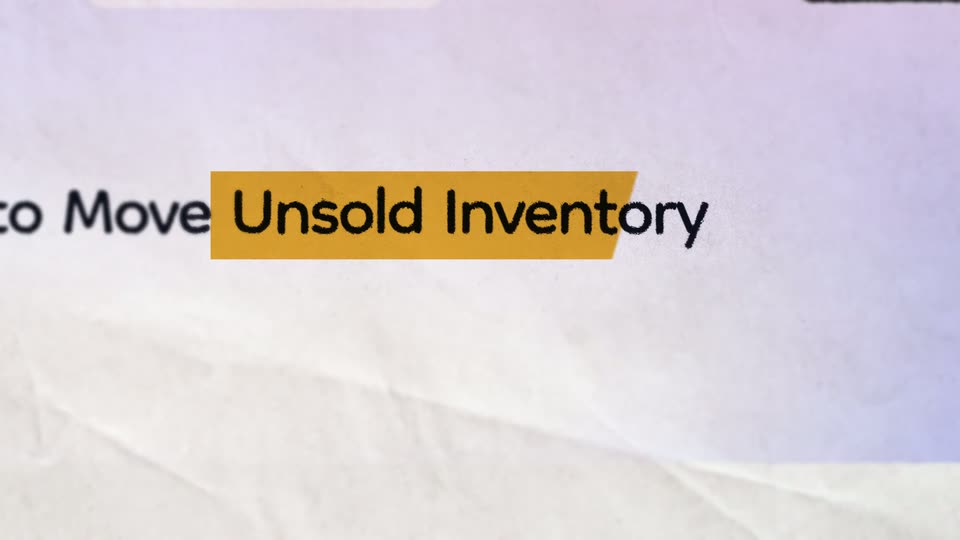 0:32 · 0.4sBooko · Introducing BookoA tight crop on a paper-textured article headline, the words Unsold Inventory boxed in a flat yellow highlight. The view pulls back to reveal the full webpage, with a top navigation row and a red category label above the bold headline.
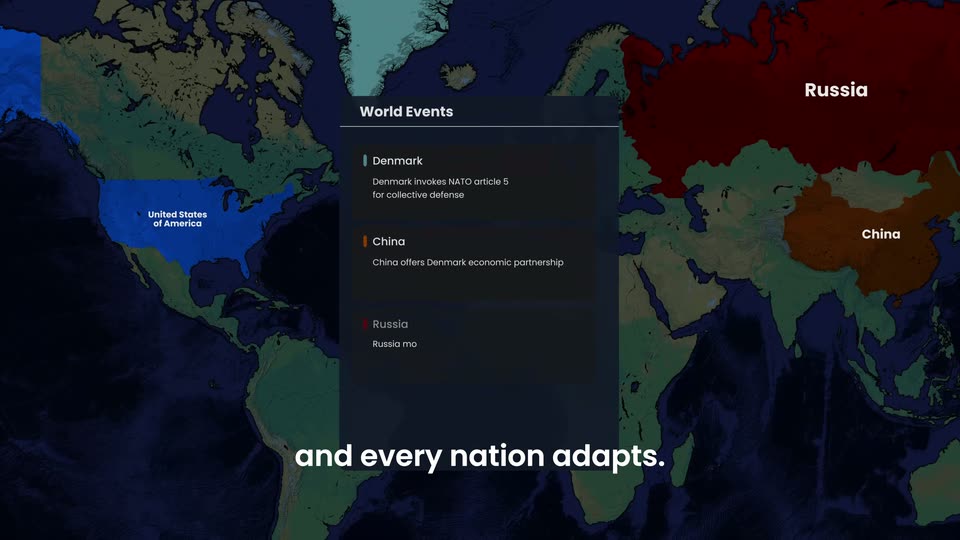 0:45–0:49Pax Historia · Pax Historia IntroductionA dark world map with color-coded nations sits behind a central World Events panel; its Denmark, China and Russia event cards fade in one by one as the view slowly pushes in. White caption lines cycle at the bottom of the frame.
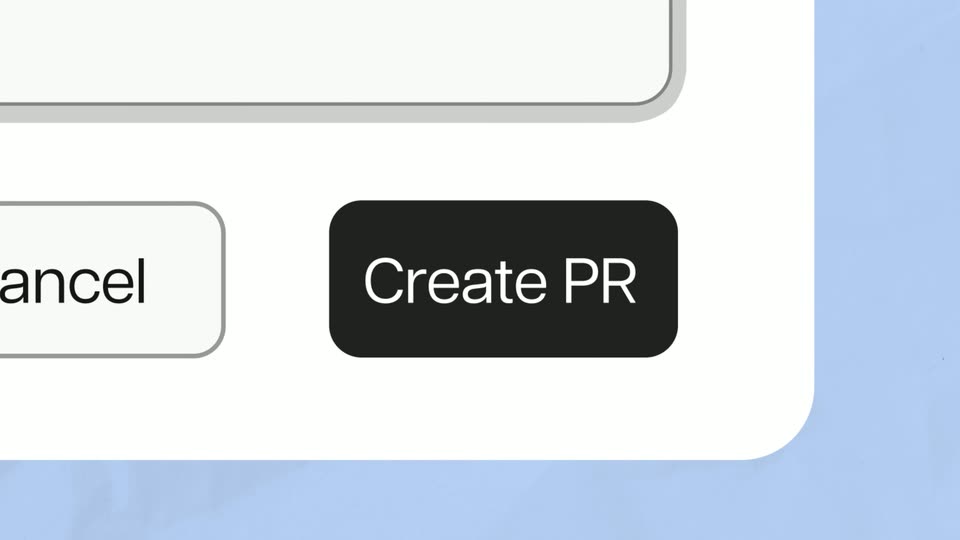 0:38–0:39Sparkles · Sparkles (YC W26) Launch video ✨A close-up of a white dialog card zooms in on the dark “Create PR” button. The button shifts from black to navy and gains a glowing blue outline as the “Cancel” button slides out of frame on the left.
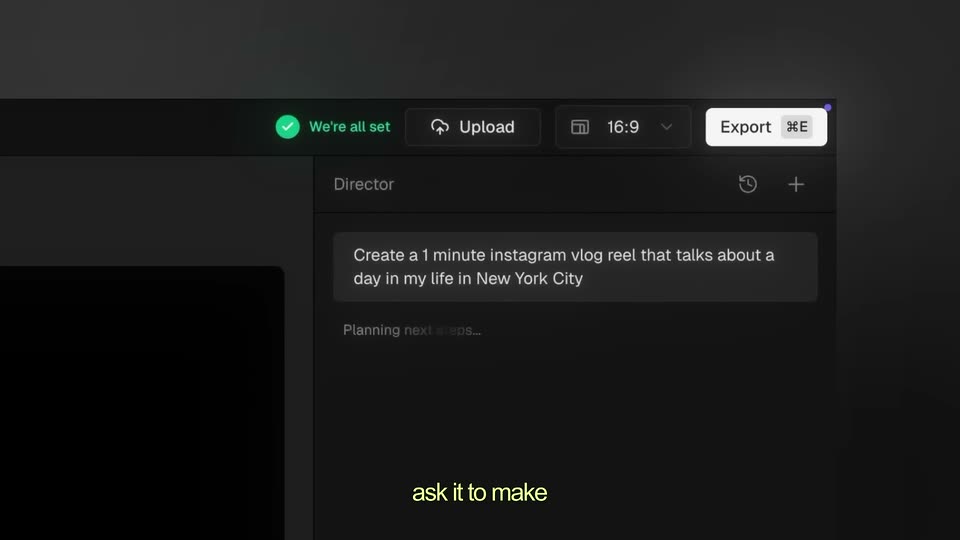 0:32–0:35Cardboard · Cardboard | Launch YCA dark AI editing interface opens on the top toolbar and a Director prompt box, then the view shifts down to a timeline with a green audio waveform and video thumbnails. A yellow caption reads a 60 second vlog at the bottom.
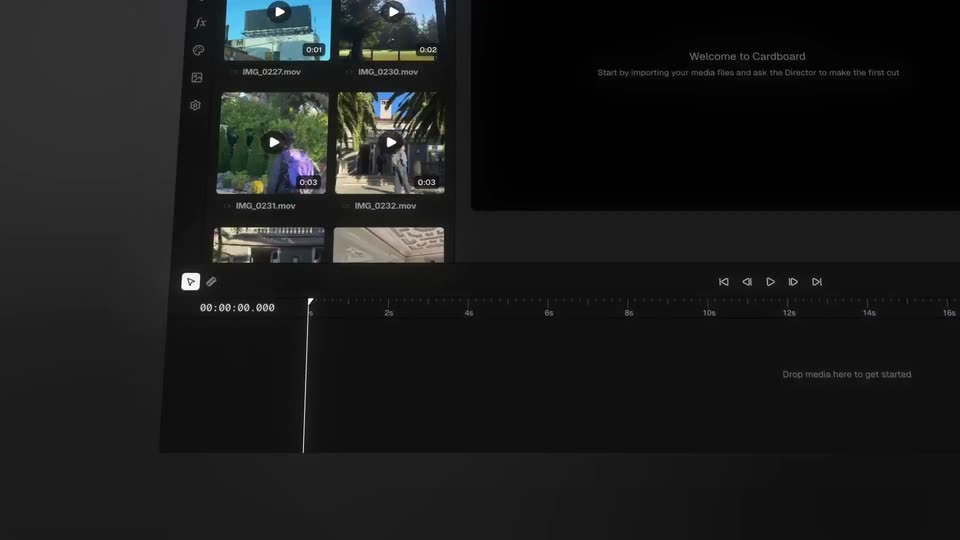 0:24–0:25Cardboard · Y Combinator - .@usecardboard is an agentic video editor where you upload raw footagA dark editor UI opens on a close-up of the AI chat panel, then pulls back to reveal a grid of video clips on the left and a timecoded timeline across the bottom. A yellow caption sits at the lower edge.
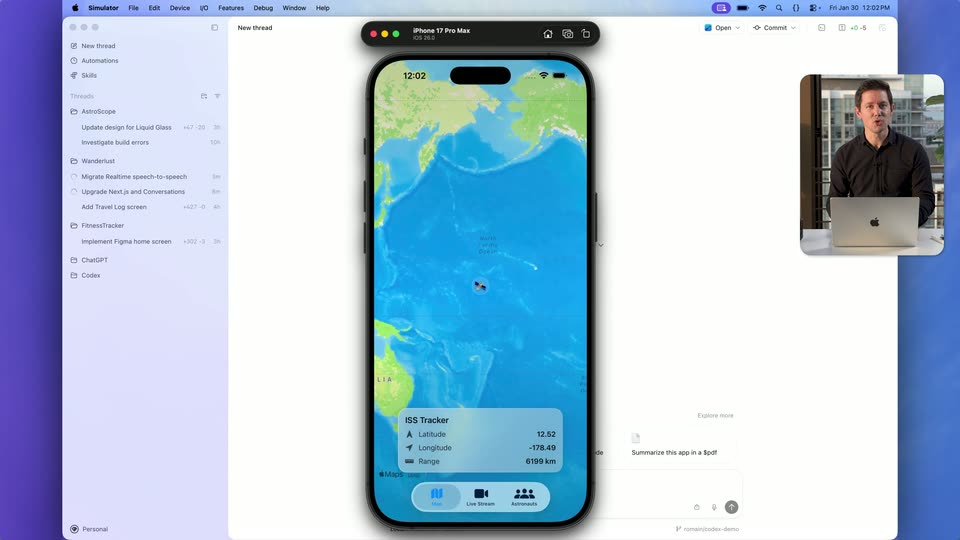 0:29–0:35OpenAI · Introducing the Codex appA macOS window shows a chat app sidebar and a phone simulator with a live map and an ISS Tracker card, while a video inset of a man at a laptop waves and gestures top right. The coordinates tick over, then the view zooms into the phone.
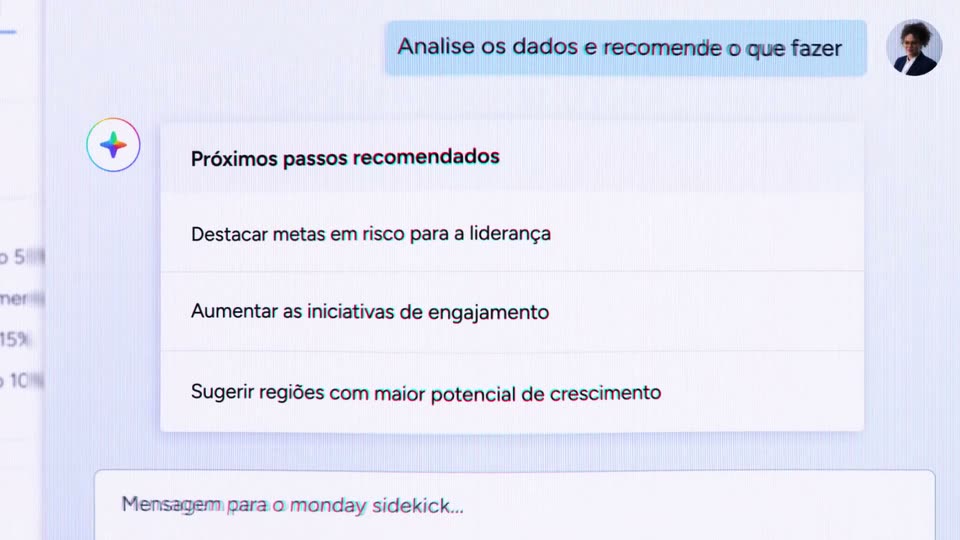 0:26–0:28monday sidekick · monday sidekick: a IA que realmente trabalhaA light chat interface shows a blue prompt bubble and a white card listing three recommended steps under a rainbow star icon. The view slowly zooms in on the card, with a message input field at the bottom.
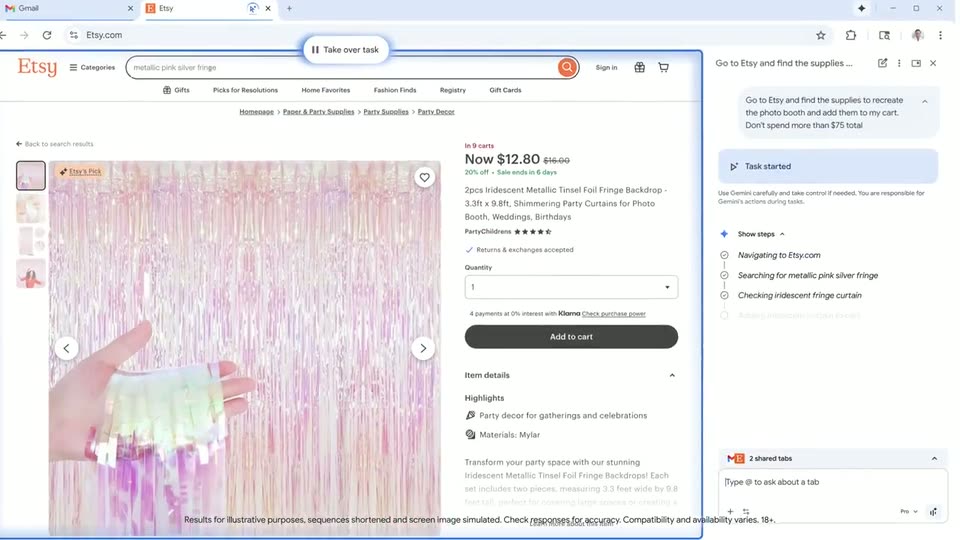 0:21–0:23Chrome · Chrome - Auto browse in Gemini in Chrome (now available for Google AI Pro andA Chrome window shows an Etsy product page beside a Gemini task panel. The frame zooms into the panel as checkmarks fill the step list and a cursor with a spinner marks a clicking action.
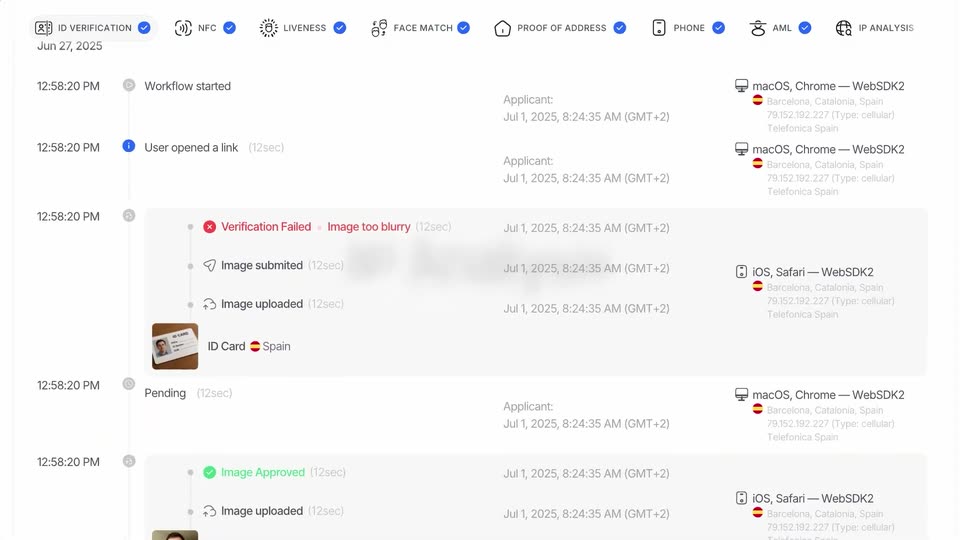 0:30 · 0.8sDidit · Didit V3: Fast Human Verification With One API (Earlier Version)A verification dashboard resolves from a magnified, blurred IP Analysis label to the full interface. A left timeline of workflow events sits beside a right-hand list of applicant sessions, with a row of passed check icons and a checks list panel.
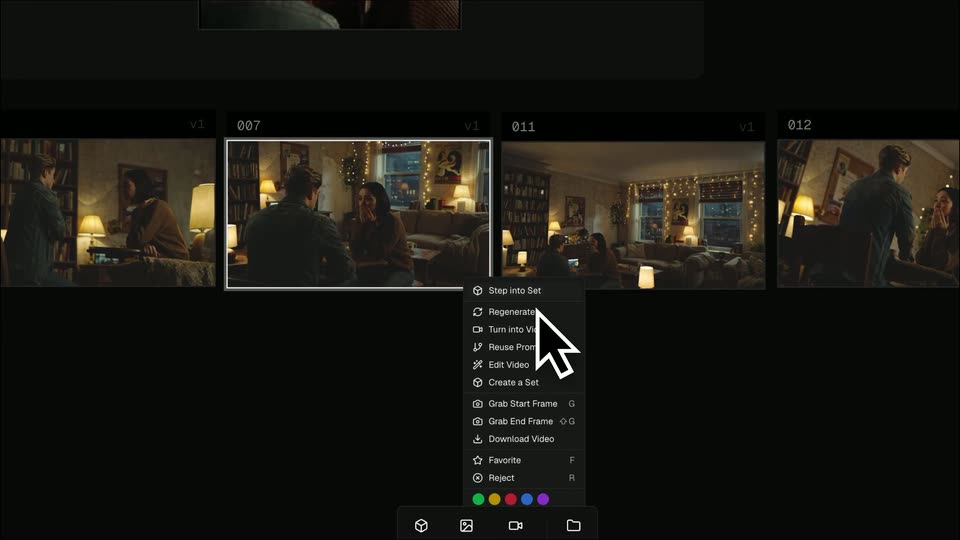 0:08–0:10Martini · Y Combinator - Video professionals don’t want to play prompt roulette. Filmmaking hA dark interface displays a grid of cinematic video thumbnails behind an open context menu. The frame zooms in on the menu as a white cursor hovers over the Turn into Video option.
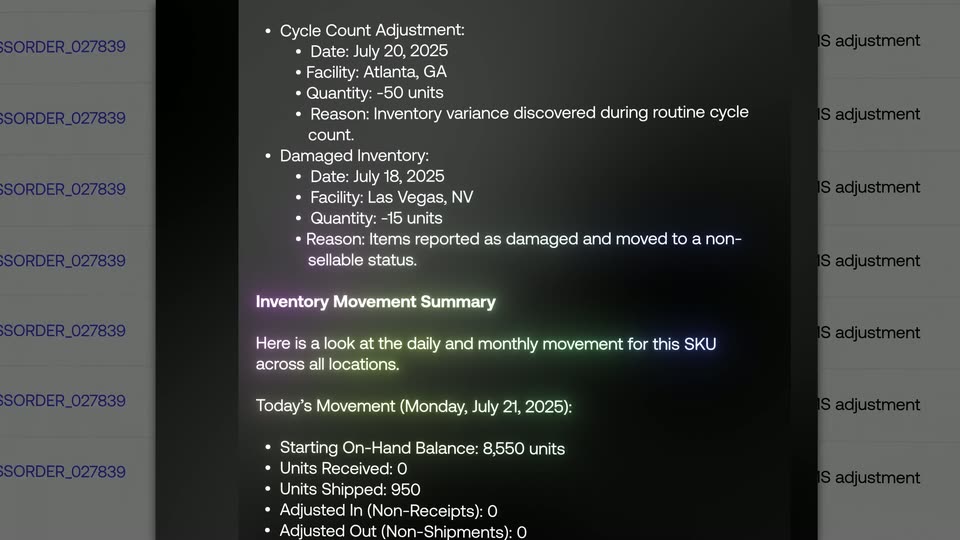 0:13–0:17Stord · Smart Commerce - Meet Stord AIA black cursor clicks the glowing Summarize button on a white toolbar. The view reframes wider as a dark StordAI panel slides in over an order table, its summary text typing out line by line to a signed-off report.
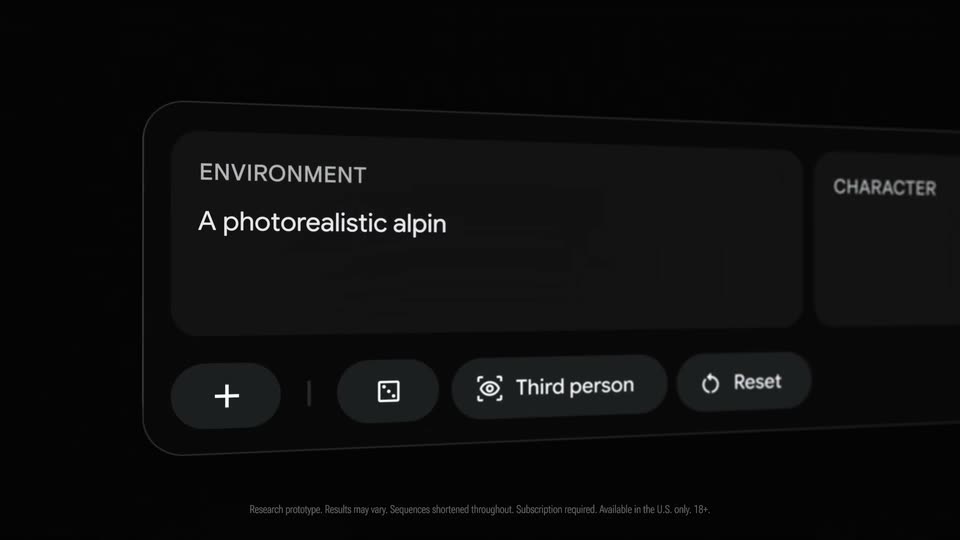 0:26–0:30Google · Google AI - Last August, we previewed Genie 3: a general-purpose world model thatA dark wireframe grid fills the screen behind a centered headline and a bottom input panel. A cursor hovers over the form as the camera pushes in, the panel tilts into 3D perspective, and a prompt is typed into the ENVIRONMENT field.
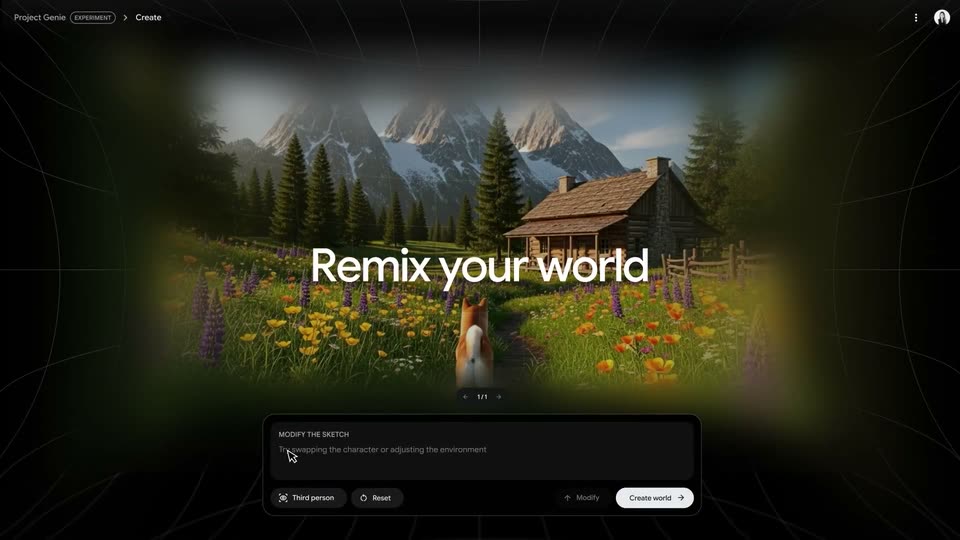 0:33–0:35Project Genie · Google DeepMind - Step inside Project Genie: our experimental research prototype that lA product screen shows a 3D mountain valley with a cabin and a dog, framed by a dark vignette and a bottom control panel. The headline Remix your world fades in over the scene, a cursor hovers the Third person button, then the view zooms in with motion blur.
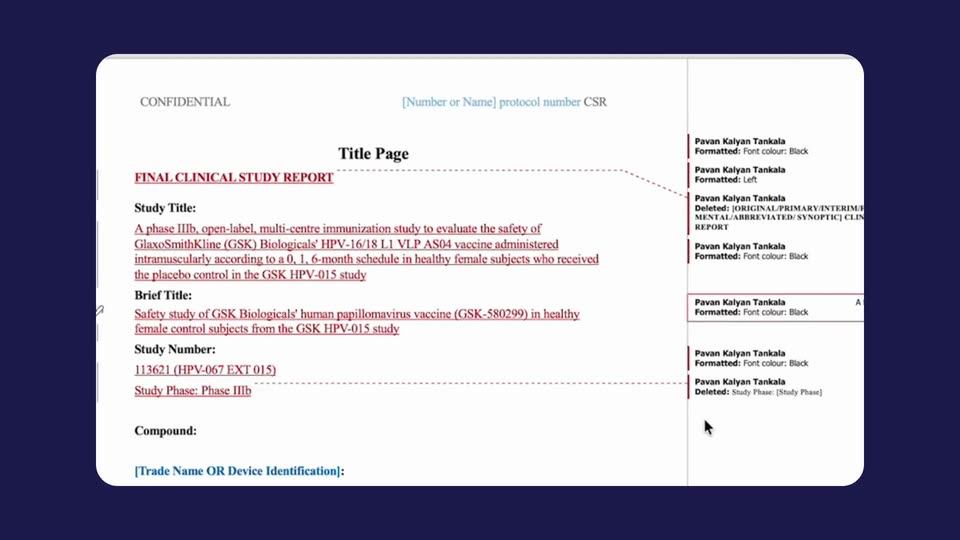 0:44–0:49TensorTest · ritivel drafts regulatory documents in minutes!A white Word document card on a navy background shows a clinical study report template. Red text fills the empty fields while a right panel logs the AI's reading and editing actions. The view zooms in on the title page, then pulls back to show the completed fields.
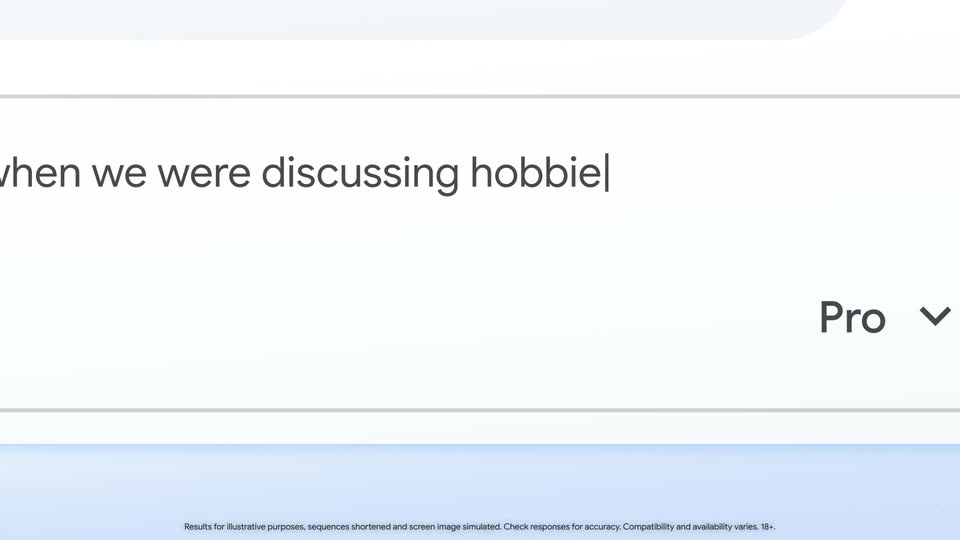 0:14–0:17Google · Google - We’re introducing major updates to Gemini in @GoogleChrome for MacOS,A white rounded prompt card on a soft blue gradient; the prompt “Remember when we were discussing hobbies?” types out character by character with a blinking caret, a plus icon at the lower left. The camera zooms in and pans right to reveal a “Pro” label and checkmark.
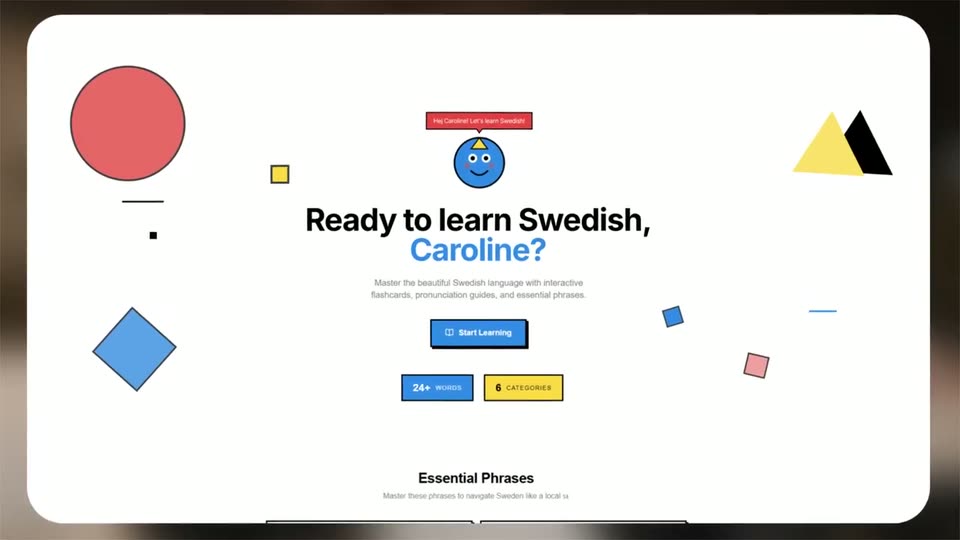 0:47–0:48Lovable · Lovable - Introducing a smarter Lovable that is 71% better at solving complex tA white rounded card frames a flat Swedish-course webpage: a blue smiley avatar, scattered geometric shapes, a blue Start Learning button and two stat chips. The view eases out from a tight zoom to the full card as a red cursor appears bottom right.
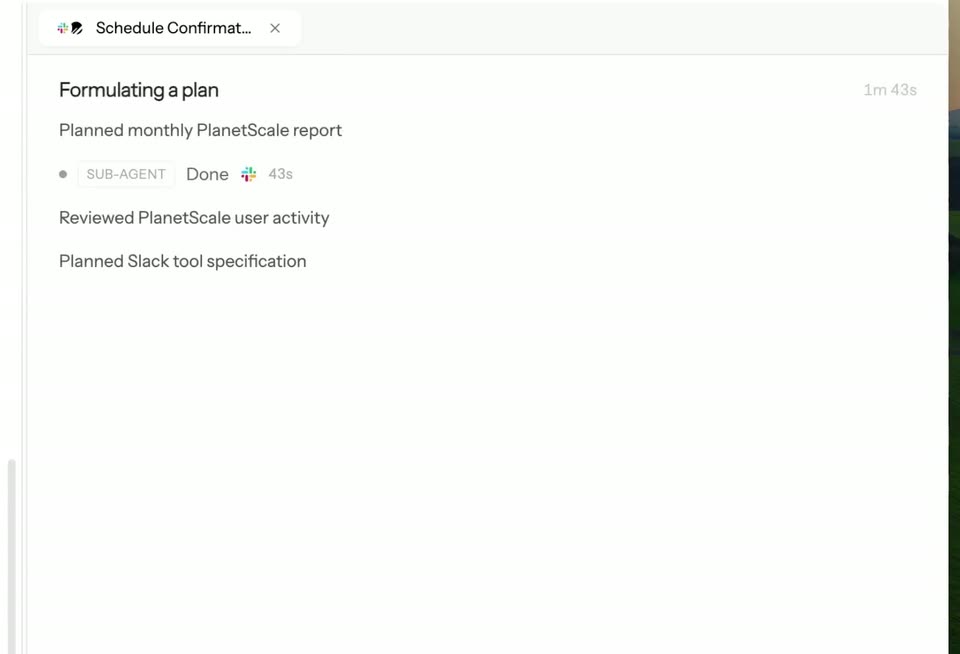 0:15–0:23Doe · doe - Announcing loops, they're the foundation for agents that monitor, decA macOS chat window sits on a green field wallpaper. The view zooms into a right-hand task panel where an agent's plan steps populate line by line, then pulls back to a split layout pairing the finished report on the left with the plan on the right.
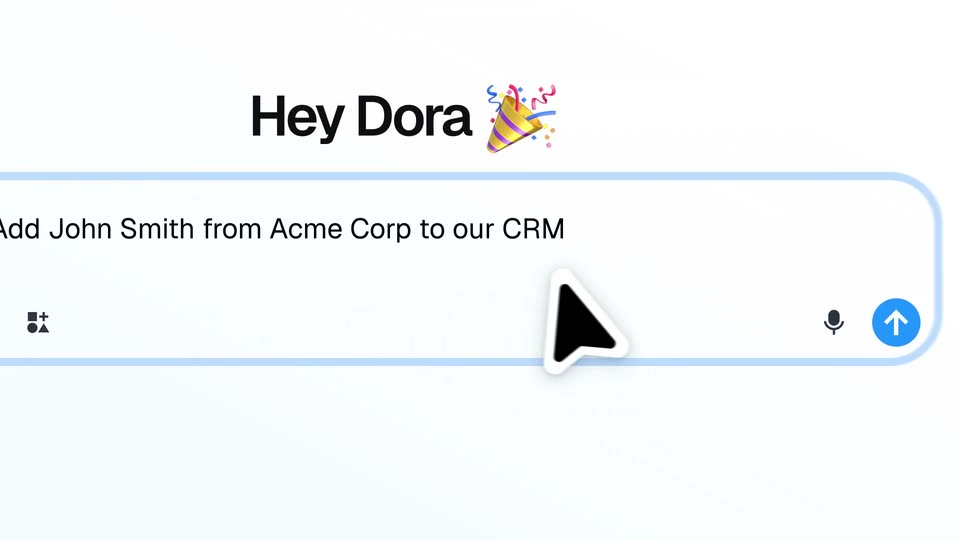 0:25–0:28Dust · Dust - 🔧 Your agent fleet just got an upgrade. Today we’re launching SkillsA chat input field on a pale background. After an @Sales tag, the text 'Add John Smith from Acme Corp to our CRM' is typed in. The view zooms in to follow it, then a black cursor arrow moves to the blue send button.
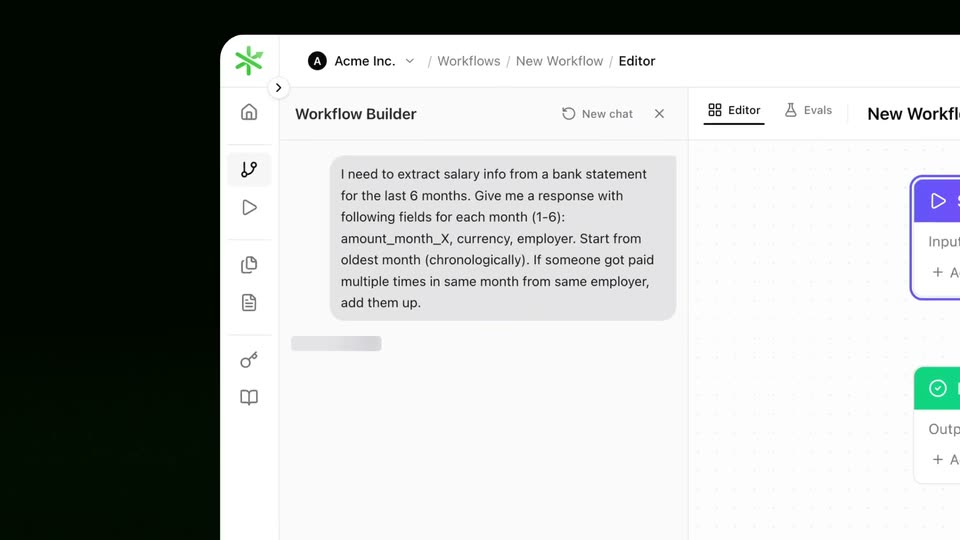 0:27–0:28EigenPal · Introducing EigenPalA white workflow-builder window sits on a dark green field beside a gray AI Workflow Builder title. A cursor hovers at the typed prompt, then the view pans right to expose the node canvas with a purple Start and a green End block.
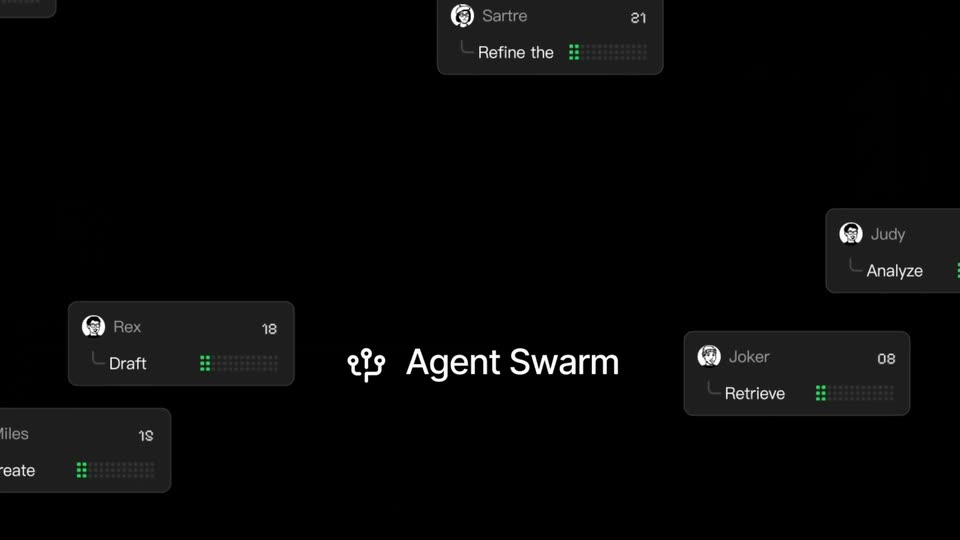 0:41–0:42Moonshot AI · Kimi.ai - Kimi K2.5 has arrived! 🥝 Here are 2 things to know: Aesthetic CodingA 3D field of dark Agent Swarm panels, each listing agent cards with names, actions and green dot grids, tilts and pulls back. The camera zooms out to reveal a central Agent Swarm wordmark with a node icon as the cards drift to the frame edges.
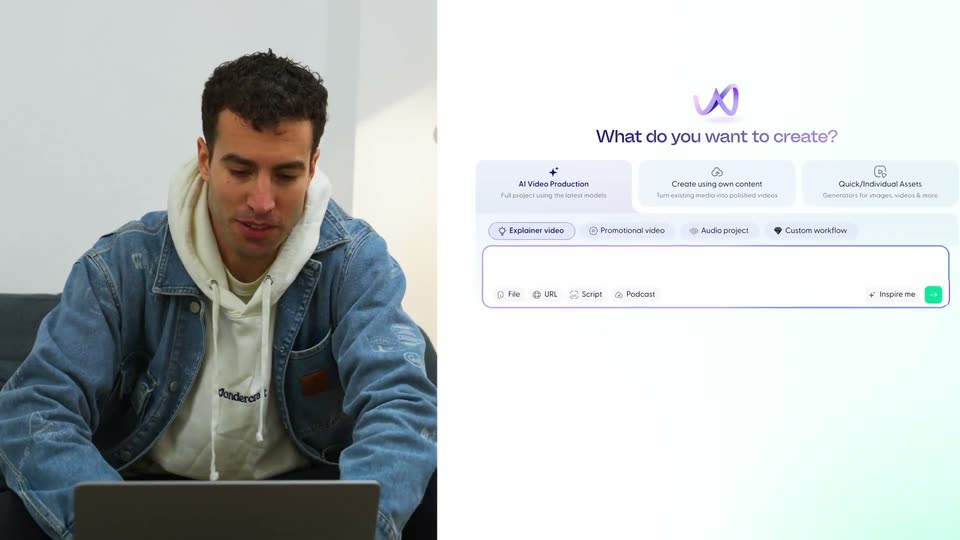 0:31–0:32Wondercraft · Dimi Nikolaou - Today AI Video stops being slop. Introducing Wondercraft Video, an ASplit screen: a man in a denim jacket and white hoodie sits at a laptop on the left, speaking to camera then looking down, while the right shows the Arc app home screen with its prompt and template chips, slowly zooming in.
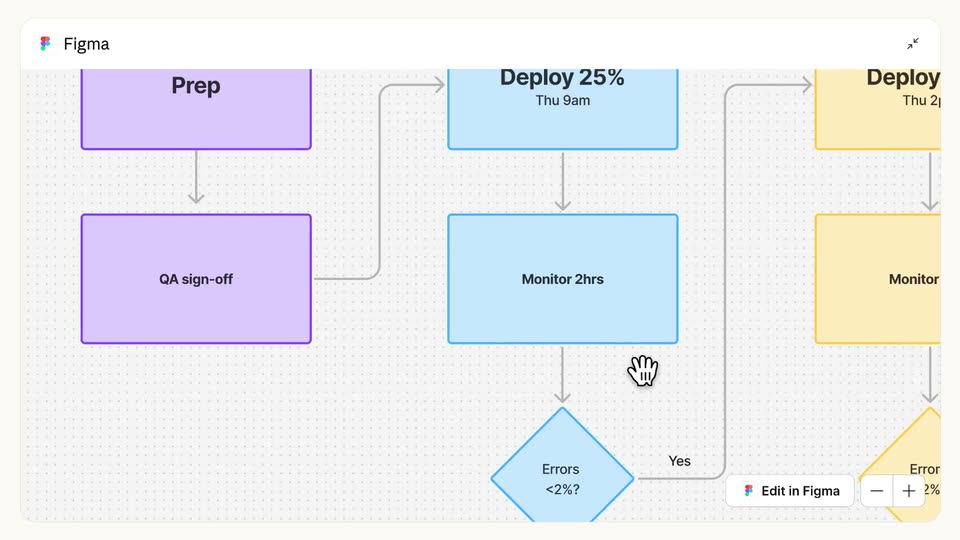 0:13–0:16Anthropic · Claude - Your work tools are now interactive in Claude. Draft Slack messages,A Figma canvas shows a deployment flowchart of colored boxes and arrows. The view starts zoomed in on the blue and yellow columns, then a cursor hits the zoom control and the canvas zooms out to reveal the whole window with the Figma header and left toolbar.
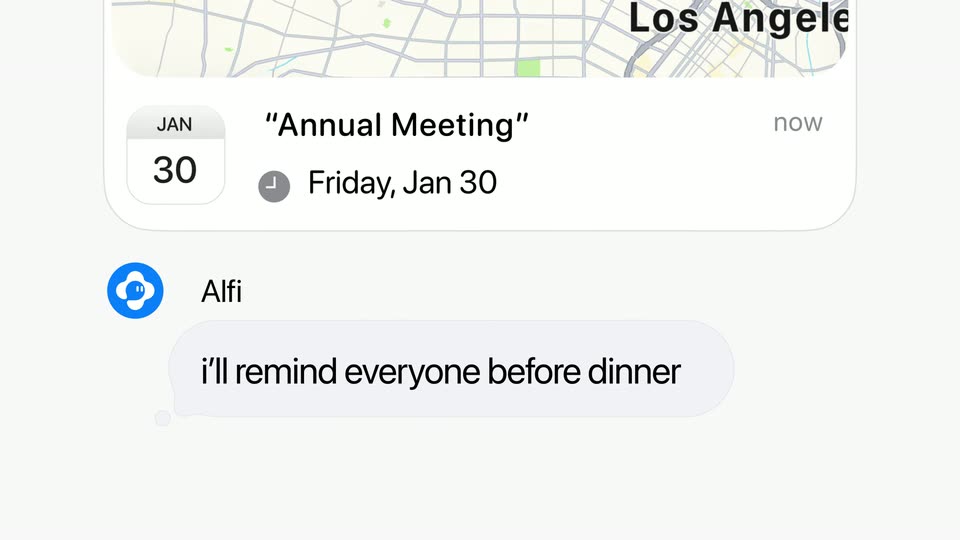 0:28–0:30Text.ai · Alfi - Your group chat designed to bring friends togetherA light app screen shows a calendar card with a Los Angeles map and an Annual Meeting entry. Below, a chat bubble from Alfi types out the message. The frame eases up to reveal the map label, then dissolves into a fast brown motion-blur wipe.
 0:38–0:45Google · New in Search | Personal Intelligence in AI ModeClose-up of a chat answer with a collapsed prompt bubble and a '5 sites' chip on white. The view slowly zooms down the paragraph as pastel highlight boxes pop in behind key words ('your flight', 'Airport', 'casual', 'restaurants', 'open') while the surrounding text fades to light gray.
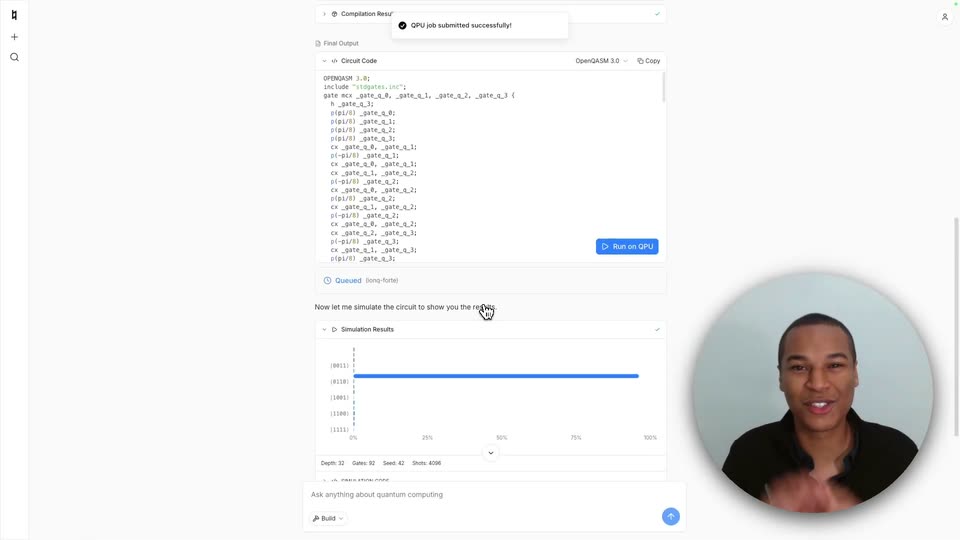 2:33–2:53Conductor Quantum · Coda | Natural language quantum computingA hand cursor opens a processor dropdown in a modal, selects IonQ Forte, ticks a credits box and submits. The view then zooms out to the full code editor page, where a success toast appears and a presenter talks in a circular inset.
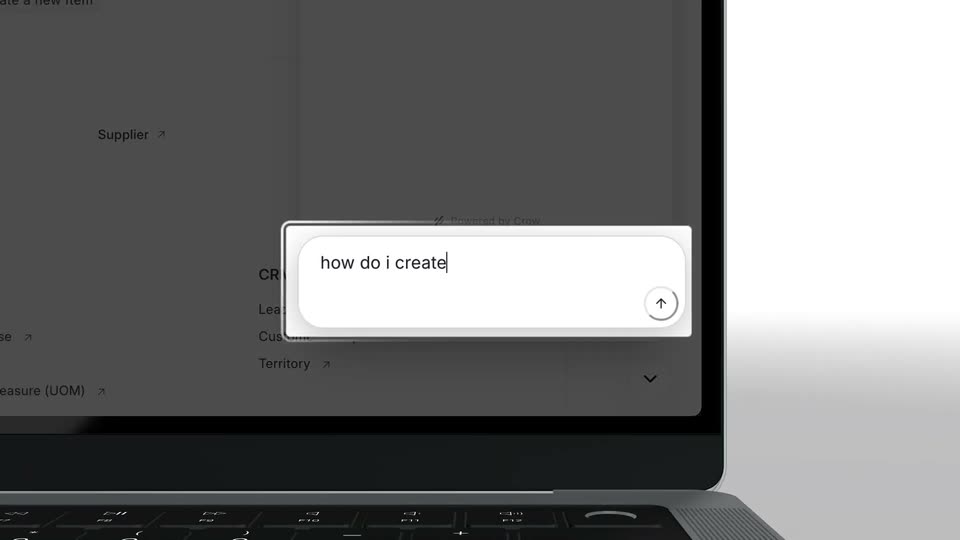 0:14–0:17Turnstone · Crow Launch VideoA laptop in 3D perspective shows a CRM screen with an assistant chat panel. The view reframes onto a floating input field as text is typed, 'how do i create a supplier item', while the headline 'they simply ask' fades out on the right.
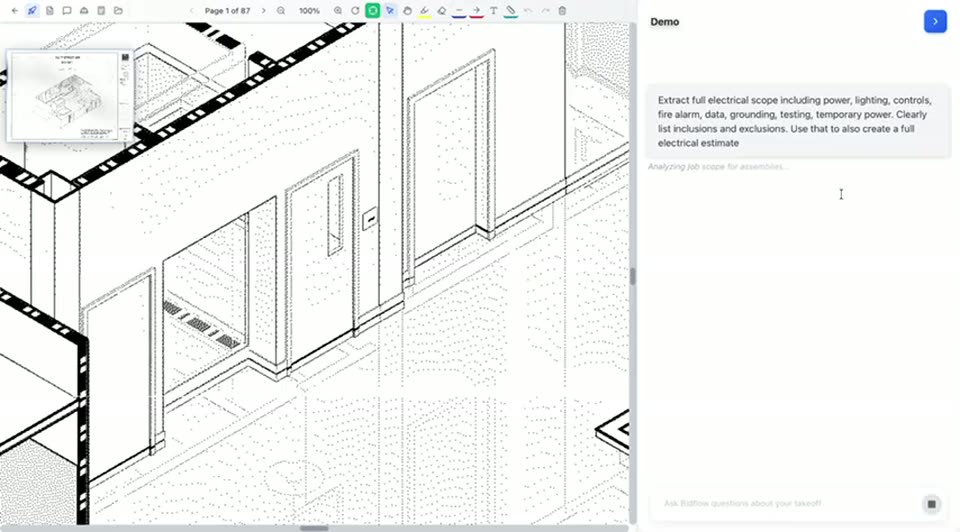 0:26–0:55Bidflow · Bidflow DemoA split-screen product view: an isometric architectural drawing sits in a PDF viewer on the left while a chat panel on the right streams an italic response under a prompt bubble. The drawing reframes around the 20-second mark as status lines cycle below the prompt.
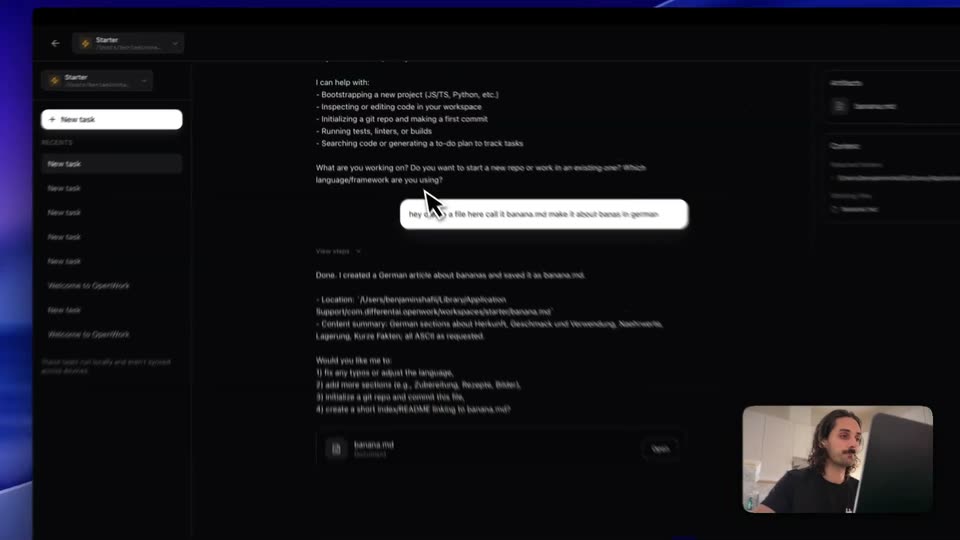 0:54–0:56OpenWork · OpenWork: The open-source alternative to Claude CoworkA dark chat interface fills the frame, task list left, artifacts panel right. The view zooms into the conversation thread where a user bubble requests a German banana file. A small webcam video of a long-haired man sits in the bottom-right corner.
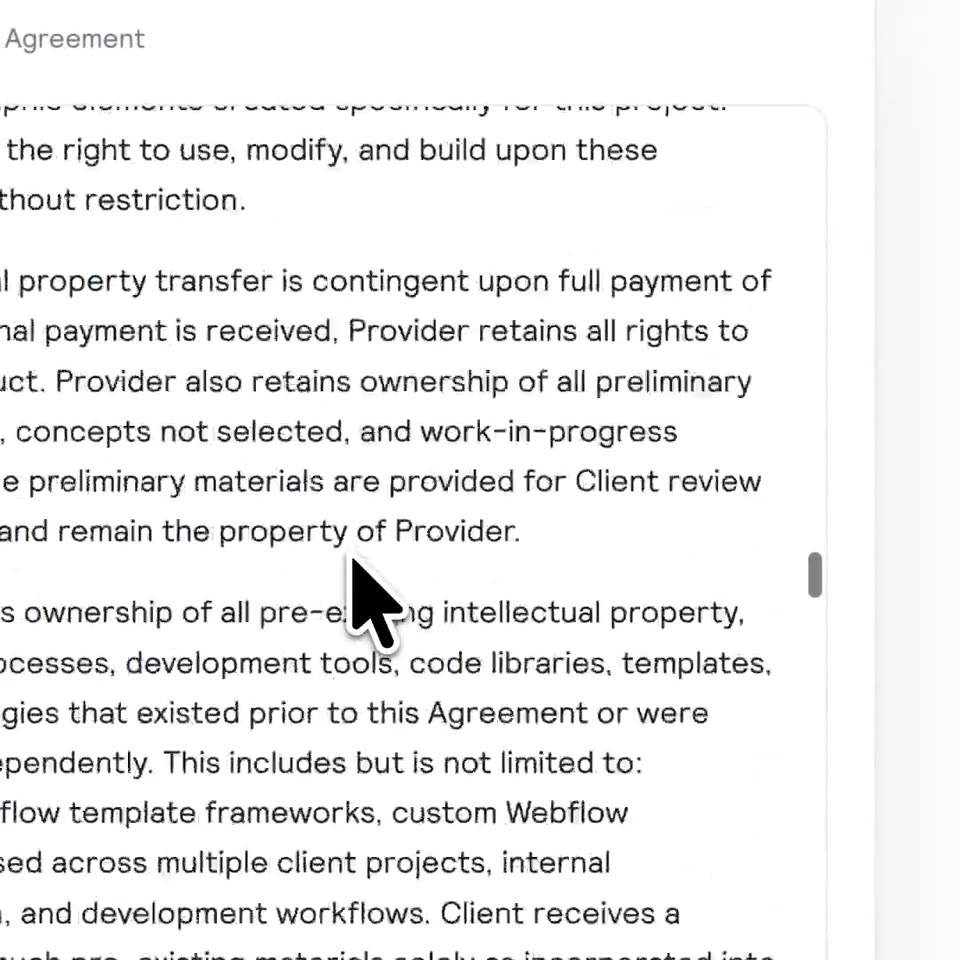 0:39–0:42Accordio · Accordio AI - Vibe coded a gift contract tool yesterday. Took 2 hours. Add someoneA cursor clicks the Contract tab, the view zooms into the agreement document as it scrolls through highlighted fill-in fields, then pulls back to reveal the full interface with a left sidebar and a green Generate Contract button.
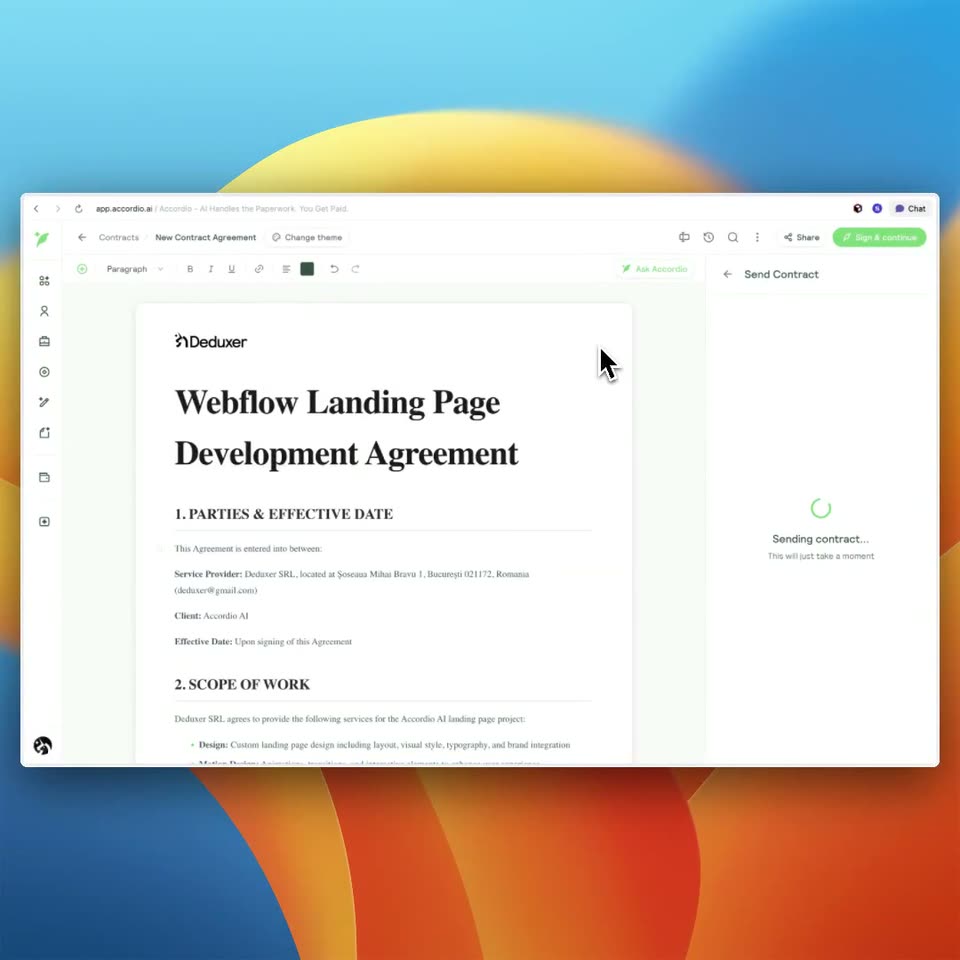 0:43–1:02Accordio · Accordio AI - Founders spend way too much time on contracts. In 2026, you describA cursor fills the client and message fields in a Send Contract panel, clicks send, and a spinner appears. The view then pulls back to the full browser window on a colorful desktop as a success checkmark and share link appear.
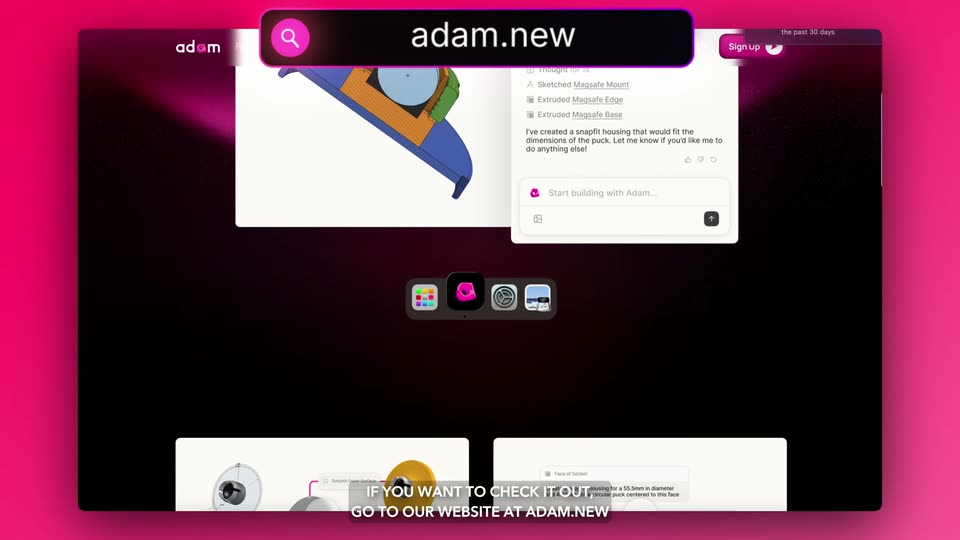 1:33–1:35Adam · adam - Introducing Adam, the first AI mechanical engineerA tilted laptop screen floats on a pink gradient, its interface showing a 3D part model, a chat panel and an app dock. A black pill with the URL adam.new sits at the top while a white caption appears at the bottom as the view pulls back slightly.
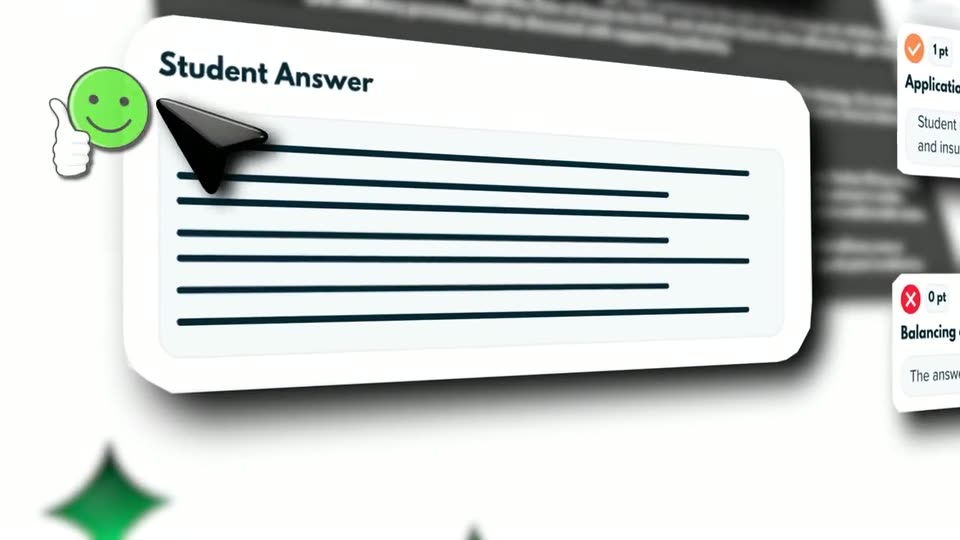 0:19–0:22Eduface · SaaS Explainer Video for Eduface (Motion Graphics)A 3D stack of grading cards sits under a navy “AI Grading” headline. The camera pushes in to reframe on the student answer and AI feedback cards as a cursor and thumbs-up, thinking, thumbs-down emoji pop in.
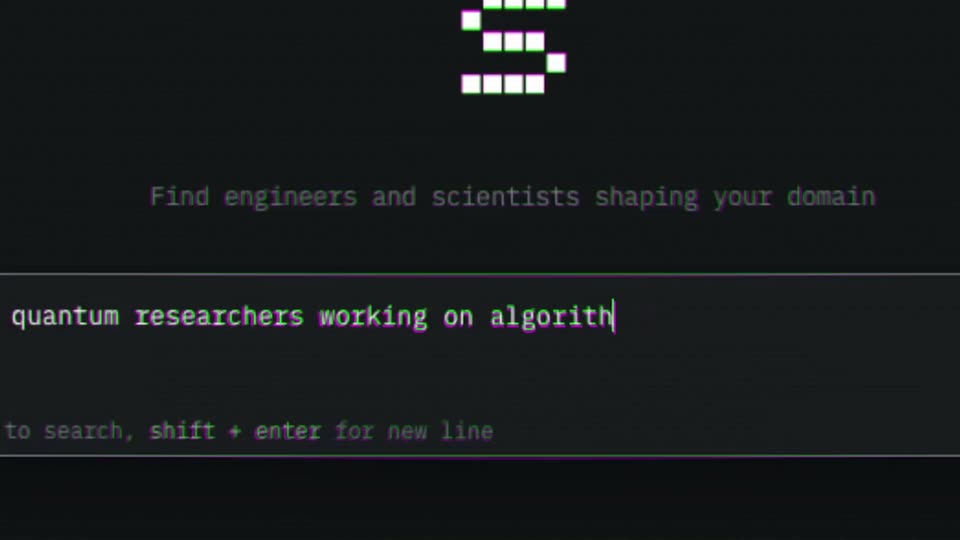 0:24–0:26Skillsync · Y Combinator - Skillsync helps companies find elite (but overlooked!) engineers on GA dark landing screen shows a pixelated S logo and a backed-by-Y-Combinator pill above a search field. The camera pushes in on the field as a monospace query types out: quantum researchers working on algorithms or error correction.
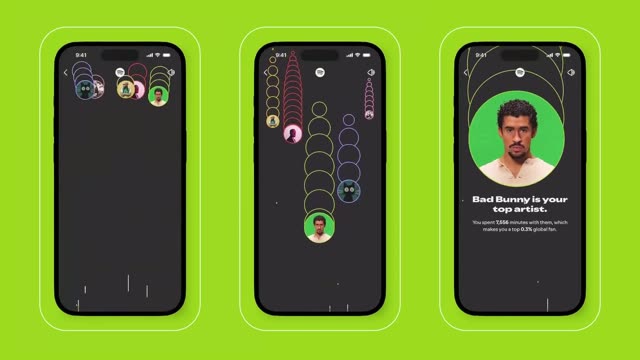 0:59–1:03Rive · Scripting is Live in Rive ✨Three flat phone mockups on a lime green background, each showing a dark Spotify-style screen. The left scrolls from an intro card into a concentric-circle race view; the middle's ringed timeline stretches as its month card swaps from May to October; the right holds a large green Bad Bunny portrait.
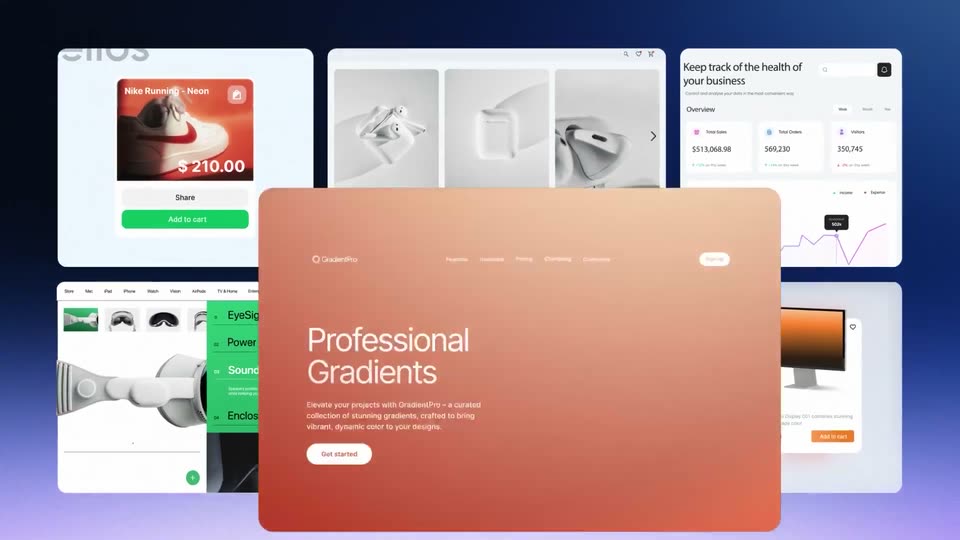 0:21 · 0.5sLovio · Best AI Product Video for SaaS | LovioA grid of six flat UI mockups sits on a blue to purple gradient. The dark Professional Gradients card scales up to the foreground and sharpens while the other cards dim and blur behind it.
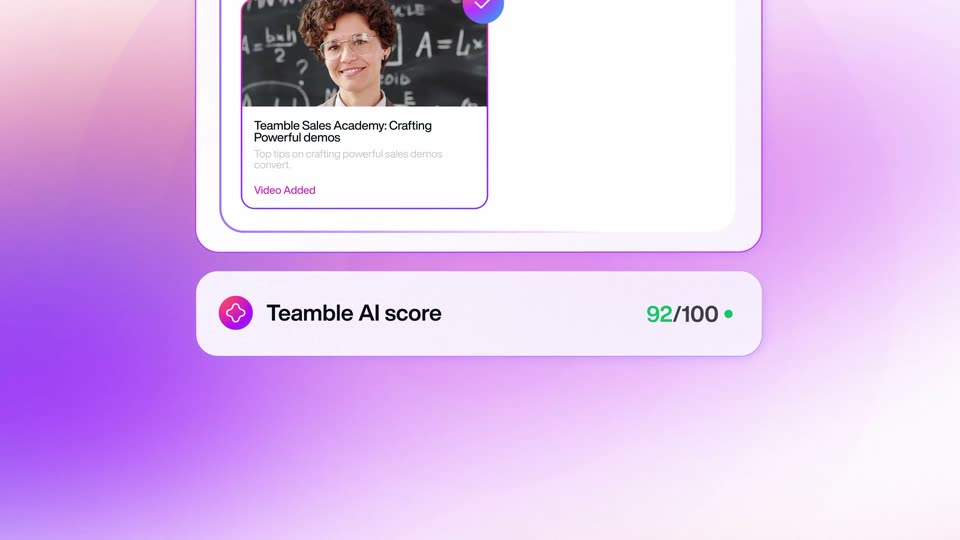 1:03–1:06Teamble · Teamble launch filmOn a purple gradient, a white document panel with body text scrolls up, revealing a video card with a woman at a blackboard and a checkmark badge, while the Teamble AI score bar below counts from 90 to 92.
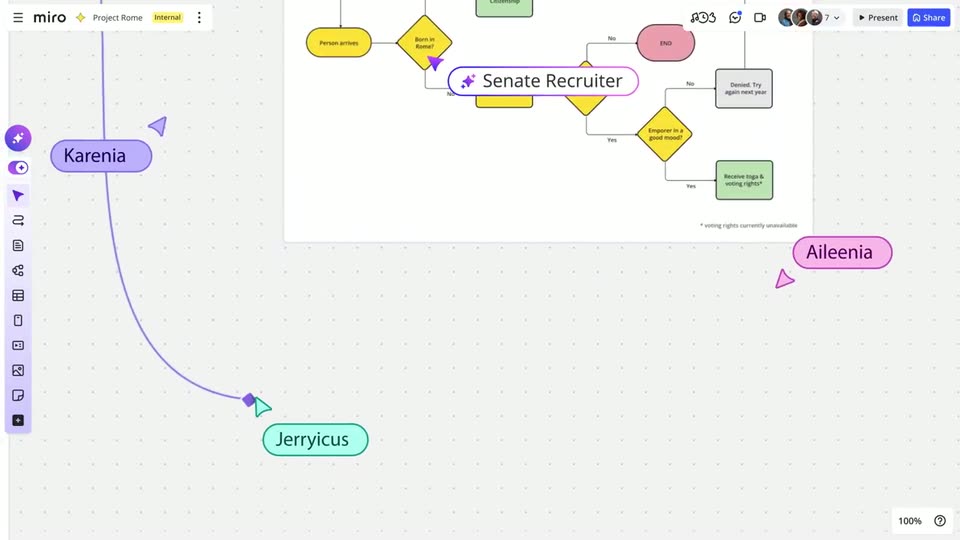 0:25–0:28Miro · Miro - With the Miro AI Innovation Workspace, teams can get practically anytA Miro whiteboard shows a citizen onboarding flowchart with several named cursors moving across it. The view pans left as a Create new output menu opens in the center, and the Jerrycus cursor hovers over the Prototype option.
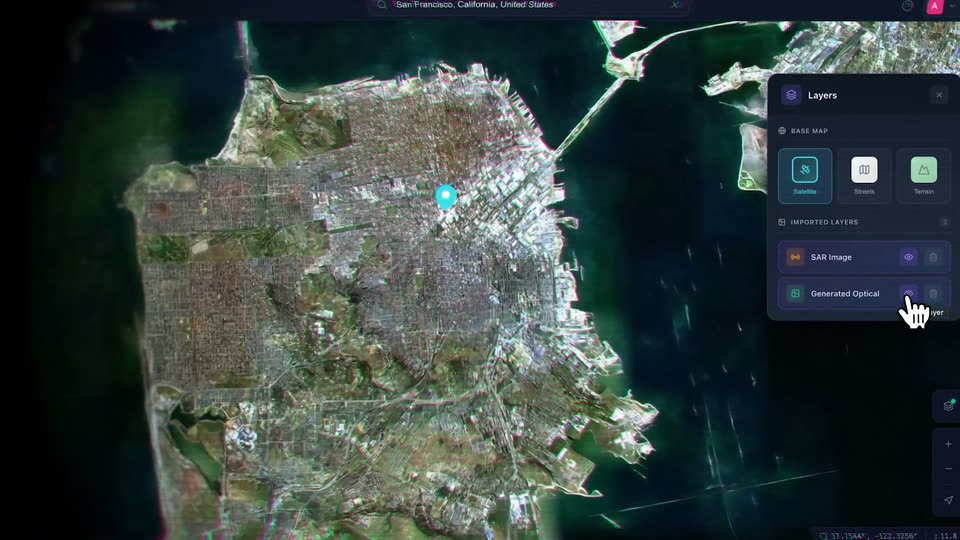 0:25–0:27AxionOrbital Space · Axion - A family of State-of-the-Art models for 24/7 Earth Observation - YC W26 LaunchA white cursor rests on the Generated Optical row of the Layers panel on the right. The dark radar map on the left transitions into a color satellite view of San Francisco with an RGB glitch effect while the view zooms out to a wide city framing.
 0:29–0:35monday sidekick · monday sidekick: AI that actually worksA Monday.com Portfolio table of six projects is shown. An AI banner fades in above it: “Hi Chloe, 16 of your 45 projects are at risk,” plus three risk cards. The view zooms to the Generate report button as a cursor hovers it, lighting up a gradient highlight.
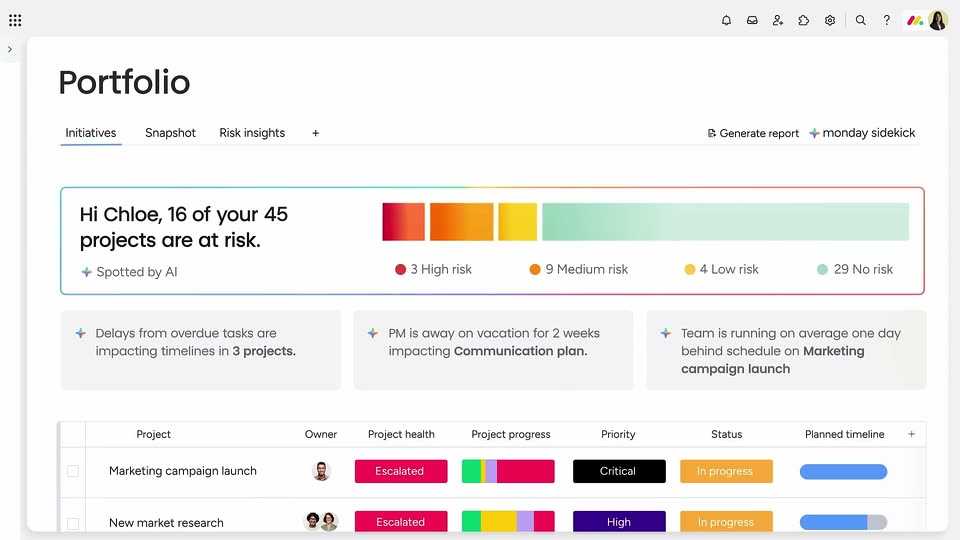 0:26–0:31monday sidekick · monday sidekick: AI that actually worksThe Portfolio screen slides in, showing six projects with colored health and status badges. An AI banner, Hi Chloe, 16 of your 45 projects are at risk, appears above the table with a four-color risk bar. The view then zooms into the Generate report and monday sidekick buttons.
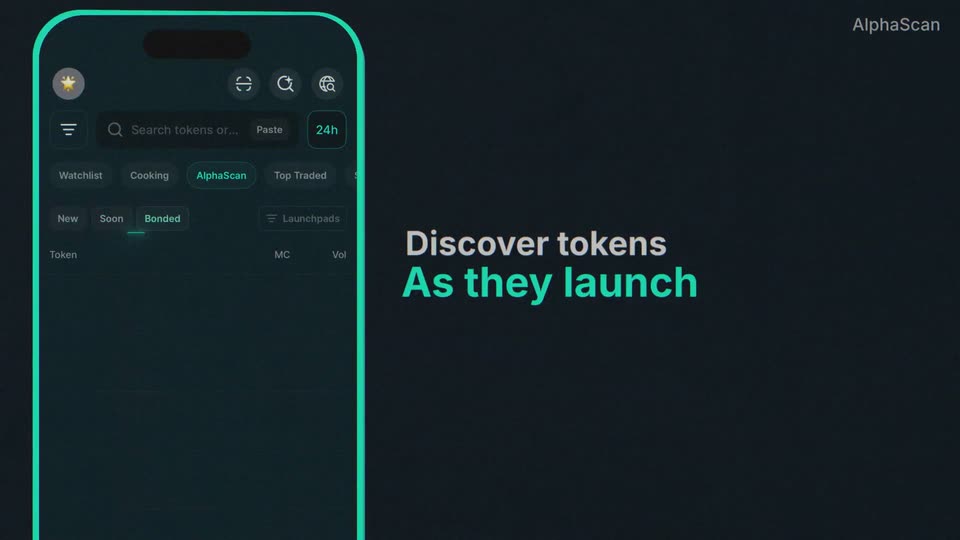 0:43–0:46Jupiter · Jupiter - To kick off the new year with a bang, we are announcing Jupiter MobilA teal-outlined phone mockup on the left scales up as its token list scrolls through new entries, while the static two-line headline holds on the right. A white ring pops over the Launchpads filter at the end.
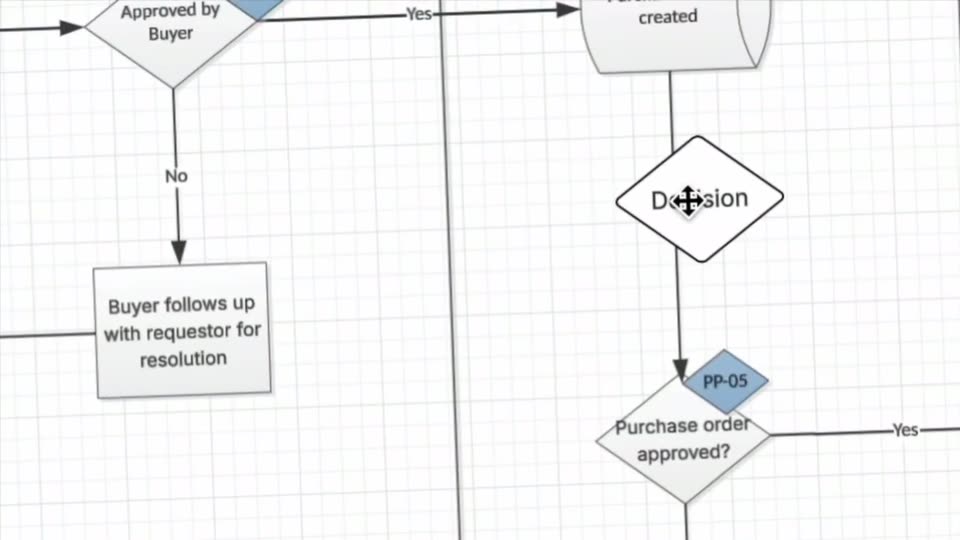 0:14–0:16Oxus · Oxus: Modern intelligence for better auditsA white grid canvas holds a purchase-process flowchart. The view drifts right and zooms in, sliding past a shape library panel toward a diamond decision node and a buyer-follow-up box, with a blue 803 px dimension line crossing the frame.
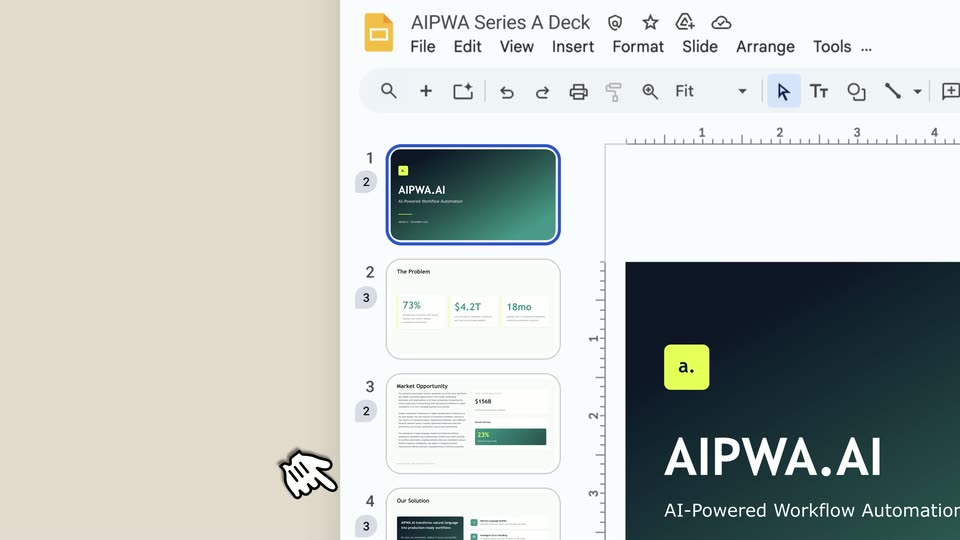 0:32–0:35Anthropic · Let Claude handle work in your browserA Google Slides editor fills the frame as the view zooms in from the full browser window. A cartoon hand cursor taps down the left thumbnail rail from the title slide to slide three, while the dark teal title slide with a yellow logo holds on the main canvas.
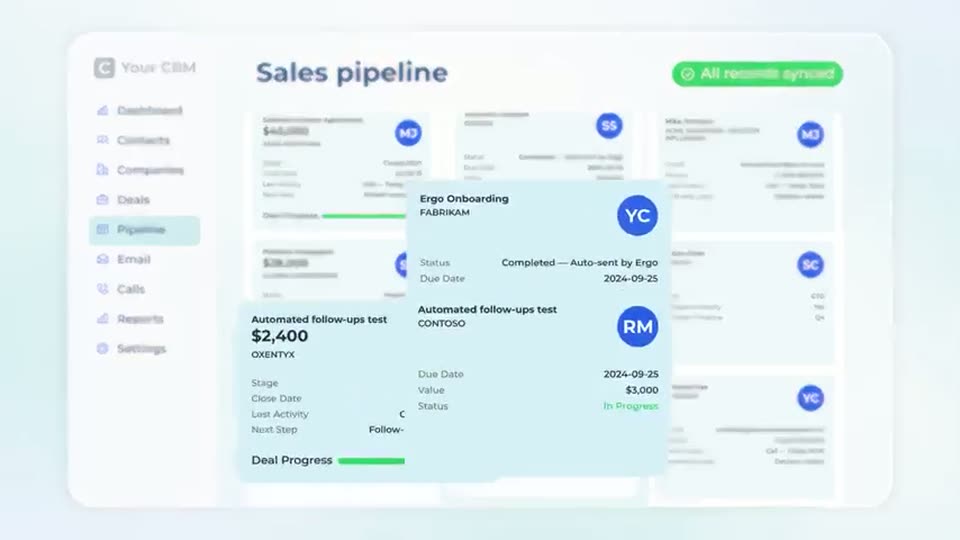 0:33–0:34Ergo · Ergo (joinergo.com) Launch VideoA light CRM dashboard shows a left menu and a grid of deal cards under the heading Sales pipeline. The view zooms in on the middle column of cards, then pulls back out to the full screen.
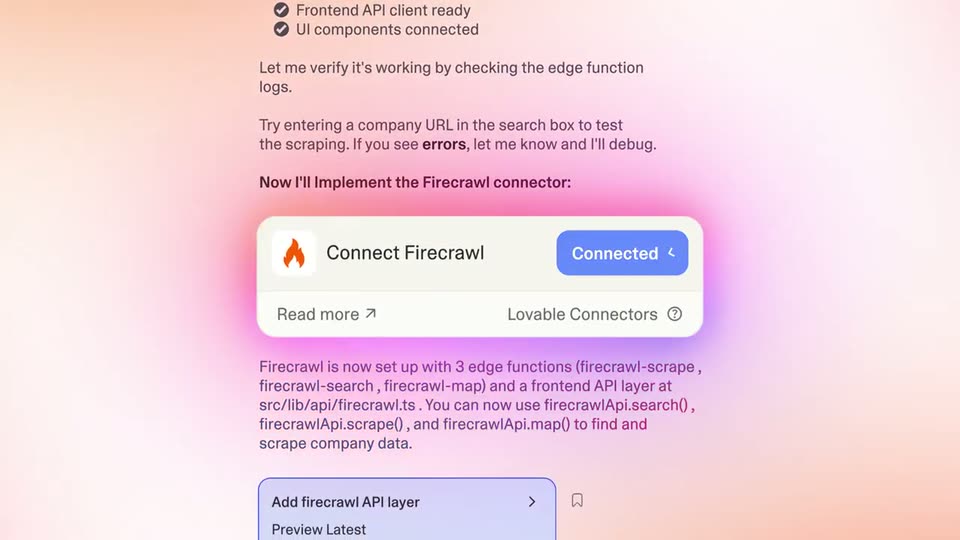 0:22–0:28Lovable · Lovable - Introducing Lovable Connectors. Build more powerful apps by connectiA chat interface scrolls down through markdown updates while the view zooms in on the text, then a Connect Firecrawl card appears with a blue button that flips to Connected under a purple glow, before the whole frame blurs out.
 1:41–1:42Sierra · Sierra: introduction to videoOn a dark dot-grid canvas, a node diagram draws itself: a blue node links to a green node, and gradient lines branch out to orange pills labeled Knowledge and Policies. The view then reframes to a close-up of the two nodes, with a green progress ring spinning below.
 0:54–0:57World · World - The new World App: secure chat, global payments and Mini Apps for eveA 3x3 grid of colorful app icons sits centered on white, then zooms out as the grid multiplies into a dense wall of dozens of app icons that fill the frame, panning slowly across the catalog.
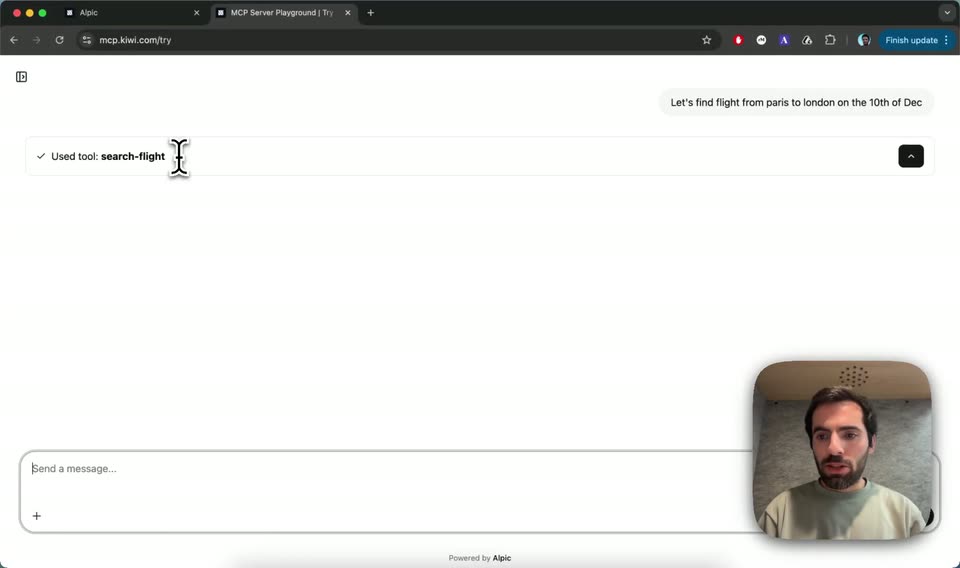 0:38–0:51Alpic · Alpic launch week 2: PlaygroundThe view zooms out from a close-up of a chat greeting to the full browser window, with a bearded man in a corner webcam typing a flight request into the input field. He clicks the tool-call expander, and a JSON block with flight data unfolds.
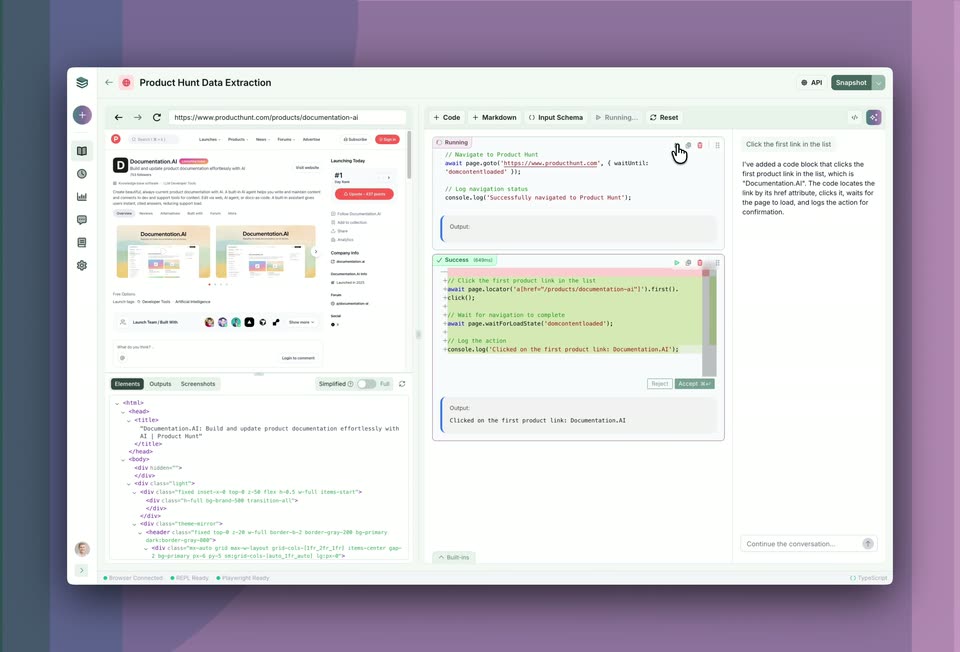 0:40–1:13Kilvin · BrowserBook YC DemoThe window sharpens from a blurred close-up. A cursor clicks play on a new code cell, the browser pane navigates to a product page, then back home, and the cursor clicks Accept Run.
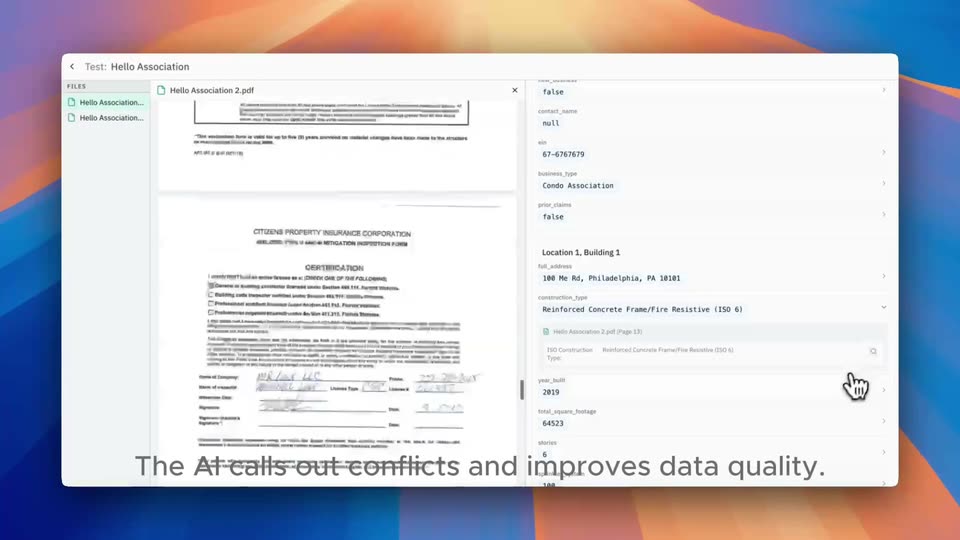 0:59–1:08Adaptional · Adaptional IntroA product window shows an extractions panel; a hand cursor scrolls the fields and opens a PDF source, where a green highlight links a row to a cited value. The window zooms out to reveal the full layout. Captions run along the bottom.
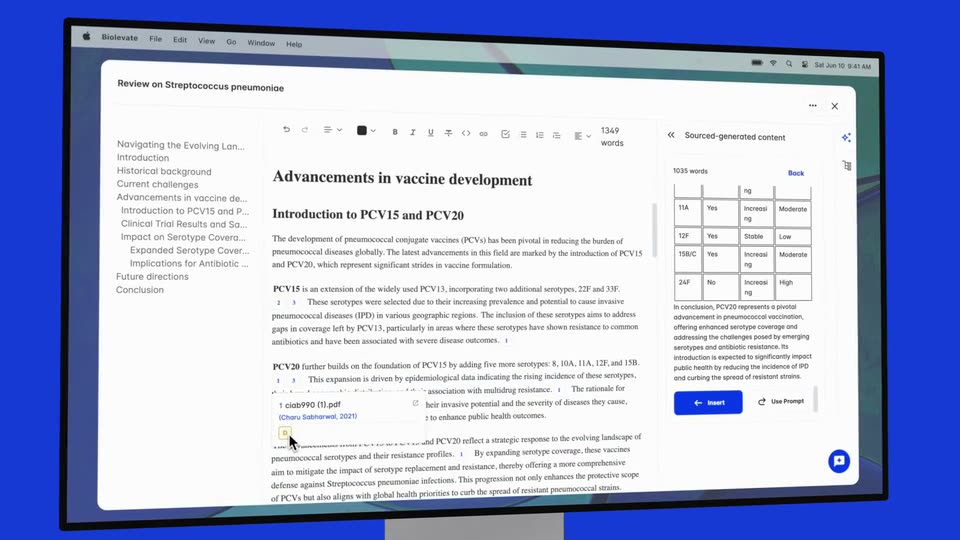 0:44–0:46Biolevate · Biolevate launch filmA tilted monitor on a blue field shows a document editor with a right-hand content panel. A citation popup appears in the body text as the cursor hovers over it, and the camera slowly pushes in toward the page.
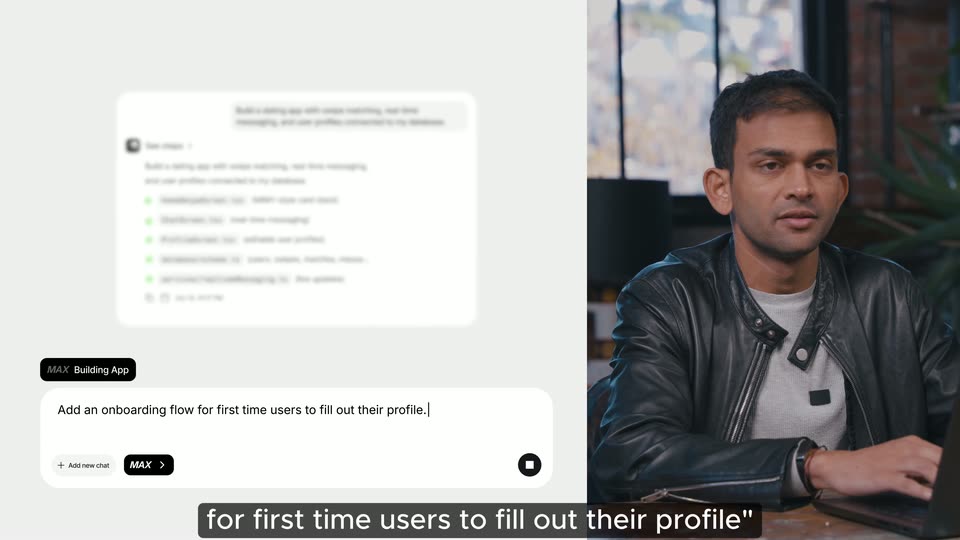 0:40–0:43Anything · Anything - Introducing Anything Max: Vibe Coding that's leaps above Lovable andSplit screen: a white product chat UI on the left types a new prompt and zooms out to reveal stacked task cards, while on the right a man in a black leather jacket works a laptop at a wooden desk. Subtitles sit in a dark bar at the bottom.
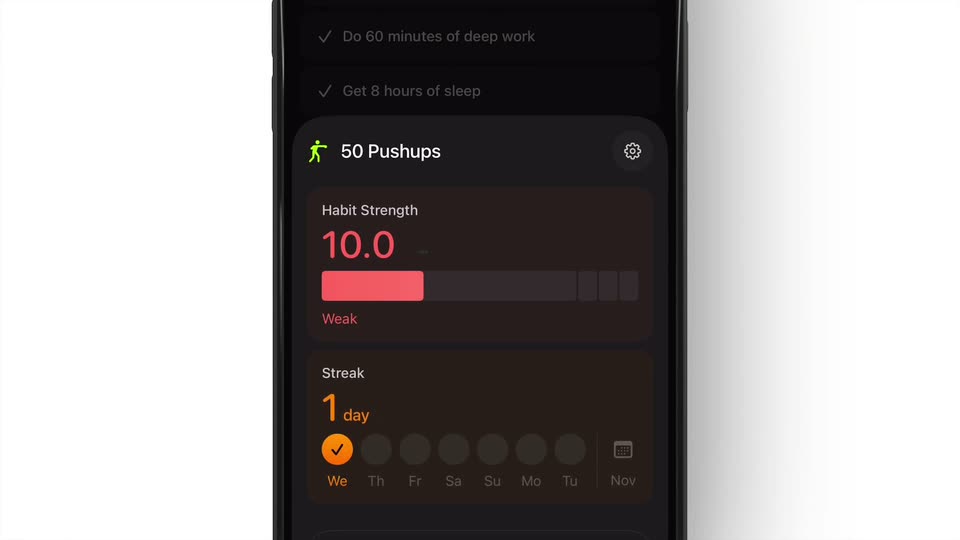 0:26–0:30Halo · Ben Springwater - Introducing Halo — the habit app with an AI coach. It's like James CA black iPhone in 3D on a white background shows a dark habit tracker. The list zooms into the 50 Pushups card, its strength counting 0.0 to 10.0 and streak to 1 day, then a rainbow ring and Perfect Day appear over the blurred list.
 0:23–0:24Bloom · Ray - World's first on-brand AI. Introducing Bloom.On a purple furry background, a white status card with a green dot and 'Brand kit created' text sits over the gumroad page, then scales up to fill the frame as the word 'successfully' appears.
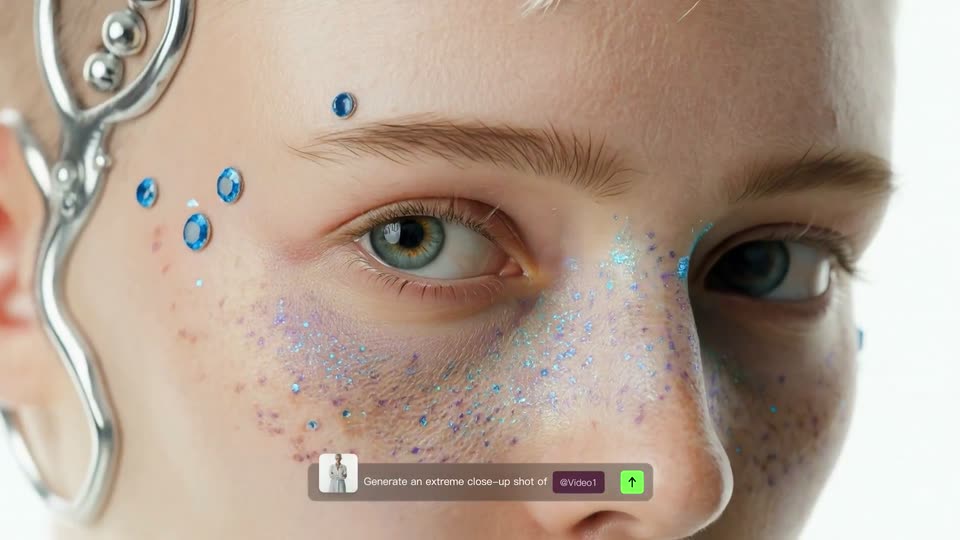 0:55–0:57Kling AI · Kling AI - Kling Omni Launch Week Day 1: Introducing Kling O1 — Brand-New CreatiA close-up of a rendered face with blue gem studs, iridescent glitter makeup and a silver ear implant. A framed preview of the face scales up to fill the screen while a prompt bar rests along the bottom edge.
 0:49–0:52AtlasGrid · AtlasGrid | Accelerate Product IterationA phone mockup and a drop-off analytics card sit on a dark stage beside a pill-shaped input labeled “Ask anything”. The view pushes in on the input as the background blurs, then the question types out letter by letter above a glowing underline.
 0:27–0:31Moonshot AI · Kimi.ai - Meet Kimi Agentic Slides! Now with Nano Banana Pro 🍌 🎁 ThanksgivingA close-up of the font dropdown over a durian slide quickly pulls back to the full editor under the headline 'Edit Online', then slowly zooms to the top-right toolbar. A cursor clicks the black Download button and a red PowerPoint badge pops up above it.
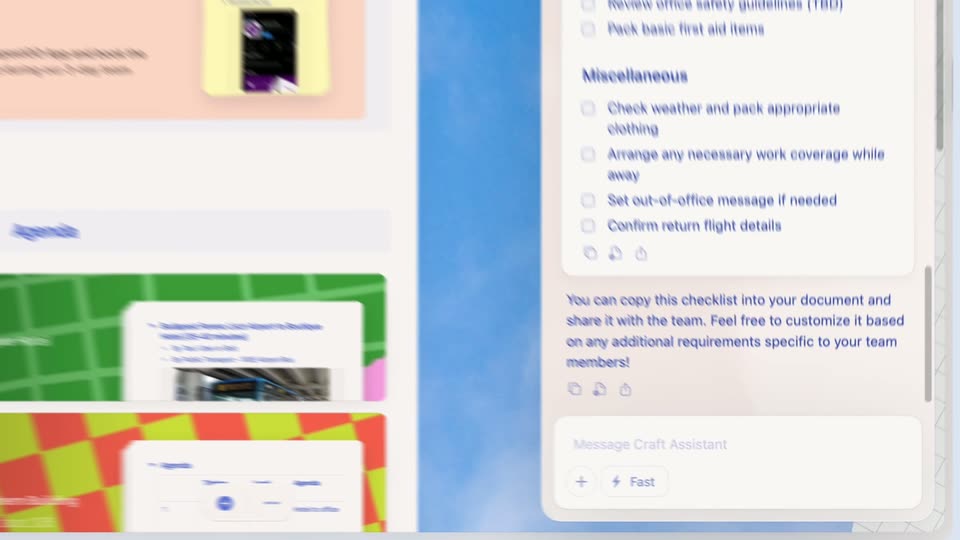 0:26–0:29Craft · Introducing the new Craft Assistant, MCP & API and more!A split close-up of a colorful travel document and a preparation checklist panel pulls back to show the whole app window, the doc and the AI assistant side by side on a blue sky backdrop.