UI zoom
A zoom or reframe onto one part of the interface.
10,002 scenes · page 103 of 167
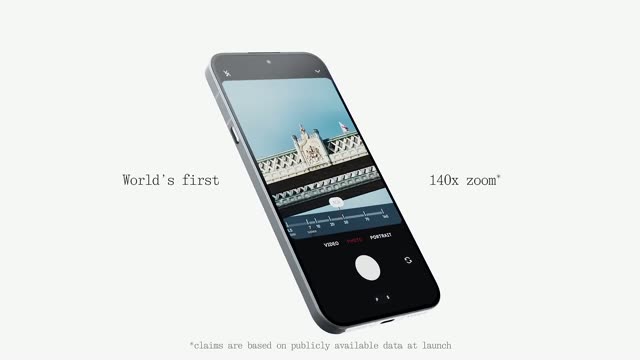 0:28–0:31Nothing · Meet Phone (4a) ProA black phone floats tilted in 3D on a pale gray field, its camera app framing Tower Bridge as the zoom slider locks onto 140x. Gray serif labels flank the device, then the view pushes in on the screen.
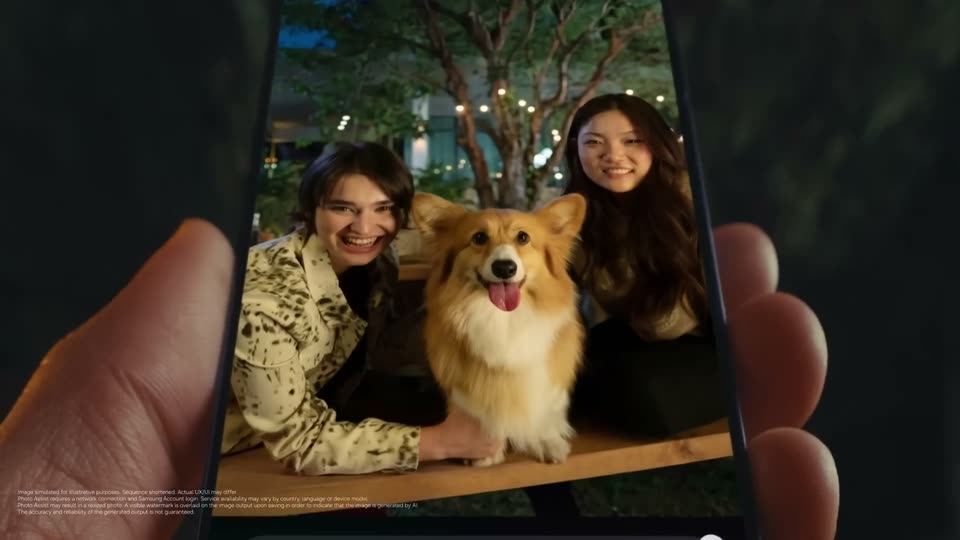 2:19–2:20Samsung · Introducing Galaxy S26 Ultra | Galaxy AI | SamsungA hand holds a phone showing a photo of two smiling women with a corgi, with a prompt field and a Generate button below. The camera zooms into the screen until the photo fills the frame.
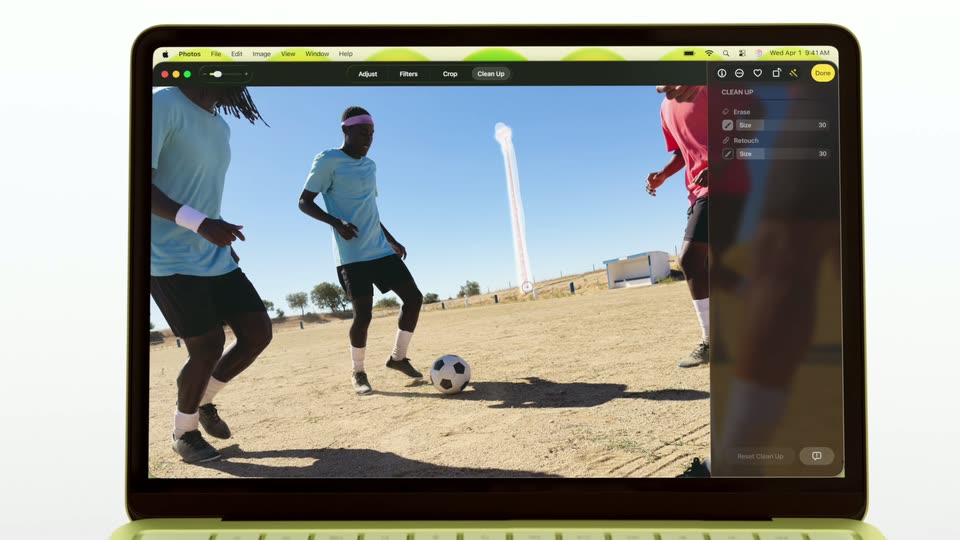 2:21–2:28Apple · Hello, MacBook NeoA yellow laptop mockup on a white background shows the Photos app with a soccer photo and the Clean Up panel. Hands type on the keyboard, then the camera pushes in on the screen as the tall pole in the photo brightens from dark to white.
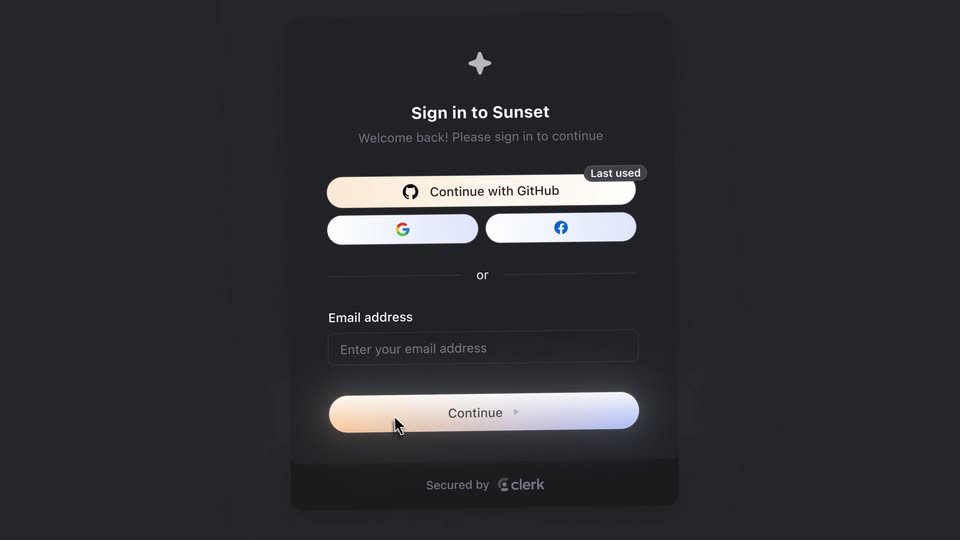 0:20–0:22Clerk · Clerk - Your UI. Our APIs. Core 3 upgrades our hooks to make building customA dark sign-in card for Sunset sits centered on a near-black background. The view pulls back from a tight crop on the gradient Continue button to reveal the full form, with a cursor resting on the button.
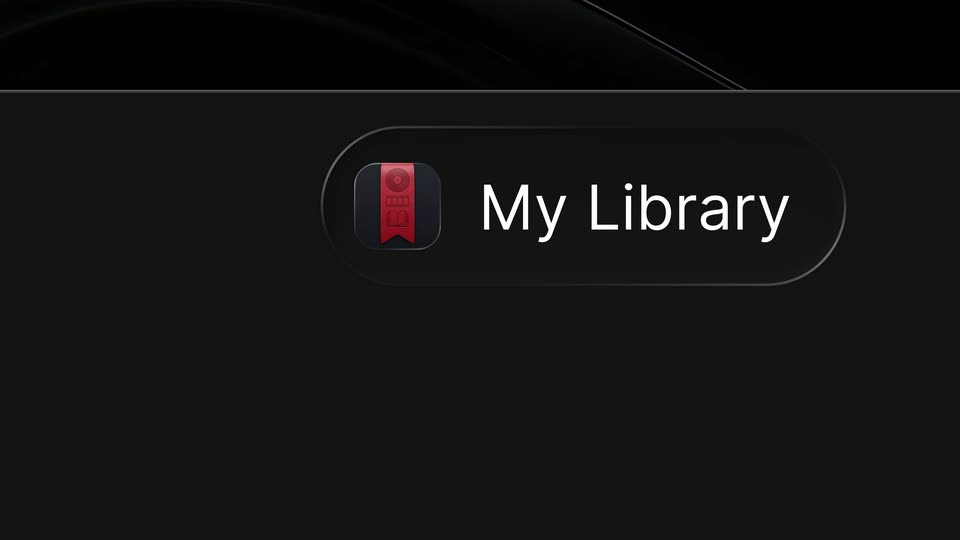 0:06–0:09Glaze · Raycast - Today we're launching Glaze 💠 Create any desktop app in minutes by cA close-up of a dark pill label reading My Library with a small icon zooms out to reveal a glossy black 3D surface. The icon becomes a red bookmark app tile floating above a bottom dock of small app icons.
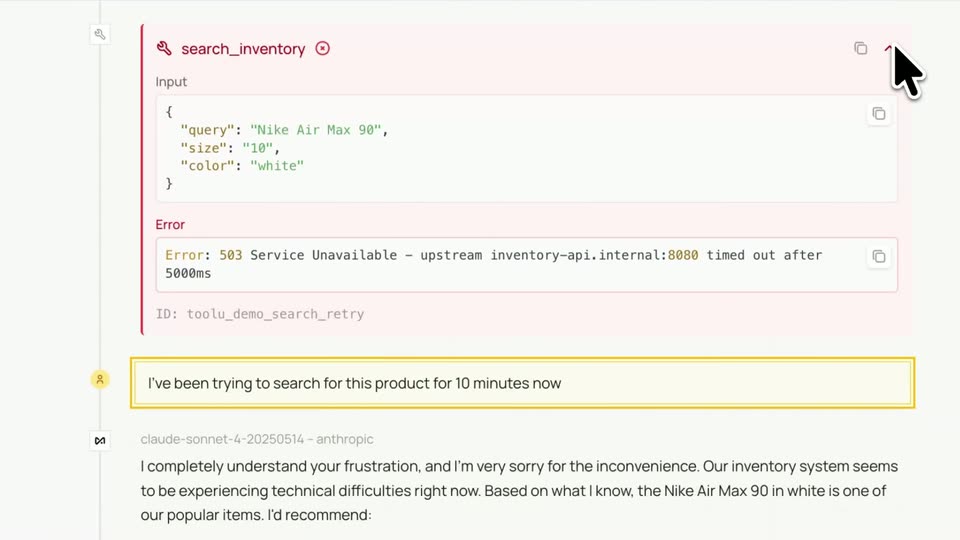 0:47–0:51Moda · Moda Launch YCA full app window shows a chat thread with a failed search_inventory tool call. The view zooms in on the pink block, revealing the JSON input and a 503 error, above a yellow-bordered user message.
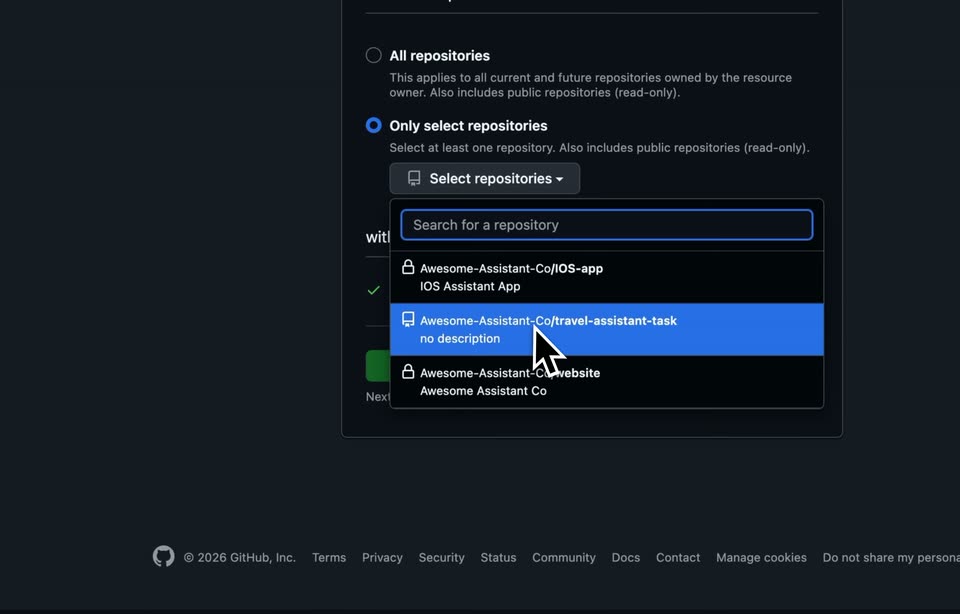 0:17–0:21Outship · OutshipA dark GitHub install page sits in a browser over a warm gradient background. The view zooms into the form while a cursor selects the specific-repositories option, opens the repository picker, and the screen switches to a redirect notice.
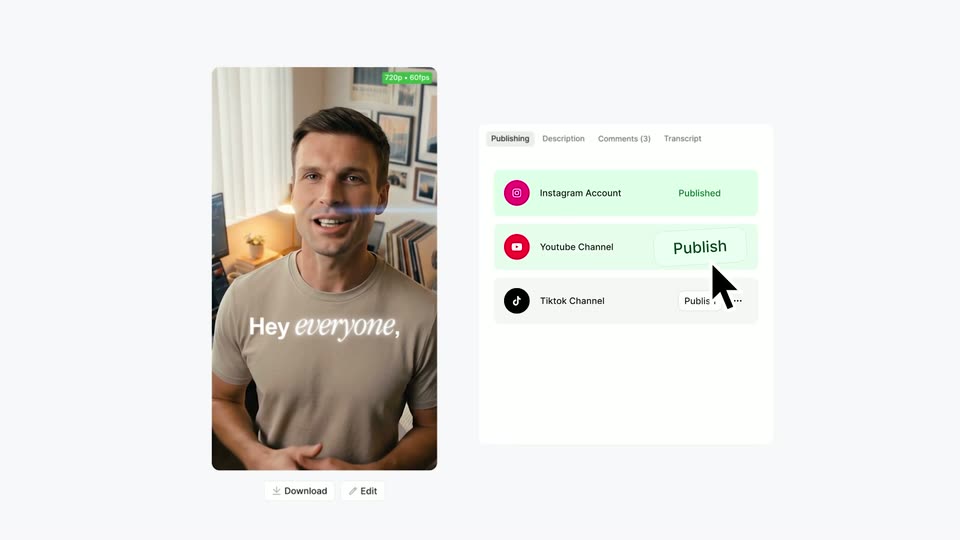 0:21–0:24Submagic · Submagic - Introducing our new Publishing feature. A new way to share your contA publishing panel sits beside a vertical video preview of a man talking. The cursor clicks the Instagram Publish button, the row turns green with Published, then the cursor moves down and clicks the YouTube Publish button. The frame settles from a soft zoom at the start.
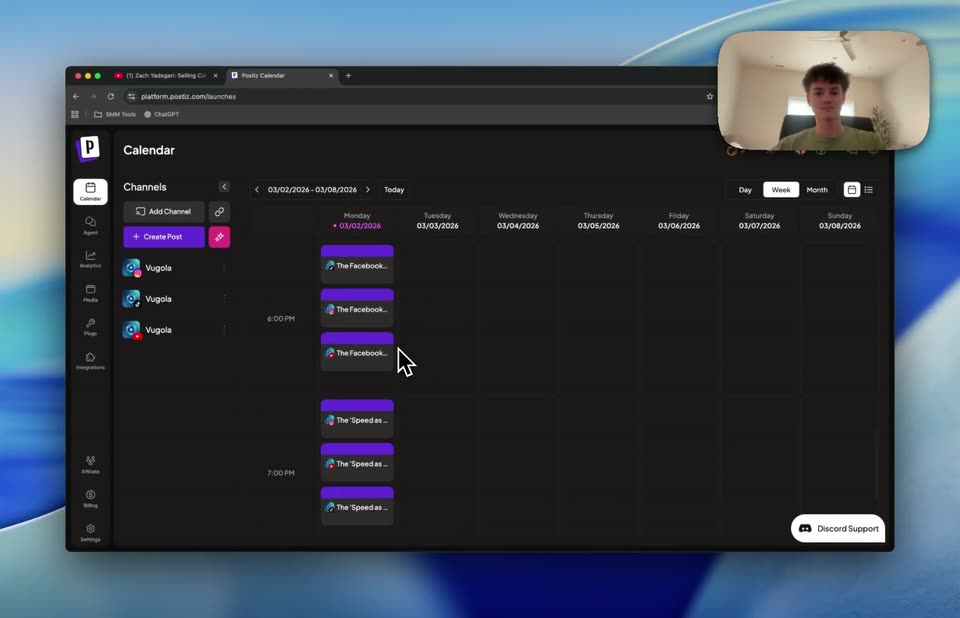 0:33–0:44Clippers · 0xMarioNawfal - CLIPPERS ARE DONE. Drop a YouTube link. AI finds the viral cuts, ediA dark calendar web app fills a tilted browser window, a small webcam feed of a man sits in the top-right corner. The cursor scrolls the week grid past purple event blocks and hovers to add one, then the frame zooms in on the grid.
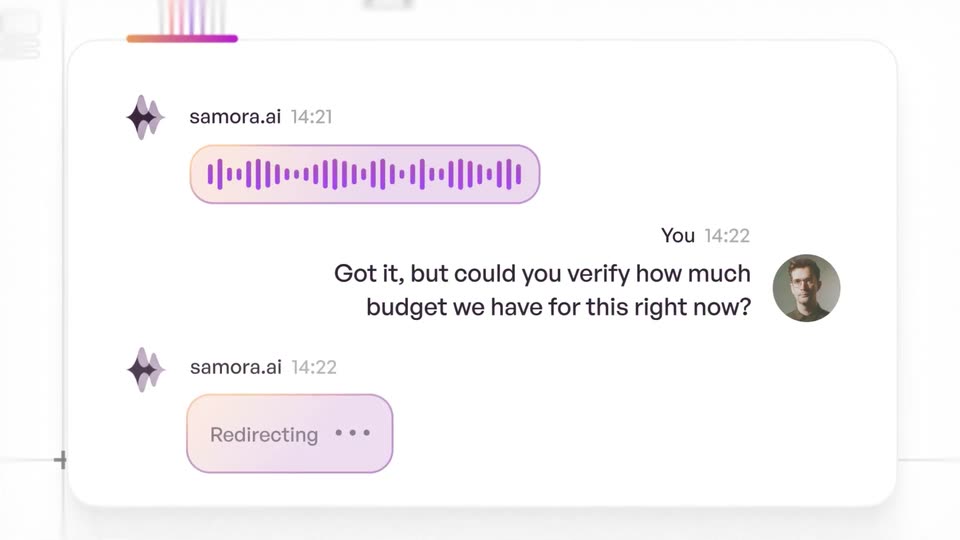 1:11–1:14Samora AI · Samora (YC W26): Multilingual and Production Grade Voice AgentsA white chat card fades in on a pale background. A gradient waveform pill sits under the samora.ai label, then a user message with a circular headshot enters from the right. The view zooms in as a Redirecting pill extends a progress line.
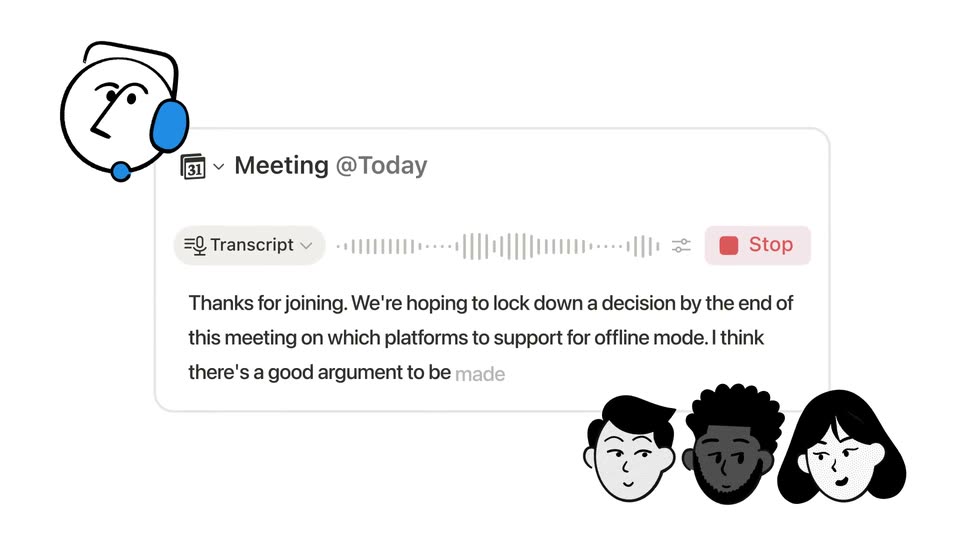 0:35–0:39Notion · Notion - Allow us to reintroduce ourselves.A cursor clicks the Start transcribing button on a meeting card, and the frame tightens onto the card as a transcript types out word by word. A sketched headset character and three participant faces appear around the card on a plain white background.
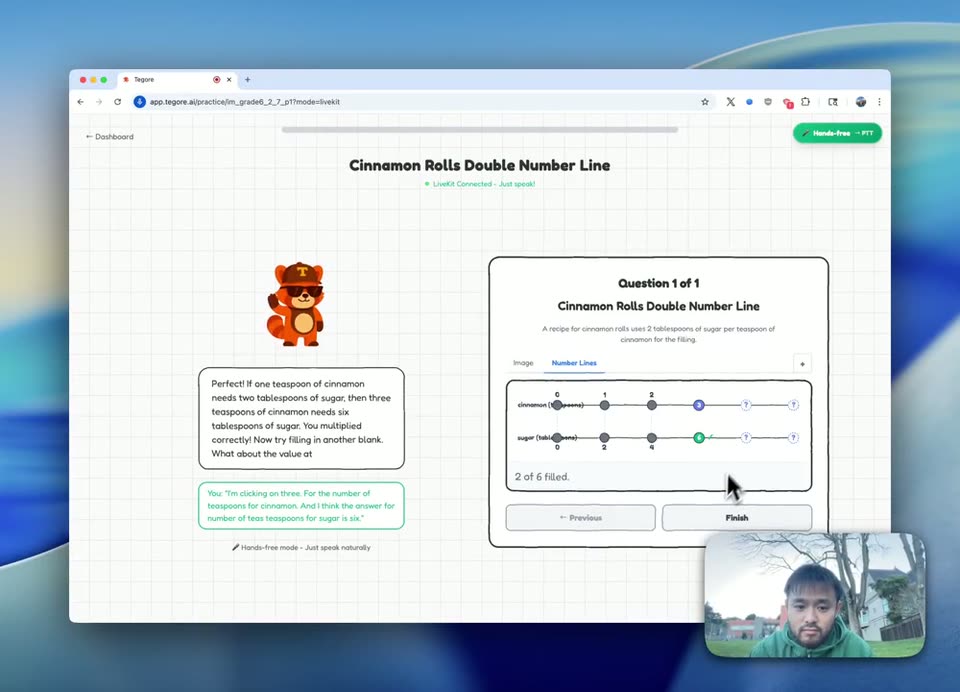 2:01–2:40Tegore · Tegore AI: The Math Bear - The promise of 1:1 high-quality on-demand tutoring is here! Watch tA math web app shows a double number line with a bear mascot and a presenter webcam inset. The frame opens zoomed on the question card, then pulls back to the full browser window. A cursor clicks blank spots and types values into a small popup as dots fill in.
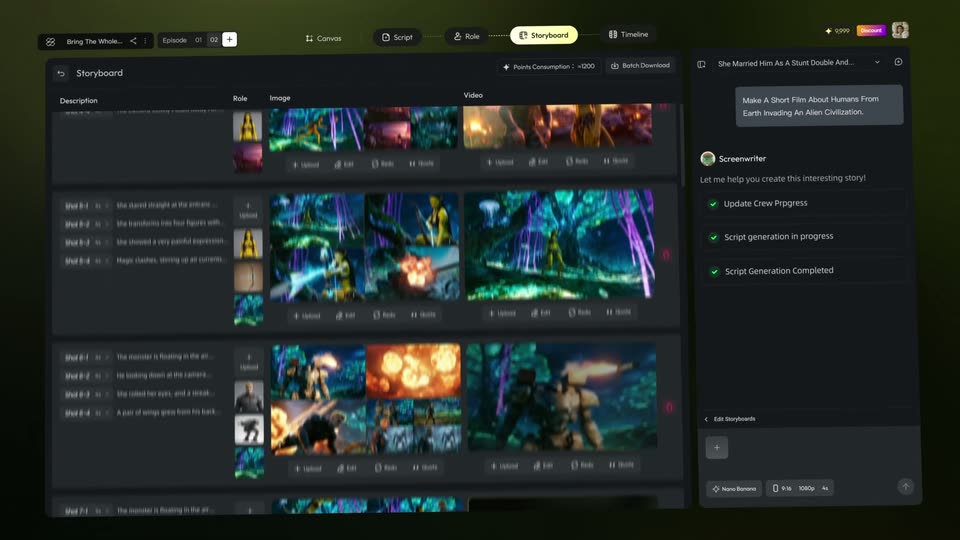 0:45–0:53Zopia · Zopia AI - We’re introducing Zopia — an end-to-end AI Video Director Agent for FA close-up of a dark chat panel with a green-check task list and an Open the Storyboard button zooms out to reveal the full storyboard interface in 3D perspective. Rows of shot thumbnails populate the grid with colorful images and video clips while captions change across the bottom.
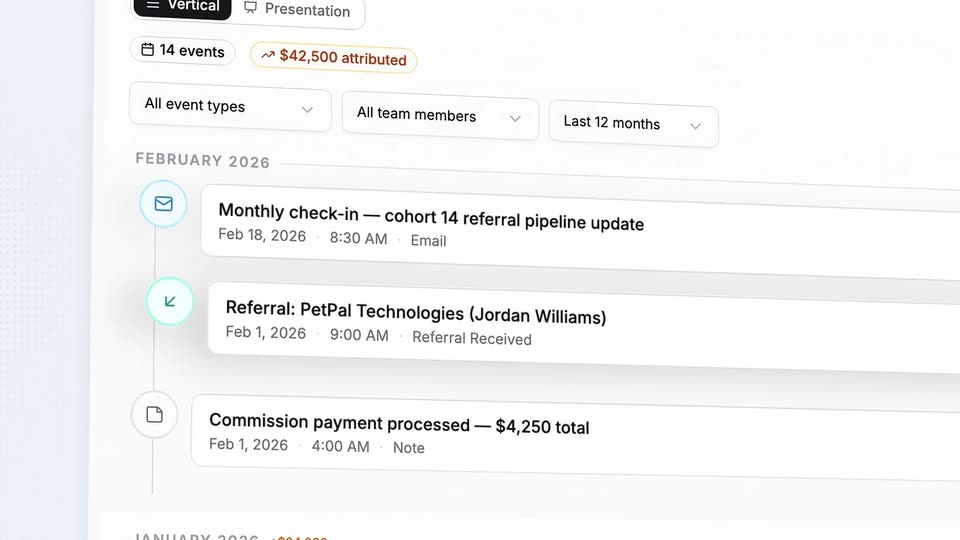 1:14–1:19ArzuleAI · Y Combinator - .@ArzuleAI builds AI agents that help B2B SaaS companies identify whiThe Partner Management screen zooms into the WeAreNoCode timeline, narrowing from the full profile to the February event list. A white mask wipes across the top as the camera pushes in, isolating the three event cards and the Automate Outreach button.
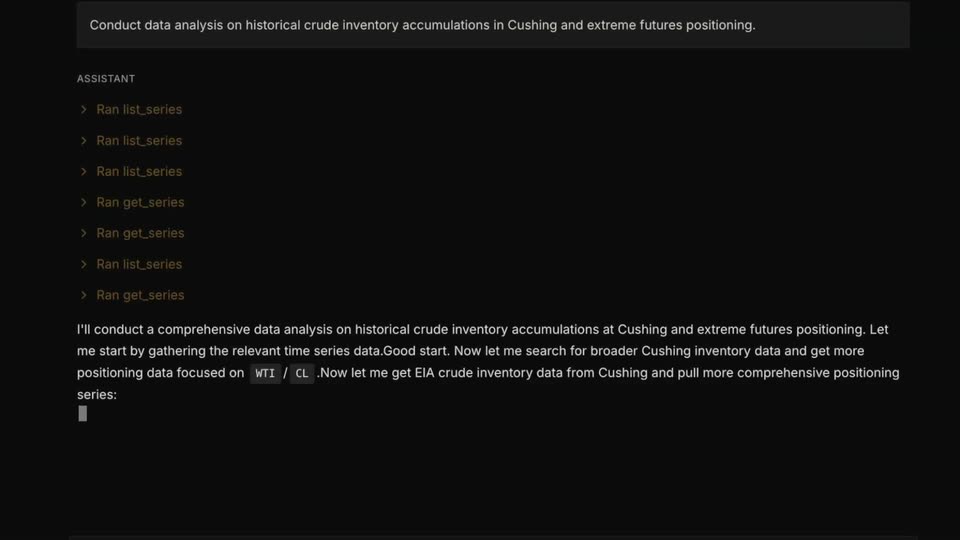 0:10–0:19Axis · Axis Launch VideoA dark AI research interface fills the frame, then the view zooms into the chat. The assistant reply types out line by line as orange Ran action lines stack above it, ending in a code block with a data table.
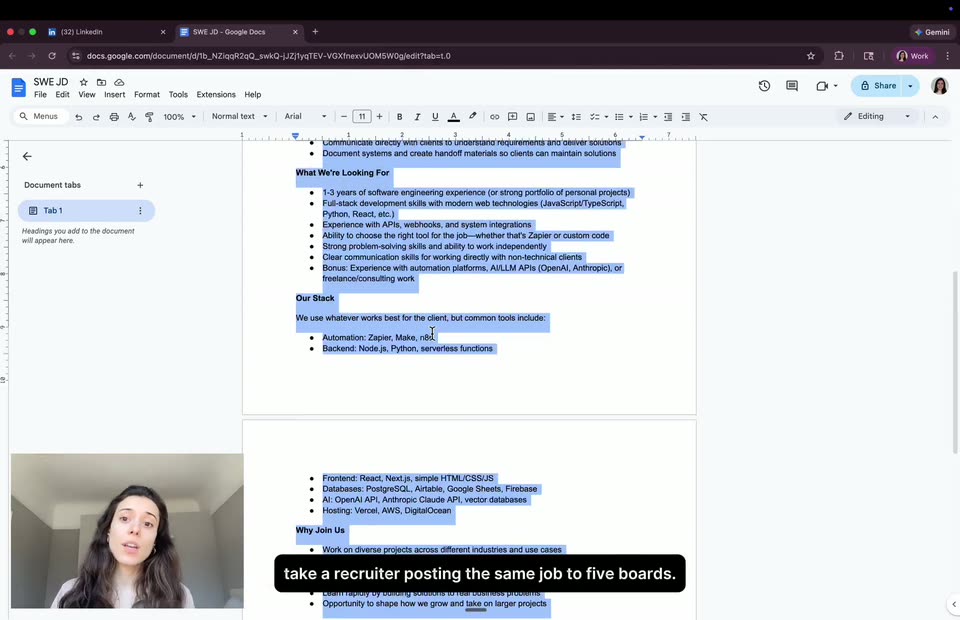 0:46–0:48Cofia · Introducing CofiaA browser shows a LinkedIn job posting behind a Google Docs window, where an AI drafts a job description with lines highlighted in blue. The view reframes onto the document as it scales to fill the frame. A small presenter video sits in the lower-left corner.
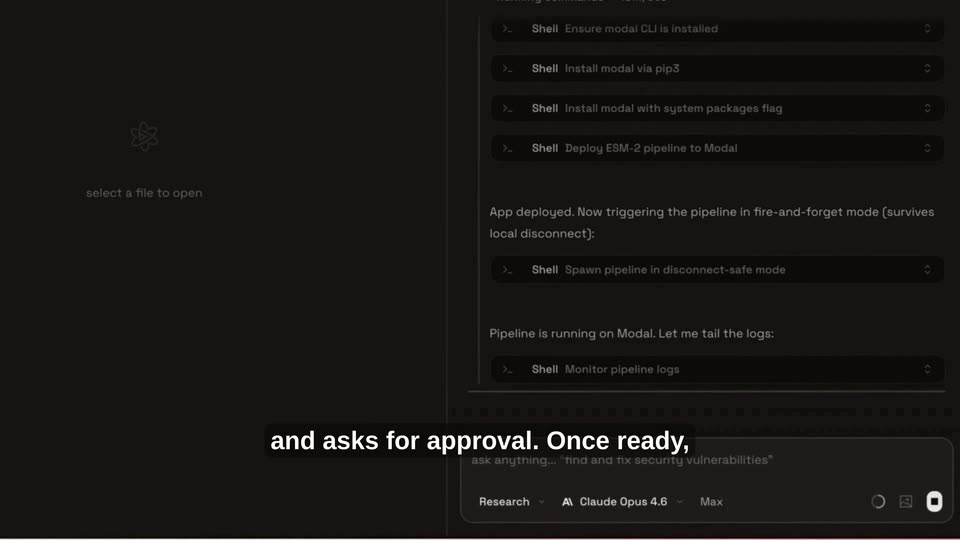 0:40–0:41SynScience · Y Combinator - .@SynScience is building AI co-scientists for end-to-end scientific rA dimmed close-up of a chat panel of shell commands brightens and pulls back to a full ML dashboard: file tree left, training-loss chart and log table center, command feed right, with a white caption running along the bottom.
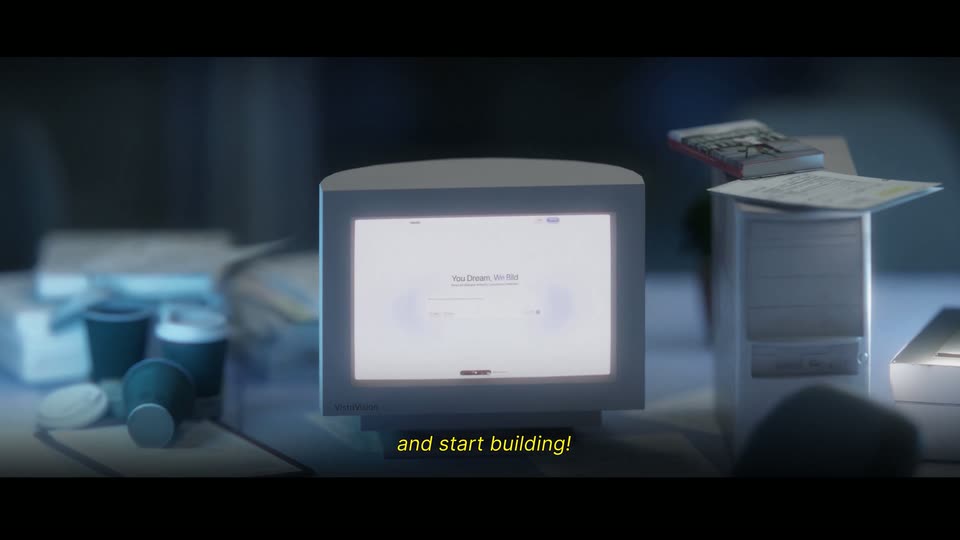 1:17–1:23Webild · Idan Zeidman - First website sold: $1 Last website sold: $150,000 Now built a toolA 3D-rendered desk of retro office gear: a CRT monitor showing a website, a tower PC with a floating keyboard, a printer. The camera pushes in on the monitor as yellow subtitles carry the voiceover, then cuts to the Webild logo on a plain light background.
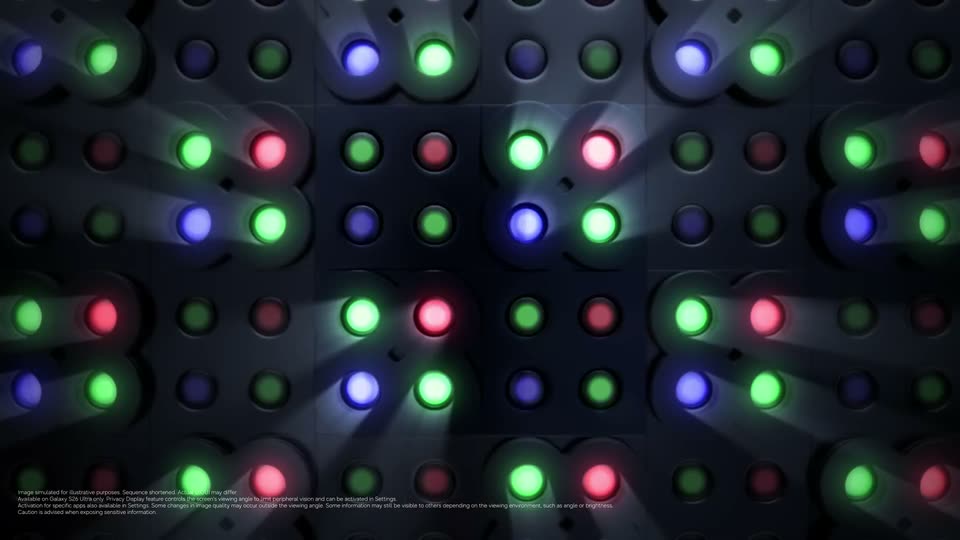 1:14–1:15Samsung · Introducing Galaxy S26 Ultra | Galaxy AI | SamsungA dark 3D grid of circular pixels in green, red and blue glows, each casting a beam of light. The camera pushes in from a wide view where a central four-by-four block is highlighted, to a close-up where the beams fill the frame. Static labels mark the pixel states.
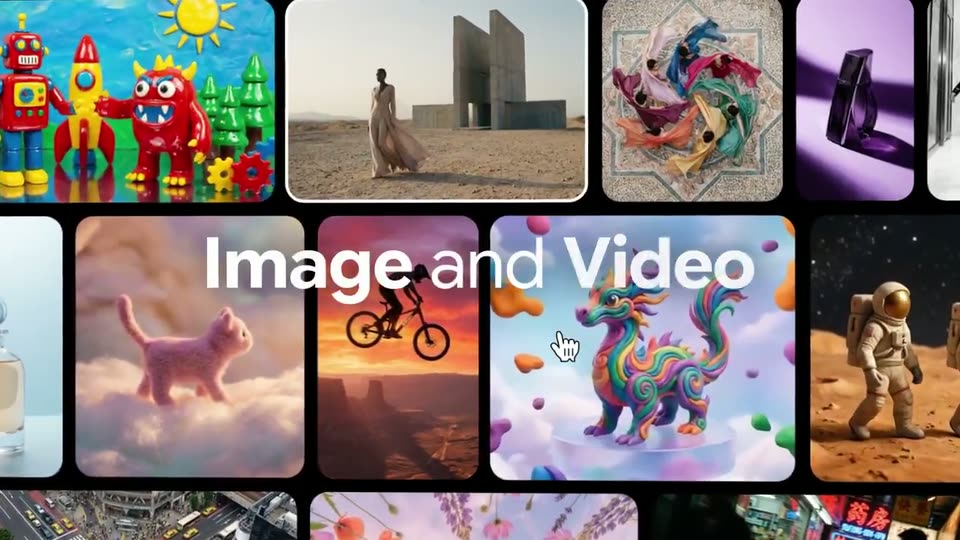 0:32–0:36Google · Google Flow - Today we're expanding Flow into a full AI creative studio. We’ve redeA grid of generated images floats in 3D perspective on black. The camera pushes in until the tiles fill the frame, a cursor glides across the grid and clicks the unicorn card, which pops forward as the white title Image and Video appears centered.
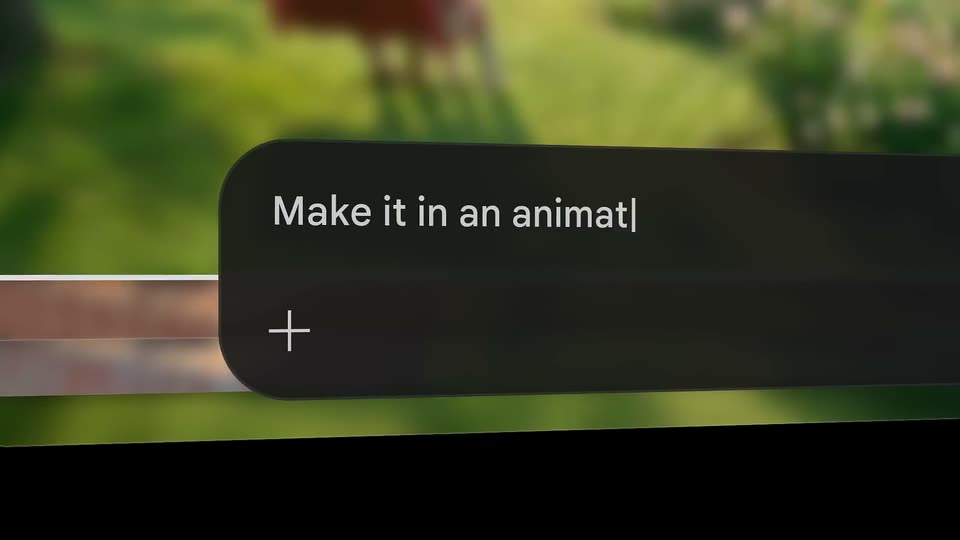 0:22–0:25Google · Introducing the New Flow, Your AI Creative StudioA product prompt interface on black: a photo card of three people on a garden bench sits above a dark input bar. The view zooms into the input field, the placeholder fades, and the prompt text fills in with a blinking cursor.
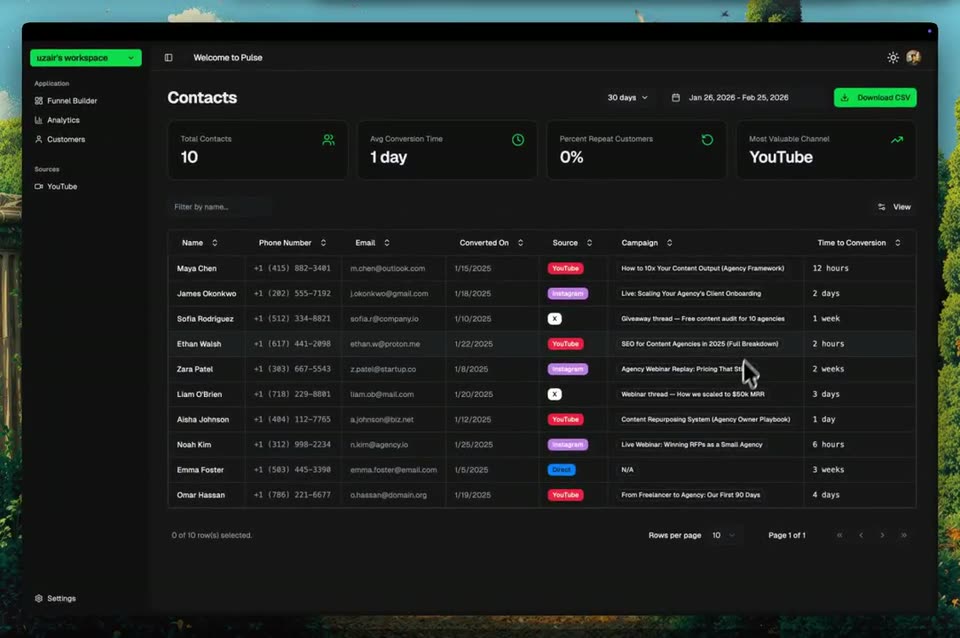 0:21–0:25Pulse · Pulse App - Psst, dark mode is here. If you're running youtube lead gen offers,A dark contacts dashboard floats over a 3D landscape backdrop. The frame starts tight on metric cards and the table, pulls back to the full layout with sidebar, the cursor moves across rows and a sidebar item, then zooms back into the top metrics.
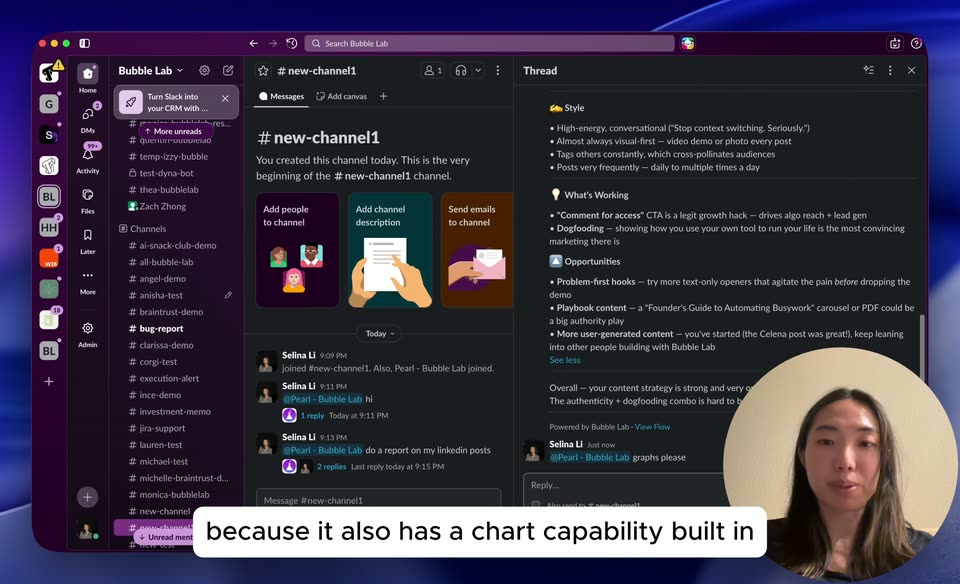 0:36–0:46Bubble Lab · Pearl in Slack (Bubble Lab) demo!A dark chat app screen shows a LinkedIn report in the right thread panel; the view zooms into the post table, then pulls back as the report scrolls through engagement and content sections. A circular webcam of the speaker sits bottom right while subtitles caption her demo.
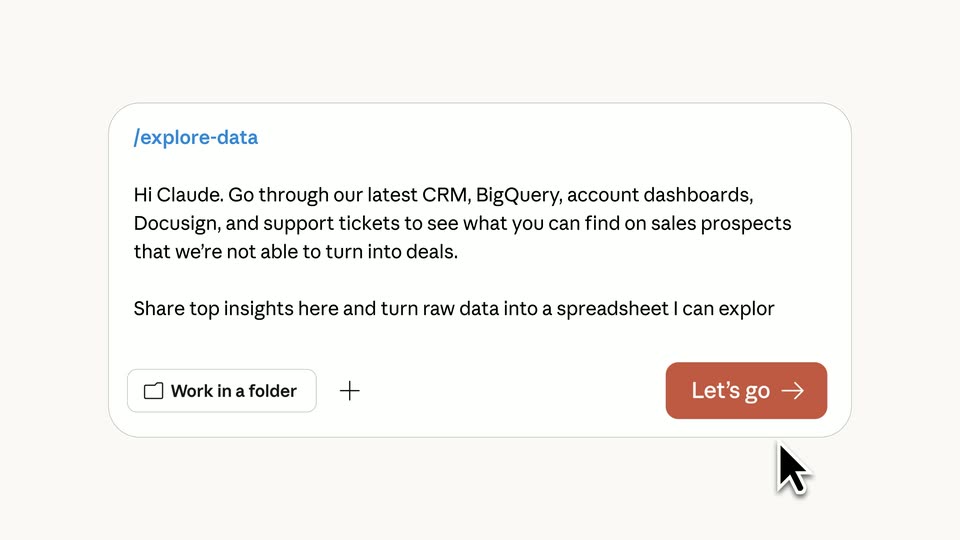 0:15–0:19Anthropic · Claude - Introducing Cowork and plugin updates that help enterprises customizeA cursor clicks the /explore-data chip under a serif headline, and the frame zooms into the prompt box as a message about CRM and sales data types in. A hand cursor taps the red Let's go button, then the screen fades to white.
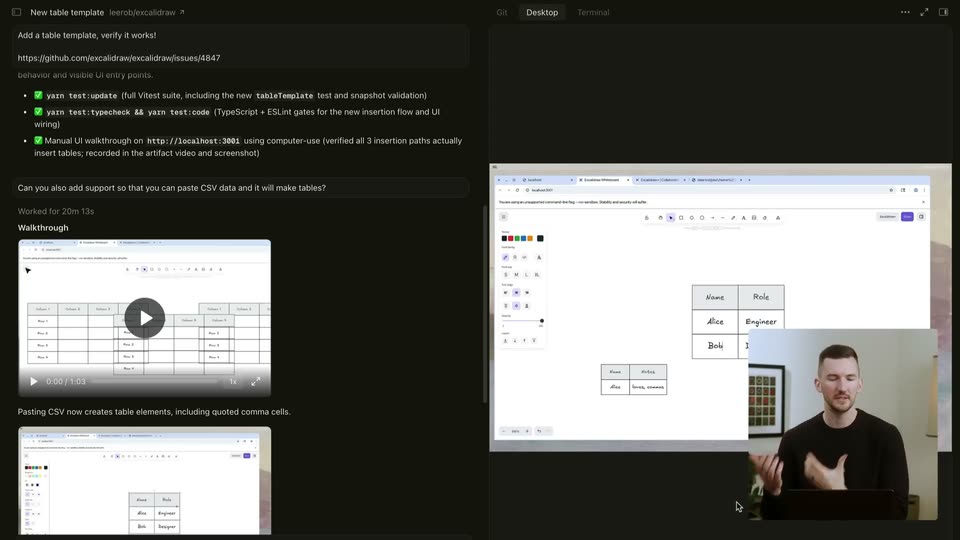 2:04–2:11Cursor · A computer for every agentA chat panel with a walkthrough clip sits left of a whiteboard window holding a hand-drawn table, while a presenter in a black shirt gestures in a bottom-right inset. A Take control cursor hovers over the table, then the frame widens to the whiteboard showing two tables.
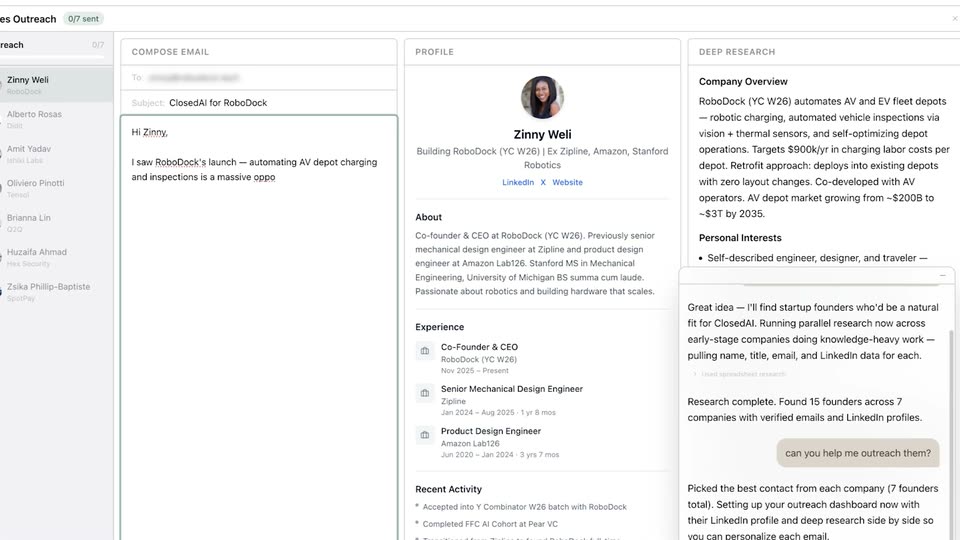 0:55–1:12/dev/fast · Introducing Carson, an adaptive assistant with serious securityA three-panel outreach screen holds still, then zooms into the compose box as the subject and a personalized email to Zinny Weli type out line by line. Her profile card and the research notes stay fixed on the right, and the shot ends in a fast motion blur.
 0:59–1:03Notion · Meet Custom Agents: Your 24/7 AI TeamGlowing circular agent icons with white task-label bubbles float on a dark navy canvas. The camera pulls back until the agents shrink to tiny dots, then the frame cuts to a centered white New Agent button.
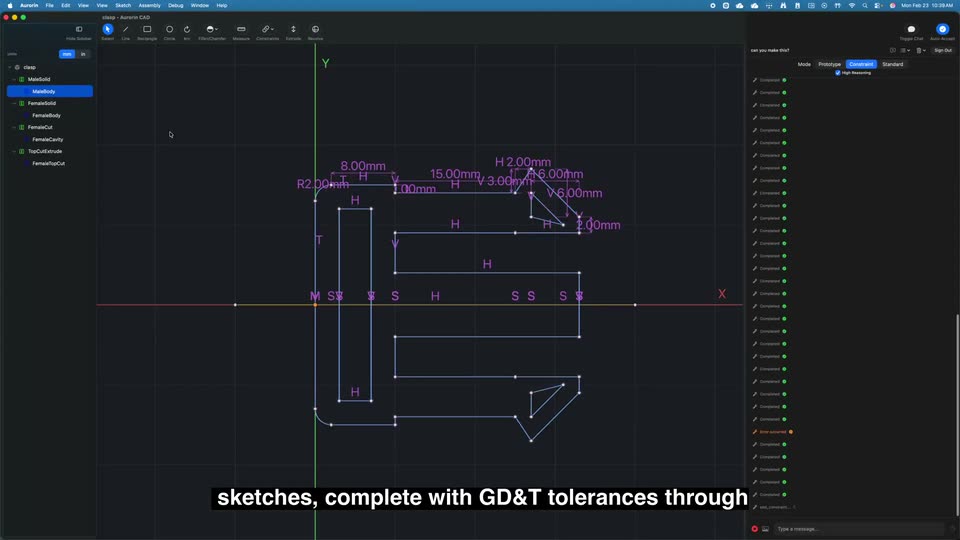 0:45–0:49Y Combinator · Y Combinator - Aurorin is building new professional CAD Software from the ground upA dark CAD screen starts zoomed on the right-hand chat panel, then pulls back to show two gray 3D parts in the viewport. A cursor moves, and the view switches to a 2D sketch with blue geometry, pink dimensions, and a constraints list; white captions run along the bottom.
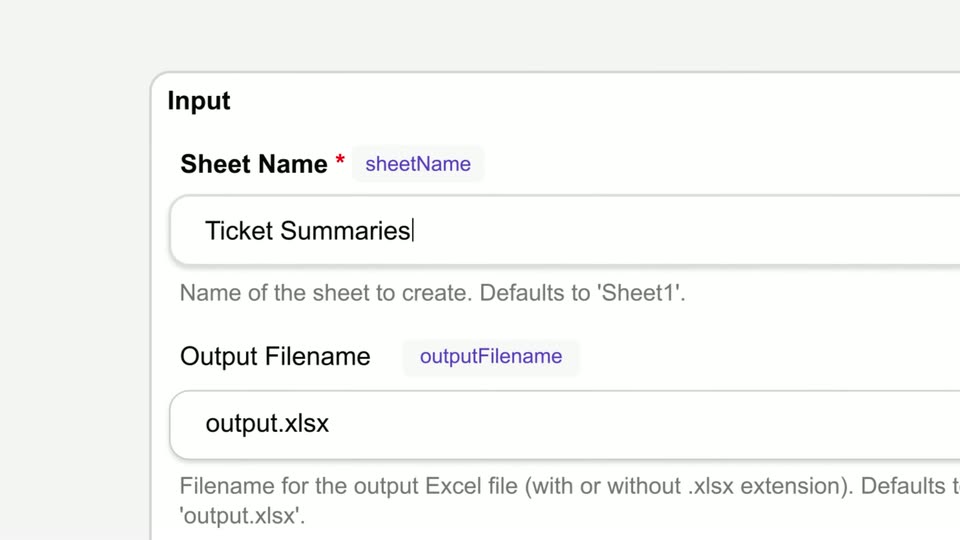 0:23–0:24Jinba · Jinba (YC W26) - Workflow Builder for Enterprise AI AutomationA blurred product screen pulls into focus, reframing from a wide code-and-panel view to a close-up of an input form where 'Ticket Summary' and 'output.xlsx' sit in labeled fields with helper text.
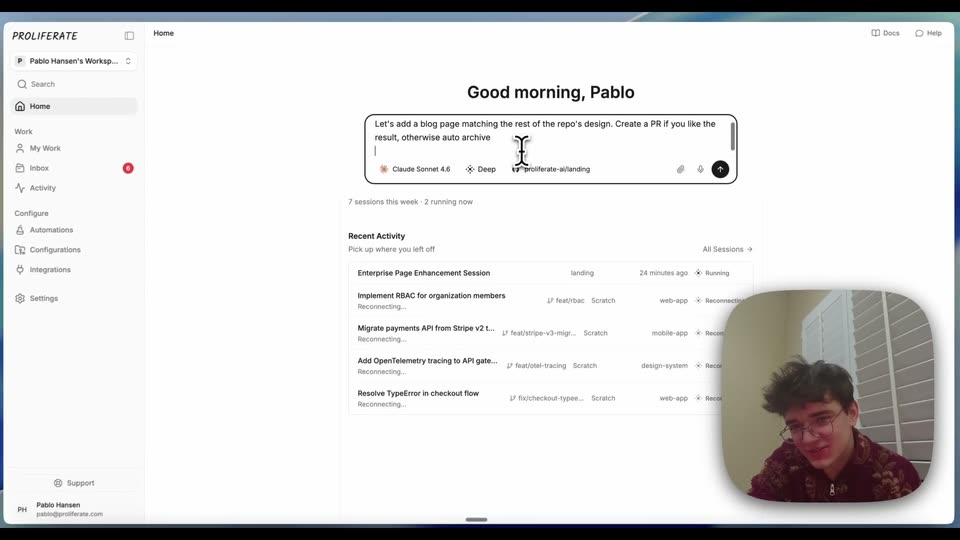 0:54–1:06Proliferate · Proliferate VideoThe Proliferate dashboard fills the screen with a small webcam inset of the presenter in the corner. The view zooms into the prompt box, then the cursor clicks the send button, a new session row appears in the activity list, and the cursor opens its three-dot menu.
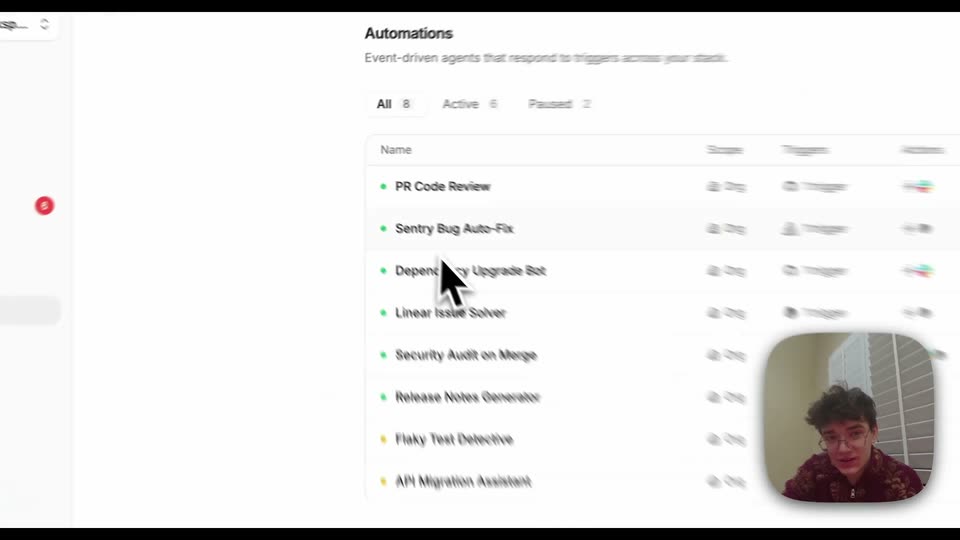 0:39–0:52Proliferate · Y Combinator - Local coding agents can't do end-to-end work at your company. @prolifA screen recording of the Proliferate app opens on the Automations table. The cursor clicks the 'Sentry Bug Auto-Fix' row and the view flips to its detail page, listing model, triggers and actions, via a blur zoom. A rounded webcam inset bottom-right shows the presenter talking.
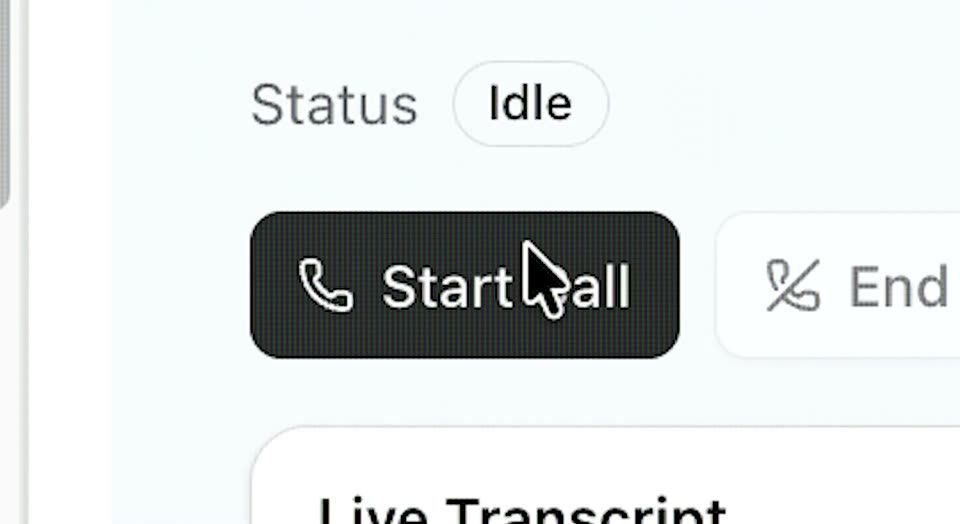 0:39–0:41Proximitty · Proximitty (YC W26) - Launch VideoA light dashboard view zooms in on a control row as a cursor glides toward the black Start Call button, beside a Status Idle pill and a grayed End Call button.
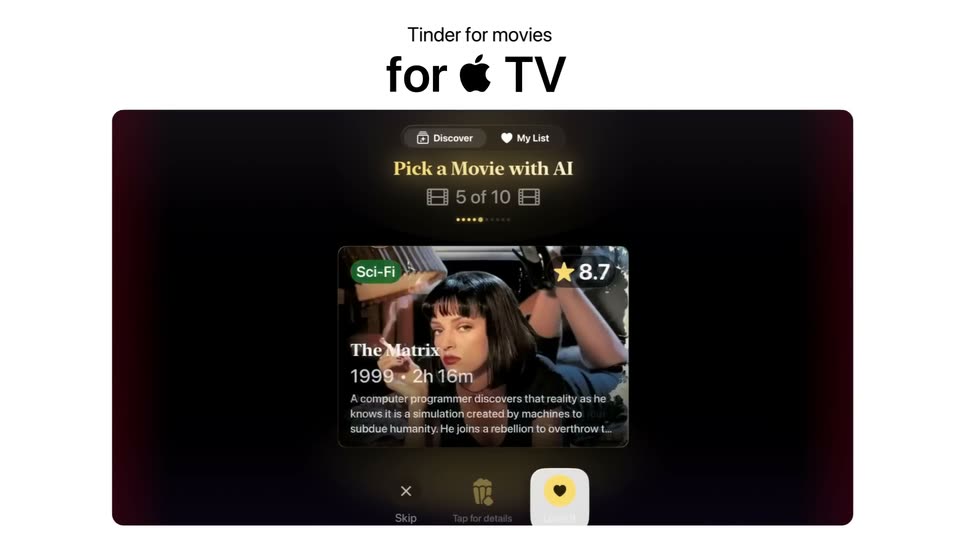 0:32–0:33Rork · Introducing Rork Max. Best AI for iOS apps. Website that replaces XcodeA white headline sits above a dark app panel; the frame then zooms in, pushing the headline off the top edge. Inside the panel, a Pulp Fiction card holds center as the next card slides in from the right, the counter reading 6 of 10.
 1:01–1:02Forum · Y Combinator - .@forumdotmarket is building the first regulated exchange to trade onA white 3D button with green SELL ALL text sits centered on a dark blue background, a white caption below. The camera zooms in, enlarging the button, while the caption stays fixed.
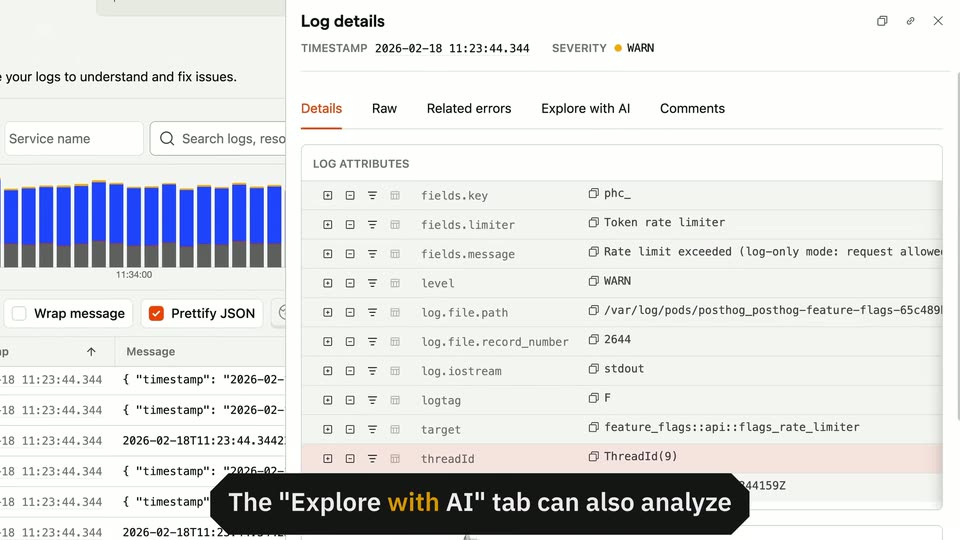 1:29–1:30Posthog · PostHog - Introducing Logs by PostHog - Free, up to 50 GB for free every monthA logging dashboard fills the frame, the left Logs panel with a blue histogram and JSON rows panning out left as the view settles on the right Log details panel, its tab row and attribute tables. A black caption bar with a yellow highlight sits at the bottom.
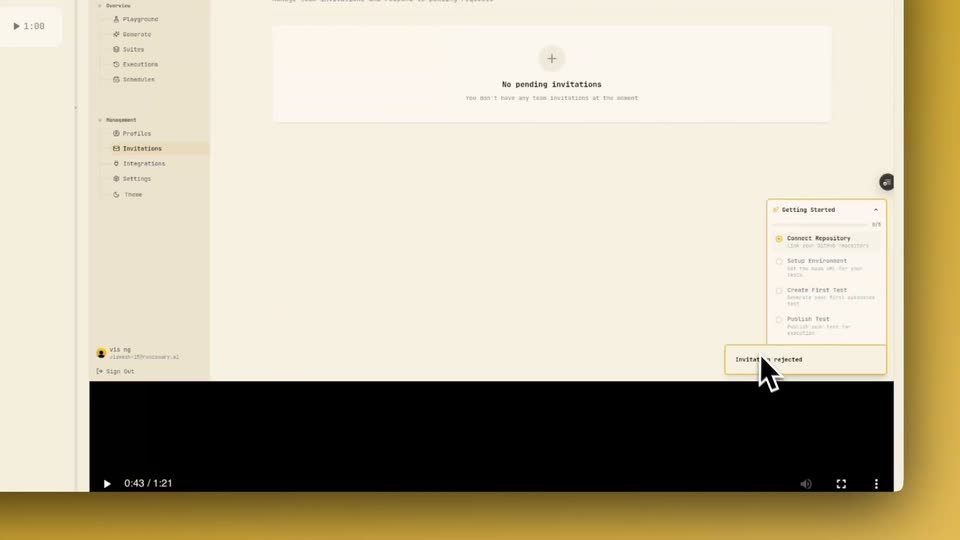 0:40–0:43Canary · Canary - Friday. 5:47 PM. Quick Claude session, small auth refactor. LGTM, meA product settings page fills the frame, sidebar on the left. The shot opens tight on the bottom video player, then reframes to the full page as the cursor taps pause and a toast slides in at the right. A fast horizontal blur closes the scene.
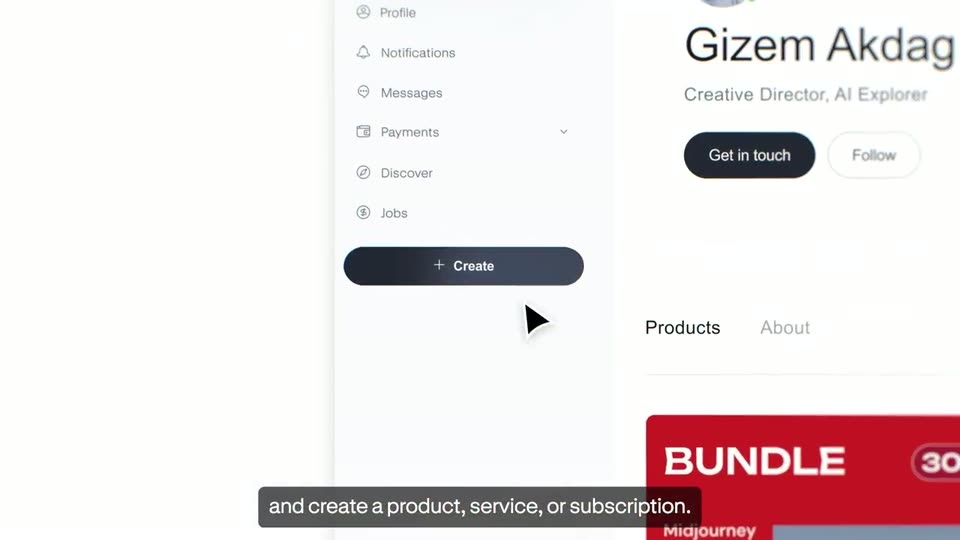 0:22–0:24Contra Payments · ben - Introducing Contra Payments. The first payments platform that lets yA blurred creator profile page fills the frame, then the view zooms onto the left sidebar. A cursor moves to the dark Create button and hovers, switching it to an outlined state. Subtitles run along the bottom.
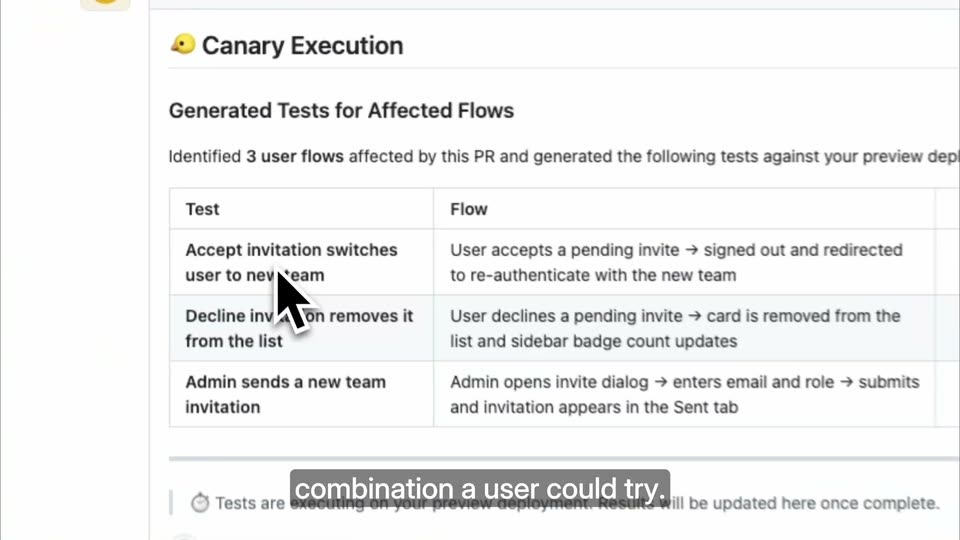 0:31–0:35Canary · Canary Launch VideoA GitHub pull request page displays a canary execution table listing three generated tests. The camera zooms into the table while a cursor hovers over rows and a View live execution link. A gray caption bar at the bottom completes the sentence.
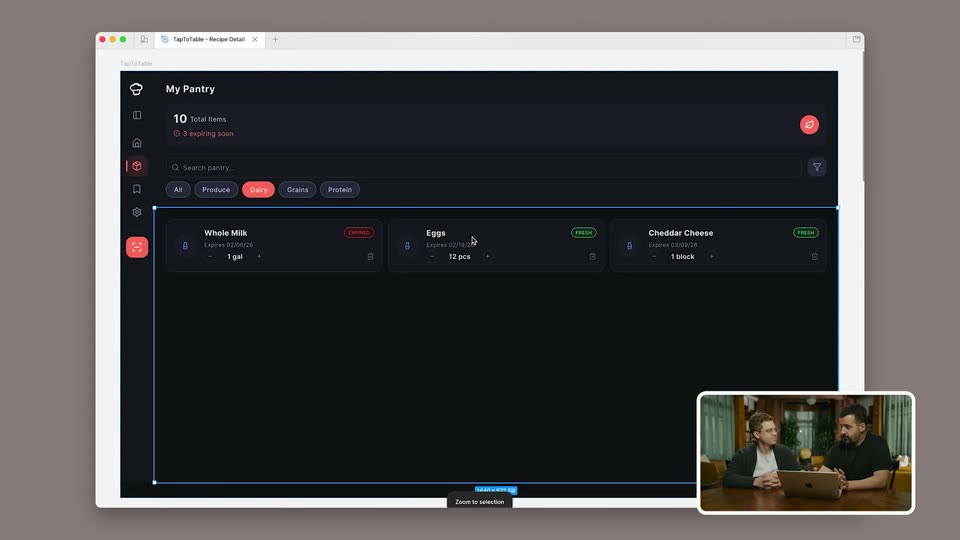 2:18–2:19Figma · Figma - Tired: code or canvas Wired: code AND canvas Introducing Claude CodeA dark My Pantry interface fills a browser window, listing three ingredient cards with status badges. A cursor draws a blue selection box over the list as a Zoom to selection tooltip appears, while a small live-action inset of two men at a laptop sits in the lower right corner.
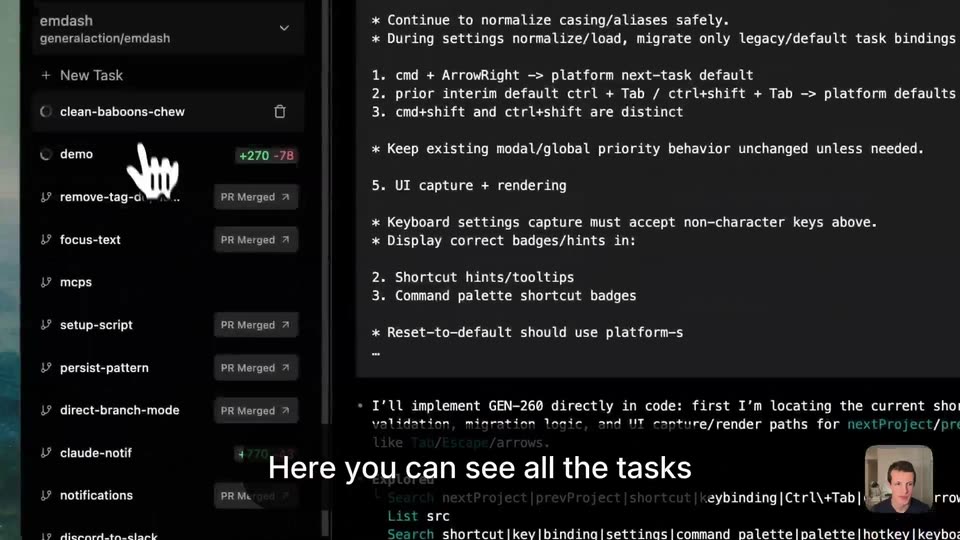 0:28–0:29Emdash · Y Combinator - .@emdashsh is building an open-source Agentic Development EnvironmentA dark app screen shows a left sidebar of task branches beside a code panel and a Changes column. The frame zooms into the sidebar as a hand cursor moves down the rows, and a white caption appears along the bottom.
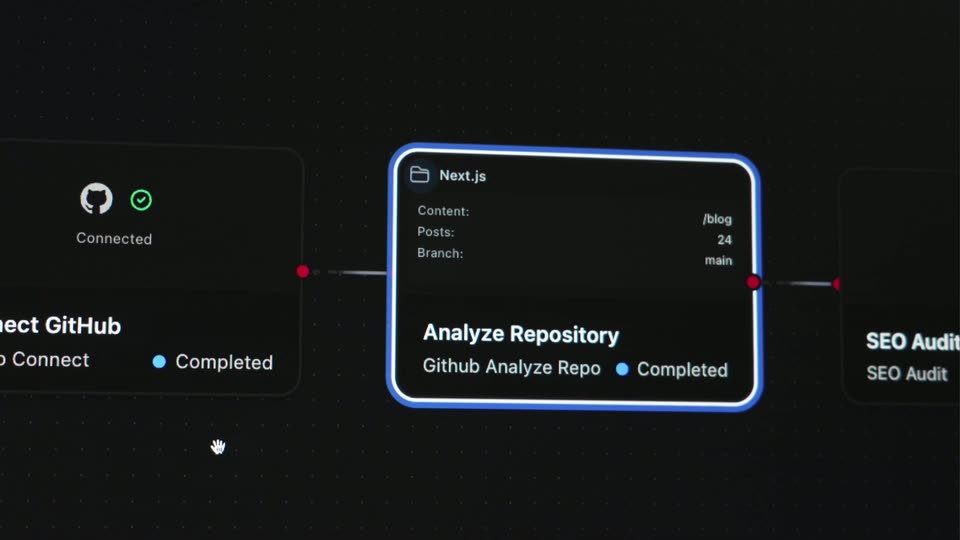 1:09 · 0.8sJam · jia - i proposed... introducing jam. you build, jam spreads.A dark workflow UI on a dotted grid zooms in on a center node card with a glowing blue border, listing a Next.js repo analysis. Partial cards for GitHub connect and SEO audit flank it, linked by thin lines with red node dots.
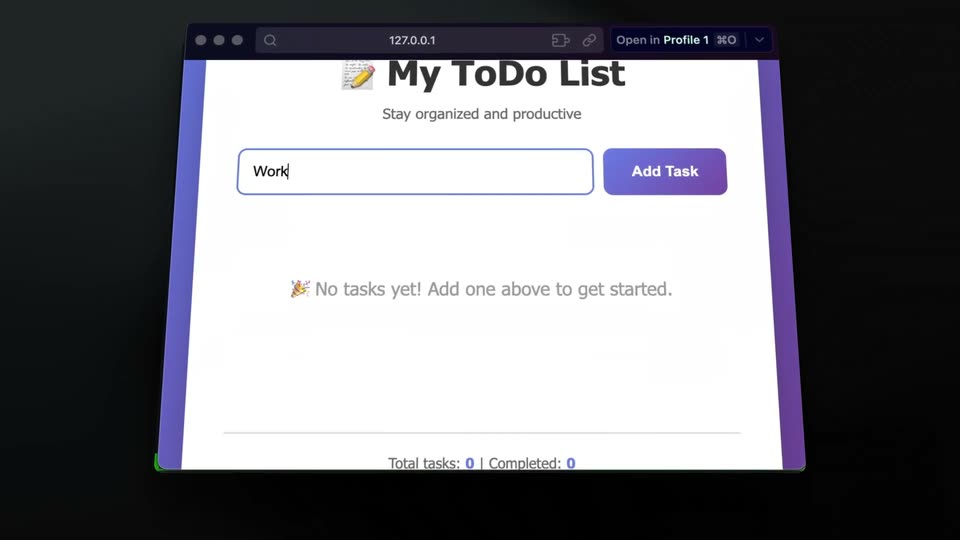 0:21–0:24Cline · Cline - Introducing Cline CLI 2.0: An open-source AI coding agent that runs eA purple-framed ToDo web page sits in a tilted browser window on a black background. The shot opens tight on the title and input row, then pulls back to the full window as the address bar appears, and “Work on new demo” types into the field.
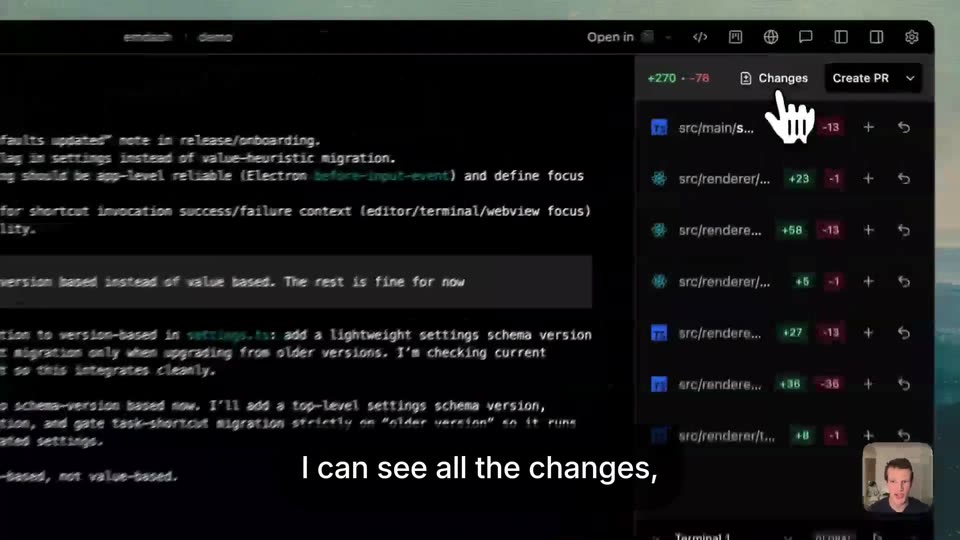 0:36–0:37Emdash · Launch Emdash (YC W26)A dark code editor fills the frame: a file sidebar, a code panel, and a changes list with green and red diff counts. A hand cursor points at the list, then the view zooms toward the top-right corner. A small webcam window of the speaker sits bottom-right.
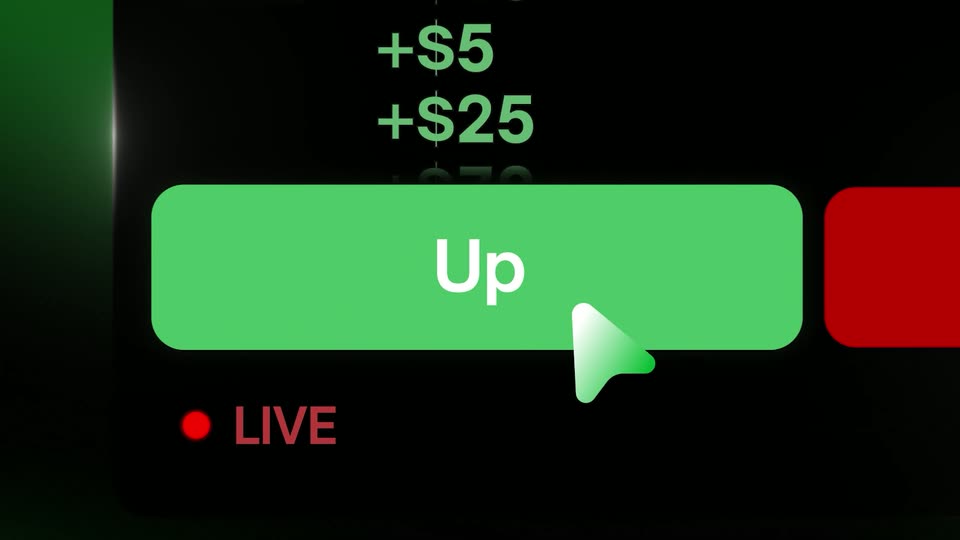 0:12–0:15Polymarket · Polymarket - Bitcoin up or down? 5 minute up/down crypto polymarkets are now liA dark trading interface tilts in 3D as a green Up button and a red button sit side by side, green profit figures scrolling up behind them and a red LIVE dot pulsing below. A white cursor slides in to hover the Up button as the camera pushes in.
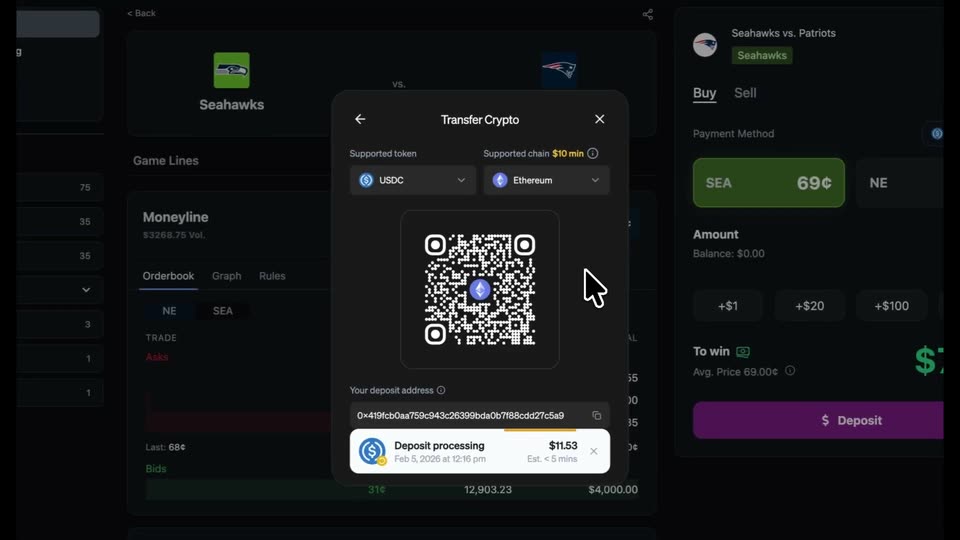 0:16–0:19Unifold · Unifold - Universal Deposit InfrastructureA dark crypto betting interface shows a Transfer Crypto modal with a QR code and a hand cursor. A status pill flips from Deposit processing to Deposit completed, then the frame zooms out to reveal the full dashboard with a green Buy SEA button.
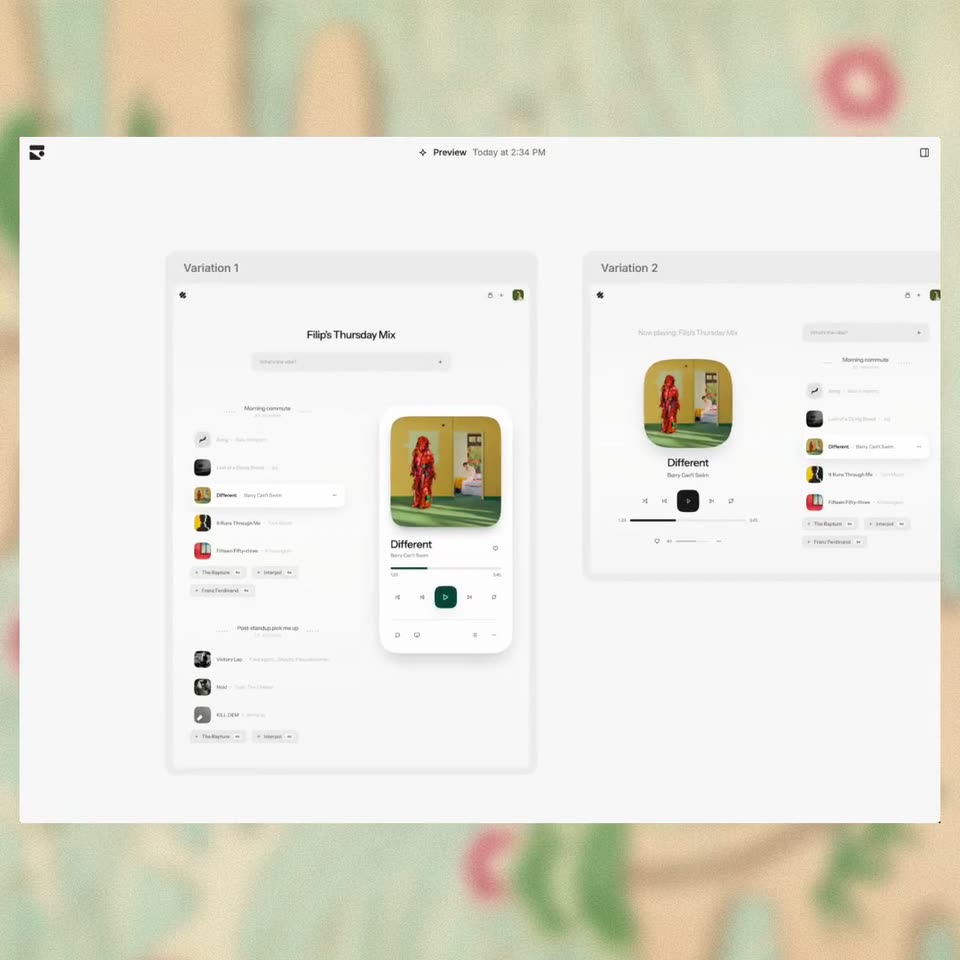 0:13–0:15Design Canvas · Irvin Zhan - Today we’re launching Design Canvas for AI agents. AI can build a feA white preview panel on a blurred pastel backdrop displays four small interface cards in a row. The view zooms in twice, first to two cards, then to a single card showing a music player and a red figure illustration.
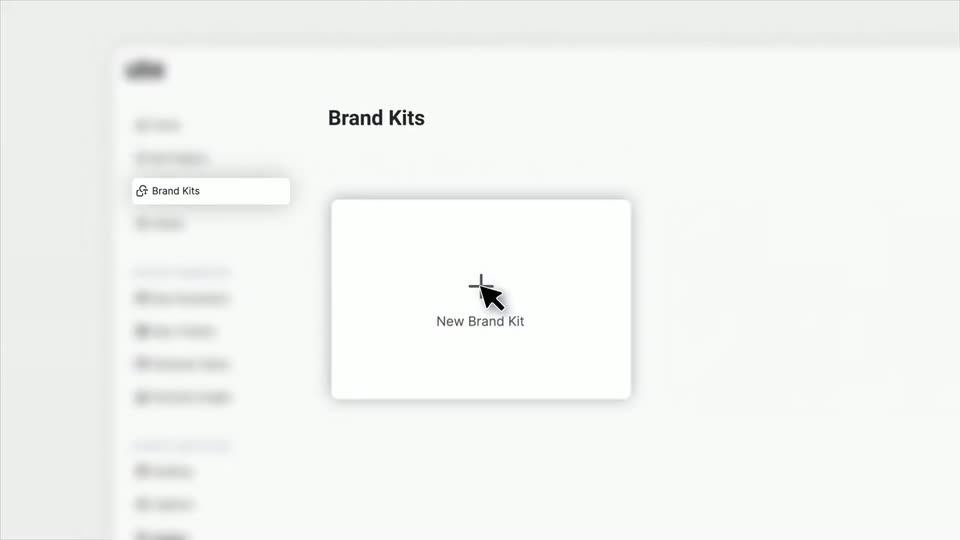 0:04–0:06Lightricks · LTX.io - Introducing Brand Kit. A new enterprise feature in LTX Studio that lA blurred product interface with a left sidebar and a 'Brand Kits' heading sharpens into focus as a cursor glides to a white card marked 'New Brand Kit', then the view zooms into the card.
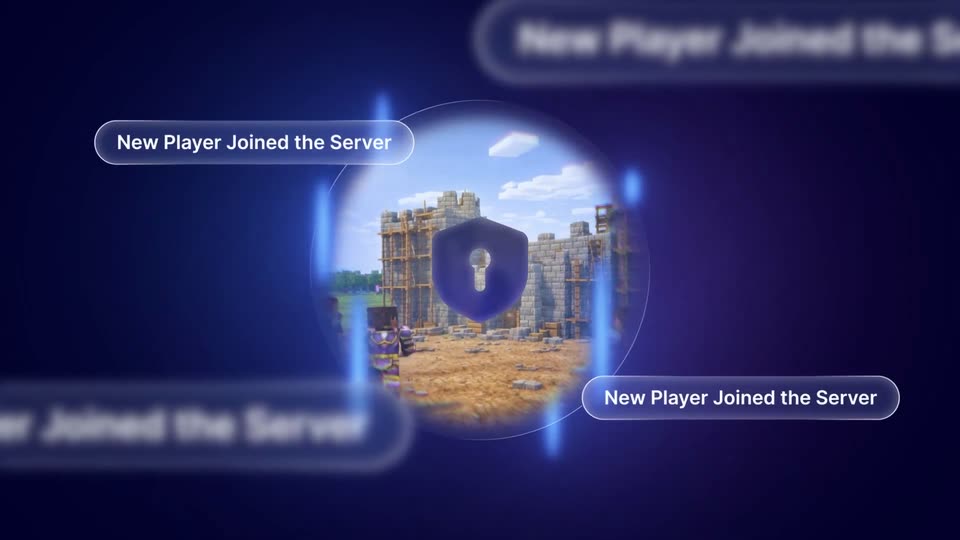 0:41–0:43osu.ai · TSM - INTRODUCING @OSUAIapp 👀 Our team has been hard at work on a desktopA circular cutout frames Minecraft gameplay of a stone castle and two armored players on a dark blue field. Out-of-focus “New Player Joined the Server” pills float at the edges while the circle zooms in and a shield icon with a keyhole fades in at center.
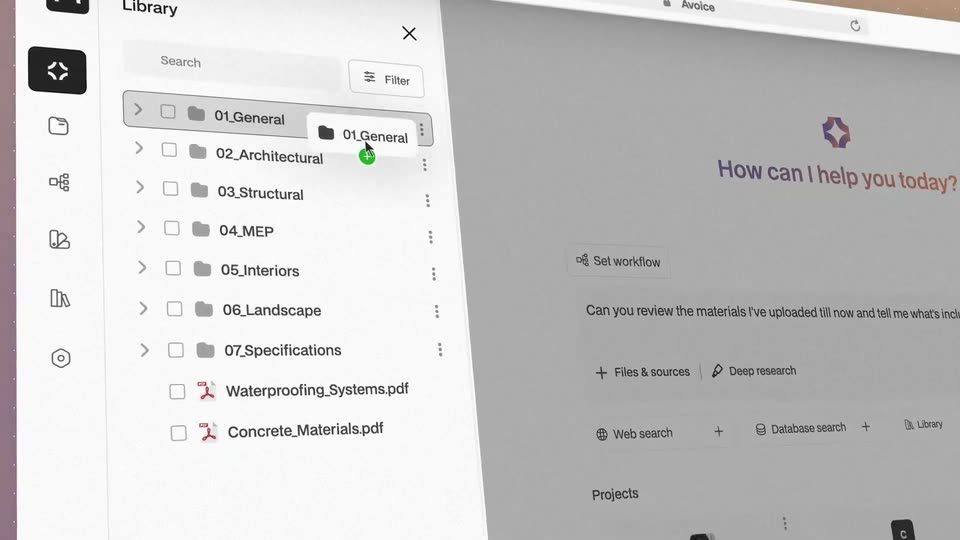 0:30–0:32Avoice · Avoice | The AI Workspace For ArchitectsThe product interface sits tilted in 3D perspective, showing a library folder tree on the left and a chat panel on the right. The view zooms into the left panel as a cursor hovers over the 01_General folder, popping a small tooltip with a green plus icon.
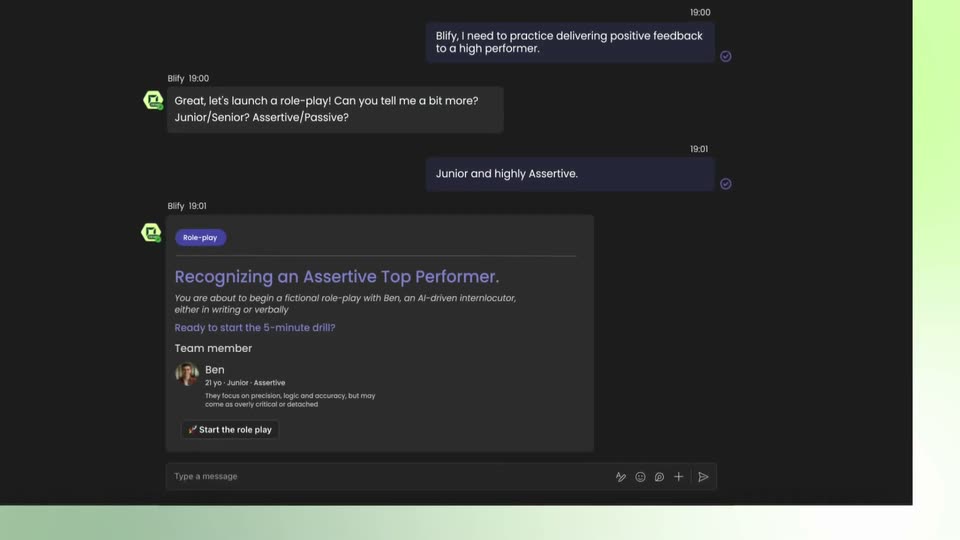 0:32–0:37Blify · Meet Blify ✨A dark Teams chat window zooms in as a conversation unfolds: the user asks to practice giving positive feedback, the Blify bot replies, the user answers, then a role-play card with a “Start the role play” button appears, pointed at by a purple cursor.
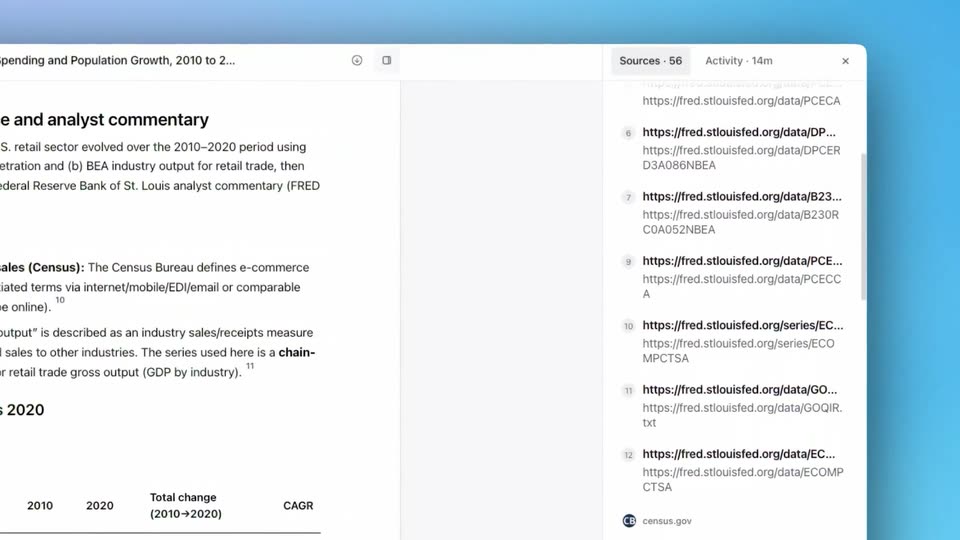 0:59–1:15OpenAI · OpenAI - Deep research in ChatGPT is now powered by GPT-5.2. Rolling out starA research-document app floats in 3D perspective on a blue gradient, then flattens into a full interface view. The page scrolls through the report, reframes onto the citations panel, and a cursor hovers a source link then opens an export menu.
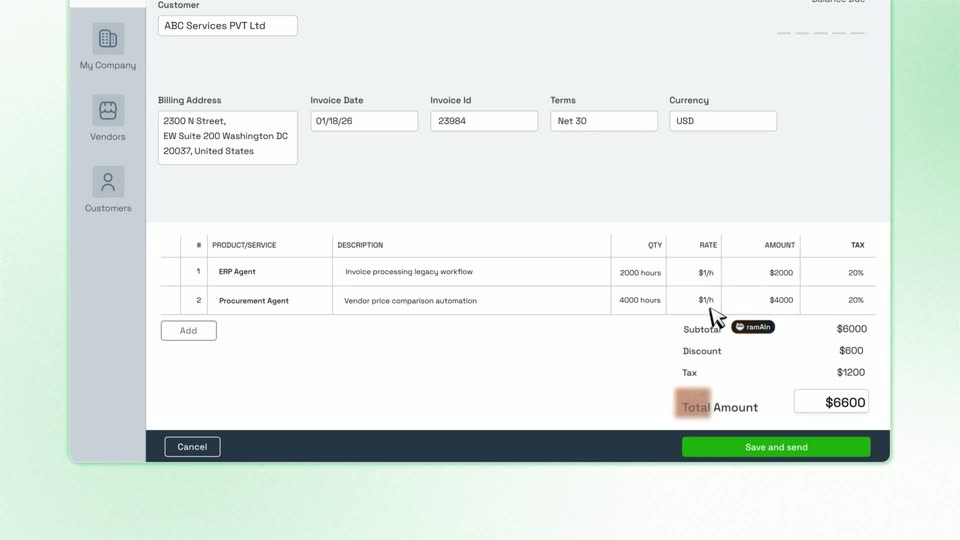 0:50–1:18RamAIn · Y Combinator - Business teams waste 100s of hours manually copy-pasting data acrossA ramAln invoice form sits on a pale green gradient as a labeled cursor fills each field in turn, then scrolls to the line-item table and types two rows. The view blurs behind a Send email dialog, and a green toast confirms the invoice was sent.
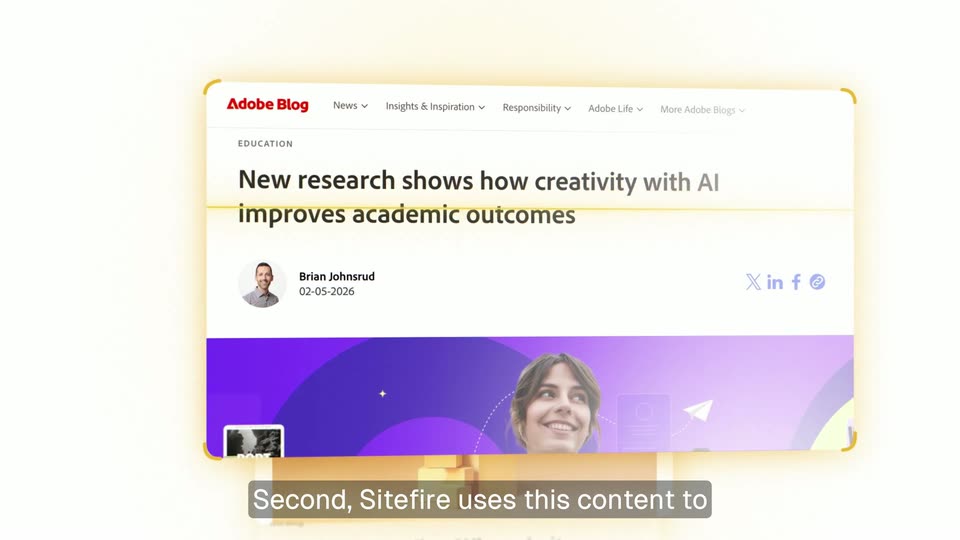 0:35–0:36Sitefire · Launch YC: sitefire.aiA blog article page on a white background zooms in slightly, then a yellow selection box frames the headline and hero image. A dark caption bar at the bottom swaps text to match the voiceover.
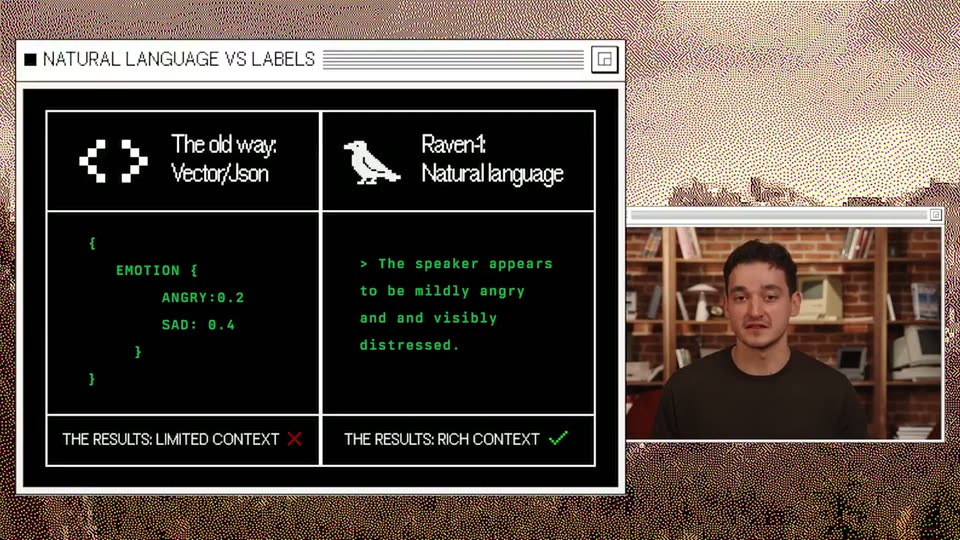 2:12–2:17Tavus · Tavus - Most conversational AI understands words, not people. Introducing RaA retro pixel window on the left compares a JSON emotion vector with a natural-language caption, marked by a red X and a green check. A smaller window on the right shows the presenter speaking. The left window fades and his face zooms to fill the frame.
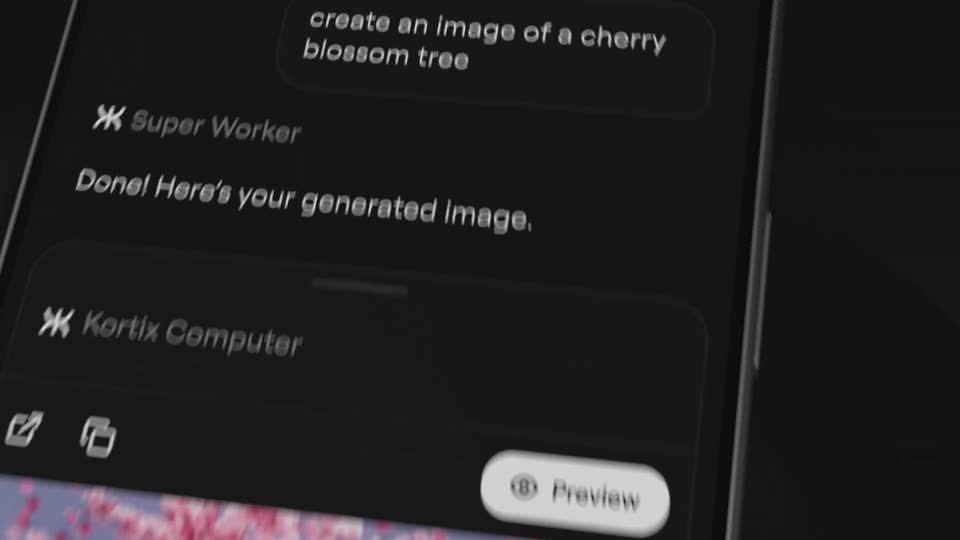 0:20–0:25Kortix · Kortix - Our Super AI Worker just landed in your pockets Out on all app stoA tilted phone mockup on a black background shows a dark chat interface. A prompt bubble reads 'create an image of a cherry blossom tree', then a 'Generating image' chip appears and a pink cherry blossom photo slides in as the camera pushes in.
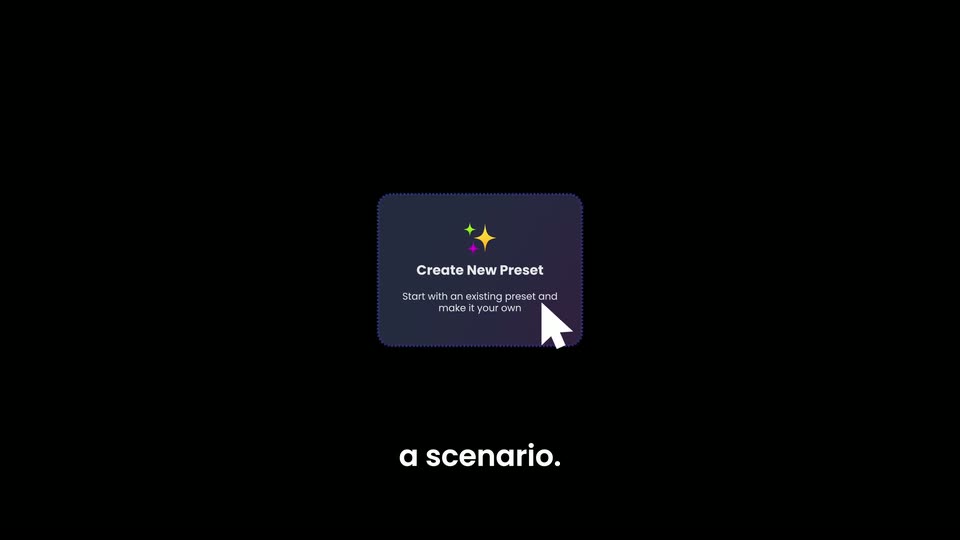 0:49–0:51Pax Historia · Y Combinator - Pax Historia is the first-AI powered sandbox game. Players create woA dark purple card reading 'Create New Preset' with a three-star icon sits centered on black, a cursor hovering at its lower corner. The card zooms in and fades out as the caption 'Anyone can build a scenario.' assembles below, then 'Draw custom borders,' takes its place.
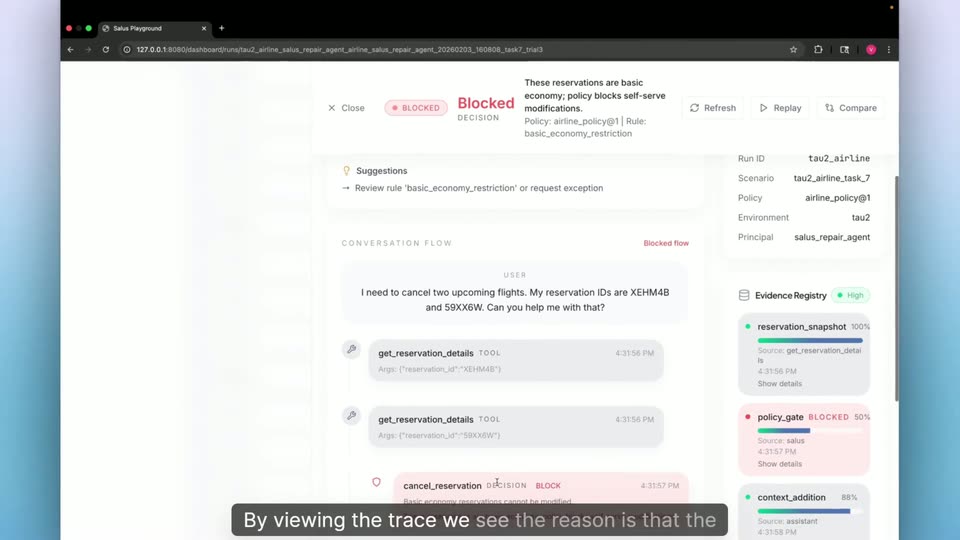 0:43–0:48Salus · Salus (YC W26) Launch DemoA zoomed-in view of the Blocked decision header and Suggestions box pulls back to reveal the full dashboard page in a browser, showing the Why This Happened panel, root cause card and audit metadata sidebar. A white subtitle caption sits in a dark bar at the bottom.
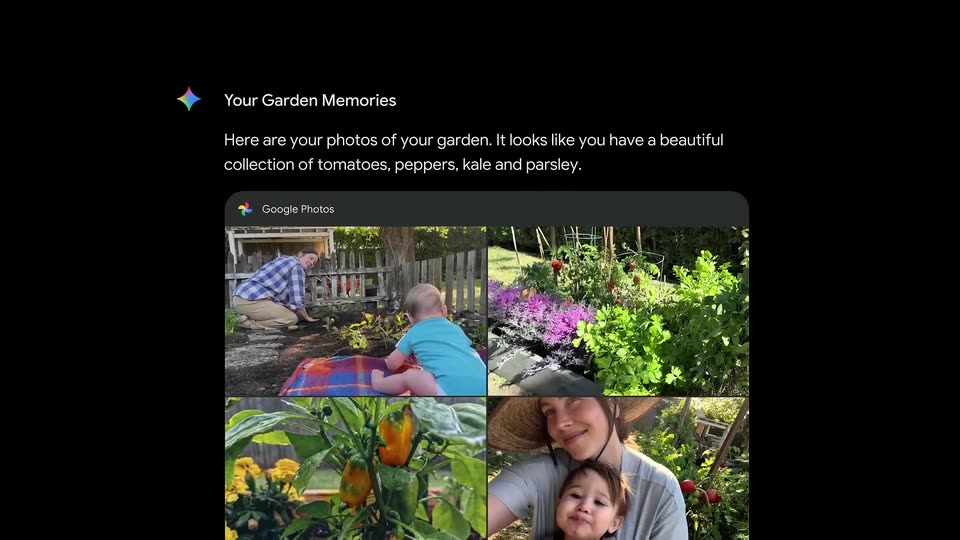 0:44–0:46Google · New Home | Google Gemini SB Commercial 2026A Google Photos card titled “Your Garden Memories” fades in on black with a 2x2 grid of garden photos, then the view zooms into the top-left photo until the woman and baby in the garden fill the frame.
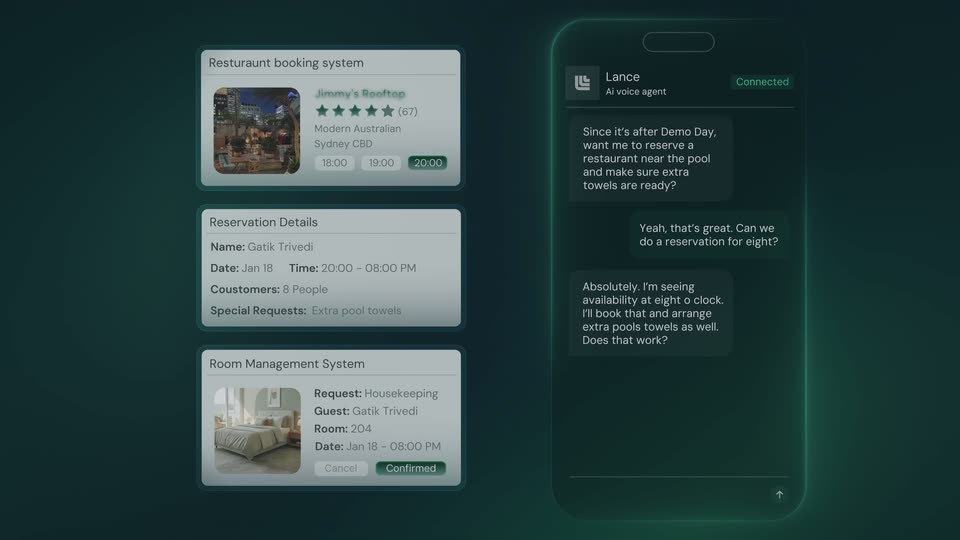 0:56–1:01Lance · guests got places to beOn a dark teal background, three white interface cards (restaurant booking, reservation details, housekeeping request) fade and slide in from the left, stacking vertically, beside a glowing phone mockup showing a chat with the AI agent Lance. “Perfect! Thanks.” appears in the input field at the end.
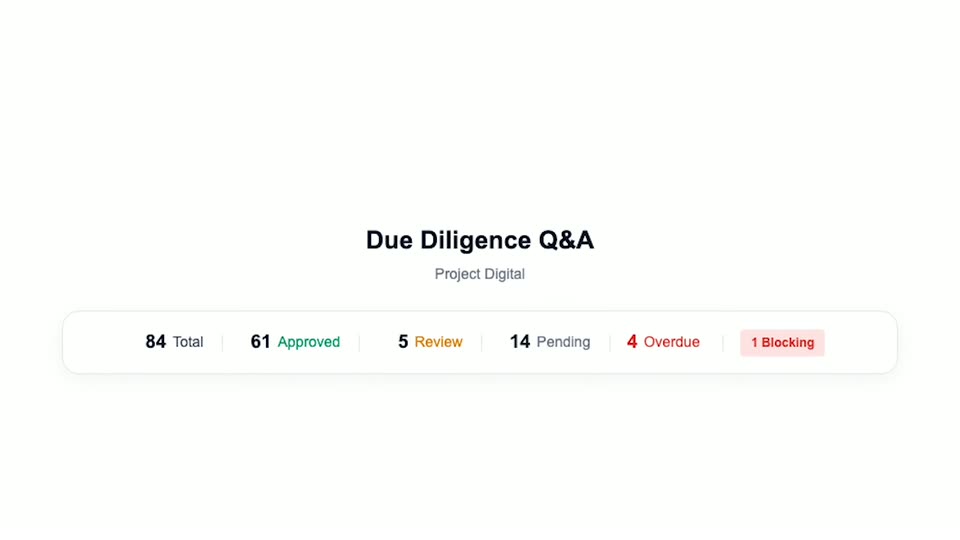 0:56–0:57Maywood · Maywood Launch VideoA white dashboard view centers the header “Due Diligence Q&A” over a stats bar whose numbers roll upward. A question card with a check icon and progress dots slides in from the bottom edge.