0:50

Introducing the GitHub Copilot coding agent
GitHub · Developer tools · May 2025
osu.ai · Feb 2026 · 0:50 · AI-annotated
osu.ai’s 0:50 launch film runs 30 scenes, about 1.7 s each. The product shows up at 0:04 and 3 features are revealed. The call to action lands at 0:43 (86% in). Pacing is brisk at about 15 cuts per minute, alternating locked-off gradient title cards with first-person voxel gameplay and wireframe generation shots. The signature moves are typed text prompts, a glowing arrow cursor clicking a gradient Create button, and a blue-to-magenta color grade that unifies the dark UI cards with the in-world renders.
Is this your launch? to your site or press kit.
GitHub · Developer tools · May 2025
LottieFiles · Nov 2026
A first-person perspective of a blocky 3D landscape pans right. The camera moves across rolling green hills, pixelated trees, and a blue sky with cubic clouds.
Techniques: 3D mockup
Camera: Push in
On a dark navy field, a thin blue cursor sits at center, then the line types out word by word from the left, and a glowing purple-blue oval draws itself around the final words.
On-screen text: “What if you could build anything?”
Techniques: Kinetic type
Camera: Static
On a dark navy background, the tagline sits centered in white, blue and purple, while a thin magenta wavy line draws itself across the frame from left to right just below the text.
On-screen text: “Just describe it”
Techniques: Masking
Camera: Static
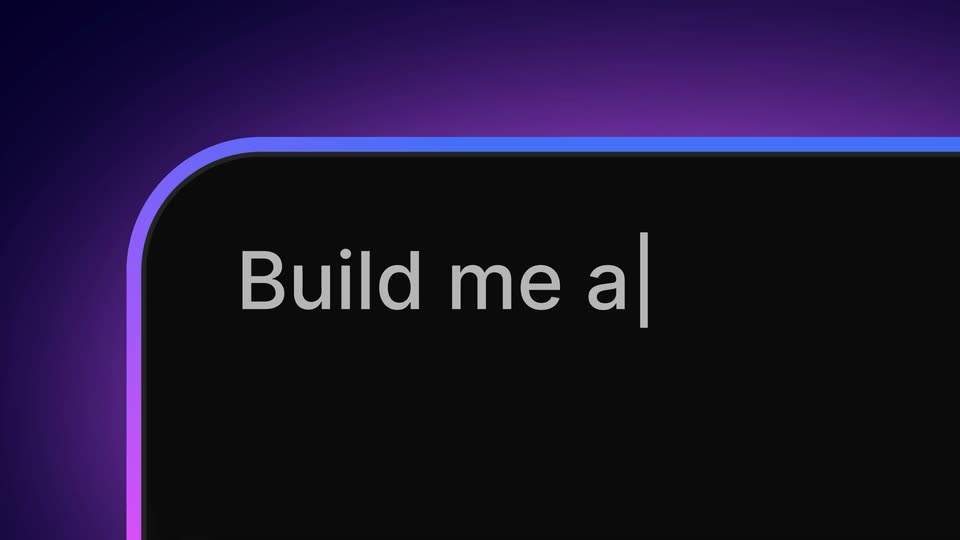
Close-up on the top-left corner of a dark tablet against a purple gradient, its rim lit by a blue glow. White text types out on the black screen, reading Build me a J, with a blinking cursor.
Techniques: Kinetic type
Camera: Static
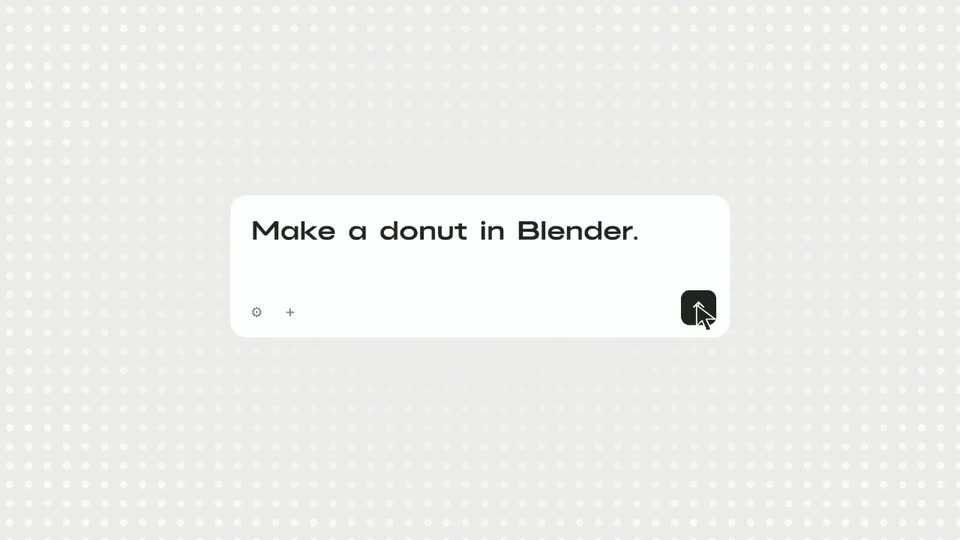
A dark prompt bar with a blue-to-purple gradient border sits on a navy field. White text types out behind a blinking caret, then a white arrow cursor glides in and rests on the purple Create button at the bar's right edge.
Techniques: Cursor demo
Camera: Static
A wireframe 3D box with a magenta floor holds a swarm of pink pixels that coalesce into a voxel cherry tree while the box rotates. “Watch it” and “happen.” flank the scene, then swap for a centered “BUILD” as the tree fills in.
On-screen text: “Watch it”, “happen.”, “BUILD”
Techniques: Particles
Camera: Static
A first-person 3D view of a blocky world opens on a tall green tower ringed by a pink flower field, the frame clearing from a pixelated teal mask. It then cuts to a low stone platform with a white grid layout beside a river.
Techniques: Masking
Camera: Pull out
First-person locked-off view of a grassy voxel plain with a river on the left and a hill on the right; a hotbar and hand sit at the bottom. On a stepped stone platform a glass building rises in a fast time-lapse, small cubes drifting around its corners.
Techniques: Particles
Camera: Static
A first-person view holds on a tall gray voxel tower rising from a grassy Minecraft plain, river to the left, hills to the right. Small yellow and dark blocks drift around its upper tiers while an orange block sits held in the lower right corner. The camera drifts slowly upward.
Techniques: Particles
Camera: Static
First-person view of a tall stepped stone tower with dark roof bands, small yellow and dark particles drifting around its top, set in a grassy landscape under a pink dusk sky. The camera tilts up the tower as a block-holding hand and hotbar sit at the bottom.
Techniques: Particles
Camera: Static
A gray blocky pagoda with dark tiered roofs rises in a green Minecraft landscape. The camera tilts down from the spire to the stone base, revealing the full tower, while a crosshair and an empty hotbar frame the lower edge.
Camera: Static
A rapid camera movement clears from a blurry close-up of green blocks to a stone wall with a wooden door. Green pixelated particles appear on the right.
Techniques: Speed ramp, Particles
Camera: Static
A 3D voxel castle in a glass box sits center frame, flanked by a tree and a spaceship in similar boxes, as the word 'Castle.' scales up below.
On-screen text: “Castle.”
Techniques: Kinetic type, 3D mockup
Camera: Pull out
Three voxel models, a castle, a spaceship and a blossom tree, sit on pink platforms inside wireframe cubes against a blue-purple gradient. A large blue-to-pink gradient headline reads Spaceships. across the lower frame while the camera drifts slowly.
On-screen text: “Spaceships.”
Techniques: 3D mockup, Parallax
Camera: Pull out
A blue-to-purple gradient word sits centered over a darker outline of the same word. Voxel models of a doll, the Eiffel Tower, a robot and a spaceship float around the edges, drifting and pulling into focus against a purple gradient sky with pixel clouds.
On-screen text: “Anything.”
Camera: Pull out
On a dark navy field, the white line 'But, why stop there?' builds word by word at center, then gives way to a violet 'Retexture your world.' that scales up in the same locked-off position.
On-screen text: “But, why stop there?”, “Retexture your world.”
Techniques: Kinetic type
Camera: Static
A dark blue gradient backdrop holds a rounded prompt bar with “Cyberpunk neon world” typed into it beneath the headline “Retexture your world.” A large arrow cursor glides in and clicks the Create button as the bar gently zooms.
On-screen text: “Retexture your world.”
Techniques: Cursor demo, UI zoom
Camera: Pull out
A 3D voxel landscape of green hills, rivers and trees fills the frame in perspective. A dark Discover panel of icon tiles sits top-left, with two prompt cards stacked below it. A white headline scales in over the sky.
On-screen text: “Retexture your world.”
Techniques: Kinetic type
Camera: Pull out
A voxel neon city glows at night in 3D perspective while a dark icon-grid panel and two prompt boxes hold the left side. A cyan mask flashes around the panel, then the UI fades out to leave the open skyline.
Techniques: Masking
Camera: Static
A row of blocky 3D characters on a light gradient, the center one in focus. A cursor clicks the purple Create button in the prompt box. The view zooms to a close-up as the armor swaps to dark cyberpunk plating with cyan lights, and the word Retexture appears top left.
On-screen text: “Retexture”, “Discover”
Techniques: Cursor demo, UI zoom
Camera: Push in
A blocky pixelated character in a dark armored suit with cyan lights stands in 3D against a pale lavender gradient. White and blue four-pointed sparkles pulse around its head and torso. The line Retexture your character. sits above it in a blue to purple gradient.
On-screen text: “Retexture your character.”
Techniques: 3D mockup
Camera: Static
A blocky 3D character in a dark armored suit with cyan lights stands under a gradient headline, then a blur transition resolves on a colorful city view with control panels.
On-screen text: “Retexture your character.”
Techniques: 3D mockup
Camera: Pan
A first-person 3D view of a neon cyberpunk city at night, rain falling, with a metallic gun in the lower right and a small prompt panel plus hotbar along the bottom. A white headline reads AI RETEXTURING at the center over a soft glow.
On-screen text: “AI RETEXTURING”
Camera: Static
A first-person voxel view of a medieval castle, village and river sits beneath the white title AI RETEXTURING. Colored glitch squares flash across the landscape, then the textures shift to richer color as the Medieval Age panel border glows purple.
On-screen text: “AI RETEXTURING”
Camera: Static
A first-person 3D view of a fantasy game world, with a castle on the left, a glowing pink crystal overhead and a purple-gold tool in the lower right, sits under the centered white title AI RETEXTURING as the camera drifts slowly.
On-screen text: “AI RETEXTURING”
Camera: Push in
On a dark blue and purple gradient, the word Create fades in blue at center. The line then scales up as with and Friends join it, the lettering grading from blue to lavender to magenta across the words.
On-screen text: “Create with Friends”
Techniques: Kinetic type
Camera: Static
A blocky Minecraft castle under construction sits in a grassy field with three player characters, a padlock shield and the words PRIVATE SERVERS overhead. A white circular iris closes over the scene as two New Player Joined the Server banners slide in.
On-screen text: “PRIVATE”, “SERVERS”, “Create with Friends”
Techniques: Masking
Camera: Push in
A circular cutout frames Minecraft gameplay of a stone castle and two armored players on a dark blue field. Out-of-focus “New Player Joined the Server” pills float at the edges while the circle zooms in and a shield icon with a keyhole fades in at center.
On-screen text: “New Player Joined the Server”
Techniques: Kinetic type, UI zoom
Camera: Pull out
On a white background, a blue lightning bolt, a cloud-in-circle icon and a light blue letter S converge from the edges and merge at center into one blue circle with a white bolt. A pink gradient circle with a white play triangle sits below.
On-screen text: “New Player Joined the Server”
Techniques: Morph
Camera: Static
A blue OSU logo with a lightning bolt sits centered on a white background. Below it, a purple gradient pill labeled OSU.ai scales in from a small circle, and the text Download Desktop App fades in to its right.
On-screen text: “OSU.ai →”, “Download Desktop App”
Techniques: Morph
Camera: Static