UI zoom
A zoom or reframe onto one part of the interface.
9,996 scenes · page 109 of 167
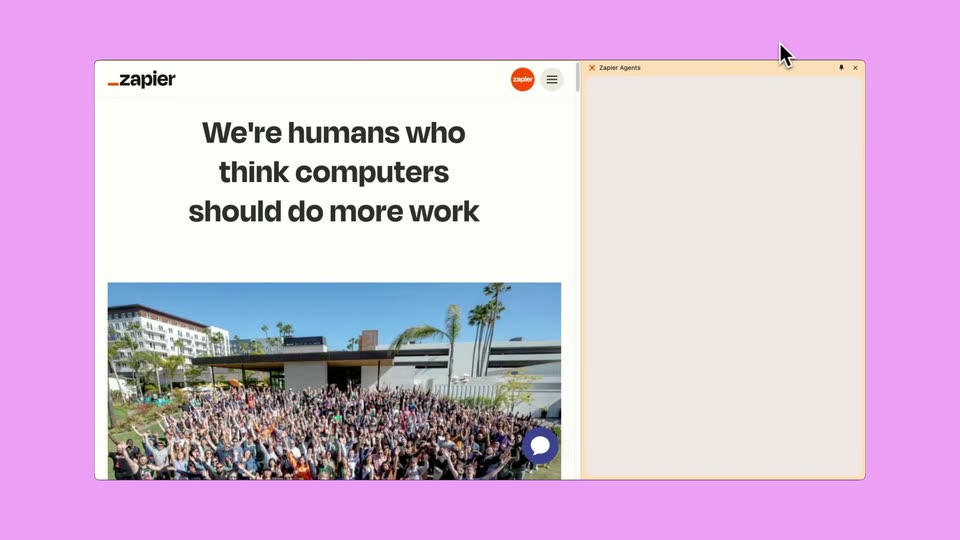 0:27–0:29Zapier · Introducing Zapier Agents: The Future of Automation is Here!Two browser windows sit on a pink background: the Zapier homepage on the left, an empty Zapier Agents window on the right. A cursor drops into the agents window as it scales up and the homepage tilts away.
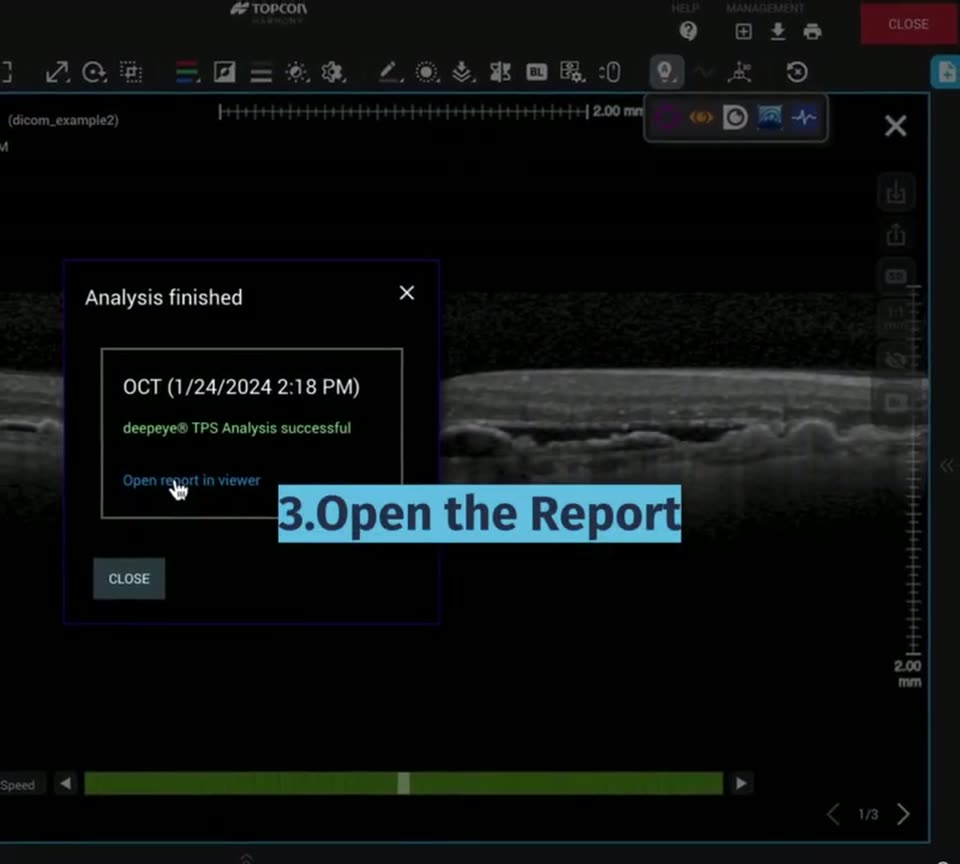 0:13–0:16Deepeye Medical · deepeye TPS, easy to use AI assistant for optimizing IVI therapy planning.A dark retinal scan fills the screen behind an Analysis finished dialog. The frame zooms out to reveal the full toolbar as a cursor moves to the Open report in viewer link. A light blue caption reading 3.Open the Report sits center-right.
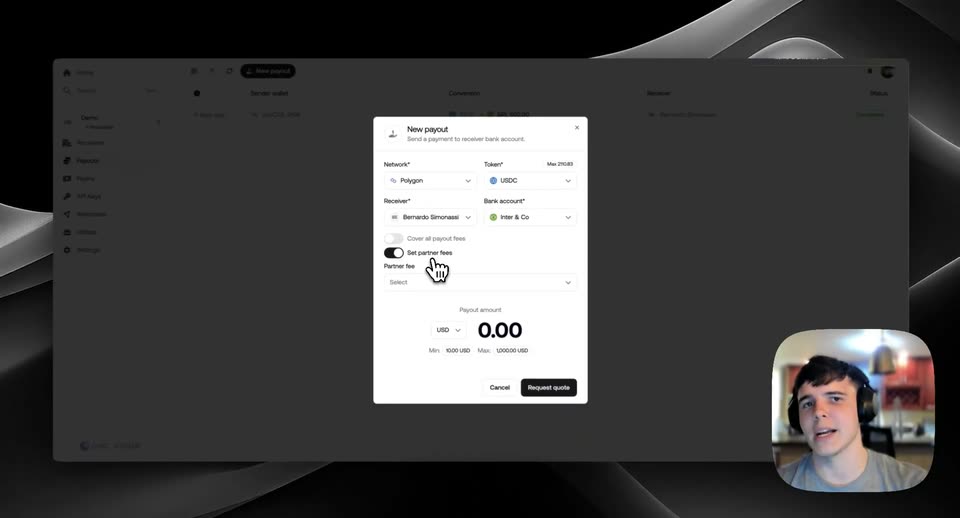 0:39–0:58BlindPay · BlindPay - DemoA white hand cursor clicks New payout, fills the form with Polygon, USDC, a receiver and Inter & Co, and toggles on the partner fee. The view then pulls back to reveal the interface as a tilted panel in a dark 3D space before zooming in.
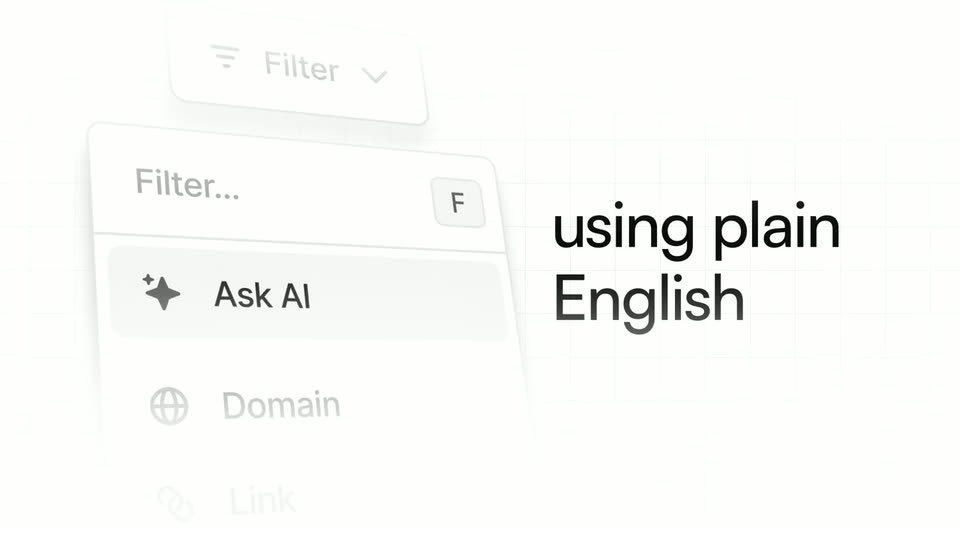 0:16–0:22Dub · Dub.co - Introducing Dub Conversions 📈 Track how your clicks convert to signuTwo Filter buttons sit on a white grid; the lower one opens a dropdown listing Ask AI, Domain and Link. The panel zooms to a close-up, then tilts into 3D on the left as 'using plain English' fades in on the right, before returning to a flat close-up.
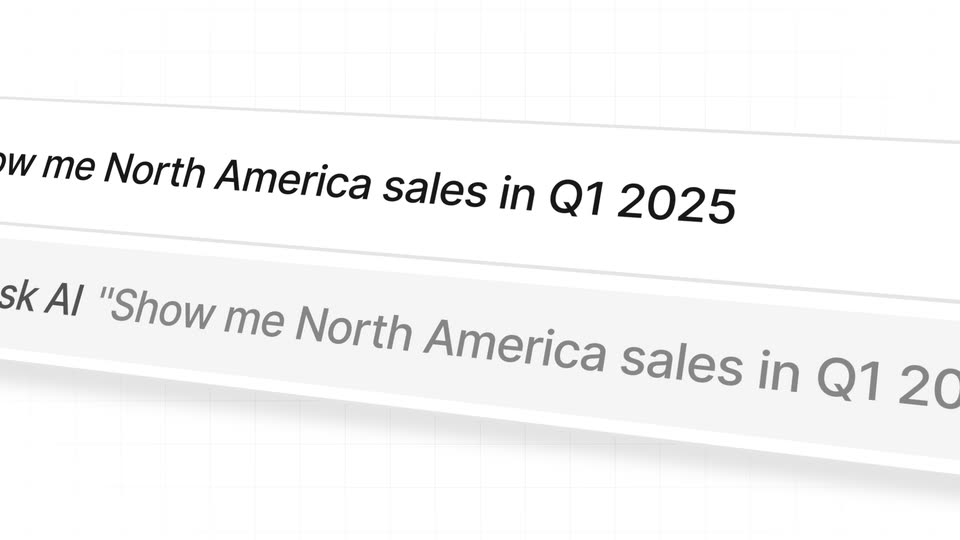 0:22–0:25Dub · Dub: conversionsA white ask-bar card floats on a faint grid, the query Show me North America sales in Q1 2025 typing in with a caret while an Ask AI pill echoes it below. The card then scales up and tilts into 3D perspective, the text filling the frame.
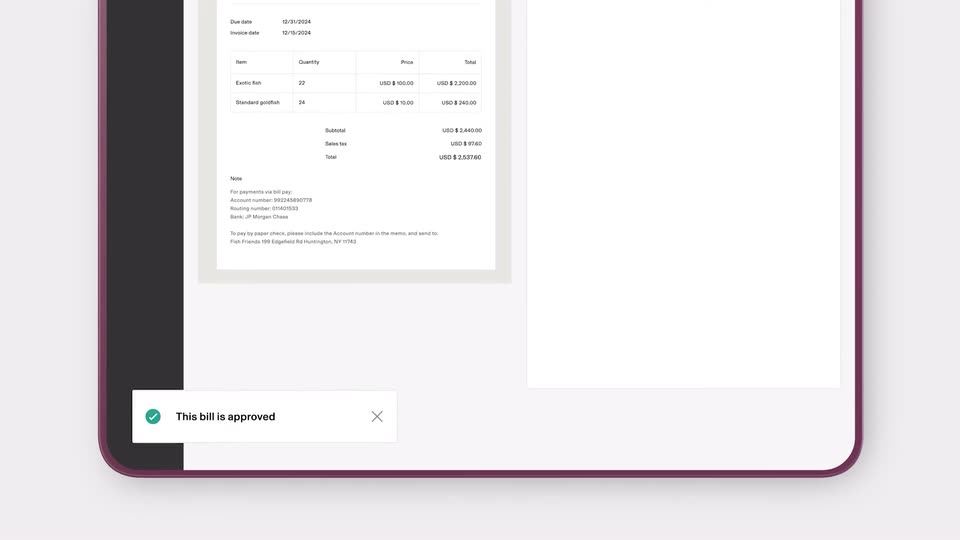 1:42–1:50Rippling · Meet Rippling Spend. Everything you need to run your company spend in one place.A maroon headline wipes in above a tablet-framed bill approval screen. The view scrolls down to the invoice table and the red Reject and yellow Approve buttons, a green approval toast slides in at the bottom left, then it scrolls back up as the status badge switches to Paid.
 0:34–0:40Superhuman · New Year, New InboxAn email draft slides in on a muted blue background: a bold heading, a two-line body, and three quick-reply chips. The view then zooms onto the “You too!” chip as a glowing dot traces its gradient border.
 0:24–0:25Pocket · akshay - Introducing Pocket: The Future of AI in your HandsA white rounded card on a black background shows a dark gray header with a purple sparkle icon above a thin divider. The summary text below scales in line by line while the frame slowly zooms in on the card.
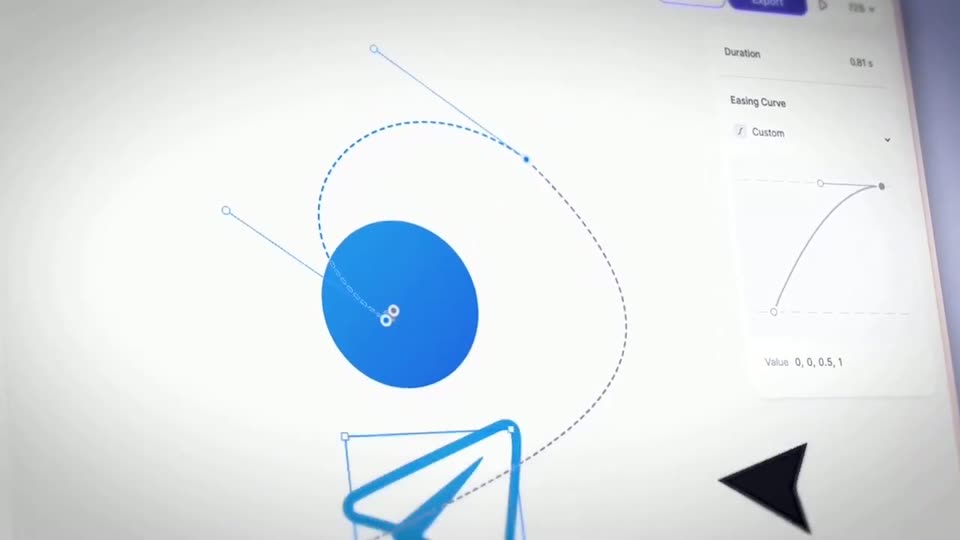 0:29–0:33Lottielab · Lottielab - After months in public beta, we’re thrilled to announce that LottielaA tilted 3D view of an animation editor canvas: a blue paper-plane sticker travels along a dashed loop toward a blue circle while a cursor drags its handles. The camera pushes in on the canvas as the caption Telegram Stickers appears at the bottom.
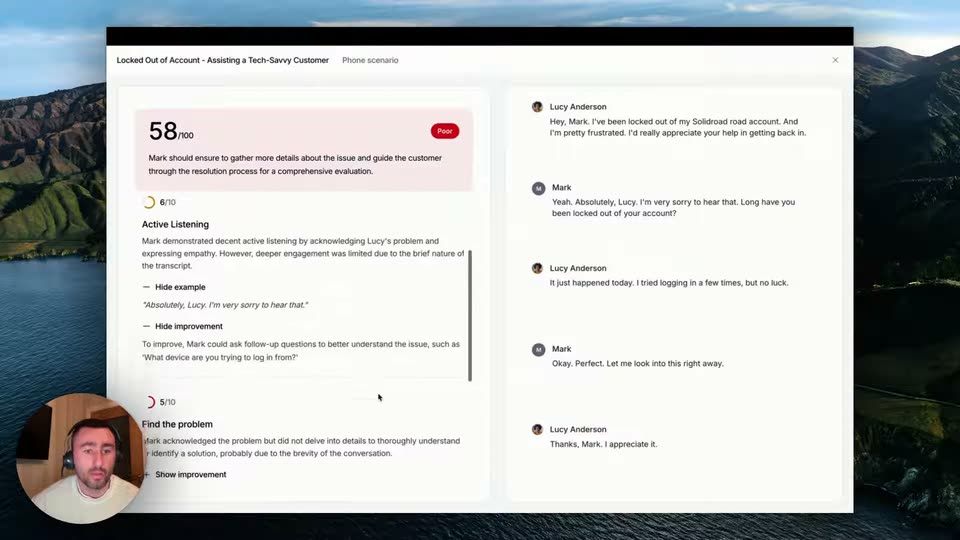 1:12–1:18Solidroad · Solidroad YC Launch DemoA feedback dashboard opens zoomed on a 58/100 score panel, then pulls back to reveal a two-column window with a chat transcript on the right. The left panel scrolls down through scored criteria while a cursor toggles example snippets, over a mountain backdrop with a small webcam bubble.
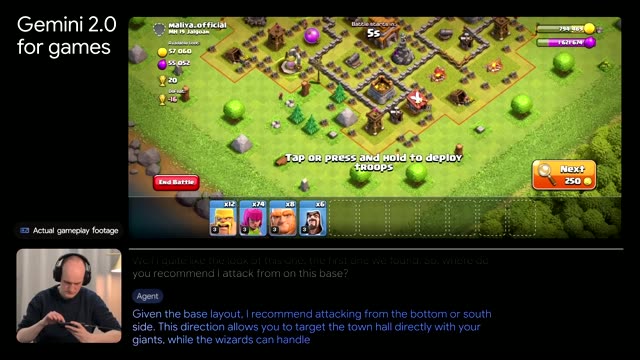 2:14–2:19Google · Introducing Gemini 2.0 | Our most capable AI model yetTop half: a Clash of Clans base map zooms in slowly as the battle countdown ticks down. Below, a chat panel types out the agent reply word by word, with a webcam inset of a man holding a phone at bottom left.
 0:12 · 0.4sLeonardo AI · Leonardo.Ai - ✨ Meet Flow State – Leonardo's newest feature for unlocking boundlessA 3x3 grid of astronaut thumbnails on black zooms into the center tile, filling the frame. The tile shows a white-suited astronaut against a radial burst of pink and cyan streaks, with save and download icons top right and two pill buttons at the bottom.
 0:35–0:39ElevenLabs · Introducing ElevenLabs Conversational AgentsA vertical name list scrolls beside a large circular swirl preview; the selected name sits in a pill row and the preview shifts color to match. A black cursor clicks JESSICA, then the list fades and the circle scales up to center.
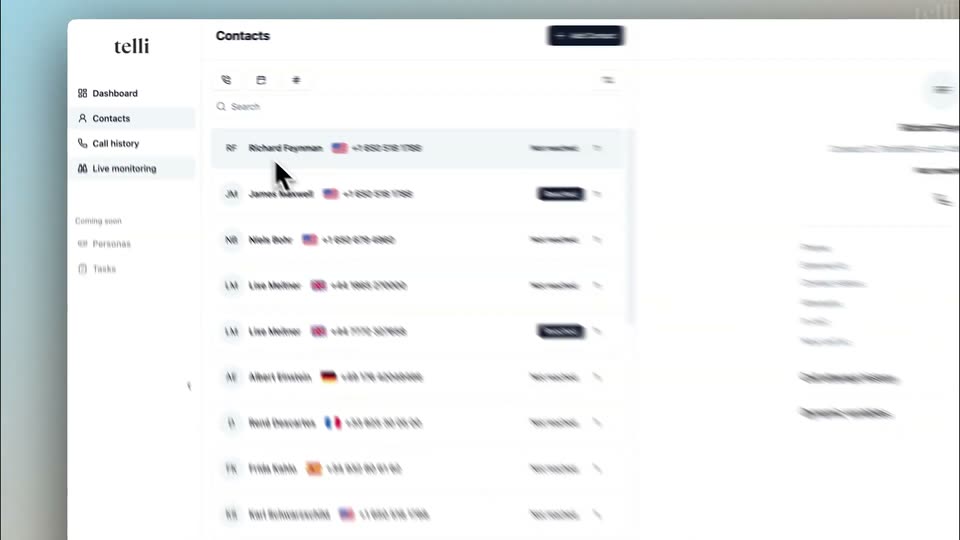 0:44–0:48telli · Launch YC - telli - outbound call automation for B2C companiesThe full telli contacts screen is shown, then the camera zooms into the list as the cursor hovers a contact row. It pulls back out and the right panel fills with the selected contact's details, before a closing card scales in the sign-off text.
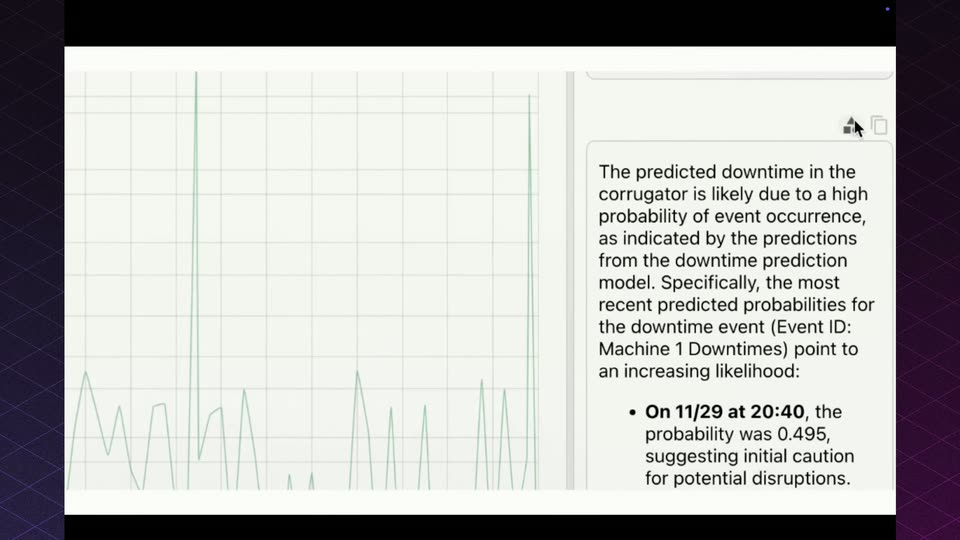 0:54–0:57Vortexify · Praxis AI LaunchA tilted 3D mockup of a machine-monitor dashboard floats on a dark grid. The camera pushes in on the right-hand chat, where a downtime summary fills the panel, then pulls back to reveal the line chart with red alert bands and a small Resources card.
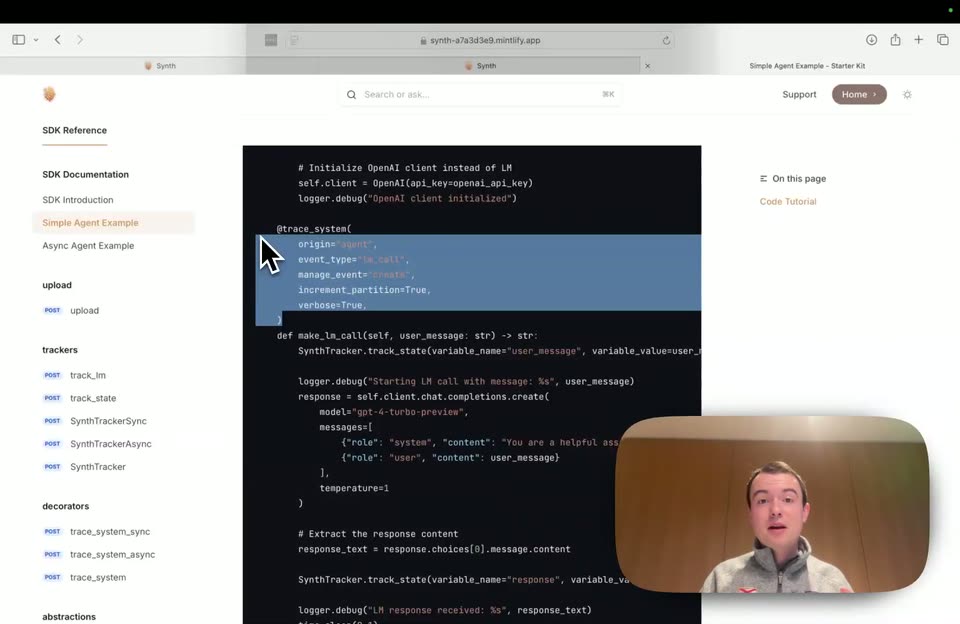 0:38–0:57Synth · Synth AI YC LaunchA documentation page shows a Python code panel with a blue-highlighted decorator block. The view zooms out to the full browser and sidebar, a cursor hovers over the block, the code scrolls, then it zooms back in. A speaker sits in a small window at bottom right.
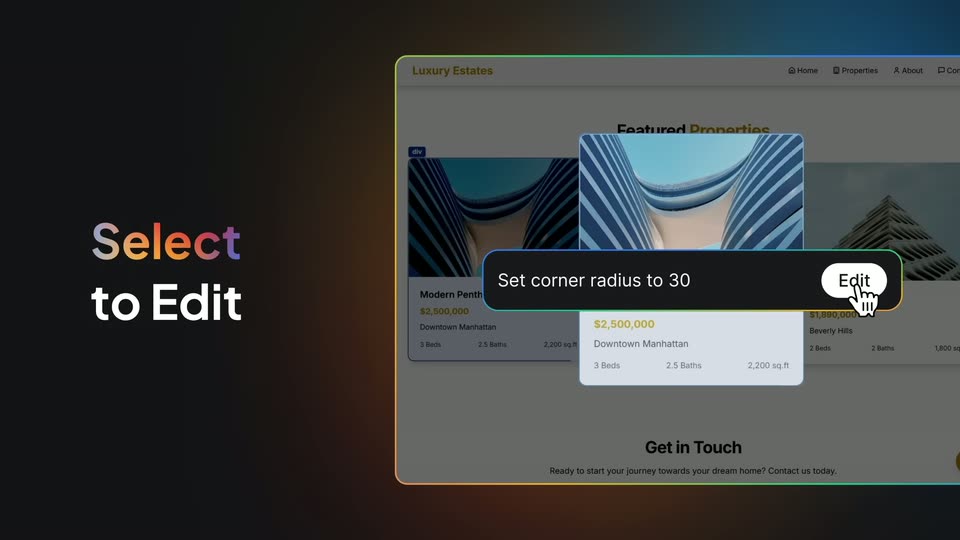 0:58–1:01Lovable · Lovable – An AI Full-Stack EngineerA real-estate website mockup tilts in 3D perspective at right, with the headline 'Select to Edit' on a dark field at left. A hand cursor taps the middle property card, which zooms forward, and a dark pill types 'Set corner radius to 30' next to an Edit button.
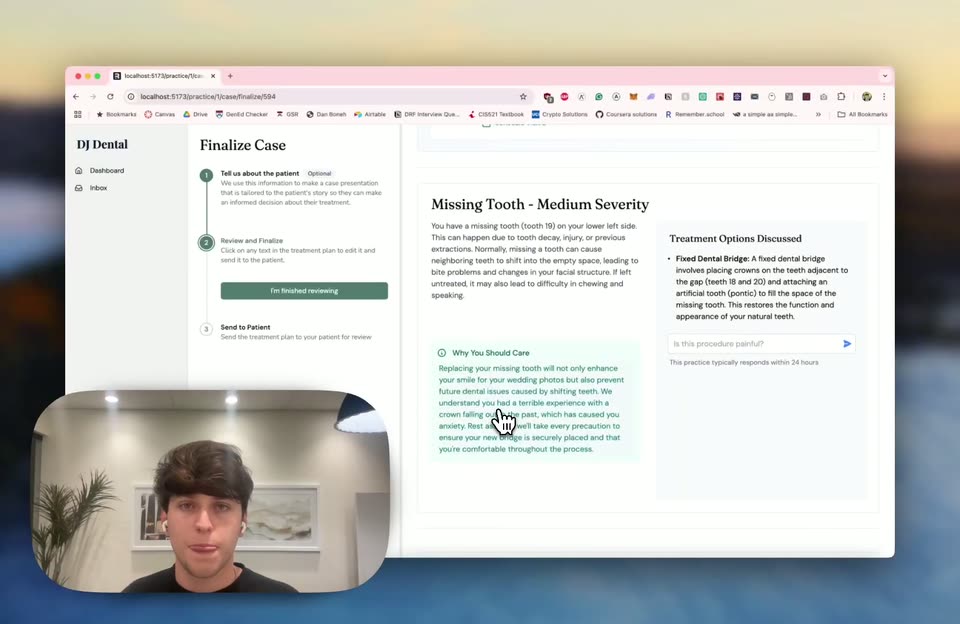 0:29–0:45Avora · ShowAndTell: AI agents for dental patient operationsA presenter in a bottom-left video-call window talks and gestures over a browser showing the DJ Dental Finalize Case page. The treatment blueprint scrolls down, then the view zooms to the message box and a green Schedule Now button as a hand cursor hovers it.
 0:19–0:20Browserbase · Browserbase - What will you 🅱️uild?A dark interface frames a Python code panel with a green code icon at left and thumbs icons at right. The view zooms in on the panel as additional lines of web-scraping code fill in, while a yellow subtitle updates along the bottom edge.
 0:20–0:25Pitch · Pitch - Pitch is now more than just presentation software — it’s a complete pA blurred purple backdrop sharpens into glossy 3D shapes: a magenta sphere with white markings in a purple ring, flanked by purple spheres. White “Sales proposal” and “Omnexis” fade in at left, then the frame pulls back to show the scene as a page in a browser window.
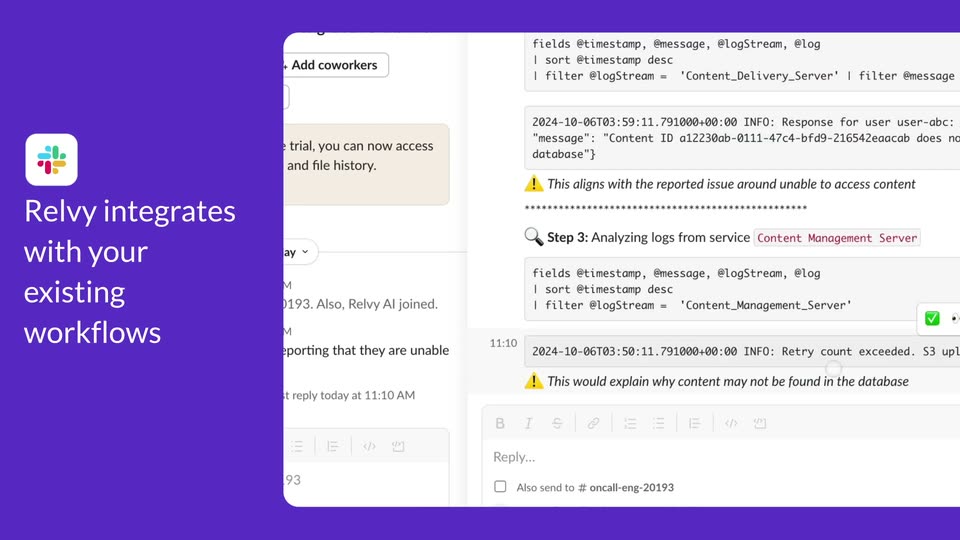 0:57–1:03Relvy AI · Relvy AI - Automate Troubleshooting - Launch VideoA Slack channel window sits on a purple field beside a white headline. A thread panel slides open and the view zooms into it as an AI bot posts step-by-step log analysis. The headline on the left fades out and re-enters word by word with a new line.
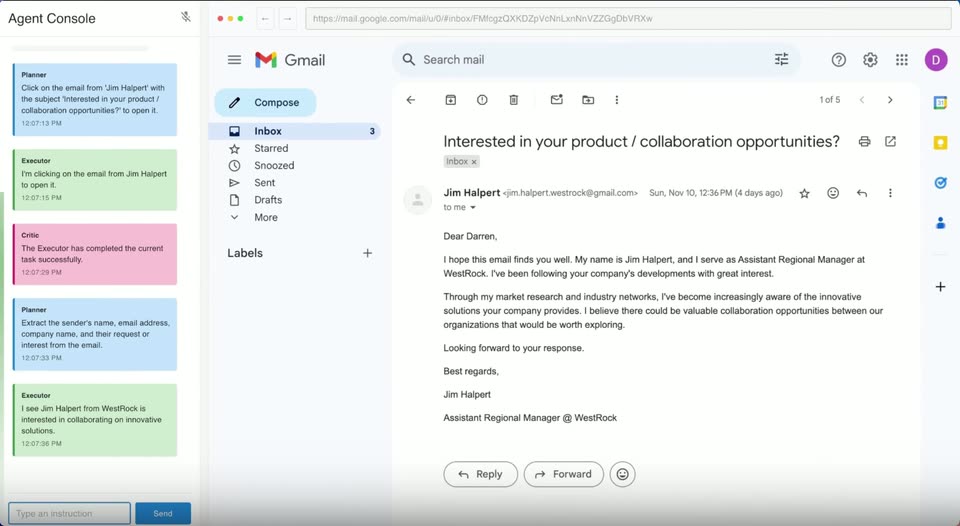 0:36–0:39Kura AI · Kura CRM demoThe clip opens defocused on a Gmail message body, then racks focus and pulls back to reveal a two-pane desktop: an Agent Console log on the left filling with colored Planner, Executor and Critic cards, and the same email open in a browser on the right.
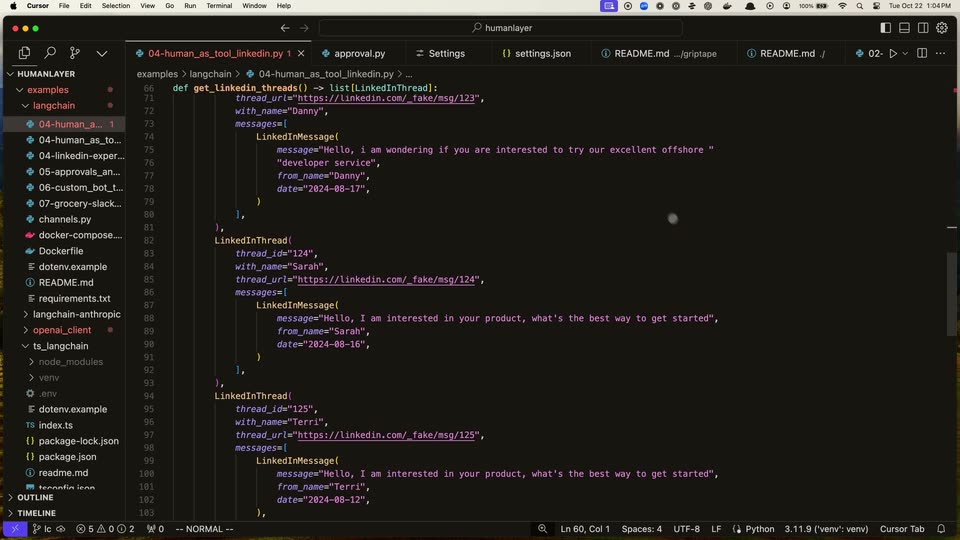 1:18–1:26HumanLayer · HumanLayer Deep DiveA dark code editor scrolls up through a Python file that defines LinkedIn message threads, then the view zooms in with a soft blur onto a block of code. A small white dot hovers near the right edge throughout.
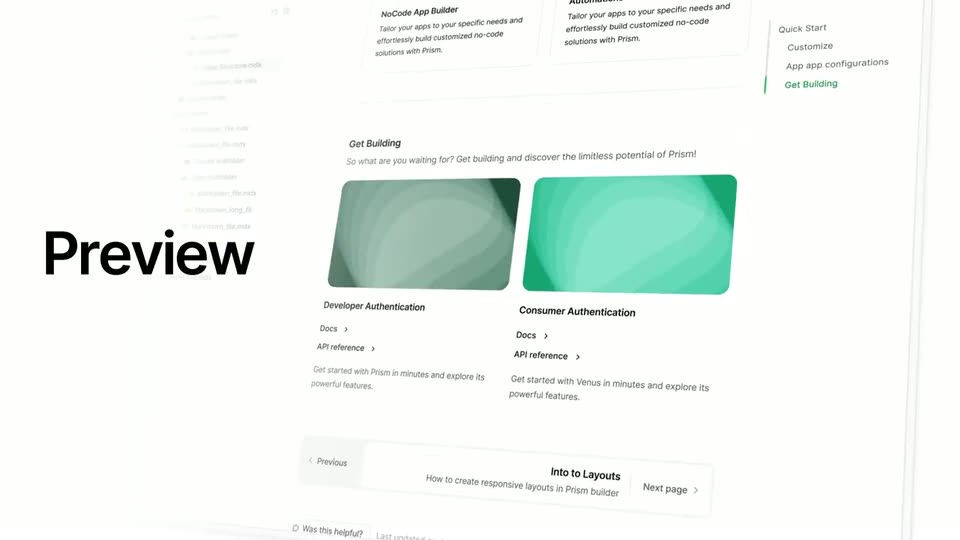 0:18–0:22Mintlify · Mintlify - Introducing our new Web Editor! You can now create, edit, and publisA documentation interface is shown as a tilted 3D mockup on white. The camera pulls back from a close-up to the full window as the word Preview types in on the left, then the mockup reframes onto a Quick Start video section and the text clears.
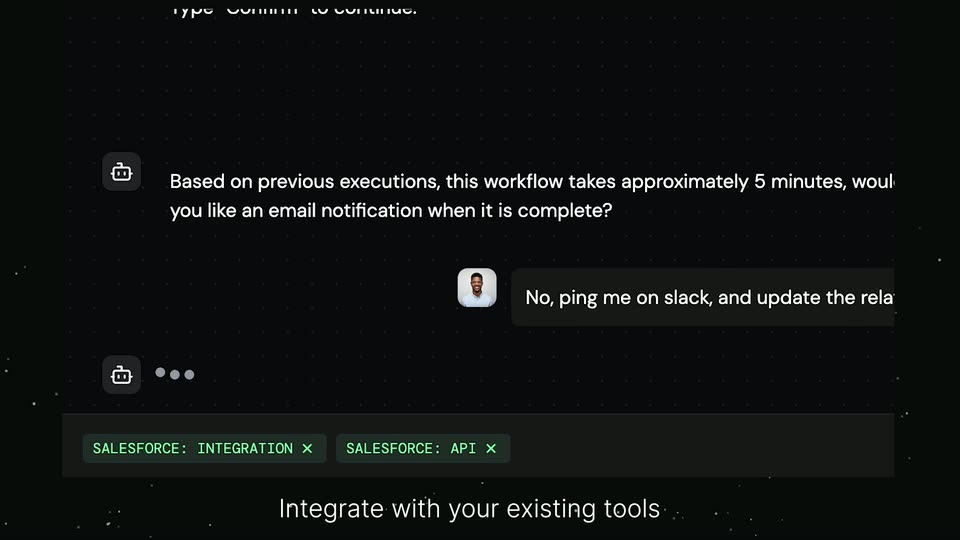 0:55–1:02Laminar · SRE.ai - AI Agents for Salesforce DevOpsA dark chat thread scrolls and reframes onto the input bar, where a reply is typed letter by letter and sent. The sent bubble and the agent's confirmation slide in. A white caption at the bottom swaps from one tagline to another.
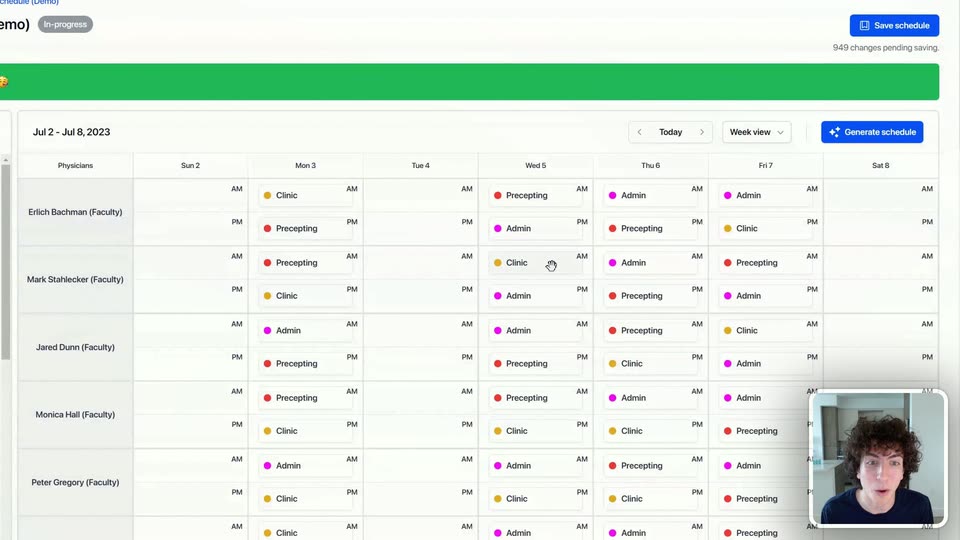 3:18–3:41Durate · Docflow (YC F24) Launch YC VideoA browser window shows the Docflow week-schedule grid with a red violation banner and a small webcam inset of the speaker. The cursor clicks Generate schedule; the banner turns green and the grid cells shuffle as the frame zooms in.
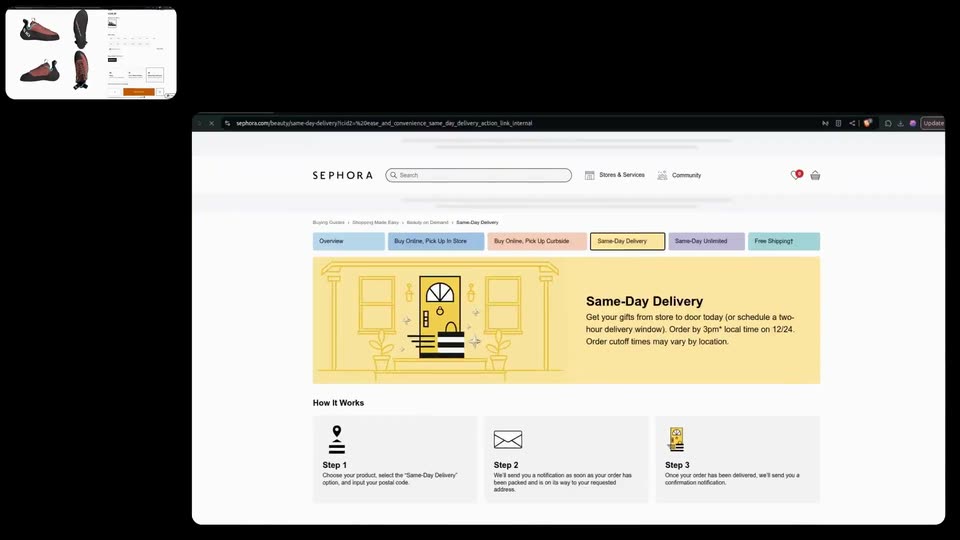 0:12–0:13Getcho · Getcho Launch YCTwo browser windows sit on a black field. The climbing-shoe product page in the top-left corner shrinks and slides up, while the Sephora same-day-delivery page in the bottom-right expands and slides down until it dominates the frame, its yellow storefront line illustration and step icons staying legible.
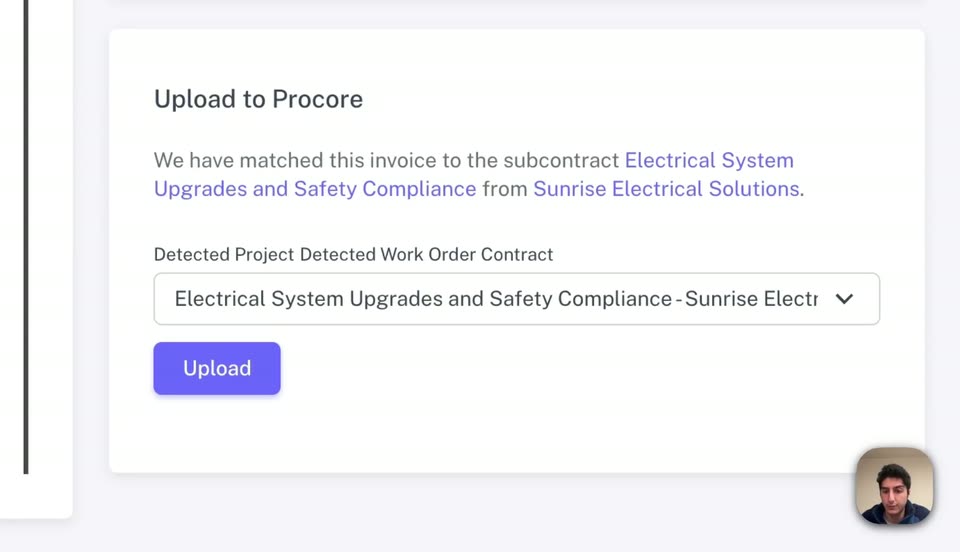 0:39–0:55Karmen · Karmen DemoA project management screen pairs an invoice PDF with an email thread. The view zooms into the Upload to Procore card, a cursor clicks the Upload button, then pulls back to the full layout. A circular webcam of the presenter sits in the corner.
 0:33–0:36StoreTrack · Product Explainer Video for SaaS | StoreTrack | ZeliosA store-locator interface floats in 3D over a blue field, rotating flat to face the camera as a white headline appears above it. It then tilts back and pushes in toward the results list.
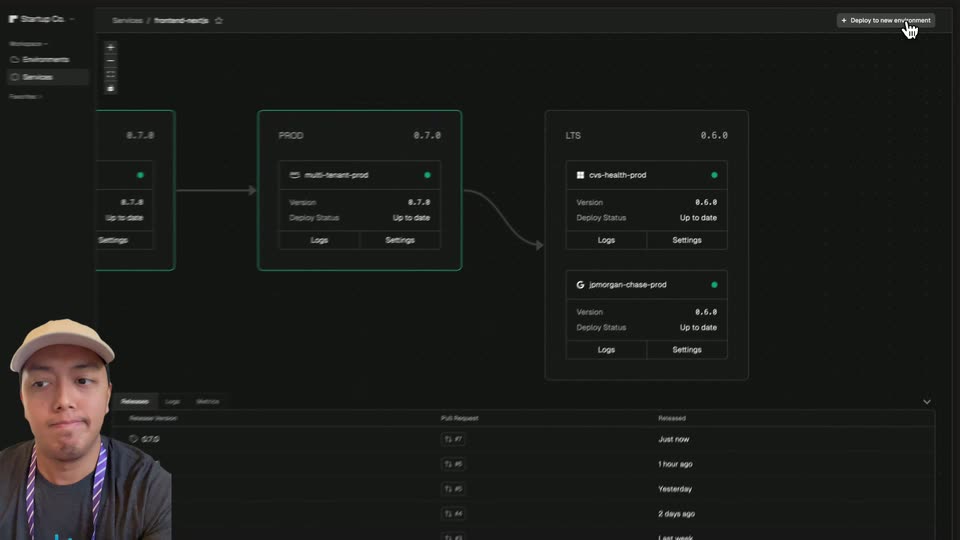 0:26–0:28Ryvn · Ryvn | On-prem deployments, without the stressA dark dashboard shows a node graph of environment cards; the view zooms out from a close-up of the top-right button as a cursor clicks it, then a toast slides in at the bottom right. A surprised presenter reacts in a face-cam inset at the bottom left.
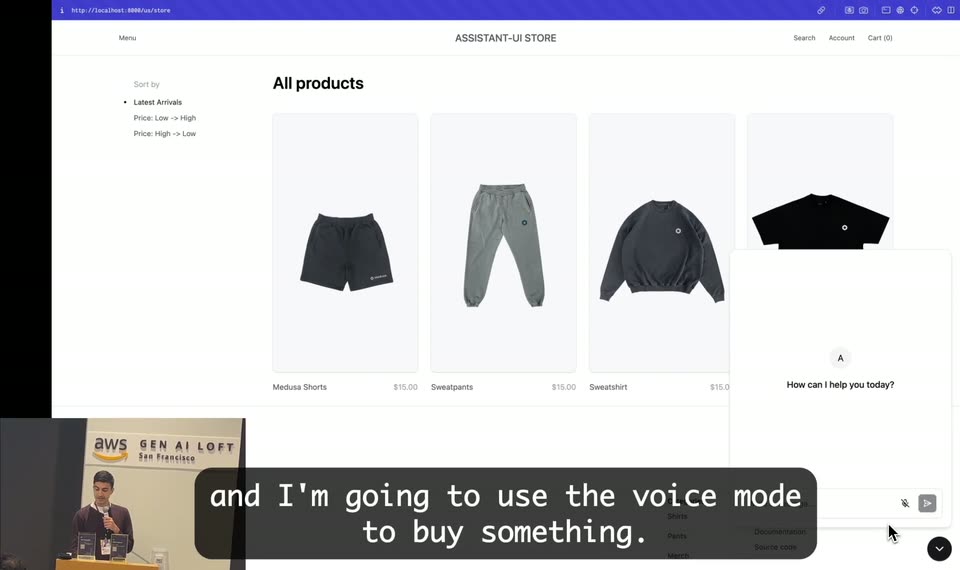 3:09–3:10assistant-ui · assistant-ui | AWS GenAI Loft DemoA browser window displays an online store grid of clothing items with a chat widget in the corner, while a small inset shows a speaker at a podium. A monospace caption sits at the bottom as the view zooms in slightly on the products.
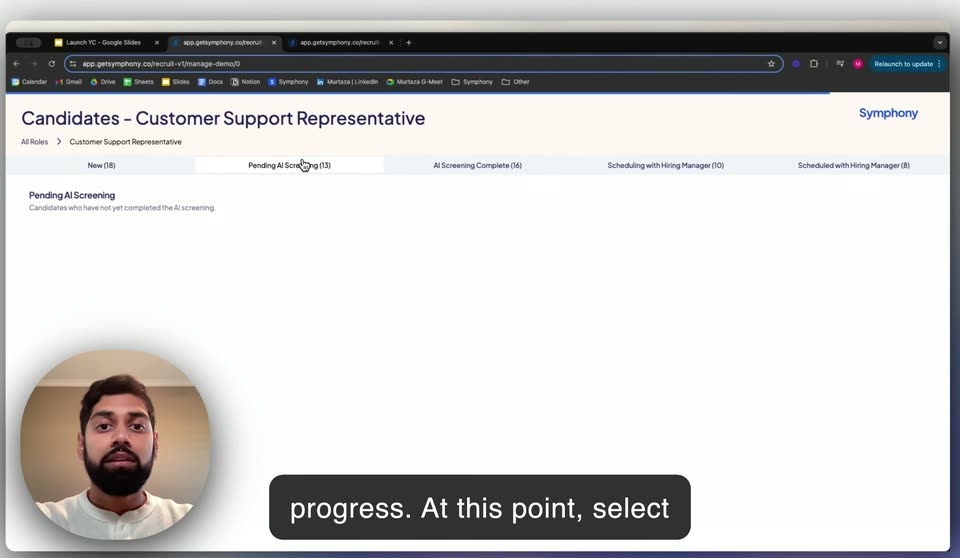 0:35–0:36Symphony · Symphony - Conversational AI-Recruiter for customer-facing roles.A close-up of the candidate detail panel zooms out to reveal the full Symphony dashboard in a browser window, with the candidate list on the left and the summary and evaluation scores on the right. A black caption pill sits at the bottom of the frame.
 1:00 · 0.5sZed · Zed - 🚀 Introducing Zed v0.159! Today we're excited to launch Zed SSH RemoA dark product webpage shows a headline and two buttons on the left, with two overlapping code editor windows in 3D perspective on the right. The camera zooms into the editor windows, pushing the left text out of frame.
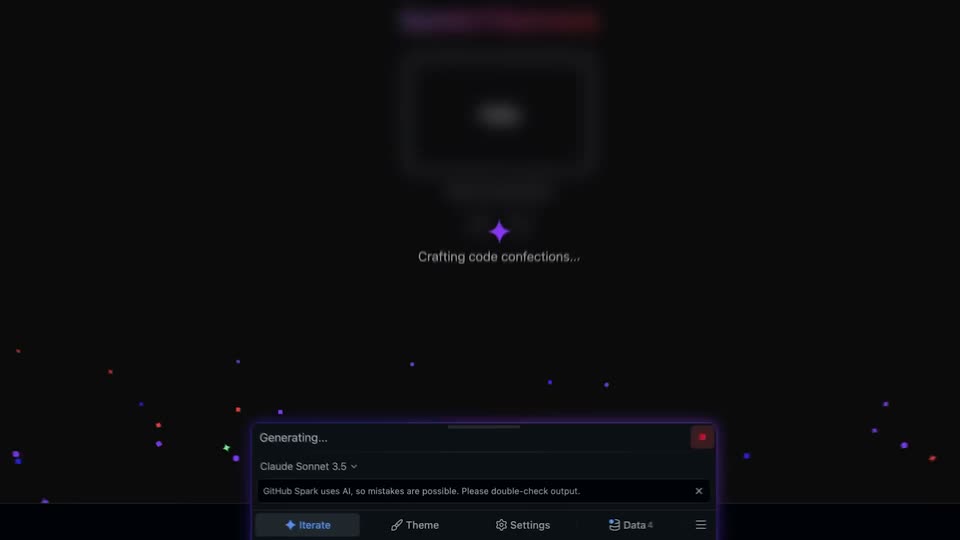 0:38–0:40GitHub · What is GitHub Spark? Introducing a brand new way to build powerful, AI assisted applicationsA dark app window opens zoomed in on a glowing generation panel and a status line. The view pulls back to reveal the full interface, a blurred flashcard in the center and small colored dots drifting across the screen, while the status text changes.
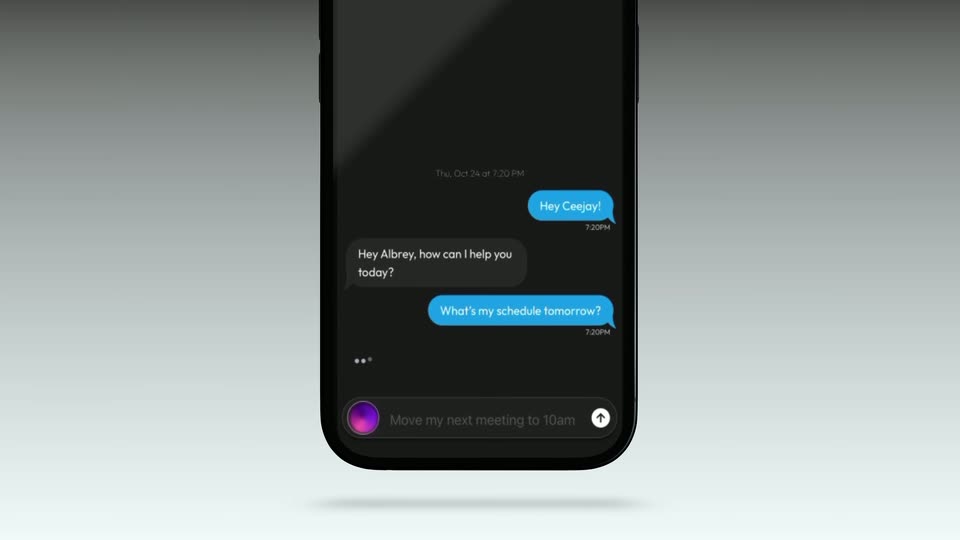 0:19–0:24Doublezero · Introducing Ceejay, your personal assistant for work.A dark smartphone mockup floats in 3D perspective on a gray gradient. The frame zooms in on the chat screen as a question is typed and sent, a typing indicator appears, and a reply lists tomorrow's schedule.
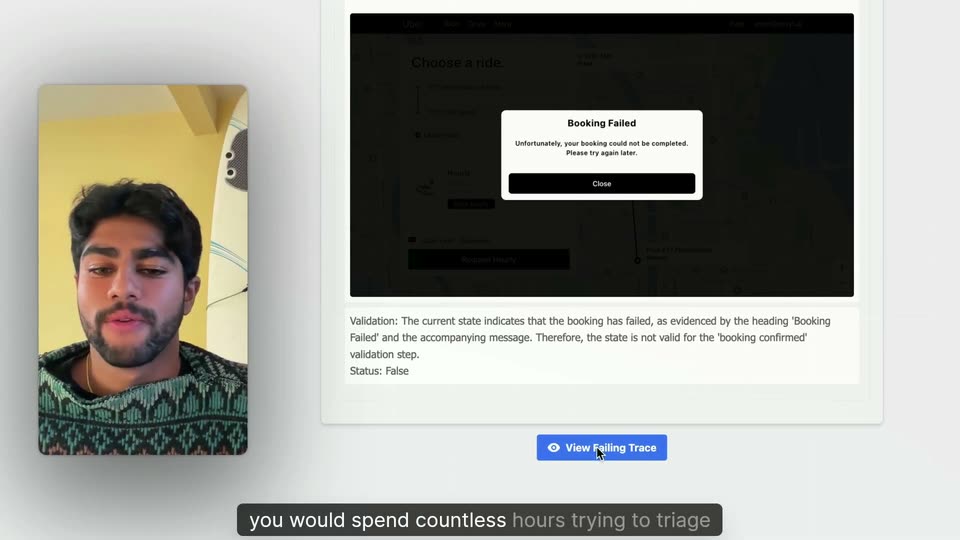 0:43–0:55Revyl · Launch YC: Revyl (F24)A man speaks in a left video panel while a test report on the right scrolls past tagged screenshots. The view zooms into a dark ride-booking screen showing a Booking Failed dialog and a validation note, above a blue View Failing Trace button.
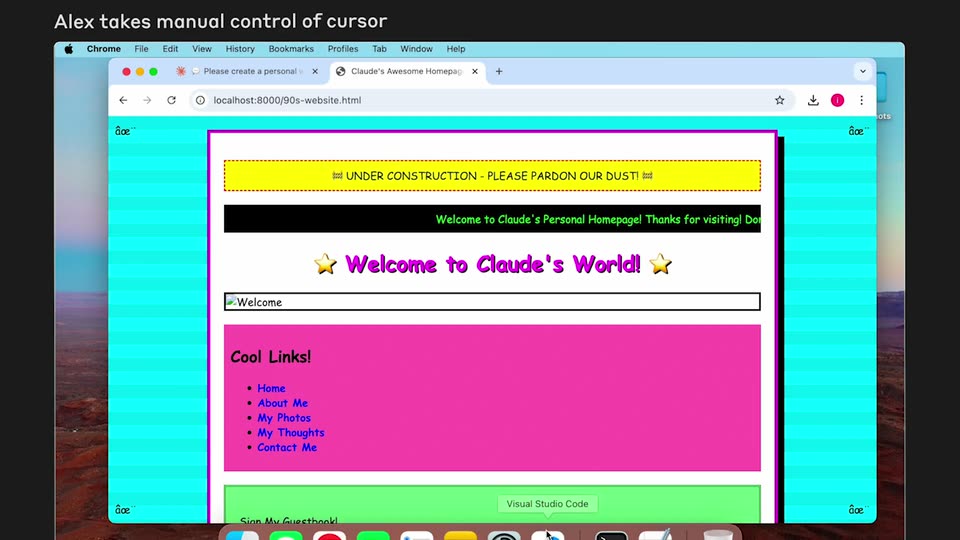 2:11–2:19Anthropic · Claude | Computer use for codingA macOS desktop shows a Chrome window open to a retro 90s personal homepage with a yellow under-construction banner and a pink links panel. The view zooms in on the browser as a cursor glides over the page and hovers a dock icon, raising a tooltip.
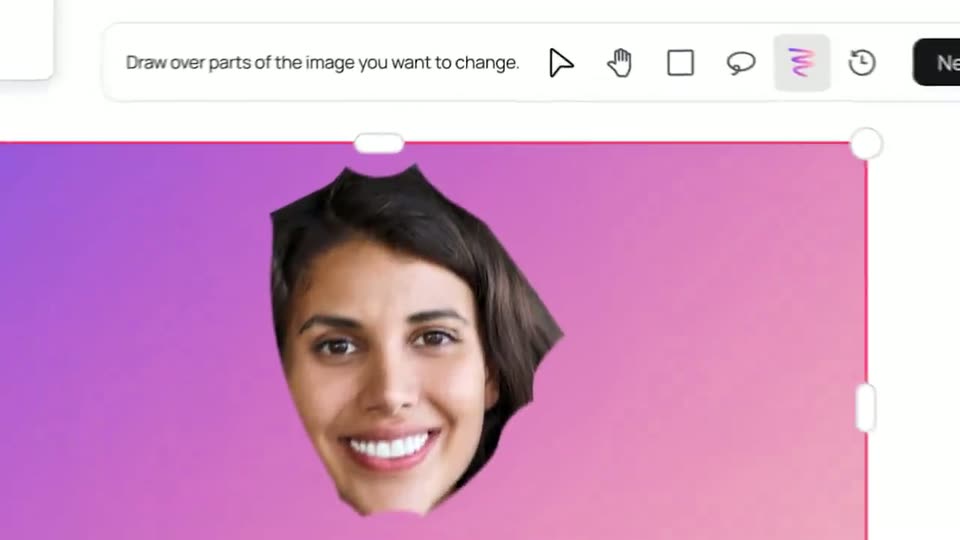 0:10–0:12Ideogram · Ideogram - Today, we’re introducing Ideogram Canvas, an infinite creative boardA cursor paints a purple stroke over the hair in a photo of a smiling woman, the stroke widening across the canvas. The view reframes to the top toolbar as the cursor reaches the Next button, the masked hair appearing as a black cutout on pink.
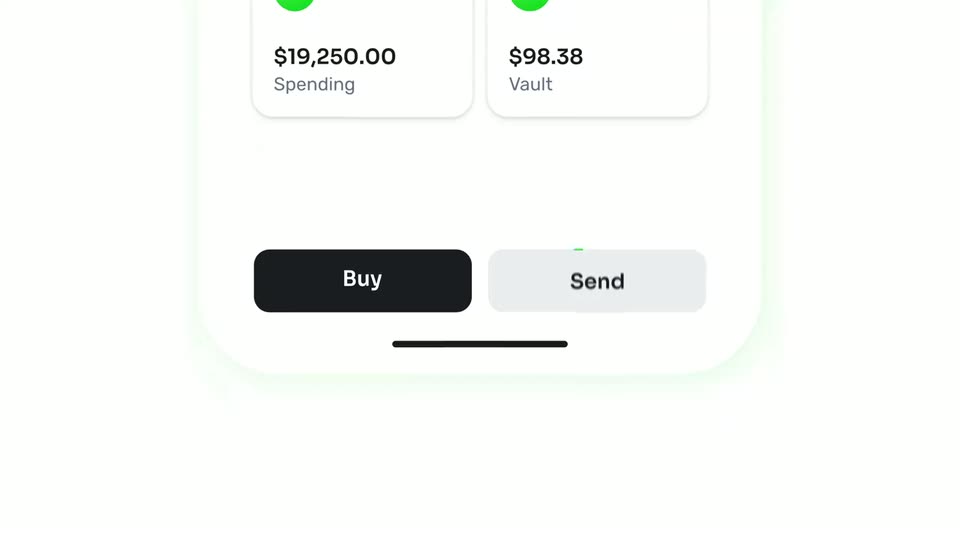 0:54–1:00World · World - Introducing World App 3.0, the super app for humans. Now featuring MiClose-up of a white Vault card with a green lock icon; the balance counts up from $98.32 to $98.96 over a faint accounts screen. The view zooms out to the full wallet with Buy and Send buttons, then cuts to a contacts list showing @tiago and @alex.
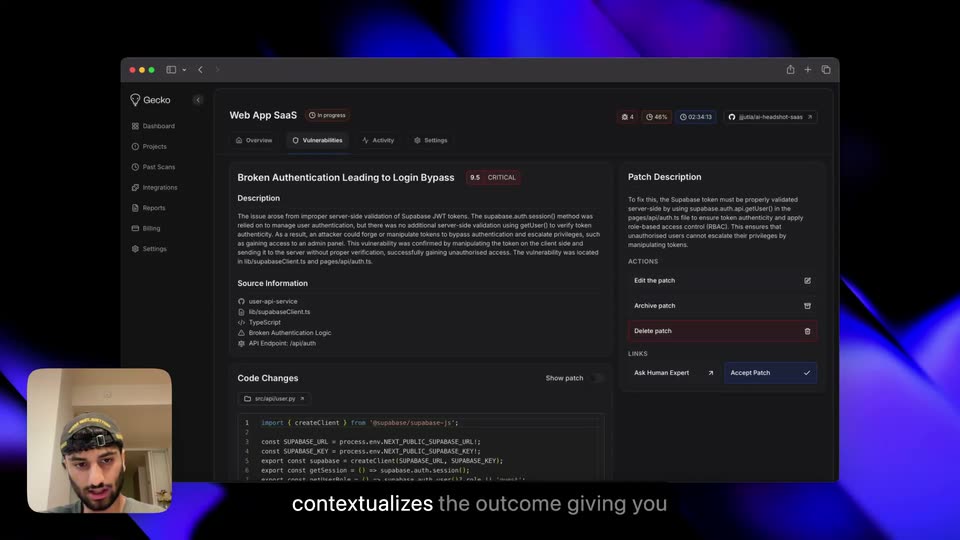 1:00–1:26Gecko Security · Gecko AI — Web App DemoA dark Gecko dashboard window on a blue abstract backdrop, with a small webcam feed of a man bottom-left. The frame eases out from a close-up to the full window, scrolls to the Code Changes panel, and a cursor toggles Show patch, flipping the code to a diff.
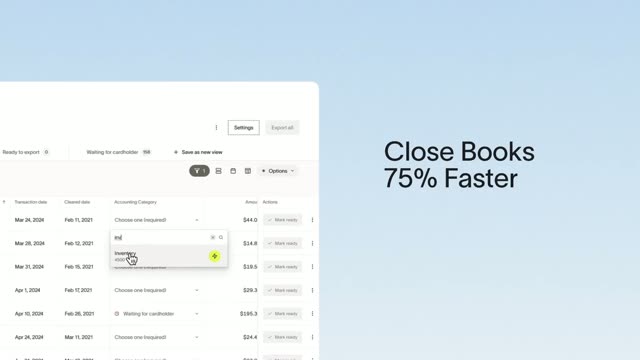 0:48–0:50Ramp · Meet Ramp: A smart finance operations platform that saves you time and moneyA transaction table fills the left half as a cursor picks a category from a dropdown, then the view zooms and slides left to reveal a dark merchant-rule popup. On the right, the headline Close Books 75% Faster fades out.
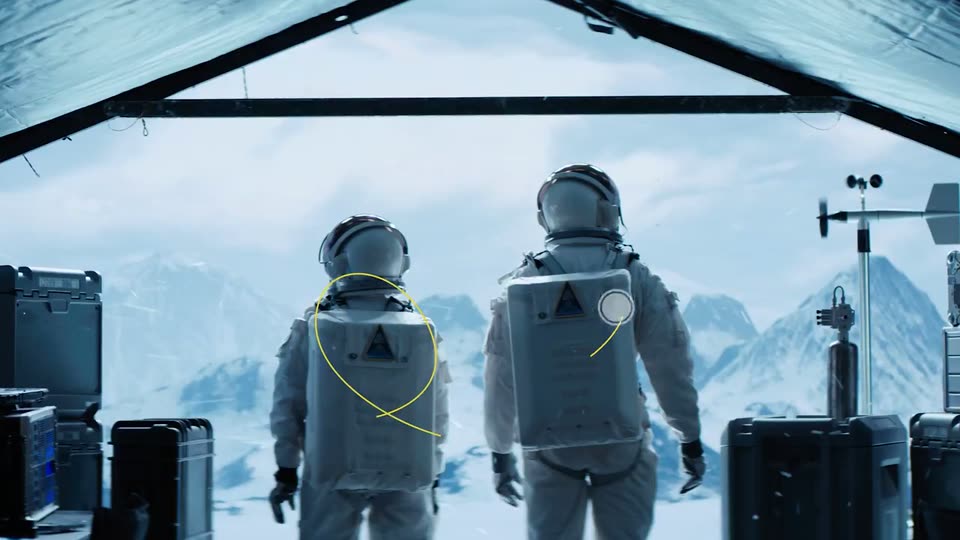 0:11–0:14Frame.io · Frame.io - Move creative projects forward faster with Version 4.A video editor screen zooms into its preview, showing two astronauts from behind in a snowy tent with yellow comment circles on their backpacks. The view reframes into a split layout, the preview on the right and a large Compare versions headline on the left.
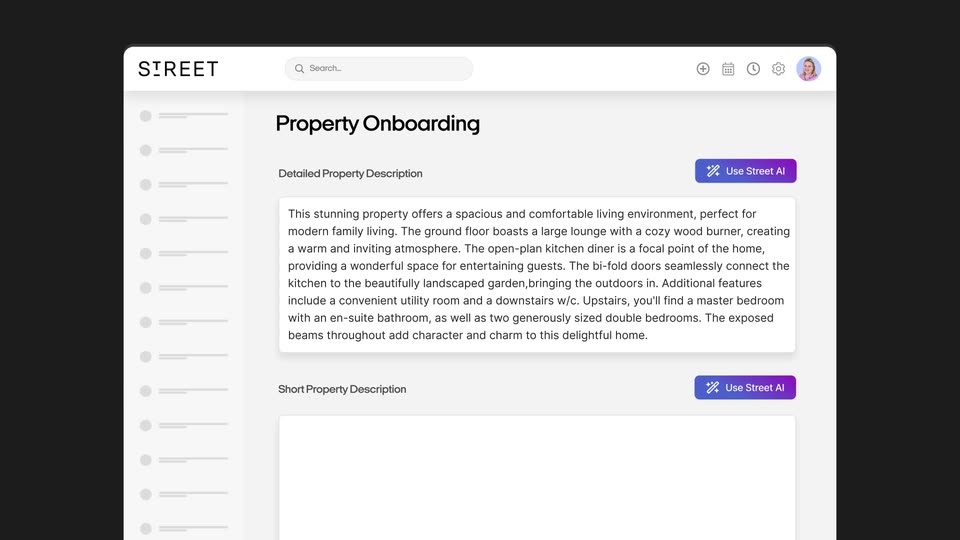 0:08–0:15Street · Street.co.uk - Street AIA close-up of the AI settings panel with a cursor over the blue Save and Insert button pulls back to the full STREET app window. A property description types itself into the Detailed Property Description field, then a Reminder notification card slides in at the top right.
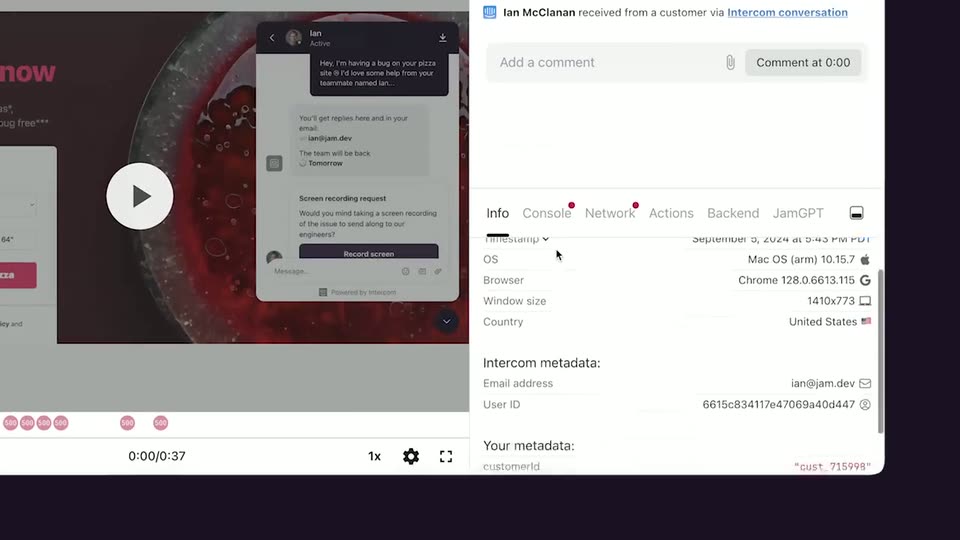 0:14–0:17Jam · Jam.dev - Our biggest launch yet! ⚡️ Meet Jam for Customer Support End-user reA browser window shows a paused video player of a pizza site beside a metadata panel. The frame zooms into the panel, a cursor hovers over the info rows, and the panel scrolls down to reveal a Your metadata section with key and value pairs.
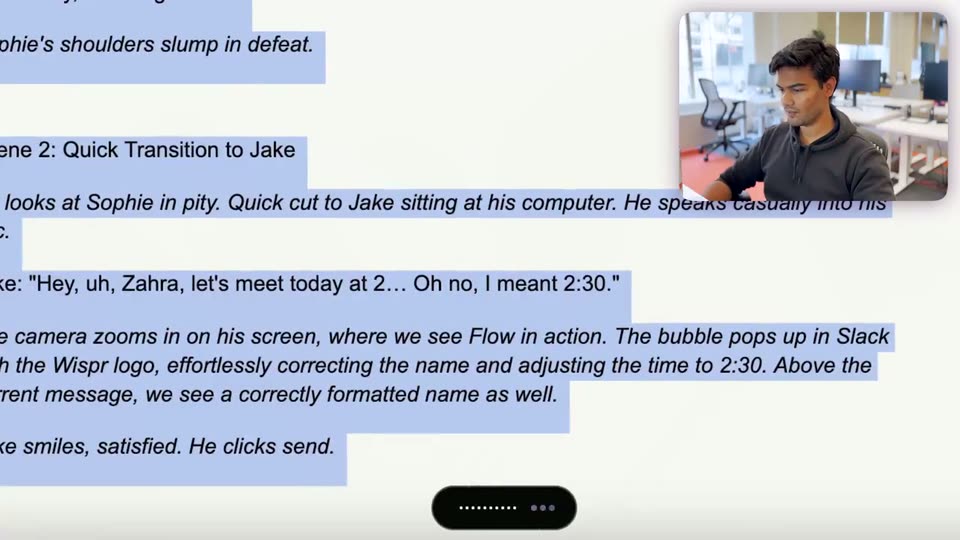 0:51–1:00Wispr Flow · Wispr Flow - Today, we’re excited to announce Wispr Flow 🚀 Just speak, and FlowA Google Docs script with blue-highlighted lines fills the screen; a small webcam feed of a man in a gray hoodie sits in the top-right corner. The view zooms in on the text, a black waveform pill pulses below, then the text swaps to Spanish.
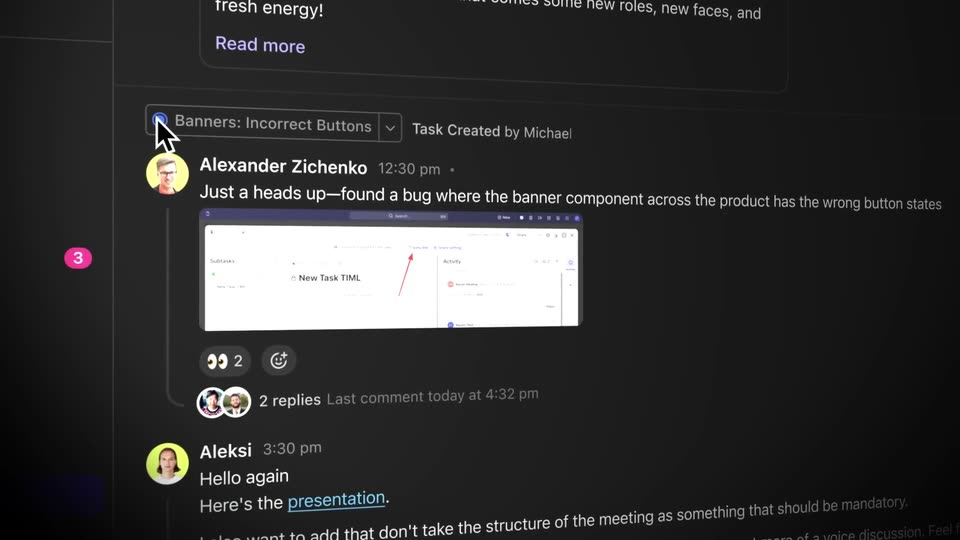 0:45–0:51ClickUp · Introducing ClickUp ChatA dark chat feed zooms in on a bug report post. The cursor clicks the green AI icon, picks Create a task with AI, and a task chip appears above the post, then is checked to Task Complete as the screen darkens and a glowing pink headline sweeps in.
 0:43–0:44Vidu · Vidu AI - 🥳Object Consistency is here!🚀 With the new "Reference to Video" featA tilted screen in 3D perspective zooms into a pastel world; a white furry character walks forward across blue hills toward a green house, a red balloon above, as the words Animated Character slide in.
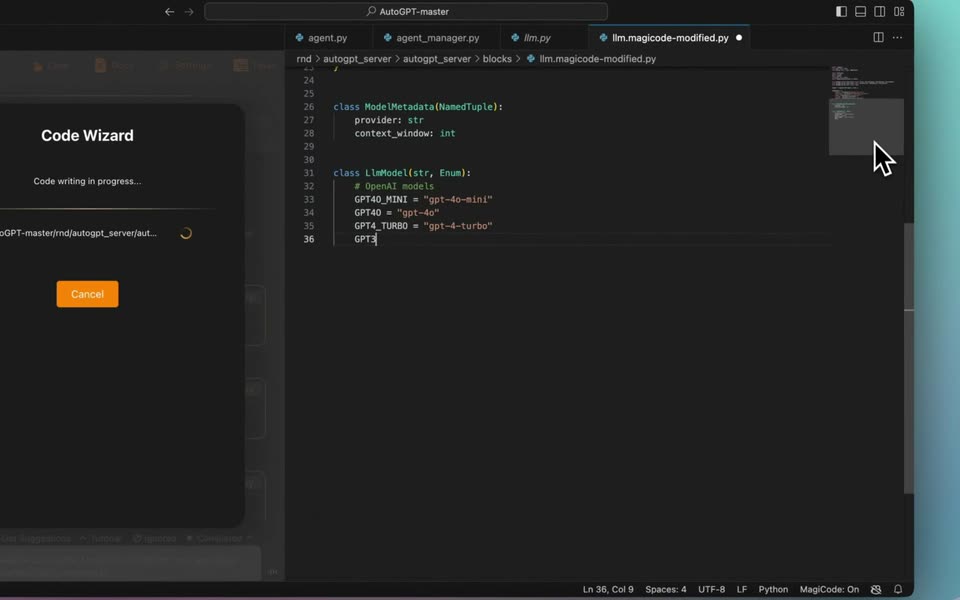 0:31–1:07MagiCode · MagiCode: Your Proactive Pair ProgrammerA dark IDE chat panel shows a prompt typed about integrating the Google Gemini API, then a numbered answer with code blocks. The cursor clicks Code Wizard; a side panel reports progress as a new file fills with scrolling code, ending in a diff view of highlighted lines.
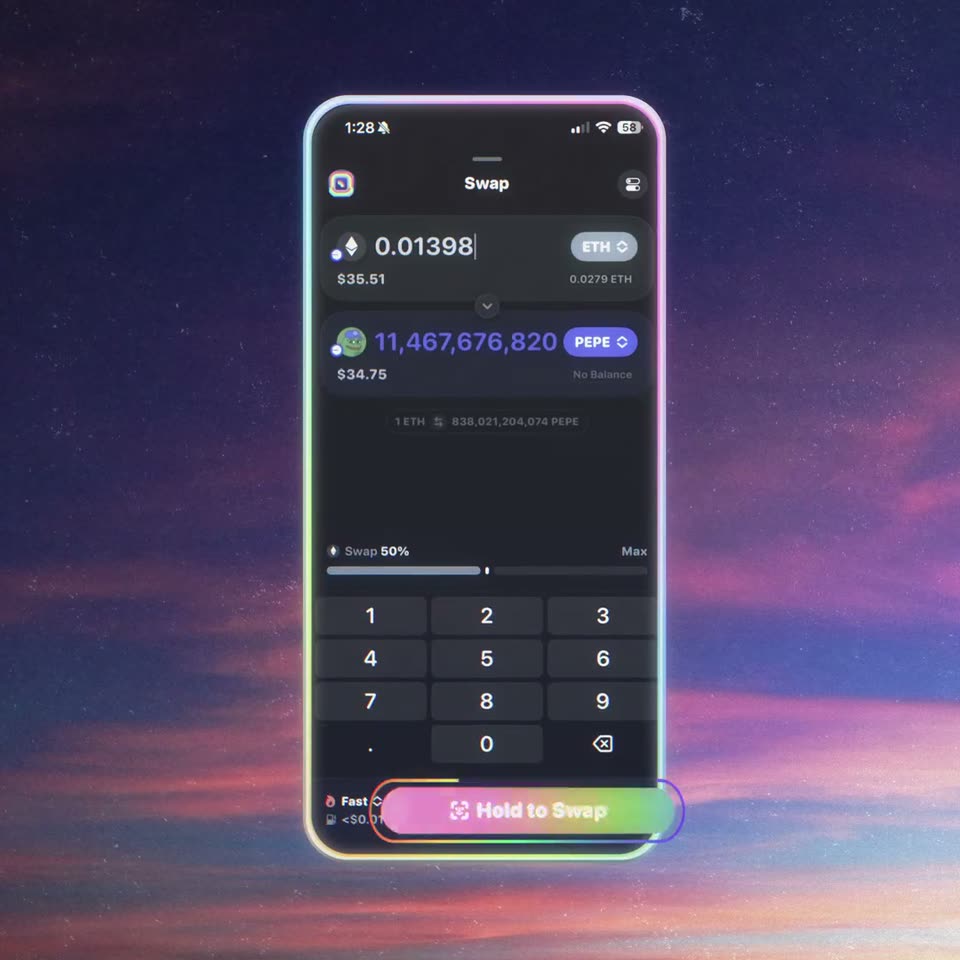 0:14–0:18Rainbow · Rainbow - Introducing Degen Mode — bringing bot-like speed to your trades withoA phone mockup floats in 3D over a starry pink sky, stepping through a crypto swap screen. A yellow marker ellipse highlights the Paste button, then the BasedPepe token; a purple ellipse marks Hold to Swap. The phone tilts and zooms as the headline Bot-like trading speeds appears.
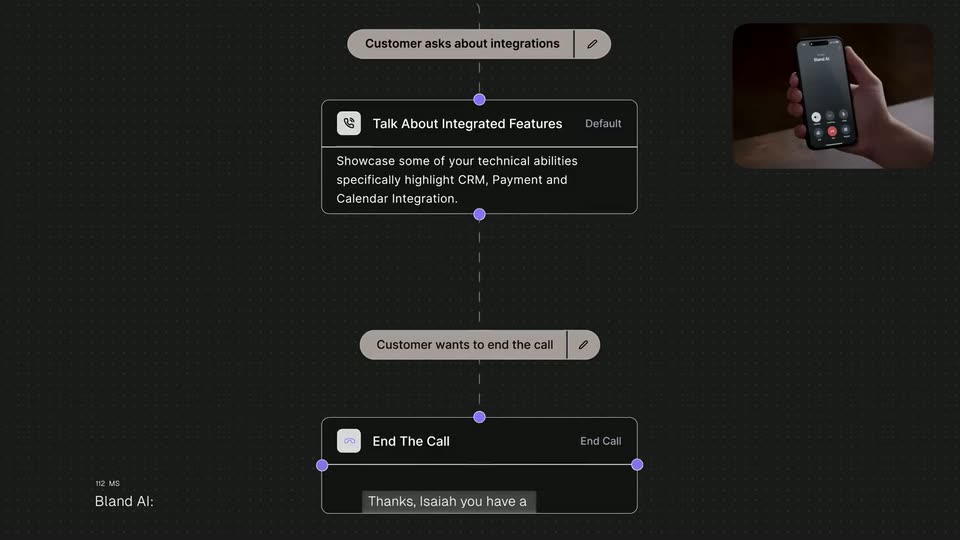 1:19–1:23Bland · Bland - Today, marks a major milestone for us. We’ve closed our series A withOn a dark dotted canvas, a vertical chain of conversation nodes scrolls upward, reframing onto an End The Call card whose reply types out letter by letter. A small video of a hand holding a phone on an active call stays pinned in the top right corner.
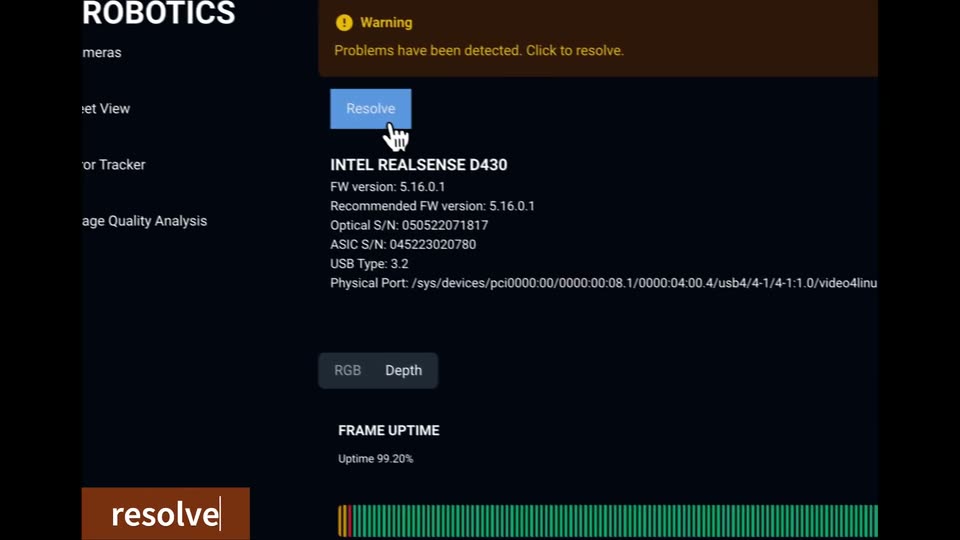 0:13–0:14Ember Robotics · 🔥 Introducing Ember Assistant 🔥- Robotics Camera System Assistant!A dark software panel scrolls upward as a hand cursor moves to the orange warning banner and clicks the Resolve button. Device details and a green uptime bar fill the frame, while a small orange caption box types words at the lower left.
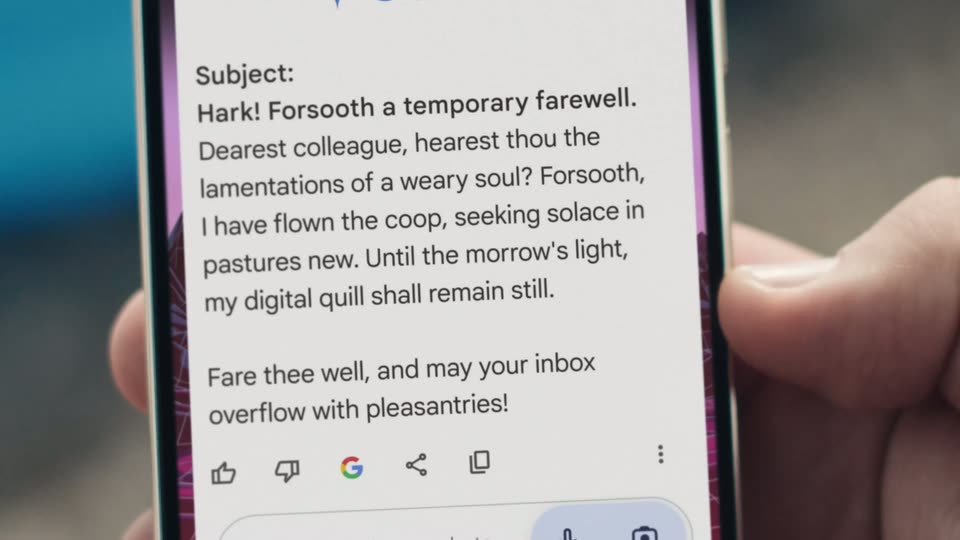 0:53–0:54Google · Meet Google Pixel 9 and Pixel 9 Pro With Gemini | The Best of Google AIA hand holds a phone at a poolside, the Gemini app open on screen. The camera pushes into the display as a skeleton loading card fills in with a farewell email, its body text and reaction icons settling into place.
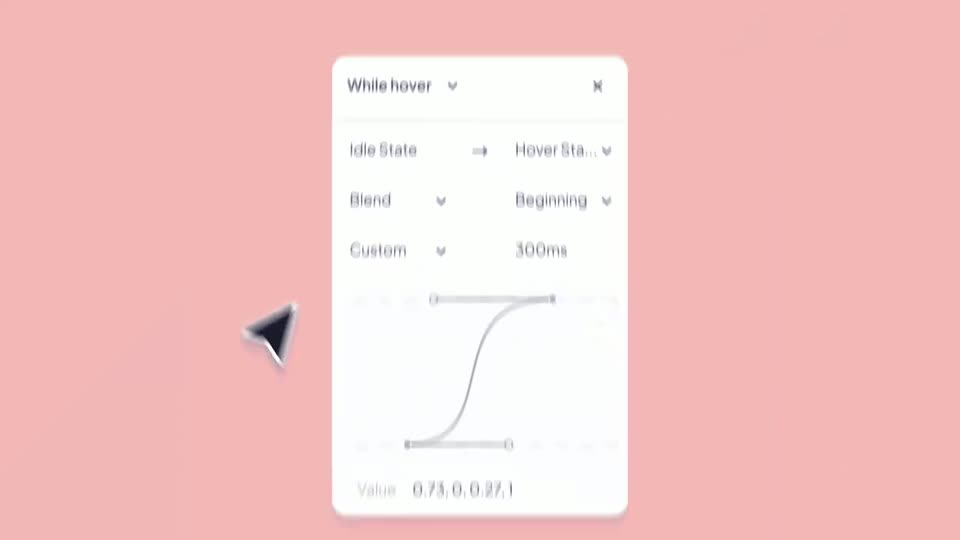 0:30 · 0.5sLottielab · Lottielab - Interactivity is now live on Lottielab. 📣On a pink background, a white interaction-settings panel with dropdown rows and an easing curve zooms out and drifts right, while a black cursor arrow enters from the left.
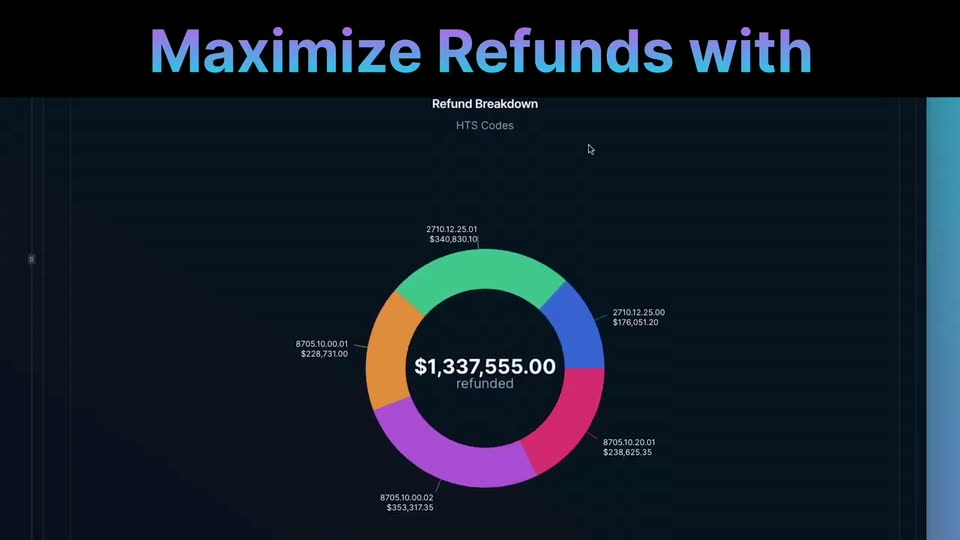 0:21–0:23Pax · Pax AI (YC s24) LaunchA dark analytics screen shows a refund dashboard. A large gradient dollar figure dissolves as a multicolor donut chart draws itself in the center, segment labels and HTS code values pop in around it, while a headline sits above.
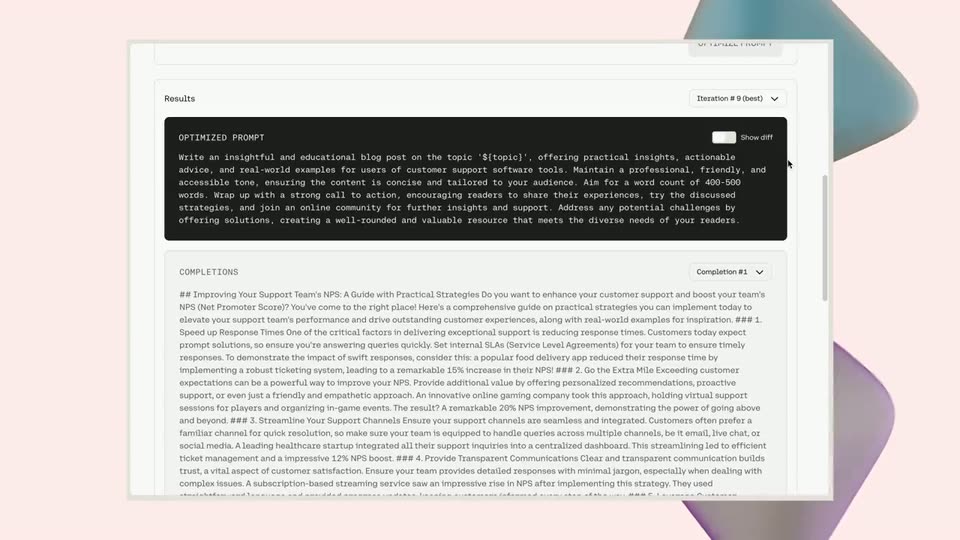 0:53–0:54Cohere · Cohere - We are excited to be introducing Prompt Tuner in beta today. It is aA tight close-up of a stacked diff text block with a row of score numbers at the bottom. The view pulls back to reveal the full results panel, showing an optimized prompt card and a completions section with a numbered article.
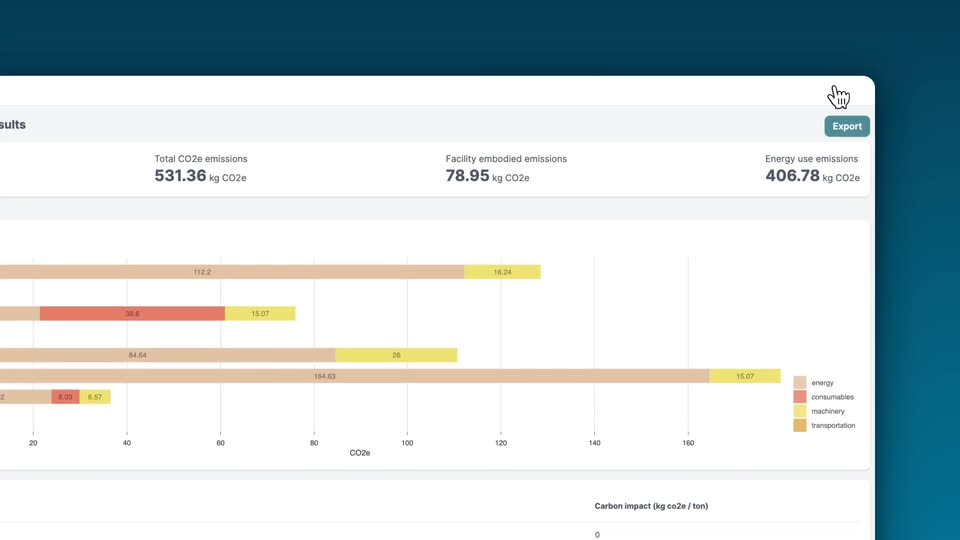 0:15–0:18Offstream · Offstream: Streamlined carbon compliance for project developersA cursor hovers over the Export button on a zoomed-in carbon emissions chart, then the frame pulls back to reveal the full OffiCe Dream dashboard with sidebar, tabs and stacked bar chart on a blue background.
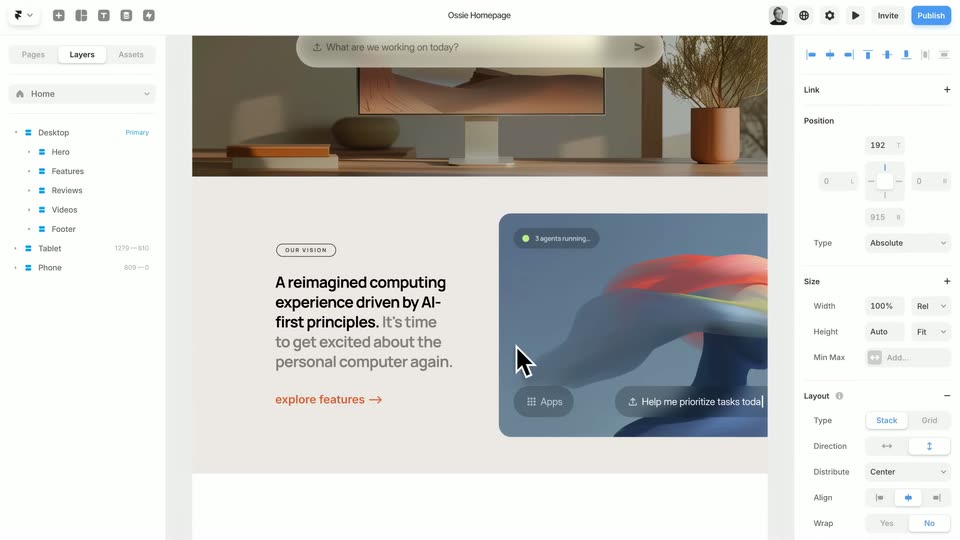 0:07–0:10Framer · Framer Design: Design on an intuitive CanvasA design tool canvas displays a webpage mockup; the view scrolls down and zooms into a feature card that gains a blue selection frame, two pointer cursors, and a typed line in its input field.
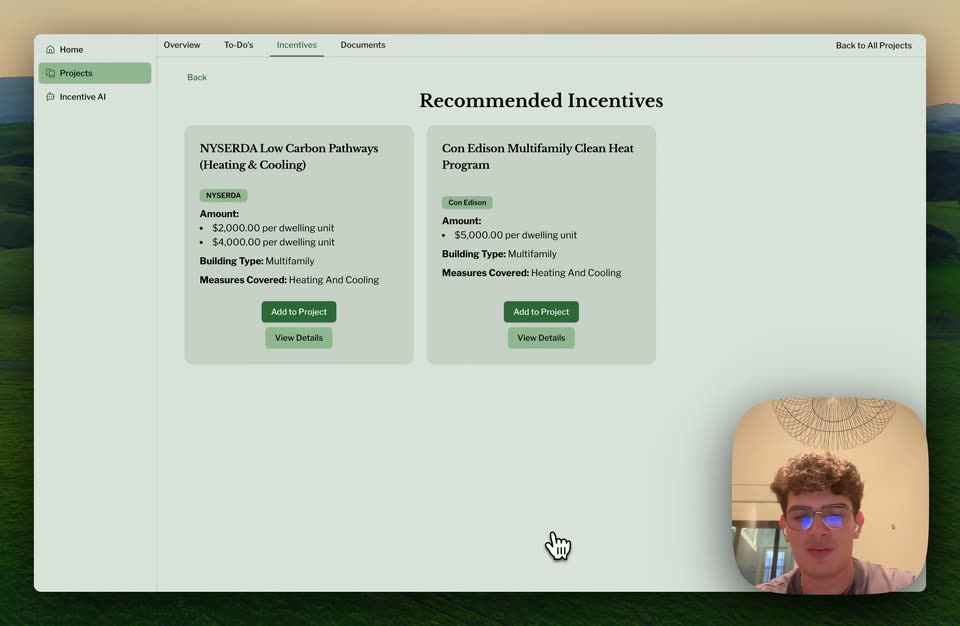 0:29–0:41RetroFix · RetroFix Product DemoA light-green app window shows 'Recommended Incentives' with a spinner, then two incentive cards appear. The view zooms onto the Con Edison card as a hand cursor clicks 'Add to Project', and a small webcam feed of a man in glasses sits in the bottom-right corner.
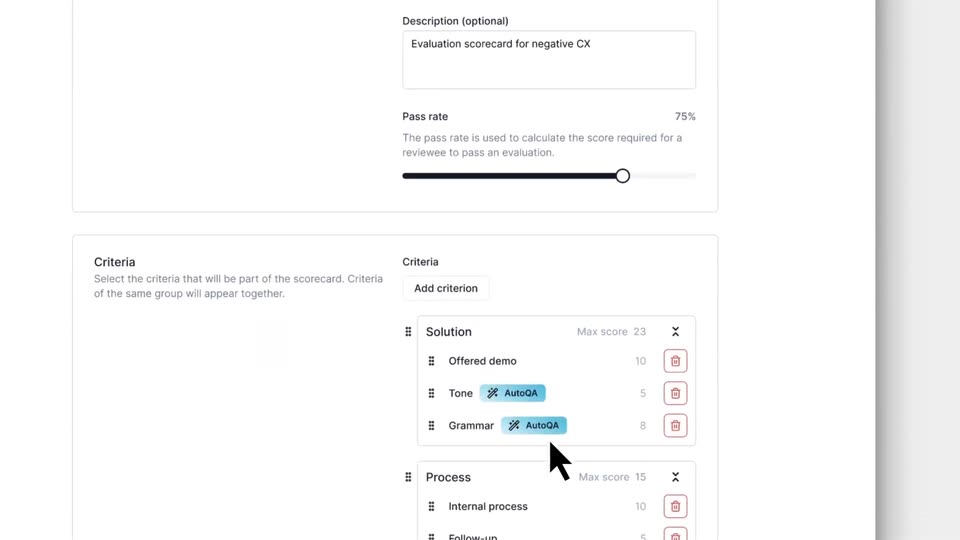 0:41–0:47Intryc · Intryc YC Launch videoA scorecard editor screen opens full-frame, then zooms into the details card as the cursor hovers the name and description fields. The view scrolls down past the criteria groups, then pulls back to the full layout with a tooltip pointing at the AutoQA rows.
 0:07–0:08Suno · Suno iOS App is Here! Make any song you can imagineA white iPhone mockup tilts in 3D over a dark blurred backdrop, its screen showing a typed song prompt and a purple Create button. The button glows as the frame defocuses, dissolving the phone into a colorful smear.