4:11

Rishab Jain - AI systems are already superhuman at playing games: Chess, Go, Starcr
Prescience · Aug 2026
Microsoft’s 1:08 launch film runs 15 scenes, about 4.6 s each. The product shows up at 0:15 and 1 feature is revealed. There is no explicit call to action; a voiceover carries the film. The video opens with warm live-action vignettes scored by thin white stat overlays, then moves to a clean white stage where phone and tablet mockups demonstrate My Day and the Suggestions feature. It closes on Microsoft brand cards, pairing soft natural-light footage with crisp UI motion and light outline type for an airy, minimal feel.
Is this your launch? to your site or press kit.
Prescience · Aug 2026
Apple · Hardware · Oct 2026
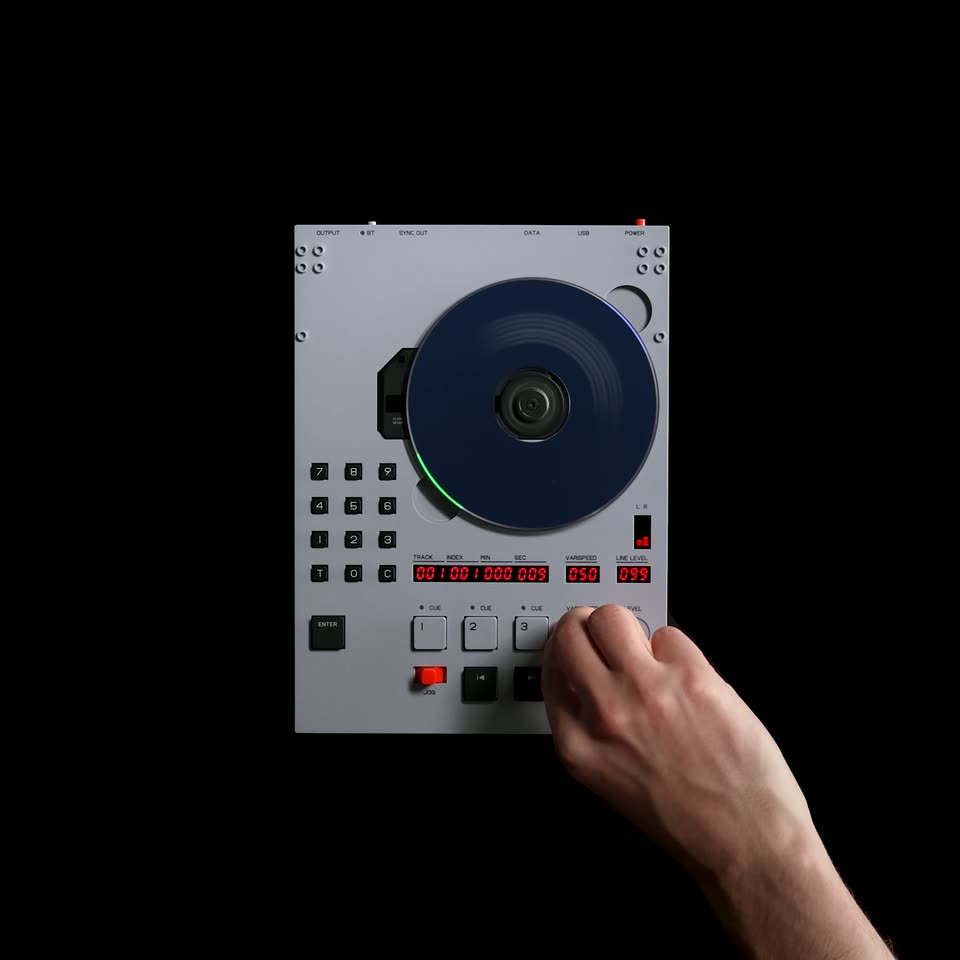
Teenage Engineering · Hardware · Nov 2026
Films whose music sounds like this one, voice left out
Anthropic · Funk, electronic, and synth-pop instrumental
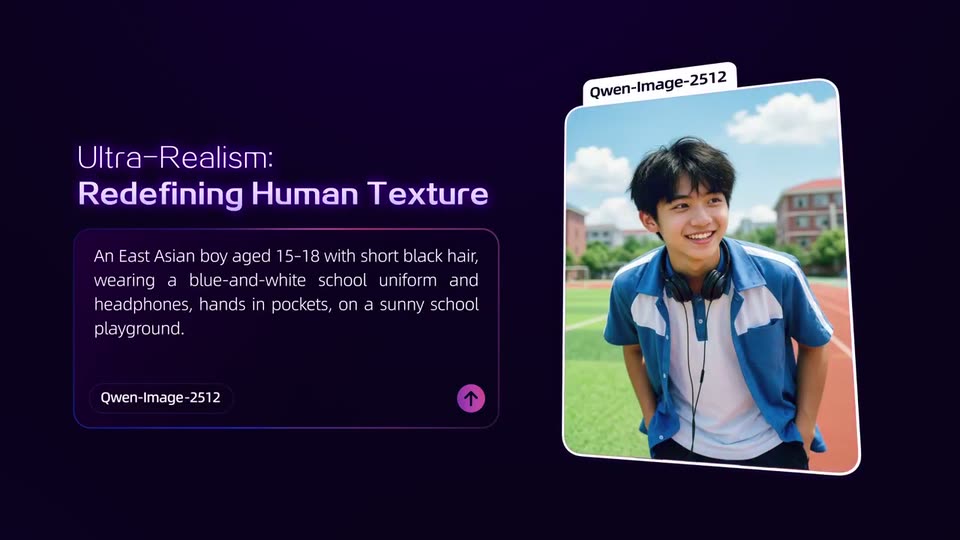
Qwen · Upbeat instrumental funk, soul, and pop-rock
Duolingo · Upbeat pop and electronic
A woman lies in bed, out of focus behind a cream alarm clock. The focus racks to her face as she opens her eyes and reaches out to silence the clock.
Camera: Static
A warm sepia shot of a steel city bridge with high-rises behind and a sun flare at left. A thin white clock icon and the number 24 sit centered; the digits scramble into place, hold, then dissolve into vertical streaks.
On-screen text: “24”
Techniques: Kinetic type
Camera: Push in
Top-down view of a person in ripped jeans and tan shoes sitting on stone, feet up against a brick wall, texting on a phone held in both hands. A white line-drawn speech bubble and the number 40 draw in over the screen, then hold.
On-screen text: “40”
Techniques: Kinetic type
Camera: Static
A woman with glasses and a patterned scarf sits at a cafe table holding a tablet, sipping from a white cup. Large white outline numerals with line icons overlay the left of frame, switching from a chat bubble with 40 to an envelope with 130.
On-screen text: “40”, “130”
Techniques: Kinetic type
Camera: Static
Two women, seen from behind, stand before a large world map, one pointing at a spot. Centered over them, a thin white 130 with an envelope outline holds, then the figure rolls into 35,000 as the women shift slightly. Static shot, soft diffused light.
On-screen text: “130”, “35,000”
Techniques: Kinetic type
Camera: Push in
A white iPhone fades in on a light background, its home screen filled with app icons. Red badges pop onto several icons, then the camera zooms toward the To-Do icon as a large To-Do label fades in on the left, before pulling back to the centered phone.
On-screen text: “To-Do”
Techniques: UI zoom
Camera: Push in
A white iPhone mockup sits centered on a light gray background. Its screen crossfades from a layered multi-app view into a clean daily view: a purple mountain header reading “My Day” above a white panel with a short motivational line.
Camera: Static
A white phone mockup on a light background shows a to-do app. The purple mountain hero banner collapses into a compact blue header, then three task rows with checkboxes slide in one after another. A blue circle pulses over the lightbulb icon as a tap cue.
Techniques: Morph
Camera: Static
A white phone mockup on a plain background holds a to-do app screen with a purple header and two white task cards. The phone scales in and centers, then the list scrolls up a touch to reveal the Overdue task.
Camera: Pull out
A white iPhone mockup centered on a pale background shows the Suggestions screen, soft at first then sharp. The view zooms into the Yesterday list; a ripple taps the plus on Buy travel insurance and a blue Added to My Day toast pops over the row before the screen fades.
Techniques: UI zoom
Camera: Push in
A tablet mockup floats on a light gray field, its screen filling the frame with a purple My Day task app. The list of to-dos scrolls upward, pushing the header into place as the date and three tasks settle into view.
Techniques: 3D mockup
Camera: Static
A tablet screen shows a to-do list as four tasks tick off one by one, each circle filling green and the text gaining a strikethrough. The camera then pulls back to reveal the tablet in 3D, flanked by other devices on a white backdrop.
Techniques: 3D mockup
Camera: Pull out
A white smartphone stands in front of a laptop and a tablet, each showing the same to-do app in blue, red and green themes. The phone's screen scales down to fit its frame, then the whole composition blurs out.
Techniques: UI zoom, 3D mockup
Camera: Pull out
On a white background, the dark gray Microsoft Office wordmark sits left of a thin red vertical rule. Product names cycle on the right, each crossfading in with a soft blur: Outlook, Exchange, Project, then Microsoft To-Do in blue.
On-screen text: “Microsoft Office”, “Outlook”, “Exchange”, “Project”, “Microsoft To-Do”
Techniques: Kinetic type
Camera: Static
The Microsoft logo, four colored squares beside the gray wordmark, sits centered on a plain white background. The frame is locked off and the mark holds static for the full duration.
Camera: Static