
0:35
Explore
00:00:00 / 00:31:27
- Length
- 0:31
- Scenes
- 12 · 2.7 s avg
- Product on screen
- 0:01
- Features shown
- 1
- Call to action
- 0:29 · 93%
- Voiceover
- No
Operon’s 0:31 launch film runs 12 scenes, about 2.7 s each. The product shows up at 0:01 and 1 feature is revealed. The call to action lands at 0:29 (93% in). A black, single-take product film: a typed question in a dark chat card triggers an answer that unfolds into rotating translucent blueprint sheets and exploded wireframe diagrams, then a second prompt fills a takeoff table before the schematic dissolves into the three-node logo lockup. Signature moves are the slow camera pushes through plan sheets, sequential blue node ignitions, and the line-to-logo dissolve, all held in a restrained monospace-and-grotesque type system on pure black.
No filming indicatedEstimated needs: 3 capture groups — your screens or recordings · 1 official logo — reused across the film · 1 graphic passage — draw or supply · 6 3D passages — build or supply
Is this your launch? to your site or press kit.
More like this
4:21
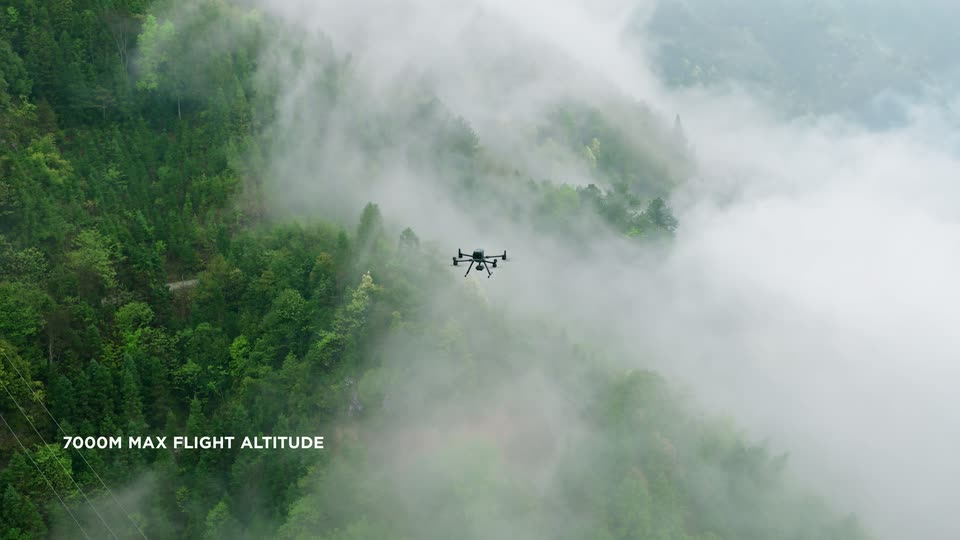

DJI Enterprise - Introducing Matrice 350 RTK
DJI · Hardware · May 2023
1:59
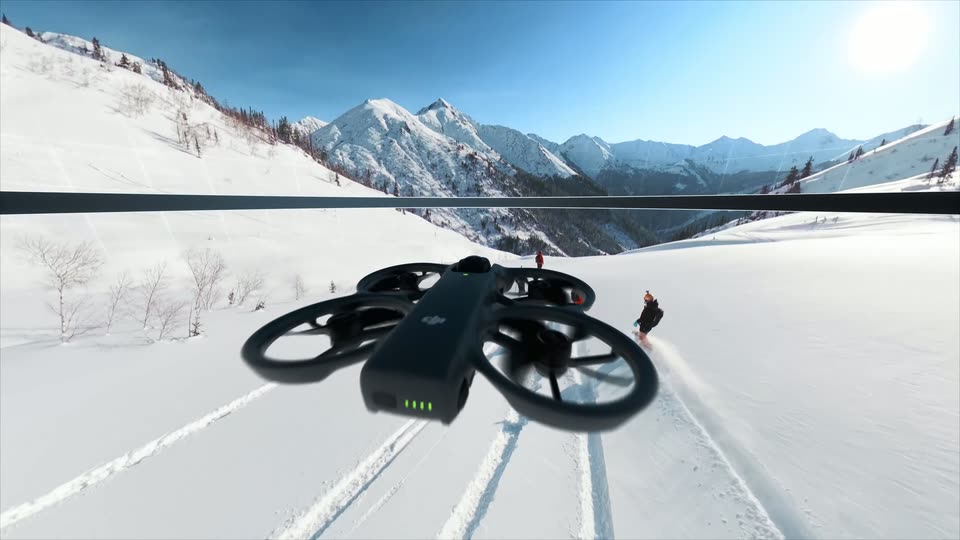
Meet DJI Avata 360 - Above It All, See It All
DJI · Hardware · Mar 2026
HVAC / Mechanical @ hvac.operonsolutions.com | Operon Solutions, scene by scene
· 12 scenes as text
01 · Hook · 0:00–0:01
A dark chat-input card labeled Maple Office slides in from the right on a black background. The question Where are the supply diffusers? types itself out behind a blinking caret, and a blue up-arrow send button fades in at the card's right edge.
Techniques: Kinetic type
Camera: Static
02 · Product intro · 0:01–0:02
A dark chat panel sits on the left of a black field, scaling in gently. Its input line holds a typed question with a blinking caret, a location chip, and a blue send button, while a small tagline settles beneath.
On-screen text: “Reads your record. Changes nothing.”
Camera: Pull out
03 · Demo · 0:02–0:06
A dark chat panel on the left reveals a question, three step lines, and an answer with numbered chips. On the right, a tilted 3D floor plan rotates to face the camera as eight blue markers glow, then the frame reframes to center the plan.
Techniques: 3D mockup, UI zoom
Camera: Static
04 · Demo · 0:06–0:10
A translucent blueprint sheet floats in black space, its blue node network fading into a white mechanical plan. The camera pushes in from a wide 3D angle to a close-up of ductwork, floor terminals, and a wireframe equipment box.
Techniques: 3D mockup, UI zoom
Camera: Push in
05 · Demo · 0:10–0:13
A white wireframe circuit board floats on black; one connector glows, flashes a blue stack of plates, then the camera pulls back to reveal the whole board in 3D with its components lifted above it in an exploded view.
Techniques: UI zoom, 3D mockup
Camera: Pull out
06 · Demo · 0:13–0:20
An exploded wireframe diagram floats on black: a grid panel with glowing nodes, a rail bar, and a chip unit stacked above it. Nodes and the bar ignite blue in sequence, then the camera tilts in as the board slides left, revealing an empty dark plane.
On-screen text: “S-1 06”, “R-1 01”, “E-1 01”, “20×12 30.0 LF”, “EF-1”
Techniques: 3D mockup, Parallax
Camera: Push in
07 · Feature reveal · 0:20–0:21
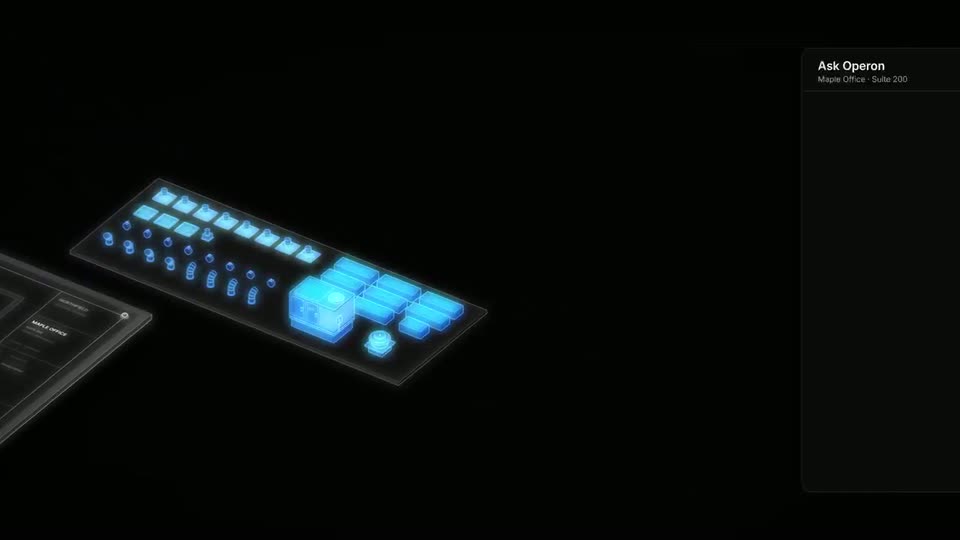
A translucent panel of glowing blue keys and small icons tilts in 3D perspective across a black void, growing then sliding left. A dark chat card titled Ask Operon slides in on the right, briefly showing the line Now the full takeoff for M1.
On-screen text: “Ask Operon”, “Maple Office · Suite 200”
Techniques: 3D mockup, UI zoom, Masking
Camera: Static
08 · Feature reveal · 0:21–0:24
A 3D isometric blueprint with glowing blue HVAC units rotates on the left, the units lifting off the plan, while a flat chat panel on the right fills a takeoff table row by row and two file chips fade in at its bottom.
Techniques: Split screen, 3D mockup
Camera: Pan
09 · Feature reveal · 0:24–0:26
A transparent blueprint sheet with glowing blue network nodes and a title block rotates from a tilted 3D perspective into a flat front-facing view, then holds still.
Techniques: 3D mockup
Camera: Push in
10 · Other · 0:26–0:27
On a black field, a thin blue line schematic of circles and vertical stems along a horizontal axis dissolves. The strokes fade and condense into three glowing cyan nodes set in a triangle, the bottom-left a solid dot.
Techniques: Morph
Camera: Static
11 · Outro · 0:27–0:29
A white three-node logo glows at center on black, then shifts left and shrinks as the wordmark Operon for Engineering fades in to its right, forming a centered lockup.
On-screen text: “Operon for Engineering”
Camera: Static
12 · CTA · 0:29–0:31
A white three-node Operon logo and the wordmark “Operon for Engineering” hold centered on black, with a small gray URL beneath. The lockup stays static as the sign-off.
On-screen text: “Operon for Engineering”, “hvac.operonsolutions.com”
Camera: Static