1:08
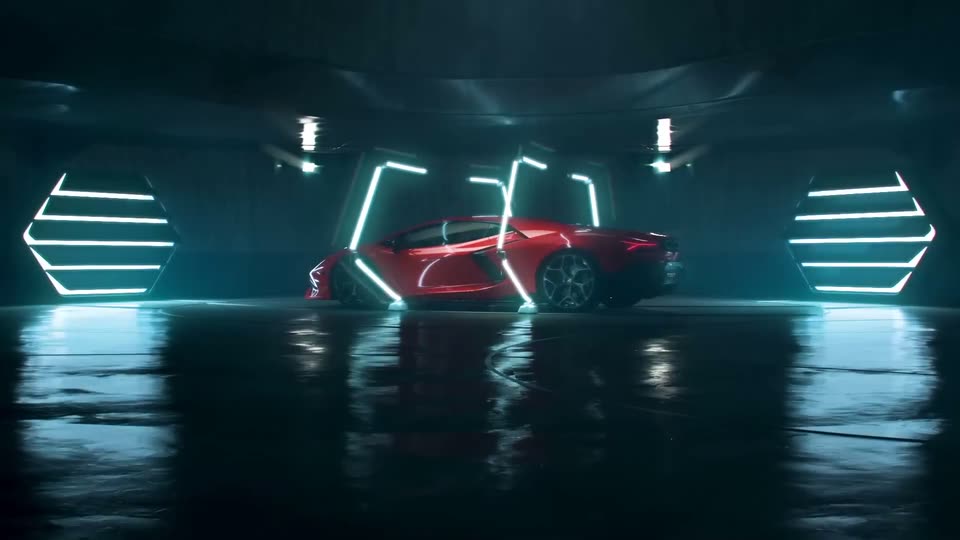
Lamborghini Revuelto: under a new light
Lamborghini · Apr 2023
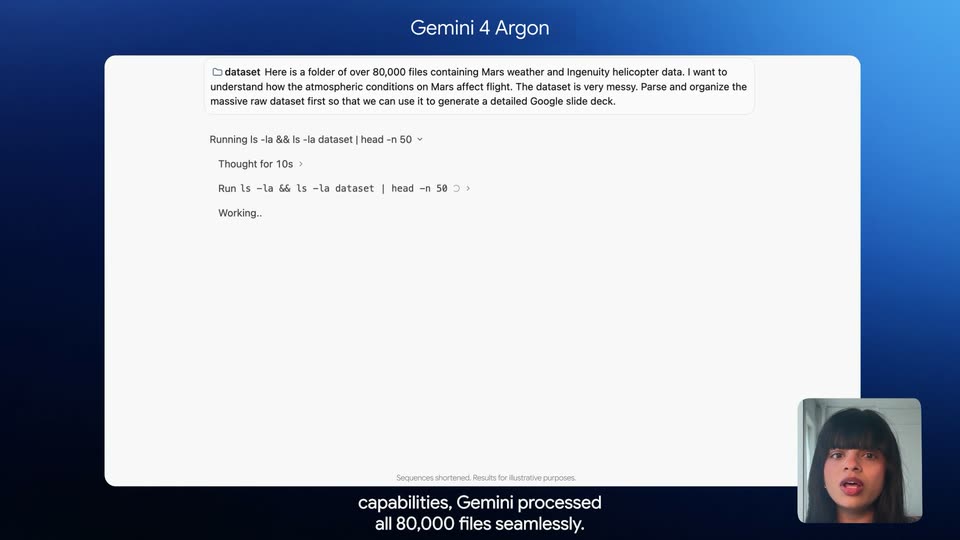
Operon’s 0:30 launch film runs 9 scenes, about 3.3 s each. The product shows up at 0:01. There is no explicit call to action. One continuous question-and-answer: a typed prompt, a chat answer, then the engineering record unfolding from flat lines into 3D wireframes. The signature move is 2D schematics extruding and tilting in space on black, with blue pulses marking the data being read.
Is this your launch? to your site or press kit.
Lamborghini · Apr 2023
Kaito Pulse · Aug 2026
A dark rounded card slides in from the right and settles at center on black. A prompt line types out a question with a blinking caret, under a small label pill and a helper line. A blue up-arrow button fades in at the right edge.
Techniques: Kinetic type
Camera: Static
A dark chat panel on the left shows a question bubble scaling in, then status lines and an answer with numbered chips appearing one by one. On the right, a glowing schematic rotates in 3D perspective before the panel slides out and the view reframes onto the flat diagram.
Techniques: Kinetic type, 3D mockup, Split screen, UI zoom, Light sweep
Camera: Pan
A white-and-blue system control schematic floats on black, its paths tracing bright blue lines. After a fast jittery zoom with motion trails, the whole sheet tilts into a 3D perspective and recedes like a blueprint lying in space.
Techniques: 3D mockup
Camera: Pan
A white wireframe piping diagram on a transparent panel floats on black. The flat drawing extrudes into 3D pipes and valves, blue highlights pulse on the valves, then the camera tilts and zooms to the legend as a 3D cabinet pops out from the panel edge.
Techniques: 3D mockup, Morph, UI zoom
Camera: Push in
A glowing white wireframe cabinet stands open in 3D perspective, its internal racks lit cyan, while a tilted data panel with project text recedes to the left. The camera pulls back to reveal a second panel labeled Ask Operon on the right.
Techniques: 3D mockup, Parallax
Camera: Pull out
A wireframe control cabinet with a glowing blue core floats above a tilted blueprint plane on the left, while a flat Ask Operon chat panel on the right fills its I/O table row by row. The camera eases around the 3D scene as the panel slides fully into frame.
Techniques: 3D mockup, Parallax
Camera: Pull out
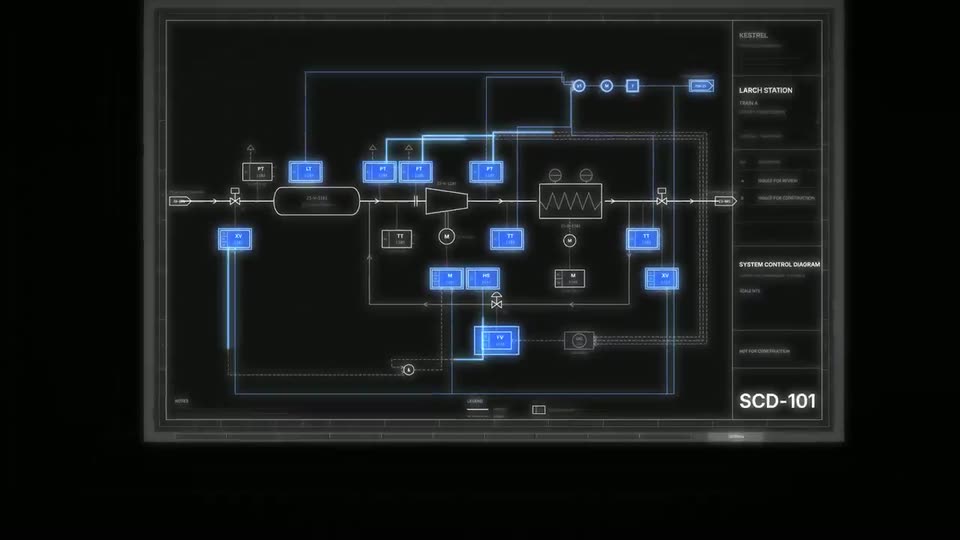
A holographic process diagram in white wireframe with blue instrument tags floats in the dark. The camera rises from a low oblique angle to a flat front view, and the stacked sheets settle into one plane. The title block shows LARCH STATION and SCD-101.
On-screen text: “SCD-101”, “LARCH STATION”
Techniques: 3D mockup
Camera: Push in
A loose cluster of blue wireframe rectangles floats on a black field, then collapses into three glowing cyan dots arranged in a triangle. The change happens fast and stays centered.
Techniques: Morph
Camera: Static
A white three-circle logo glows at center on black, then shifts left as the wordmark Operon for Electrical fades in beside it. A small gray URL, operonsolutions.com, appears below and holds.
On-screen text: “Operon for Electrical”, “operonsolutions.com”
Camera: Static