0:43
Explore
bolt.new - Your company's context, now in Bolt. Introducing Connectors (MCP). G
Bolt · Mar 2026 · 0:29 · AI-annotated
- Length
- 0:29
- Scenes
- 7 · 4.2 s avg
- Product on screen
- 0:00
- Features shown
- 1
- Call to action
- 0:21 · 72%
- Voiceover
- Yes
00:00:00 / 00:29:28
Bolt’s 0:29 launch film runs 7 scenes, about 4.2 s each. The product is on screen from the first frame and 1 feature is revealed. The call to action lands at 0:21 (72% in), over a voiceover. A single-feature launch built in four beats: a title card announces Connectors, a UI demo shows the toggle and the typed prompt, a 3D icon chain visualizes the agent moving data between Notion and Linear, and a Use them now card closes it. Pacing is slow and deliberate at about two cuts per minute, with signature moves: the fan of thin lines branching from the wordmark, the blue light pulse traveling the connector line, and glossy 3D icons that scale, glow, and pop in sequence.
No filming indicatedEstimated needs: 1 capture group — your screens or recordings · 1 graphic passage — draw or supply
Is this your launch? to your site or press kit.
More like this


bolt.new - Your company's context, now in Bolt. Introducing Connectors (MCP). G, scene by scene
· 7 scenes as text
01 · Feature reveal · 0:00–0:03
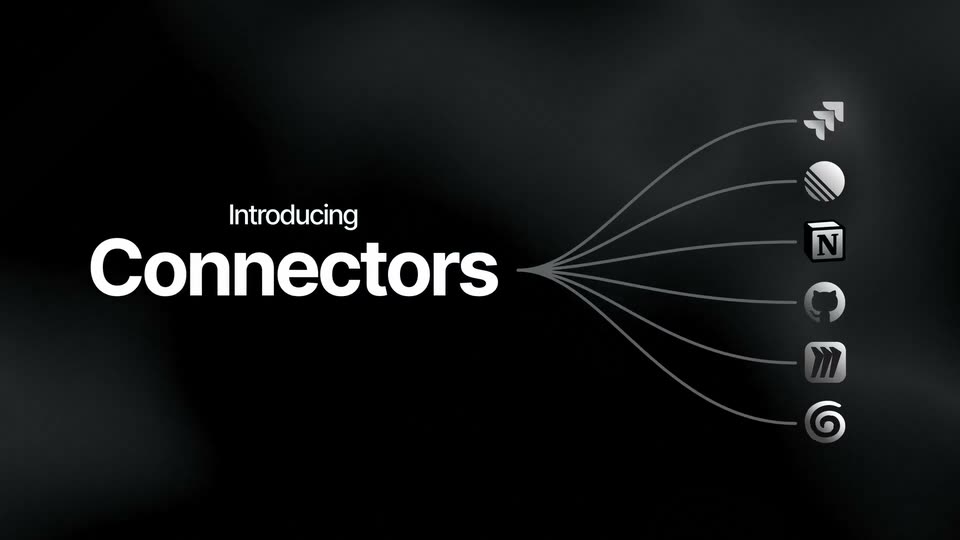
On a dark smoky background, the white title Introducing Connectors sits centered, then slides left as six thin curved lines fan out from the word to a column of small glossy icons on the right.
On-screen text: “Introducing”, “Connectors”
Techniques: Kinetic type
Camera: Static
02 · Feature reveal · 0:03–0:13
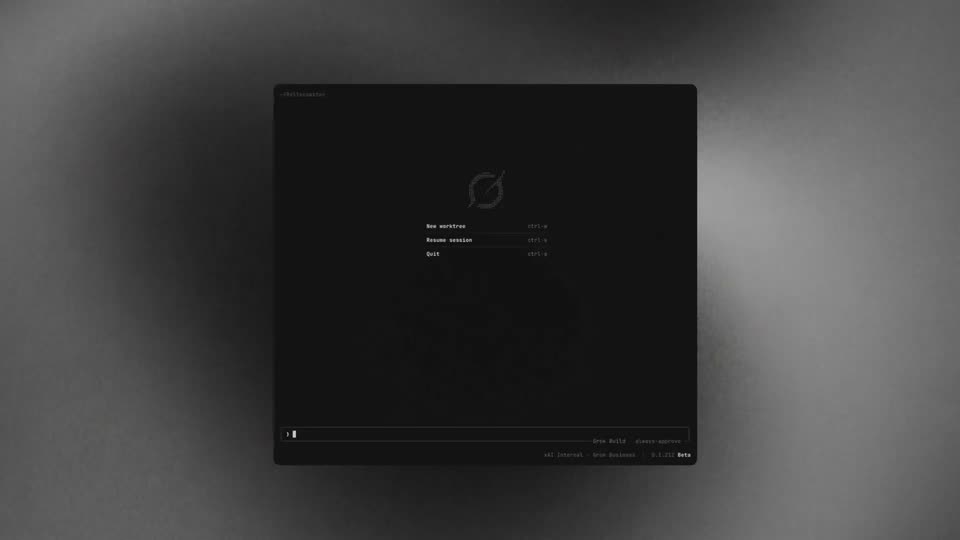
A dark app home shows a cursor opening the plus menu, selecting Connectors, and flipping on the Linear toggle. The view zooms into the prompt box, where a sentence types itself with Notion and Linear chips, then the cursor clicks the send button as a title card reads Introducing Connectors.
On-screen text: “Introducing”, “Connectors”
Techniques: Cursor demo, UI zoom, Kinetic type
Camera: Push in
03 · Feature reveal · 0:13–0:14
A dark bolt chat card floats top-left over a smoky black backdrop, its reply typing out word by word above a Thinking label. Beneath it, a 3D Notion cube and a metallic bolt circle scale in, joined by a line that fills with a blue glow.
Techniques: Kinetic type, 3D mockup
Camera: Static
04 · Feature reveal · 0:14–0:16
A dark bolt chat card sits top-left, its Thinking status swapping to a two-row action list (notion-fetch, linear-fetch) while a light pulse travels along the line linking the 3D Notion cube and Bolt circle logos below.
Techniques: Light sweep
Camera: Static
05 · Feature reveal · 0:16–0:18
A dark bolt chat card swaps its message from fetching pages to marking an issue done, while a glowing line pulses between a 3D Notion cube and the Bolt mark and a striped Linear circle fades in at right.
Techniques: Light sweep
Camera: Pull out
06 · Feature reveal · 0:18–0:21
A dark bolt chat card types a status update while a Linear panel on the right flips from In Progress to Done. Three 3D app icons sit on a connector line as a blue light pulse travels from the bolt sphere to the Linear sphere, then the scene blurs out.
Techniques: Light sweep
Camera: Static
07 · CTA · 0:21–0:29
White bold Connectors scales in over a dark smoky field; six thin lines fan out below it and small gray app icons pop in one by one at their ends. The bolt.new logo holds at the bottom. At 5s, Connectors crossfades to Use them now.
On-screen text: “Connectors”, “Use them now”
Techniques: Kinetic type
Camera: Push in