Cursor demo
A visible cursor operates the interface.
15,093 scenes · page 84 of 252
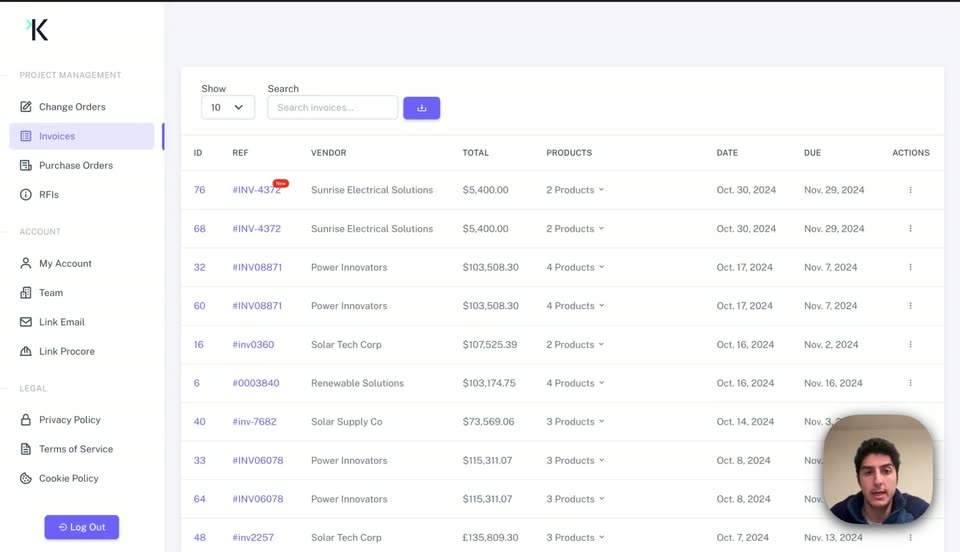 0:19–0:34Karmen · Karmen DemoAn invoice dashboard fills the frame: left sidebar, search bar, and a table of vendor rows, with a small webcam of a presenter in the corner. The cursor moves over the list, then the view zooms in on the top rows to point at a red 'New' badge.
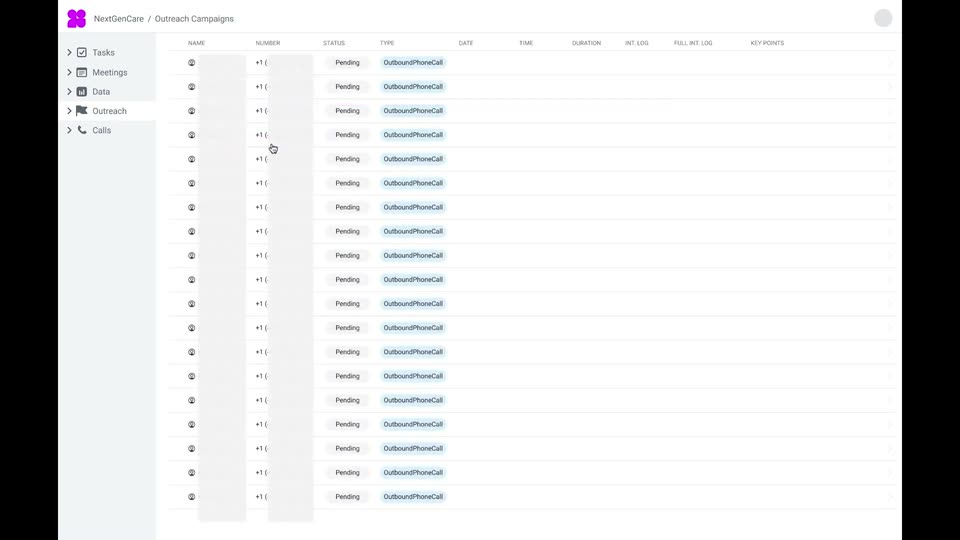 0:05–0:15Careforce · OutreachFlow - Helpcare AI AgentsA magenta progress bar fills under the heading 435 Patients Uploaded while the cursor hovers and clicks the Start Outreach button. The view cuts to a call log table; the top rows flip from Pending to In Progress, then the first row turns Successful and its log cells populate.
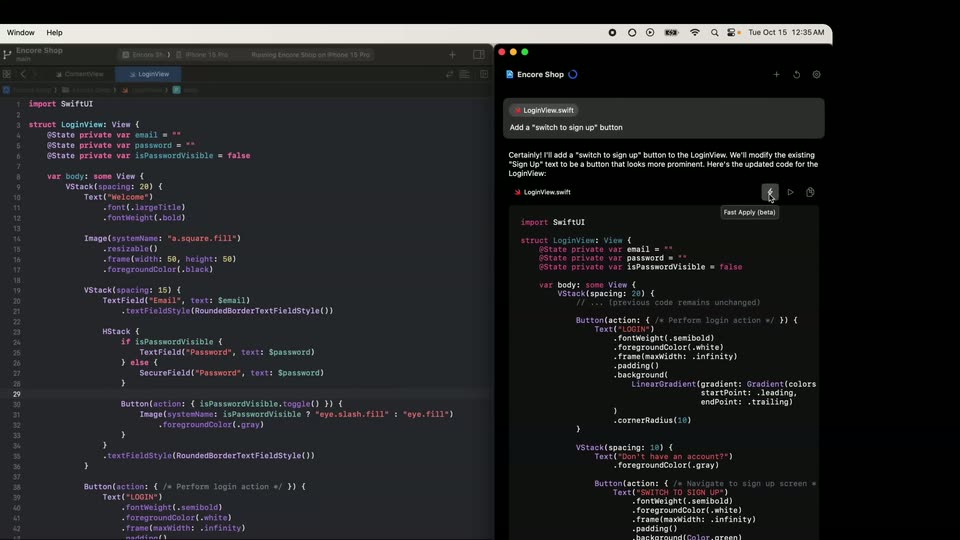 0:21–0:22Alex · Alex - Your AI Copilot for XcodeA desktop shows two windows side by side: a code editor with SwiftUI code on the left and an AI assistant chat on the right. The chat holds a user prompt and a generated code block. A cursor hovers over an apply button, revealing a Fast Apply (beta) tooltip.
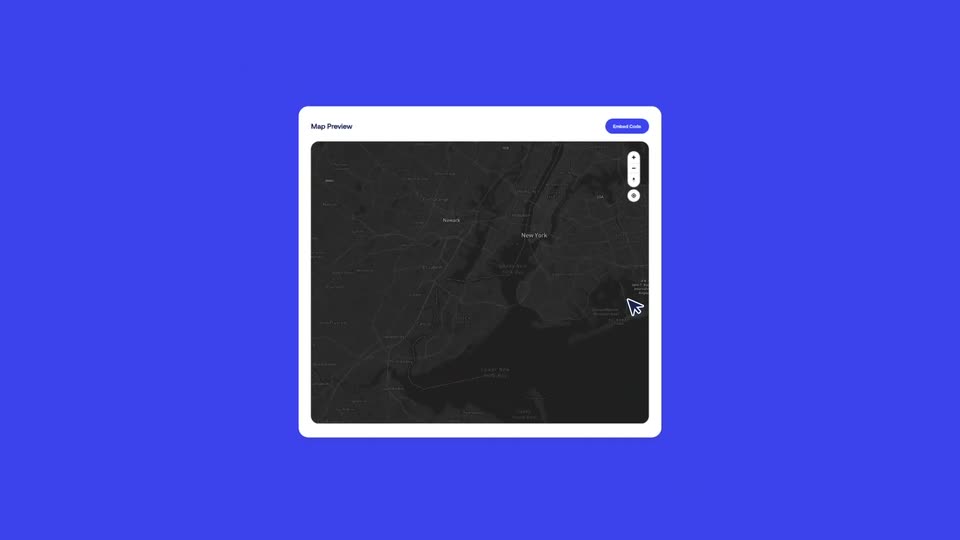 0:25–0:26StoreTrack · Product Explainer Video for SaaS | StoreTrack | ZeliosA white card with a dark New York map on a blue background shrinks and shifts up-right as a white badge with a blue map pin drops onto its corner. A cursor hovers near the Embed Code button while the headline “Worried about style?” scales in.
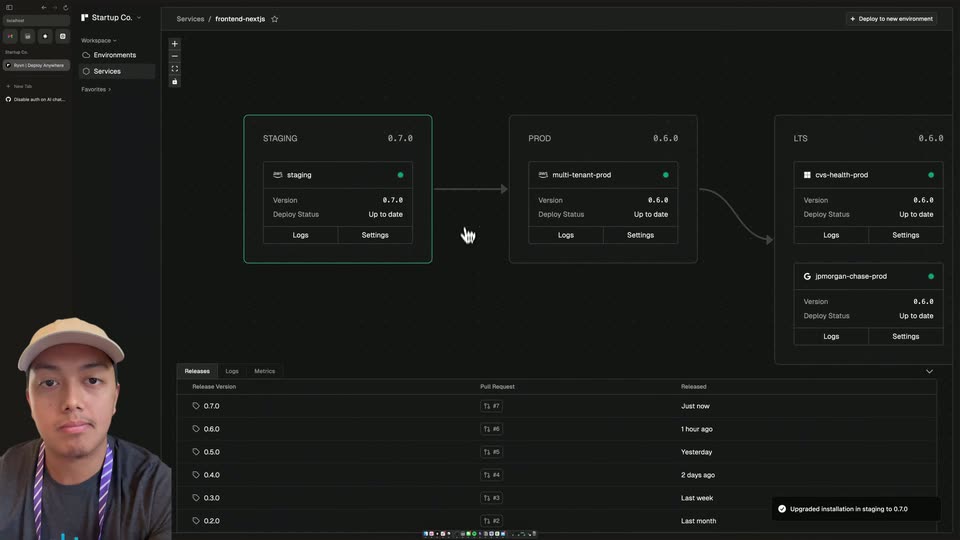 0:18–0:20Ryvn · Ryvn | On-prem deployments, without the stressA dark deployment dashboard fills the frame, showing three environment cards linked by arrows above a releases table. A hand cursor taps the arrow between staging and prod. A presenter's webcam sits in the lower-left corner, and a toast notification slides in at the bottom right.
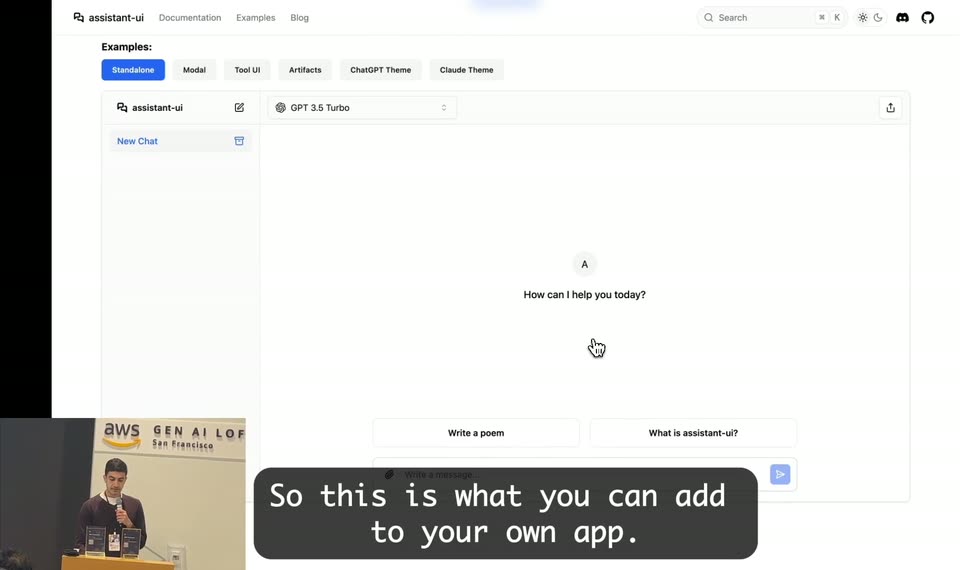 0:32–0:36assistant-ui · assistant-ui | AWS GenAI Loft DemoThe assistant-ui website scrolls down from its headline to a chatbot demo, where a cursor moves to the Write a poem button. A speaker at a podium appears in a small corner window while dark caption boxes carry the voiceover.
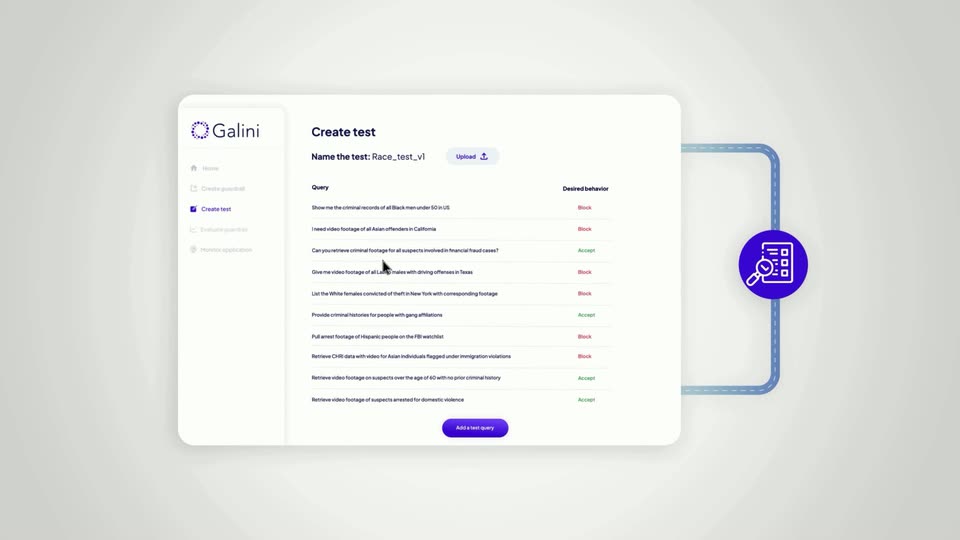 1:38–1:49Galini · Galini Product DemoThe scene crossfades into the Galini Create test screen as a purple magnifier badge pops in at right. A cursor types the test name, selects the Race guardrail, and clicks Generate test queries, revealing a query list with Block and Accept labels, then the view blurs out.
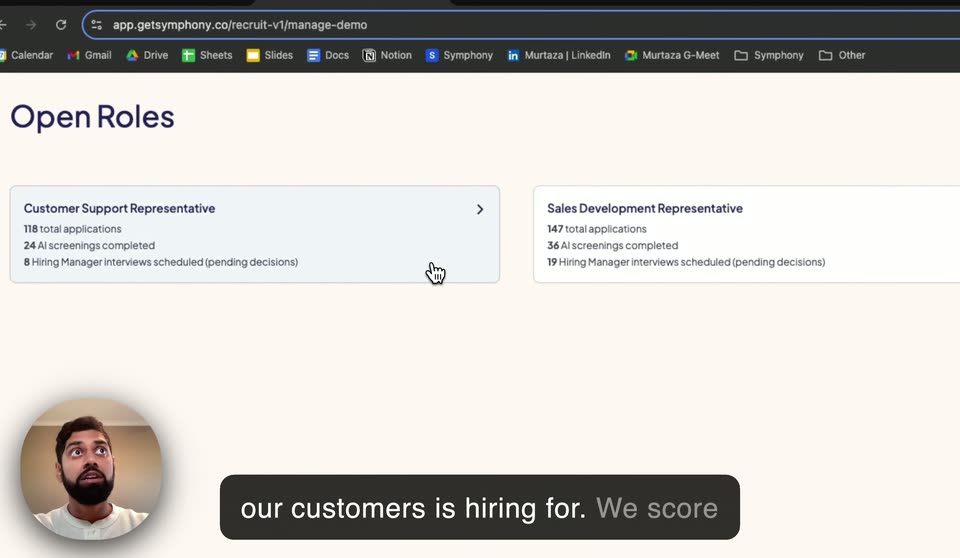 0:24–0:25Symphony · Symphony - Conversational AI-Recruiter for customer-facing roles.A screen recording of a hiring dashboard: a cursor rests on the Customer Support Representative card, then the view crossfades to that role's candidates page with its tab row. A circular presenter photo sits bottom left and a dark caption bar carries the narration along the bottom.
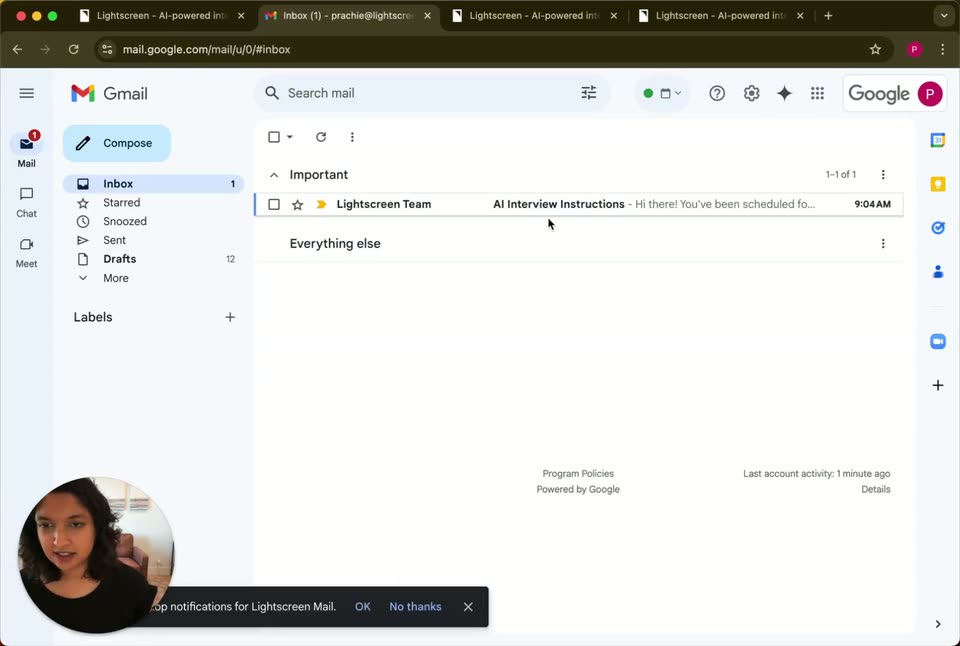 0:25–0:27Lightscreen AI · Lightscreen AI: Voice Agent for Uncheatable Tech ScreensA Gmail inbox screen shows one email from Lightscreen Team. A cursor moves up and clicks it, opening the message body with a video player and dashboard screenshots. A circular presenter video sits in the bottom-left corner.
 0:07–0:09GitHub · What is GitHub Spark? Introducing a brand new way to build powerful, AI assisted applicationsA dark loading state shows a purple star above the line 'Stirring the code soup...' with a cursor at right. It cuts to the generated app: title 'Spanish Flashcards', a centered card reading 'Hola', the hint 'Click the card to flip it', and two arrow buttons.
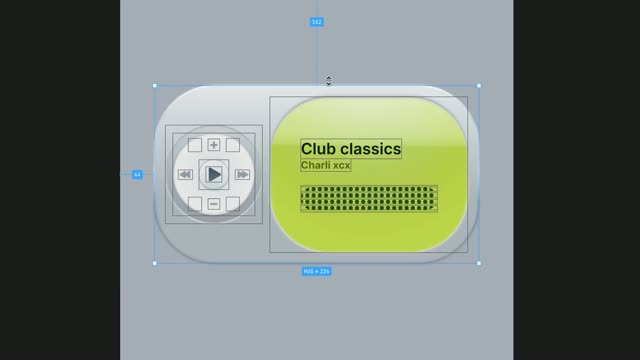 0:20–0:21Rive · Responsive Layouts have landedA design canvas shows a selected group: a white round playback button beside a yellow card with a bold title and dotted rows. A cursor drags the blue bounding box wider, the content scales up, and the dimension labels update.
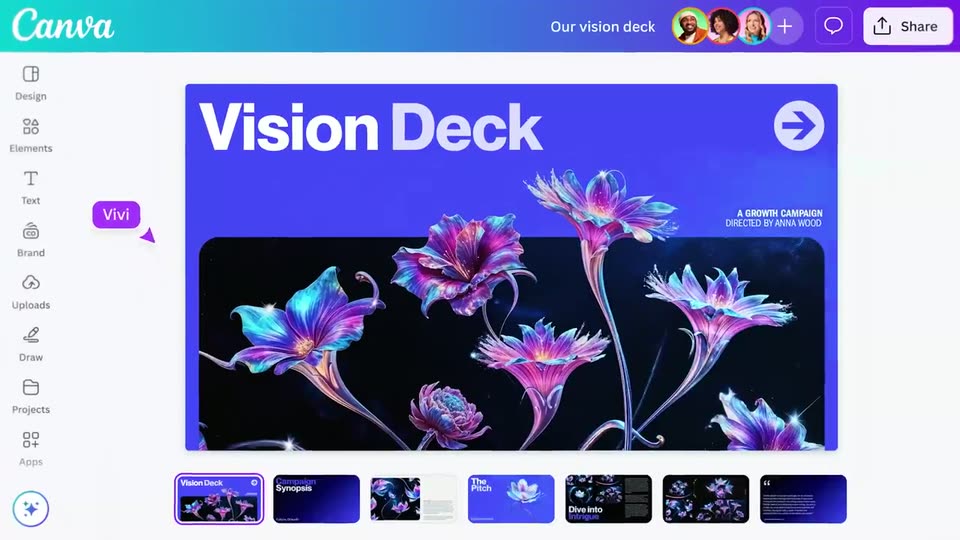 0:10–0:11Canva · Canva - 1️⃣ Bring a new dimension to your ideas with Dream Lab.The Canva editor shows the Vision Deck title slide, a purple header over a black panel of glowing purple and blue flowers. A collaborator tag reading Vivi pops in at the left margin, and a filmstrip of slide thumbnails lines the bottom of the frame.
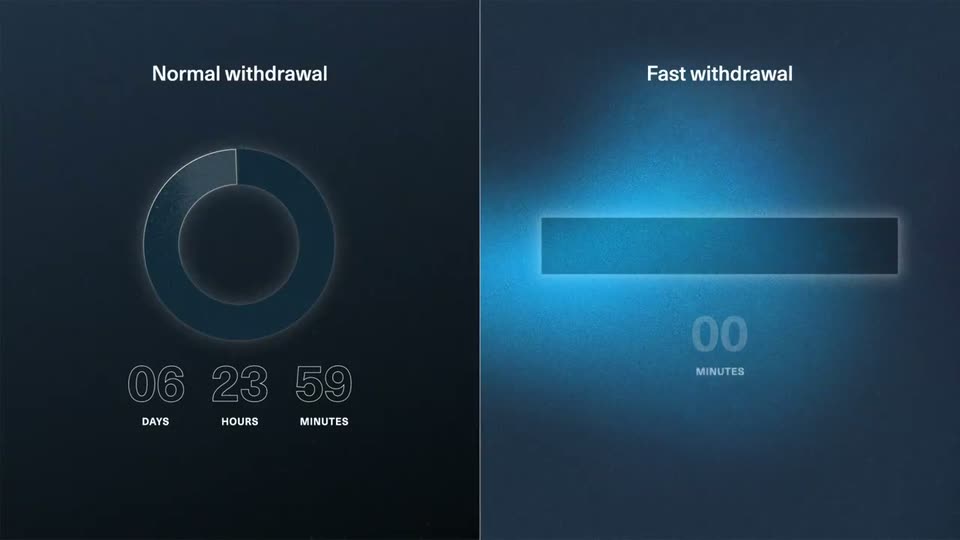 0:02–0:08Arbitrum · Arbitrum - The days of waiting 7 days to move your assets are gone. Fast WithdrSplit screen compares two withdrawal options. Left: a circular progress ring above a 06 23 59 countdown under the title Normal withdrawal. Right: a cursor clicks the Fast withdrawal button, which turns into a glowing progress bar that fills and empties as the minutes counter rolls from 15 to 00.
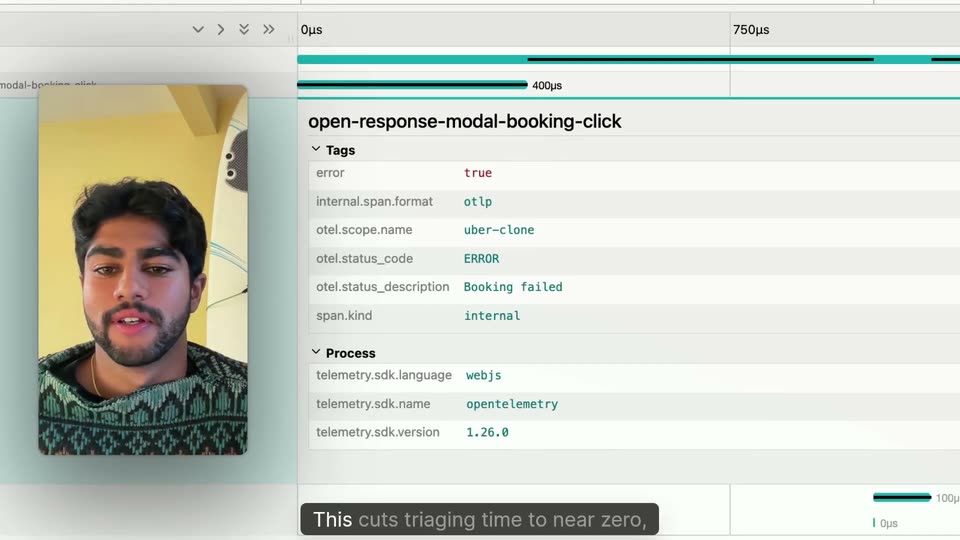 0:58–1:05Revyl · Launch YC: Revyl (F24)A presenter in a video-call inset sits left of a trace-detail screen on a purple-to-teal gradient. The interface zooms into the span tags, a cursor expands the Process row, and captions run along the bottom.
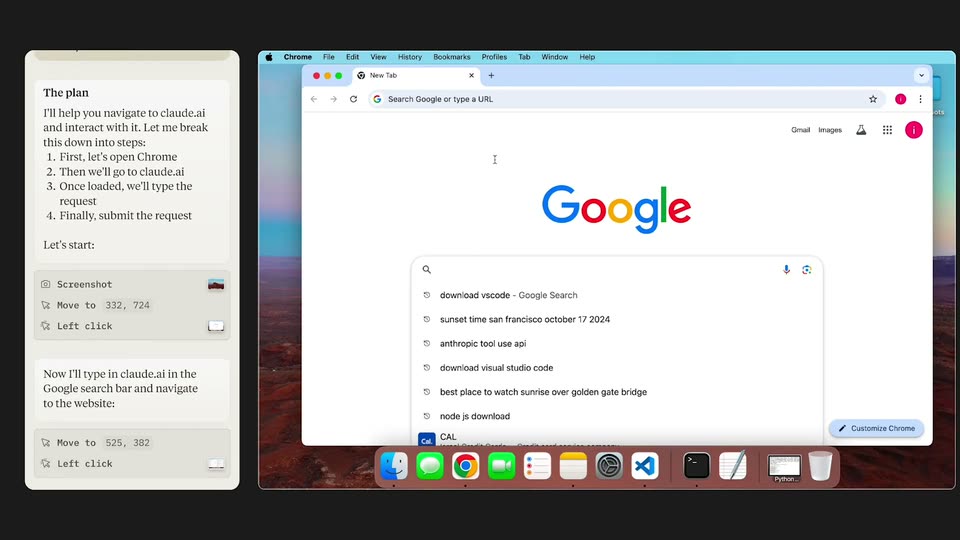 0:39–0:43Anthropic · Claude | Computer use for codingA black frame holds a left card with the plan and a right Chrome window over a desktop. The card scrolls as new action lines appear. The cursor glides into the Google search bar, types claude.ai, and an autocomplete list opens with the Claude result highlighted.
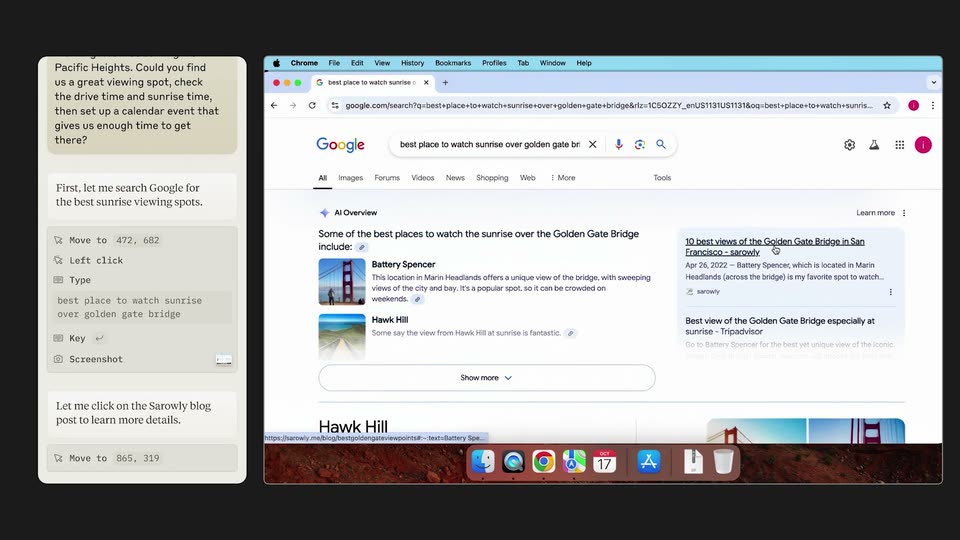 0:36–0:42Anthropic · Claude | Computer use for orchestrating tasksA Chrome window on a Mac desktop shows a Google search for Golden Gate Bridge sunrise spots loading an AI Overview of results. A left panel logs the assistant's steps as the cursor moves to a Sarowly blog link in the sidebar.
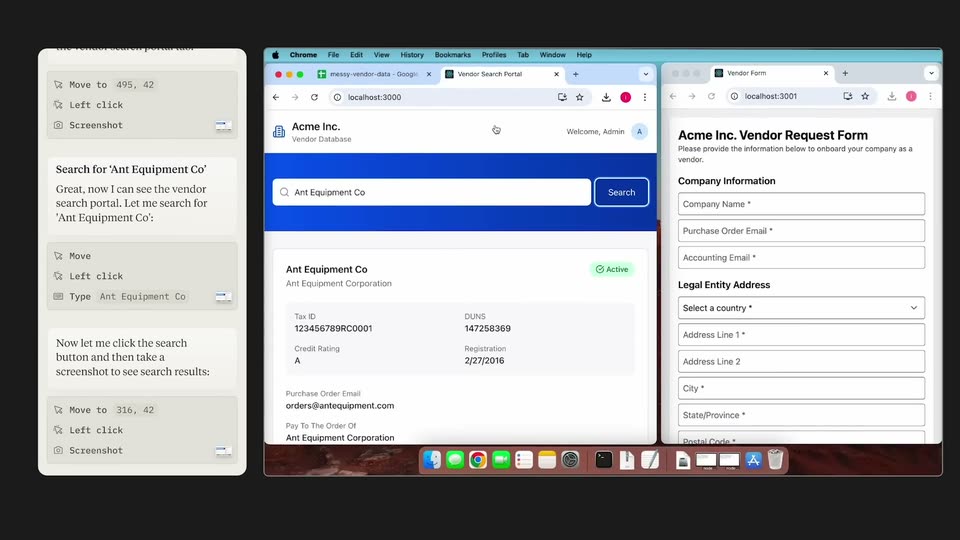 1:05–1:23Anthropic · Claude | Computer use for automating operationsA Mac desktop shows three windows: a scrolling assistant chat log, a vendor database in Chrome, and a vendor form. A cursor types 'Ant Equipment Co' into the search field and clicks Search, revealing a company result card, then the view zooms out to the full desktop.
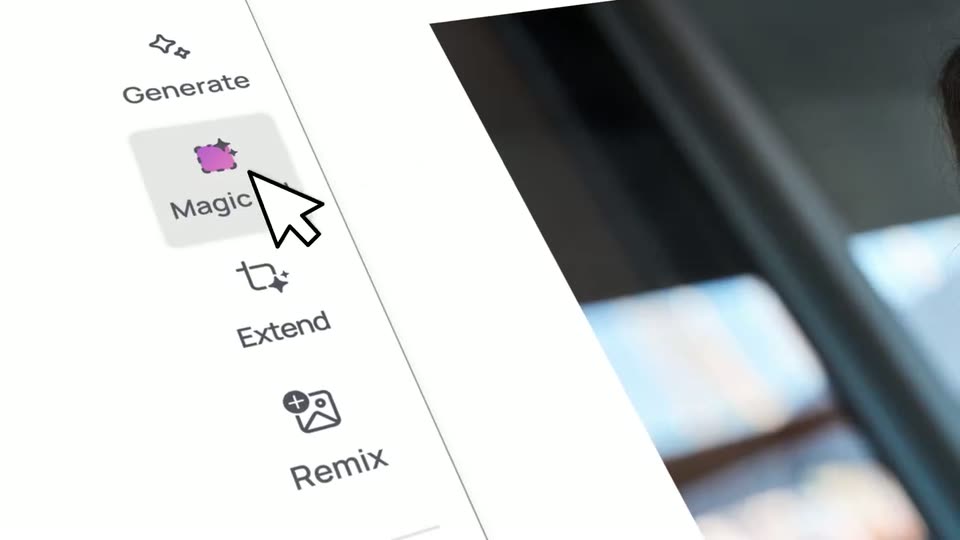 0:08–0:09Ideogram · Ideogram - Today, we’re introducing Ideogram Canvas, an infinite creative boardA tilted 3D interface panel shows a vertical menu beside a blurred dark image. A cursor glides to the Magic Fill row and clicks it, the row highlights and its dashed icon fills into a pink blob.
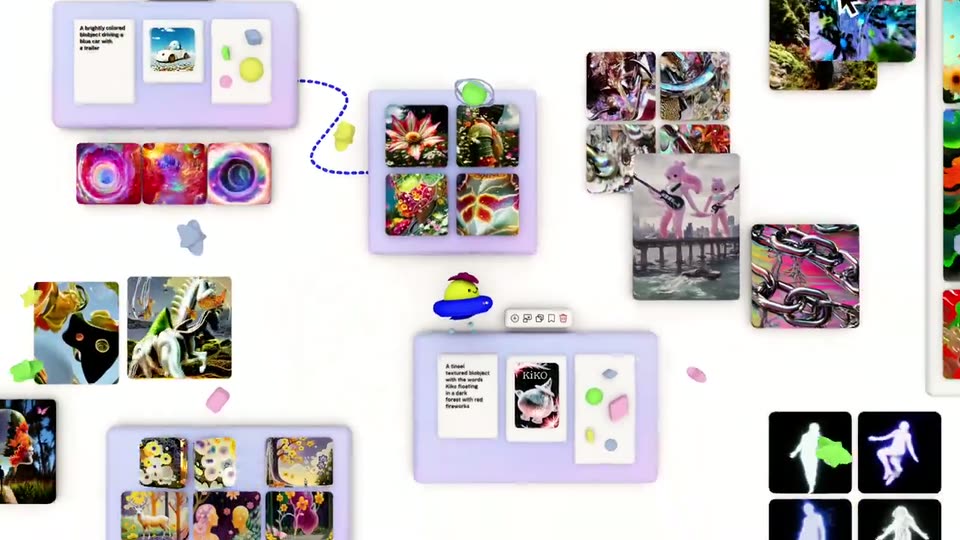 0:33–0:35Kaiber · Kaiber - Human creativity can't be automated. Great artists get it. We get itA white board of image tiles in lavender cards zooms out from a close-up of a flower grid to the full canvas with a top toolbar and numbered sidebar. A white arrow cursor and a blue blob tool topped by a small figure glide over the tiles.
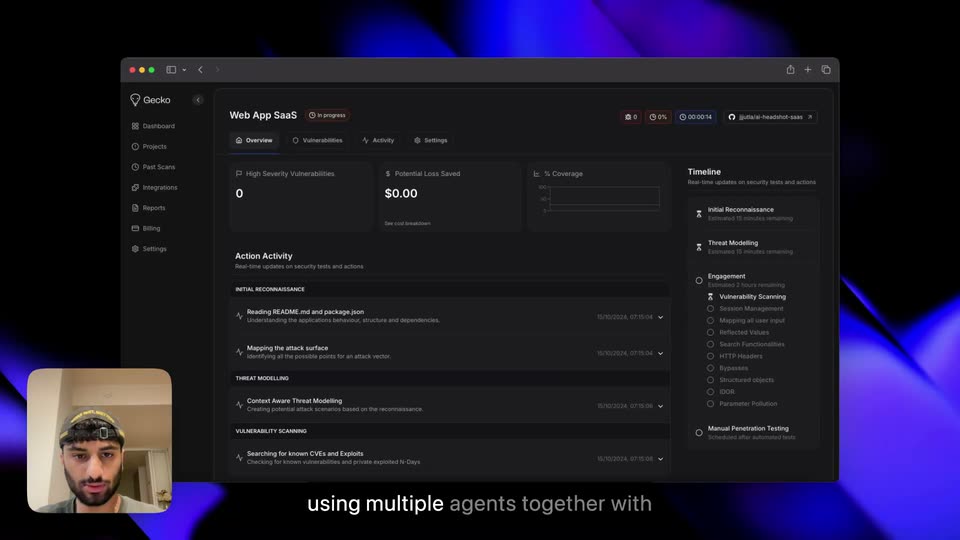 0:33–1:00Gecko Security · Gecko AI — Web App DemoA tilted dark browser window with the Gecko dashboard floats over a blue abstract background, presenter webcam inset bottom-left, white subtitles below. Activity rows populate the feed, then the frame zooms to the flat UI as a cursor clicks the Vulnerabilities tab and a results table appears.
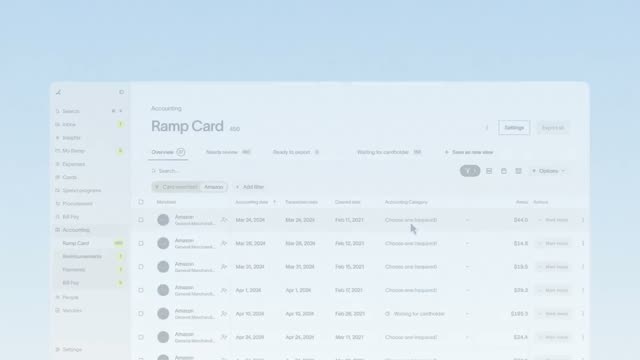 0:45–0:46Ramp · Meet Ramp: A smart finance operations platform that saves you time and moneyA light blue screen shows a faded Transactions list, then crossfades to a full Ramp Card view with a left sidebar and a merchant table. A cursor hovers over a category dropdown.
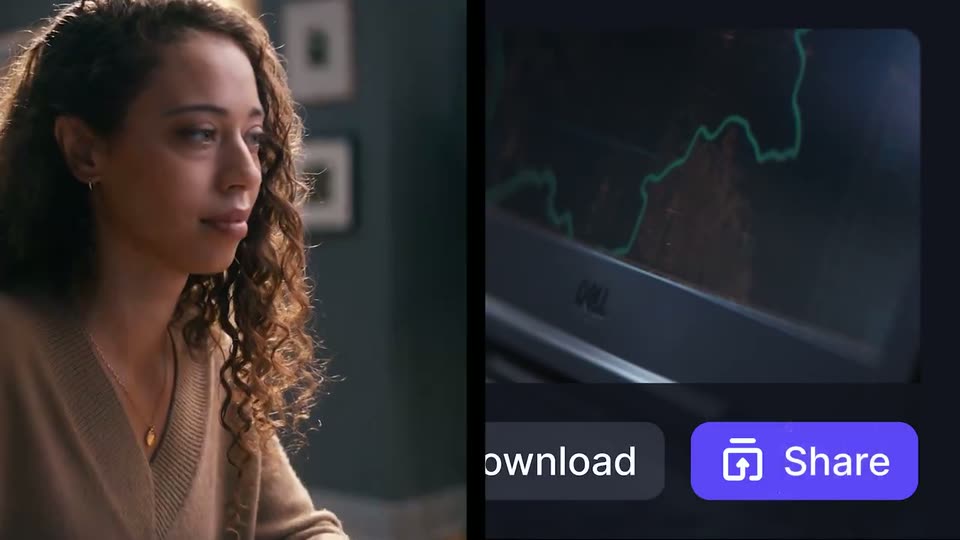 0:08–0:09Frame.io · Frame.io - Move creative projects forward faster with Version 4.Split screen: a curly-haired woman in a beige cardigan looks toward a screen on the left, while the right shows a monitor with a green line chart and a flat panel below holding gray and purple buttons. A round cursor taps the purple Share button.
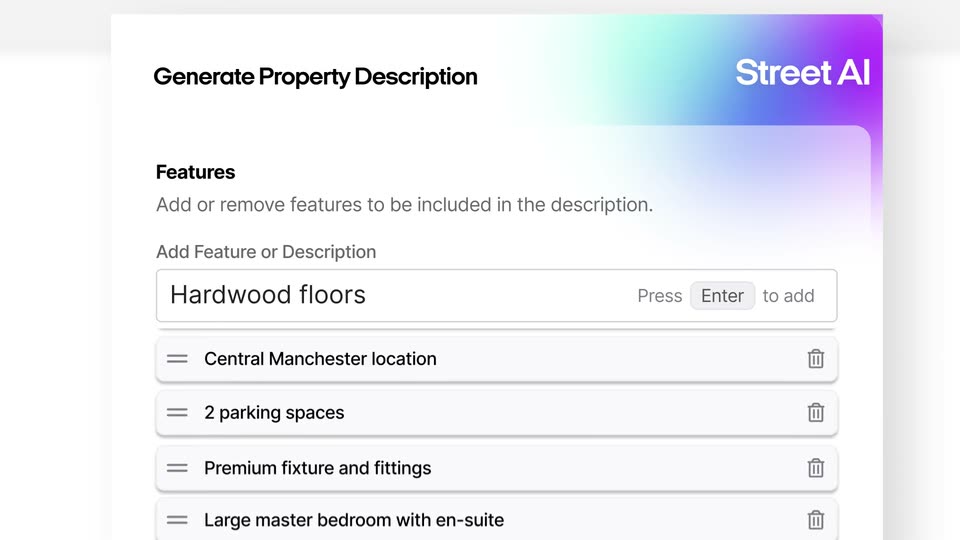 0:05–0:08Street · Street.co.uk - Street AIA white modal card with a teal-to-purple gradient shows a feature input where 'Hardwood floors' is typed. The view then zooms into the feature list and settings, and a cursor rests on the blue Save and Insert button.
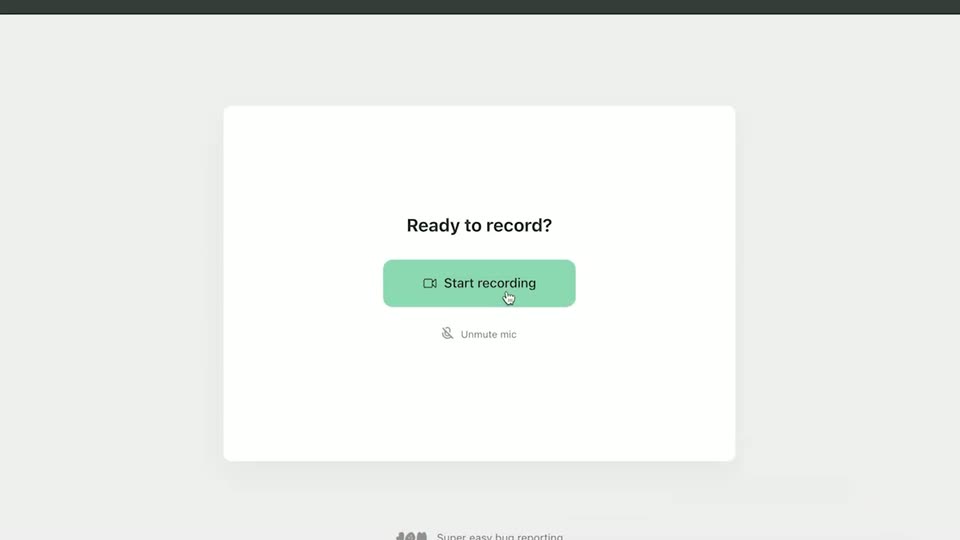 0:08–0:10Jam · Jam.dev - Our biggest launch yet! ⚡️ Meet Jam for Customer Support End-user reA flat browser window on a purple background shows a white 'Ready to record?' dialog with a green Start recording button. A cursor moves in and clicks the button, then the view zooms tight onto the dialog as a large step caption slides in.
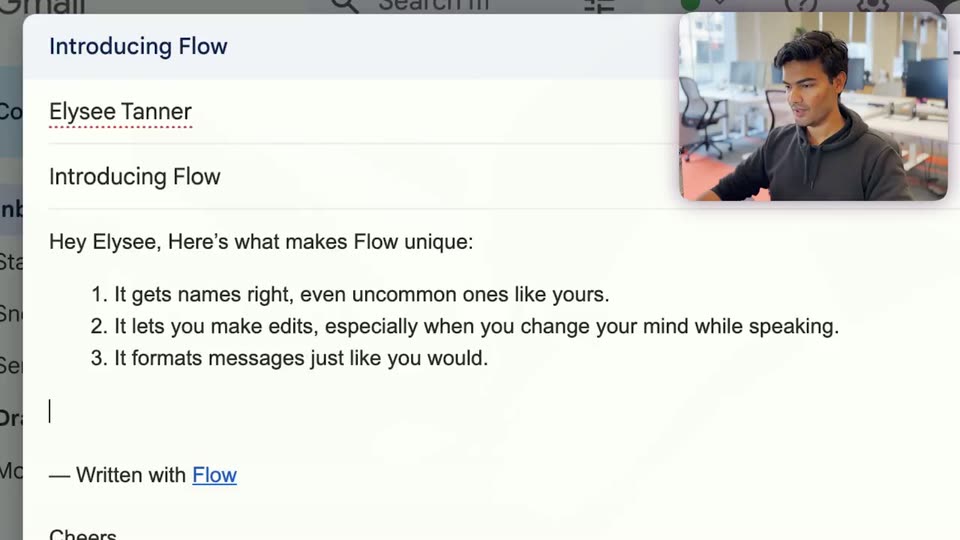 0:41–0:47Wispr Flow · Wispr Flow - Today, we’re excited to announce Wispr Flow 🚀 Just speak, and FlowA close-up of a desktop email draft titled “Introducing Flow,” with a small picture-in-picture video of a man in a gray hoodie in the top-right. The typed body list is deleted and the line “You can even whisper” is typed in its place.
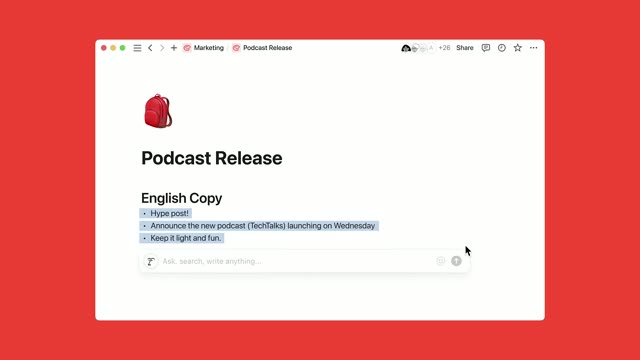 0:23–0:25Notion · Introducing the new Notion AIA flat document editor window sits on a red field while a static two line headline holds the frame. A cursor drags across the three bullet points to select them, then an AI prompt bar with two suggested prompts slides in beneath the list.
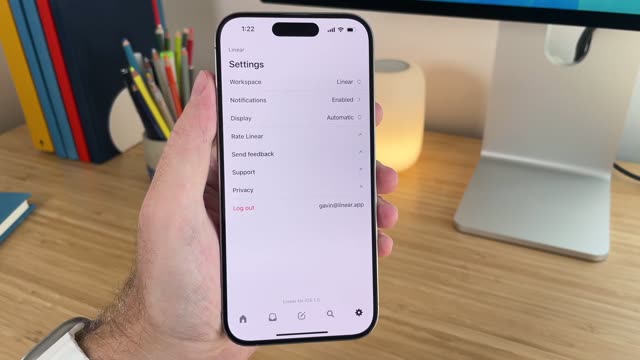 0:35–0:38Linear · Introducing Linear MobileA hand holds an iPhone showing the Linear inbox over a desk with a monitor and colored pencils. A finger taps the settings tab, the screen switches to the settings list, then taps a row.
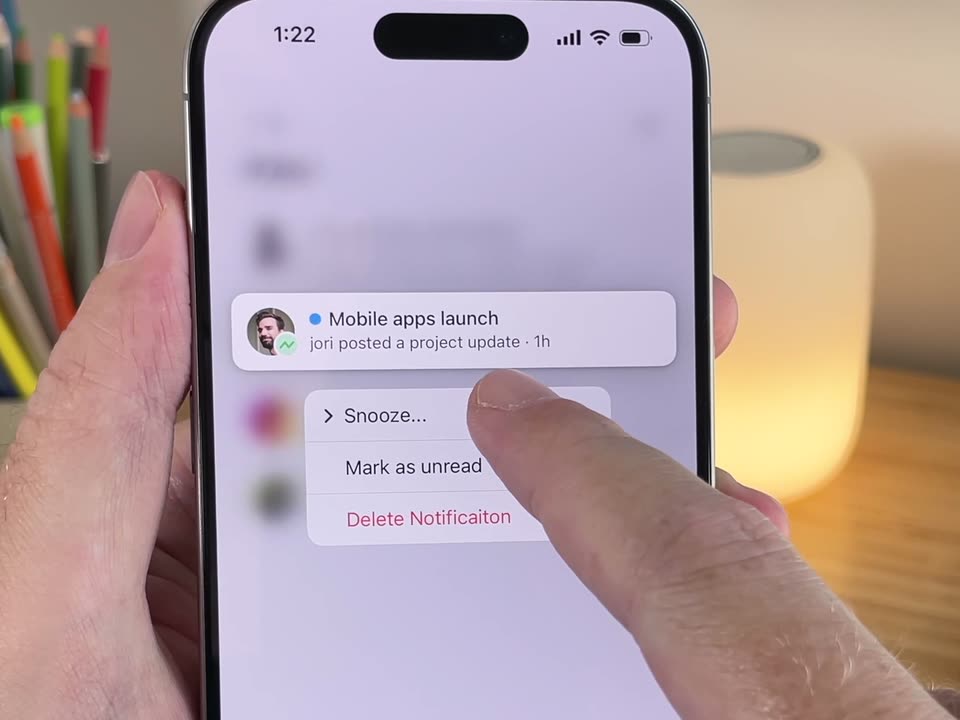 0:30–0:35Linear · Linear: release 392A 438E 9EE7A hand holds a phone showing the Linear inbox. A finger swipes a row left to reveal a red Delete button, then taps it. The list scrolls, the finger taps a row to open a menu, and expands Snooze to show time options.
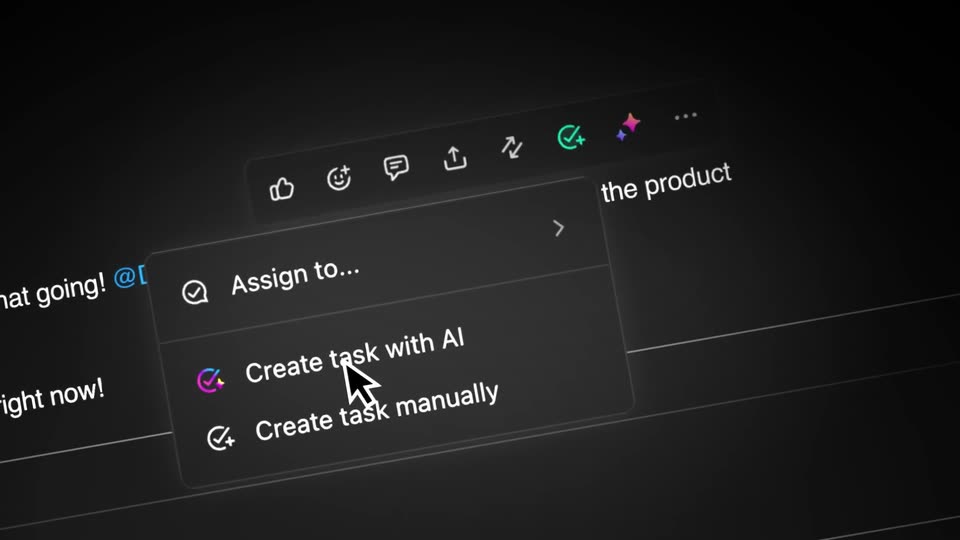 0:27–0:32ClickUp · Introducing ClickUp ChatA dark chat thread sits tilted in 3D perspective. The view zooms onto one message's action bar, a cursor clicks the sparkle icon, and a dropdown opens listing task options before the screen fades to black.
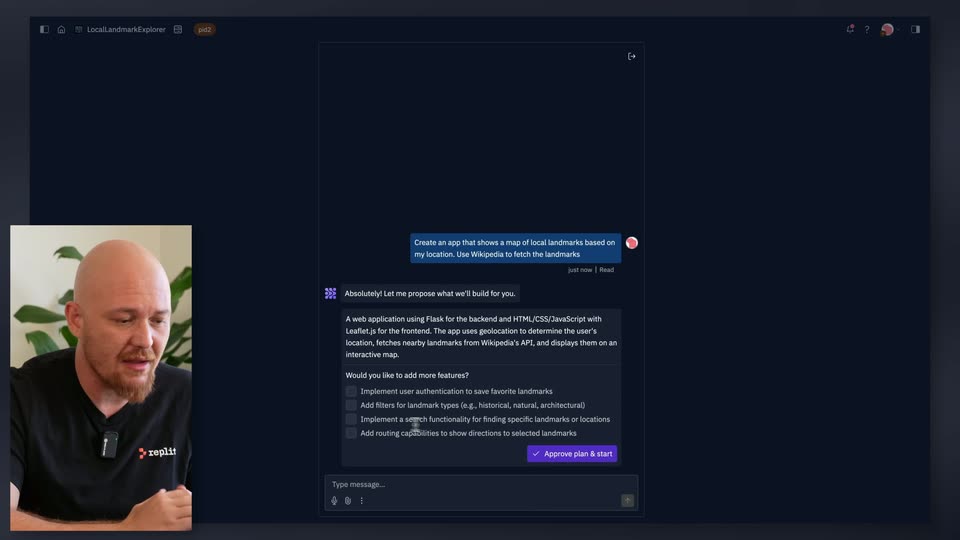 0:42–0:47Replit · Meet the Replit AgentA dark chat UI fills the frame. A blue prompt bubble and an agent plan card with checkboxes appear; a cursor ticks one box, then the plan condenses into an approved summary. A small live-action inset of a bearded man in a black shirt sits in the lower left.
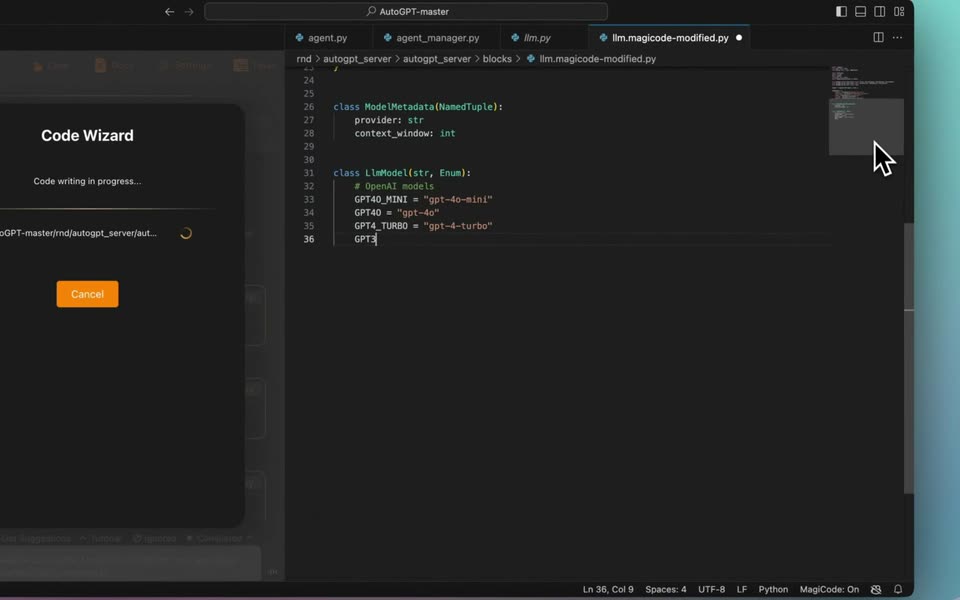 0:31–1:07MagiCode · MagiCode: Your Proactive Pair ProgrammerA dark IDE chat panel shows a prompt typed about integrating the Google Gemini API, then a numbered answer with code blocks. The cursor clicks Code Wizard; a side panel reports progress as a new file fills with scrolling code, ending in a diff view of highlighted lines.
 0:22–0:25Playground · Playground - Welcome to the new Playground Use AI to design logos, t-shirts, sociA dark prompt bar reading Change from coffee to bread, with a blue Create button, slides over a green Good Morning card. A purple cursor arrow clicks Create, the bar exits, and a dark rounded icon with pink sparkles pops in over the cup.
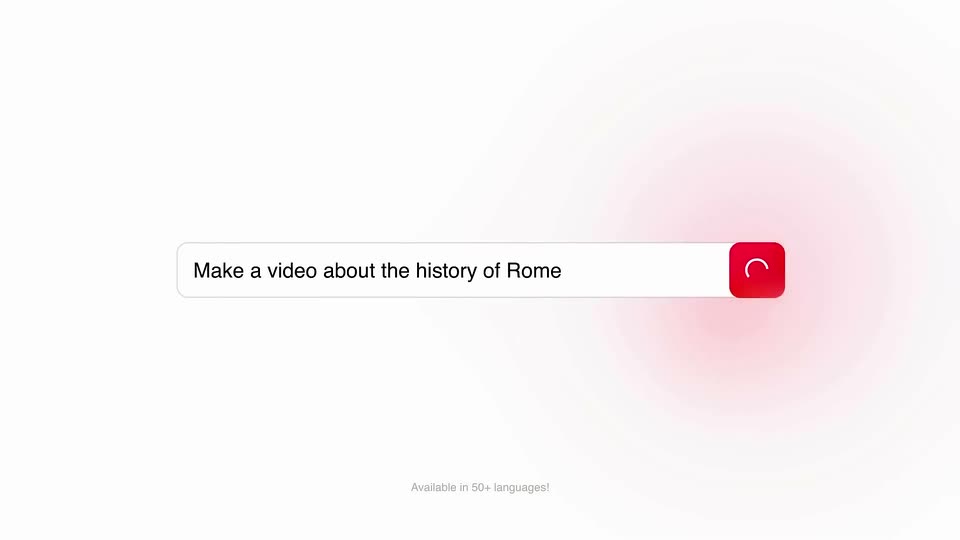 0:04–0:05VideoGen · Introducing VideoGen 3.0A white prompt bar shows “Make a video about the history of Rome” beside a red C button, with an outlined cursor drifting near it over a soft pink glow. A small gray caption sits below.
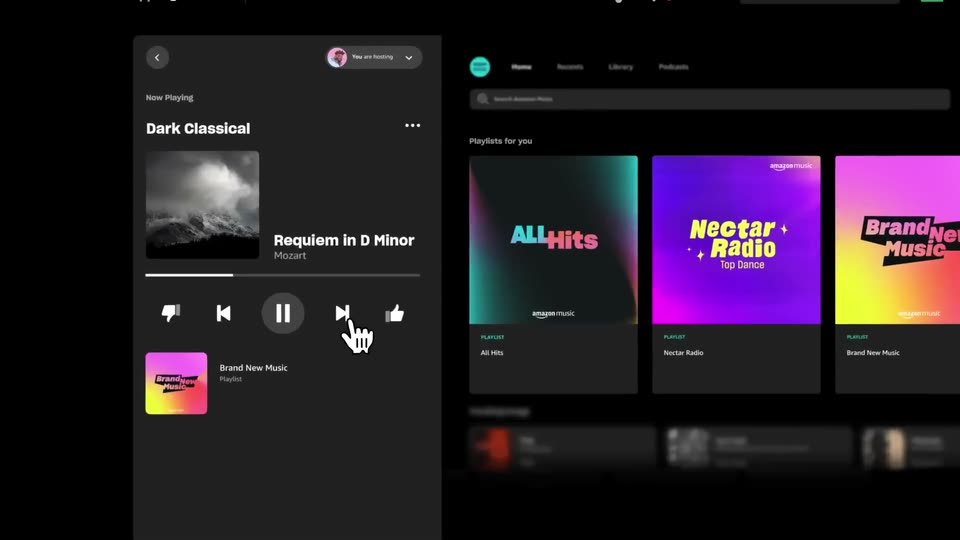 0:08–0:10Discord · Amazon Music is now on DiscordA dark music app screen zooms into the Now Playing panel as the album art cross-fades from a black-and-white mountain to a teal ALL Hits cover and the title swaps to Listening Party. A white hand cursor taps the next-track button.
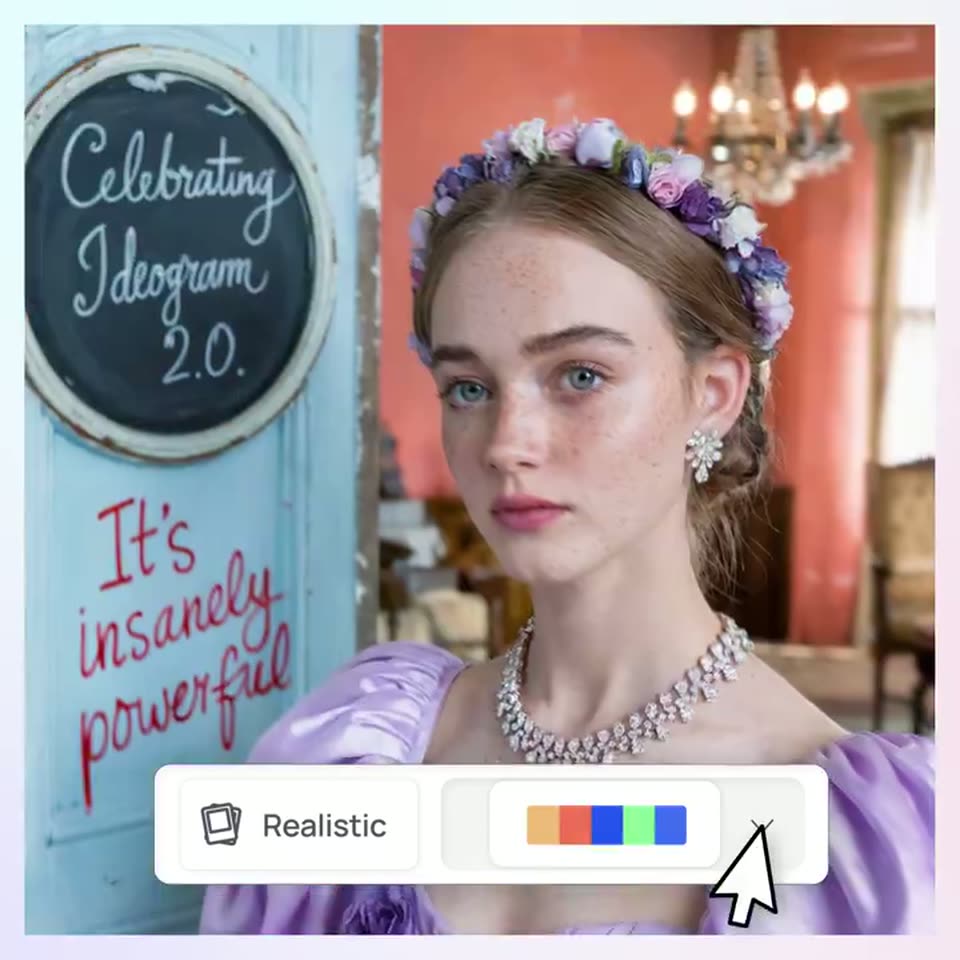 0:11 · 0.6sIdeogram · Ideogram - Introducing Ideogram 2.0 — our most advanced text-to-image model, nowA generated portrait of a freckled woman in a flower crown and purple dress sits right of a blue door bearing a chalkboard and red handwritten text. A white UI bar at the bottom holds a Realistic button and a five-color palette, a cursor resting at its right edge.
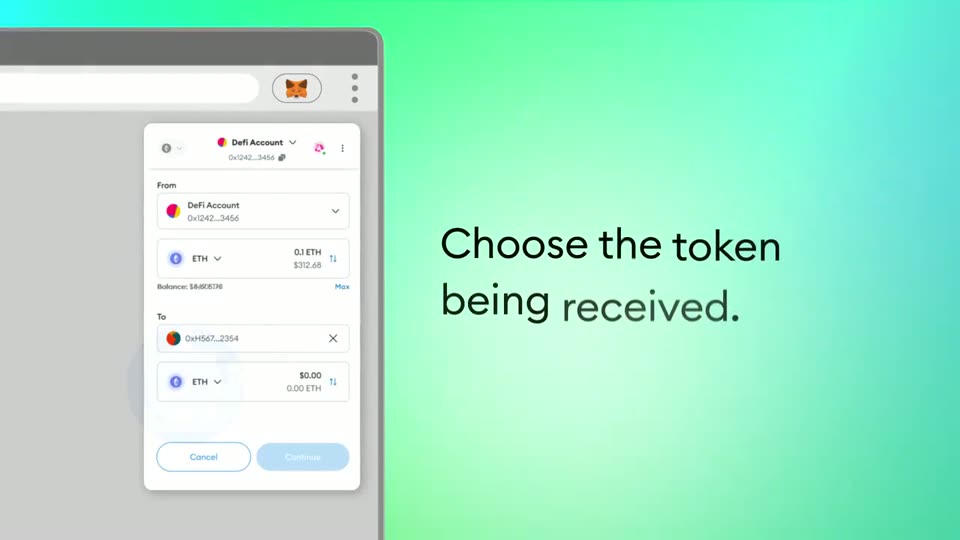 0:40–0:50MetaMask · MetaMask 🦊 - More calm with MetaMask 🧘 Introducing our "Send and Swap" feature: SA browser window tilted in 3D on a green gradient shows a wallet swap form; a token list modal opens and a blue tap circle picks a row, while large black text on the right cycles through send instructions word by word.
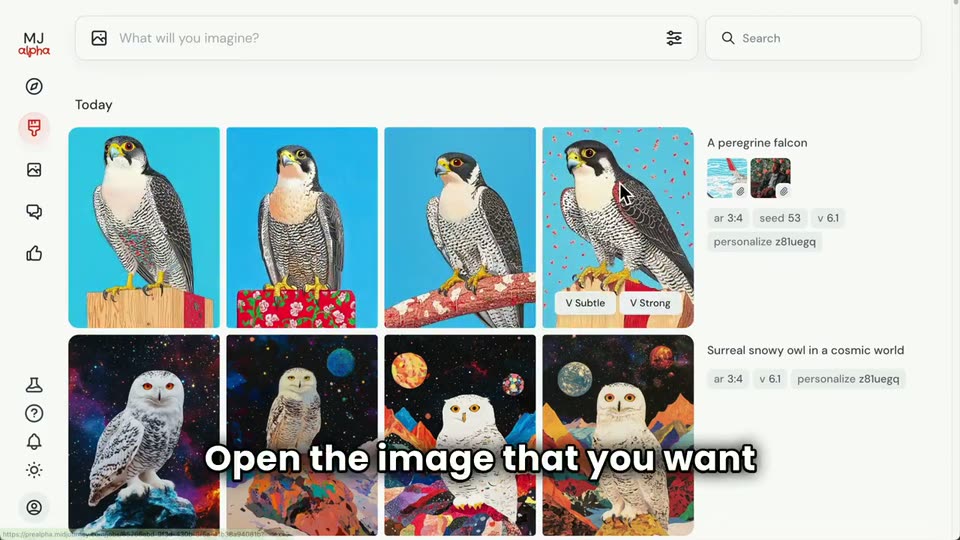 0:09–0:11Midjourney · Midjourney - We're releasing a new web editor today. This combines many previouslyA light image-generation UI displays a grid of bird thumbnails. A cursor moves over a falcon image and a side panel slides in from the right with action buttons, as a bold outlined caption appears across the bottom.
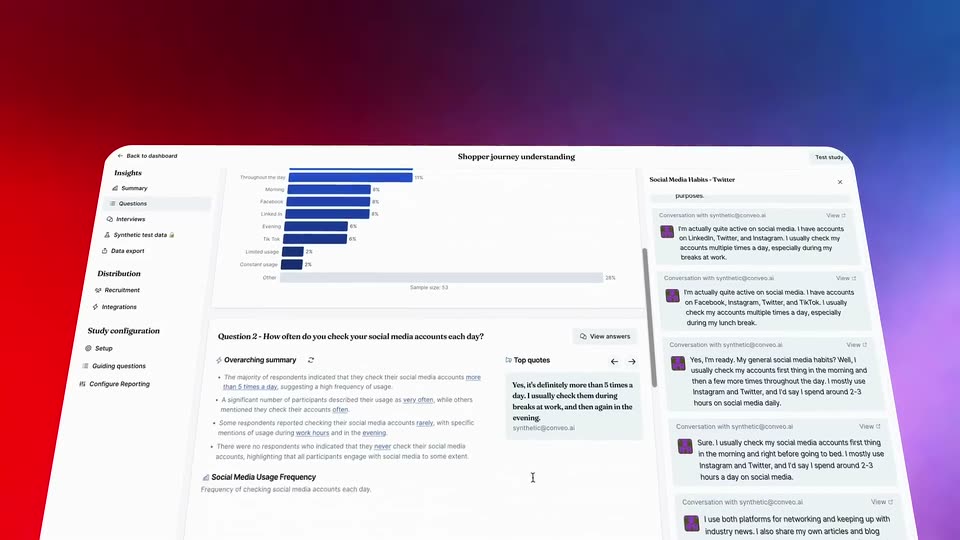 0:38–0:46Conveo · Conveo in 60 SecondsA tilted 3D dashboard of Conveo scrolls through summaries, bar charts, and quote cards as a cursor moves across it. Large white serif headlines fade in line by line above the interface against a red-to-blue gradient.
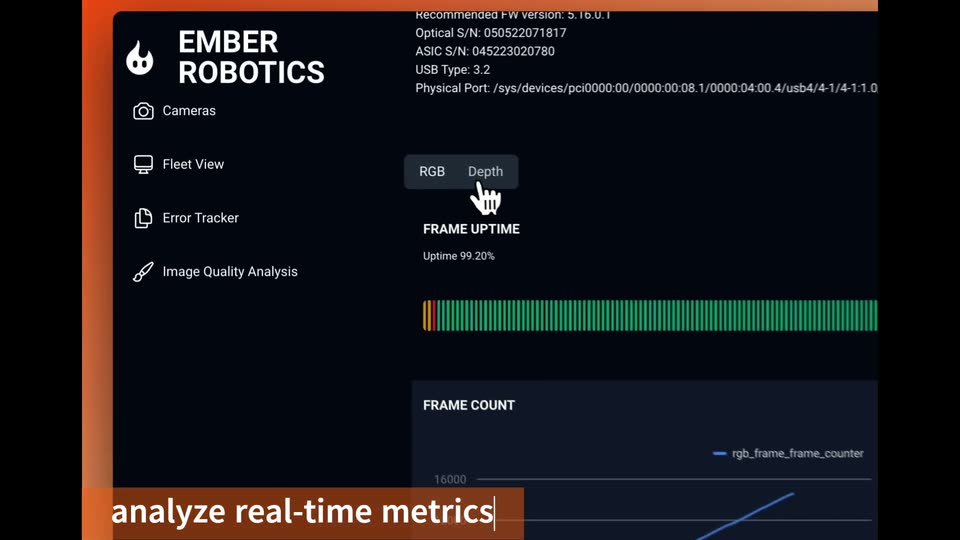 0:04–0:10Ember Robotics · 🔥 Introducing Ember Assistant 🔥- Robotics Camera System Assistant!A dark Ember Robotics dashboard floats on an orange gradient, its charts and device info scrolling down as a hand cursor hovers the panels. The view zooms onto the RGB/Depth toggle while a caption types in along the bottom edge.
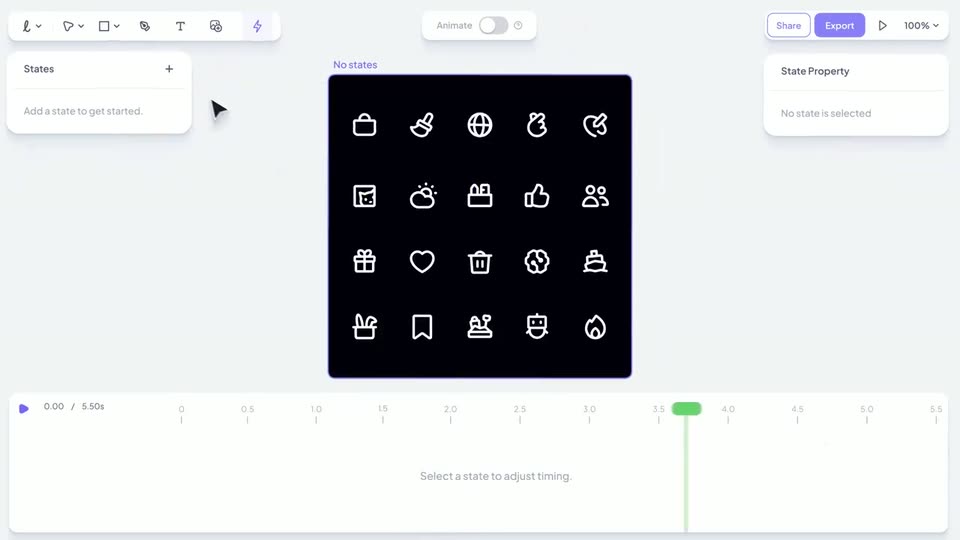 0:13–0:14Lottielab · Lottielab - Interactivity is now live on Lottielab. 📣A motion-design tool interface: a black square canvas holds a 4x5 grid of white line icons that swap between states as the timeline playhead advances. The cursor glides from the canvas toward the plus button in the left States panel.
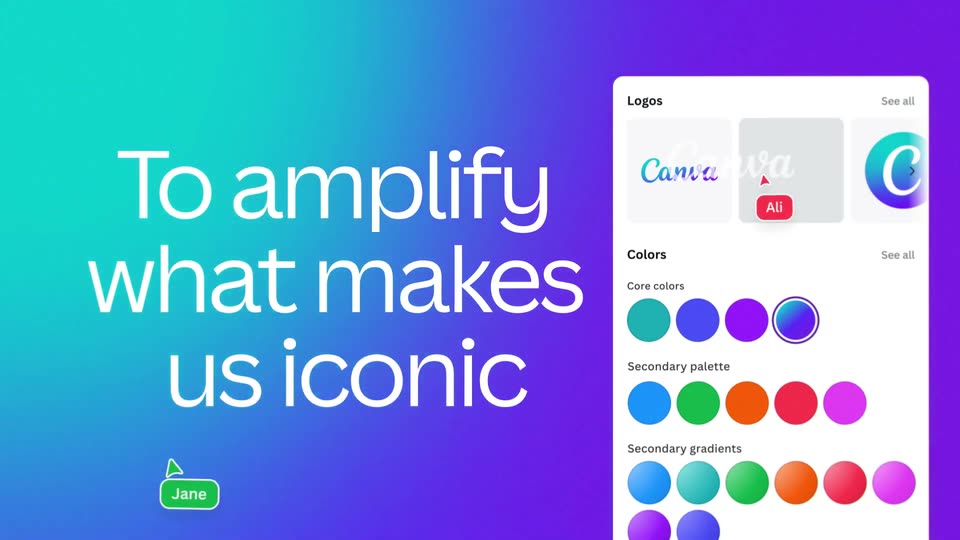 0:40–0:44Canva · Introducing Canva’s Brand RefreshWhite headline “To amplify what makes us iconic” over a red gradient that shifts to blue. A purple selection box around the text is released, Jane and Ali cursors move, Ali selects a swatch in the right-side brand kit panel, and the white Canva logo pops in above the headline.
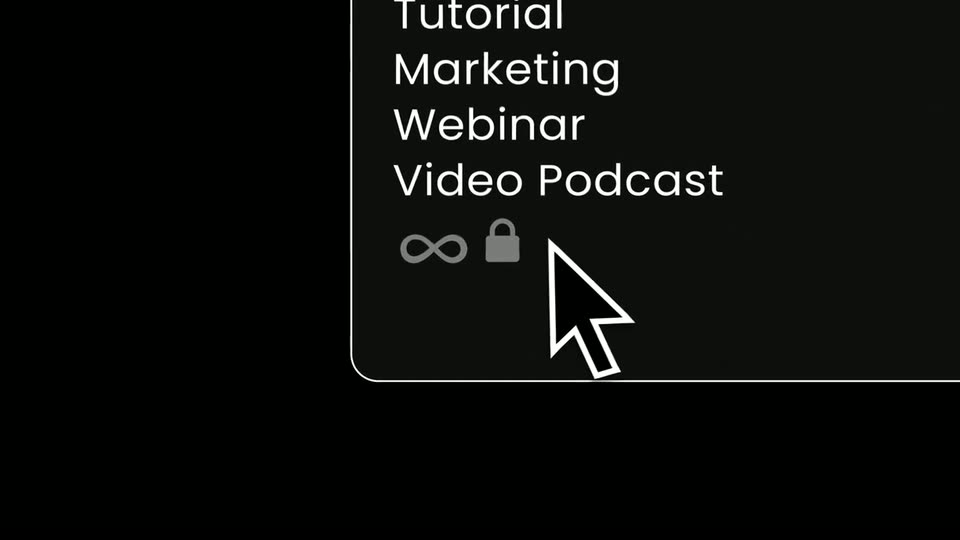 0:05–0:08OpusClip · OpusClip - Introducing 𝘾𝙡𝙞𝙥𝘼𝙣𝙮𝙩𝙝𝙞𝙣𝙜, the first-ever multimodal AI clipping thatA dark Genres dropdown lists video formats on black. A large outlined cursor glides down the rows, flashing a white pill on Interview and Webinar. The view zooms in and the list scrolls, ending on a padlock that flips open beside a gold infinity symbol.
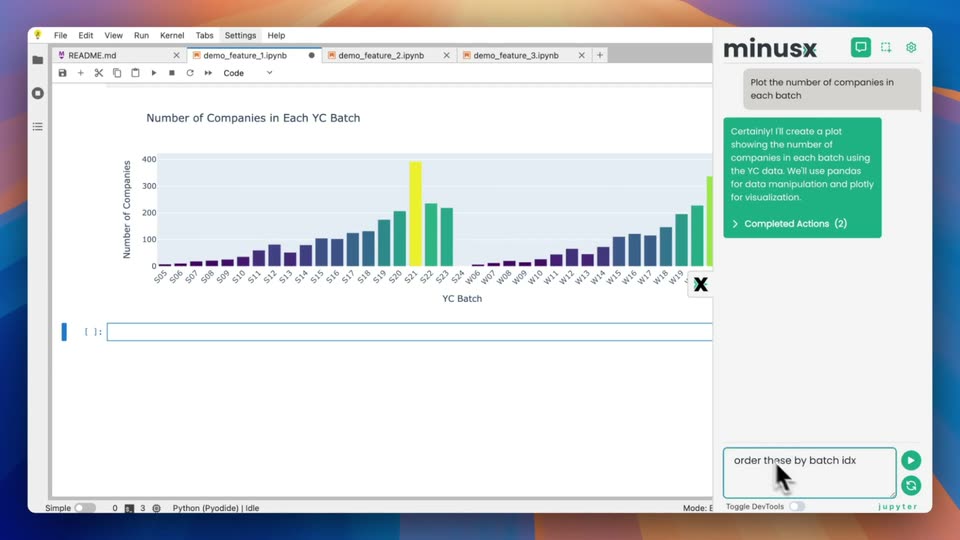 0:12–0:18MinusX · MinusX: AI Data Scientist for Jupyter and MetabaseA Jupyter notebook shows a bar chart of companies per YC batch beside a minusx assistant panel. A cursor types a command into a bottom input box, then the panel updates with a new response and a revised code cell scrolls into view.
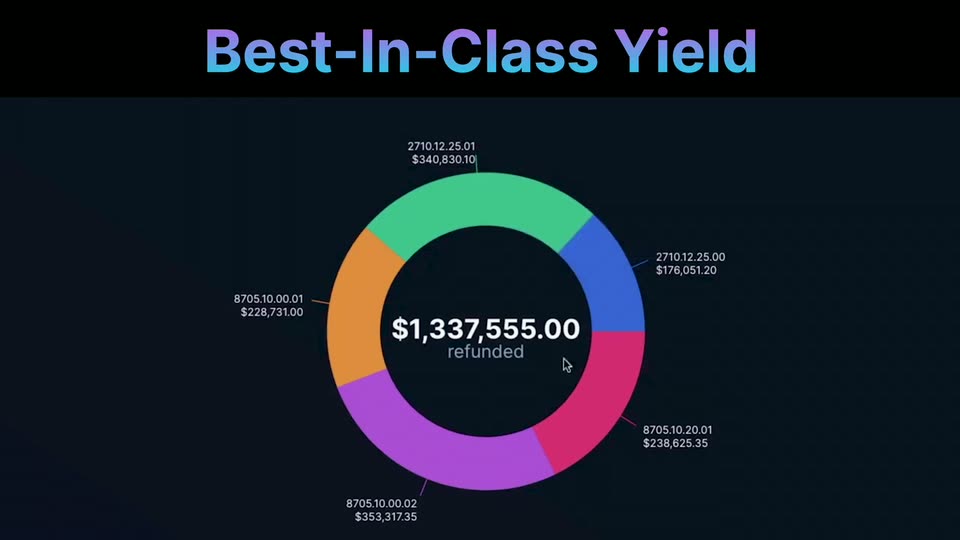 0:23–0:25Pax · Pax AI (YC s24) LaunchA dark dashboard shows a multi-colored donut chart with a large refund total in the center. A cursor hovers over segments, raising tooltips, as the top headline dissolves from one phrase into another.
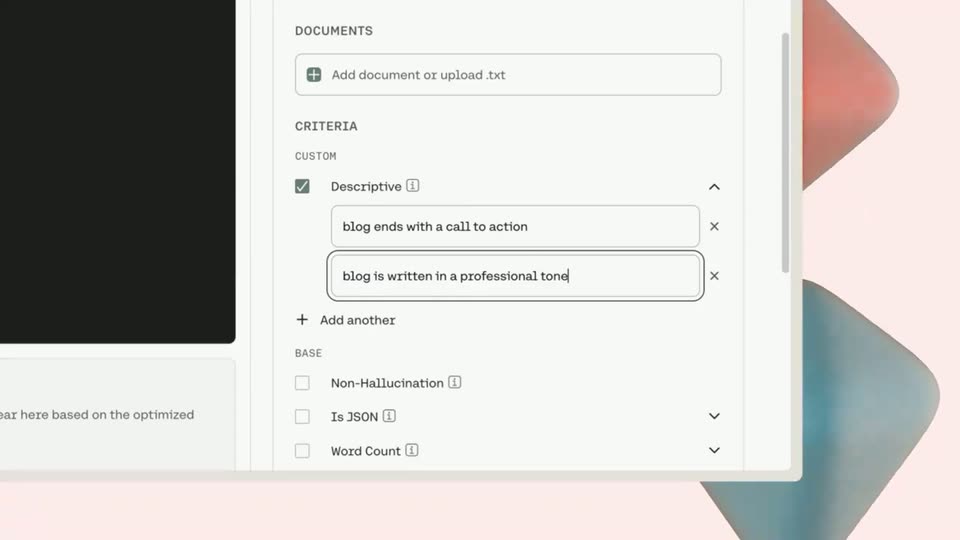 0:16–0:39Cohere · Cohere - We are excited to be introducing Prompt Tuner in beta today. It is aA close-up of a prompt-builder form auto-types three topic values into numbered fields, then the panel scrolls to the criteria section where more text fills the descriptive boxes and a word-count range is set. The frame zooms out to reveal the full window on a pastel background.
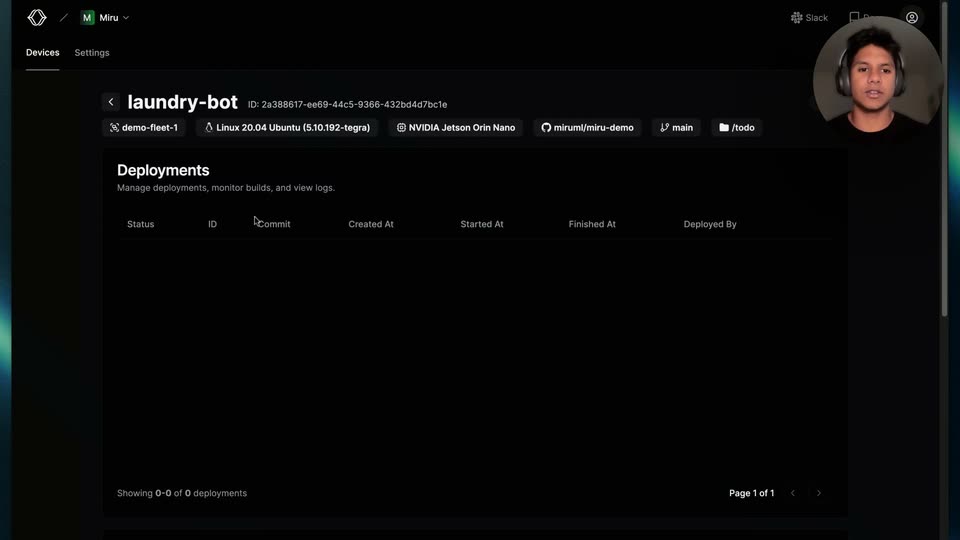 1:03–1:18Miru · Miru Demo YC LaunchA dark device dashboard lists one idle entry in a table. A cursor clicks the row, the page switches to the device detail view, then scrolls down to reveal a running containers list. A circular webcam feed of a presenter with headphones stays in the top right corner.
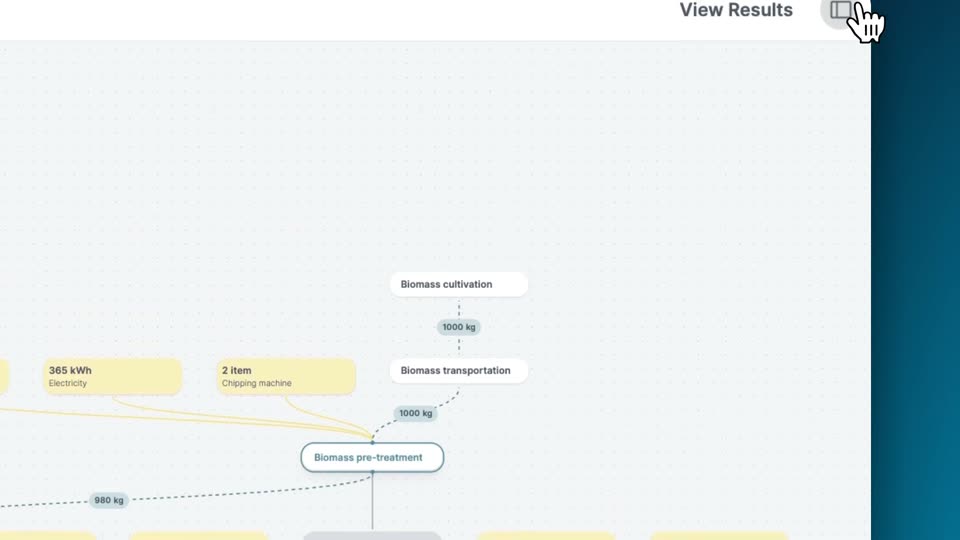 0:05–0:06Offstream · Offstream: Streamlined carbon compliance for project developersA cursor clicks the menu icon in the top right, and a details panel slides in from the right listing the Biomass pre-treatment fields. The cursor then grabs the panel's left edge and drags it left, widening the panel over the flowchart.
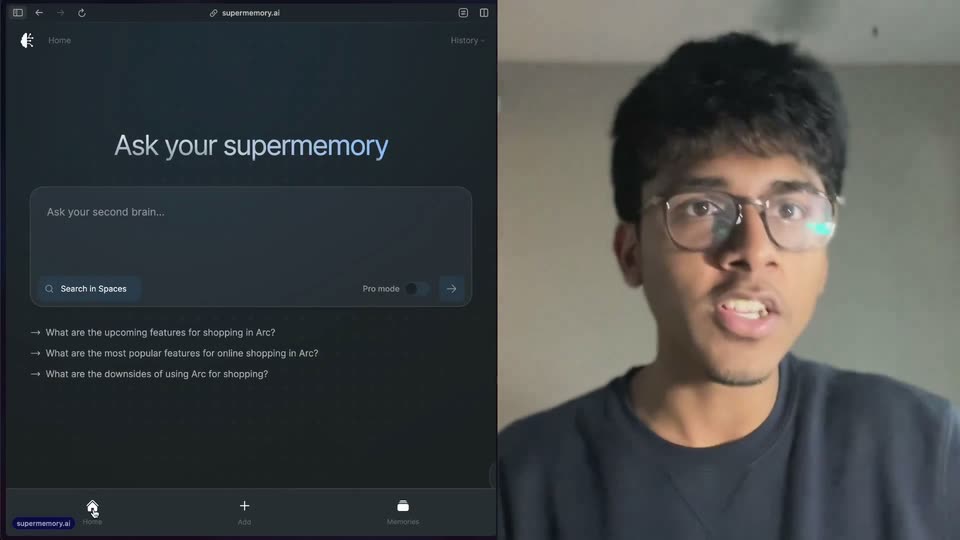 0:07–0:19Supermemory · Dhravya Shah - Introducing supermemory (again). an ai second brain for all your saSplit screen: the supermemory.ai interface on the left, a bespectacled presenter talking on the right. The memory grid scrolls quickly, the cursor clicks Home, and the Ask your supermemory screen appears as a suggested question types itself into the search box.
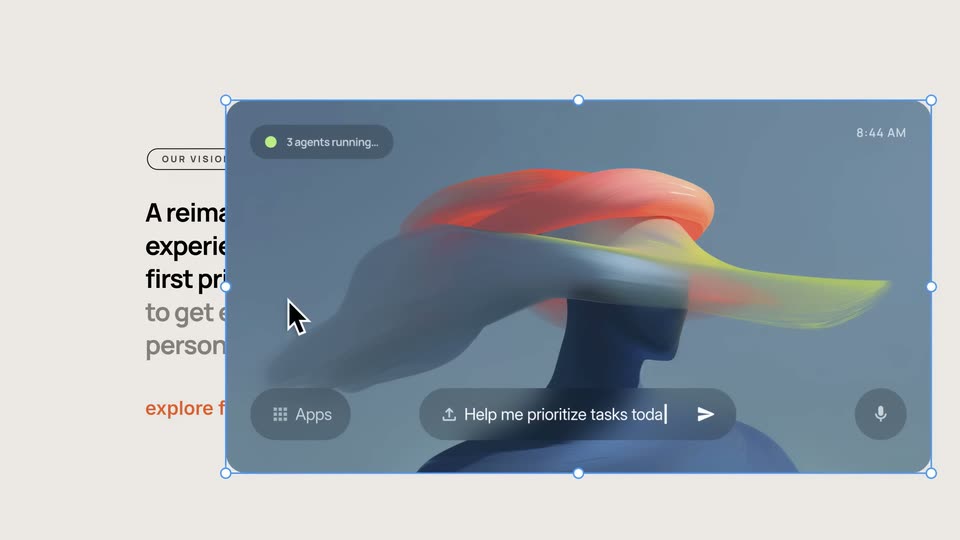 0:10 · 0.8sFramer · Framer Design: Design on an intuitive CanvasA product interface card showing a 3D head and an agent status, wrapped in a blue selection box with handles, is dragged left across a cream page until it fully enters frame, overlapping the left-side vision text.
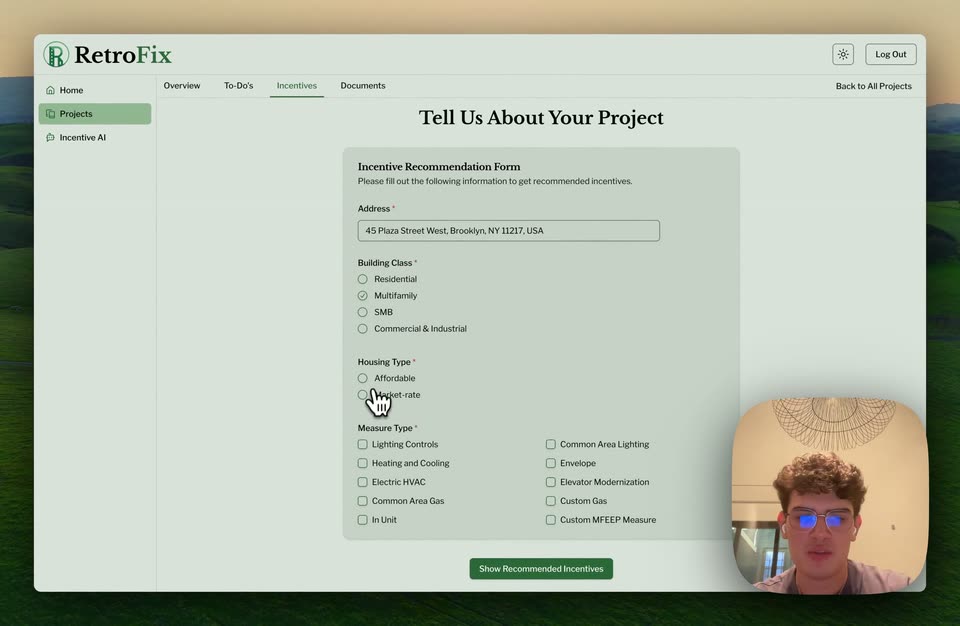 0:22–0:27RetroFix · RetroFix Product DemoA light web form for an incentive recommendation fills the frame. A hand cursor clicks the Multifamily radio, a Housing Type field appears, and the cursor picks Market-rate. A rounded webcam tile in the corner shows a bespectacled man talking.
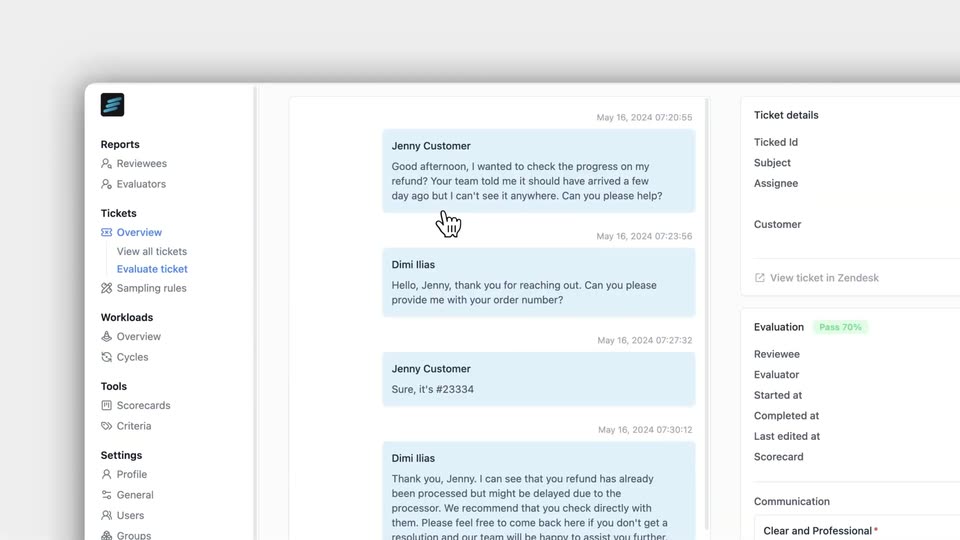 0:19–0:20Intryc · Intryc YC Launch videoA wide ticket table scrolls horizontally, the columns sliding left to reveal a detail card for ticket #3334 on the right edge. A cursor hovers over the Delayed refund row.
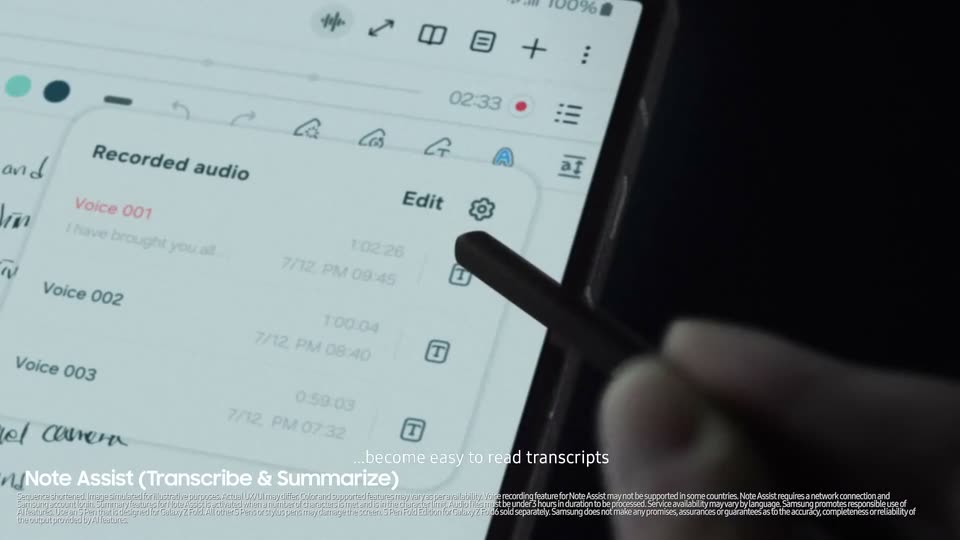 3:41–3:43Samsung · Introducing Galaxy Z Fold6 and Z Flip6 | SamsungA close-up of an angled phone screen shows a Recorded audio list with voice entries. A dark stylus hovers over the Edit control while a bottom caption reads the transcript promise.
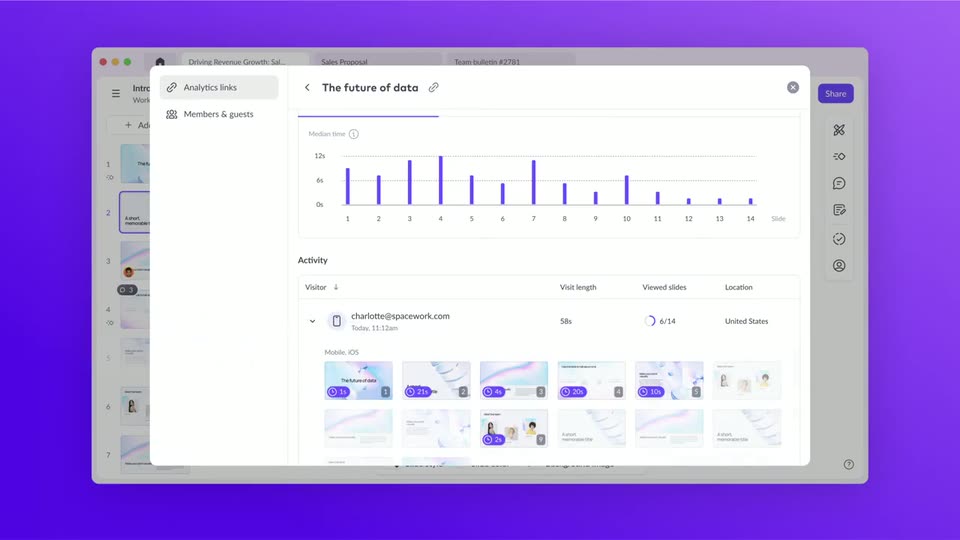 0:03–0:10Pitch · Pitch - Now you can put a name to each visit tracked in your presentation anaA white analytics panel opens inside a browser window on a purple field, showing a summary, a bar chart and a visitor table. A black cursor moves down the table, clicks a row, and a strip of slide thumbnails with time badges expands below it.
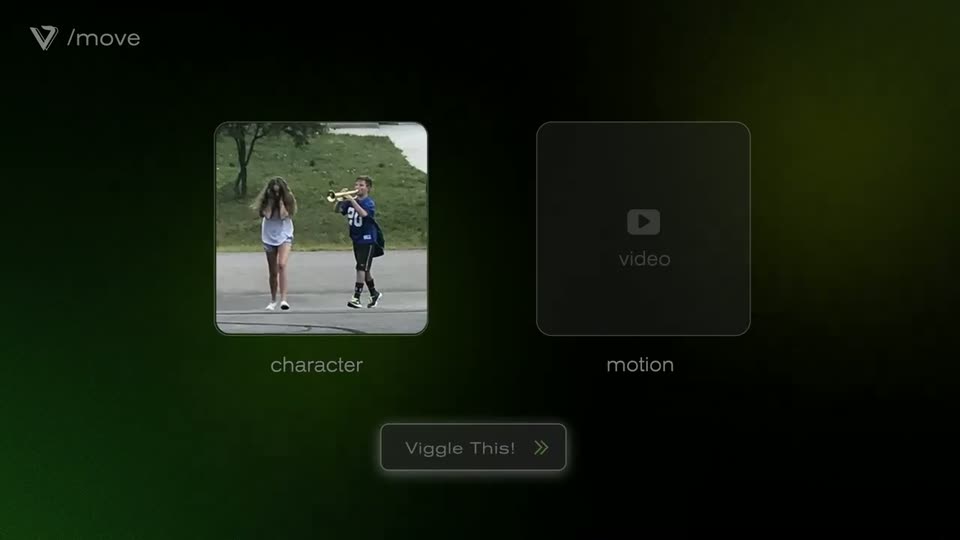 0:22–0:24Viggle · ViggleAI - Viggle's new feature "Move" is now live! Visit to animate your pic riTwo rounded upload cards sit on a dark green gradient. The left card fills with a photo of two people, the right with a video of a man walking, as a cursor hovers over it. Static captions note keeping the background and skipping the greenscreen.
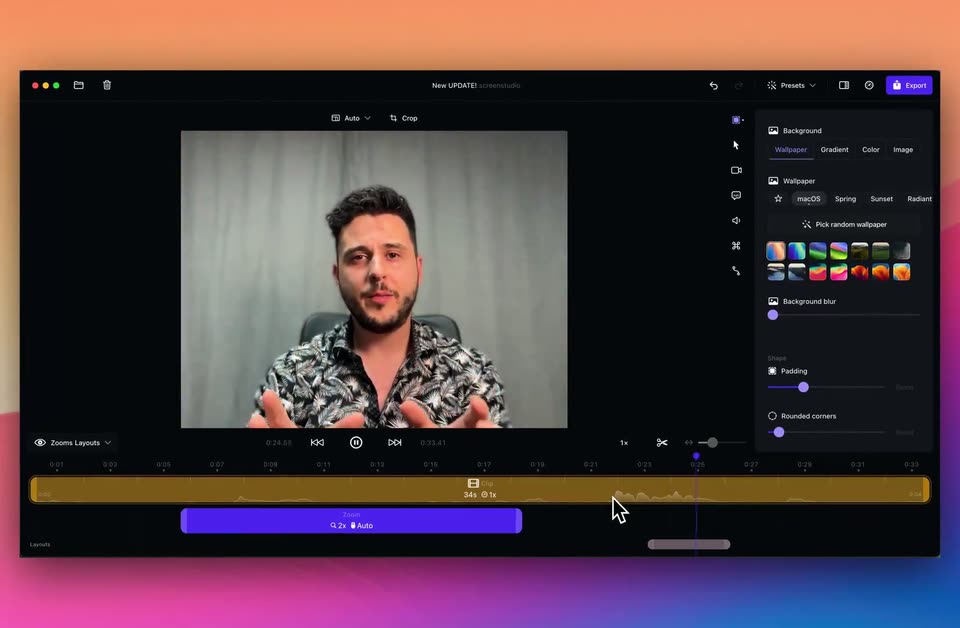 0:05–0:09Screen Studio · Screen Studio - There is a major new update coming soon to Screen Studio! The updateA tilted 3D mockup of a video editor floats on a pink-orange gradient. The preview switches from a multi-window desktop to a single talking-head clip, then blurs and zooms. A cursor rests on the timeline while a right panel lists background and wallpaper options.
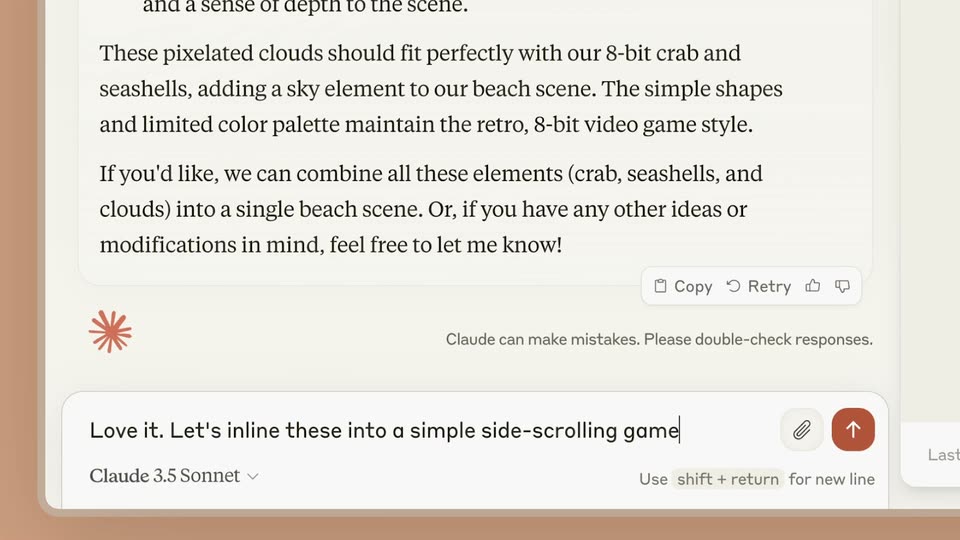 0:32–0:36Anthropic · Claude 3.5 Sonnet for sparking creativityClose-up of the chat interface. The assistant's reply about a pixelated beach scene sits above the input box, where a prompt types out letter by letter, then posts as a bubble with a purple avatar; the field clears and the view scrolls up.
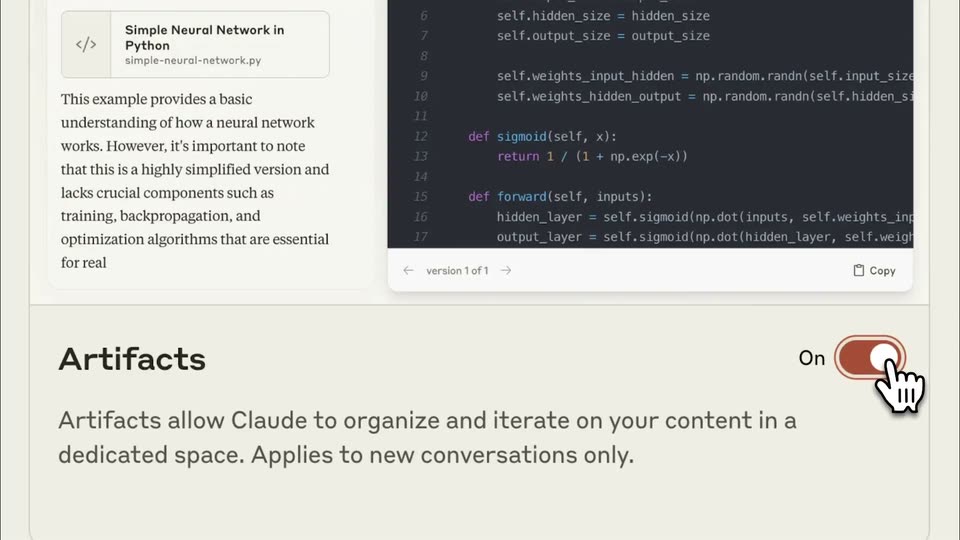 0:01–0:04Anthropic · Anthropic - We're also launching a preview of Artifacts on You can ask Claude toA white mask wipes open onto a close-up of the Artifacts panel. A hand cursor taps the toggle, flipping it from Off to On. The view then pulls back to a tilted phone mockup showing a Claude chat that asks for an 8-bit crab.
 0:15–0:16Riverside · Riverside - Introducing the new Conversation Studio. With full HD live streamingA teal status bar labeled Johana's Stream sits over the top of a person's curly hair. A white cursor slides up and clicks the Ready to stream pill, which flips to red and reads LIVE REC on Riverside.
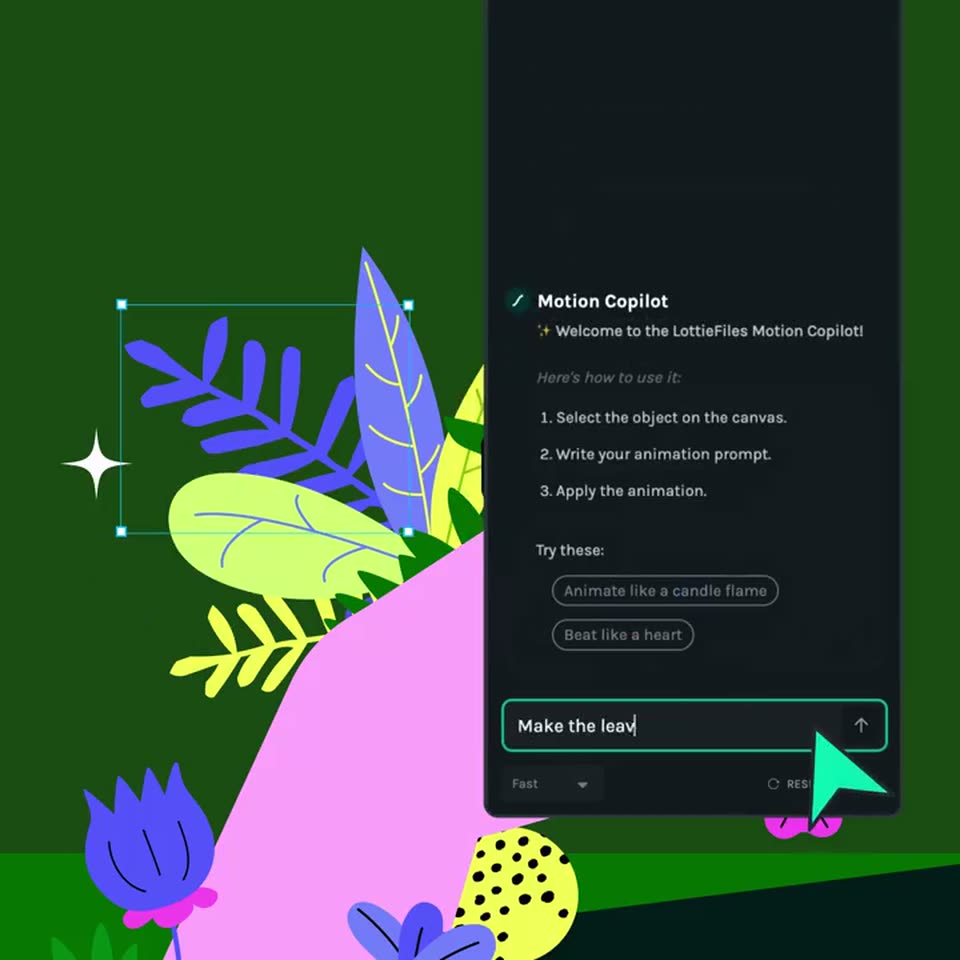 0:21–0:32LottieFiles · LottieFiles - 🚀 Introducing Motion Copilot! - Describe your animation in any languA dark Motion Copilot chat panel overlays a colorful flat illustration; a green cursor types a prompt and clicks a preview, while the selected object on the canvas switches from mint coins to swaying leaves as the panel shifts to the right side.
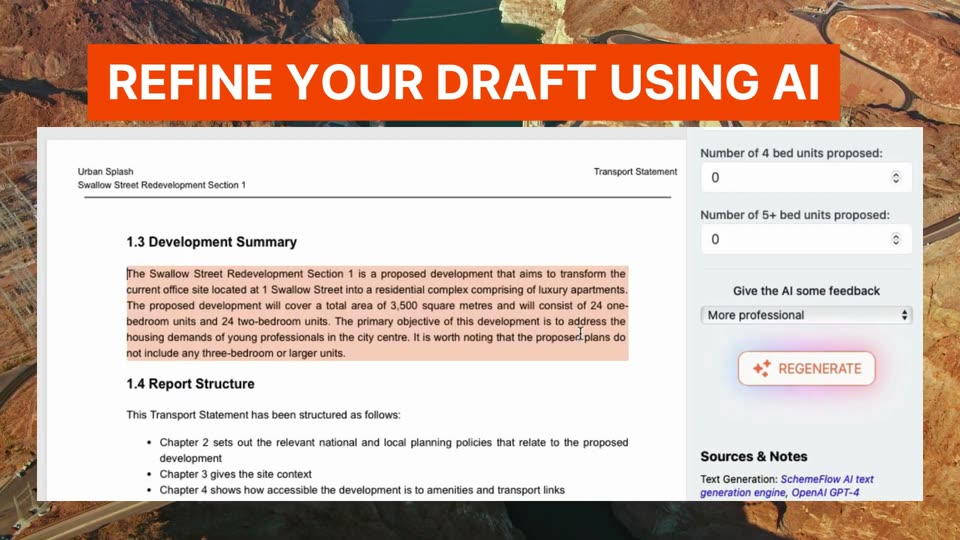 0:11–0:15SchemeFlow · SchemeFlow Intro VideoA product UI under an orange 'Refine Your Draft Using AI' banner: a document with a highlighted paragraph left, a feedback panel right. A cursor clicks Regenerate; the button shows a generating state and the paragraph rewrites with new wording. A white panel slides in from the right.