Cursor demo
A visible cursor operates the interface.
15,093 scenes · page 85 of 252
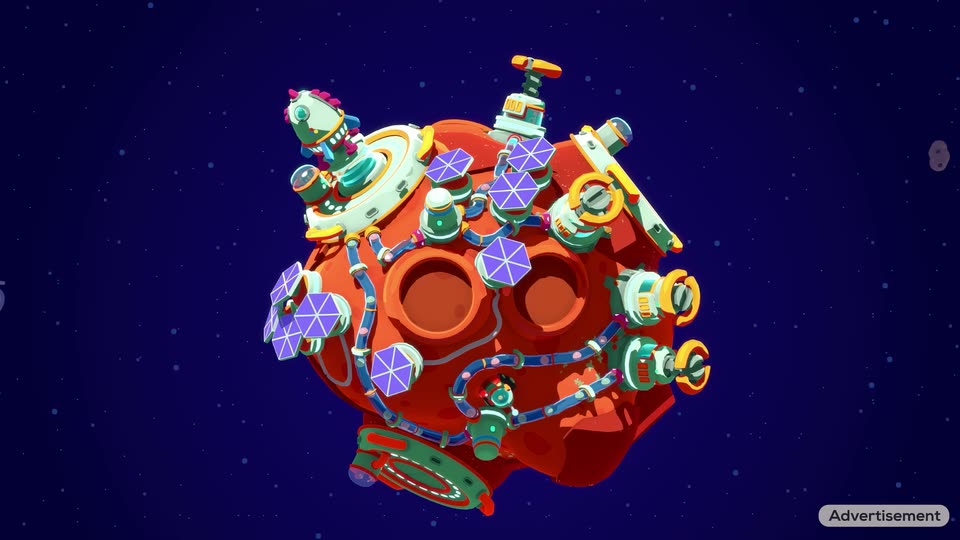 0:26–0:30Star Birds · We Are Making a VIDEO GAMEA cartoon orange planet covered with solar panels, pipes, and small buildings spins in a starry void. A cursor selects a structure above a purple icon toolbar, then the view orbits to show more infrastructure as a rocket flies off.
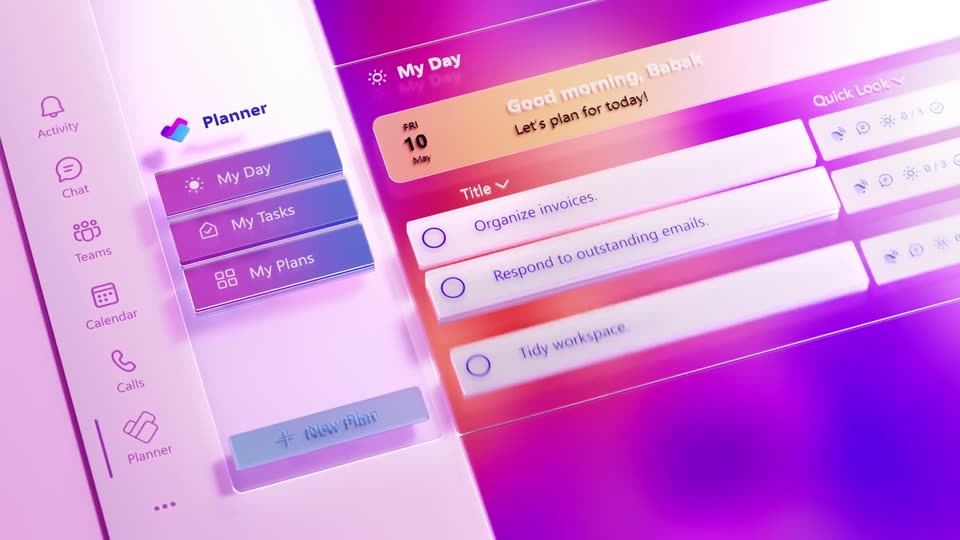 0:12–0:16Microsoft · The new Microsoft Planner is here! Streamline the planning, management, and execution of workA pink Planner interface floats in 3D perspective, its left rail and stacked My Day, My Tasks, My Plans tabs catching light. The camera eases right onto the My Day panel, where a glossy blue pointer hovers the first tab as the task list sharpens into focus.
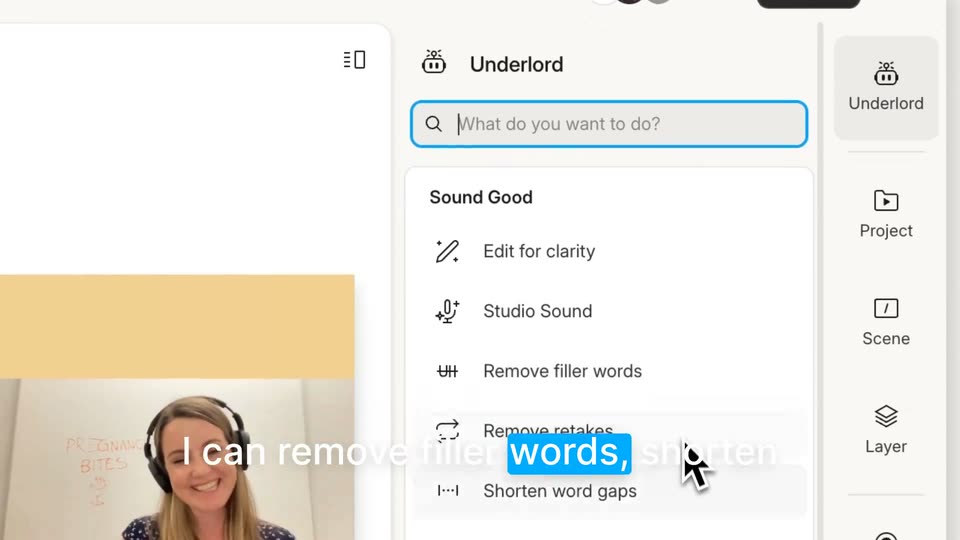 1:47–1:49Descript · Descript - Today, we're launching Descript's new AI assistant editor, Underlord.A flat Underlord interface shows three panels: a left video thumbnail, a central command list, and a right sidebar. The panels shift from a dark floating arrangement onto a white layout as a cursor moves down the list past Remove filler words and Shorten word gaps.
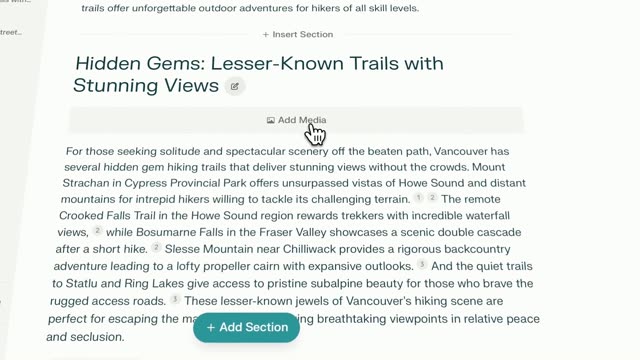 0:19–0:22Perplexity · Introducing Perplexity PagesA document editor view of a hiking article; a hand cursor clicks the Add Media button, a Finding Media spinner loads, then Change and delete controls appear. The frame reframes tighter on the heading. A static tagline caption is overlaid.
 0:21–0:23Granola · Meet Granola – the AI notepad for people with back-to-back meetingsA flat green video call window with three silhouettes sits on a light background. The white panel on the right expands from a small inset card to full size as the call view dims, then a cursor glides in to point at the green waveform at the bottom.
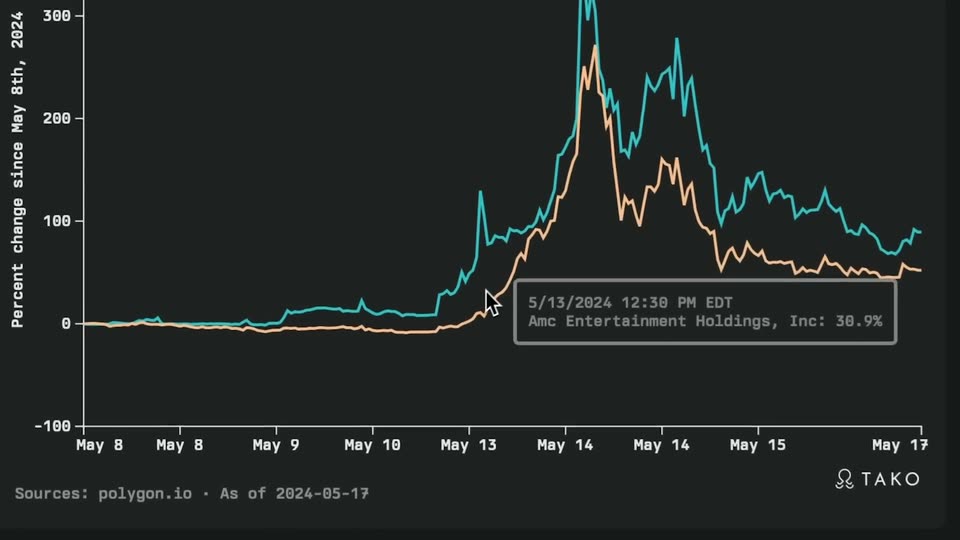 0:08–0:10Perplexity · Introducing Interactive Knowledge CardsA cursor moves along a dark two-line stock chart, and a tooltip follows it showing date and percentage values. The view then zooms into the chart, cropping the title and enlarging the mid-May spike.
 0:12–0:13Framer · Framer: All Design, No Code, Real WebsitesA dark web builder interface fills the lower frame, with a left layers panel and a right properties panel around a black canvas. A colorful Figma app icon floats above it, and a cursor hovers over the icon before moving down to the My Site tab.
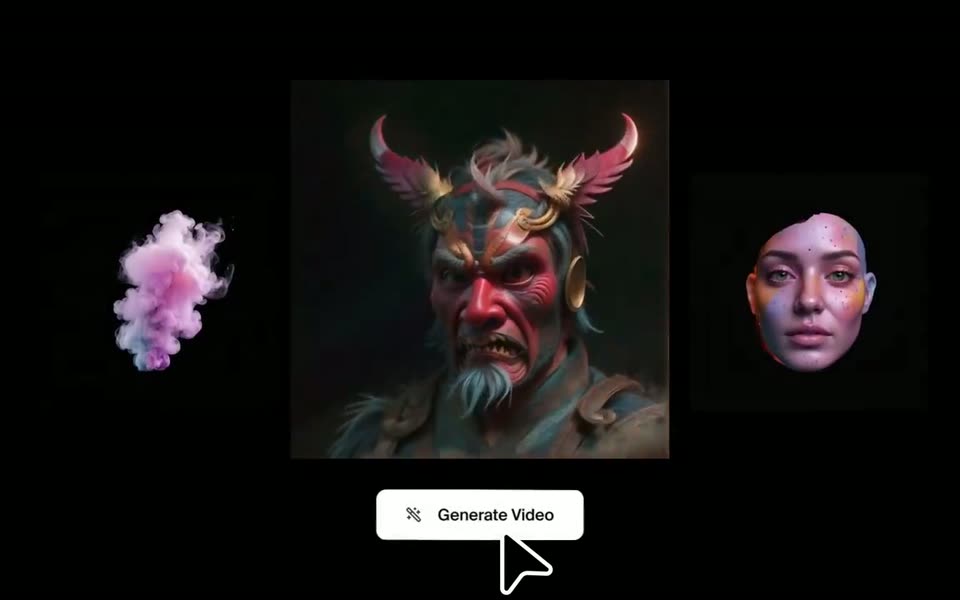 0:04–0:05Krea · Krea - Krea Video is here! this is how it works 👇 - (sound on)On a black background, a product panel shows three square previews: a drifting pink smoke cloud, a horned demon face, and a 3D head, each animating. A cursor hovers over a Generate Video button below the center image.
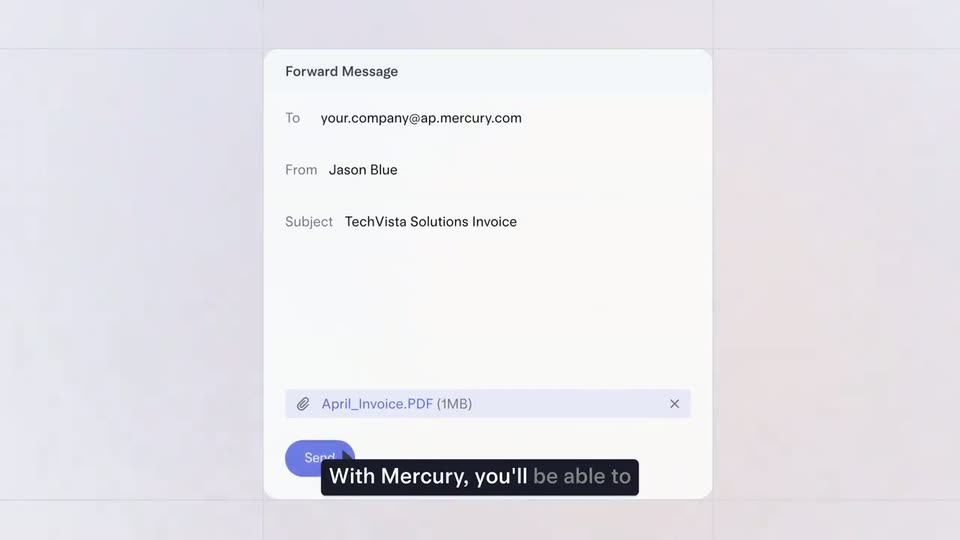 0:52–0:54Mercury · Mercury - The next evolution of Mercury is here. Introducing new software thatA flat “Forward Message” email card sits centered on a pale lavender grid. A dark caption bar at the bottom cycles through voiceover phrases, and a cursor hovers the Send button as it turns blue.
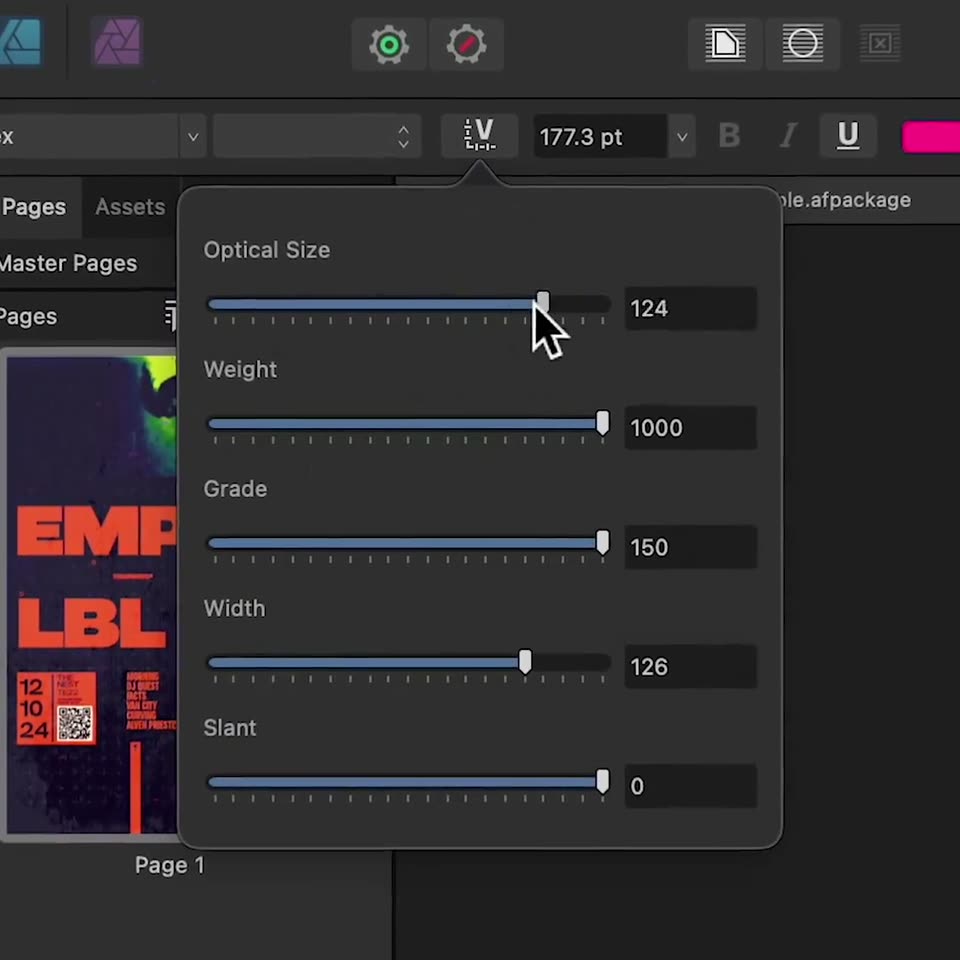 0:03–0:06Affinity · Affinity - Variable font support is now available in #Affinity 2.5 (beta)! JoinA dark design app interface shows a poster thumbnail on the left. A cursor clicks the variable-font button, opening a panel of sliders. The cursor drags the Optical Size slider left, the value dropping from 144 to 28 while the other sliders stay put.
 0:01–0:02The Browser Company · The Browser Company - Arc on Windows is finally here. No more waitlists, no more betas. DA three-item dropdown menu fills a locked-off close-up. A white arrow cursor slides down from the top edge and rests on the middle line, which flips to a dark blue highlight with white text.
 0:01–0:02The Browser Company · Arc on Windows. Download now.A retro gray browser menu lists Start Page, Search the Internet, and Read Newsgroups. A white arrow cursor slides down and stops on Search the Internet, which highlights dark blue with white text. Locked-off close-up.
 0:09–0:17Vanta · Vanta: questionnaireA white form table sits on a purple field under a white headline. An AI answer types into the first row with purple sparkles, then the view pans right as a cursor ticks the approve boxes green and clicks the Complete button. The card lifts and the headline swaps.
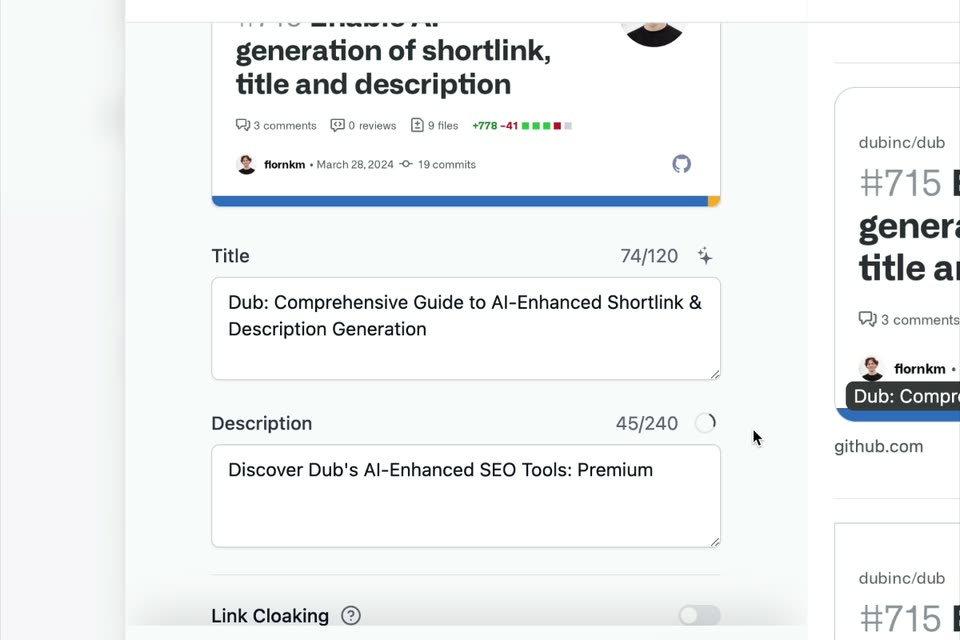 0:04–0:12Dub · Dub: AI featuresA flat pull-request form occupies the left; a hand cursor clicks the sparkle icon by the Title field, the text clears and retypes a new headline, then does the same on Description. A preview card at right updates its tooltip to match.
 0:40–0:42Atlassian · Welcome to the next era of Jira - Inside AtlassianA white rounded button labeled Create sits centered on a flat purple field. A white caption slides up from below into place, then a hand-drawn black cursor arrow glides in from the bottom right and stops its tip on the button.
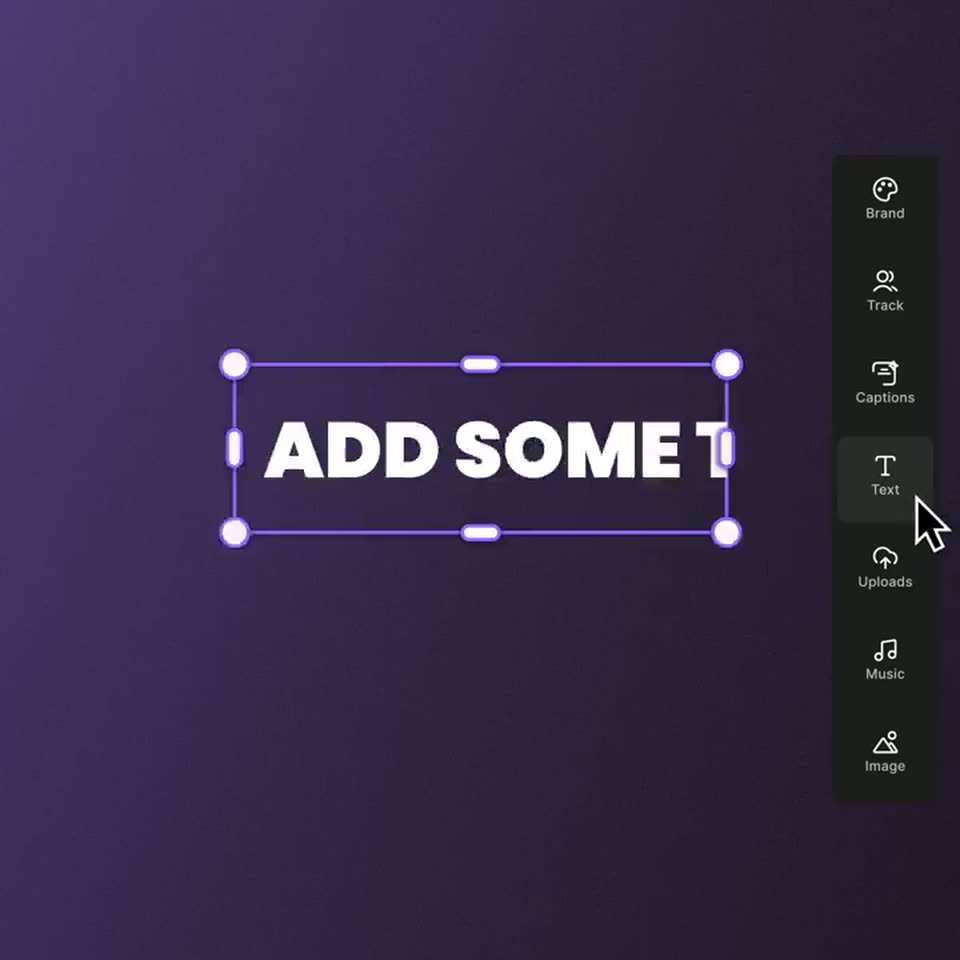 0:08–0:09Riverside · Riverside - NEW: Audiograms are now available on Riverside Turn your audio-onlyA white pill caption reading Change up the background sits on a dark purple editor canvas as the cursor clicks the Text item in the right toolbar. The caption swaps to Add some text and a large white ADD SOME TEXT placeholder fades in inside a purple selection box with handles.
 0:07–0:13Slack · Slack - Time is valuable. Slack AI gives you more of it. 🙌✨ And starting todA flat Slack window on cyan: an AI result card fills in with an answer plus two follow-up rows, then a cursor opens the search overlay, types a question and highlights the suggestion. A bold headline fades in above the window, then out as the window slides down.
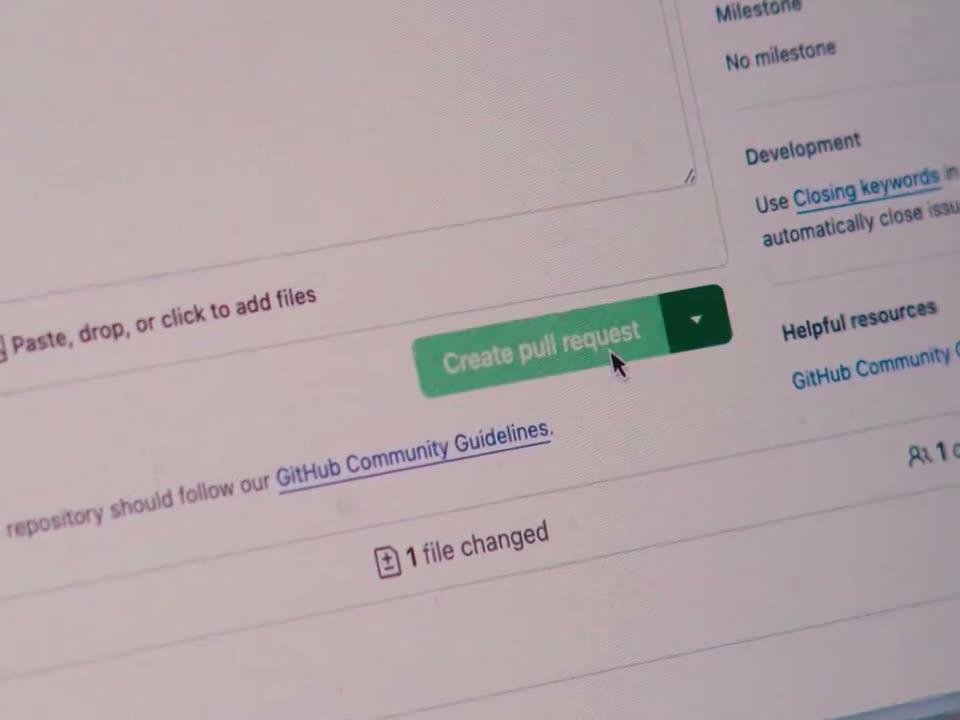 0:07–0:08The Browser Company · The Browser Company - One small step for sidebars.... 🛠️ GitHub Live Folders Land in ArcA slightly tilted close-up of a GitHub pull request page on a monitor. A hand cursor rests on the green Create pull request button while the frame gently pushes in on the screen.
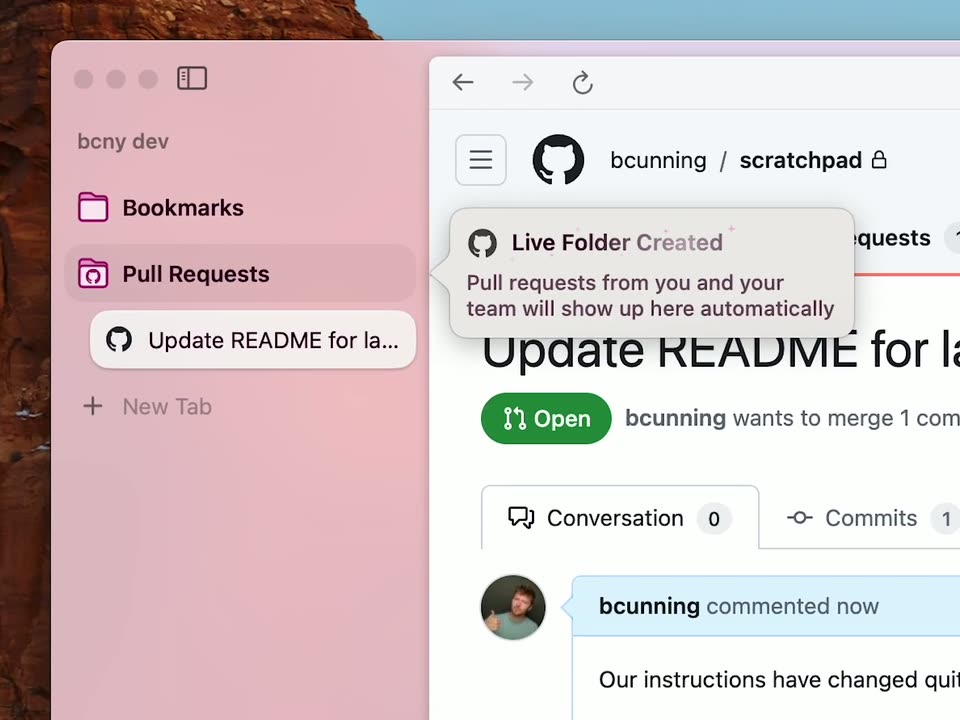 0:01–0:03The Browser Company · Introducing Live Folders in Arc | Your sidebar is aliveA close-up of a GitHub screen holds on a green Create pull request button. A cursor glides in from the left, turns into a hand pointer, and presses the button as the surrounding UI drifts slightly.
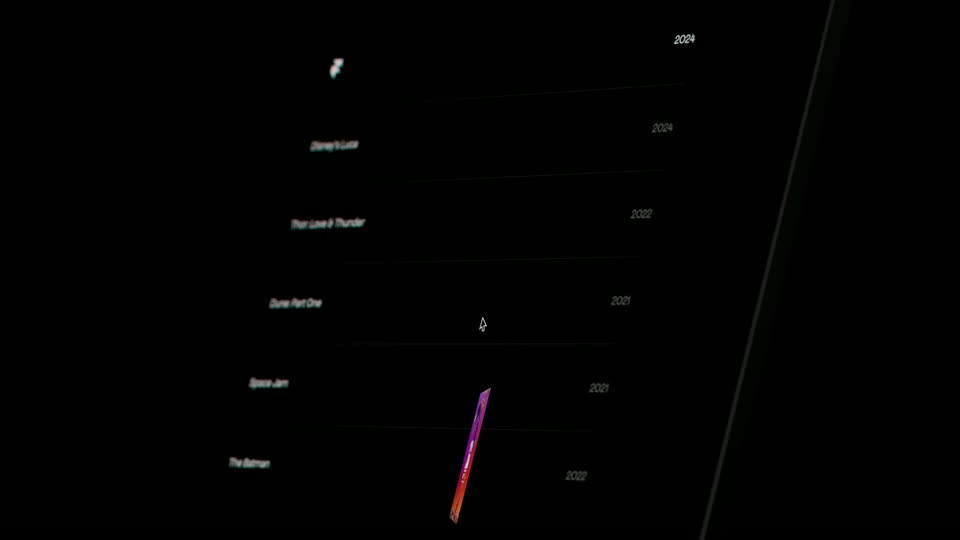 0:26–0:31Framer · Introducing 3D Transforms in Framer — Rotate, Skew, Perspective & more on a freeform canvasA dark, tilted list of movie titles in 3D perspective; a white cursor moves down the rows as tilted poster cards pop in beside them. The camera pulls back to reveal a large gray Slide word above a row of poster cards.
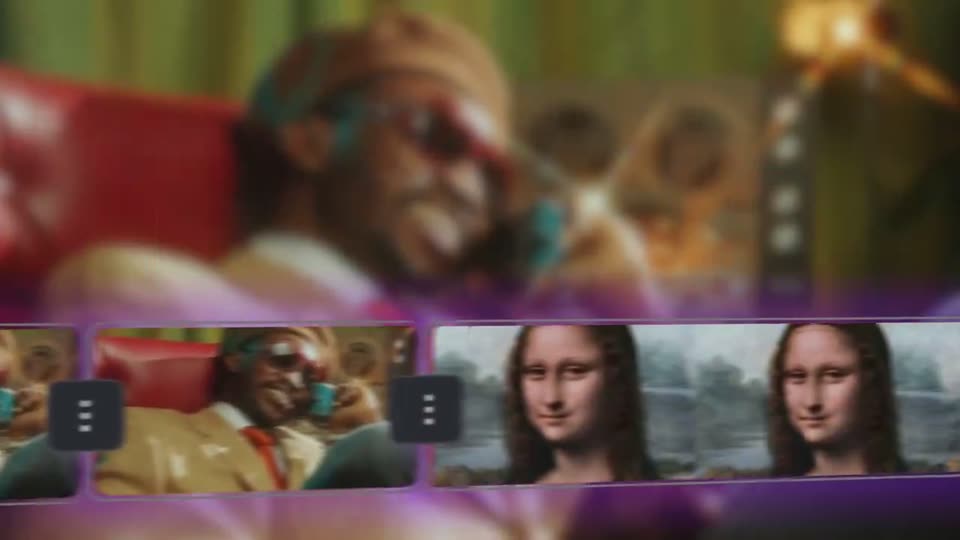 0:02–0:05Captions · Mirage - Introducing Captions for web. Video editing made simple, thanks toA row of pill-shaped edit chips floats over blurred footage, with a scrolling filmstrip timeline below and a cursor arrow. The chips read introducing video editing made simple, then swap to a 59/60 second simple counter, ending on add.
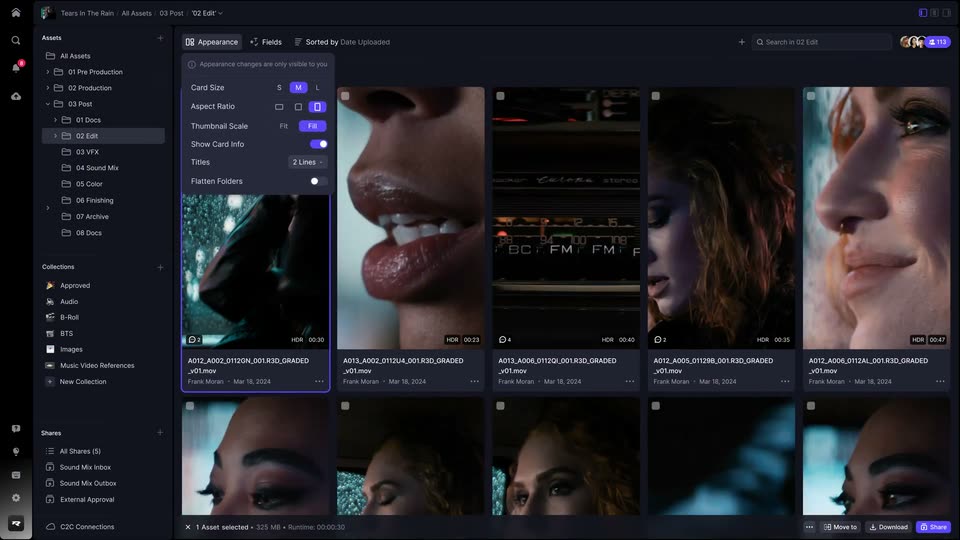 0:23–0:26Frame.io · Frame.io - It's here. The all-new Version 4. Now in beta.A dark asset-management interface opens zoomed on an Appearance settings popover, then pulls back to the full grid of film-still thumbnails. A cursor clicks the portrait aspect-ratio option and the cards reflow from landscape to vertical.
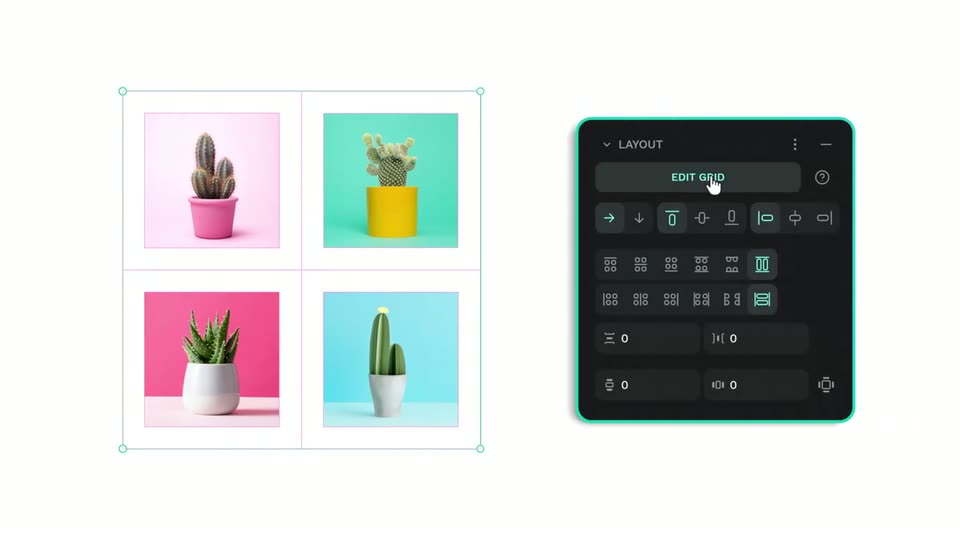 0:21–0:23Penpot · Penpot - 💥 Penpot 2.0 is now available! Explore & enjoy the unique featurA 2x2 grid of cactus photos and a dark layout panel sit side by side. A white cursor clicks the Edit Grid button, then the frame zooms onto the panel revealing column and row settings, as pink measurement guides outline the grid.
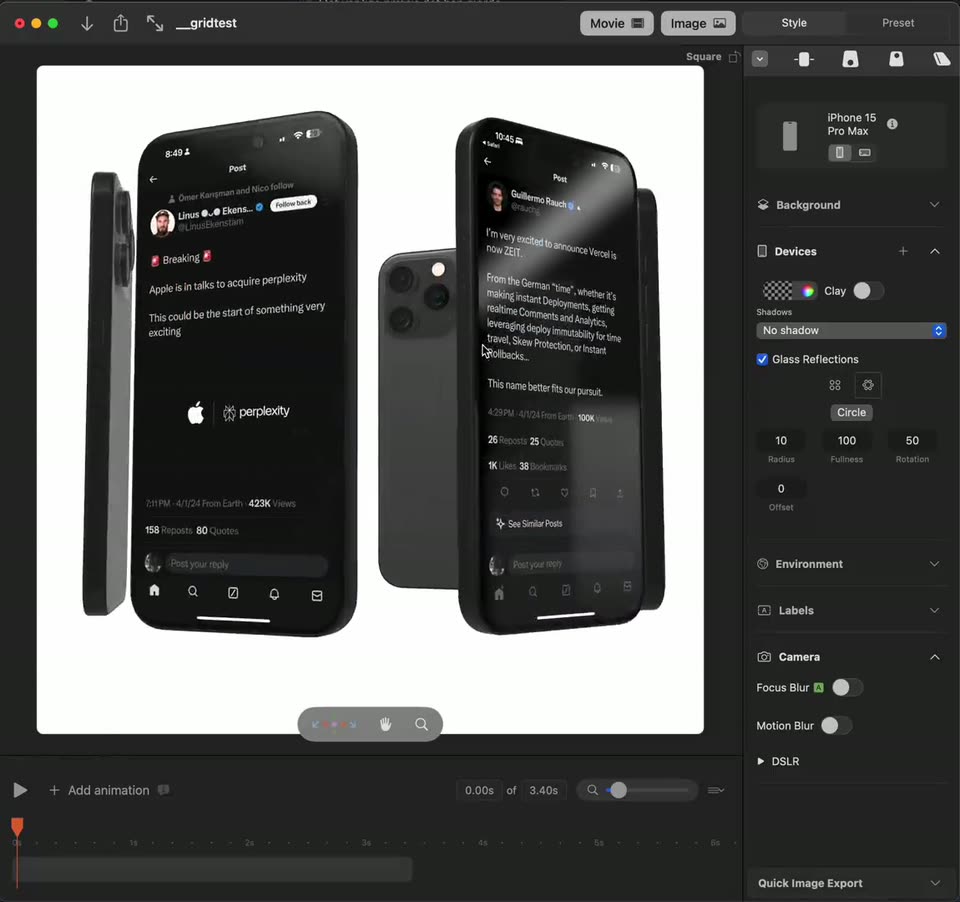 0:01–0:06Rotato · Morten from Rotato - Circles, half circles and grids rolling out to beta users soon:On a white canvas, a fan of iPhone mockups with dark social posts rotates in 3D as the cursor taps the Circle glass-reflection option and drags the Fullness slider in the right panel, live-updating the arrangement.
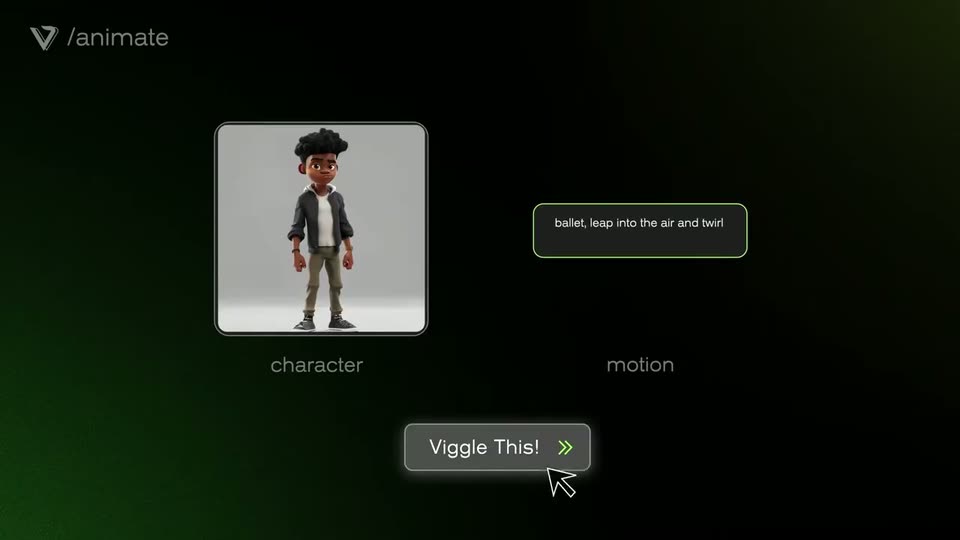 0:21–0:24Viggle · ViggleAI - VIGGLE'S NEW MODEL IS HERE! Controllable video generation is our mA dark UI screen shows a 3D character card labeled character on the left and a motion prompt box on the right. A cursor clicks the prompt, the text ballet, leap into the air and twirl slides in, then the cursor moves to the Viggle This! button.
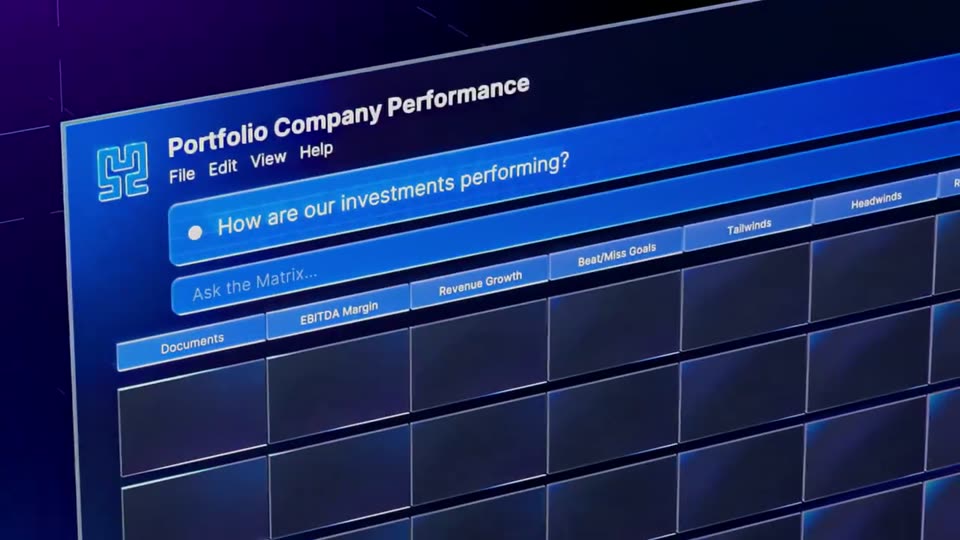 0:18–0:21Hebbia · Hebbia - Introducing the biggest change to AI products since ChatGPT. Enter tA 3D interface mockup tilts and pulls back from a close-up of stacked blue data bars to reveal a full spreadsheet grid. A blue cursor moves over the floating elements as they flatten into a single row within the table.
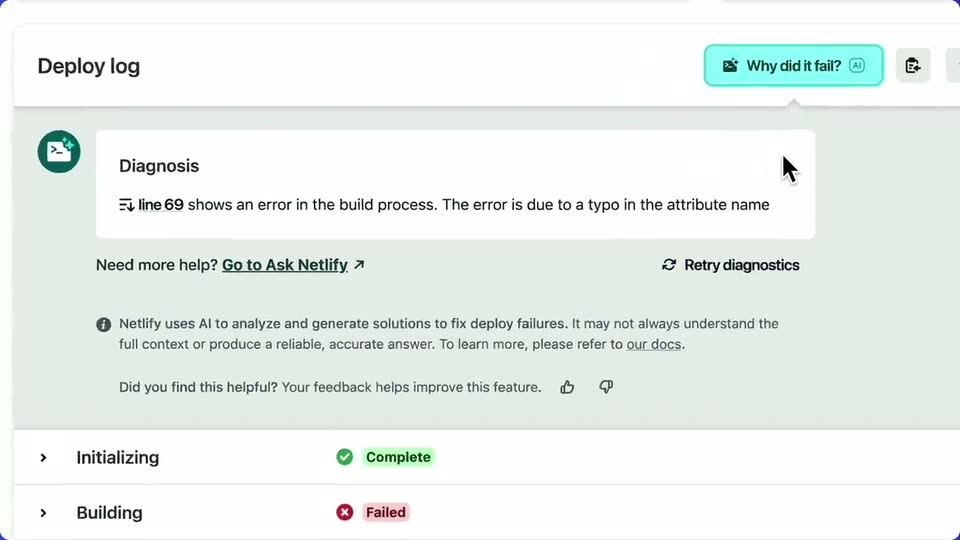 0:06–0:14Netlify · Netlify - Problems debugging your build? AI can take a look. Learn more here:A close-up of a teal “Why did it fail?” AI button reframes out to reveal a deploy log list with Complete, Failed and Skipped status pills. A cursor hovers and clicks the button, opening an AI diagnosis panel that loads, then fills with Diagnosis and Solution text.
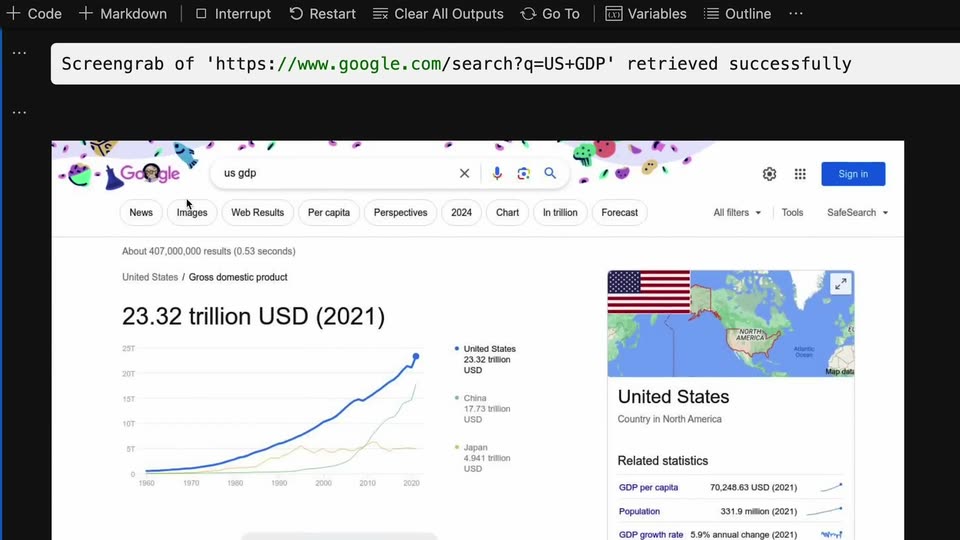 0:27–0:39Anthropic · Claude 3 Opus as an economic analystA dark code editor shows a WEB_VIEW cell with a Google search URL and a line confirming the page was retrieved. The view scrolls to reveal the embedded Google results for 'us gdp', with a GDP chart and US map, while a cursor moves over the cells.
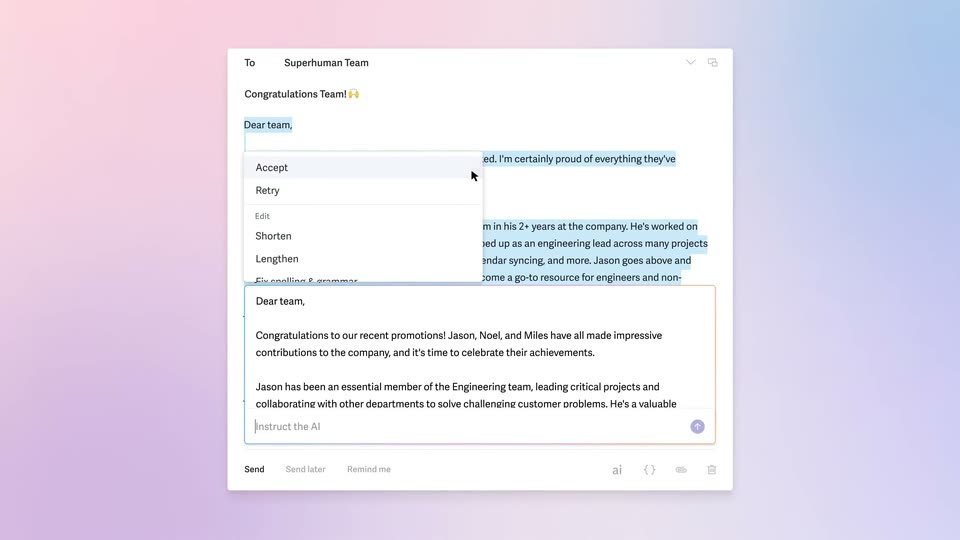 1:25–1:39Superhuman · Superhuman AI 2.0A flat email draft on a pastel gradient. The body text highlights, a cursor clicks the AI button, a Shorten menu opens, and the message rewrites into a shorter version; the cursor clicks Accept and the draft scrolls to the signature.
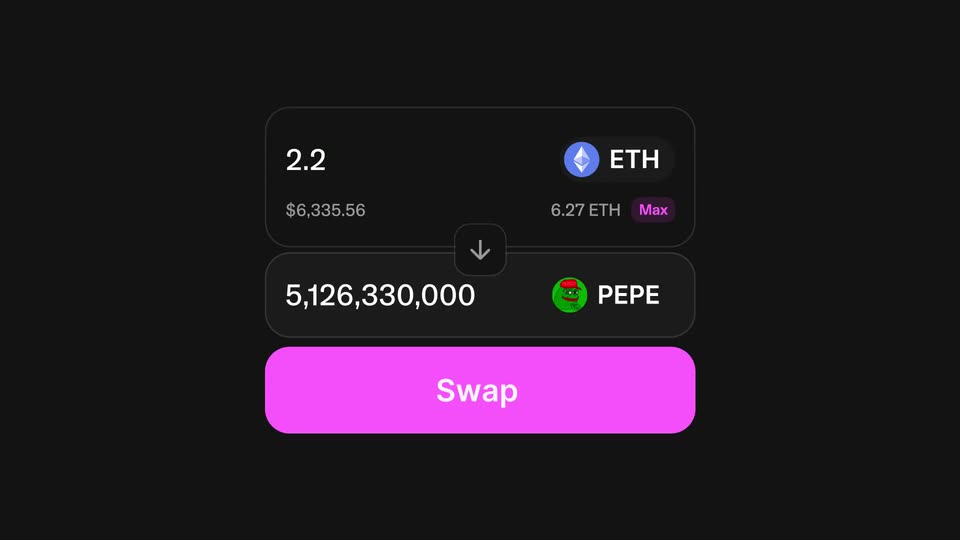 1:06–1:09Uniswap · All New Uniswap Extension and More Tools for Users to Swap SmarterA dark swap widget fades in at center. A cursor types 2.2 in the top field while the dollar value and the PEPE amount count up, settling on 5,126,330,000 above a pink Swap button.
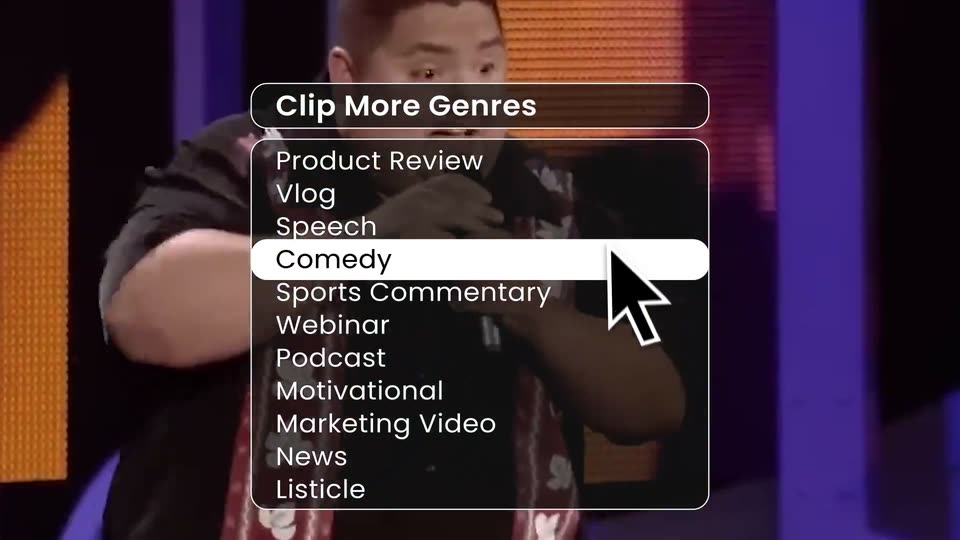 0:10 · 0.4sOpusClip · OpusClip - Introducing OpusClip 3.0. The smartest AI video clipping tool just goA dark dropdown menu titled 'Clip More Genres' sits over live-action footage. A white cursor arrow slides down the list from Vlog to Speech while the background cuts from two laughing people to a speaker on a stage.
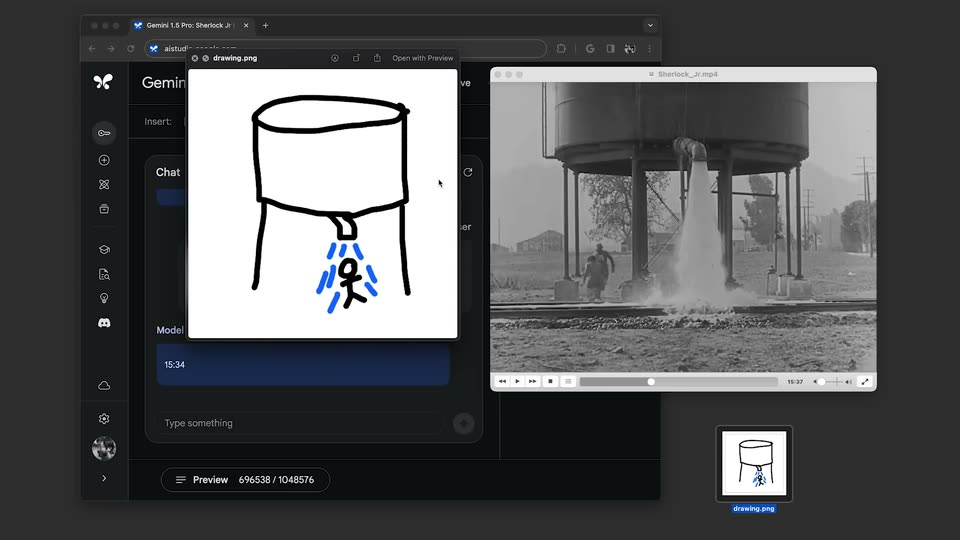 1:19–1:44Google · Multimodal prompting with a 44-minute movie | Gemini 1.5 Pro DemoA dark chat panel on the left pairs with a video player on the right. The player jumps to 15:34 via a dialog, showing a water tower scene, then a cursor clicks the sketch thumbnail to open the full hand-drawn image in a new window.
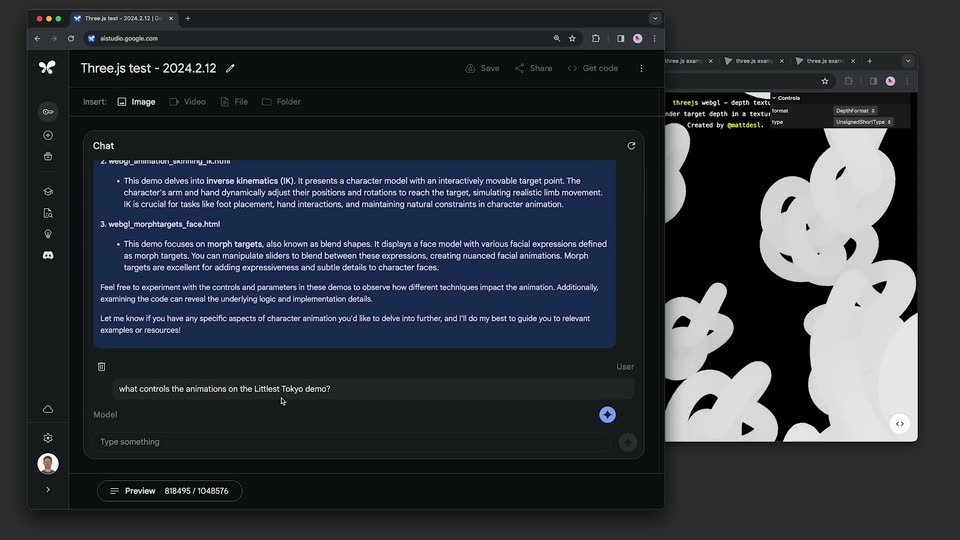 0:48–0:51Google · Problem solving across 100,633 lines of code | Gemini 1.5 Pro DemoA dark chat interface on the left shows an AI reply resolving from overlapping lines into bullet points, while a black canvas with white blobs sits on the right. A cursor clicks the user question, then a browser window pops up center listing three.js thumbnails.
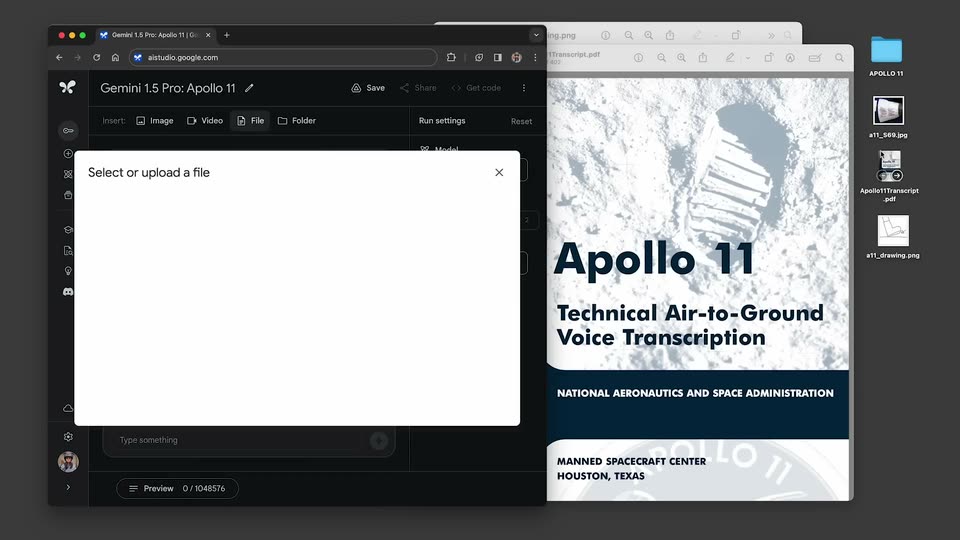 0:18–0:20Google · Reasoning across a 402-page transcript | Gemini 1.5 Pro DemoA dark browser window shows a Gemini upload dialog. A cursor drags a PDF thumbnail from the desktop file list on the right into the dialog box. A NASA cover page titled Apollo 11 sits open behind the dialog.
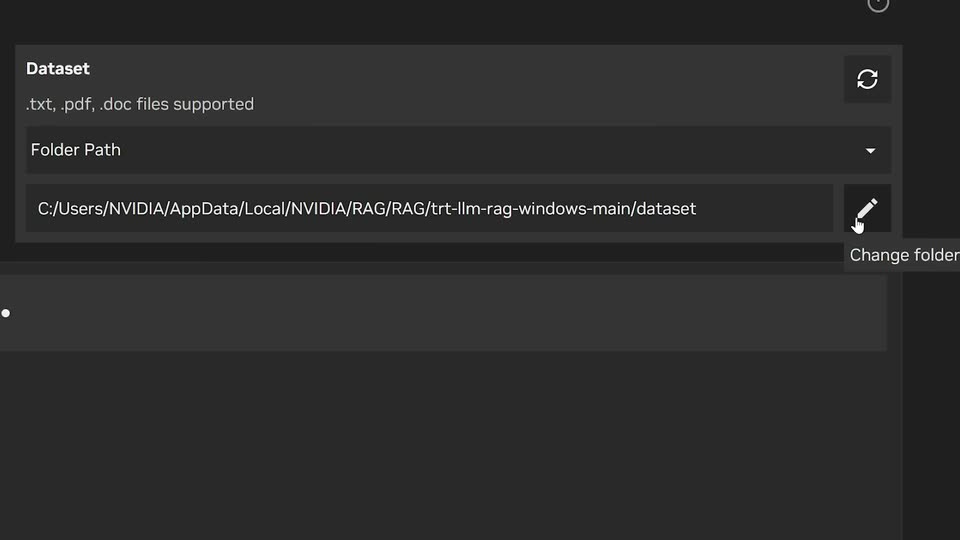 0:15–0:17NVIDIA · Create A Personalized AI Chatbot with Chat With RTXA dark Chat with RTX screen dims as the cursor moves to the pencil icon by the folder path and clicks, a Change folder tooltip appears, then a file-picker dialog opens centered and closes, restoring the full view.
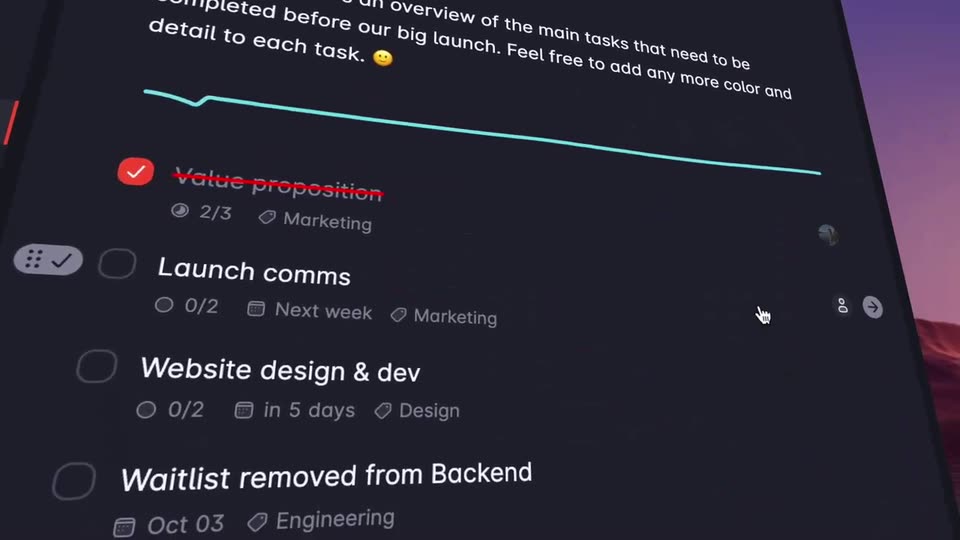 0:24–0:26Superlist · Superlist - We've got wunderful news: Today, we're releasing Superlist 1.0 – theA dark project board floats tilted in 3D perspective. The camera pushes in and levels as a cursor hovers on the Launch comms row, and a detail panel appears along the right edge.
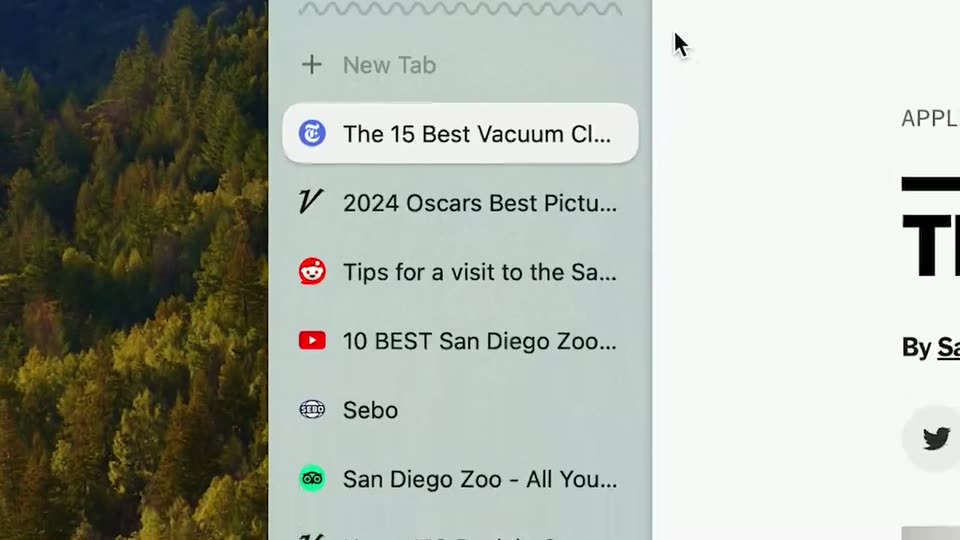 0:06–0:07The Browser Company · The Browser Company - A browser that tidies for you? Tidy Tabs, now in Arc!A close-up of a browser tab list over a forest photo; the cursor hovers the Clear control, the list scrolls up one row and the highlighted tab shifts, while the page on the right reframes to reveal its header and a vacuum image.
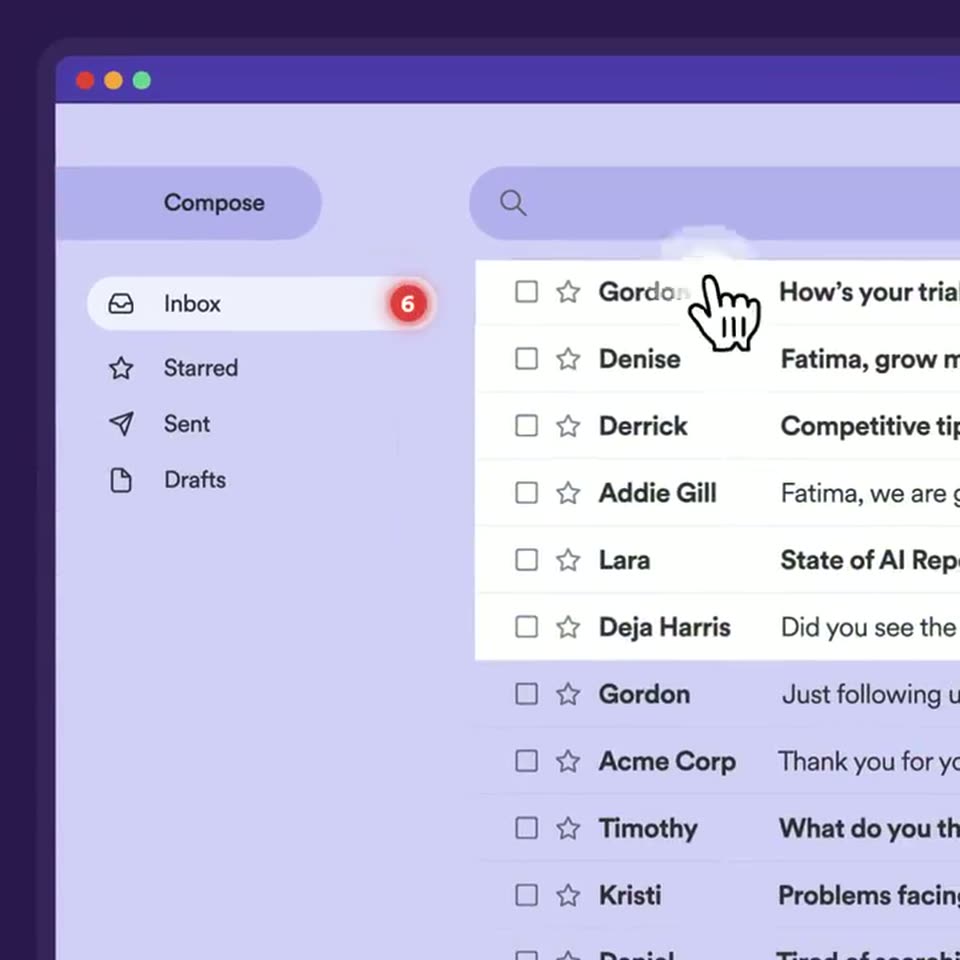 0:06–0:08Loom · Loom - 🚨 Sales & customer-facing teams — unlock more revenue with Loom!An email client mockup tilts in 3D over a dark purple backdrop. A hand cursor moves up the inbox list, hovering over rows while the active list stays bright above the dimmed lower half.
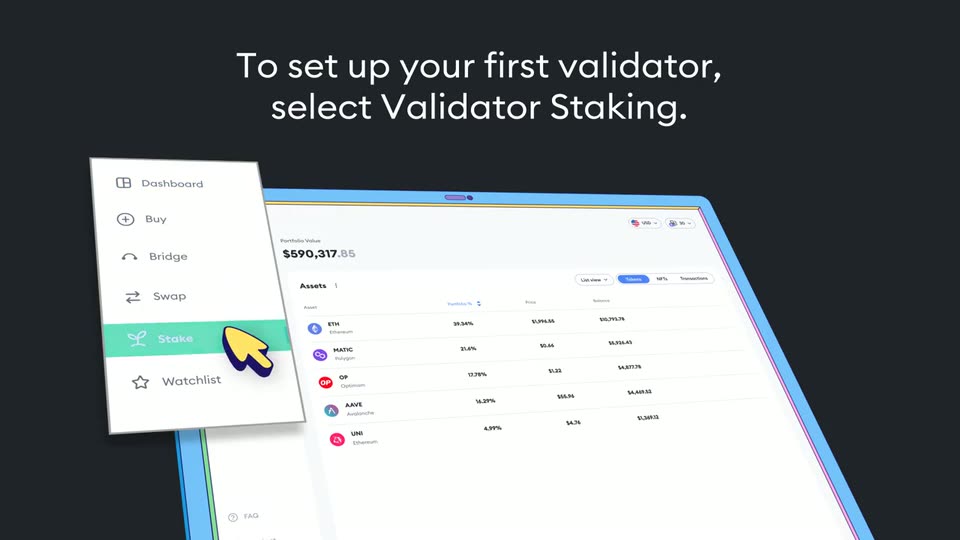 0:32–0:35MetaMask · MetaMask 🦊 - Introducing Validator Staking on MetaMask Portfolio.🦊 With a 32 ETHA tilted 3D laptop displays a crypto dashboard on a dark background. A white sidebar menu fades in from the left while a yellow cartoon cursor with a purple drop shadow points at the highlighted Stake row. A two-line white headline sits above the device.
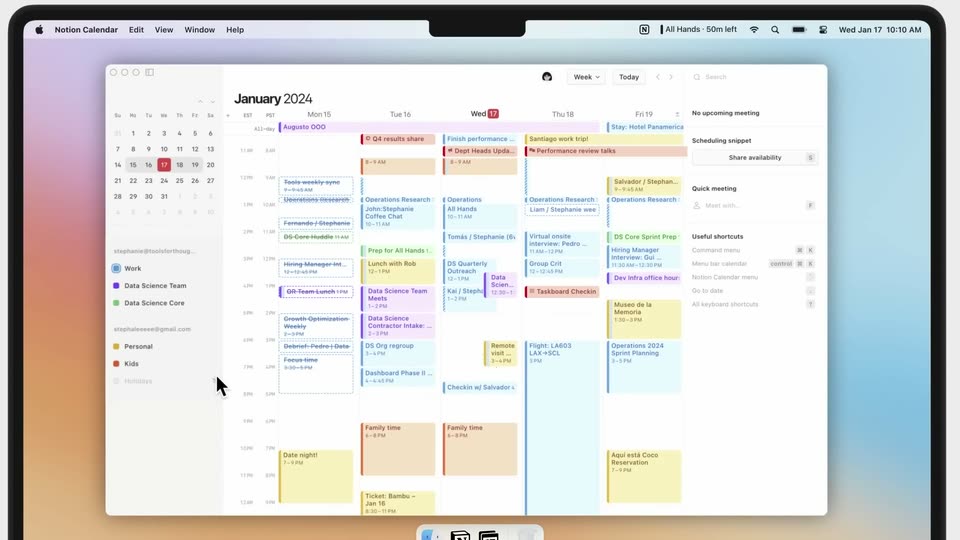 0:21–0:28Notion · Meet Notion CalendarA Notion Calendar window on a gradient desktop starts with an empty week grid. A cursor ticks each sidebar checkbox in turn, and each tick fades in a new color-coded layer of events across the grid.
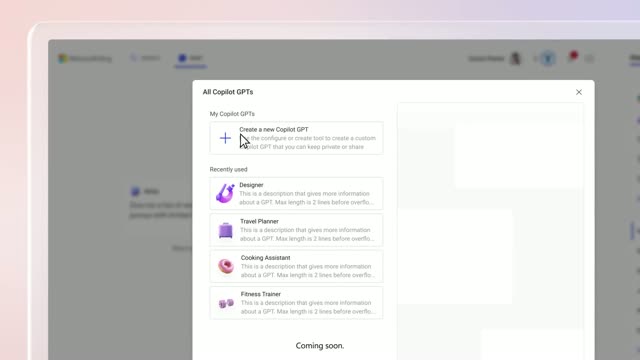 0:15–0:16Microsoft · Introducing Copilot Pro: Supercharge your Creativity and ProductivityThe All Copilot GPTs picker opens over the Copilot chat. A cursor hovers in the grid while a Coming soon caption remains below.
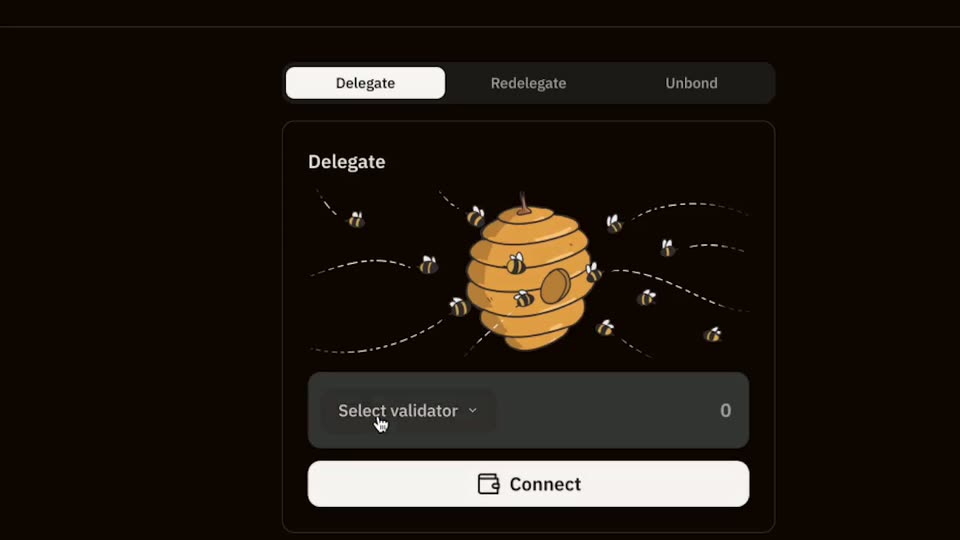 0:21–0:22Berachain · Berachain Foundation 🐻⛓ - Berachain’s Public Testnet "Artio" is now live. The March of the BerA dark staking panel shows the Delegate tab active above a card holding an orange beehive illustration ringed by bees on dashed paths. A Select validator dropdown and a white Connect button sit below, while a cursor hovers over the dropdown.
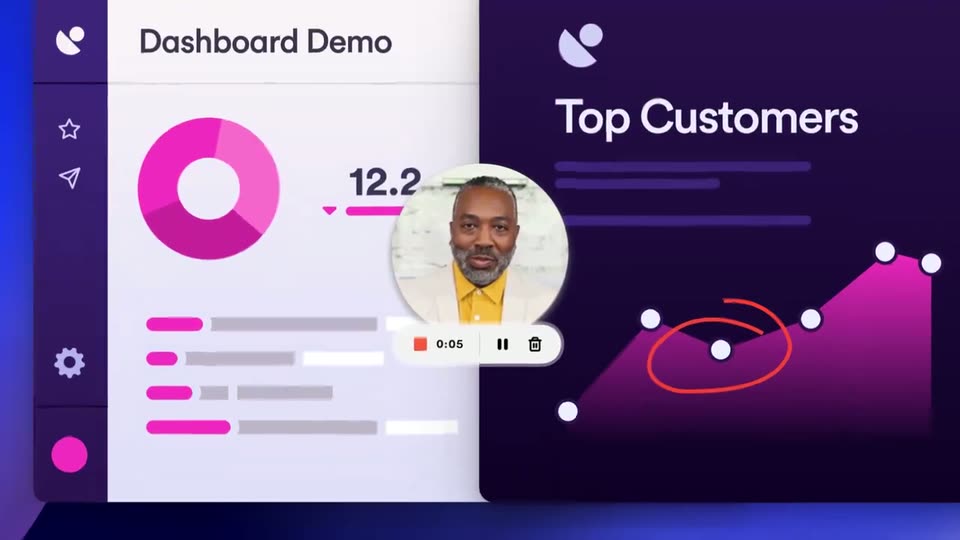 0:08–0:11Loom · Loom - It’s a new year — and it’s easier than ever to embrace new ways of woA two-panel dashboard, white card left and dark chart right, holds a circular video bubble of a man in a yellow shirt with a hand cursor below. A red circle traces a dip in the line chart, then the frame pulls back to a tilted 3D tablet on blue.
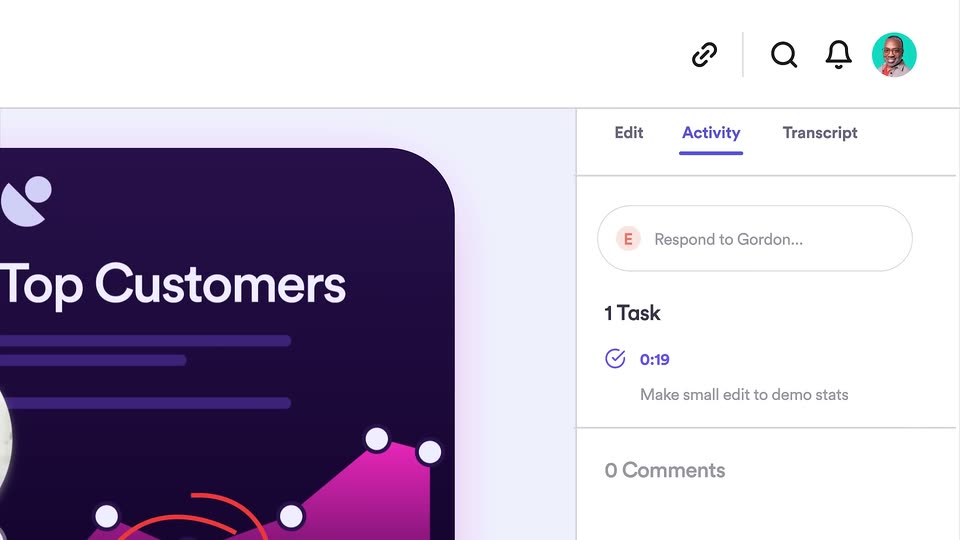 0:18–0:28Loom · Work Faster and Smarter with Loom AIA close-up of the Loom interface: a cursor clicks the Copied button in the Loom AI panel, then switches the sidebar from Edit to Activity and Transcript. The frame zooms out to show the full page with the video player and transcript.
 0:02–0:05OpenSea · OpenSea - NFTs just got a whole lot easier. Introducing the new OpenSea onboaA yellow 3D wallet tumbles in front of a central NFT card, flanked by purple and green wallets. A white button with a blue cursor sits below, then a white banner with filling blue squares reads Installing wallet extension..
 0:14–0:15Leonardo AI · Leonardo.Ai - Realtime Gen is now LIVE for all users ⏱️ Type and watch your promptA dark AI-generation interface shows a woman's portrait next to an Elements slider panel. A chromatic glitch shatters the layout, pulling the face into a neon ring with arrows while the prompt bar and style dropdown swap to a new setting.
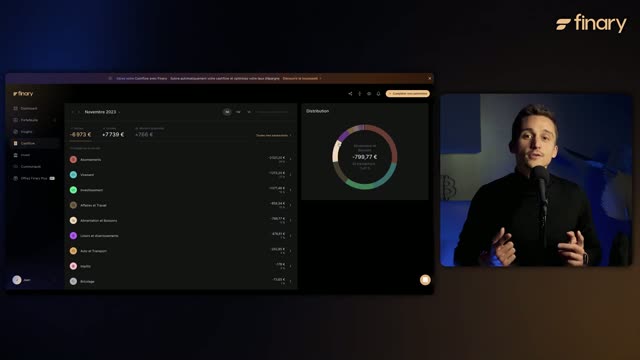 0:54–1:02Finary · Gérez votre budget efficacement et simplement avec Finary !A dark finary Cashflow screen fills the left while a man in a black turtleneck talks into a mic on the right. The donut chart cycles through categories, highlighting each segment and updating its center total.
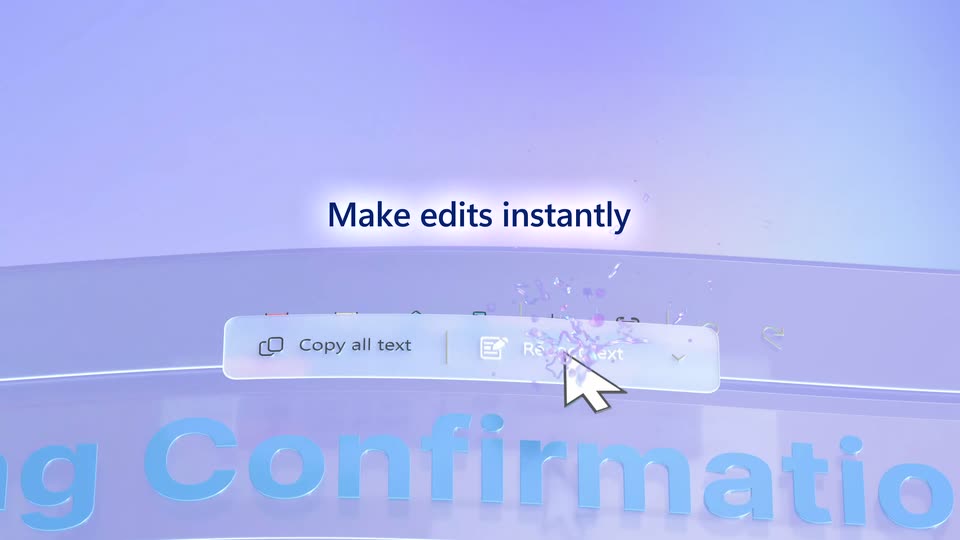 0:14–0:15Microsoft · Introducing AI in Windows 11A dark blue headline sits above a tilted 3D document toolbar where a large cursor hovers over the Redact text option; pink particles burst from the cursor while oversized light blue 3D letters of the page title scale in the foreground.
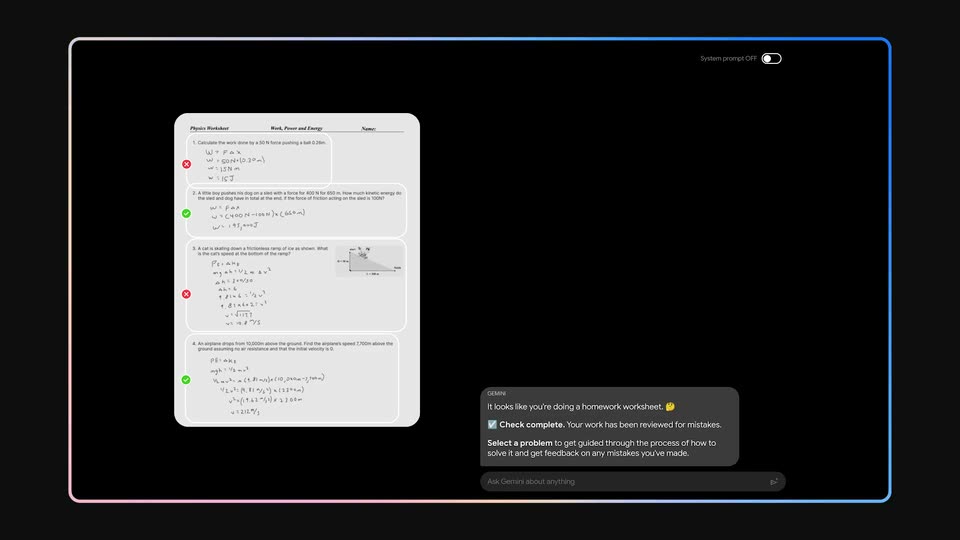 0:23–0:42Google · Math & physics with AI | GeminiA white physics worksheet with handwritten solutions sits on a black canvas framed by a glowing gradient border. Red X and green check marks pop in beside the four problems, a Gemini chat bubble slides up at bottom right, then problem 3 fills with orange as a cursor hovers.
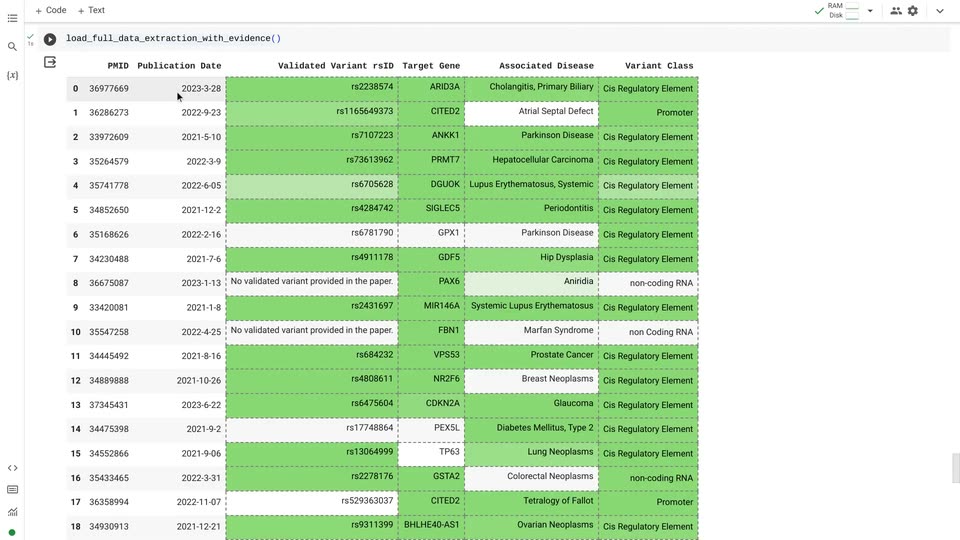 1:35–1:39Google · This is changing the way scientists research | GeminiA code notebook displays a function cell above a wide results table with green and white cells spanning columns for variant ID, gene, and disease. The view stays fixed while a small cursor hovers near the top rows and drifts down a few lines.
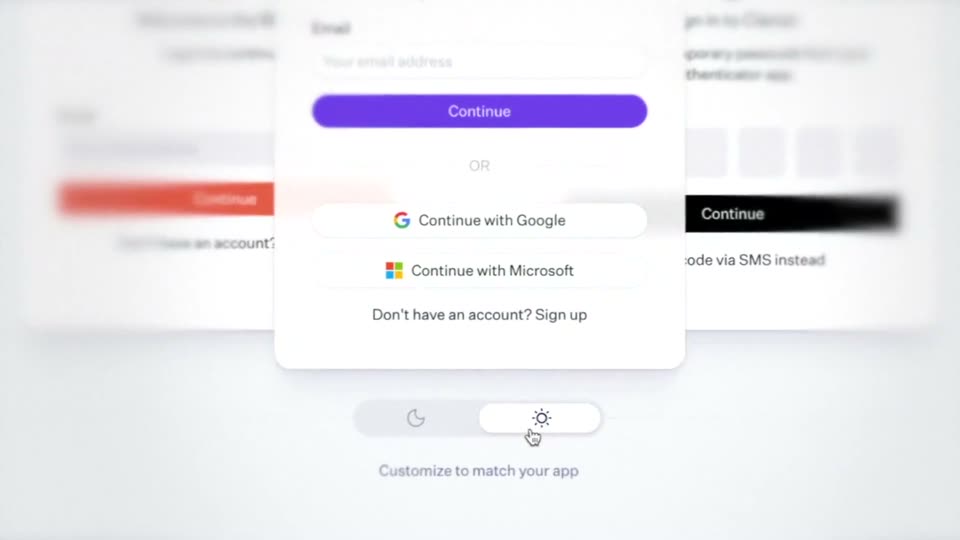 0:09–0:11AuthKit · WorkOS - Introducing @AuthKit — an open source auth UI built on @radix_ui.A white sign-in card with a purple Continue button is centered over blurred duplicate cards in red and black. A hand cursor hovers on a moon-and-sun toggle beneath the card, captioned Customize to match your app.
 0:24–0:25Pika · Introducing Pika 1.0, An Idea-to-Video PlatformA dark prompt card shows a mouse cursor over a field with a thumbnail and control buttons; the frame zooms into the field as “the last supper, dolly out” types out, then holds still.
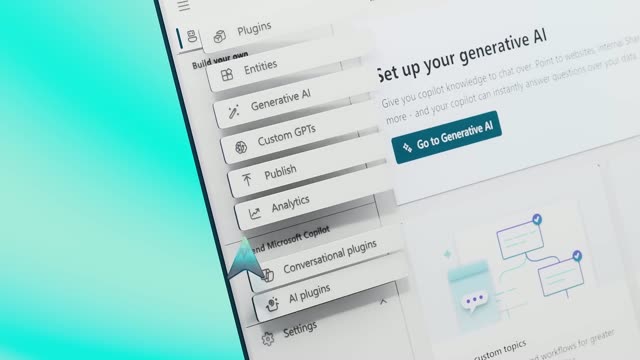 0:18–0:19Microsoft · Introducing Microsoft Copilot Studio | Your Copilot, Your WayA tilted smartphone in 3D perspective shows a Copilot settings screen against a cyan gradient. A blue cursor glides across the left menu, hovering over items like Custom GPTs and AI plugins, while the camera drifts along the device.
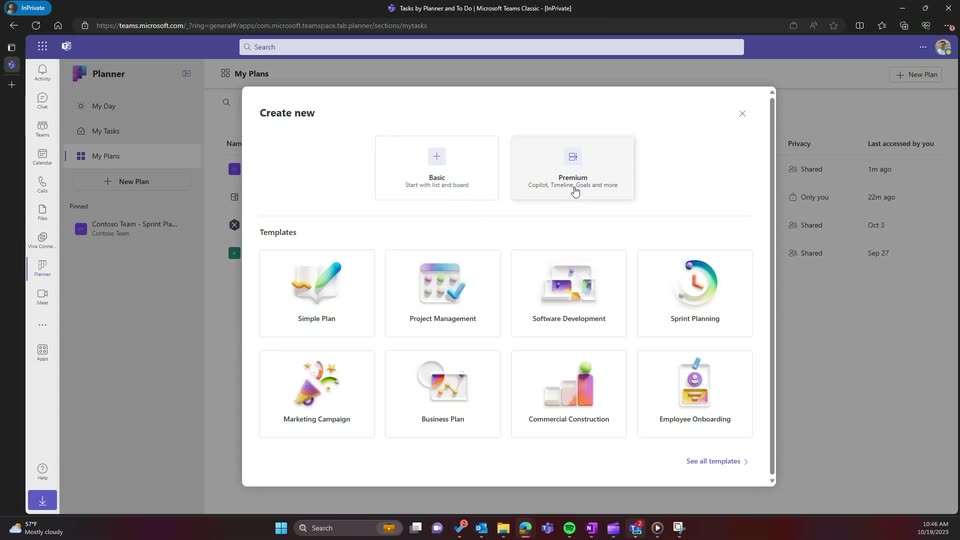 0:26–0:47Microsoft · Meet the new Microsoft PlannerA Planner dialog titled Create new sits over a dimmed Teams window. The cursor glides from the sidebar to hover the Basic card, then the Premium card, which lightens on hover. A grid of eight template thumbnails fills the lower half.
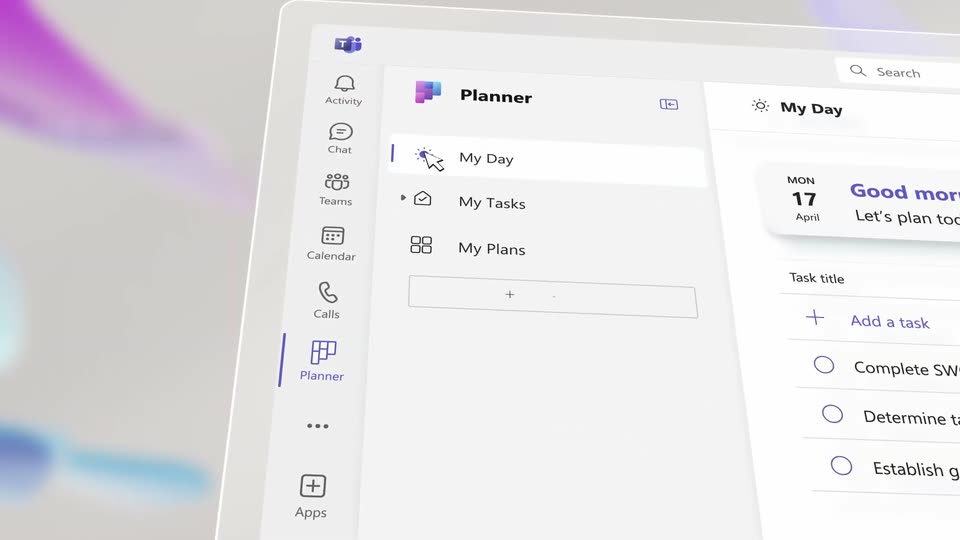 0:20–0:23Microsoft · The new Microsoft Planner: Manage all your tasks and plans in one simple, familiar experienceA tilted 3D view of the Microsoft Teams window over a soft blurred background. The Planner panel loads, the cursor clicks Planner, then hovers My Day as the right-hand task list slides in. The cursor drifts down toward My Tasks.
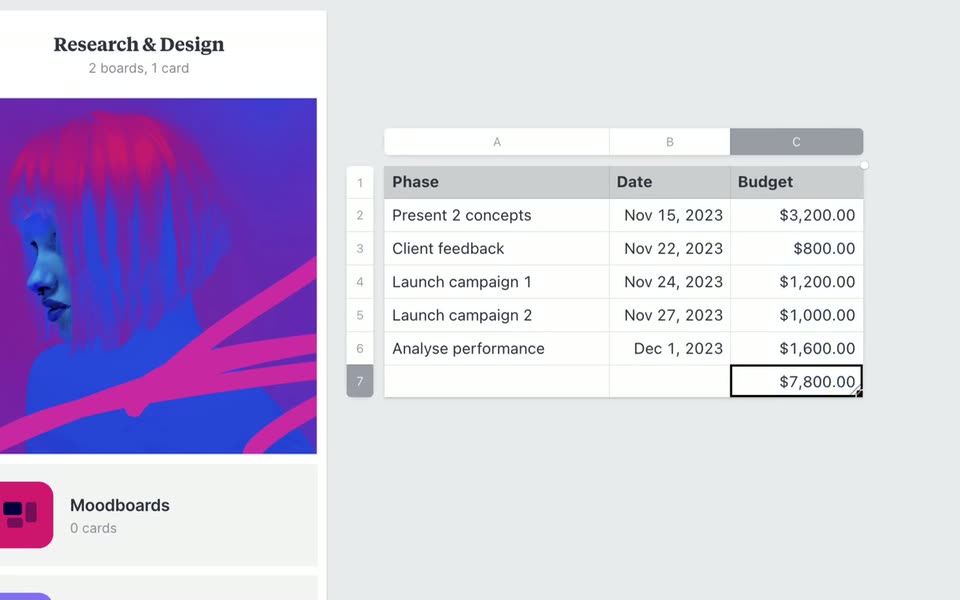 0:01–0:22Milanote · 28 reactions | We've just added Tables to Milanote 🎉 Use them to plan project timelines, calculate budgets and keep track of all the details. We've included the best parts of a spreadsheet (formulas, cell types and basic formatting), without the complexity. Try them out and tell us what you think! | MilanoteA cursor builds a spreadsheet on a whiteboard next to a moodboard card: it types phase and budget rows, picks dates from a popup calendar, formats values as currency and sums them. The frame zooms out to reveal the whole ArtHub Campaigns board.
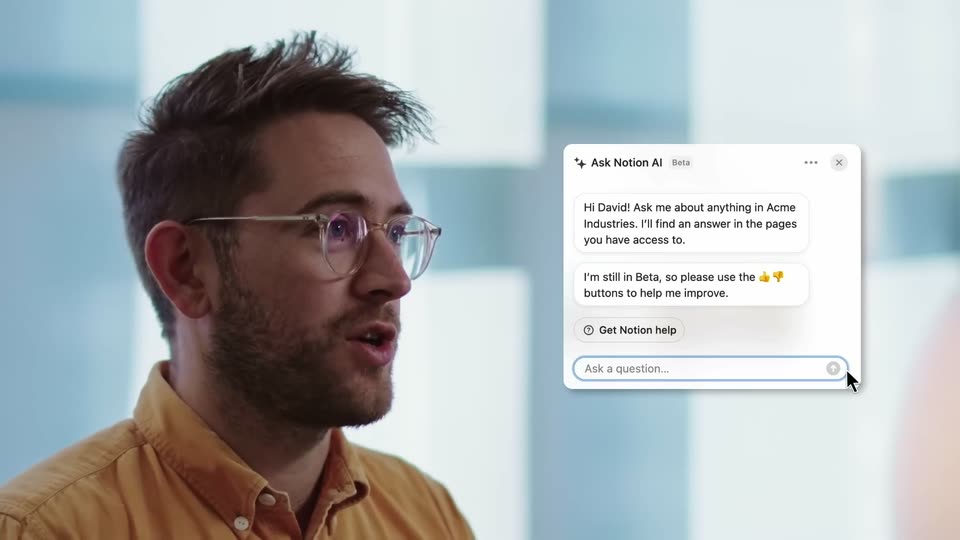 0:06–0:12Notion · Introducing Q&A: Get AI-powered answers to your questions in NotionA man with glasses and a beard in an orange shirt talks in a bright office, facing right. A white Notion AI chat panel with two message bubbles and an input field is overlaid on the right, static, with a cursor resting at the edge of the field.
 0:30–0:32Pitch · Introducing Pitch 2.0A purple gradient fills the frame behind the centered white headline “And now for the human touch”. A black-and-white cursor arrow glides in from the lower right, rises to the word “touch” and nudges it rightward, then drops away, leaving a gap.
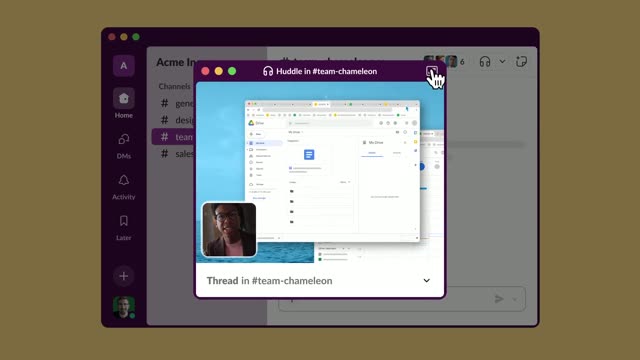 0:29–0:32Slack · Introducing new coworking capabilities in Slack huddlesA small huddle window floats over a dimmed team chat app. A hand cursor clicks the expand icon, and the window scales up to fill the screen, its content reflowing into a 2x2 grid of three video tiles and a screen share, with a control bar below.
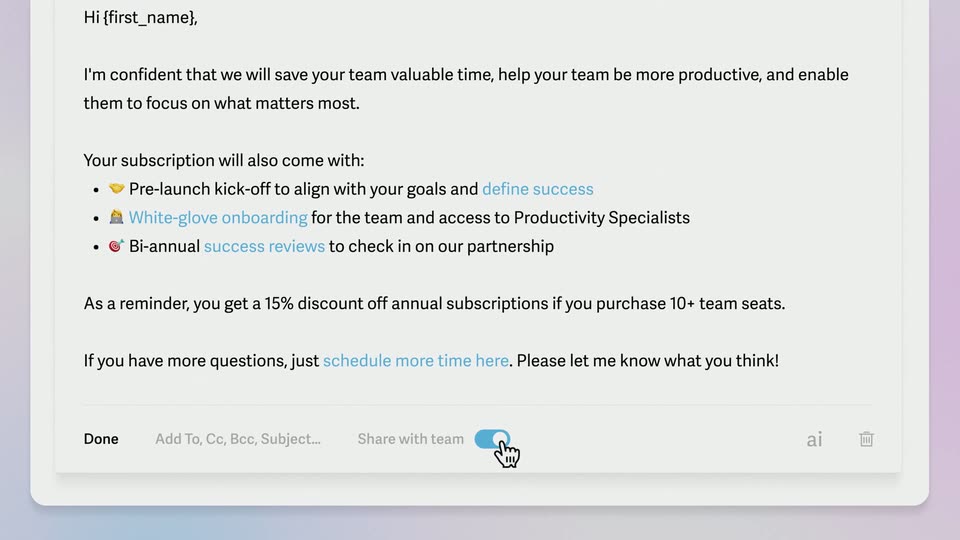 0:14–0:21Superhuman · Superhuman for Teams 🤝A small Private Snippet card floats over an email draft, then the view zooms to the full email as the card closes. A hand cursor clicks Edit, which flips to Done, then turns the Share with team toggle blue.