Cursor demo
A visible cursor operates the interface.
15,090 scenes · page 83 of 252
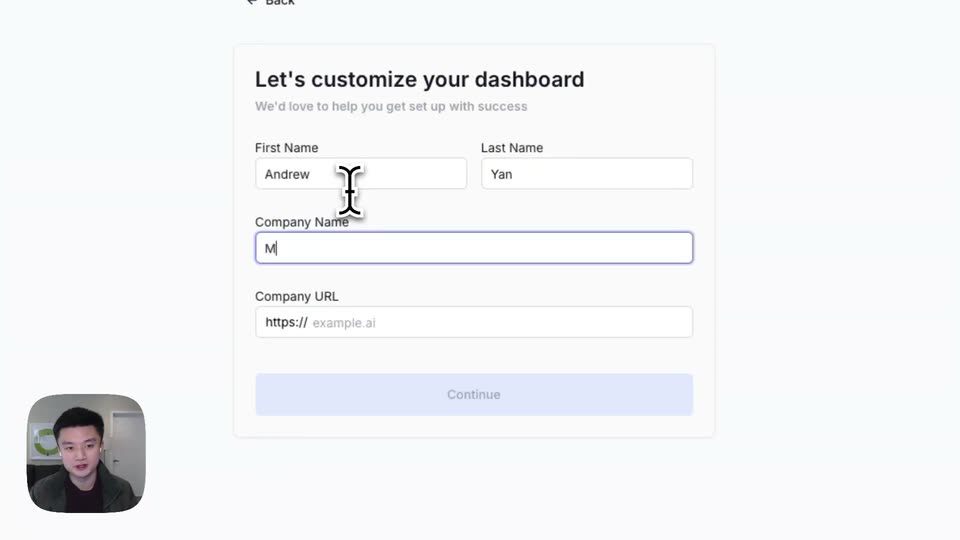 0:21–0:32AthenaHQ · AthenaHQ with Andrew, Co-Founder and CEOA white form card on a light gray background, with a small webcam video of a man in the lower-left. A cursor fills the fields with Andrew, Yan, Mercury and a URL, and the Continue button turns from pale lavender to vivid purple.
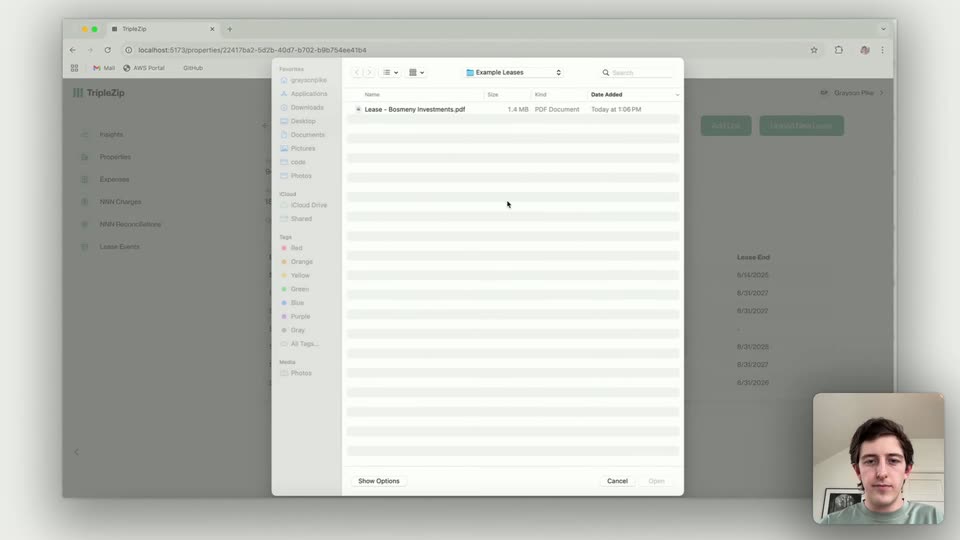 0:06–0:09OpenIntake · TripleZip (W25) - AI for Commercial Real Estate AccountingA browser window shows the TripleZip app with an open upload dialog. A macOS file picker slides in, the cursor clicks a PDF lease file, and a small webcam of the presenter sits in the corner. A caption reads at the bottom.
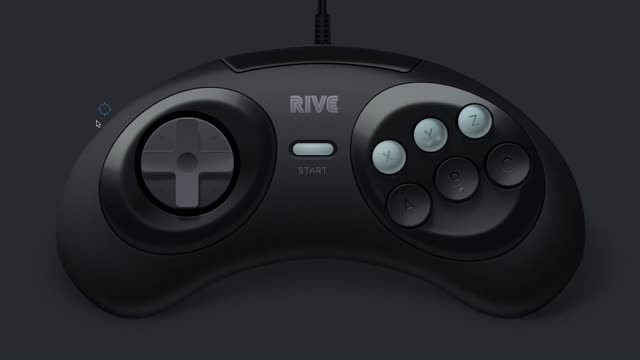 0:08–0:10Rive · Feathering AnnouncementA black RIVE game controller is rendered in 3D, centered and locked-off on a dark gray backdrop. A cursor glides over the body while small blue vector handles slide into place above the D-pad and along the top edge.
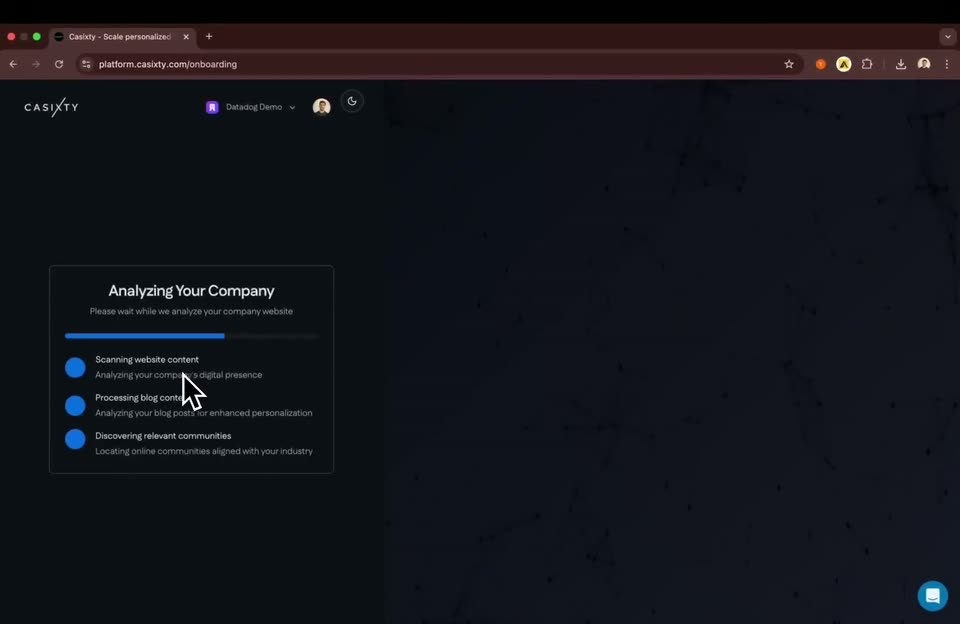 0:04–0:06Flowtel · Casixty DemoA browser window shows a dark onboarding screen. A card reads Analyzing Your Company with a progress bar filling, and steps such as Scanning website content appear one after another as a cursor hovers over the list. The right half of the frame stays empty and dark.
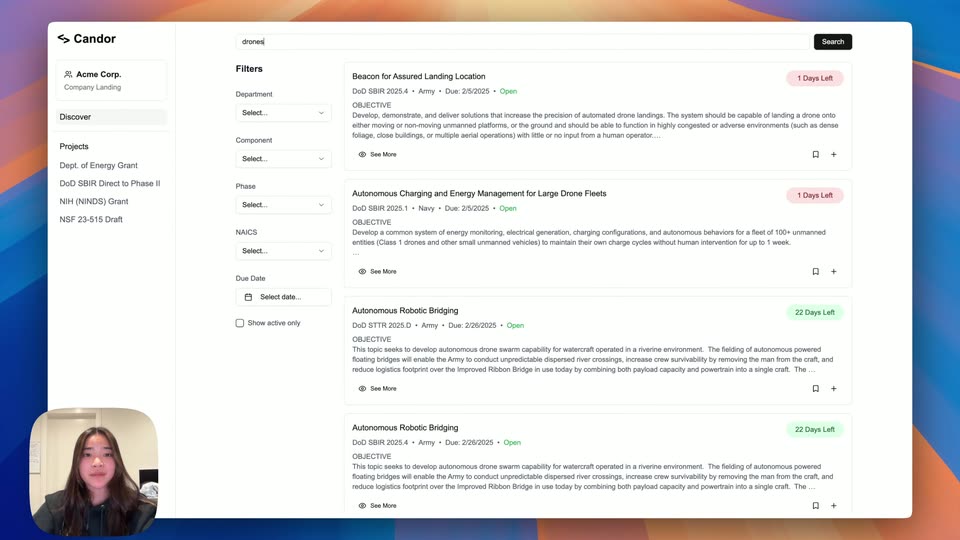 0:21–0:26Candor · Candor (YC W25) Demo || Win Government Funding With AIA flat interface card on a colorful gradient, with a presenter webcam inset bottom left, resolves from a quick transition. A cursor types 'drones' in the search bar, the opportunity list refreshes, then the pointer clicks the first result, which expands into a detail panel.
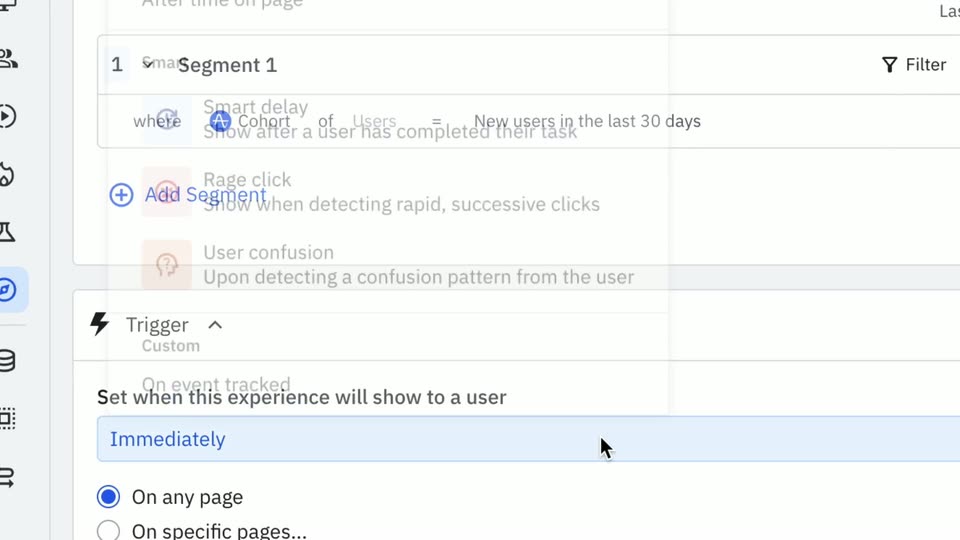 1:19–1:27Amplitude · Amplitude Guide and Survey OverviewA product setup screen shows the Targeting and Trigger panels. The frame zooms in on the Trigger section while a cursor clicks the timing dropdown, opening a menu of trigger options and hovering over Rage click.
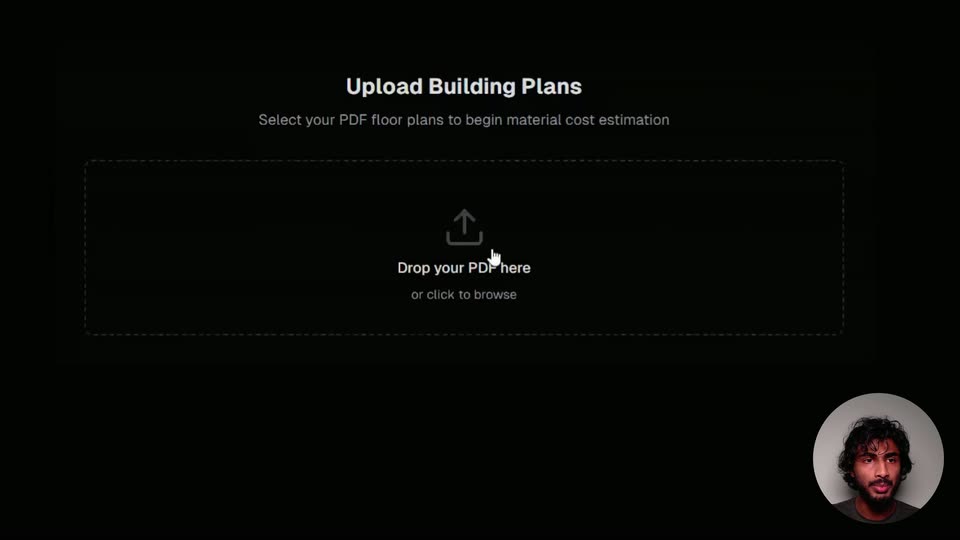 0:23–0:26Bild AI · Read Blueprints Using Bild AIA dark Bild AI web screen shows an upload page; the frame zooms into the dashed drop zone, a PDF file card fills it, then a column of material-type chips appears. A cursor hovers the chips while a small circular face-cam sits bottom right.
 1:55–1:56Cenote · Cenote DemoA dark browser window displays a blank page as the URL bar and tab title update to a localhost address. A white cursor hovers in the center, and a circular webcam feed of a person remains in the bottom left corner.
 0:31–0:32Onlook · Onlook - The Open-Source Cursor for DesignersA dark interface close-up shows a warning triangle with a cursor, a tooltip explaining Onlook won't work on this page, and a white bar with a black button over red, green and blue shapes; the frame cuts to black.
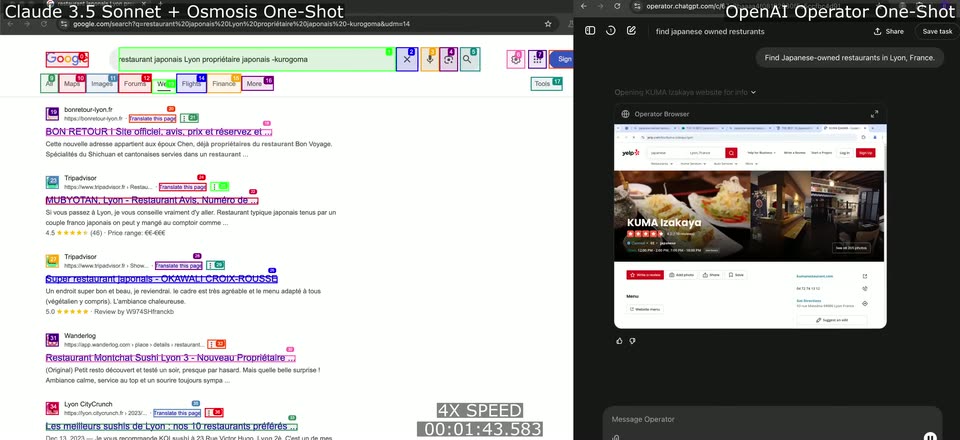 0:19–0:30Osmosis · Osmosis Demo (Head-to-Head with OpenAI Operator)Split-screen: left, a browser moves from Google results to a TripAdvisor page; right, the dark Operator UI's nested browser goes from a Google map search to a Yelp list and the KUMA restaurant site. White corner titles label each system; a 4X SPEED badge and timecode sit at the bottom.
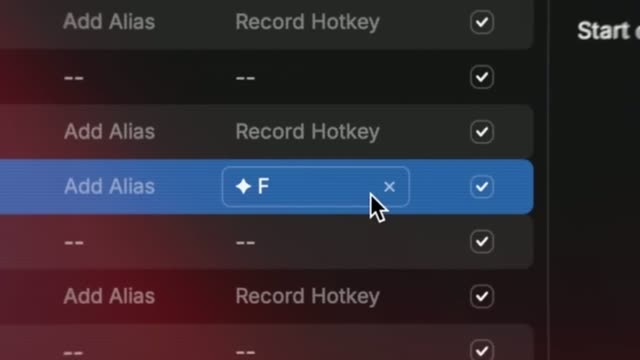 0:09–0:17Raycast · Raycast Just Got You A New KeyA screen recording of the Raycast website and settings window, with a presenter in a corner feed. The view zooms into the list as a cursor clicks Record Hotkey; a popup shows Recording, then green keycaps and a confirmation, ending on a highlighted row with the new hotkey.
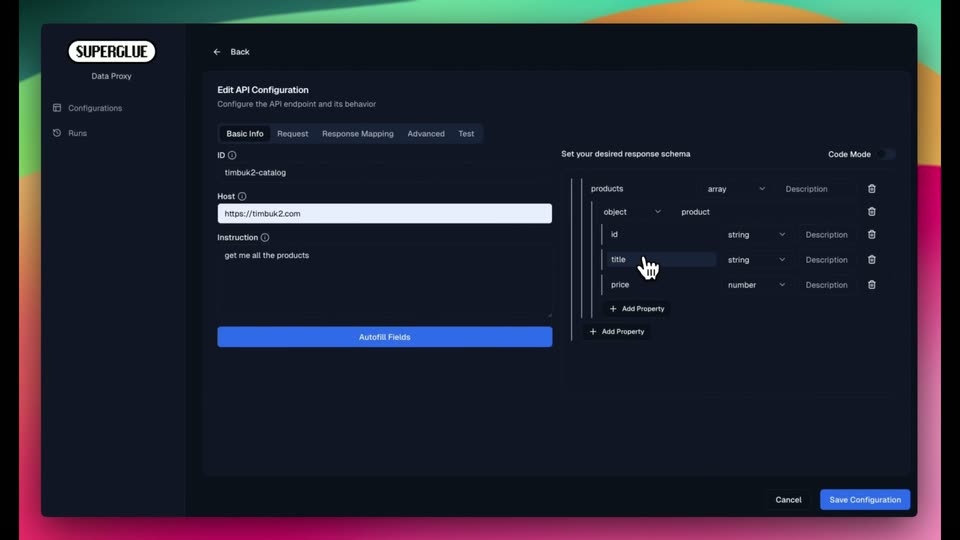 0:39–0:50superglue · superglue (YC W25) - product demoA dark API configuration screen opens on a close-up of a code editor typing a JSON product schema, then switches to a visual property tree. The camera pulls back to the full SuperGlue interface, and a hand cursor clicks Save Configuration before the view zooms back in.
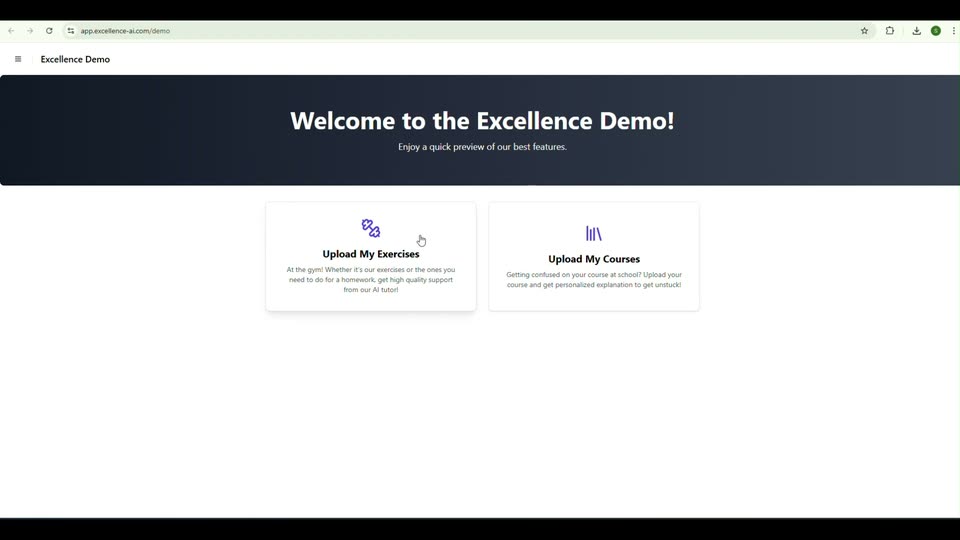 0:14–0:18Excellence Learning · Excellence Learning DemoA full browser window displays a demo landing page with a dark welcome banner and two white feature cards. A cursor drifts from the right card to the left one, hovers over it, then the address bar text changes to a homework path.
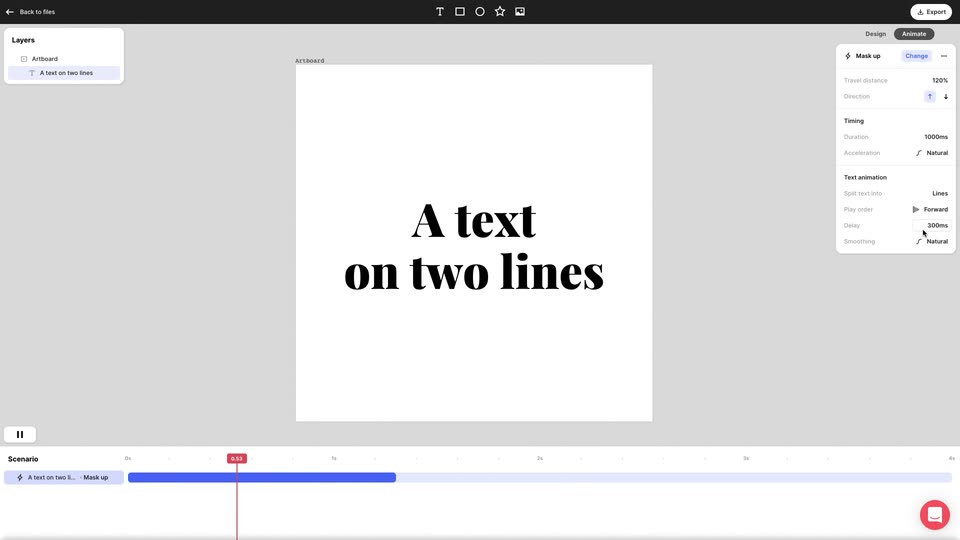 0:09–0:12Jitter · Jitter is now in public beta! · JitterA design tool UI fills the frame. On a white artboard, black serif text plays a mask-up reveal, the two lines sliding into place. A cursor opens the Split text into dropdown on the right and switches it from Words to Lines, then the reveal replays.
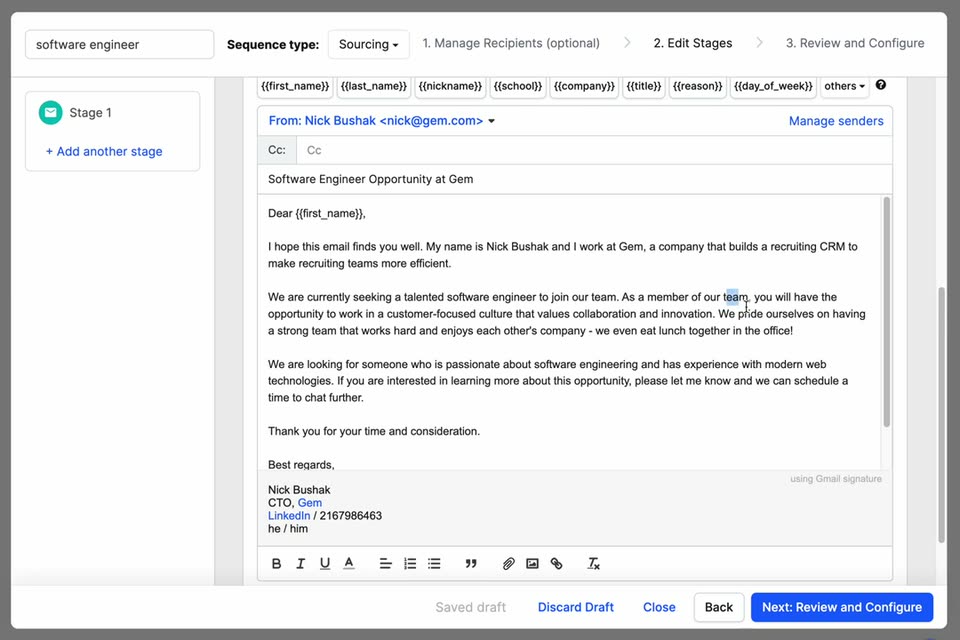 0:01–0:34Gem · Gem: create template with AIA recruiting CRM screen shows a cursor typing a role and notes into an AI form, then clicking Generate. A loading modal appears, and a full outreach email with a signature fills in below as the page scrolls down.
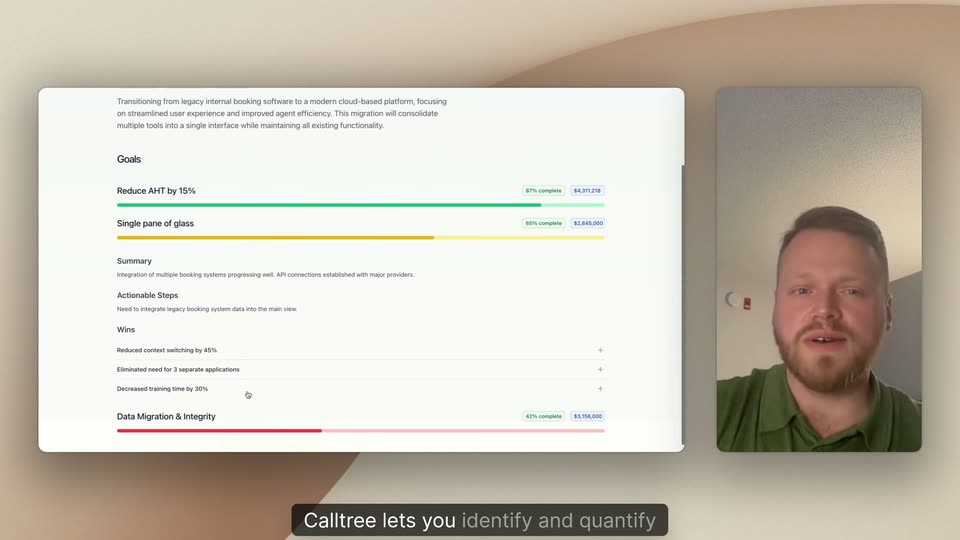 0:59–1:22Calltree · Calltree IntroductionA project detail page scrolls slowly down the left side, revealing goal progress bars, then Summary, Actionable Steps and Wins sections, while a man in a green shirt talks in a video tile on the right. A dark caption bar at the bottom updates with his words.
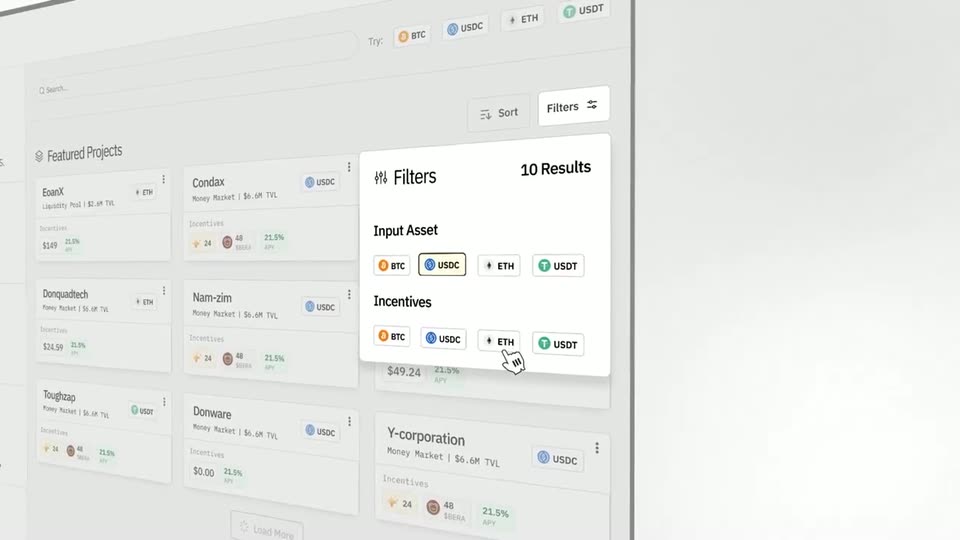 0:42–0:49Berachain · Berachain Foundation 🐻⛓ - Henlo, and furthermore, Boyco.A 3D-angled crypto dashboard shows a hand cursor tapping the USDC chip, then opening a Filters panel where it selects ETH from the Incentives row. The shot cuts to a flat illustration of a bear in a Hawaiian shirt beside gold coins, captioned STEP 2 DEPOSITING ASSETS.
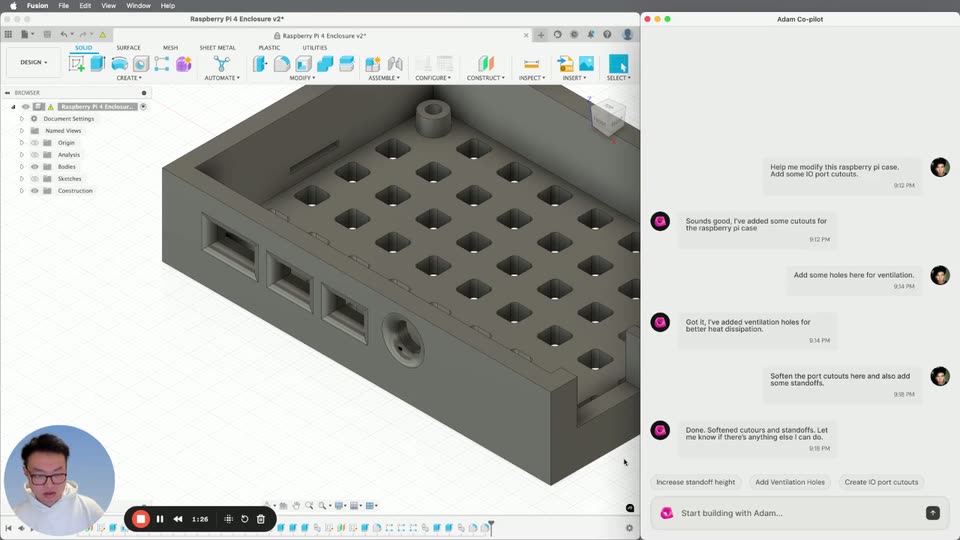 0:53–1:50Adam · Adam Co-pilotA co-pilot chat panel on the right drives edits to a grey Raspberry Pi case shown in 3D perspective on the left: a face flashes blue, port cutouts soften, standoffs pop in. Chat bubbles appear in turn; the presenter's webcam sits bottom left, the view zooms out.
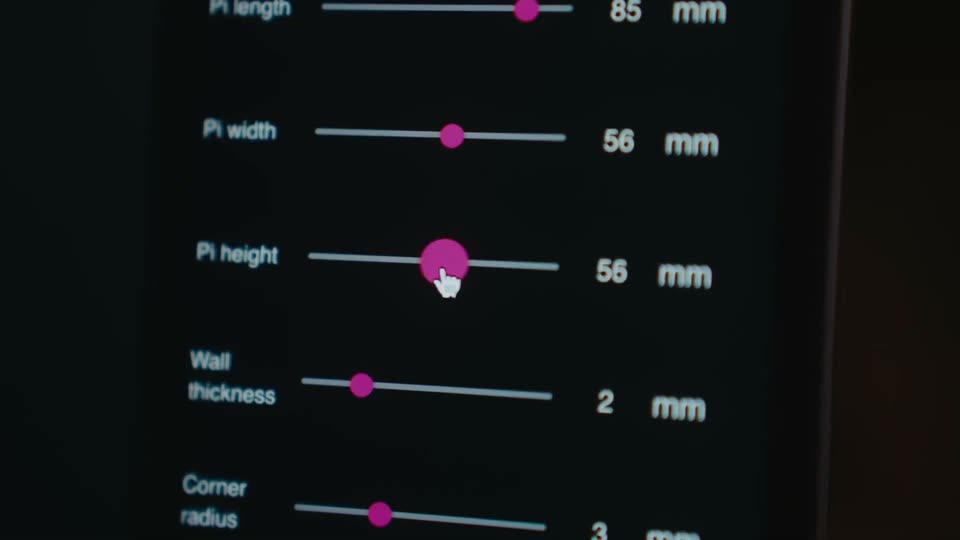 0:41–0:42Adam · The easiest way to do CAD (with AI)A tight, angled close-up of a dark settings panel. A white hand cursor drags the pink Pi height slider knob to the right, and the value beside it counts up from 25 to 58 mm. The rows above and below sit soft in shallow focus.
 0:09–0:11Karsa · Karsa DemoA laptop screen on a purple gradient shows the Karsa homepage in dark green; the headline switches from Yoruba to English while a circular webcam feed of a man sits top left and a cursor hovers the Sell link. Subtitles caption the voiceover at the bottom.
 0:18–0:19Quantstruct · Quantstruct Launch VideoA near-black product screen holds a locked-off frame while a white arrow cursor drifts slowly near the center. A small rounded webcam inset of the presenter stays fixed in the bottom right corner.
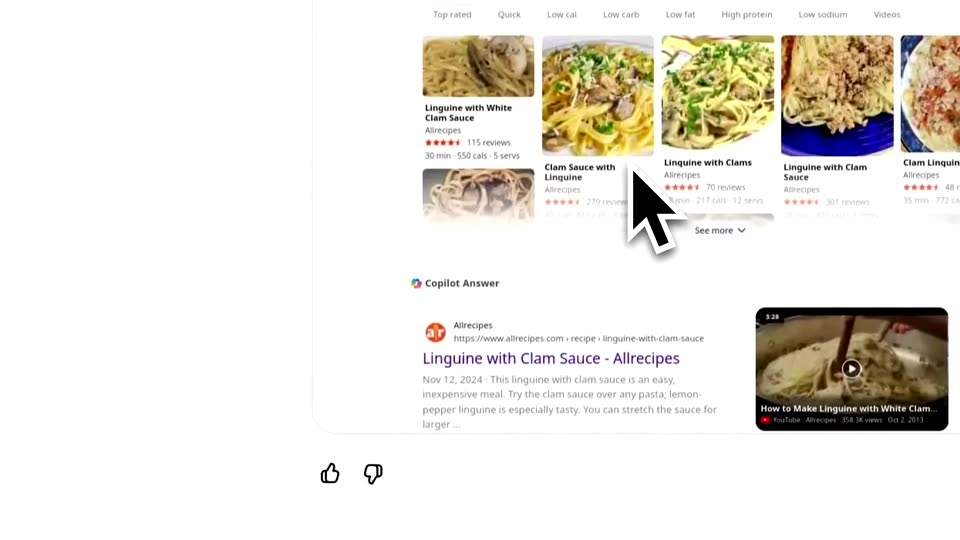 2:03–2:06OpenAI · Demonstrating OperatorA browser results page for linguine recipes scrolls upward as a large black cursor hovers over the recipe cards. A grid of dish thumbnails and a Copilot Answer card with a video thumbnail fill the frame.
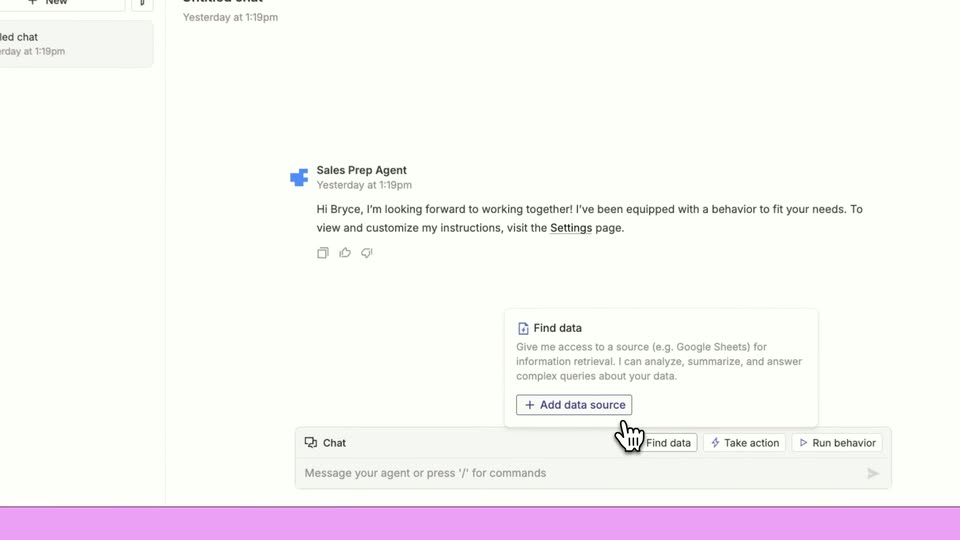 0:07–0:09Zapier · Introducing Zapier Agents: The Future of Automation is Here!The Sales Prep Agent chat window fills the frame on a pink gradient. The view zooms to the Find data card, where a hand cursor clicks the Add data source button.
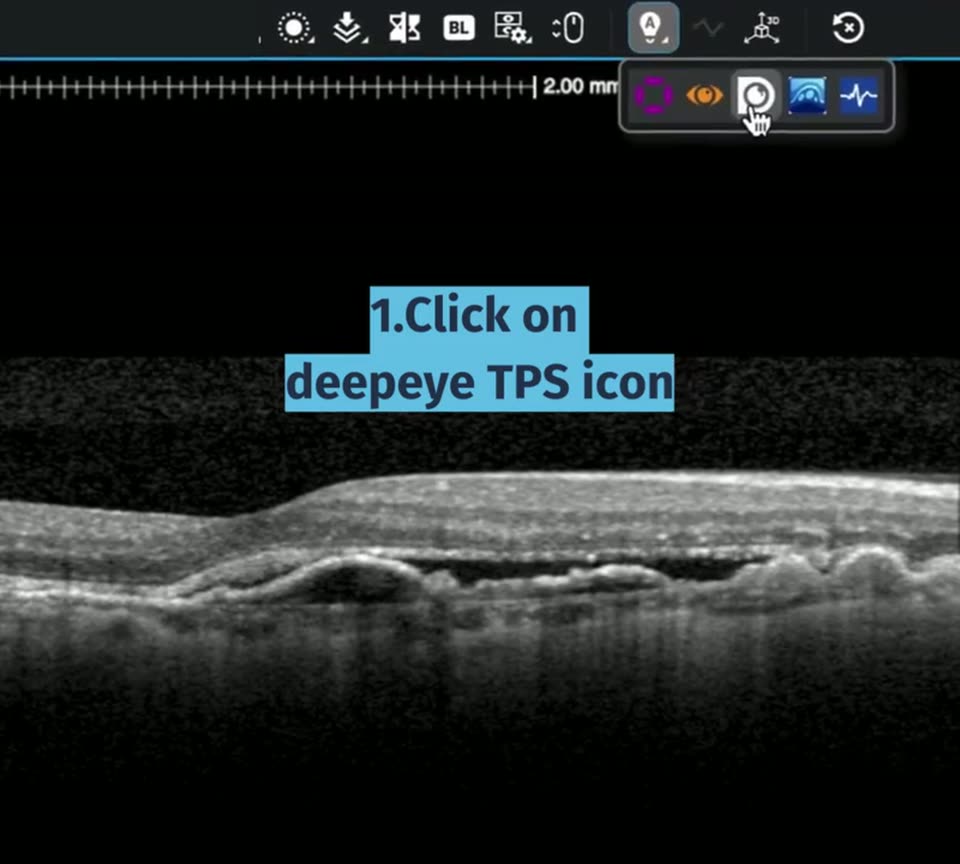 0:04–0:07Deepeye Medical · deepeye TPS, easy to use AI assistant for optimizing IVI therapy planning.A grayscale OCT retinal scan fills the screen under a static blue caption box. The view gradually zooms into the top toolbar as a cursor clicks an icon, a row of small icons drops down, and the cursor hovers over one to reveal a tooltip.
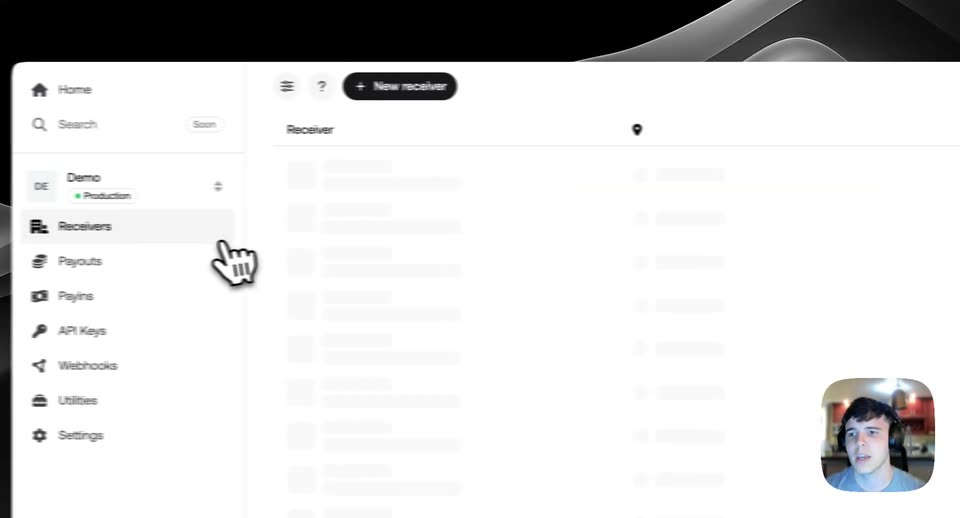 0:13 · 0.7sBlindPay · BlindPay - DemoA light dashboard with a left menu and a receiver list fills the frame. A hand cursor slides from the list to the sidebar and clicks the Receivers item. A small rounded webcam feed of a presenter stays in the bottom right corner.
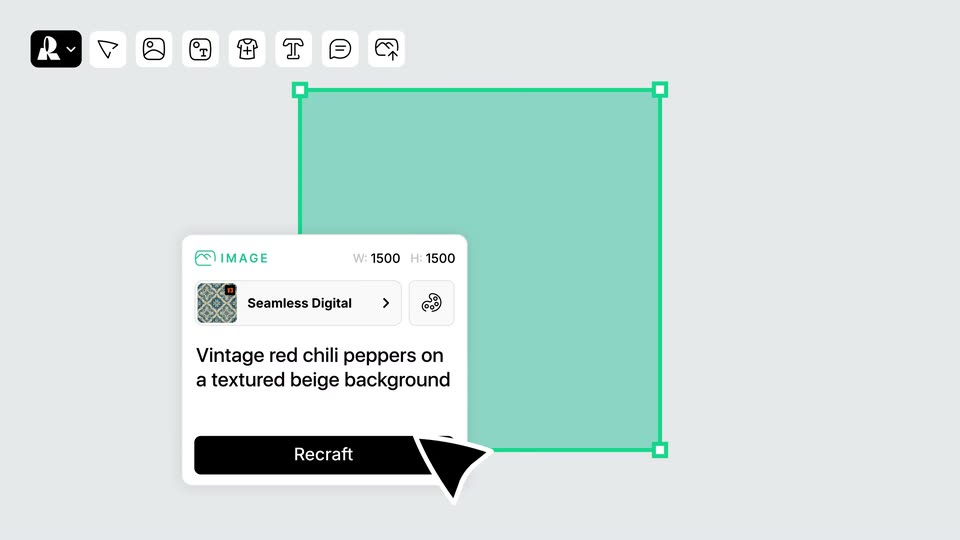 0:03–0:10Recraft · Recraft - Seamless patterns are here! Designers, now you can create endless, peA black cursor drives a design-tool UI on a gray canvas: it selects a style from a thumbnail grid, types a chili-pepper prompt into a white card, then clicks the black button. A glitch burst resolves into the generated image.
 0:33–0:36Something · something - Interact for early access. Coming soonA white 3D Start button with green-to-purple gradient text floats over a blurred dark form. A cursor glides in, then the word morphs into the gradient arc logo.
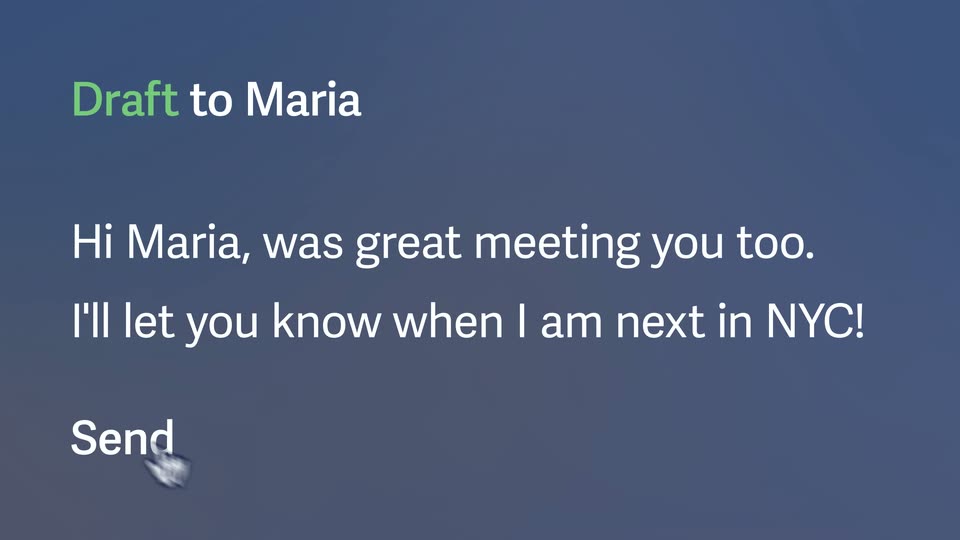 0:41–0:43Superhuman · New Year, New InboxA flat blue email draft shows a green Draft label over a two-line message to Maria. The second line animates in beneath the first sentence, then a white hand cursor appears over the Send button at the lower left.
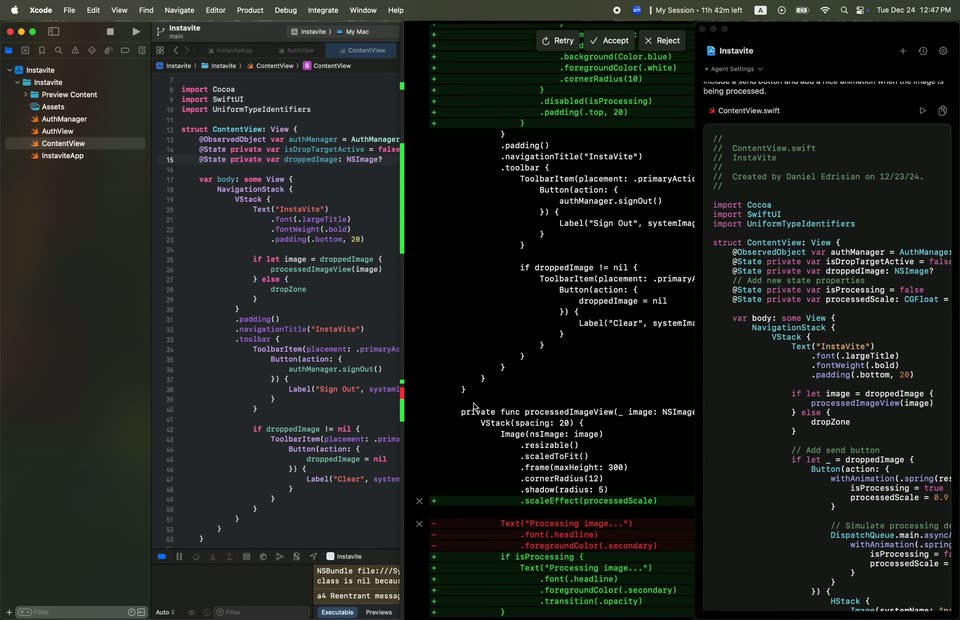 1:23–1:26Alex · Alex - Xcode AI Coding AssistantXcode fills the screen in a three-pane layout. The center diff view scrolls through green added and red removed Swift lines, while the Instavite assistant panel on the right stays fixed. A cursor drifts rightward and ends near the Accept button at the top.
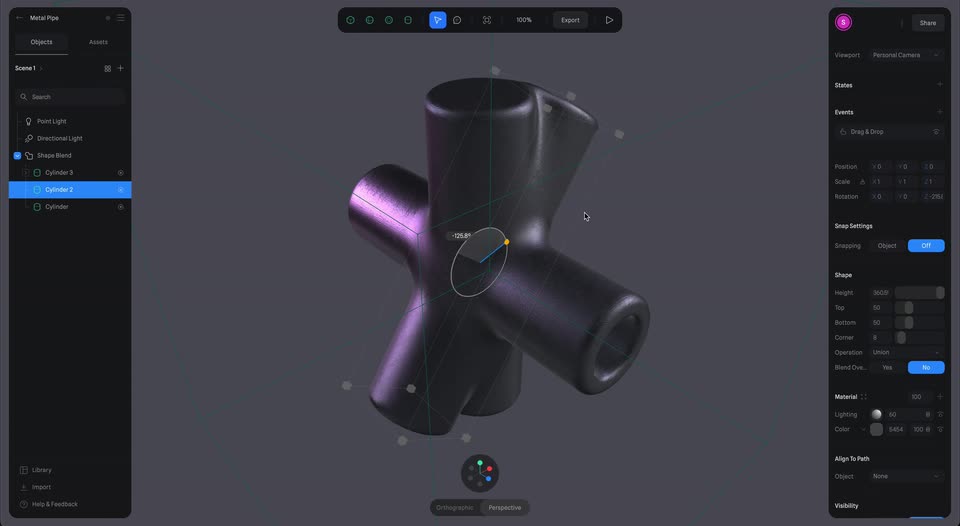 0:08–0:11Spline · Introducing 3D Shape Blend with Spline - SDF VolumesA 3D modeling app fills the frame, side panels framing a center viewport. A dark metallic cross of cylinders sits under a transform gizmo. A cursor glides over the model as the geometry reshapes into a twisted blend and the left panel selection shifts.
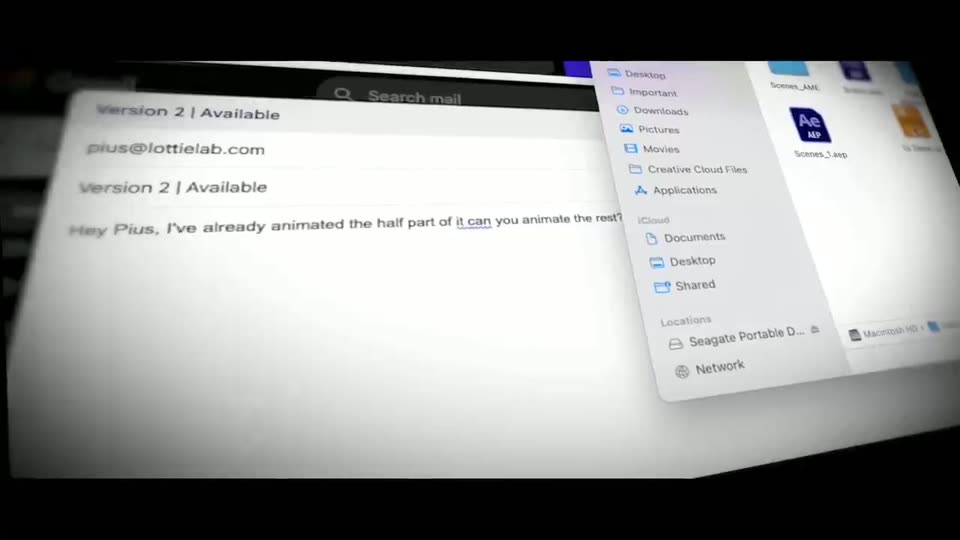 0:08 · 0.5sLottielab · Lottielab - After months in public beta, we’re thrilled to announce that LottielaA white email compose window and file-browser sidebar sit in a tilted 3D perspective against a black background. The view drifts gently while a hand cursor hovers the file list, and a large-files notice rises at the bottom.
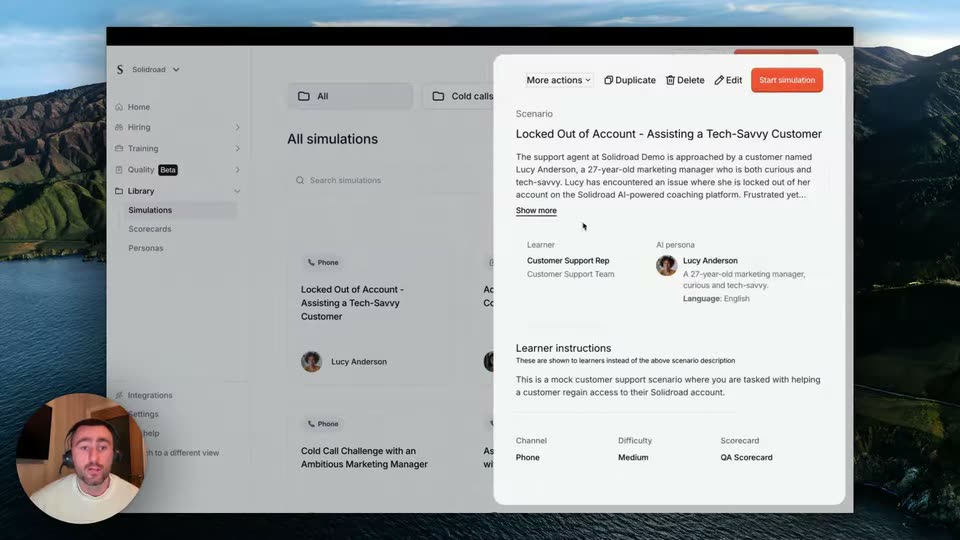 0:13–0:17Solidroad · Solidroad YC Launch DemoThe Solidroad simulations grid fills a window over a mountain desktop, with a presenter in a small circular webcam at the lower left. A cursor hovers a card, then a detail panel slides in from the right to show the scenario.
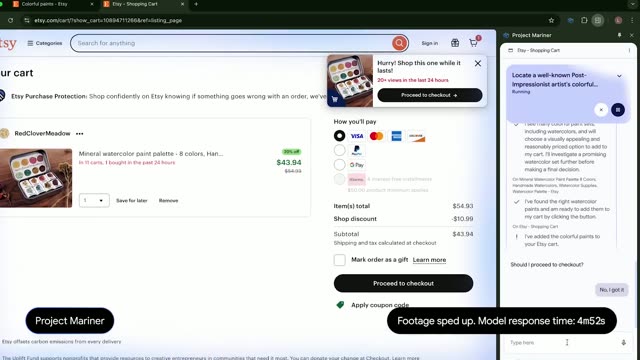 1:50–1:52Google · Introducing Gemini 2.0 | Our most capable AI model yetA sped-up browser screen shows the Etsy cart with the Project Mariner panel on the right checking off steps; a cursor moves over the page and a large task-completed card fades in over the content.
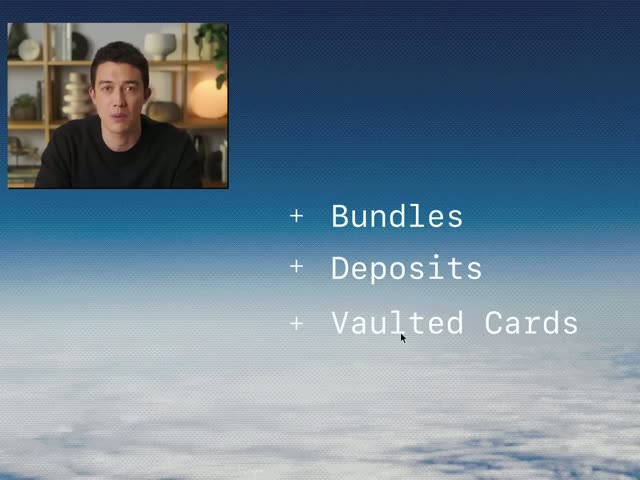 2:21–2:27Shopify · Shopify Editions Winter '25 | IntroductionA presenter talks in a small inset at top left over a blue sky gradient with clouds. On the right, a cursor moves down as plus signs and labels Bundles, Deposits, Vaulted Cards appear line by line; a small card mockup pops in beside the list at the end.
 0:07 · 0.6sLeonardo AI · Leonardo.Ai - ✨ Meet Flow State – Leonardo's newest feature for unlocking boundlessA pink-to-blue gradient pill button labeled Generate sits centered on black, a dark cursor with a pink outline hovers at its lower right, and the button briefly compresses as if clicked.
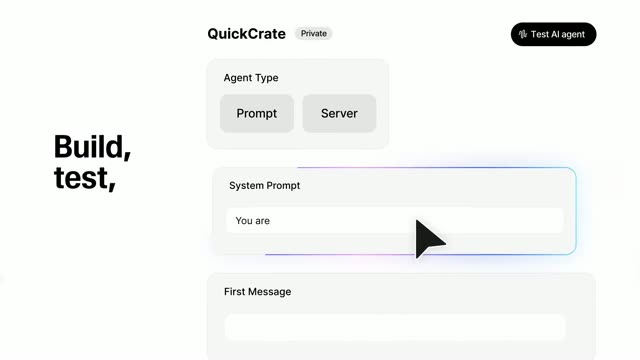 0:11–0:12ElevenLabs · Introducing ElevenLabs Conversational AgentsThe QuickCrate agent setup screen snaps into place on the right as a large black cursor hovers over the System Prompt field, which fills with typed text. On the left, bold words “Build,” then “test,” stack in one by one.
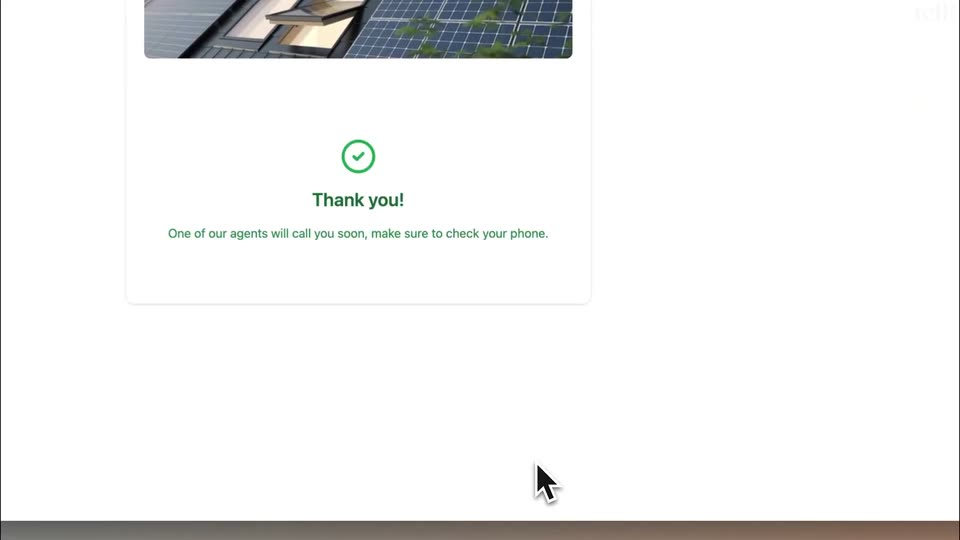 0:42–0:43telli · Launch YC - telli - outbound call automation for B2C companiesA lead form with a house photo, filled fields and a Submit button; the cursor clicks Submit and the form fades out as a green checkmark and a thank-you message scale in at the center.
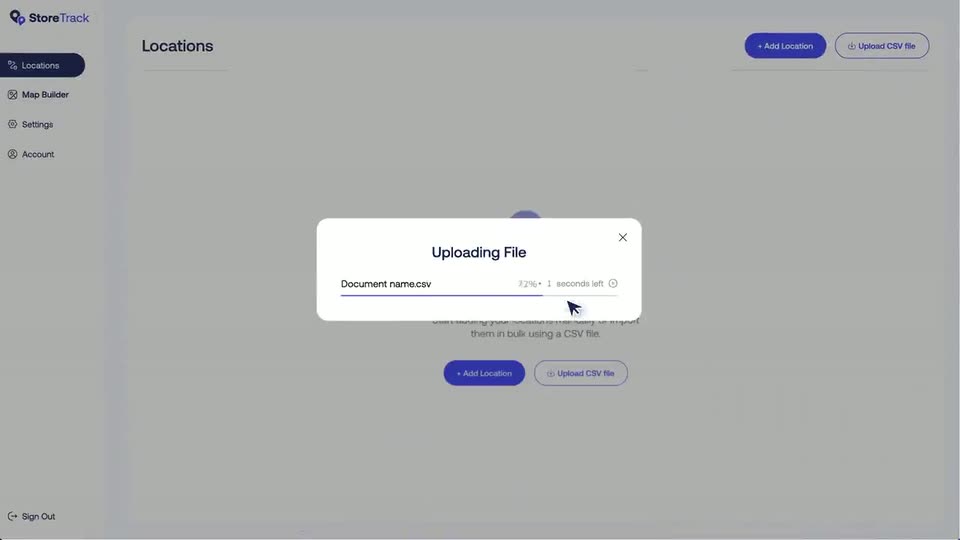 0:01–0:03StoreTrack · StoreTrack: headerA centered upload dialog with a dashed drop zone sits over a dimmed Locations screen, a blue CSV icon and cursor at its right. It swaps to a 98 percent progress bar, then closes to reveal an empty state with a pin icon and two buttons.
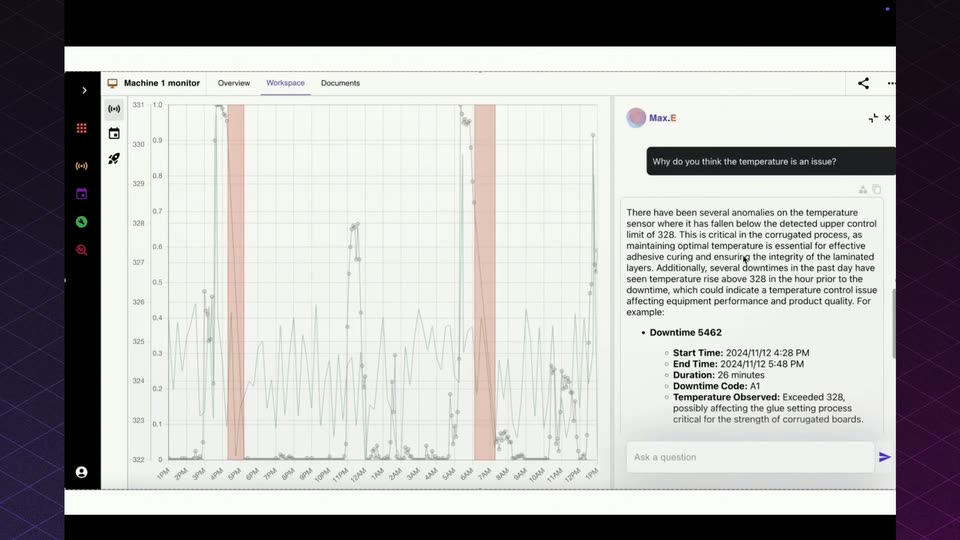 0:58–1:02Vortexify · Praxis AI LaunchA tilted 3D product screen sits on a dark grid backdrop. On the right, a cursor clicks a suggested prompt, it becomes a sent bubble, and an AI answer types out; a Downtime 5462 tooltip pops above it. The line chart with red bands on the left stays static.
 0:36–0:37Synth · Synth AI YC LaunchA browser window shows the Synth website, its orange logo and tagline centered on a cream page, with a cursor resting near the top-right nav. A small rounded video inset of a man speaking sits in the lower right as the view zooms toward the header.
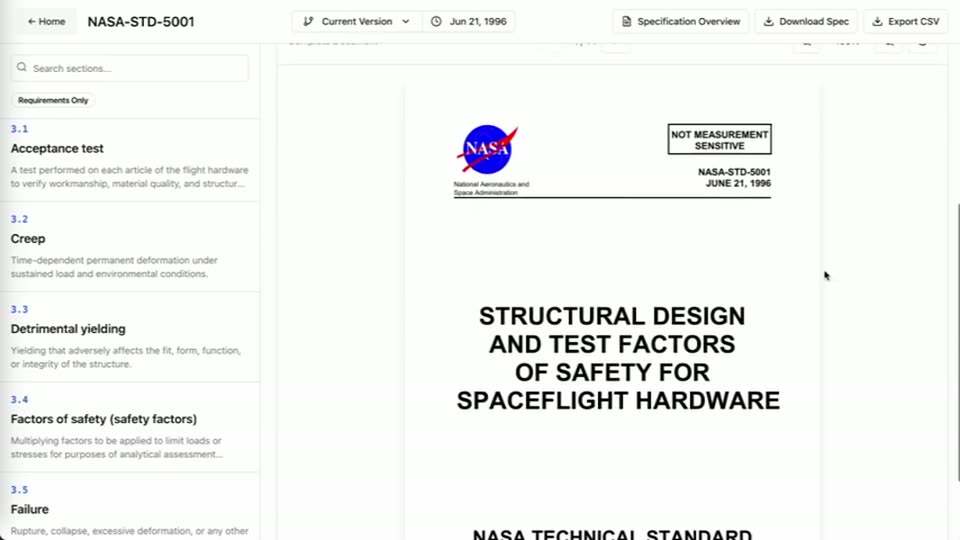 0:16–0:28Consus · Consus IntroA document viewer for NASA-STD-5001 holds still: section list on the left, metadata card and PDF pane on the right. A cursor drifts over the page as the PDF scrolls down to the cover title and back, then the sidebar scrolls to more sections.
 0:13–0:15Lovable · Lovable – An AI Full-Stack EngineerA chatbot input with a gradient border shows the prompt “Build a website with a chatbot” while a hand cursor clicks the Build button. The element morphs into the large headline “Build it with one click”, which scales up on the dark background.
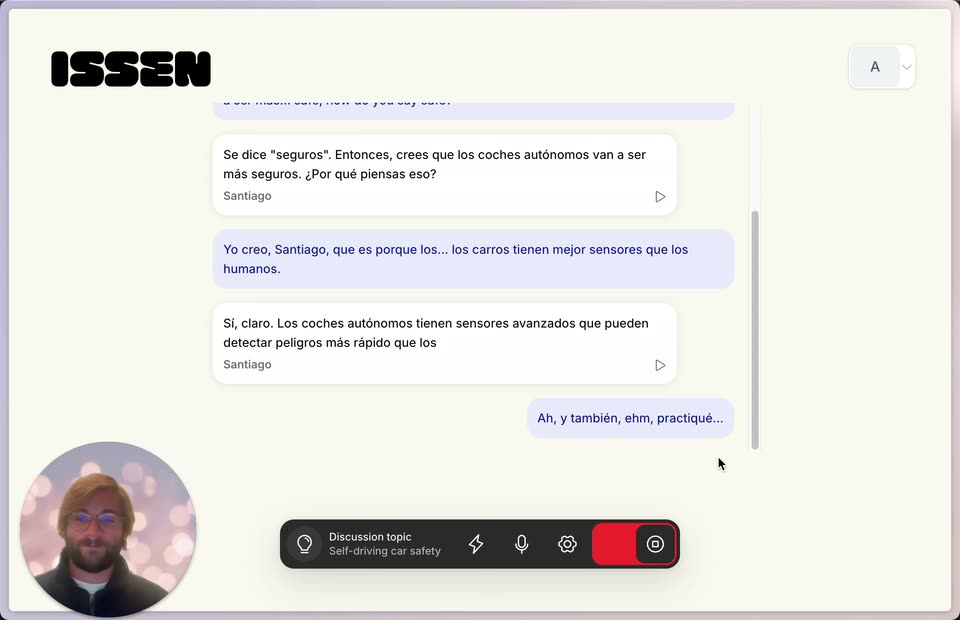 0:42–2:37ISSEN · ISSEN - Exploring AI Language Tutoring with Santiago from Mexico City 🌎A flat chat interface with a talking-head video tile fills with Spanish and English bubbles that type out word by word as the list scrolls; a cursor clicks the mic toggle, raising mute tooltips, and a word pops a translation.
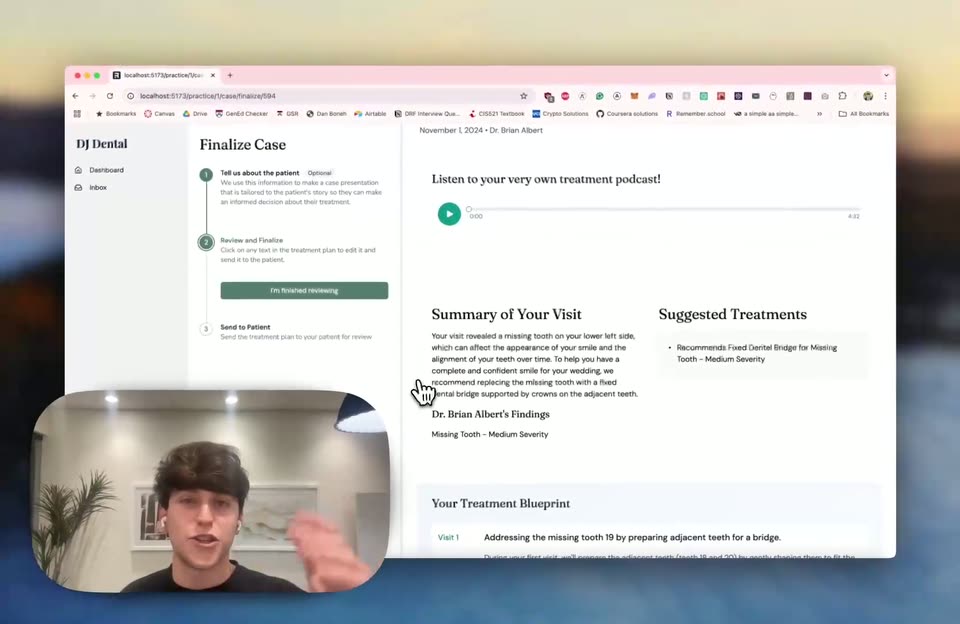 0:26–0:29Avora · ShowAndTell: AI agents for dental patient operationsA close-up of a treatment plan document zooms out to the full browser window of a dental case page with a stepped sidebar. A webcam video of a man in a black shirt sits in the bottom-left corner, talking and gesturing, as a hand cursor hovers on the page.
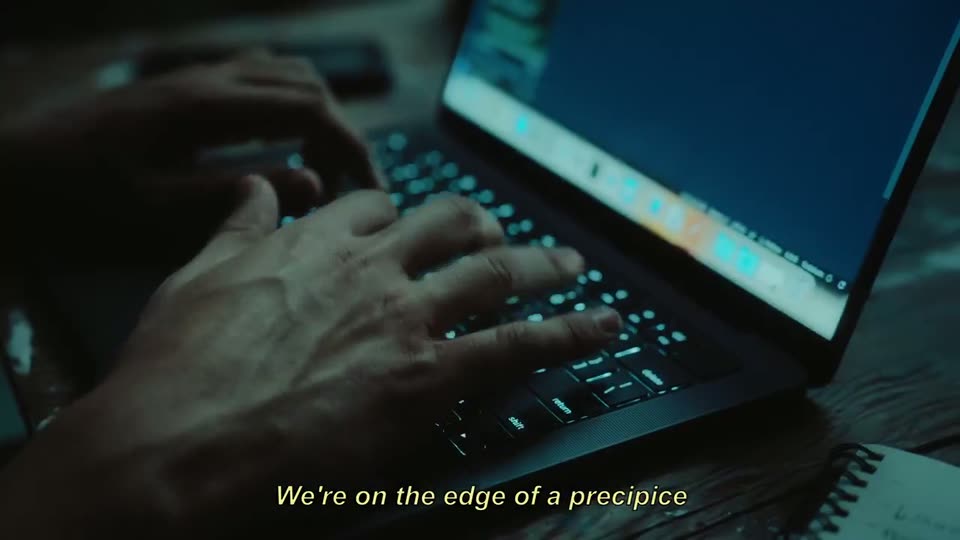 0:09–0:10Browserbase · Browserbase - What will you 🅱️uild?A locked-off close-up of the macOS dock shows the cursor over the VS Code icon with its tooltip, then cuts to hands typing on a backlit laptop keyboard in a dark room.
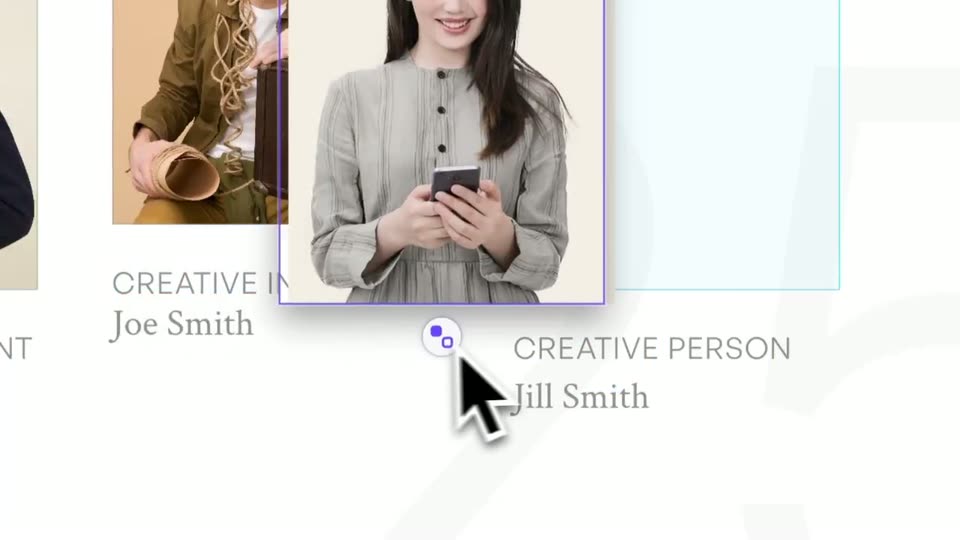 0:02–0:03Pitch · Pitch - Pitch is now more than just presentation software — it’s a complete pA white slide holds a row of profile cards, each a photo in a colored frame with a role label and a name beneath. A black cursor glides right across the row, hovering over a name as the cards shift left to reveal the next card.
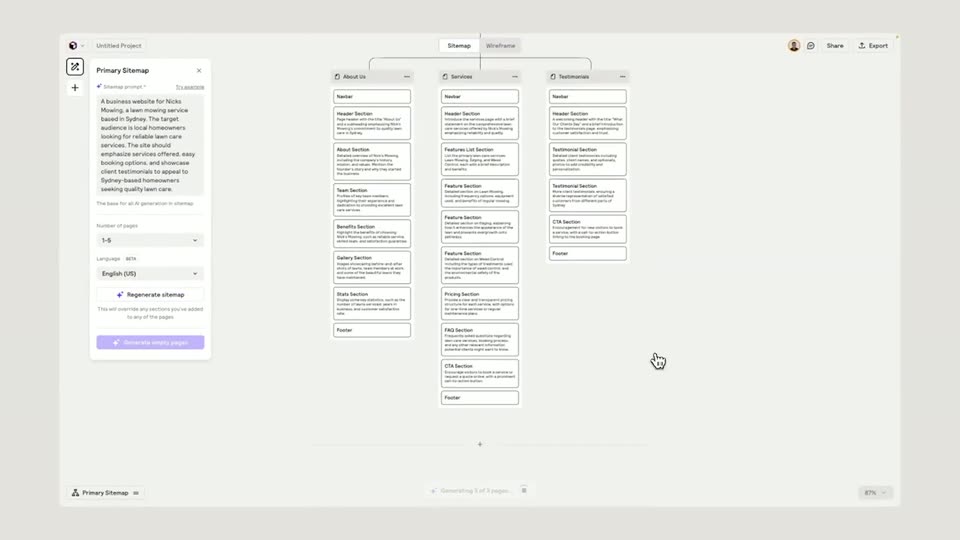 0:07–0:09Relume · Relume - With ChatGPT, you can now build an entire website structure, in minutA wireframing interface displays a sitemap. The view zooms out from a single 'Home' page to reveal three main branches: 'About Us', 'Home Services', and 'Testimonials', each containing detailed wireframe sections.
 0:20–0:40Endstack · Lune AI DemoA dark browser window shows the LuneAI Explore Lunes page; a long two-column grid of cards scrolls down past GitHub and API entries while a webcam feed sits bottom left. The cursor clicks View Details, a Langchain Python Github card fades in center, a Save to Dashboard tooltip pops, then the cursor moves to New Chat.
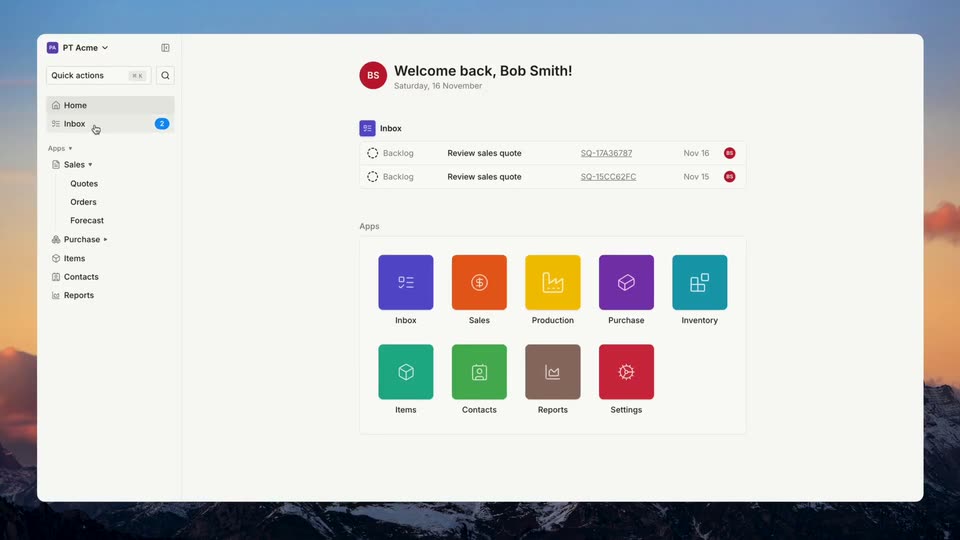 1:01–1:03Tiny · Tiny (YC F24) Launch VideoA white dashboard window sits on a mountain sunset desktop. The cursor slides down the left sidebar and clicks Inbox, and the main panel crossfades from a home screen of colored app tiles into a tasks list table.
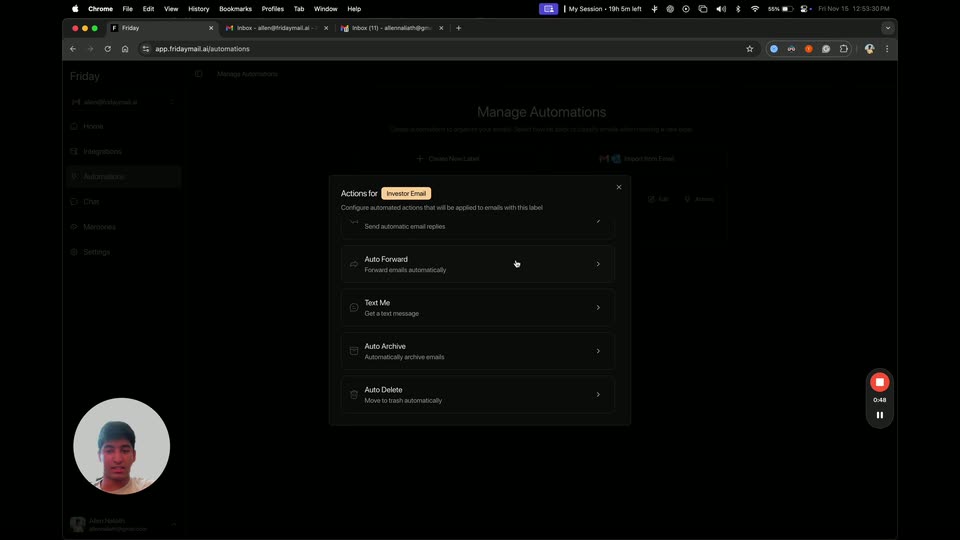 0:24–1:06Freestyle · Friday - Never Check Your Email AgainScreen recording of the Friday app's Automations page, with a small circular webcam of a man in the corner. The cursor opens the Investor Email Actions modal, views the Auto Draft panel, scrolls the rule list, then closes it.
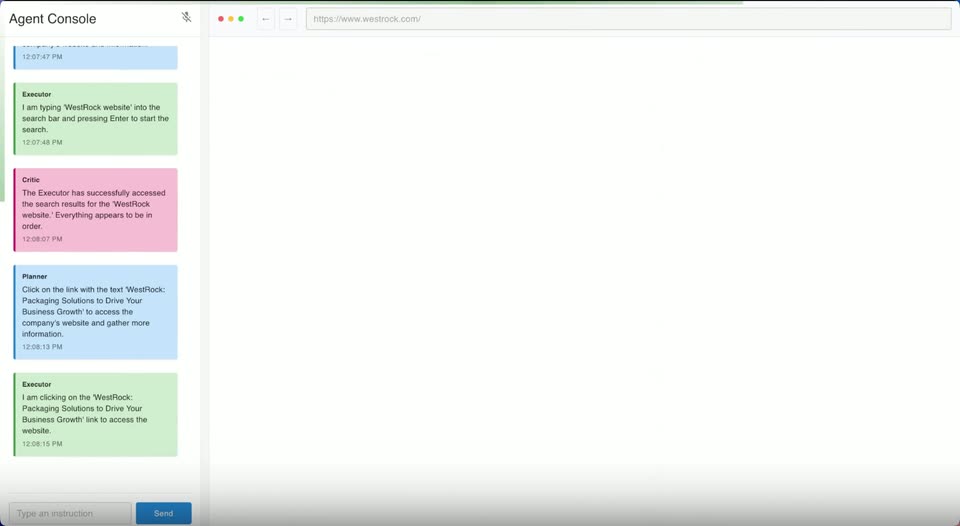 1:01–1:02Kura AI · Kura CRM demoA split view shows an agent console with colored chat bubbles on the left and a Google results page on the right. A hand cursor clicks the WestRock result link, and the browser switches to a blank white page with the westrock.com URL in the bar.
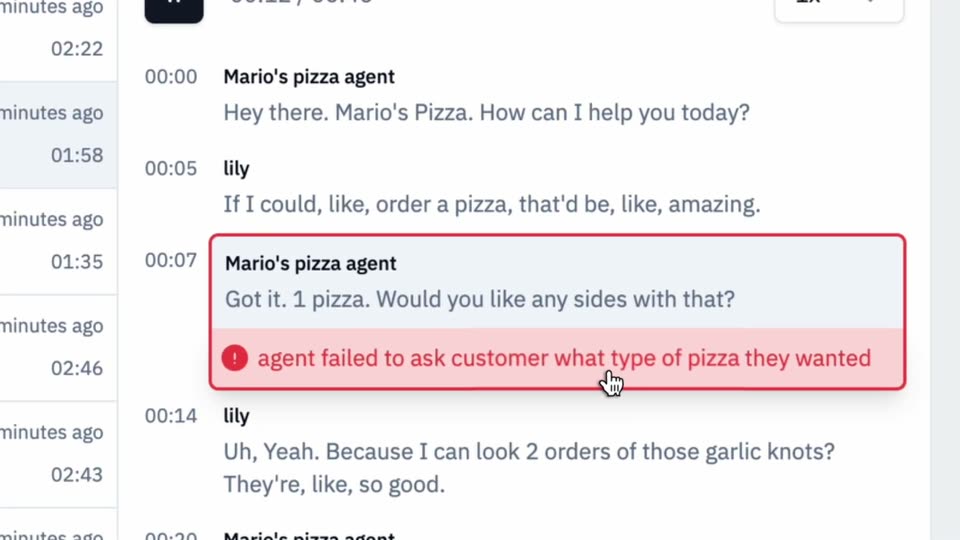 0:19–0:22fixa · fixa launch video.A close-up of a chat log shows the agent's reply boxed in red with an error banner and two hand cursors hovering over it. The view scrolls down to reveal a suggested change card with a red minus line above a green plus line.
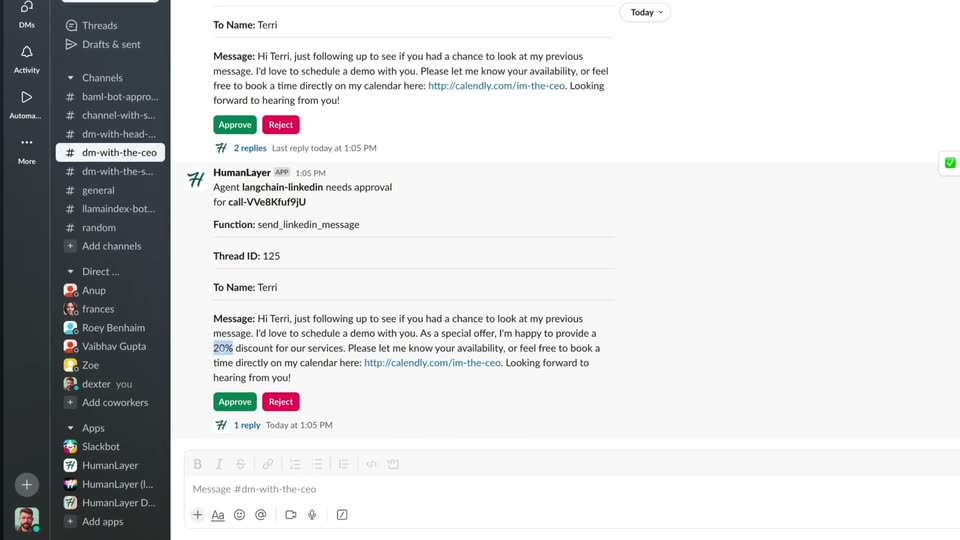 2:23–2:31HumanLayer · HumanLayer Deep DiveA Slack-style DM thread zooms in from a full browser window to a close-up of the messages. A new line with a 20% discount appears and is underlined, then a cursor clicks Reject and a spinner spins as the reply count updates, while a black countdown badge ticks down.
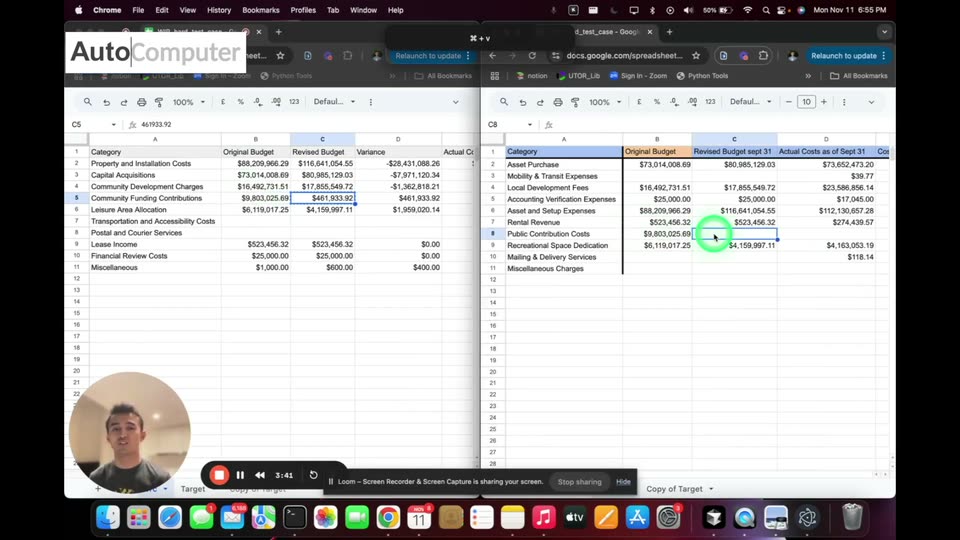 0:44–1:42AutoComputer · AutoComputer (YC F24) — DemoTwo Google Sheets windows sit side by side beneath a command bar that receives the typed prompt to finish a data transfer. A green ring tracks the cursor as new values fill in and match across both sheets.
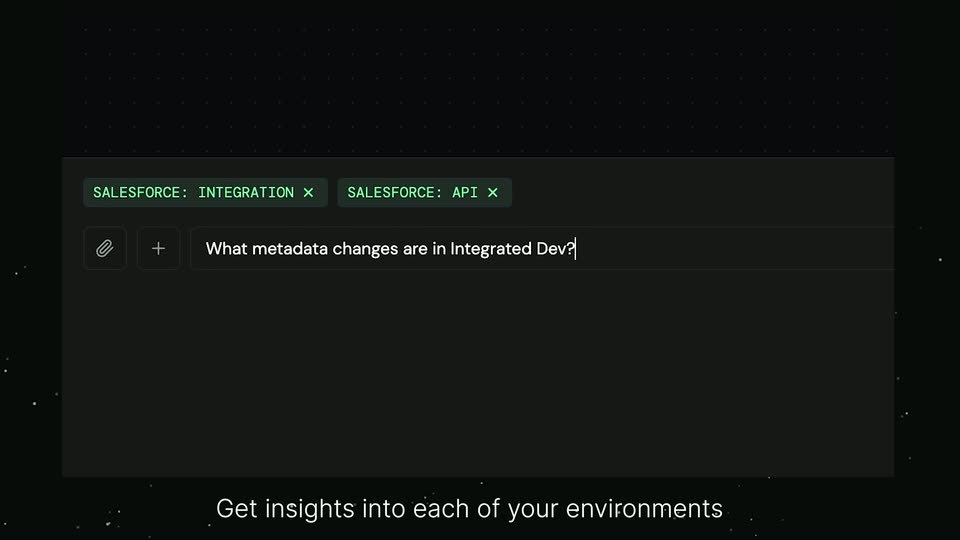 0:37–0:40Laminar · SRE.ai - AI Agents for Salesforce DevOpsA dark chat input panel on a dotted black background. Two green Salesforce tags sit above the field as a caret types the question into it, and a white caption holds at the bottom.
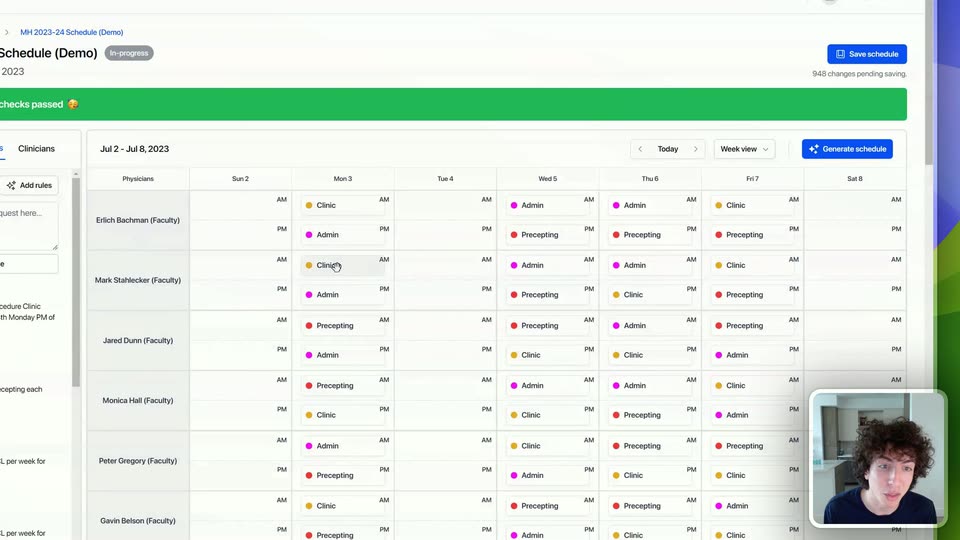 2:00–3:15Durate · Docflow (YC F24) Launch YC VideoA browser window shows the Docflow scheduling grid, with a presenter's webcam in the lower right. The cursor scrolls the roster, opens the Rules tab, clicks Add rules, and types a request into a text field as the view zooms into the panel.
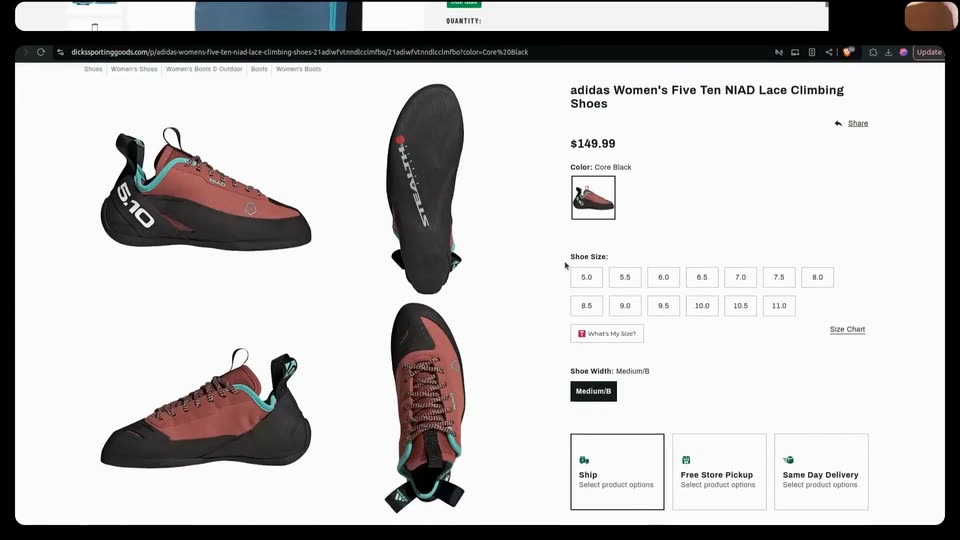 0:08–0:09Getcho · Getcho Launch YCTwo stacked Dick's Sporting Goods product pages, a roller bag on top and climbing shoes below, reframe into a single full-page view of the shoes with an orange holiday banner. A cursor hovers over the layout as the price and shoe image shift into place.
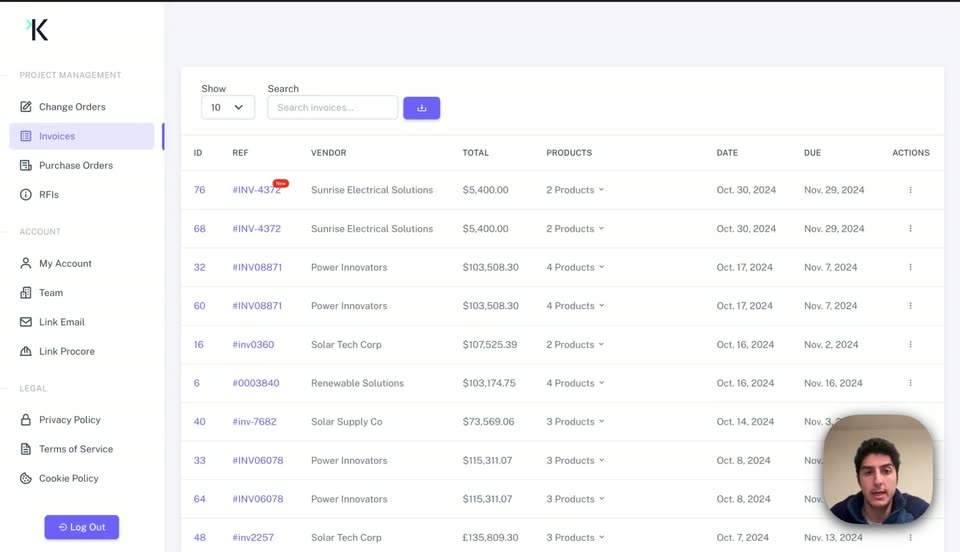 0:19–0:34Karmen · Karmen DemoAn invoice dashboard fills the frame: left sidebar, search bar, and a table of vendor rows, with a small webcam of a presenter in the corner. The cursor moves over the list, then the view zooms in on the top rows to point at a red 'New' badge.
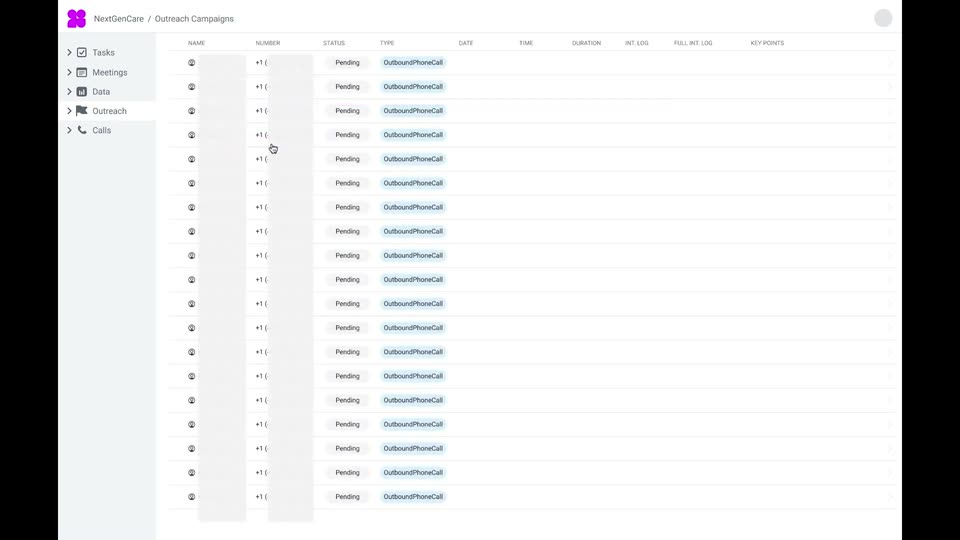 0:05–0:15Careforce · OutreachFlow - Helpcare AI AgentsA magenta progress bar fills under the heading 435 Patients Uploaded while the cursor hovers and clicks the Start Outreach button. The view cuts to a call log table; the top rows flip from Pending to In Progress, then the first row turns Successful and its log cells populate.
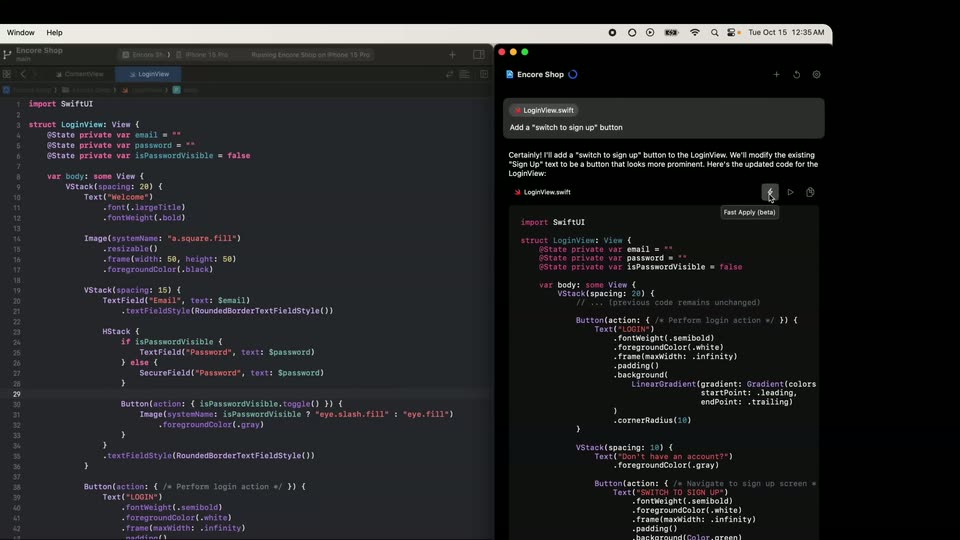 0:21–0:22Alex · Alex - Your AI Copilot for XcodeA desktop shows two windows side by side: a code editor with SwiftUI code on the left and an AI assistant chat on the right. The chat holds a user prompt and a generated code block. A cursor hovers over an apply button, revealing a Fast Apply (beta) tooltip.