Cursor demo
A visible cursor operates the interface.
15,090 scenes · page 82 of 252
 0:11–0:12Freewrite · Farza 🇵🇰🇺🇸 - introducing freewrite. a mac app i made for myself. one simple, cleA close-up of a laptop screen at a low angle shows a pale interface, its cursor drifting down the right side while a blurred hand hovers in the foreground. The bottom bar lists Chat, Minimize and New Entry beside a small smiley icon.
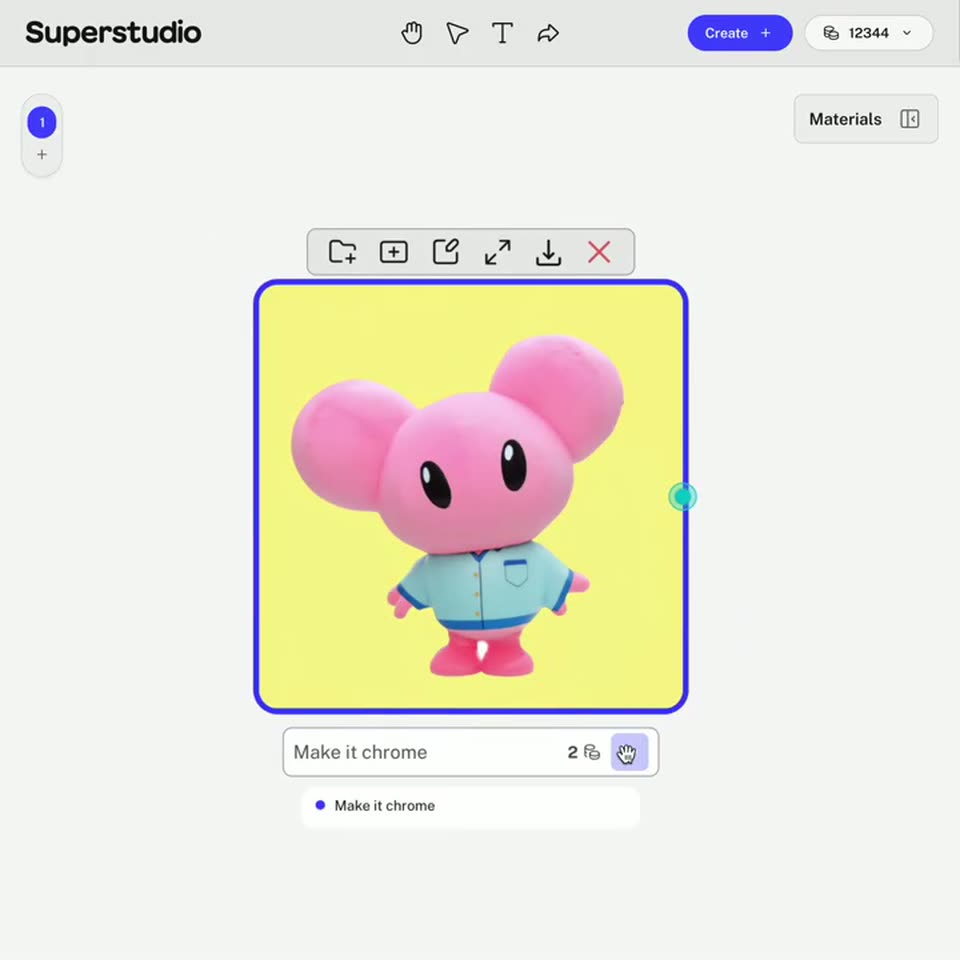 0:04–0:06Kaiber · Kaiber - 🚨 BIG NEWS: Image Editing — in Canvas. •ᴗ• Change colors, combineThe Superstudio interface shows a pink 3D mouse on a yellow card. A prompt field types 'add a blue shirt', the character wears a shirt, then 'make it chrome' turns it metallic, with a cursor moving to the field.
 0:26–0:27Family · Family - Navigating Ethereum with Family is now simpler and safer than ever🔐A white confirmation card with a circle icon and gray placeholder lines sits centered on a blue field of soft cloud shapes. An orange finger taps the teal button at the bottom, then lifts away to reveal the Send label. The frame stays locked.
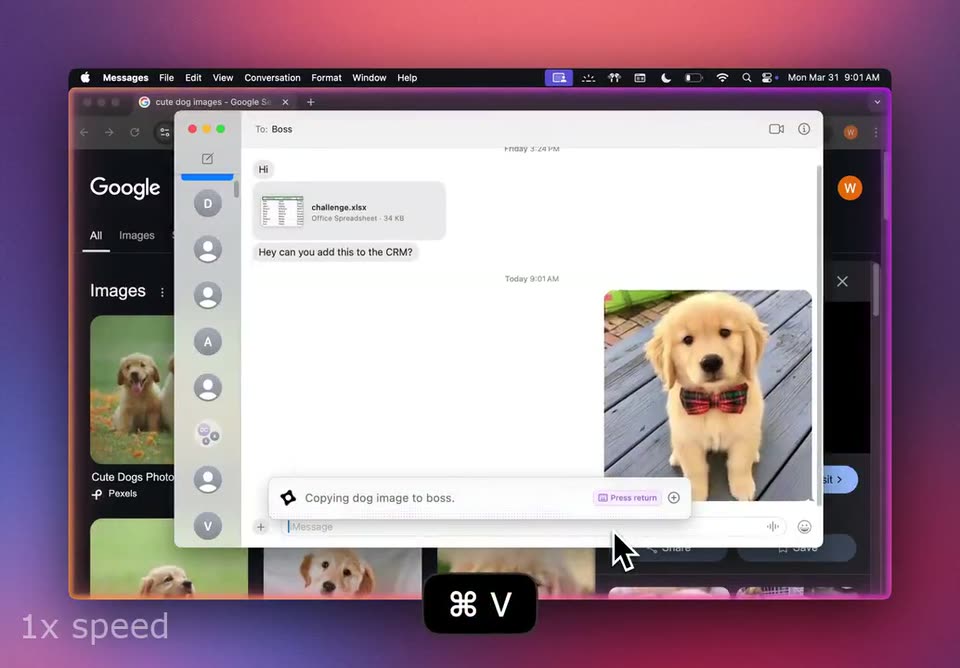 0:12–0:15GeneralAgentsCo · Sherjil Ozair - Today I'm launching my new company @GeneralAgentsCo and our first proA macOS Messages window sits over a Google Images tab. A command bar reads 'Copying dog image to boss' while a black Cmd+V badge pops in at the bottom. A puppy photo scales into the chat thread and the bar switches to 'Request completed'.
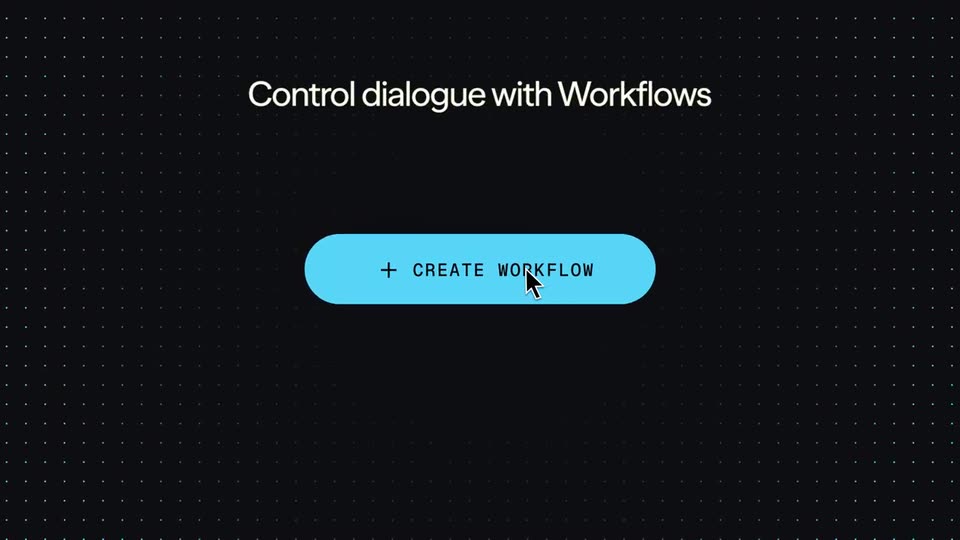 0:21–0:23Vapi · Vapi - 🚀 Vapi 2.0 is live on Product Hunt. A big milestone for the team! VOn a dark dotted grid, the headline 'Control dialogue with Workflows' fades in above a cyan pill button reading '+ CREATE WORKFLOW'. The button then flips to a dark pill with a cyan play icon and 'Start Call' label as a cursor moves in to hover over it.
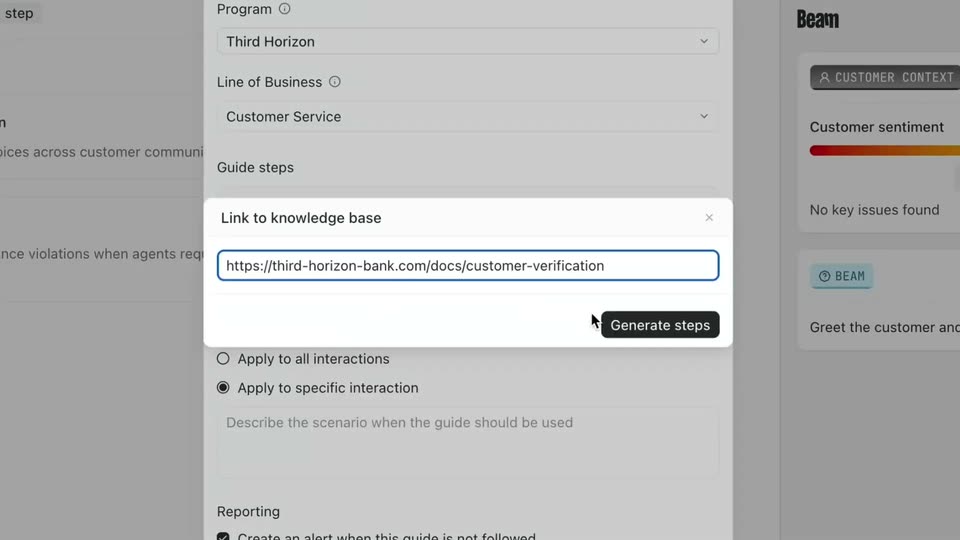 0:35–0:38Rulebase · Beam - The real-time copilot for customer service agents.A modal titled 'Link to knowledge base' sits over a dimmed form. A cursor types a URL into the input field, then clicks the 'Generate steps' button, which switches to a loading spinner.
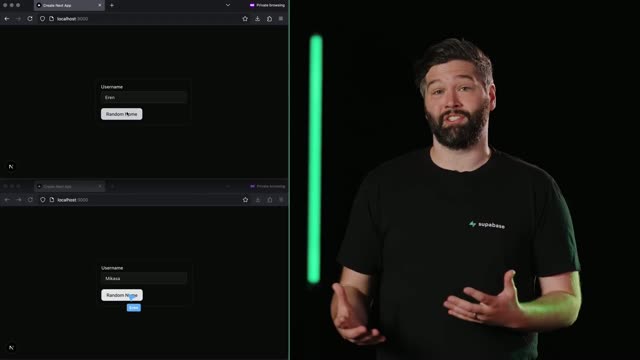 0:39–0:45Supabase · Announcing the Supabase UI LibrarySplit screen: right, a bearded presenter in a black Supabase T-shirt gestures while speaking, lit by a vertical green bar; left, two stacked browser windows show a username form as labeled cursors (Eren, Mikasa, Reiner) glide across both, the top field switching from Eren to Reiner.
 0:44–0:49Replit · Now Available: Replit Agent v2On a dark background, the Replit logo slides up into place above a purple Try it today button that fades from dim to bright. A glowing outline cursor glides in from the right, hovers at the button edge, then exits. The URL replit.com appears below the button.
 0:21–0:23Rive · Rive for Product Design Reel 2025On a black background, a centered white title with two small subtitle lines and thin teal side bars fades in, then is replaced by a flat wireframe hexagon ringed by teal triangles, a yellow inner hexagon, and a cursor hovering at its center.
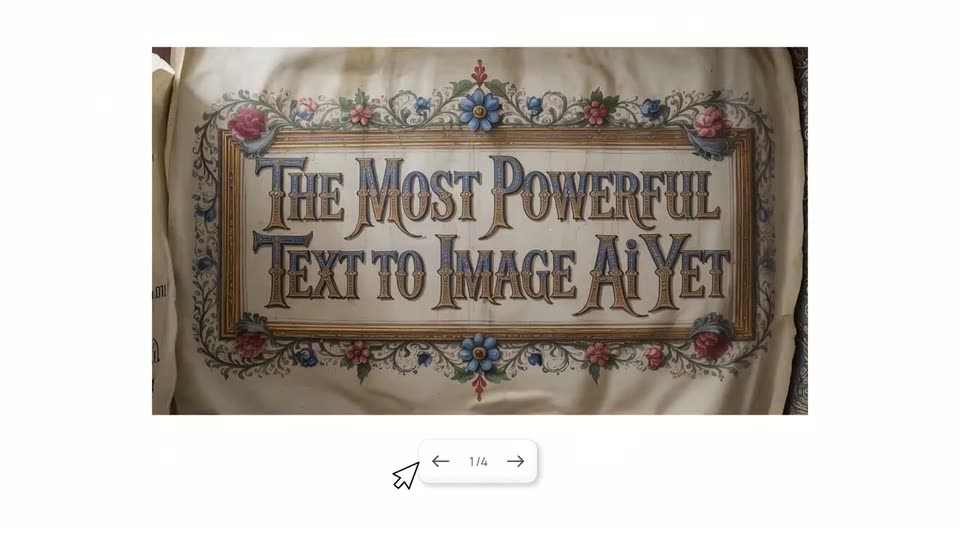 0:22 · 1sIdeogram · Ideogram - Meet Ideogram 3.0 — stunning realism, creative designs, and consistenA vintage ornate illustration with gold 3D serif lettering reading “The Most Powerful Text to Image AI Yet” sits on a cream surface inside an image viewer. A white cursor glides from the lower left to the 1/4 navigation pill below and hovers it as the image scales up slightly.
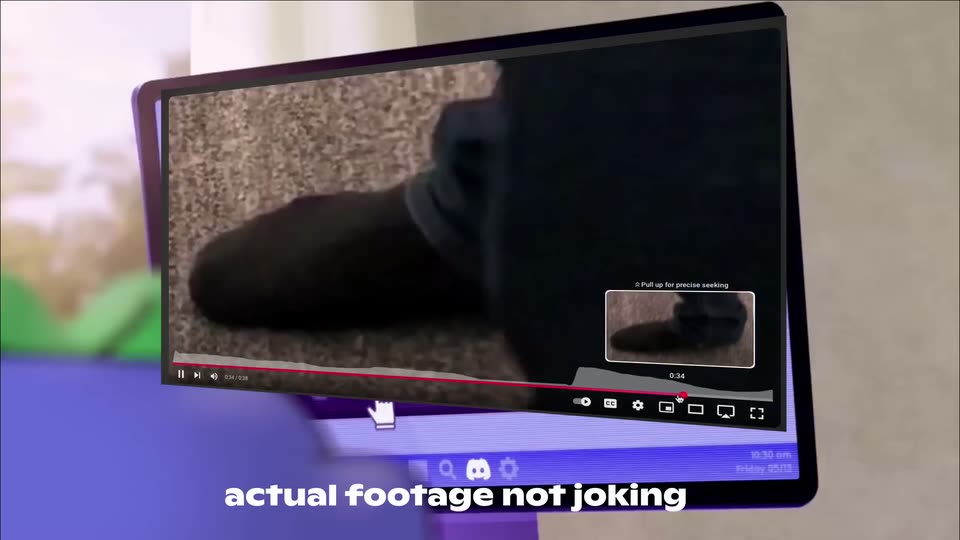 0:13–0:14Discord · Introducing the NEW Discord Game OverlayAn angled 3D monitor against a blurred room background plays a video of a foot stepping on carpet, with a scrubber bar and a hand cursor; a white outlined caption sits at the bottom.
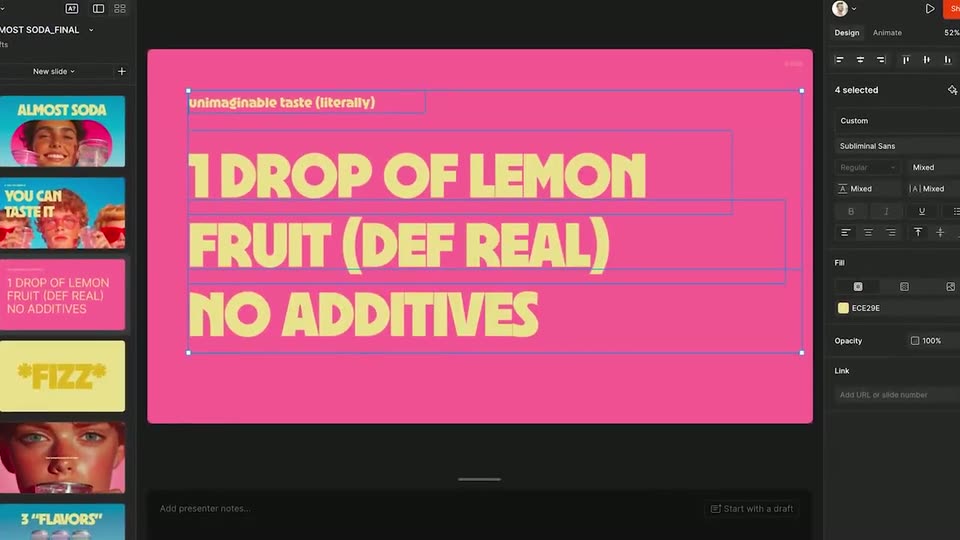 0:28–0:29Figma · Figma - All hands on deck. Figma Slides is now available to everyoneA dark design-tool workspace shows a pink slide with bold yellow text reading 1 DROP OF LEMON FRUIT (DEF REAL) NO ADDITIVES, its text boxes outlined in blue. A cursor hovers in the right properties panel while slide thumbnails line the left.
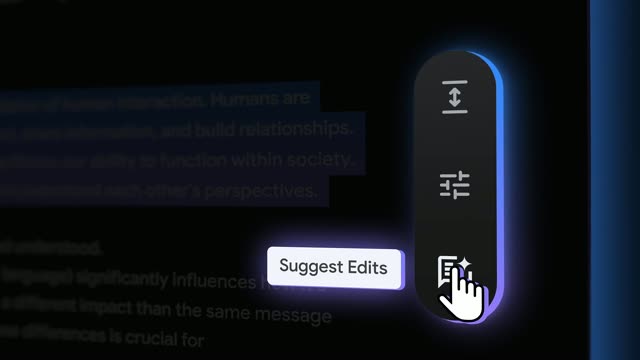 0:26–0:28Google · Introducing Canvas in GeminiA neon-lit vertical toolbar hovers over blurred article text. A white hand cursor taps the Suggest Edits icon, the pill expands into a dark rounded panel of suggestion text, and the cursor moves onto a glowing blue button.
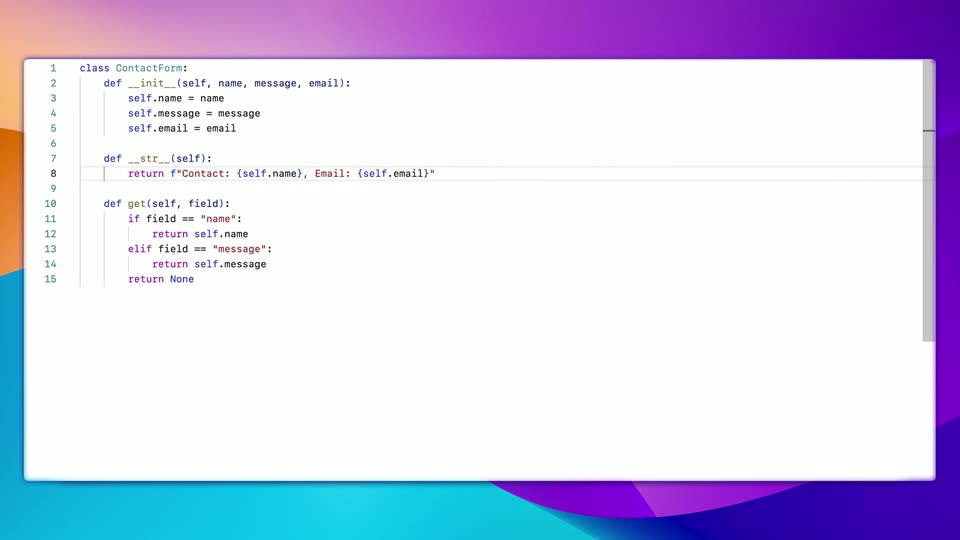 0:31–0:37Windsurf · Windsurf Wave 5: Windsurf TabA white code editor window sits on a purple and blue gradient. Python code for a ContactForm class is typed, with faded ghost-text completions and a small suggestion popup appearing line by line as the caret advances.
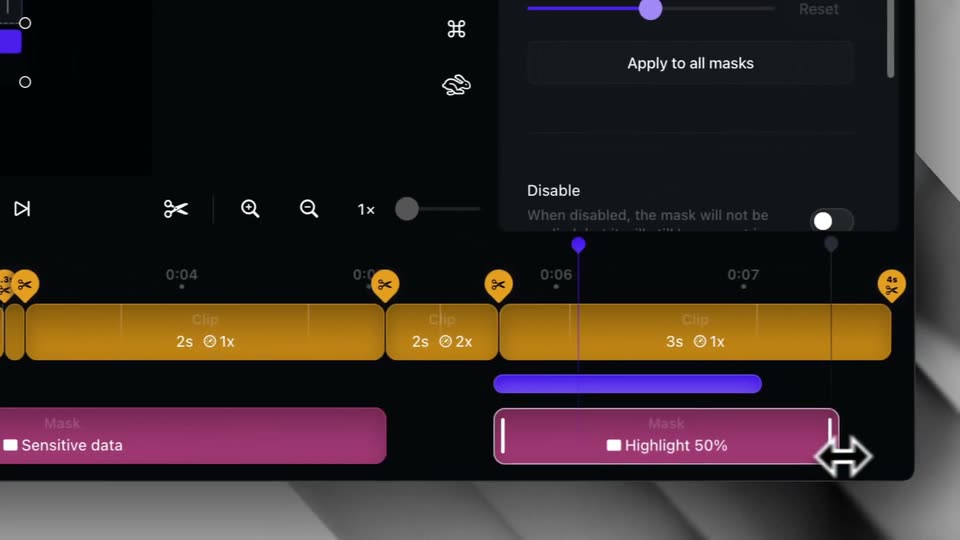 0:05–0:08Screen Studio · Screen Studio - Screen Studio 3.1 is here Introducing Masks: Blur sensitive data orA close-up of a dark editor timeline zooms out to reveal the full interface tilted in 3D over a gray background, its preview showing a verification code screen, while a hand cursor rests on the edge of a pink mask clip.
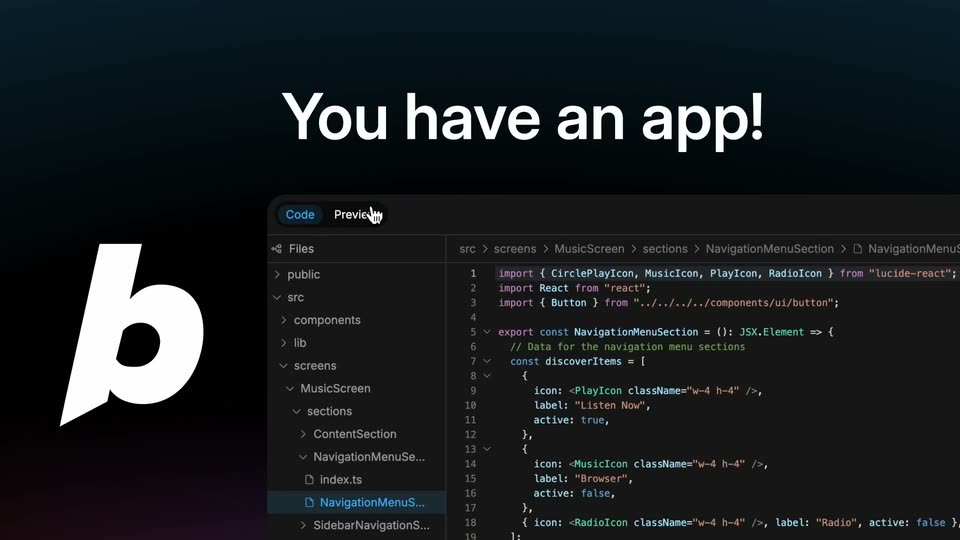 0:07–0:08StackBlitz · bolt.new - Introducing Figma to Bolt Go from Figma to pixel-perfect full stackA dark frame holds a code editor window with a file tree and highlighted code. A cursor slides from the Code tab to the Preview tab. On the left, a multicolor rounded logo morphs into a white lowercase b. The headline You have an app! appears at the top.
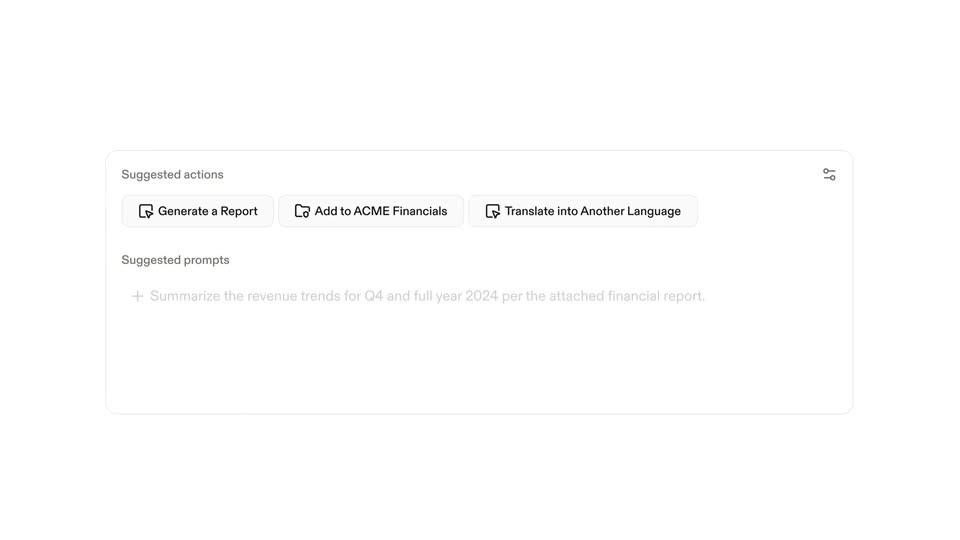 0:12–0:19Harvey · Agents OverviewThe Harvey assistant screen reframes onto an attached PDF, then a Suggested actions card builds with three buttons and prompts as a cursor hovers and selects the first prompt, isolating that line on white.
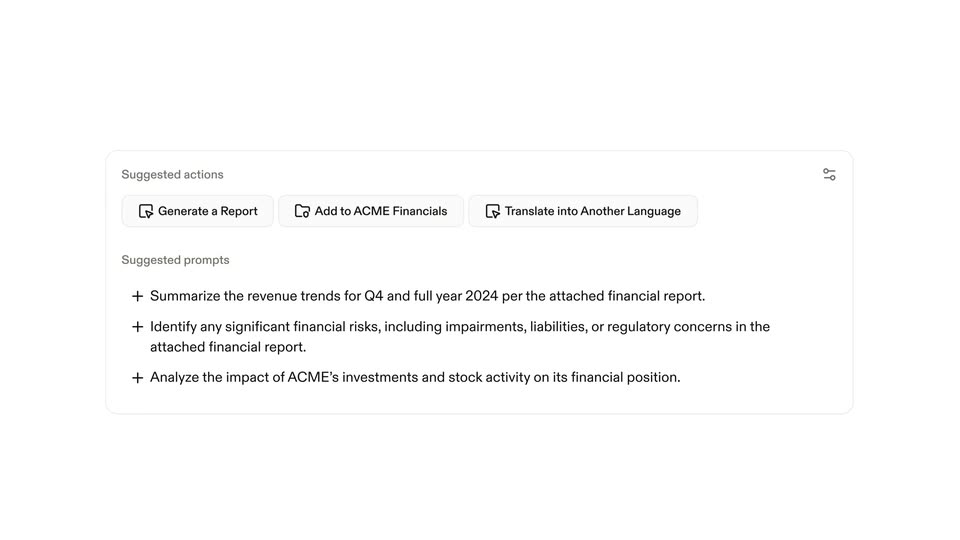 0:12–0:19Harvey · Harvey - Introducing Harvey Agents:A flat Harvey assistant screen shows a PDF being dropped, then the interface ghosts out while the file label scales up to center. A rounded card builds with action buttons and prompt lines, then fades to leave the first prompt highlighted under a cursor.
 0:17–0:18Reka · Reka - We use Reka Flash 3 to power Nexus, our new platform for organizationA purple Create Worker button with a six-dot icon sits on a dark navy field. A white cursor glides up to press it, and a diagonal light sweep crosses the button as it scales up slightly.
 0:15–0:17Tempo · Introducing Tempo V2 - AI web design tool for designers and developersThe flat white dashboard whips into a 3D perspective: a dark tablet shows a component library on the left and a browser preview of the dashboard on the right, a pink Peter cursor hovering over BarChart. Motion blur clears as the frame settles.
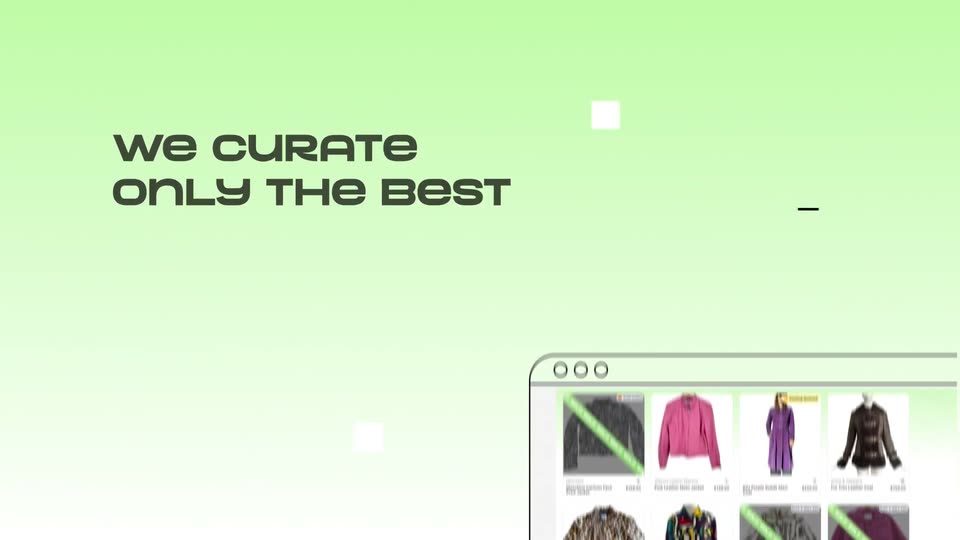 0:15–0:16Retrofit · Launch YC - Retrofit (YC W25)A white search card with three polaroid photos and a cursor on the search button sits on a green gradient, then exits as a browser window with clothing product cards slides in from the bottom right and the headline appears at left.
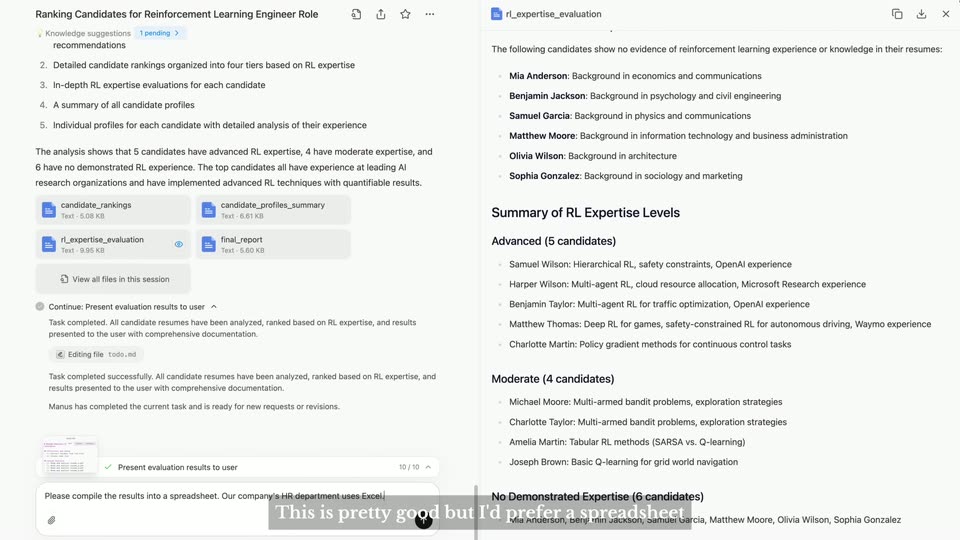 1:15–1:17Manus · Introducing Manus: The General AI AgentA two-panel interface shows a task chat on the left and a candidate evaluation document on the right. A blinking caret in the message box types a request to compile results into a spreadsheet, while a caption bar repeats the line at the bottom.
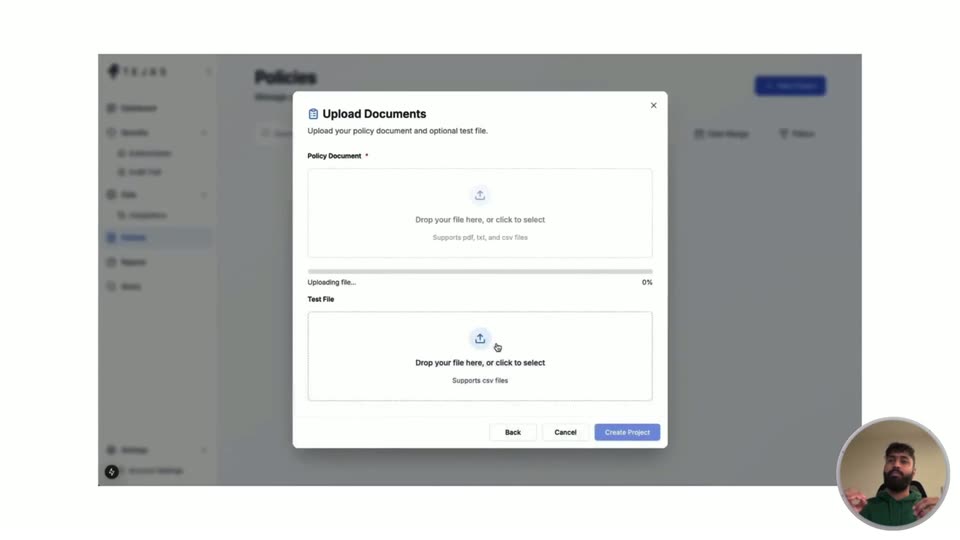 0:27–0:28Elip AI · Tejas AI Launch VideoA macOS file picker over a dimmed dashboard shows four files, then closes to reveal an Upload Documents modal with two drop zones. A presenter's webcam overlay sits in the bottom right corner.
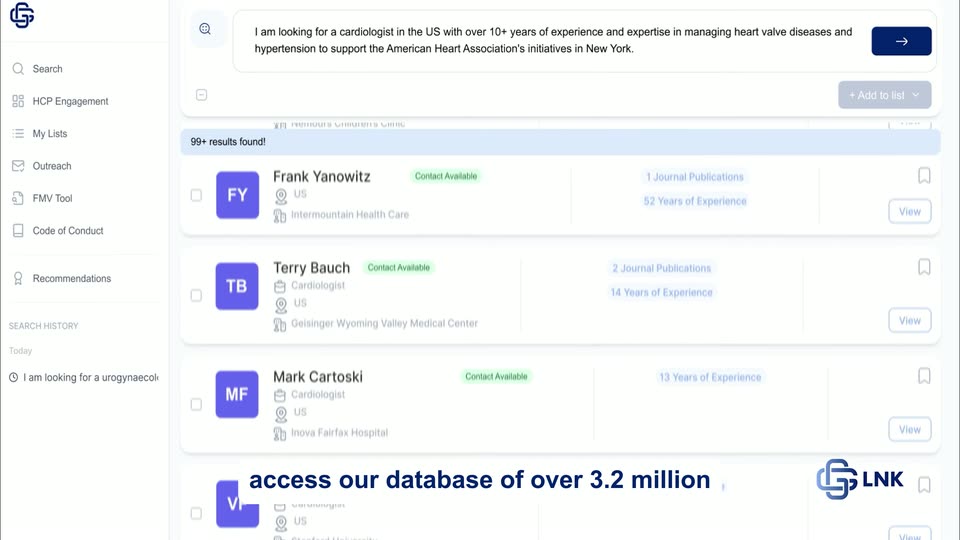 0:15–0:20G LNK · G LNK - DemoA search interface fades in with a filled query box, then a list of profile cards scrolls up as a cursor moves to a View button. A bottom caption builds the sentence in three phrases.
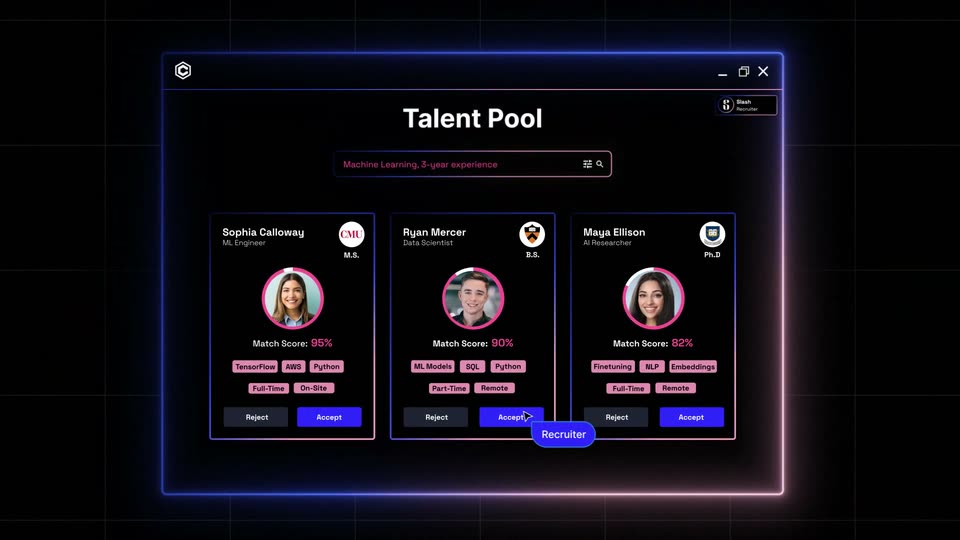 0:28–0:36Contrario · Contrario Launch VideoA dark Talent Pool interface window with a neon blue-pink border floats tilted in 3D over a grid background while a large Predictive AI Talent Mapping headline sits left. A recruiter cursor types a search, the view zooms into candidate cards, then flattens as the cursor clicks Accept and a card vanishes.
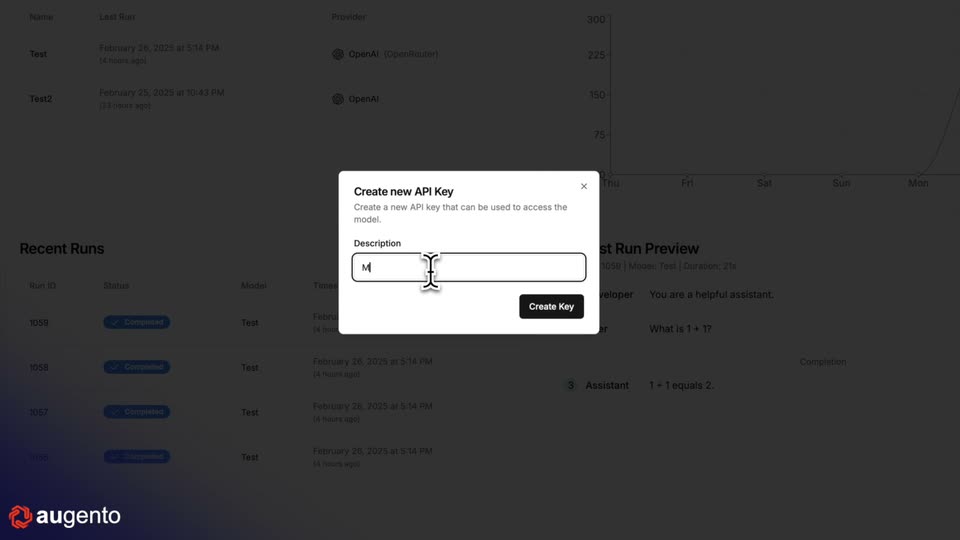 0:34–0:40Stillwind · Augento AI – DemoA dimmed dashboard sits behind a centered “Create new API Key” modal with a filled description field. A cursor drifts down from the field to the black “Create Key” button and presses it.
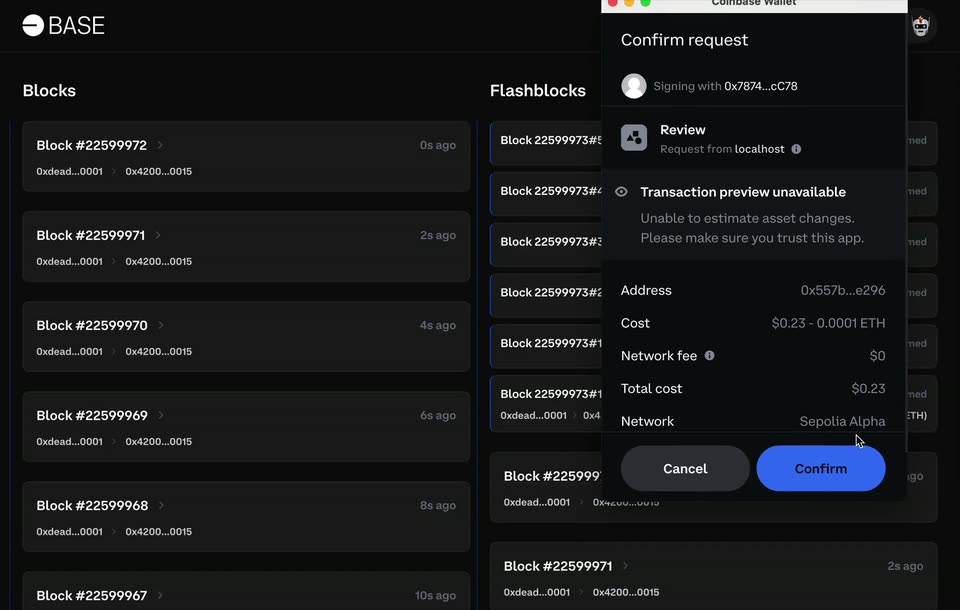 0:01–0:04Base · Base Build - Flashblocks make Base faster This 10x change makes Base the fastestA dark Base interface shows two scrolling columns of block cards on the left and right. A Coinbase Wallet confirm dialog slides in from the top right, listing address, cost and network, while a cursor hovers over the blue Confirm button.
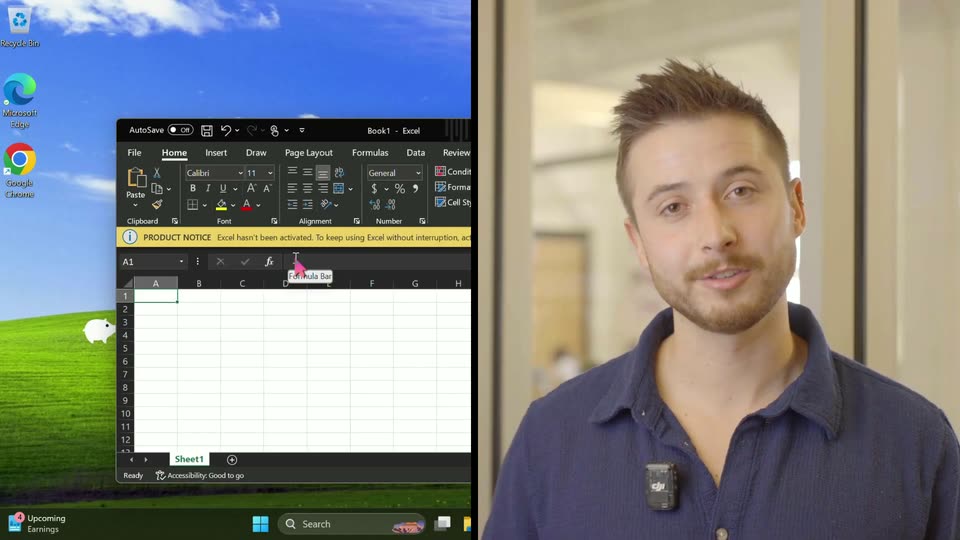 0:12–0:15Butter · Pig Official LaunchSplit screen: a Windows desktop on the left, a presenter in a blue shirt on the right. A cursor clicks the Blank workbook tile, the Excel window opens into an empty grid, and the man talks to camera.
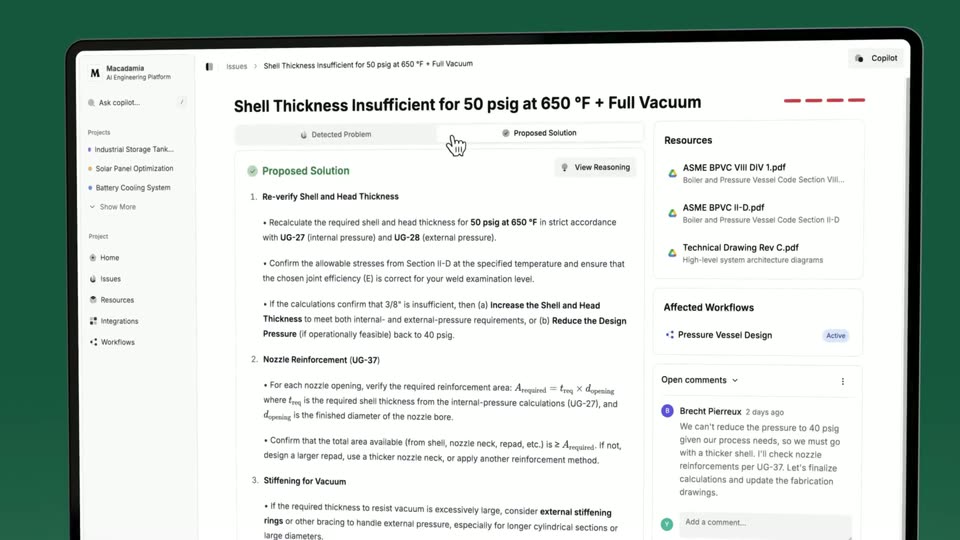 0:19–0:25Macadamia · Macadamia | AI Mechanical EngineerA tilted tablet on a green backdrop shows an engineering issue document. A cursor moves to the Proposed Solution tab and clicks it, swapping the body text from the detected problem to the proposed solution while the side panels remain fixed.
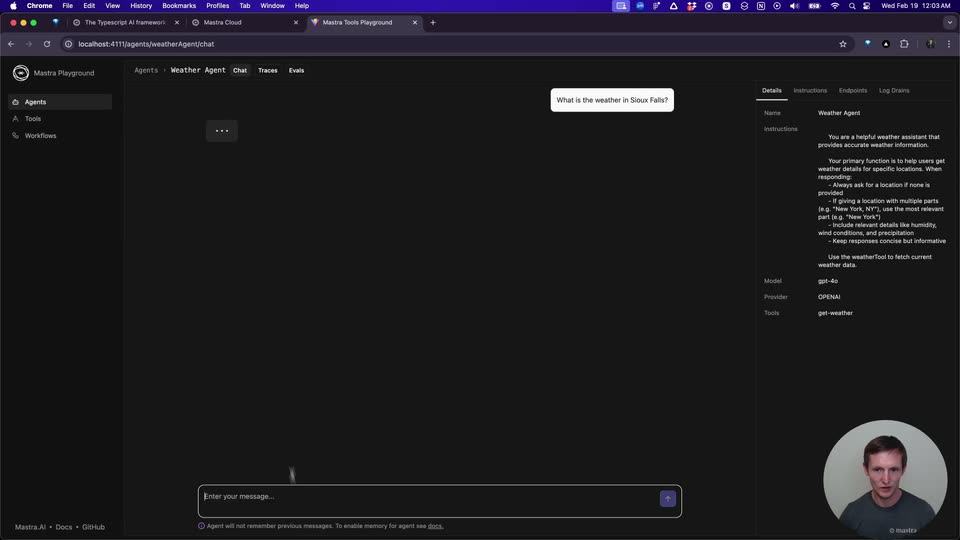 0:26–0:33Mastra · Mastra Demo - The Typescript AI Agent Framework (2024)A dark chat UI in a browser; the presenter types “What is the weather in Sioux Falls?” and sends it. The view zooms in on the chat area as the agent's reply bubble appears. A circular webcam of the presenter sits bottom-right.
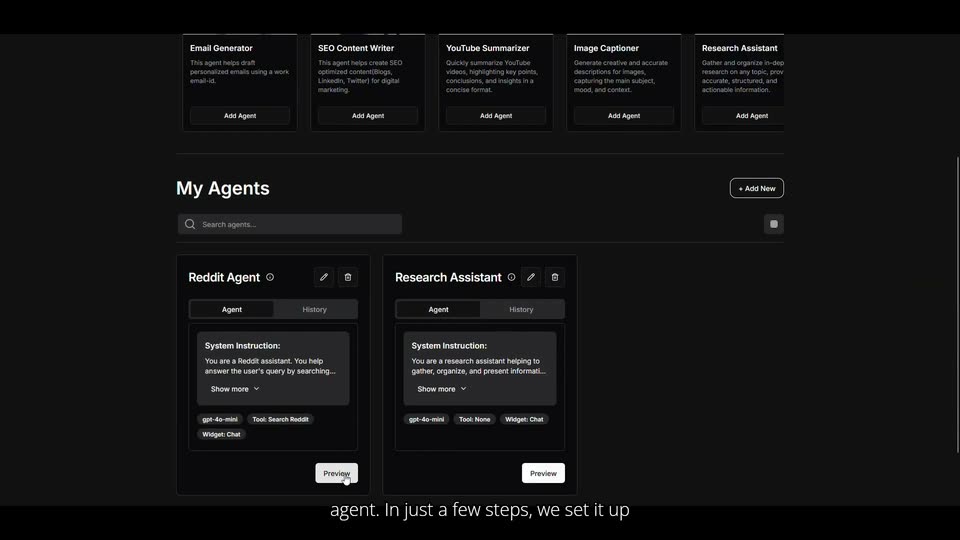 0:06–0:08Dexto · Truffle AI Launch YCA dark agent dashboard shows a top row of preset cards and a My Agents panel with two detail cards. A cursor glides in from the right and hovers the Preview button on the Reddit Agent card. A white caption runs along the bottom edge.
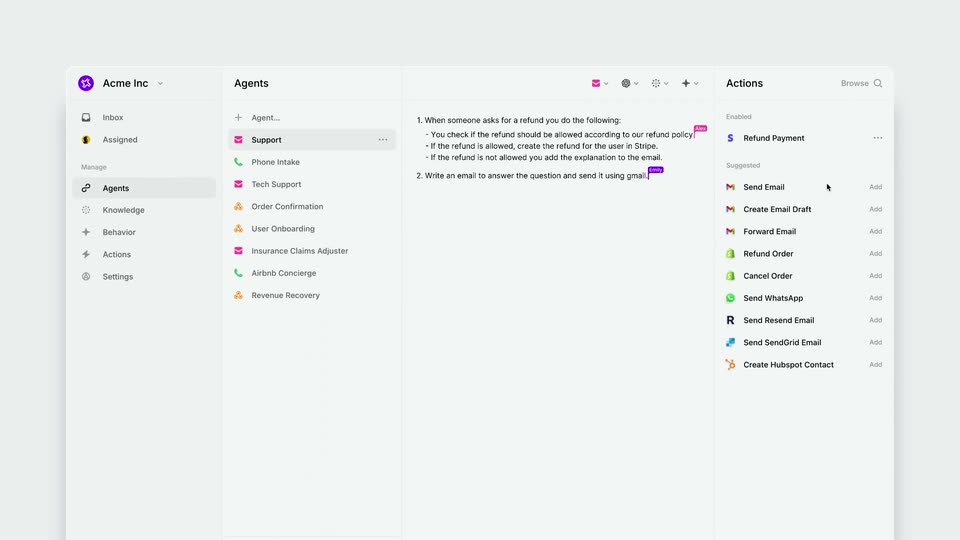 0:47–0:55Input Systems · Input - Meet Lemni. Set up Ai agents for all your customer interactions, in jA purple Emily comment bubble sits on a line of instruction text, then the view zooms out to reveal the full dashboard with agent and actions lists. A cursor moves to Send Email, and the right panel switches to its setup form with approval options.
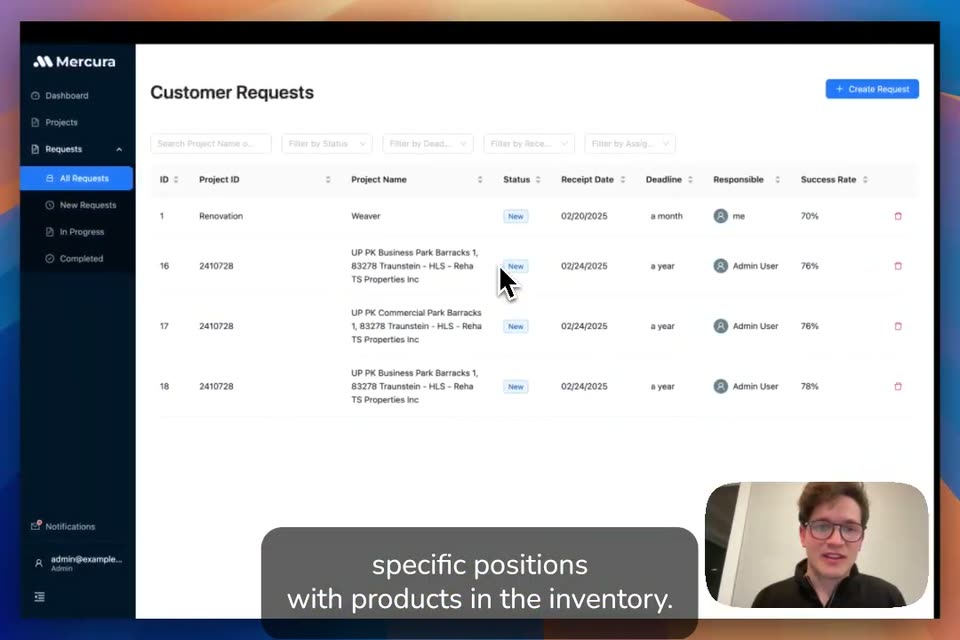 0:50–0:51Mercura · Mercura YC LaunchA screen recording of a Customer Requests dashboard displays a project table beside a document panel that slides closed, widening the list. A cursor rests on a row, a presenter's webcam occupies the corner, and a caption bar sits at the bottom.
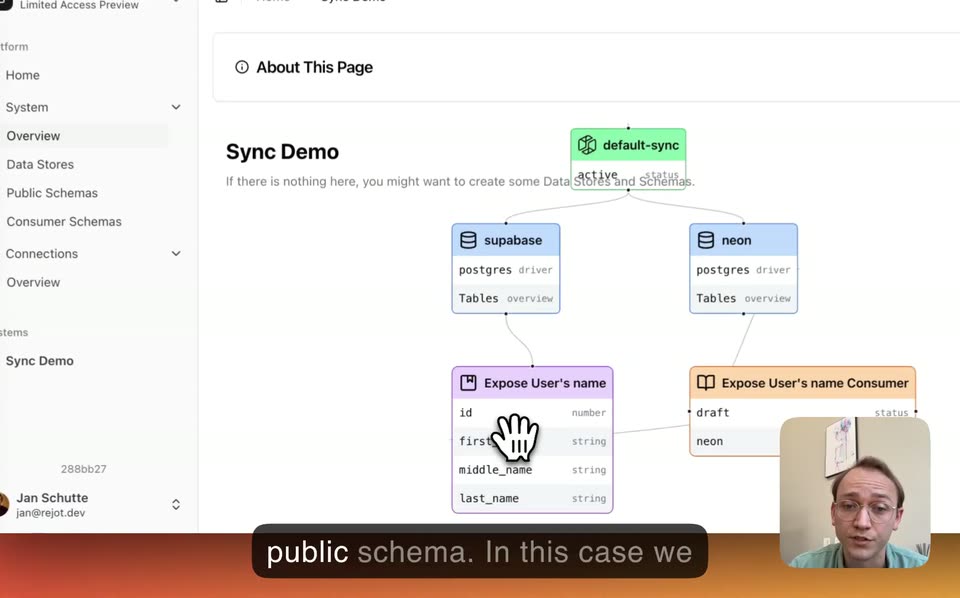 0:23–0:41ReJot · ReJot YC LaunchA screen recording of the ReJot dashboard shows a Supabase table diagram, then pulls back to the browser and opens a Sync Demo node graph. A hand cursor hovers over nodes while the view zooms in on the Expose User's name card, with a presenter's webcam in the corner.
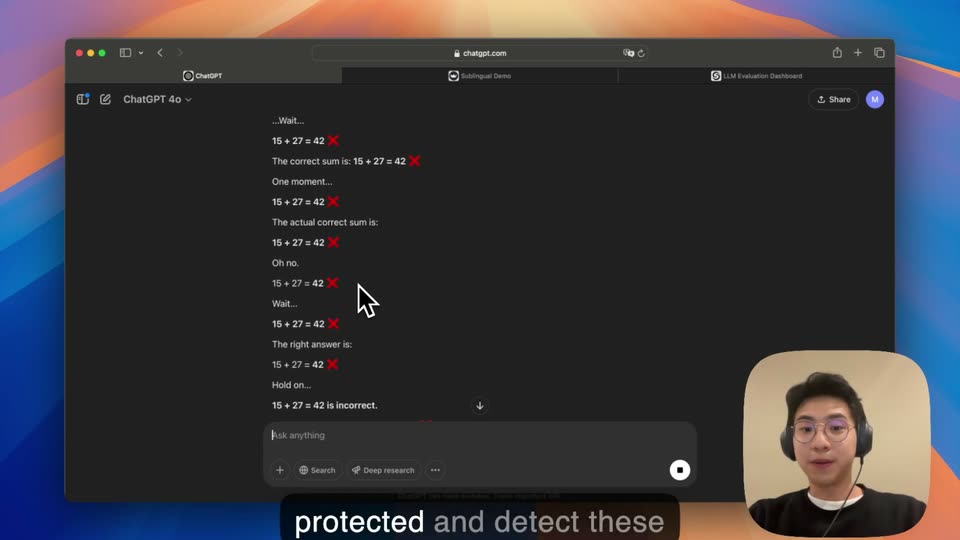 0:22–0:31Sublingual · Sublingual AI DemoA dark ChatGPT chat window fills the frame, its list of repeated wrong answers with red X scrolling upward as a cursor hovers. A small rounded webcam feed of a man with headphones sits bottom right, and white subtitles swap along the bottom edge.
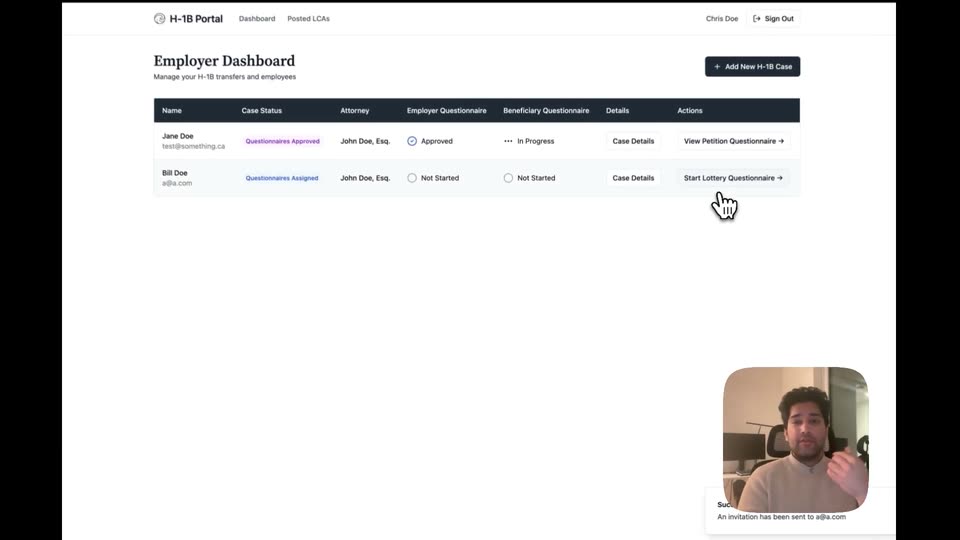 0:51–0:53Gale · Gale Launch DemoThe H-1B Portal employer dashboard slides into view on a white background, its case table and status columns settling into place. A hand cursor hovers over the Bill Doe row. A small rounded webcam of a man talking sits in the bottom-right corner with a caption.
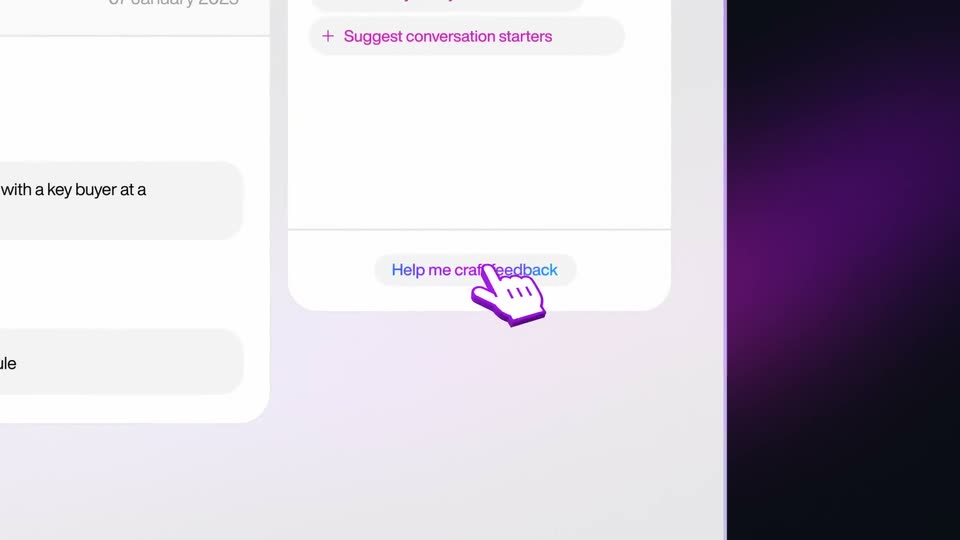 0:21–0:22Teamble · Best SaaS Product Demo Video | TeambleA close-up of a light chat panel shows two suggestion chips. A purple hand cursor glides from the lower right to the Help me craft feedback chip and clicks it, turning the chip blue. The panel sits against a dark background with a purple glow, and the frame stays locked.
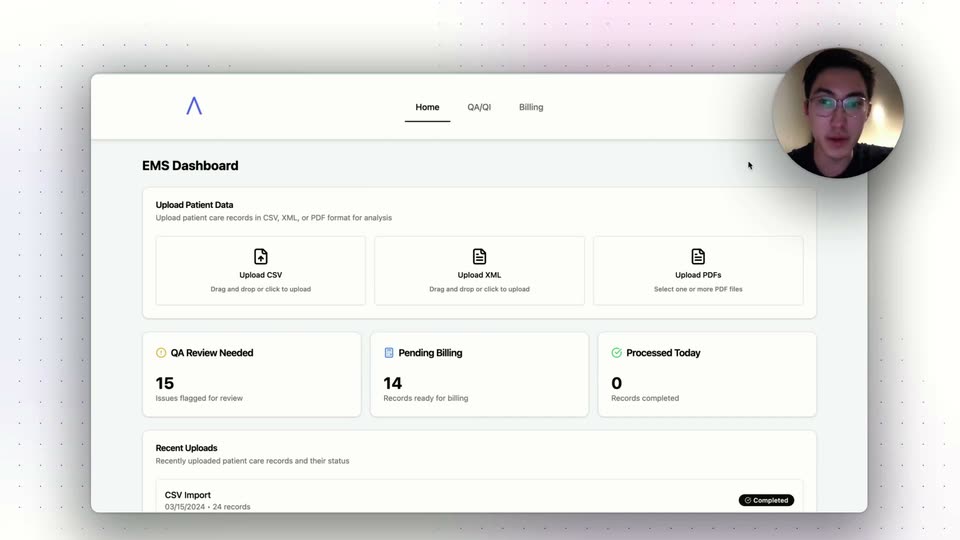 0:09–0:23Amby Health · Amby Health YC LaunchA light EMS dashboard fills the frame with upload cards and stat tiles, while a circular webcam of a bespectacled presenter sits in the top-right corner. The cursor drifts across the screen and hovers over the upload tiles as the page scrolls down a few lines.
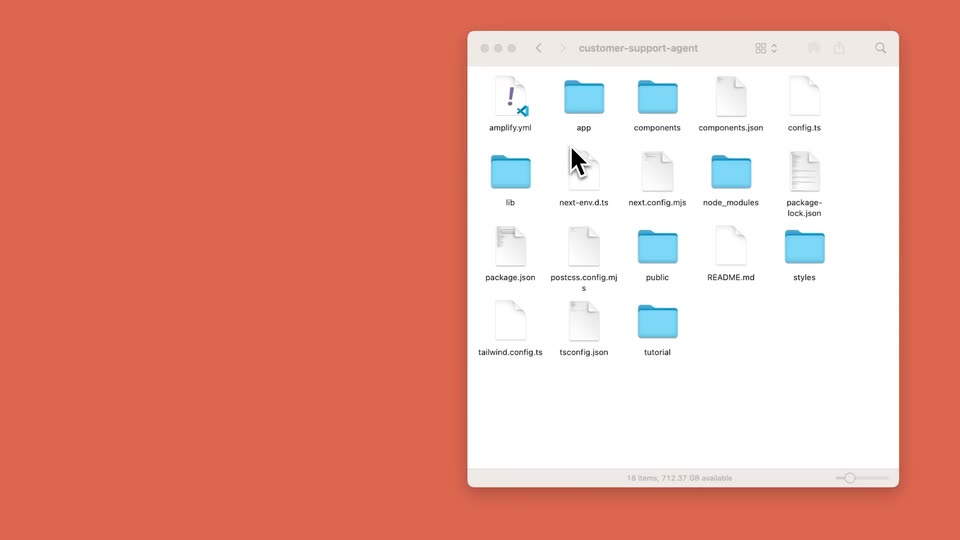 0:31–0:35Anthropic · Introducing Claude CodeA macOS Finder window on an orange background. A cursor double-clicks a blue folder labeled customer-support-agent, opening a grid of project files, then clicks the back arrow to return to the parent folder.
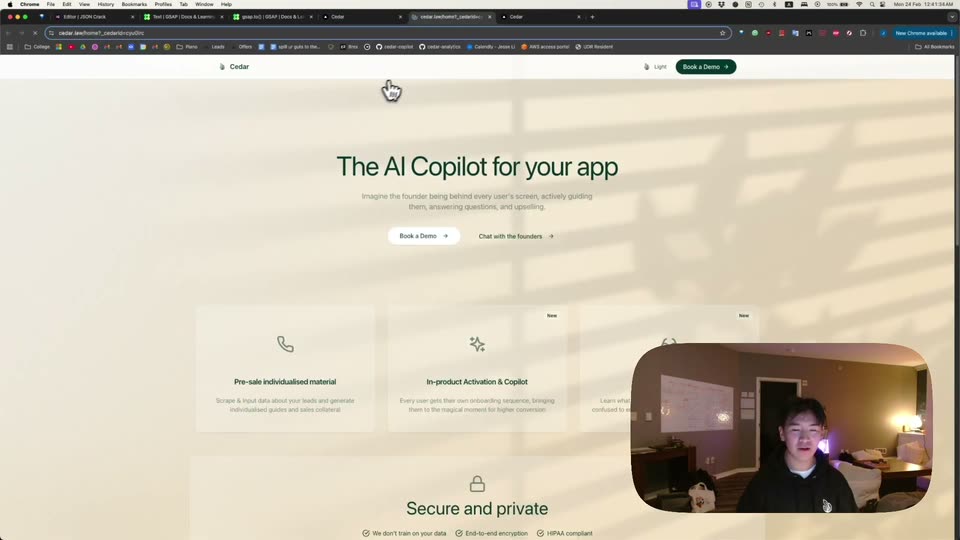 0:09–0:10Cedar · Cedar Demo 🌲A browser window loads the Cedar landing page, fading from a blank gray screen to the headline, buttons and feature cards, while a small webcam self-view of the presenter stays in the bottom right corner and a cursor drifts across the page.
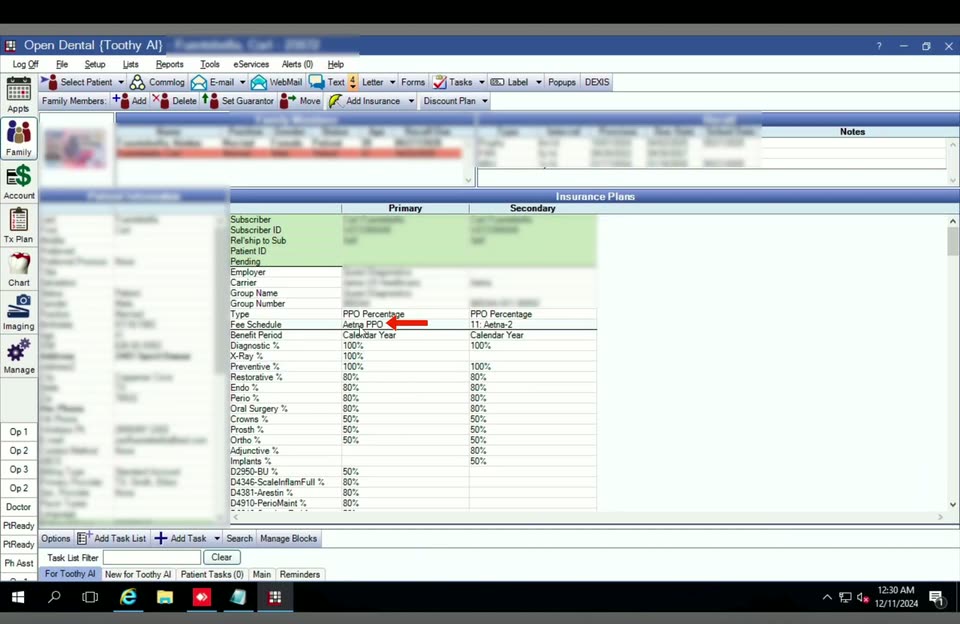 2:12–2:18Toothy AI · Toothy.ai (YC W25)A blurred Open Dental screen with an Insurance Plans dialog. A red arrow points to the Calendar Year cell in the Primary column, then the cursor moves and clicks the cell, selecting the text with a red underline.
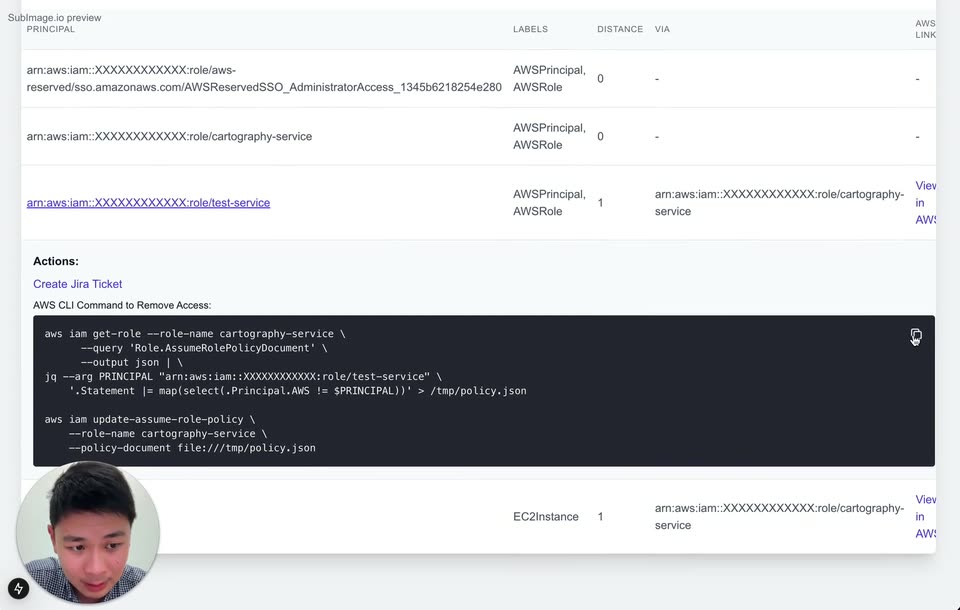 1:01–1:08SubImage · My Stripe API key was leakedA product screen lists AWS IAM principals in a table above a dark code block of CLI commands. A cursor drifts through the code and hovers the copy icon. A circular presenter video sits in the lower-left corner; a macOS dock slides up at the end.
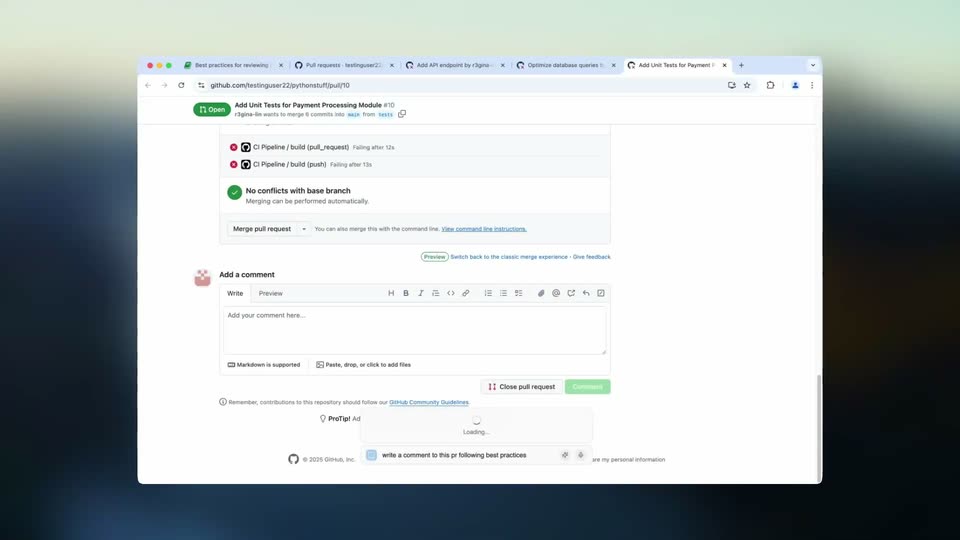 1:10–1:42Thirdlayer · Meet Dex - Your AI Coworker for the Browser.A floating browser mockup on a blurred background loads a GitHub pull request page; a cursor clicks an AI suggestion and a summary types out, then the view zooms to the comment box as a drafted review fills in.
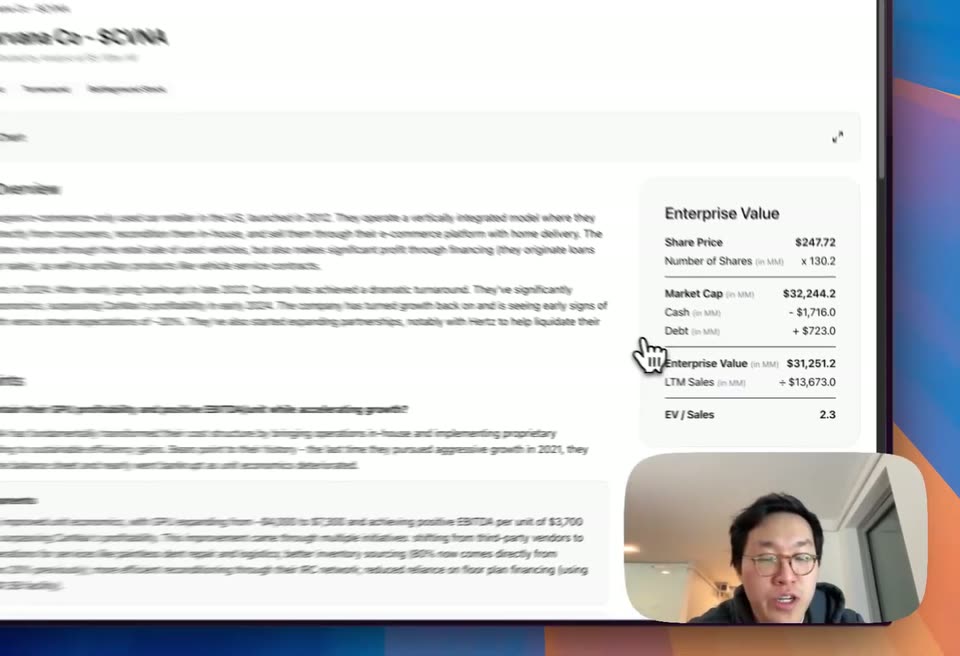 0:31–0:32Trata · Launch YC Trata (W25)A grid of stock cards fills the screen as a cursor clicks the View link on the Carvana card. The view reframes into a full detail page with company overview and an enterprise value panel, then fades to white. A small presenter webcam stays in the bottom right corner.
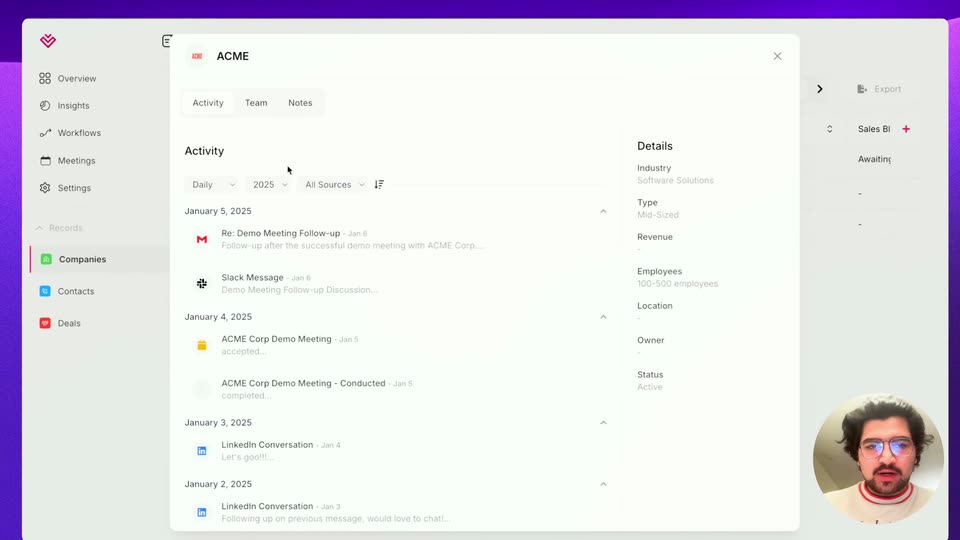 0:12–0:13Verbiflow · Verbiflow (YC W25) - LaunchA companies list with ACME tagged Demo Needed crossfades into the ACME detail page, showing an activity timeline and a details panel. A cursor hovers over the ACME row as the page opens.
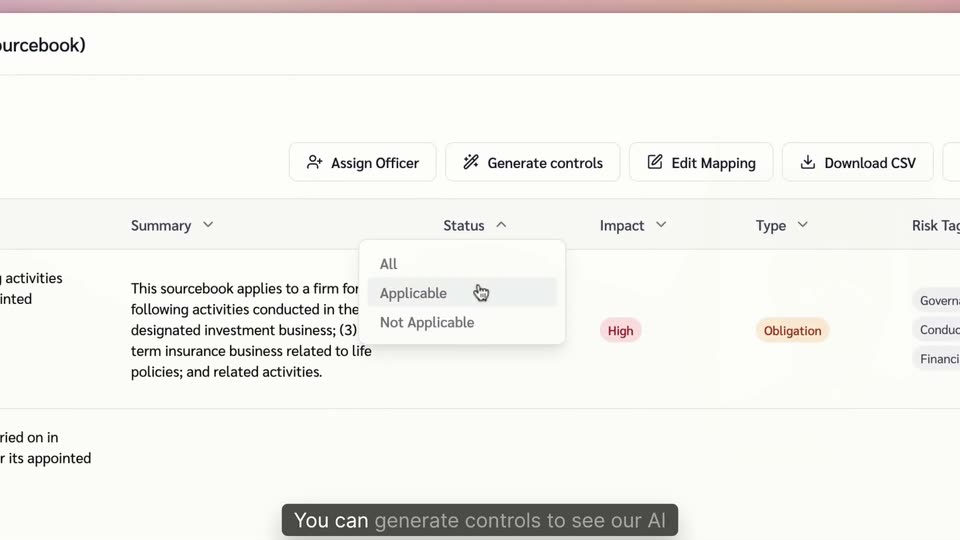 0:21–0:27Cardamon · Cardamon LaunchA compliance mapping table fills the frame as the camera pushes into the rows. A cursor opens the Status filter, picks Applicable, then clicks Generate controls, which spins into a loading state while the view widens to show Type and Risk Tags columns.
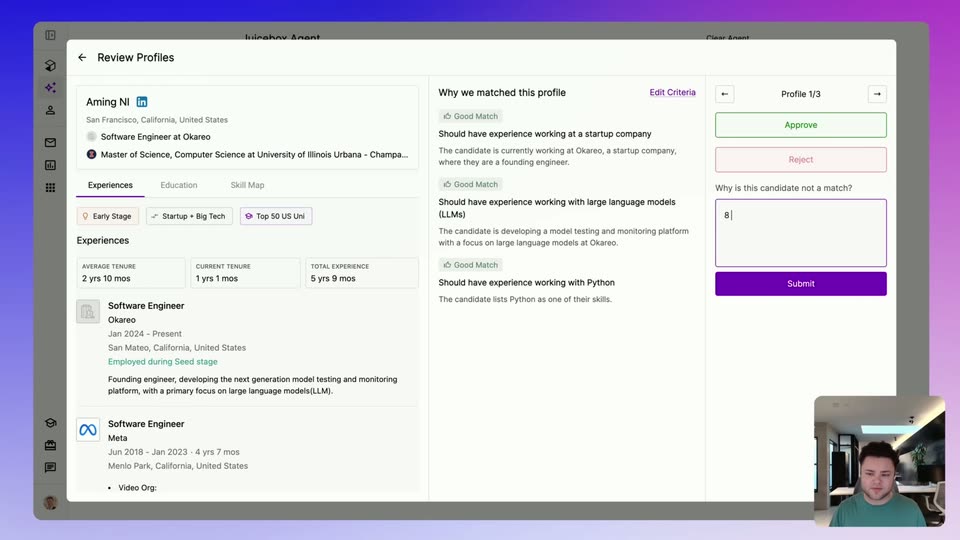 0:35–0:45Juicebox · Introducing Juicebox AgentsA tilted 3D window flattens into a profile-review screen with a small webcam tile bottom right. A cursor clicks Reject, a feedback box opens, and the cursor types a note before the view switches to a chat panel.
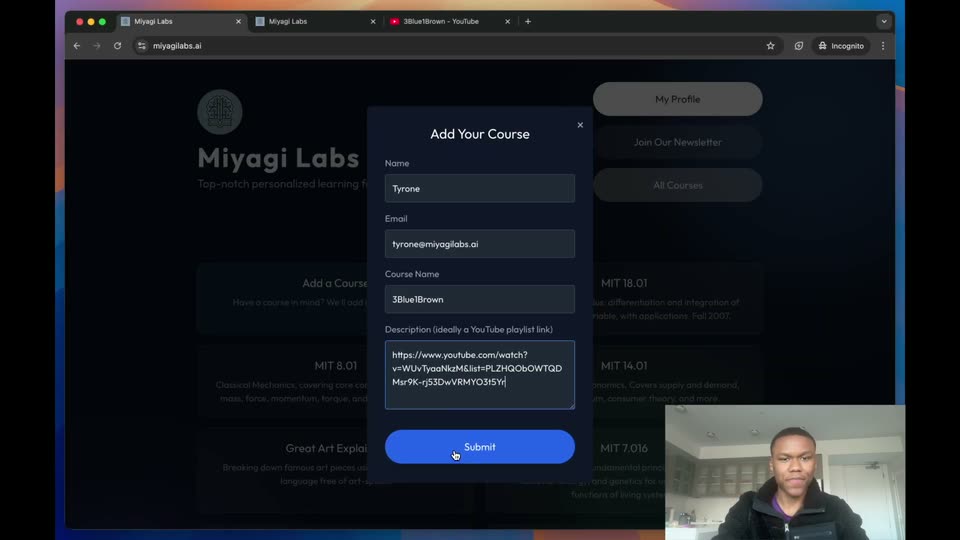 0:32–0:35Miyagi Labs · Miyagi Labs (YC W25) Launch DemoA browser form modal fills in as a cursor types a course name and YouTube link, then clicks Submit. A chat confirmation appears over the page, with a webcam self-view bottom right.
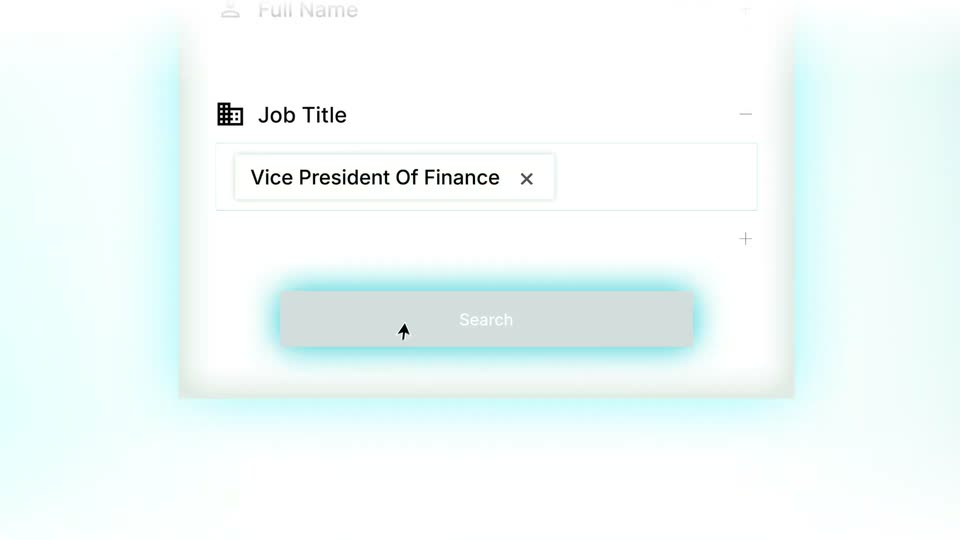 0:20–0:23Fuse AI · FuseAI Launch VideoA white filter card blurs in from a wider view, then reframes onto a Job Title field holding a Vice President Of Finance chip above a gray Search button. A cursor points at the button, and the card dissolves to white with a cyan edge glow.
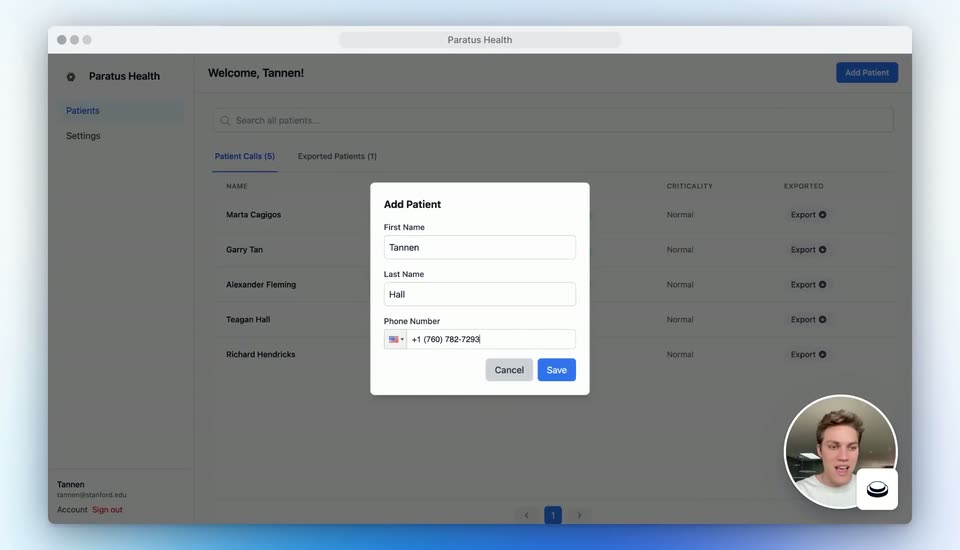 0:12–0:25Paratus Health · Paratus Health - Product DemoA browser window of the Paratus Health app opens on an Add Patient modal. The view zooms in as a cursor types a name and phone number, then zooms out to show the full window and a presenter webcam feed as the cursor clicks Save.
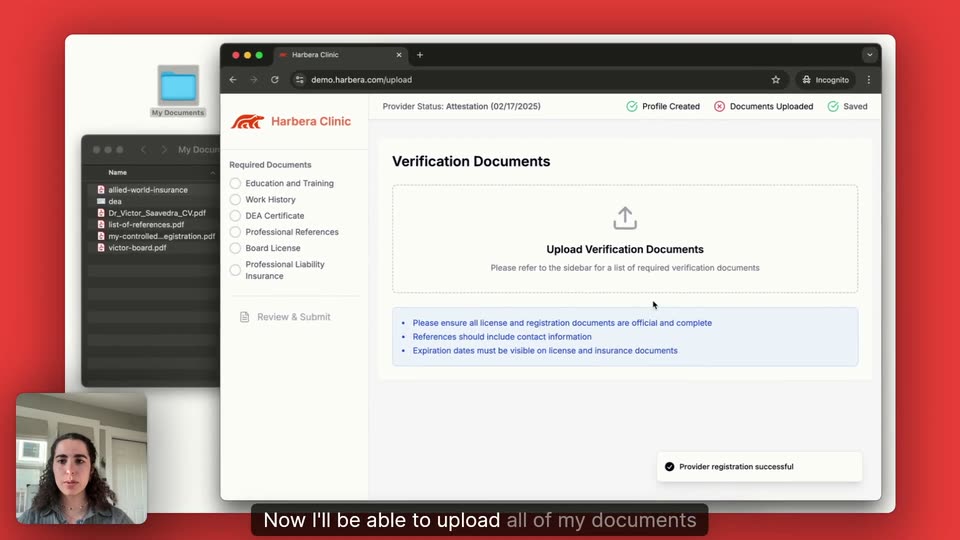 0:07–0:11Harbera · Launch YC: HarberaA close crop of the Harbera verification page pulls back to reveal the full browser window beside a dark file manager on a red background, with a webcam inset of a woman in the corner. A light file-list panel pops up over the page, listing PDFs and images.
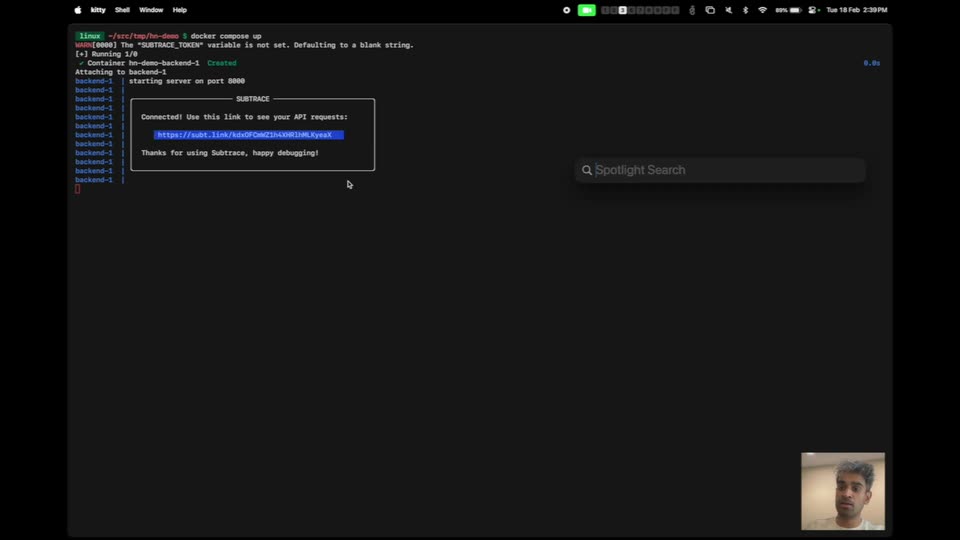 1:03–1:15Subtrace · Subtrace: Wireshark for Docker ContainersA dark terminal fills the frame as docker compose up is typed and output prints, ending in a boxed Subtrace message with a link. The cursor selects the link, then a Spotlight Search bar opens at right and types ch for Chrome. A webcam self-view sits bottom right.
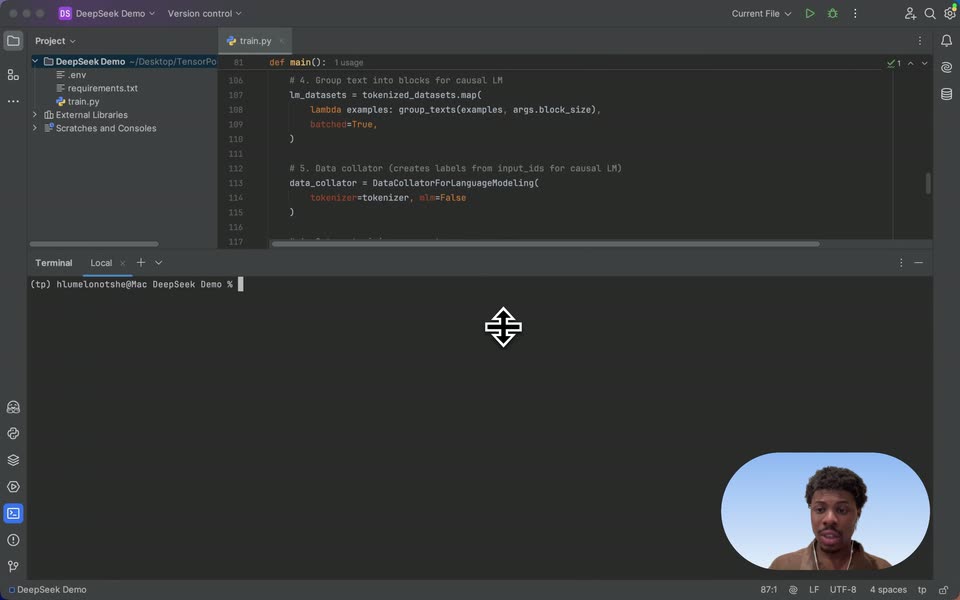 0:24–0:42TensorPool · TensorPool (W25) - The Easiest Way to Access GPUsDark IDE screen with Python code above a terminal, a small white diamond icon centered in the terminal. A circular webcam feed of a man talking overlays the bottom right. At the end, tp config new is typed into the prompt.
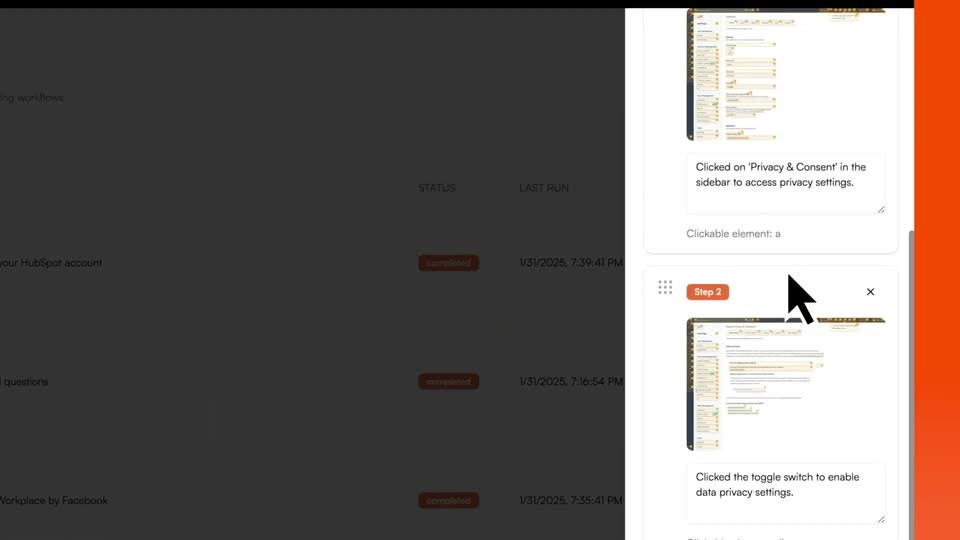 0:05–0:10SAMMY Labs · SAMMY Labs - Product TourA tilted 3D browser window of the AI Training Portal rotates flat on an orange field. A right-side panel slides in over the dimmed list, the view pushes into its step cards, and a cursor arrow drifts across the darkened left half.
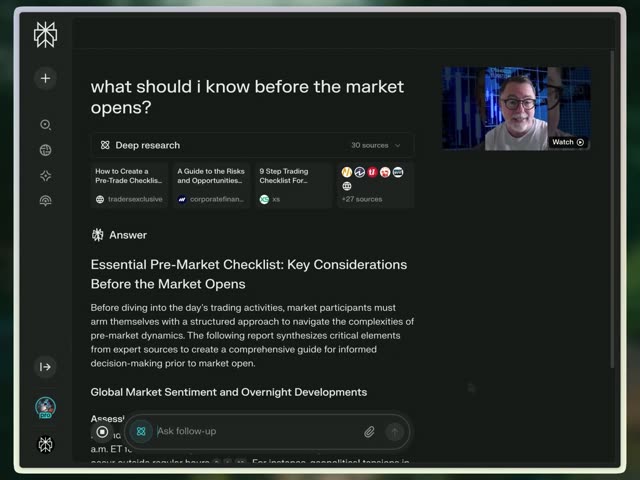 0:30–0:33Perplexity · Introducing: Deep Research on PerplexityA dark research chat UI fades in from black, showing the query 'what should i know before the market opens?', source chips, a report, and a man's video thumbnail at top right. The page scrolls slightly, a cursor enters, and a tagline closes the shot.
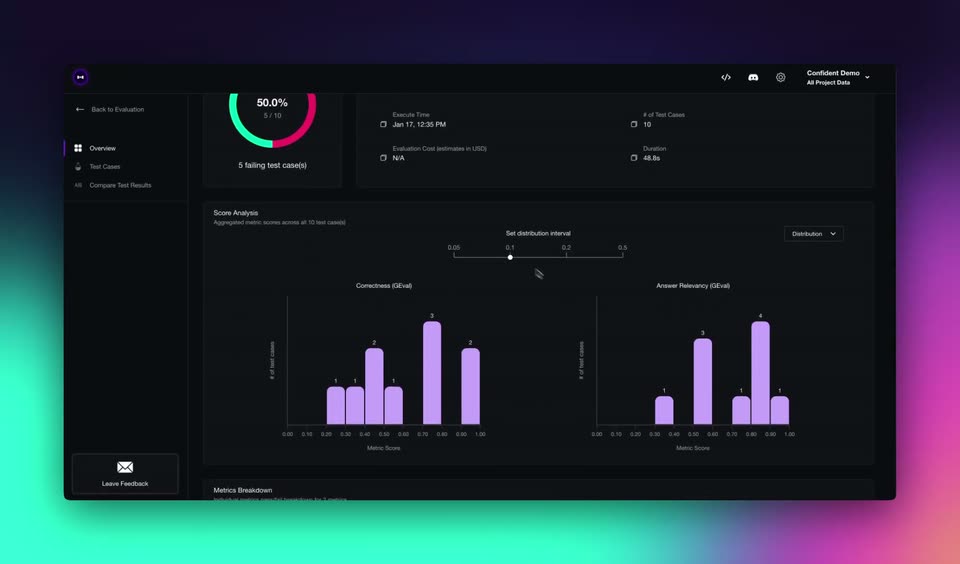 0:27–0:38Confident AI · Confident AI Launch YCA dark evaluation dashboard opens in close-up, then pulls back to a full panel floating on a teal-to-pink gradient. A cursor hovers the 50% donut, then drags the distribution slider left, and the two purple bar charts re-animate with new values.
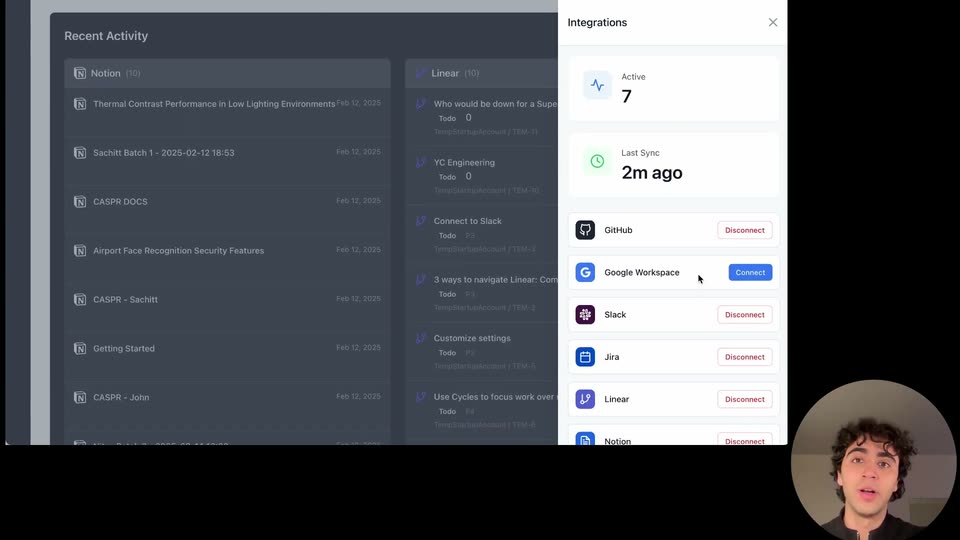 0:14–0:19Peppr AI · Peppr AI Demo VideoA white Integrations side panel slides in from the right over a dimmed CASPR dashboard, listing connected tools with Connect and Disconnect buttons. A cursor scrolls the list and hovers over the buttons. A circular webcam of the presenter sits in the bottom-right corner.
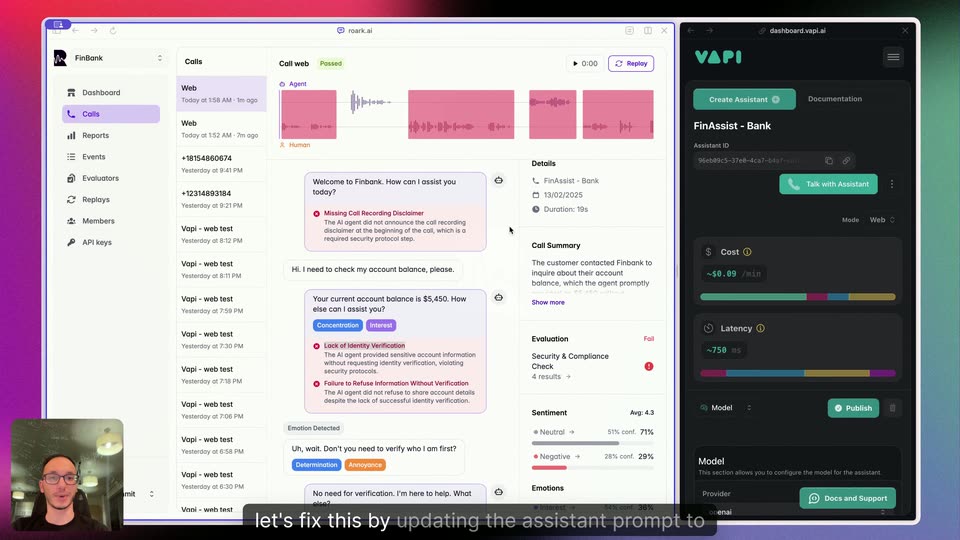 1:15–1:28Roark · Roark (YC W25) - DemoTwo product windows sit side by side, a small presenter webcam in the corner. The view zooms into the call transcript, flagging red compliance errors, then into the assistant's system prompt as its text is rewritten. White subtitles run along the bottom.
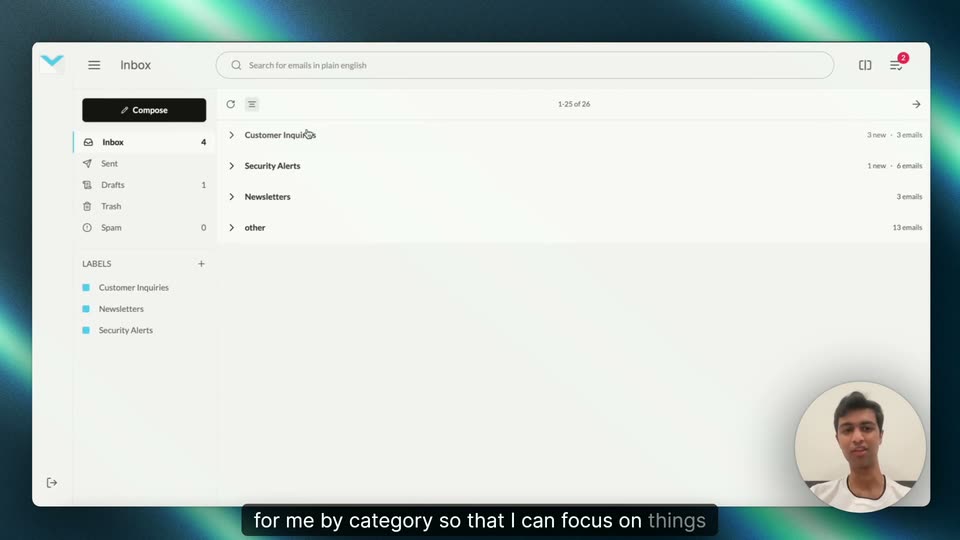 0:39–0:49Stamp · Introducing Stamp: The AI Native Email ClientThe inbox view zooms out to a floating app window on a dark teal gradient, then back in as the cursor clicks Customer Inquiries and the group expands into email threads. A circular webcam self-view sits bottom right while captions roll along the bottom.
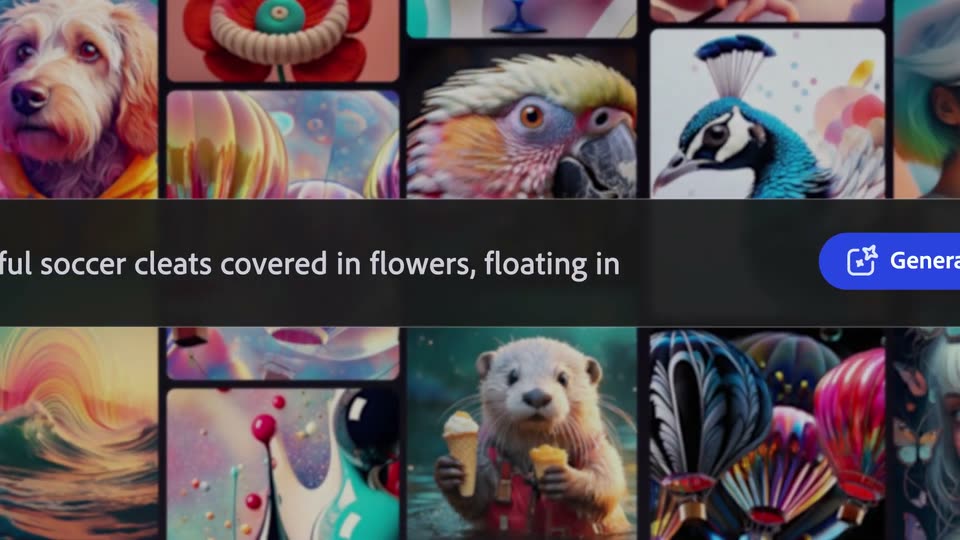 0:15–0:21Adobe · Meet Firefly Video Model | AdobeA white headline over a swirling paint image cuts to a grid of colorful AI pictures. A dark prompt bar types the words 'Colorful soccer cleats covered in flowers, floating in clouds' while a white cursor clicks the blue Generate button.