Cursor demo
A visible cursor operates the interface.
15,090 scenes · page 81 of 252
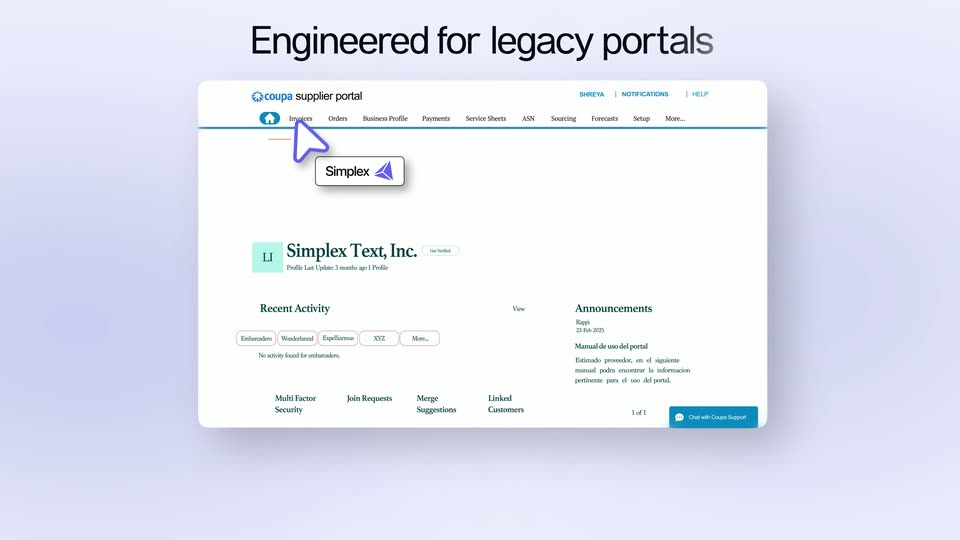 0:07–0:08Simplex · Simplex Launch VideoA headline reads above a flat Coupa supplier portal mockup that snaps from a ghosted double-exposure into full clarity. A cursor with a Simplex tooltip glides in from the left and rests near the top of the page.
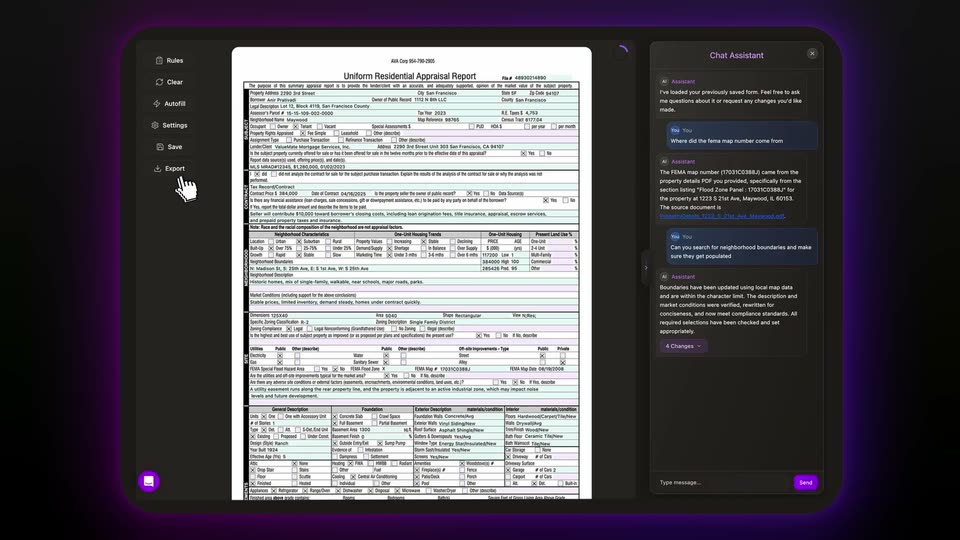 0:21–0:23ValueMate · ValueMate: Automating Real Estate Appraisals with AIA locked-off dark interface window holds a centered appraisal report form, a left menu column and a right chat panel. A hand cursor glides to the Export item, which lights up with a purple glow.
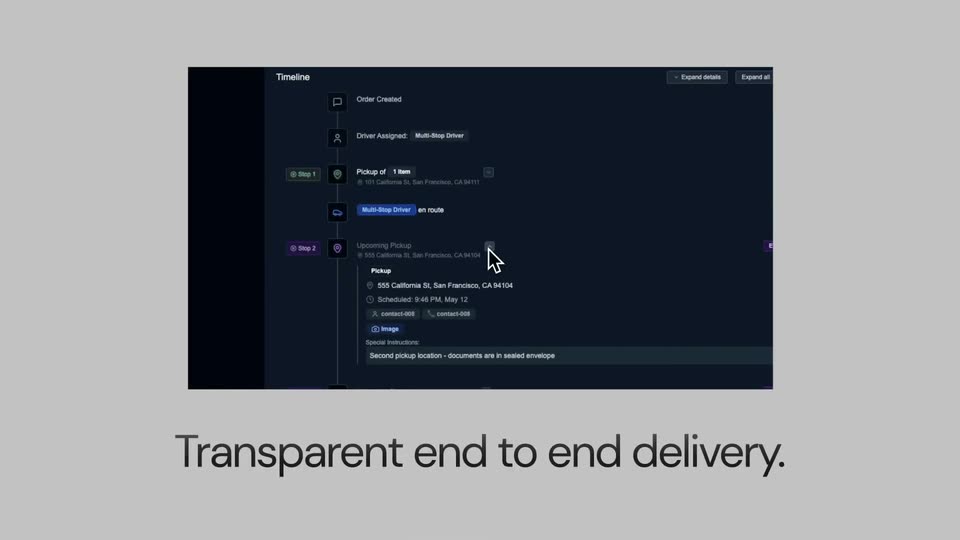 0:18–0:22chrt · chrt YC LaunchA dark delivery timeline interface on a light gray background zooms in as a cursor clicks an upcoming pickup row, expanding its address and contact details. The view pulls back and the caption below crossfades from the first line to the second.
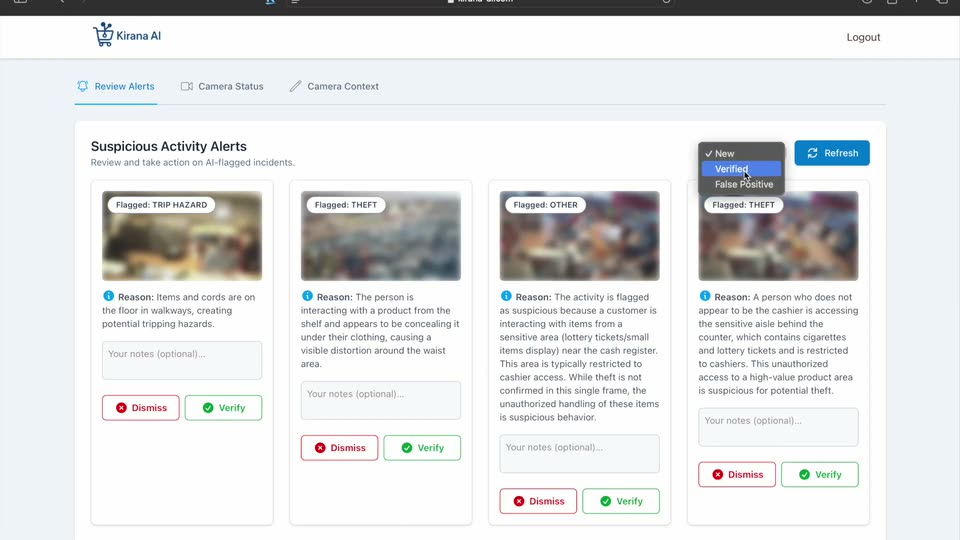 0:25–0:27Kirana AI · Kirana AI, Full-Stack AI Store ManagerA dashboard interface displays a row of four alert cards. A cursor moves to a dropdown menu in the top right and hovers over the Verified option as the first card loads a blurred store image.
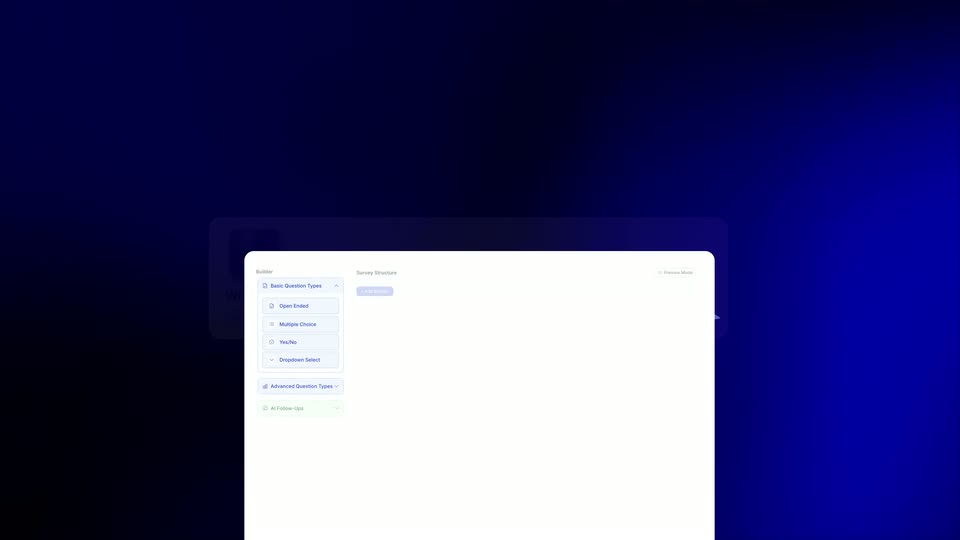 0:19–0:20stratify · Stratify Demo VideoA white rounded card slides in from the left over a deep blue gradient, then shifts upward to reveal a survey prompt and a row of icons. A second white panel with a question-type list rises from the bottom as a cursor hovers at the card's right edge.
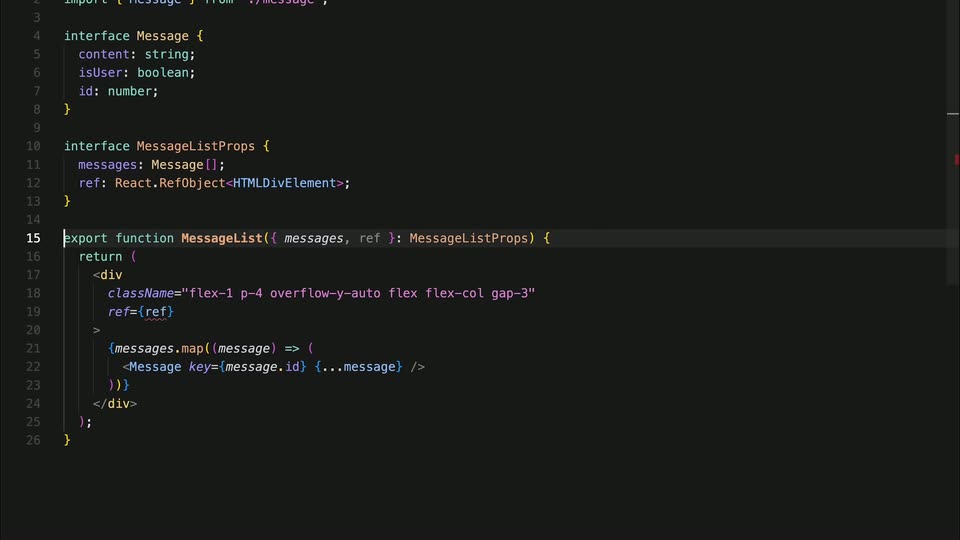 0:27–0:34Cursor · Cursor's largest update yetA dark code editor shows a TypeScript file as the caret jumps between lines. Ghost text previews the next edit on the right before it commits, and small 'TAB to jump here' hints pop up beside each stop while a bottom hint reads 'TAB to chat.tsx'.
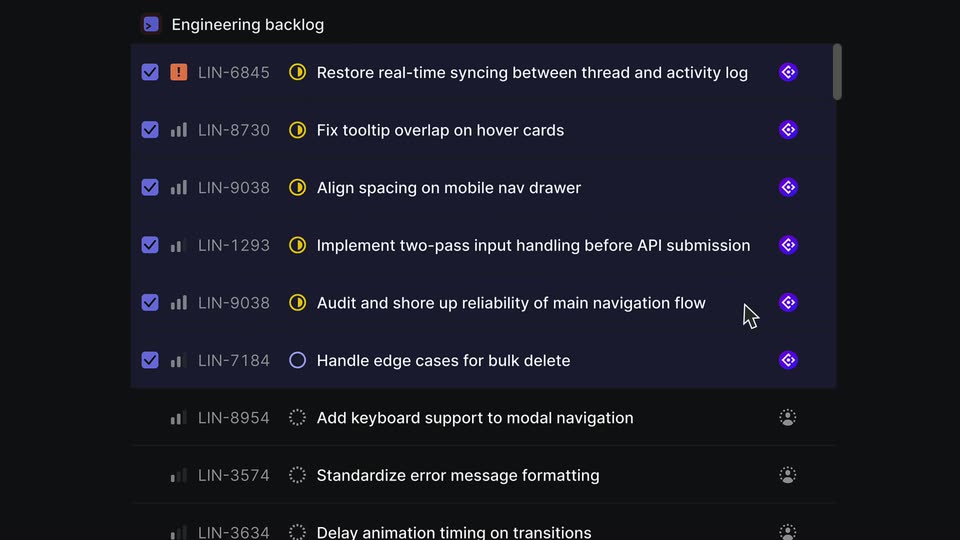 0:02–0:08Linear · Introducing Linear For AgentsThe screen shows a dark task management interface with a list of issues. A mouse cursor opens a dropdown menu to assign tasks to an application, then the selected items update with checked boxes and priority icons that change color.
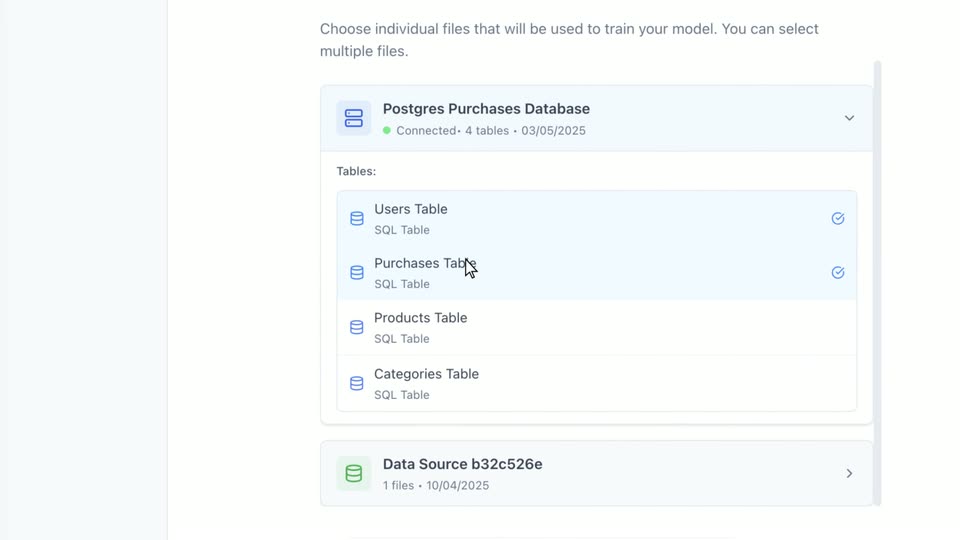 0:27–0:31Plexe · Plexe AI Launch VideoA product interface shows a database table list. A cursor moves down the rows, checking the Users and Purchases tables, then the view zooms in and scrolls to a blue Next button, which the cursor clicks.
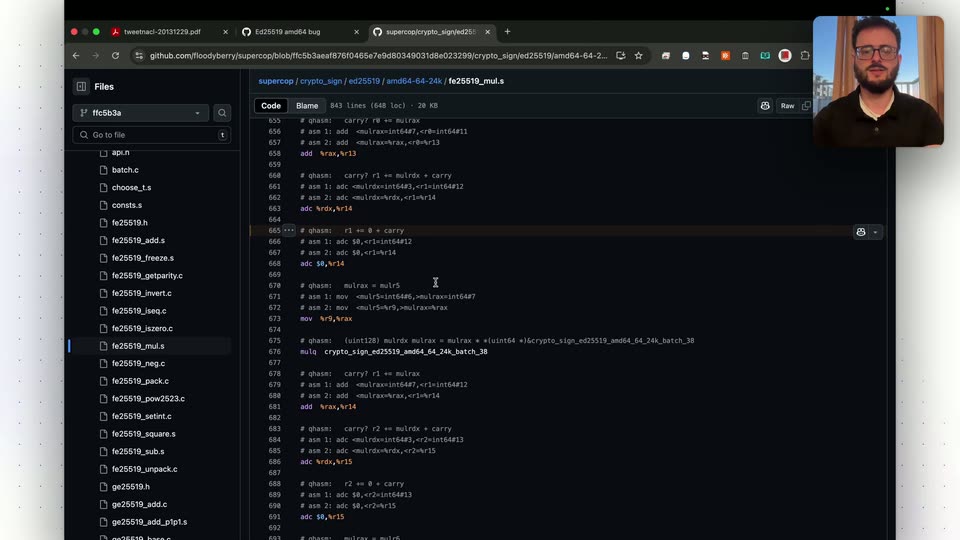 0:19–0:26Theorem · Uncovering Zero-Day VulnerabilitiesA GitHub page displays assembly code with a file tree on the left and a highlighted line in the middle. A webcam of the presenter occupies the top-right corner. A cursor drifts over the code, then the screen cuts to a code editor terminal.
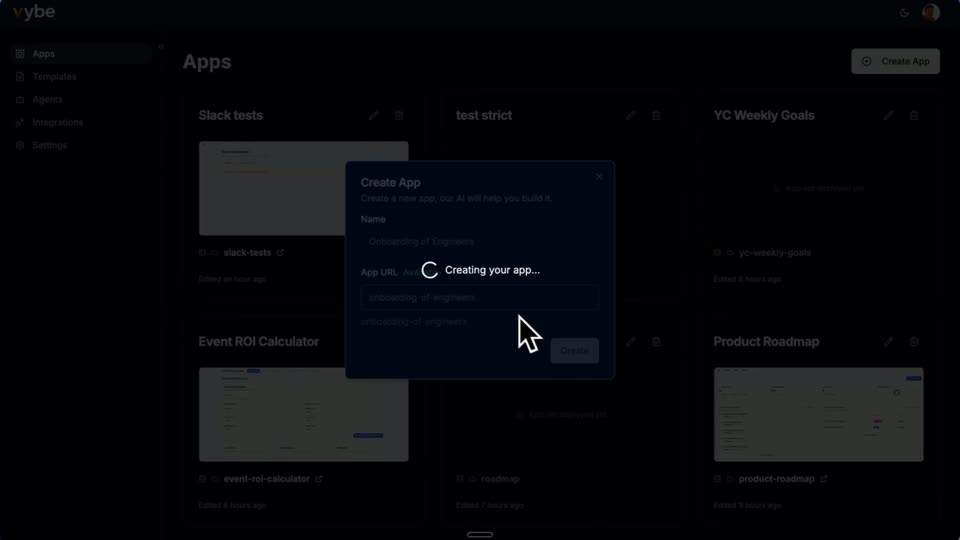 0:37–0:43Vybe · Vybe Demo - Build internal apps 10X fasterA dark dashboard with a grid of app cards sits behind a centered Create App modal. A white cursor clicks the button, types a name into the field, picks an autocomplete suggestion, then presses Create as a spinner reads Creating your app.
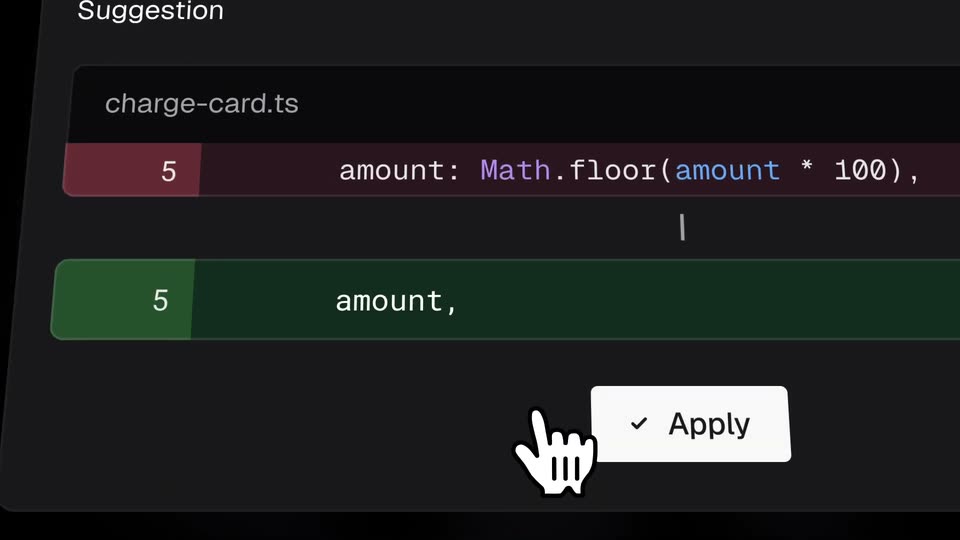 0:32–0:35cubic · Introducing cubic.devA dark code-review interface shows a bot comment card sliding in at the top, then the view zooms into a red-and-green code diff as a white Apply button fades in. A cartoon hand cursor taps the button, and the diff resolves into the full corrected file.
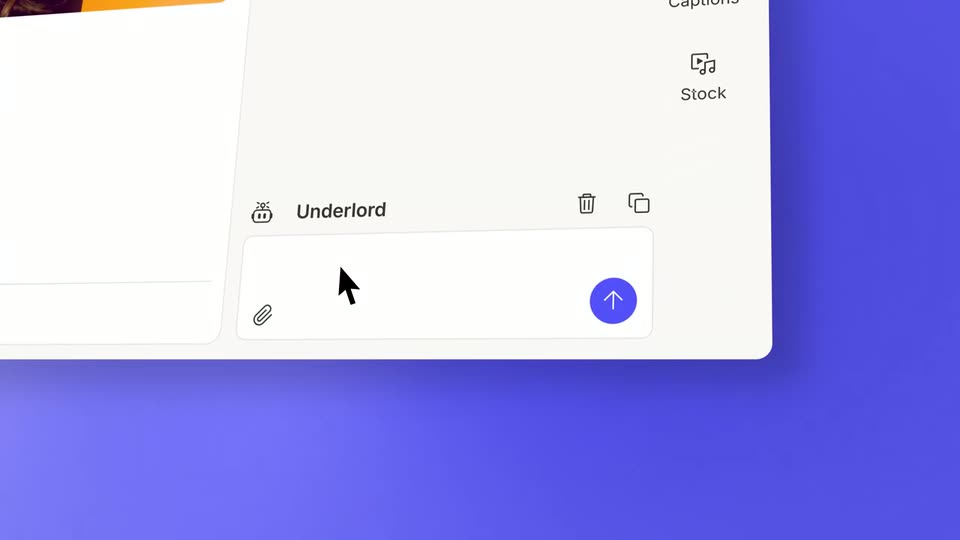 0:05–0:08Descript · Descript - Vibe editing is here. Any job, any video. Underlord’s got it.A tilted app window floats over a blue gradient. The camera slides down to the Underlord chat bar, where a cursor clicks the input field and types “Can you...” next to a purple send button.
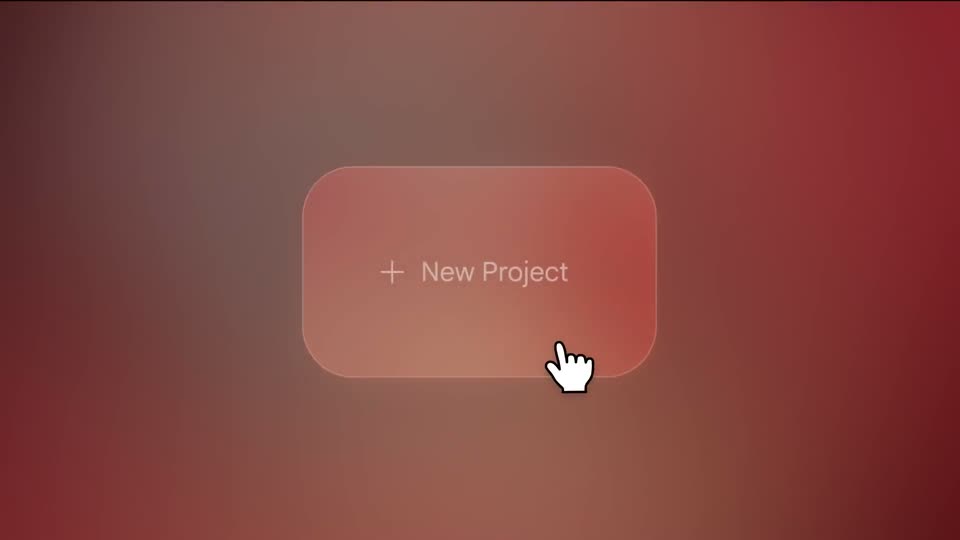 0:22–0:23Google · Introducing Flow | Google’s New AI Filmmaking ToolA white hand cursor clicks a rounded New Project button on a red gradient. The button expands into a wide input bar holding a dropdown and a text field, then the whole bar fades out into the background.
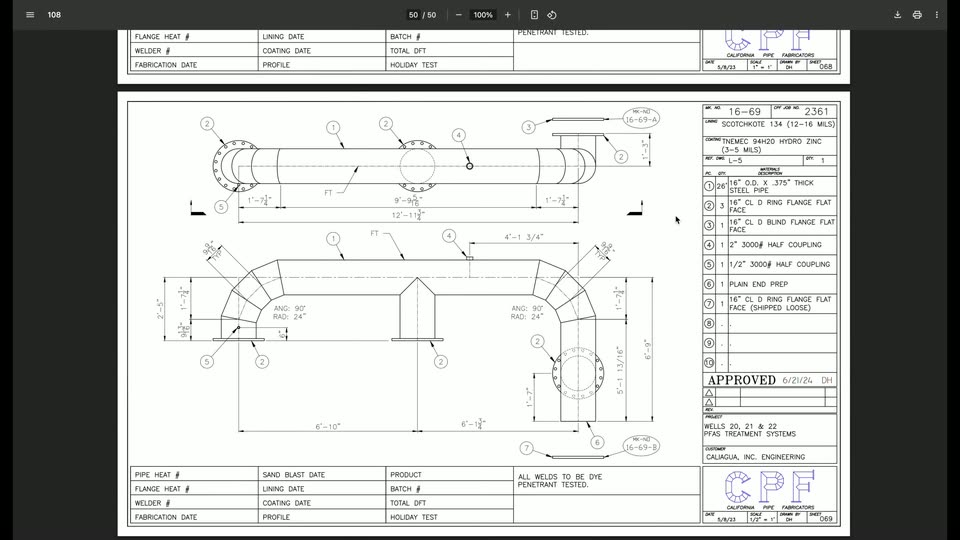 1:50–2:00Jeevy Fabrication · Introducing Jeevy FabricationA pipe spool technical drawing fills a document viewer. The view zooms into the materials table and title block on the right edge, a cursor drifts to the rows, then the view zooms back out to the full sheet.
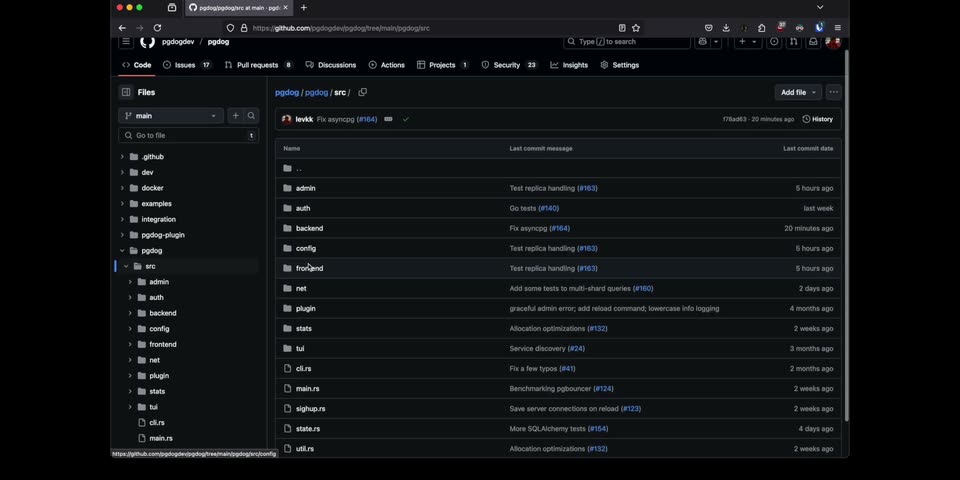 0:20–0:21PgDog · PgDog LaunchA dark GitHub page for the Pgdog repo opens on the project overview with its logo and right sidebar, then the view zooms into the source folder as a cursor clicks through subfolders, listing Rust files and commit messages.
 0:27–0:28Vesence · Vesence - Agentic AI for Transactional Law FirmsA dark rounded button reading Check sits on a white card, tilted in 3D perspective against a soft blue gradient. A blue cursor arrow hovers over the button, then drifts to the right, off the card. The frame stays locked.
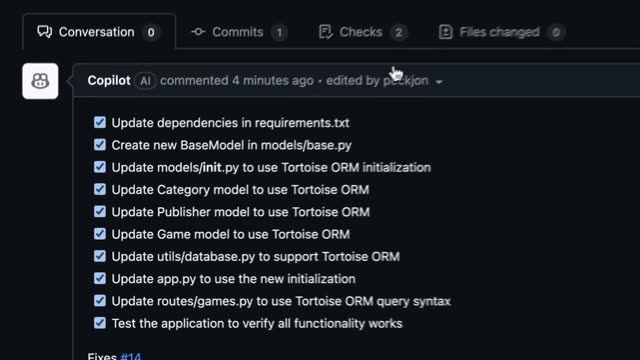 0:30–0:33GitHub · Introducing the GitHub Copilot coding agentA GitHub pull-request page opens under a large fading title overlay; the view zooms into the Copilot checklist as blue checkmarks fill in line by line, then zooms out to the full draft PR with every task ticked.
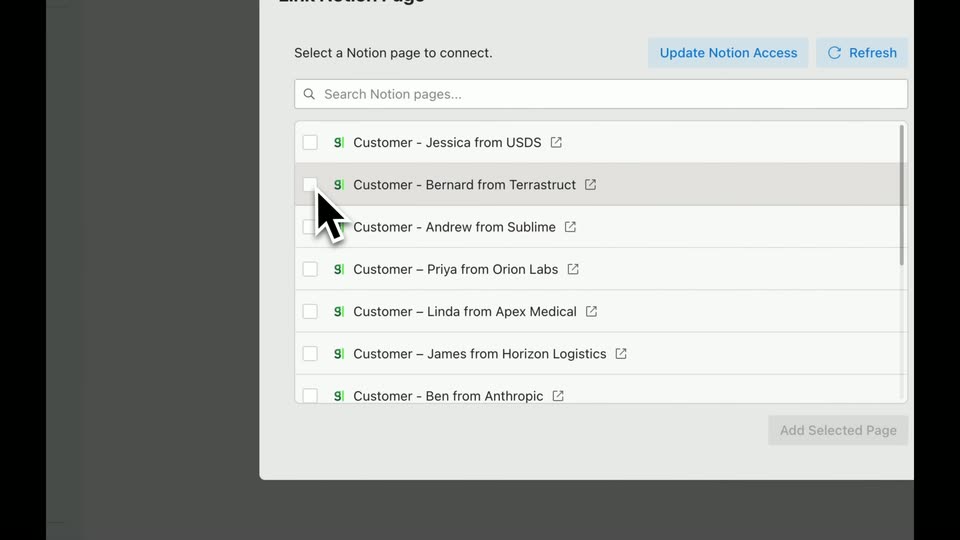 0:27–0:29Kestral · Kestral - Your AI Work Prioritizer -- Launch YCA 'Link Notion Page' modal with a scrollable list of customer pages sits centered over a dimmed gray background. The view reframes from a wider blurred layout onto the modal, and a cursor drifts down the list, hovering over rows.
 0:31–0:32Bluejay · Bluejay: Quality Assurance for AI Voice AgentsA blue Simulate button with a cursor sits centered under a small caption, then the view pulls back to the full Bluejay dashboard as a large headline types in above the Simulations panel.
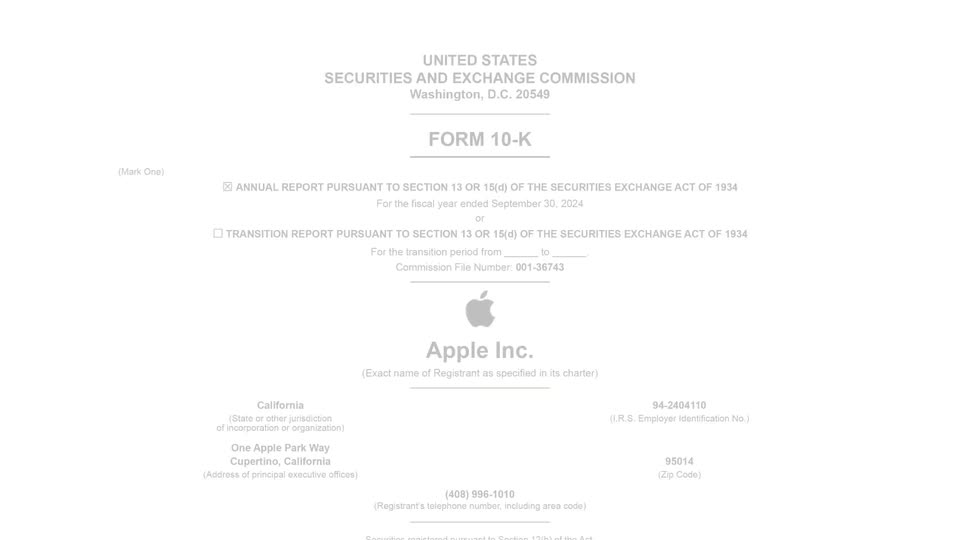 0:17–0:18sieve · sieve (YC X25) launch videoA Google search results page for an Apple fiscal quarter query fills the frame, listing blue result links and a related-searches grid at the bottom. A mouse cursor hovers over the third result while the list scrolls up a few pixels at the start.
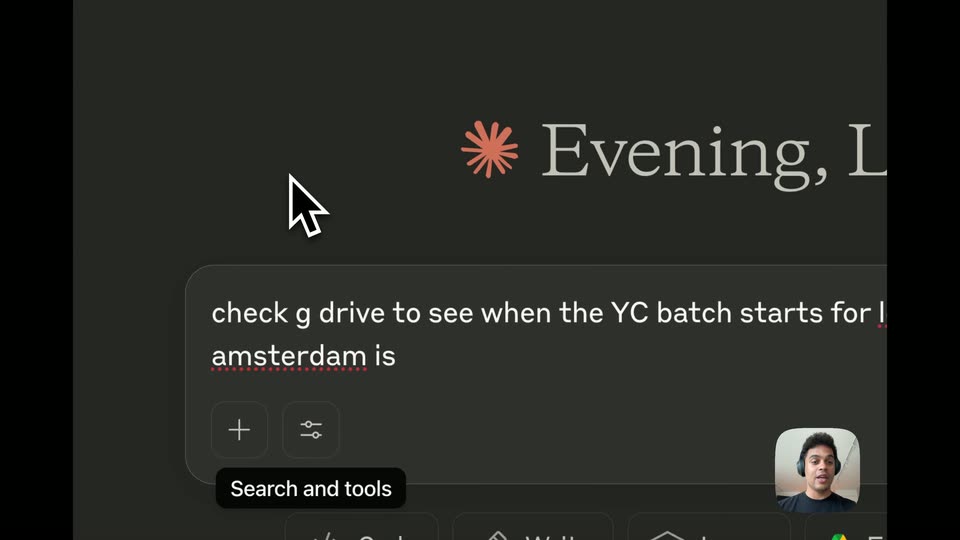 0:17–0:21Airweave · Airweave AI // Launch YC DemoA dark interface shows a typed query underlined in red; a dropdown of search connectors opens with a hand cursor on the enabled Drive search row. The cursor moves up, the menu closes, and the view pulls back to reveal a Gmail sidebar beside a flight itinerary.
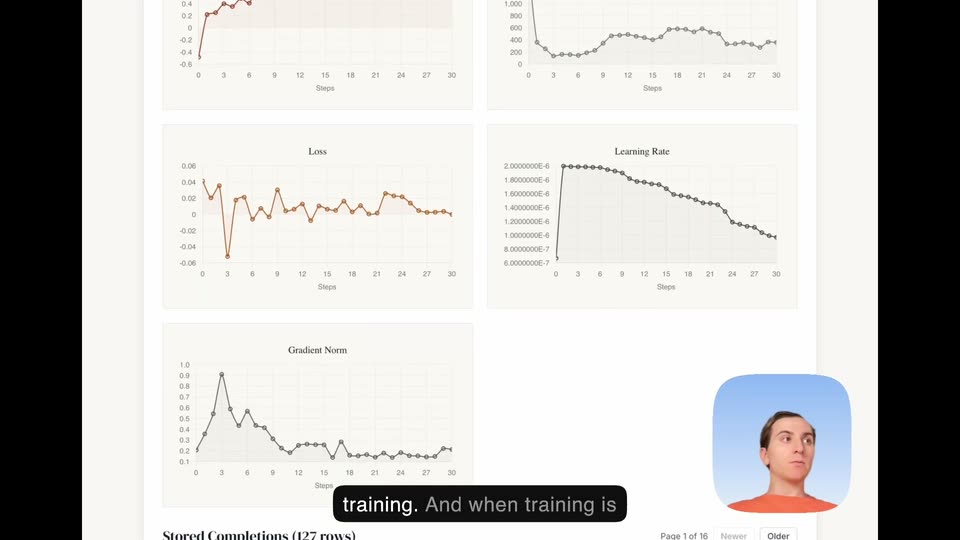 0:47–0:56RunRL · RunRLA browser window on a colorful gradient background shows a Run Details dashboard; the view scrolls past parameter tables into line charts and a Stored Completions table as a cursor clicks the Older button. A face-cam of a man in an orange shirt sits bottom right.
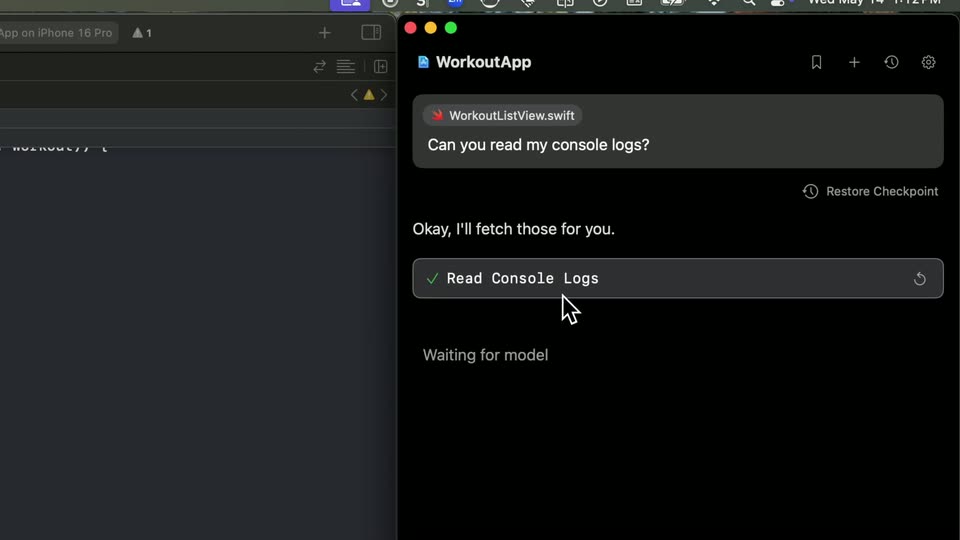 0:27–0:37Alex · Alex - Xcode AI Coding AssistantA cursor types 'Can you read my console logs?' into a dark IDE chat box, then a blurred whip cut reframes to the thread, where the assistant's answer and a 'Read Console Logs' action box appear line by line.
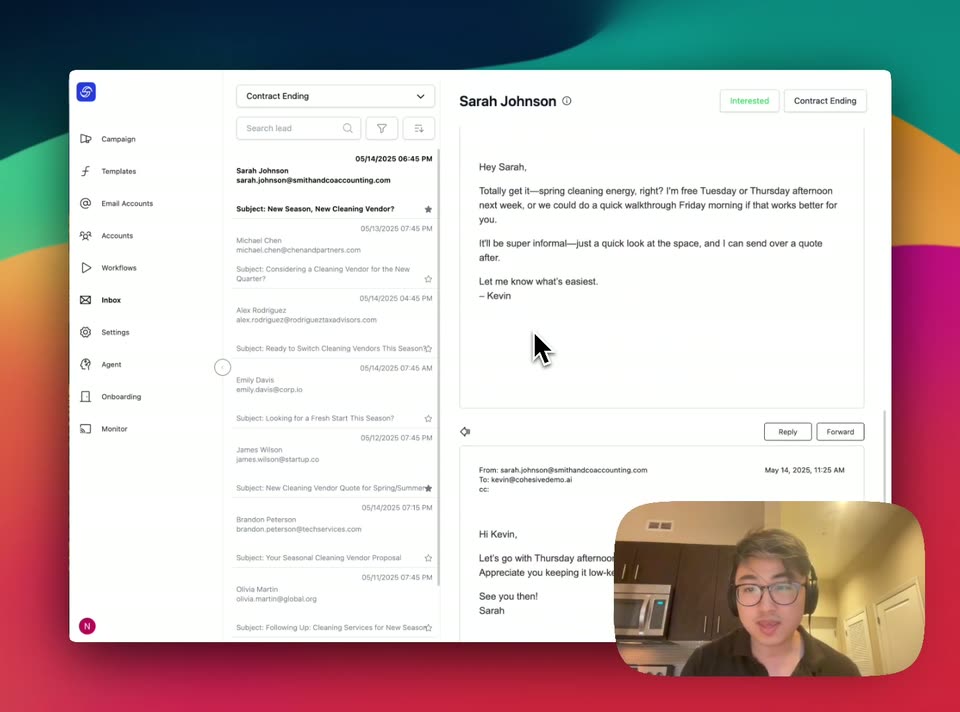 0:27–0:59Cohesive · Cohesive AI (YC X25) - The agentic CRM for blue-collar commercial servicesA flat inbox interface rests on a teal-to-pink gradient, its left email list and right conversation thread scrolling down as a cursor hovers over rows and message text. A presenter in a rounded picture-in-picture window talks in the lower right corner.
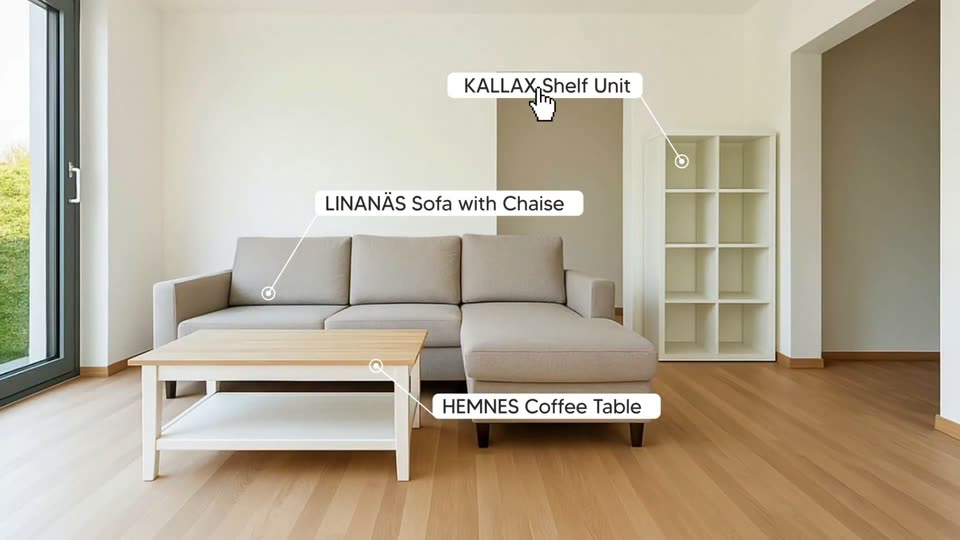 0:22 · 0.8sManus · Manus - Introducing Manus image generation. Manus doesn’t just generate imagA 3D living room with a beige sofa, wood coffee table and white shelf, overlaid with three white product tags. A hand cursor taps the KALLAX tag, which turns blue and pops a small info card on the wall.
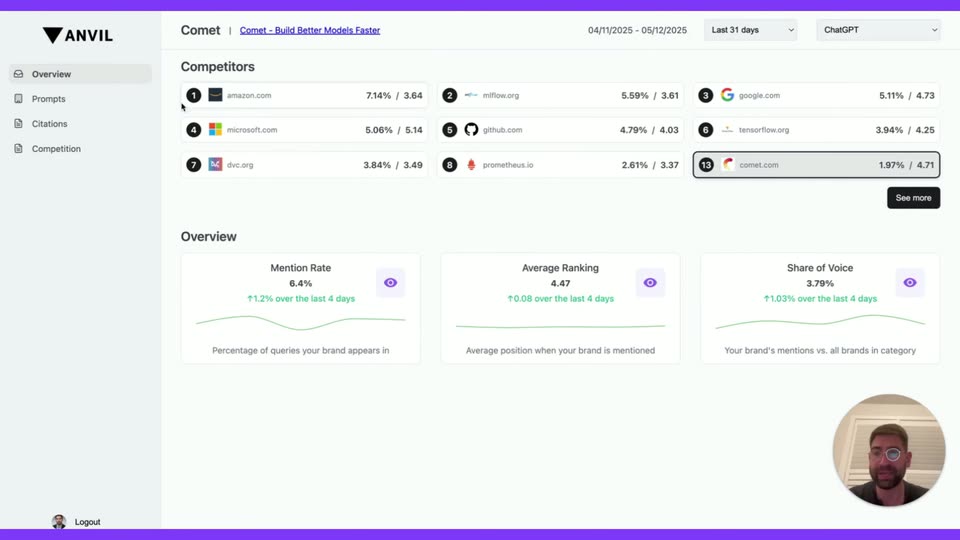 0:29–0:32Acolite · Anvil (YC X25) - Launch VideoA light dashboard screen shows a Competitors list and three Overview stat cards. A cursor drifts left from the list to the sidebar, hovers over Prompts, and a hand pointer icon appears beside it as the main panel dims.
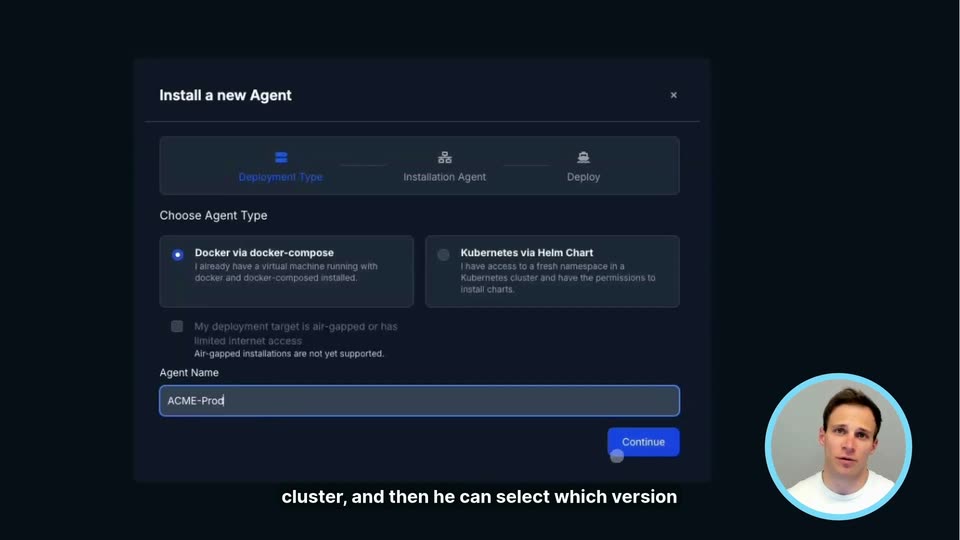 2:02–2:10Glasskube · Distr DemoA dark portal shows an Install a new Agent modal; the view zooms in, a cursor types ACME-Prod into the Agent Name field and clicks Continue, advancing to the Installation Agent step. A circular presenter video overlays the lower right, captions at the bottom.
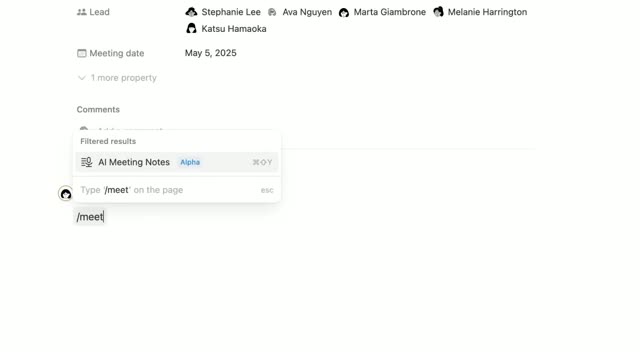 0:21–0:28Notion · Introducing AI Meeting NotesA Notion page titled 'Tech teams weekly' fills the frame; the view zooms into the Notes field as a slash command menu opens, filters to 'AI Meeting Notes', and inserts an AI notes block with a consent prompt. A mouse cursor hovers the Notes tab.
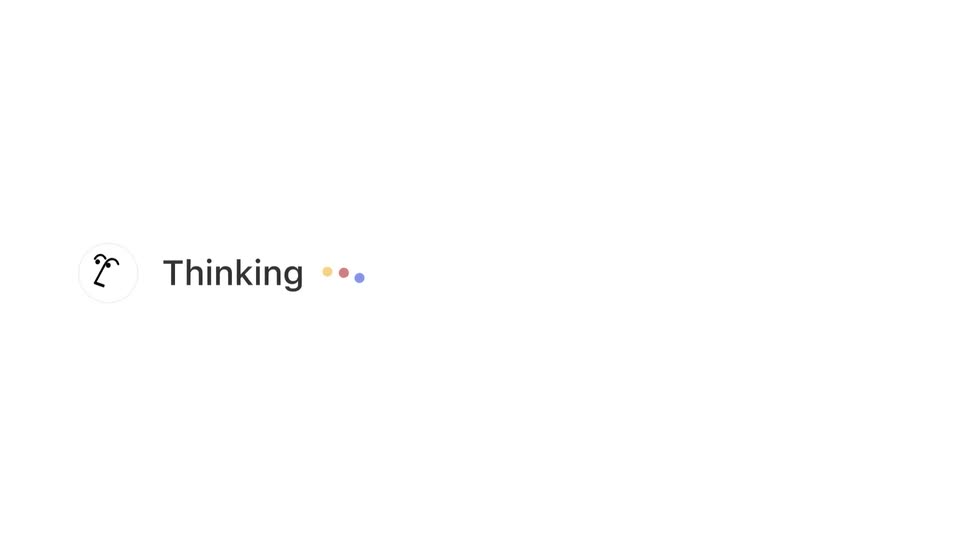 0:13–0:14Notion · Introducing Enterprise SearchA cursor clicks the blue send button in the search bar, and the dashboard header and recent cards fade out to white. A small Thinking label with the brand mark and three colored dots fades in near the top.
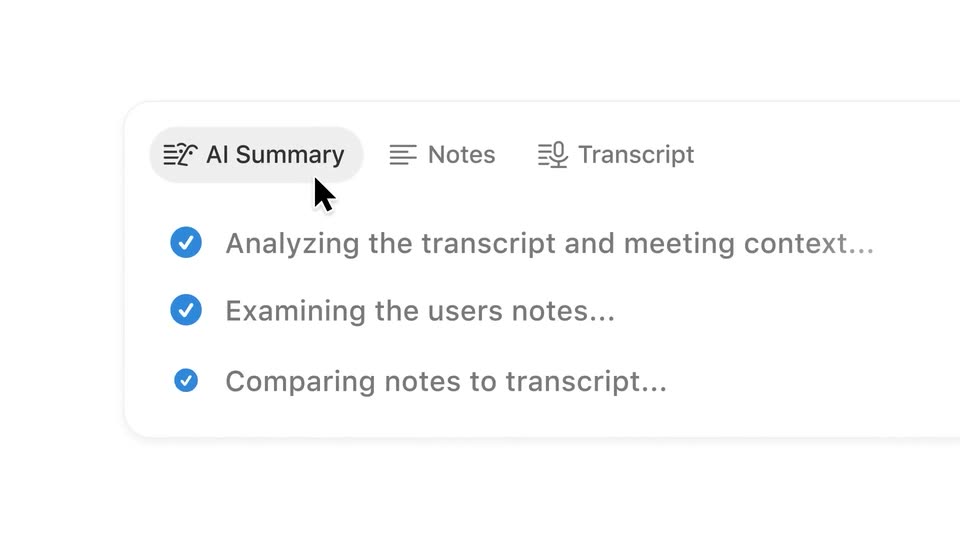 0:13–0:22Notion · Meet the all-in-one Notion AI for workA gray audio waveform on white gives way to a white card with three tabs. The transcript types out, a cursor clicks the AI Summary tab, status lines check off, and the summary appears. The view pulls back to show the app frame.
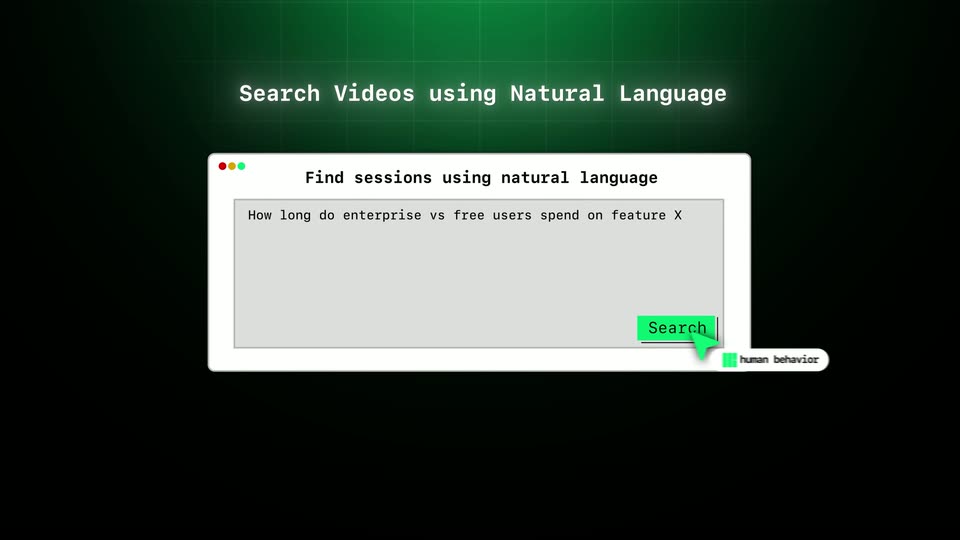 0:24–0:27Human Behavior · Human Behavior LaunchA dark frame with a green grid glow at the top holds a white search-window mockup. The headline types in above it, a query is typed into the field, then a green cursor clicks the Search button and a small tag pops out.
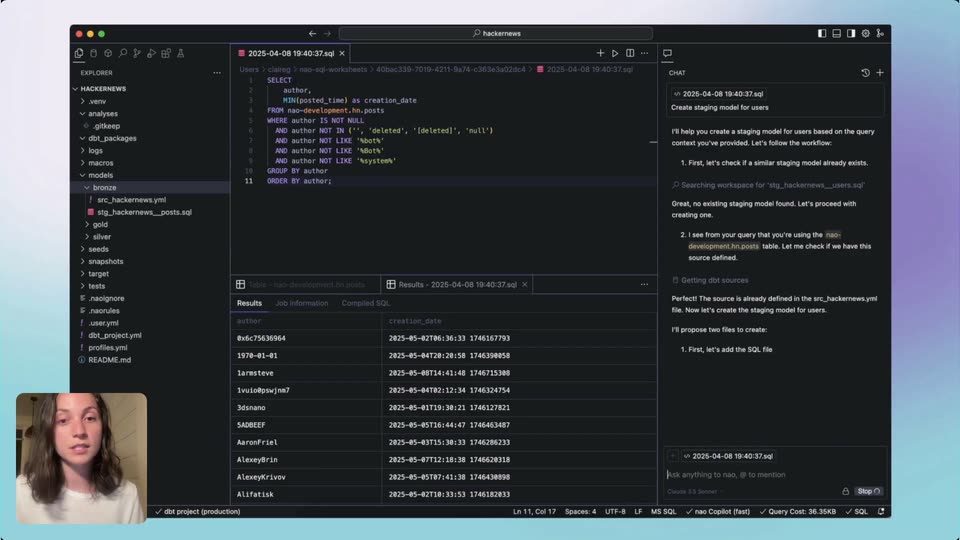 1:48–2:04nao Labs · nao - product demoA dark code editor shows a SQL query and results table as a chat panel on the right types and sends a prompt. The AI reply streams in with steps and file proposals bearing Apply buttons, while a small webcam of a woman sits in the lower left.
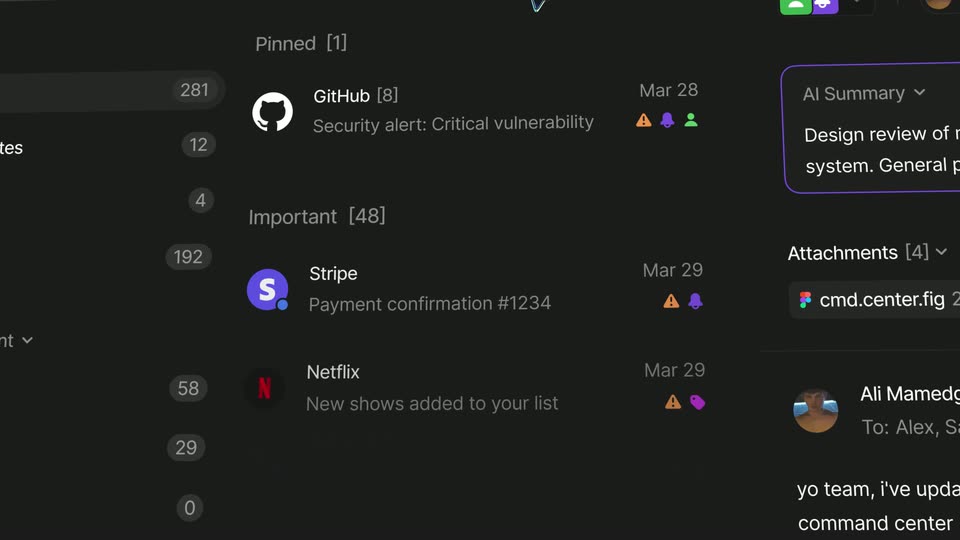 0:41–0:44Orchid · Zero - The AI-native email that manages your inboxA dark email client fills the frame as a cursor clicks the Important tab, swapping the inbox list for priority senders like Stripe and Netflix. The view zooms into the list while the headline Eliminate clutter. scales in.
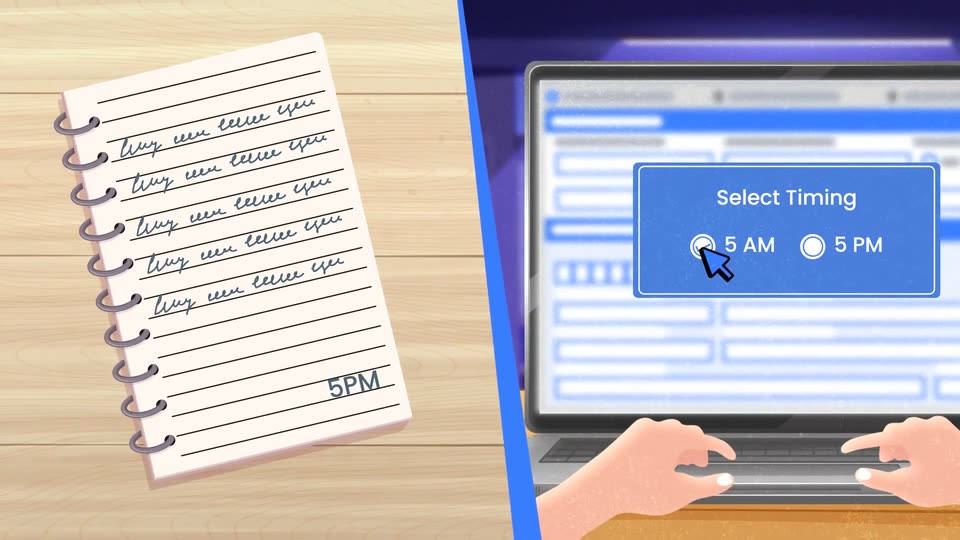 0:29–0:33Adentris · Adentris – AI Compliance Copilot for Healthcare Providers | Prevent Claim DenialsAn illustrated laptop on a desk shows a blue Select Timing modal; a cursor clicks 5 AM. A blue diagonal wipe splits the frame, revealing a notepad with scribbled lines on the left as 5PM is written on it, then the cursor selects 5 PM and the notepad slides away.
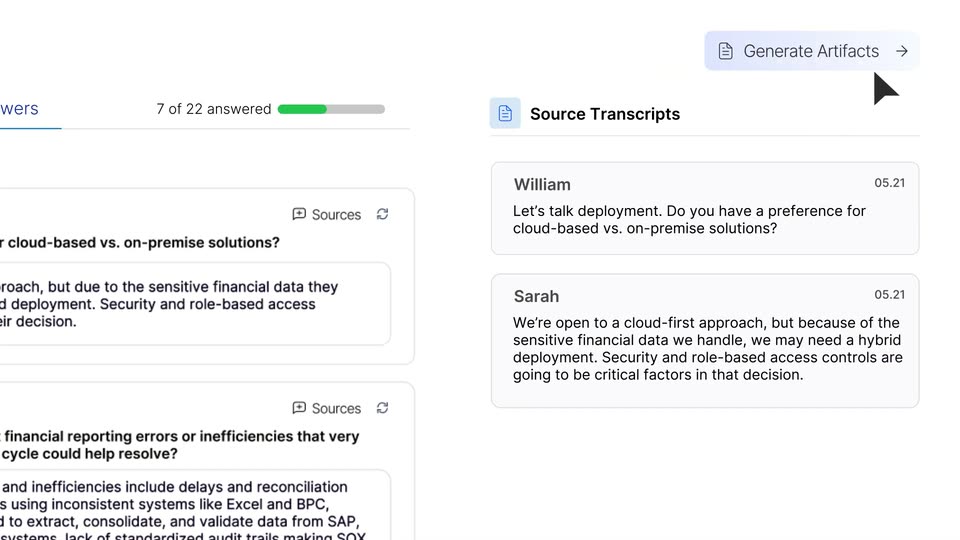 0:48–0:51Auctor · Auctor AI (YC X25) Launch VideoA two-panel interface shows Q&A cards with a progress bar on the left and transcript chat bubbles on the right. A black cursor moves to a Generate Artifacts button that fades in at top right, then a white panel slides in from the left, covering part of the list.
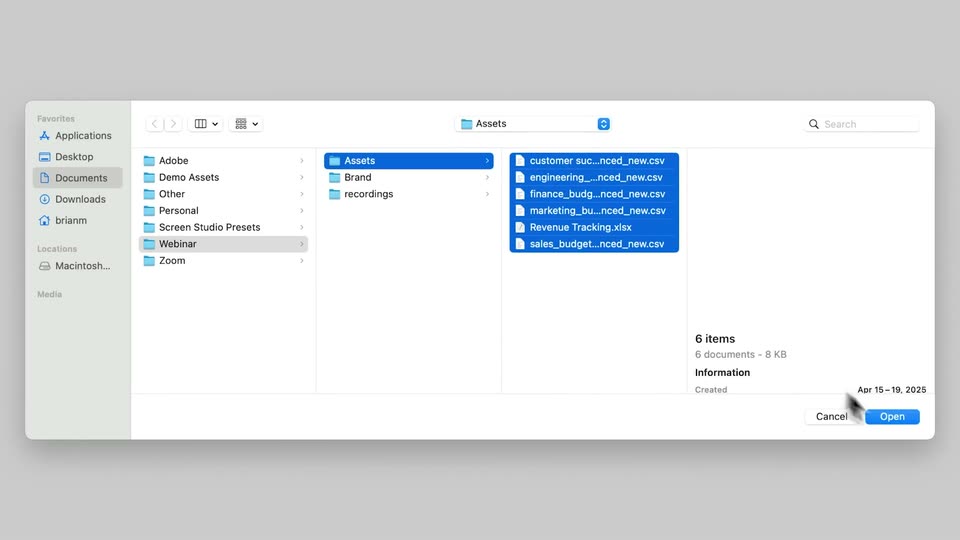 0:26–0:28OpenAI · Automate complex workflows with OpenAI o3A macOS file dialog lists CSV files as a cursor selects them, growing the blue highlight to all six, then clicks Open. The dialog fades out to reveal a chat window with a message about a variance report and a right panel showing the six attached items.
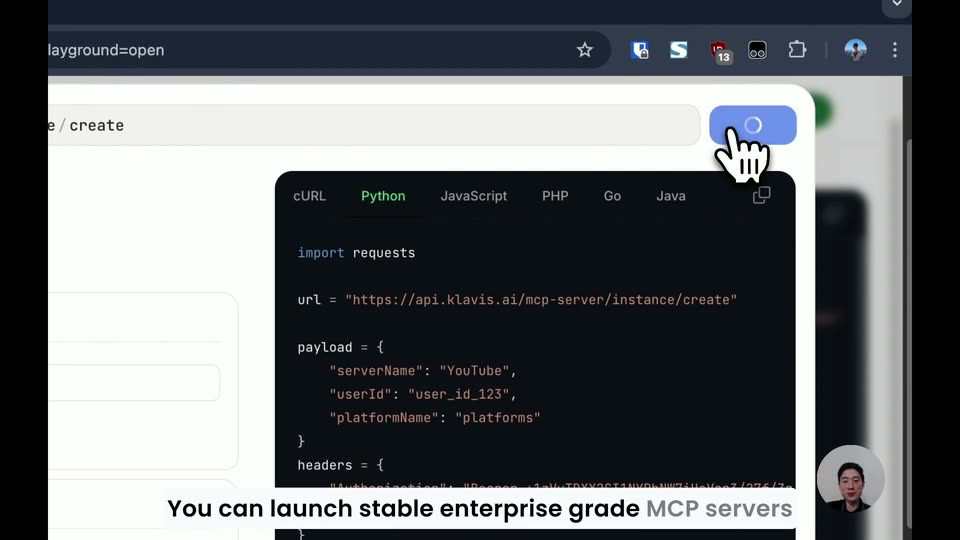 0:30–0:31Klavis AI · Klavis AI: Open Source MCP integrations for AI ApplicationsA dark code panel with language tabs sits inside a blurred browser window as the frame sharpens and settles. A hand cursor clicks a blue button that spins into a checkmark. A white caption runs along the bottom.
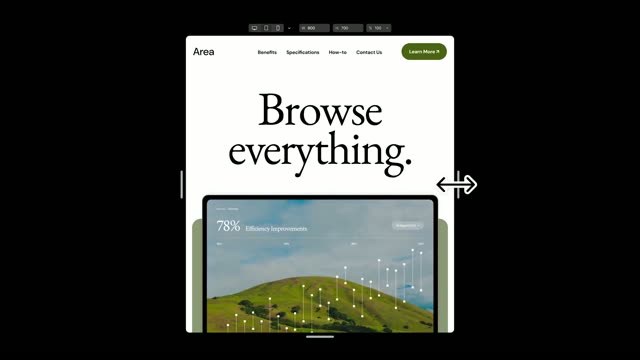 0:10–0:11Figma · All the launches at Config 2025 | FigmaA white webpage mockup with a large serif headline sits on a black canvas under a design toolbar. A cursor glides to the right edge and drags the resize handle, widening the card as the tablet chart below stretches.
 0:17–0:18Figma · Figma - Introducing Figma Draw New fills, effects, brushes, and more, now inLocked-off close-up of a light gray grid canvas with oversized orange VOLU letters and a teal window with bare branches at the right edge. A black cursor hovers near the bottom, and a thin white line with a dot extends down from the letter V.
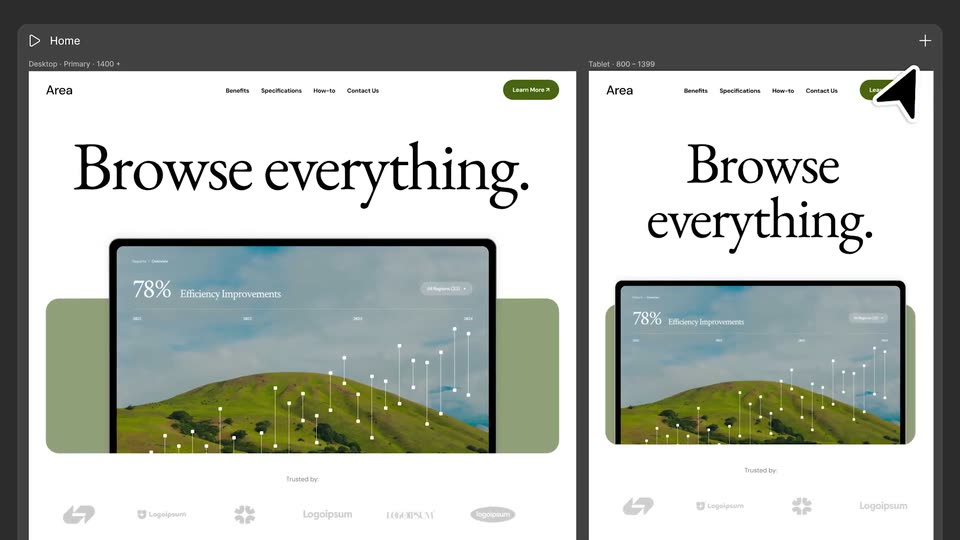 0:07–0:12Figma · Figma - Introducing Figma Sites Take your designs straight to the web. WithA breakpoint dropdown (Desktop, Tablet, Mobile, Custom) hovers over a blurred webpage; the cursor clicks Tablet, the canvas sharpens and pulls back to show three responsive mockups of the same page side by side, each with a serif “Browse everything.” headline and a device frame over a green hill.
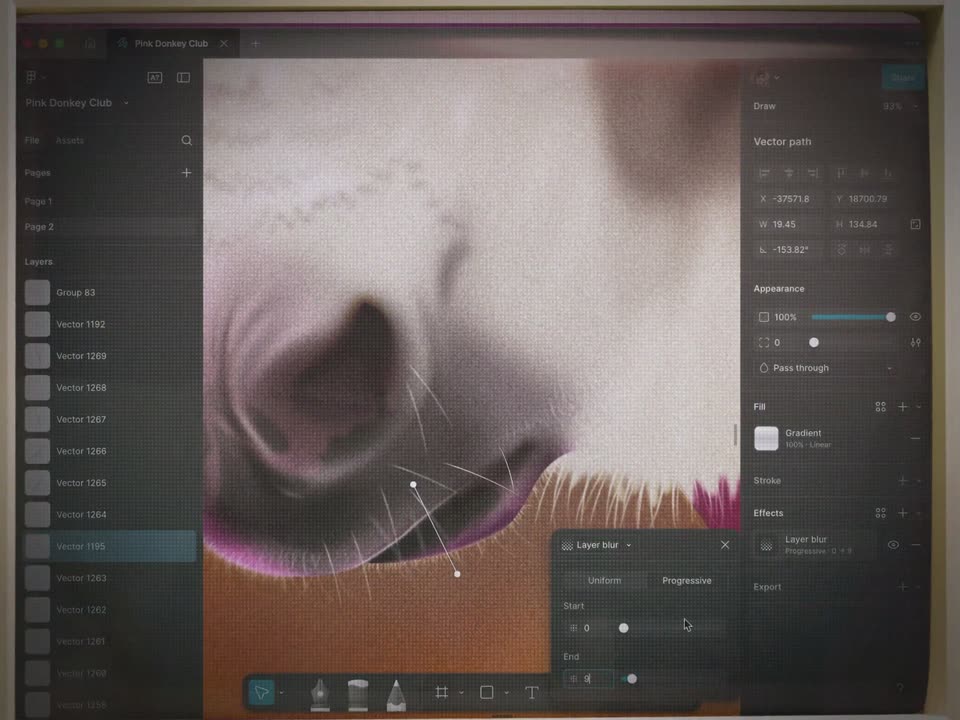 1:54–1:55Figma · Figma - PSA: Don’t let your loved ones be the last to know about Figma Draw #A vector editor interface fills the frame, showing a close-up illustration of a cat's nose and mouth with a Layer blur panel open and a cursor on the End slider. The screen cross-dissolves into a live-action shot of three people standing together.
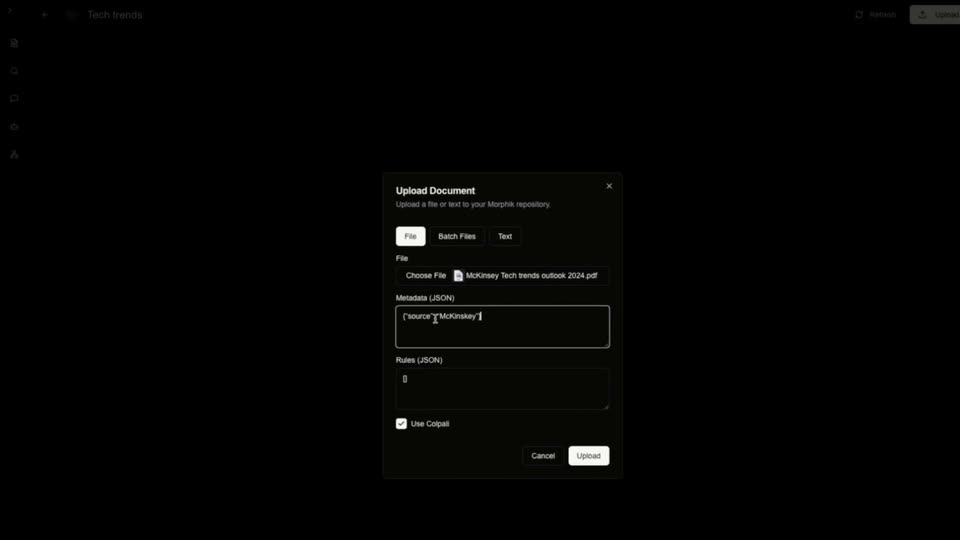 0:23–0:25Morphik · Morphik Launch DemoA dark document viewer inside a tablet frame floats over blue and orange diagonal stripes, then the view zooms into the Upload Document dialog. A cursor blinks in the empty Rules JSON field below a filled metadata field.
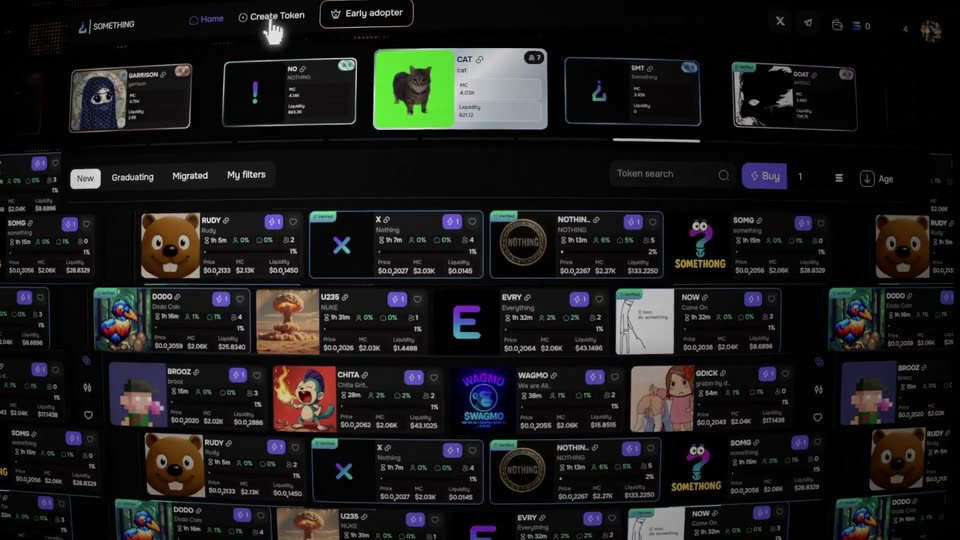 0:02–0:05Something · something - Updates/features will be dropping daily. Early Adopters have access:A dark NFT marketplace grid of colorful token cards fills the frame, with a row of 3D-tilted featured cards along the top. A white cursor glides from a middle card up to the top navigation bar, then hovers over the Early adopter button as the carousel shifts.
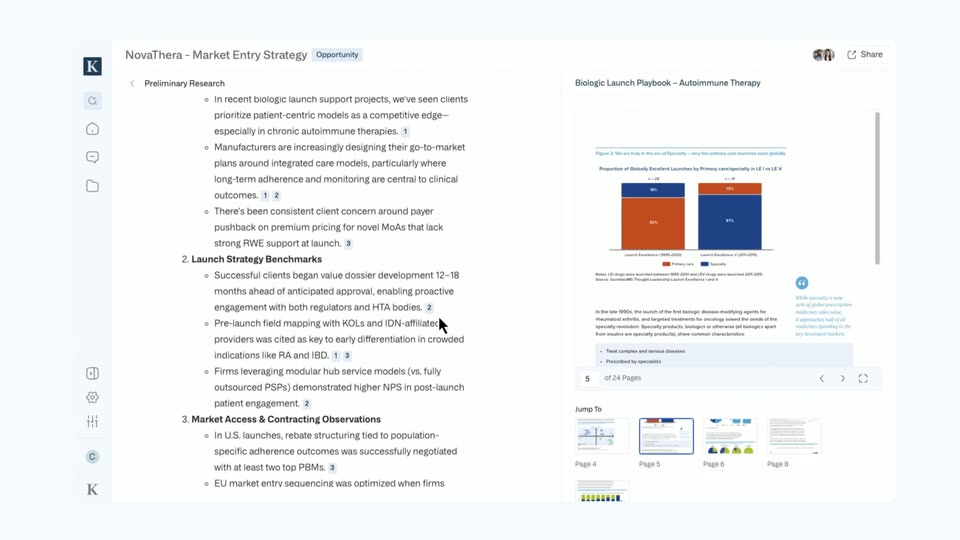 0:13–0:17Kenley · Introducing Kenley WorkStreamsA document editor and a slide deck sit side by side. A cursor hovers a small blue comment icon in the body text, the view zooms in on it, then pulls back and scrolls down to reveal two comment cards with headshots and names beneath the text.
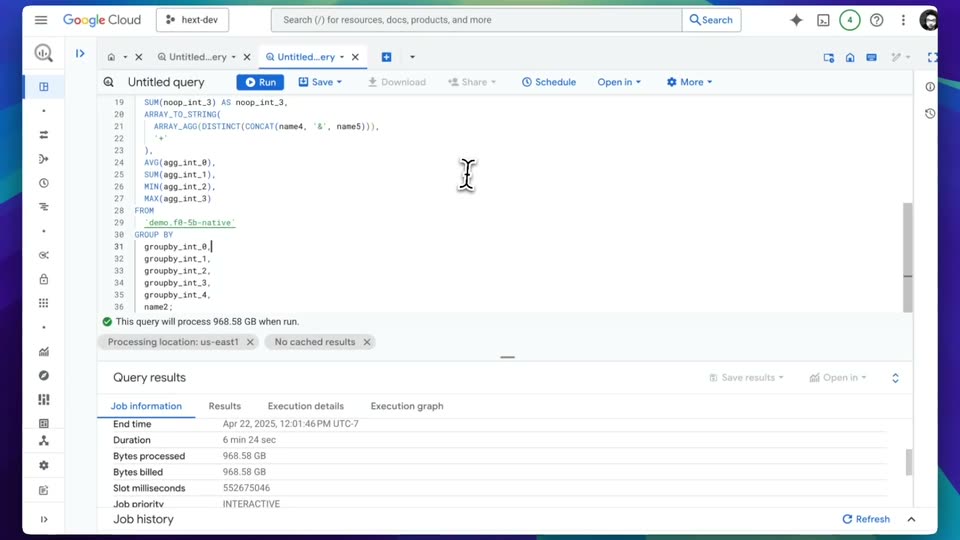 0:29–0:33ParaQuery · Launch YC: ParaQuery - cloud data processing for the GPU eraA Google Cloud BigQuery editor displays a SQL query above a results panel. A hand cursor lifts from the results area up into the code, leaving a blinking text caret mid-line. The window sits flat against a thin colorful edge glow.
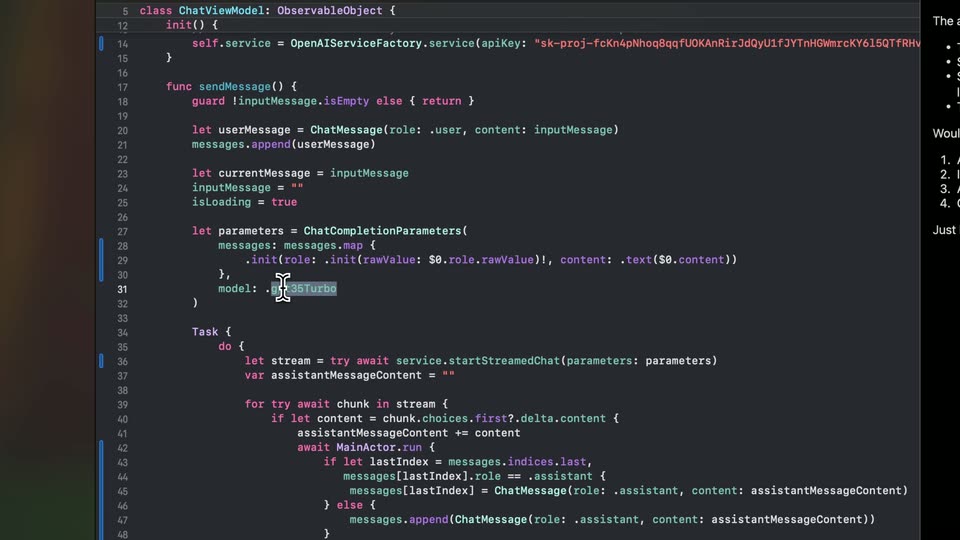 0:43–0:49Alex · Alex - Xcode AI Coding AssistantA code editor fills the frame as a cursor pastes an API key into a Swift line. The file scrolls, an autocomplete list of model names pops up, and gpt4o is chosen. The view pulls back to reveal the full IDE window with a chat panel at right.
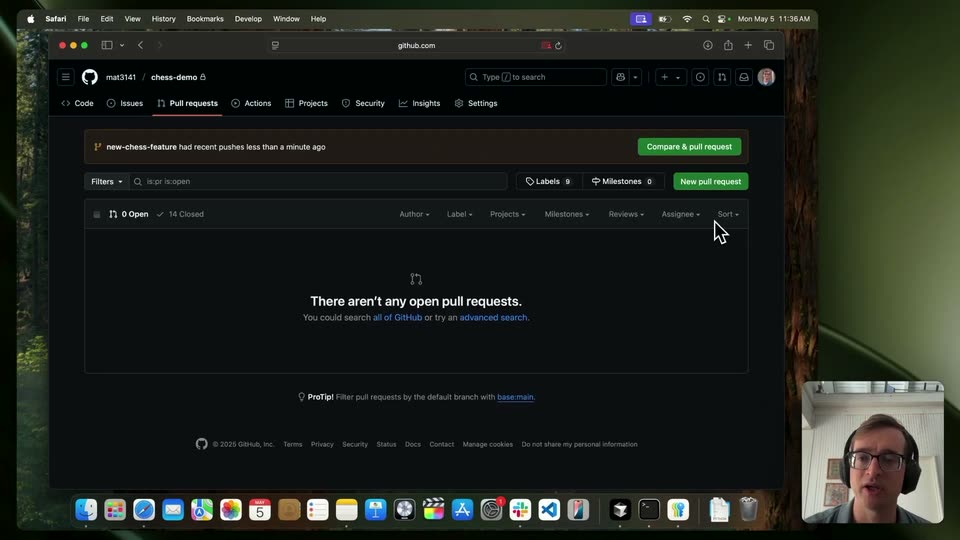 0:51–0:56Cartpole · Jazzberry DemoA GitHub pull requests page in Safari shows an empty list, then a banner slides in offering to compare a branch. The cursor clicks the green button and the page cuts to the open pull request form, with a presenter webcam in the corner.
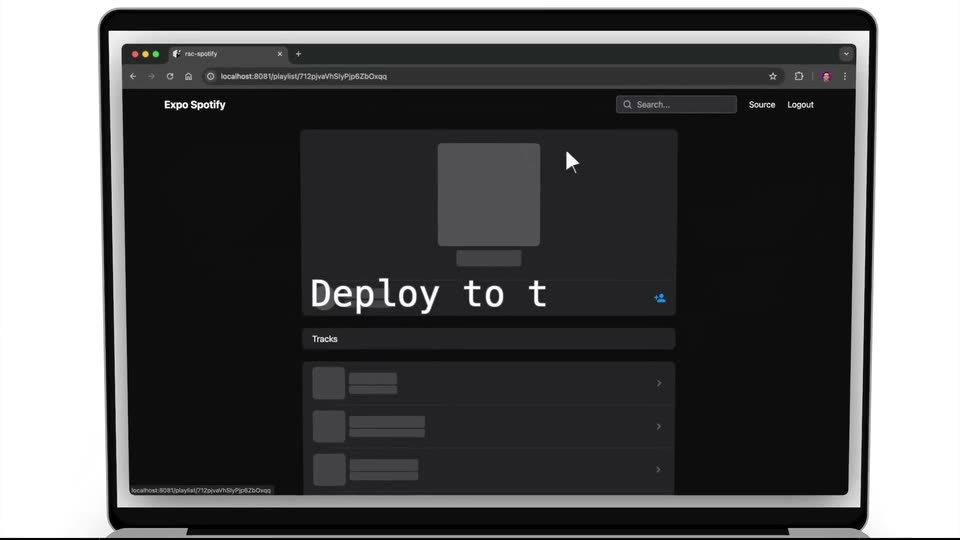 0:16–0:17Expo · Expo - 🥓Expo Router v5 is here and it's packed with powerful new features toA silver laptop in 3D perspective displays a dark browser window on a white background. The playlist list switches to a Deploy to panel with a monitor icon and grey skeleton rows, while a white cursor hovers near the top right.
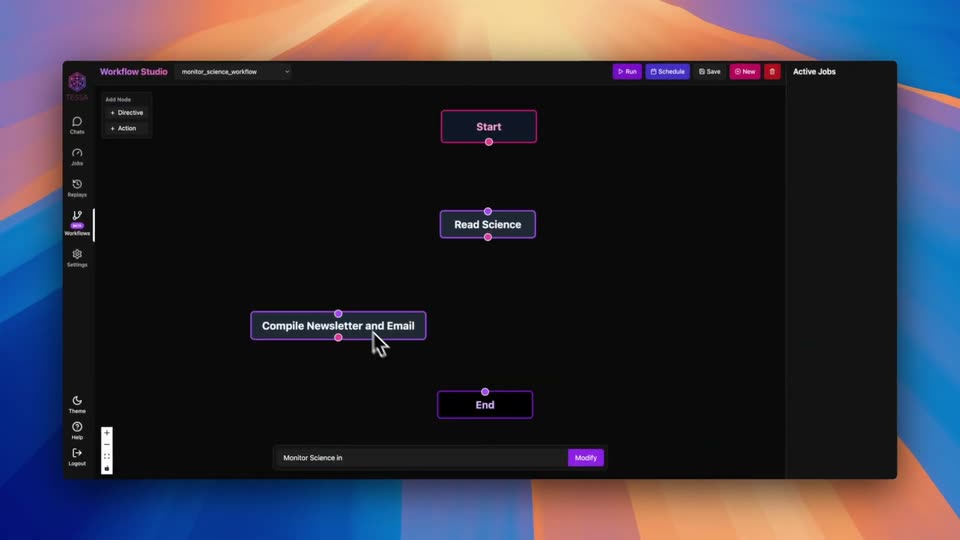 0:11–0:14Altrina · Workflow EditorA dark workflow canvas fills the screen as the view zooms in from a windowed app over a colorful background. Nodes labeled Start, Read Science and Compile Newsletter and Email connect via dashed lines. A white cursor moves, then a hand cursor grabs the Read Science node.
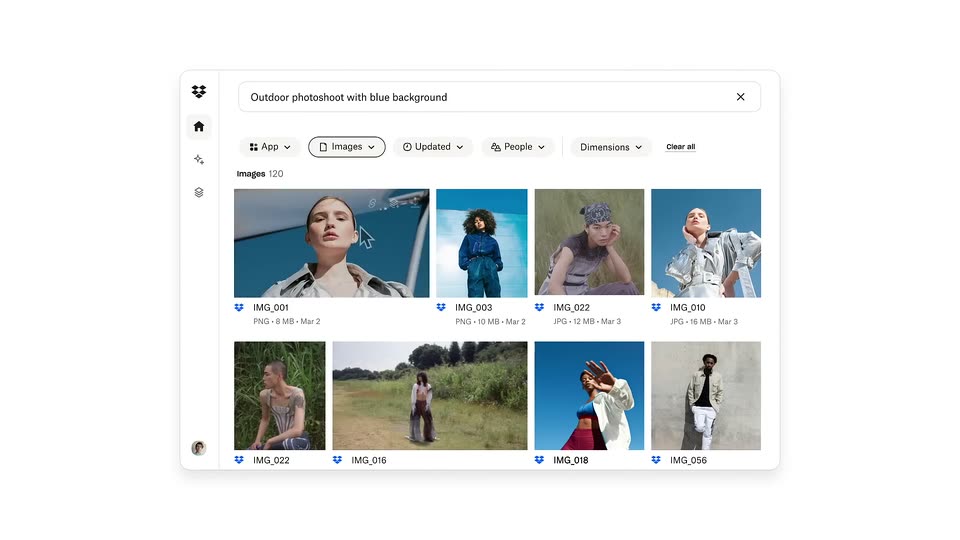 0:09–0:11Dropbox Dash · Dropbox Dash: Search videos, images, and create content fastA file library grid of photo thumbnails fills the panel. A cursor hovers over the first image, then the view zooms in, expanding that thumbnail to a large preview with a filename header and a Share button.
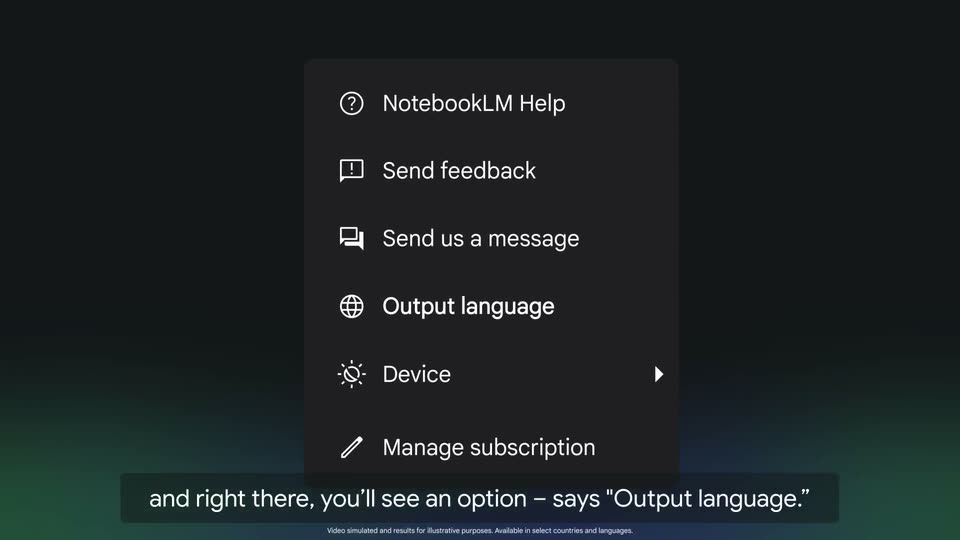 1:00–1:07Google · NotebookLM launches Audio Overviews in over 50 new languagesA dark toolbar of pill buttons (Analytics, Share, Settings, grid, profile) reframes closer as a cursor clicks Settings, opening a centered dropdown; the cursor then selects the bold Output language row and a Configure Settings modal fades in. Subtitles sit in a dark bar at the bottom.
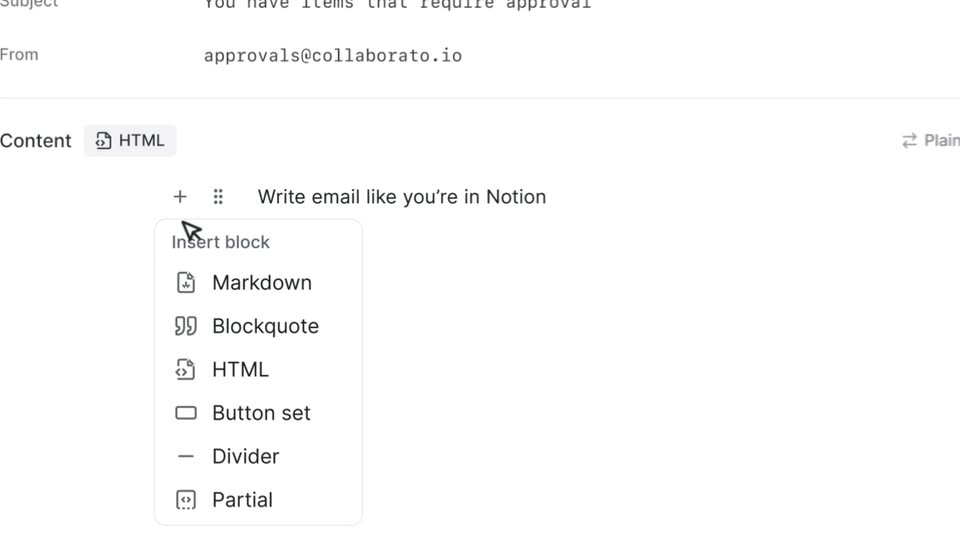 0:37–0:40Knock · Knock - Launch week → Day 2 Introducing Knock workflows 3.0. Rebuilt with aA white email editor view opens with the From field and a Content tab. A cursor moves to the plus and grid icons and clicks, opening an Insert block dropdown listing Markdown, Blockquote, HTML, Button set, Divider and Partial, then hovers over Blockquote.
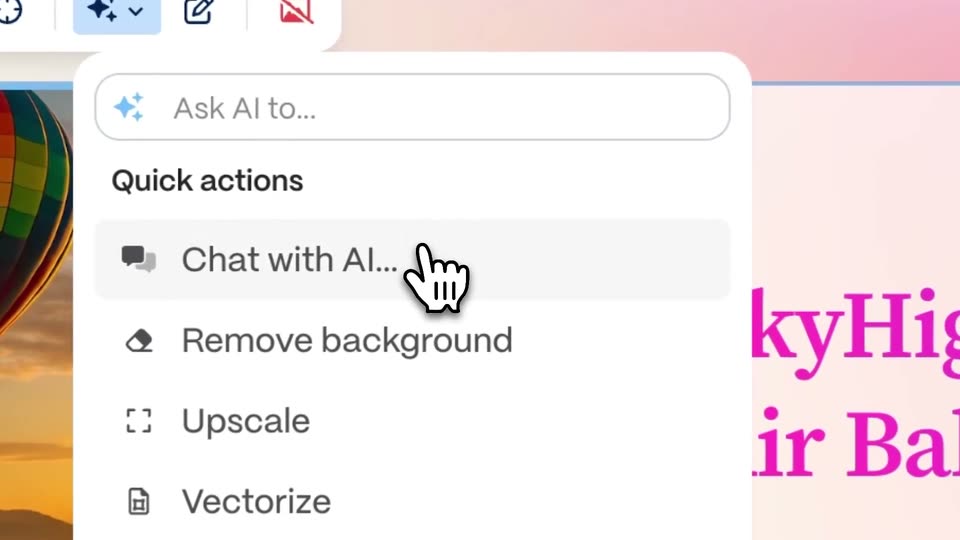 0:05–0:07Gamma · Gamma - Introducing AI Image Editing with animation! You can now edit and anA white AI panel with a search field and a list of quick actions floats over a blurred sunset image. A hand cursor moves down and hovers over the Chat with AI row, which highlights in gray.
 0:02–0:05Adobe · Adobe Firefly: The next evolution of creative AI is hereA grid of colorful generated images sits behind a dark rounded prompt bar. The prompt types out word by word, a blue Generate button pops in, and the cursor clicks it as the frame zooms onto the button.
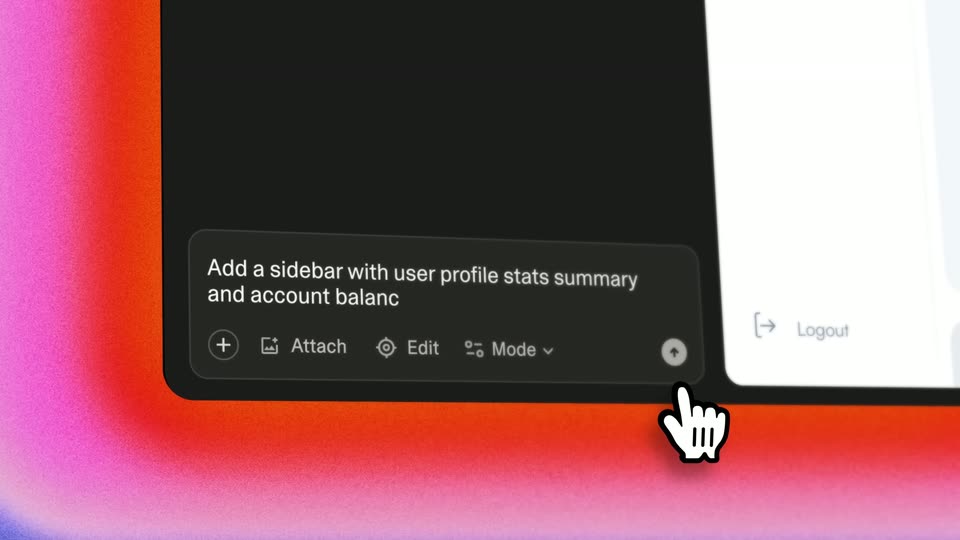 0:26–0:33Lovable · Lovable 2.0 is here. Multiplayer vibe coding. Smarter & more secure.A dark prompt panel and the generated Clario storefront sit in 3D perspective over a pink-blue glow. The view zooms into the input, types a sidebar request, clicks send, then pulls back as a profile and balance sidebar appears on the right.
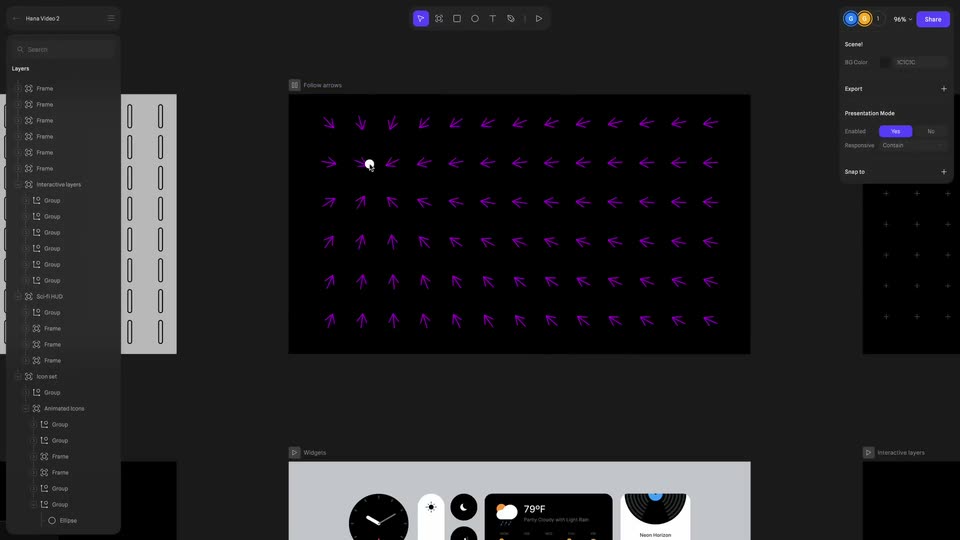 0:19–0:22Spline · Introducing Hana - A new canvas for interactivity - by SplineA design tool canvas pulls back from a single arrow-grid artboard to reveal a grid of labeled thumbnails. The cursor hovers, then the Follow arrows artboard lights up with a purple selection border while the rest dim.
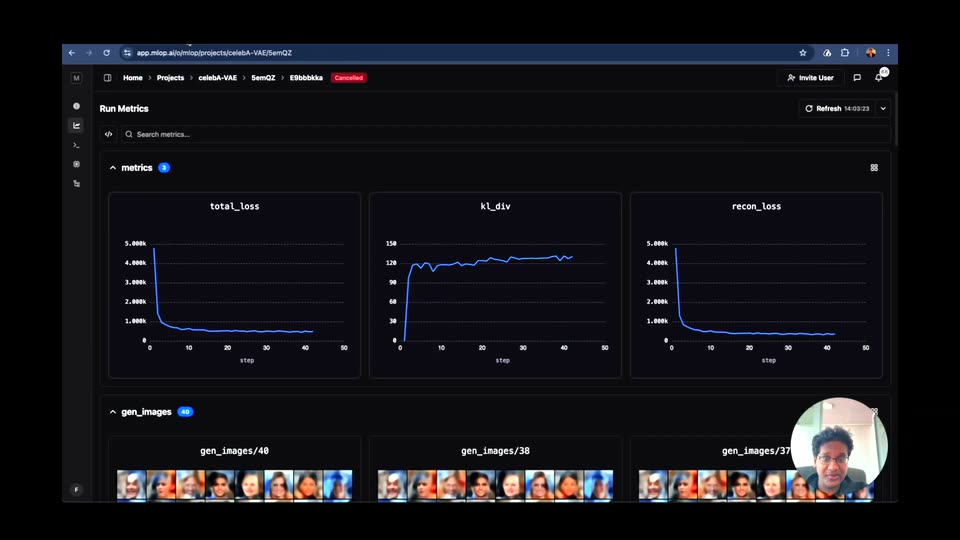 0:22 · 0.5smlop · mlop: introA dark metrics dashboard fills a browser window. The view scrolls up to bring the address bar and three line charts into frame while a cursor glides onto the first chart. Rows of generated face thumbnails sit below the charts.
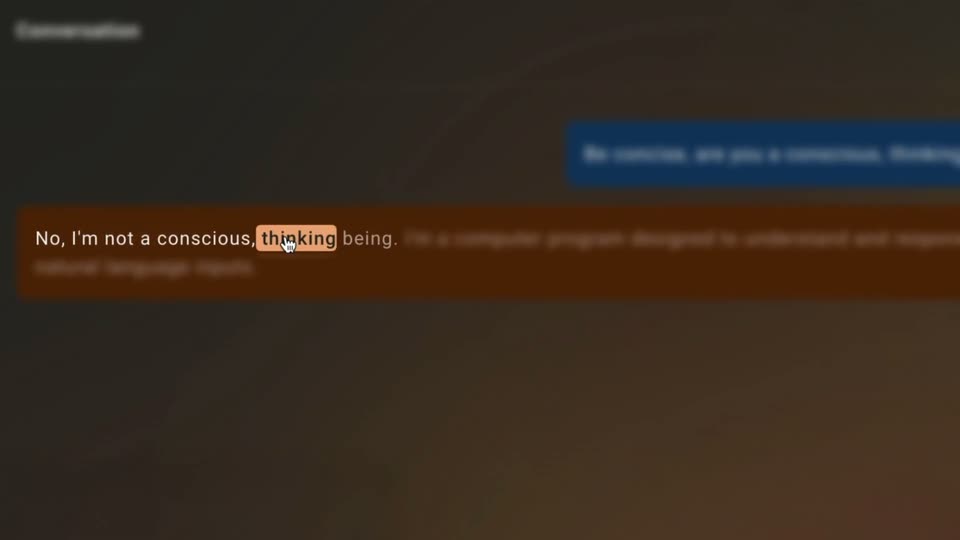 0:37–0:45Goodfire · Goodfire - Today, we're announcing our $50M Series A and sharing a preview of EmOverlapping Goodfire browser windows settle into a single centered view. A cursor hovers on the orange-highlighted word “thinking” in the chat reply, then the shot zooms in, blurring the rest of the interface, and pans right to the inspector panel, where the “Consciousness and mindful awareness” card lights up orange.
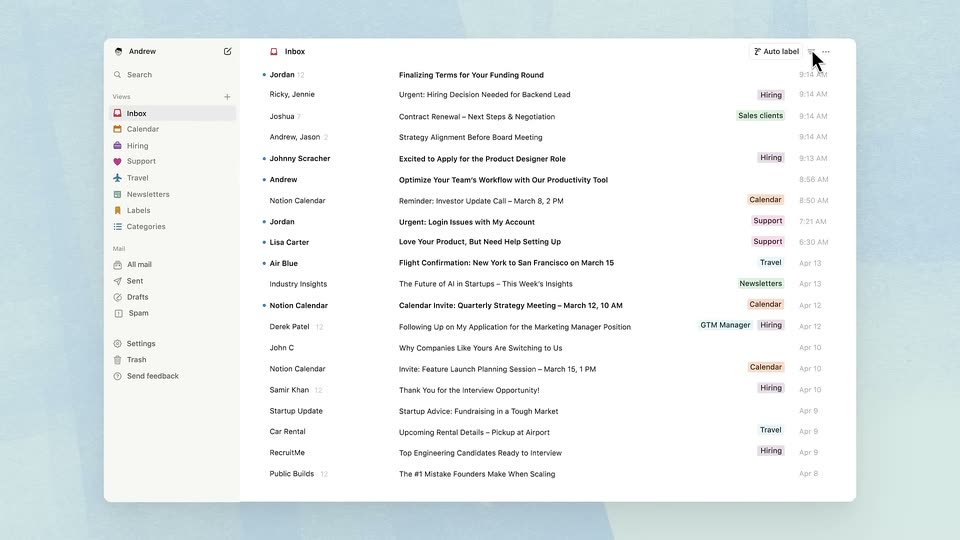 0:09–0:11Notion · Meet Notion MailA white inbox interface tilts in 3D perspective against a soft blue gradient, then rotates flat as the email list scrolls upward. A cursor moves to the top-right menu and the Auto label tag appears.
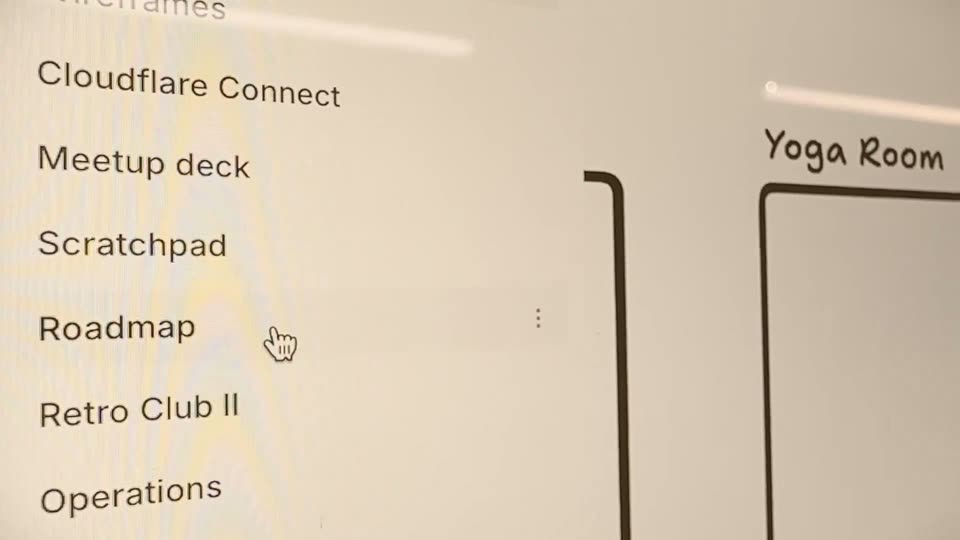 0:13–0:14tldraw · tldraw - introducing tldraw. a web app i made for myself. one simple, cleanA tilted close-up of a light interface. A vertical list of titles fills the left, a rounded panel titled Yoga Room sits right. A hand cursor hovers beside the Roadmap row. The frame drifts upward a few pixels over the shot.