Cursor demo
A visible cursor operates the interface.
15,090 scenes · page 80 of 252
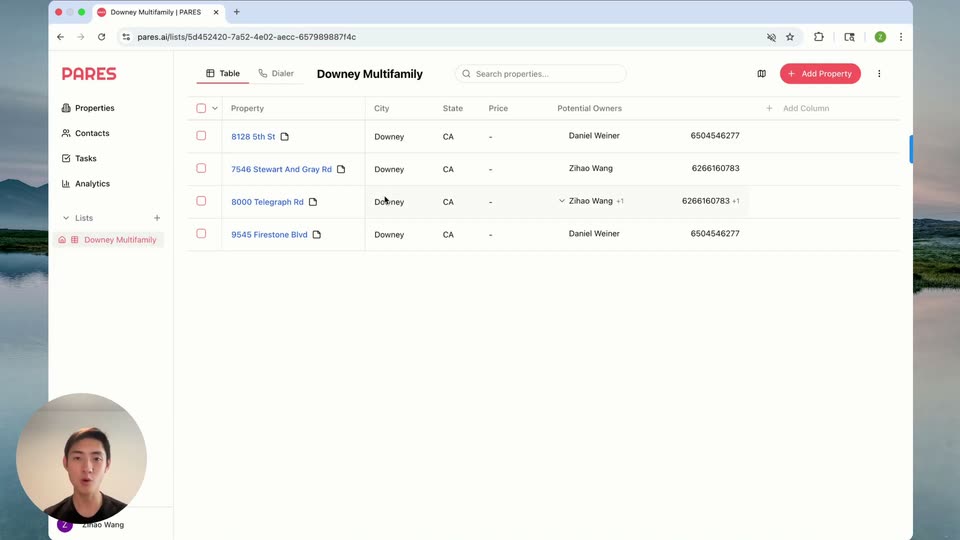 1:40–2:13PARES AI · PARES AI Launch VideoA screen recording of the PARES web app shows a property table. The cursor clicks Add Column, selects Potential Owners, then switches to the Dialer tab and opens the Dialer Settings modal to type a voicemail script and toggle options. A circular webcam of the presenter sits lower left.
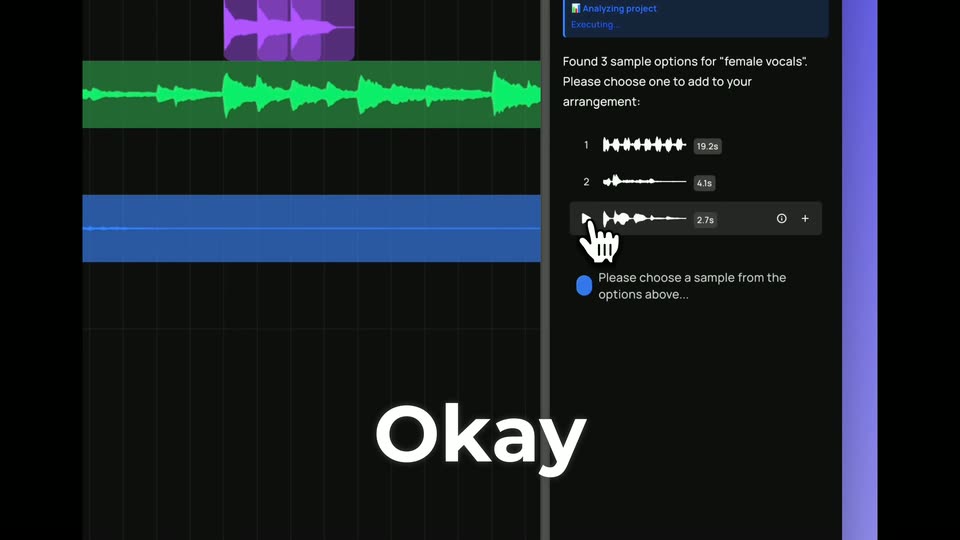 0:38–0:55Physical Turing · Welcome to RiffClose-up of a music app chat panel: a hand cursor picks the third sample option and clicks add. The view zooms out to the full timeline with a small webcam of a man in the corner, as bold white captions appear phrase by phrase.
 0:25–0:27TectoAI · Introducing Tecto - Governance Platform for AI EmployeesA laptop screen shows two news cards side by side; the right one carries a black serif headline on AI agent failure rates above a yellow 3D worm under a red sun. A mouse cursor drifts down across the headline while the camera slowly pushes in on the screen.
 0:12–0:13Black Forest Labs · Black Forest Labs - We just shipped the Kontext Komposer + Kontext-powered Presets TraA 2x3 grid of generated group photos sits above a gray 'Generate more' button with a cursor. The grid dissolves away and a close-up portrait of a woman and a man in white fades in to fill the frame.
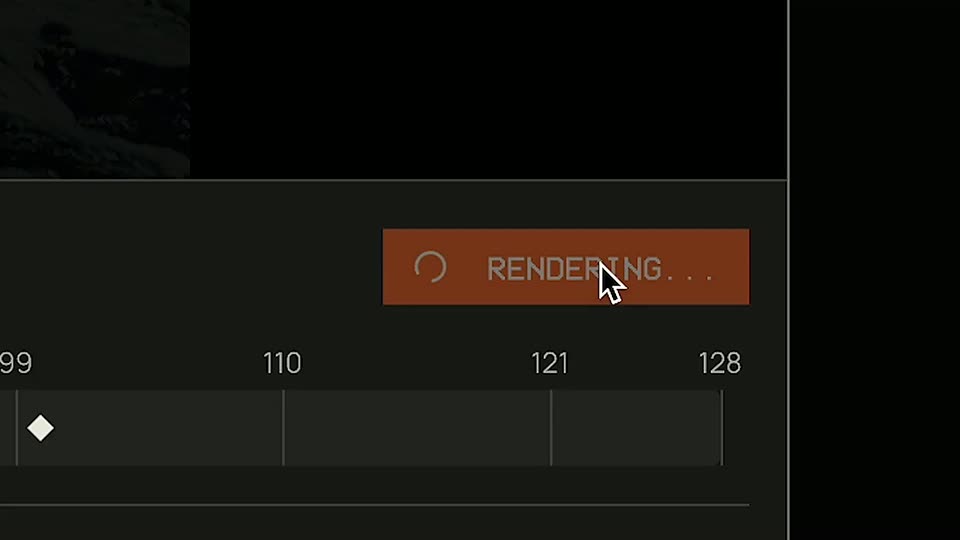 0:11–0:12Marey · Moonvalley - Most AI tools generate footage. Marey helps you direct it. Marey givA dark 3D editor interface shows a terrain viewport top left and a numbered timeline below. A white hand cursor rests on an orange RENDER button, which flips to a dimmer RENDERING state with a loading ring as the cursor turns to an arrow.
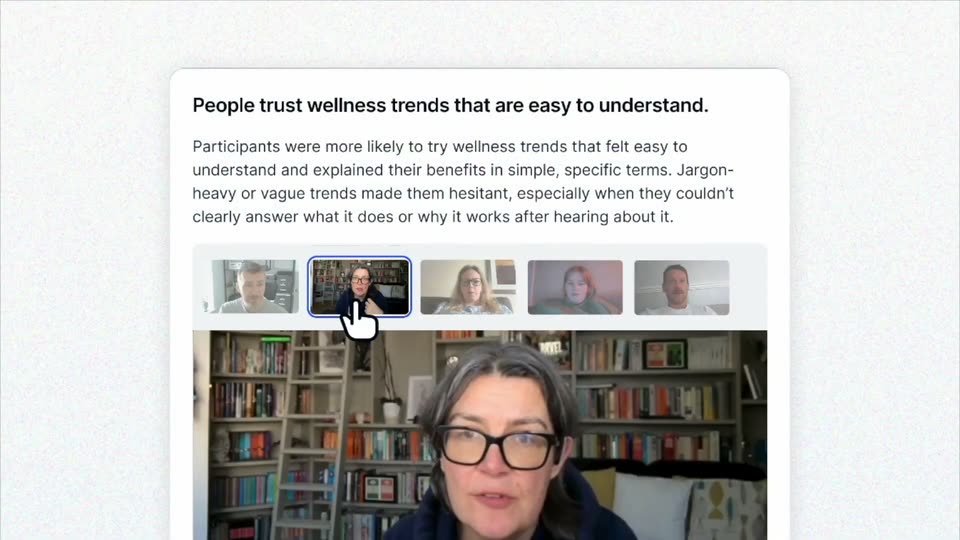 0:51–0:53Motives · Motives AIA white research card on a pale background shows a headline and a row of five video-call thumbnails. A hand cursor taps the second thumbnail, highlighting it, then the card scrolls down to reveal a large video player and a labeled transcript.
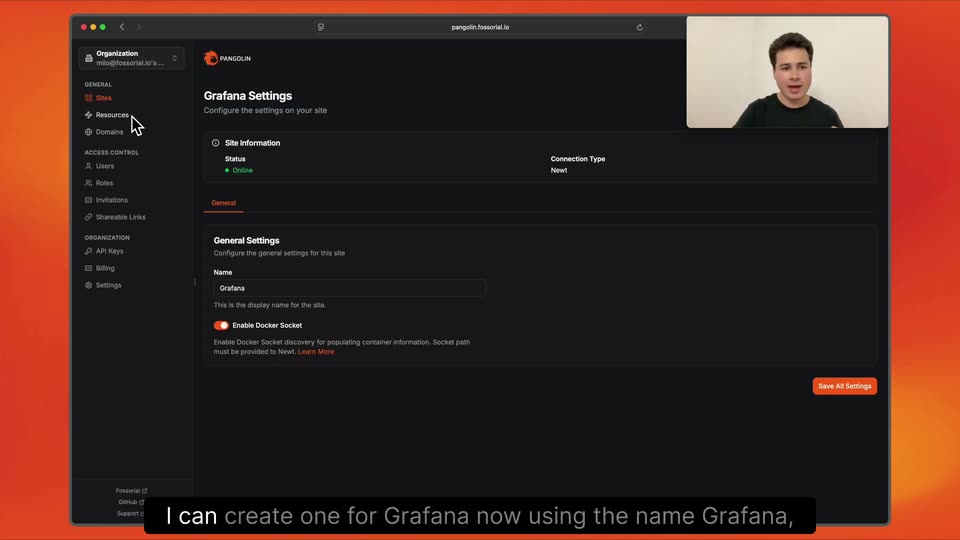 0:34–0:40Pangolin · Pangolin - Secure gateway to your private networksA dark Pangolin dashboard fills the frame on an orange gradient, with a small webcam of the presenter top right. A cursor clicks the Resources tab, then the orange Add Resource button, switching the panel from Grafana Settings to a Create Resource form. White subtitles run along the bottom.
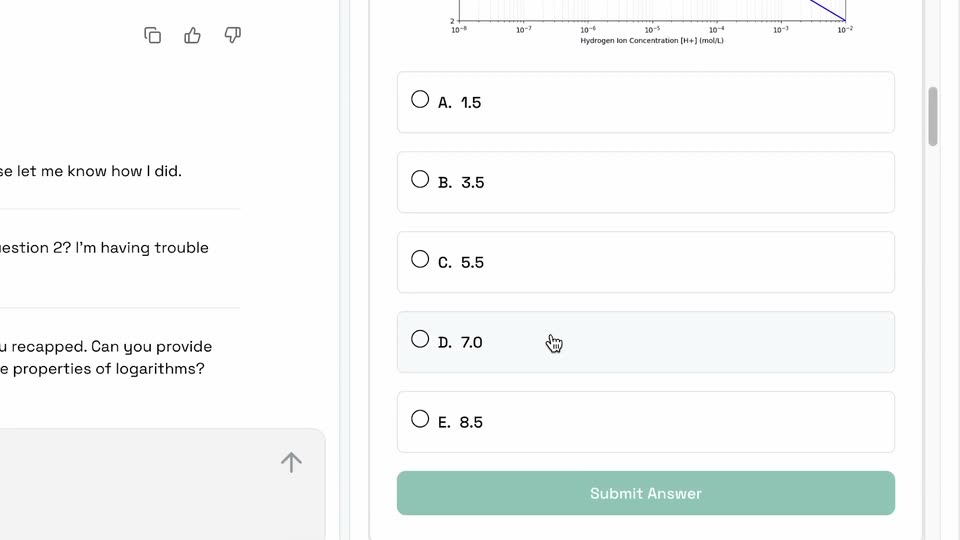 0:44–0:48Opennote · Introducing OpennoteA two-panel interface scrolls down through a pH quiz: the question and graph give way to five answer rows. A cursor taps option D, which flashes red as option C turns green and the button relabels Show Explanation.
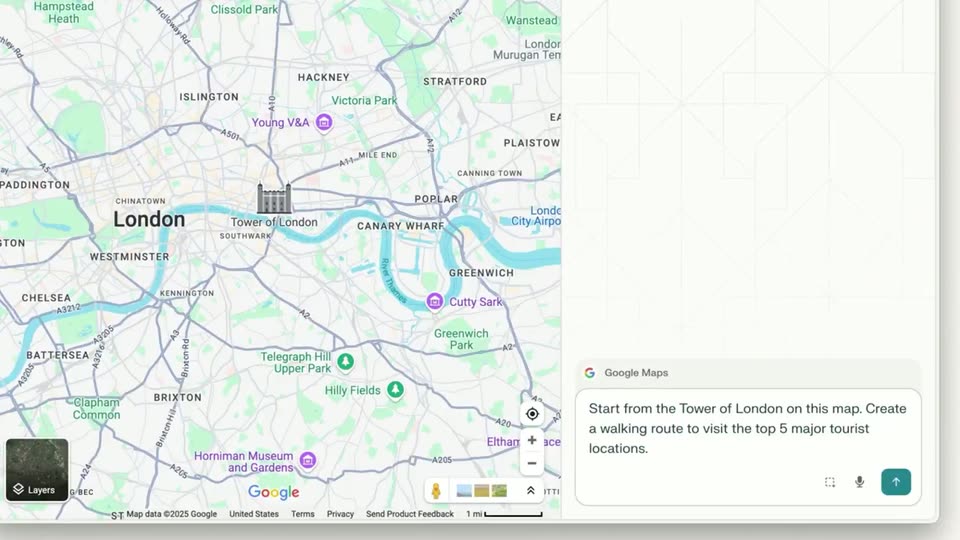 0:16–0:20Perplexity · Perplexity - Comet is here. A web browser built for today’s internet.A static Google Maps view of London fills the left half, while a prompt panel on the right types out a walking-route request character by character, ending beside a teal send button.
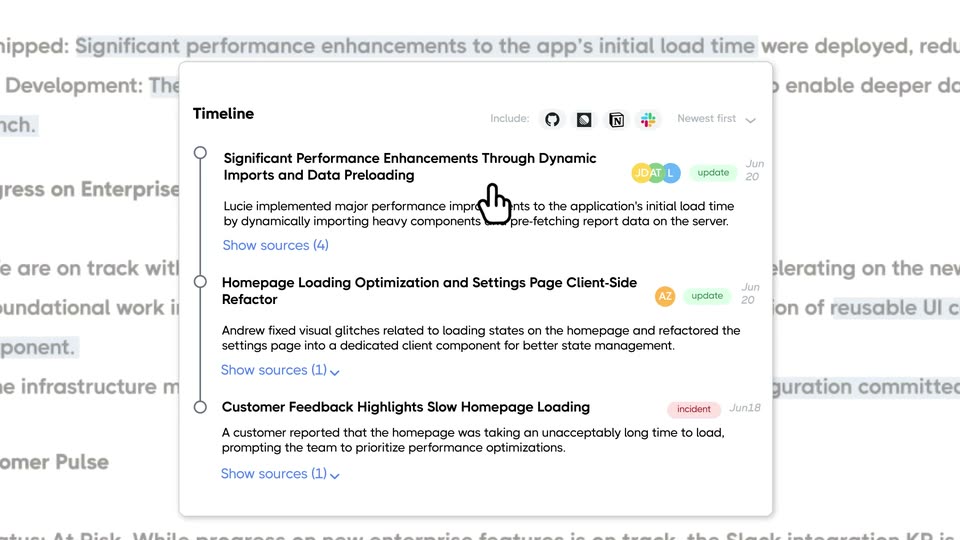 0:41–0:45Oki Home · Oki AI - Personalized Updates on Company ProgressA Timeline panel floats over a blurred report, listing three dated entries with avatars and source links. A hand cursor hovers across the entries while the view zooms out to reveal more of the document.
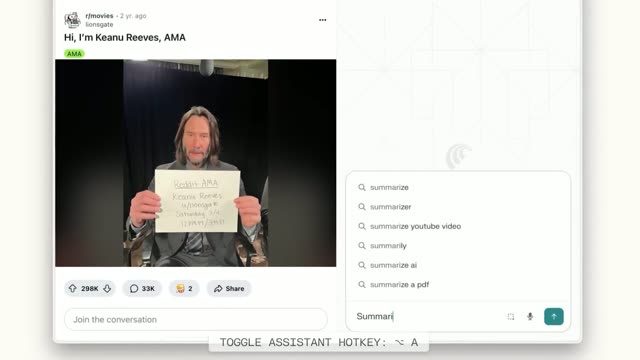 0:27–0:30Perplexity · Introducing Comet: Browse at the Speed of ThoughtA browser window shows a Reddit AMA thread. A cursor clicks the Assistant button, and a panel of suggestion rows slides in on the right. The view then zooms into the page as a query is typed into the assistant field, triggering autocomplete rows.
 0:08–0:09Pollen Robotics · Your open-source companion - Reachy MiniA pale Hugging Face form titled Create a new Space scrolls down past the Owner, Space name and License fields. An orange caption on Hugging Face reveals word by word across the lower center while a cursor hovers at the right edge.
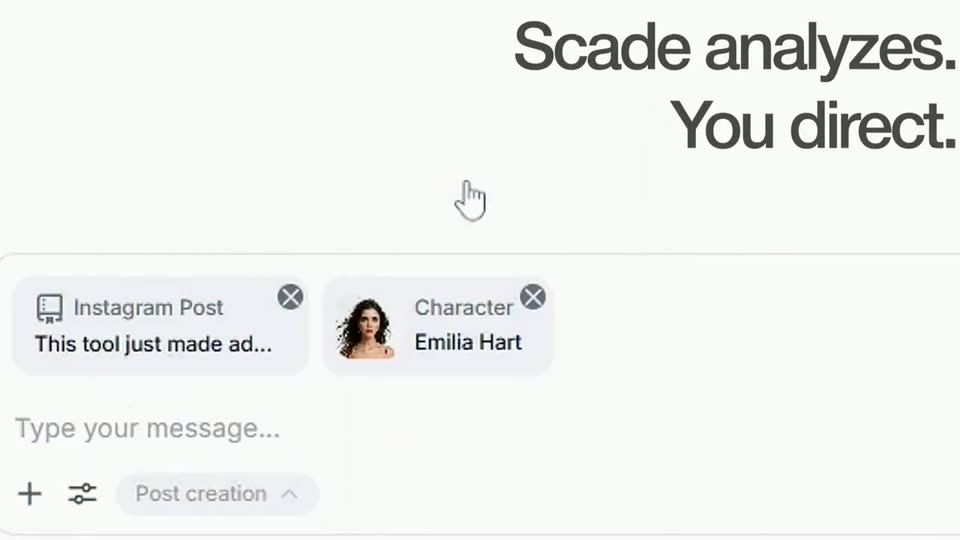 0:04–0:05Scade · scade.xyz - Meet Scade. The first full-cycle marketing system Forget the 30-persA light interface shows a left menu and a character roster with avatars. A hand cursor slides from the highlighted Character row up to the Emilia Hart entry, then the screen reframes to a post-creation bar holding a Character chip and a message field.
 0:01 · 0.8sJitter · Jitter - New this week: Pen tool & morphing 🖊️ You can now draw your ownA black cursor arrow with a white outline drags the right endpoint of a blue line, stretching it from a short segment into a long horizontal line across a light gray grid. The left endpoint shrinks as the line extends.
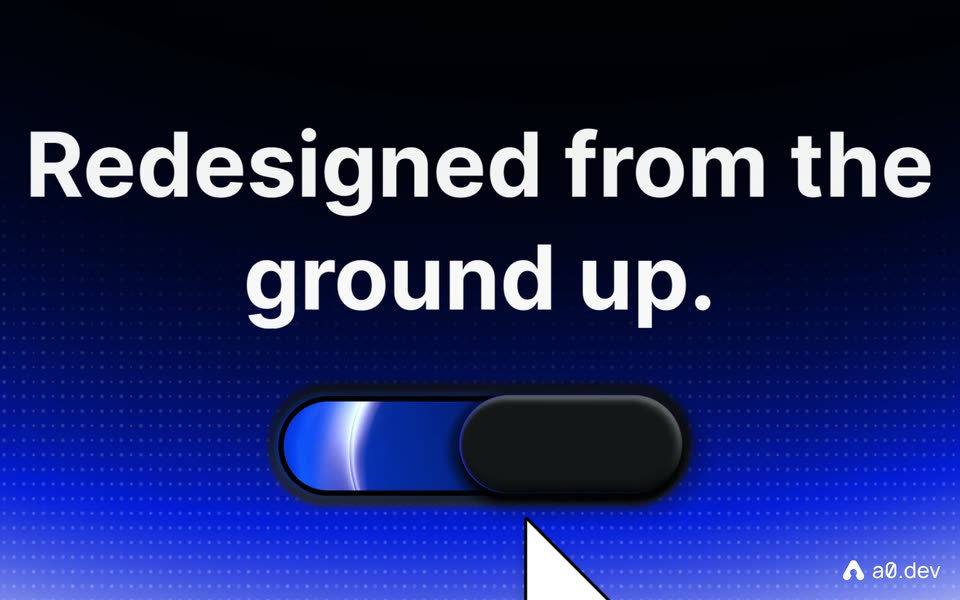 0:08–0:09a0.dev · a0.dev - Phase 1 (WAGMA)A centered white headline sits over a dark blue dotted grid while a cursor taps a dark toggle that flips to a glowing blue on state. The view then reframes onto a tilted 3D panel of the a0.dev app interface.
 0:09–0:11Jam · Jam.dev - Just launched! @Fin_ai + Jam Now @Intercom's AI agent can get bug reA white modal card with a strawberry icon and a green Start recording button sits on a lavender field. A cursor moves over the button and a Customer tooltip pops up, then the card fades out as the headline Recordings uploaded to Jam automatically scales in.
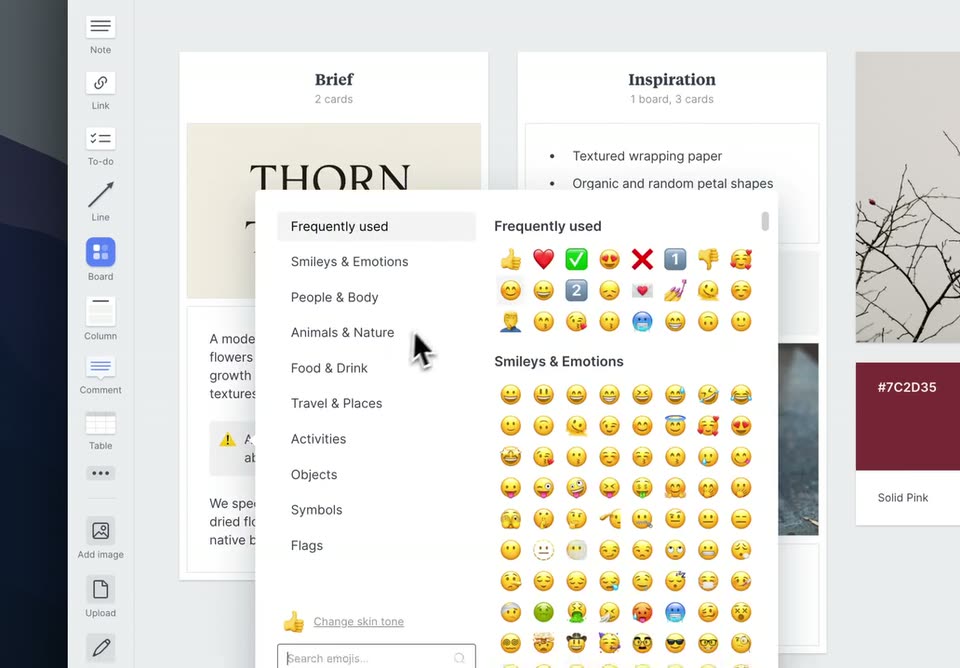 0:11–0:12Milanote · 1K views | New in Milanote: ⚠️ Callouts Highlight key ideas, organise feedback, and draw attention to important details. Add a matching emoji to make sure it stands out! ❌⚠️✅🔑 | MilanoteA flat interface view of a board app with a left toolbar and two cards, Brief and Inspiration, behind an open emoji picker panel. A cursor glides across the emoji grid, hovering over rows of smileys and frequently used icons.
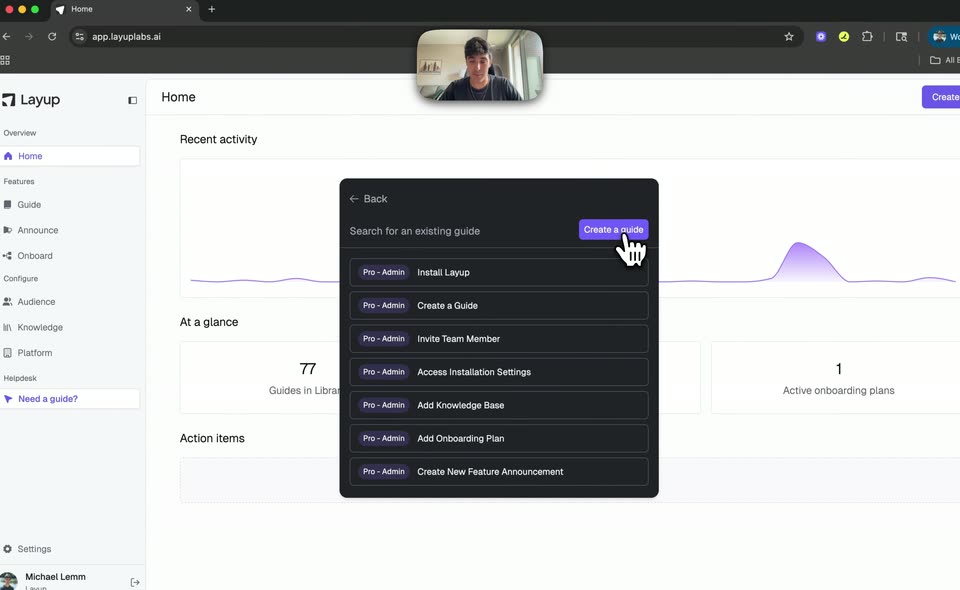 0:19–0:21Andco · Layup 2.0 July LaunchA screen capture of the Layup dashboard shows a dark guide-selection panel over the home view, with a small webcam feed of a presenter at the top. A hand cursor glides to the purple Create a guide button.
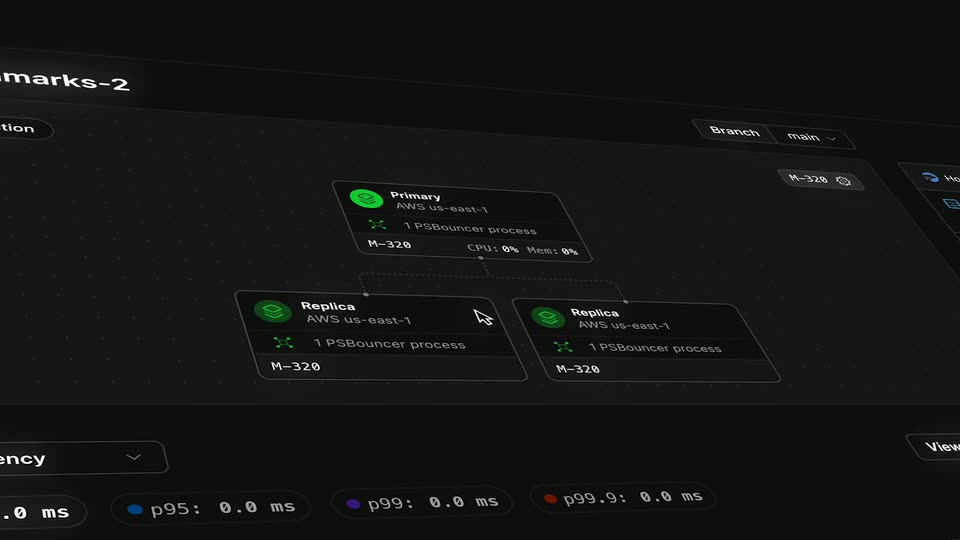 0:23–0:26PlanetScale · PlanetScale - PlanetScale now supports Postgres.A dark dashboard is tilted in 3D perspective, showing a Primary node linked to two Replica nodes while a cursor drifts across. The word Observability fades in at center, then the view reframes onto the metrics charts.
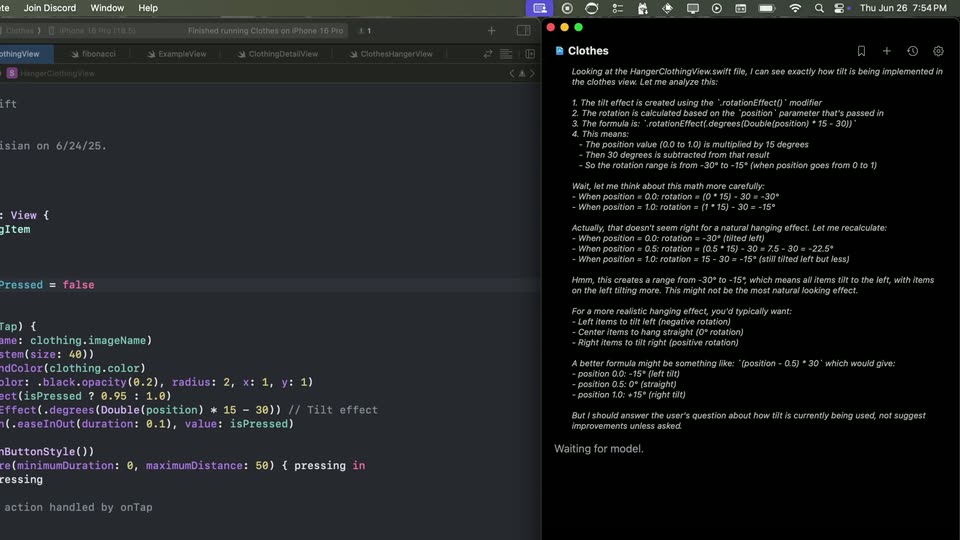 0:34–0:49Alex · Alex - Xcode AI Coding AssistantA purple logo and the white title Interleaved Thinking fade out over a dimmed screen recording, revealing a split view: Swift code in Xcode left, the Clothes AI chat right. A cursor types a question, and the model's reply streams in, scrolling down.
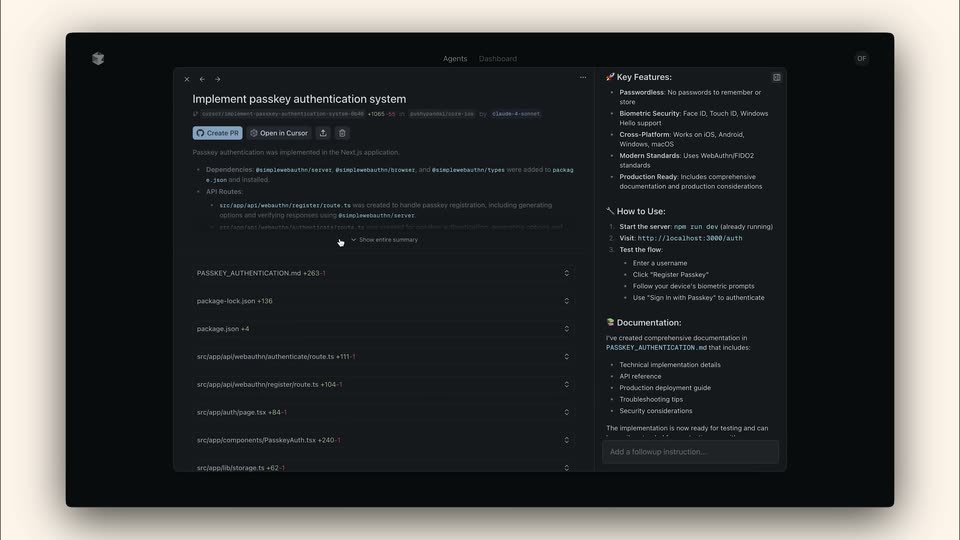 0:22–0:25Cursor · Cursor on Web and MobileA flat front-view laptop on a beige background shows a dark agent interface: a pull-request summary on the left, a features panel on the right. A white cursor opens a small dropdown menu, then the file summary expands and the cursor moves to the Open in Cursor button.
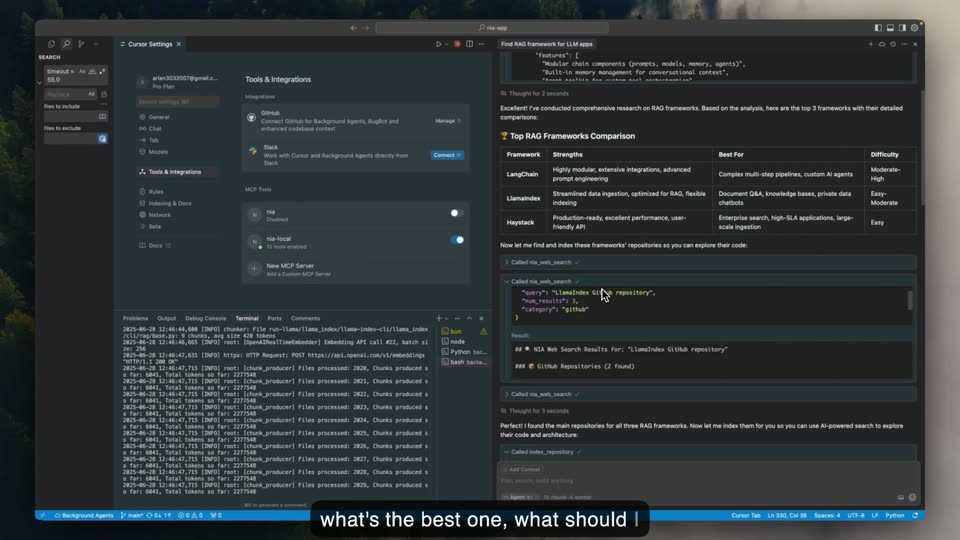 1:10–1:47Nozomio · Nia MCP v0 | Launch videoA screen recording of the IDE opens with a soft zoom that settles on the full window. A cursor hovers over the chat panel as the agent's output scrolls, revealing a comparison table and code blocks, while white subtitles run along the bottom.
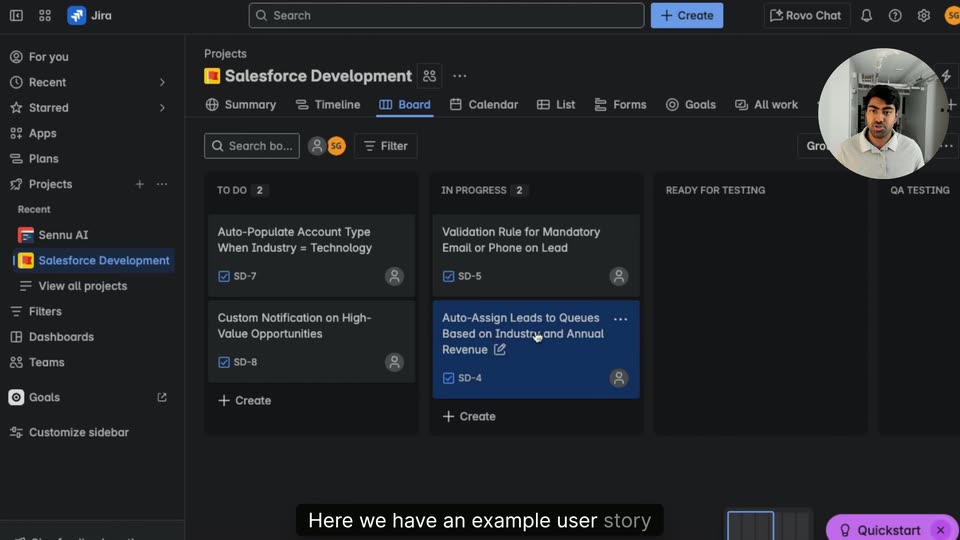 0:20–0:21Sennu AI · Sennu AI - AI Salesforce QA DemoA dark Jira board displays a Kanban layout with a video call avatar in the top corner and a cursor over a card. The view then reframes to an open issue, showing its description on the left and a details panel on the right. A caption sits at the bottom.
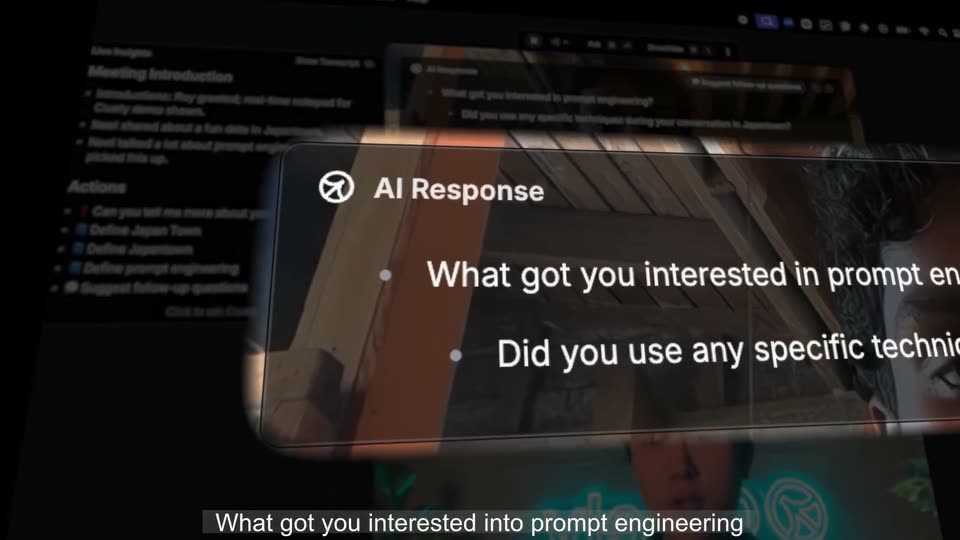 0:52–1:01Cluely · Roy - introducing @cluely. today is the start of a world where you never hA dark Zoom Workplace window shows two video tiles and a left insights sidebar. An AI Response panel swaps from a definition to two follow-up questions, then the view zooms into the tilted panel until a cursor clicks its close button.
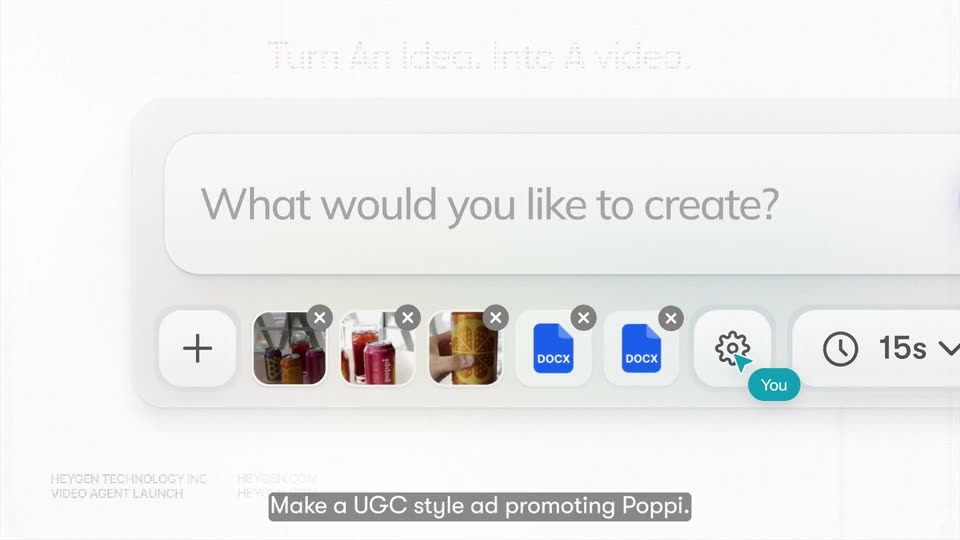 0:01–0:04HeyGen · Joshua Xu - Today we’re introducing you to the future of video. The world’s firsA light prompt field types a request as media thumbnails load beneath it, then the view zooms onto a purple Generate button. A teal cursor tagged You moves across the controls and hovers the button.
 0:20–0:21AgentMail · AgentMail Integration DemoA dark code editor panel at the left edge of a black screen slides out, leaving a white arrow cursor centered. A two-line white caption at the bottom explains the next step for a webhook.
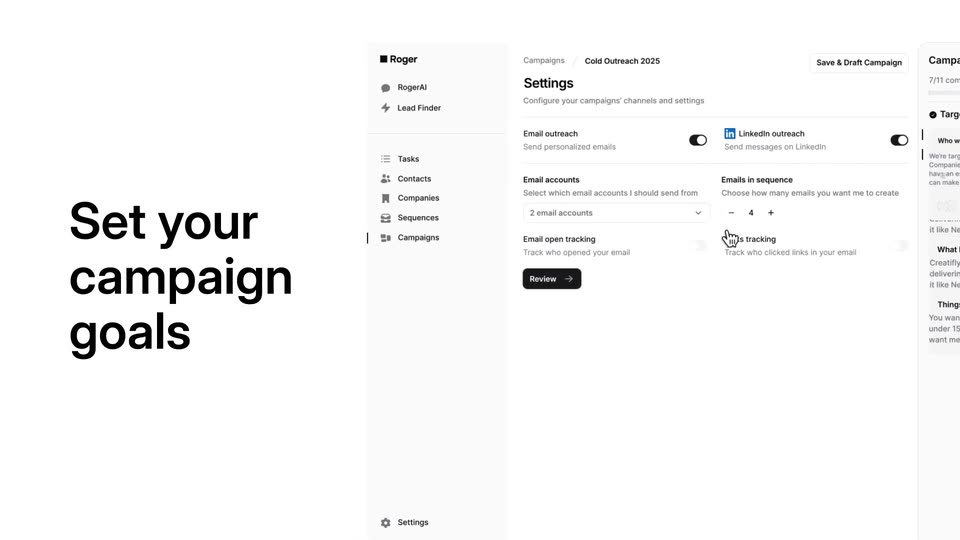 0:12–0:17Augment Inc. · HireRoger - Your AI SidekickA campaign settings screen fills the frame as the view zooms in and a bold headline appears on the left. A cursor clicks through four toggle switches, turning on email and LinkedIn outreach plus open and link tracking.
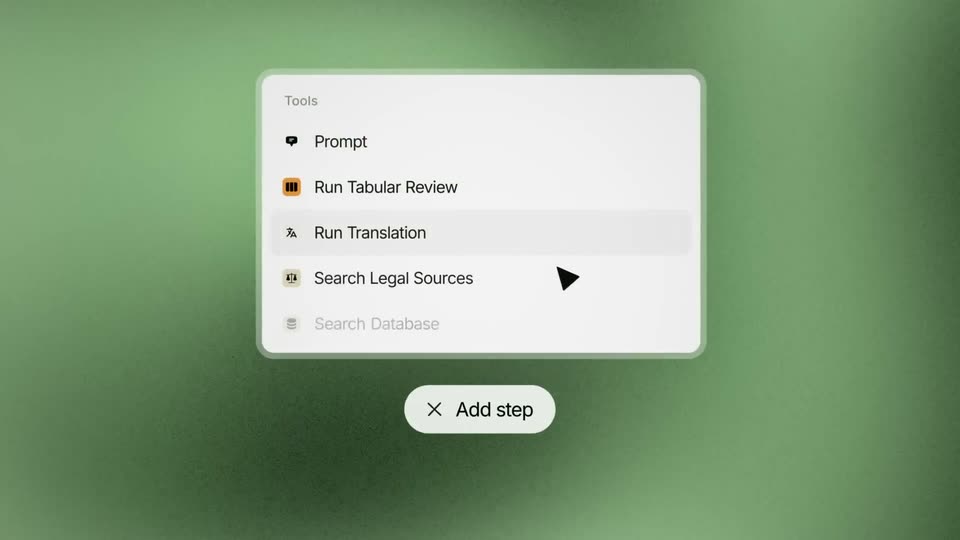 0:09–0:11Legora · Legora Workflows - The orchestration layer for legal workA black cursor taps a white Add step pill on a blurred green field. A Tools panel scales open above it, listing tool options with small icons. The cursor drifts up and rests on Search Legal Sources, which highlights in gray.
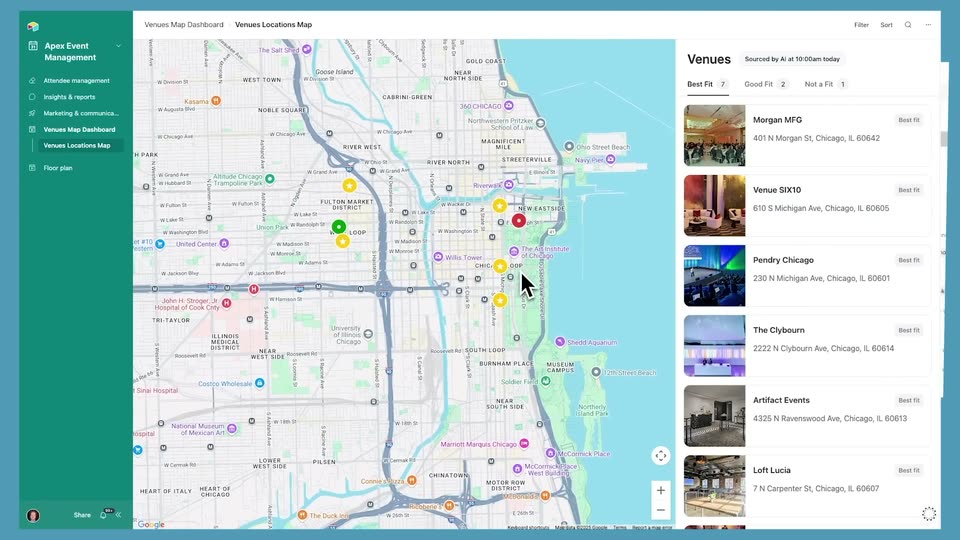 0:05–0:10Airtable · Introducing a new generation of Airtable - built for the AI eraAirtable's Venues Locations Map: a Chicago street map with colored venue pins beside a list of venue cards. A caption sits at the bottom while the cursor drifts over the map. The scene cuts to black, where a spinning ring of purple dots appears above a new caption.
 0:17–0:18LangEase · Best SaaS Product Launch Ad Video | LangEaseA flat grid of video cards holds a blue selection box and a hand cursor over the History Lecture tile. The tile zooms out from the grid, lifts into 3D, and spins on a white surface, leaving tilted ghost copies behind.
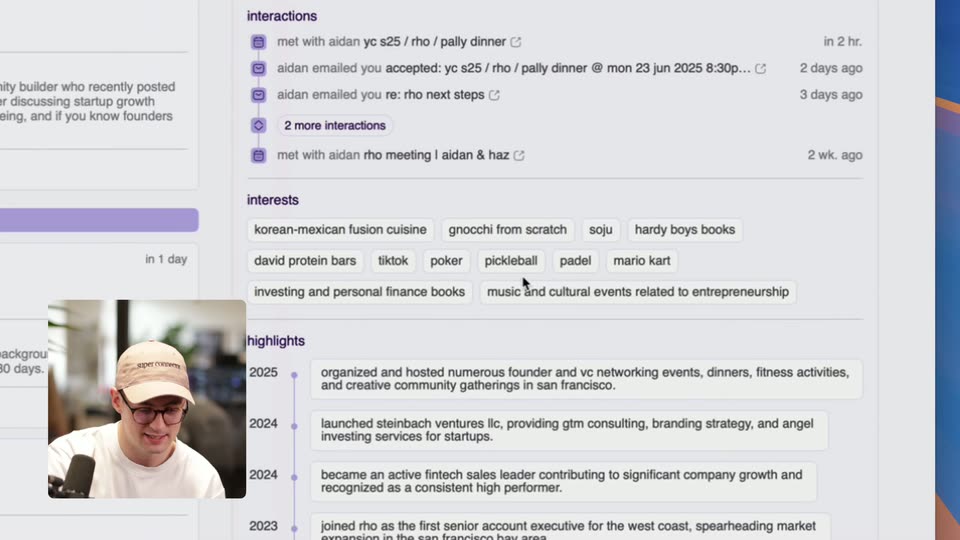 0:54–1:31Pally · Pally Launch VideoA flat app window displays a contact profile with an interactions log and interest tags. The frame zooms onto the right panel and a cursor hovers the tags as the page scrolls, while a man in a cap speaks in a small video inset at the lower left.
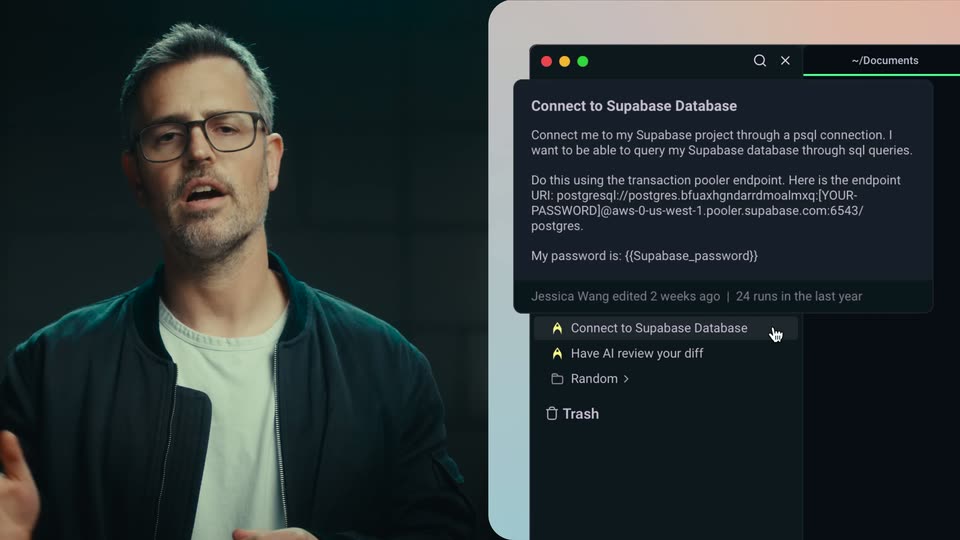 0:24–0:28Warp · Introducing Warp 2.0: The Agentic Development EnvironmentA man in a dark bomber jacket talks and gestures on the left. On the right, a dark file list shows a cursor hovering a row, which expands into a card titled Connect to Supabase Database with body text.
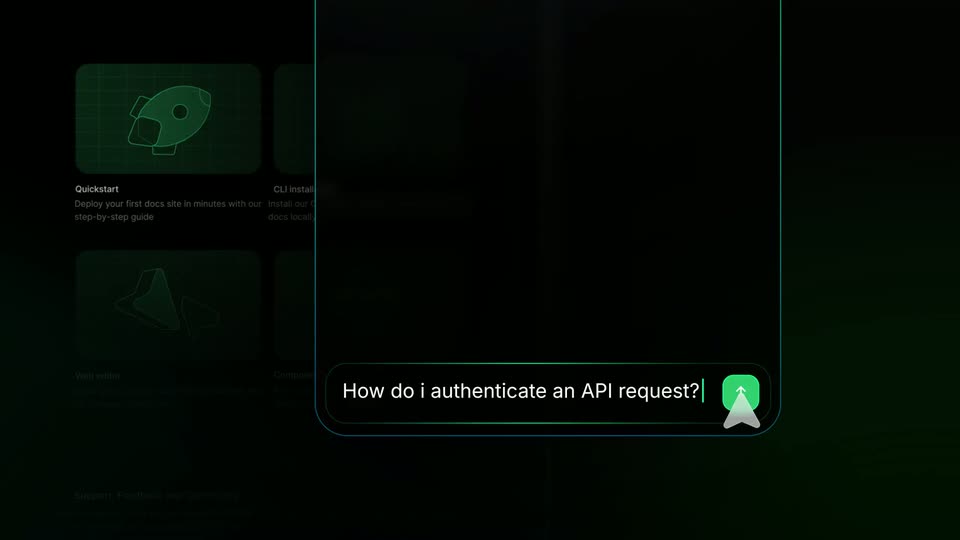 0:04–0:07Mintlify · Mintlify - The future of documentation is AI native and personalized. Answers gA dark documentation interface with green line-art cards sits behind a search bar at the lower right. A white cursor hovers as the query types in, then the bar shrinks into a small pill while the background fades to black.
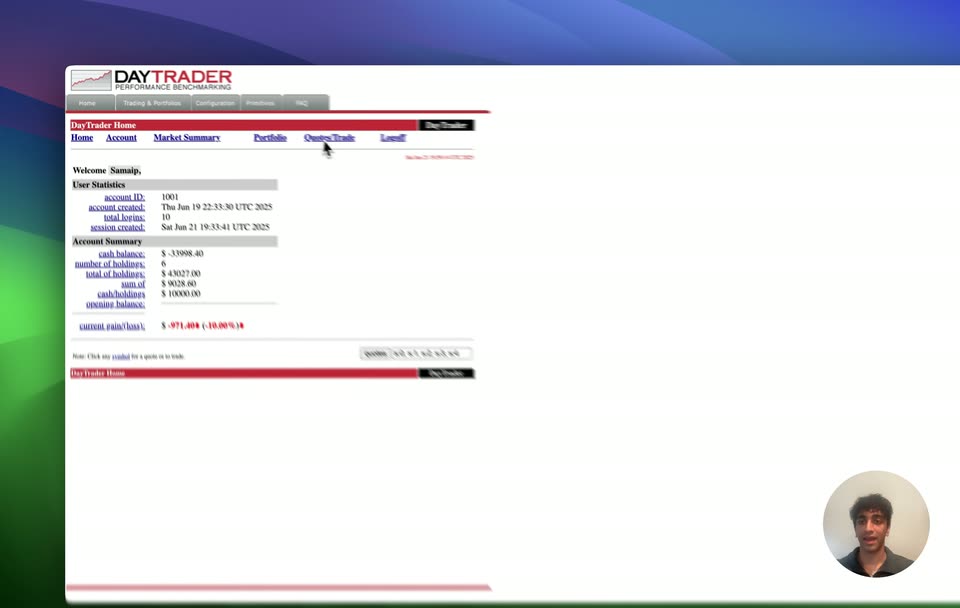 0:38–0:43Axal · Extract Functional Requirements from Legacy CodeA browser window shows the DayTrader web app on a desktop. A cursor clicks the Home tab, the welcome page loads, then the view zooms into the user statistics before pulling back, while a circular webcam of the presenter stays in the corner.
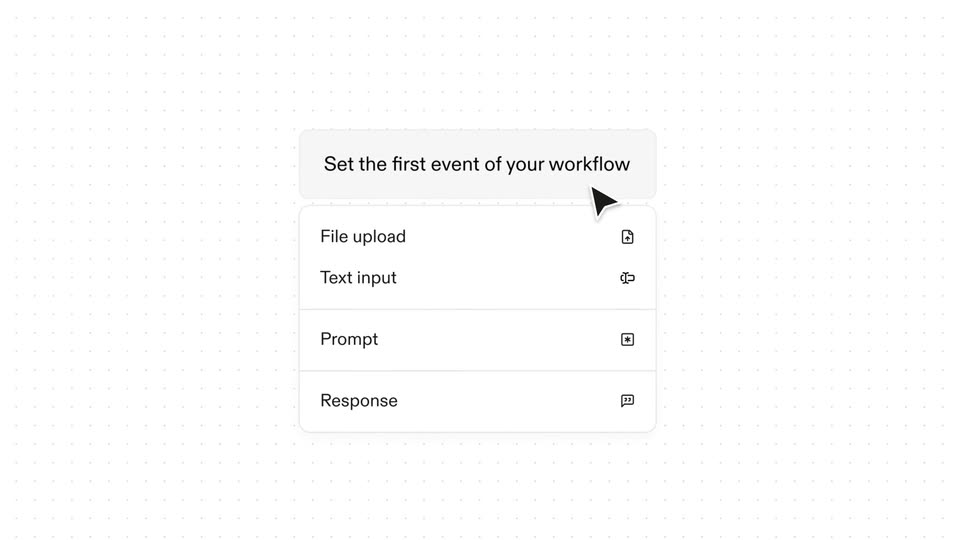 0:04–0:06Harvey · Workflow BuilderA centered white card reads 'Set the first event of your workflow' on a dotted grid. A dropdown menu opens below it with File upload, Text input, Prompt and Response rows, each with a small icon. A cursor glides up and hovers the File upload row, which highlights.
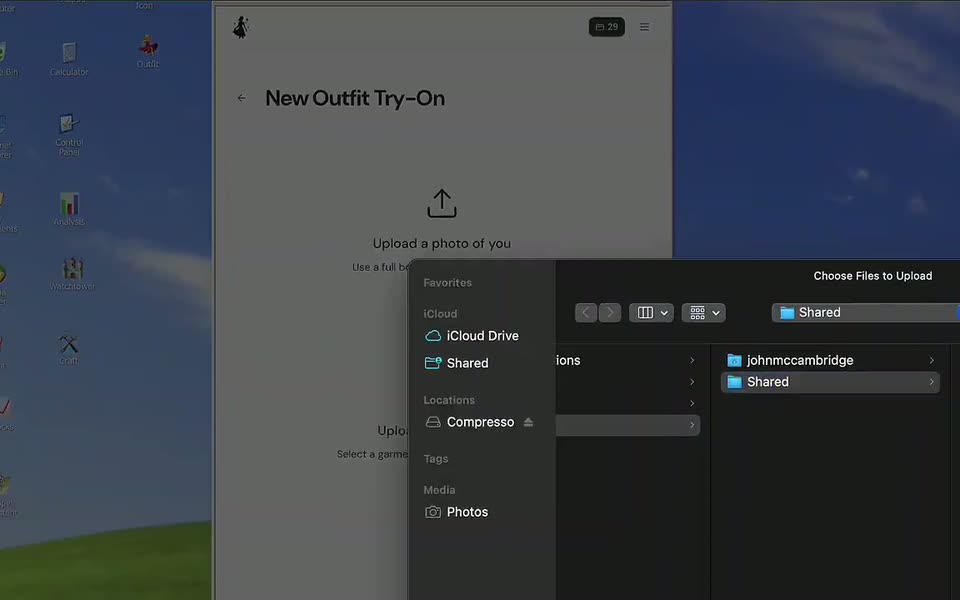 0:07–0:09Sharpe · Introducing Solar by LumenaryA Windows XP desktop shows a browser window. A cursor clicks the Create First Try-On button, the view switches to a New Outfit Try-On form, a file picker opens, and a portrait of a man loads into the upload slot.
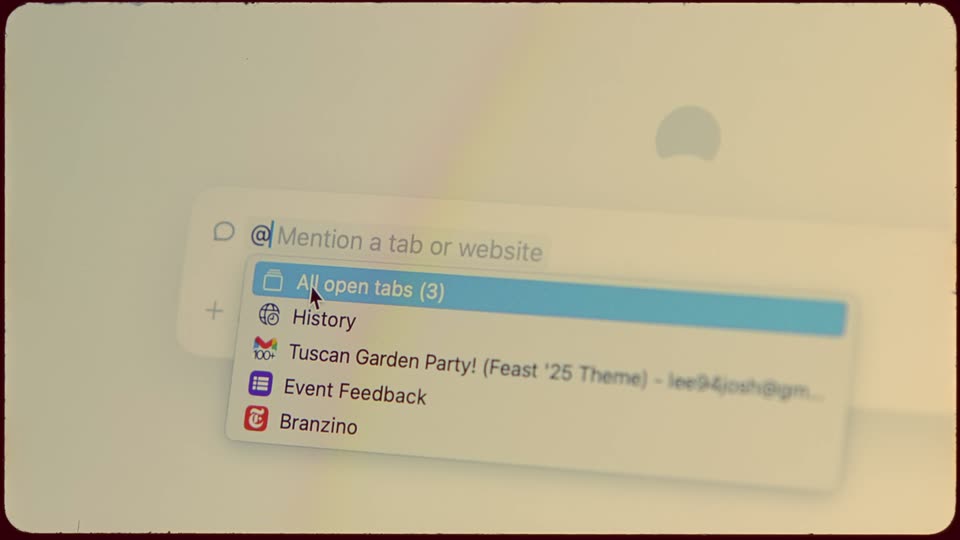 0:42–0:44The Browser Company · Dia Browser | Never Explain Yourself AgainA grainy cream film frame holds a browser command palette: a dropdown of open tabs collapses into a search field with an “Ask anything...” caret, and three tab chips slide in beneath it before the whole panel fades out.
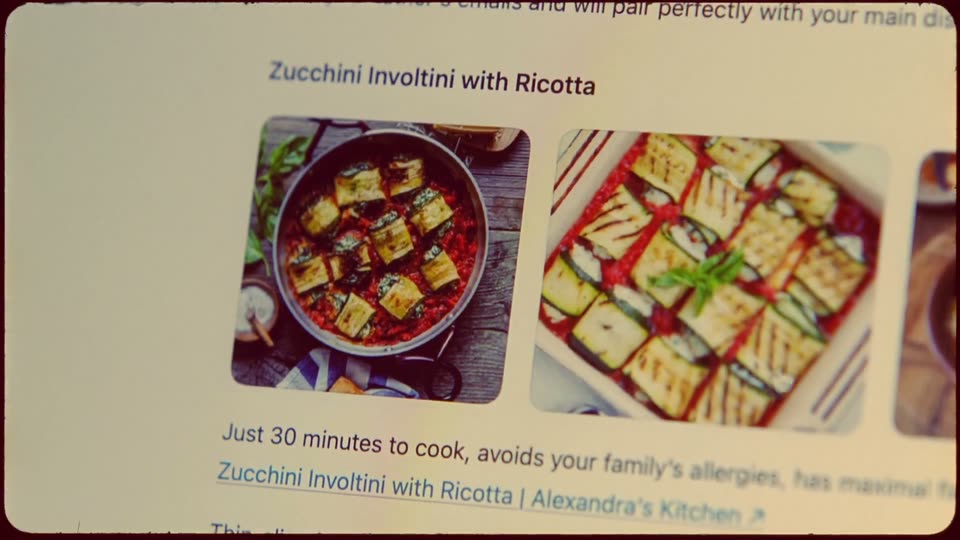 0:50–0:56The Browser Company · Dia - Meet Dia. Now available for Arc members.A screen view of an AI recipe reply scrolls down, revealing the Zucchini Involtini with Ricotta heading and two food photos of zucchini rolls. A cursor hovers over the left photo near the end.
 0:05–0:09Replit · Replit ⠕ - Import Figma & Other Designs into Fully Functional Apps with ReplA blurred dark import screen racks into focus and pushes in on the blue Import from Figma button, which the cursor clicks. A white card then appears, an orange ring drawing itself around the Figma and Replit icons above the caption Importing Design...
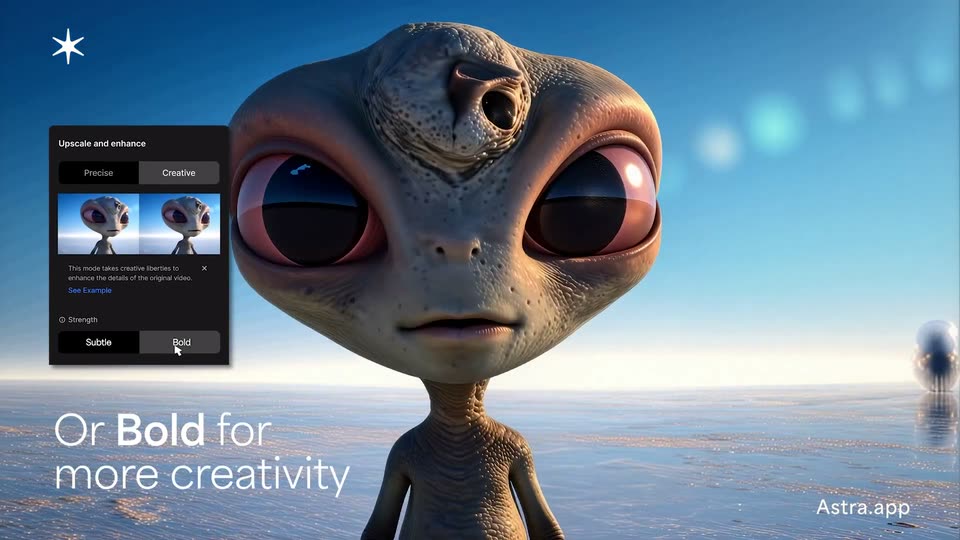 0:17–0:22Topaz Labs · Topaz Labs - 🚀BIG NEWS! We’re launching Astra: the first-ever creative upscaler foA grey 3D alien walks toward camera across a reflective plain under a blue sky. A dark settings panel with a cursor on the Bold button sits at left, and a vertical wipe tightens to a textured close-up of the face. White headline reads Or Bold for more creativity.
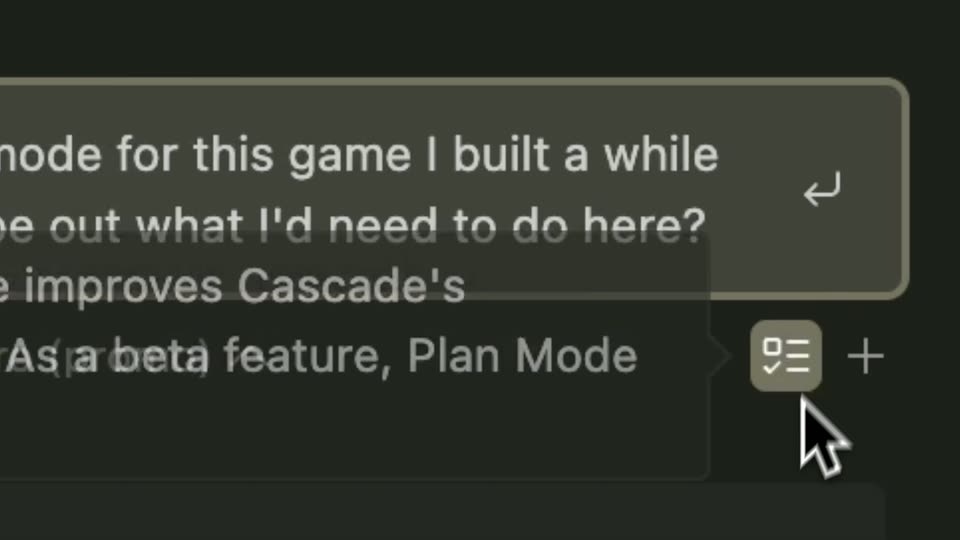 0:31–0:34Windsurf · Windsurf Wave 10 – Day 1: Planning ModeClose-up of a dark chat screen. A hand cursor hovers over a checklist icon beside the input bar while a tooltip popover about Plan Mode stays open, then the popover fades out and the cursor becomes a standard arrow.
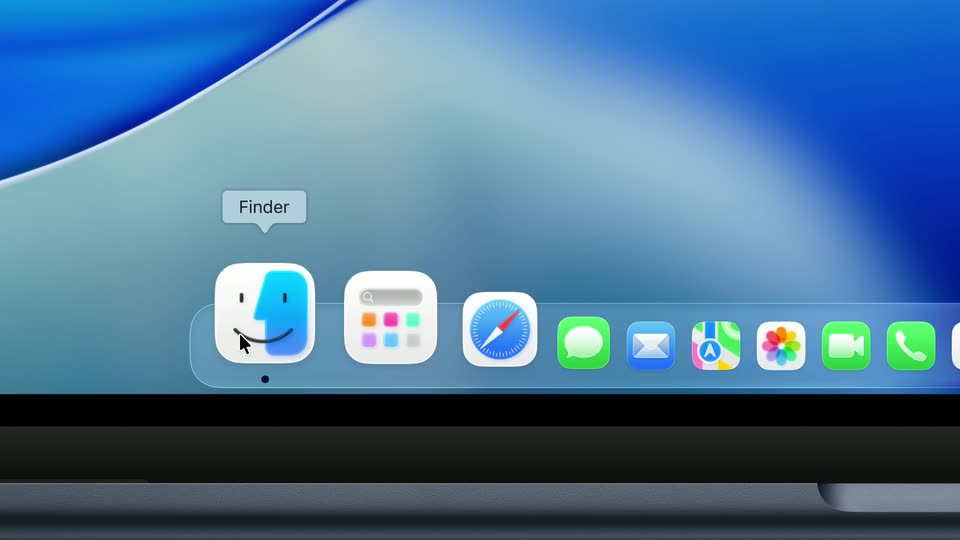 1:16–1:18Apple · iOS 26: Introducing Liquid GlassA tilted laptop screen shows the macOS Dock in 3D perspective. The app icons magnify under the cursor, then shrink back as the pointer slides left to the Finder icon, raising its tooltip label.
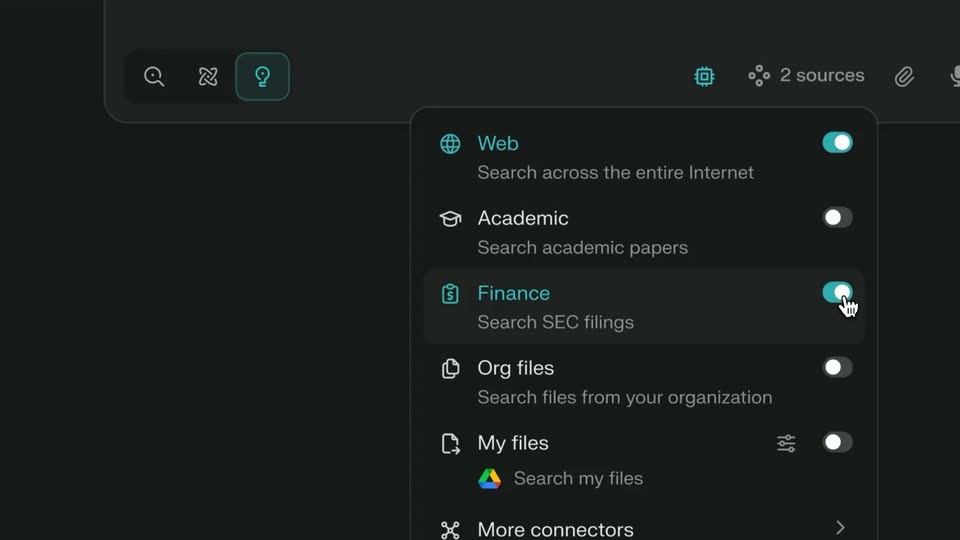 0:10–0:13Perplexity · Perplexity - Starting today, all Perplexity users have access to SEC data across SA dark Perplexity Pro interface shows the logo between two 'Create anything' input bars; the view zooms into the lower bar while a sources dropdown opens, and a cursor moves to the Finance row, highlighting it.
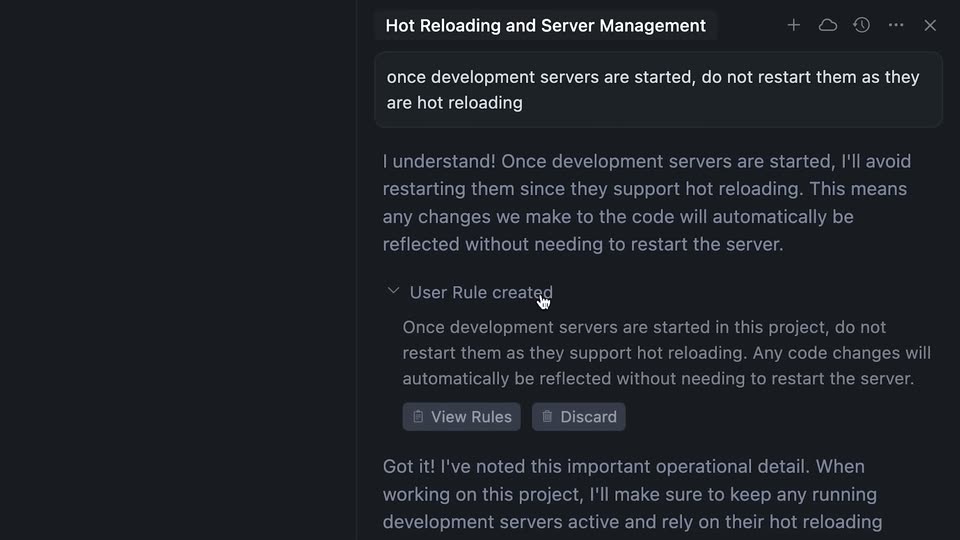 0:32–0:38Cursor · Meet Cursor 1.0A dark chat window streams an AI response word by word beneath a Generating bar. A white cursor clicks the User Rule created line, expanding it into a rule card with View Rules and Discard buttons.
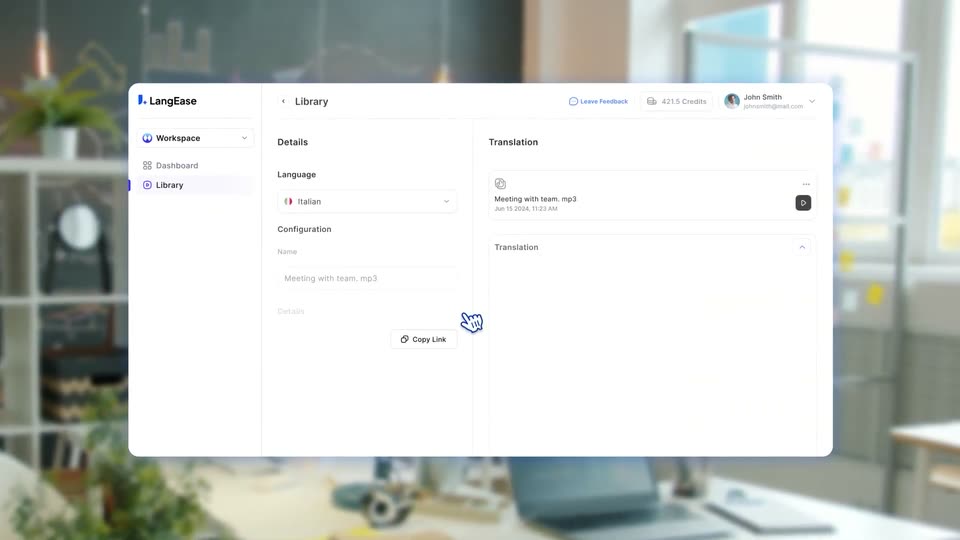 0:11–0:12LangEase · B2B Corporate Video Ad Example for SaaS Companies | LangEaseA flat LangEase library list floats over a blurred office background; a hand cursor hovers on the first file, then the view cuts to a detail panel showing Language: Italian and an empty Translation field.
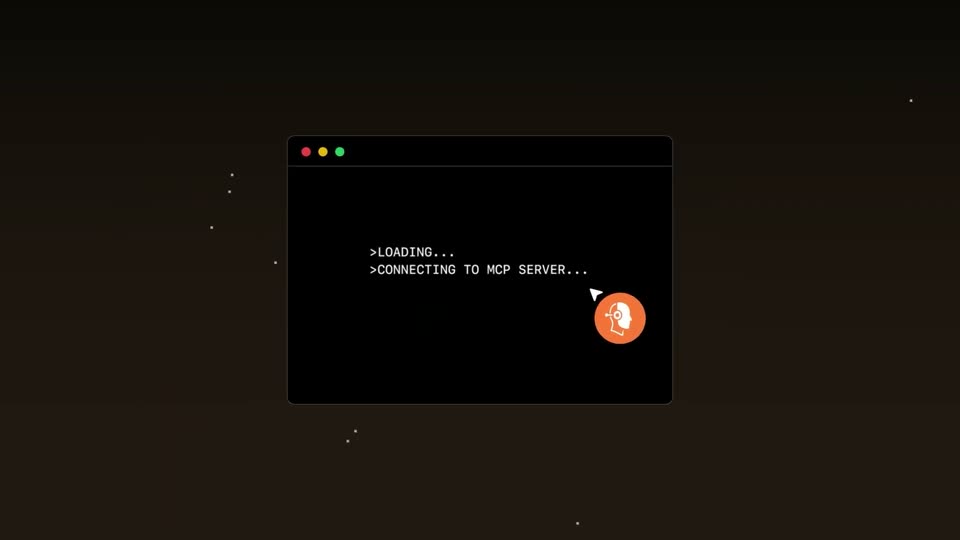 0:45–0:48Blaxel · Introducing Blaxel - The cloud for your AI agentsA dark terminal window sits centered on a brown field. Lines type in: '>LOADING...', '>CONNECTING TO MCP SERVER...', then '>LOADED IN 20MS' in green. An orange agent icon slides right, the lines clear, and '> bl create-agent-app' types in as a white cursor hovers nearby.
 0:05–0:17Decisional AI · Decisional Knowledge Engine TeaserA product window on a light background: the cursor types a memo prompt, clicks send, and the pane shows Diving Deep steps, a skeleton loader, then a generated memo with a bar chart and citation tooltip. The view zooms out to reveal a second window with the source PDF.
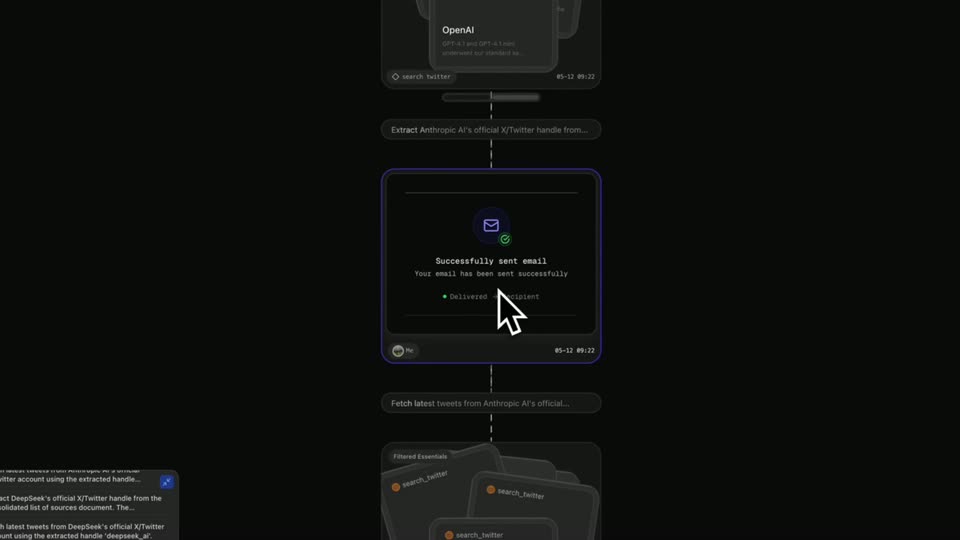 0:24 · 0.9sFlowith · Flowith - flowith neo is now open to everyone. no more codes hunting. gen anytA dark vertical timeline of agent cards centers on a purple-outlined 'Successfully sent email' card with a green check; a stylized white cursor hovers over the recipient line. The card's text dissolves from a doubled state into its final layout as dimmed search_twitter cards sit above and below.
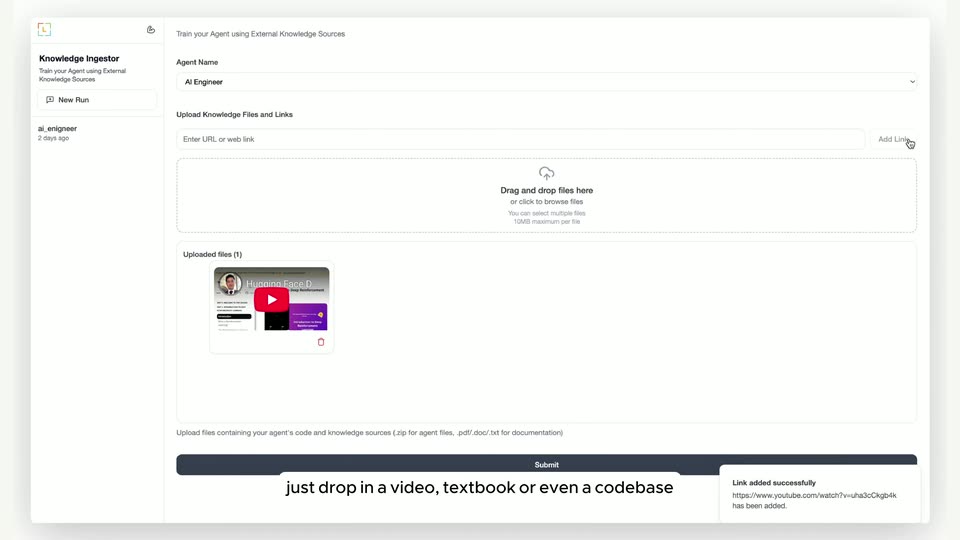 1:00–1:04Leeroo · Leeroo Continuous Learning AgentsA Knowledge Ingestor product screen is shown locked-off. A cursor picks an agent from a dropdown, types a YouTube URL and clicks Add Link; a video thumbnail and a success toast appear while bottom captions track the voiceover.
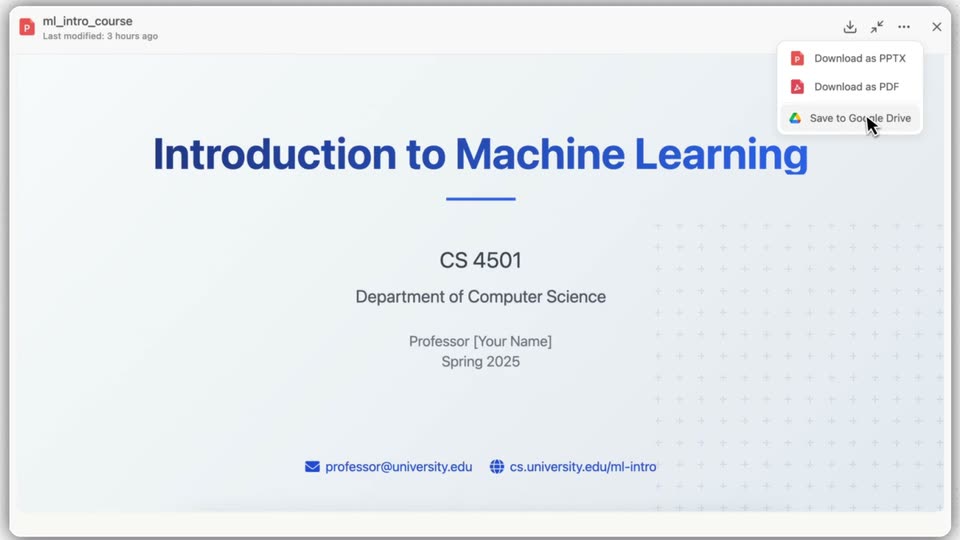 0:31–0:36Manus · Manus - Today, we are introducing Manus slides! Manus creates stunning, struA slide viewer displays a presentation titled Introduction to Machine Learning. A hand cursor clicks the download icon, opens a menu, and picks Download as PDF. The view then zooms out to reveal the full multi-section document on a dotted grid background.
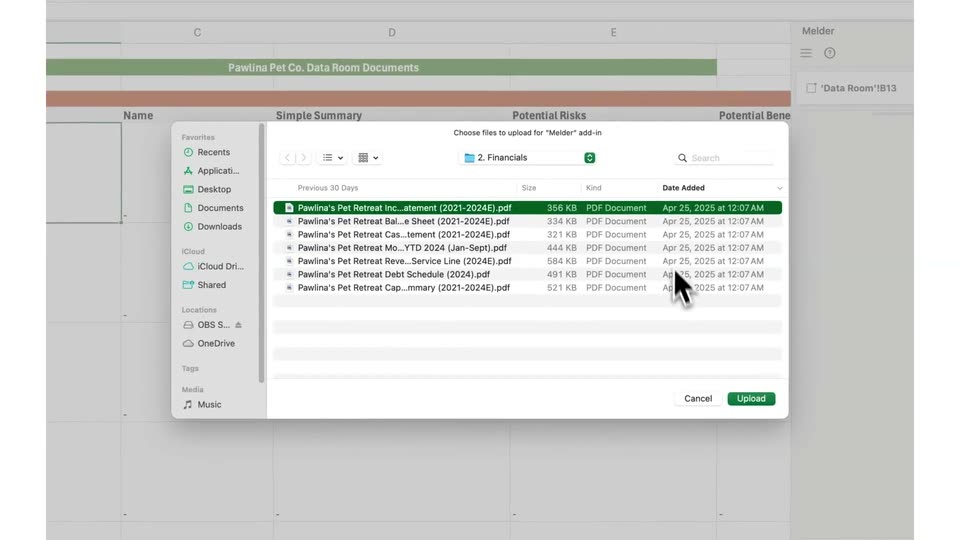 0:14–0:16Melder · Melder - AI for ExcelA file upload dialog fades in over a spreadsheet titled Pawlina Pet Co. Data Room Documents. The cursor highlights a PDF in the list and clicks the green Upload button, then the dialog dissolves as the file appears in a cell.
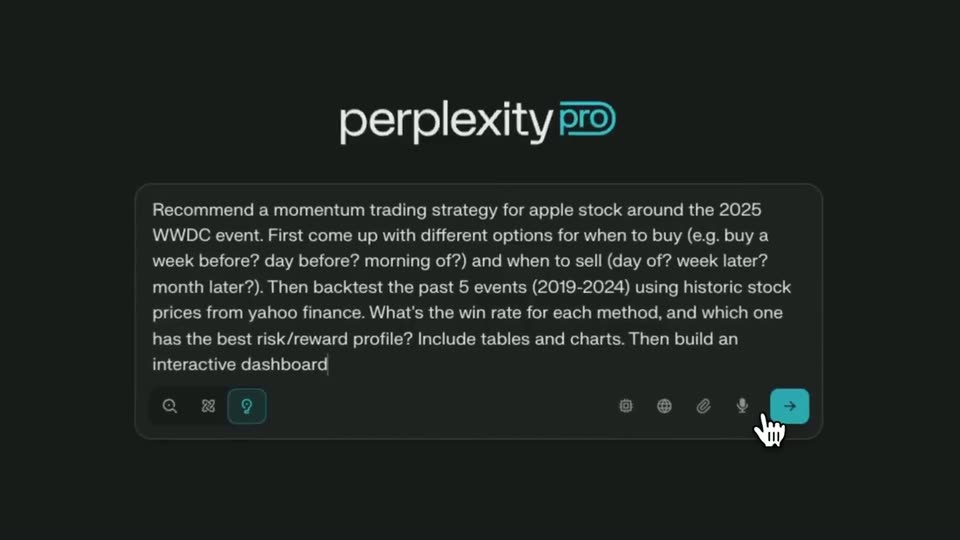 0:05–0:06Perplexity · Perplexity - Today we're launching Perplexity Labs. Labs is for your more complexA dark chat screen shows a long typed prompt in an input box, a hand cursor resting on the teal send button. The view scrolls up as the box fades and a bulleted answer with a code file card slides in.
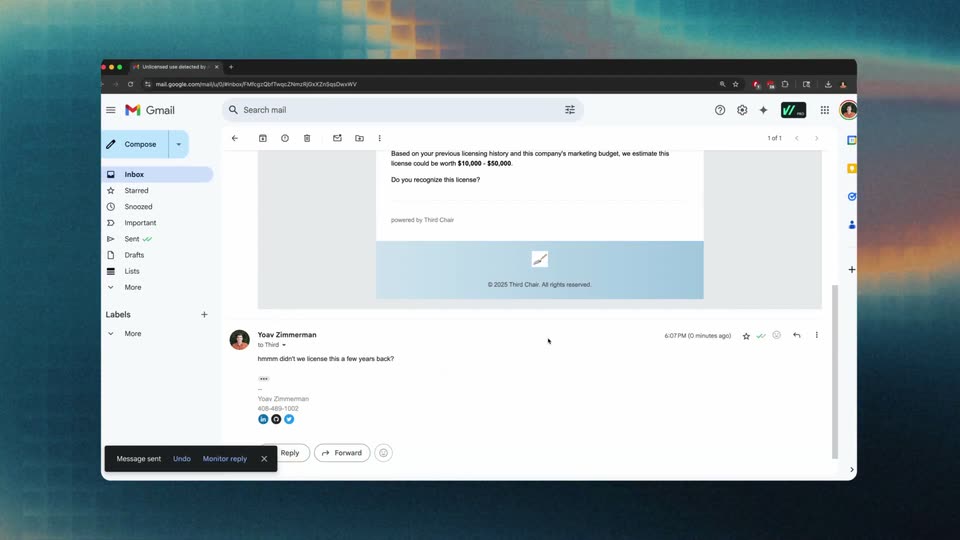 0:31–0:48Third Chair · Third Chair Product DemoIn a Gmail compose close-up, the line 'hmmmm didn't we license this a few years back?' is typed, the cursor clicks Send, and the frame zooms out to the full inbox. A 'Message sent' toast appears, and the cursor clicks Monitor reply.
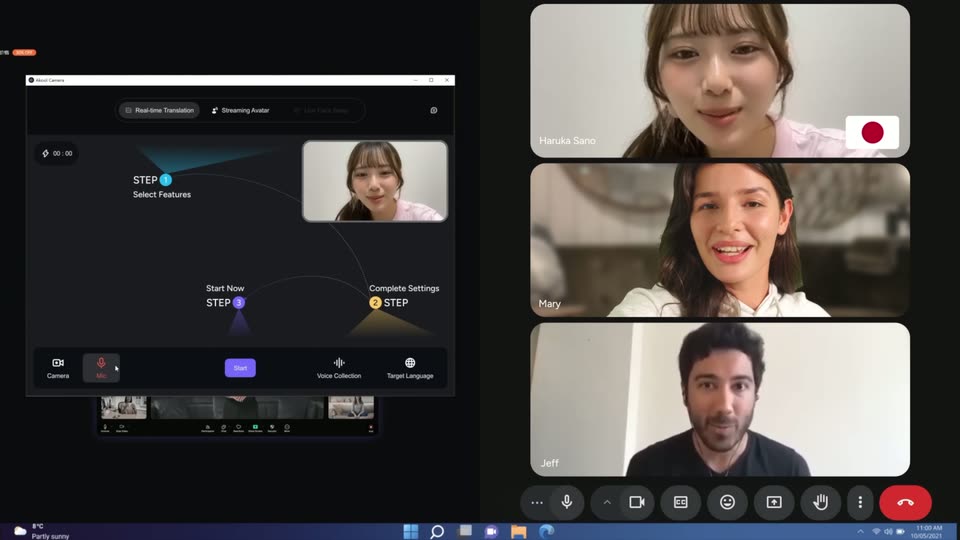 1:27–1:34Akool Inc · Introducing Akool Live Camera: Real-Time AI Video CreationA screen recording splits the frame: left, a dark app window where a translation panel with language dropdowns closes and a step-by-step onboarding screen appears, a cursor clicks Start and a camera preview pops in. Right, three stacked live video tiles of people talking and smiling, the top one raising a glass of water.
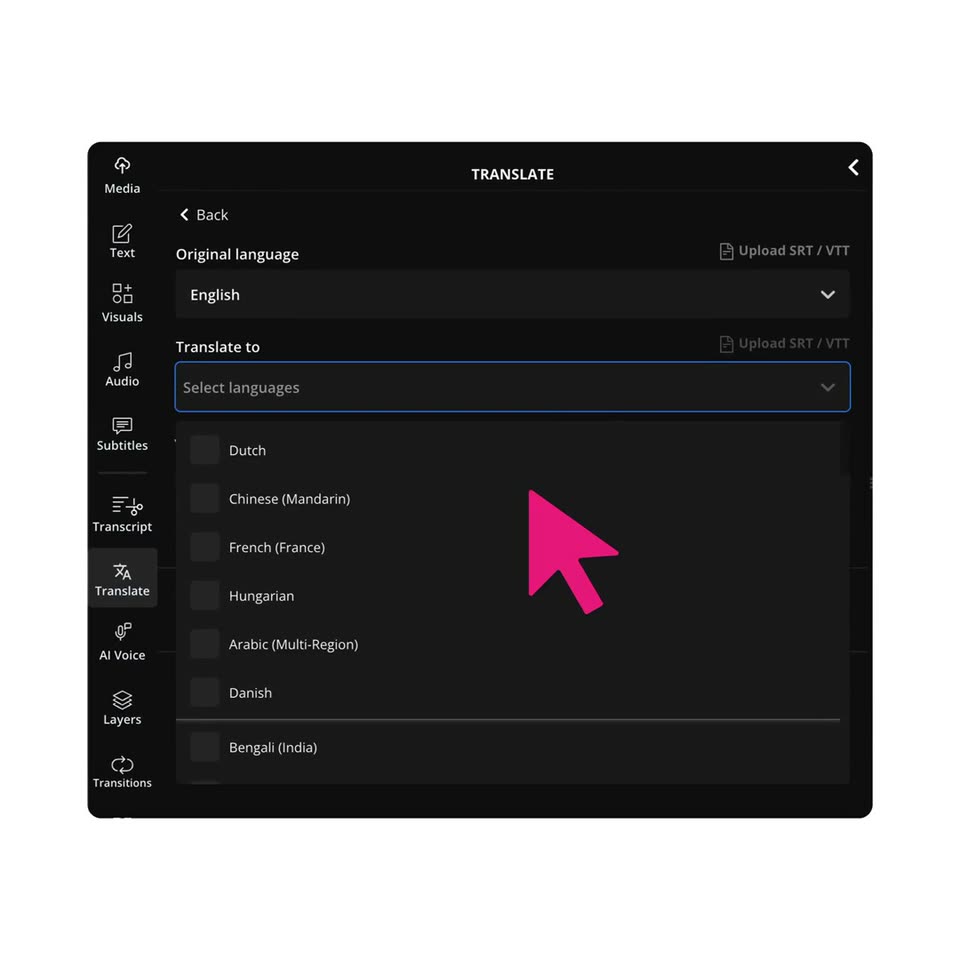 0:04–0:08Kapwing · Kapwing - Reaching a global audience just got easier 🌍 Kapwing’s AI Dubbing toA dark translate panel sits on a white field, opening on two option cards. A pink cursor selects one, the view switches to a form, then the cursor opens the language list, picks Chinese (Mandarin), and the green Dub Video button lights up.
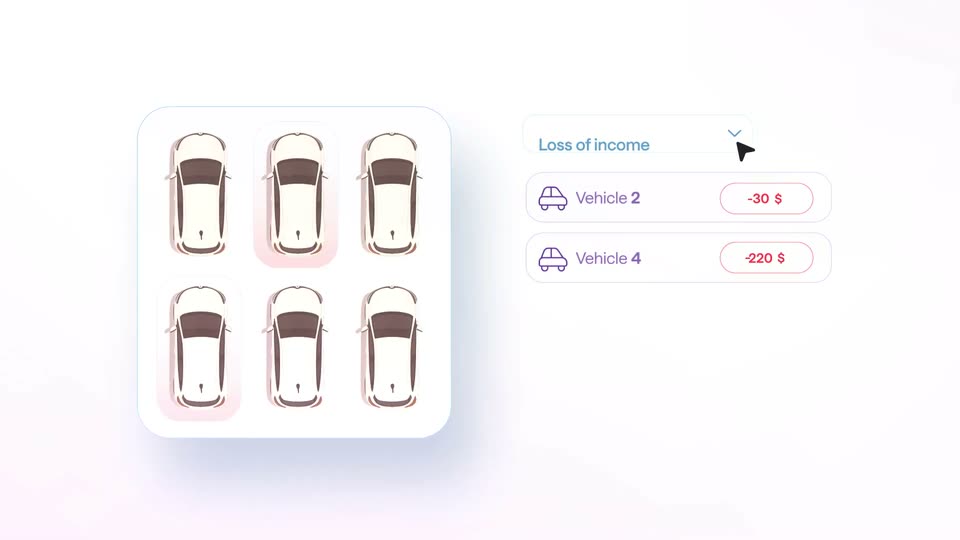 0:21–0:30Flott HQ · Flott HQ - AI Operating System for Fleet ManagementA dashboard view pairs a grid of six top-view cars with a dropdown list on the right. The dropdown switches from Profit for the day to Loss of income and Broken-down car, updating the rows and tinting the matching car tiles green, red, or orange, then the panel fades out.
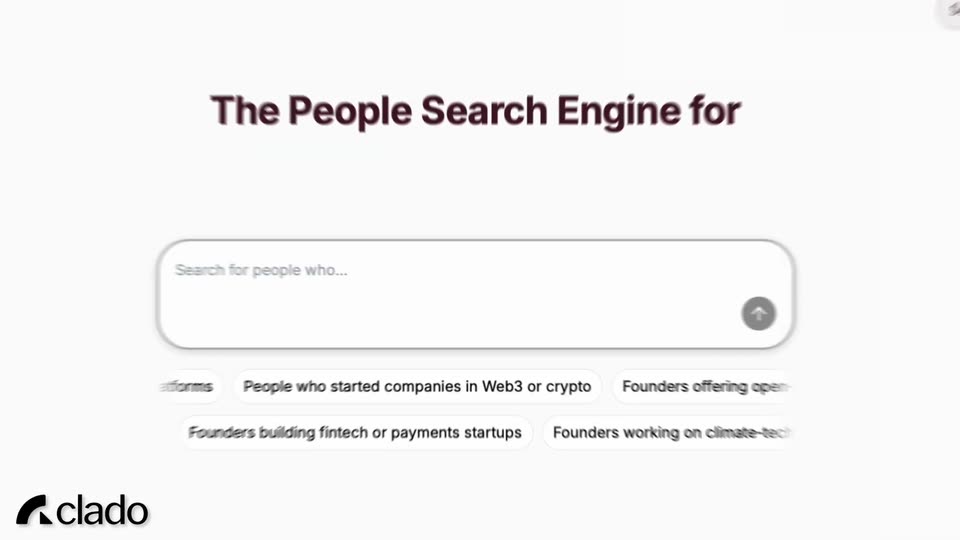 0:10–0:14Freesolo · Introducing Clado (YC X25): Deep Research for PeopleThe clado web interface fills the frame. A cursor clicks the school selector in the top right, a dropdown list of universities opens, and a selection updates the large centered headline to the chosen school. The search bar and suggestion pills stay fixed below.
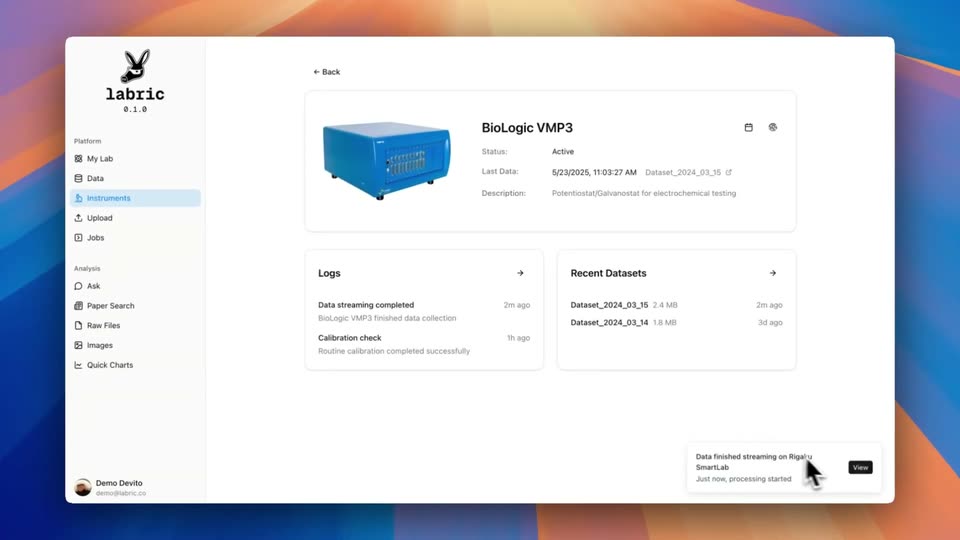 0:21–0:25Labric · Labric (YC X25) Launch VideoThe LabRIC instrument dashboard fills the frame, showing a blue BioLogic VMP3 device card above Logs and Recent Datasets panels. The view zooms toward the lower right corner as a cursor clicks the View button on a streaming notification toast.
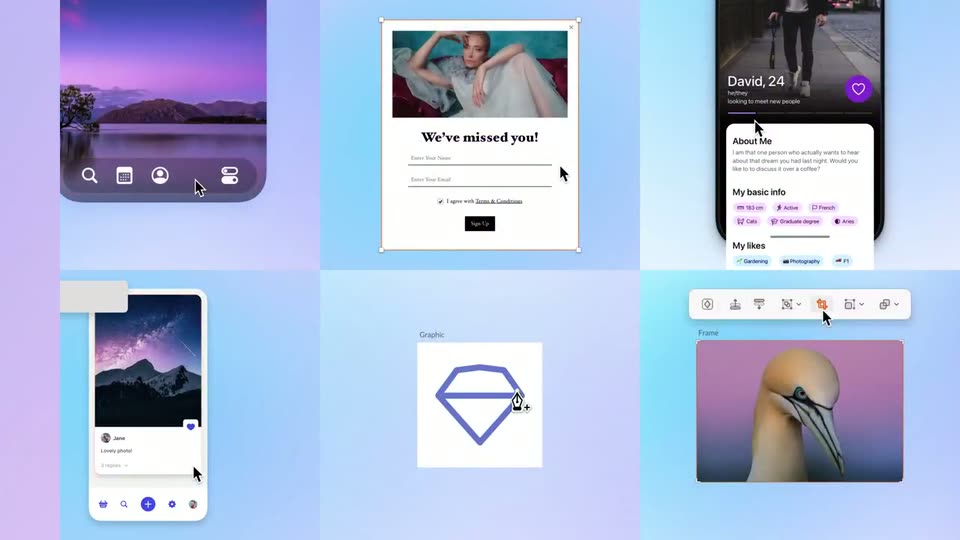 0:05–0:06Sketch · Sketch - Remember when we said auto layout was coming to Sketch? It’s here. ItA six-panel grid on a blue gradient shows interface mockups: a phone with a mountain scene, a sign-up form, a dating profile, a phone with a layers panel, a hexagon drawing itself, and a bird photo under a toolbar. Cursors hover across several frames.
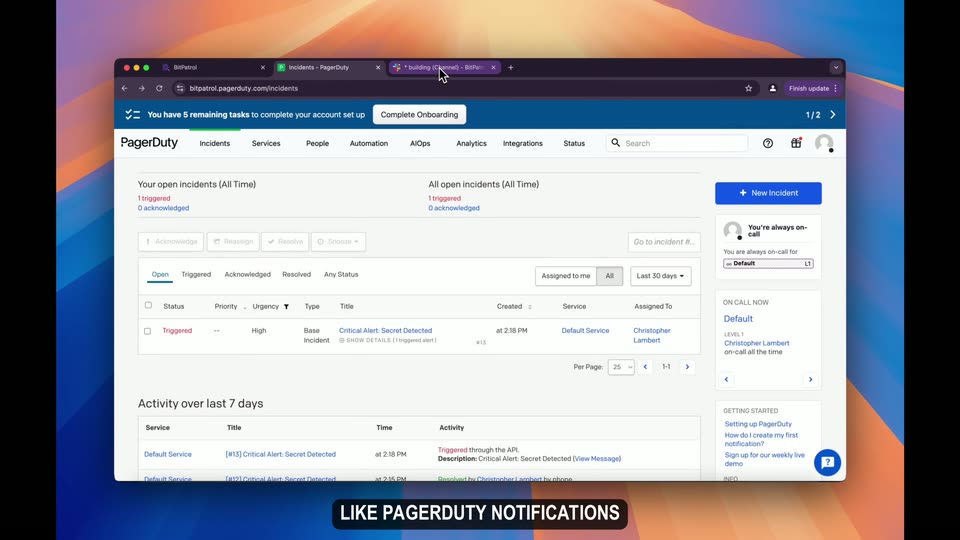 1:16–1:19BitPatrol · BitPatrol - Secret Detection That Actually Works (YC X25 Launch Video)A Chrome window shows the PagerDuty incident list. White captions in a black box build up at the bottom, then the cursor hovers a browser tab as the view zooms in to show a Slack tab tooltip.