1:58
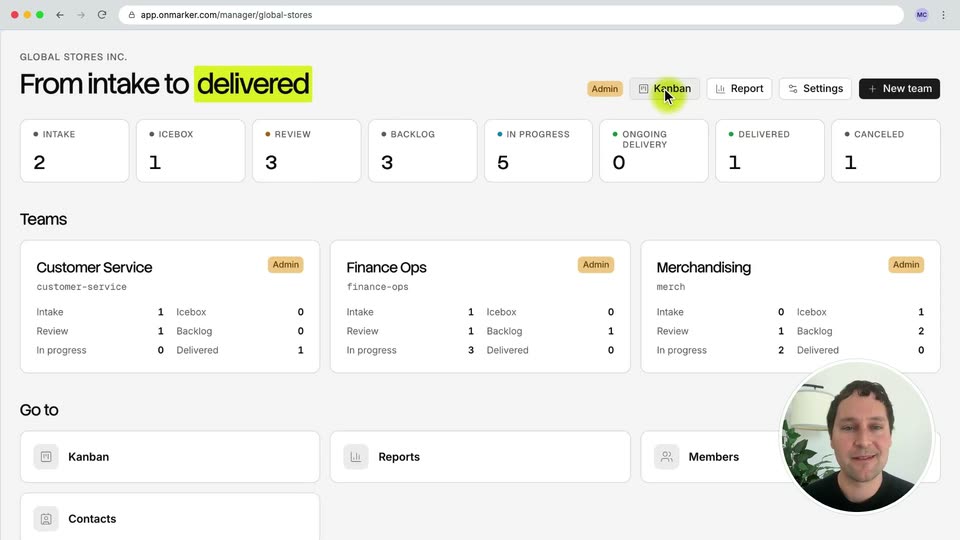

Introducing Marker Manager
Marker · B2B · Nov 2026
PARES AI’s 3:18 launch film runs 5 scenes, about 40 s each. The product is on screen from the first frame and 2 features are revealed. The call to action lands at 3:02 (92% in), over a voiceover. The video is built as a founder-led walkthrough: a talking-head intro, a screen-recorded tour of list creation and map filtering, two feature demos (the Potential Owners column and the one-way dialer), and a direct close. Pacing is slow and steady with long UI takes, anchored by a small circular webcam of the presenter that persists through every screen recording.
Is this your launch? to your site or press kit.
A man in a black t-shirt stands centered against a plain white wall. He waves at the camera, then speaks to the lens, gesturing with his hands, and ends by pressing his palms together in a greeting.
Camera: Static
Screen recording of the PARES app beside a small circular presenter video. A cursor opens a centered modal, types a list name, then searches a city. The map zooms in as red filter chips appear, shrinking the markers to four dots before an export dialog opens.
Techniques: Cursor demo, UI zoom
Camera: Static
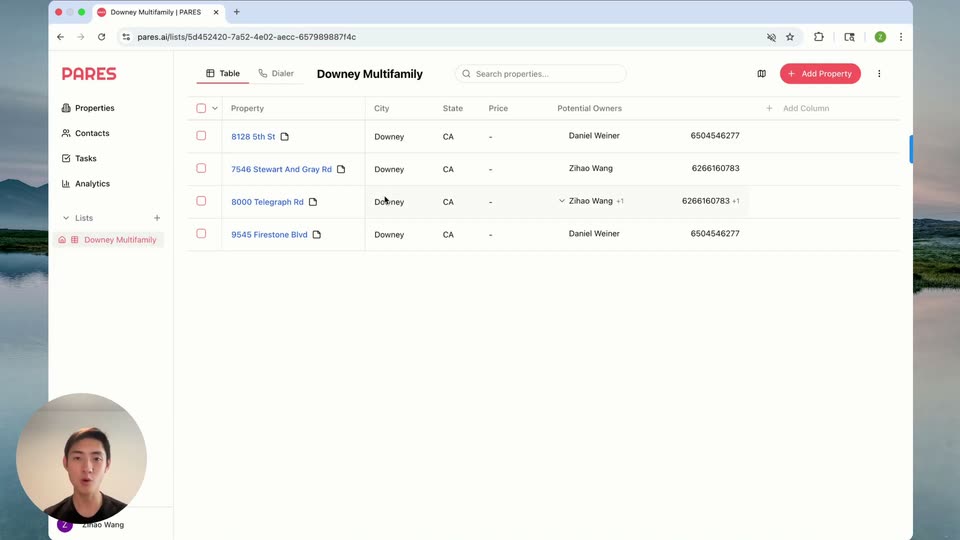
A screen recording of the PARES web app shows a property table. The cursor clicks Add Column, selects Potential Owners, then switches to the Dialer tab and opens the Dialer Settings modal to type a voicemail script and toggle options. A circular webcam of the presenter sits lower left.
Techniques: Cursor demo
Camera: Static
A full browser view of the PARES dialer shows a contact table and a right-hand property panel while status chips flip from initiating call to connected and voicemail ready. A circular webcam of a man sits bottom-left. The cursor clicks Pause Dialer, then expands a Call Progress metrics panel.
Techniques: Cursor demo
Camera: Static
A man in a black t-shirt and gold chain stands centered against a plain off-white wall, speaking to the camera. He raises both hands in an open gesture at the start, then lowers them and continues talking with small head movements. Static medium close-up framing.
Camera: Static