Cursor demo
A visible cursor operates the interface.
15,089 scenes · page 78 of 252
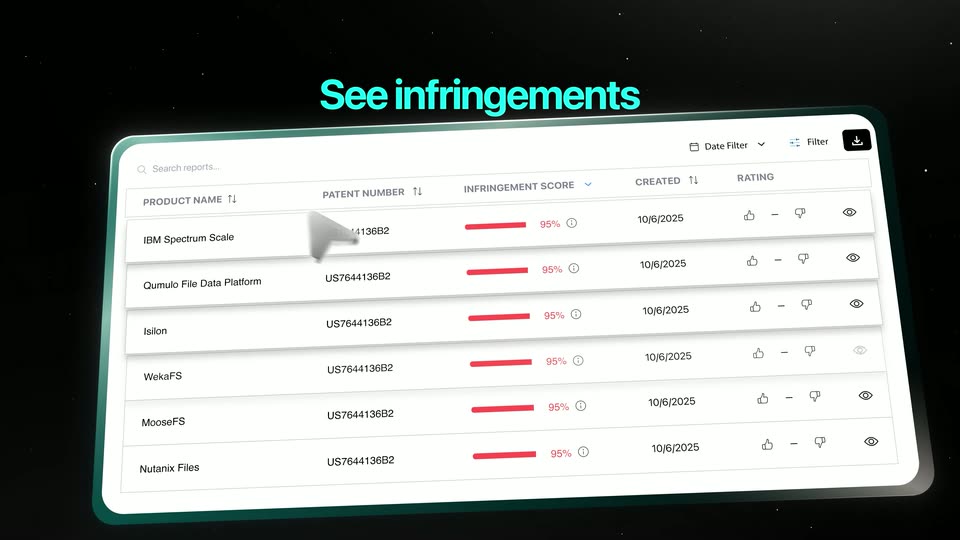 0:18–0:21Patent Watch · Patent Watch Launch VideoA white patent-score table floats in 3D perspective on a black starfield, beneath a gradient headline. A cursor glides across the rows, then the card slides down to reveal a new white detail panel.
 0:42–0:45Uplane · Uplane - Marketing will never be the sameA blue Book Your Demo button sits centered on a soft white gradient. A cursor glides up, a thin blue outline ring appears around the button, then the button morphs into a blue rounded square with a white checkmark as the uplane wordmark slides in.
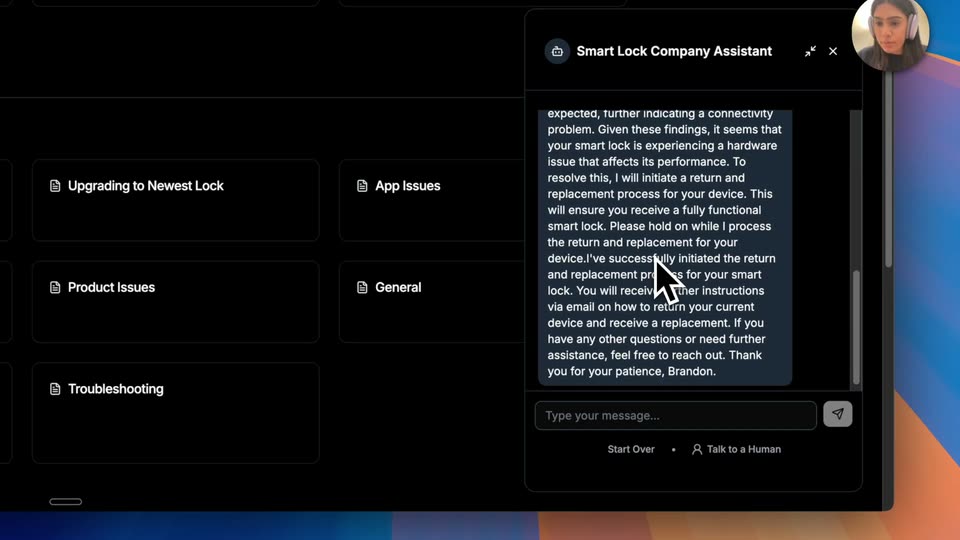 0:05–1:23Layers · Telemetron DemoA dark help-center website fills the frame as the cursor moves to the chat widget. The view zooms into the chat panel, where a customer message appears and the assistant reply types out word by word, then the camera zooms back to the full page.
 0:18 · 0.8sFramer · Framer - 🖌️ Vectors are now available on the Framer Marketplace. Easily add reA dark Framer marketplace page for a Kitchen and Food vector set is shown, a hand cursor hovers the Copied Vectors button, and two illustrated preview cards sit at the bottom.
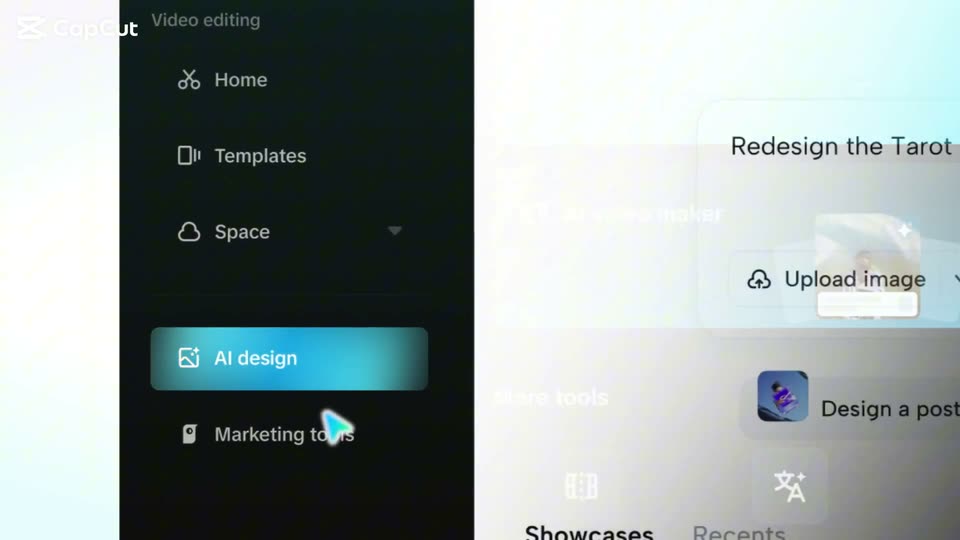 0:07–0:08CapCut · CapCut - Your all-in-one e-comm toolkit is here. Meet the new CapCut Desktop!A close-up of the CapCut desktop interface. A cursor clicks the AI design item in the dark left sidebar, which lights up with a teal glow, while the right panel of cards and tools fades under a dark overlay.
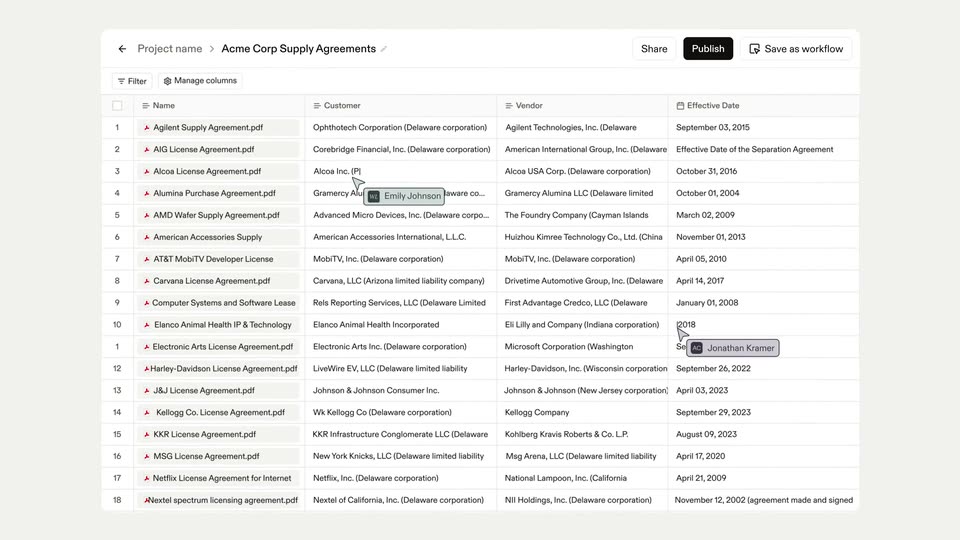 0:32–0:42Harvey · Work Without BoundariesA white spreadsheet panel slides in from the right and its rows populate top to bottom. The camera pulls back to frame the full table, then a cursor clicks Share and hovers over cells, popping up name tooltips.
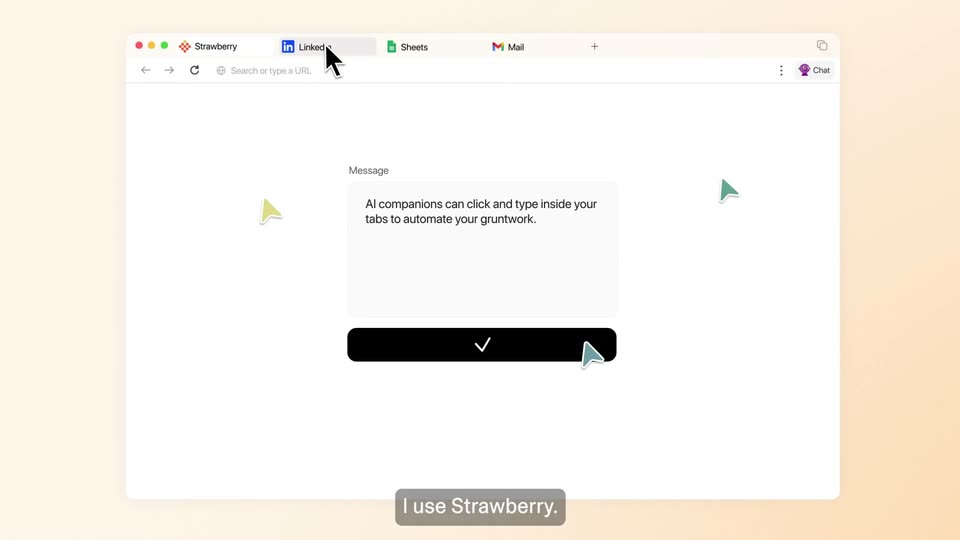 0:12 · 0.8sStrawberry · Charles Maddock - We've raised $6M from General Catalyst, EQT Ventures, and founders ofA flat browser window on a peach background shows a Message panel and a black checkmark button while four colored cursors drift; a black cursor moves up to the LinkedIn tab. A gray pill caption reads “I use Strawberry.” at the bottom.
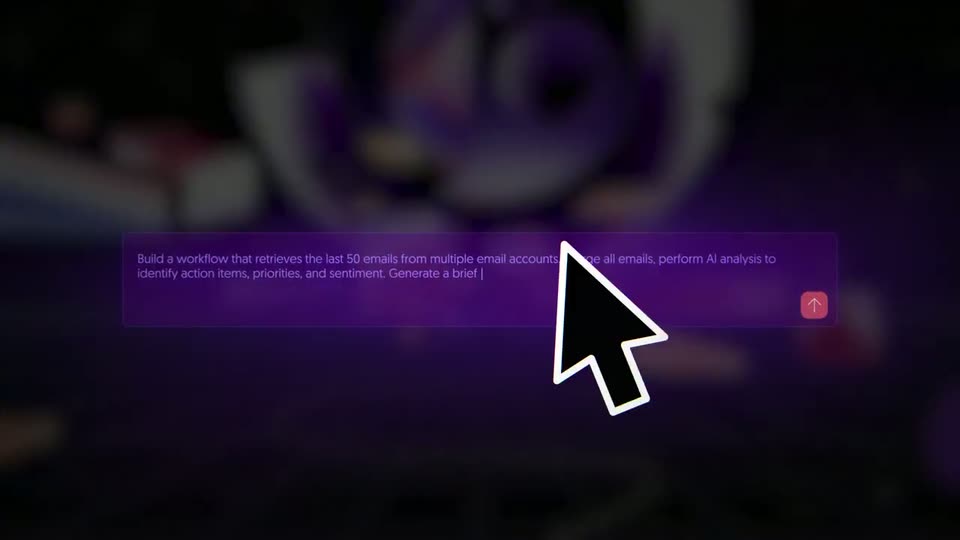 0:33 · 0.5sn8n · n8n.io - 🚀 Introducing AI Workflow Builder (Beta) - Turn prompts into living wA white-outlined cursor arrow slides right across a sharp purple prompt field, set against a heavily blurred magenta backdrop. A ghosted second outline trails at the right edge as the cursor moves.
 0:09 · 0.5sClicks Health · Clicks (YC F25) Launch VideoA tilted job-form interface in 3D perspective. A cursor clicks a salary-range checkbox, then the view cuts to a wider angle as a glowing red dollar icon fades in at the center of the form.
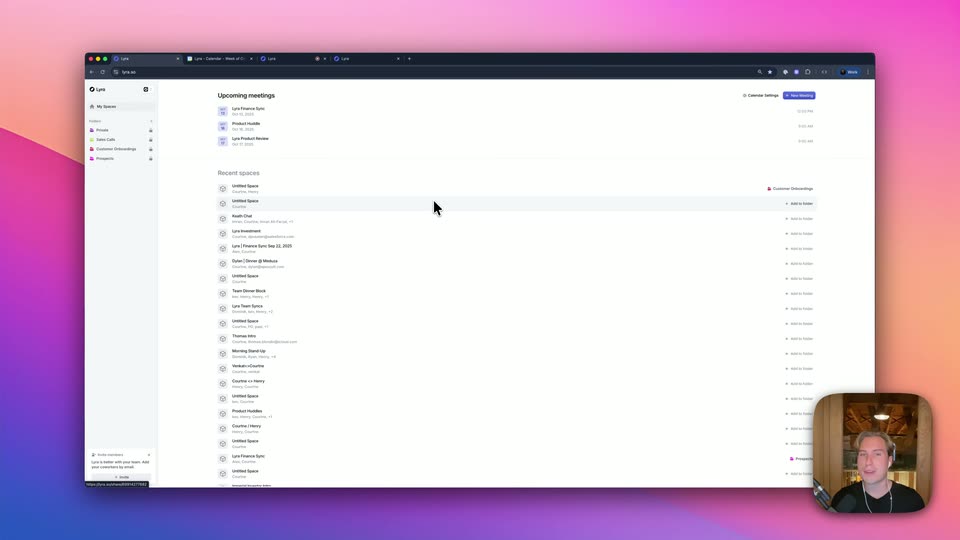 0:03–0:04IRBC · Lyra, The Final Meeting Platform.A tilted browser window floats over a pink and purple gradient, showing the Lyra home screen with a list of spaces and a highlighted row. A cursor hovers at the center, while a small rounded video feed of a man sits in the bottom right.
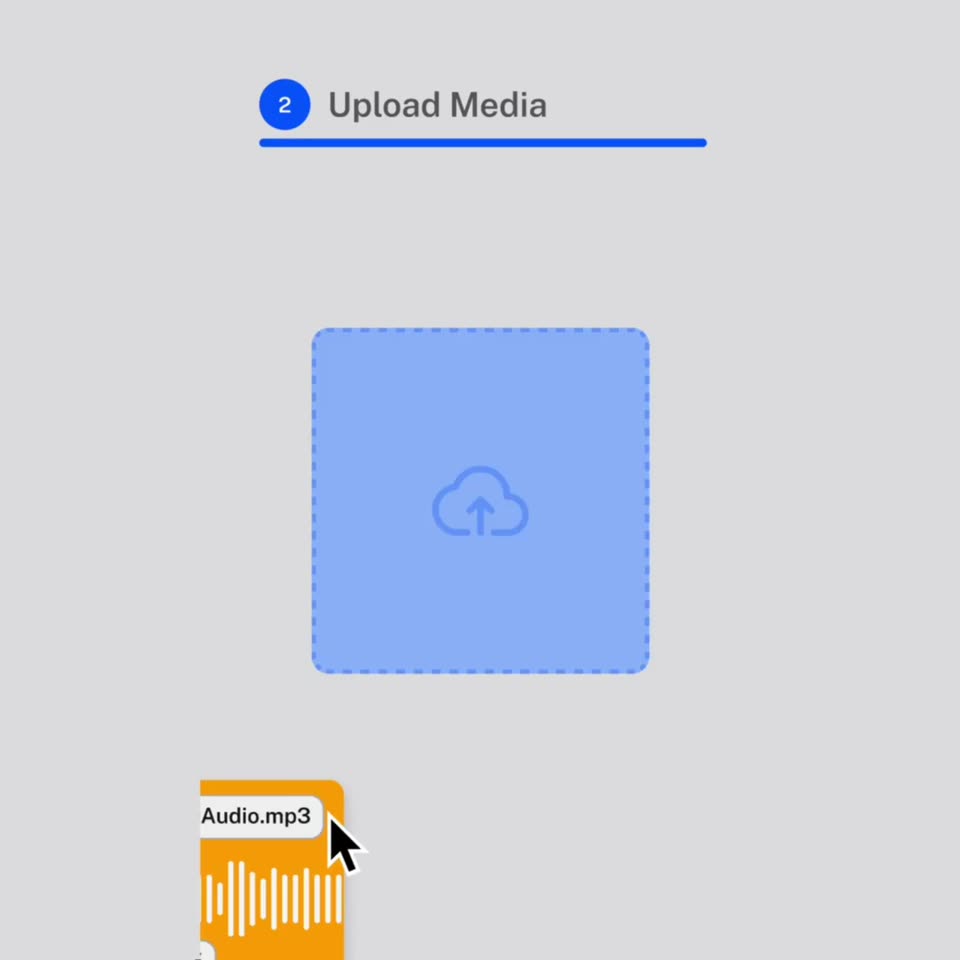 0:17–0:18Kaiber · Kaiber - Most AI tools just generate. But Superstudio helps you create. MakeA light-gray upload screen with a dashed drop zone and cloud icon; a cursor drags in photo cards that stack at the corner, then a yellow audio file card with waveform drops into the zone as it expands into a grid of empty cells under the step header.
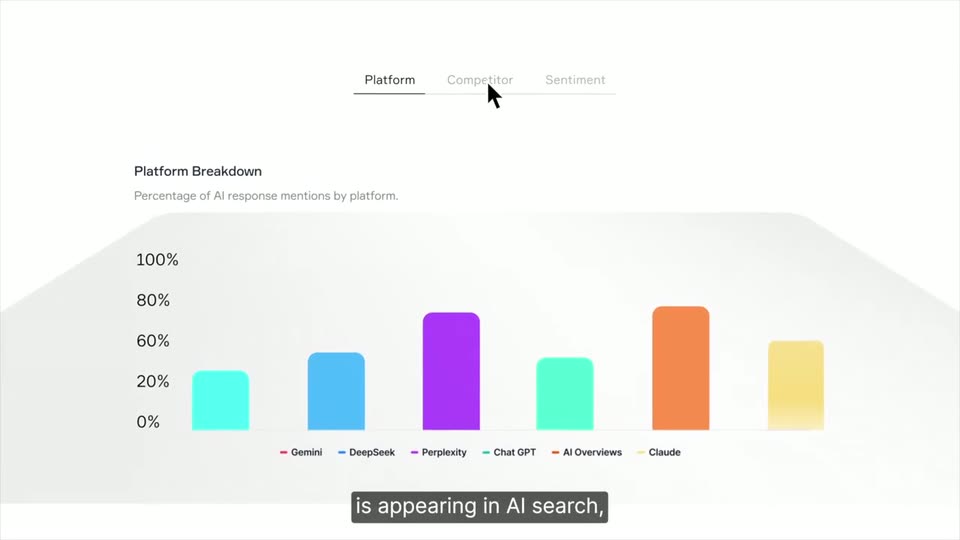 0:43–0:49Meridian · Alex Dees - Introducing Meridian. 50% of searches are now powered by AI (Think CA light dashboard with three tabs shows a vertical bar chart of six colored bars, then a cursor clicks the Competitor tab and the panel switches to a horizontal orange bar chart of brand logos with percentages. A slow push-in frames the view; captions run along the bottom.
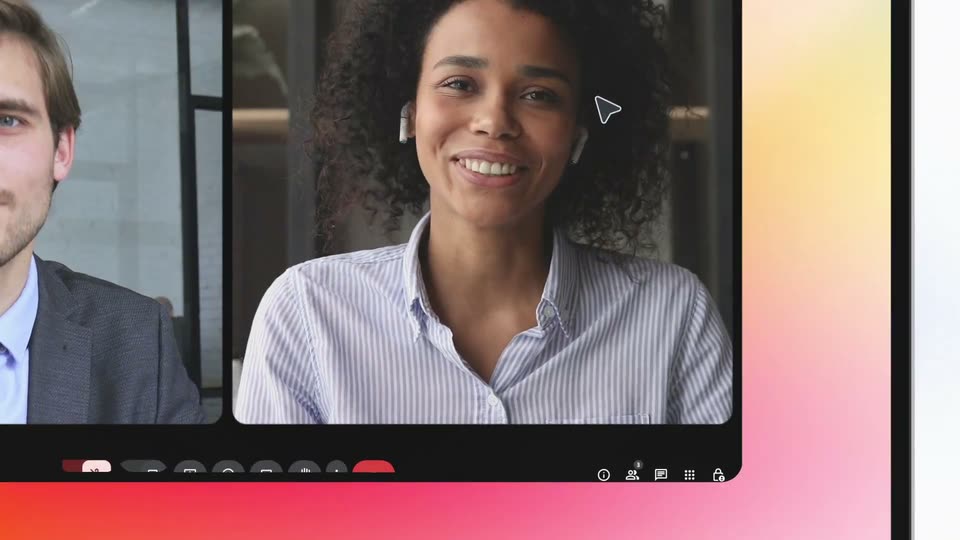 0:15–0:16Otter · Otter.ai - Introducing the Otter Desktop App for Mac 🖥️ and Windows coming soon!A video call screen shows a man and a woman; a cursor hovers over an icon, popping an Otter.ai tooltip above the app dock. The frame then pans up to center the woman's smiling face.
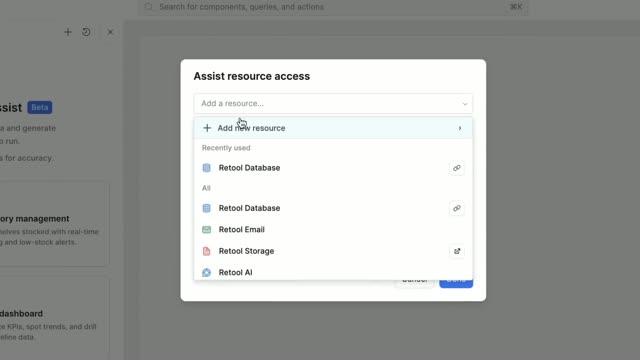 0:34–0:38Retool · Introducing Enterprise AppGen: AI-Assisted Development from RetoolA white modal titled Assist resource access is centered over a dimmed app screen. A cursor moves to the Add a resource field and clicks it, opening a dropdown that lists Retool Database, Email, Storage and AI, then hovers the first entry.
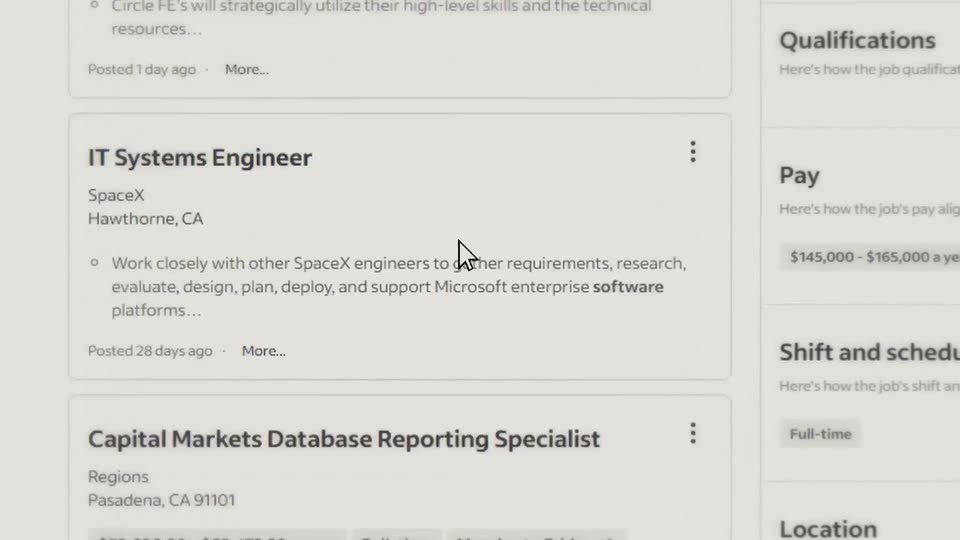 0:03–0:04Sorce · Y Combinator - Sorce (@sorcejobs) is building Tinder for Jobs. When you swipe rightA job board list scrolls upward past postings such as IT Field Engineer and Capital Markets Database Reporting Specialist, with a cursor hovering mid-list. A right-hand panel shows Qualifications, Pay, and Shift sections.
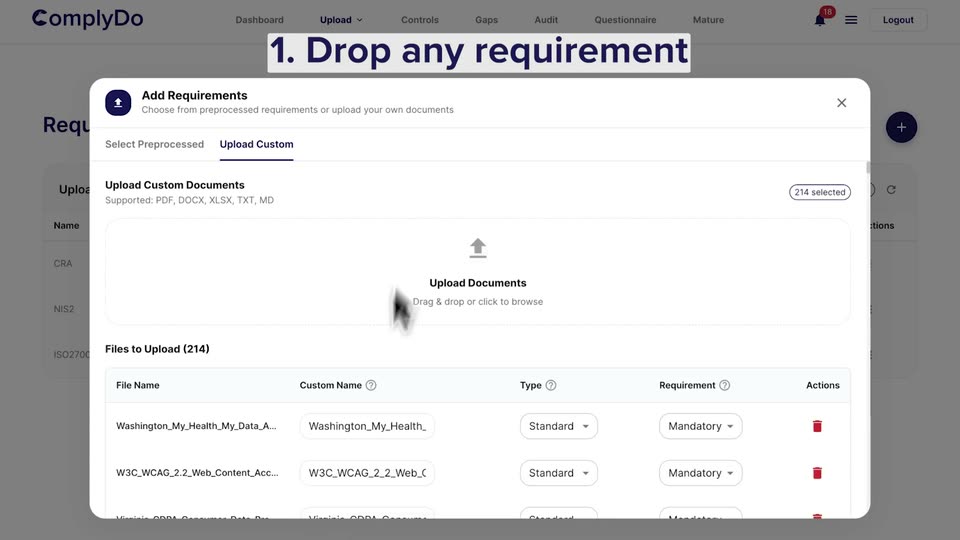 0:18 · 0.5sComplyDo · Compliance is CHAOS. ComplyDo (YC F25) - The most flexible enterprise compliance engine.A modal window displays a long list of requirement files highlighted in blue. A cursor hovers over the list while a green plus button sits at the center. A headline, 1. Drop any requirement, fades in at the top.
 0:29–0:30Metorial · Introducing Metorial - YC F25A browser window shows a dashboard with a centered modal that switches from an OAuth form to a Create Deployment table, a cursor hovering over the action button. A small webcam inset of a man in a backwards cap sits in the lower right.
 0:59–1:00Boom AI · Boom VideoA white pill button holds a dark document icon beside a blue cursor. The pill collapses and the icon morphs into a rounded square, then into an outlined B mark, while the letters om fade in to its right.
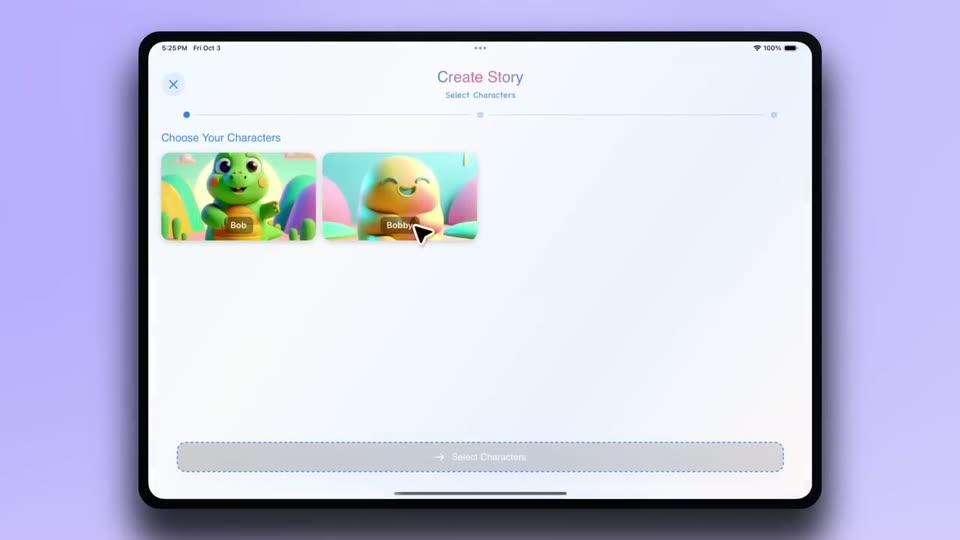 0:21–0:22Pixley AI · Introducing Pixley AIA tablet mockup on a lavender backdrop holds the app's library view, which crossfades into the Create Story screen as two character cards settle in; a cursor drifts across the interface.
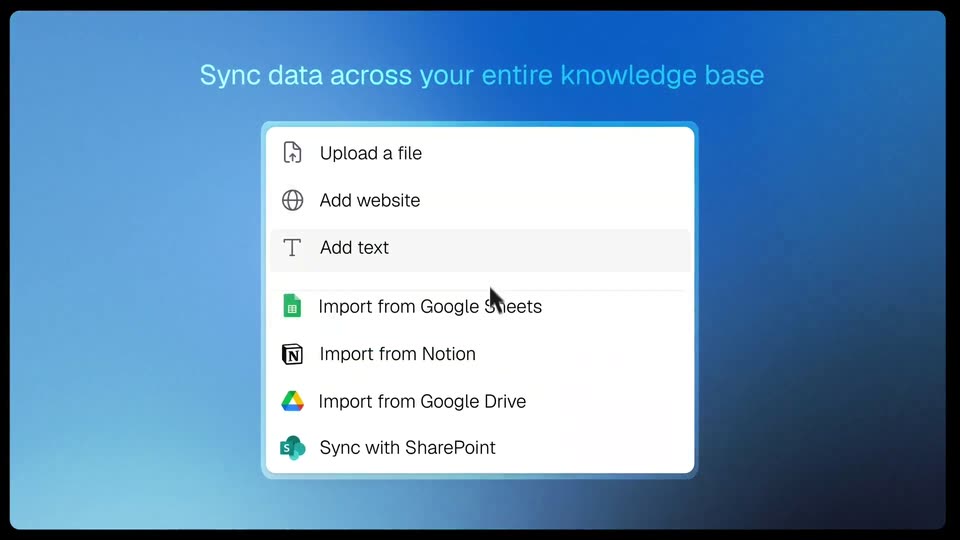 0:27–0:29Nexus · Nexus - Enabling business teams to build agent without codingA white import menu card sits centered on a blue gradient field beneath a cyan headline. A cursor glides down the list, moving from the upper rows toward the import and sync options.
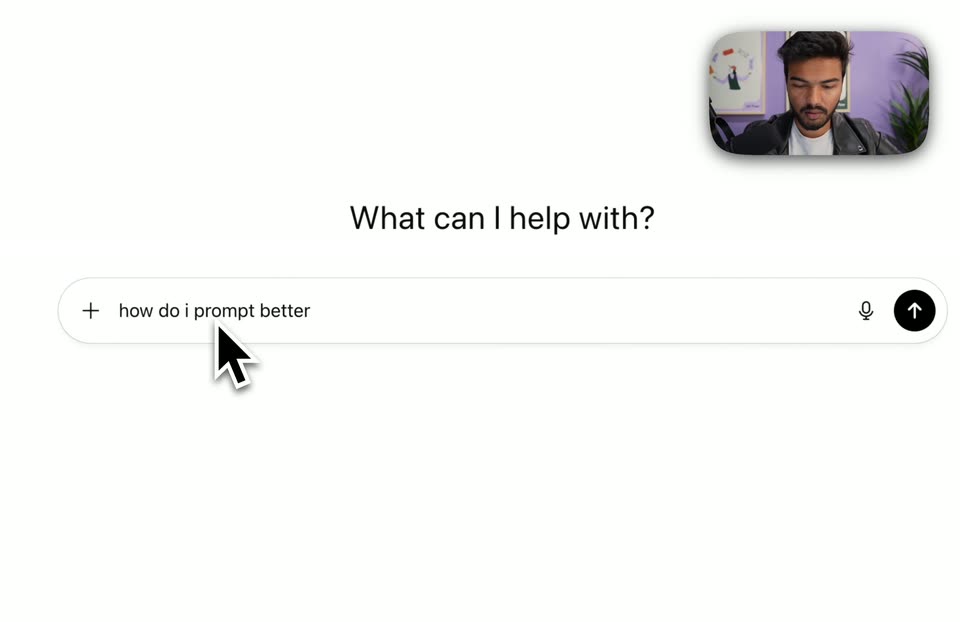 0:00–0:11Wispr Flow · Intro to Wispr Flow: voice-to-text AI that turns speech into clear, polished writing in every app.A white AI chat interface: the heading “What can I help with?” sits above an input bar where a query is typed letter by letter, suggestion rows fading in and out below. A webcam video of a man is pinned top-right. The frame zooms out to reveal the browser.
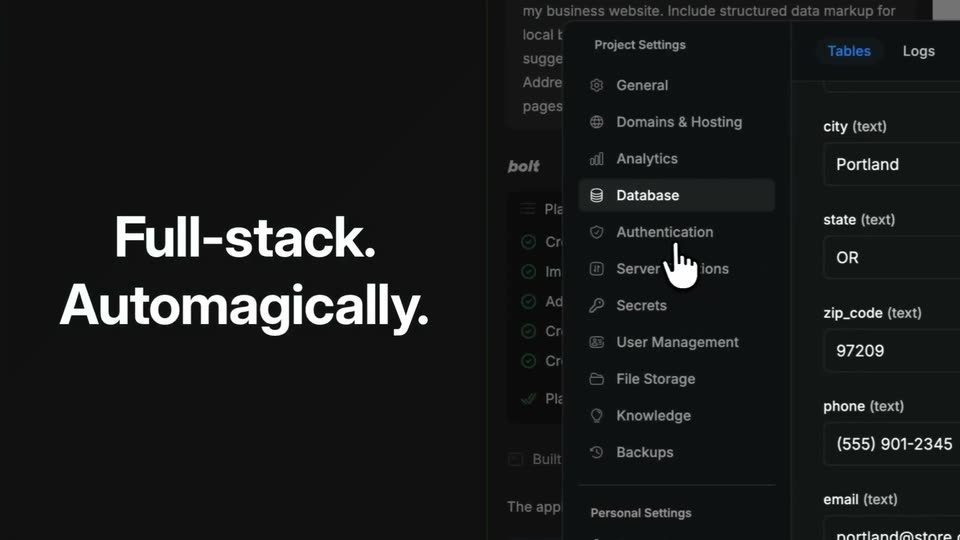 1:38 · 0.8sBolt · bolt.new - Today vibe coding goes pro. Introducing Bolt v2: → World's best ageA dark dashboard shows a settings menu and a data table on the right. A white headline slides in from the left edge, and a hand cursor hovers over the Authentication item in the menu.
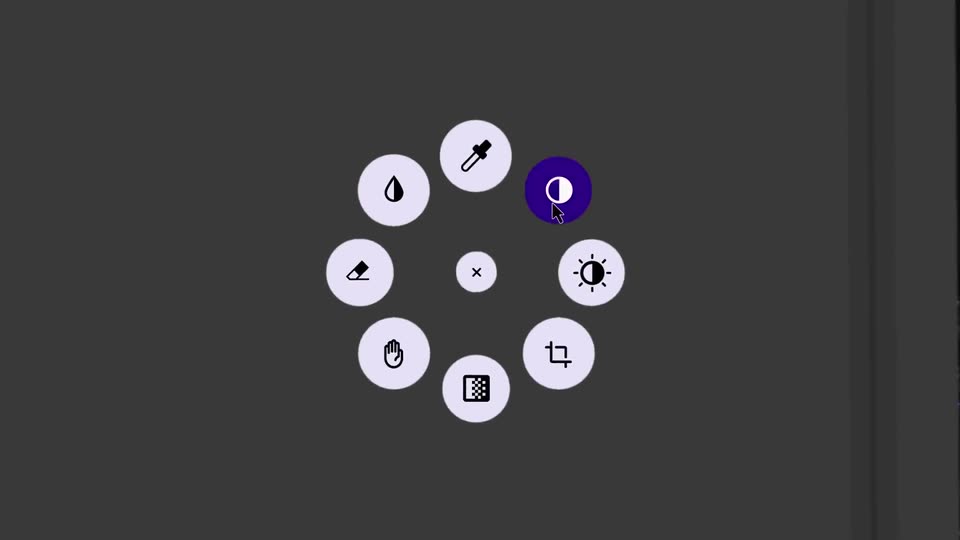 0:18–0:19Logitech · Introducing Logitech MX Master 4 | Our most advanced wireless mouseA radial menu of white circular tool icons floats on a dark gray field. The cursor drifts from the center to the upper-right contrast icon, which fills indigo, while a small numeric readout slides in beside it.
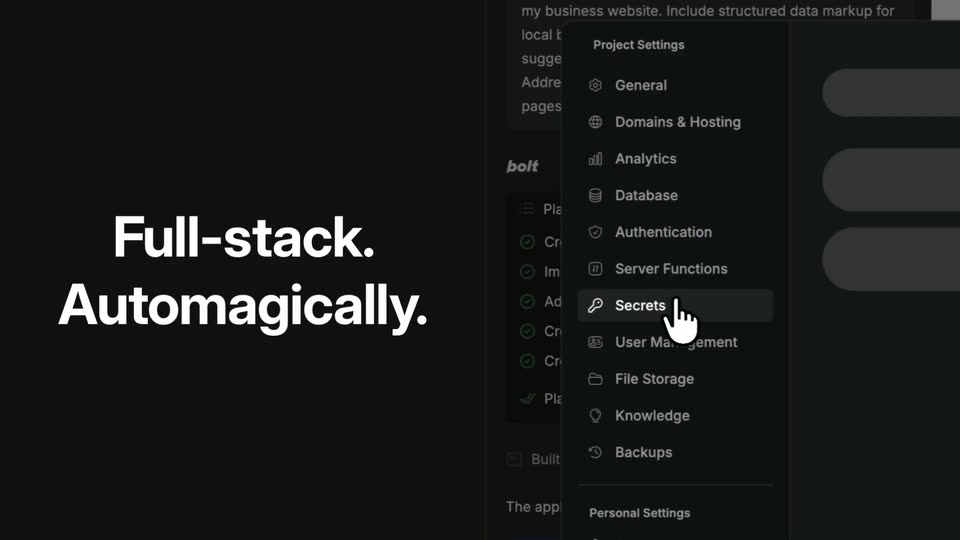 1:38–1:44StackBlitz · Bolt.new V2 Is Here: The Future of BuildingThe Bolt database area is toured through authentication, server functions and secrets. A cursor opens the related views within the same full-stack setup task.
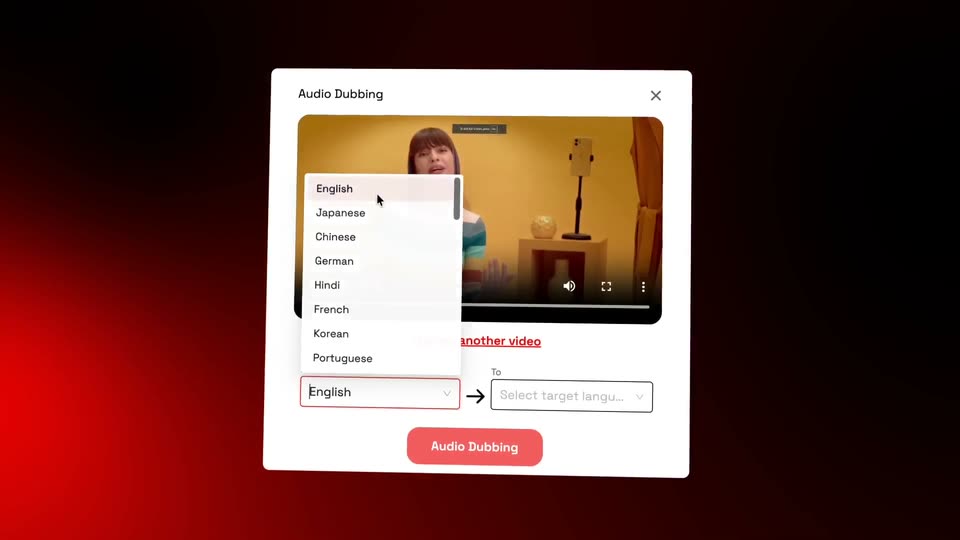 0:32–0:34SyncMonster.AI · AI Lip Sync, Dubbing & Video Translation Demo | SyncMonsterA white 'Audio Dubbing' modal on a dark red gradient shows a woman speaking in a video preview. A cursor opens the language dropdown and selects English. The modal slides left and shrinks as the headline 'Choose source' fades in word by word on the right.
 0:44–0:46Bolna AI · Bolna - Voice AI for IndiaA glowing cyan card with a gear-and-wand line icon and the label Quick Setup is centered over a blurred app interface. The card's border brightens, the label scales slightly, and a white cursor pointer slides onto the card.
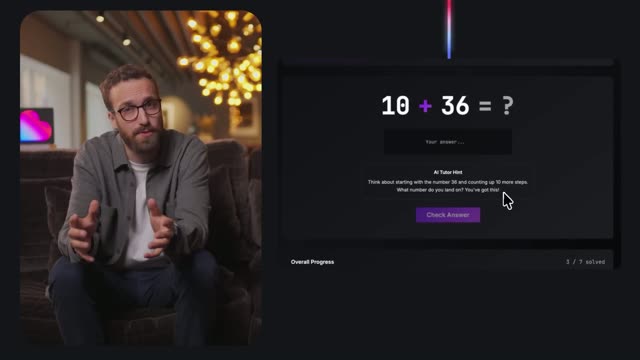 1:13–1:16Lovable · Introducing Lovable Cloud & AISplit-screen: left, a bearded man in a gray shirt sits on a couch in a warm-lit room, gesturing; right, a dark quiz panel shows 10 + 36 = ?, a cursor clicks the hint option and an AI Tutor Hint box slides in above a purple progress bar.
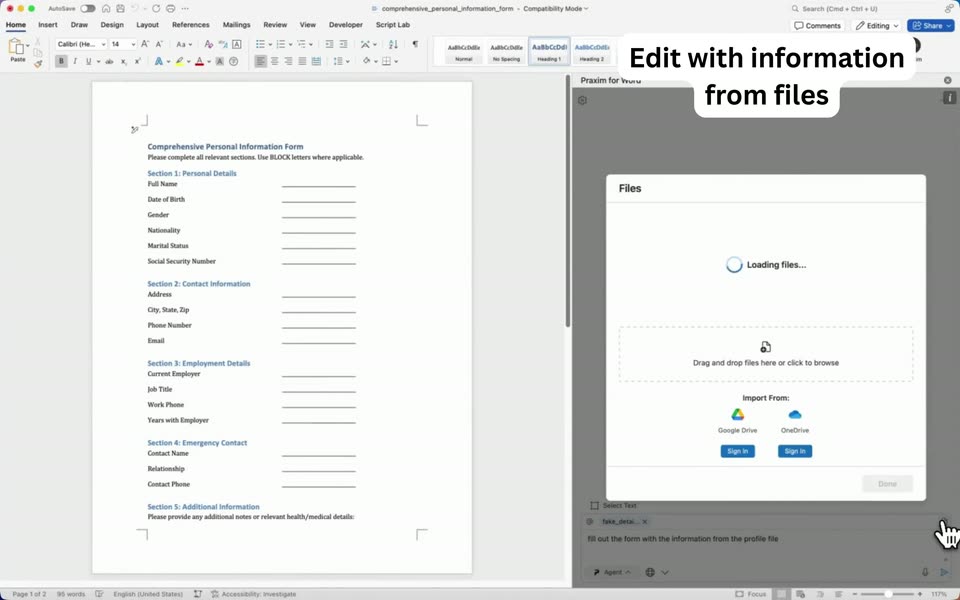 0:21–0:27Praxim · Praxim for Word DemoA Word document with a form sits beside the Praxim panel. The view zooms into the input box as a cursor types a prompt and attaches a file, then a Files dialog opens and lists the profile document. The caption holds in the top right throughout.
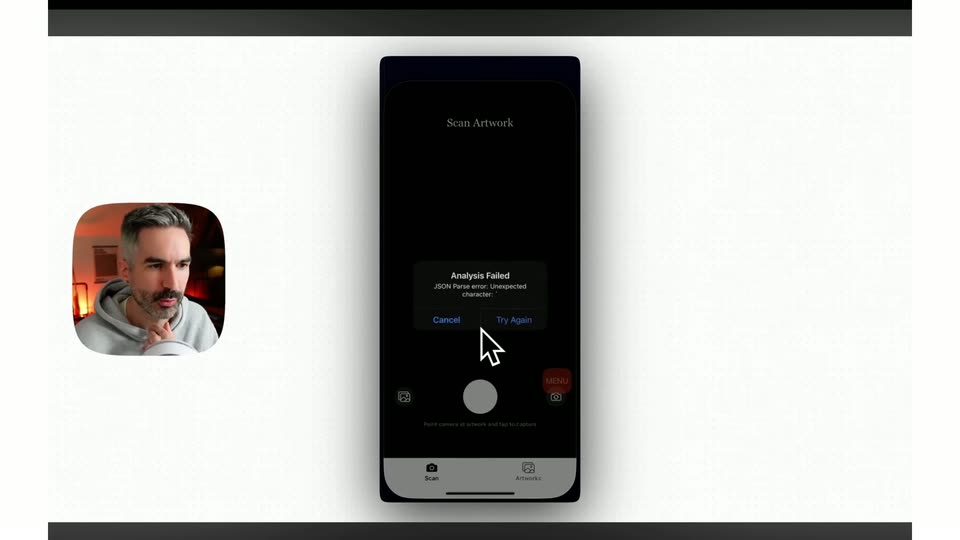 0:13 · 0.8sAnything · Introducing Anything MaxA tilted phone mockup on a textured off-white field shows the Scan Artwork screen with a spinner, then rotates flat as the screen darkens into an Analysis Failed dialog. A small video inset of a man sits at left while a cursor drifts over the buttons.
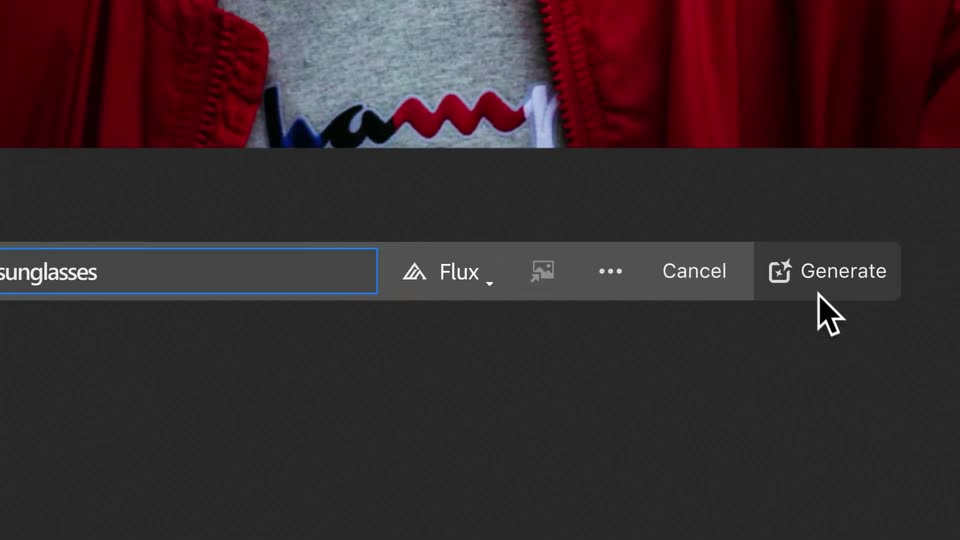 0:10–0:13Black Forest Labs · Black Forest Labs - FLUX.1 Kontext [Pro] is now in Photoshop! Starting today, creators wA close-up dark prompt bar in an image editor shows Add sunglasses and Flux. A cursor moves to Generate, then the frame cuts to a portrait with a Generating with Flux modal and progress bars.
 0:50–0:51Moonshot AI · Kimi.ai - Say hi to OK Computer, Kimi's agent mode 🤖🎸 Your AI product & engA close-up of a light toolbar showing Save, Play and a black Download button. A large white cursor arrow slides in from the bottom right and clicks Download, then a small red PowerPoint file icon pops in at the top right. The frame stays locked off.
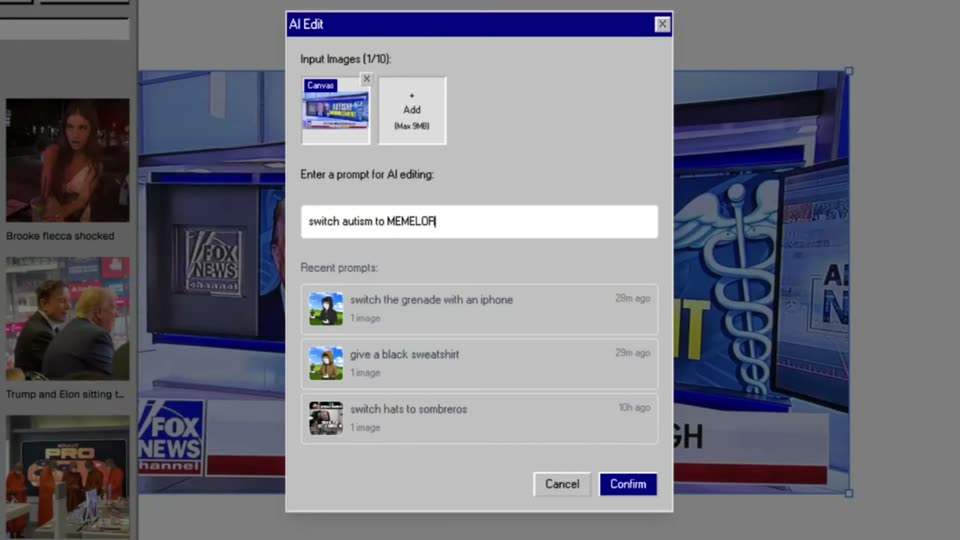 0:40–0:41Memelord · Jason Levin - ANNOUNCEMENT: I raised $3 million to make memes. Yes, seriously. MA gray AI Edit dialog box sits centered over a dimmed video editor. A prompt field types out the text switch autism to MEMELO letter by letter, while a recent prompts list and Cancel and Confirm buttons stay static below.
 0:19–0:20Suno · Suno Studio – The first-ever generative audio workstationClose-up of a dark music app interface. A hand cursor taps the Drums dropdown beside an orange Add Instrument button, then the open menu shows a category list with a pink gradient bar highlighting the Strings row under the cursor.
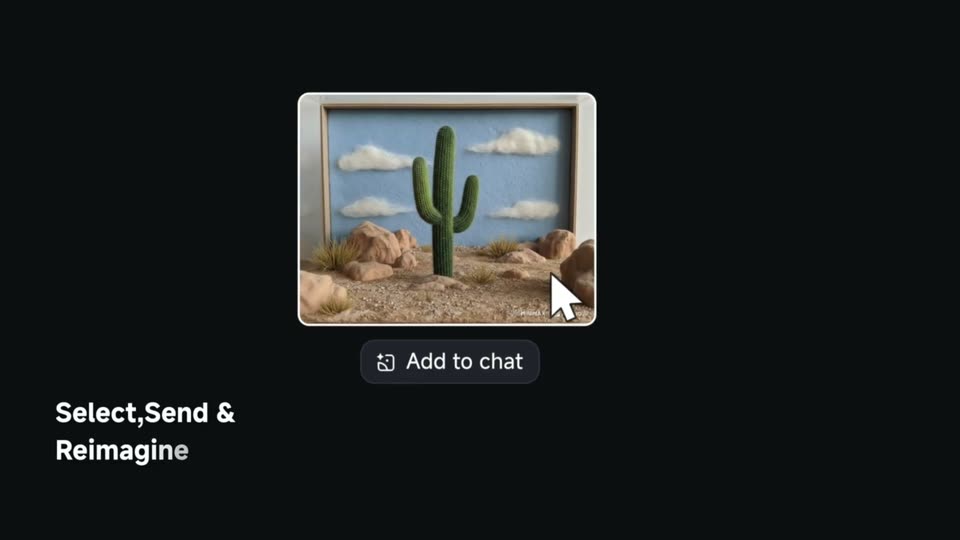 0:17–0:18Hailuo · MiniMax Design (H3) - Introducing Hailuo AI Agent: Your next-gen creative flow — FREE for oA 3D monitor mockup on a dark desk shows a modeling app with a blue wireframe cat and a brown dog figurine, with a chat box below. The frame becomes a cactus diorama with a cursor and an Add to chat button, and a left caption fades in.
 0:24–0:27Mesmer · Mesmer: The AI Operating System for Engineering • Vision VideoA red-to-gray Slack notification card scales up into focus at the center of a dark maroon field. A white cursor slides in from below and rests at the card's lower-left corner.
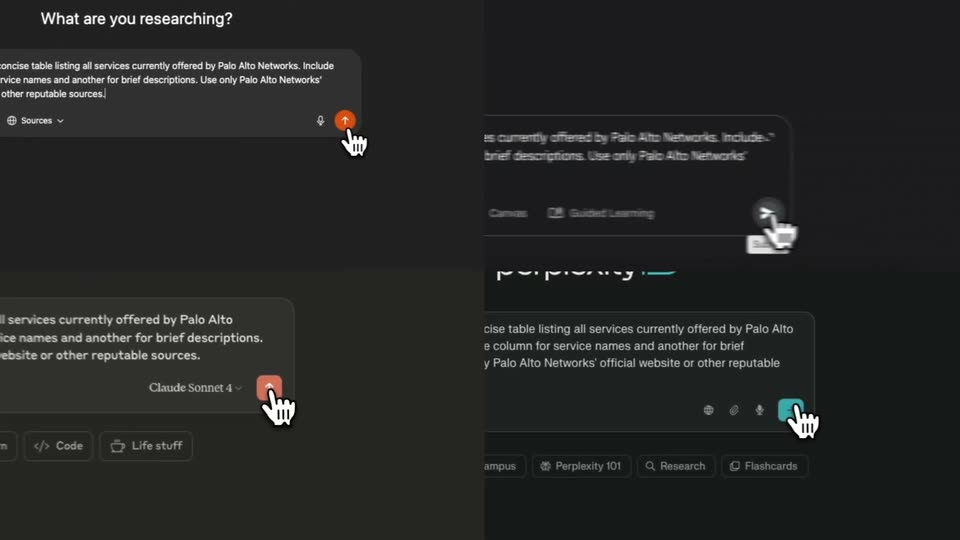 0:07–0:08Aviro · Cortex by AviroA split-screen view of a dark chat interface. On the left a hand cursor taps an orange send button under a research prompt; on the right a hand cursor taps a teal send button, both panels showing typed queries and model tags.
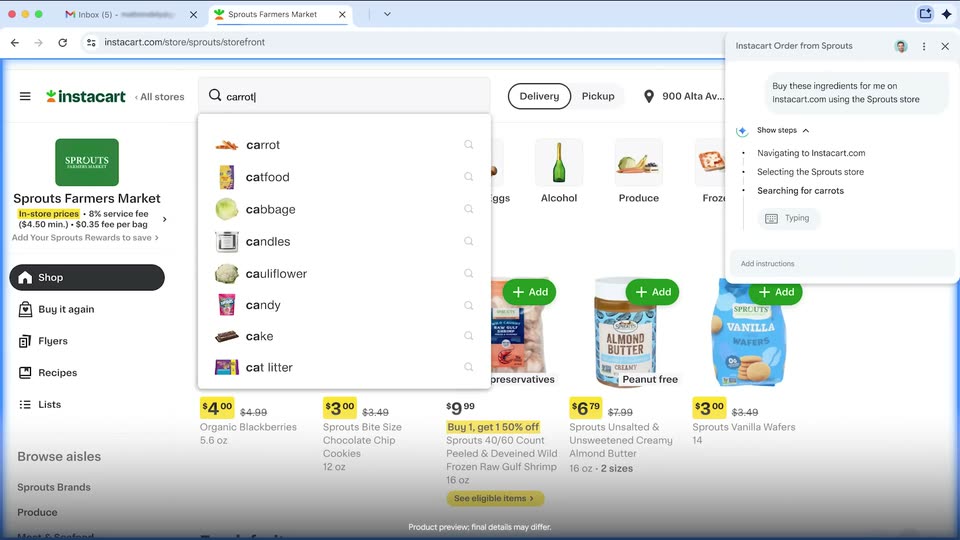 0:30–0:33Google · Behind the Browser: AI Edition HighlightsA Chrome window shows the Instacart Sprouts store page with a task panel docked at the right. The search field is clicked and “carrots” is typed, opening a dropdown of suggestions, while the panel steps change from “Clicking” to “Typing”.
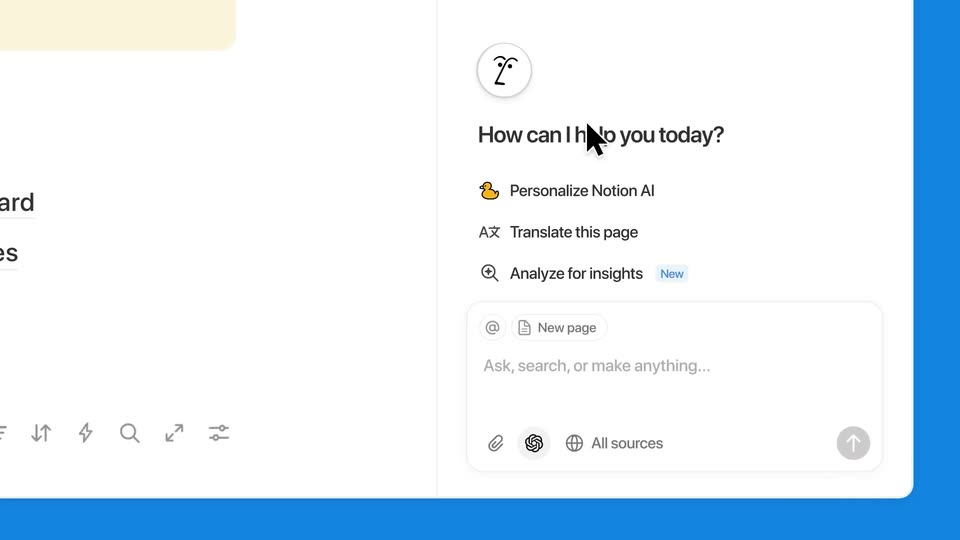 0:04–0:10Notion · Introducing Notion 3.0: AgentsA Notion-style page shows a to-do list as the cursor hovers the first item, then the view reframes right onto the AI panel where the cursor clicks the assistant icon and a greeting bubble pops up.
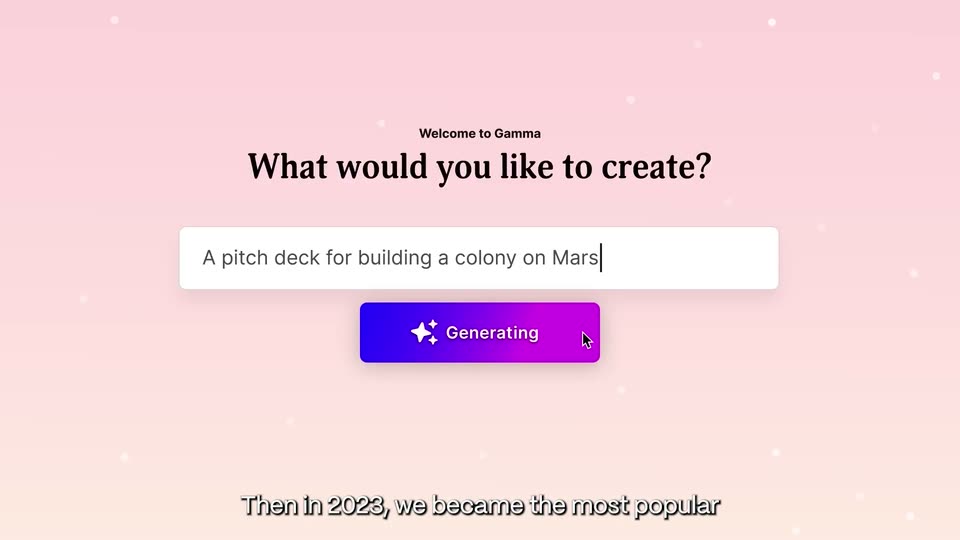 0:27–0:28Gamma · Gamma - Gamma 3.0 is here, so we put our CEO in a spaceship. And it got millA soft pink gradient screen holds the Gamma welcome view: a serif headline above a filled prompt field and a purple Generating button with a sparkle icon. A mouse cursor rests on the button as the field's focus ring fades. A caption line sits at the bottom edge.
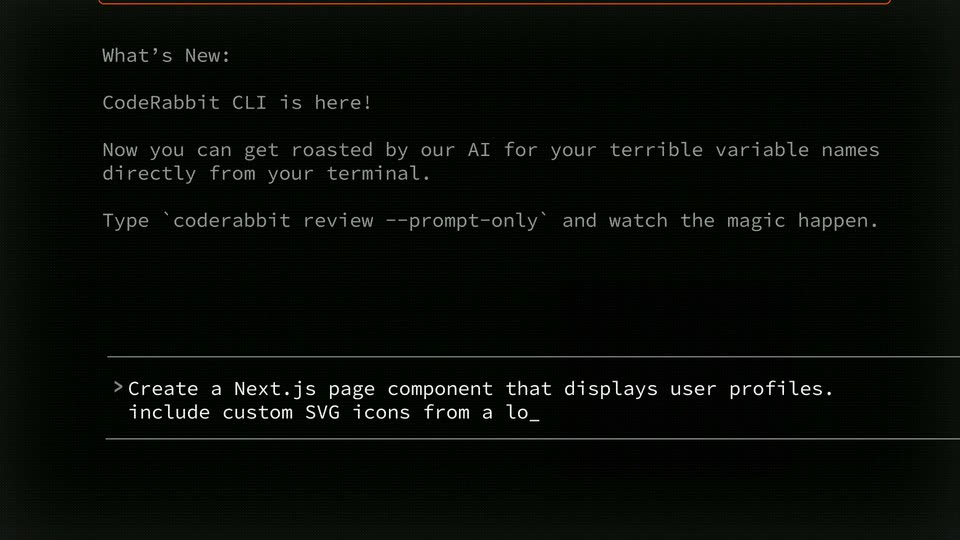 0:02–0:03CodeRabbit · CodeRabbit - Introducing CodeRabbit CLI! 🎉 CodeRabbit's smart CLI reviews act asA dark terminal screen shows a What's New announcement for CodeRabbit CLI in light monospace text, while a prompt line types out a Next.js request character by character with a blinking underscore cursor.
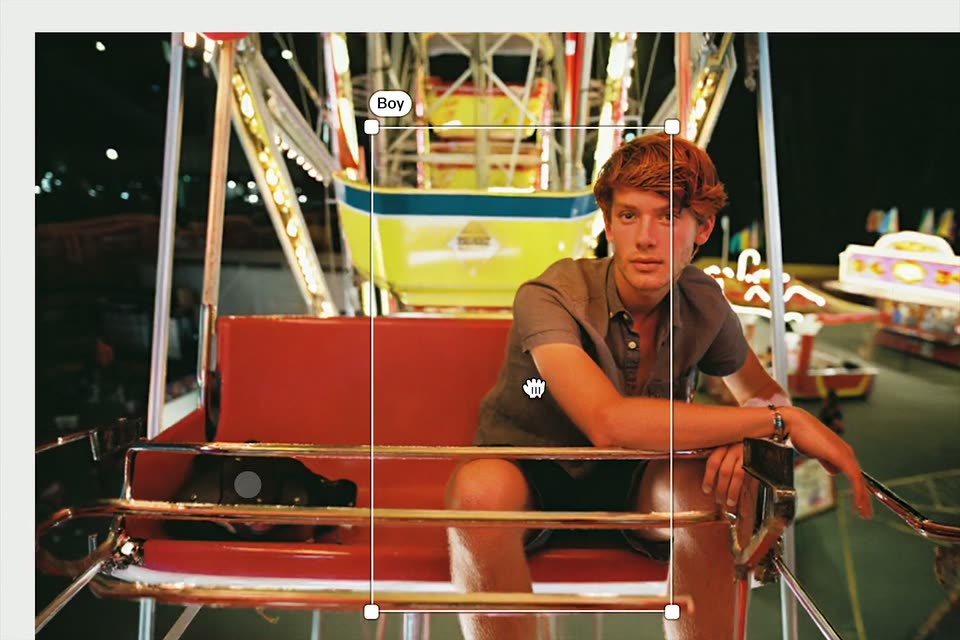 0:48–0:52Reve · Reve - Reimagine reality.A night photo of a young man on a fairground ride fills a white canvas. A selection box with corner handles and a small tag drags left across the frame, a grab cursor follows it. The view reframes from a windowed app to the full canvas.
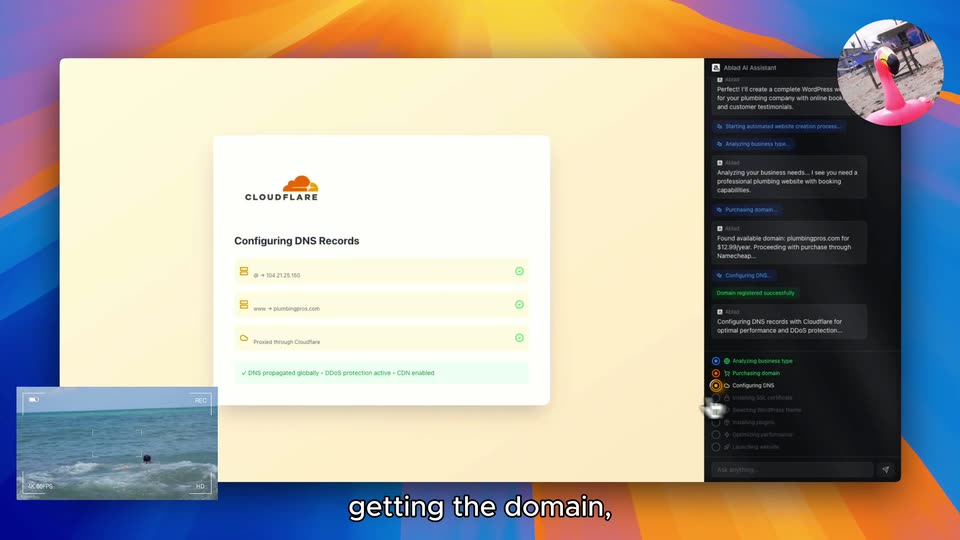 0:18–0:21Ablad · Claudio C - I’m building the first Cursor for WordPress in the world. See how AbA flat interface shows a dark AI chat panel on the right and a cream domain card on the left. A hand cursor clicks down the task list as the card updates from purchase to DNS setup. Bottom captions track the voiceover.
 0:15 · 0.2sSkiper UI · Guri - Skiper-ui V2 is here! 👀 for the last few months I've been stackingA black cursor moves up to the chat icon of a dark pill-shaped toolbar. A row of six circular icons, some dark with crescent or bulb glyphs, pops in above the bar as the background shifts from white to gray.
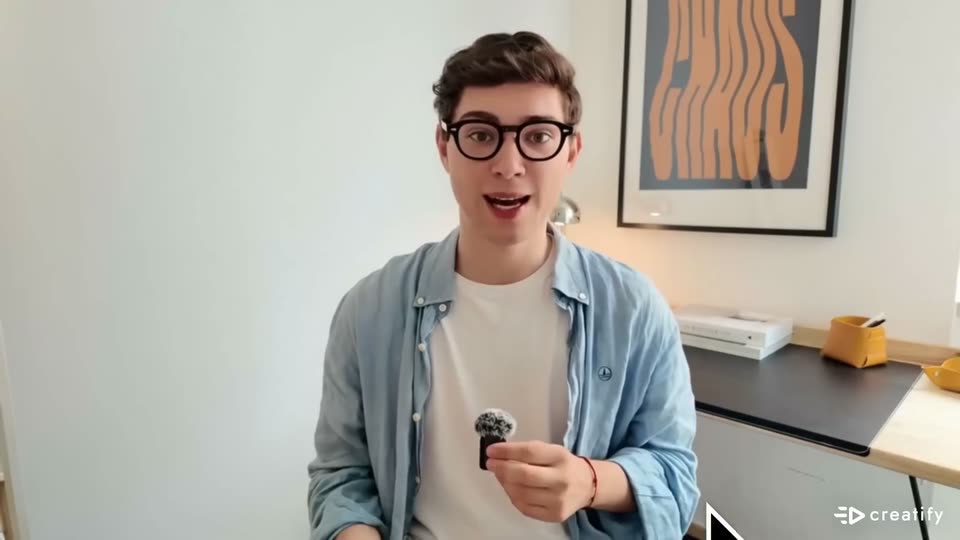 0:20 · 0.7sCreatify AI · Aurora by CreatifyA rounded card on black holds a man in a blue shirt holding a small object, with a white square and cursor over it and an IMAGE tag top left. The card scales to fill the frame as the cursor slides to the bottom right.
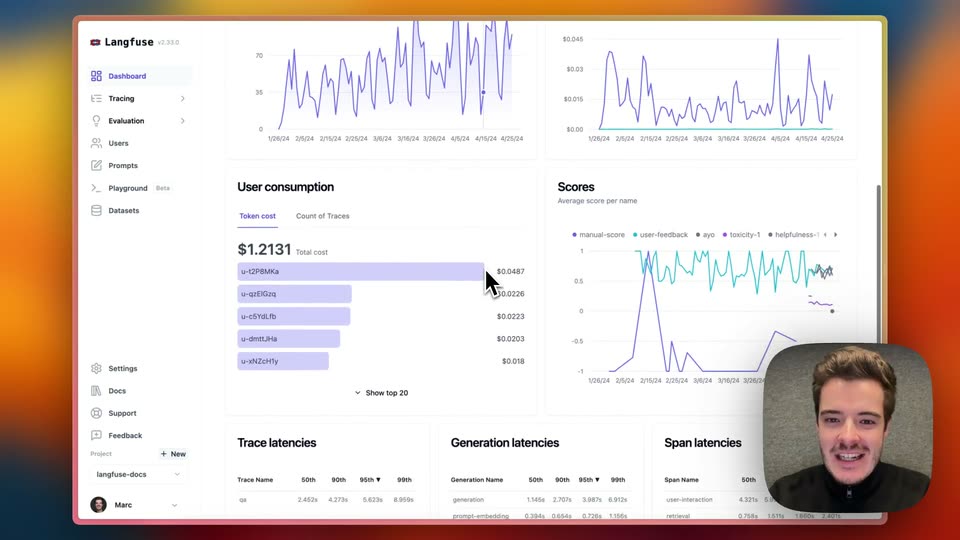 0:42–0:56Langfuse · Introducing Langfuse 2.0A Langfuse dashboard sits in a rounded frame with a gradient border, a presenter webcam in the corner. The page scrolls down through metric cards and line charts, then back up, then zooms into the left menu where a hand cursor hovers over Tracing to expand it.
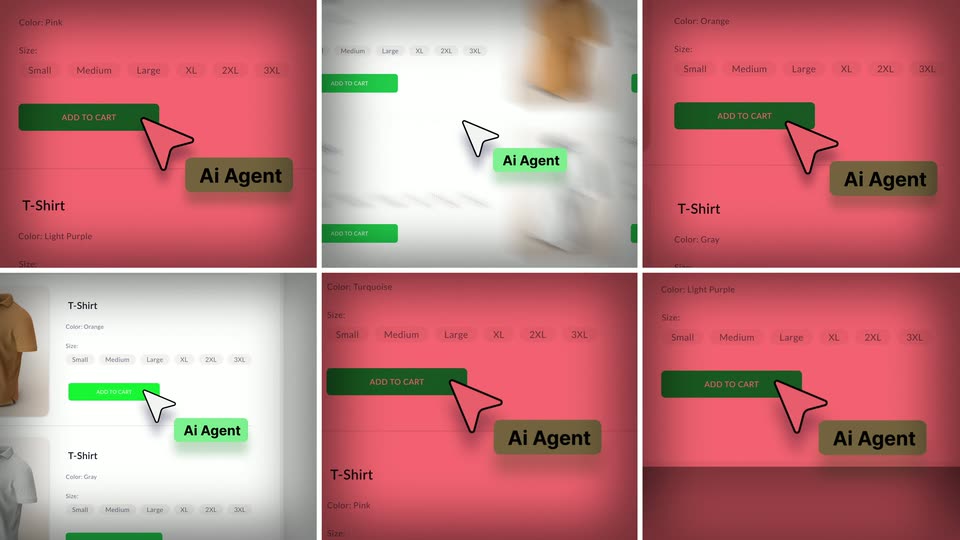 0:19–0:24Notte · Notte - Reliable Web Agent WorkflowsA 2x3 grid of identical T-shirt product pages scrolls and zooms, each panel showing a cursor on the ADD TO CART button beside a green Ai Agent tag. From 2s a red tint spreads across most panels and their tags turn dark olive.
 0:06–0:08SupersonikAI · Dani Carmona - The wait is over. Today we’re launching @SupersonikAI, the first AI tA white calendar card sits on a light background. A black cursor glides from the Saturday column to Friday 22, where a gray circle highlights the selected date.
 0:15–0:17LangEase · BEST SaaS Brand Video Example | LangEaseClose-up of a light profile card on a blurred background: a woman's avatar, the name Emily Davis and her email, with a down chevron. A blue hand cursor rises onto the black Distribute To YouTube pill and clicks, flipping the button to blue.
 0:06–0:08Lindy · Lindy - We started Lindy Build to make building apps effortless. Side effect:A 3D-angled tablet screen shows a CRM pipeline board. The camera pushes in on the red Add new button as it glows, and a black cursor slides in to hover over it.
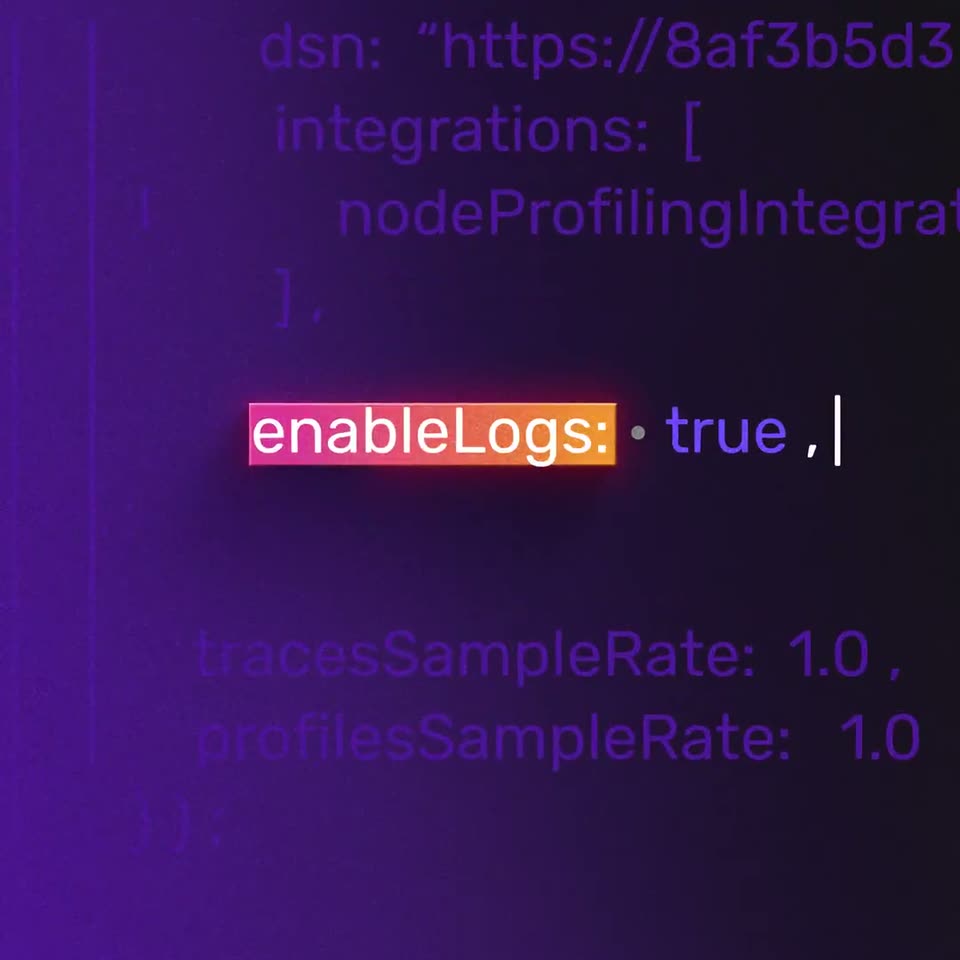 0:18–0:22Sentry · Sentry - Logs are now GA in Sentry🪵 Structured, trace-connected, and live-taiViolet code on a dark purple gradient fills a code editor. A hand cursor clicks and types enableLogs: true while a pink-orange gradient sweeps the line. The view zooms down as a yellow-green highlight wipes a comment, and a caption reads So you see when and where things break.
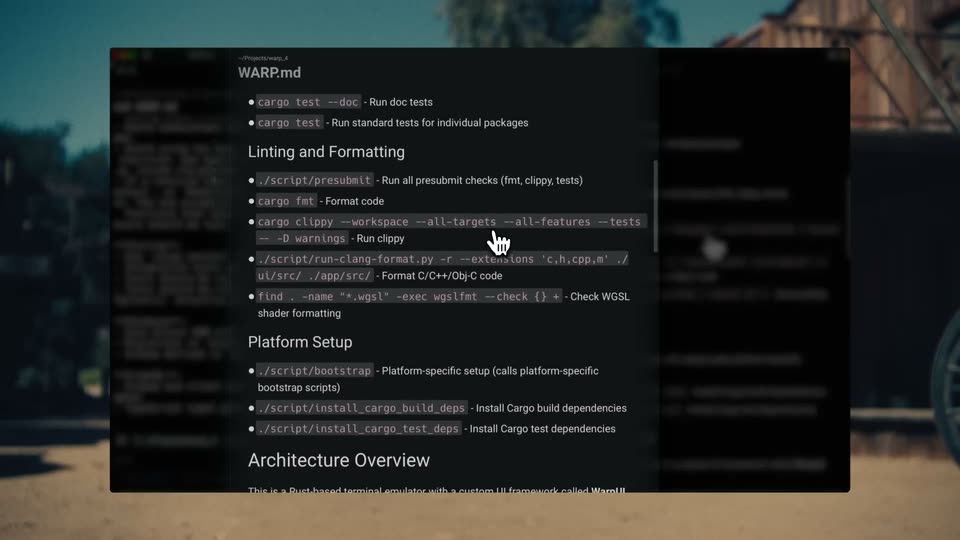 0:36–0:42Warp · Introducing Warp Code | The fastest way from prompt to productionA dark terminal window in 3D perspective shows the WARP.md markdown file; the document scrolls upward through Build and Run, Testing, Linting and Formatting, Platform Setup and Architecture Overview sections while a white cursor hovers. The window floats over a blurred outdoor backdrop with a brick wall and car.
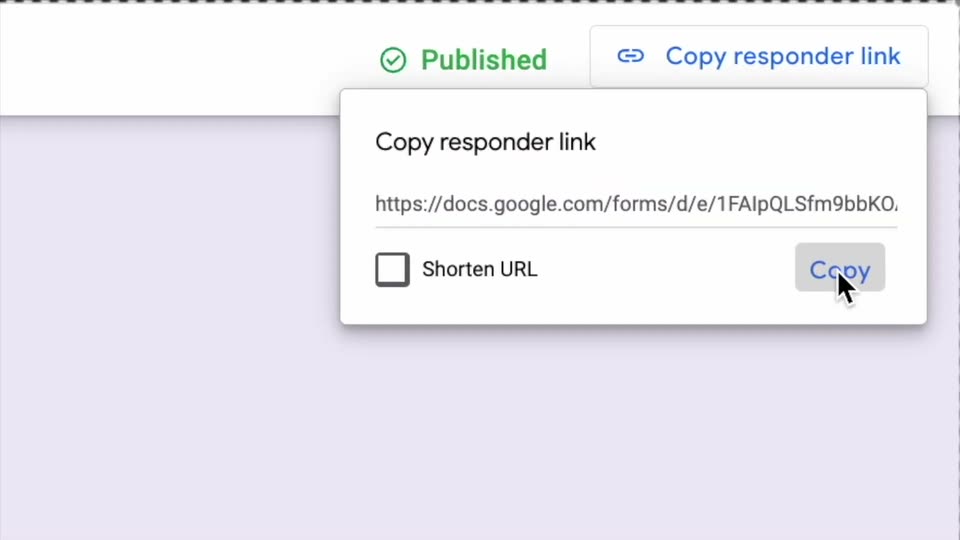 0:32–0:34RowFlow · RowFlow - Break up with your form.A Google Forms screen shows a feedback form with star ratings beside a copy responder link dialog. The view zooms in on the dialog, blurring the form behind, while a cursor hovers over the Copy button.
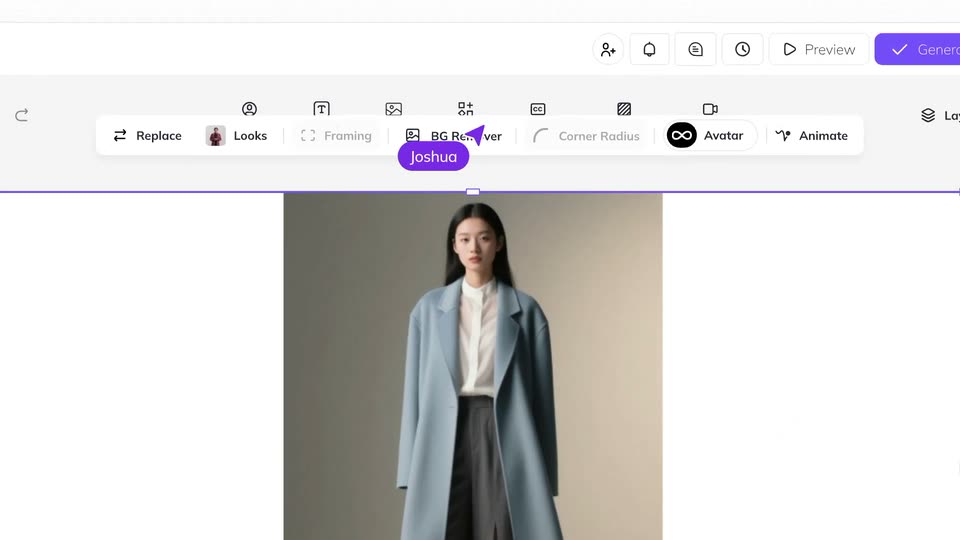 0:10–0:13HeyGen · HeyGen - Your Digital Twin just got an upgrade. 🚀 Now powered by Avatar IV, tThe video editor UI shows a woman in a blue coat inside a bordered frame, with a purple Joshua label and cursor over her. The view zooms into the frame, then reframes upward onto the top toolbar as the label moves to the BG Remover control.
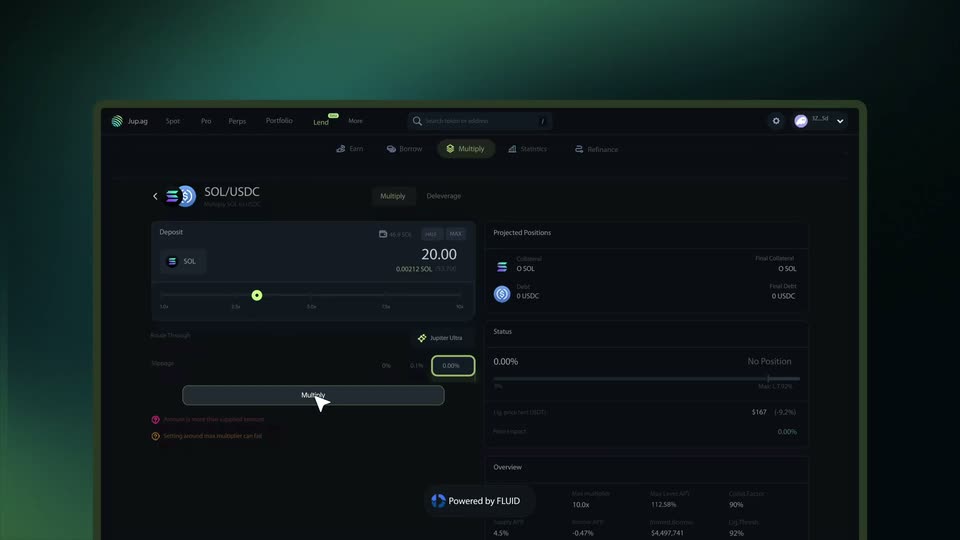 0:35–0:37Jupiter · Jupiter - Jupiter Lend Public Beta is live 🥳 The most advanced money market onA dark trading interface mockup sits in 3D perspective against a green gradient background. The view shifts slightly upward, exposing the top navigation menu. A cursor hovers near a highlighted 'Multiply' button on the main panel.
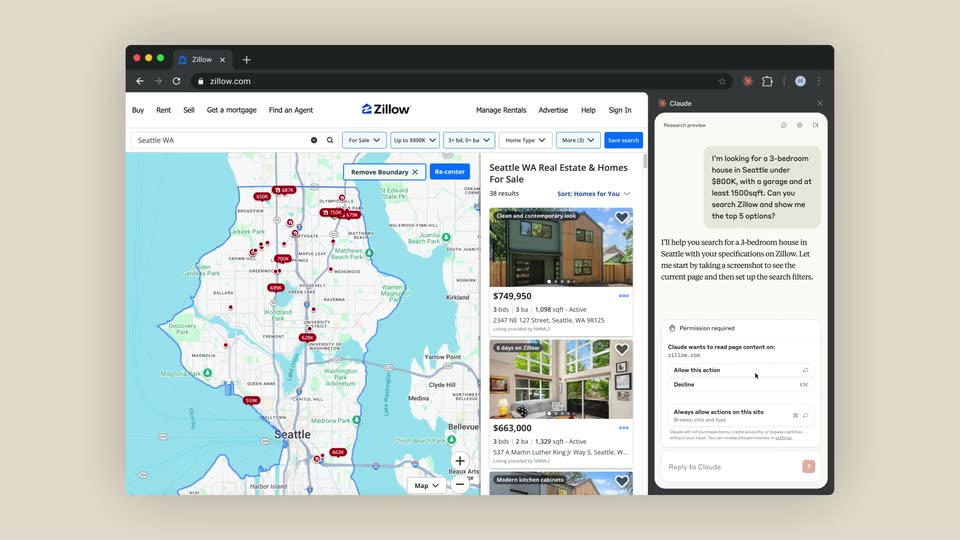 0:14–0:16Anthropic · Anthropic - We’ve developed Claude for Chrome, where Claude works directly in youA tilted 3D browser window floats on a cream background, showing a Zillow map of Seattle with a home list. A Claude panel beside it types a search request and a permission prompt, while a cursor moves over the dialog.
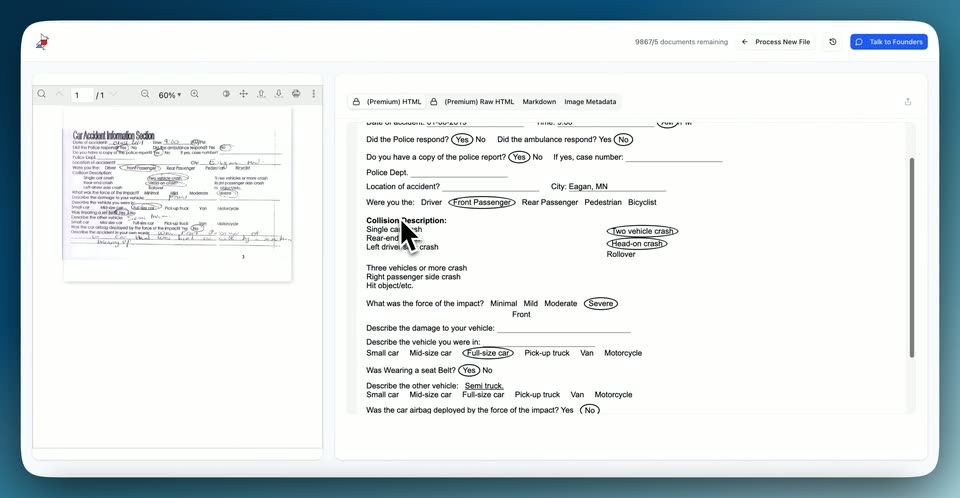 0:03–0:04Cardinal · cardinal demoA two-pane document viewer shows a scanned accident form on the left and its extracted text with circled answers on the right. A cursor hovers over the right pane as the text scrolls down a few lines.
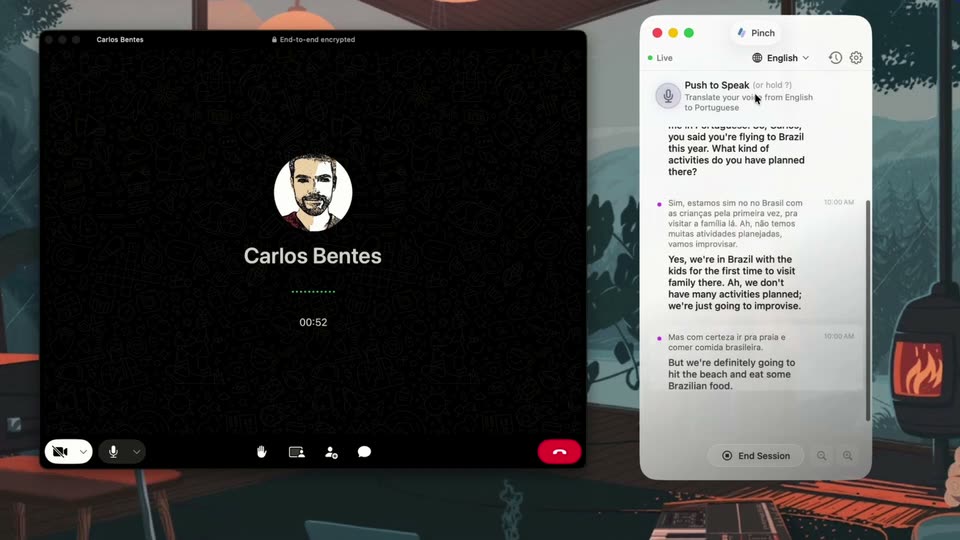 0:29–1:11Pinch · Pinch for MacA dark video call window and a light Pinch translation panel sit side by side over an illustrated room. The call timer counts up while Portuguese and English messages stream into the panel; a cursor clicks the mic button, turning it green, and English captions appear at the bottom.
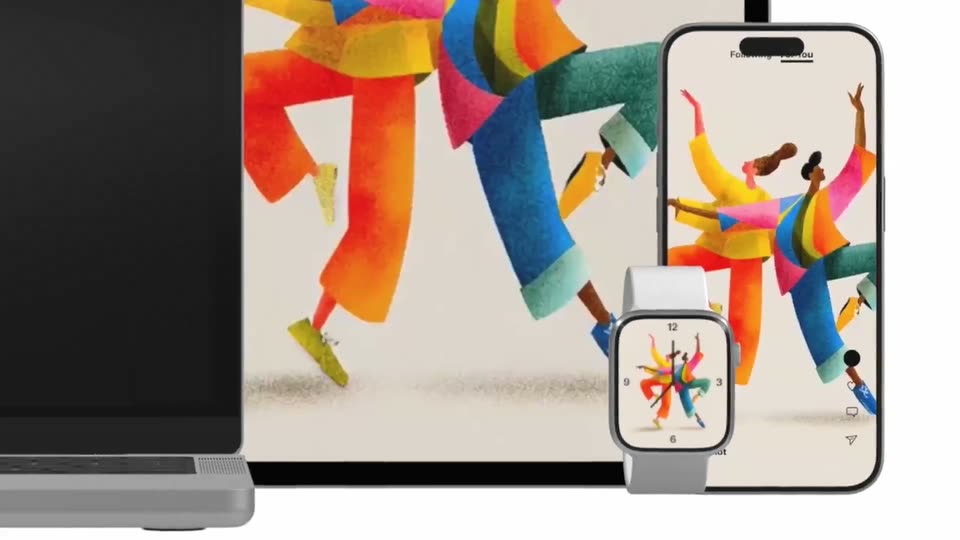 0:13–0:14Rotato · Morten from Rotato - New Apple device family scene in the latest version of RotatoA lineup of Apple devices, MacBook, iPad, iPhone and Watch, stands in 3D perspective on white, each screen showing the same watercolor illustration of dancers in bright costumes. A cursor slides in from the top right and a blue tooltip labeled macbook ui pops up beside it.
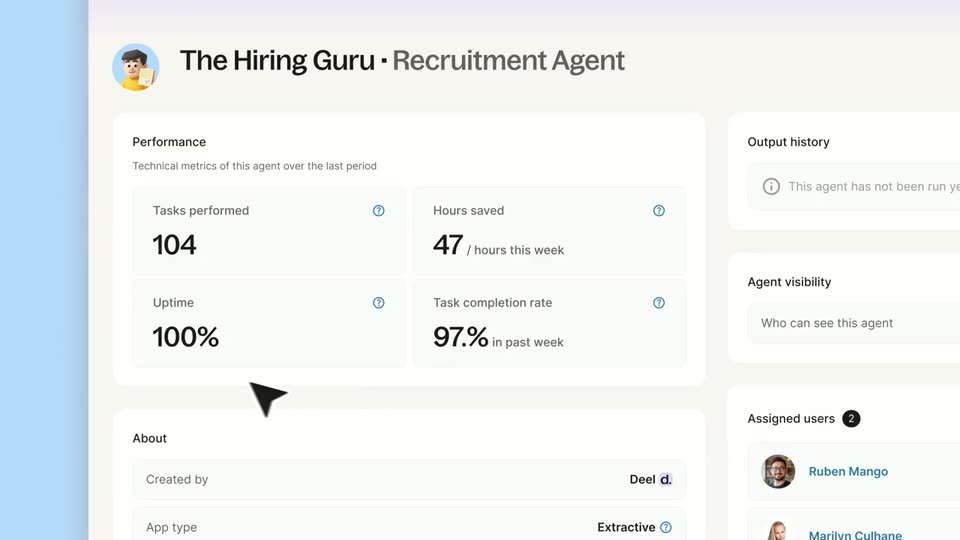 0:28–0:31Deel · deel - 🔊Announcing Deel AI Workforce 🔊 You know those 1,985,701 admin tasksA light dashboard for a recruitment agent fills the frame, its performance panel showing four metric tiles with bold numbers. A gray cursor glides from the lower center toward the left edge over the uptime tile. The right column lists output history and assigned users.
 0:32–0:37Monarcha · Monarcha - The AI GIS PlatformA San Francisco map fills with translucent blue 10-minute walking isochrones around EV charging dots. A hand cursor taps the Style tab as the frame pulls back from the layer panel to the full workspace, then zooms into the map. A toast confirms the new layer.