0:42
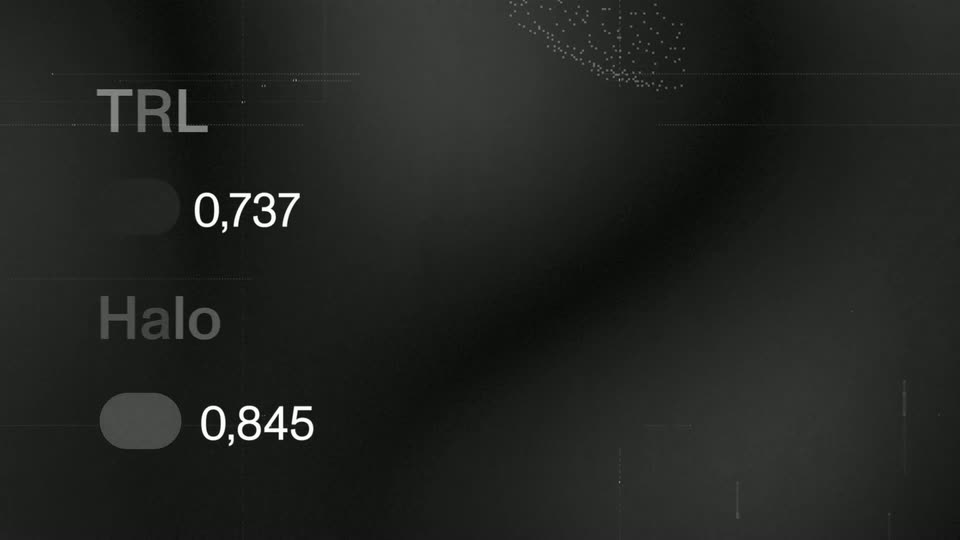
White Circle - Introducing Halo, the best framework for post-training of open-source
White Circle · Sep 2026
Black Forest Labs · Sep 2025 · 0:21 · AI-annotated
Black Forest Labs’s 0:21 launch film runs 10 scenes, about 2.1 s each. The product is on screen from the first frame and 1 feature is revealed. The call to action lands at 0:19 (91% in). A 21 second launch teaser cut at roughly 14 cuts per minute: a name drop over a dark tree, a tight prompt bar walkthrough, one before and after edit, then a brand lockup and release date. Its signature moves are locked off near black green frames with centered white type that swaps or snaps in, whip pans with heavy motion blur, and a single uninterrupted edit demo.
Is this your launch? to your site or press kit.
White Circle · Sep 2026
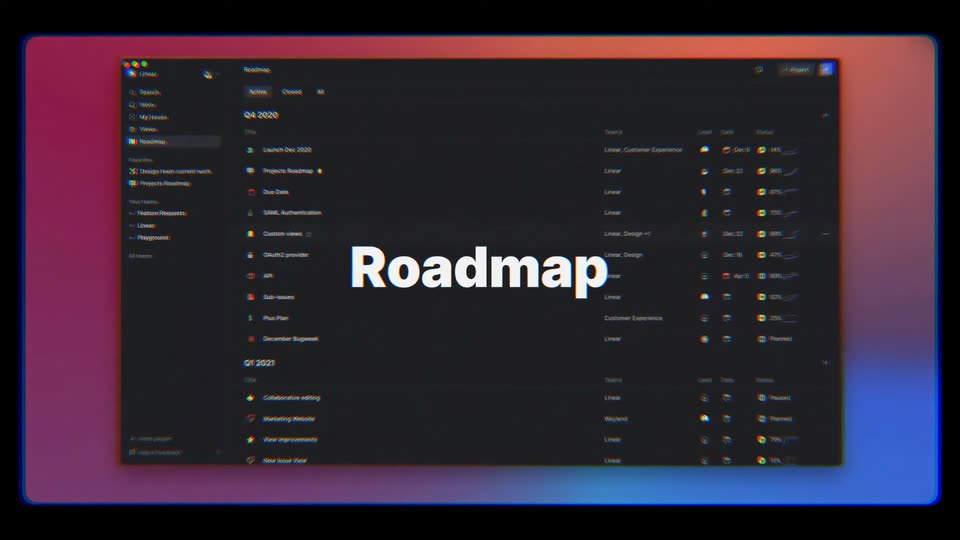
Linear · Productivity · Dec 2020
A dark tree silhouette sits low in a near-black green frame. Centered white text reads “Something big has arrived,” then swaps to “FLUX.1Kontext,” which scales up. The line then slides out to the left as the tree fades to a flat dark green.
On-screen text: “Something big has arrived”, “FLUX.1Kontext”
Techniques: Kinetic type
Camera: Push in
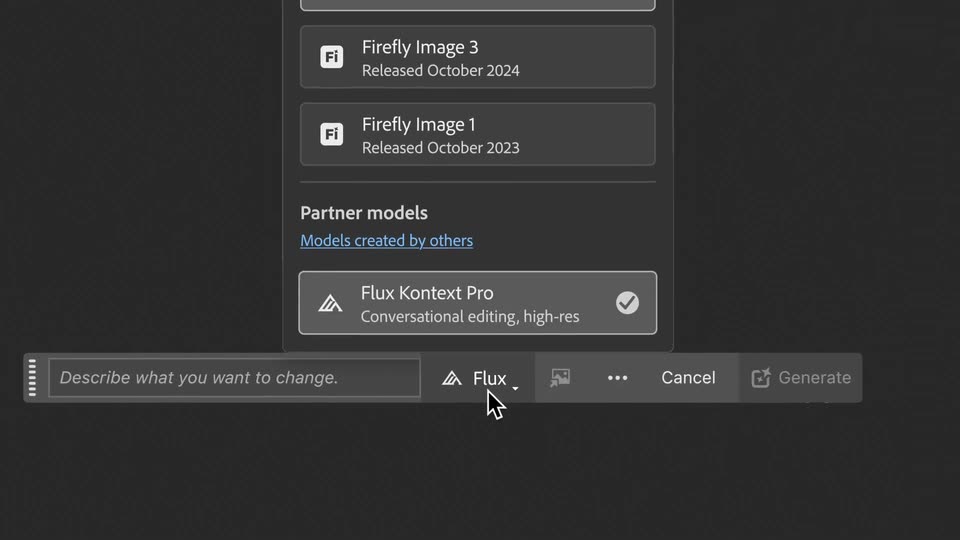
A dark prompt bar materializes with a light glint, then its content scrolls left to expose the input field and model selector. A cursor clicks the Flux button, and a dropdown opens above, settling on Flux Kontext Pro with a checkmark.
Techniques: Light sweep, Cursor demo
Camera: Pull out
A near-black green background holds centered white text that cycles through three short phrases. “No exporting” dissolves into “No switching apps,” which dissolves into “Just creation.” The frame stays locked off with no camera movement.
On-screen text: “No exporting”, “No switching apps”, “Just creation”
Techniques: Kinetic type
Camera: Static
Inside Adobe Photoshop 2024, a portrait of a young man in a red jacket sits on the canvas with a dashed selection box around his face. The photo whips left with heavy motion blur, then eases back to center as the selection tracks his face.
On-screen text: “Just creation”
Techniques: Speed ramp
Camera: Push in
A close-up dark prompt bar in an image editor shows Add sunglasses and Flux. A cursor moves to Generate, then the frame cuts to a portrait with a Generating with Flux modal and progress bars.
Techniques: Cursor demo
Camera: Push in
Close-up of a person's face with a gray “Generating with Flux Kontext Pro” dialog and a dashed selection box; the progress bar fills, then it cuts to the person wearing sunglasses under a Photoshop document bar.
Camera: Pull out
A photo-editing interface frames a portrait of a young man with curly hair, black sunglasses and a red jacket, flanked by vertical toolbars. The view slowly pushes in on his face while the top option bar stays in place.
Techniques: UI zoom
Camera: Push in
A centered white title, Adobe Photoshop × FLUX.1 Kontext, sits on a near-black field. The line opens with a horizontal motion blur that snaps into a sharp, locked-off frame and holds.
On-screen text: “Adobe Photoshop × FLUX.1 Kontext”
Camera: Static
Two white geometric logos sit side by side with a small x between them on a locked-off dark background, then the frame shows the date September 25 centered in white sans-serif.
On-screen text: “September 25”
Camera: Static
White centered text on a near-black green field: “September 25” holds on a locked-off frame, then cuts to “Available now.” No camera movement, no animation on the type.
On-screen text: “September 25”, “Available now”
Camera: Static