
1:54
Explore
Linear 2020.12 release
Linear · Dec 2020 · 0:22 · Full motion
- Length
- 0:22
- Scenes
- 11 · 2.0 s avg
- Product on screen
- 0:00
- Features shown
- 4
- Call to action
- 0:15 · 71%
- Voiceover
- No
- Views
- 8.1K on YouTube
as of November 11, 2026
00:00:00 / 00:22:04
- Length
- 0:22
- Scenes
- 11 · 2.0 s avg
- Product on screen
- 0:00
- Features shown
- 4
- Call to action
- 0:15 · 71%
- Voiceover
- No
- Views
- 8.1K on YouTube
as of November 11, 2026
Linear’s 0:22 launch film runs 11 scenes, about 2.0 s each. The product is on screen from the first frame and 4 features are revealed. The call to action lands at 0:15 (71% in). A beat-locked release montage: a gradient wordmark and glowing logo open on black, then a rapid run of feature callouts where a dark UI window scales in over a pink-to-blue gradient as a bold white word snaps into focus. Cuts average about 16 per minute, with scale-in, blur-to-focus and split-panel moves, closing on the app icon and URL.
No filming indicatedEstimated needs: 4 capture groups — your screens or recordings · 1 official logo — reused across the film
Is this your launch? to your site or press kit.
More like this
0:42
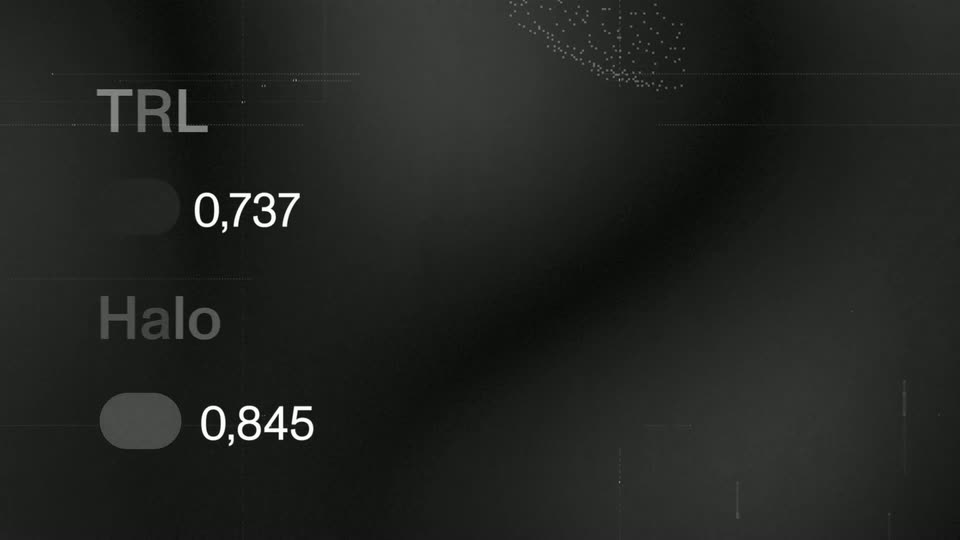
White Circle - Introducing Halo, the best framework for post-training of open-source
White Circle · Sep 2026
0:21
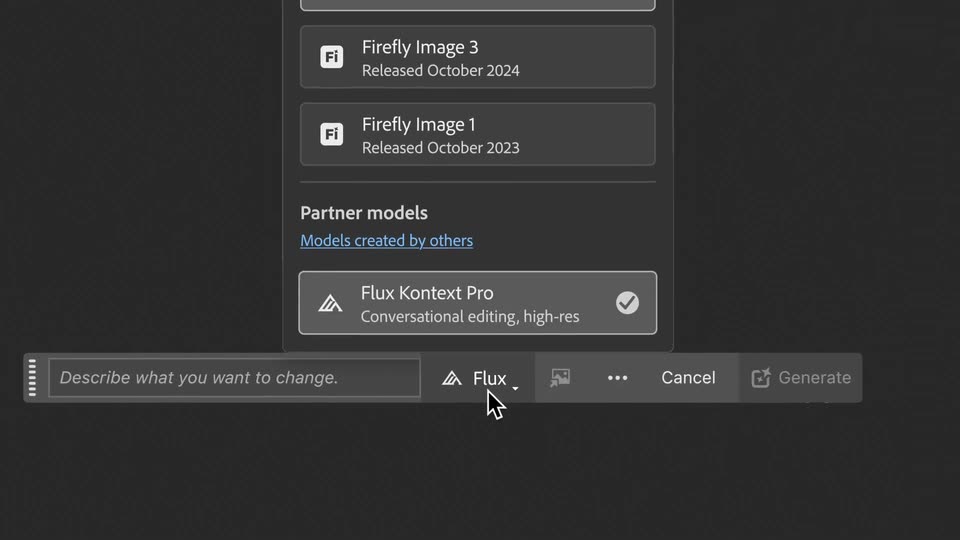
Black Forest Labs - FLUX.1 Kontext [Pro] is now in Photoshop! Starting today, creators w
Black Forest Labs · Sep 2025
Similar soundtrack
Films whose music sounds like this one, voice left out
1:06
Bramante Biologics (YC X25) Launch Video
Bramante · Electronic
1:16

Aarush Yadav - We’ve raised $1.3M from YC & Afore Capital so you never have to t
Subvocal · Electronic
1:00

Formality en une minute
Formality · Electronic dance music (Eurodance/Trance style)
Linear 2020.12 release, scene by scene
· 11 scenes as text
01 · Product intro · 0:00–0:02
On a black field, the gradient wordmark “New Linear” holds center, then steps back as the Linear app icon, a rounded square with a glowing border, fades in to its left to complete the lockup.
On-screen text: “New Linear”
Camera: Static
02 · Product intro · 0:02–0:03
A centered glowing logo mark sits on black. A rounded square outline glows pink to blue around a circle with diagonal lines, and the mark remains still in a locked-off frame.
On-screen text: “日”
Camera: Static
03 · Product intro · 0:03–0:04
The word release in a blue-to-pink gradient sits centered on a black background. The frame is locked off and the text holds still for the full shot.
On-screen text: “release”
Camera: Static
04 · Feature reveal · 0:04–0:07
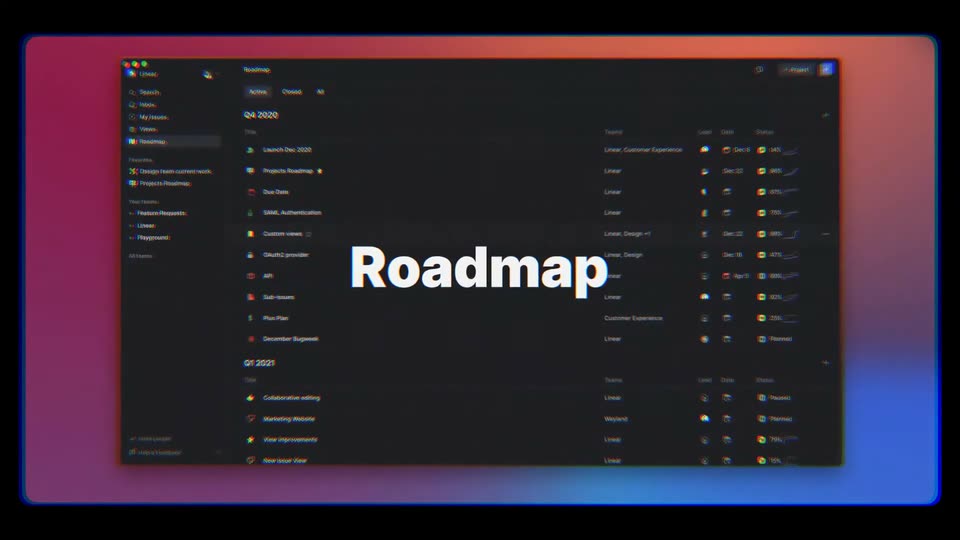
A dark roadmap window on a pink-to-blue gradient with a glowing blue frame scales up from a small centered size, a faint echo trailing it. A large white word Roadmap scales in over the window's center.
On-screen text: “Roadmap”
Techniques: Kinetic type, UI zoom
Camera: Push in
05 · Feature reveal · 0:07–0:10
A dark project-management interface sits flat and centered on a pink-to-blue gradient, glowing softly. A large white word scales down over the static screen, the feature callout for the product.
On-screen text: “Roadmap”, “Sub-issues”, “Views”
Techniques: Kinetic type
Camera: Static
06 · Feature reveal · 0:10–0:13
A dark file-manager window floats centered on a pink-to-blue gradient. The word Views scales up in the middle of the window, settling into crisp white bold type over the list of design views.
On-screen text: “Views”
Techniques: Kinetic type
Camera: Static
07 · Feature reveal · 0:13–0:13
A Linear issue list fills a glowing rounded frame over a pink-to-blue gradient. The word Themes scales up at the center, blurring then locking into focus.
On-screen text: “Themes”
Techniques: Kinetic type
Camera: Static
08 · Feature reveal · 0:13–0:14
Two blurred gradient panels sit side by side, each framing a dark code editor window. The white word “Themes” slides in across the center, its motion blur resolving to a sharp lock-off.
On-screen text: “Themes”
Techniques: Split screen, Kinetic type
Camera: Static
09 · Feature reveal · 0:14–0:15
Four terminal windows in different color themes, orange, purple, blue and teal, sit in a 2x2 grid on black, each edged with a soft glow. The word Themes is centered in white between them, static.
On-screen text: “Themes”
Techniques: Split screen
Camera: Static
10 · CTA · 0:15–0:19
On a black background, the white phrase “and more...” holds centered, then cuts to “linear.app” in the same style. The blue Linear app icon, a rounded square with a white striped circle, then lands centered as the closing mark.
On-screen text: “Themes”, “and more...”, “linear.app”
Camera: Static
11 · Outro · 0:19–0:22
The blue Linear app icon, a rounded square holding a white circle with three diagonal bars, stays centered on black while a soft glint sweeps across the circle. The URL linear.app sits below the mark.
On-screen text: “linear.app”
Techniques: Light sweep
Camera: Static