Cursor demo
A visible cursor operates the interface.
15,089 scenes · page 79 of 252
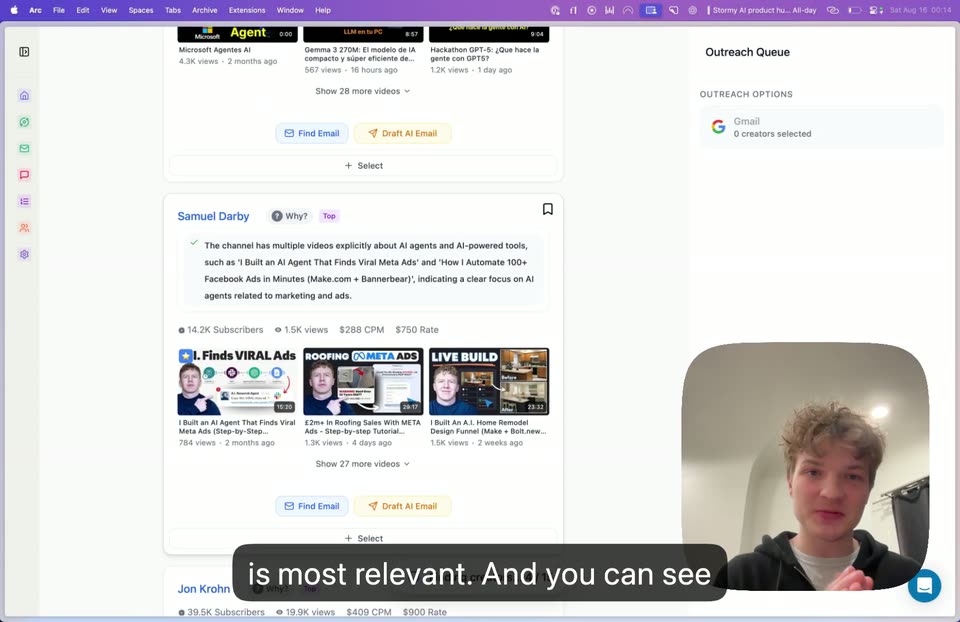 0:29–0:50Stormy · Stormy AI launch videoA product UI shows a creator outreach list; a presenter's webcam sits in the bottom-right corner. A cursor clicks the Why? tag, expanding a green checkmark explanation, then clicks Find Email, which spins into a loading state as the Select button turns blue.
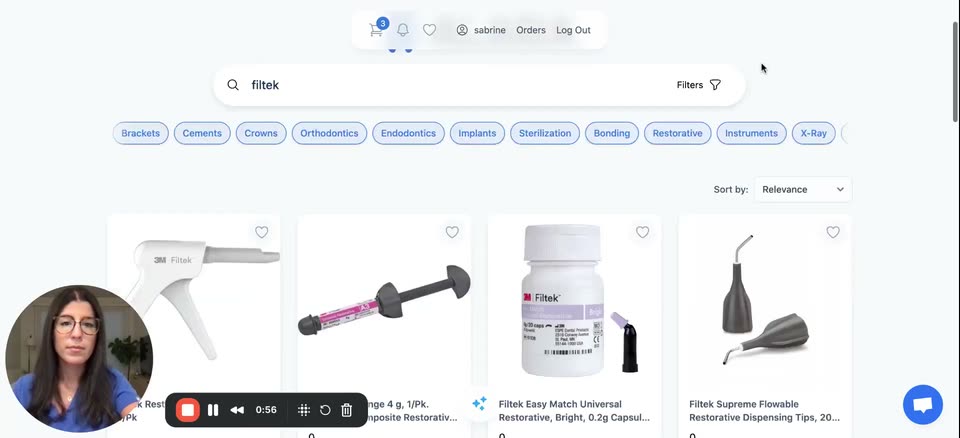 0:55 · 0.6sAlara · Alara Dental - Transforming Dental Supply PurchasingA dental e-commerce search page shows the query filtek in the search bar above a row of category pills and a grid of product cards. A circular presenter cam sits in the lower left and a recording control bar sits at the bottom.
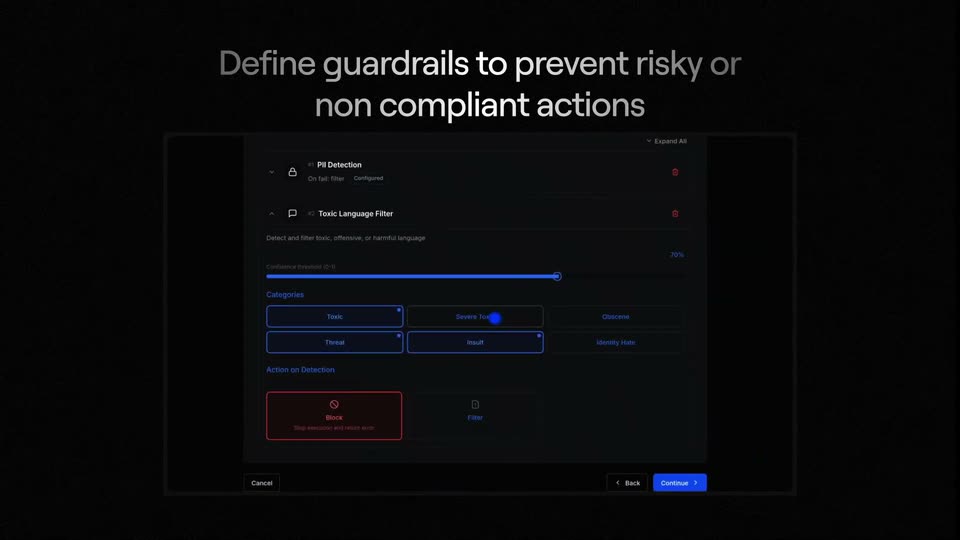 0:51–0:56Alter · Identity And Access Control Platform To Secure Agents | Alter (YC S25)On a black background, a gray headline types out above a dark settings panel. The panel cycles through validator setup: entity chips gain blue borders, a dropdown opens to select Toxic Language Filter, a slider and category chips appear, then a policy summary and a three-step progress bar slide in.
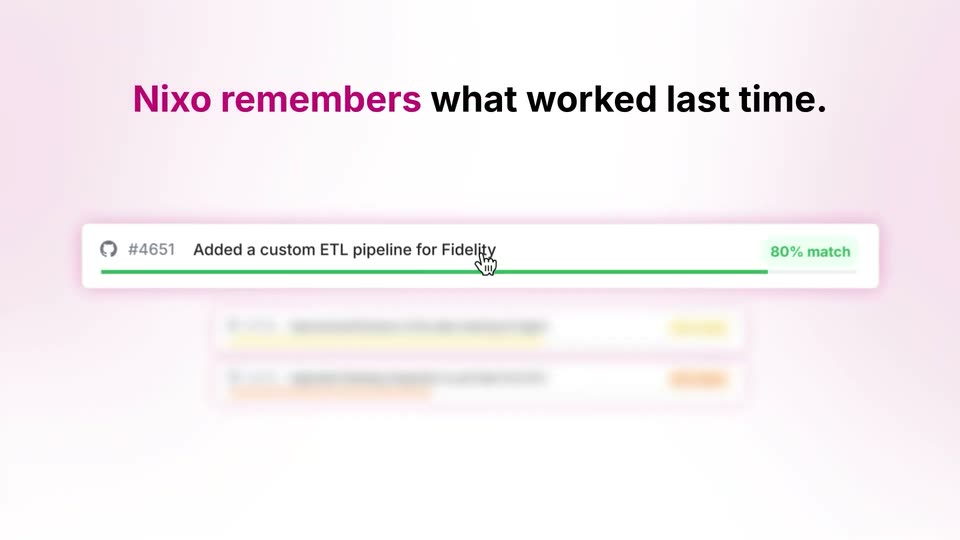 0:27–0:30Nixo · Nixo - The first ops platform for FDEsA white issue card with a green 80% match pill and a hovering hand cursor sits on a pink gradient. The headline above swaps from one tagline to another, and the card content blurs as a purple shape slides in from the left.
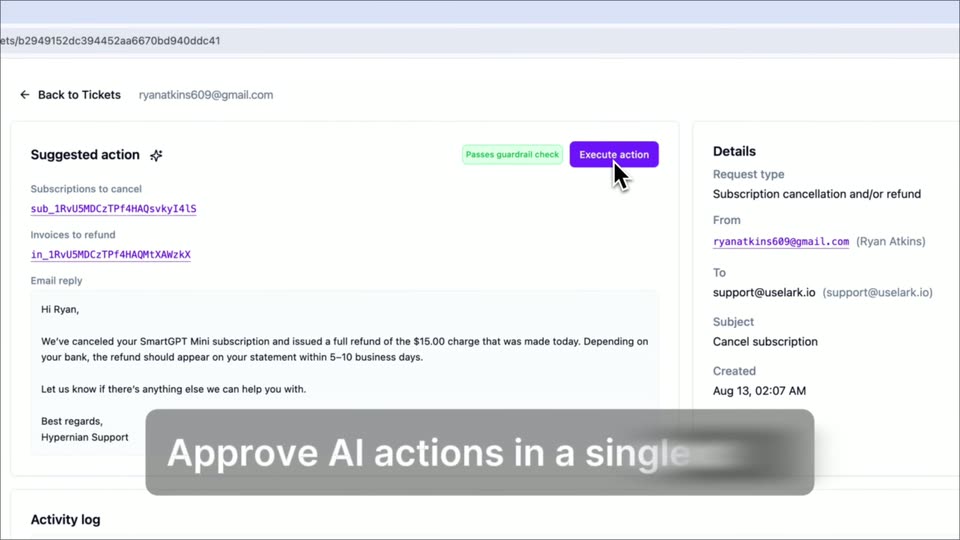 0:18–0:23Lark · Lark: AI Agents for BillingA browser window showing a ticket detail page zooms in as a cursor moves to the purple Execute action button and clicks it, the label switching to a loading spinner. Two caption lines fade in at the bottom.
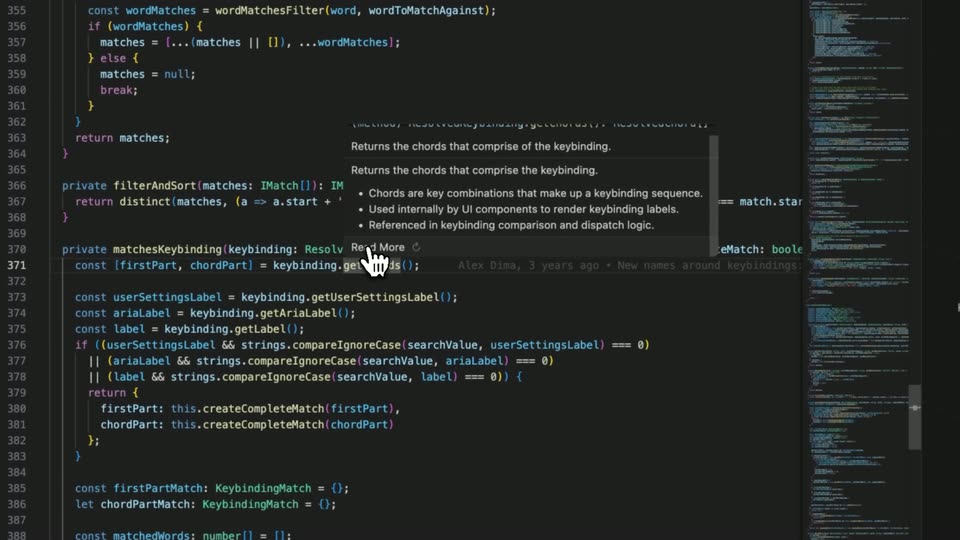 0:42–0:44Windsurf · Windsurf Wave 12: Devin features in Windsurf!In a dark code editor, a hand cursor hovers over a code symbol and a documentation tooltip pops up with a summary line and bullet points. The view then reframes to a wider section of the source with line numbers, while a vertical strip of code runs along the right edge.
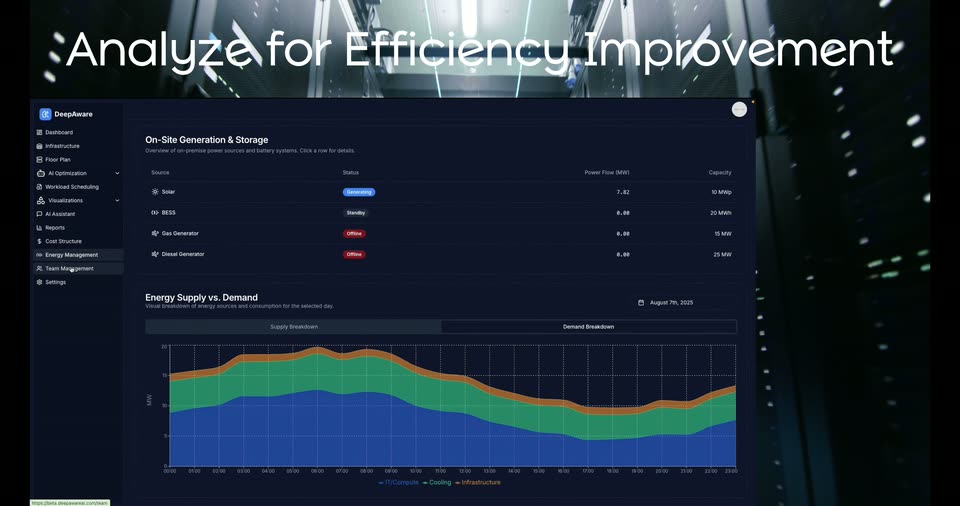 0:32–0:36DeepAware AI (Robotics Center of Silicon Valley) · DeepAware AI — Secure, Efficient, and Automated AI Data CentersA dark analytics dashboard floats in slight 3D perspective over a blurred server-room aisle. The energy chart draws in from left to right while a cursor moves down the left sidebar. A white headline sits static across the top.
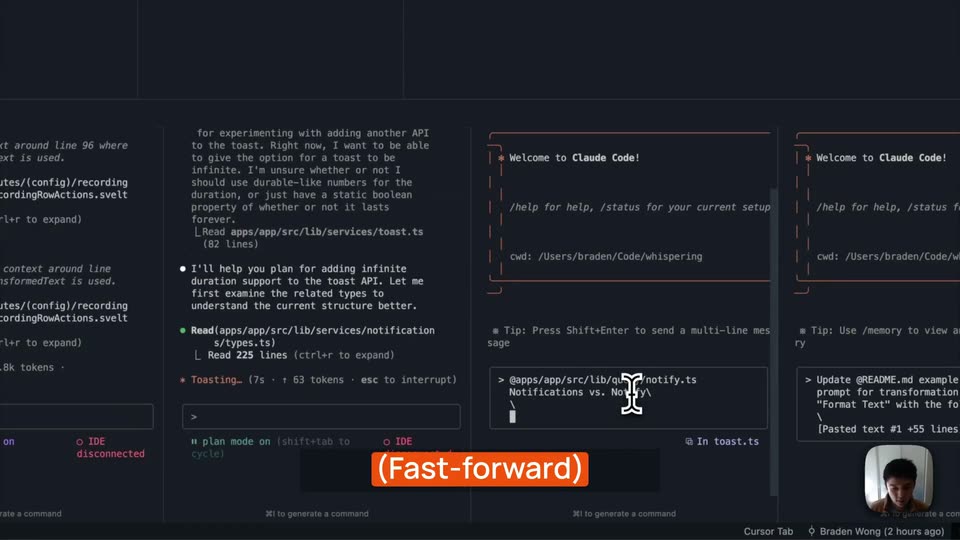 0:40–1:10Epicenter · How I Use Whispering (Open-Source, Local-First Transcription) with Claude CodeA screen recording of a dark code editor shows a voice-recording dialog and a chat panel where dictated prompts appear as text. Subtitle captions with orange highlights track the speech, and the view zooms into the chat panel during a fast-forwarded segment.
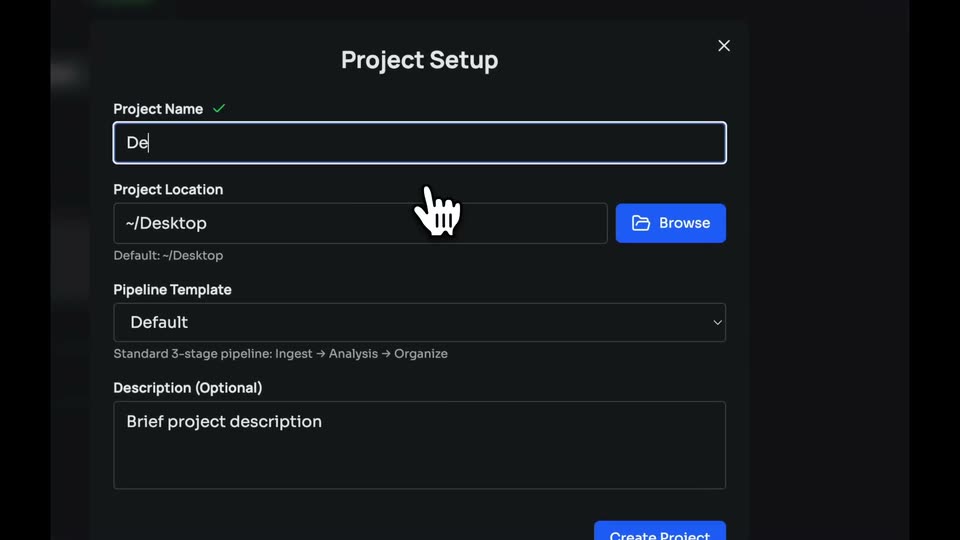 0:05–0:08cocreate · Cocreate demo videoA hand cursor clicks the blue New Project button, the dark Project Setup dialog reframes to center, the cursor types Demo into the name field, then slides over to hover the Browse button.
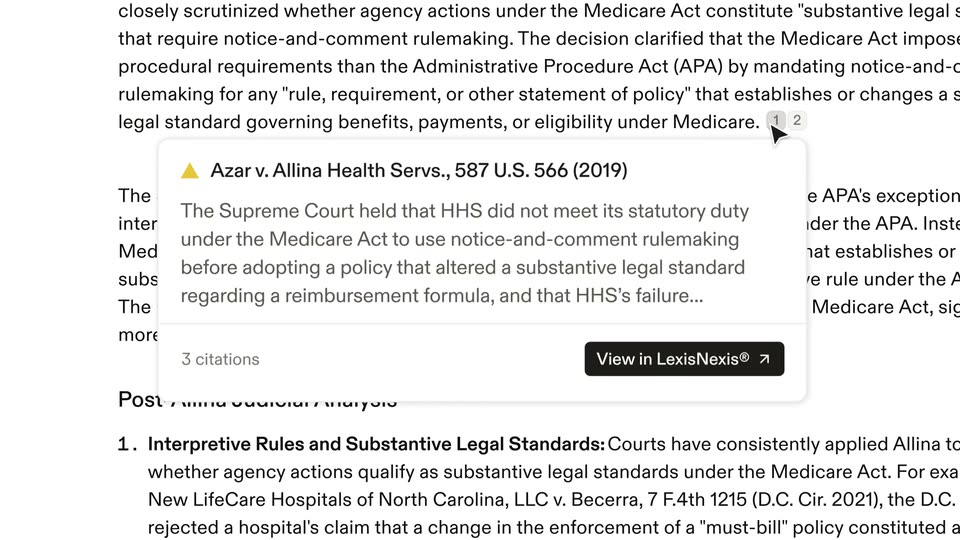 0:25–0:30Harvey · Introducing Ask LexisNexisA tight crop on a legal summary zooms out to reveal the full Harvey.ai interface and a sources panel on the right. The view zooms back in on a citation; a cursor hovers it, a source card pops up, then the cursor moves to the View in LexisNexis button.
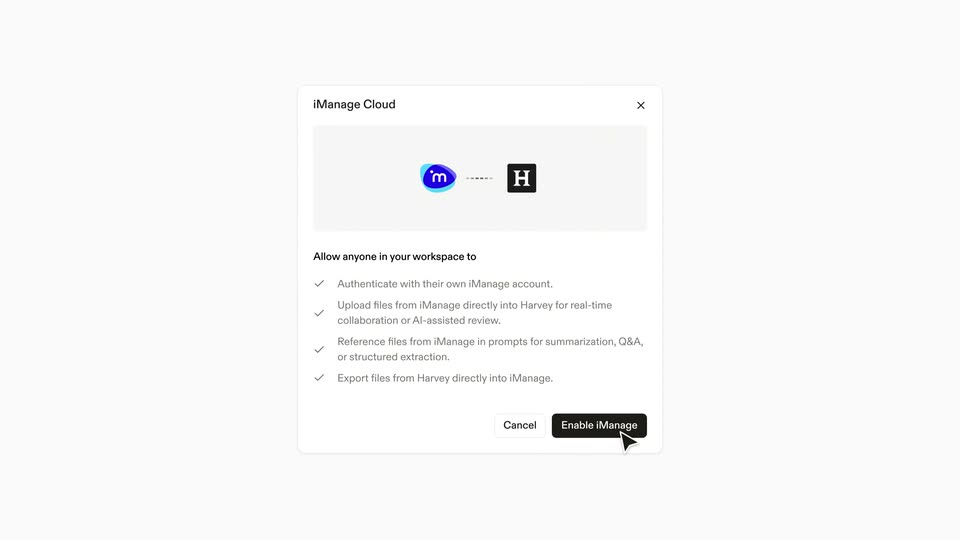 0:12–0:14Harvey · iManage IntegrationA white modal titled iManage Cloud is centered on a pale gray field, listing four checkmarked permissions and two buttons. A black arrow cursor slides in from the right, hovers over the dark Enable iManage button, and clicks it.
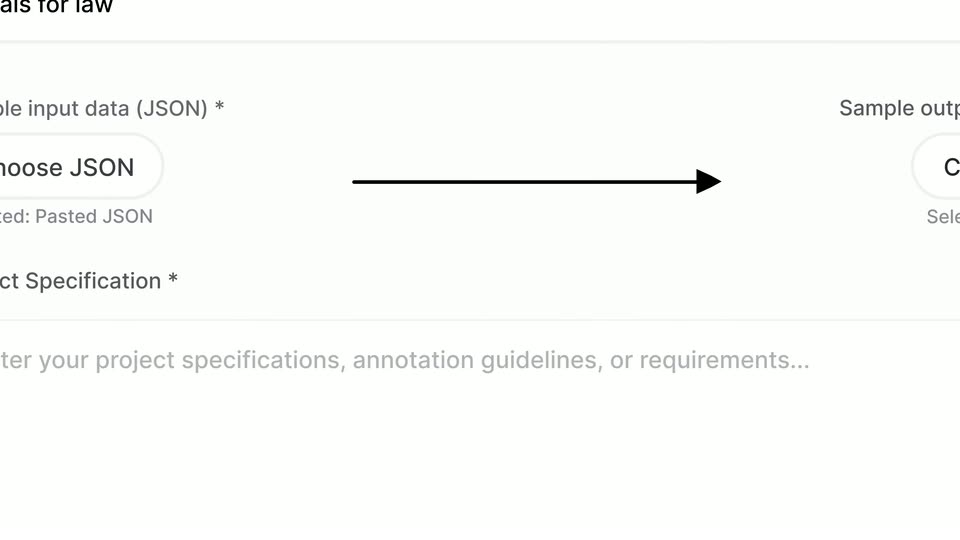 0:13–0:18MangoDesk · MangoDesk DemoA white form scrolls as a cursor opens a file dialog, picks a JSON file, and clicks Done. The view then pans down past a project specification field to a teal Create Project button.
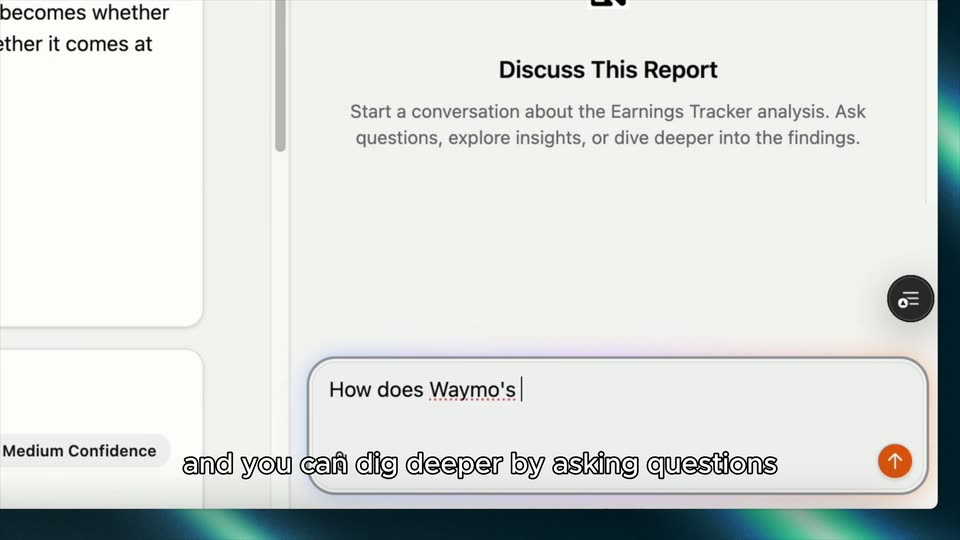 0:42–0:46Astor · Gaus Launch VideoA light app screen shows a dense stock analysis card, then zooms into the discussion panel where a cursor types a question into the input box. White outlined captions sit at the bottom throughout.
 0:56–0:57OpenAI · Introducing GPT-5A top-down pixel game view on a dark green grid; a small pixel character with a white cursor moves while a blue ball rolls across the field and red pixel enemies drift, the gray pixel lettering in the background shifting as the camera pans.
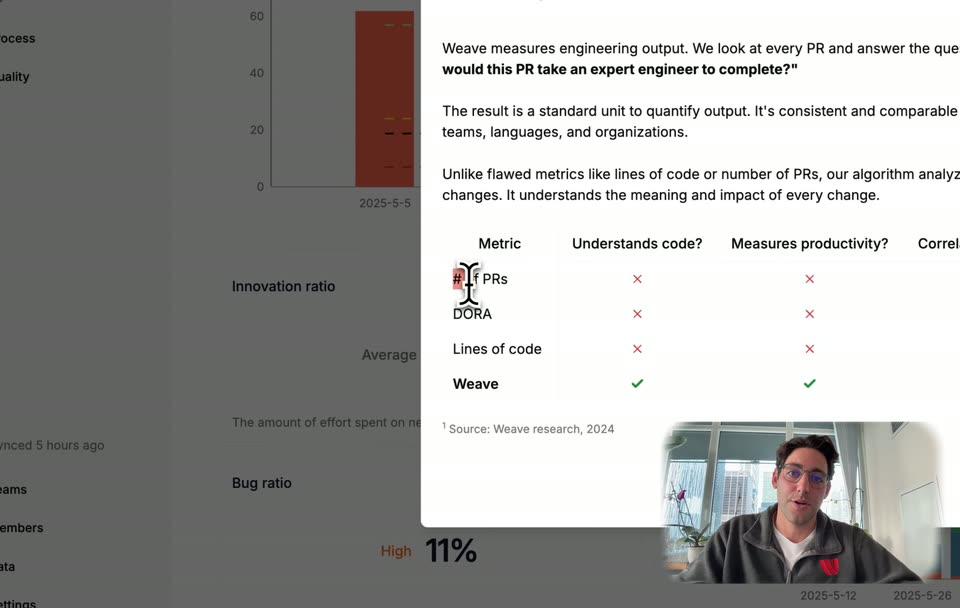 0:24–0:28Weave · Product Hunt Launch VideoA dimmed analytics dashboard sits behind a white modal titled Output in Weave. The view scrolls down to a comparison table as a cursor hovers the rows, flashing the # of PRs entry in red. A presenter appears in a small video window at the bottom right.
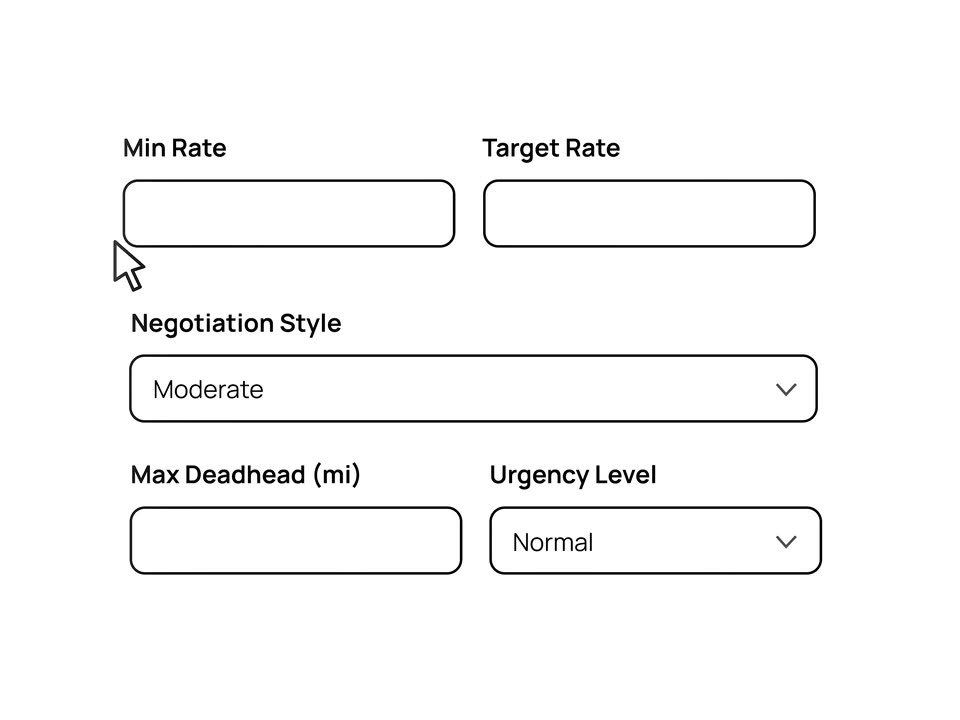 0:55–0:56Fleetline · Introducing FleetlineA white settings form with labeled input boxes and two dropdowns sits centered on screen. A mouse cursor glides in from the lower left and stops at the Min Rate field while the bottom row of labels fades to full black.
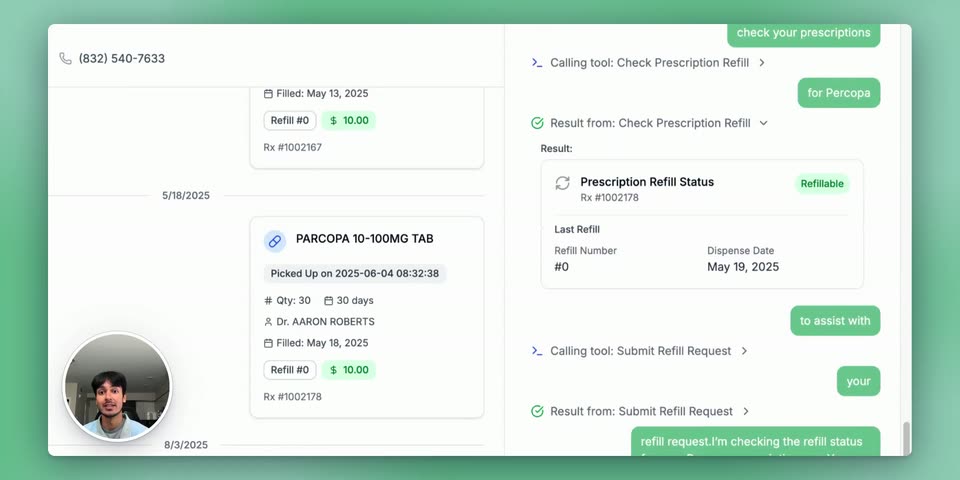 1:23–1:26Playgent · Pharmie AI (YC S25) Launch VideoA white pharmacy app screen on a green background crossfades into view, split into a prescription list with a circular video-call avatar on the left and a chat panel on the right; a green assistant bubble appears at the bottom right reporting the refill was submitted.
 0:06–0:07Privy · Privy - 1/ Introducing: Privy Home A secure control layer for embedded walletA white login card, captioned Log in with your email, sits on a purple 3D grid with a cursor on its Submit button. It whips away in motion blur as a balance card and app list slide in from the left under Explore your apps.
 0:29–0:30Cohere · Cohere - Our secure agentic AI platform, North, is now widely available.A cyan-outlined card on dark navy shows a teal F icon, the white title FP&A Agent, and monospace labels CHAT WITH THIS AGENT and 327 USERS. A teal cursor hovers at the card's edge as the title scales up.
 0:09–0:12Google · Google Gemini - It’s story time, reimagined. Now you can create personalized, illustClose-up of a white rounded prompt card on a pale blue background. A crayon robot thumbnail with two hand-drawn cursors sits above the prompt text. The frame pans right to the card's edge as a pointing hand cursor settles onto the blue send button.
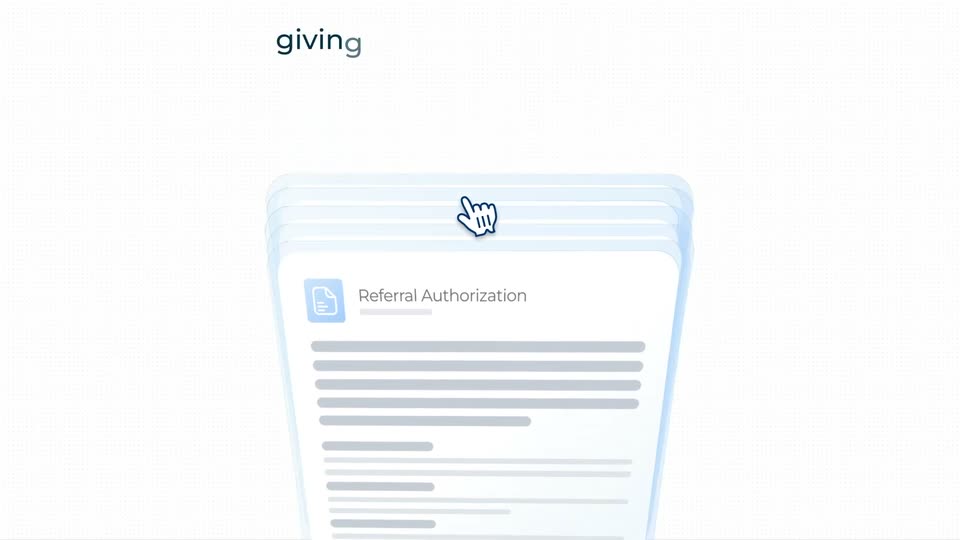 1:04–1:08Locata · Introducing LocataA fan of white UI cards in 3D perspective, showing a Referral Authorization document and a Dashboard header, flattens into a stacked tray as a hand cursor taps it, revealing the Locata logo. The headline above types And all in one platform, then giving your staff time back to.
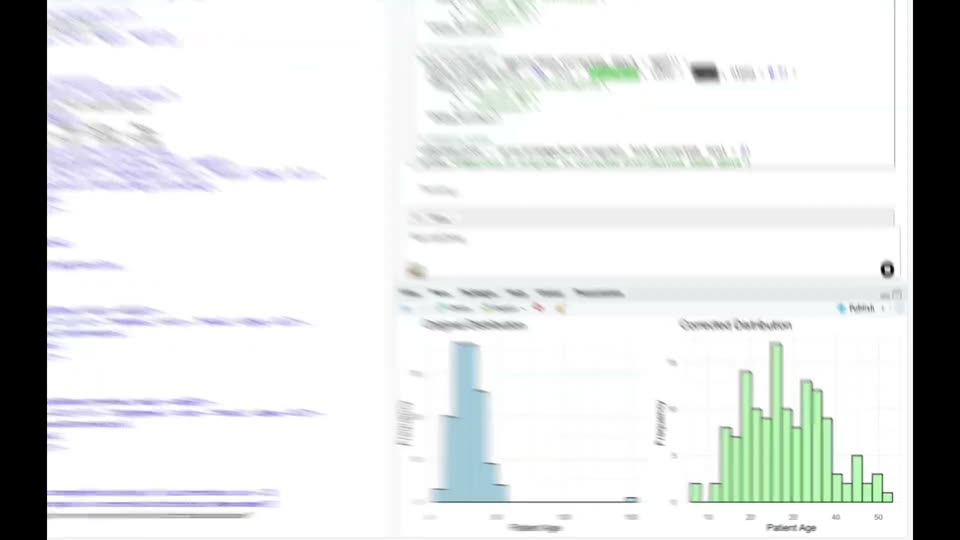 0:40–0:44Lotas · Rao — Cursor for RStudioAn RStudio window shows a console and a code editor with plotting commands. A cursor clicks the green Run button, then the view reframes onto the plot panel, where two histograms appear side by side: a blue Original Distribution and a green Corrected Distribution.
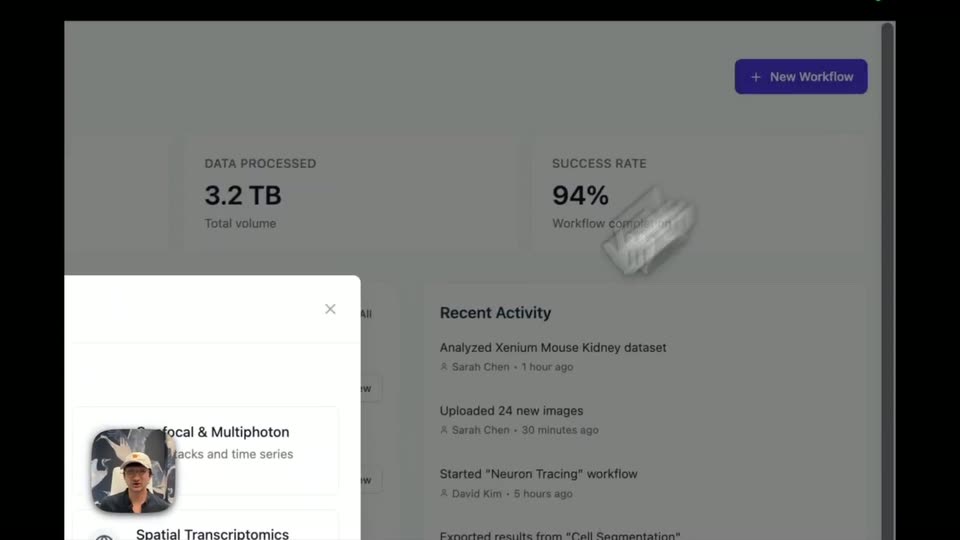 0:46 · 0.8sNovaflow · Novaflow Launch VideoA light dashboard fills the frame as a hand cursor taps the New Workflow button at top right. A white dropdown panel slides up from the bottom left, listing experiment types, while the background stats and activity feed blur and shift upward.
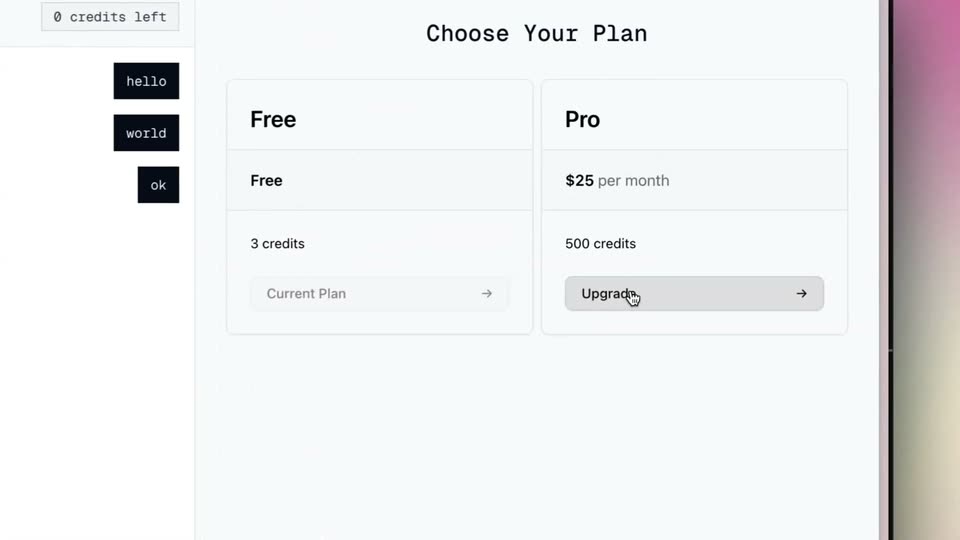 1:44–1:46Autumn · Autumn: Stripe for AI StartupsA product interface sharpens from a soft blur. A hand cursor glides to the Pro plan card and clicks the Upgrade button, a small loading spinner spinning inside it. The Free and Pro cards sit side by side under the heading Choose Your Plan.
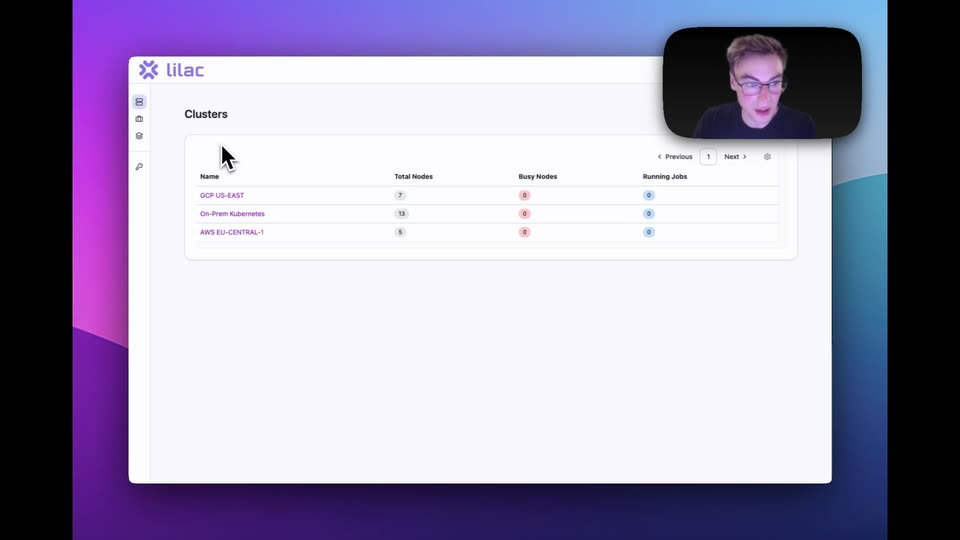 0:27–0:38Lilac · Lilac Launch -- Ensuring GPU Availability!A white lilac dashboard panel shows a Clusters table with three rows; a mouse cursor glides down to hover the GCP US-EAST row, tinting it purple, while a small webcam feed of the presenter sits in the top right corner. The view then zooms into the table.
 0:18–0:20Lindy · Lindy - Lindy 3.0 is live. You can now create agents with a simple prompt anA white chat input box on a cream gradient with a faint dotted grid sits below the centered headline. The placeholder text types out a message while a black cursor glides from the lower right to hover the blue send button.
 0:26–0:29Nia · arlan rakh - introducing nia. ship reliable code 10x fasterA tilted browser window shows the Stripe docs page on a purple background. The shot starts soft and ghosted, then sharpens as the camera eases back, and a cursor drifts in to hover over the code block.
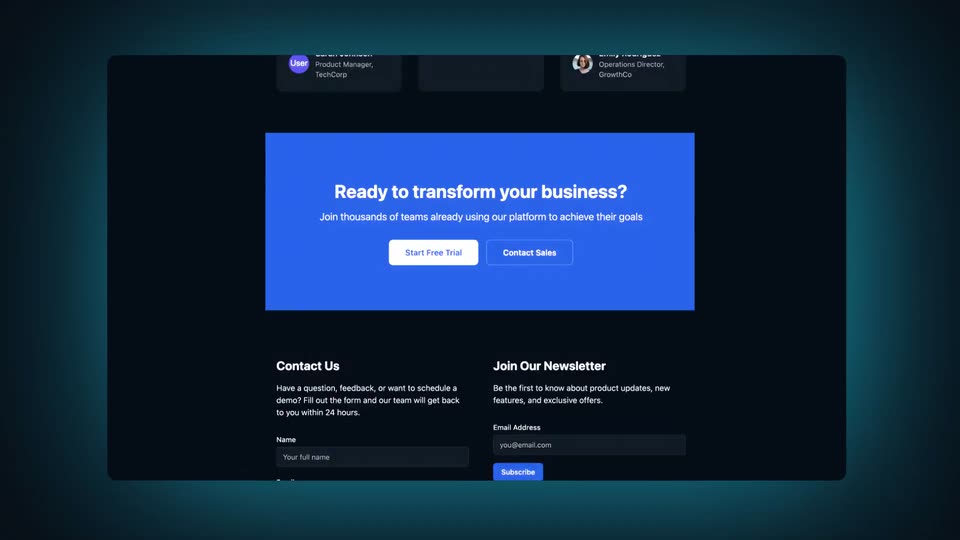 0:17–0:19VibeFlow · YC Launch Video: VibeFlowA dark SaaS landing page scrolls vertically, moving from the hero headline and call-to-action buttons past the contact form and newsletter panel to a three-column pricing table. A white hand cursor rests at the bottom edge before the scroll.
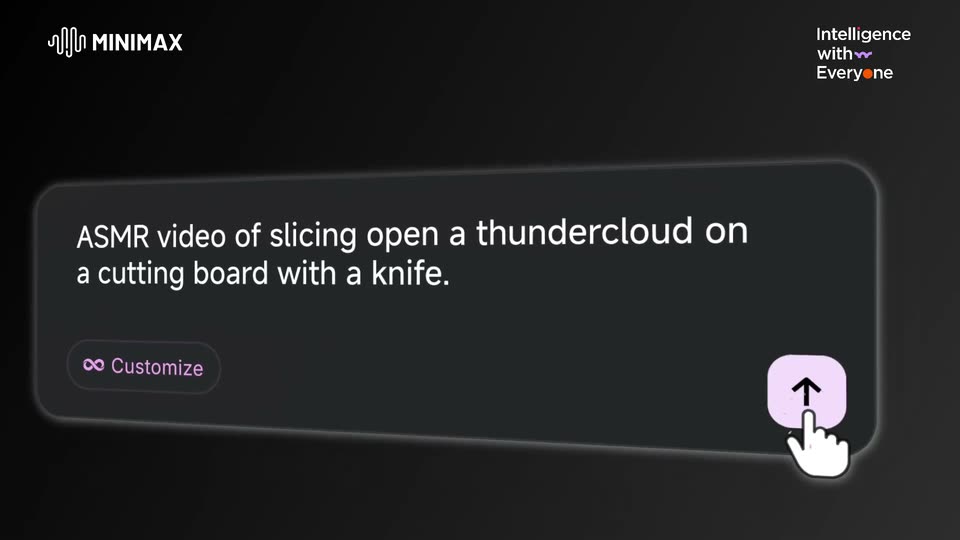 0:06–0:10Hailuo · MiniMax Design (H3) - 🚀 Hailuo Agent Templates just leveled up 🎬 Editable Storyboards are hA dark input panel floats tilted in 3D on black. A prompt types out inside it while a hand cursor taps the Customize pill, then the lavender send button. Bottom captions swap from one line to the next.
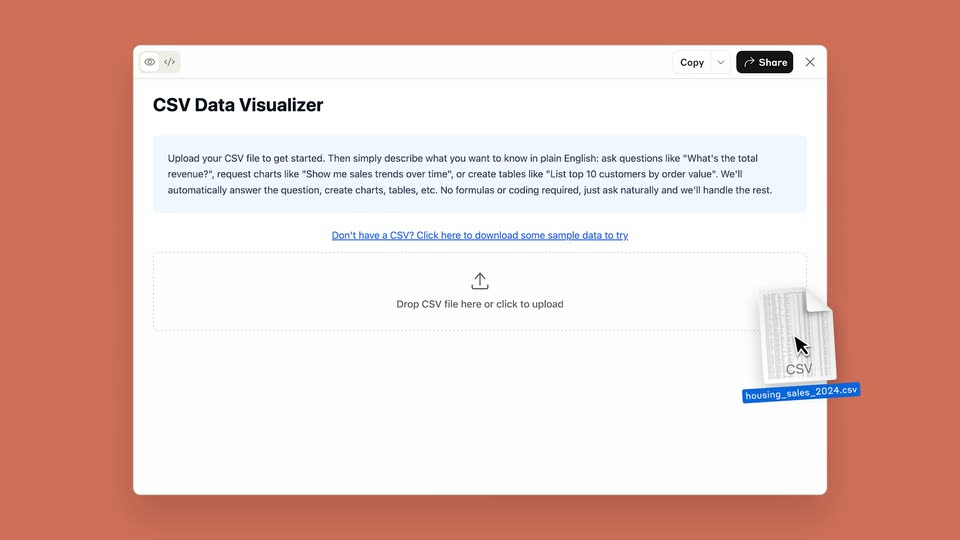 0:07–0:10Anthropic · Anthropic - Claude artifacts are now even better. Upload PDFs, images, code fileA white CSV Data Visualizer panel slides onto a coral background, then a cursor drags a CSV file icon into the dashed upload box, which fills blue on drop.
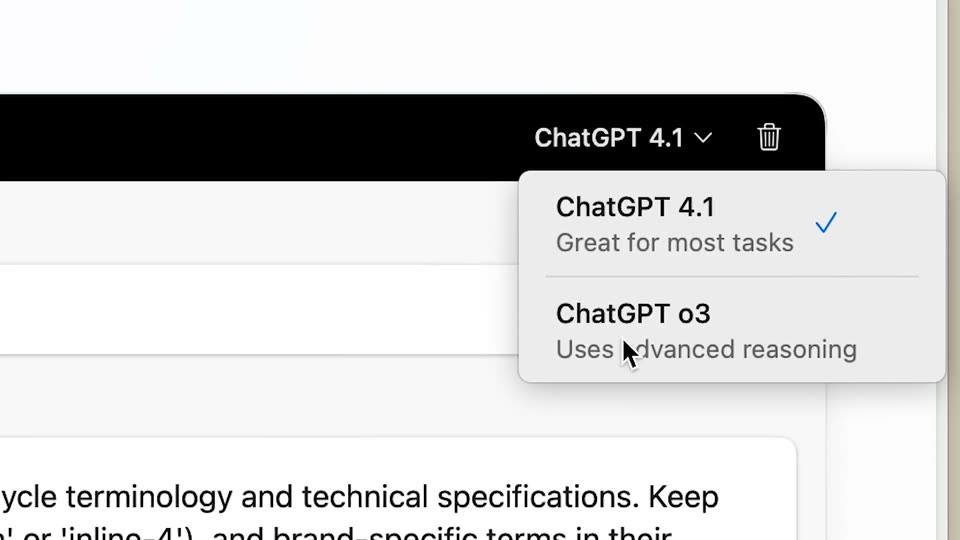 0:12–0:14The Browser Company · Dia - Sometimes you need a bit more… power. Reasoning models, now availablA close-up of a chat interface shows a black model selector bar. A cursor moves from the open dropdown to the ChatGPT o3 option, and the bar label switches from ChatGPT 4.1 to ChatGPT o3.
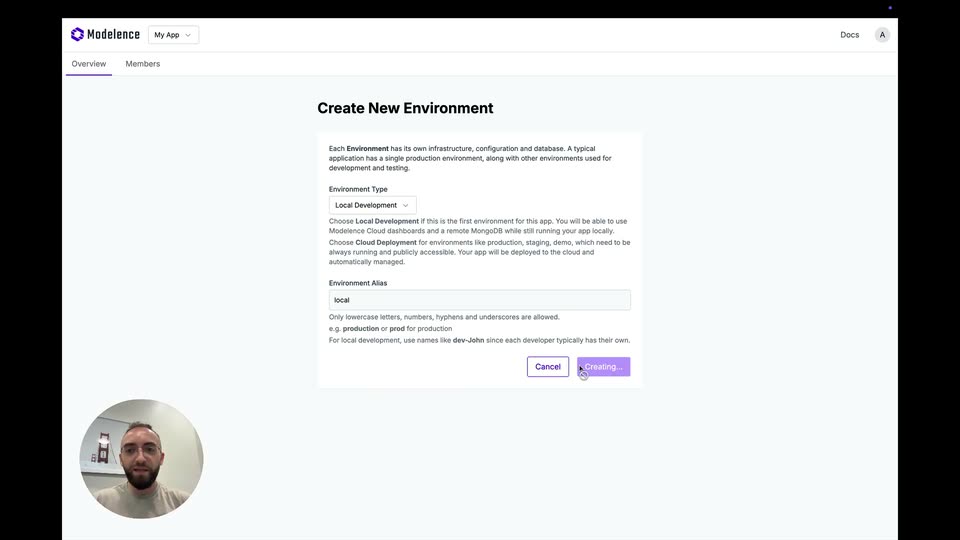 0:25–0:28Modelence · Modelence - Launch DemoA cursor types 'local' into the Environment Alias field of the Create New Environment form, opening an autocomplete dropdown, then clicks the purple Create Environment button. The form is replaced by a loading spinner. A circular webcam of the presenter sits in the lower left.
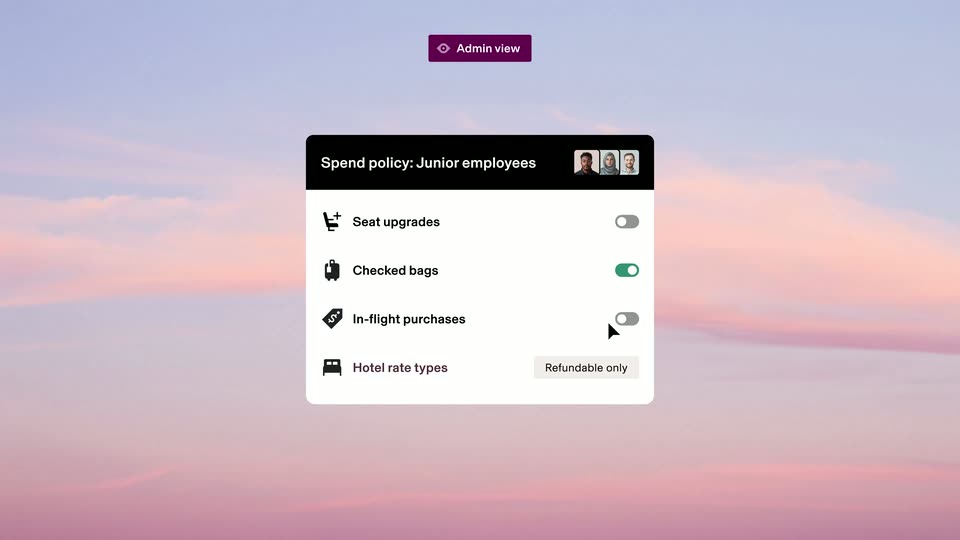 0:30–0:36Rippling · Rippling - It’s time to say goodbye to the days of out-of-policy travel spendingA white policy card with a black header sits centered on a pink gradient sky, labeled by a purple Admin view badge above. A cursor clicks three toggles, flipping Seat upgrades off, Checked bags on, and In-flight purchases off, then the card fades out.
 0:20–0:24Descript · Descript - Never edit alone again. Underlord is now available in beta. UnderlorA white pill-shaped prompt bar types a query against a blue backdrop of vertical rounded bars. A hand cursor taps the circular send button, a spinner appears, and the bar scales down toward the center.
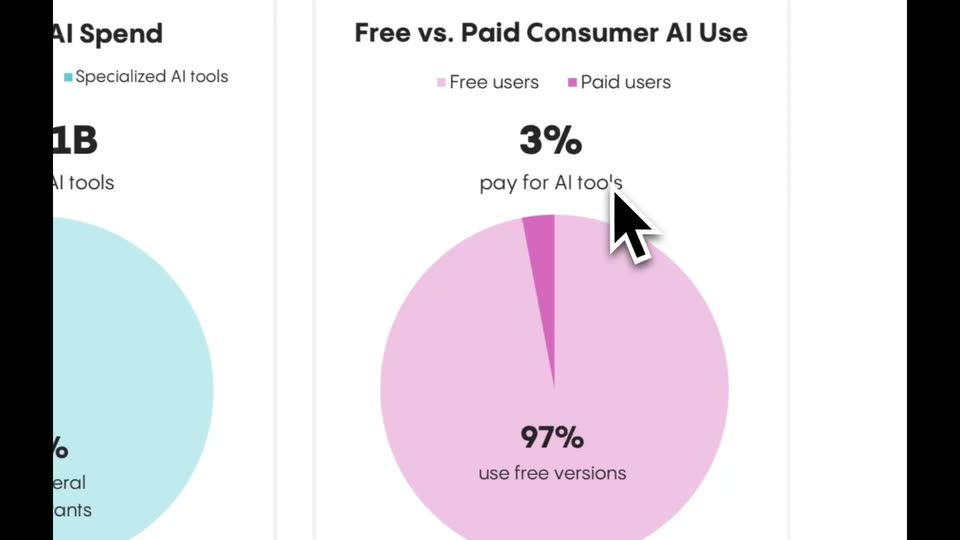 0:19–0:24Imprezia · Imprezia Launch VideoA white dashboard card titled How Big Is Consumer AI? with three pie charts fills the frame, then the view zooms into the rightmost pink pie chart as a cursor slides in to point at the 3% figure, before zooming back out with a blur.
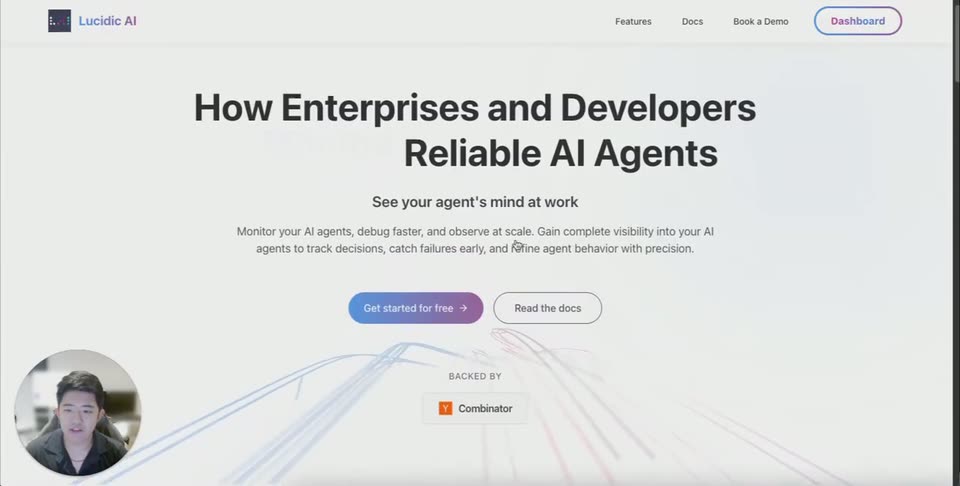 0:23–0:26Lucidic AI · Lucidic HN DemoA browser window shows the Lucidic AI landing page, with a small circular webcam feed of a man in the lower-left corner. The headline's colored keyword switches from Monitor to Test as thin blue and pink lines drift across the lower half and a cursor hovers over the primary button.
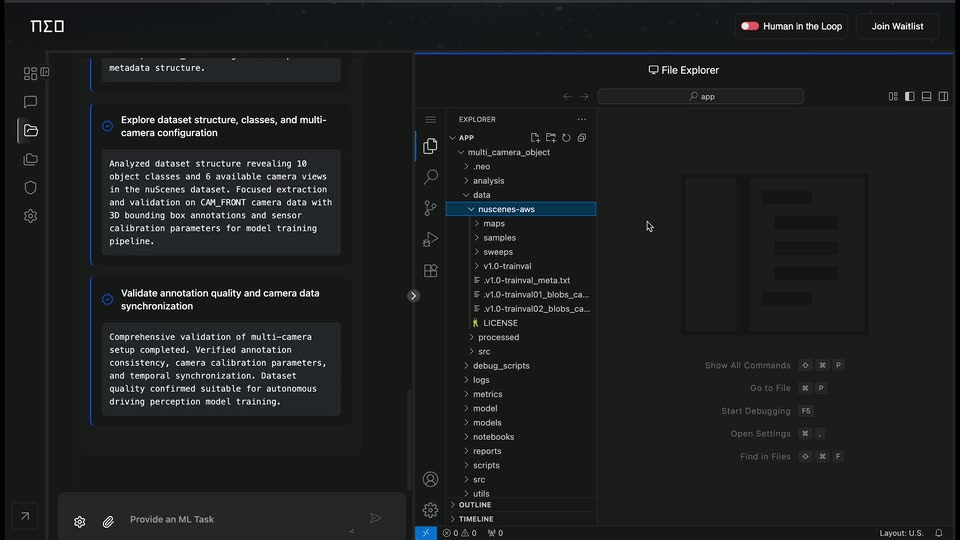 1:07–1:18Neo AI · Neo AI - Introducing NEO: The first Agentic Machine Learning Engineer. It worA dark product UI split into two panels. Left: a chat feed scrolls up, revealing @Executor execution logs and dataset summary cards. Right: a file explorer tree expands step by step from the data folder to nuScenes-aws subfolders while a cursor hovers over each entry.
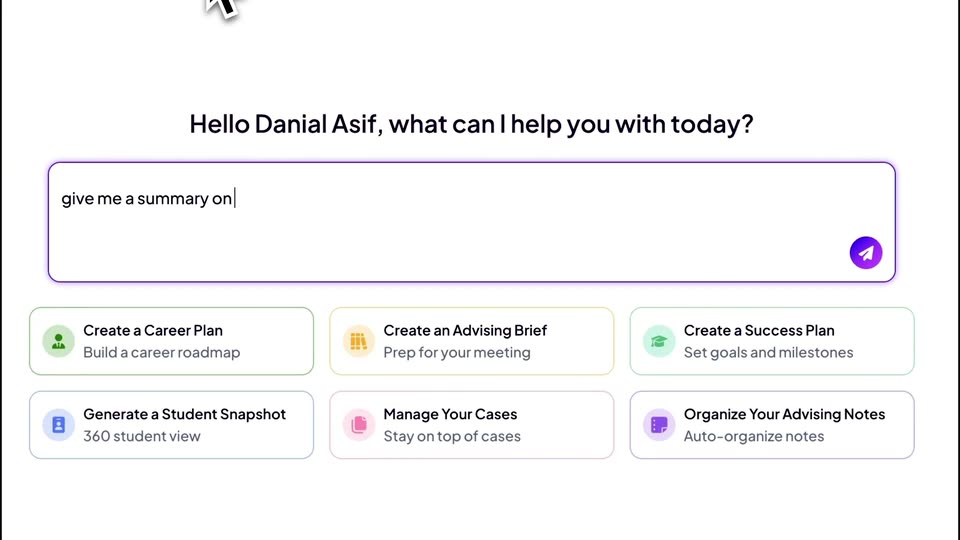 0:28–0:31Risely AI · Introducing Risely: AI agents that automate administrative tasks for universitiesA white AI assistant screen shows the greeting headline and a purple-bordered input field. A cursor types 'give me a summary on @Norma', opening a dropdown of student names, above a grid of six feature cards.
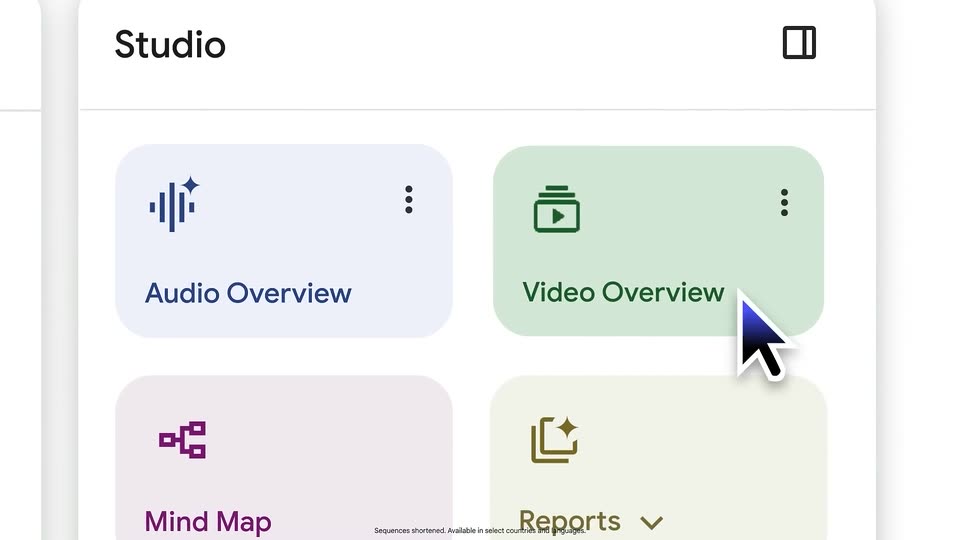 0:01–0:04Google · Introducing NotebookLM Video OverviewsA flat Studio dashboard with four pastel cards (Audio, Video, Mind Map, Reports) fills the frame. The view slowly zooms in on the grid while a blue-and-black cursor glides in and hovers over the green Video Overview card.
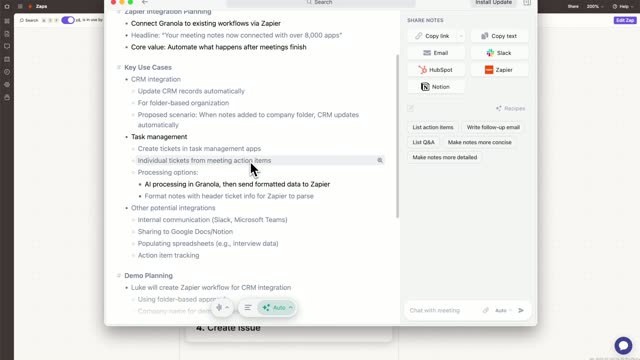 0:47–0:54Granola · Introducing Granola + Zapier | Your meeting notes, now connected with over 8,000 appsA notes app window shows a document titled Zapier Launch Video! with a bulleted list. The view zooms in on the heading, then pulls back out. The cursor moves down the list, highlighting lines as it passes.
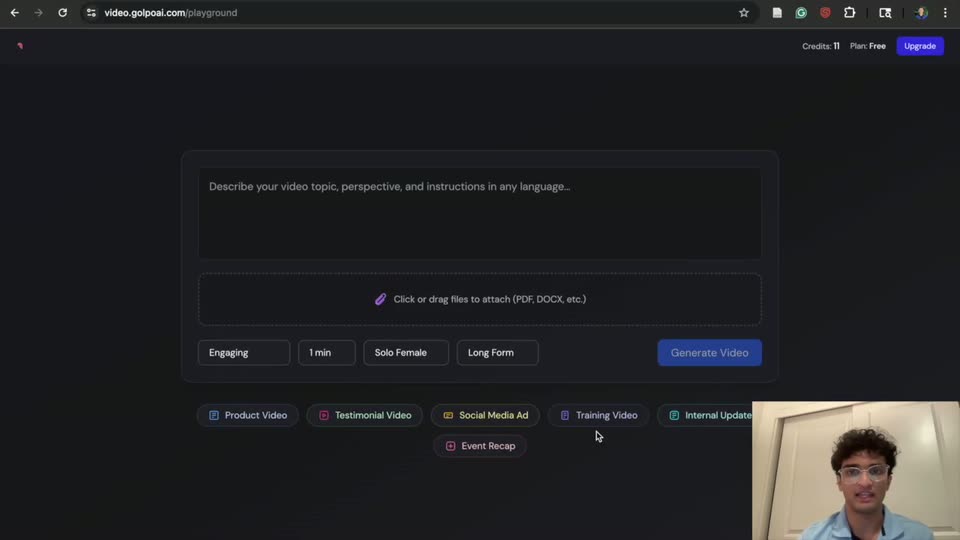 0:39–0:41Golpo · Y Combinator - Golpo (@GolpoAI) is the most powerful AI video generator for explaineA dark web interface fills the frame with a prompt box, a file drop zone, and a row of topic chips. A cursor hovers across the chips while a man in a small webcam inset at the bottom right speaks.
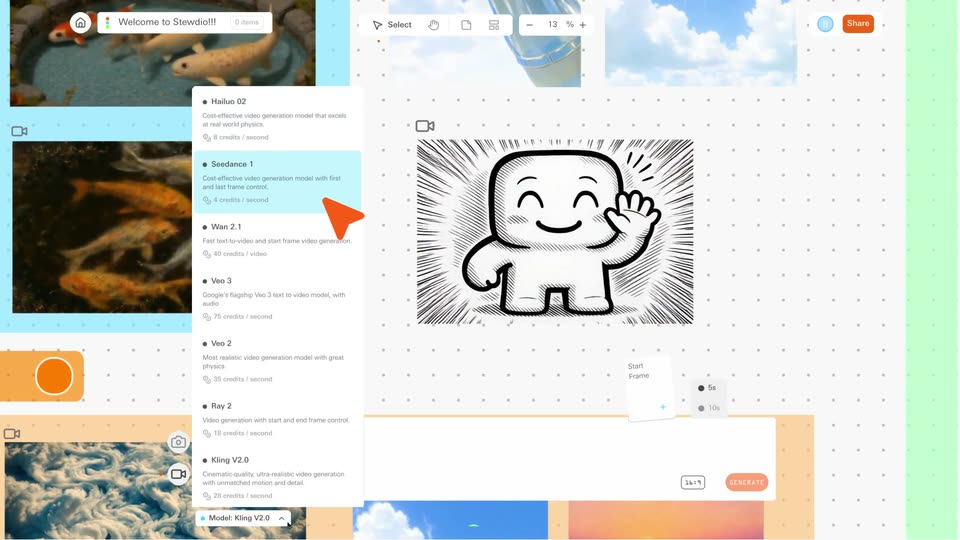 0:17–0:24Stewdio · 🍲 Stewdio: Creative Intelligence Meets Infinite CanvasA dotted-grid canvas workspace with a top toolbar and a prompt bar at the bottom. A model dropdown opens on the left, an orange cursor hovers down its entries, and a central video preview cycles through art styles of a waving character.
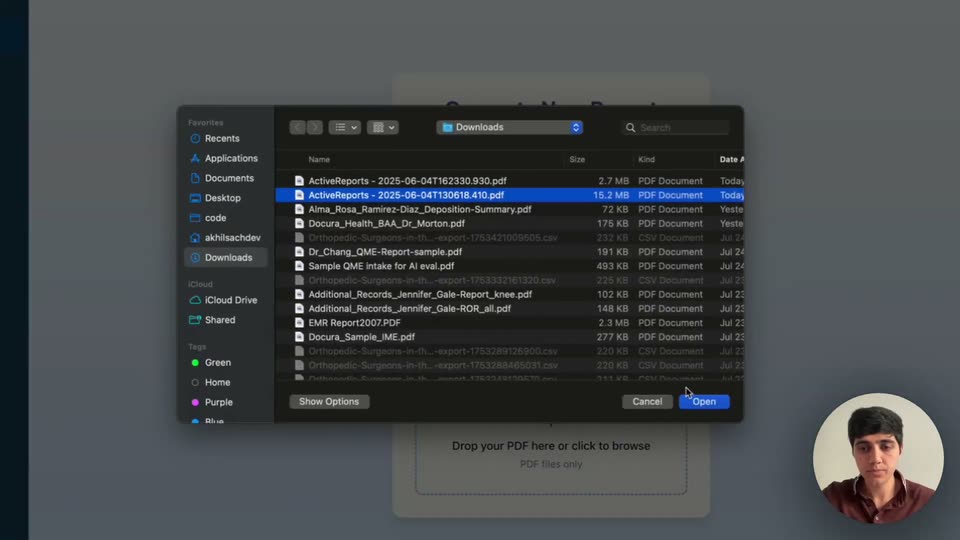 0:24–0:26Docura Health · Docura Health DemoA macOS file picker overlays a blurred report form. The cursor highlights a PDF row and the Open button turns blue, then the dialog fades away to reveal the Generate New Report fields. A circular webcam feed of the presenter sits in the lower right.
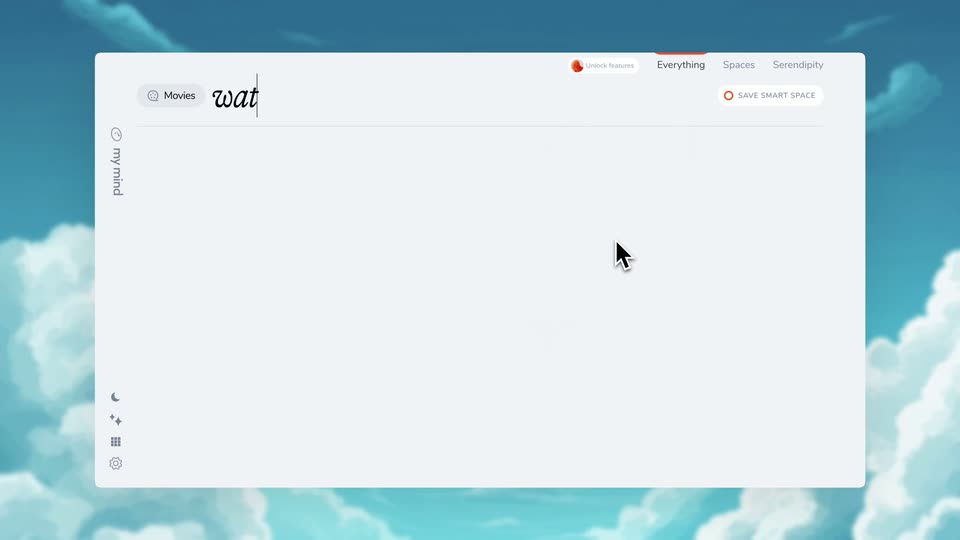 0:05 · 0.5smymind · mymind - You asked for it, we shipped it 🧡 We hope you enjoy this new feature!A flat app window floats against a blue cloudy sky, showing a Movies grid of film posters. A cursor hovers on a poster while the title field types out watched, then the poster grid clears to an empty canvas.
 0:23–0:27Comena · Comena Launch Demo - Automated PO ProcessingA white email compose card holds a forwarded purchase order. The view zooms into the To field as [email protected] is typed and a suggestion dropdown opens, then a cursor appears and the frame reframes onto the PDF attachment and Send button.
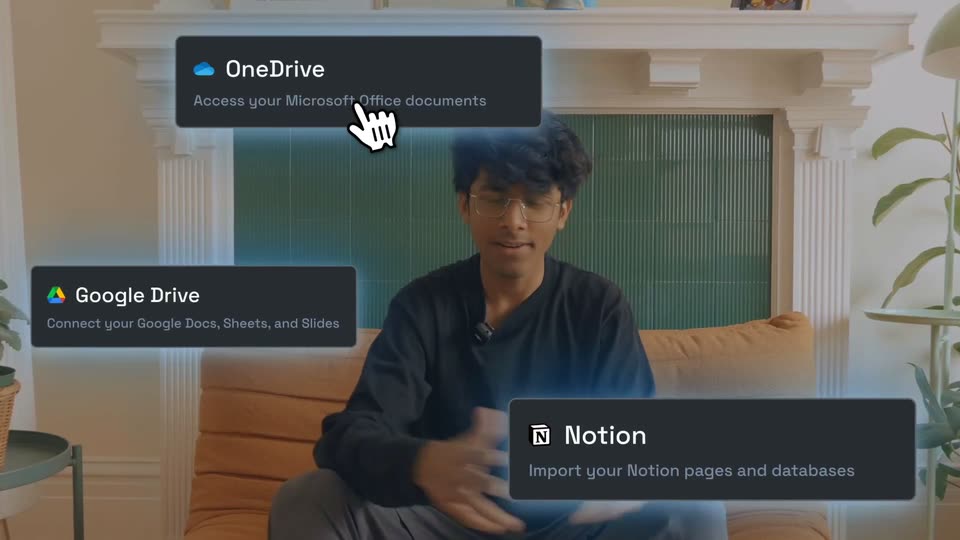 1:32–1:37Supermemory · Dhravya Shah - Introducing the all new supermemory 💥 we killed the AI memory lock-iA man in a black shirt sits on an orange couch before a white fireplace, talking and gesturing. Dark rounded cards with a blue glow pop in one by one at left, lower right, and top, each with a white hand cursor, naming Google Drive, Notion, and OneDrive.
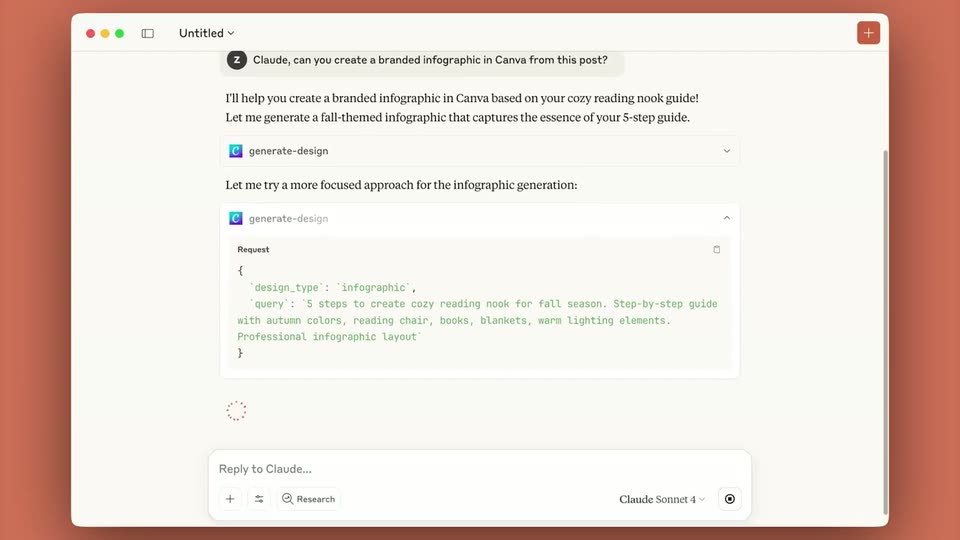 0:06–0:32Anthropic · Anthropic - Turn written content into professional designs with Claude + @canvaA flat browser mockup of a Claude chat on a terracotta gradient. A cursor clicks plus, opens a Drive menu, attaches a DOC file. The view zooms into the input as a prompt types, then pulls back to a scrolling thread streaming a reply and code blocks.
 0:10 · 0.4sFigma · Figma - Prompt it. Then push it to make it better. Figma Make, now availableA glossy pink pill button labeled CLICK ME floats on a white field with a black cursor arrow below it. The button swaps to a dark glossy PUSH pill as the cursor moves up onto it, while a small caption stays fixed in place.
 0:17–0:20GhostEye · Introducing: GhostEyeCentered on white, a pill of five app icons sits under a small Integrate in Minutes tag, with a matching caption at the bottom. A cursor moves in, hovers the M icon, then the P icon, each scaling and brightening while the rest dim.
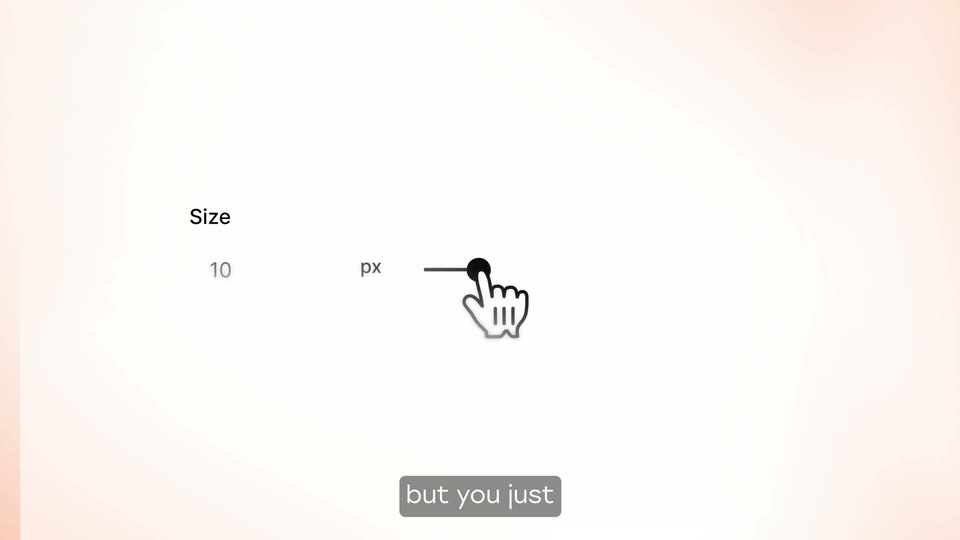 0:24–0:25Submagic · Submagic - Today, we’re launching the world’s first short-form video editing APIClose-up of a size slider on a pale pink field: a hand cursor drags the black knob right as the value jumps from 10 to 141 px. A gray caption pill at the bottom shows “but you just,” then “don't have the time.”
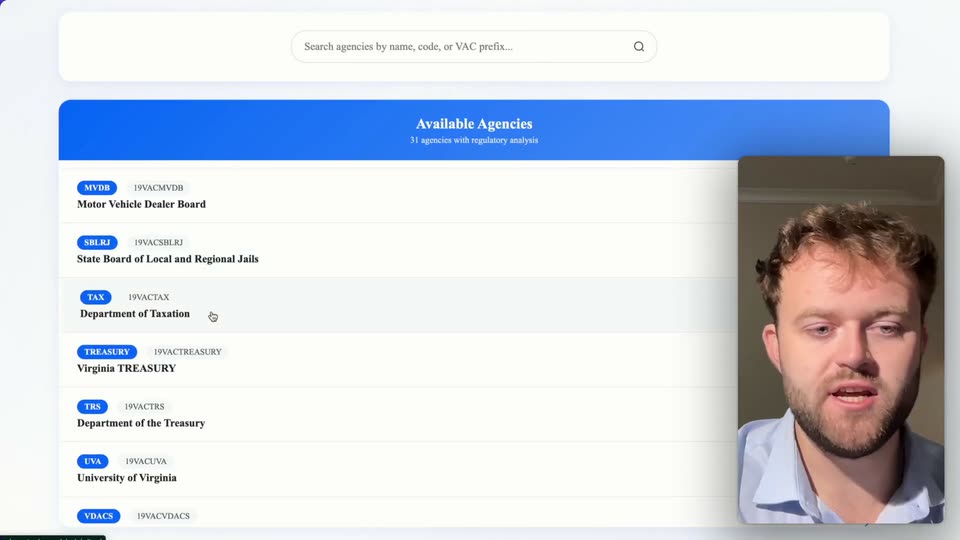 0:18–0:22Vulcan Technologies · Virginia Required Our Product by LawA web interface shows a search bar above a list of Virginia agencies with blue code pills. The list scrolls up as a cursor hovers the Department of Taxation row, highlighting it gray. A face-cam of a bearded man in a blue shirt sits at the right edge.
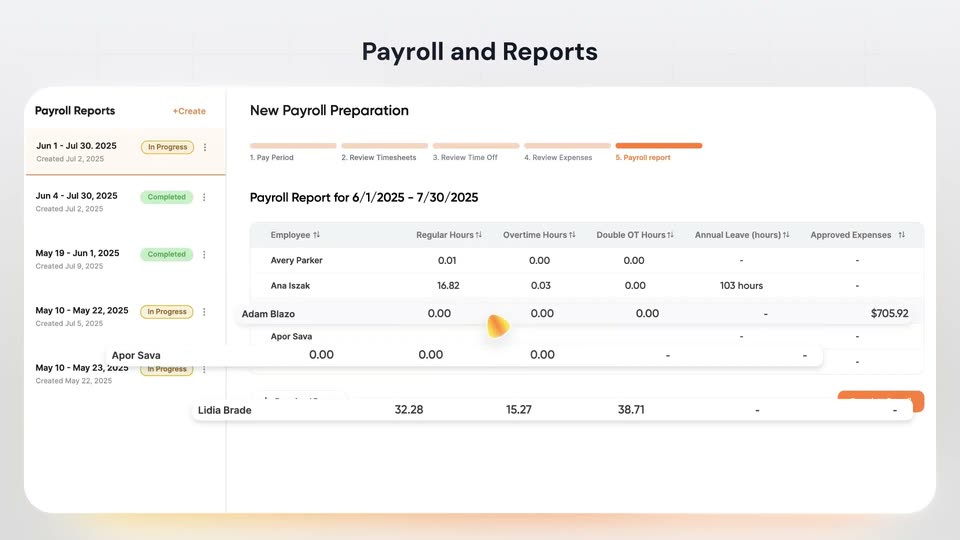 0:49–0:51Sira · HR, Payroll & Time Tracking… Automated in Minutes with AI 🤯A payroll dashboard fills in: the report table populates with hours and dollar amounts while the orange cursor glides down to hover over the orange Complete Payroll button. The framing reframes slightly to bring the button into view as the totals count up.
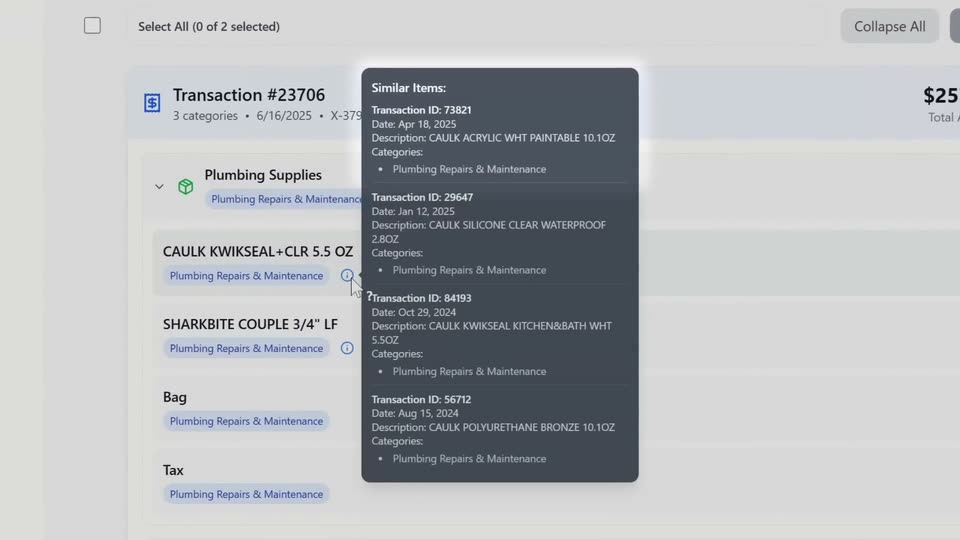 0:19–0:20IronLedger.ai · The easiest way to do your property accounting | Save 100s of hours coding invoices and expensesA dark Similar Items panel overlays a transaction list, listing past plumbing purchases. A cursor hovers on the info icon beside the Caulk Kwikseal line, holding the view steady.
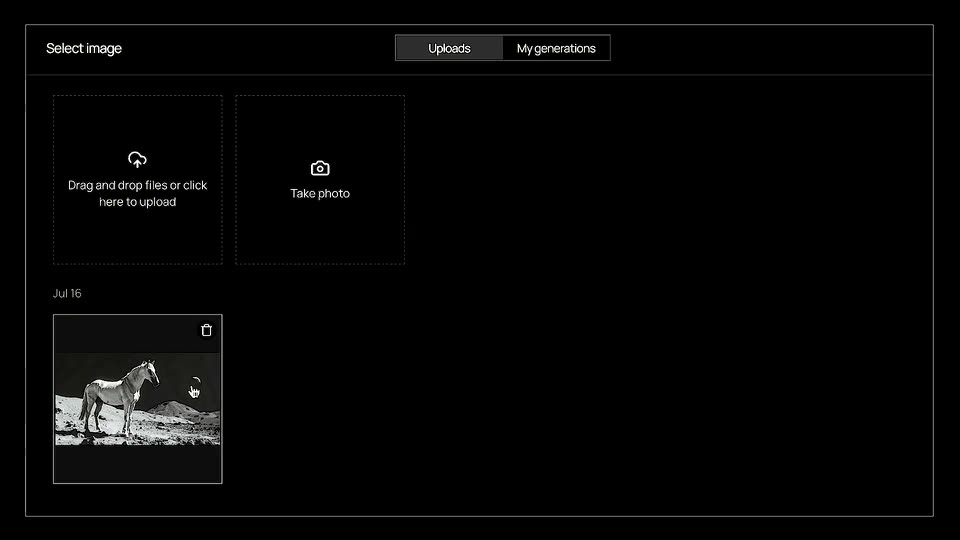 0:06–0:07Marey · Moonvalley - Most AI video tools rely on text prompts or preset motions to defineA dark upload screen shows two dashed drop zones above a horse thumbnail. A cursor clicks the thumbnail, and a larger image view with a numbered frame timeline opens over it. A small static step caption reads STEP1, UPLOAD IMAGE.
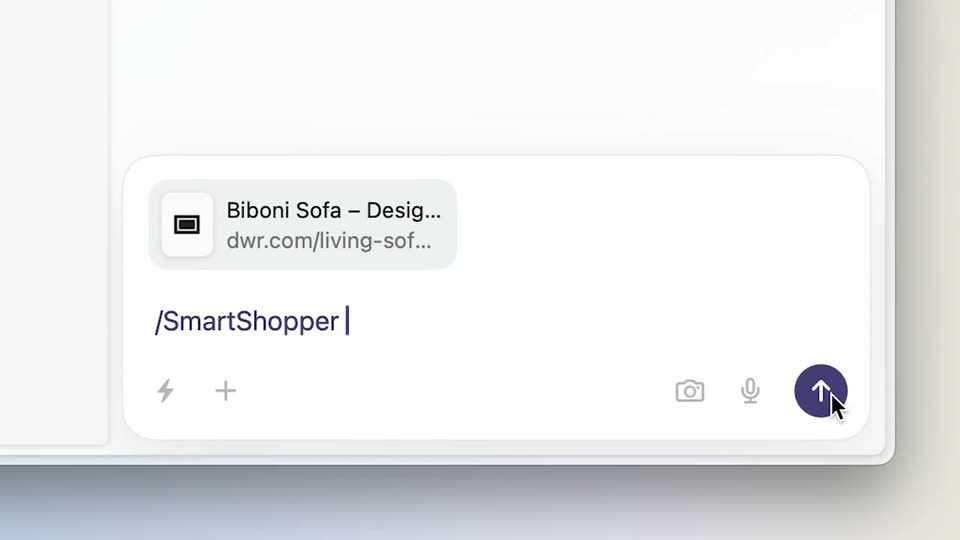 0:11–0:14The Browser Company · Dia - Need inspiration? There’s a /skill for that. 🖼️ Dia Skills Gallery vA chat composer close-up shows a sofa link card and /SmartShopper entered, with a blue SmartShopper chip, then a new question field appears as a pointer moves to the send button.
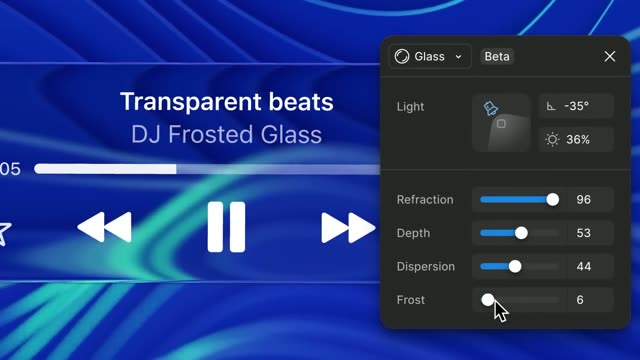 0:07–0:11Figma · Introducing Figma’s new glass effectA dark settings panel with sliders overlays a blue music player, and a cursor drags the Light, Refraction, Depth and Frost controls. The player card comes into full view as the frosted blur updates.
 0:30–0:31Mistral AI · Mistral AI - Introducing powerful new features in Le Chat, making it more capableA white input card with a folder icon and red caret sits centered on cream, the large dark headline into Projects below it fading out. The field then shows a typed letter E with the placeholder New Project in gray.
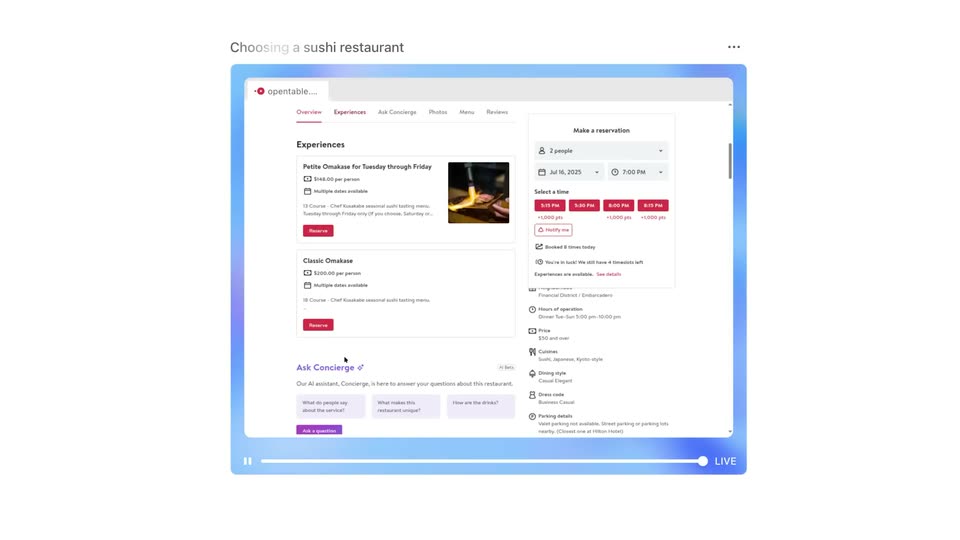 1:01–1:02OpenAI · Introducing ChatGPT agentA blue-framed browser mockup sits under a gray headline. The OpenTable page for KUSAKABE scrolls down from the hero photo and reservation box to the experiences list and Ask Concierge panel, with a cursor resting over the list. A LIVE progress bar runs along the bottom edge.
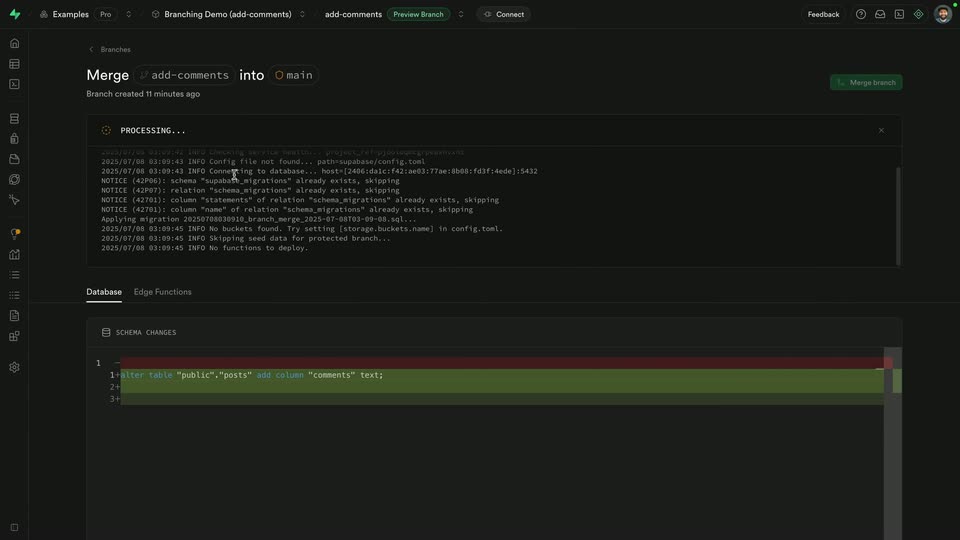 0:31–0:34Supabase · Branching just got a whole lot easier!A cursor clicks the green Merge branch button, opening a Confirm Branch Merge dialog. The cursor then clicks Merge Branch, a log panel streams processing lines, and the header flips to WORKFLOW COMPLETED SUCCESSFULLY as the schema diff clears.
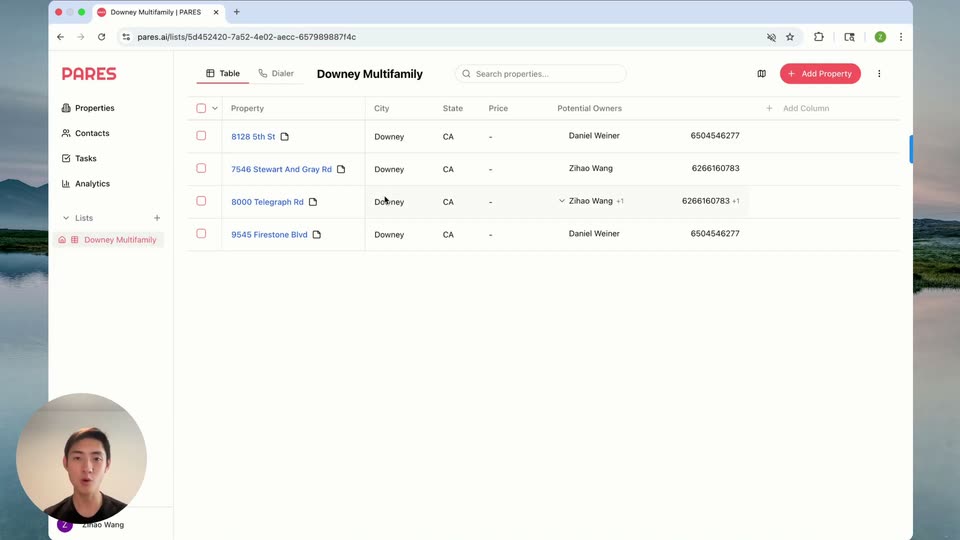 1:40–2:13PARES AI · PARES AI Launch VideoA screen recording of the PARES web app shows a property table. The cursor clicks Add Column, selects Potential Owners, then switches to the Dialer tab and opens the Dialer Settings modal to type a voicemail script and toggle options. A circular webcam of the presenter sits lower left.