0:28

dale - Today we’re launching WonderDrive by @wondersearchai (YC F26): one dr
Wondersearch · B2B · Nov 2026
Fleetline’s 1:17 launch film runs 35 scenes, about 2.2 s each. The product shows up at 0:32 and 2 features are revealed. There is no explicit call to action; a voiceover carries the film. The film opens on desaturated live-action trucking footage with word-by-word headlines, then cuts through a rapid montage of pain points before landing on the Fleetline logo. The second half is a clean white UI demo with typed-in chips and dropdowns, punctuated by abstract data graphics and a neon wireframe truck, closing on a black logo lockup.
Is this your launch? to your site or press kit.
Wondersearch · B2B · Nov 2026
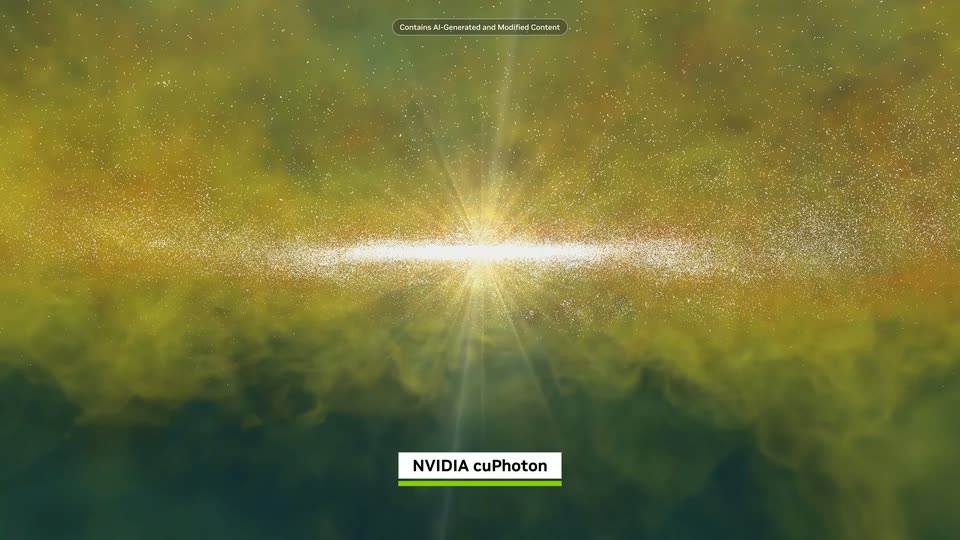
NVIDIA · Nov 2026
Films whose music sounds like this one, voice left out
Caution · Electronic, corporate tech
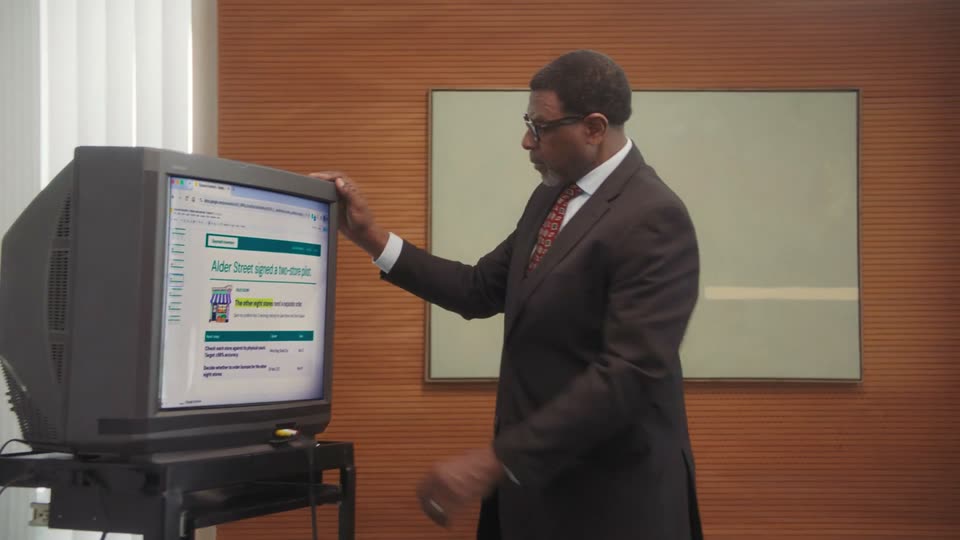
OpenAI · Comedy sketch with elements of office drama and heist suspense
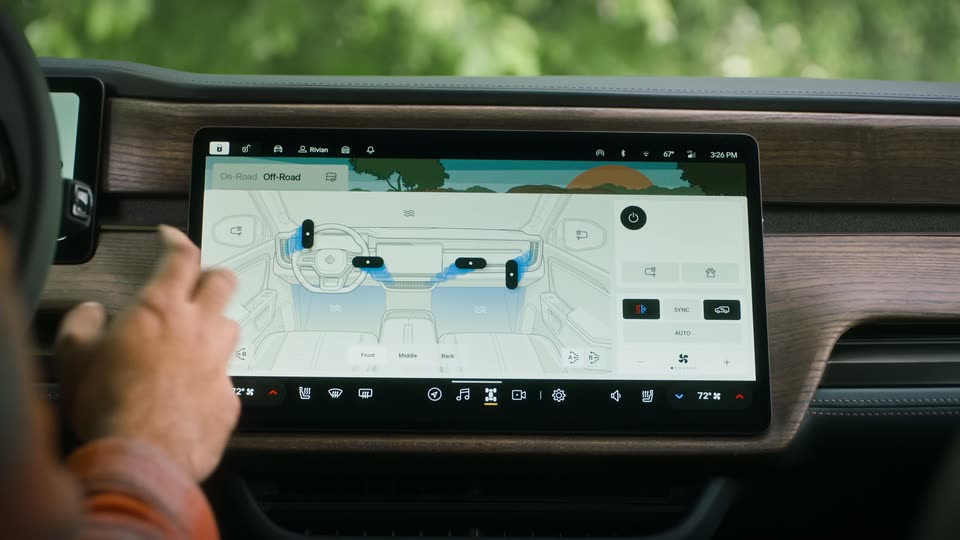
Rivian · Modern electronic
A dim industrial yard at dusk with a lit canopy, stacked bales and a forklift driving across the frame. The camera holds a locked-off wide shot while the headline builds line by line in the upper left over the dark sky.
On-screen text: “Trucking is”, “a trillion dollar”, “industry.”
Techniques: Kinetic type
Camera: Pull out
A black and white industrial port, its gantries and highway streaked with motion blur and overexposed white light. A bold white headline is held static across the frame over the distorted landscape.
On-screen text: “Trucking is”, “a trillion dollar”, “industry.”
Camera: Static
A black-and-white dashcam view of a highway from inside a car, a wiper blade and a white streak cross the windshield, then the frame inverts to a darker exposure with rectangular cutouts revealing the road ahead.
Techniques: Masking, Morph
Camera: Pull out
On a flat black background, white text builds word by word at center, starting with “And it” and completing to “And it’s broken.” The finished line then holds still, locked off, for the rest of the clip.
On-screen text: “And it’s broken.”
Techniques: Kinetic type
Camera: Static
High aerial shot over a port container yard, long lanes of blue, orange, white and pink containers stretching to the horizon. The camera slowly pulls back and rises, revealing gantry cranes and a cargo ship at the far end. A caption, “And it's broken.”, sits still on the frame.
On-screen text: “And it's broken.”
Camera: Push in
Top-down drone view of a container port: rows of orange, blue and white shipping boxes fill the frame around a painted concrete lane marked with numbers. The camera drifts slowly across the yard, then the image dissolves into a darker double exposure.
Camera: Static
A white semi-truck drives rightward along a highway past green hills under a hazy sky. At the start, a vertical bar-chart graphic with faint numbers dissolves out over the footage, then the live shot holds as the camera tracks the truck.
Camera: Pan
A white logistics dashboard scrolls upward, listing truck routes with city names, dates, and green dollar amounts. Each row carries teal numbered pins plus Required or Live tags, deadhead mileage, and per-mile rates.
Camera: Pull out
Two side-by-side columns of a freight booking interface scroll upward. The left lists locations with green dollar prices and per-mile rates; the right shows numbered route stops with mileages, deadhead distance, and truck requirements.
Camera: Static
Grainy black and white macro shot of a date flip calendar showing month tabs, then a hard cut to a person's profile in soft focus, a thin rod held to their lips.
Camera: Static
A black and white extreme close-up holds on the right side of a bearded man's face in profile. He wears thin-framed glasses and over-ear headphones, the ear cup and cable crossing the frame. The framing stays tight and static.
Camera: Static
A grainy black-and-white close-up frames a person's mouth and hand holding a dark phone as they speak.
Camera: Static
A blue-tarped semi-trailer is parked at a loading dock beneath a concrete canopy, an orange forklift idling to the left. The camera drifts slowly along the trailer's side in bright daylight.
Camera: Pull out
A white box truck travels a highway through sunlit fields, shot from above as the camera follows it. White text types in line by line at the top left.
On-screen text: “Bad decisions.”, “Underutilized trucks.”, “Frustrated drivers.”, “Lower margins.”
Techniques: Kinetic type
Camera: Pull out
A close-up of a mud-caked trailer axle with dual tires and black mud flaps. The camera pans right along the wheel arches, passing the second axle to settle on the galvanized landing gear leg raised over a green field.
Camera: Push in
On a black background, a white Fleetline logo mark forms at center, then the wordmark Fleetline resolves from a soft blur to sharp focus and holds still.
Camera: Static
On black, the white Fleetline logo mark and wordmark appear centered and hold. A spiral of code text forms concentric rings behind them while a thin light beam sweeps diagonally across the frame.
On-screen text: “Fleetline”
Techniques: Light sweep
Camera: Static
White code strings and counting numbers curve into concentric rings, forming a black 3D tunnel the camera pushes through. A mesh of thin lines and dots flashes over the vortex as the digits tick downward.
Techniques: Kinetic type, Parallax
Camera: Push in
A black void sits at the center of a rotating white particle network, thin lines linking glowing dots in 3D depth, with blurred nodes drifting in the foreground.
Techniques: Particles, Parallax
Camera: Push in
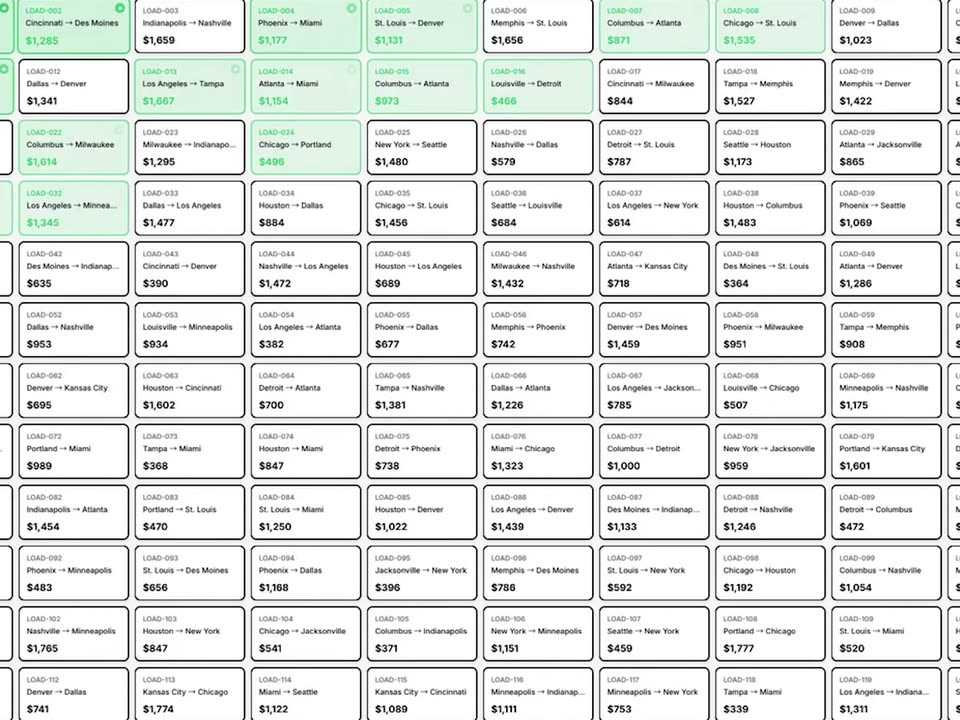
A full-bleed grid of load cards, each with a route and a price, begins as a few large tiles that quickly scale down into a dense wall. The borders and prices shift from black to green as the whole grid drifts slowly across the frame.
Techniques: UI zoom
Camera: Pull out
A dense grid of load cards fills the screen, each card showing a load ID, a city-to-city route, and a dollar price in green or white. Several cards carry a black outline. The grid holds still across the shot.
Camera: Static
A full-screen grid of small load cards fills the frame, each card listing a route between two cities and a price in green. A few cards stand out with a black border on a white background. The grid stays still.
Camera: Static
A dense grid of green and white load cards fills the frame, each showing a route and a price. A black line draws itself across the middle rows, tracing a loop around a group of cards.
Camera: Static
On a white background, a rounded outline chip types out “Sacramento, CA” with a blinking cursor, then slides left as a second chip with “Phoenix, AZ” enters, followed by a “100 mi” chip that scales in. Locked-off frame, steady pace.
On-screen text: “Sacramento, CA”, “Phoenix, AZ”, “100 mi”
Techniques: Kinetic type
Camera: Static
Two dropdown cards, Driver Assignment and Truck Assignment, slide apart from an overlap into a side-by-side layout while a large 100 mi label scales in behind them and fades. A cursor opens both menus, highlights Veer Juneja and Box Truck 06, and the selections lock in.
On-screen text: “100 mi”
Techniques: Kinetic type, Cursor demo
Camera: Static
A white card holding a logo and the label Prompt fleetline sits on a light gray field. A black prompt box types a sentence, then the card shrinks and drifts up, an ellipsis pops in, and the card fades out at the top.
Techniques: Kinetic type
Camera: Static
A white prompt card with a black text bubble sits centered, then dims as three driver rows fade in below. Black schedule pills slide and swap between the rows to show a reoptimized plan, after which the whole layout dissolves into two empty rate input fields.
Camera: Static
A white settings form with labeled input boxes and two dropdowns sits centered on screen. A mouse cursor glides in from the lower left and stops at the Min Rate field while the bottom row of labels fades to full black.
Techniques: Cursor demo
Camera: Static
A black “AI” circle sits on a light grid, thin lines fanning right to a column of stacked document icons and a column of black round icon badges. The camera trucks right across the network diagram, revealing a second icon column and another node at the edge.
Camera: Static
A faint gray grid plane fills the frame. A black circle with a white person icon glides from the right toward the center while thin black lines converge on it from the left edge.
Camera: Static
A 3D night view of Earth from space, the dotted city lights of North America glowing on the dark horizon with a slow push-in. White text types in line by line at lower left: Maximize utilization, Increase revenue, Minimize chaos.
On-screen text: “Maximize utilization.”, “Increase revenue.”, “Minimize chaos.”
Techniques: Kinetic type
Camera: Static
A glowing cyan wireframe freight truck rests on a dark reflective floor. White text builds word by word across the lower third, ending on a full sentence.
On-screen text: “The future of freight isn't manual.”
Techniques: Kinetic type
Camera: Static
A cyan wireframe mesh of a truck cab glows in a dark room, the front quarter and wheel facing the camera. A white caption sits locked in the center of the body. The frame holds still.
On-screen text: “The future of freight isn't manual.”, “It's automatic.”
Techniques: 3D mockup
Camera: Static
On a black background, a white D-shaped logo mark fades in at center, then the Fleetline wordmark slides in beside it, and the tagline Building the Future of Freight. fades in below. The lockup holds for a beat, then fades to black.
On-screen text: “Building the Future of Freight.”
Techniques: Kinetic type
Camera: Static
A solid black screen holds static for the full duration, with no elements, text, or movement. It reads as a blank frame or fade point between scenes.
Camera: Static