0:16
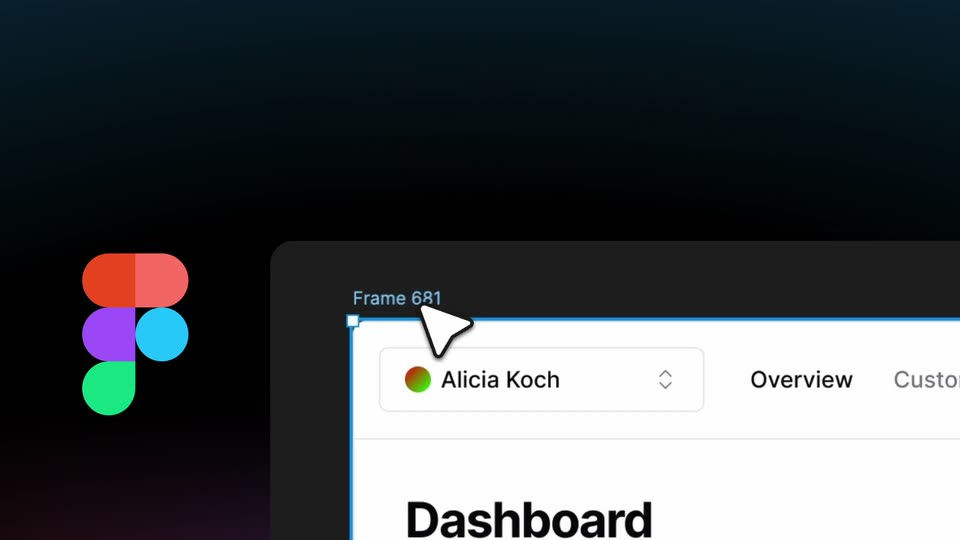

bolt.new - Introducing Figma to Bolt Go from Figma to pixel-perfect full stack
StackBlitz · Developer tools · Mar 2025
Privy · Aug 2025 · 0:22 · AI-annotated
Privy’s 0:22 launch film runs 10 scenes, about 2.2 s each. The product is on screen from the first frame and 6 features are revealed. The call to action lands at 0:19 (89% in). Built as a rapid carousel of feature beats: each white UI card slides, stretches or whips in and out over a constant purple wireframe tunnel that dollies forward to a vanishing point. Pacing is brisk at about 96 bpm with five cuts a minute, and the signature move is the continuous 3D push through the grid rings that links every beat into the closing logo.
Is this your launch? to your site or press kit.
StackBlitz · Developer tools · Mar 2025
Neki · Sep 2026
A purple wireframe tunnel recedes to a vanishing point while the camera drifts forward. White text blocks swap in sequence: an Introducing privyhome title, a For developers block with a person icon, and a For everyone block with a code icon.
On-screen text: “Introducing”, “privyhome”, “For developers”, “Low-level controls,”, “for all your users”, “For everyone”, “A single hub for”, “all your accounts”
Camera: Push in
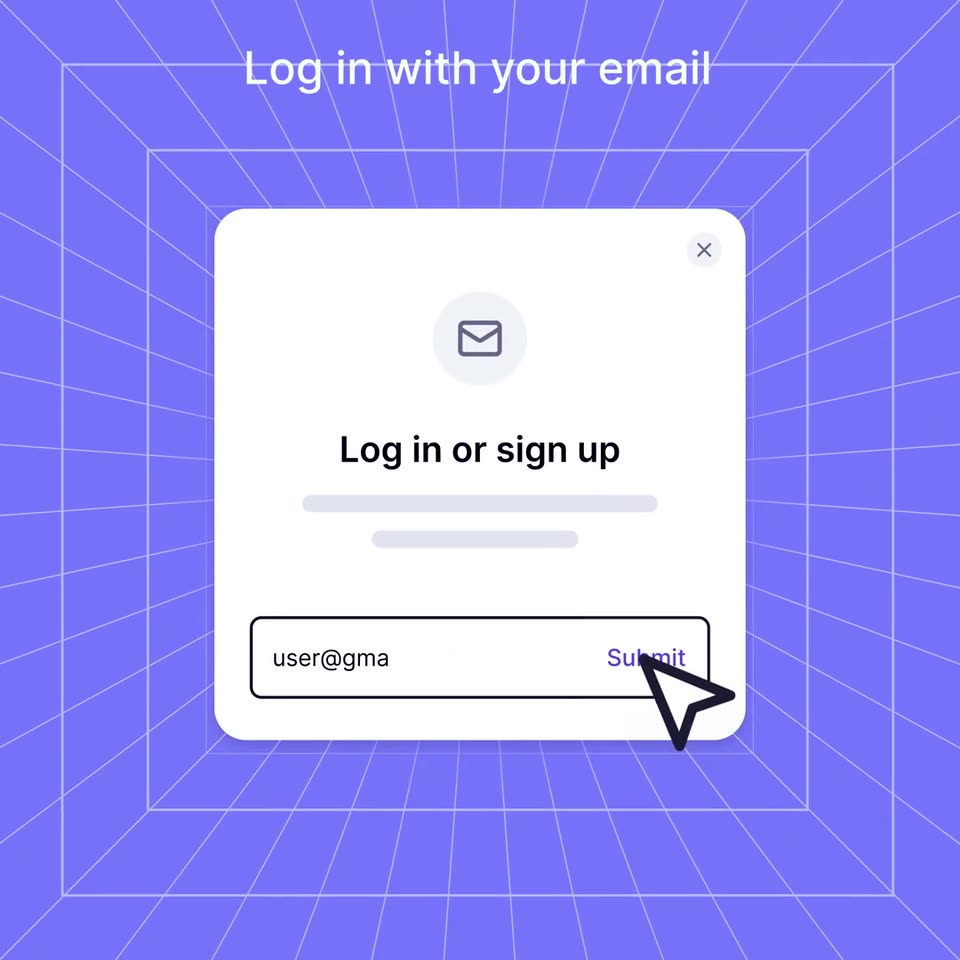
A white login card slides up and sharpens into focus over a purple perspective grid. A cursor types an email address into the field, then moves onto the Submit button.
On-screen text: “Log in with your email”
Techniques: Cursor demo
Camera: Push in
A white login card, captioned Log in with your email, sits on a purple 3D grid with a cursor on its Submit button. It whips away in motion blur as a balance card and app list slide in from the left under Explore your apps.
On-screen text: “Log in with your email”, “Explore your apps”
Techniques: Cursor demo
Camera: Push in
A violet wireframe grid recedes to a vanishing point behind a white card stack. The top card holds a $324 total balance and a black Add funds pill, above three app rows with small colored icons. The stack eases down as the balance figure settles from a doubled state.
On-screen text: “Explore your apps”
Techniques: Parallax
Camera: Static
A white balance card with $324 and an Add funds button floats in a purple wireframe tunnel beneath the headline View your balances. The card stretches downward to reveal rows for Ethereum, USDC and Solana, each with a gray placeholder bar.
On-screen text: “View your balances”
Techniques: 3D mockup, Morph
Camera: Push in
A white wallet card showing a balance and asset list sits on the left over a purple perspective grid. A black Add funds button with a white cursor arrow rests at its top right, and the headline Add funds instantly holds centered above. The card and cursor ease into position.
On-screen text: “Add funds instantly”
Techniques: Cursor demo
Camera: Static
A receding grid of white wallet cards, each holding a dark pill and gray placeholder bars, scrolls left across a violet wireframe floor. The white headline stays fixed at the top while the card rows pan continuously toward the right edge.
On-screen text: “All your wallets”
Techniques: 3D mockup, Parallax
Camera: Pan
A flat grid of white wallet cards rests on a purple perspective grid under the heading. The view pushes in with blur, then the grid resolves into a 3D stack of rounded cards set before a white disc on the gridded floor.
On-screen text: “All your wallets”
Techniques: Parallax, 3D mockup
Camera: Pan
A purple wireframe tunnel frames a dark avatar tile ringed by app icons floating at different depths. The caption 'All your apps' swaps to 'All in one place' as the side icons fade and the dolly-in shrinks the tile, ending on the Privy wordmark with a Beta pill and a URL line.
On-screen text: “All your wallets”, “All your apps”, “All in one place”, “Beta”, “Get access at home.privy.io”
Techniques: 3D mockup, Parallax
Camera: Pull out
A purple 3D wireframe tunnel recedes toward the center as the view dollies forward through the grid rings. The white privy home wordmark resolves from a horizontally stretched state at the start, with a Beta pill above and a URL tagline held below.
On-screen text: “Beta”, “privy home”, “Get access at home.privy.io”
Techniques: Parallax
Camera: Push in