Cursor demo
A visible cursor operates the interface.
15,085 scenes · page 77 of 252
 0:09–0:10Biolevate · Biolevate launch filmA white rounded panel floats on a solid blue field, holding a blue letterform logo above the blue status word Searching while a black arrow cursor drifts across the lower right. The logo mark shifts shape as the frame progresses.
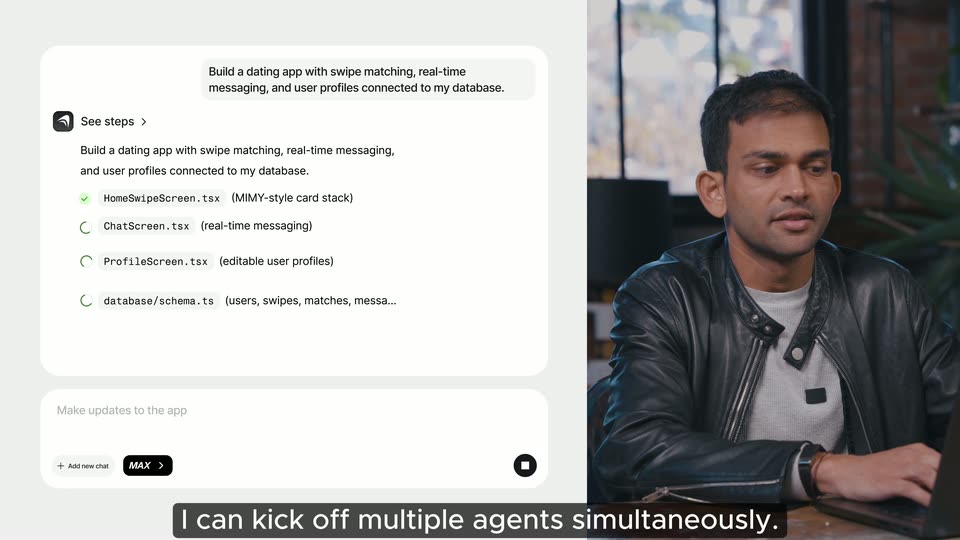 0:31–0:40Anything · Anything - Introducing Anything Max: Vibe Coding that's leaps above Lovable andSplit screen: a man in a black leather jacket speaks at a laptop on the right while a chat UI on the left sends a prompt, then a steps list fills with green checkmarks and a second chat box slides in below.
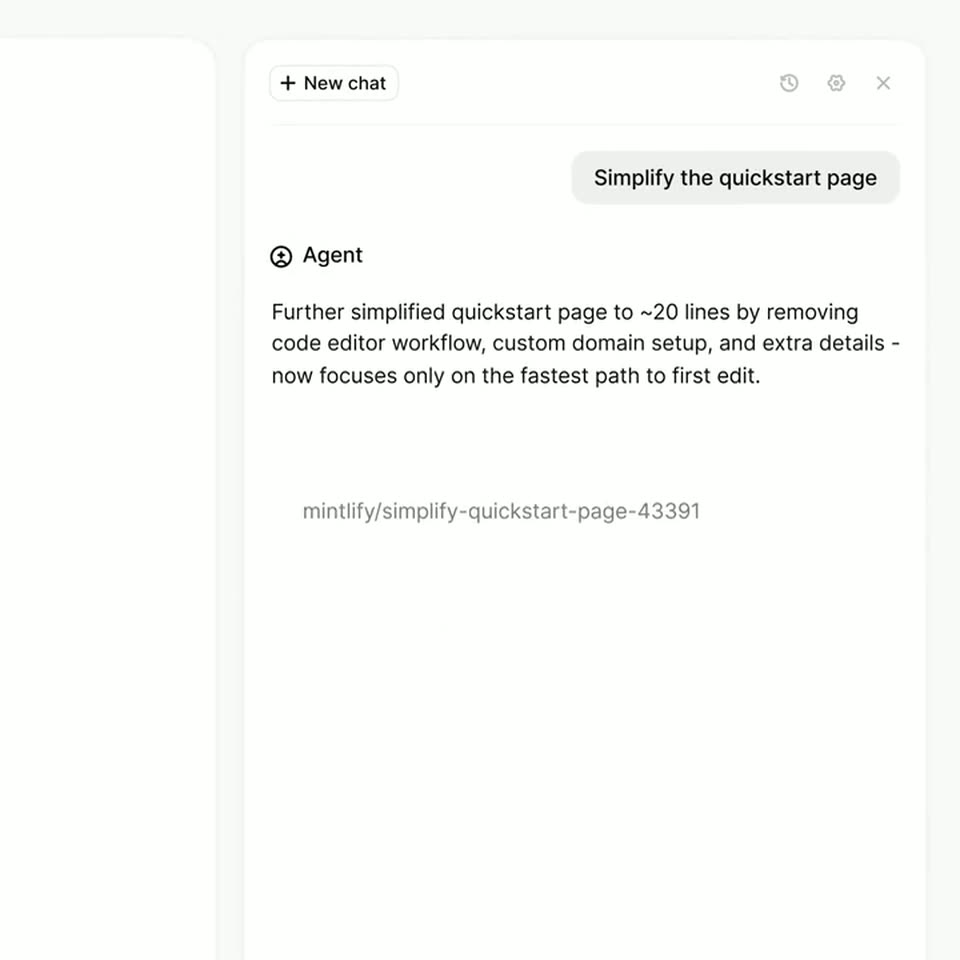 0:09–0:13Mintlify · Mintlify - The mintlify agent is now available on the web, in addition to Slack,A light chat panel shows a user prompt and an agent task list, then the agent's summary text and two buttons appear. A black cursor glides across the panel and rests on the dark View changes button.
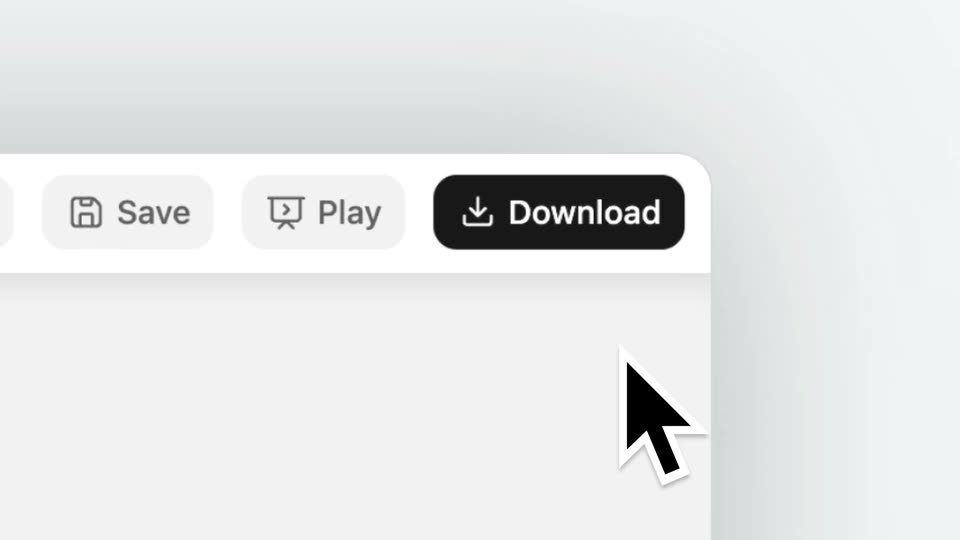 0:27–0:31Moonshot AI · Kimi.ai - Meet Kimi Agentic Slides! Now with Nano Banana Pro 🍌 🎁 ThanksgivingA close-up of the font dropdown over a durian slide quickly pulls back to the full editor under the headline 'Edit Online', then slowly zooms to the top-right toolbar. A cursor clicks the black Download button and a red PowerPoint badge pops up above it.
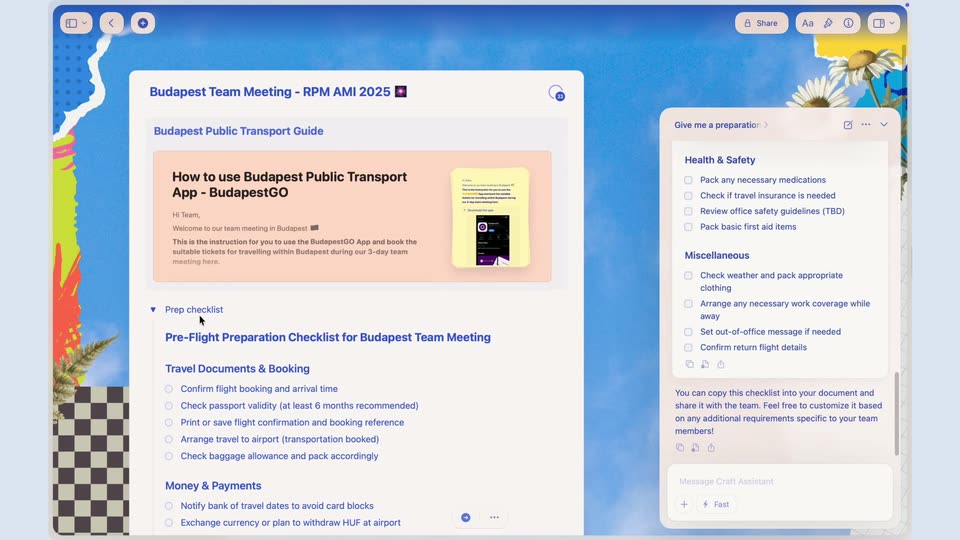 0:29–0:39Craft · Introducing the new Craft Assistant, MCP & API and more!A document editor fills the frame over a colorful abstract wallpaper. A cursor types in the page, a slash menu opens and filters, the line becomes a toggle that expands into a generated travel checklist, then the view zooms in on the collapsed toggle.
 0:28–0:30Black Forest Labs · Black Forest Labs - FLUX.2 is here - our most capable image generation & editing modeA rounded search field on white holds a query that cycles through Korean, French and Thai. The field slides left to reveal a purple circular arrow button at its right end, and a cursor arrow moves in beside it.
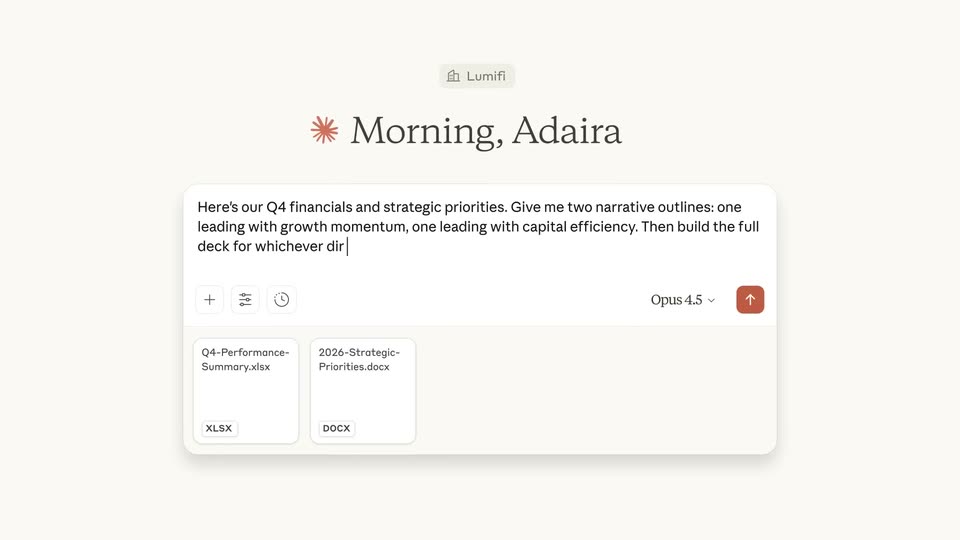 0:10–0:16Anthropic · Claude works with you on slides, spreadsheets, and contract redlinesA flat, front-on chat interface with a greeting and two file cards. A prompt types itself into the input box character by character, then a hand cursor glides to the orange send button and clicks it.
 0:07–0:08Raycast · A New Start | Raycast for WindowsA Windows 98 desktop on a teal background holds the open Start menu on the left. A white cursor glides up the menu, pausing over Favorites and Help as the menu fades into place.
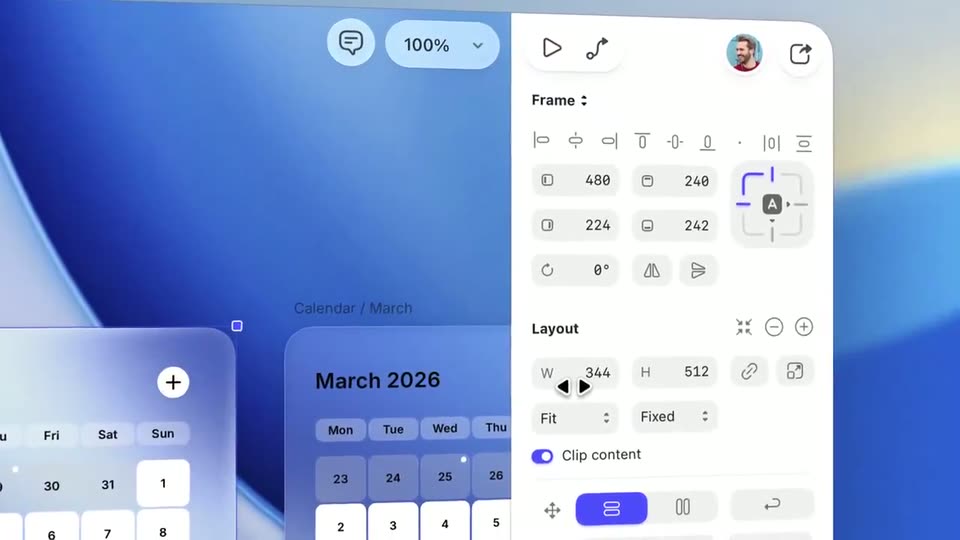 0:18–0:22Sketch · Sketch - We’ve got a biiiig update for you. A complete redesign of Sketch. MayA design tool canvas shows a translucent calendar and event card beside a white properties panel. A cursor taps the width field, then the view scrolls down to reveal the March 2026 grid and a Team Meeting list under a Style section.
 0:24–0:26Vidu · Vidu AI - 10-Image video creation with seamless creative transitions Upscale noA white cursor arrow hovers beneath the words New Features, which scale from a blurred state into sharp white type on a black field. Released fades in below them, then a small caption line appears.
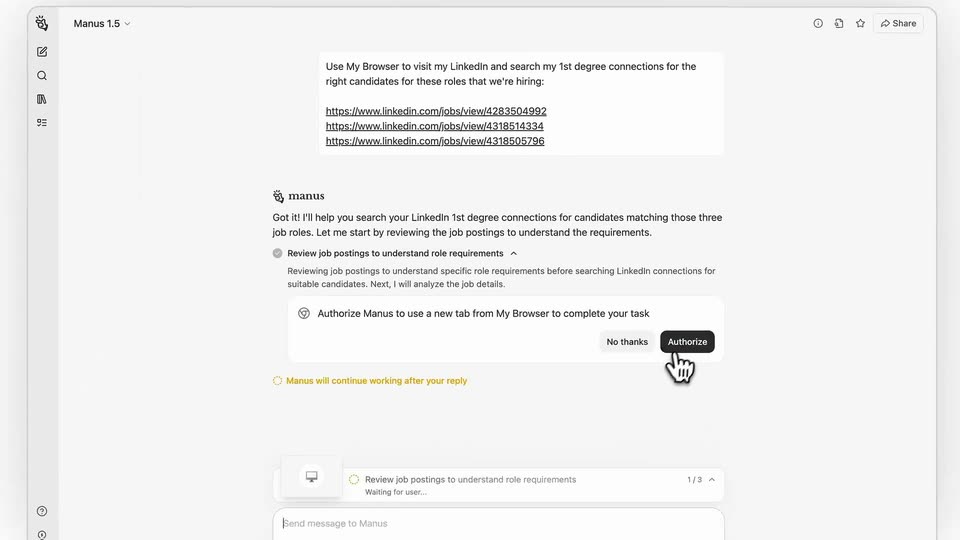 0:15–0:18Manus · Manus - Today we're launching Manus Browser Operator. Any browser can now beA chat window crossfades in and types out a response confirming a LinkedIn search task. The frame then pulls back to the full app window with a left sidebar, and a hand cursor hovers the Authorize button before tapping the task bar at the bottom.
 0:18–0:19Framer · Framer: Stop Waiting. Start Shipping.A dark site-editor interface fills the lower frame with its toolbars, layers and properties panels. Above it, a black pill button labeled “Import from Figma” sits in a blue glow, a white cursor hovering at its lower edge.
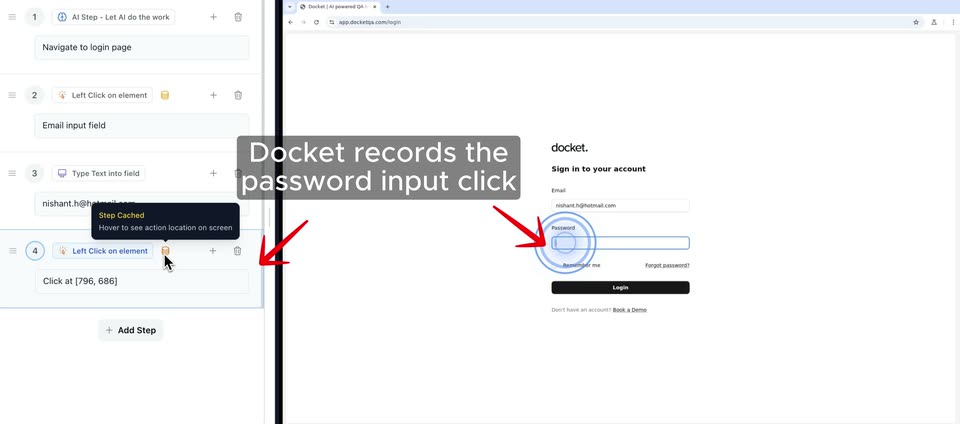 0:04–0:08Docket · Docket: recorded steps demoA split view shows a step list on the left and a web login form on the right. A cursor clicks the password field, marked by a blue ring, as red arrows point from a central caption to the recorded actions.
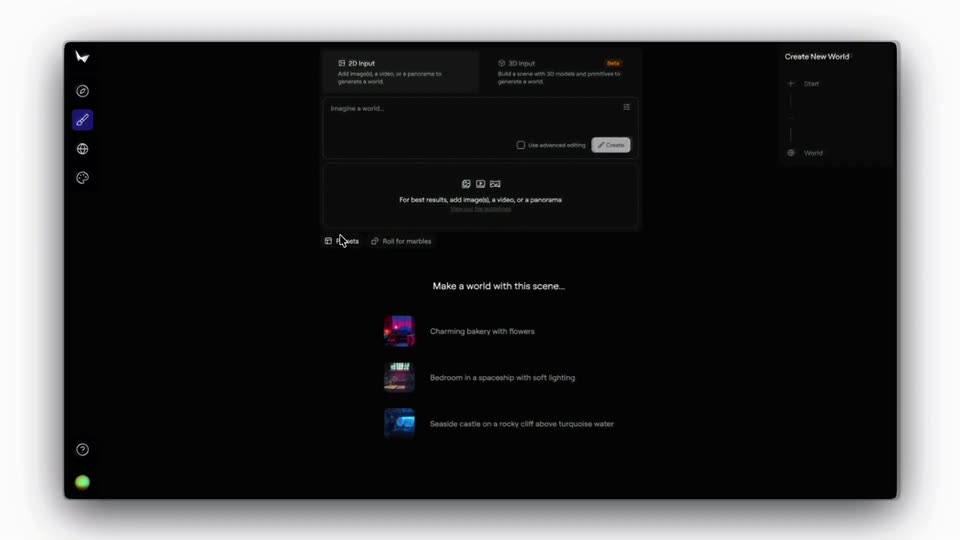 0:24–0:28World Labs · Welcome to Marble!A dark product screen shows an input panel and a list of scene presets. A cursor moves from a sidebar icon to the Presets button, then the frame zooms into a two-by-two grid of preset thumbnails.
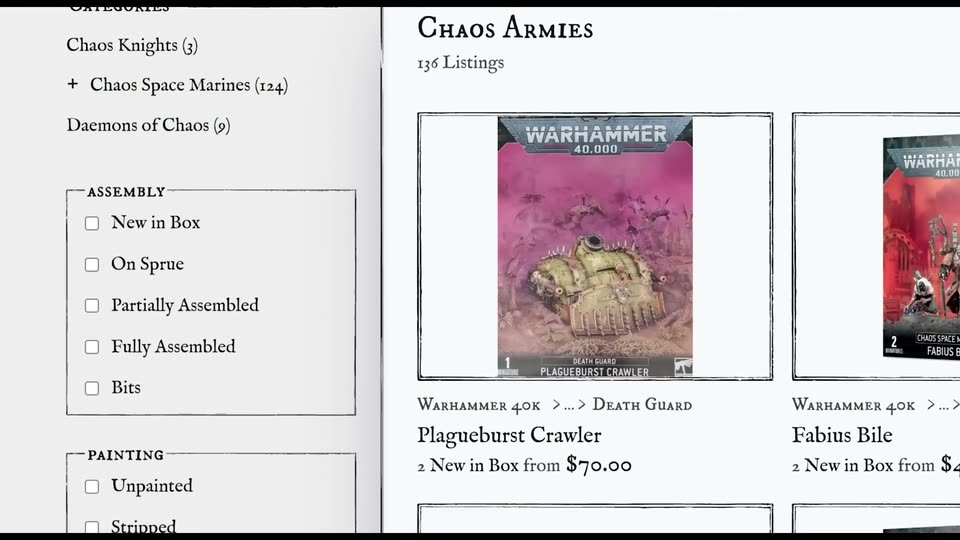 1:35–1:38Miniswap · Introducing Miniswap — The Marketplace For Tabletop GamesA marketplace listing page for Warhammer 40K miniatures fills the frame. A left sidebar lists category and assembly filter checkboxes; the right shows a product grid with box art, titles and prices. The page scrolls down a little, then a red checkmark appears in the Fully Assembled box.
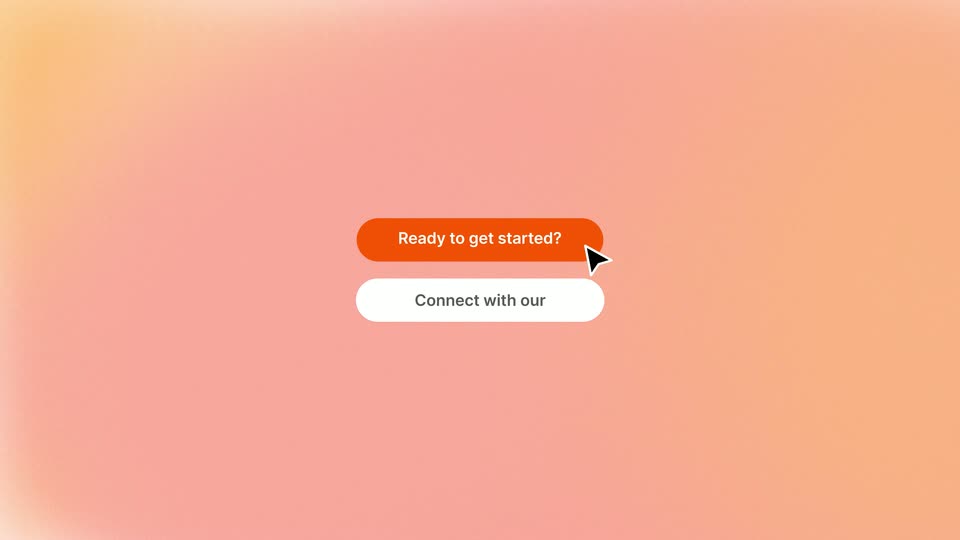 0:39–0:41Karumi · Launch Karumi, your AI demo agentA flat dashboard with a world map and a video-call tile dissolves into a plain peach gradient, leaving a centered white card holding two chat buttons. A black cursor hovers at the edge of the orange pill.
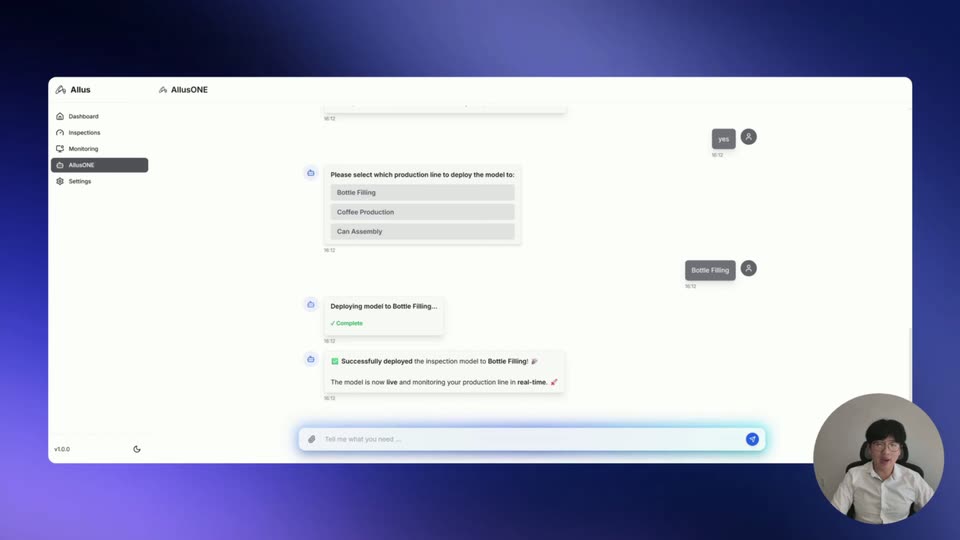 1:16–1:35Allus AI · Allus AI: Transforming Manufacturing with Next-Gen Vision Foundation ModelA white chat panel floats over a blue gradient, a presenter's webcam circle at lower right. The log scrolls as the AI confirms a trained model and shows a factory image; the cursor clicks 'yes' then 'Bottle Filling', a deploy-complete message appears, then the view zooms into the line list.
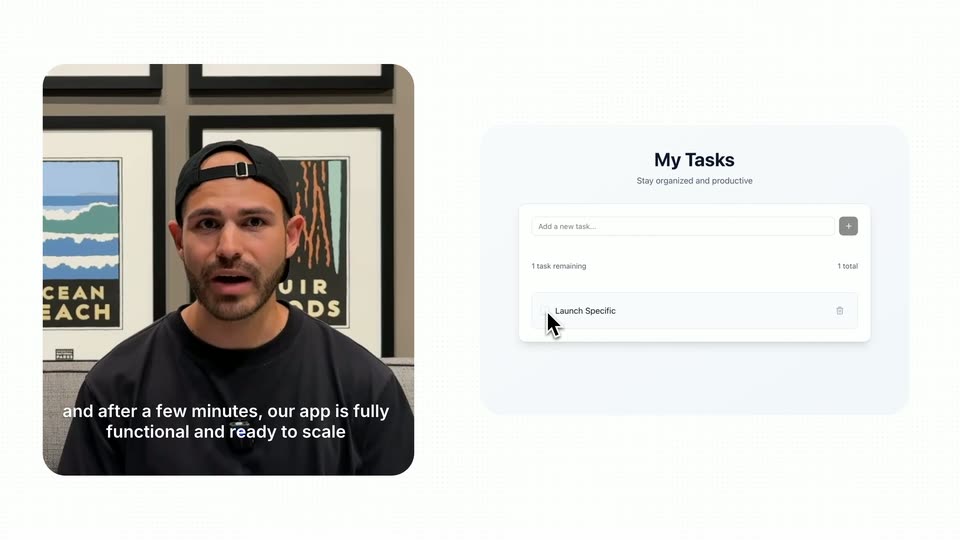 1:13–1:19Specific · Introducing SpecificSplit screen: a man in a black cap talks to camera on the left; on the right, a white task card where a cursor types a task, adds it, then checks it off. The UI panel slides out and the speaker frame widens at the end.
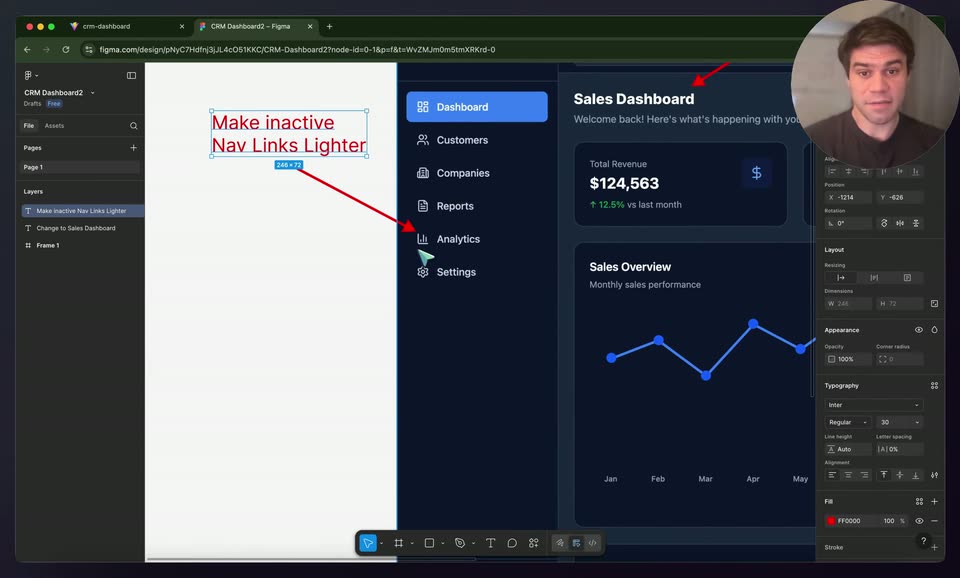 0:26–0:31Coasts · JSX Tool DemoA Figma screen shows a dark CRM dashboard mockup with sidebar, revenue cards and a line chart, marked by red arrows and labels. A circular webcam of a presenter sits top right. The canvas reframes to the sidebar as the cursor hovers over the nav links.
 0:31–0:32Logical · Logical | The Proactive Desktop CopilotA row of glossy app icons lines a dark red band. A black arrow cursor rests on the central white icon, a blue-purple gradient mark, which fades to a translucent ghost while the cursor holds still.
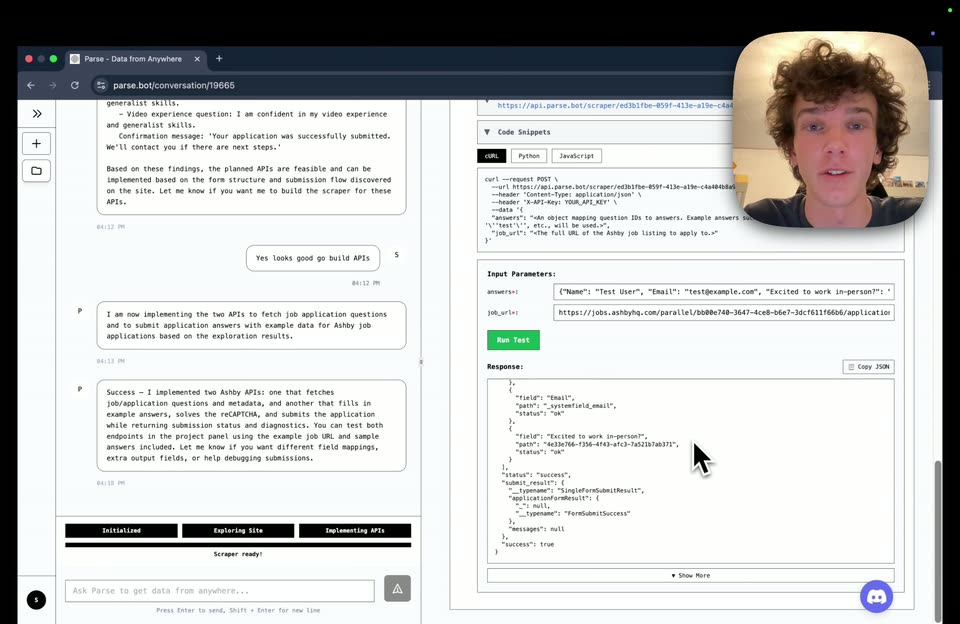 1:06–1:23Parse · Interact with any website without a browser - ParseA close-up of an API code panel zooms out to the Parse app: chat thread left, endpoint docs right, a small webcam of a curly-haired man top right. The cursor moves down as the right panel scrolls to a green Run Test button and a JSON response with success true.
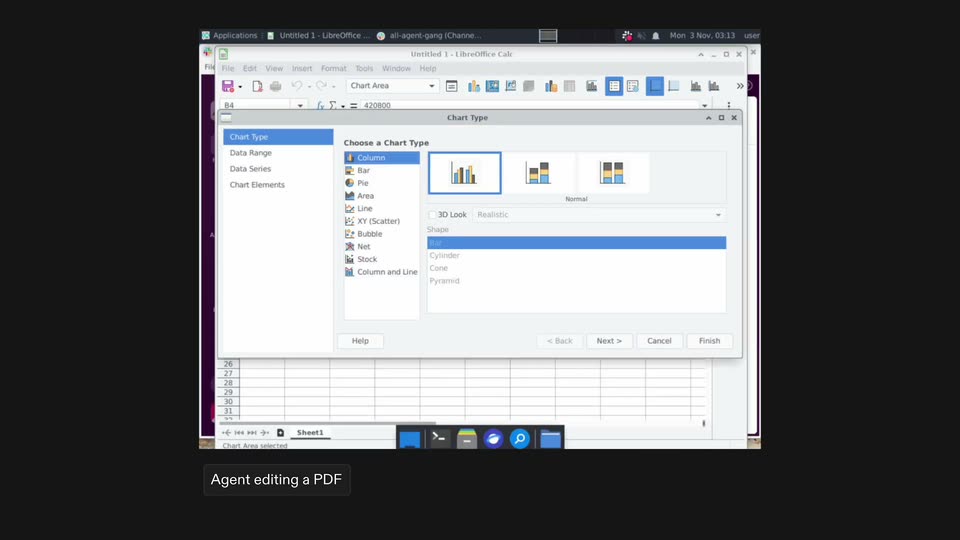 0:25–0:28Orgo · Introducing Orgo - Computers for AI AgentsA LibreOffice Calc window fills the locked-off frame. The Insert menu opens, a chart-type dialog pops up, then an orange bar chart drops into the sheet. A caption 'Agent editing a PDF' sits at the bottom.
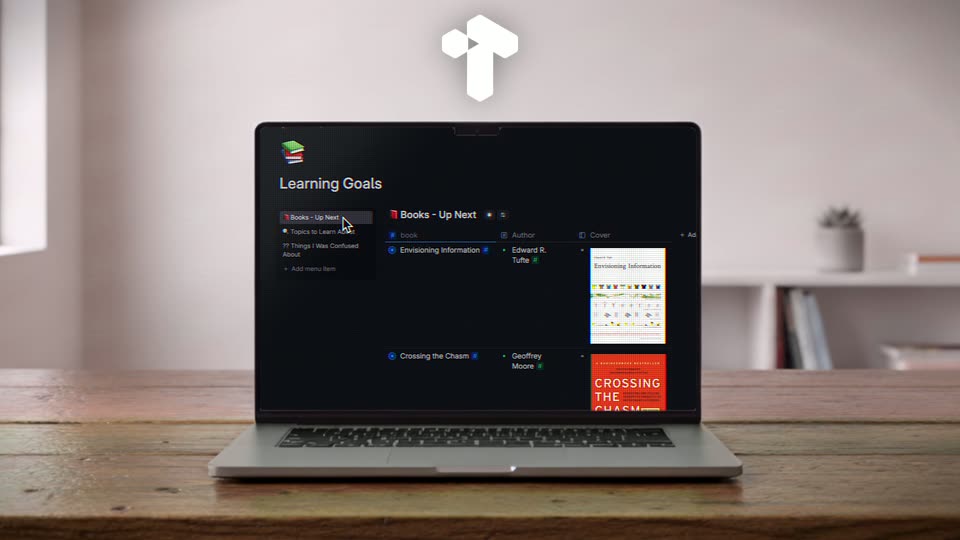 0:22–0:24Tana · Tana Outliner Offline Is HereA laptop on a wooden desk displays a dark app interface that switches from a Learning Goals list to a Past Meetings list, as a book cover panel slides in from the right. A cursor hovers the sidebar beneath a white logo floating above the lid.
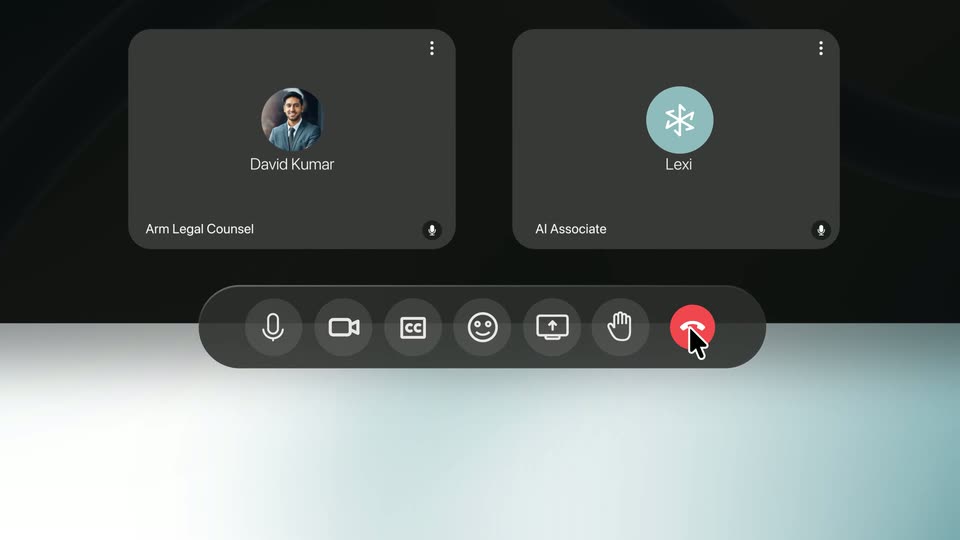 0:29–0:32Lexi · Lexi | Launch VideoA dark video-call panel slides in on a pale gradient, then the camera zooms into the grid until two tiles remain: a man as Arm Legal Counsel and the blue Lexi AI Associate tile. A hand cursor hovers the red end-call button.
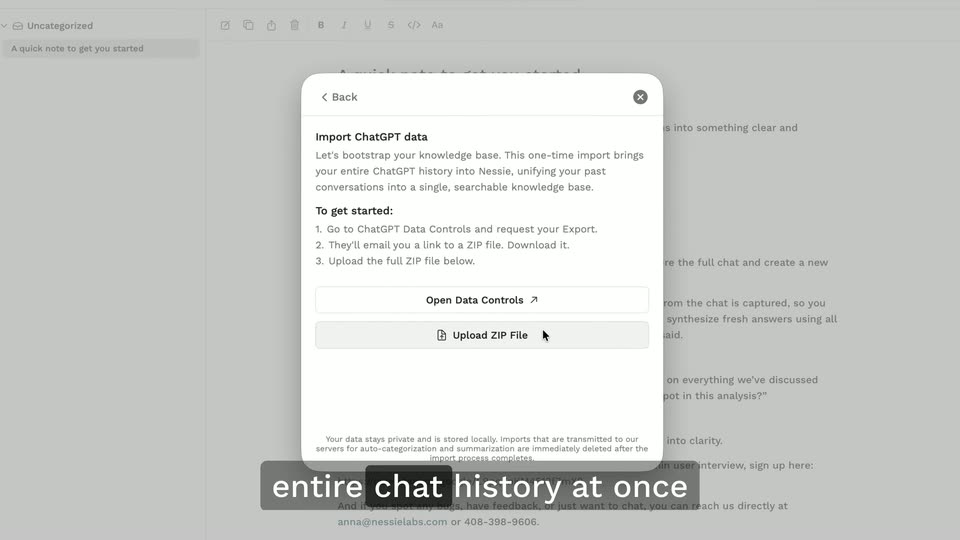 0:23–0:25Nessie · Nessie - AI knowledge base for your mindLocked-off screen recording of the Nessie app with an Import ChatGPT data modal open over a note; a cursor hovers near the upload buttons. A large white headline spans the center and a caption in a dark rounded box sits at the bottom.
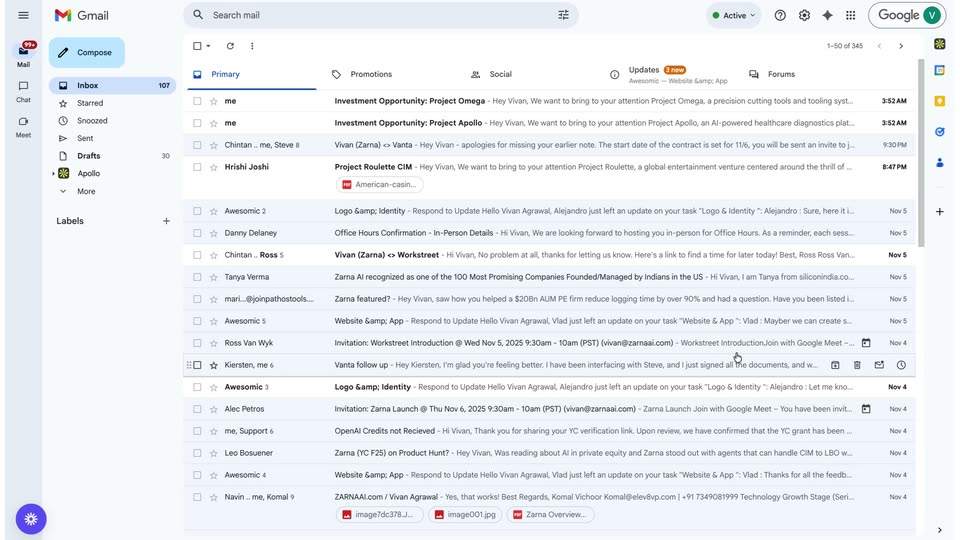 0:09–0:17Zarna · Demo Video - ZarnaGmail inbox in a locked-off frame: a red 3-now badge pops onto the Updates tab and a new Project Omega email drops into the top of the list, while a cursor glides up the list, highlighting rows in turn.
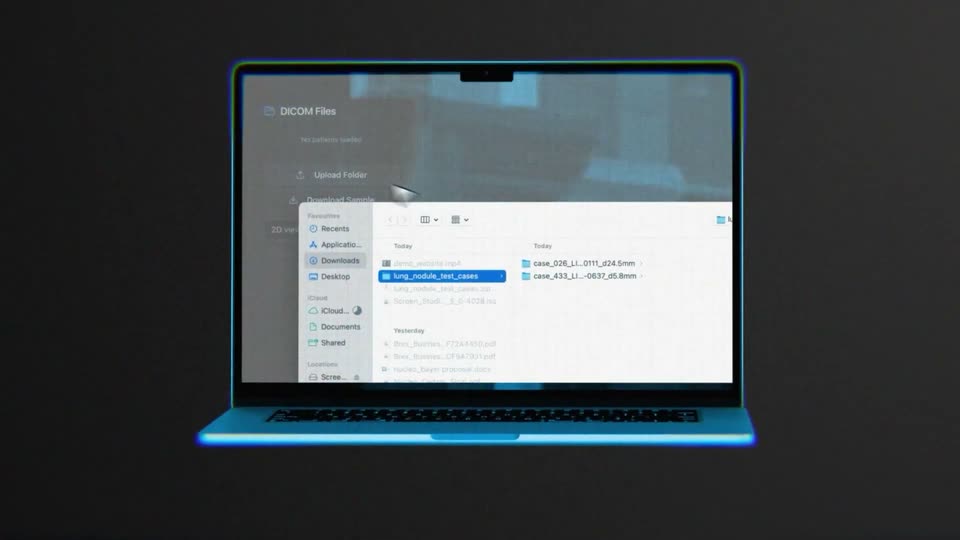 0:49–0:51Nucleo · Nucleo - Automated cancer diagnosticsA blue laptop with glowing edges sits in 3D perspective on a dark background. Its screen shows a DICOM Files window; the view zooms into the file list as a cursor hovers over a selected row.
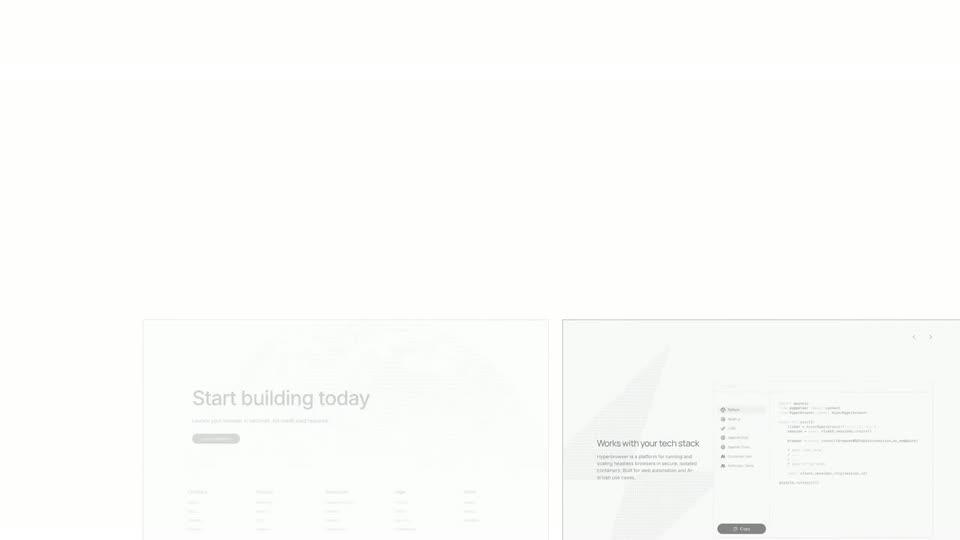 0:56 · 0.8sSemiotic · Semiotic - YC LaunchA light wireframe view of the product interface fills the screen as page layouts fade in. A cursor moves across the frames while the header reads Wireframes and a Generating status sits at the bottom.
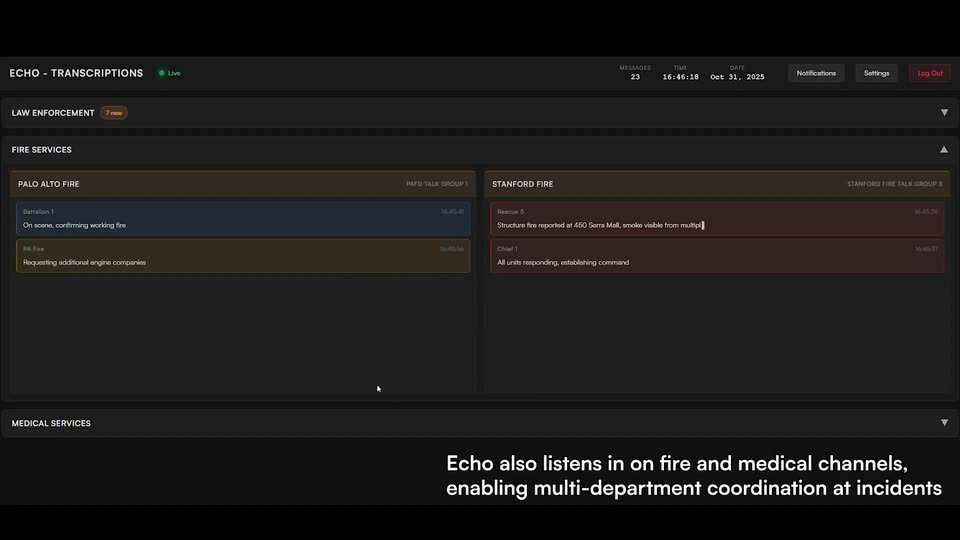 0:35–0:40Lakonia · Introducing: LakoniaA dark dashboard shows collapsed channel rows; the cursor clicks Fire Services, which expands into two side-by-side talk-group panels where messages type out live. A white caption appears bottom right, then the section collapses and a gray caption fades in centered.
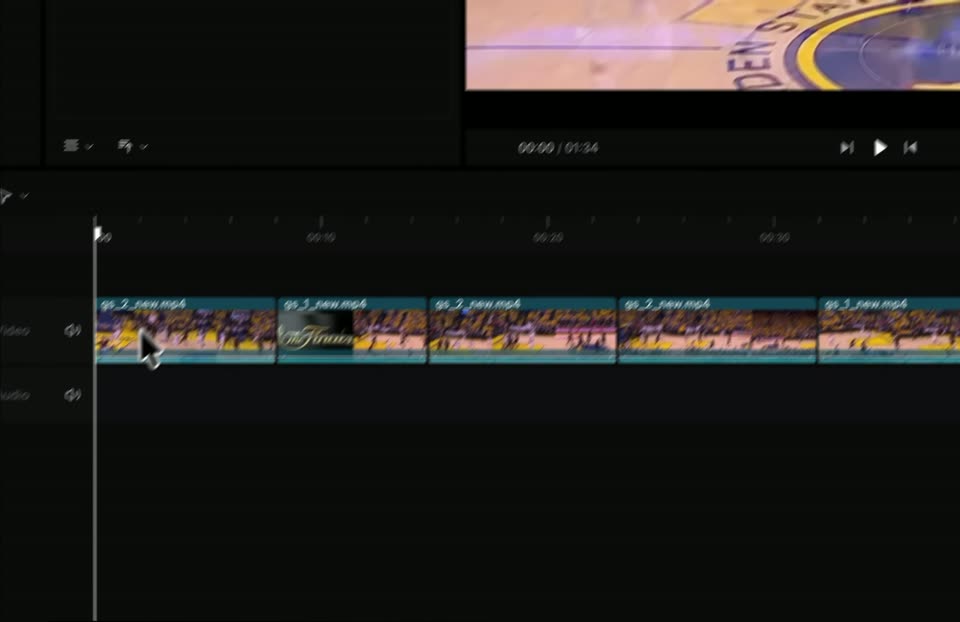 0:24–0:25Narrative · Narrative: Cursor for Professional Video EditorsA screen recording of a video editor shows a basketball clip in the preview window, then the view scrolls down to the timeline where several clips sit on a track and a cursor hovers over them.
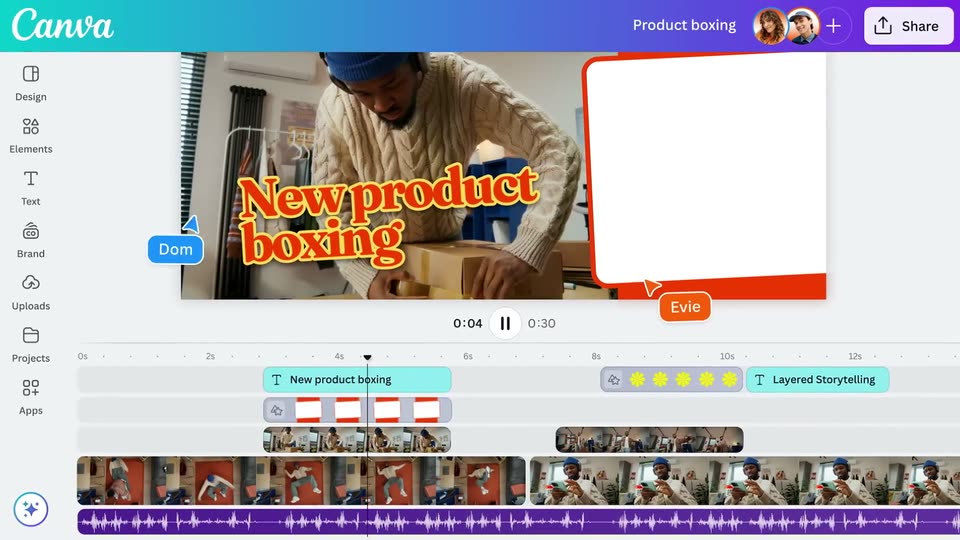 2:40–2:42Canva · Introducing Canva Video 2.0The Canva video editor fills the frame: a preview plays a man taping a box under an orange headline, while blue and orange collaborator cursors hop around the canvas. The timeline ruler ticks along below as the playhead advances.
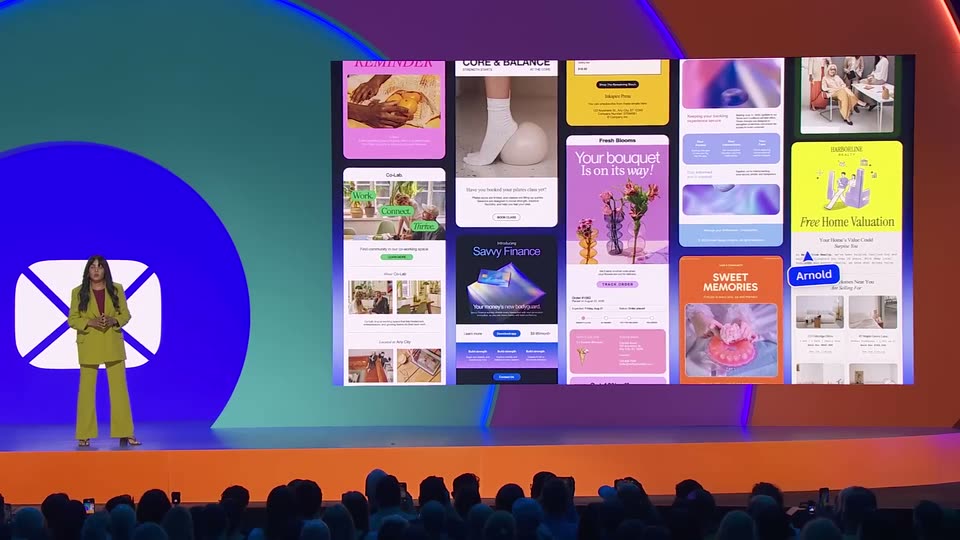 2:21–2:29Canva · Introducing Email Design in CanvaA presenter in a yellow suit stands at left on a stage, gesturing toward a large screen filled with a grid of colorful email templates. A blue cursor labeled Arnold glides from the center to the right edge of the grid. The audience is seated in the dark foreground.
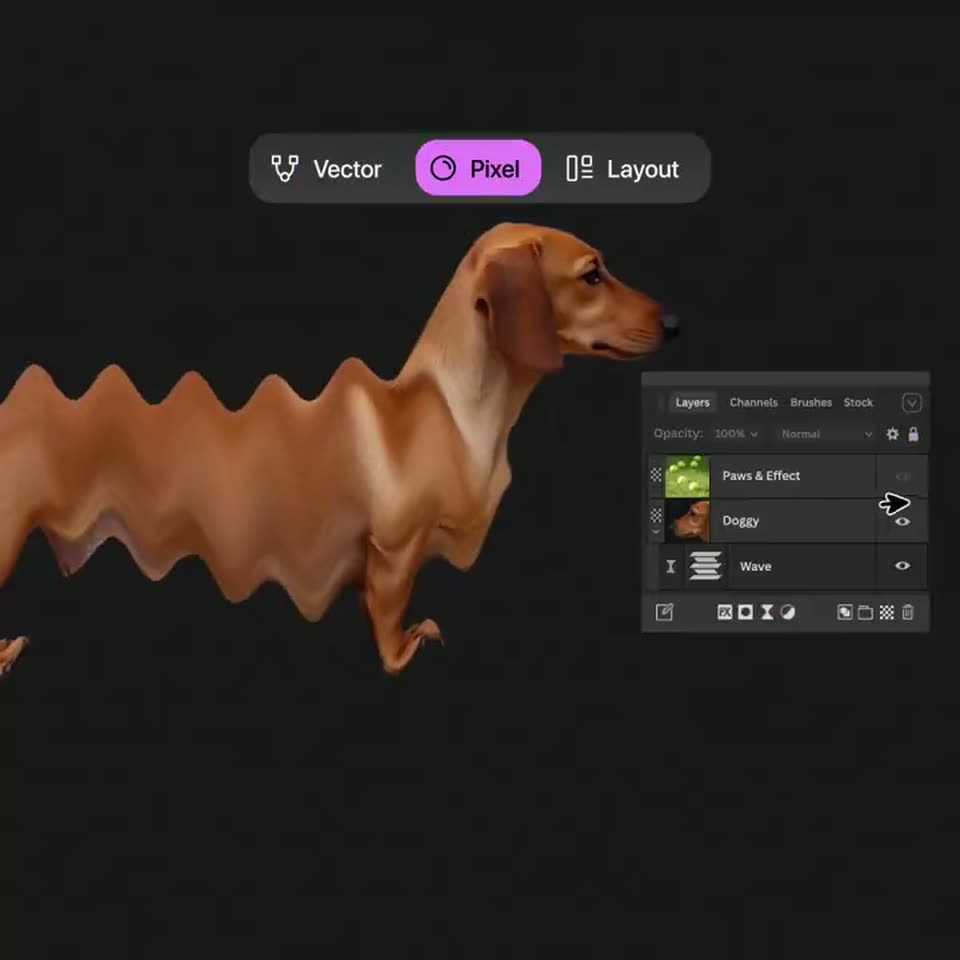 0:14 · 0.4sAffinity · Affinity - The all new Affinity is here! Design, edit photos and layout your worA 3D dachshund on a dark canvas smooths from a zigzag wave distortion as a cursor hovers the layers panel on the right. A top toggle bar highlights the Pixel option in pink.
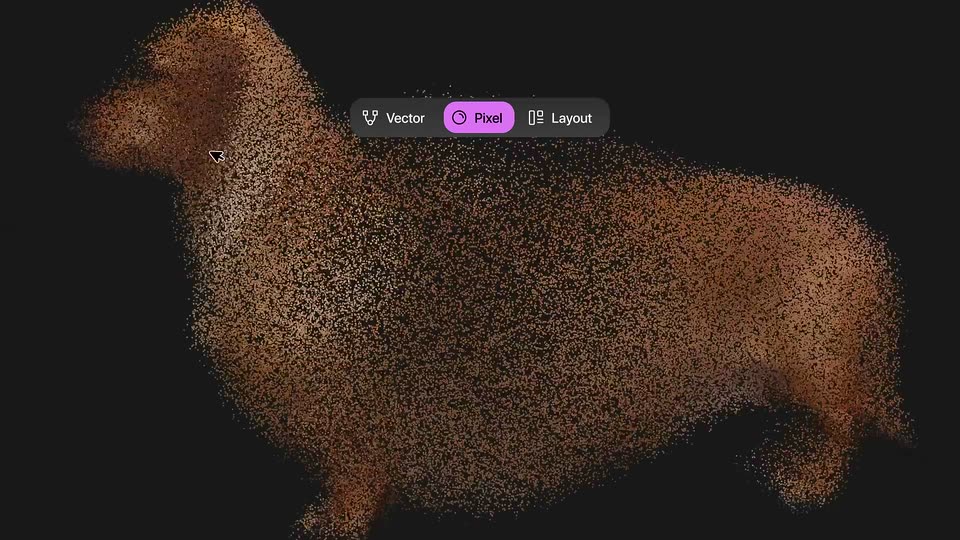 0:30 · 0.7sAffinity · Creative FreedomOn a black canvas, a dachshund shape made of orange square particles scatters into a loose drifting cloud. A white cursor moves on the left. A floating toggle bar at top center keeps the purple Pixel option selected beside Vector and Layout.
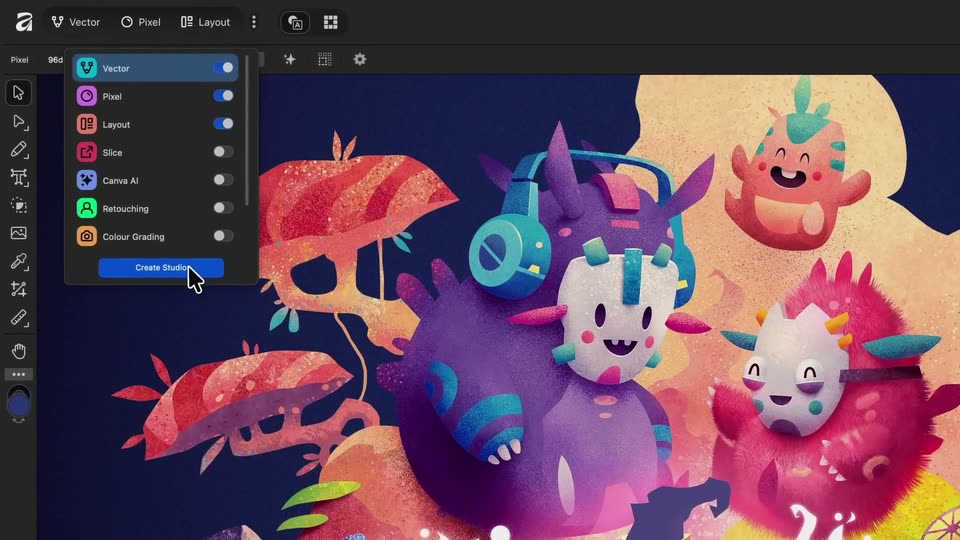 0:35–0:38Affinity · Welcome to the all new AffinityThe dark design-app interface fades in over a colorful monster illustration. A dropdown menu of feature toggles opens under the top tabs, then a large Customise Tools panel slides in from the left, while a cursor moves across the toolbar.
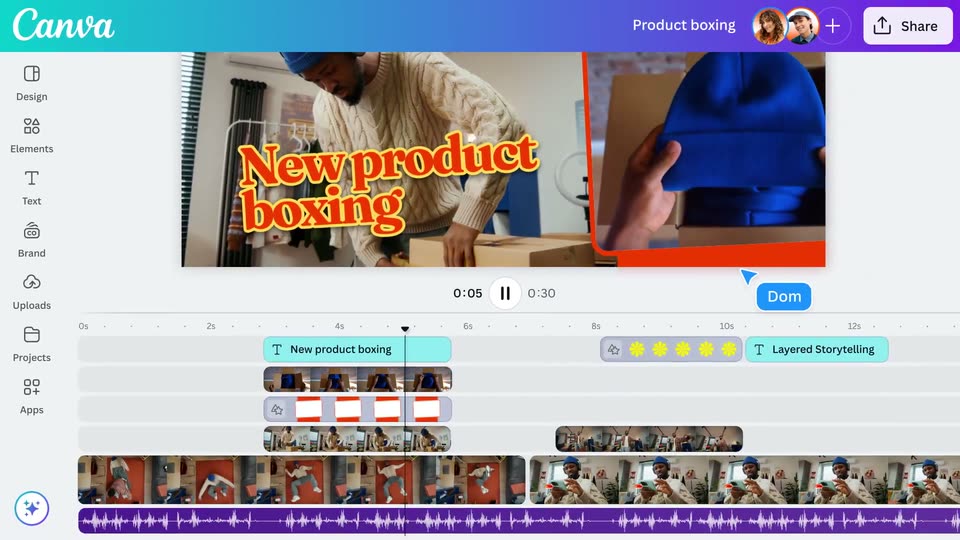 0:27–0:29Canva · Canva - Yep, you heard it right. No watermarks, no paywalls, no awkward exporThe Canva editor interface displays a video project. A cursor labeled 'Dom' moves from the right side of the video preview down to the timeline, pointing at a clip. Blue sparkle shapes animate on the right.
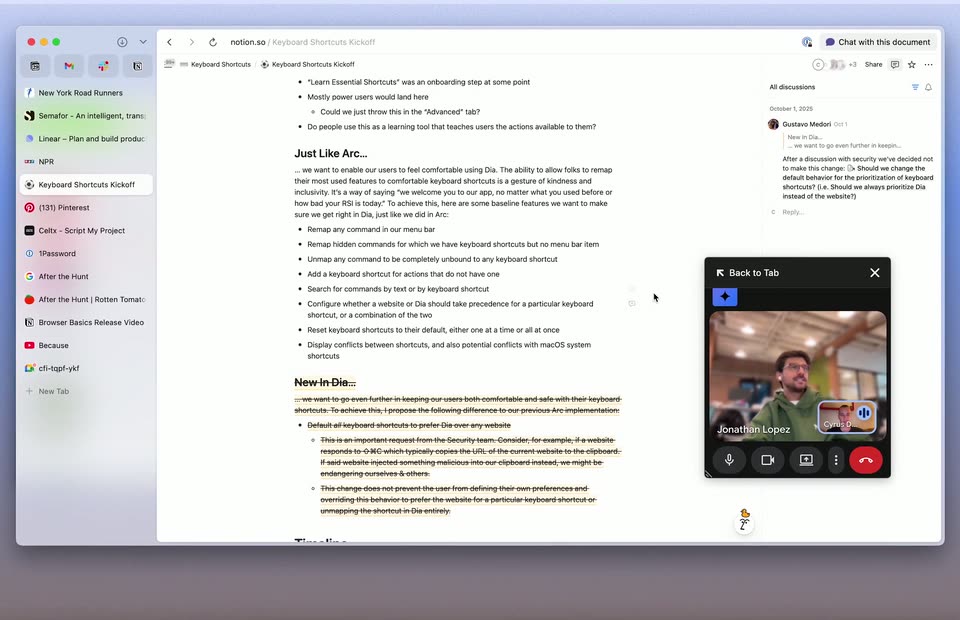 0:19–0:22The Browser Company · Dia - 3️⃣ new features live in Dia today: - Focus Mode - Custom keyboard sA Mac browser holds a Notion document that scrolls up once, while a floating video call window with a man stays pinned at the right edge. A cursor drifts from the page onto the window's Back to Tab control.
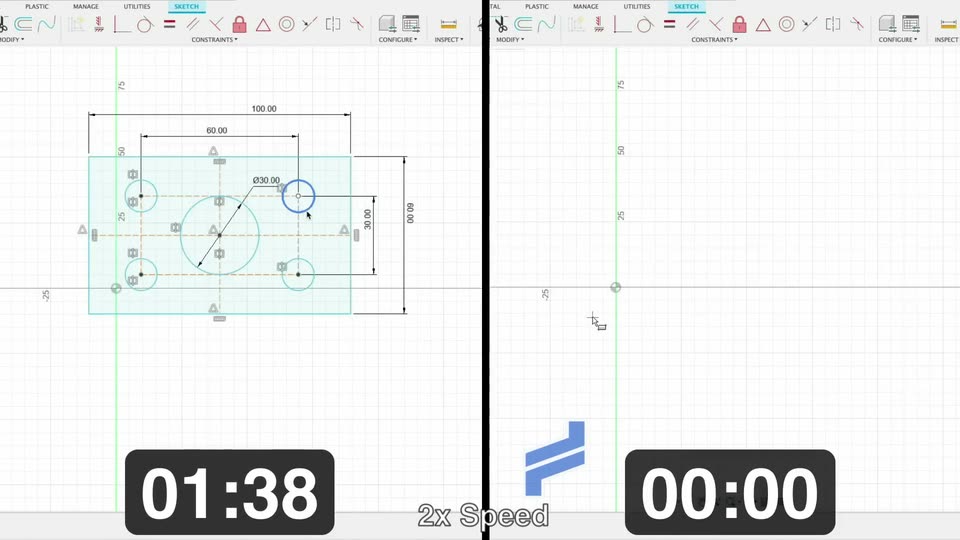 0:50–0:58Hestus, Inc. · Sketch Helper, AI copilot for CAD by @HestusInc.Split-screen CAD view: the left pane shows a dimensioned plate sketch with a central circle and four corner holes; right pane's empty grid receives a rectangle with a red edge highlight. A blue zigzag logo sits mid-right, and black timecode chips plus a '2x Speed' caption run across the bottom.
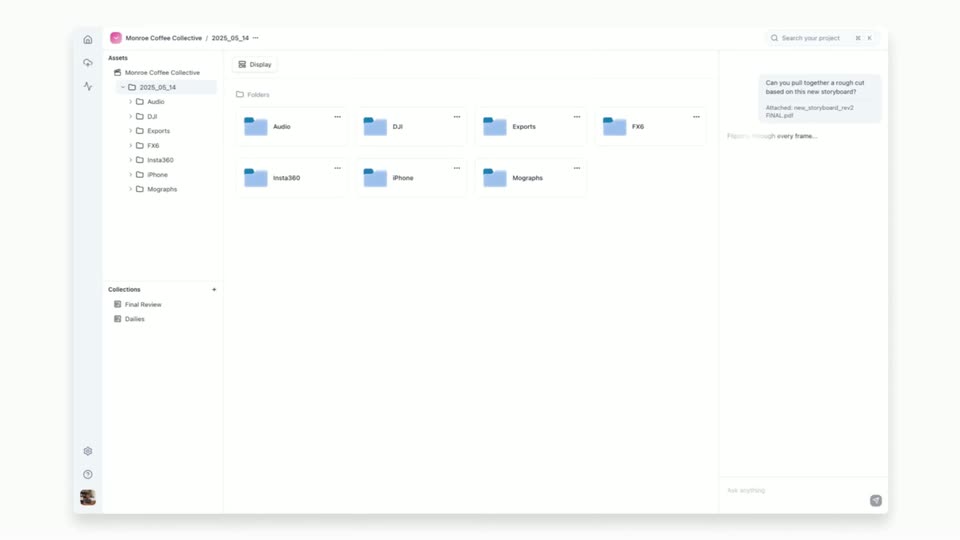 0:35–0:41Aspect · Aspect: AI platform for enterprise media content | YC F25A close-up of a white file library interface with three folder cards. A cursor sits in the chat input as the prompt types out word by word. The frame zooms out to the full app window, and the agent's reply types out in the right chat panel.
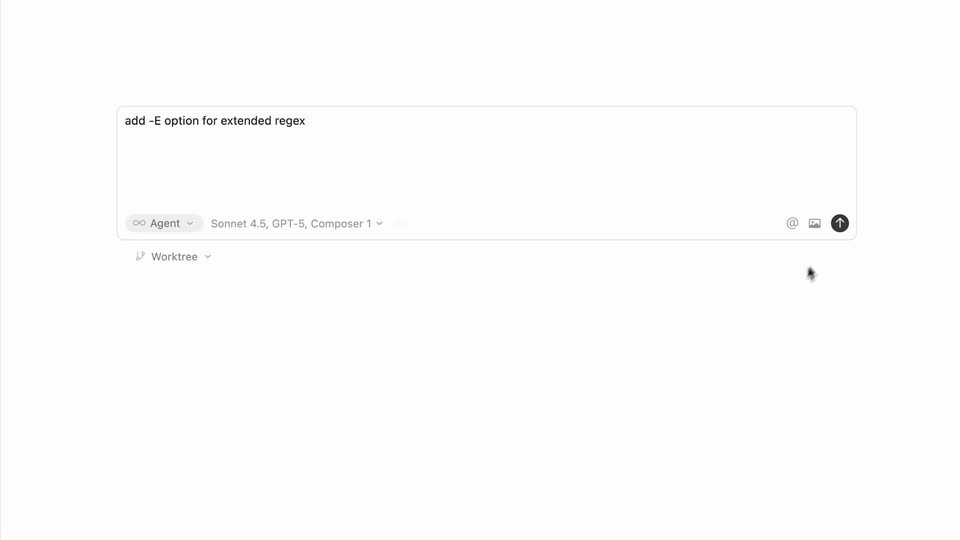 0:20–0:23Cursor · Introducing Cursor 2.0A light chat interface shows a typed prompt and an open multiplier dropdown. A cursor hovers the 3x option, then the screen updates to a New Chat view with three model cards loading above the input.
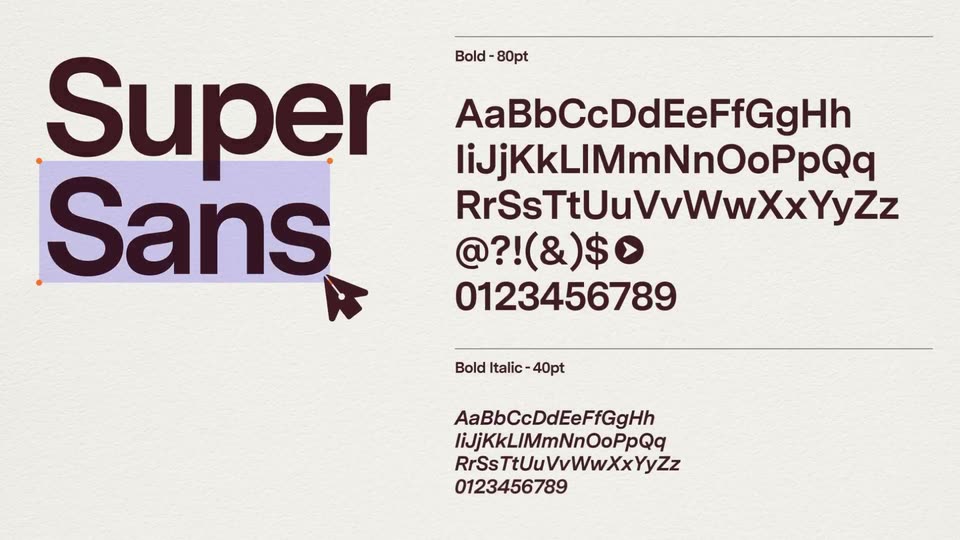 0:24–0:25Superhuman · Superhuman - Meet Superhuman: the new AI platform that combines powerful tools likA paper-textured canvas shows a type specimen: large maroon 'Super Sans' on the left, an alphabet and symbol sample on the right. A dark cursor drags a purple selection box with orange handles around the word 'Sans' while the right column fades in line by line.
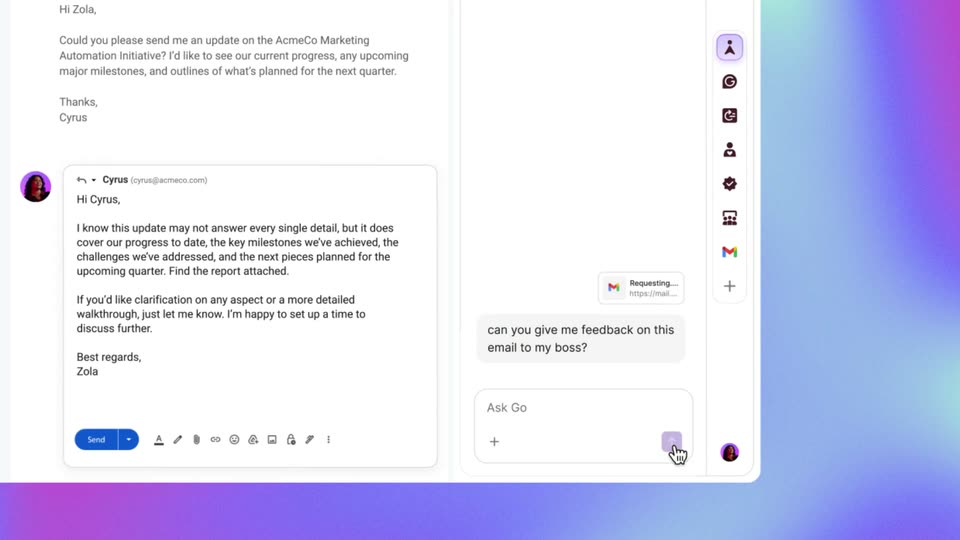 0:05–0:08Superhuman · Superhuman - We built Superhuman Go for you. Go is the proactive AI assistant thatA mail composer sits left with a draft to Cyrus; a purple AI sidebar right shows a typed prompt and a cursor pressing send. The view reframes as a feedback note fills the sidebar and an inline Sound less defensive card with green highlight and Accept button overlays the draft.
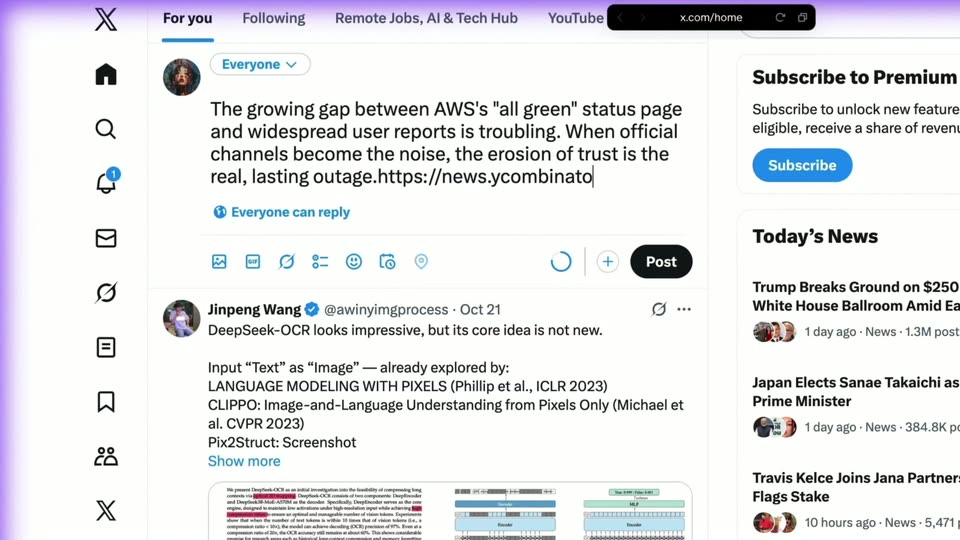 0:18–0:19Flowith · Derek Nee - introducing the OpenAI Atlas killer. might be the last browser you'llThe compose box of a Twitter/X home view types a post about AWS's status page, character by character, in a locked-off screen capture. Below it a feed shows a DeepSeek-OCR tweet, and a right sidebar holds a Premium card and a news list. A cursor appears over the feed.
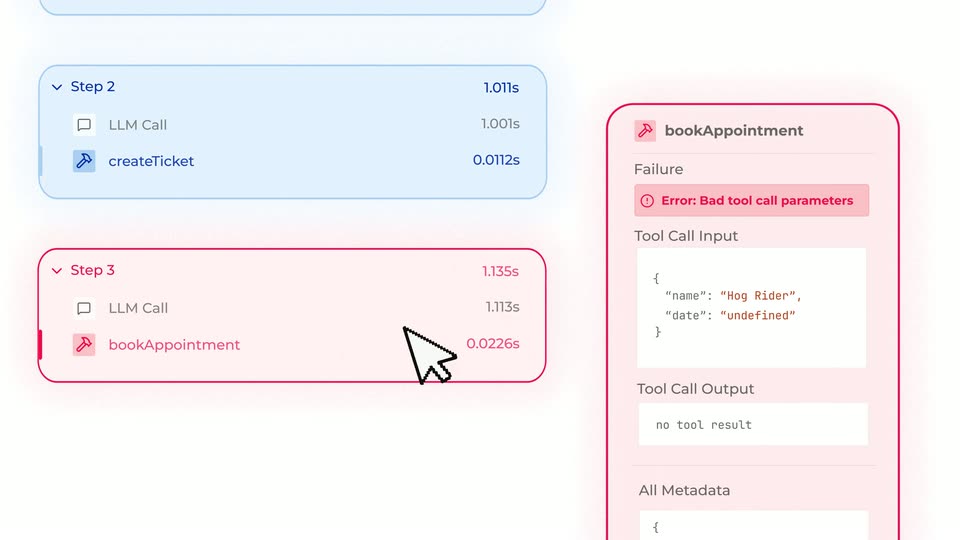 0:28–0:29The Context Company · The Context Company | Observability for AI agents to help developers fix failures fastA light UI trace view shows two stacked step cards on the left, the red Step 3 row outlined, and a detail panel on the right reporting a bookAppointment failure with JSON input. A large black cursor hovers over the Step 3 row as the labels settle into place.
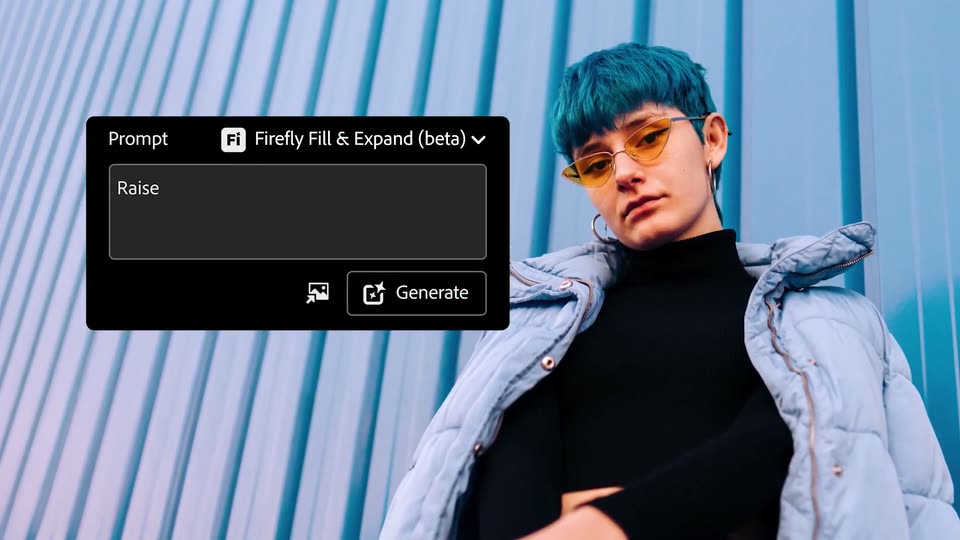 0:03–0:05Topaz Labs · Topaz Labs - @Adobe + Topaz Labs 🤝🙌 Just announced—you can now access select TopazA black prompt panel overlays a filmed model with teal hair and yellow glasses against blue corrugated metal. A cursor hovers the empty text field, then a long prompt line types out across two lines, leaving the Generate button below.
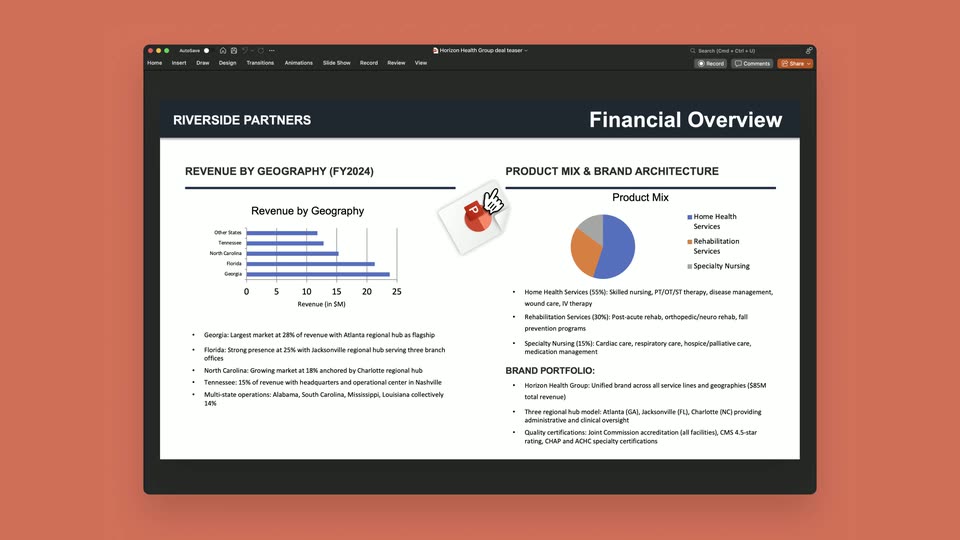 0:32–0:34Anthropic · Anthropic - We’re expanding Claude for Financial Services, with an Excel add-in,A presentation slide titled Financial Overview sits in a window on a coral background. A hand cursor hovers, then two tilted white cards with red circular logos drop into the center, drift down and fade out over the pie chart.
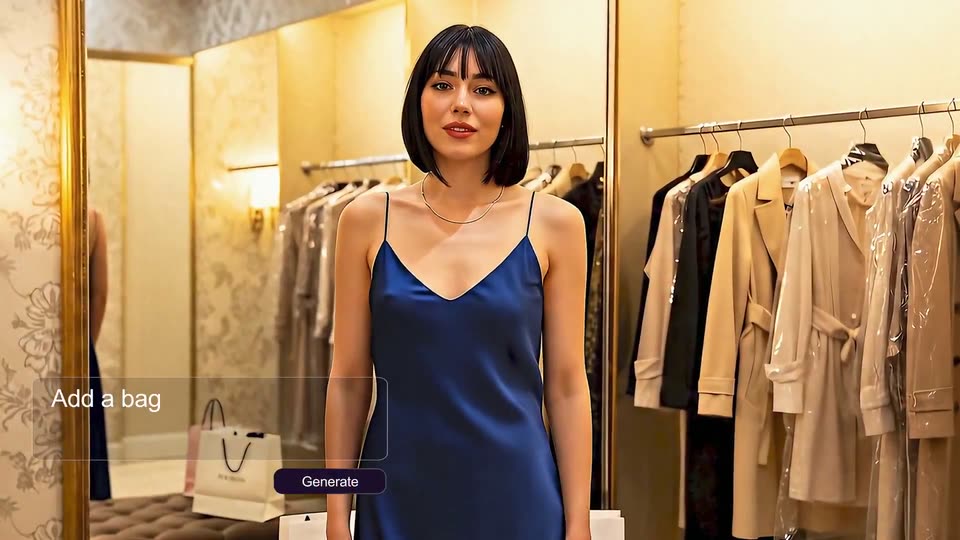 0:24–0:26Argil · Manuarii - Introducing “Argil Atom” the most controllable video AI model in theA woman in a blue slip dress stands in a warm boutique fitting room with racks and a mirror. A translucent input box on the left reads “Ask anything” above a “Generate” button; it swaps to “Add a bag” and a black crossbody bag appears on her.
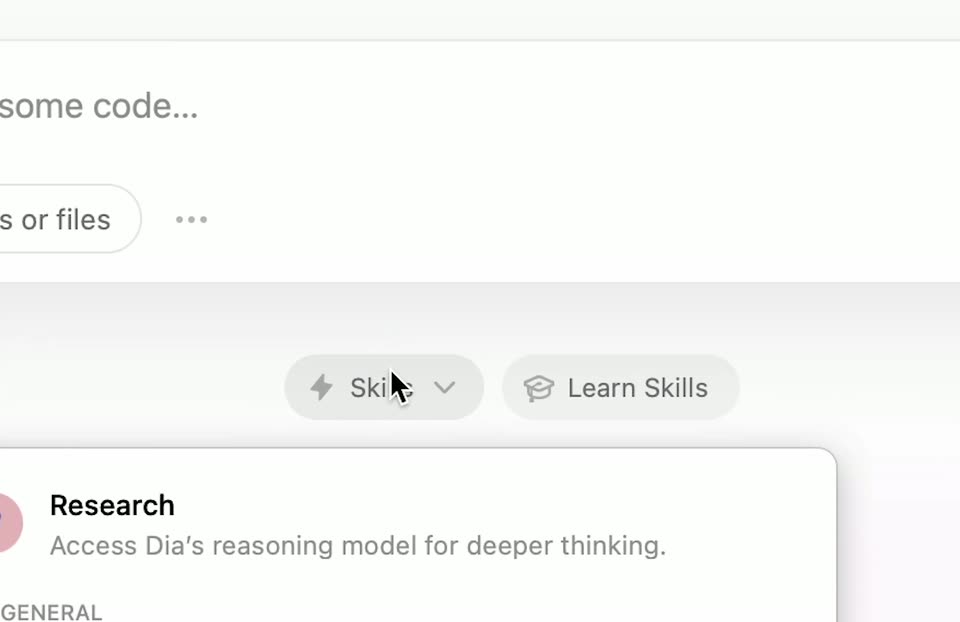 0:08–0:09The Browser Company · Dia - Complex Skills, simple words. Create expert-level prompts with the rA light interface panel shows a Skills dropdown and a Learn Skills pill beside a Research card. A cursor hovers over the Skills control while the panel content slides up to reveal the GENERAL section.
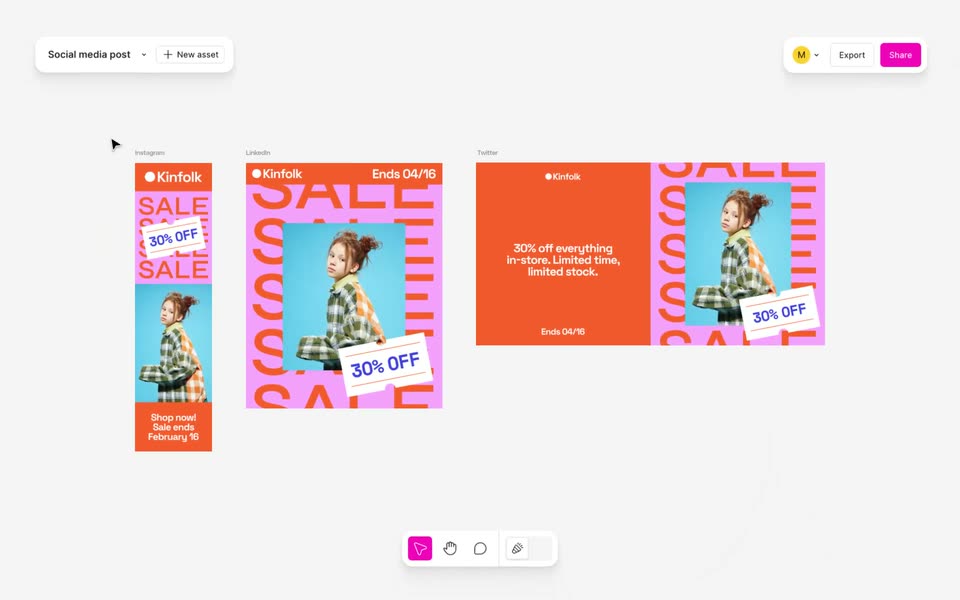 0:01–0:02Jitter · Jitter - New this week: Jitter plugin for Figma Buzz 🎉 Drive engagement by adA design tool interface shows three social media sale posts for Instagram, LinkedIn and Twitter on a light gray canvas, each with a girl in a plaid shirt and 30% OFF stickers. A cursor glides from the canvas up to the top toolbar.
 0:14–0:15LTX · LTX.io - Today we’re launching LTX-2 in LTX (we're more than a studio). LTX-2A blurred teal video plays behind white text that types out to read 'to generate'. A blue rounded-square icon with three white sparkles sits to the right, then a white cursor arrow slides in and hovers at its corner. The 'Ltx' mark stays in the bottom-right.
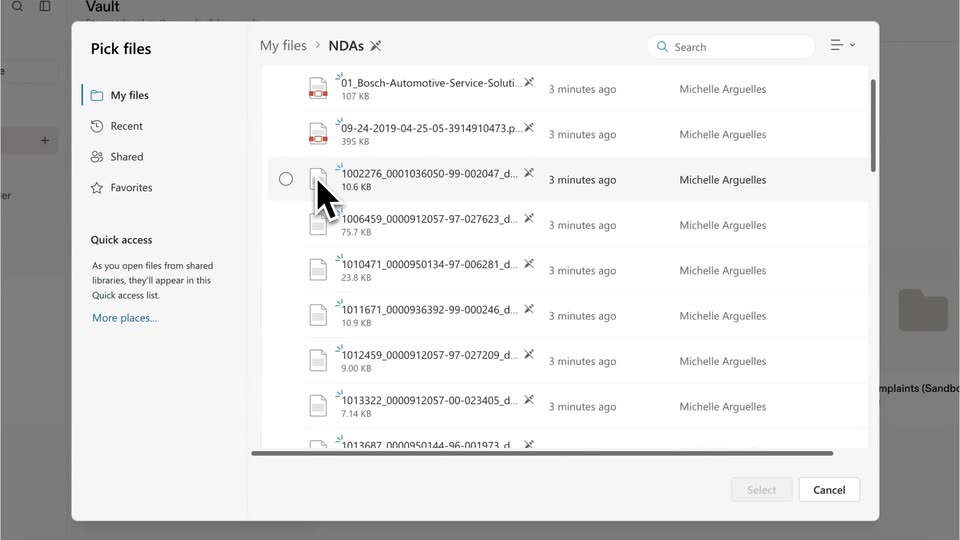 0:21–0:24Harvey · Microsoft IntegrationsA file picker dialog fills the frame. The cursor clicks the NDAs folder, the list swaps to its PDF files, then the cursor ticks the select-all checkbox at the top of the list.
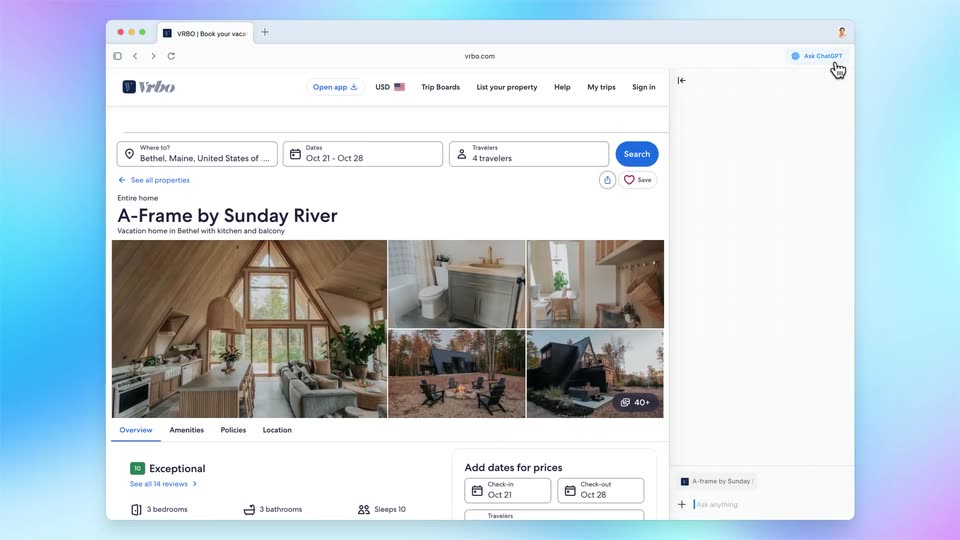 0:19–0:23OpenAI · OpenAI - Meet our new browser—ChatGPT Atlas. Available today on macOS:A tilted browser mockup of a vacation rental listing sits on a blue-purple gradient beside a static two-line headline. A cursor glides to the Ask ChatGPT button in the top right and clicks it, and a chat panel slides in from the right edge.
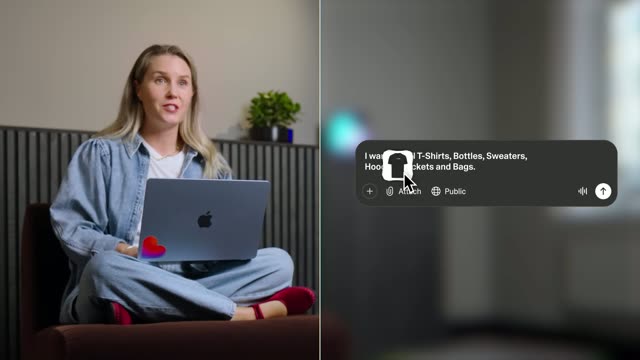 0:36–0:39Lovable · Introducing our Shopify IntegrationSplit screen: at left a blonde woman in denim sits cross-legged on a couch with a laptop, talking and gesturing. At right a dark composer types a prompt to sell apparel, then six product thumbnails drop in above it as a cursor clicks.
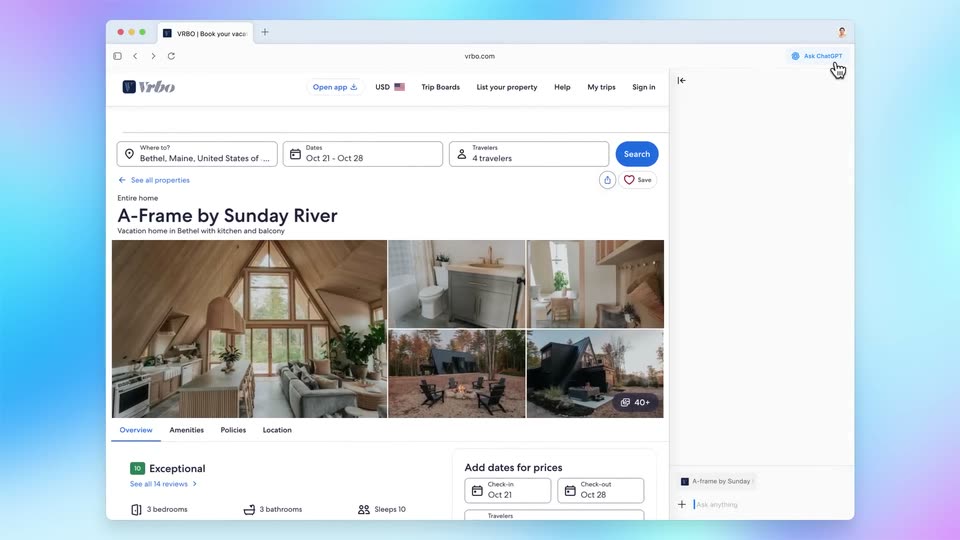 0:19–0:23OpenAI · Introducing ChatGPT AtlasA browser window showing a VRBO property listing floats in 3D perspective against a blue gradient, rotating toward the viewer as a cursor clicks the Ask ChatGPT button in the top right, sliding a side panel open.
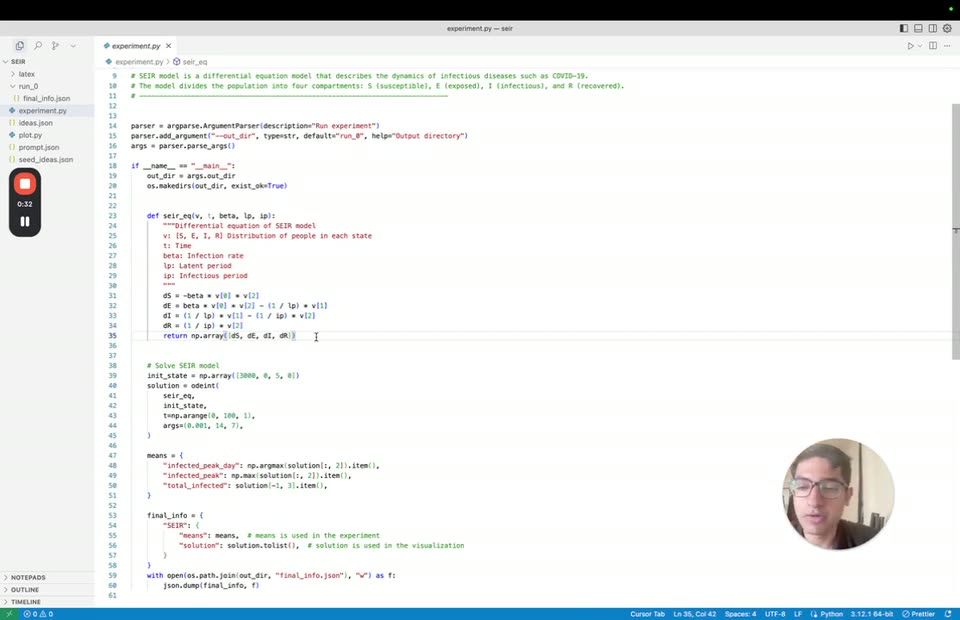 0:08–0:38Sciloop · Sciloop - End to End Scientific DiscoveryA code editor displays Python for a SEIR model, with a circular webcam inset of a man in glasses talking at lower right and a stopwatch on the left. A text cursor selects a few lines; the editor then reframes into a floating window over a desktop wallpaper.
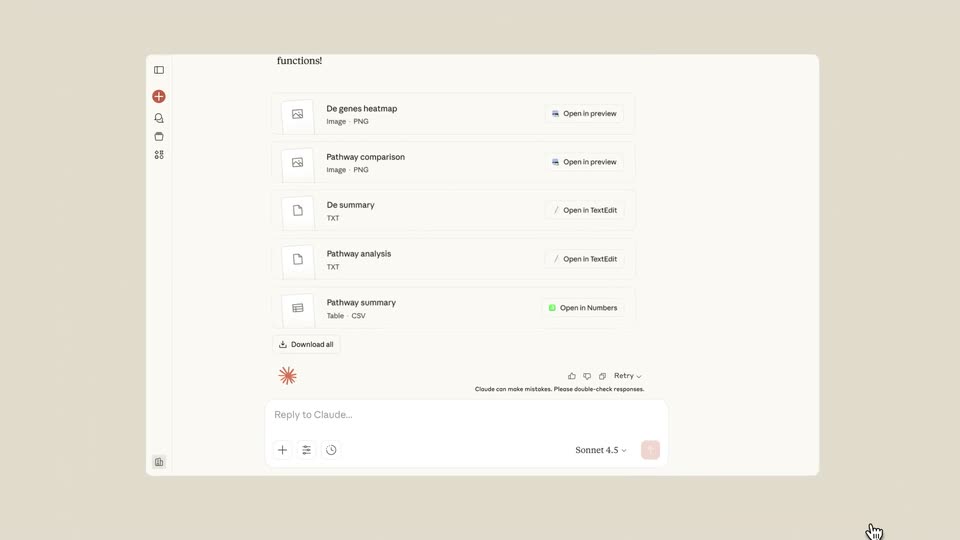 0:15–0:17Anthropic · Anthropic - We’re building tools to support research in the life sciences, from eA chat product window sits centered on a beige field, listing five generated files with type tags and action buttons. A hand cursor glides from the De summary row up to Pathway comparison while the window settles from a brief crossfade.
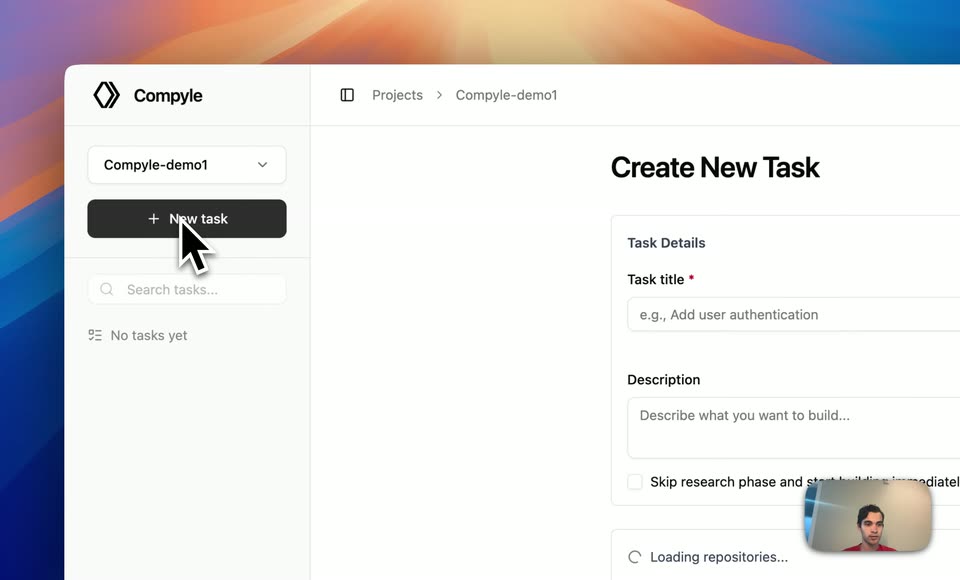 0:35–0:37Compyle · Compyle | Demo VideoA light Compyle app window sits on a colorful abstract desktop. A cursor clicks the dark “New task” button in the left sidebar, and the right panel switches from a project settings view to a “Create New Task” form. A small rounded webcam tile of a man in a red shirt stays in the bottom-right corner.
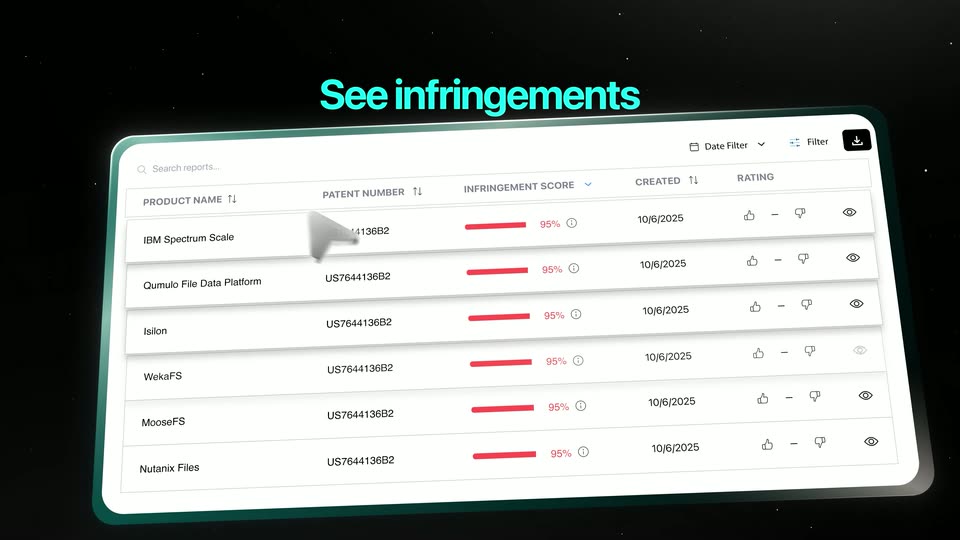 0:18–0:21Patent Watch · Patent Watch Launch VideoA white patent-score table floats in 3D perspective on a black starfield, beneath a gradient headline. A cursor glides across the rows, then the card slides down to reveal a new white detail panel.
 0:42–0:45Uplane · Uplane - Marketing will never be the sameA blue Book Your Demo button sits centered on a soft white gradient. A cursor glides up, a thin blue outline ring appears around the button, then the button morphs into a blue rounded square with a white checkmark as the uplane wordmark slides in.
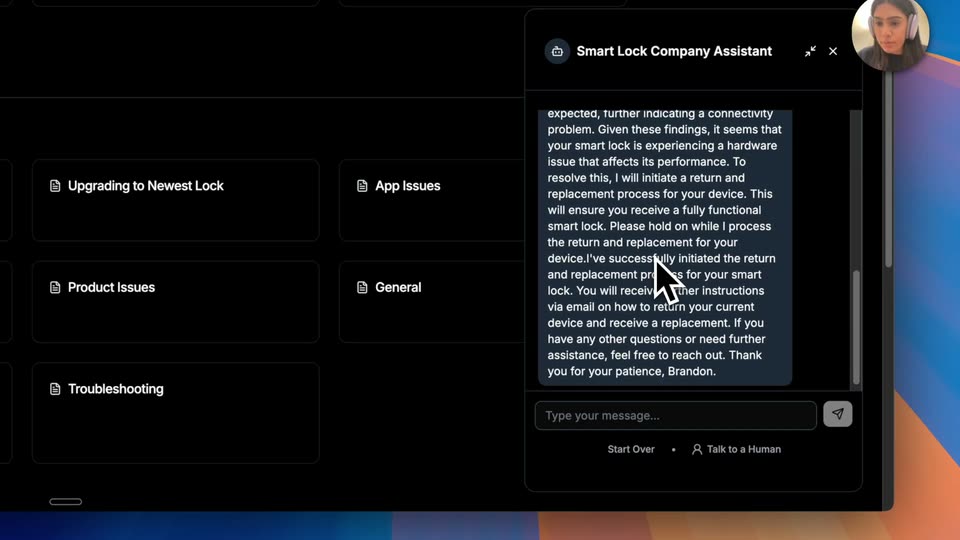 0:05–1:23Layers · Telemetron DemoA dark help-center website fills the frame as the cursor moves to the chat widget. The view zooms into the chat panel, where a customer message appears and the assistant reply types out word by word, then the camera zooms back to the full page.