0:44

ValueMate: Automating Real Estate Appraisals with AI
ValueMate · B2B · May 2025
Aviro · Sep 2025 · 1:07 · Full motion · AI-annotated
Aviro’s 1:07 launch film runs 26 scenes, about 2.6 s each. The product shows up at 0:24 and 1 feature is revealed, with social proof. There is no explicit call to action. The video is built as a problem to solution arc: a fast montage of dark AI chat interfaces typing one prompt, a white infographic block proving the tools fail, then a dark product reveal and a split screen comparison, closing on gradient stat cards and a brand logo. Its signature moves are word by word type on, diagonal pink wipes, and gradient underlines drawn beneath key phrases, all set to a steady 130 bpm with a slow cut rate that lets each stat breathe.
Is this your launch? to your site or press kit.
ValueMate · B2B · May 2025
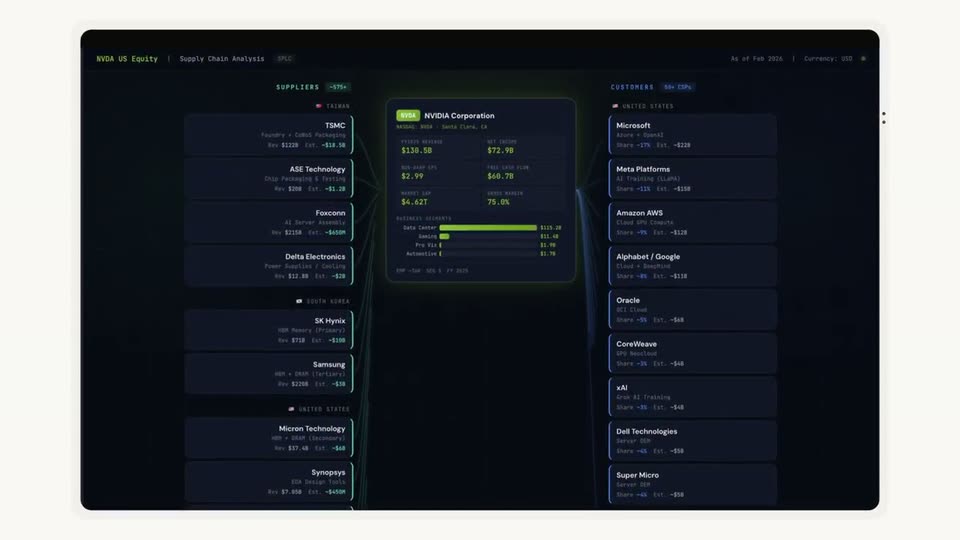
Markov · B2B · Aug 2026
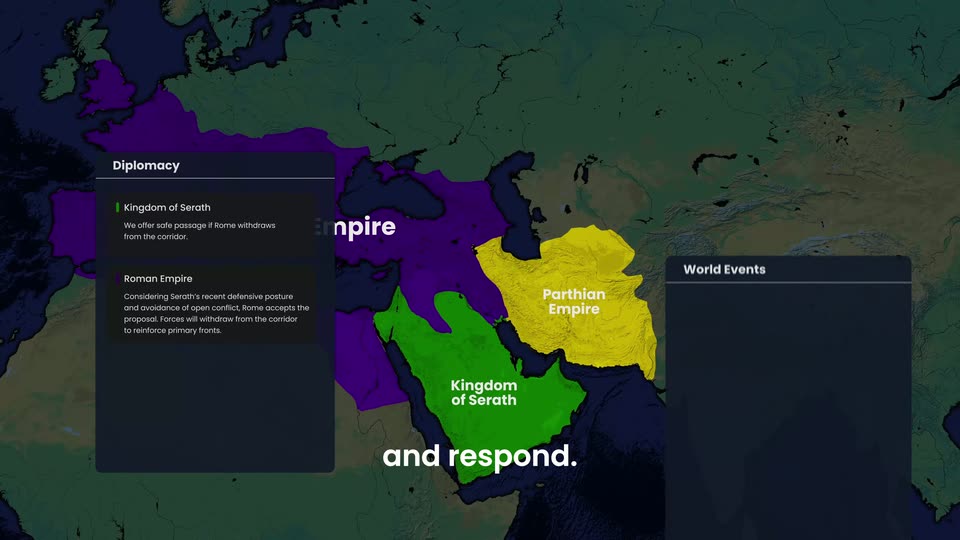
Pax Historia · Consumer · Feb 2026
Films whose music sounds like this one, voice left out
Perplexity · Electronic, with elements of ambient, house, and trance.
Polylane · Electronic, synth-pop, and lo-fi hip-hop
Relvy AI · Upbeat corporate electronic
A near-black screen holds a centered white headline above a rounded input bar. The headline scales in while a prompt types itself into the field left to right, an orange send button fixed at the right end.
Techniques: Kinetic type
Camera: Static
A dark chat interface with a blue “Hello,” greeting at top. A prompt is typed character by character into a rounded input field at the bottom, above a row of tool labels and a send button.
Techniques: Kinetic type
Camera: Static
A dark chat interface fills the frame. A serif greeting with an orange asterisk sits above a rounded input box where a long prompt types out letter by letter. A model selector and orange send button sit at the right, with pill buttons for Write, Learn, Code and Life stuff below.
Camera: Static
A dark Perplexity Pro interface slowly zooms in as a prompt types itself into the search field, a blinking caret trailing the words. Tool icons and a blue send button sit inside the field, with suggestion pills below.
Techniques: UI zoom
Camera: Pull out
A split screen shows two AI chat interfaces, each holding the same typed prompt. On the left, a cursor clicks a button and a dropdown menu opens; on the right, a cursor hovers over the matching button.
Techniques: Split screen, Cursor demo
Camera: Pull out
A split-screen view of a dark chat interface. On the left a hand cursor taps an orange send button under a research prompt; on the right a hand cursor taps a teal send button, both panels showing typed queries and model tags.
Techniques: Split screen, Cursor demo
Camera: Static
Six dark UI panels in a grid advance through the stages of a deep-research run on Palo Alto Networks services, from prompt to a final table. A white headline holds centered over the grid. A cursor clicks and types in the right and left panels.
On-screen text: “We asked deep research tools a nontrivial, but doable question about Palo Alto Networks' services.”
Techniques: Split screen, Cursor demo
Camera: Static
A three-panel research interface is dimmed under a centered white two-line headline. The headline and dimming clear to reveal the chat, results table, and report panels at full brightness.
On-screen text: “We asked deep research tools a nontrivial, but doable question about Palo Alto Networks' services”
Camera: Push in
Two dark document panels sit in the corners behind a diagonal pink stripe as the pink headline 'Here's how they did.' fades in at center. The panels slide away and three white cards with service checklists and 17%, 43%, 57% donut charts slide in diagonally while the gray headline 'Services correctly captured' slides in above them.
On-screen text: “Here's how they did.”, “Services correctly captured”
Techniques: Kinetic type
Camera: Static
Four lab scorecards with red and green service lists sit in a row beneath the gray title. The camera pulls back, a dashed line and arrow point down, and a large red accuracy headline blurs in above a black subline.
On-screen text: “Services correctly captured”, “Only 44% accuracy”, “on average”
Techniques: Kinetic type
Camera: Pull out
On a plain off-white field, the bold line 'Long horizon agents break down.' fades in at center, dark gray over red. A large red '44% accuracy on average' fades in at lower left, then out. Smaller serif news headlines and a scatter-plot chart fade in around the edges.
On-screen text: “Long horizon agents break down.”, “only 44% accuracy on average”, “All agents get office tasks wrong around 70% of the time”, “— CNET and 53 other source”, “Agents Fail Half the Time: New Benchmark Reveals Weaknesses — Quantum Zeitgeist”, “The Percentage of Tasks AI Agents Are Currently Failing At May Spell Trouble for the Industry”, “That failure rate is absolutely painful.”, “— Futurist”, “AI stalls in enterprise use since it”
Camera: Static
A white slide centers the gray and red headline “Long horizon agents break down.” amid article snippets and a scatter plot. White-on-red failure tags pop in around it one by one, then a gray band wipes across the middle.
On-screen text: “AI agents get office tasks wrong around 70% of the time”, “– CMU and Salesforce”, “Long horizon agents break down.”, ““AI stalls in enterprise use since it doesn’t learn from or adapt to workflows...””, “– “95% AI Pilots Failing” MIT Report”, “The Percentage of Tasks AI Agents Are Currently Failing At May Spell Trouble for the Industry”, “That failure rate is absolutely painful.”, “– Futurism”, “Context Poisoning”, “Nonadherence to enterprise workflows', 'Context Distraction', 'Repeating failed actions within run', 'Inconsistent performance', 'Losing track of goals/subtasks”
Techniques: Kinetic type, Masking
Camera: Static
On a dark gray field, the centered line But there's a solution. builds word by word. The word But tilts and dissolves as the rest of the sentence settles, while faint gray letters drift in above.
On-screen text: “But there's a solution.”
Techniques: Kinetic type
Camera: Static
On a dark gray field, the thin word introducing sits above the Cortex spiral logo and gradient wordmark, with by Aviro below. The lockup holds, then a vertical white and peach beam wipes across the center.
On-screen text: “introducing”, “Cortex”, “by Aviro”
Techniques: Kinetic type, Light sweep
Camera: Static
A white card framed by peach edges scales up to fill the screen as a three-line headline builds word by word. The word Cortex carries an orange-to-pink gradient, and thin gradient underlines draw in beneath right insights and right moments.
On-screen text: “introducing”, “Cortex gives agents”, “the right insights at”, “the right moments”
Techniques: Kinetic type
Camera: Static
On a white background, a gray three-line statement with yellow-to-pink gradient underlines slides up and exits the frame. A large pink line, Let's see it in action, appears centered, then its words drift apart and fade until the frame is blank.
On-screen text: “Cortex gives agents”, “the right insights at”, “the right moments”, “Let's see it in action”
Techniques: Kinetic type
Camera: Static
Two titles, Deep Search Agent and Deep Search Agent with Cortex with vs. between, fade in and slide up to the top of a white frame. A dashed divider extends down the center as a blue 0/30 Services badge and a yellow-to-pink gradient badge pop in below.
On-screen text: “Let's see it in action”, “Deep Search Agent”, “vs.”, “Deep Search Agent”, “with Cortex”, “0/30 Services”, “0/30 Services”
Techniques: Kinetic type
Camera: Static
Two large 0/30 Services badges shrink into the corners as split flowcharts build downward. Left steps turn red inside a Compounding Slips box; right steps stay green with gradient Injected insights pills. The frame blurs as the 5/30 and 29/30 counters scale up.
On-screen text: “Deep Search Agent”, “VS.”, “Deep Search Agent with Cortex”, “0 /30 Services”, “Please provide a concise table listing all services currently offered by Palo Alto Networks...”, “Searching for services...”, “Found Products A-Z page...”, “Looking through products page...”, “Ignore products page”, “Injected insights', 'Compounding Slips', 'Compiled 10 more products...', 'Looking through solutions page...', 'Looking through Unit 42 Services page', 'Identify”
Techniques: Split screen, Kinetic type
Camera: Pan
Two blurred workflow diagrams sit side by side on a white background. A solid blue badge reading 5/30 Services and an orange-to-pink gradient badge reading 29/30 Services slide down into the center of each panel, staying sharp against the soft background.
On-screen text: “5/30”, “Services”, “29/30”, “Services”
Techniques: Split screen
Camera: Pan
On a dark background, a blue and a pink stat card (5/30 and 29/30 Services) slide down out of frame at the bottom. Above them, the three-spiral gradient logo scales up from small to full size beneath the small label How it works.
On-screen text: “How it works”, “5/30”, “Services”, “29/30”, “Services”
Camera: Static
On a plain white background, a rainbow three-spiral logo sits left of three icon lines. The title 'Implement Cortex with the SDK' scales in at the top as '3 lines of code', 'Any model / stack' and 'No slowdown' fade from light gray to black.
On-screen text: “How it works”, “Implement Cortex with the SDK”, “3 lines of code”, “Any model / stack”, “No slowdown”
Techniques: Kinetic type
Camera: Static
A white infographic builds around a three-spiral gradient mark: four lab checklist cards stack under an Executions label, colored lines sweep from the cards into the mark, and two document icons pop in under a SOPs label. The headline fades in at the top, then swaps to a centered and as the SOPs side appears.
On-screen text: “Cortex stores lessons from every execution”, “No slowdown”, “Executions”, “and at enterprise-scale”, “SOPs”
Camera: Pull out
A white diagram shows four lab cards feeding colored lines into a three-spiral logo, which link to a grid of document icons, under a changing pink-accented headline. The view then cuts to the logo and a line-drawn robot joined by a growing gradient bar as the headline updates.
On-screen text: “and at enterprise-scale”, “it learns org-specific workflows”, “to provide agents”, “task-time intelligence”, “and continuously improve with RL and human feedback”
Techniques: Kinetic type, Speed ramp
Camera: Pan
A white slide holds a black headline that slides up into the top, while two rounded cards rise into view side by side. The left card shows a gradient 70% over bold black captions; the right card shows a gradient State-of-the-Art word over smaller captions.
On-screen text: “Cortex boosted our Deep Research agent's performance, making it:”, “70%”, “more accurate on enterprise search tasks”, “than OpenAI Deep Research”, “State-of-the-Art”, “in Live 'Deep Research' Benchmark”, “By Microsoft”
Techniques: Kinetic type
Camera: Pull out
A stats slide crossfades in over the previous one, then holds: a centered heading above three rows, each pairing a large gradient number with a short black label. The whole frame dims toward the end.
On-screen text: “What this means”, “4-5x fewer first-pass errors”, “75% less inference-time compute”, “63% less engineering time”
Camera: Static
The aviro.ai wordmark and a three-node triangular logo sit centered on a dark background. The white wordmark fades in from dim to full brightness while the logo stays fixed in place.
On-screen text: “aviro.ai”
Camera: Static