
0:54
Cardboard | Launch YC
Cardboard · B2B · Feb 2026
Macadamia · Feb 2025 · 0:45 · Full motion · AI-annotated
Macadamia’s 0:45 launch film runs 14 scenes, about 3.2 s each. The product shows up at 0:01 and 2 features are revealed. The call to action lands at 0:36 (80% in), over a voiceover. The video is built as a chain of flat dark green title cards, each naming a feature, followed by a short tilted device mockup demo of that feature, closing on a static URL card. Signature moves are letter by letter serif reveals, sliding in UI panels, and green checkmarks that confirm each step at a steady 84 bpm pace.
Is this your launch? to your site or press kit.
Cardboard · B2B · Feb 2026
Capy · B2B · Nov 2024
Films whose music sounds like this one, voice left out
Google · Electronic ambient, funk, rock
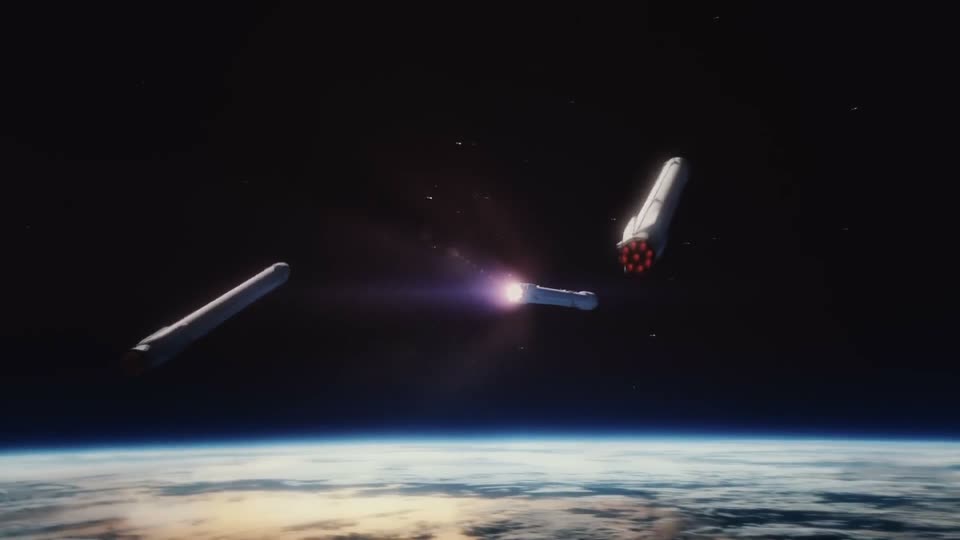
Falcon Heavy · Pop rock
Humyn Labs · Cinematic, Electronic
A solid dark green background fills the frame. The white serif word Introducing... fades in letter by letter from left to right, then holds centered and still.
On-screen text: “Introducing...”
Techniques: Kinetic type
Camera: Static
The tilted Macadamia UI floats over a dark green gradient. In the Activity feed, a Cooper agent card slides in with a spinning loader; status lines appear one by one, each ending in a green check, while the list scrolls down. The screen fades to white.
On-screen text: “Introducing...”
Techniques: 3D mockup
Camera: Static
On a flat dark green field, the white word Macadamia assembles letter by letter from left to right, then holds centered as the brand mark.
On-screen text: “Macadamia”
Techniques: Kinetic type
Camera: Static
A dark-green serif headline holds centered on a cream field. The Macadamia issues dashboard fades in behind it, then the headline clears to leave the full interface with its grid of issue cards.
On-screen text: “an AI Mechanical Engineer.”
Camera: Static
A tablet in 3D perspective on a dark backdrop shows the Macadamia issues dashboard with stat cards and issue tiles. The frame eases out slightly, then a cursor hovers over the VES-1 card and a Priority: Critical tooltip pops in.
On-screen text: “an AI Mechanical Engineer.”
Techniques: 3D mockup, Cursor demo
Camera: Static
A flat flame icon sits centered on a dark green field. The icon scales up and the white label “Fix Issues” wipes in from left to right beneath it, then holds.
On-screen text: “Fix Issues”
Techniques: Masking
Camera: Static
A tilted tablet on a green backdrop shows an engineering issue document. A cursor moves to the Proposed Solution tab and clicks it, swapping the body text from the detected problem to the proposed solution while the side panels remain fixed.
Techniques: 3D mockup, Cursor demo
Camera: Static
A solid dark green field holds a small white logo mark of three dots joined by a curve. Beneath it, the white serif line “Automate Workflows” slides in from the left and locks off in the lower center.
On-screen text: “Automate Workflows”
Techniques: Kinetic type
Camera: Static
A flat device mockup on a dark green background shows a node-based workflow canvas. A hand cursor clicks the Execute Workflow button in the top right, which switches to a spinning Executing state, while a large headline slides in over the frame.
On-screen text: “Automate Workflows”
Techniques: Cursor demo
Camera: Static
A workflow node graph of white cards on a dotted grid pans slowly across the frame. The labels in the two left cards settle from a doubled offset, then a small green checkmark pops in beside the top card.
Camera: Static
A white node-graph interface fills the frame. Workflow cards with icons and titles connect via green and blue lines that draw and settle into place. Thin progress bars and small green check marks fade in under several node titles as the layout locks.
Camera: Static
A laptop mockup on a green background displays the software interface, where a color-mapped 3D tank plays a stress animation, the warm band shifting across the shell. A hand cursor hovers over the tank as the player timecode advances to 0:04.
Techniques: 3D mockup
Camera: Static
On a dark green background, a flat icon and a white serif word trade places in sequence: a gear above Mechanical, a person badge above Civil, an isometric cube above Aerospace, then the gear and Mechanical return.
On-screen text: “Mechanical”, “Civil”, “Aerospace”, “Mechanical”
Techniques: Kinetic type
Camera: Static
A solid dark green background holds the white URL macadamialabs.com centered in frame. The text remains static in a bold slab serif, and the locked-off shot holds without movement.
On-screen text: “macadamialabs.com”
Camera: Static