2:00

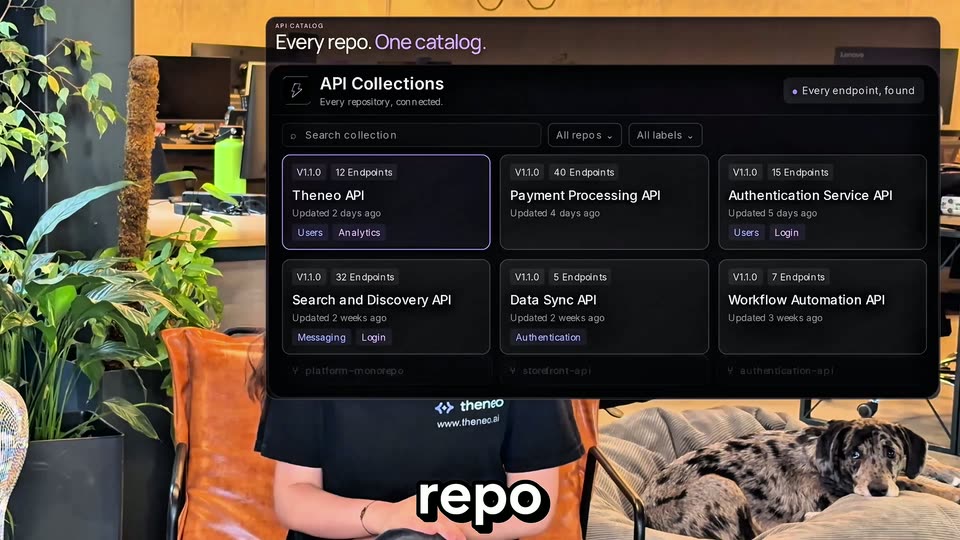
Meet Cursor 1.0
Cursor · Developer tools · Jun 2025
ZeroDrift’s 1:23 launch film runs 34 scenes, about 2.4 s each. The product shows up at 0:03 and 7 features are revealed. The call to action lands at 1:16 (92% in). A question card, a giant serif Yes, then a flat-color demo of the fix, repeated as a steady beat with hard color-block wipes between every scene. Signature moves are scrambled-into-place serif type, the red-versus-lime split screen that strikes a held line next to the passing rewrite, and pastel tile grids for apps and industries.
Is this your launch? to your site or press kit.
Cursor · Developer tools · Jun 2025
Enrich Labs · Mar 2026
Elva (by Theneo) · Sep 2026
Films whose music sounds like this one, voice left out
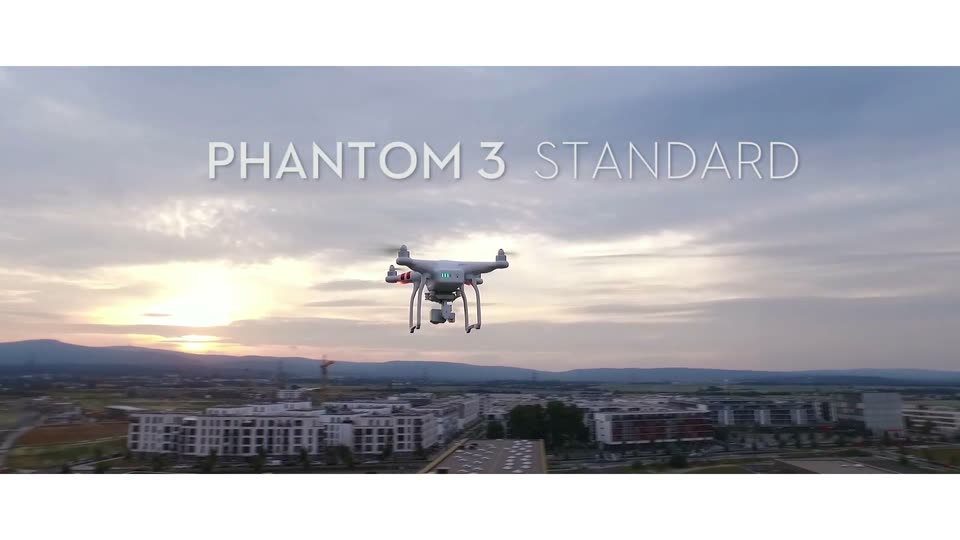
DJI · Modern electronic
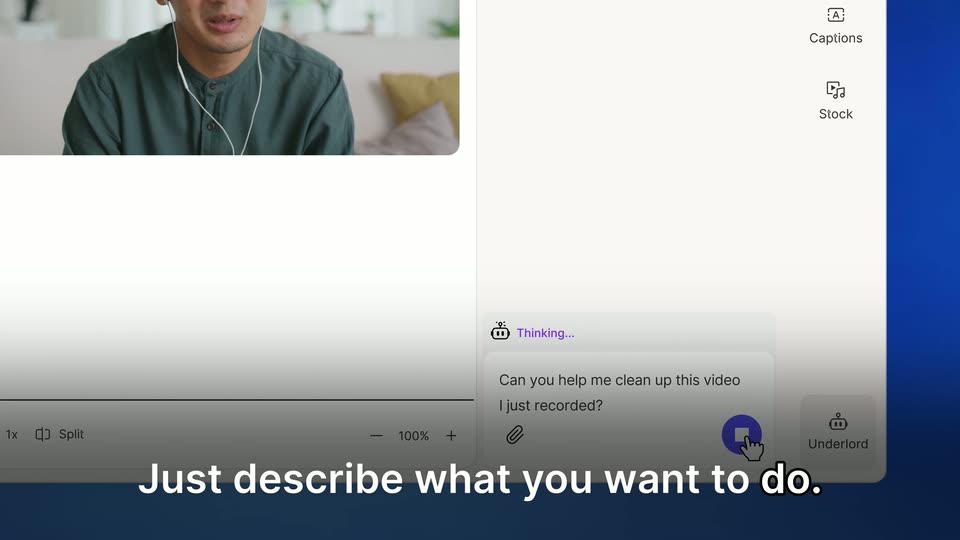
Descript · Modern electronic, cinematic
A near-black frame holds a small gray sans label top left. A large white serif headline, “Can we use ChatGPT at work?”, fades in, then its words break apart and drift to scattered positions, with “work?” sliding up to the right.
On-screen text: “ASKED IN EVERY REGULATED COMPANY”, “Can we use ChatGPT at work?”
Techniques: Kinetic type
Camera: Static
A dark sliver at the left edge wipes away to reveal a solid blue card. A white serif question sits across the top while a huge “Yes.” anchors the lower left, then the frame holds locked off.
On-screen text: “ASKED IN EVERY REGULATED COMPANY”, “Can we use ChatGPT at work?”, “Yes.”
Techniques: Masking
Camera: Static
A solid blue field holds a light blue serif question across the top and a huge white serif Yes. at the lower left, both locked off. At the end a pale panel wipes in from the right edge, opening a sliver of the next scene.
On-screen text: “Can we use ChatGPT at work?”, “Yes.”
Techniques: Masking
Camera: Static
A blue vertical panel with white lettering exits to the left, revealing a flat yellow field where the black serif word Introducing slides in from the right to center. Locked-off frame, quick pace.
On-screen text: “Introducing”
Techniques: Kinetic type
Camera: Static
A yellow background holds the word Introducing in large black serif, which slides out of frame as the ZepPodrift sunburst logo and wordmark appear.
On-screen text: “Introducing”
Techniques: Kinetic type
Camera: Static
A black radial-ring mark and the wordmark ZERODRIFT sit centered on a flat yellow field. The lockup slides left across the frame and exits past the edges by the end of the clip.
Camera: Static
A white title card with a black serif headline in two lines. A green ChatGPT badge and a blue Codex badge sit below; the green badge slides left into place over the first half second, then the lockup holds still.
On-screen text: “ZeroDrift for”, “ChatGPT and Codex”
Camera: Static
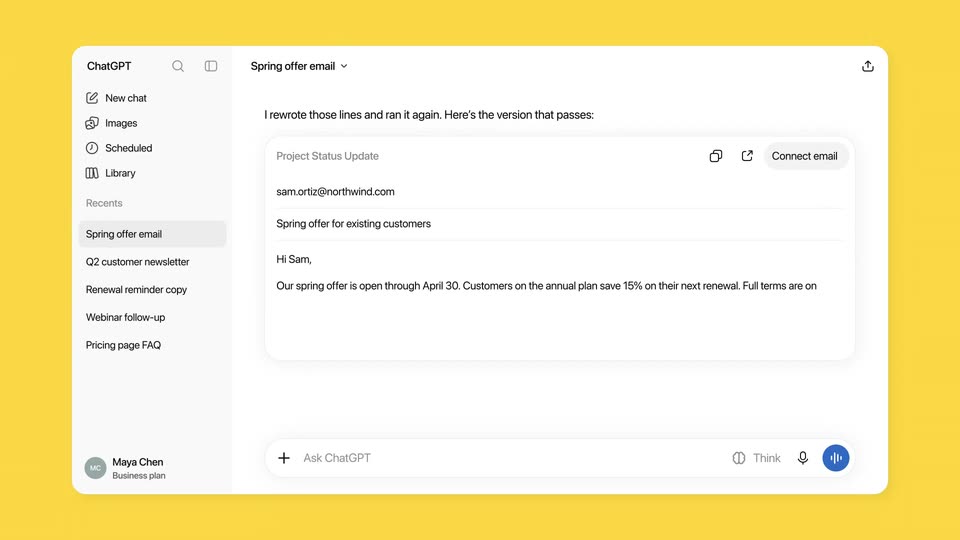
A flat ChatGPT window sits on a solid yellow field. A prompt types into the input box, a message bubble posts, and a compliance table fills row by row flagging issues. The view scrolls to a rewritten email card, then a green pass badge and a sent line appear.
Camera: Static
A lime green card wipes in from the right, covering a chat app sidebar with menu items and a user profile. As it lands, a black serif headline reads out in two lines, the second line filling in letter by letter.
On-screen text: “Compliant”, “before it sends.”
Techniques: Masking
Camera: Static
A flat lime-green field holds a centered two-line headline in black serif. The words sit still while the final word and period fade in to complete the sentence.
On-screen text: “Compliant before it sends.”
Techniques: Kinetic type
Camera: Static
A lime green panel wipes away from the left, uncovering a solid blue field. The serif question 'Can sales use it?' scales up into place in pale lavender on the left side, the frame staying locked off.
On-screen text: “Can sales use it?”
Techniques: Masking, Kinetic type
Camera: Static
A pale serif question, “Can sales use it?”, sits left of center on a flat blue field. A huge white serif “Yes.” pops in below it, then the frame cuts to a solid coral red with no text.
On-screen text: “Can sales use it?”, “Yes.”
Techniques: Kinetic type
Camera: Static
Titled 'ChatGPT's draft', a coral card types out an email with a blinking cursor; a white highlight expands behind the second line. A 'Do not send' pill and 'Pressure tactics' label appear at the bottom, then an orange panel wipes in from the right.
On-screen text: “ChatGPT's draft for a follow-up email in Salesforce”, “Do not send”, “Pressure tactics”, “Core Communication Conduct”
Techniques: Kinetic type
Camera: Static
Split layout: a red left panel holds a small HELD caption over a struck-through line, while a lime right panel shows an email mock where a second line types out behind a blinking caret, then a white highlight box appears around it and a Passed badge fades in at the bottom.
On-screen text: “HELD”, “Sign today or you lose this price forever.”, “Pressure tactics”, “Core Communication Conduct”
Techniques: Split screen, Kinetic type
Camera: Static
A lavender text card: the gray question settles in from a brief overlapping echo, then a huge black 'Yes.' appears below it. A pink panel wipes in from the right, leaving the text on the left half.
On-screen text: “Sign today or you lose”, “Can support use it?”, “Yes.”
Techniques: Masking
Camera: Static
On a coral field, a Zendesk logo and caption sit at the top while a two-line reply types itself out character by character. A white rounded bar wipes in behind the second line, then a dark Do not send badge with a reason slides up at the bottom.
On-screen text: “ChatGPT's draft for a ticket reply in Zendesk”, “Sorry about the double charge.”, “You'll be refunded in 24 hours, guaranteed.”, “Do not send”, “Misleading untrue claims Core Communication Conduct”
Techniques: Kinetic type
Camera: Static
A red panel holds the struck-through refund claim while a lime panel types a corrected message with a cursor. A white highlight bar slides behind the second line and a Passed badge pops in. The green panel slides right to reveal a blue panel with Did you actually use it?
On-screen text: “HELD”, “You'll be refunded in 24 hours, guaranteed.”, “Sent from Zendesk”, “Sorry about the double charge.”, “Refunds take 5 to 7 business days.”, “Passed”, “Rewritten and checked again”, “Did you actually use it?”
Techniques: Kinetic type, Split screen, Masking
Camera: Static
A red bar with small text exits left on a light blue field. The serif headline “Can engineering use it?” settles in, then a huge black “Yes.” fades in below. A white chat panel slides in from the right, showing a model selector and send button.
On-screen text: “hours, guaranteed.”, “Can engineering use it?”, “Yes.”
Techniques: Kinetic type
Camera: Static
A blue panel wipes away to reveal the Codex app on light blue, a large serif Yes. at left. Code types into a file block, red issue tags pop in, then the line is struck through and replaced by a green diff line and a green pass badge. A blue panel slides in over the UI.
On-screen text: “Can engineering use it?”, “Yes.”
Techniques: Masking
Camera: Static
A white app sidebar with menu items slides out to the left, revealing a solid blue background and the static text in a light serif font.
On-screen text: “In the apps we already use?”
Techniques: Masking
Camera: Static
On a flat blue field, a medium white serif line sits at the top, then a very large “Yes.” appears beneath it. Both lines hold still on a locked-off frame.
On-screen text: “In the apps we already use?”, “Yes.”
Techniques: Kinetic type
Camera: Static
A blue card holds two lines of white serif text, a small question and a large Yes, both static. A white dotted panel wipes in from the right edge, masking the blue card and revealing a ChatGPT writes headline with app icons.
On-screen text: “In the apps we already use?”, “Yes.”, “ChatGPT writes.”
Techniques: Masking
Camera: Static
On a dotted white background, a static serif headline sits at the top. Below it, a four by four grid of pastel rounded tiles, each pairing an app icon with a name, fades from translucent to full color, completing the grid.
On-screen text: “Everywhere ChatGPT writes.”
Camera: Static
A static card shows a large serif headline above a four-by-four grid of pastel app badges on a dotted background. Near the end, a pale purple panel wipes in from the right edge, covering a quarter of the frame.
On-screen text: “Everywhere ChatGPT writes.”
Camera: Static
A white sidebar and a purple panel slide apart, revealing the text 'In a bank? A hospital? An insurer?' on a light purple background.
On-screen text: “In a bank? A hospital? An insurer?”
Techniques: Masking
Camera: Static
A gray serif question line fades in on a lavender field, then a huge black serif “Yes.” appears below it. The scene cuts to a white dotted grid where a black serif heading appears above six colored category cards that fade in staggered.
On-screen text: “In a bank? A hospital? An insurer?”, “Yes.”, “Every regulated industry.”
Techniques: Kinetic type
Camera: Static
A black serif headline reads Every regulated industry. as its letters resolve from an overlapping scramble. Below, eight colored category tiles with line icons sit in a two-by-four grid on a dotted cream background.
On-screen text: “Every regulated industry.”
Techniques: Kinetic type
Camera: Static
On a flat yellow background, the olive serif line “For the whole company?” holds at the left. A large “Yes.” appears beneath it and shifts to black, then a white UI card listing pending items slides in from the right edge.
On-screen text: “For the whole company?”, “Yes.”
Camera: Static
A ChatGPT plugins page sits on a yellow ground; a cursor flips the Enable for the whole workspace toggle from off to on, turning the group statuses from Pending to ACTIVE, while a large question and a huge Yes. hold still over the frame.
On-screen text: “For the whole company?”, “Yes.”
Techniques: Cursor demo
Camera: Static
Colored pill-shaped tags bearing regulation and policy names pop in one by one into a dense grid on black, drifting slowly. Large white serif words “Compliant” and “before” fade in over the field.
On-screen text: “Compliant”, “before”
Techniques: Kinetic type
Camera: Static
A black field tiled with multicolored pill tags naming regulations (GDPR, HIPAA, RESPA) holds a large white serif headline that fades in word by word, ending on the period.
On-screen text: “Compliant before it sends.”
Techniques: Kinetic type
Camera: Static
A black frame holds, then the word Sayyes. appears centered in white serif type and stays locked in place.
On-screen text: “Sayyes.”
Camera: Static
A radial aperture logo of white segments assembles and spins at center on black, then shrinks left as the wordmark ZERODRIFT slides in beside it. The lockup rises to the top row with x ChatGPT Codex while a large light serif Bo fades up below.
On-screen text: “ZERODRIFT”, “x ChatGPT Codex”, “Bo”
Techniques: Kinetic type
Camera: Static
Black title card. A co-branding lockup (ZERODRIFT, x, ChatGPT, Codex) sits at top while the large serif headline “Book a demo” wipes in left to right. Below it, the URL ZERODRIFT.COM assembles from scrambled fragments and settles.
On-screen text: “ZERODRIFT X ChatGPT Codex”, “Book a demo”, “ZERODRIFT.COM”
Techniques: Kinetic type
Camera: Static