1:51
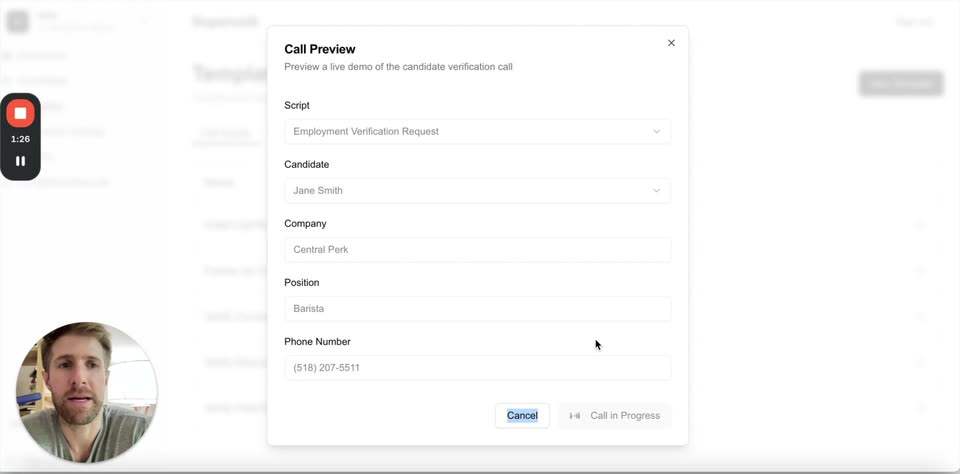

Superunit AI Employment Verification Demo
Superunit · B2B · Apr 2025
Gem · Jan 2025 · 0:34 · Clip · AI-annotated
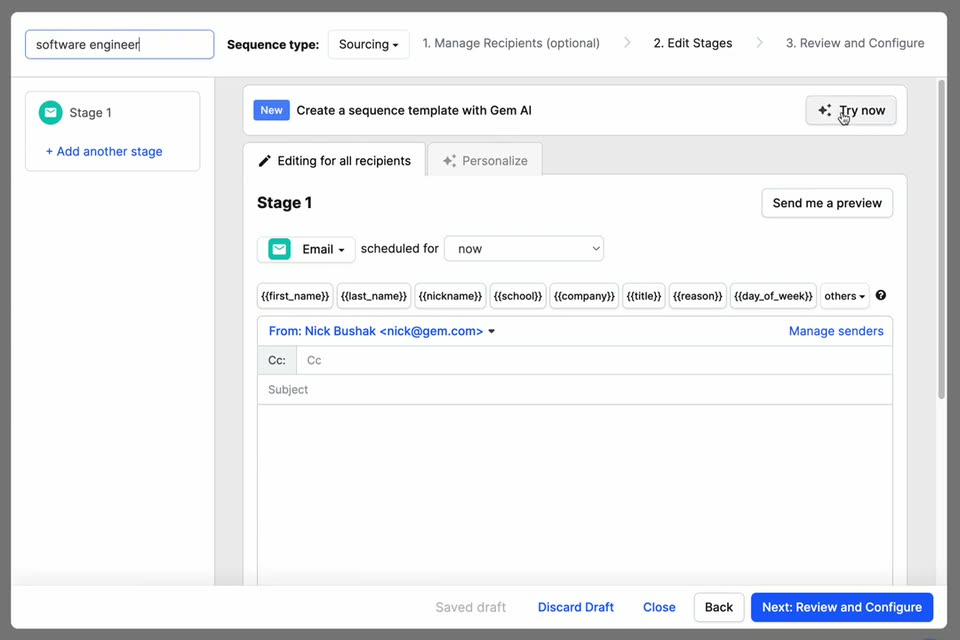
Gem’s 0:34 clip runs 2 scenes, about 17 s each. The product is on screen from the first frame and 1 feature is revealed. The clip is a single uncut screen recording that follows the cursor through one AI workflow, from form input to a fully generated outreach email. Its style is a flat SaaS interface on a light gray canvas, using one blue accent for buttons and links to guide the eye.
Is this your launch? to your site or press kit.
A cursor glides across a white email sequence editor and hovers over the Try now button at the top right. The interface shows merge tags, sender fields and a stage timeline, all static.
Techniques: Cursor demo
Camera: Static
A recruiting CRM screen shows a cursor typing a role and notes into an AI form, then clicking Generate. A loading modal appears, and a full outreach email with a signature fills in below as the page scrolls down.
Techniques: Cursor demo
Camera: Pan