Cursor demo
A visible cursor operates the interface.
15,093 scenes · page 87 of 252
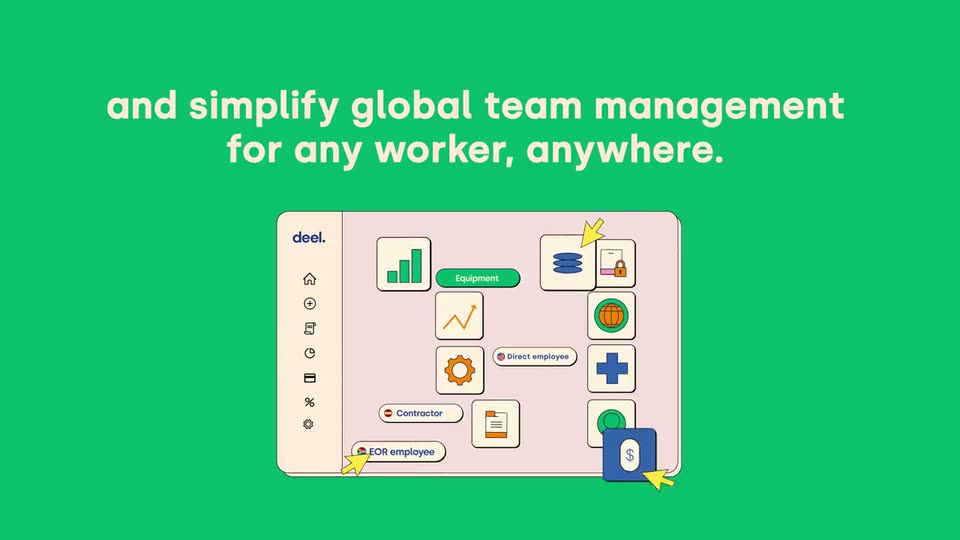 0:33–0:43Deel · deel - Your wish is granted.🧞♂️✨ A whole new Deel is here, and we're movinOn a green background, an illustrated Deel app window fills with feature icons and worker-type pills as a yellow cursor drags in a Direct employee card. Headlines swap above, and a 3D FREE word pops in with sparkles as the window zooms out.
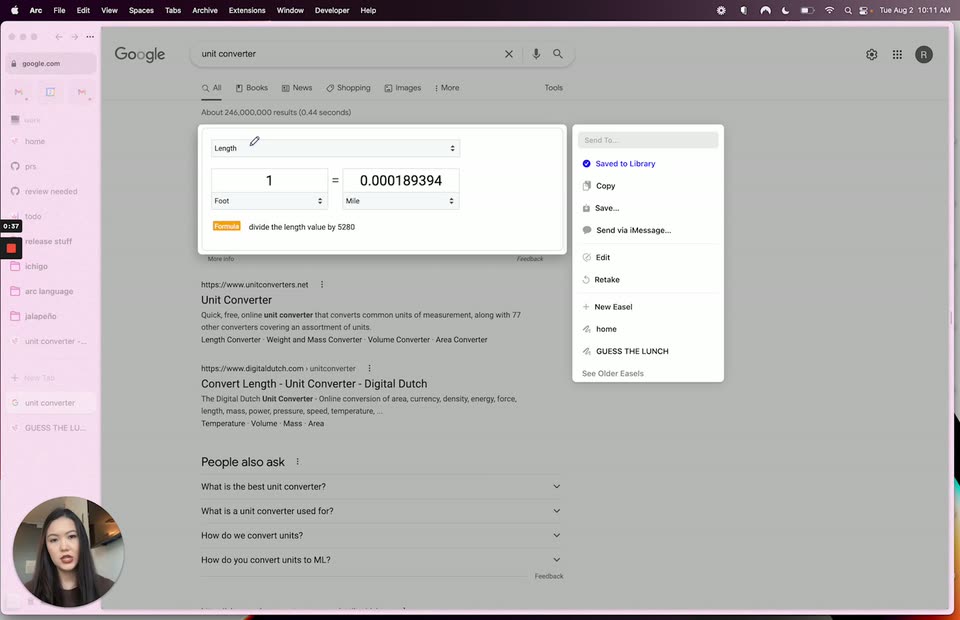 0:31–0:39The Browser Company · Arc Browser | Introducing Live Captures on Easel with RoseyA browser shows a Google results page. A camera cursor drags a white box around the unit converter widget, which detaches into a floating card. A context menu slides in on the right as the cursor hovers its items. A circular webcam of a woman sits in the corner.
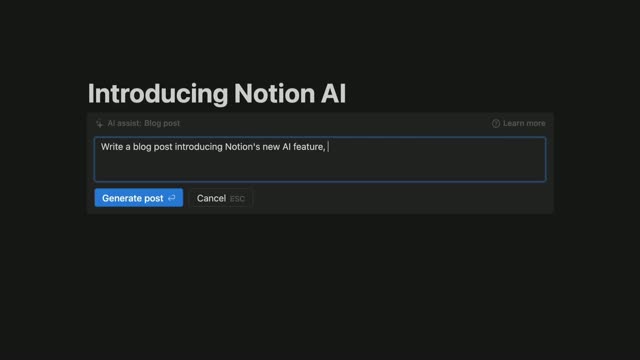 0:08–0:16Notion · Introducing Notion AIDark Notion page titled “Introducing Notion AI”. The cursor picks “Blog post” from the menu, opening an AI assist field. The prompt “Write a blog post introducing Notion's new AI feature, Notion AI” is typed, then the view zooms in as the cursor clicks “Generate post”.
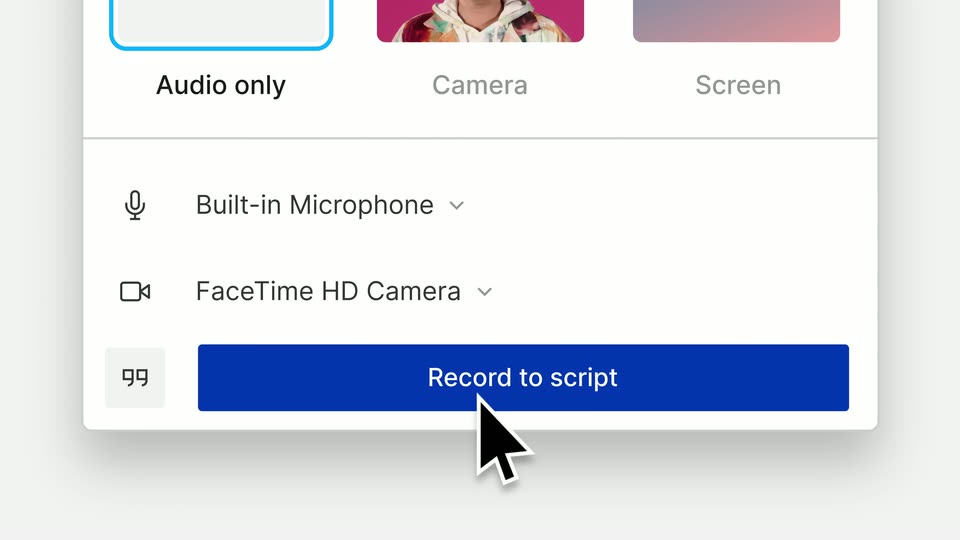 0:00–0:01Descript · The new Descript – made for podcastersA close-up of a recording settings panel with three tabs and two device dropdowns. A black cursor slides from the selected Audio only tab down to the blue Record to script button and presses it, darkening the button.
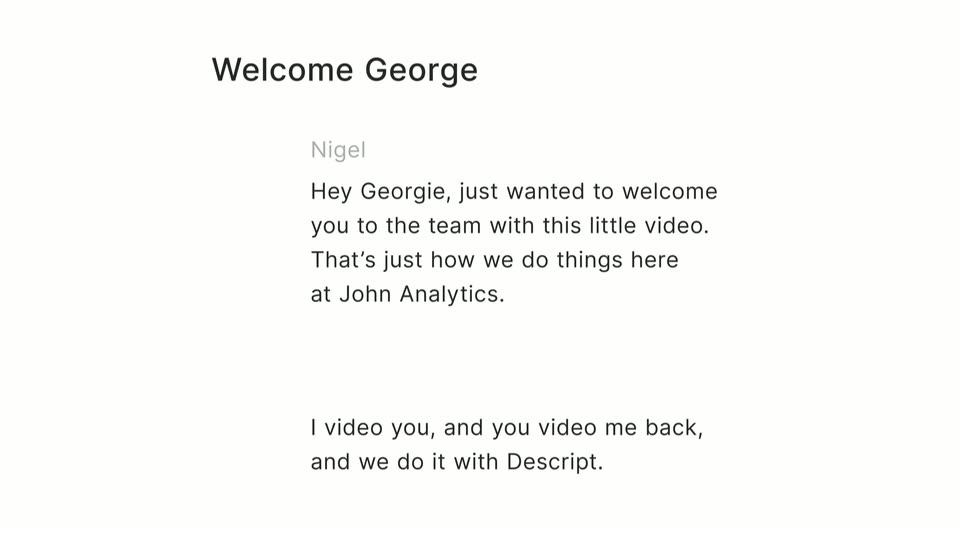 0:26–0:28Descript · The new Descript – made for professionalsA white text document headed 'Welcome George' holds a paragraph of body copy. An I-beam cursor highlights the line 'Blather, blather, blather.' in pale blue, then deletes it, leaving the remaining lines in place.
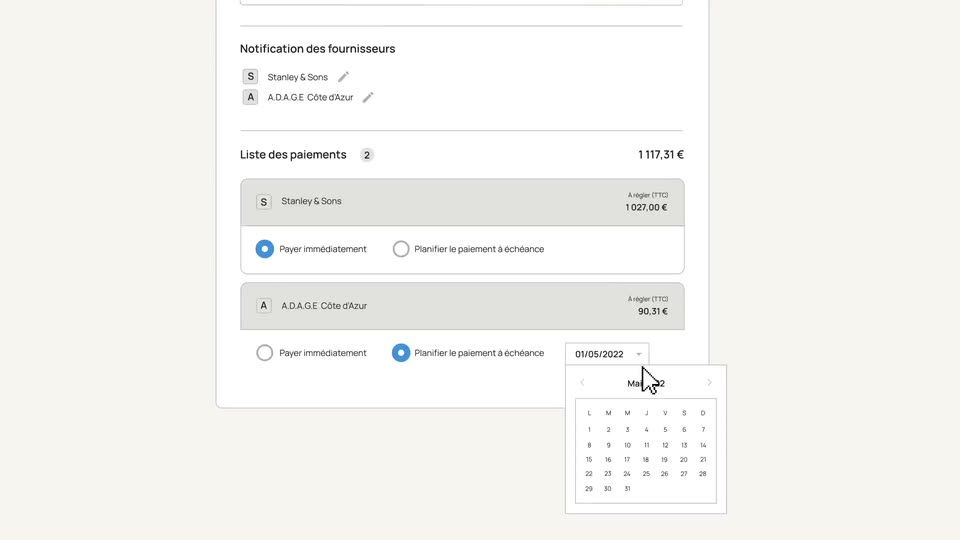 0:40–0:45Pennylane · Présentation - PennylaneA payment modal rotates from a 3D tilt into a flat front view. A cursor clicks the pay-now radio for Stanley & Sons, then selects schedule for A.D.A.G.E., opening a May 2022 calendar as the view zooms in on it.
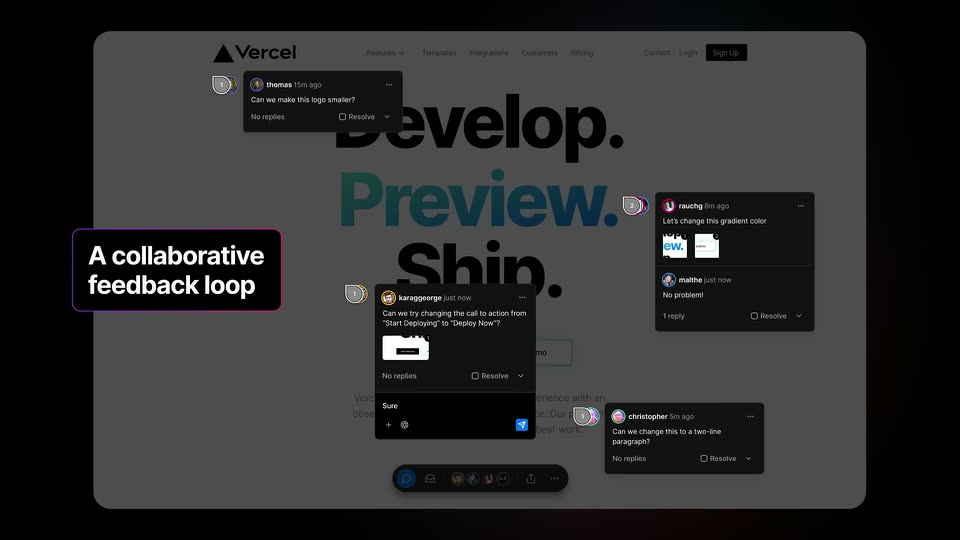 0:10–0:17Vercel · Introducing commenting on Preview DeploymentsThe Vercel homepage fills a white card on black as a black tag, 'A collaborative feedback loop,' slides in at left. Dark comment bubbles pop over the page, a dashed box highlights the CTA, the screen dims, and a cursor types a reply before the bubbles fade out.
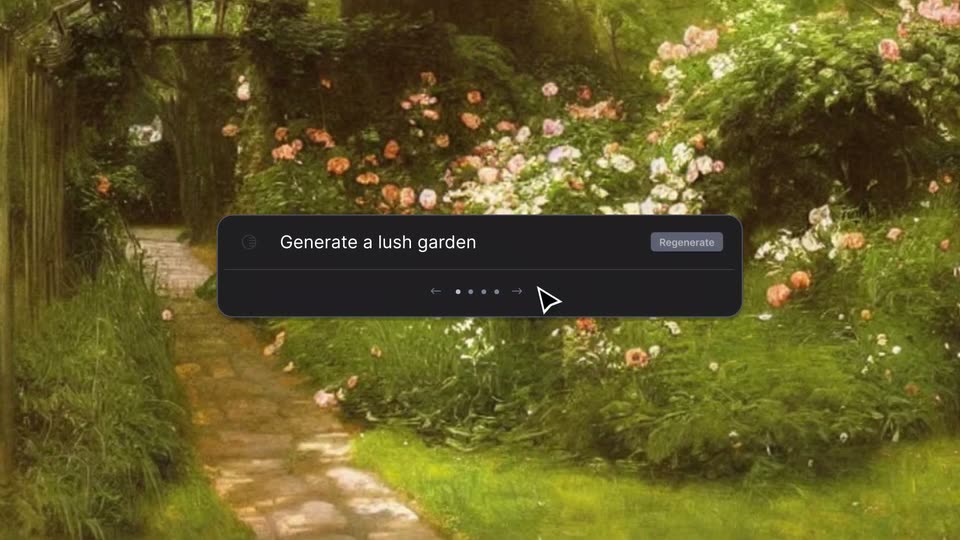 0:21–0:24Runway · Text to Video: Early Access Waitlist | RunwayA dark rounded prompt bar floats centered over a painted garden path. The prompt reads “Generate a lush garden” with a blinking caret, the right button switches from Add to Regenerate, and a white cursor drifts around the bar.
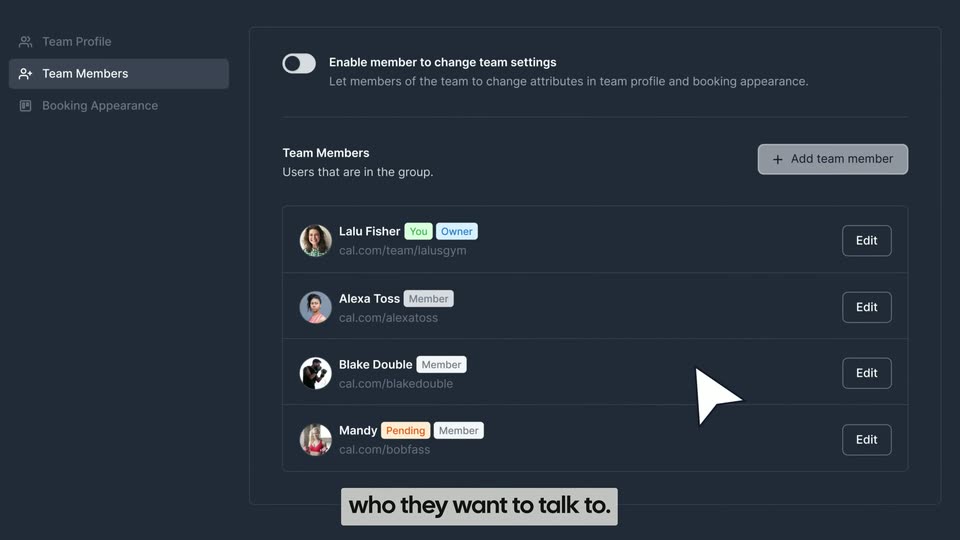 0:23–0:31Cal.com · Cal.com introducing TeamsA dark team-members screen. A cursor clicks Add team member, a modal opens over a blurred background, the cursor types Mandy, picks the result and hits Invite, adding Mandy to the list. The view then zooms out to the full app window before a new dark panel slides in from the right.
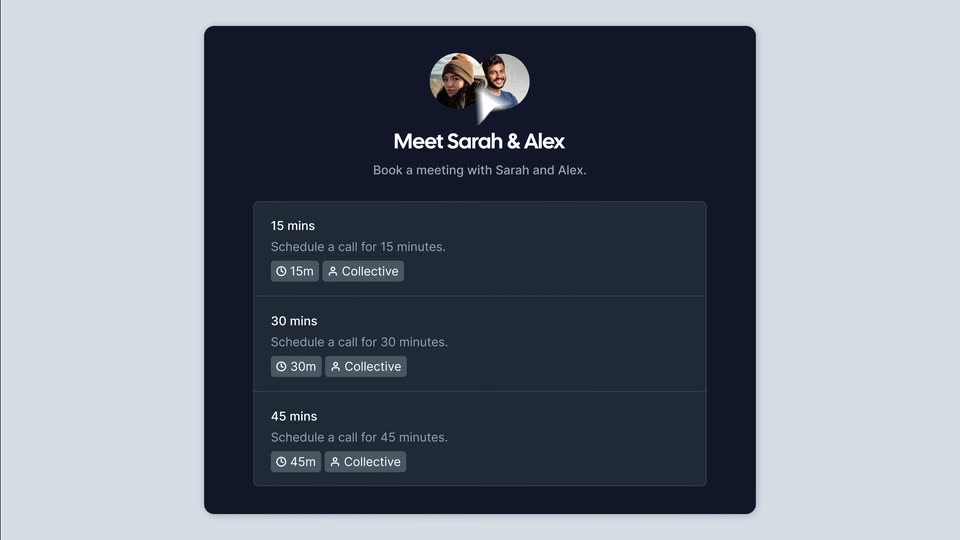 0:35–0:37Cal.com · Cal.com introducing Dynamic Group LinksA dark blue interface panel expands to reveal a meeting booking screen. A cursor clicks a plus icon next to two profile photos, then moves down a list of duration options.
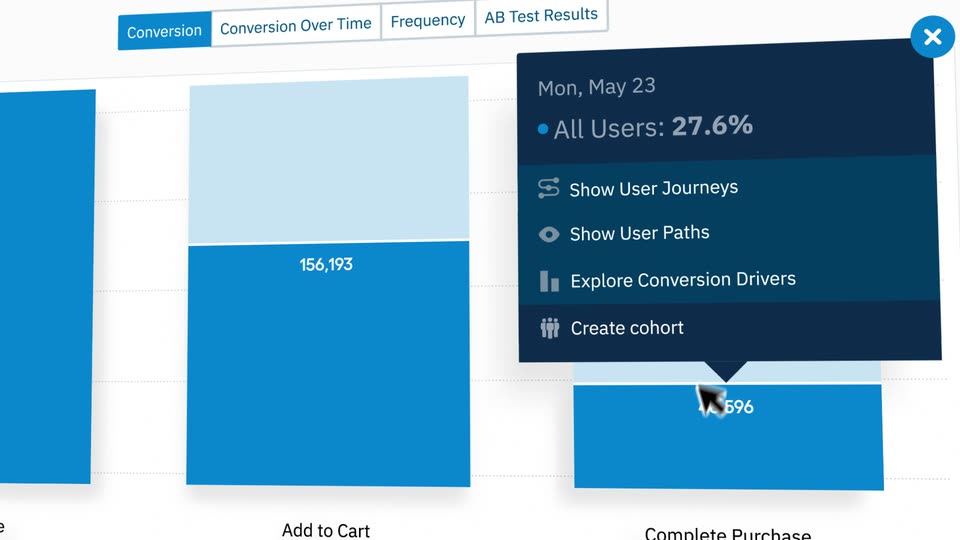 0:44–0:49Amplitude · Introducing Amplitude CDPA locked-off headline accompanies a blue conversion funnel chart. A cursor clicks the Complete Purchase bar, a dark menu drops in with user options, and the cursor rests on Create cohort before the view blurs and fades to white.
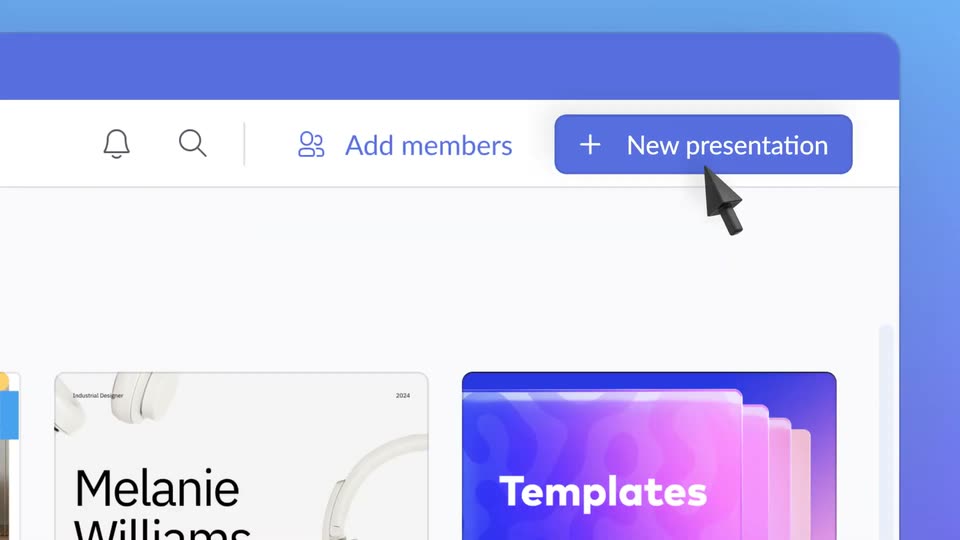 0:08–0:09Pitch · Introduction to Pitch | Create beautiful presentations with your teamA 3D cursor hovers over a blue New presentation button in close-up, then the view pulls back to reveal the full dashboard with a left sidebar and a grid of template cards below.
 1:09–1:10Boston Dynamics · No Time to Dance | Boston DynamicsA teal file list fills the frame, each row pairing a small landscape icon with the filename Thermal_thresholder_20220301_122311. A white arrow cursor hovers on a middle row while the list drifts upward.
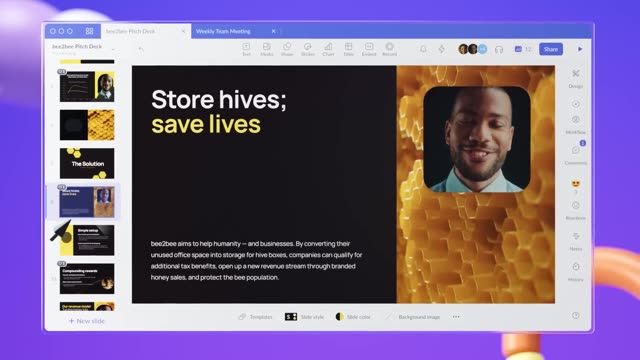 0:24–0:26Pitch · Introducing recordings | Turn presentations into expressive video narrativesA presentation app window floats over a purple 3D backdrop, showing a slide titled 'Store hives; save lives' with a man's photo on a honeycomb background. A cursor moves down the slide thumbnail panel on the left.
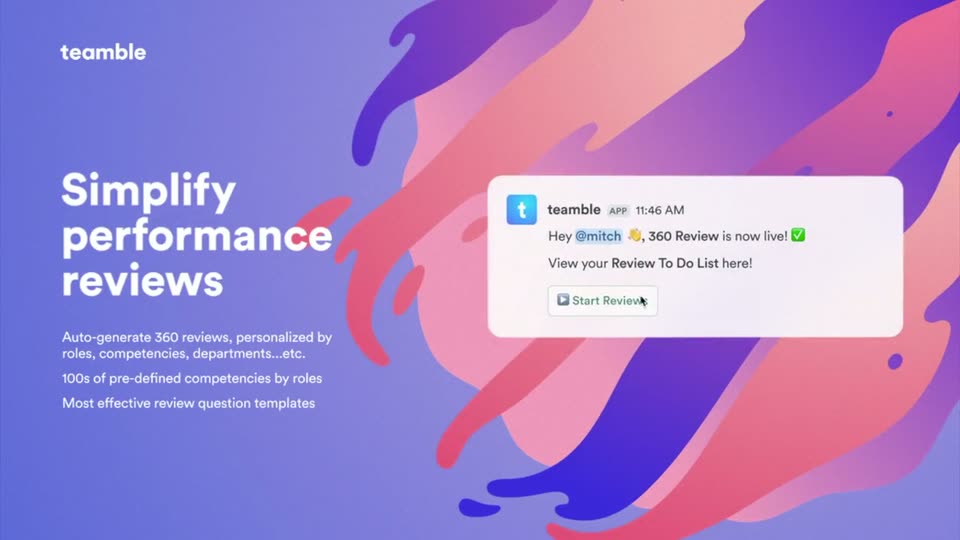 0:17–0:20Teamble · Teamble - 👋 Say hello to Teamble People Management Suite! 🚀 Launching our 3rdA purple gradient slide with abstract pink and orange paint strokes shows the white headline “Simplify performance reviews” and three lines of body copy on the left. A white messaging notification card fades in on the right as a cursor drifts down toward its button.
 0:35–0:37Discord · @Everyone Merch Collection Now AvailableA tight, angled close-up of a dark dialog on a screen, shallow focus on the blue Upload button and the cursor resting on it, with Cancel to the left and a smiley icon in the input field. Dust specks drift in the dark background as the frame holds.
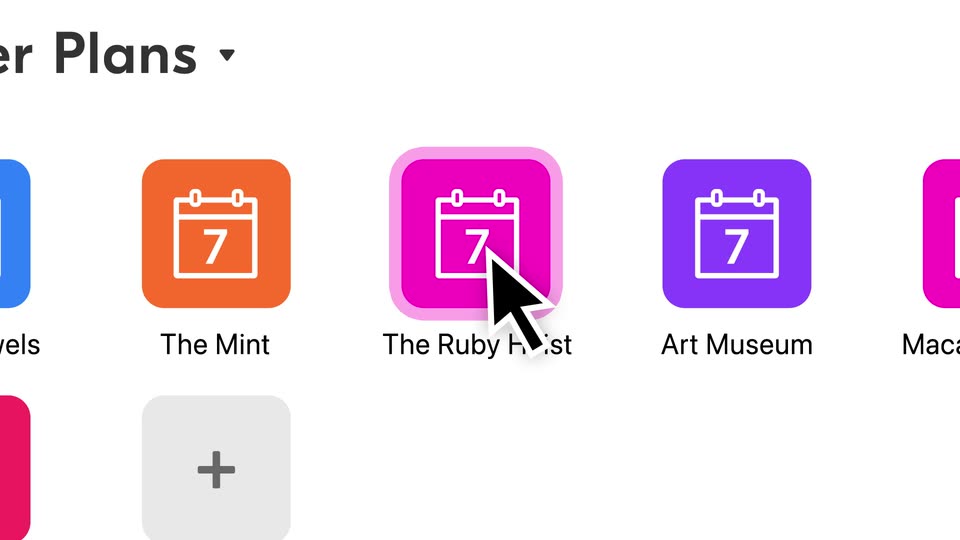 0:04–0:06Airtable · Airtable: introducing interface designerA 3D laptop on a desk shows the Airtable interface, then the view zooms into the Master Plans row. A black cursor glides to the pink Ruby Heist calendar tile, which lights up with a highlight ring.
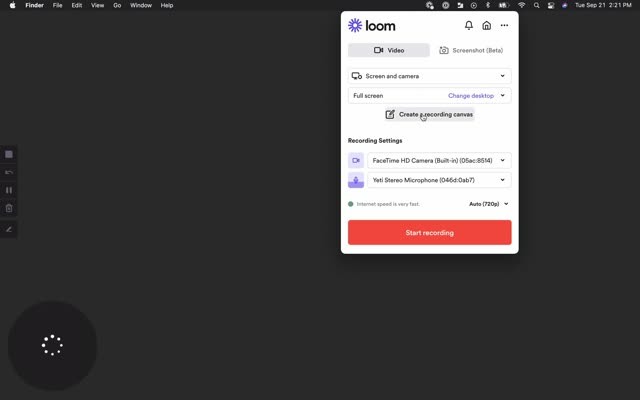 0:26–0:29Loom · Introducing CanvasOn a dark macOS desktop, the Loom recording window sits at the top right. The cursor glides down to the Create a recording canvas button, and a circular webcam preview of a man fades in at the bottom left.
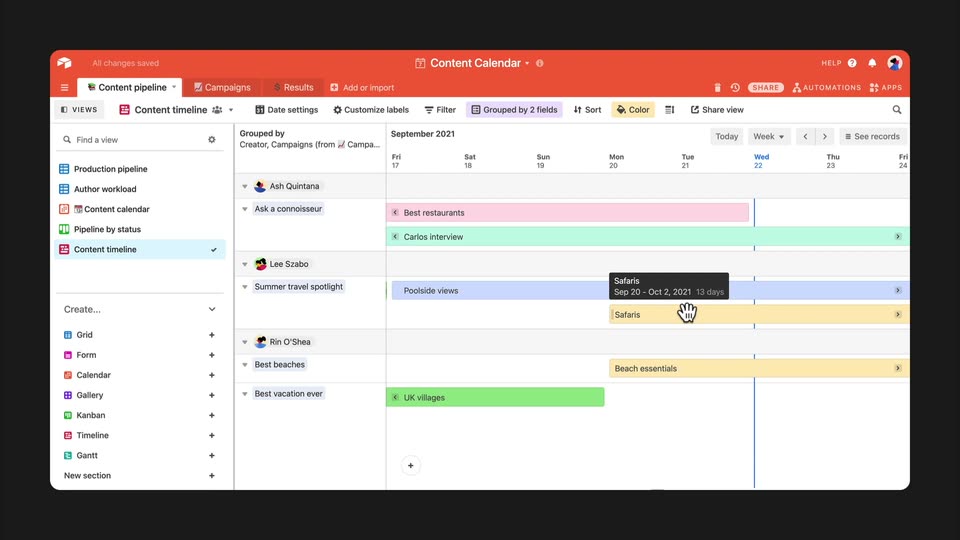 0:05–0:12Airtable · Introducing Timeline View | AirtableA flat Airtable timeline view fills the frame; a hand cursor drags a blue task bar across the week grid, a tooltip shows its new dates, then the shot cuts to the same screen on a 3D laptop mockup beside the Airtable logo.
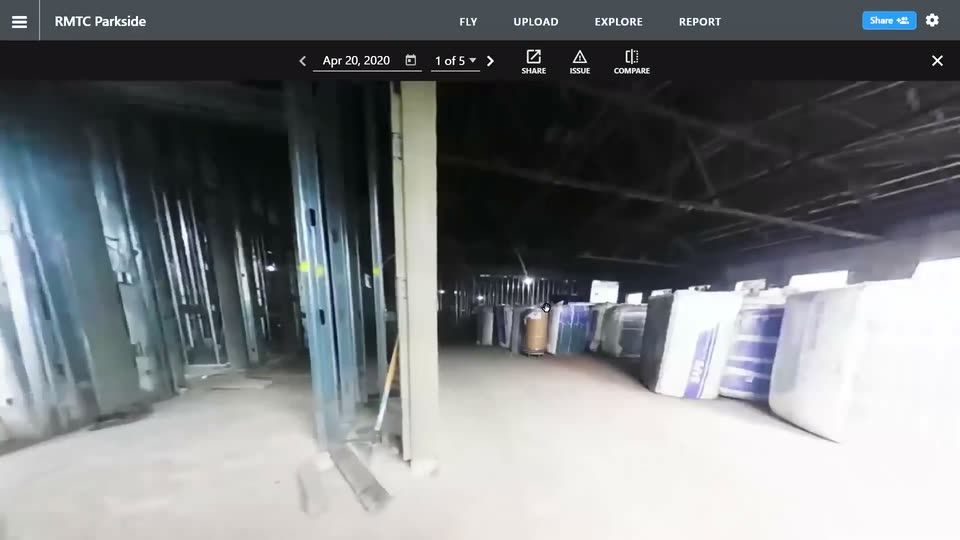 0:21–0:22Boston Dynamics · Spot on Site: Construction SolutionThe app's 360 viewer fills the screen beneath a dark toolbar. The panoramic construction interior whips around from a blurred worker in a hi-vis vest to a long corridor of steel framing and stacked material rolls. A cursor rests at the lower right.
 0:15 · 0.8sMicrosoft · Introducing Windows 365A blurred blue gradient fills the frame as a translucent grid panel tilts in 3D perspective on the right, a bright light streak sweeping across it, while a white arrow cursor hovers at left.
 1:06–1:08Microsoft · Introducing Windows 11A full-frame blue theme preview of soft flowing waves fills the screen while the white headline 'Stay productive' holds center. A mouse cursor drifts from the upper right toward the lower right, implying a theme is being selected.
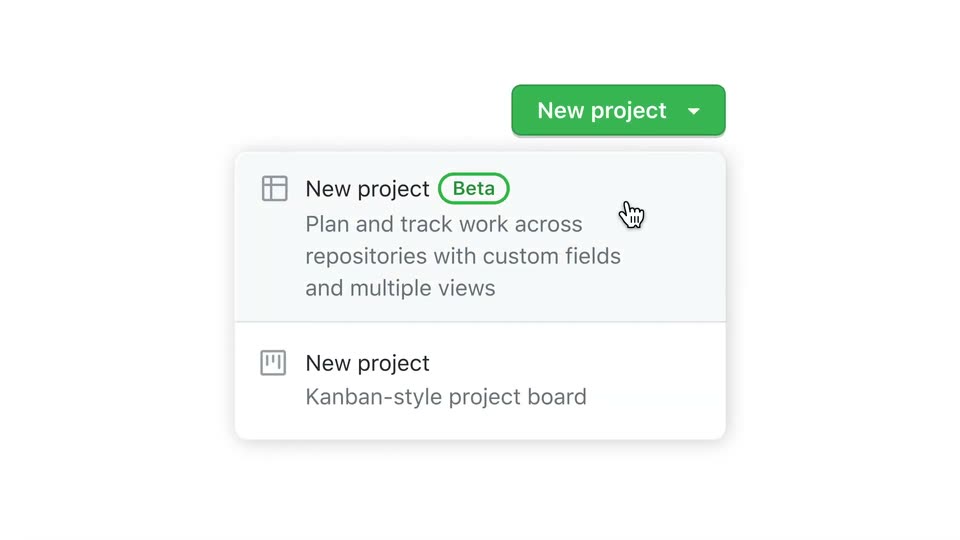 0:09–0:14GitHub · The new GitHub IssuesA green New project button with a dropdown caret starts large at center, then shrinks and slides to the top right as a cursor appears. The dropdown opens with two options, and a hand cursor hovers over the first item, highlighting it.
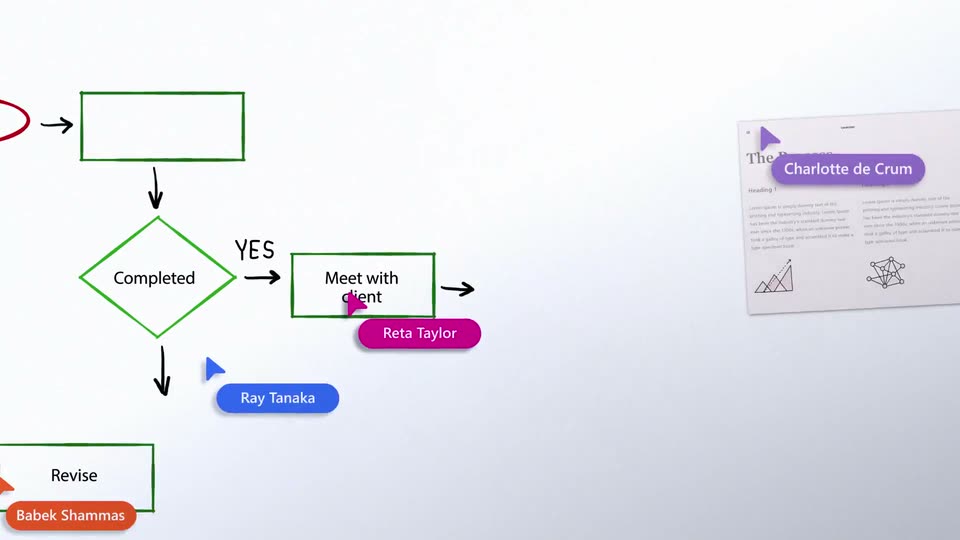 0:13–0:17Microsoft · Meet the new Microsoft Whiteboard designed for Hybrid WorkA hand-drawn flowchart on a whiteboard pans across as colored cursors with name tags glide over the shapes. Green boxes, a diamond and arrows link the steps, while a tilted document mockup sits at the right edge.
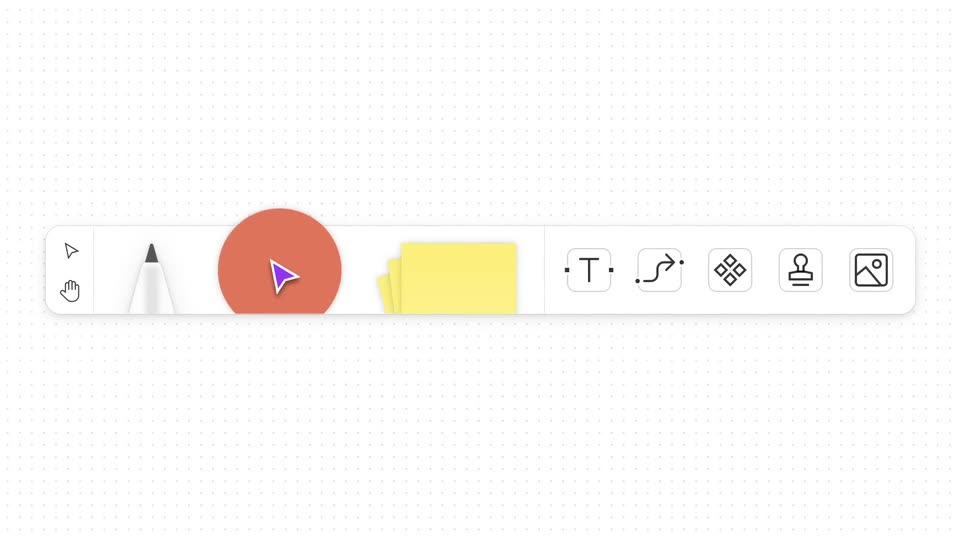 0:01–0:04Figma · Welcome to FigJamA white dot-grid canvas frames a centered FigJam toolbar. A purple cursor glides onto the orange shape icon and clicks it, the half-circle expanding into a full circle beneath the pointer.
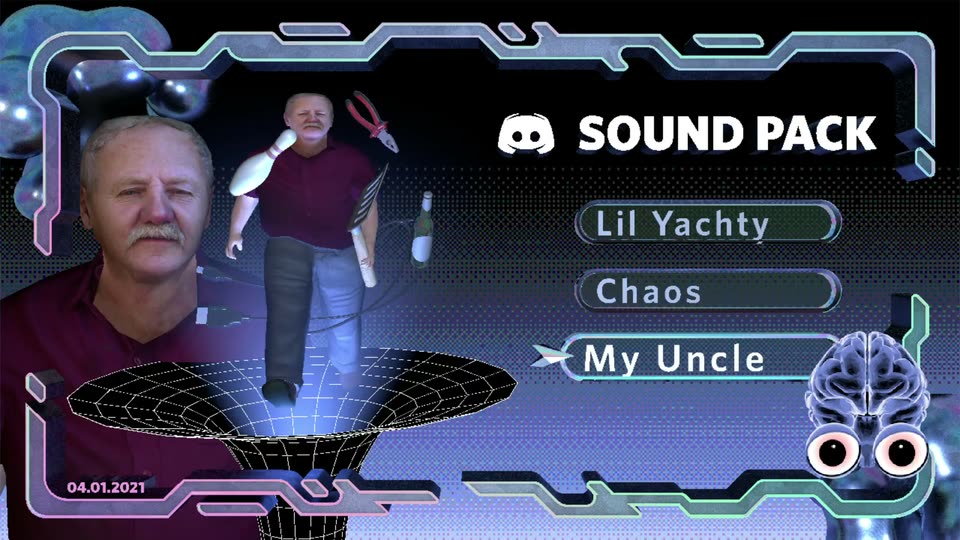 0:49–1:02Discord · Announcing Discord Sound Packs ft. Lil YachtyA Discord menu lists three sound packs, a cursor pointing at My Uncle. A looping clip of a man with a pitchfork stands on a wireframe funnel, his face fading in large at left, a 3D brain with googly eyes blinks right. The panel shrinks into an app window.
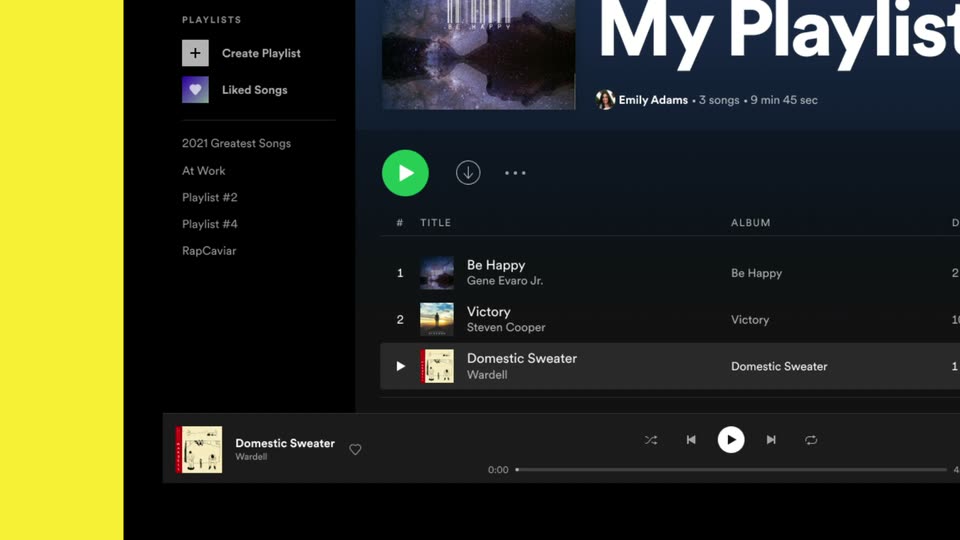 0:21–0:26Spotify · Introducing a New Spotify Experience Across Desktop App and Web Player — SpotifyA cursor lifts the now-playing track from the bottom bar and drags it up into the playlist, dropping it as the third row. The view then pulls back to show the interface on a tilted tablet against a yellow field.
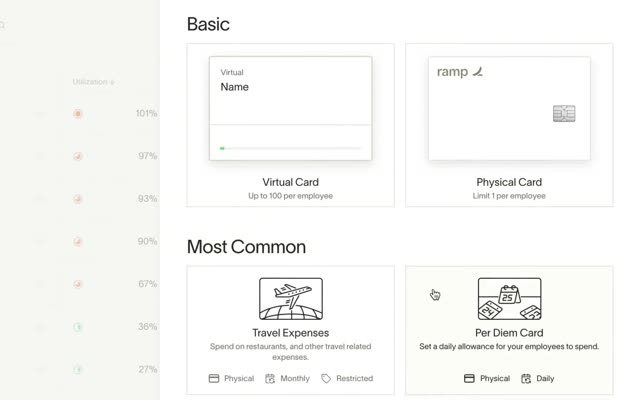 0:07–0:08Ramp · Meet Ramp: The finance automation platform that saves you time & moneyA light settings screen shows a utilization list on the left and four card templates under Basic and Most Common headings. A hand cursor moves to the Per Diem Card, which gains a highlighted border.
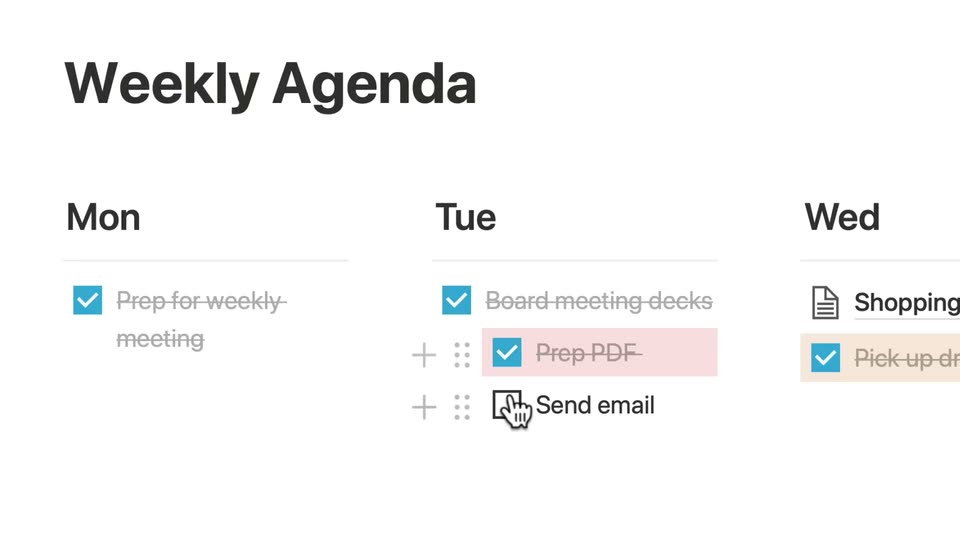 0:36–0:39Notion · What is Notion?A Notion board titled Weekly Agenda shows Mon, Tue, Wed columns; a hand cursor checks off tasks under Tue, turning them gray with strikethrough. The view cuts to a Tasks table listing projects with priority and sprint tags.
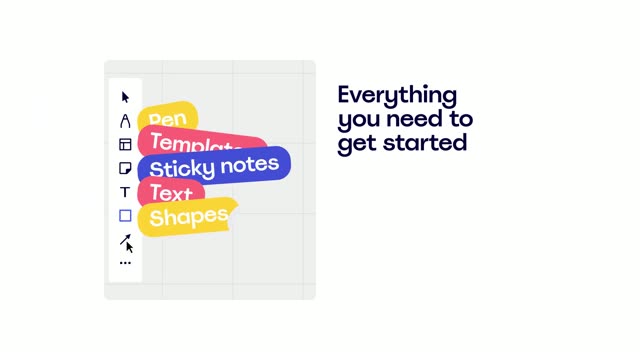 0:14–0:22Miro · Meet Miro Lite, the free online visual workspace for teamsA flat whiteboard canvas with a left icon toolbar sits beside the headline. A cursor steps down the toolbar, and as it hovers each icon a colored pill label pops in: Pen, Templates, Sticky notes, Text, Shapes, Connection lines. The stack of labels and the headline then fade out.
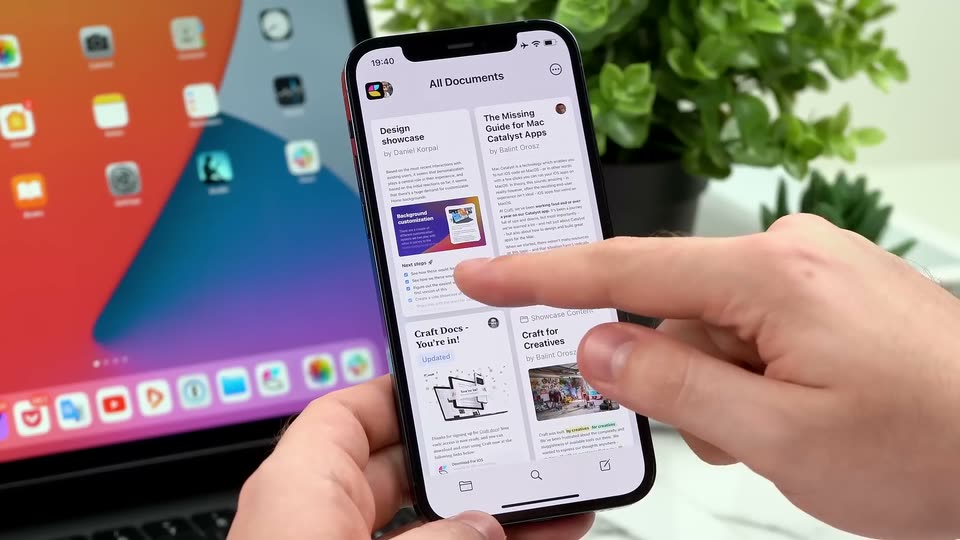 1:27–1:28Craft · Introducing Craft for iPhone, iPad, and MacA hand holds a phone showing a two-column document feed while a second finger swipes up to scroll the cards. A laptop desktop and a potted plant sit softly blurred in the background.
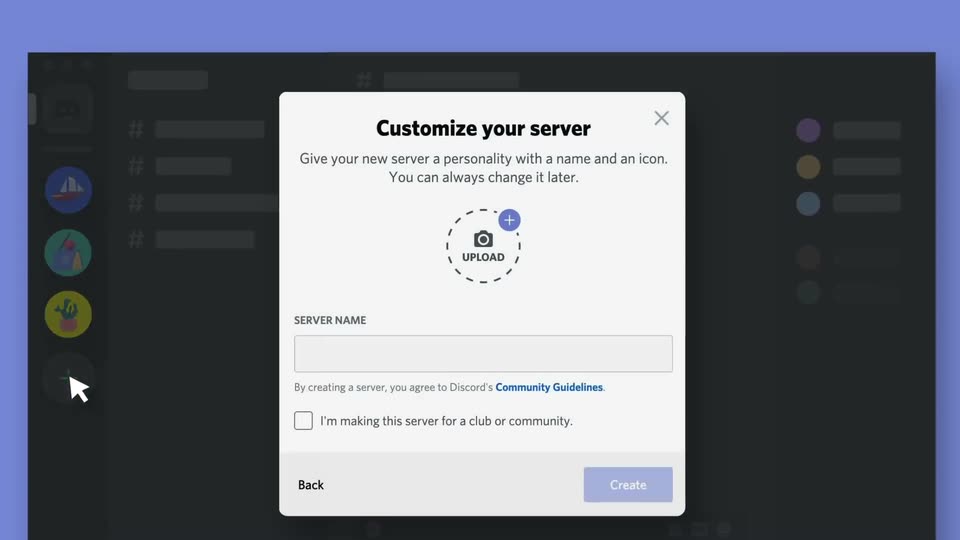 0:18–0:19Discord · How Discord Works in 148,000 Miliseconds or LessA dark chat app window with a server rail; the cursor rests on the green plus icon, showing an 'Add a Server' tooltip. The interface dims as a 'Customize your server' dialog scales in at center, with an upload circle and a name field.
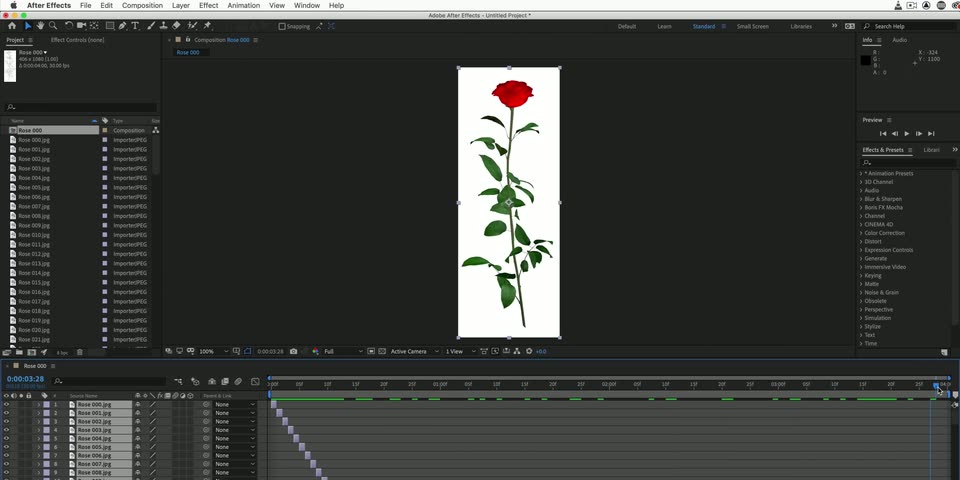 0:17–0:19Webflow · Webflow University 2.0: Learn web design, development, and time travel — visuallyFull-screen After Effects workspace. A cursor drags the playhead right along the timeline, and in the central comp panel a vertical white card shows a rose filling from a gray line sketch into a saturated red bloom with green leaves. Image layers stack in the timeline below.
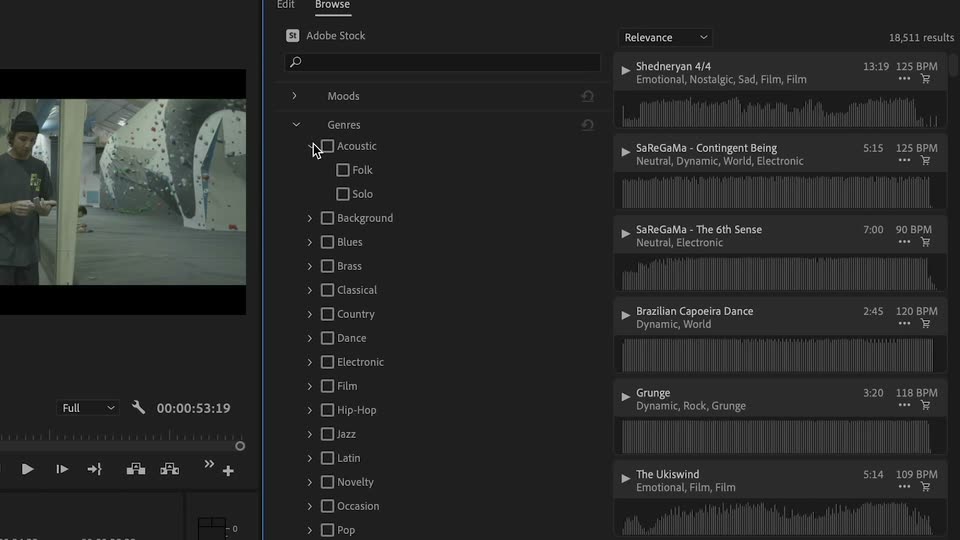 0:12–0:24Adobe · New in Premiere Pro - Introducing Adobe Stock Audio | Adobe Creative CloudThe Premiere Pro interface pans right, then reframes on the Essential Sound Browse panel. A cursor expands the Moods and Genres filter lists, then hovers the tempo slider while a climbing clip plays in the monitor.
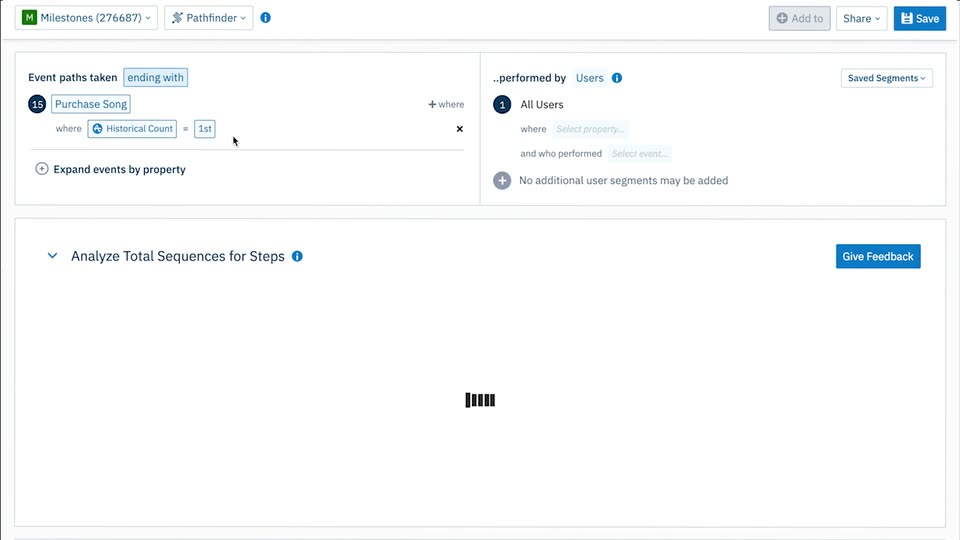 0:56–1:01Amplitude · Milestone AnalysisA Mixpanel Pathfinder screen. A cursor clicks the 'starting with' dropdown and selects 'ending with'; the step badge jumps to 15 and the bar chart clears into a loading spinner as the view scrolls down to the bottom toolbar.
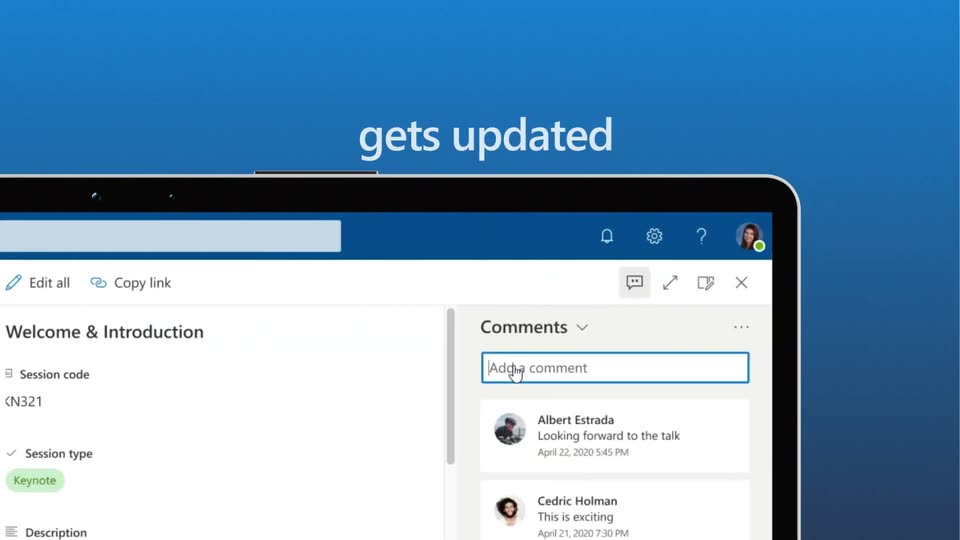 0:23–0:24Microsoft · Announcing Microsoft Lists - a new Microsoft 365 app to track information and organize workA laptop mockup in 3D perspective shows the Microsoft Lists app against a blue gradient. The white headline swaps from needs attention to gets updated while the interface pans right to reveal the Welcome & Introduction detail panel and its Comments list.
 0:27–0:28Miro · Introducing Miro for meetings and workshopsA white rounded bar pops into the center of a plain light background, holding three ringed avatars and a gray +5 circle. A blue cursor arrow with motion lines slides in at the left edge, while a small orange Kevin tag bobs below the bar.
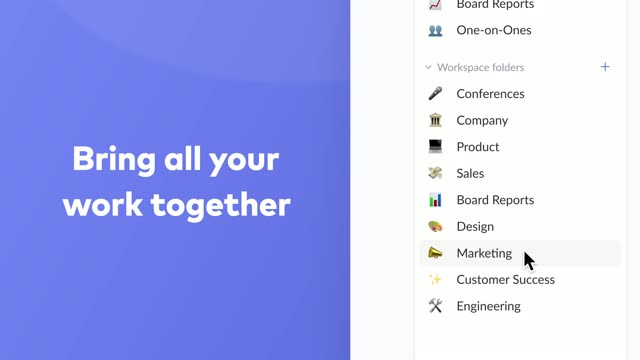 0:06–0:11Pitch · A first look at PitchA presentation app screen, showing a grid of colorful slide thumbnails, floats on a blue backdrop. The card eases into a slight 3D tilt while the background drifts, giving a layered parallax feel.
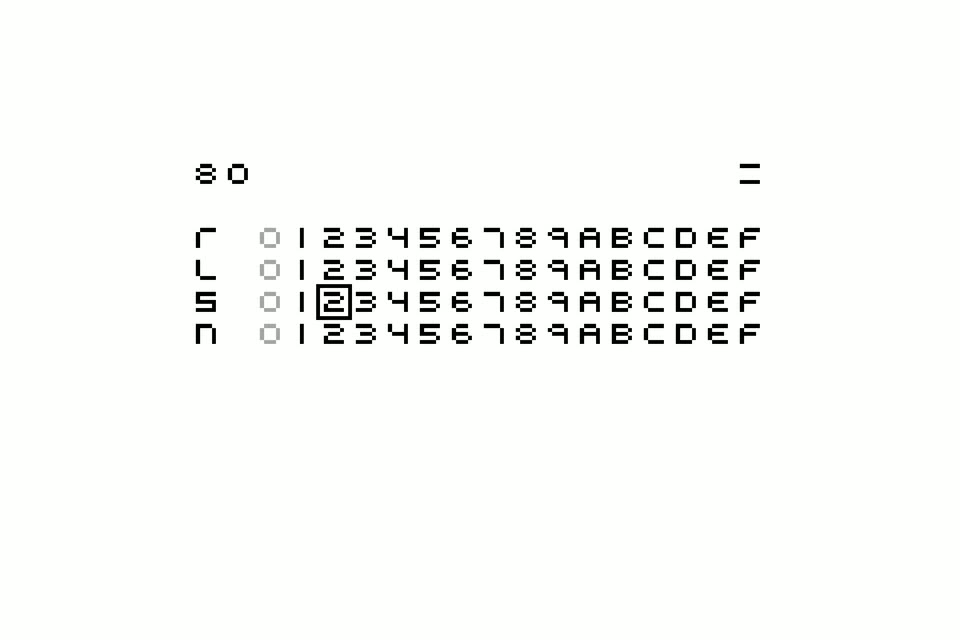 0:23–0:27Analogue · Nanoloop for Analogue PocketA pixel-art value picker on white shows four rows of hex digits while a selection box steps down the rows. At 3s it cuts to a 4x4 grid of green squares with small corner pixels and a row of tool icons below.
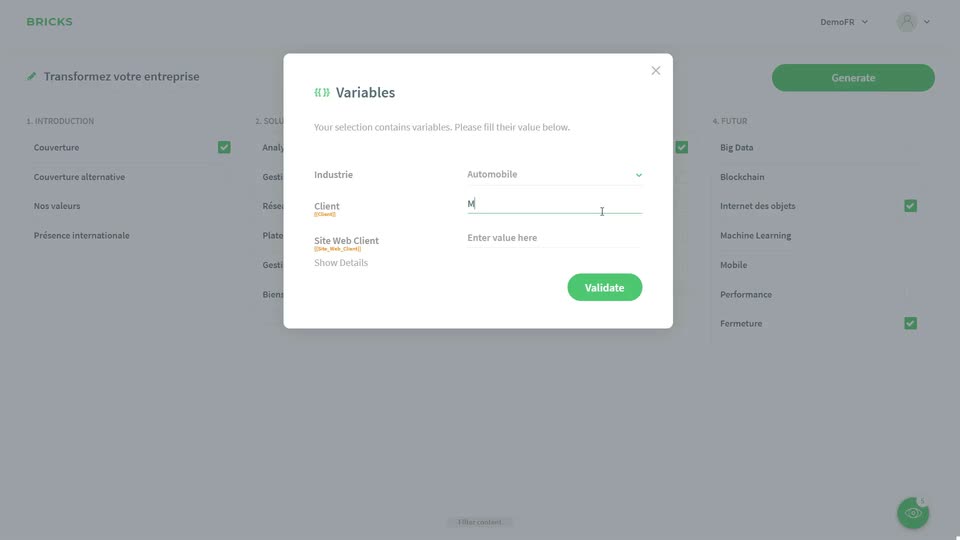 0:15–0:22Bricks.AI · Bricks.ai - Accélérez vos ventesA dimmed dashboard sits behind a white Variables modal. A cursor opens the industry dropdown, picks Automobile, then types Michelin and michelin.com into the client fields before pressing the green Validate button.
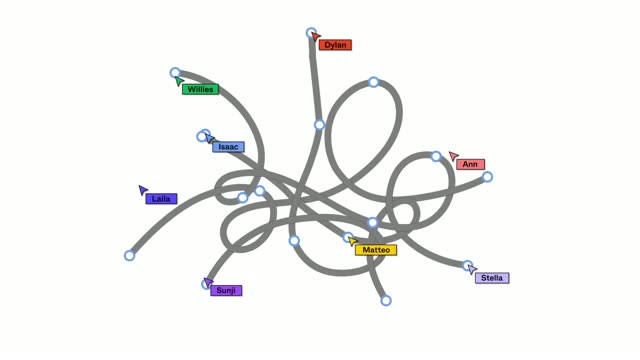 0:37–0:44Figma · What's Figma? [2019]A plain white canvas fills the frame as eight named cursors glide in smooth arcs, each leaving a persistent gray curved trail behind it. The trails grow, cross and loop until they form a dense tangle, and the cursors settle at the ends of their paths as the frame locks off.
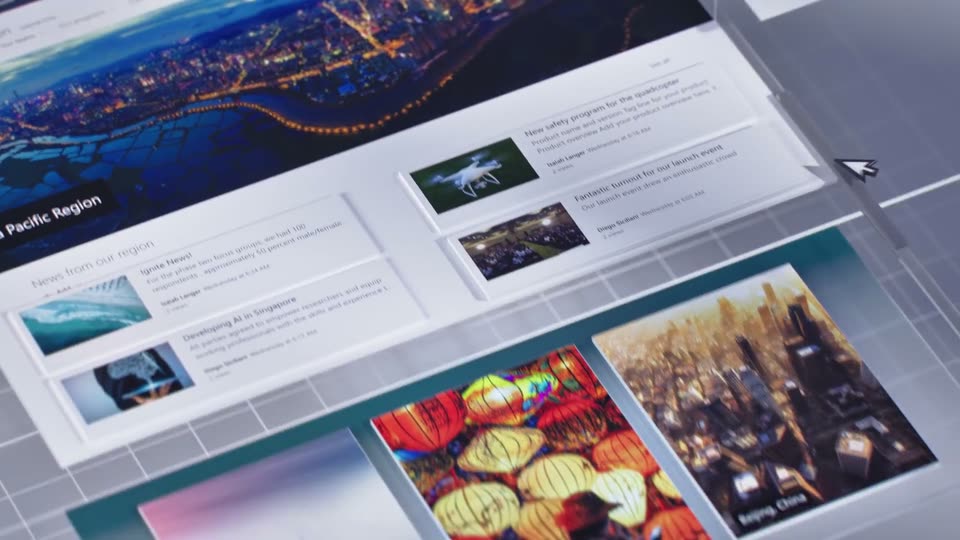 0:21–0:24Microsoft · New SharePoint innovationsA tilted 3D mockup of a corporate webpage floats over a gray grid floor, showing a night-city hero image, article cards and a links sidebar. The camera pushes in on a white text card while a black cursor arrow hovers at its corner.
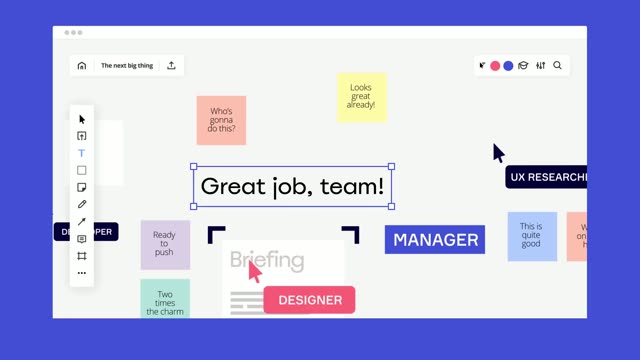 0:39–0:41Miro · Say hello to MiroA flat design-tool window on a blue field zooms out from the selected Great job, team! text to a board of sticky notes, a briefing card and collaborator tags. A red cursor hovers the briefing as comment badges appear and a pencil draws at the top.
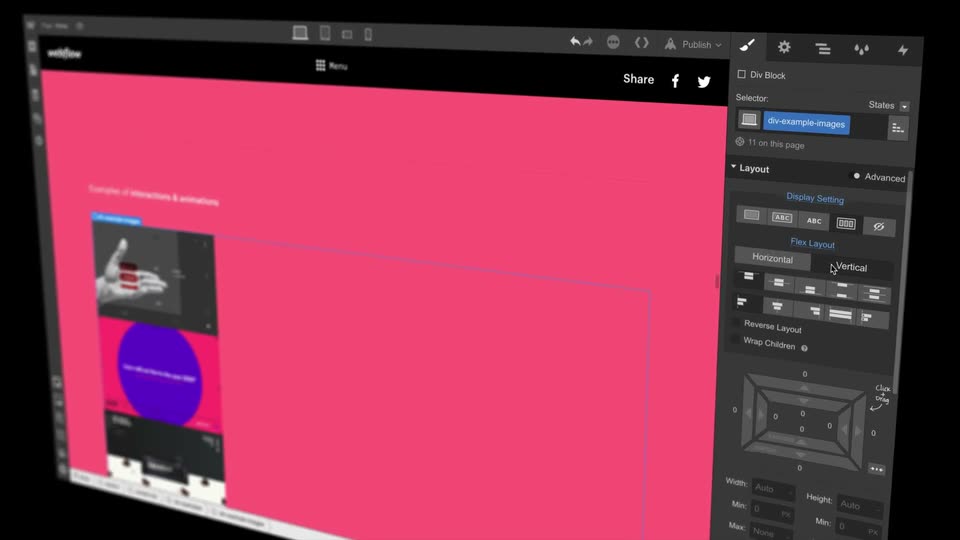 0:05 · 0.5sWebflow · Meet the design tool from the future — WebflowA Webflow editor screen sits in 3D perspective against a black background, tilted to the left. A pink canvas holds a few design blocks while a cursor rests on the Vertical layout button in the right panel.
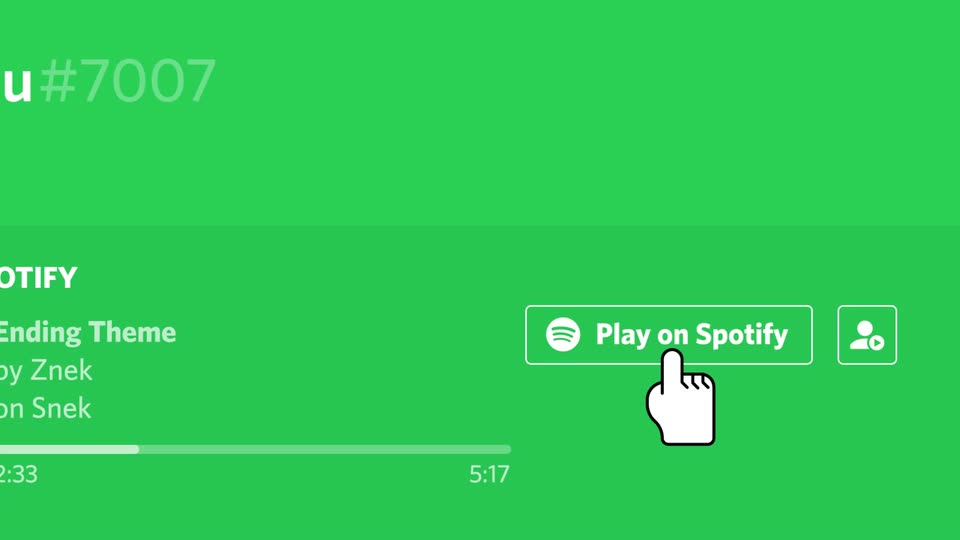 0:15–0:16Discord · Spotify is now available on DiscordA green player screen shows a track row with a pixel-art thumbnail and a progress bar that advances. A white hand cursor points at the Play on Spotify button as the view pans right, centering the button.
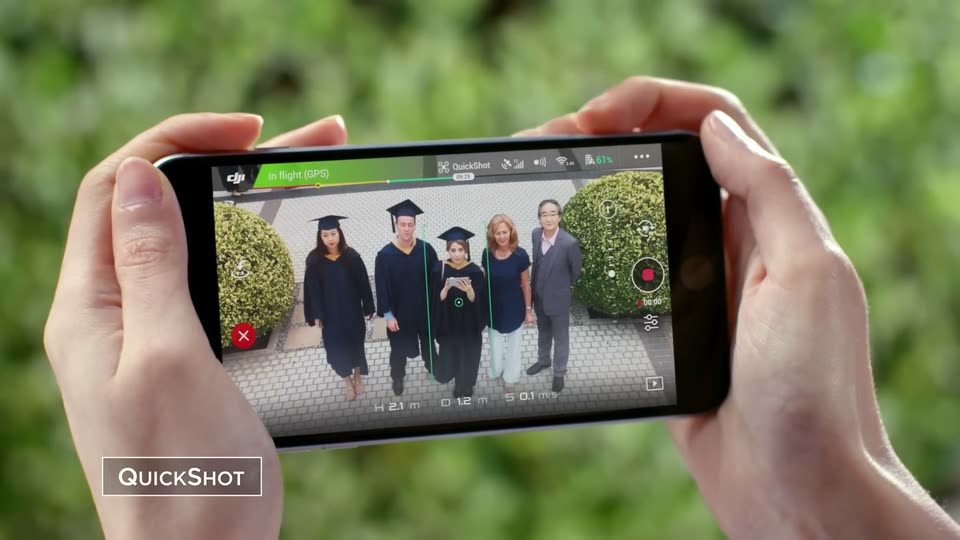 1:18–1:20DJI · DJI - Introducing SparkTwo hands hold a phone in landscape against a blurred green background. The screen shows a drone live view of graduates and a row of flight mode buttons. A thumb taps a button, and the view reframes onto the subjects with a green tracking box.
 0:38–0:40Google · Gboard: now available for AndroidA white phone frame holds a grid of colorful app icons. A real finger taps the WhatsApp icon, then the view cuts to a chat screen with two message bubbles, where the finger taps a letter on the on-screen keyboard.
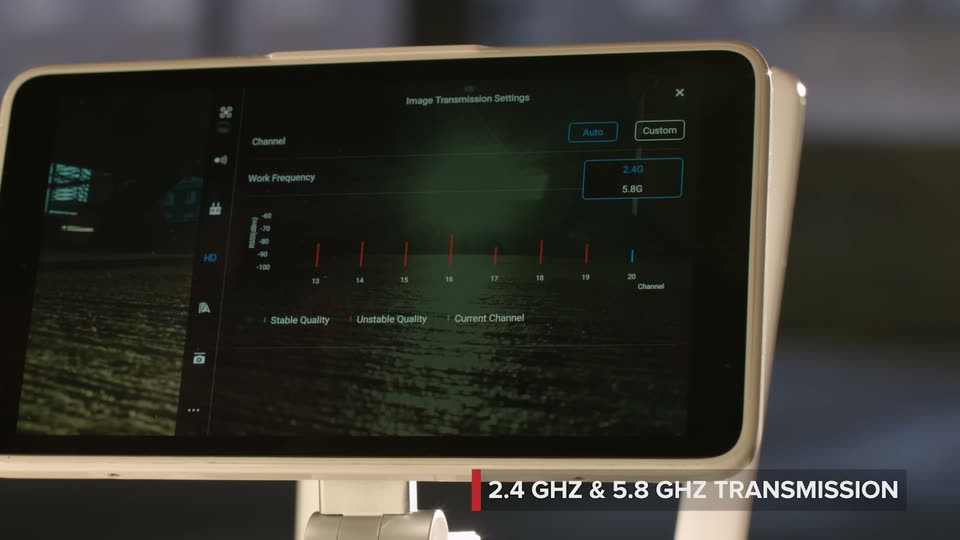 1:58–2:01DJI · DJI – Introducing Phantom 4 ProA tilted tablet on a stand displays the Image Transmission Settings menu; a finger taps the Custom button and moves away, revealing the channel graph. A lower-third caption reads 2.4 GHZ & 5.8 GHZ TRANSMISSION.
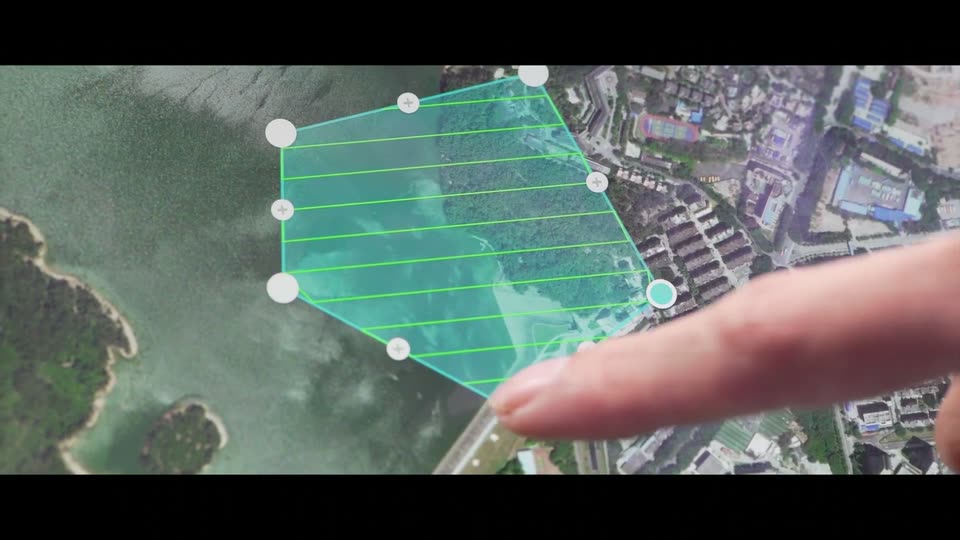 1:50–1:53DJI · DJI - Introducing the N3A fingertip on a screen drags the white corner handles of a translucent green polygon over a satellite map, stretching the shape and its horizontal green lines. The frame stays locked while the selection resizes.
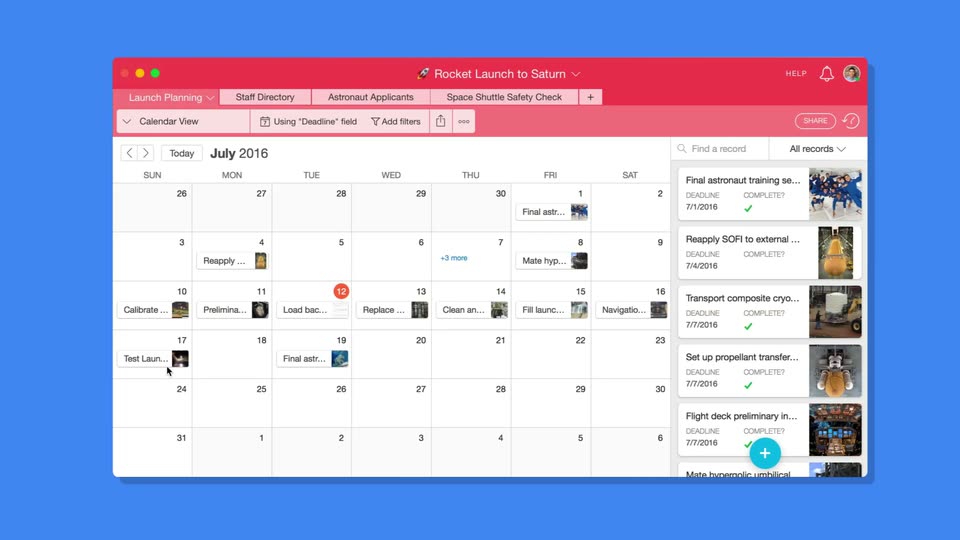 0:26–0:27Airtable · Meet AirtableA red-topped browser window for a 'Rocket Launch to Saturn' calendar floats on a flat blue field, racking from heavy blur to sharp focus. It shows a July 2016 grid with task chips and a right-hand records list, a cursor resting on the 17th.
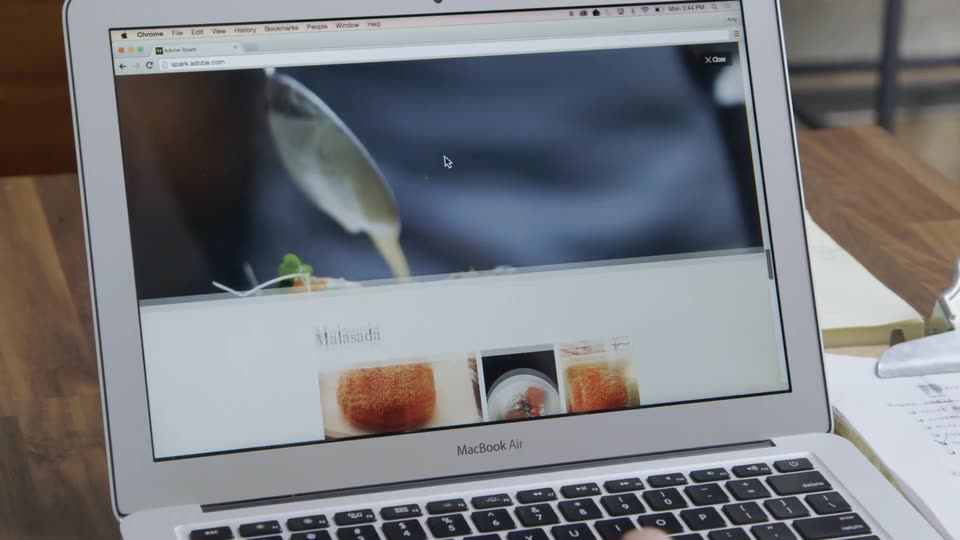 0:39–0:40Adobe · Meet Adobe Spark | AdobeA locked-off shot of a silver MacBook Air on a wooden desk, its screen showing a restaurant website. The hero image of plated food gives way to a white panel sliding up with the word Malasada and two dish thumbnails, a cursor resting on the display.
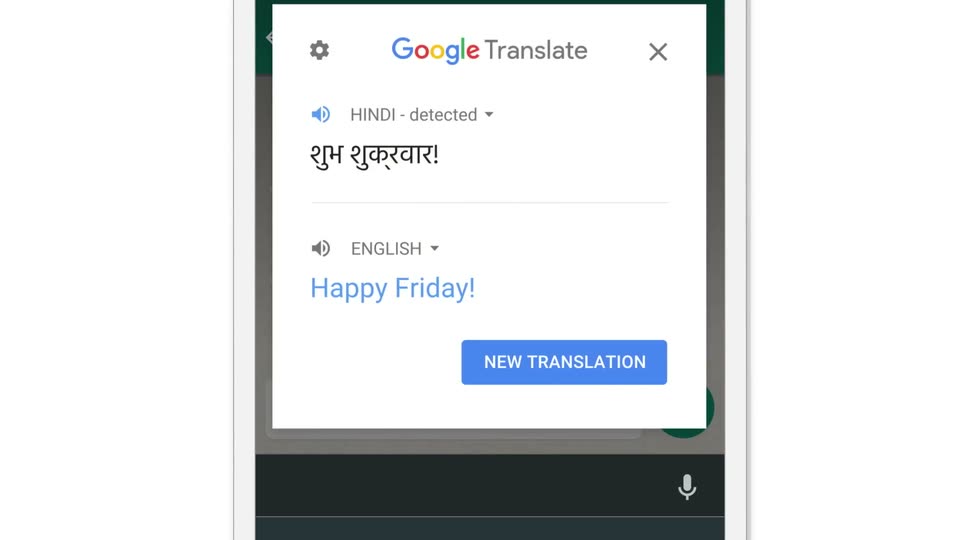 0:49–0:56Google · Introducing Tap to TranslateClose-up of a phone screen, locked off. A live-action finger taps the translate icon in a group chat, opening the Google Translate panel with a Hindi message translated to English. The finger taps the speaker icon, then the NEW TRANSLATION button.
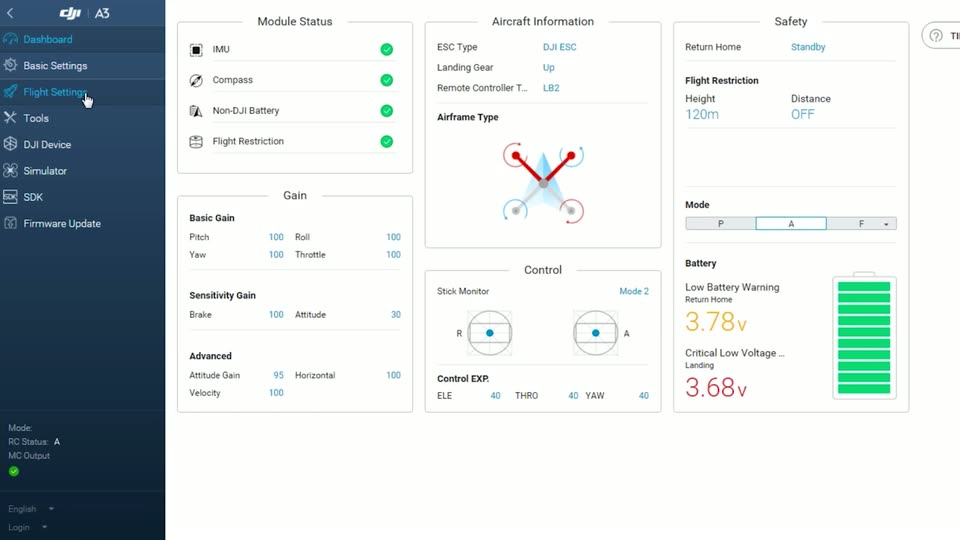 1:41–1:43DJI · DJI – Introducing the A3 and A3 ProA settings dashboard fills the frame, a dark left sidebar listing menu items beside white status panels. A cursor glides down the sidebar and clicks Flight Settings, and the view fades to a blank new page.
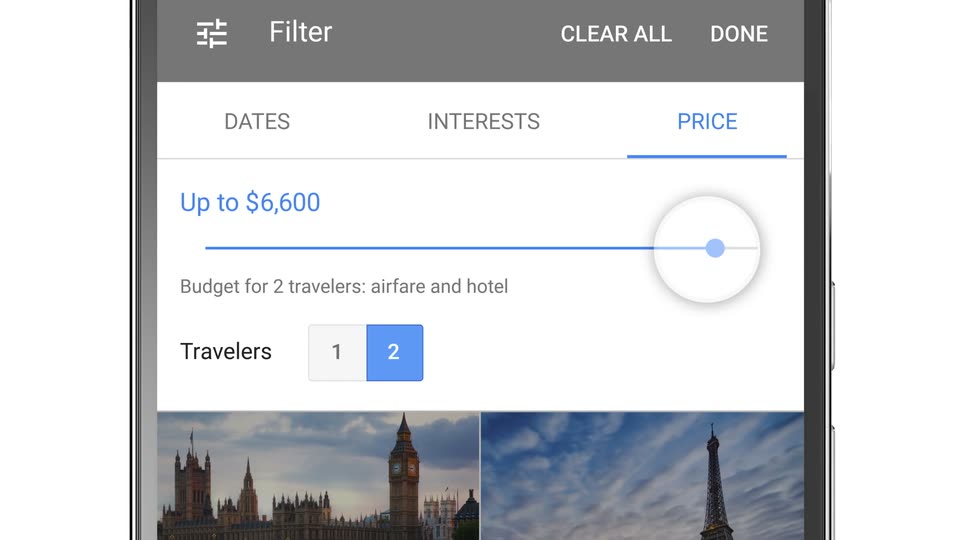 0:22–0:30Google · Introducing Destinations on GoogleA phone in 3D perspective shows a travel filter screen. A white touch dot taps the timeline, sliding the blue range to June, then taps PRICE as the panel crossfades to a slider. The dot drags the handle to $6,200, selects 2 travelers, and taps DONE.
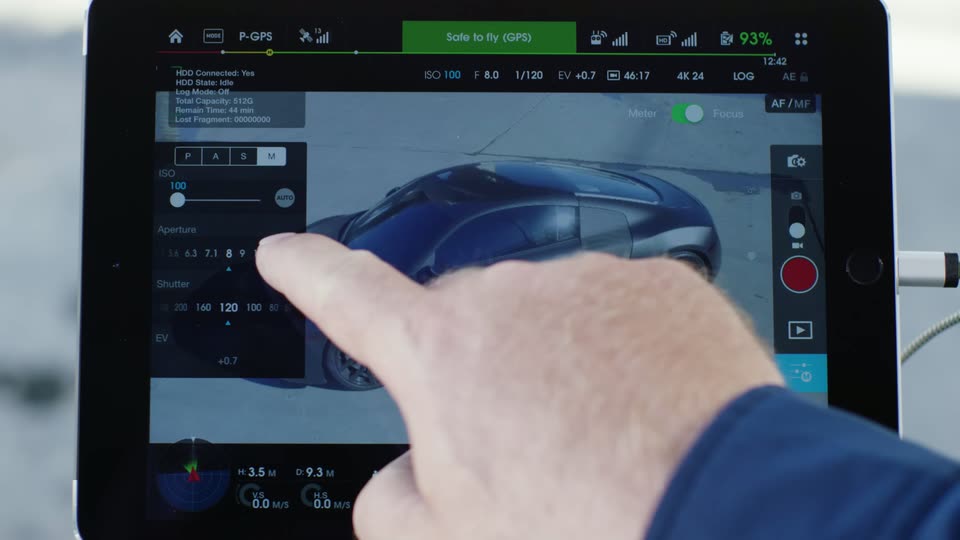 1:03–1:05DJI · DJI - Introducing the DJI Zenmuse X5 SeriesA close-up of a tablet held in hand shows the drone app's live view of a blue sports car. A finger taps and slides the Aperture control, raising the value from 8.0 to 10.0 while the camera feed stays steady.
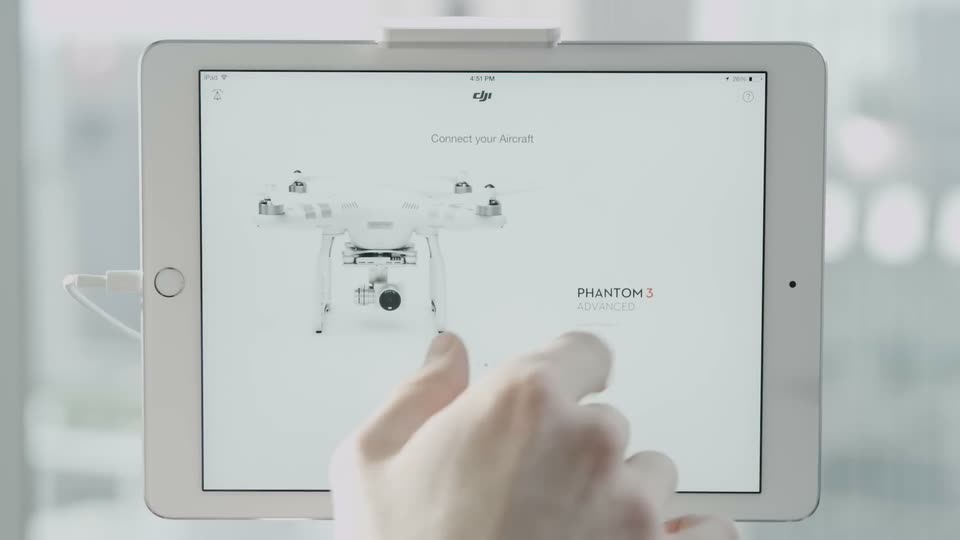 0:29–0:35DJI · Introducing the all-new DJI GO mobile appA white tablet on a stand, front-on against a bright blurred room, shows the DJI app. A finger swipes left across the screen, cycling the centered aircraft image and its label from Inspire 1 through Phantom 3 Professional and Advanced to Matrice 100.
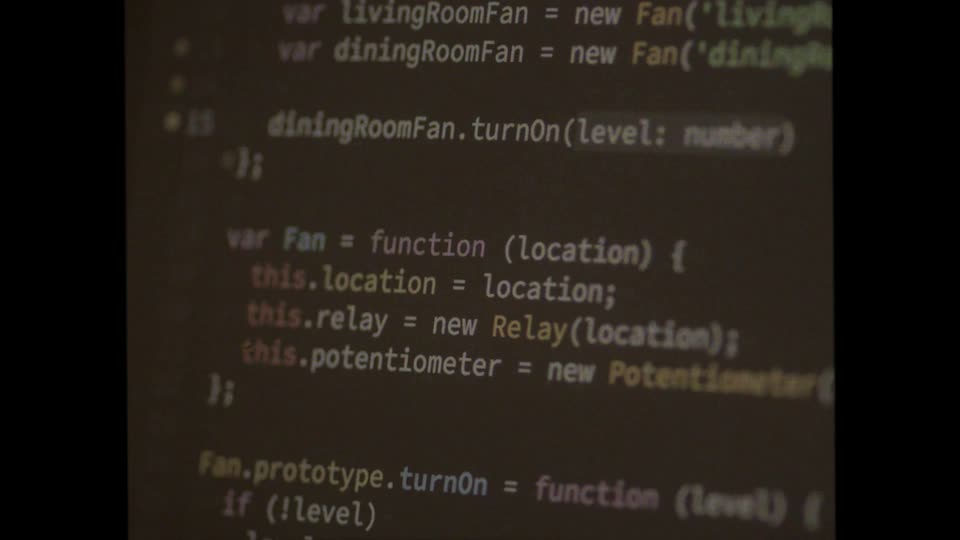 0:33–0:36GitHub · Introducing Atom 1.0!A dark code editor holds a block of JavaScript. After a brief crossfade, the line diningRoomFan.turnOn(level: number) types out character by character with a caret, then the frame locks on the full code.
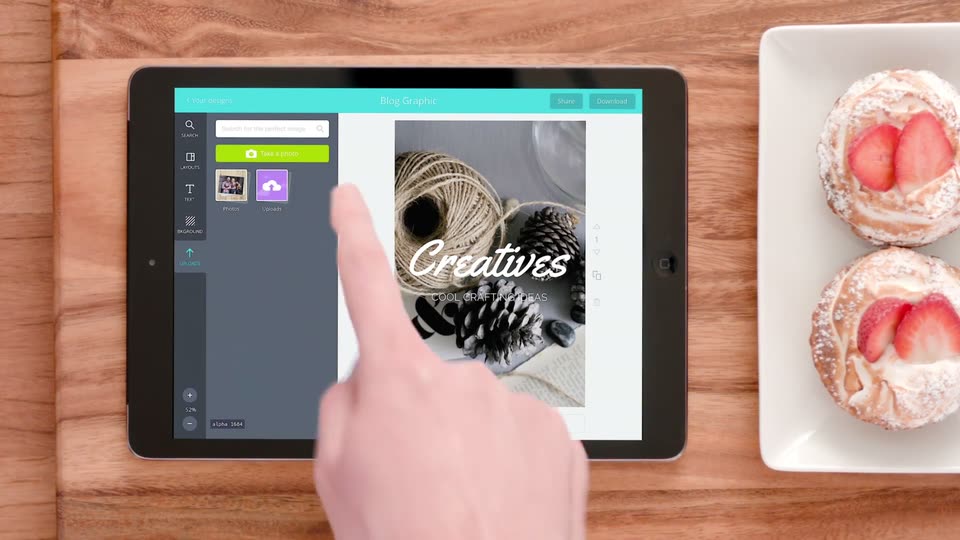 0:18–0:21Canva · Beautiful Design on the iPad — Introducing the Canva AppLocked-off top-down view of a tablet on a wooden table beside a plate of strawberry pastries. A finger taps the sidebar, switches to the uploads panel, then taps and swipes the blog graphic on the canvas.
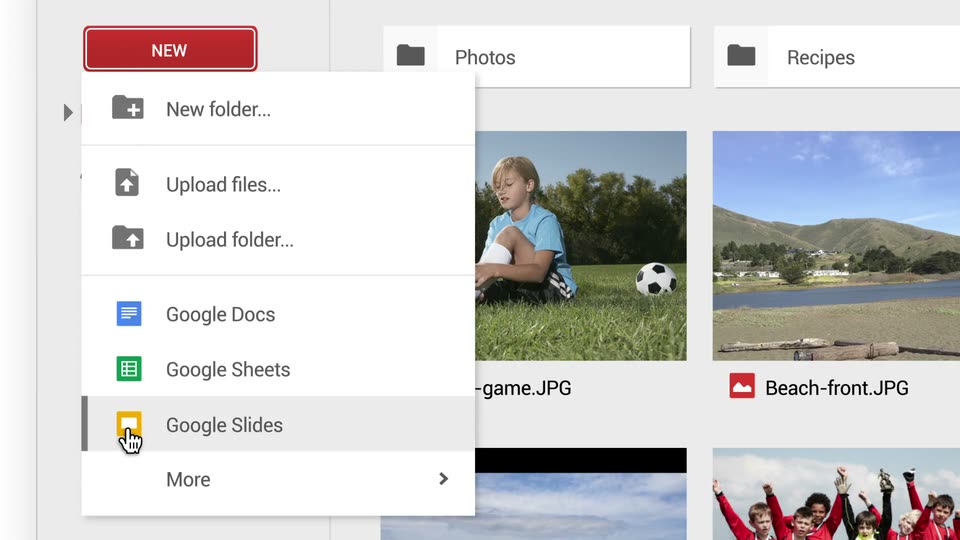 0:09–0:21Google · Meet the new Google DriveThe Google Drive file grid fills the frame, then the view zooms onto the red New button at the top left. A cursor clicks it, opening a dropdown menu, then selects More to reveal a second menu of apps.
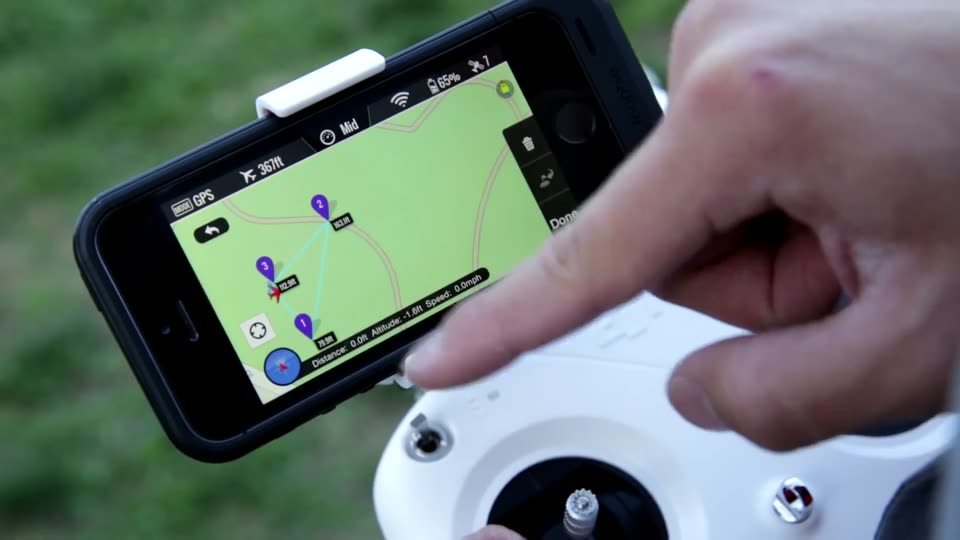 0:30–0:31DJI · DJI - Introducing Ground Station for the Phantom 2 Vision SeriesA close-up shows a phone clamped to a white drone controller, its screen displaying a green map. A finger taps and drags across the map, drawing a route line past numbered waypoints, while blurred grass fills the background.