Cursor demo
A visible cursor operates the interface.
15,093 scenes · page 89 of 252
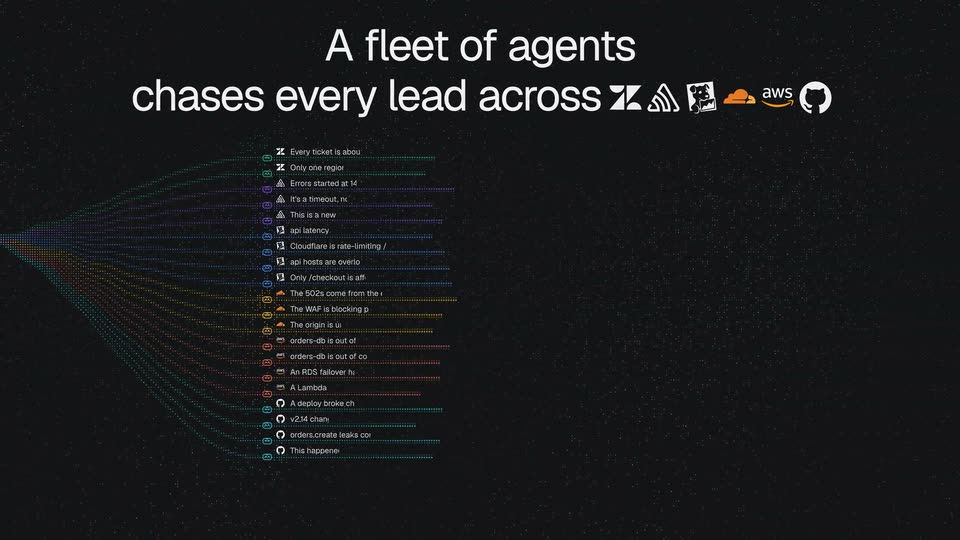 0:08–0:11Polylane · Polylane: fleet darkA chat card with a green Start fleet button and a cursor slides off left. A dotted network fans out to a vertical column of labeled lead nodes on the right. The white headline A fleet of agents / chases every lead across reveals at top, ending in service logos.
 0:07–0:08Pulse · Psst, dark mode is here. If you're running youtube lead gen offers then you need to setup some tracking for your content, because YouTube dashboard only tells views. Pulse makes it easy by giving… | PulseOn a dark dot-grid background, three white rounded-square icons (X, YouTube, globe) are joined by thin curved lines with node dots. A hand cursor hovers as a search panel listing integrations pops in beside them, then disappears.
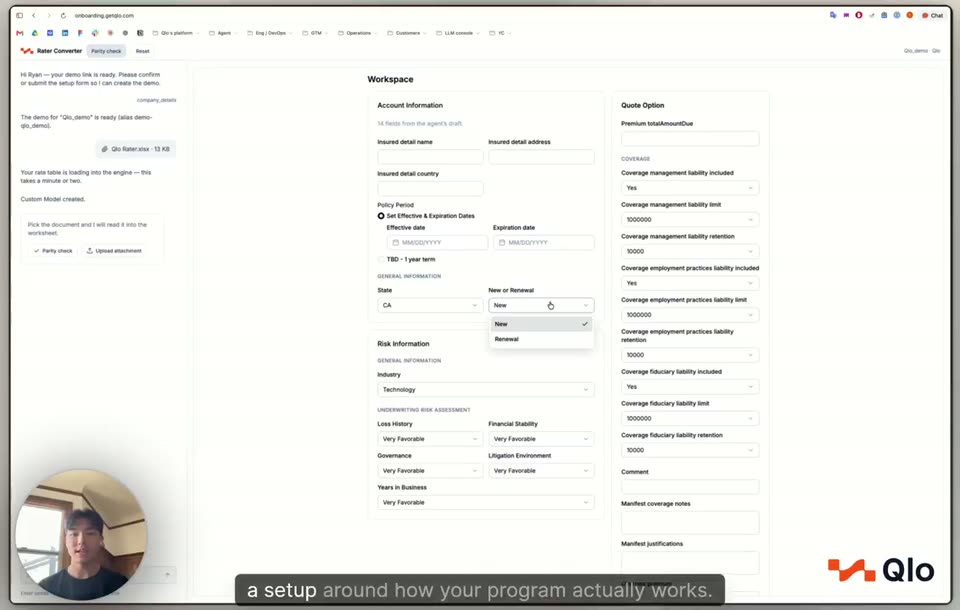 0:38–1:01Qlo · Your rater shouldn’t take months to implement. Today, we’re launching Qlo’s Rater Converter. Give it an existing Excel rating file. It turns that file into a working digital rater inside Qlo while… | Ryan HuA static browser view of the Cloak Rate Converter workspace: chat panel left, form middle, quote panel right. A circular webcam of the presenter sits bottom left, the Qlo logo bottom right. White captions in a dark bar cycle across the bottom while the cursor opens a dropdown.
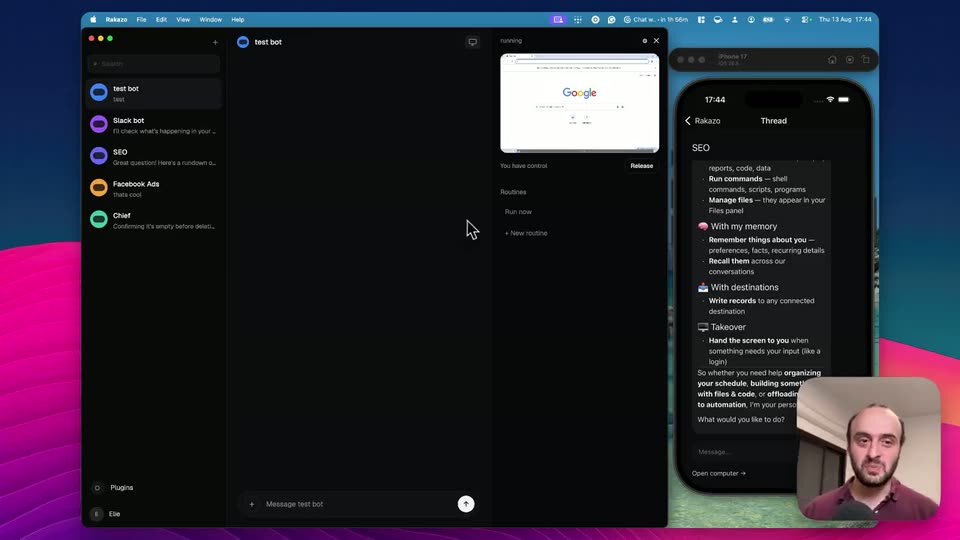 0:20–0:24Rakazo · Eliezer Steinbock | SpaceXAI | 27 likes · 6 commentsA dark chat window sits empty beside a bot list. A control panel slides in from the right, showing a live Google page and routine options, as a cursor drifts into the page's search field. A phone mockup and a small presenter video hold the right edge.
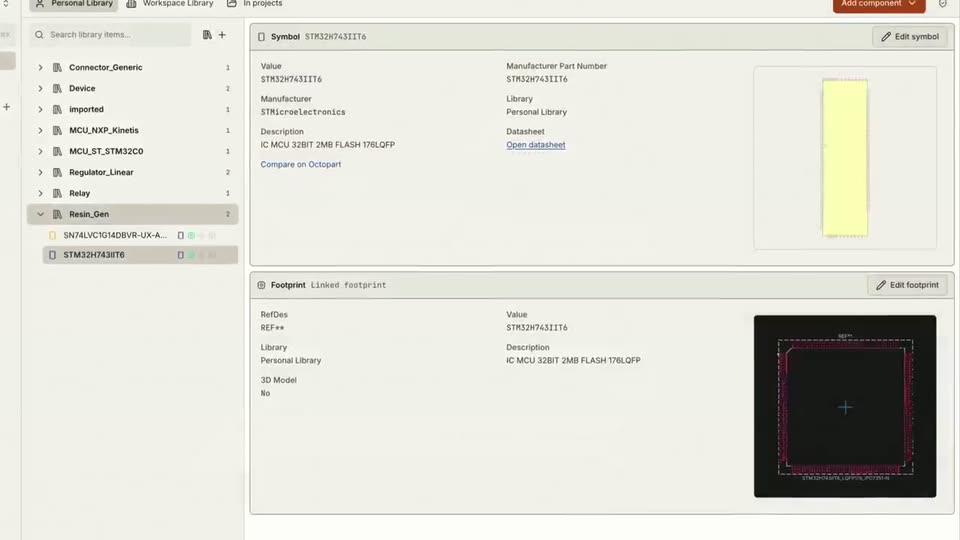 0:09–0:16Resin Technologies · Stop drawing component libraries by hand. Give Resin any MPN or datasheet and it builds the symbol and footprint, with every pin and pad traceable to the source datasheet. | Resin TechnologiesA Generate with AI dialog shows a yellow symbol and red footprint preview beside package fields. A cursor clicks the orange Save to personal library button; it flips to Done and a green toast confirms, then the dialog fades out to reveal the component in the library list.
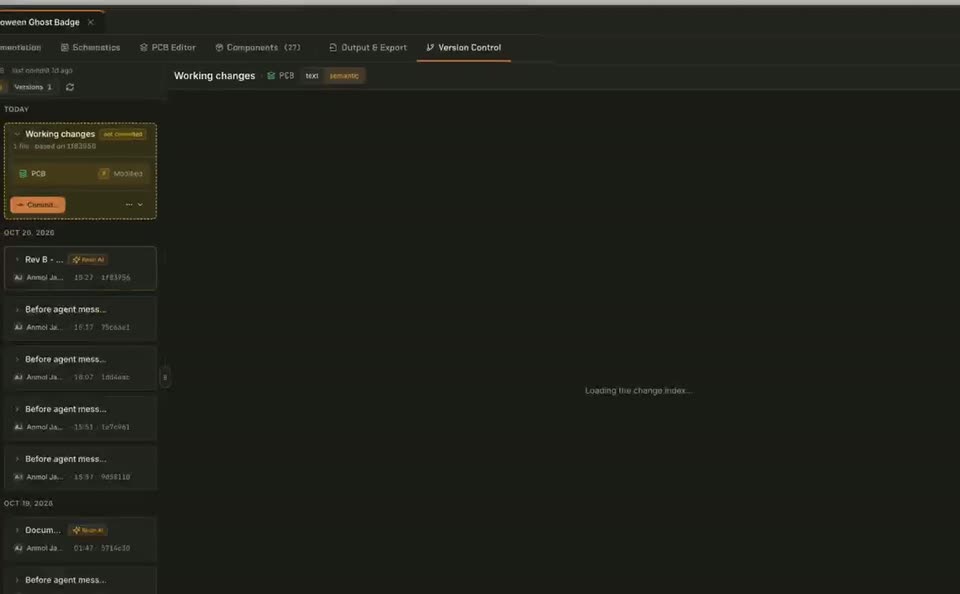 0:09–0:10Resin Technologies · Introducing Semantic Diffs. You can now *see* what changed across revisions -- parts, traces, vias etc. -- instead of inspecting blobs of text. Live now for all users! | Resin TechnologiesA dark interface brightens as a hand cursor clicks Version Control in the top menu, underlining it orange. The view expands to a full layout: a commit history list on the left, a blue PCB schematic with red traces in the center, and a changes panel on the right.
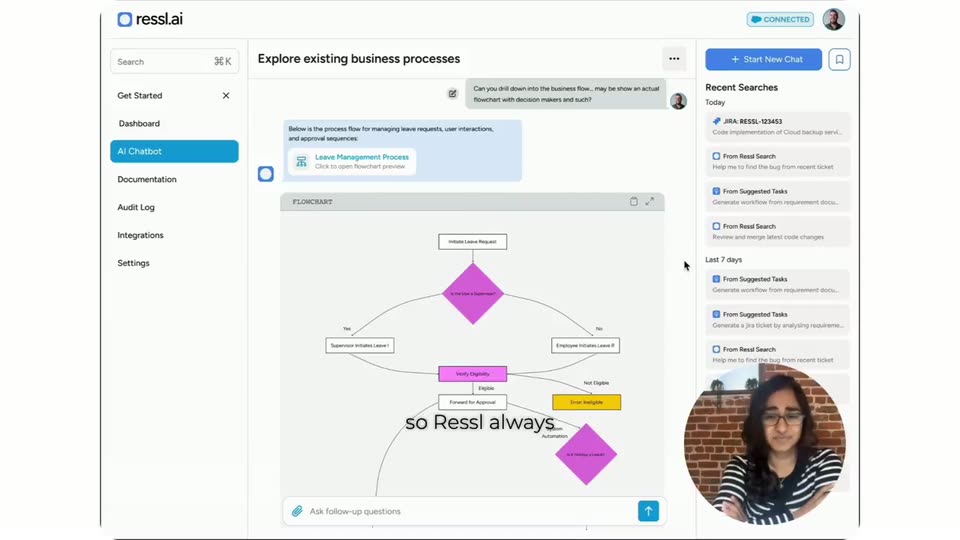 0:56–0:59Ressl · Introducing Ressl AI ~ We're building an AI Admin to help companies fall in love with their Salesforce orgs again ❤️ Our product is aimed at assisting admins in every phase of the SalesforceA static screen capture of the ressl.ai AI Chatbot view: a leave-management flowchart fills the center panel, and a circular presenter video sits in the bottom right. Bold black captions swap phrase by phrase at bottom center while a cursor glides to the blue send button and clicks it.
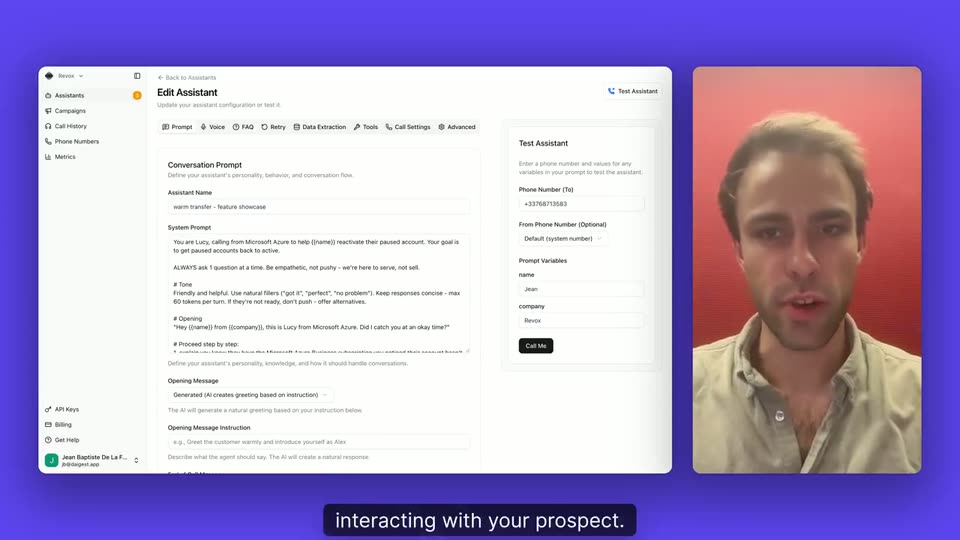 1:35–1:51Revox · We transform your outbound calls with inbound calls with this new Revix feature: Warm Call Transfer 🔥 | RevoxSplit screen on a violet background: the Revox Edit Assistant interface occupies the left, a presenter talks in a vertical video window on the right. Subtitle phrases swap in a dark pill at the bottom as he gestures.
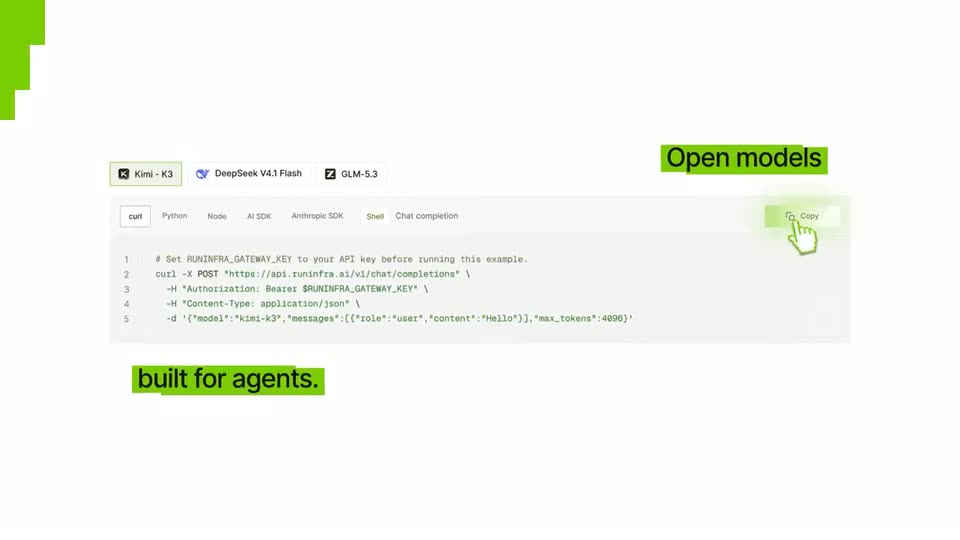 0:29–0:32RightNow · runinfra coding plan is live the fastest open models in claude code, codex, opencode and 16 more agents. from $10 a month more usage per dollar and faster tok/s than other providers. both, not one… | RightNow InferenceA white page shows a code block with model badges and language tabs. Green-highlighted labels 'Open models' and 'built for agents.' scramble into place, then a green hand cursor glides to the Copy button and clicks it, turning it into Copied.
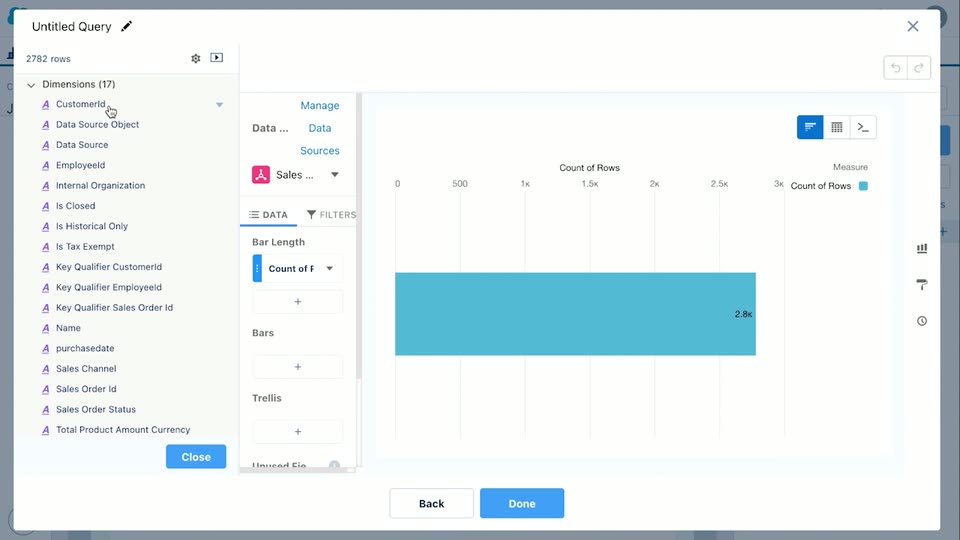 0:33–0:39Salesforce · Analytics - Join Data User InterfaceA query panel shows a bar chart loading with a spinner, then a single teal bar fills to 2.8k. The cursor clicks the data source dropdown, sliding in a dimensions list of 17 fields, and moves down the list to the Close button.
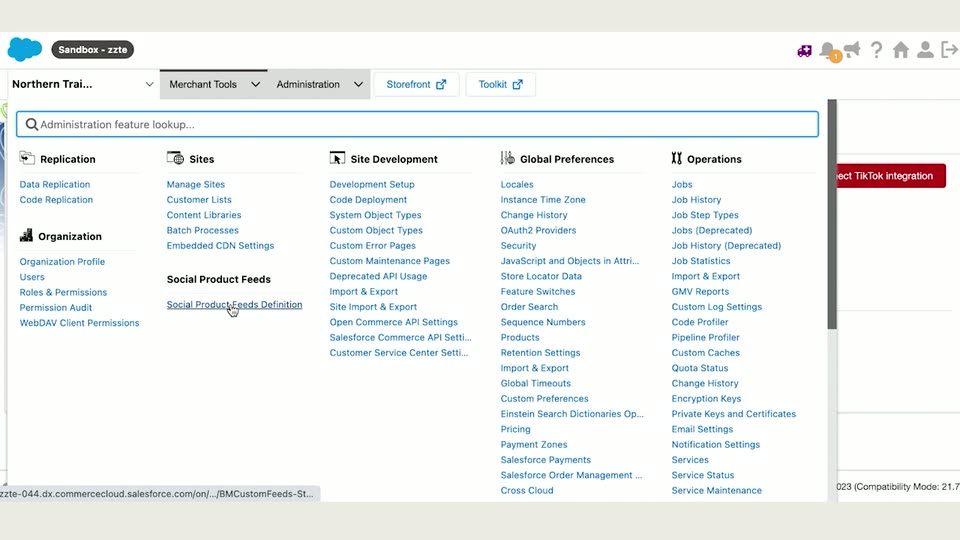 0:31–0:34Salesforce · Commerce Cloud - TikTok Integration for Commerce EnhancementsA Salesforce admin screen shows a multi-column menu of tools. A cursor moves from the Administration dropdown down to the Social Product Feeds Definition link, which underlines on hover, while a red TikTok integration button sits at the right edge.
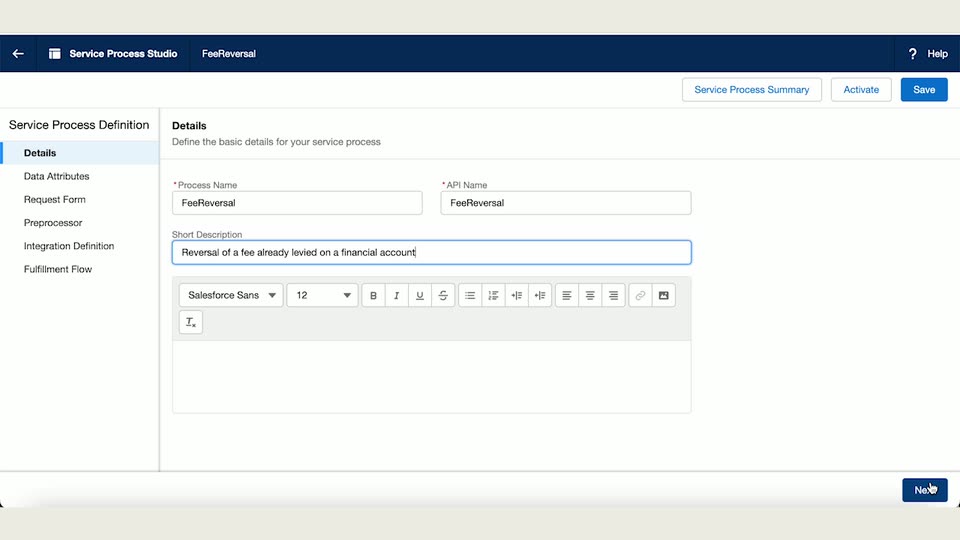 0:41–0:47Salesforce · Financial Services Cloud - Service Process AutomationA Salesforce Service Process Studio form fills out. A cursor clicks the Short Description field and types a sentence, then moves to the blue Next button in the lower right and hovers over it.
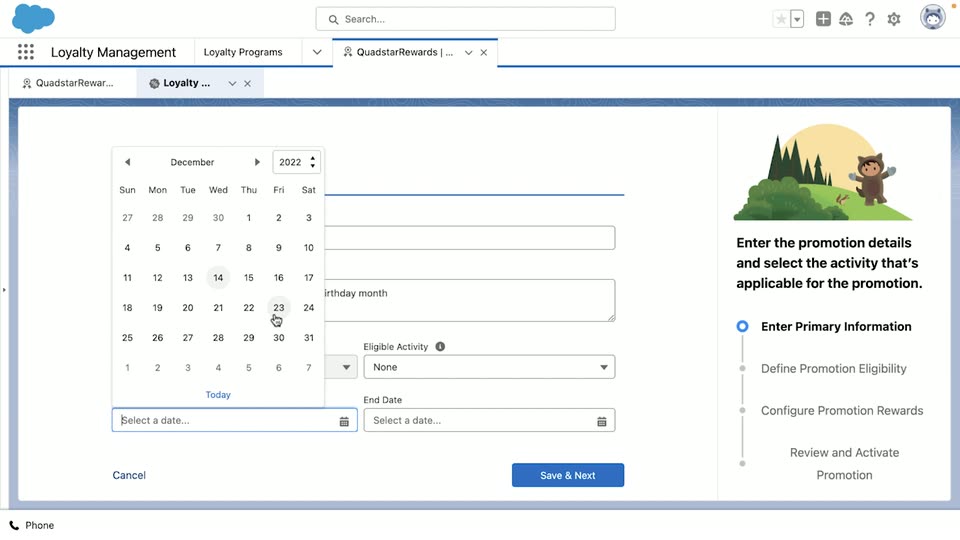 0:24–0:35Salesforce · Loyalty Management - Quick Promotion SetupA loyalty promotion form is filled in with a visible cursor. The cursor types the name and objective, opens a date picker to select Dec 14, 2022, then clicks Save and Next, and a loading spinner appears.
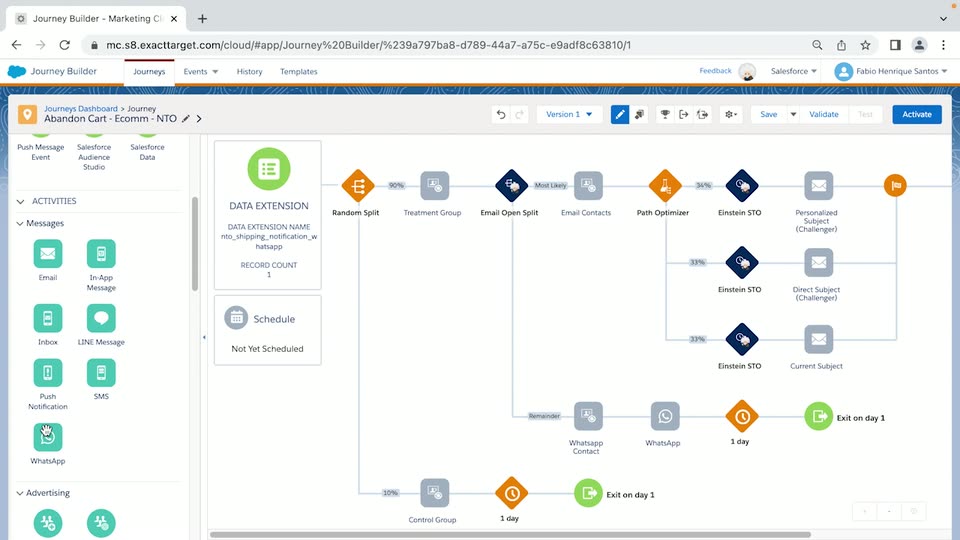 0:17–0:35Salesforce · Marketing Cloud - WhatsApp Business Messaging: Direct IntegrationA Journey Builder canvas displays a branching flowchart of colored activity nodes. A cursor scrolls the left icon palette, then clicks the WhatsApp node, sliding open a WhatsApp Message panel with a Select Message button.
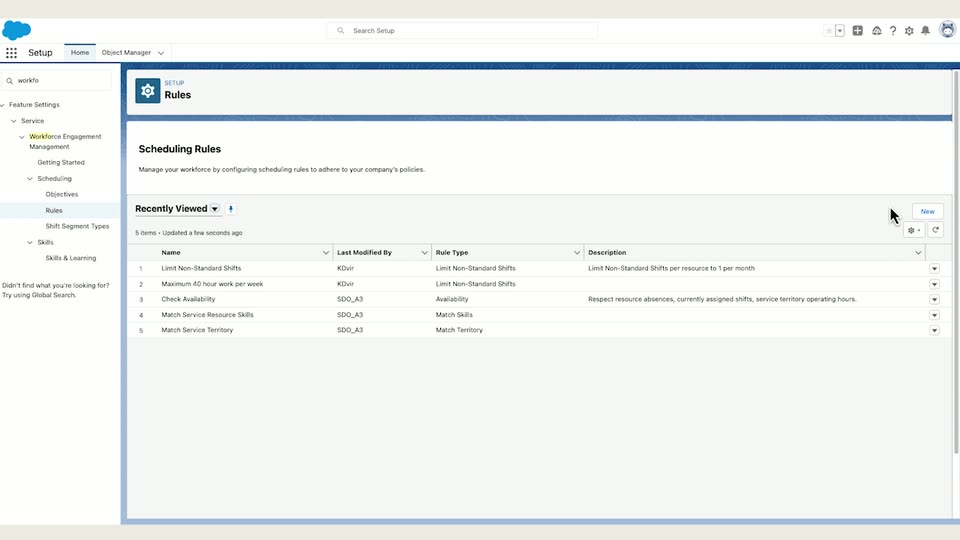 0:41–0:45Salesforce · Service Cloud - Salesforce Contact Center: Insights & SchedulingA static Salesforce Setup screen shows the Scheduling Rules page, a left navigation tree and a five-row rules table. A mouse cursor glides rightward across the table header and stops on the New button.
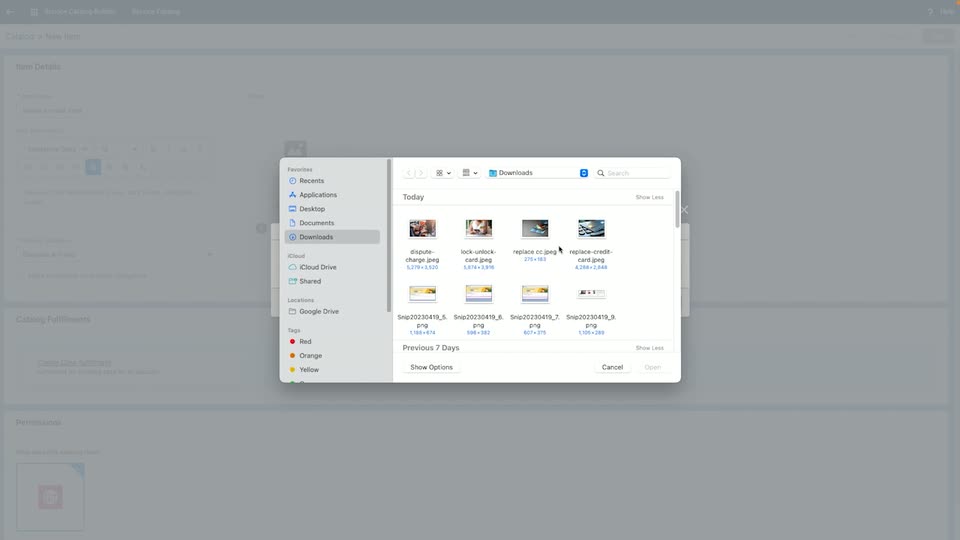 0:30–0:33Salesforce · Service Cloud - Service CatalogA catalog item form with an open Select Image dialog. A macOS file browser pops up over it, listing image thumbnails in the Downloads folder, while the cursor moves to hover over the replace-credit-card file.
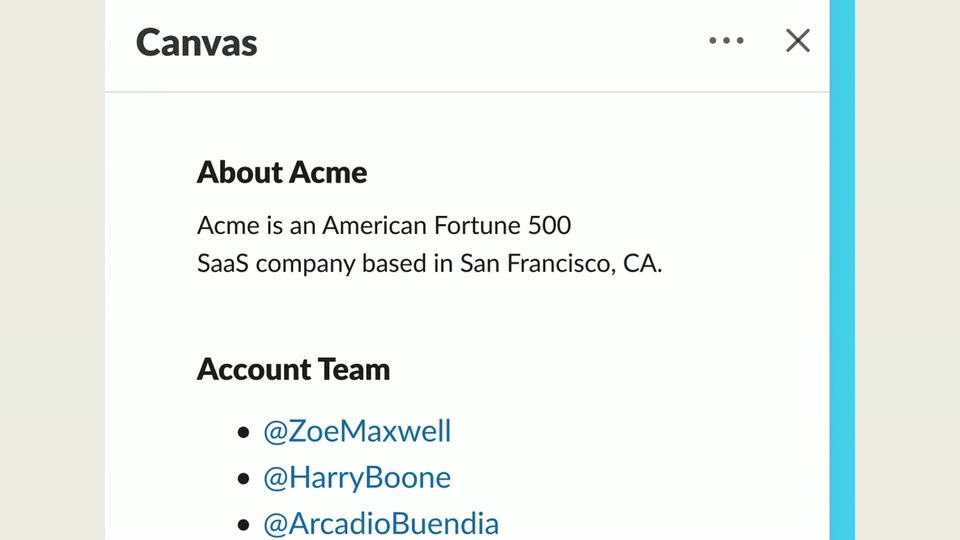 0:50–0:55Salesforce · Slack - CanvasA Canvas account page is shown zoomed in on the About Acme block, a hand cursor points at the comment icon, then the view pulls back and scrolls down past the account team and leadership grid to the Sales Cloud Opportunities card.
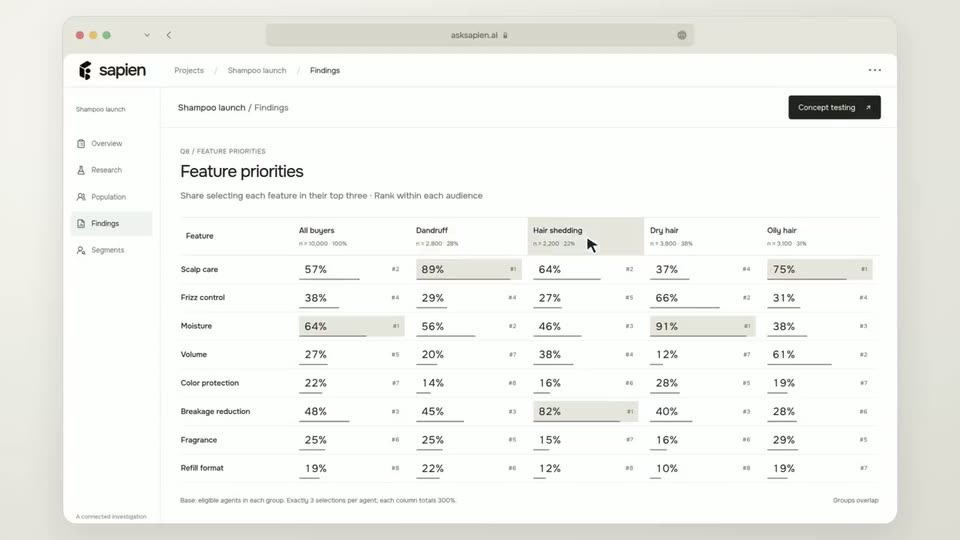 0:29–0:37Sapien · Introducing Sapien: simulated populations for predicting consumer behavior. Companies invest millions in products and campaigns based on what people say they want. But people’s intentions don’tA browser window shows the sapien Findings page with a feature-priorities table that fills in with percentages. A cursor hovers over column headers to highlight them, then the view switches to the Research page showing three shampoo concept cards with prices.
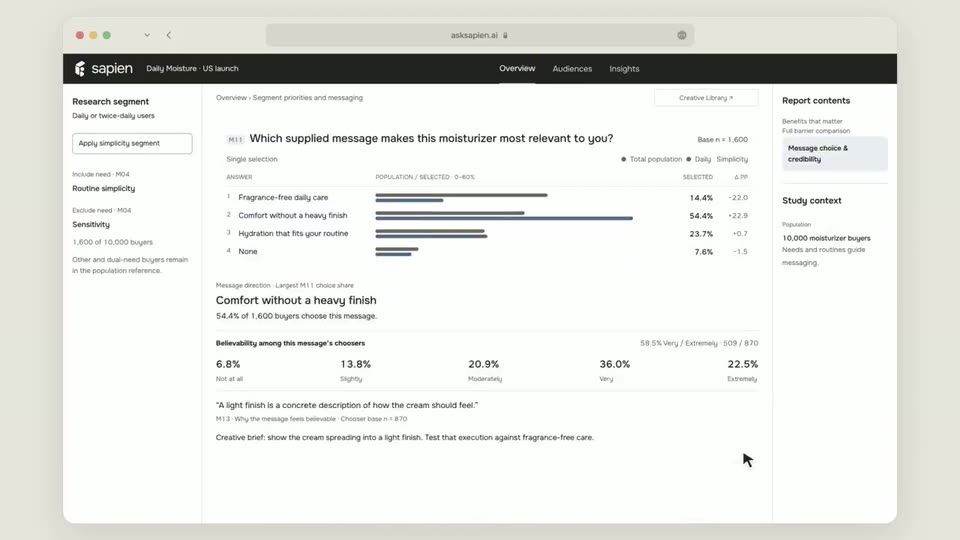 0:29–0:35Sapien · Introducing Sapien for marketing: predict what converts before you spend. Test messaging, creative, branding, landing pages, offers, and targeting against simulated populations of your exact ICPA browser window shows a research dashboard; a cursor clicks the Apply simplicity segment button and the bar charts update to segment data with dual bars. The page scrolls down to the message results, then cuts to a Creative Library grid of ad cards.
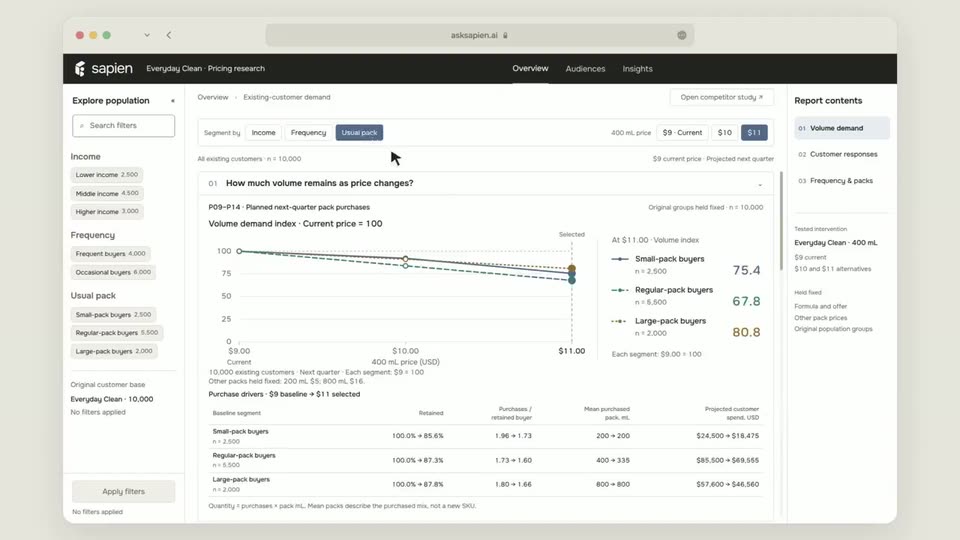 0:29–0:41Sapien · We’re launching Sapien for pricing and offer testing. See how demand changes at each price, which customers you’d keep, and which new buyers you could win. Before you change a single priceA flat browser mockup of the Sapien pricing dashboard. A cursor clicks the $10 and $11 toggles, the chart line and index values update, then it switches segment tabs to Frequency and Usual pack. The view scrolls to a response table and the cursor picks a lower-income filter.
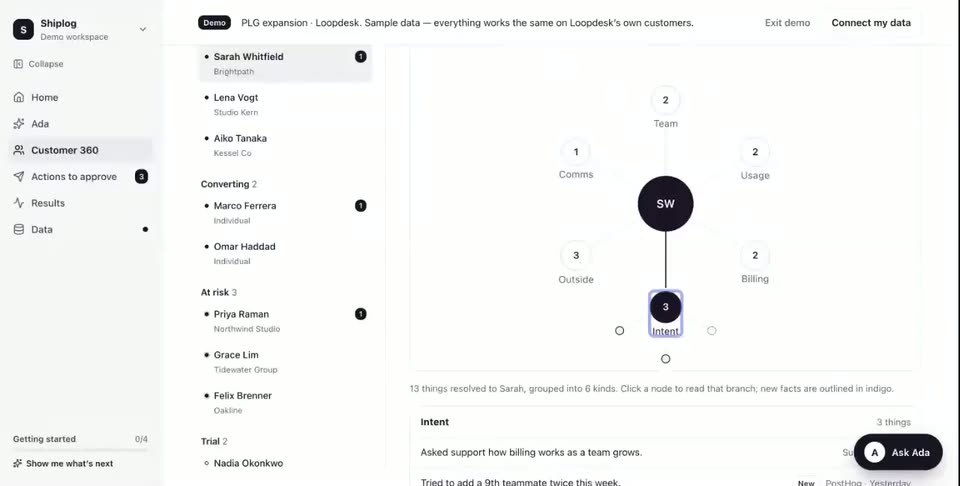 1:10–2:28Shiplog · #customersuccess #ai #saas #productledgrowth #revenuegrowth | Shiplog (F/AI F26)A cursor clicks nodes on a radial customer graph, each click highlighting a branch and refreshing the fact list below. The view then zooms in on the graph as the demo continues.
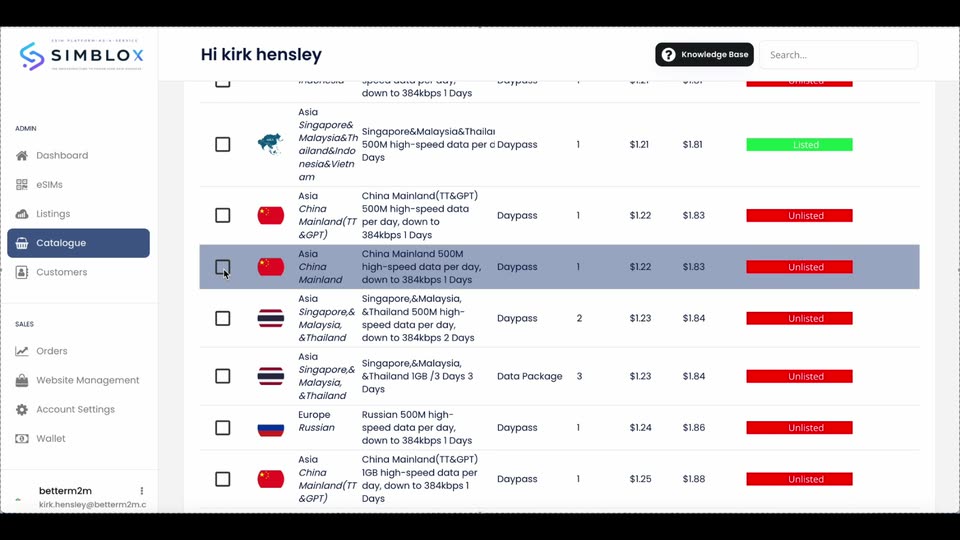 0:29–0:32SimBlox · SimBlox: minute demoA dashboard catalogue table scrolls down through rows of data plans as the cursor ticks checkboxes on a couple of rows, the selected count rising, then the view returns to the top.
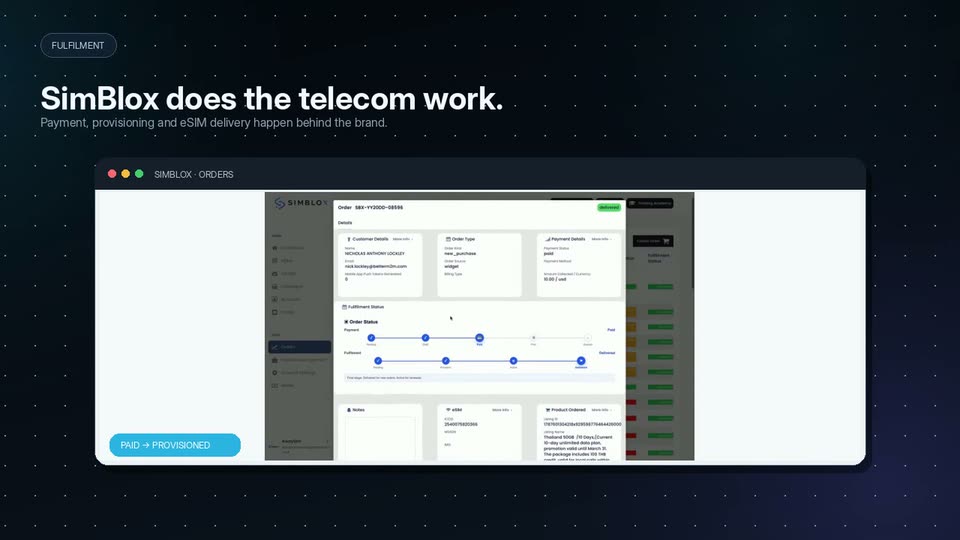 0:53–0:56SimBlox · SimBlox launch filmA flat browser mockup of the SimBlox orders table sits under a static headline. A cursor clicks a row, the view zooms into an order detail panel with status cards, then scrolls down to reveal the eSIM and notes.
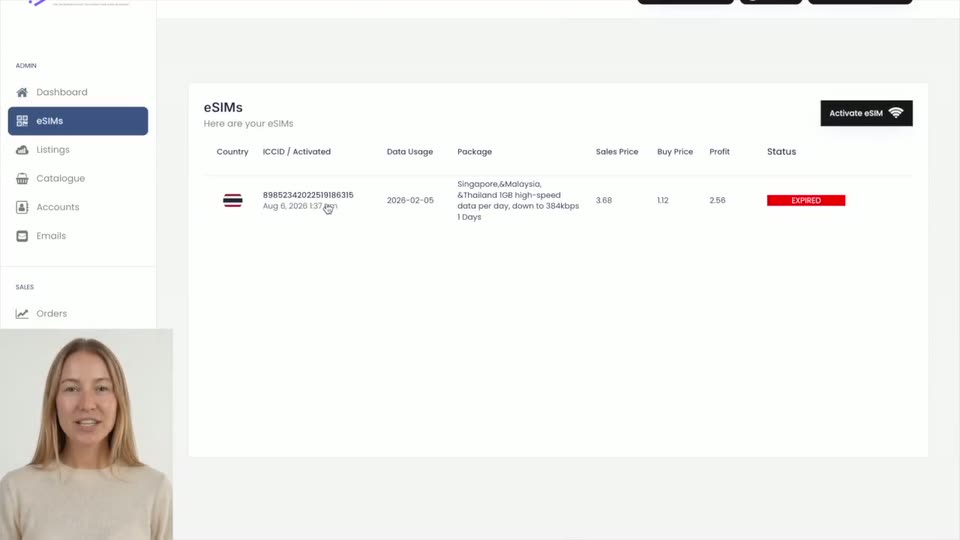 1:20–1:21SimBlox · SimBlox: apps demoA light admin dashboard lists one expired eSIM in a table; a cursor hovers the row and the screen cuts to that eSIM's detail page, a grid of cards showing days left, data usage, plan and end user. A small presenter webcam sits bottom left.
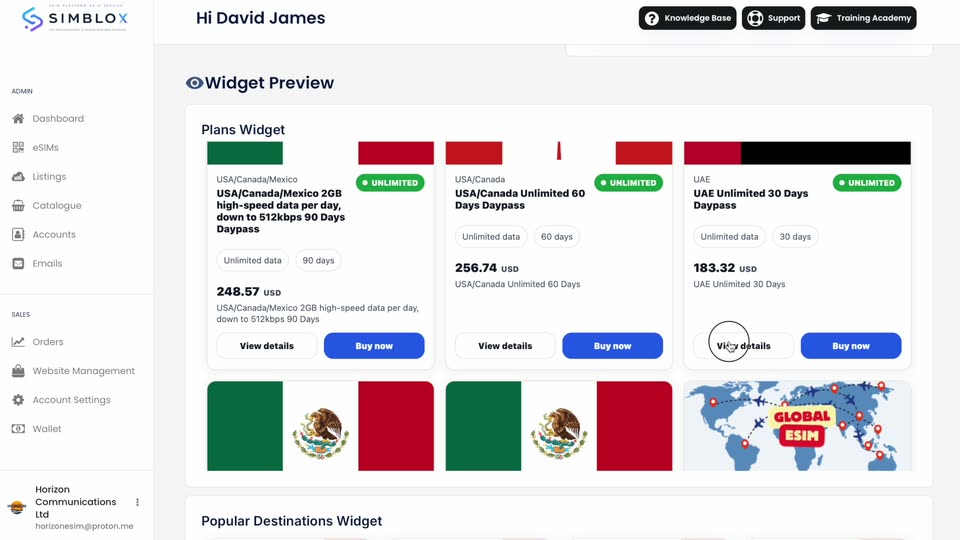 0:08–0:09SimBlox · SimBlox: web widgets demoA flat dashboard screen shows a left sidebar menu and a Widget Preview panel holding three plan cards, each with a flag, price and blue Buy now button. A mouse cursor travels down the right side and hovers over a View details button.
 0:25–0:26SKUVE · Big thanks to the Zelios team for bringing Skuve to life in such a clear and engaging way! Skuve is all about making e-commerce product data smarter, simpler, and more actionable - and we love how… | SkuveA white search pill holds the query about black wireless over-ear headphones, with a green button and a hand cursor. The pill dissolves and morphs into a soft green silhouette of over-ear headphones centered on a light gray field.
 0:07–0:13Skydive · Agents should work where you already work Bring your agents directly into Slack Give them tasks, ask questions, loop them into team conversations | SkydiveA chat window shows a message from Philip above a text field holding a long @River note. A cursor hovers the formatting toolbar, then the field slides left across a locked frame, revealing the full sentence and a green send button.
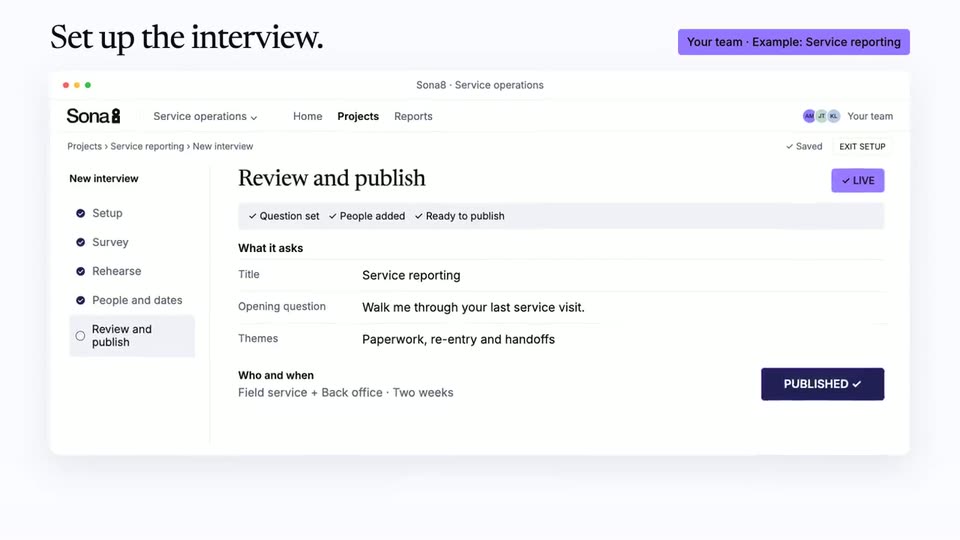 0:11–0:12Sona8 · Thought it was time to show more of the platform! 🚀 See how our AI interviews help companies improve workflows by capturing the process knowledge employees rarely write down. Employees explain… | Sona8 (YC F26)A flat Sona8 interface shows the Review and publish page. A cursor slides to the PUBLISH button and clicks it; it becomes PUBLISHED and a LIVE badge pops in top right. Edit text: serif headline top left, purple label top right, black caption pill bottom.
 0:16–0:18Speko · We built Polymarket for Voice AI. Everyone in voice AI has opinions about where the models are going. Which vendor ships next. Which one gets faster. Which one finally gets accurate enough for real… | Speko (YC S26)A dark field with a soft blue glow. The white headline fades in at center, then a dark betting card slides in from the right as a cursor hovers over the Yes button.
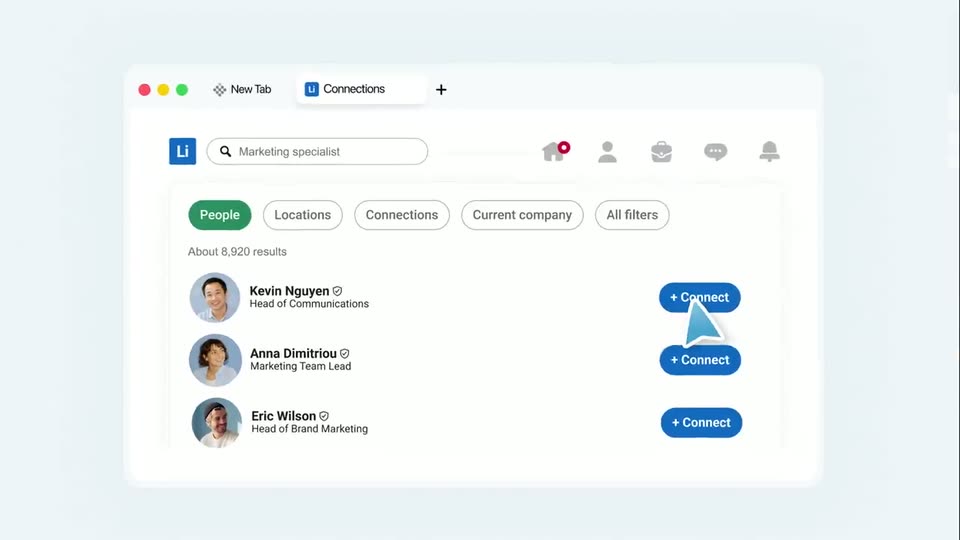 0:17–0:18Strawberry · Strawberry 1.0 is here. It marks a shift in how your team can work with AI. In Strawberry, you can create or hire virtual colleagues, called "Companions". Companions learn your preferences andA zoomed-in LinkedIn search field pulls back to reveal the full browser window with a results list, then a cursor moves down and hovers a blue Connect button.
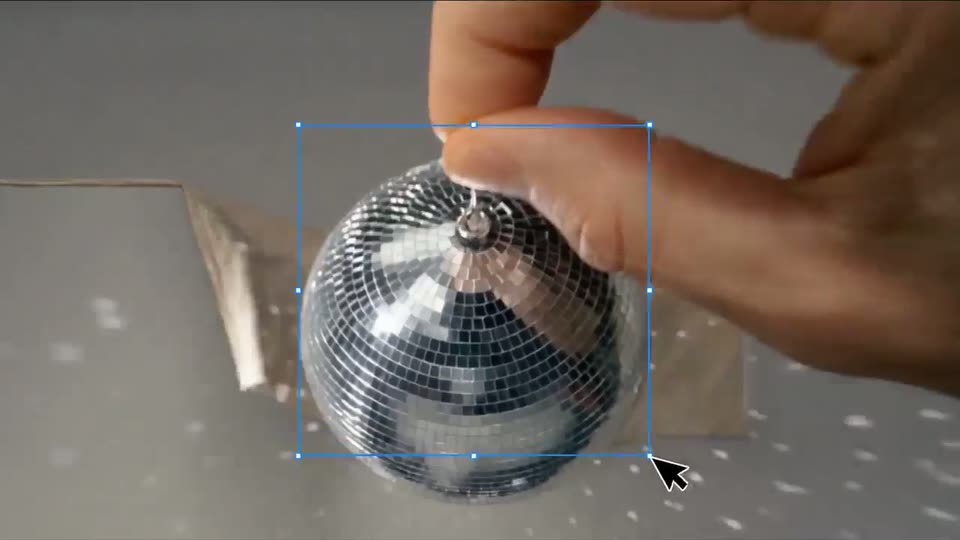 0:23 · 0.6sSunra · Meet Layerize ☀️ Turn a flat image into layers you can work with. Separate foreground elements into editable layers, then move, resize or replace them to refine your composition. Reposition a product… | Sunra.aiA hand grips a mirrored disco ball by its top cap, holding it over a gray surface. A blue selection box with corner handles and a cursor frame the ball, as if it is being dragged in an editor. The caption stays still while the ball shifts slightly.
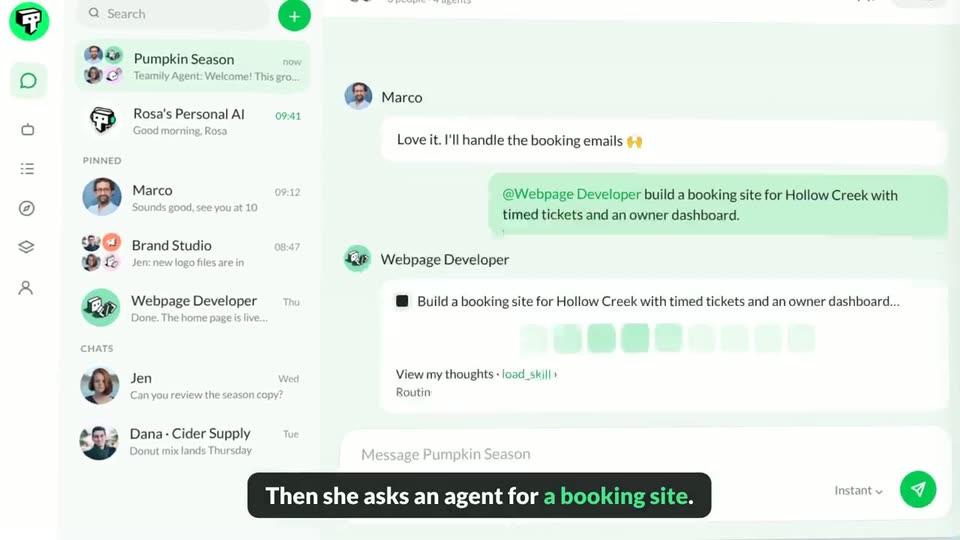 1:15–1:17Teamily AI · 150,000 small business owners and employees are already using Teamily AI. Today, we're opening it to everyone: your personal AI agent and an entire team of AI agents, ready to work for you and your… | Teamily AIA team chat screen zooms in as a prompt to the Webpage Developer agent is typed and sent. The agent replies with a task card and progress squares that fill, then expands with status text. A black caption bar with green highlight appears at the bottom.
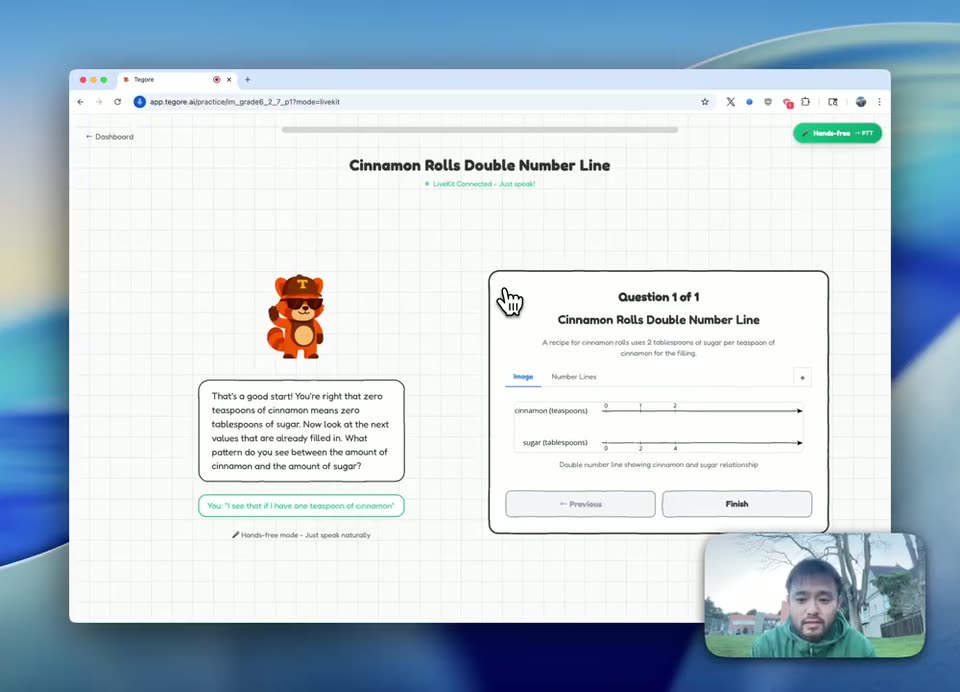 0:15–1:54Tegore · #learnwithtegore #aitutor #tegore | Tegore (YC X25)A screen recording of an AI tutoring app shows an orange cartoon bear typing a lesson in a speech bubble beside a student's webcam feed. The view zooms into the question card as a cursor clicks the Number Lines tab and fills a value on the double number line.
 0:18–0:21Tilion · The internet is the most powerful thing we ever built together. It gave a kid in Lagos the same library as a professor at MIT. It let two people in a garage reach a billion customers. Every great… | Tilion (YC F26)Wide locked-off shot of a NASA mission control room where rows of technicians in blue shirts jump and raise their arms. White text “big dreams” scales and fades as “Now we can” appears below, then a cut to a blackboard with chalk equations and a cursor drawing a line.
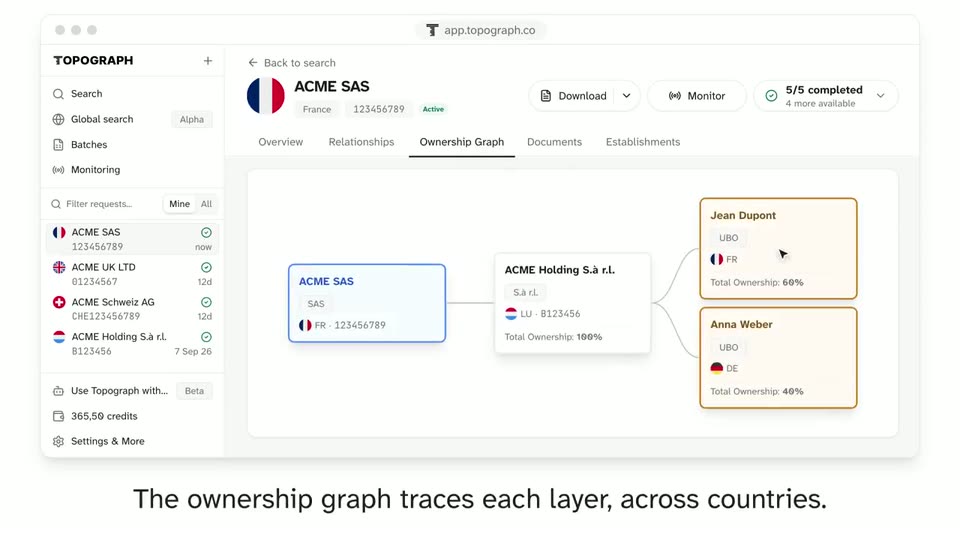 0:09–0:12Topograph · Company data for KYB checks sits in national registers, each with its own website, login and way of ordering documents. Topograph connects to these registers directly and brings them into one place.… | TopographA browser window shows the Topograph app on the ACME SAS page. The ownership graph builds up: the company node highlights, the holding company node appears, and two owner cards fade in as the cursor hovers over Jean Dupont. A caption fades in below.
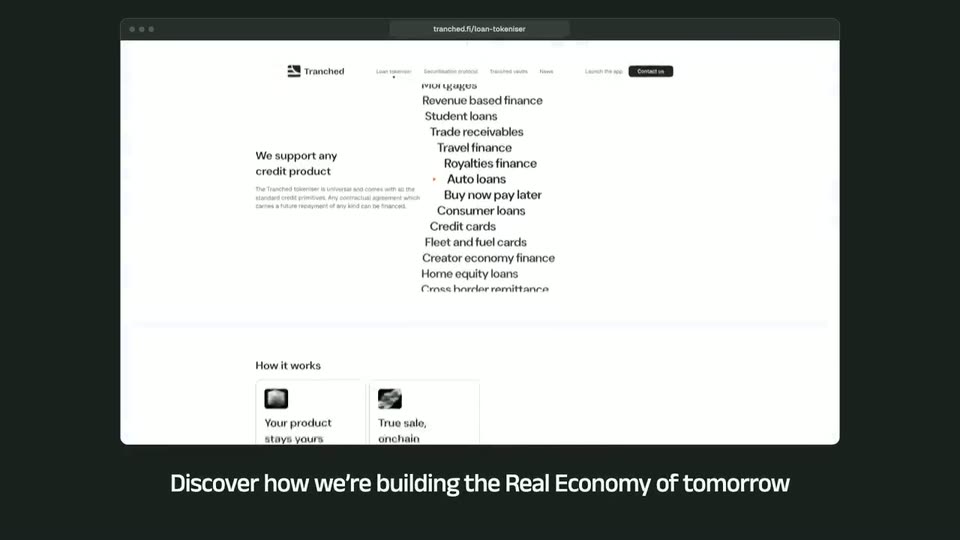 0:04–0:07Tranched · Introducing the new tranched.fi Our new tranched.fi website is live 🎉 We have reimagined credit, rebuilt it from blockchain primitives. A year after the first loans were tokenised on the… | TranchedA flat browser window of the Tranched site on a dark backdrop opens blurred, sharpens, and scrolls from a hero banner through a credit-product list to a four-card grid. A white caption sits below; a cursor glides across the top nav.
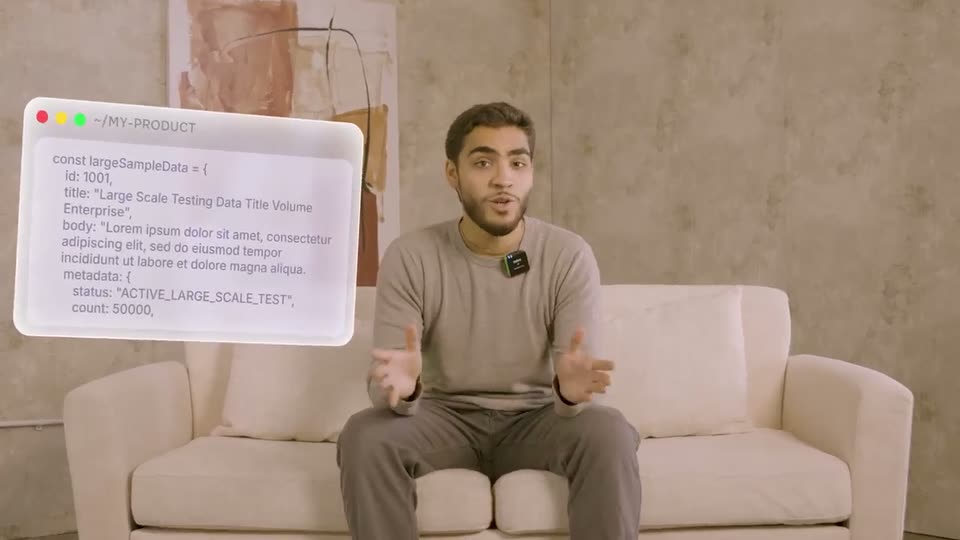 0:41–0:47Vendo · Vendo (YC S26) lets your users build their own features on top of your product. Software is supposed to fit the way you work, but no company can ship a separate version of its product for everyA man sits on a white couch talking while a 3D terminal window tilts in at his left, filling with an install command, then a code block, as a purple padlock icon pops over the code. The scene cuts to two hosts gesturing in armchairs.
 1:52–1:58Verdant · Verdant AI launch filmA dark green four-leaf mark shrinks left as the serif wordmark Verdant fades in beside it, a blurred copy of the mark behind. A dark green pill button with verdantapp.com appears below; a cursor glides to it and the label crossfades to Schedule a demo, then holds.
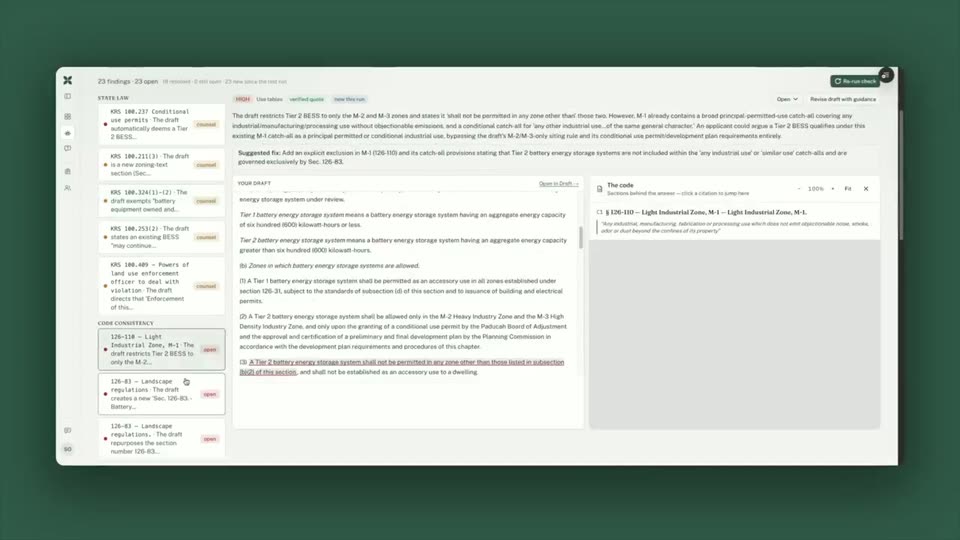 0:57–1:08Verdant · Data center development is broken. Verdant (YC S26) fixes that. Local governments are the backbone of industrial development - through zoning codes, they determine where, when, and how anything getsA floating app window fades in on a dark gray background, then the view zooms into the left findings list as a cursor clicks through counsel labels, swapping the draft and code panels. The view zooms back out as the cursor selects other findings, updating the highlighted text.
 1:09–1:10Unity · Unity CLI 1.0 and Unity Pipeline APIsA white rounded Install button sits centered on a flat terracotta background. A black cursor arrow with a white outline glides in from the right, pauses beside the button, then drifts back toward the right edge.
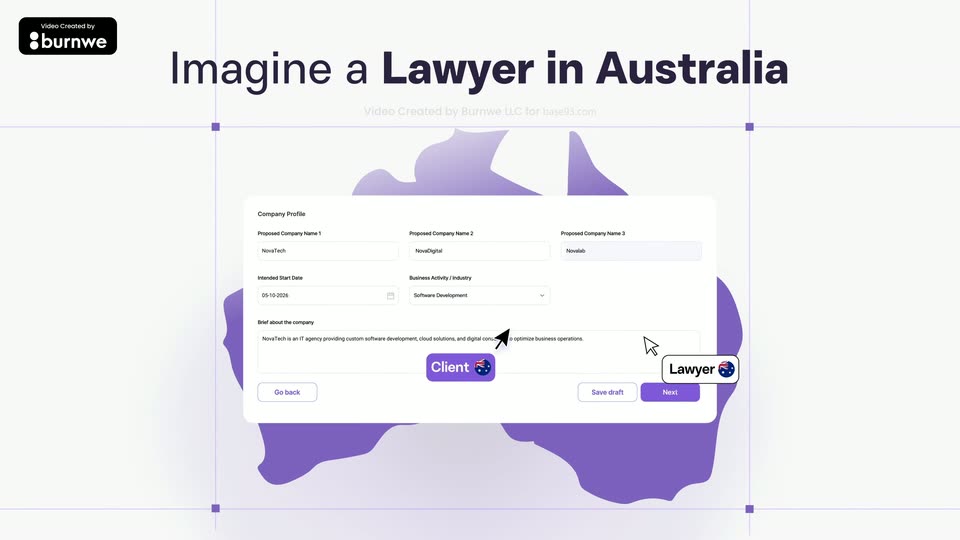 0:32–0:34Base93 · Motion Graphic Explainer for Business Services Platform | Base93A white company-profile form card floats on a light grid background over a purple blob. The headline completes at the top as a cursor fills the third name field and selects the industry. The “Lawyer” chip slides to the bottom right; the “Client” chip scales in at the bottom left.
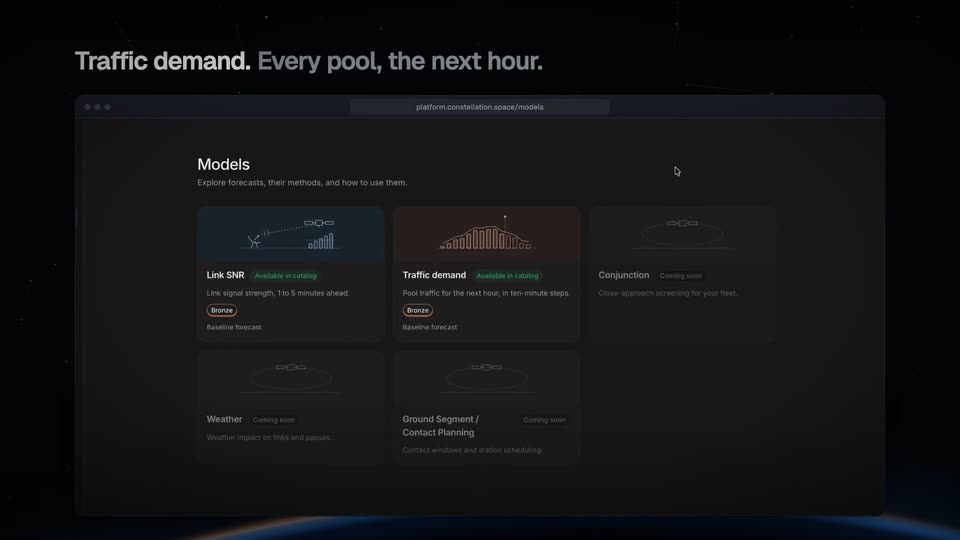 0:38–0:39Constellation Space · Space intelligence for all: Constellation SpaceA dark browser window sits over a starfield and a planet curve. A Traffic demand modal scales in over the models grid, then a cursor glides up to the close button.
 0:10 · 0.5sDiscord · Auto Clips | Available on DISCORD in Nitro Early AccessA dark chat interface opens a context menu as a white cursor rests on the highlighted Share a Clip row. The view then switches to a grid of video thumbnails behind a large centered white word REVIEW.
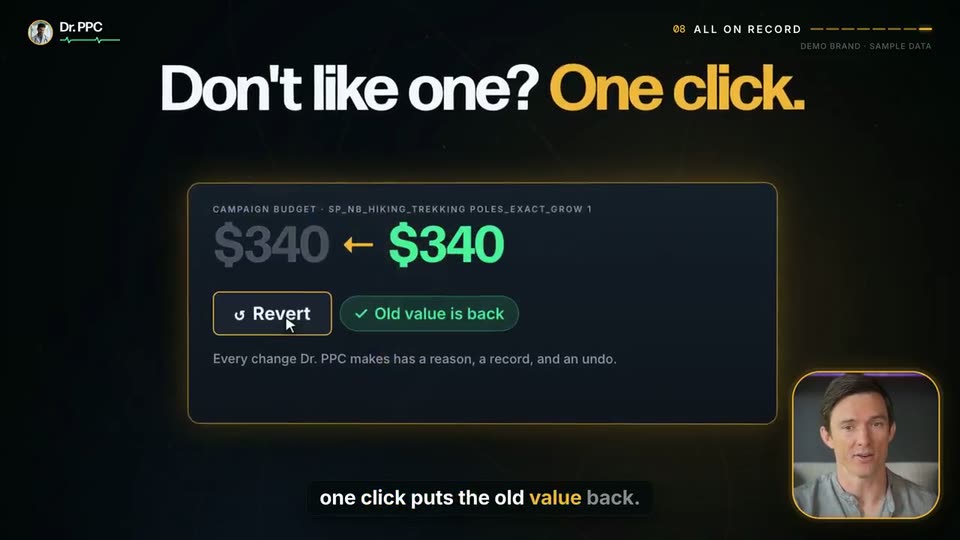 1:49–1:52Full Circle Agency · Ken Freeman - Game over for managing Amazon ads by hand. Today we're introducing DA cursor clicks the Revert button in a dark budget card, flipping $374 back to $340 with a green confirmation pill, under the headline Don't like one? One click. A presenter speaks in a small inset at bottom right while captions roll below.
 0:15–0:17Neueface · Ibelick - Introducing Neueface, a spatial environment to build with your agentsA browser window with a dark streaming site sits on the right of a light frame. A cursor moves from the center toward the Start Free Trial button as the window dims.
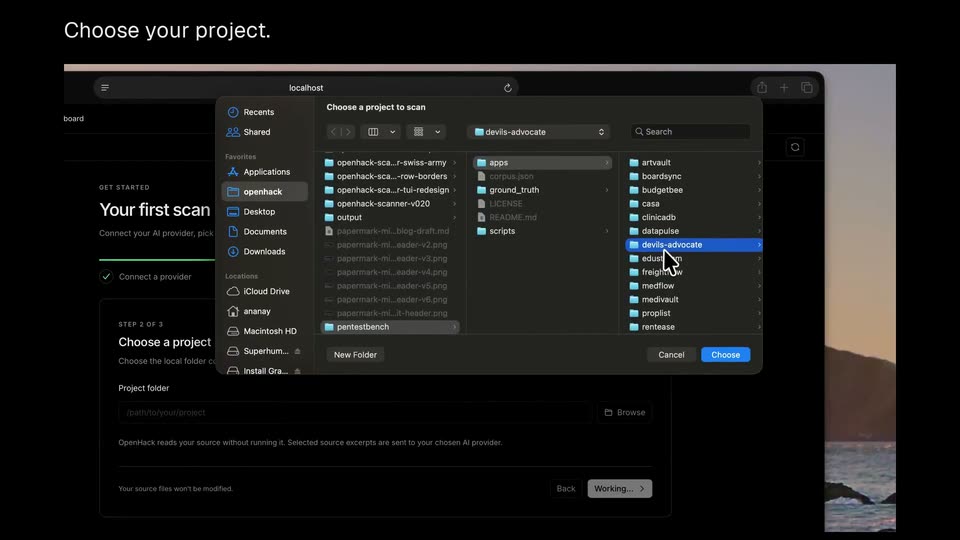 0:10–0:14OpenHack · Introducing OpenHack v2A dark onboarding screen shows step two of a setup flow. A white cursor clicks Browse, a macOS folder picker opens, the cursor highlights a folder and presses Choose, then the selected path fills the input field.
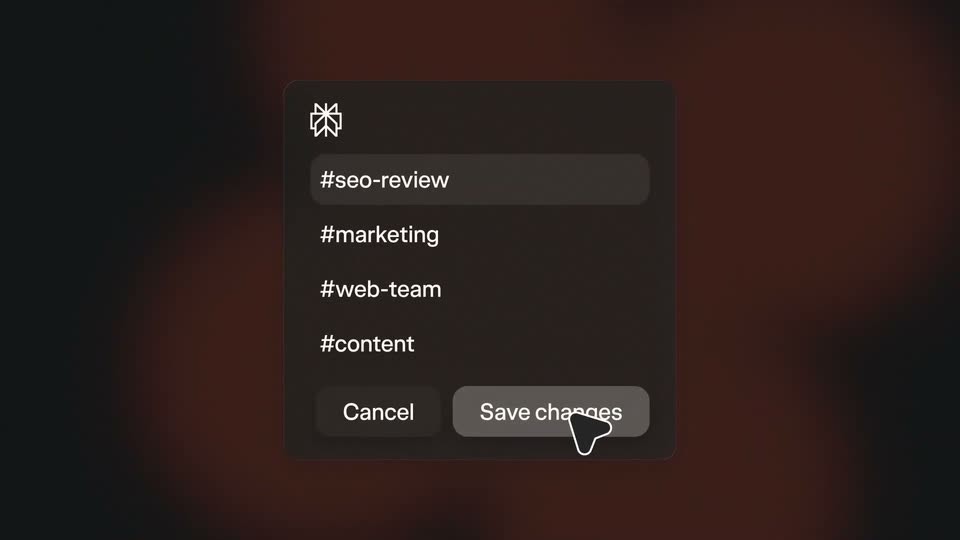 0:12–0:14Perplexity · Build an SEO consultant with Perplexity teammatesA dark modal with a hashtag list and Cancel and Save changes buttons settles into view; a white outline cursor glides down and rests on Save changes. The modal then vanishes, leaving a red 3D blob at the top of a dark brown field.
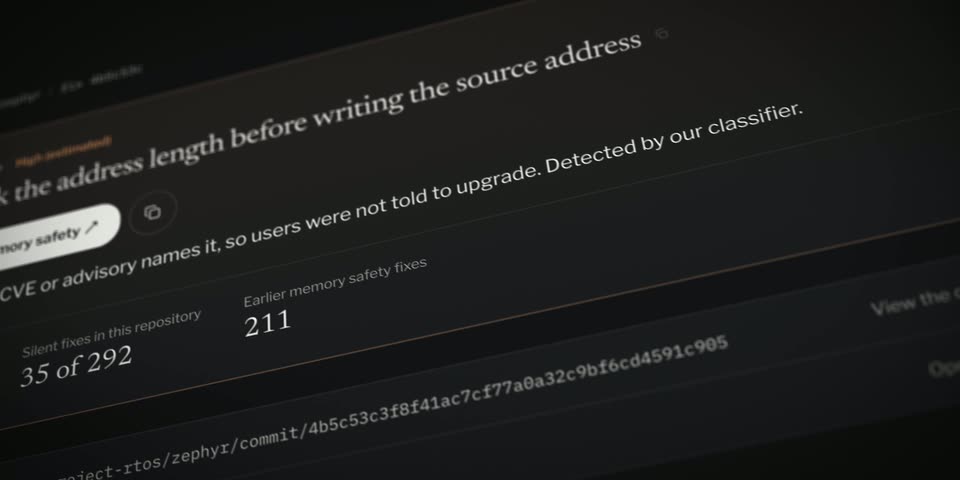 0:34–0:40ProjectDiscovery · ProjectDiscovery - Introducing SecurityContext 2.0 When a CVE drops, the hard part is kA dark security advisory page sits tilted in 3D perspective with shallow depth of field. The camera drifts right and down, racking focus from the title to the fix statistics and commit hash. A white pill button hovers mid-page, and a cursor arrives at the View the change link.
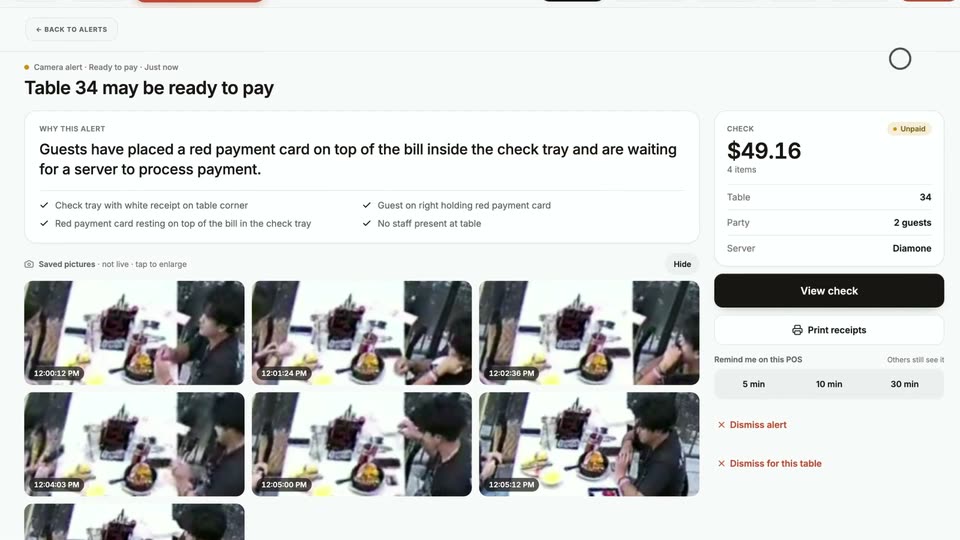 0:40–0:42Shire · Shire Latest DemoA POS alert page slides into place from stacked layers, then holds. It shows the Table 34 ready-to-pay alert, its reasoning box, a grid of timestamped camera snapshots of a diner, and an unpaid check card on the right. A cursor moves across the snapshots.
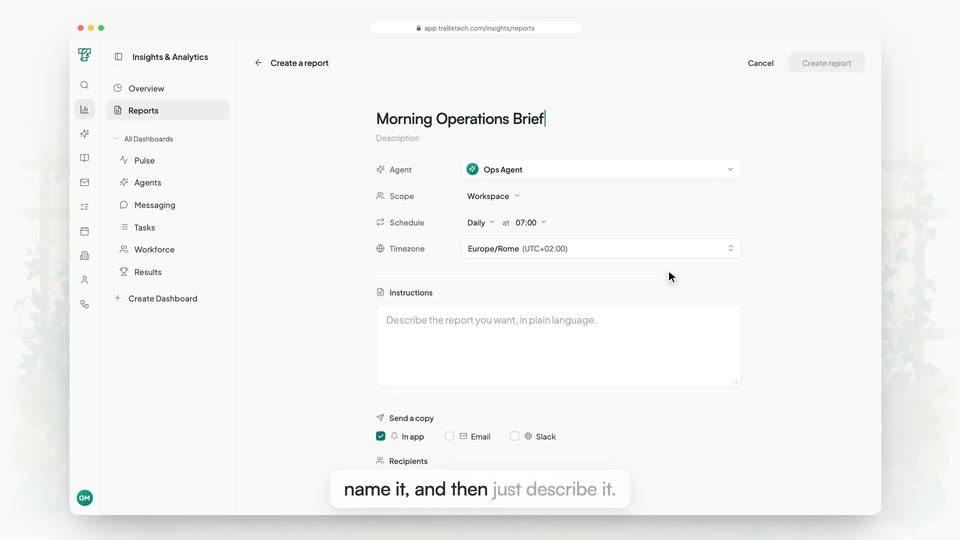 0:09–0:11Trellis · Introducing Trellis ReportsA light report form fills a browser window. The title reads Morning Operations Brief, then the view scrolls down to the empty Instructions box while a cursor hovers. A caption at the bottom switches between two lines.
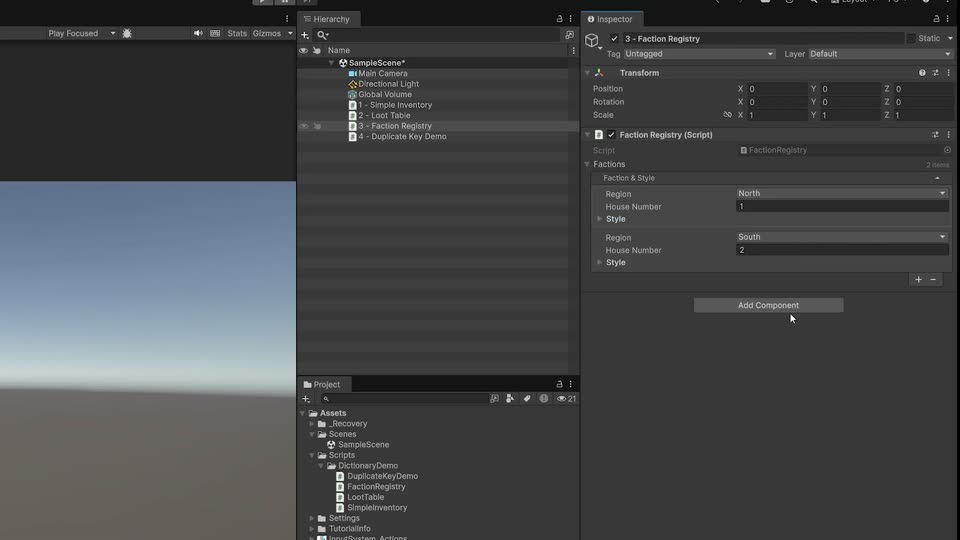 1:33–1:42Unity · Introducing ECS for AllA C# code panel fades out of the Scene view, revealing a sky-and-ground viewport. In the Inspector, a cursor opens the Region dropdown, then expands the Style group to show a cyan Banner Color field, an Influence slider and a Motto field.
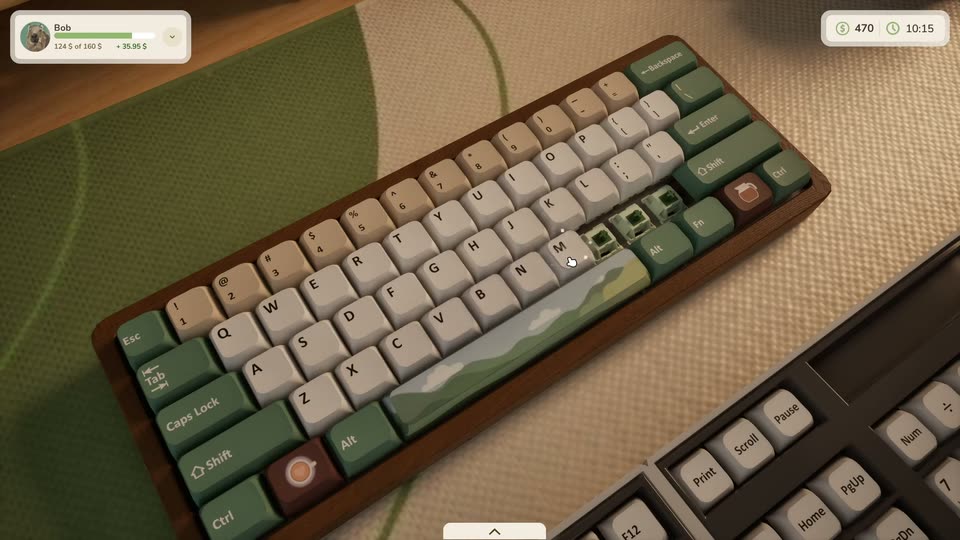 0:03–0:04Vojtěch Peták · KeyCapy - Official Reveal TrailerA 3D wooden keyboard with cream and green keycaps rests on a desk, its spacebar painted with a mountain landscape. A white cursor glides over the keys, pausing over empty slots that expose green circuit boards. High-angle close-up, locked off.
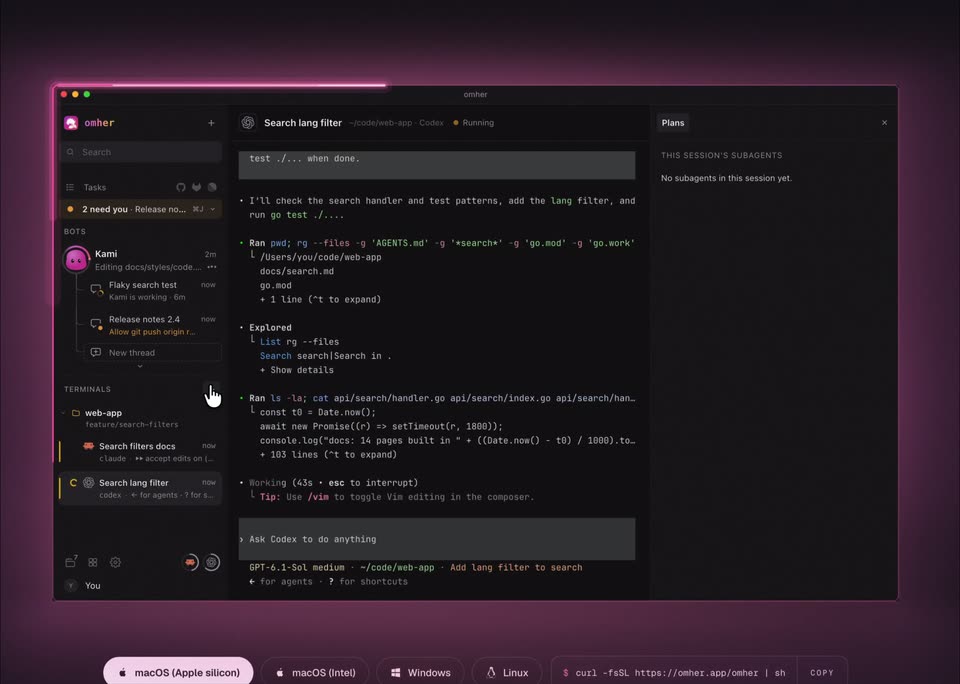 0:06–0:10oh-my-hermes · HOPE. - i built oh-my-hermes bot desktop app (+ terminal) ⭐️ GitHub 5,900+ stA dark app window in a pink glow sits on a purple gradient. A white cursor hops across sidebar rows as the main panel switches from a docs terminal to a lang filter terminal, then to a chat with Kami. Platform chips and a curl bar sit at the bottom.
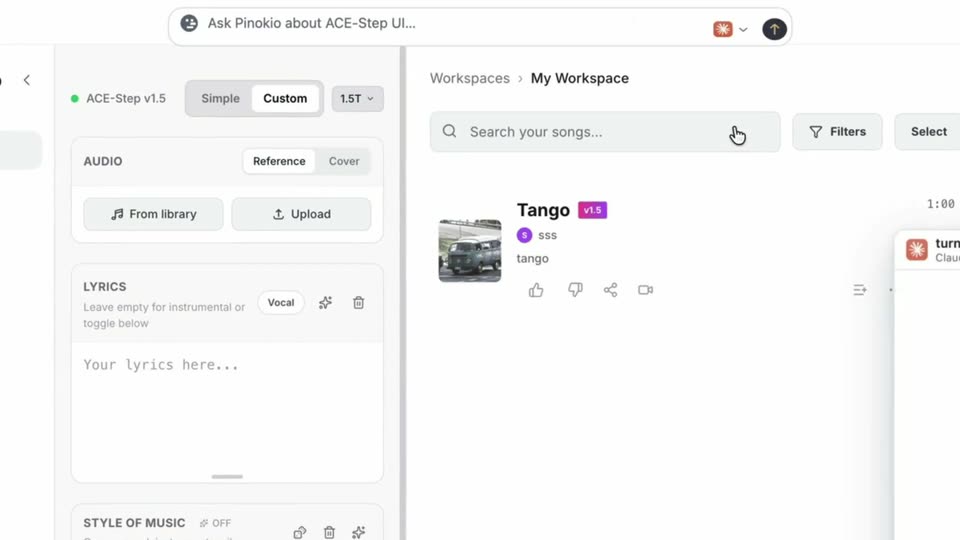 0:39–0:46Pinokio · cocktail peanut - Introducing Pinokio Agent Messenger What if you could chat with allA floating ask box types out a prompt to turn release notes into a 30 second jingle, a file chip attaches, and a cursor clicks Ask. The view pulls back to the full window as a terminal panel on the right streams shell output.
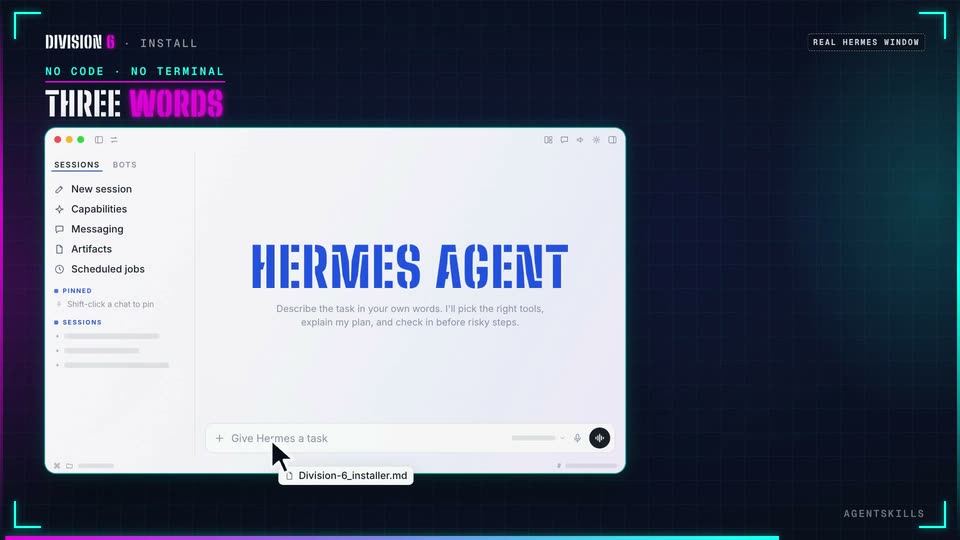 1:38–1:39AgentSkills · Justin Brooke ❤️🔥 - Introducing... Division 6, your automated marketing department thatA dark grid backdrop frames the Hermes Agent window, which snaps from dimmed and blurred into sharp focus while a magenta YOUR MOVE tag and a TERMINAL callout fade out. A cursor hovers over the task input as a file chip sits below it.
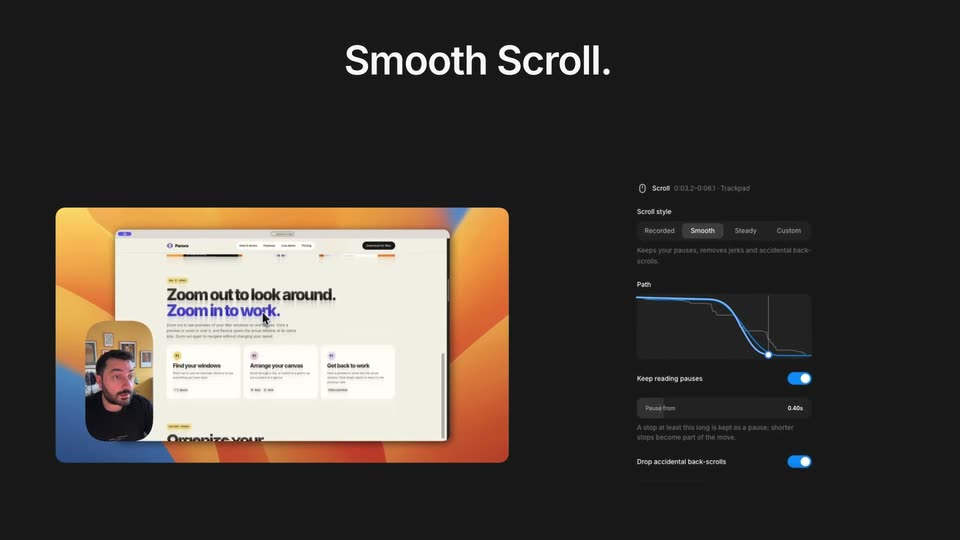 0:20–0:23Creavit Studio · Onur Aslan - creavit studio v4.0 is now live on product hunt! 🚀 the new version iA flat tablet mockup shows the Framo page scrolling from the hero to a three-card section, a cursor on the page, a face-cam of a man at its corner. A dark settings panel with a path graph sits right. “Smooth Scroll.” holds top center.
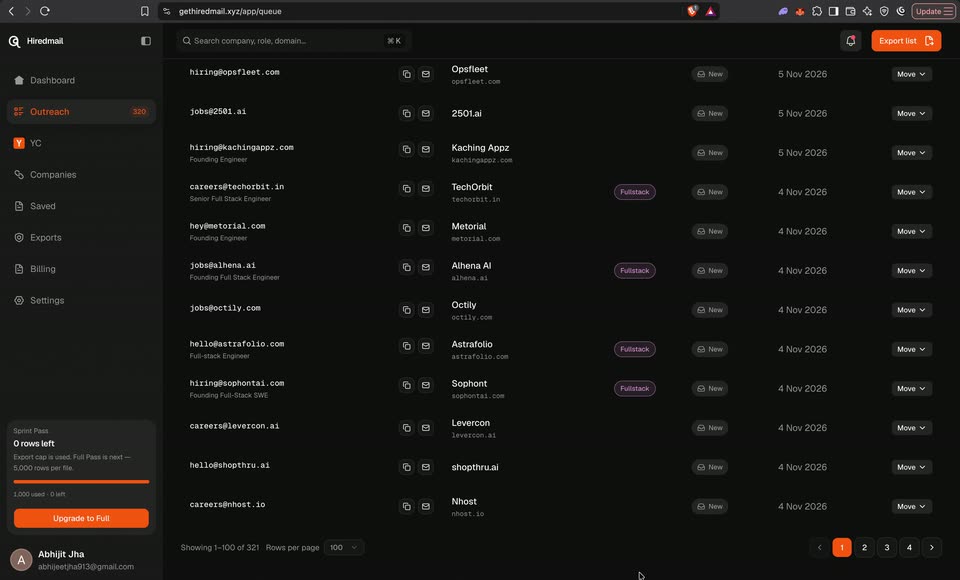 0:02–0:09Hiredmail · Abhijit - Introducing Hiredmail Hiring inboxes, verified and sorted. YC compaA dark Hiredmail outreach screen fills from a blank loading state with a contact table. The rows scroll down through the list and return to the top as the cursor eases toward the YC entry in the left sidebar.
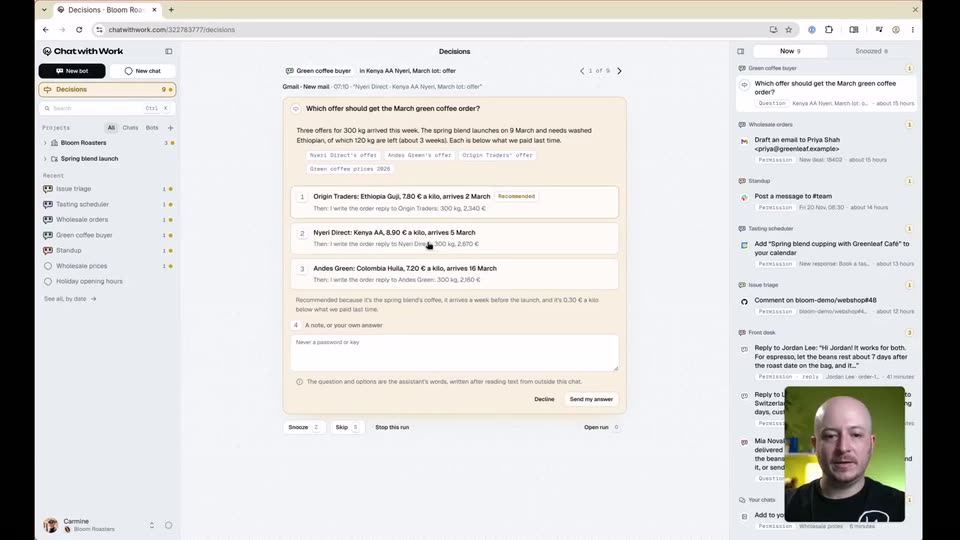 0:47–1:05Plenty · Carmine Paolino - On Monday I'm launching Chat with Work: AI bots that run on triggers,A web app interface fills the screen, showing a decision card with a coffee order question and three numbered supplier options. A cursor drifts across the card and hovers over the first option, while a small video of a talking man sits in the lower right corner.
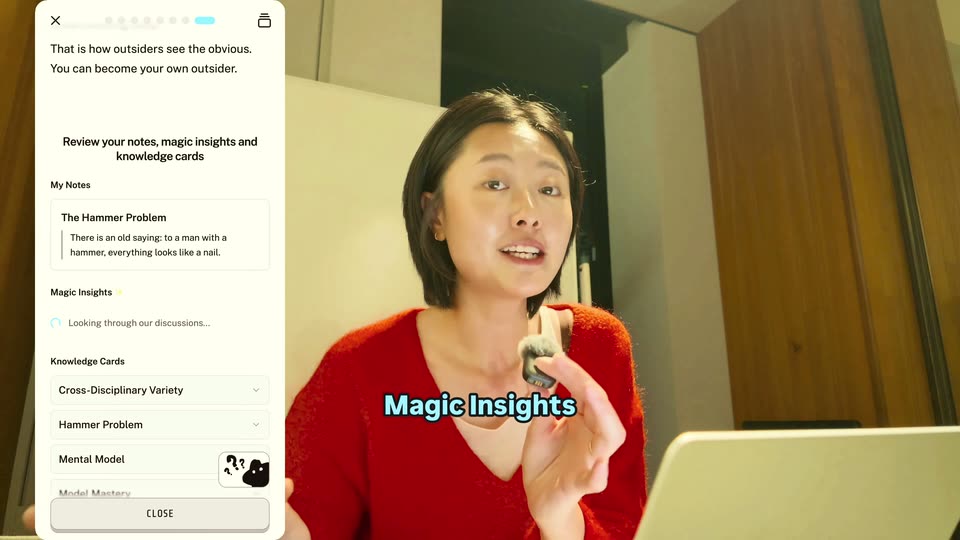 0:24–0:35Wondering · this niche learning app is better than chatgptA woman in a red sweater sits at a desk with a laptop, holding a small mic and talking to camera. A phone app panel slides in on the left, scrolling from a podcast lesson list to knowledge cards and a flowchart, while blue-outlined captions roll along the bottom.
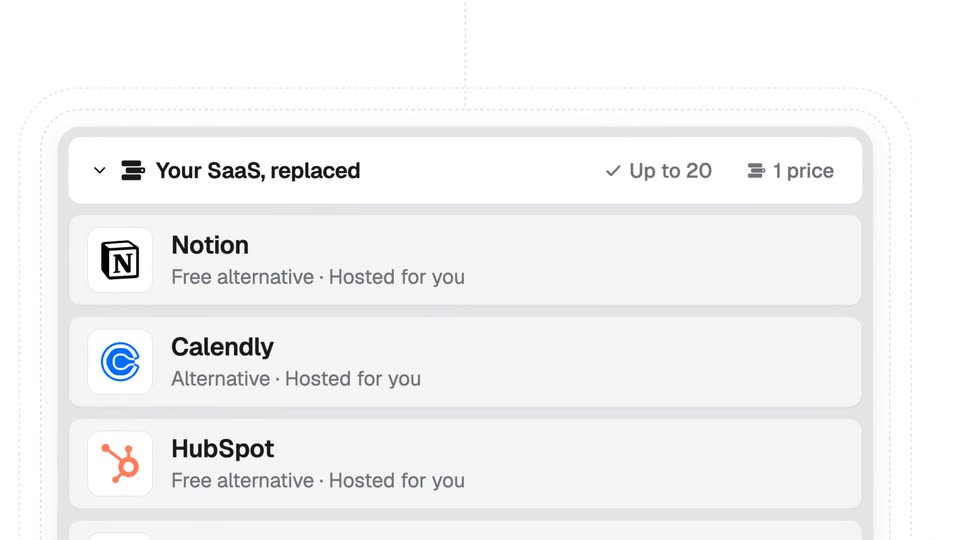 0:31–0:32Appkeep · NATE G - Today we are introducing Appkeep. We open-sourced NotionA hand cursor clicks the orange arrow button on a light input bar. The view zooms out to a rounded list titled Your SaaS, replaced with Notion, Calendly and HubSpot rows, each tagged Hosted for you, over concentric dashed lines.