1:06
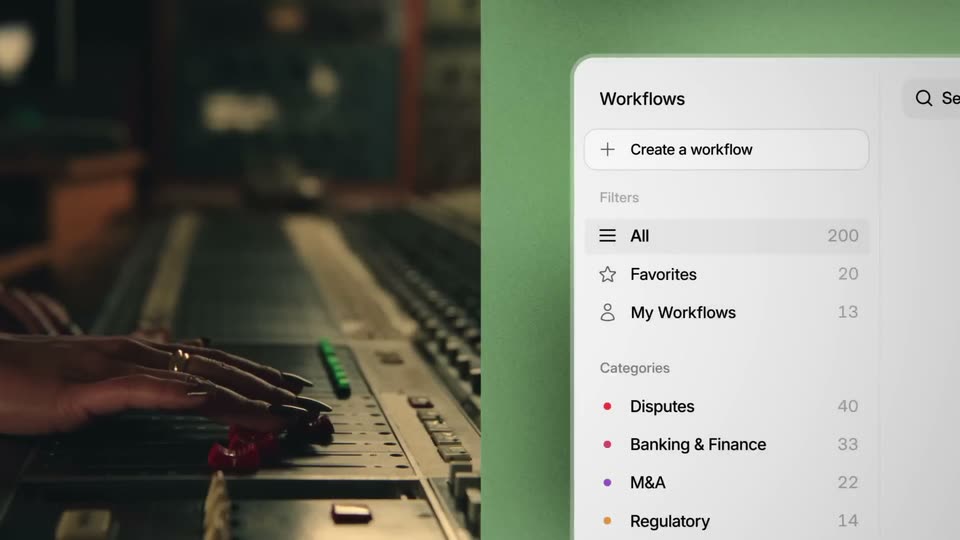
Legora Workflows - The orchestration layer for legal work
Legora · Jun 2025
Creavit Studio · Nov 2026 · 0:38 · AI-annotated
Creavit Studio’s 0:38 launch film runs 21 scenes, about 1.8 s each. The product is on screen from the first frame and 11 features are revealed. The call to action lands at 0:31 (83% in). A dark, near-black stage where a single bold white headline types or fades in at the top while a flat UI panel or a 3D render animates below it, one feature per beat at a steady mid-tempo. The signature move is the top headline paired with a left settings card and a right live demo, plus recurring 3D device renders (MacBook, iPhone, hands) that scale and light up to close each feature.
Is this your launch? to your site or press kit.
Legora · Jun 2025
Ramp · Finance · Sep 2026
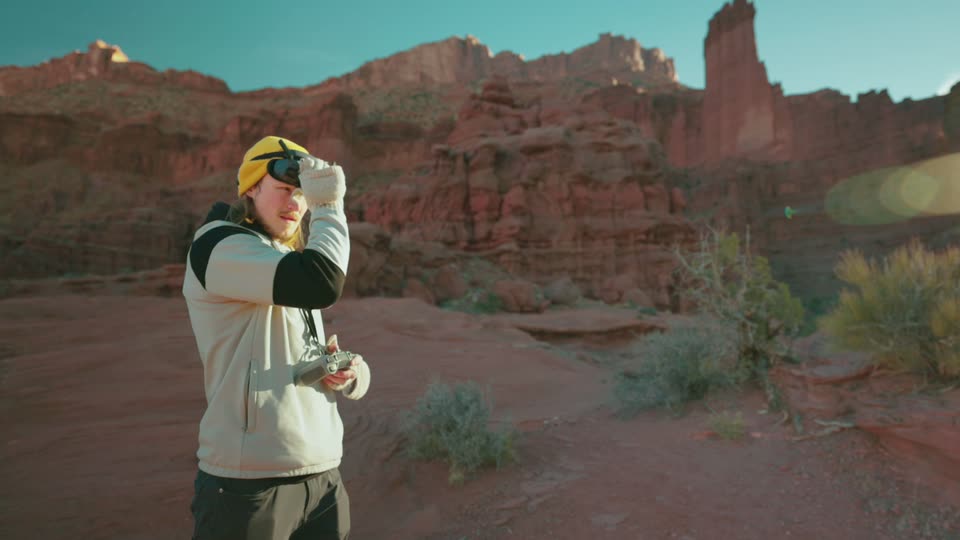
DJI · Hardware · Jan 2025
Films whose music sounds like this one, voice left out
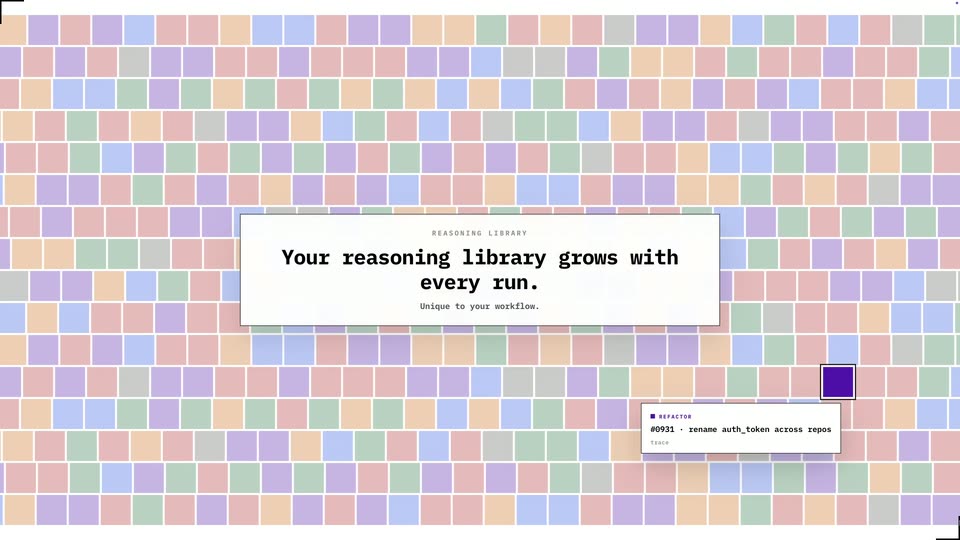
ReasonBlocks · Electronic, chiptune
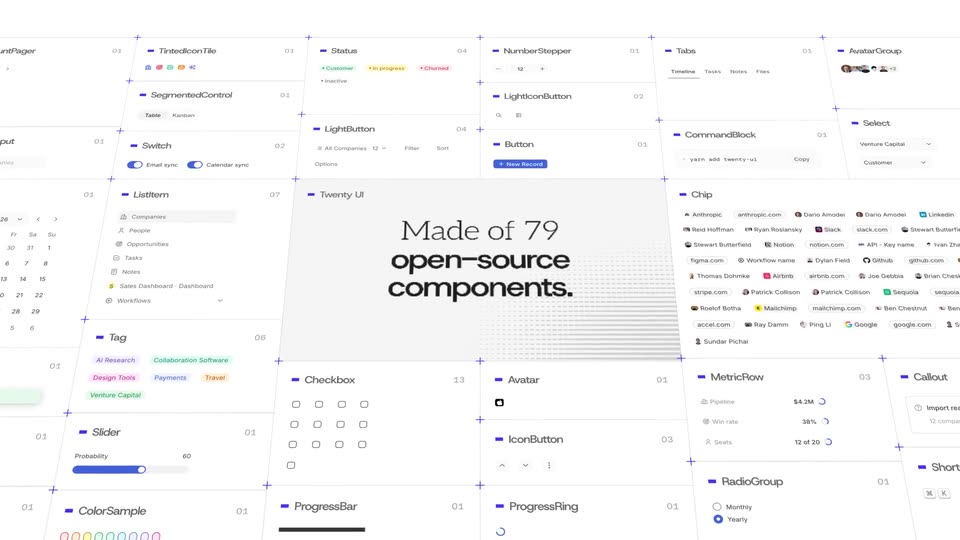
Twenty · Electronic instrumental
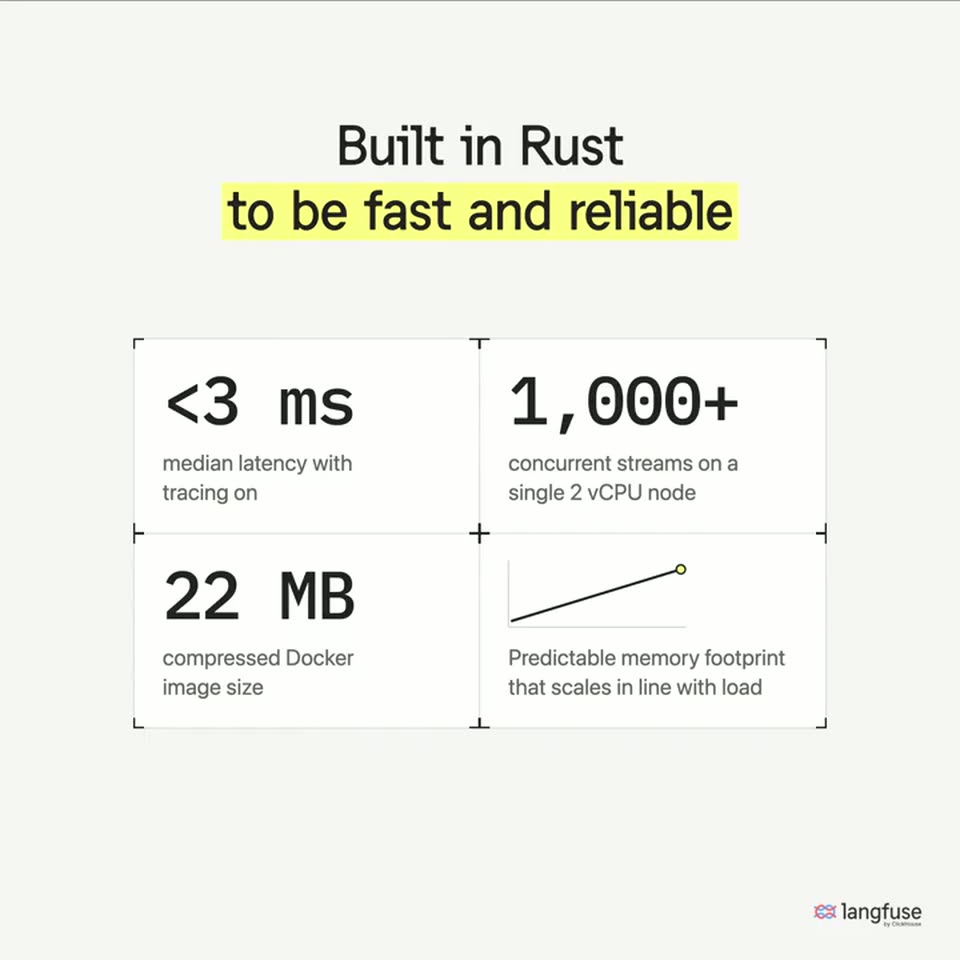
Langfuse · Electronic, chiptune
A bold white title holds at the top as a gray tagline types in below it. A dark video-editor interface then fades in, showing a preview monitor with a laptop render, a left icon sidebar, a right properties panel, and a multi-track timeline of pink and yellow clips.
On-screen text: “Creavit Studio 4.0”, “Screen recording, portrait camera and cinematic editing in one Mac app.”
Techniques: Kinetic type
Camera: Static
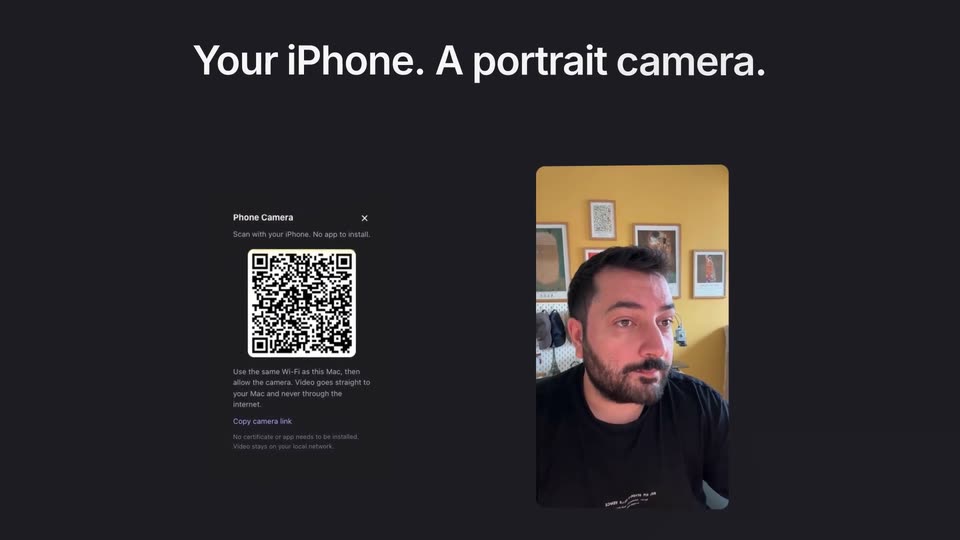
On a dark field, the headline builds word by word at the top while a Phone Camera QR panel sits left. A rounded phone frame slides in on the right, revealing a man's portrait video against a yellow wall.
On-screen text: “Your iPhone. A portrait camera.”
Techniques: Kinetic type, Masking
Camera: Static
A static dark layout centers a white headline above a QR code card on the left and a vertical video of a bearded man speaking on the right. A dotted arc with a yellow wifi mark and a small drifting dot connects the two.
On-screen text: “Your iPhone. A portrait camera.”
Camera: Static
On a dark background, a 3D laptop on the left displays a canvas with a corner camera preview, while a flat control panel on the right shows a red record button with a cursor hovering. A white headline fades in across the top.
On-screen text: “Add your camera after recording.”
Techniques: 3D mockup, Cursor demo
Camera: Static
An interface shows a canvas preview on the left with a circular camera feed and a timer, plus a control panel on the right with a red record button. A cursor hovers the button, a ripple pulses, and a red Camera + Mic clip slides into the timeline.
On-screen text: “Add your camera after recording.”
Techniques: Cursor demo
Camera: Static
On a near-black background, a large white headline types out across the top while two flat content-planner interface panels fade in, one left and one right, settling side by side.
On-screen text: “Content Planner. From idea to takes.”
Techniques: Kinetic type
Camera: Pull out
A white bold headline reads across the top. Two dark UI panels, a script list with a red Record button on the left and a video library on the right, scale up from a small centered state to full size, fading in.
On-screen text: “Content Planner. From idea to takes.”
Techniques: Split screen
Camera: Static
A pale blue slide holds a centered headline at the top; over the first second, three flat panels fade in below: a phone app held in a hand, a dark settings screen, and a video editor with two circular zoom overlays.
On-screen text: “MultiFocus. Standard or Liquid.”
Camera: Static
A dim 3D MacBook sits on the right of a black frame as the headline fades in above it. A settings card with lid angle controls slides in on the left, then vanishes as the laptop scales up, centers and brightens, its keyboard lit by warm screen glow.
On-screen text: “MultiFocus. Standard or Liquid.”, “Cinematic MacBook scenes.”
Techniques: 3D mockup
Camera: Static
On a black background, a 3D MacBook in three-quarter view opens its lid from closed to nearly flat while its screen shows a warm orange wallpaper, dark windows and a cursor. A grey control panel sits at left, and a white headline sits at top.
On-screen text: “Cinematic MacBook scenes.”
Techniques: 3D mockup
Camera: Static
A black frame holds a white headline at the top. On the left a settings panel for a hand mockup stays static; on the right a 3D hand grips an iPhone while a second hand's finger taps and scrolls the screen as the lighting rises.
On-screen text: “3D iPhone. Animated hands.”
Techniques: 3D mockup
Camera: Pull out
A flat tablet mockup shows the Framo page scrolling from the hero to a three-card section, a cursor on the page, a face-cam of a man at its corner. A dark settings panel with a path graph sits right. “Smooth Scroll.” holds top center.
On-screen text: “Smooth Scroll.”
Techniques: Cursor demo
Camera: Static
A dark post composer UI sits at left while a settings panel for the typing effect fades in at right. The headline above sharpens from a blur, and a caret types the word letter by letter in the message field.
On-screen text: “Smooth Typing.”
Techniques: Kinetic type
Camera: Static
A white headline reads “Smooth Typing.” above a dark compose screen where a tweet types itself out, beside a typing settings panel. It cuts to “Your voice. Another language.” over a voice translation panel next to a video of a man speaking.
On-screen text: “Smooth Typing.”, “Your voice. Another language.”
Camera: Static
Dark frame, white headline at top. A settings panel on the left lists voice and translate rows; a phone on the right shows a man in a video call against a yellow wall. A waveform pulses between them, and an English badge appears on the phone.
On-screen text: “Your voice. Another language.”
Camera: Static
A dark interface fades in from black. A left control form with a blue Analyze footage button and a right browser mockup holding a man's portrait and dashed stage markers appear together. The white headline Auto FX. You direct every stage. settles at the top.
On-screen text: “Auto FX. You direct every stage.”
Camera: Static
Two export panels fade in side by side on a black background, the left on the This Mac tab, the right on the Publish tab with a small pointer. Above them the white headline finishes as the word Share slides in.
On-screen text: “Export. Prepare. Share.”
Techniques: Kinetic type, Split screen
Camera: Pull out
A dark export interface appears in two panels side by side, the left dimmed and the right active with the Publish tab highlighted and platform chips listed. A white headline sits above both. The panels hold still for the clip.
On-screen text: “Export. Prepare. Share.”
Techniques: Split screen
Camera: Static
On a black field, the fading headline 'Export. Prepare. Share.' dissolves at center as 'Also on iPhone.' locks in at the top. A flat iPhone mockup brightens in the lower center, revealing the mobile app: a video player, a timeline, and a Captions panel with an Export button.
On-screen text: “Also on iPhone.”
Camera: Static
Three iPhone mockups fan out into an arc on a black background, the center phone upright and the side phones tilted, each showing the app's editing interface. The white headline and subline hold static above them.
On-screen text: “Also on iPhone.”, “Record and edit right on your iPhone. Available on the App Store.”
Techniques: 3D mockup
Camera: Static
A yellow rounded app icon holds center on black as the bold white title Creavit Studio 4.0 fades in beneath it, then a smaller white subtitle line. Dimmed product shots of a person, a laptop and app-store screens fade in around the edges. Locked-off frame.
On-screen text: “Creavit Studio 4.0”, “Screen recording, portrait camera and cinematic editing in one Mac app.”
Camera: Static