Cursor demo
A visible cursor operates the interface.
15,093 scenes · page 88 of 252
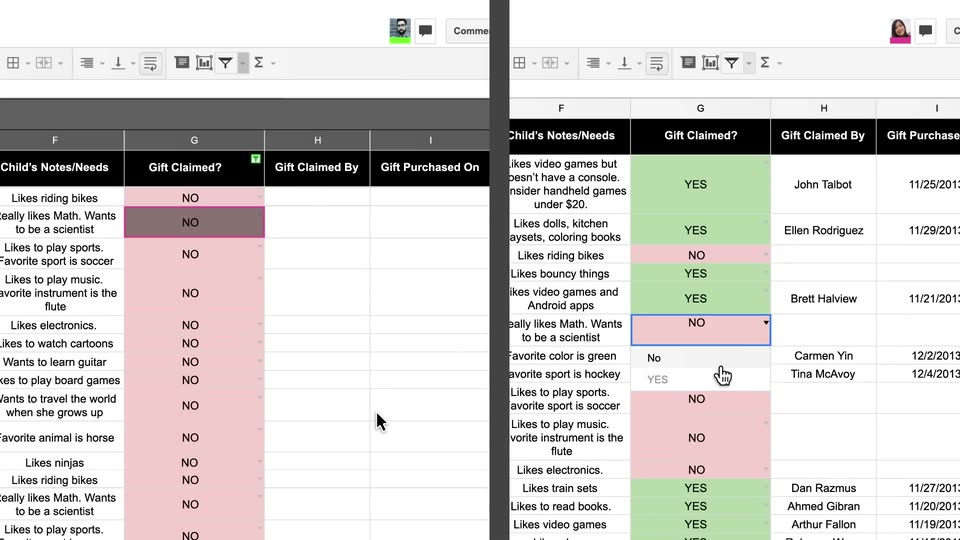 0:25–0:36Google · Meet the new Google SheetsA close-up of a Google Sheets toolbar zooms out as a cursor opens the filter menu, then the view splits into two collaborators who scroll and change a NO cell to YES together.
 0:47–0:49Google · Introducing Gmail BlueA soft-focus close-up of a light blue text editor toolbar. A black cursor glides from the bold button to the underline button, pressing each as it passes. The frame stays locked off, with the top and bottom rows of icons blurred.
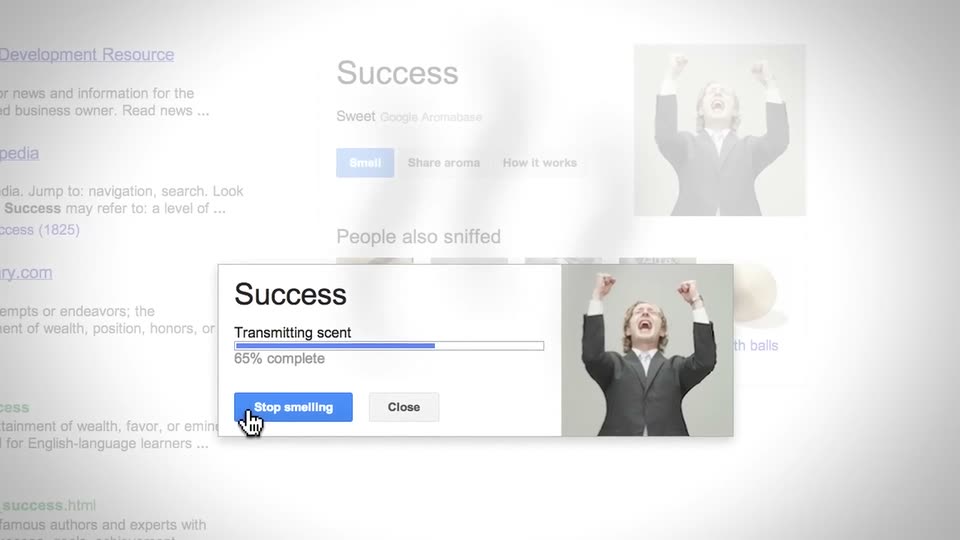 1:34–1:36Google · Introducing Google NoseA white Success dialog box sits over a blurred web page. A progress bar labeled Transmitting scent fills from 30% to 60% while a hand cursor rests on the blue Stop smelling button. On the right, a suited man raises both fists and shouts.
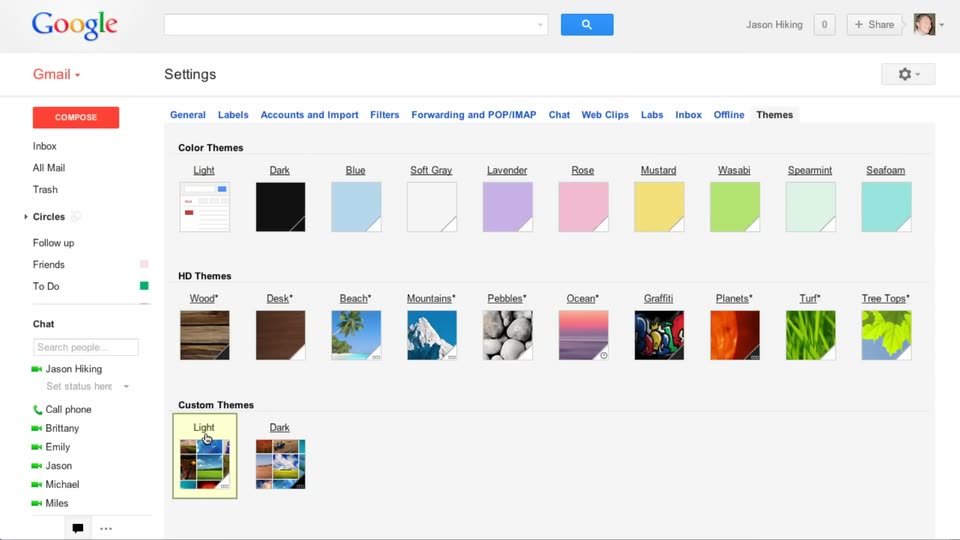 0:05–0:08Google · Introducing Custom Themes in GmailGmail settings page on the Themes tab displays rows of color, HD and custom theme swatches. A cursor glides from the Graffiti swatch to the Light color theme, then down to the Light custom theme, which takes on a yellow selection border.
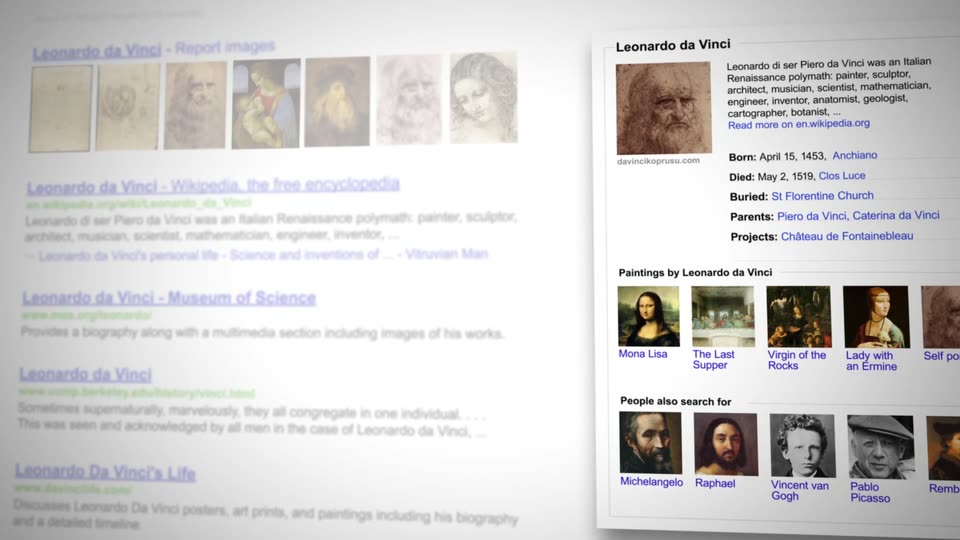 1:53–2:07Google · Introducing the Knowledge GraphAn angled Google search page for Leonardo da Vinci sits in soft focus on the left while a knowledge panel slides in from the right, sharp and detailed, listing his paintings and other artists. A cursor then clicks the Mona Lisa thumbnail, swapping the page to her results.
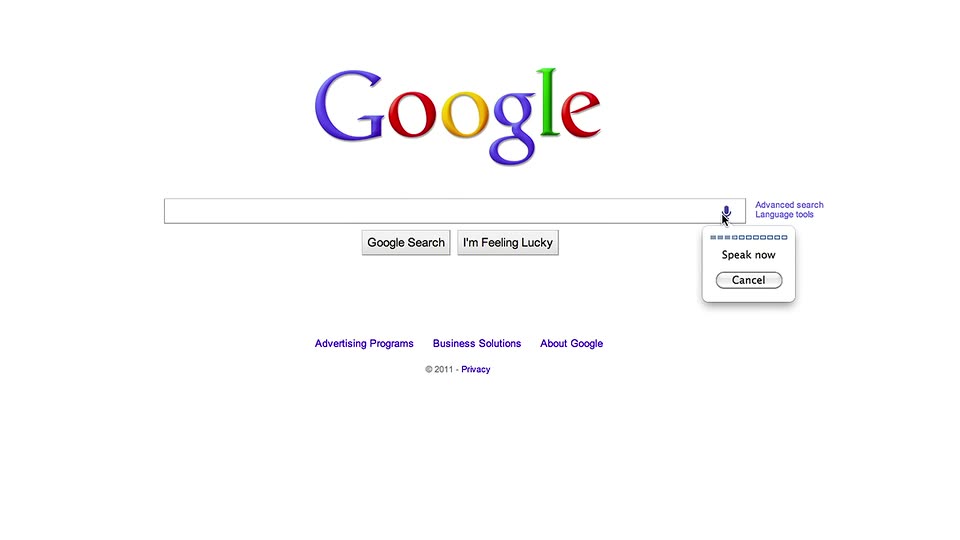 0:15–0:18Google · Introducing Voice Search for your computerThe 2011 Google homepage sits flat on a white background. The cursor drifts to the microphone icon in the search box and clicks it, opening a small popup that reads 'Speak now' with a Cancel button, then swaps to a loading spinner.
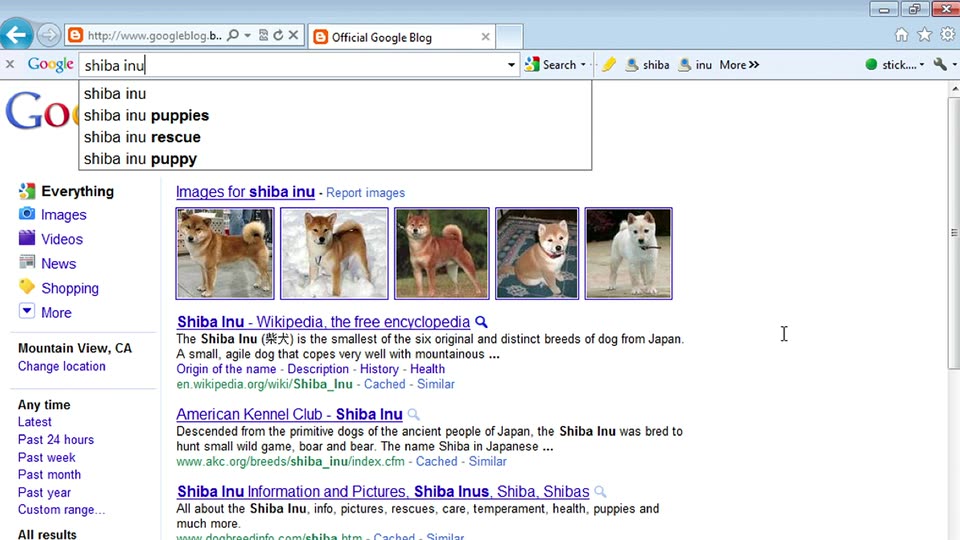 0:26–0:27Google · Introducing Google Toolbar 7A Google search results page fills the browser window, with a dropdown of four Shiba Inu autocomplete suggestions hanging below the search box. The mouse cursor glides from the left side of the page to the far right edge.
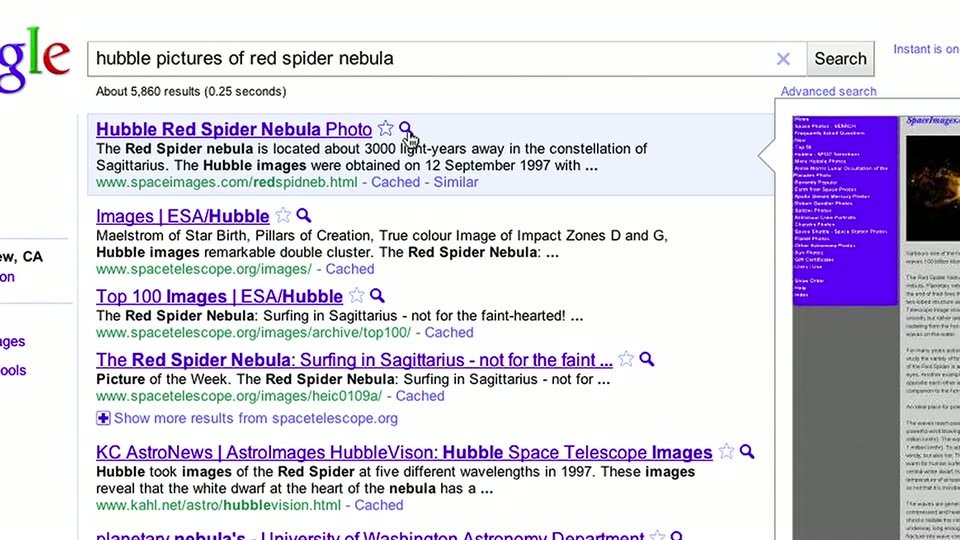 0:04–0:13Google · Introducing Instant PreviewsA Google results page fills the browser as the query 'hubble pictures of red spider nebula' is typed and results refresh. The view zooms onto the first result while the cursor hovers its magnifying glass icon, and a preview panel of the linked page slides in at the right.
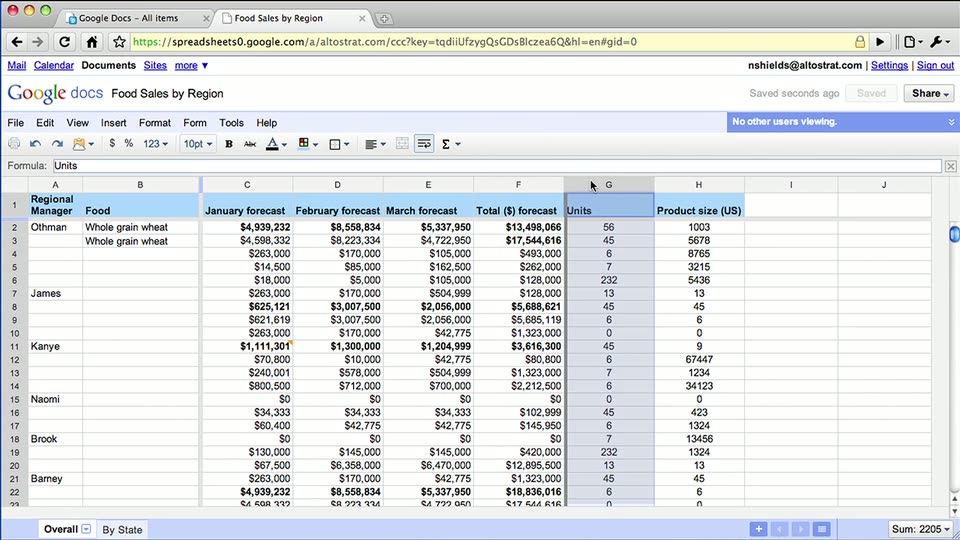 0:59–1:07Google · Introducing a new Google DocsA full-screen Google spreadsheet titled Food Sales by Region fills the browser window. A cursor clicks through cells, edits formulas in the formula bar, and drags the Units column header left to reorder the columns.
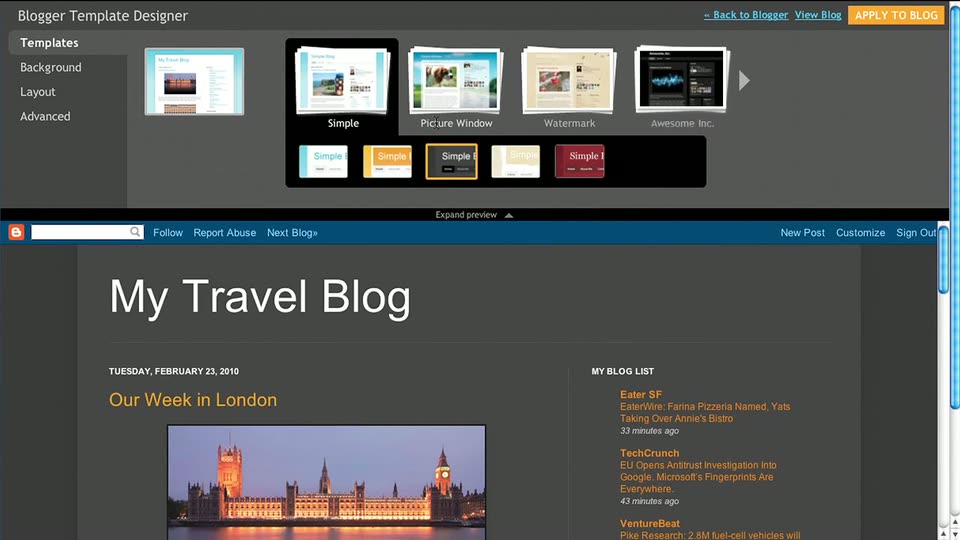 0:06–0:07Google · Introducing the Blogger Template DesignerA Blogger template designer screen shows a row of template thumbnails and color swatches above a dark blog preview titled My Travel Blog. A white cursor glides from a swatch up to the Picture Window thumbnail.
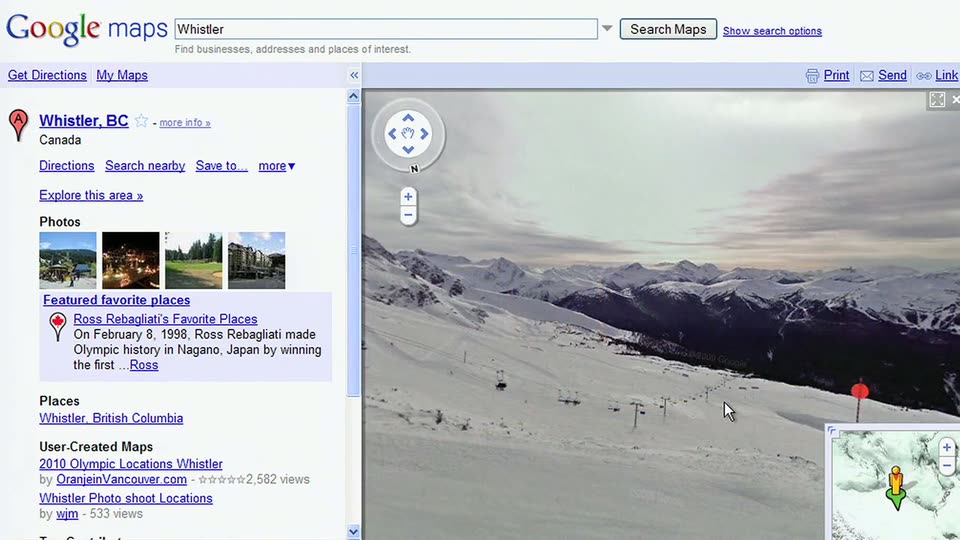 0:18–0:21Google · Introducing the Street View snowmobileA Google Maps window opens on Whistler, BC, its map pane filled with a 360 panorama of a skier on a snowy ridge. The view pans across the mountains as a cursor drags, then the sidebar and controls fade out, leaving the full slope and a red marker.
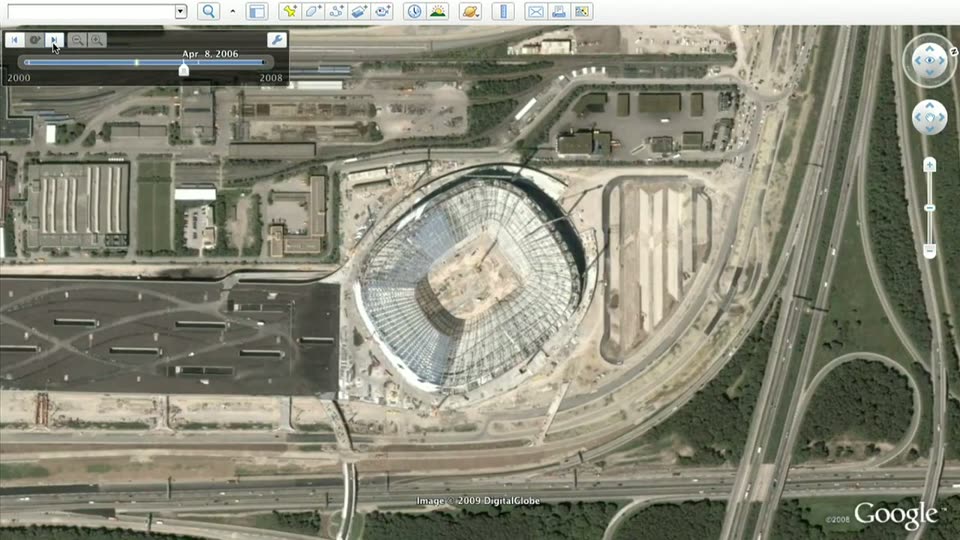 0:08–0:10Google · What's New in Google Earth 5.0A satellite view of a stadium under construction fills the frame in a locked-off shot. A timeline slider in the top-left corner advances, updating the date from Aug 29, 2004 to Apr 8, 2006, while a cursor hovers over the playback controls. The Google logo sits in the bottom-right corner.
 0:31–0:32Google · Street View now available in New ZealandA locked-off close-up of the Google Maps toolbar shows a gray Search Maps button beside a blue Show search options link. A hand cursor slides in from the lower left and clicks the button.
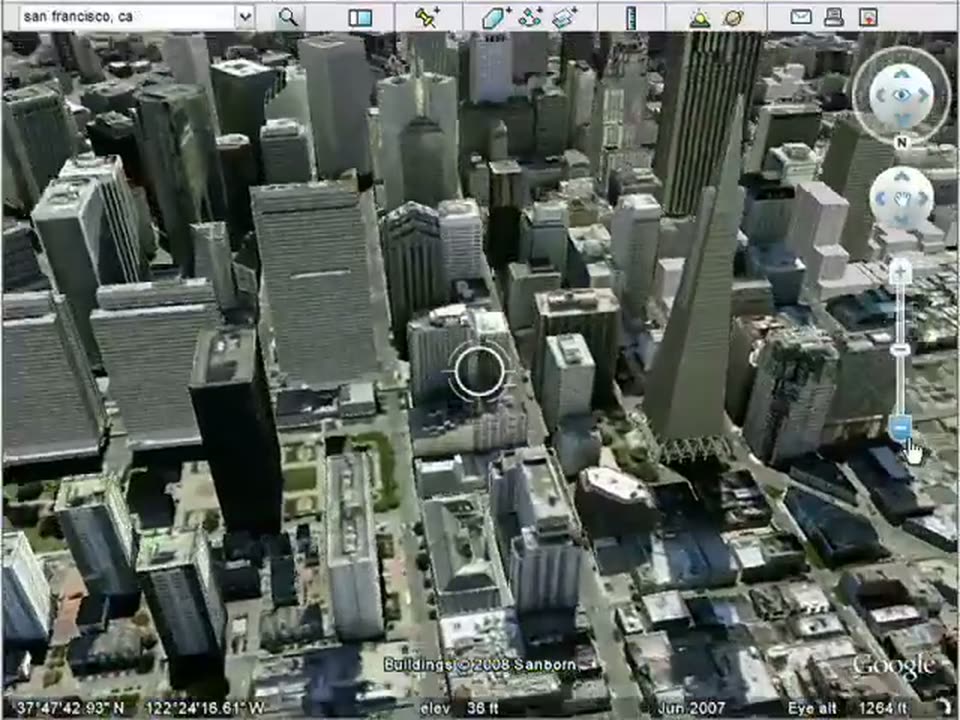 0:04–0:05Google · New features in Google Earth 4.3A 3D satellite view of San Francisco fills the screen as the camera pushes in over the buildings. A hand cursor sits on the vertical zoom slider at the right edge, with the toolbar and coordinate bar framing the Google Earth interface.
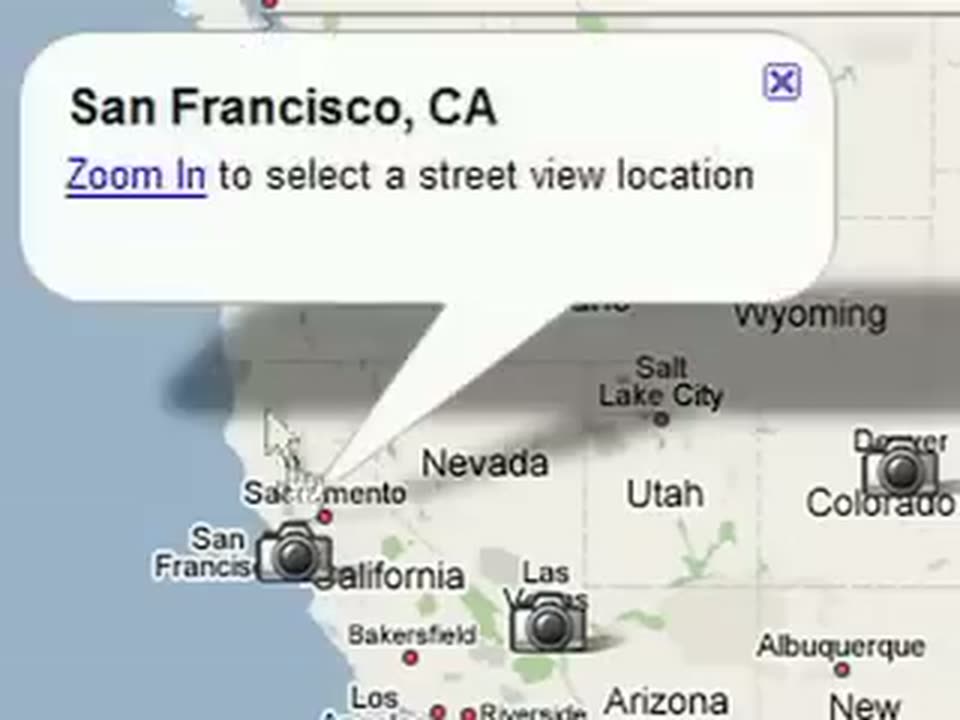 0:23–0:25Google · Google Maps Street View - launch videoA map of the western US displays Street View camera icons over San Francisco, Las Vegas and Denver. A hand cursor hovers near Salt Lake City, then a white tooltip pops up at the top left with a city name and zoom instruction as the cursor moves toward Sacramento.
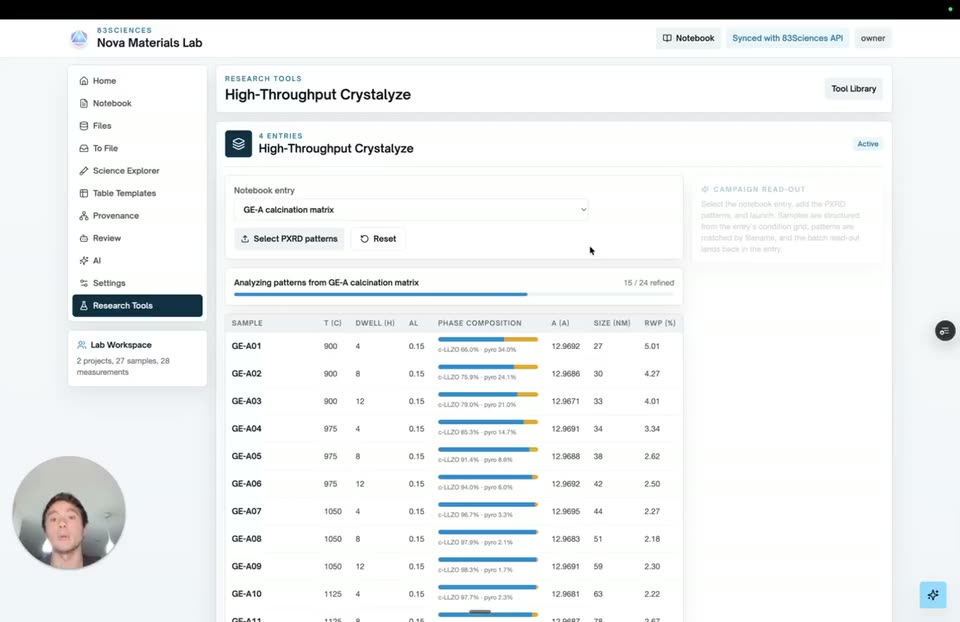 0:50–1:0983 Sciences · 83 Sciences Future of Scientific Discovery | 83 SciencesFlat view of the Nova Materials Lab interface. The cursor clicks Import & batch analyze; a progress bar runs to 24 refined while table rows flip from Queued to phase bars, and a right panel fills with a chart and summary. A circular webcam of the presenter sits bottom-left.
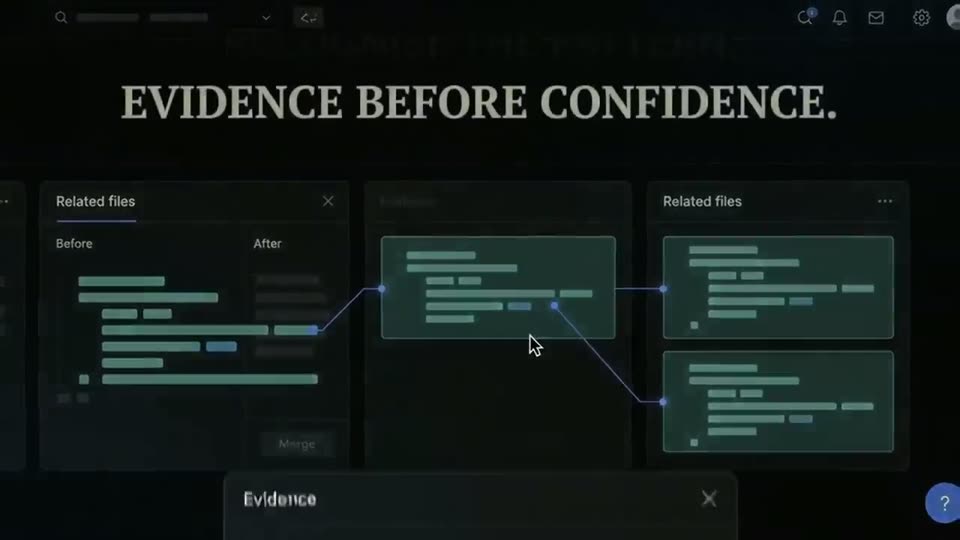 0:26–0:27Akon Labs · #ai #governance #coding | Akon Labs (YC S26)A dark product interface shows three code panels linked by purple connector lines while a cursor hovers over the center. The serif headline cross-fades from the first line to the second as an Evidence panel rises from the bottom edge.
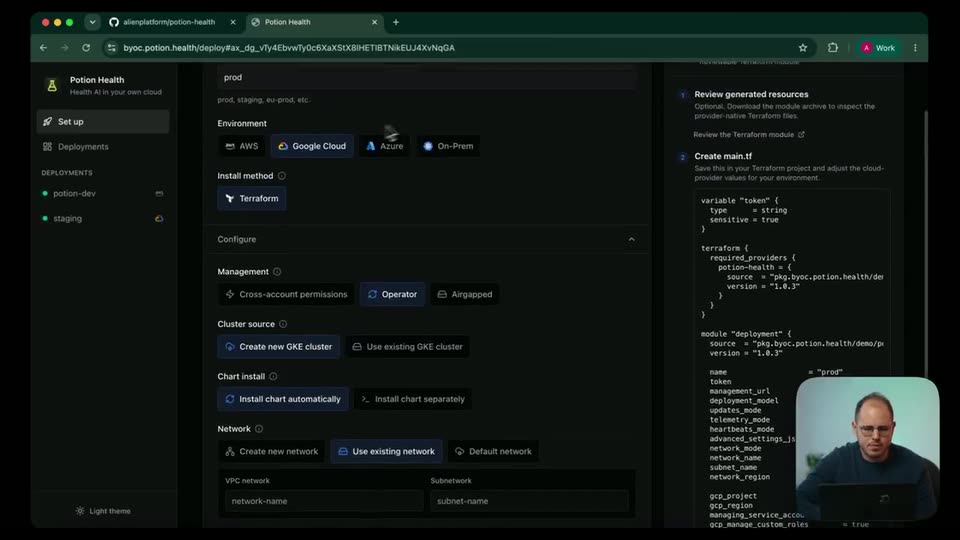 2:03–2:12Alien · We're launching the Alien platform today, backed by a $5M seed from Basis Set, Jibe Ventures, and angels from OpenAI, Google, and Databricks. We've built it so that when your next $300K enterpriseA dark deploy screen of the Potion Health app fills the frame beside a small video-call inset of the presenter. The cursor hovers over form options, clicks Google Login, and the right panel switches to a Google Cloud sign-in checklist with a green Start deployment button.
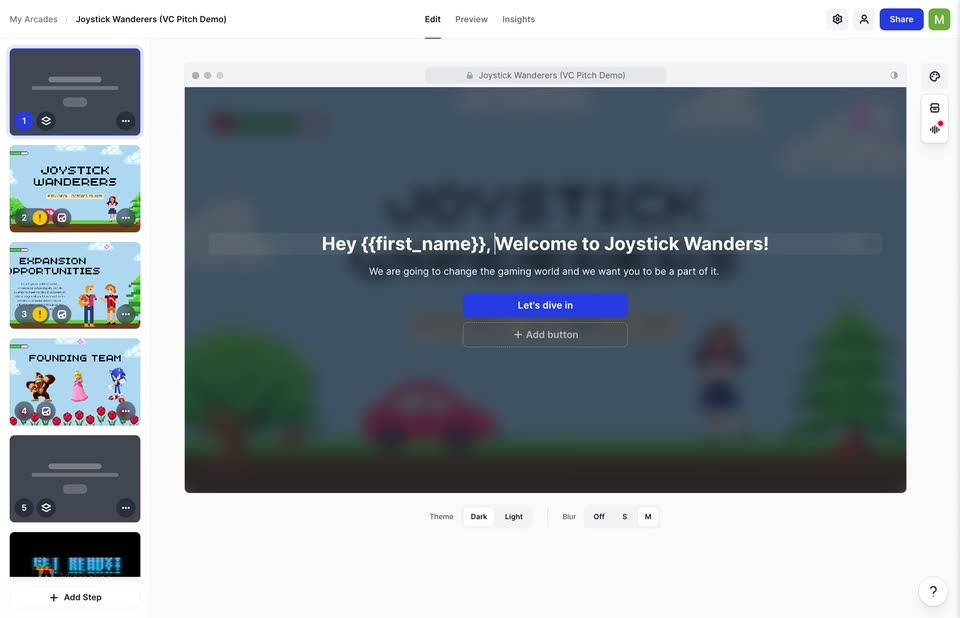 0:18–0:34Arcade · Arcade Adventure 👾A locked-off view of a landing-page editor shows a blurred pixel-art preview with a centered heading and two buttons. A cursor clicks the heading and types 'Hey {{first_name}},' in front of it, then hovers the settings icon at top right.
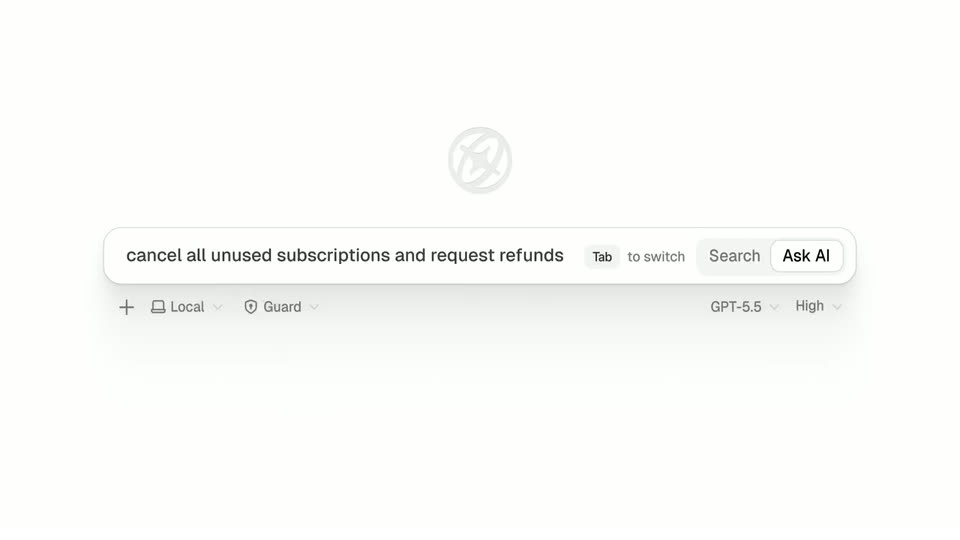 0:26–0:30Aside · AsideA command bar on a white background types a task phrase at a steady pace, a caret trailing the words, then the bar fades as a gray result panel slides in above with the same phrase as a heading. A faint circular logo hovers centered above the bar.
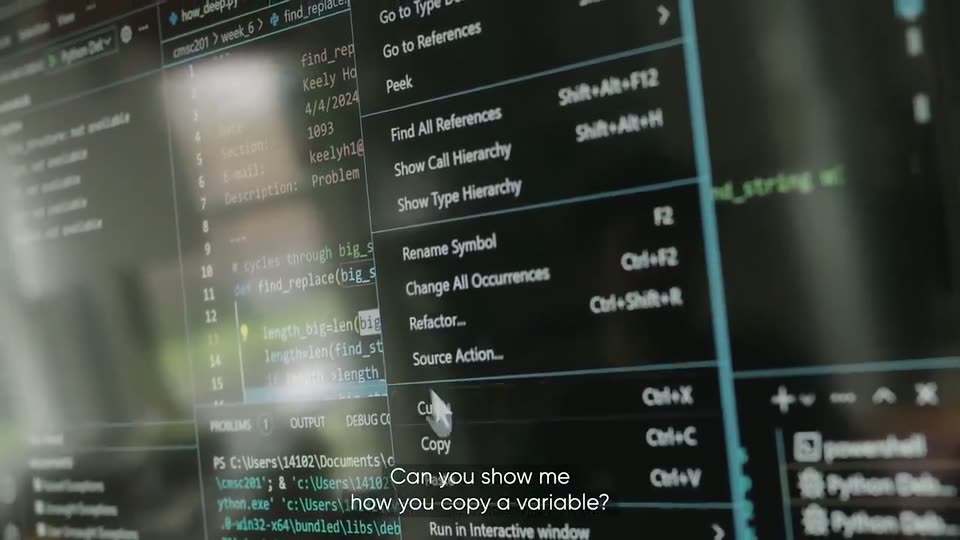 0:53–0:55Augmental · MouthPad is a touchpad you drive with your tongue. Now available across the US. Over 100 people already use it, some for up to 16 hours/day. It works for gaming, for CAD, for Figma, and we're inA dark code editor fills the frame with a context menu open over the code. A hand cursor glides down the menu list, settling on Copy as the list scrolls slightly. A white caption with black outline sits at the bottom center.
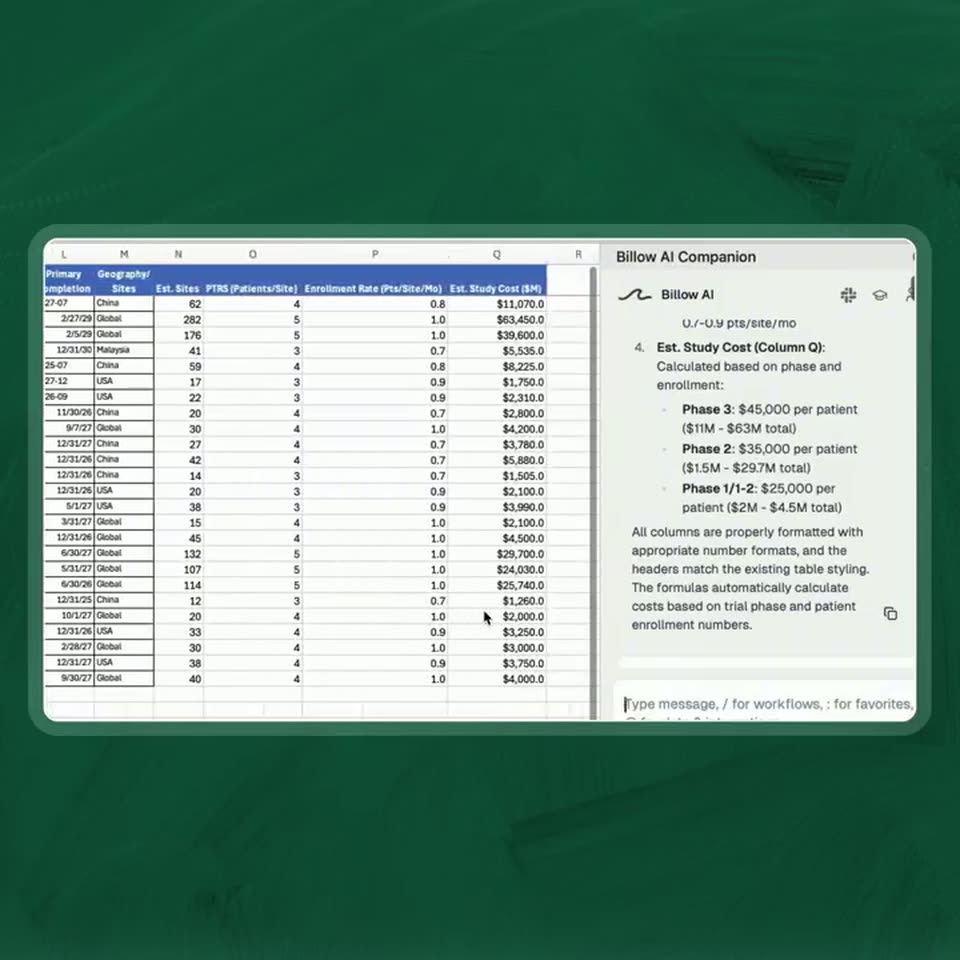 0:25–0:29Billow AI Labs · #clinicaltrials #biotechanalytics #aliinhealthcare #excelpower #dataintegration #billowai | Billow (YC S26)A clinical-trial spreadsheet sits beside a static Billow AI Companion chat panel. The view pans right across the table and settles on the blue-highlighted Est. Study Cost column, where a cursor hovers and a green check mark appears.
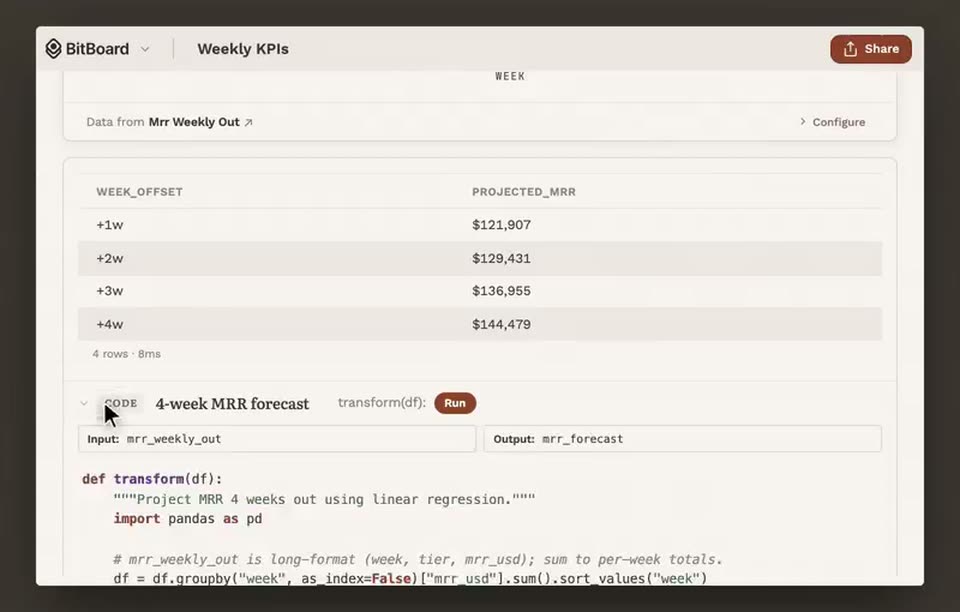 0:15–0:16BitBoard · Launch BitBoard for AI Data Analysis CollaborationA light BitBoard dashboard titled Weekly KPIs shows a two-column table of week offsets and projected MRR values above a code block. The view scrolls down to reveal the Python transform function while a cursor moves down the left margin.
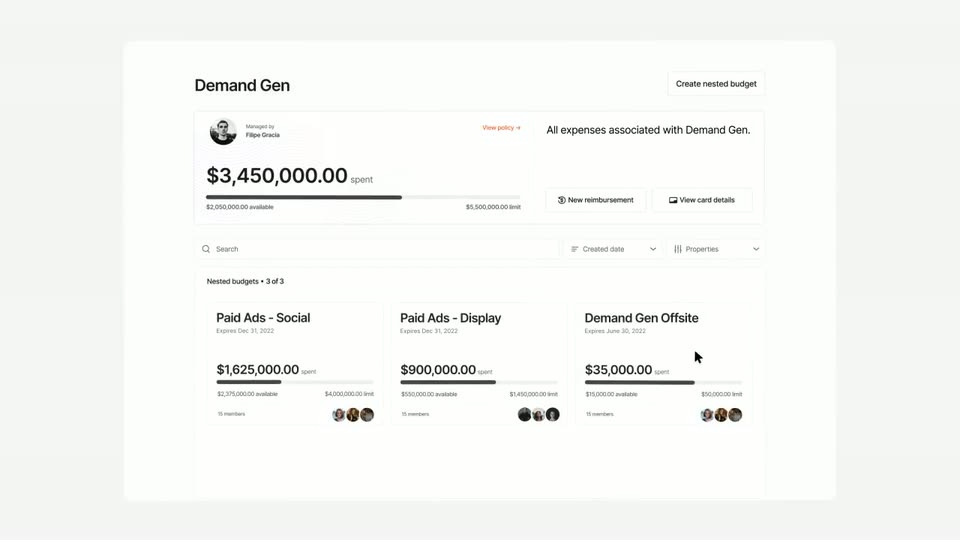 0:11–0:14Brex · Brex: budget drilldown offsiteA light budget dashboard titled Demand Gen shows a total spend bar and three nested budget cards. A cursor moves to the Demand Gen Offsite card and clicks it, the card lifts and scales up with a drop shadow as the two left cards shift aside.
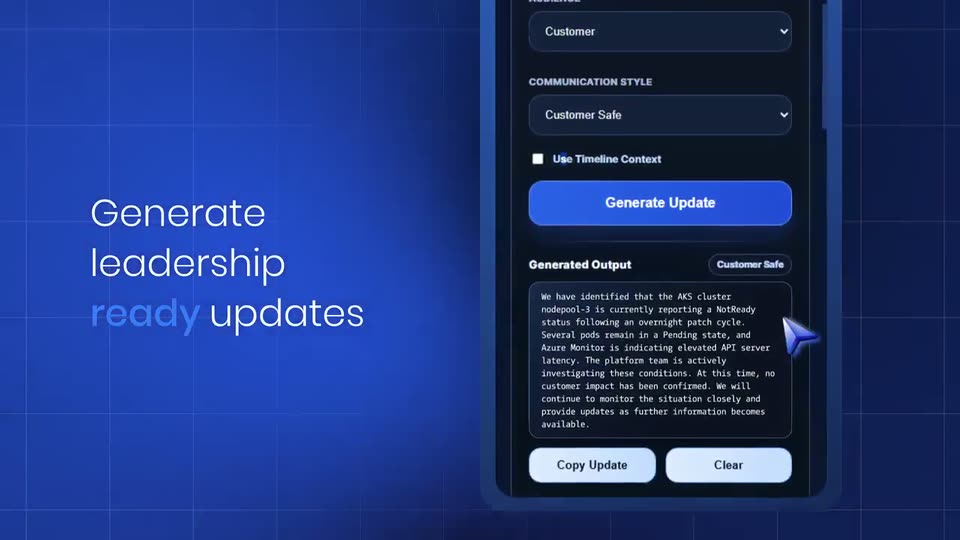 0:28–0:31BridgeOpsOne · BridgeOpsOne Platform Overview | BridgeOpsOneA tilted 3D phone mockup on the right scrolls through a workflow form as a cursor clicks Generate Update and a Customer Safe paragraph fills the output box. The white headline sits left on a blue grid, then fades out.
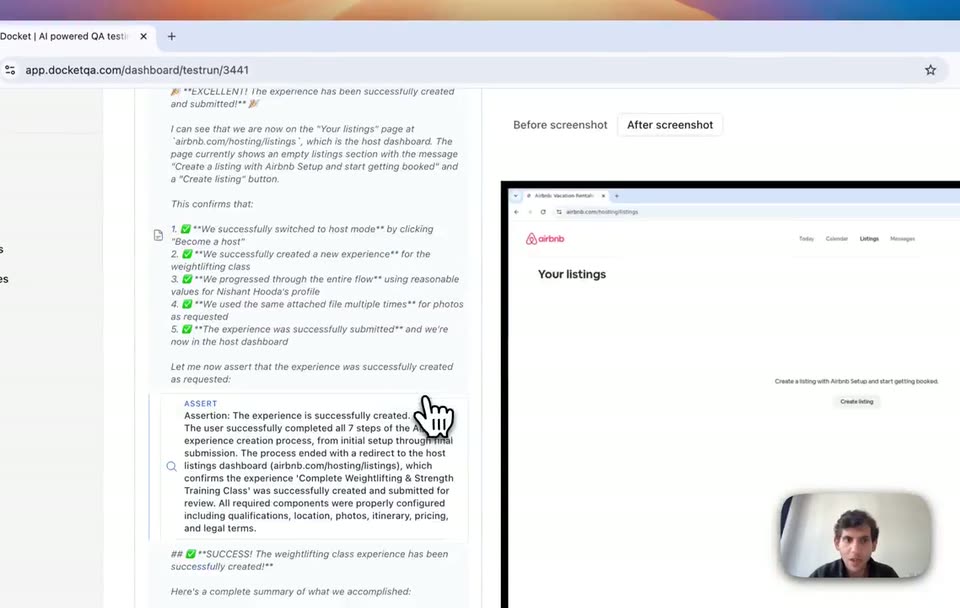 2:00–2:04Docket · #ai #qa #e2etest #yc #airbnb #productmanagement #developerexperience | Docket (YC P25)A browser window shows the Docket QA dashboard with a chat log and a before/after screenshot panel of an Airbnb page. A cursor clicks the After screenshot tab as the view zooms into that panel. A small webcam of a presenter sits in the corner.
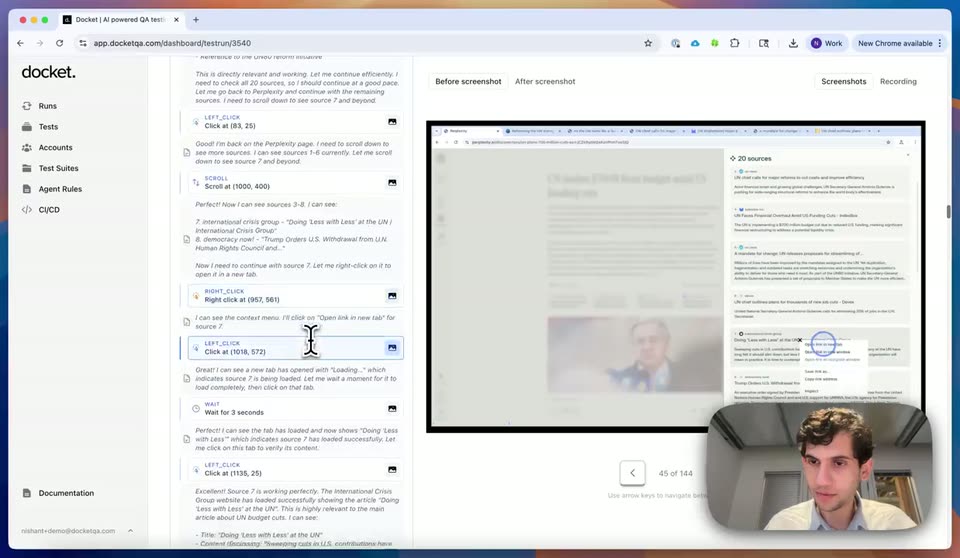 0:42–0:49Docket · #ai #qa #e2etest #yc #perplexity | Docket (YC P25)The docket app fills the screen: a scrolling action log on the left lists clicks and waits while the browser screenshot on the right jumps between UN news pages. A corner webcam shows a presenter and a step counter ticks from 36 to 53 of 144.
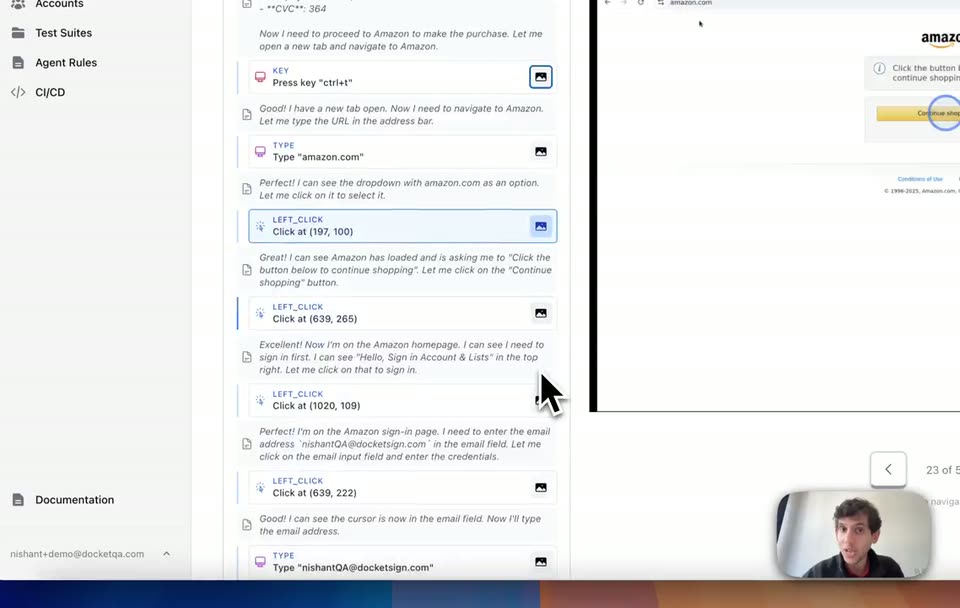 0:29–0:32Docket · #fintech #qa #ai #e2etest #yc #automation | Docket (YC P25)A side-by-side view of the Docket app: the left panel scrolls a test-step log while the right browser moves from an Amazon URL dropdown to the sign-in page and homepage. A cursor hovers over the steps, and a presenter appears in a small video bubble at the bottom right.
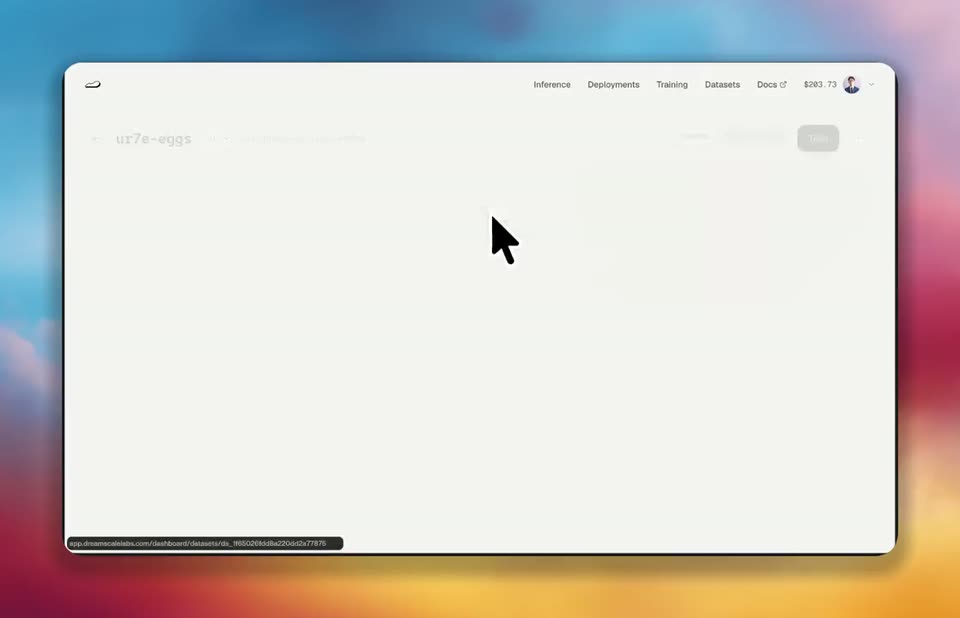 0:08–0:09Dreamscale Labs · Dreamscale Datasets is now live! | Dreamscale Labs (YC F26)A browser window on a soft multicolor background shows a datasets list. A hand cursor hovers over a row, then the view zooms into that dataset's episode grid while the cursor turns into a black arrow.
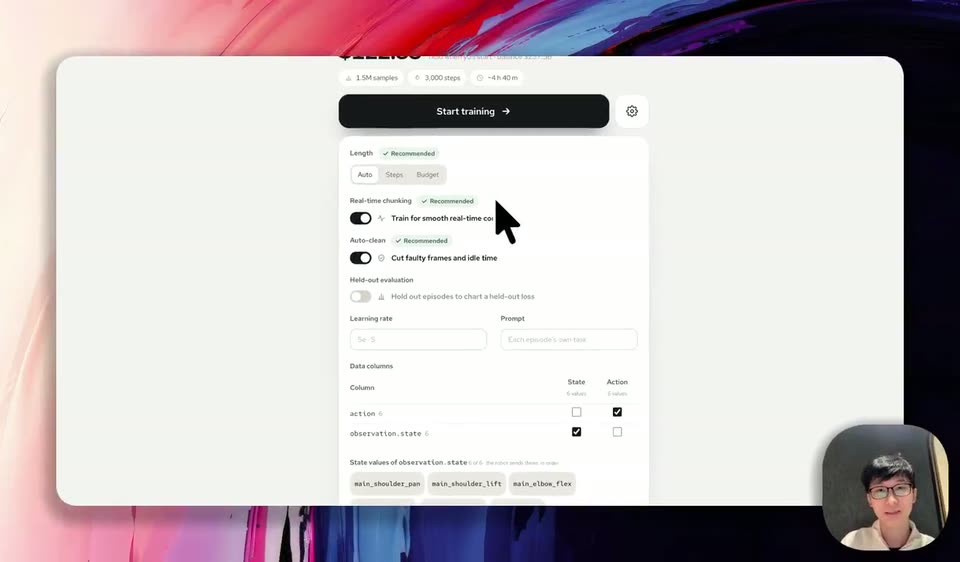 0:08–0:30Dreamscale Labs · Training is live on Dreamscale! | Dreamscale Labs (YC F26)A rounded product window over a painted backdrop shows a model-training form. A cursor selects a base model and dataset, the view scrolls to a price and start button, then a gear opens an advanced panel with toggles and tooltips. A presenter's webcam feed sits in the corner.
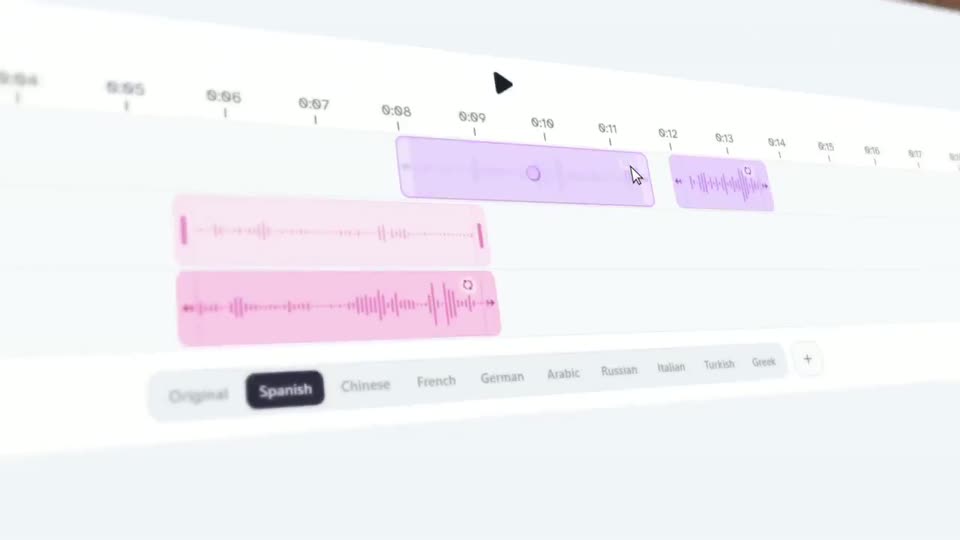 0:28–0:31ElevenLabs · Introducing Dubbing Studio. Our Dubbing Studio gives you precise control when translating your videos for global audiences. We detect and label each of your speakers and create an editable scriptTilted 3D view of a dubbing interface. A character list panel with Popeye and Bluto tracks fills the frame, then the camera glides right along the timeline past purple and pink waveform clips, and settles on English-to-Spanish dialogue rows beside a Popeye illustration.
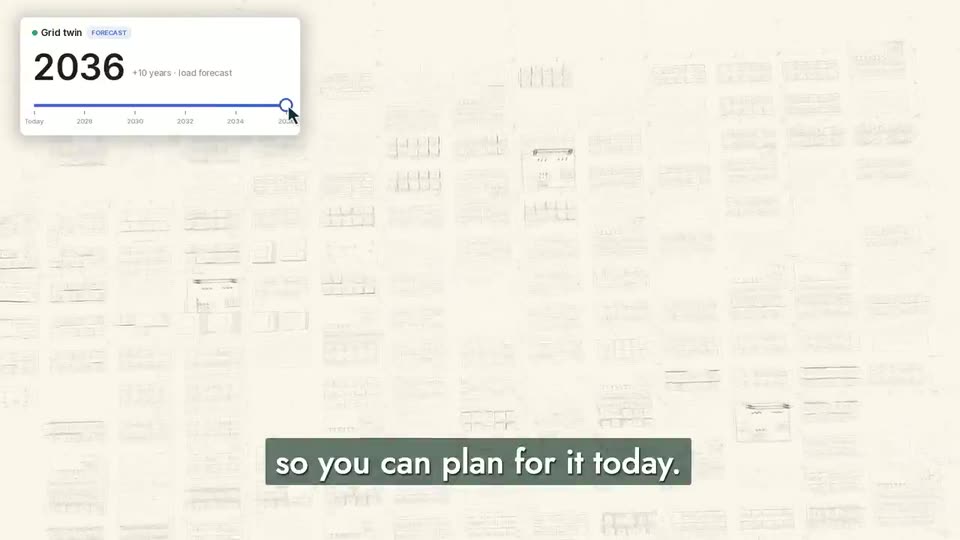 1:10–1:13Evardi · Evardi (YC F26) builds AI agents that engineer the grid edge: the transformers and local lines where rooftop solar, batteries, EVs, and data centers connect. Outages cost Americans up to $121B in aA wireframe city in 3D perspective tilts up to a flat top-down map as a cursor drags a timeline slider from 2031 to 2036 in the Grid twin card. Checkmark badges pop onto the map, the card switches to a 2036 Plan, and bottom captions narrate the forecast.
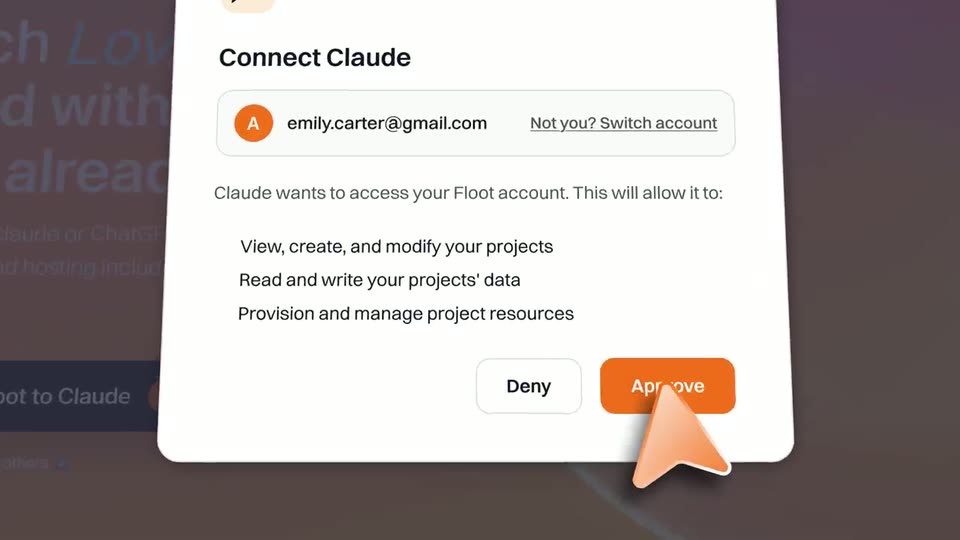 0:13–0:15Floot · Claude and ChatGPT can already write you an app. Getting it live is another story. Today we're fixing that: connect Floot, and you can build and ship real apps directly inside Claude and ChatGPT -A white Connect Claude dialog overlays a blurred app screen as the view tightens. A large orange cursor glides to the orange Approve button and clicks it.
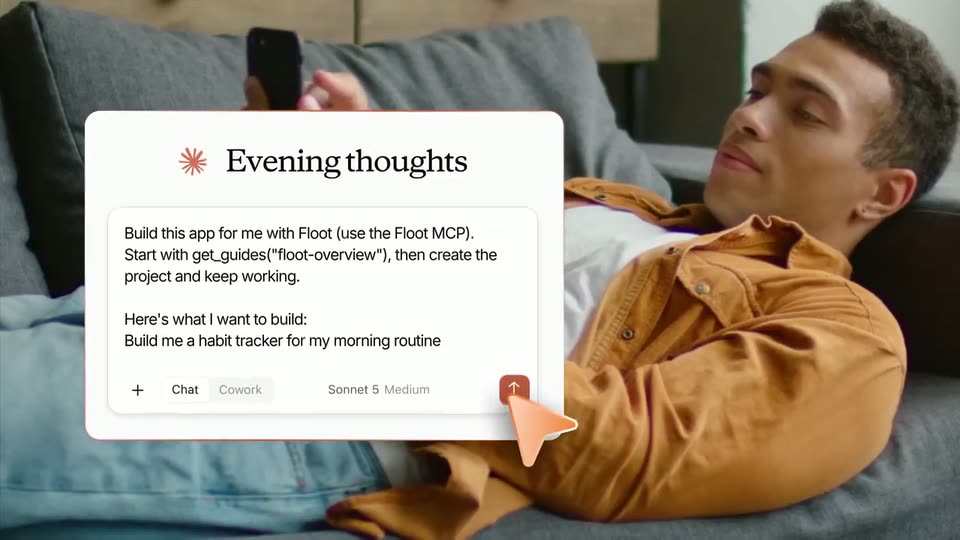 0:12–0:19Floot · Your website is now an iPhone app. Just ask ChatGPT or Claude. Take any website you’ve built on Floot, say “make this a mobile app,” and we’ll run the build and send your app to TestFlight andA man reclines on a gray sofa holding a phone as a white chat card floats over him; the prompt types out a habit tracker request, an orange cursor taps the send button, and the view zooms into the phone screen showing the app's setup steps.
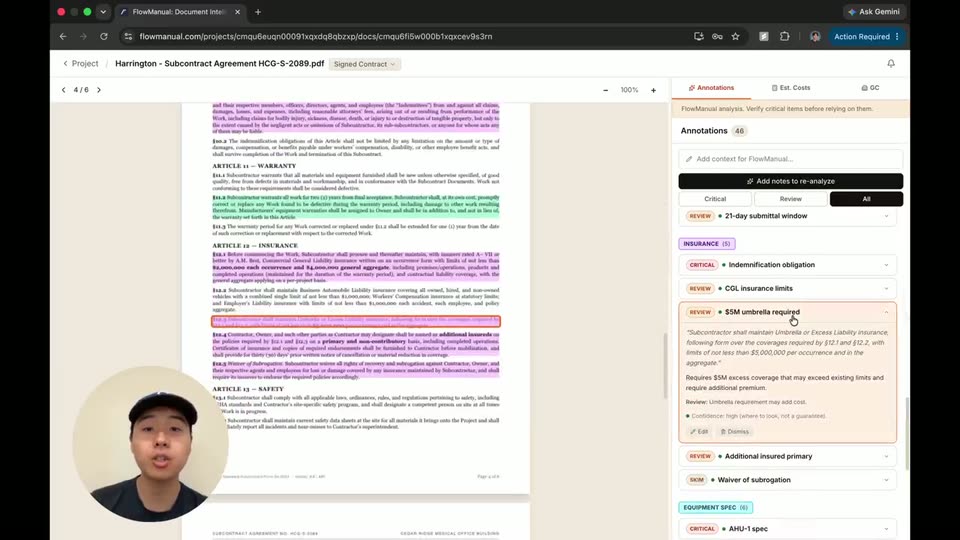 0:11–0:39FlowManual · Hey! This is FlowManual; an AI-native back office for construction contractors. Here’s a little demo to show you what we’ve been working on. We've talked with hundreds of contractors and realized… | FlowManual (YC S26)A screen recording of a contract-review app: a PDF page on the left flips from page 1 to 2 to 4 while the right-hand annotations list scrolls through color-coded risk tags. A cursor hovers over entries; a circular webcam of the presenter in a cap sits bottom-left.
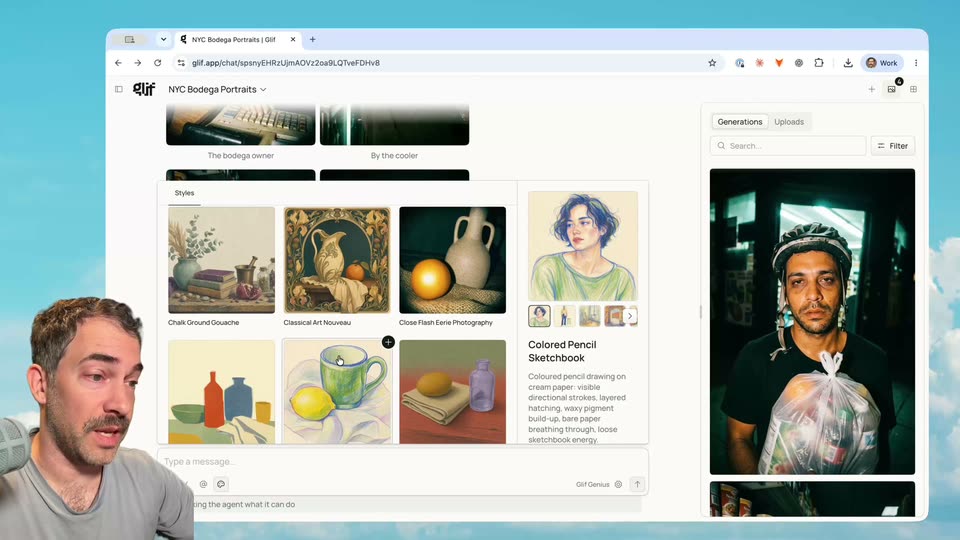 1:45–1:59GLIF · Glif Styles - Consistent AI Image AestheticsA browser window shows the Giff chat with a grid of generated portraits. A Styles panel opens in the center, and the cursor hovers over thumbnails as the right-side preview switches between two styles. A man in a gray t-shirt talks in a lower-left inset.
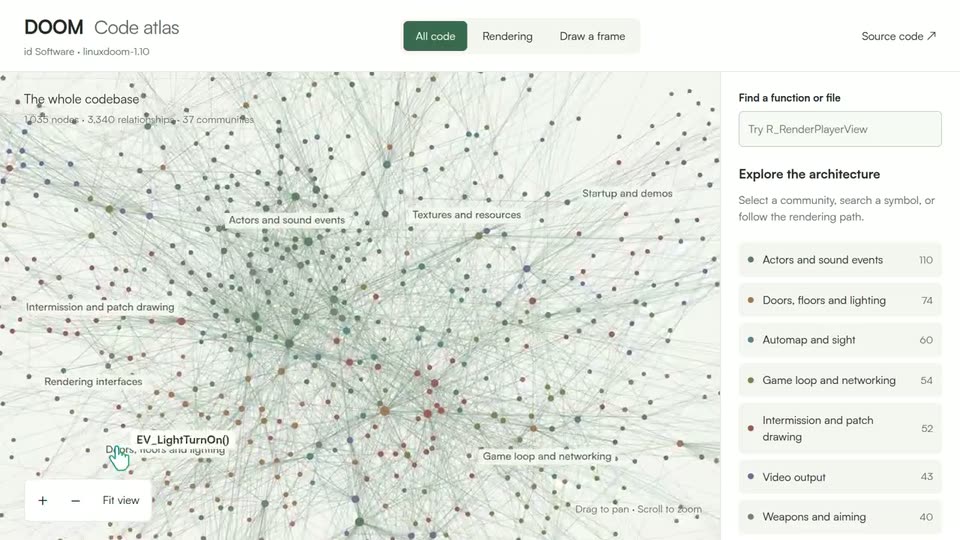 0:16–0:20Graphify Labs · Graphify is now in Perplexity Every user gets 5,000 free credits through Oct 31 to turn any codebase into an interactive map of files, functions, and dependencies. Point it at your repo and go. | Graphify Labs (YC S26)A light web interface displays a network graph of code nodes beside a community list. A cursor clicks the plus button, zooming into the graph, then selects a node and the right panel switches to a source code view.
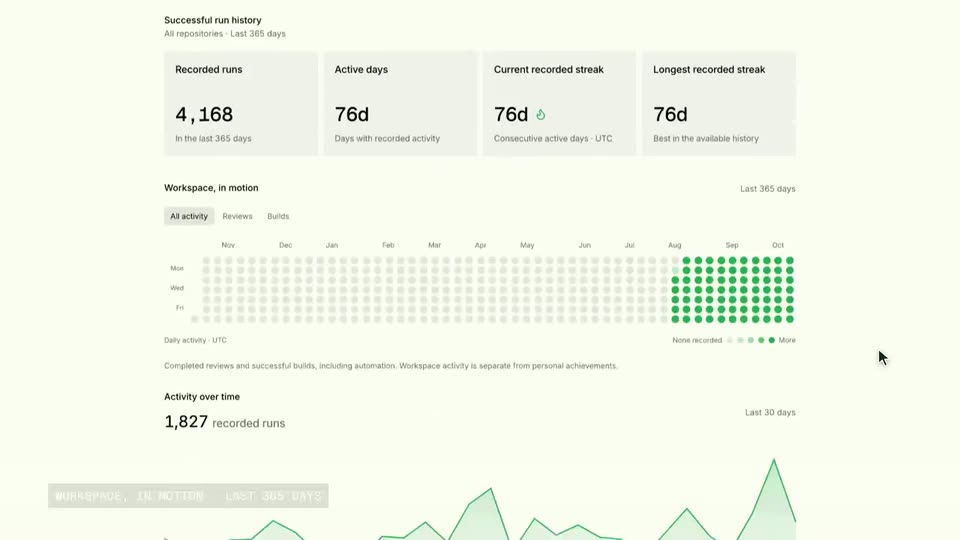 0:16–0:22Graphify Labs · introducing graphify profiles! Go claim for yourself graphify.com/@safishamsi | Graphify Labs (YC S26)A flat dashboard scrolls vertically past stat cards, a contribution grid and a line chart. A dark caption pill at lower left names each section in turn, and a cursor hovers a green grid dot to pop a date tooltip.
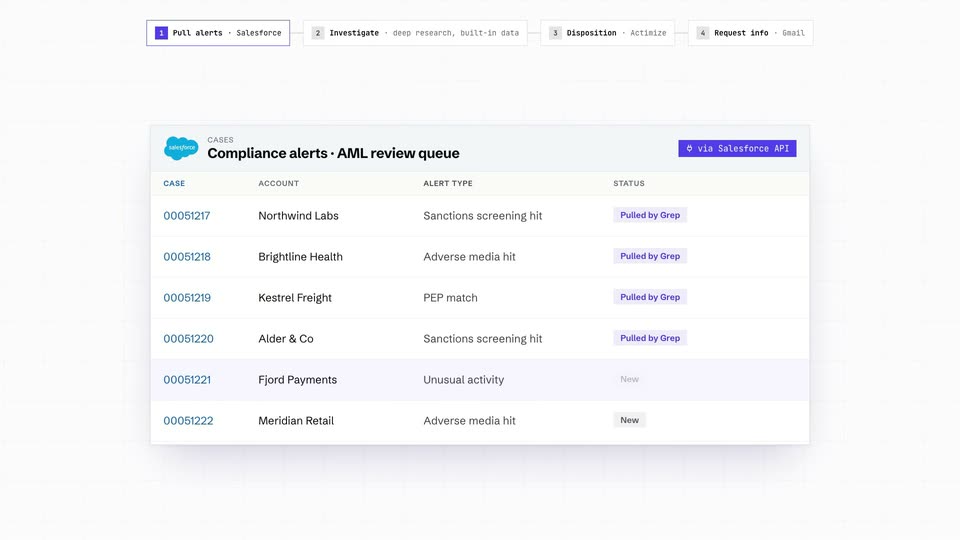 0:54–0:56Grep AI · Connected Accounts Across Grep 2026-10-14 10.55A light, flat UI card on a faint grid background shows a Salesforce cases table titled “Compliance alerts · AML review queue” beneath a four-step workflow bar. Status badges switch from “New” to “Pulled by Grep” row by row as a cursor hovers over the list.
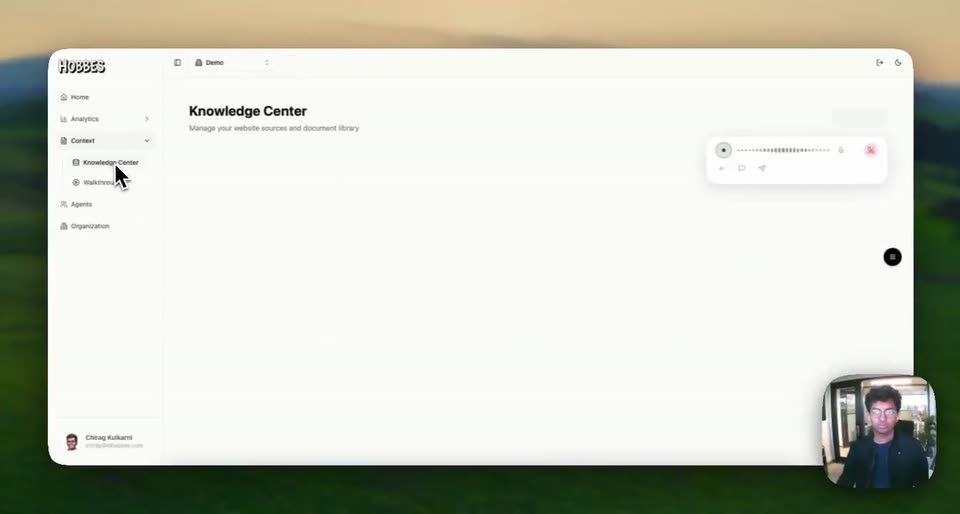 0:53–0:54Hobbes · 🎤 Hobbes speaks! 🎤 Why give Hobbes a voice? Because nobody likes dealing with the “learning curve.” Clicking through menus, digging through docs, hopping on a “quick” Zoom… even typing in chat -… | Chirag KulkarniA light dashboard interface displays the Knowledge Center page. A cursor hovers over the Knowledge Center entry in the left sidebar as the line chart and stat cards in the main panel clear to a blank white area. A webcam video of a presenter appears in the bottom-right corner.
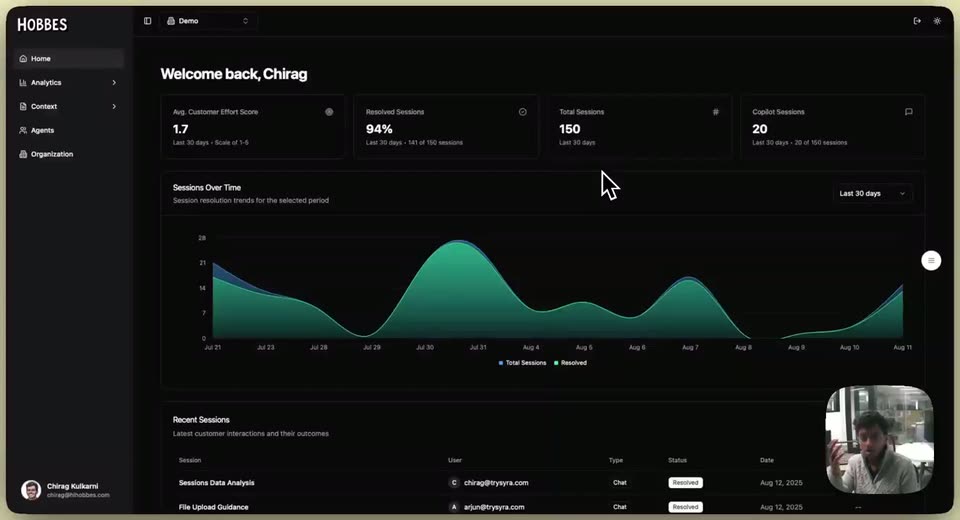 0:06–0:07Hobbes · 🚨Major update🚨 Syra is now Hobbes (hihobbes.com)! As we worked with some amazing teams this year, we saw a big gap in the agent landscape: visual context. Agents trained on knowledge bases + helpA dark analytics dashboard fills the frame, showing a welcome header, four metric cards, a teal area chart, and a recent sessions table. A white cursor hovers over the chart while a small webcam window in the corner shows a man speaking.
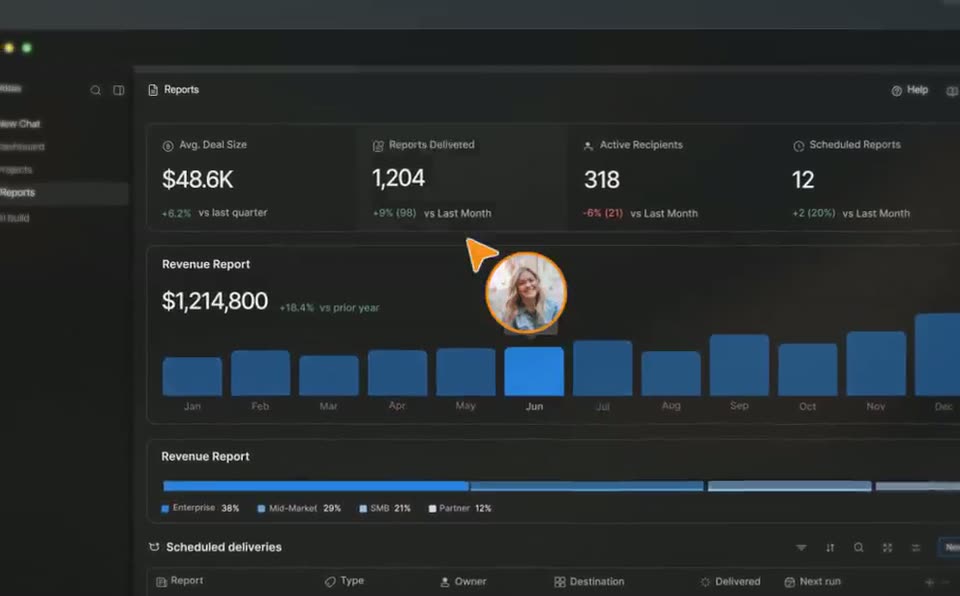 0:21–0:25Hobbes · Today, we are shipping Hobbes Sandboxes. Hobbes creates an interactive replica of your product that buyers can explore alongside your agent. A buyer asks how reporting works. Hobbes opens the rightA dark reports dashboard zooms in from the full browser window to the metrics panel. An orange cursor with a circular user avatar hovers across the monthly revenue bar chart, popping a $57,817 tooltip, then the view pans left to reveal the app sidebar.
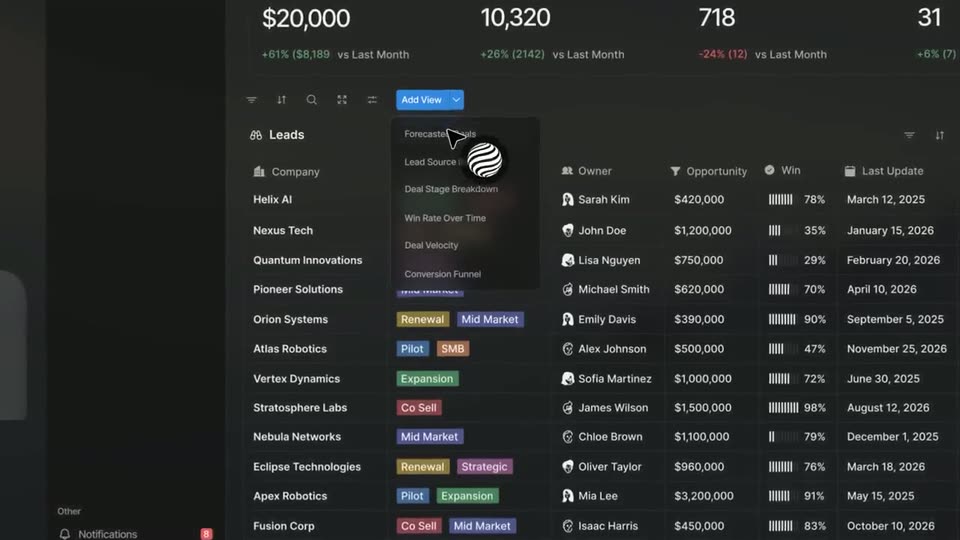 0:25–0:29Hobbes · We just launched a new look for Hobbes Modern products need modern buying experiences. Not static tours. Not demo request forms. Not “book time next week and we’ll show you around.” Buyers wantA dark CRM dashboard fills the frame. A cursor clicks the blue Add View button, opening a dropdown of chart options. The frame zooms out to reveal the full dashboard with a bar and a donut chart. A circular logo with white wavy stripes drifts over the center.
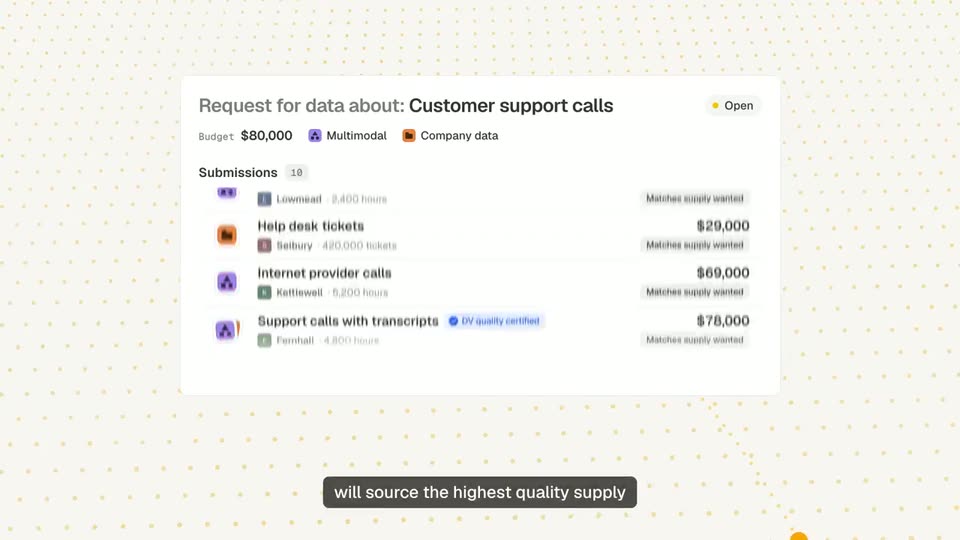 1:05–1:12HUD · We're announcing the public beta of datavendor.ai We spent the last two years building the best solution for people buying and selling data, whether you're a researcher in a lab or a company tryingA white card on a dotted cream background types a data request, then fills into a published listing. A submissions list scrolls up as a cursor hovers a row, drawing an orange outline around it. A dark caption pill swaps lines at the bottom.
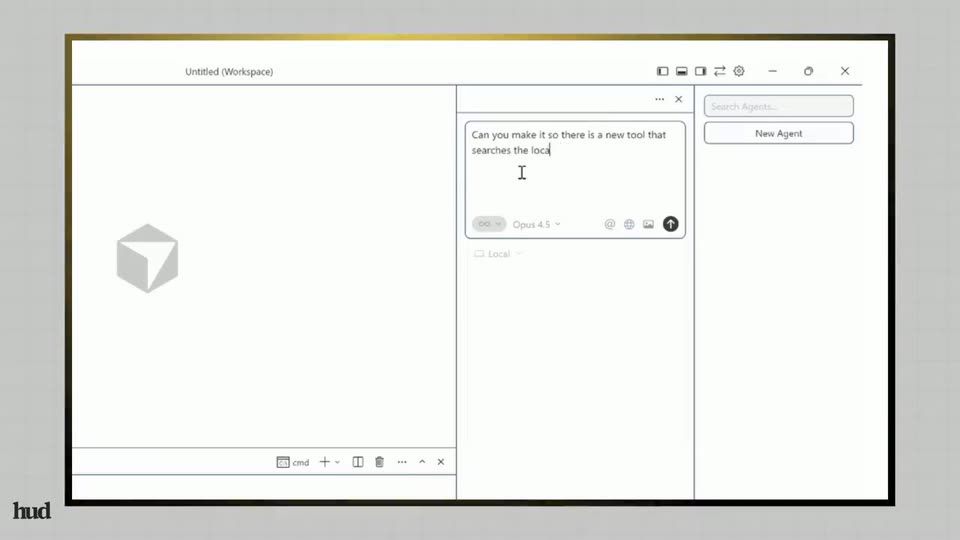 1:08–1:11HUD · Today, we're launching the public beta of the HUD platform. HUD lets you build reinforcement learning environments for training across 40+ models including GPT, Kimi, Qwen and many more. If you'reA crossfade dissolves a code editor into a clean workspace interface. A cursor types a prompt into a central chat box, requesting a new local search tool and renaming existing ones. A file tree and agent panel frame the central area.
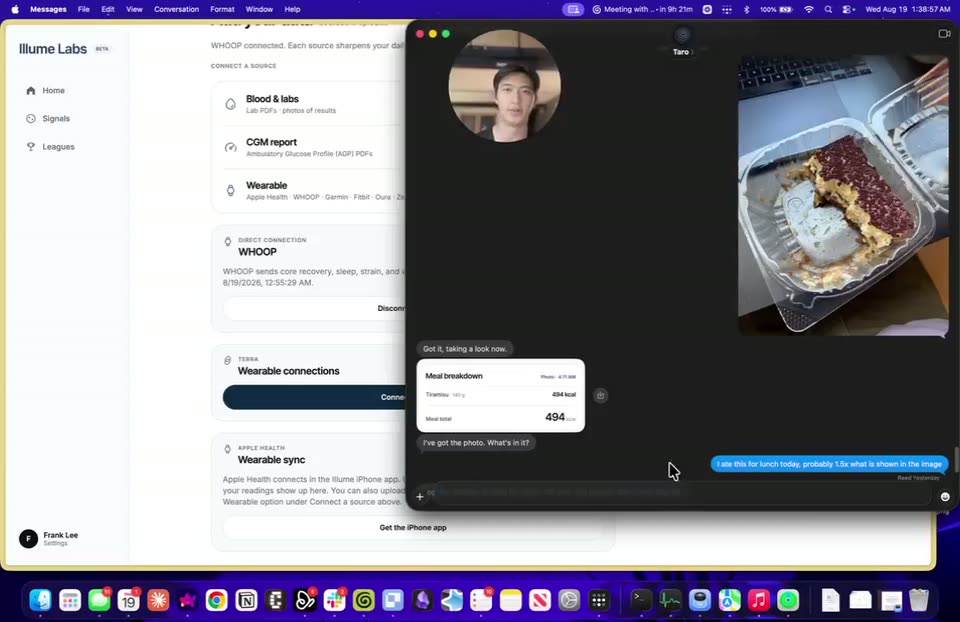 0:51–1:13Illume Labs · Sharing an update on Illume, your personal health companion you can text, anywhere, which we've been building at Y Combinator! It connects your wearables, lab results, nutrition, and workouts, to… | Illume Labs (YC S26)A macOS desktop shows two app windows: a light Illume Labs dashboard left, a dark chat window right with a video call, a meal photo, and a 494 kcal card. The cursor hovers over the photo and the calorie figure as the caller speaks.
 0:13–0:25Judgment Labs · See Judgment Labs’ activity on LinkedInA white app window on a dark backdrop shows a scanning checklist left and a dot grid with colored markers right. The camera pushes in, the heading changes to See what needs a closer look, a cursor clicks Continue, and a diagnosis card with an incidents chart zooms in.
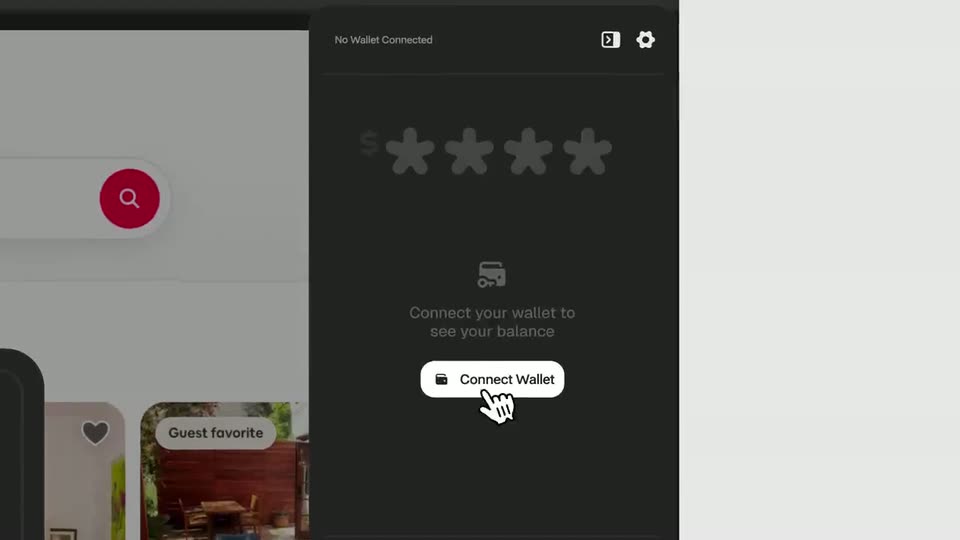 0:06–0:07Kled · We created the world’s best captcha. The first captcha that is: free for companies, pays you to solve it, impossible to bot, and instead of showing you images of random traffic lights, you’re shown… | Avi PatelA dark wallet panel floats over a dimmed webpage, showing a masked balance and a white Connect Wallet button. A cursor glides to the button and turns into a hand pointer as the panel drifts upward.
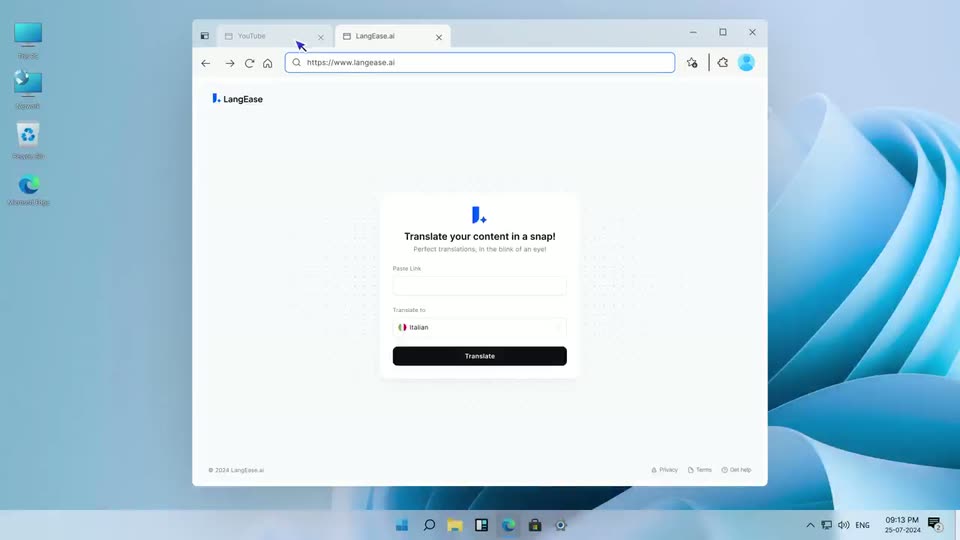 0:11–0:12LangEase · Imagine reaching a global audience without breaking a sweat. 🌎 LangEase is making it a reality. Our AI-powered localization platform is coming soon! Join the waitlist for exclusive early access.… | LangEaseA locked-off Windows desktop shows the Langease.ai browser window, its translation form centered with a link field and an Italian dropdown. Two purple cursors sit over the form, then one glides up to the browser tab.
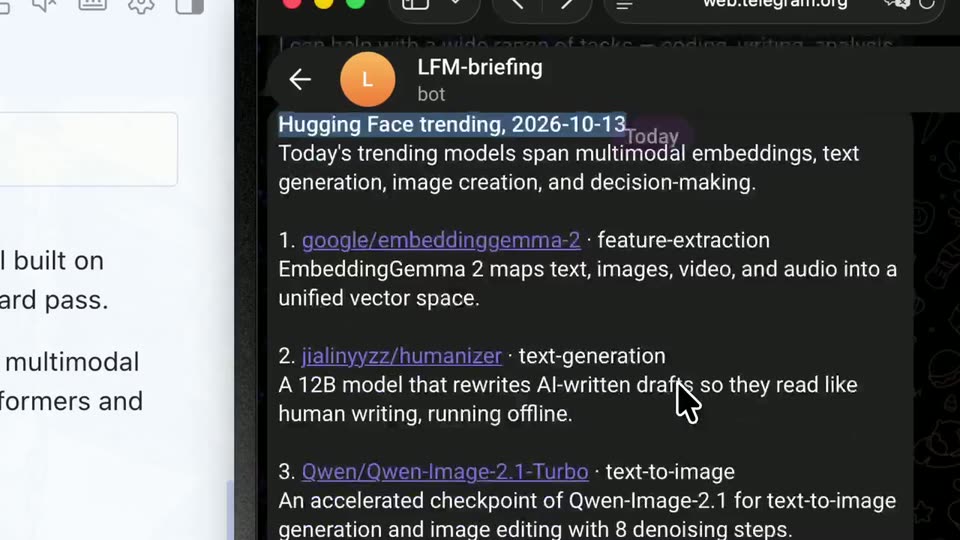 0:06–0:11Liquid AI · Today we release 𝙻𝙵𝙼𝟸.𝟻-𝟸𝟺𝙱-𝙰𝟸𝙱, the largest model in the 𝙻𝙵𝙼𝟸.𝟻 family. It is a 24B-parameter reasoning model with just 2B active parameters per token, designed to work throughA dark chat interface displays a list of trending AI models. A cursor highlights the headline text, then the view scrolls down to reveal more items.
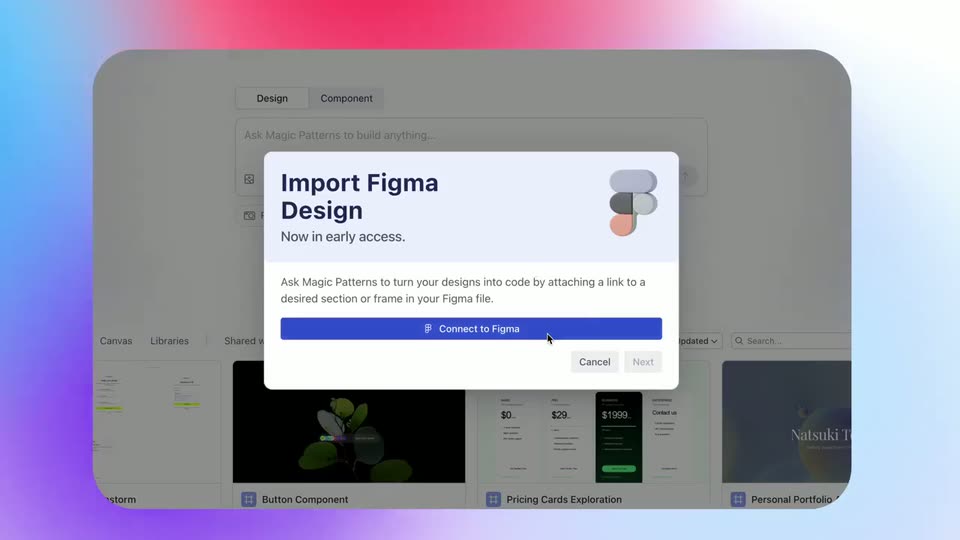 0:42–0:43Magic Patterns · Announcing our $6M Series A and Magic Patterns 2.0. We’ve grown profitably, hit $1M ARR, and quietly built an AI design tool loved by product managers, designers, and website builders. PreviouslyA centered modal titled Import Figma Design sits over a dimmed interface, then clears to reveal a design system view: a grid of button components on the left, a dashed link frame, and a properties panel on the right, with a cursor hovering.
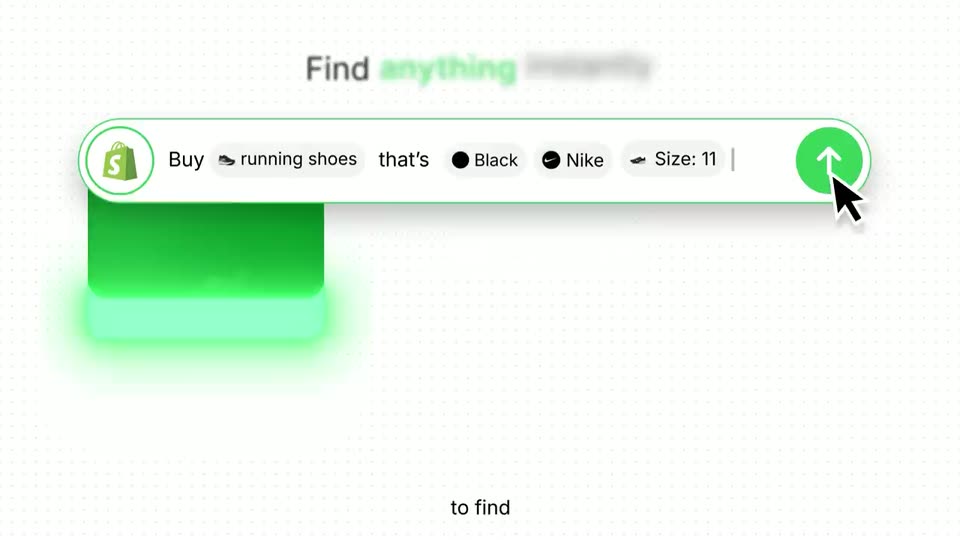 0:22–0:23magicX · Excited to announce this huge leap forward in search. Today, Shopify stores now have passed Amazon with the most powerful search, called AI Autocomplete. Search technology hasn’t changed for 15… | AI Autocomplete by MagicXA search bar with tag chips sits on a dotted light background; a black cursor taps the green up-arrow button. The frame pulls back to reveal the full bar and a glowing green card below, while the headline Find anything instantly fades in above.
 0:11–0:12Magnific · 🔥 Magnific Upscaler For Video 🔥 (BETA TESTING) Seedance at 720 res wasn't cool. You know what's cool? Seedance at 4k res! FINALLY The most anticipated Magnific feature of all times It's aA woman in a white shirt and black bow tie stares with wide eyes as a blurred waiter stands behind her. Two thin vertical lines with chevron arrows and a grab-hand cursor glide rightward across the frame, demonstrating a drag interaction over the footage.
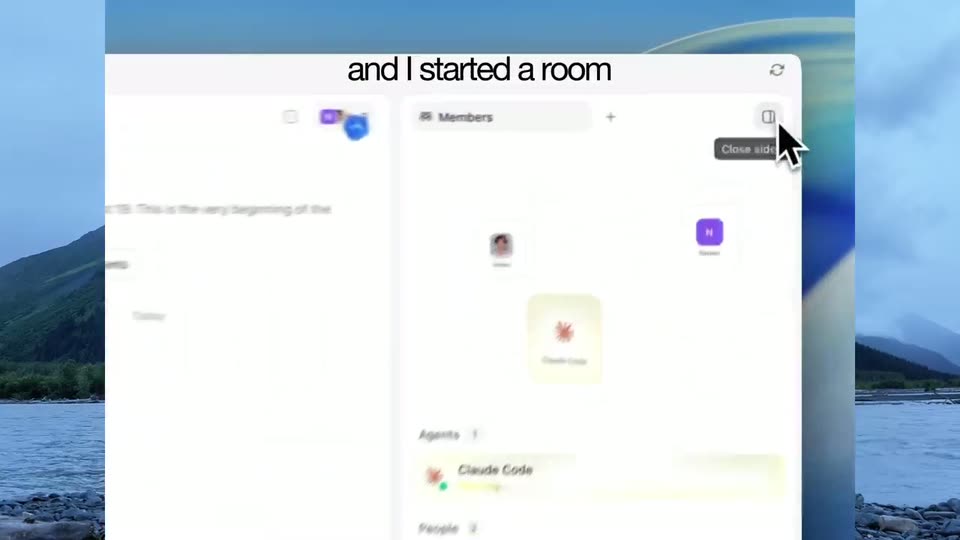 0:20 · 0.5sOasis · Today we're shipping Oasis Desktop, a Mac app that lets you share local coding agents with your teammates. Oasis Desktop can spin up and share Claude Code, Codex, Pi, OpenCode, Kilo Code, Hermes… | OasisOver a mountain-and-river desktop wallpaper, a product window begins heavily blurred, then sharpens into a room view showing a members count and an add-agents field. A cursor glides to a round blue button at the top right while the caption holds at the top.
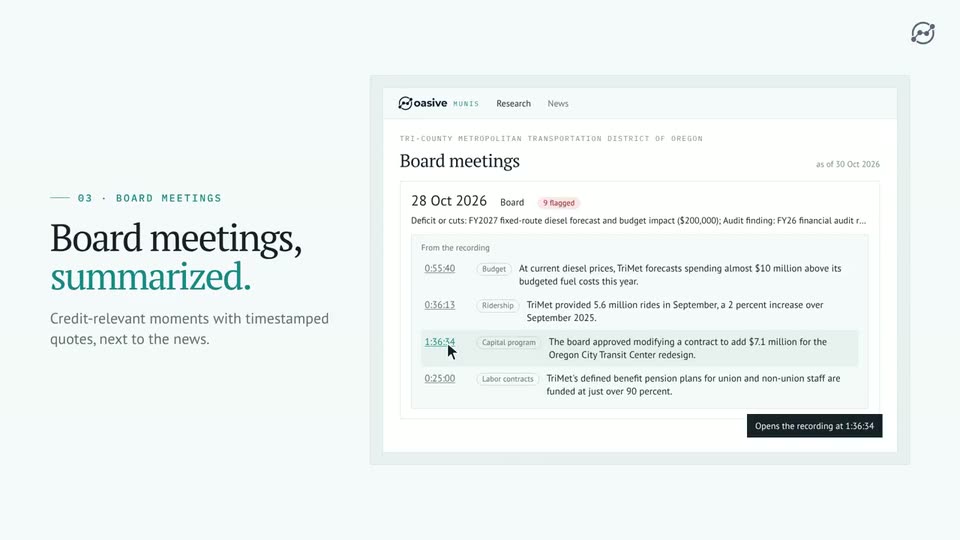 0:19–0:26Oasive · See Oasive (YC F26)’s activity on LinkedInA split layout pairs a serif headline and gray caption on the left with a flat product page on the right that lists timestamped quotes. The page fades in, a cursor hovers one timestamp to reveal a tooltip, then the frame eases into a closer crop.
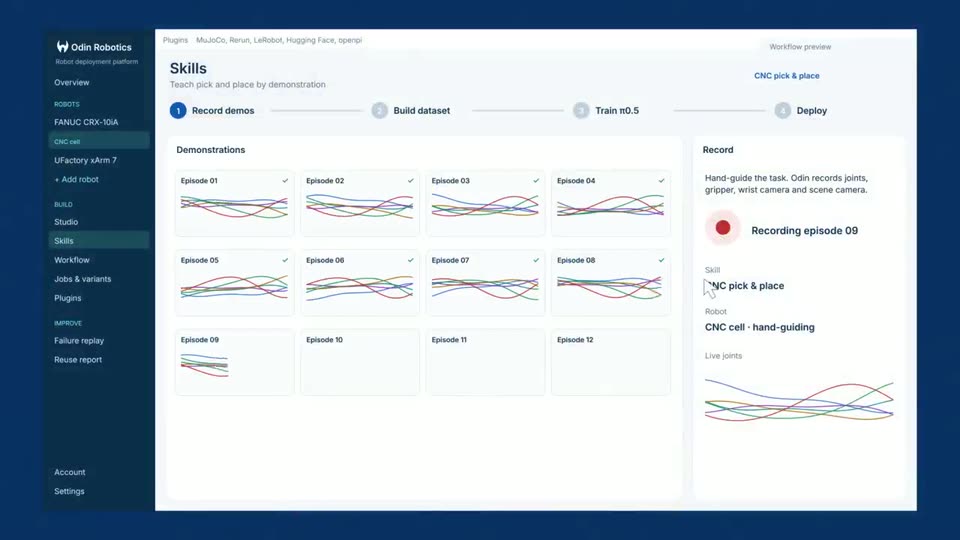 0:44–0:46Odin Robotics · See Odin Robotics (YC F26)’s activity on LinkedInA robotics platform dashboard shows a Skills page: twelve episode cards fill with multicolored joint curves while a red dot records episodes 02 to 07. The step bar advances, and the view switches to a dataset summary with large stat numbers and a Hugging Face detail panel.
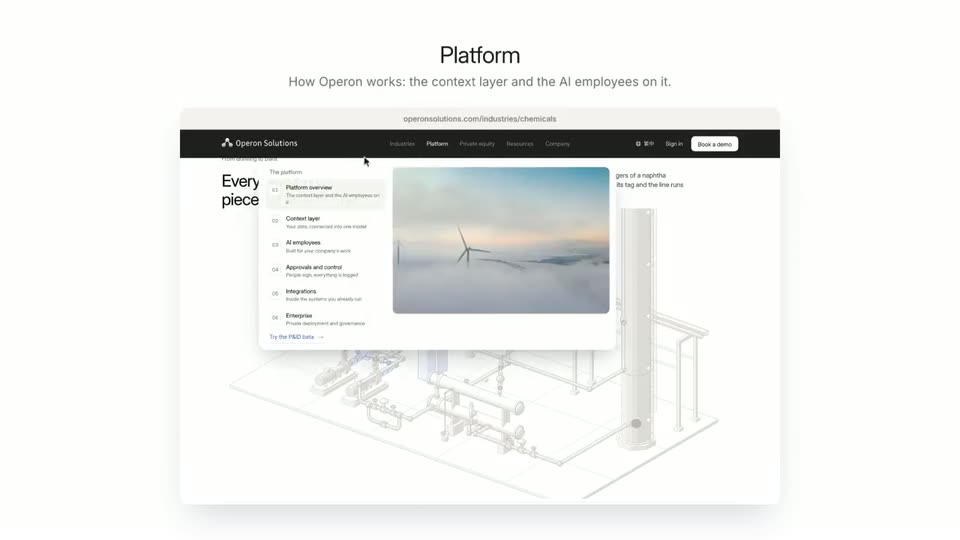 0:50–0:53Operon · Operon's New Home: operonsolutions.com | Operon SolutionsA flat browser window on a white field shows an Operon page with a 3D line drawing of a plant unit. The headline above swaps from Chemicals & Process to Platform. A cursor clicks the Platform nav item, opening a dropdown menu with a wind-turbine image.
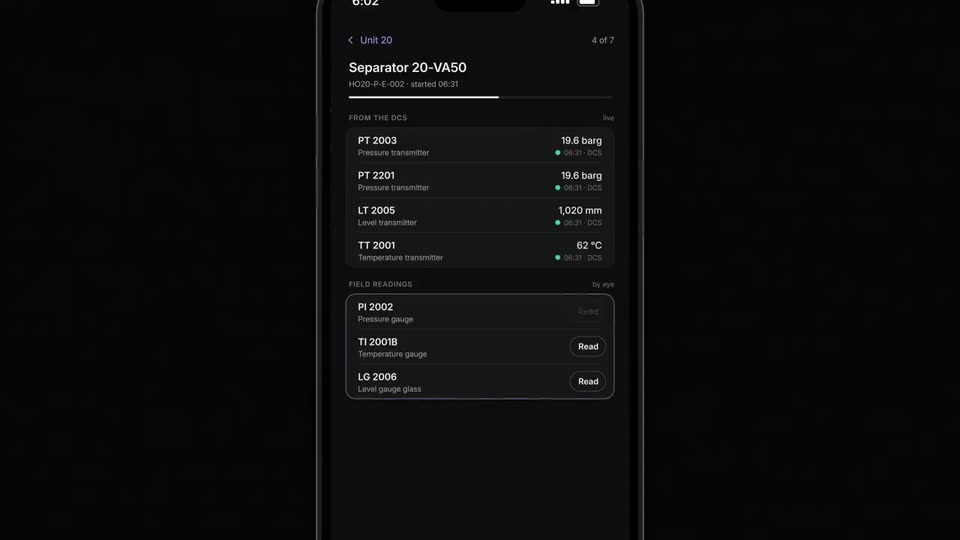 1:30–1:38Operon · Operon Solutions posted on LinkedInA dark phone screen on black shows a separator checklist. Live DCS values fill in row by row as the counter climbs, then a hand taps the Read buttons in the lower gauge list, logging field values. The frame holds, drifting slightly at the end.
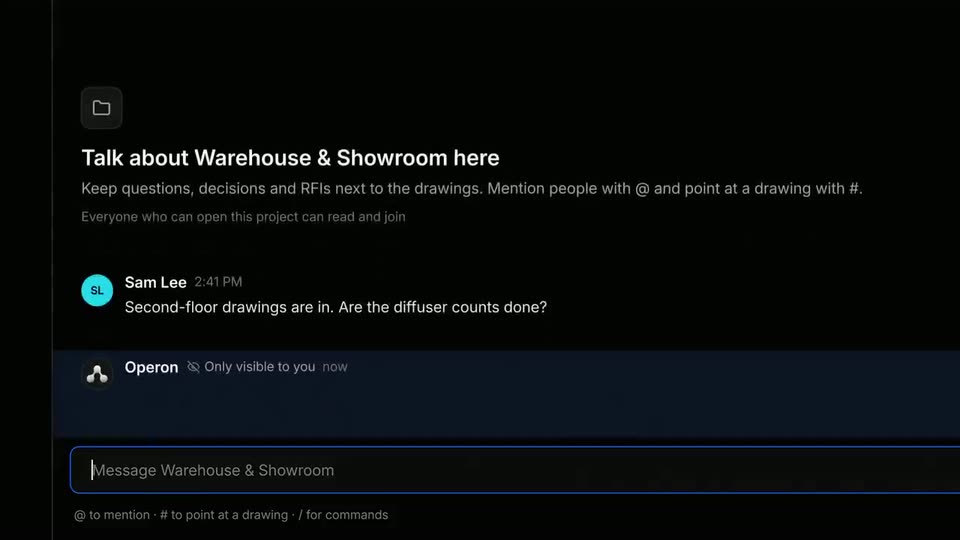 0:18–0:21Operon · We've received overwhelming requests from the HVAC & Construction industry over the past few months and today we're excited to launch our first product in this space! | Operon SolutionsIn a dark chat view, a slash-command menu fades out as /quant is typed into the message box. The view then reframes onto a posted AI Quantities card listing diffuser counts, with the cursor hovering over the top figure.
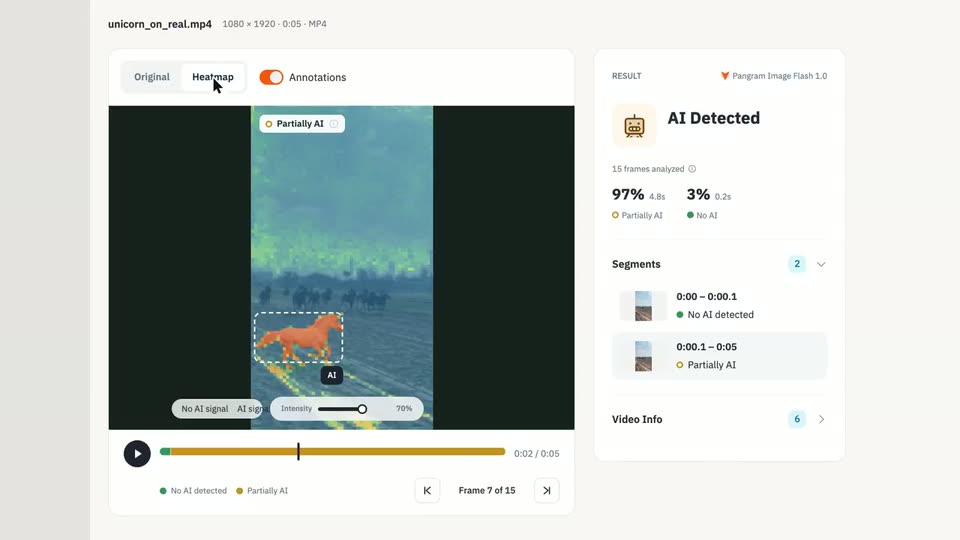 0:24–0:27Pangram · Introducing Pangram Image 1.0, our newest model for AI image and video detection. Pangram Image 1.0 identifies 99.2% of AI-generated images while maintaining a 0.27% FPR. It integrates into our… | Pangram LabsA video player shows a unicorn in a tilled field inside a dashed bounding box tagged AI, beside a results panel listing detection percentages and segments. The cursor clicks the Heatmap tab and steps through frames, then the screen smears into a fast horizontal blur.