Cursor demo
A visible cursor operates the interface.
15,093 scenes · page 86 of 252
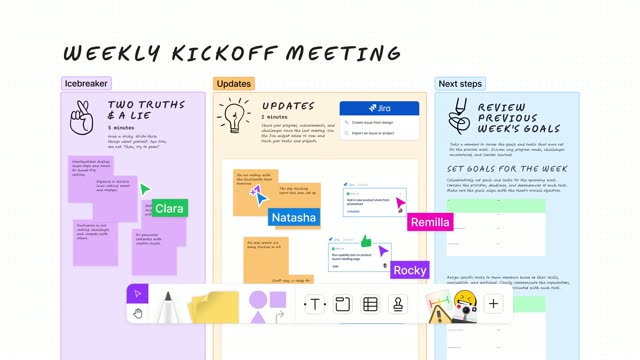 0:11–0:14Figma · Introducing FigJam AIThe view zooms out from a purple icebreaker card to a full whiteboard titled Weekly Kickoff Meeting, with three columns of sticky notes, a Jira widget, and four named cursors moving over the cards above a bottom toolbar.
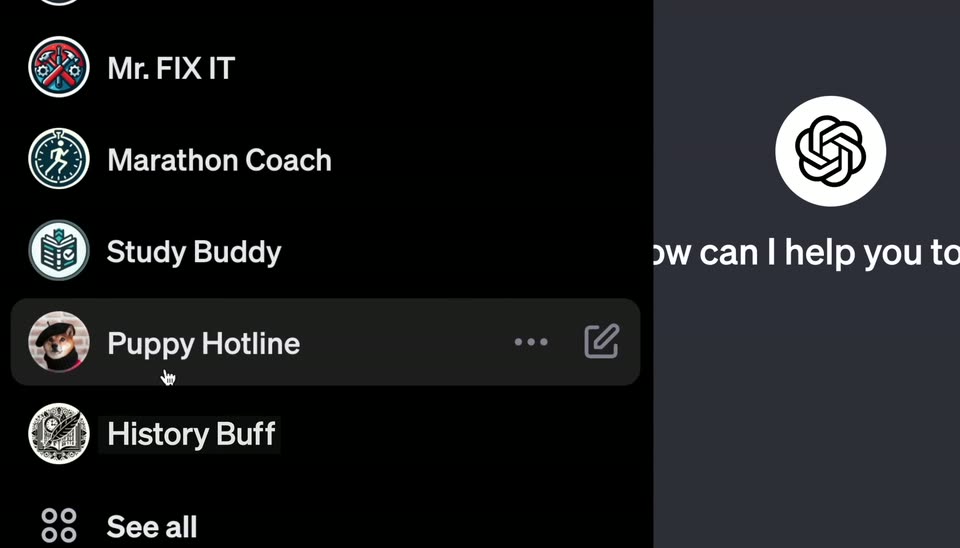 0:02–0:04OpenAI · Introducing GPTs in ChatGPTA dark app interface shows a vertical list of named entries with round icons on the left and a gray panel on the right holding a white circular logo with a black knot and a greeting line. A hand cursor slides down the list, highlighting each row.
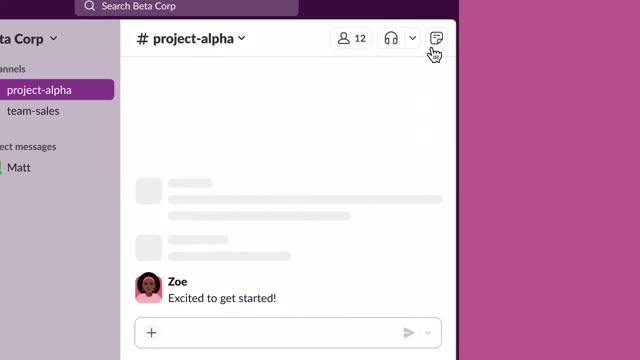 0:18–0:19Slack · Introducing canvas | A new surface to share and organize knowledge | SlackA Slack-style workspace shows the # project-alpha channel. A cursor clicks the panel icon in the top right, and a right sidebar slides in with Project Alpha details, key resources, and stakeholder avatars. The view reframes to follow the panel.
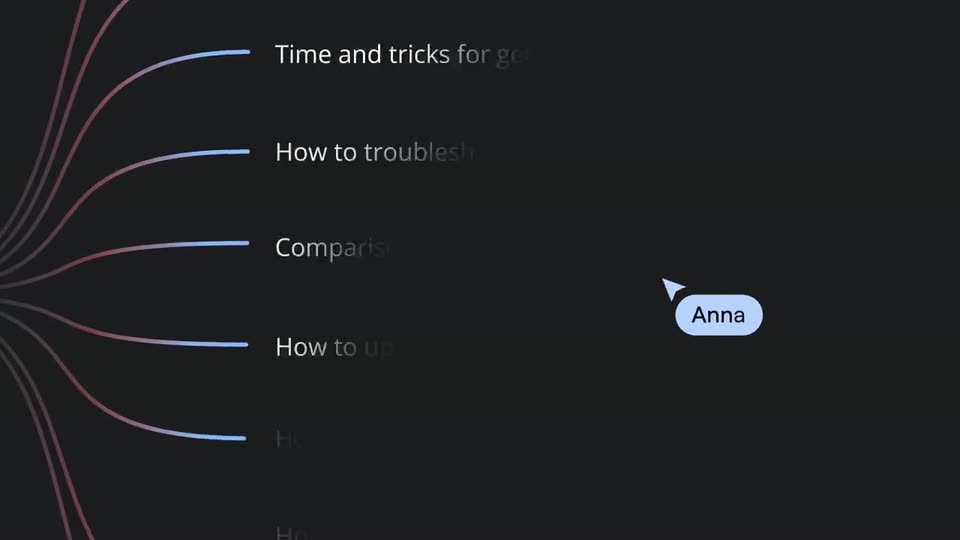 0:08–0:09Miro · Miro - Meet your AI partner for innovation, launching November 1. What wilDark screen: six help-topic lines fade in one by one, each tied to a pink-to-blue curve fanning out from the left edge. A light blue “Anna” speech bubble and a cursor arrow slide to the right.
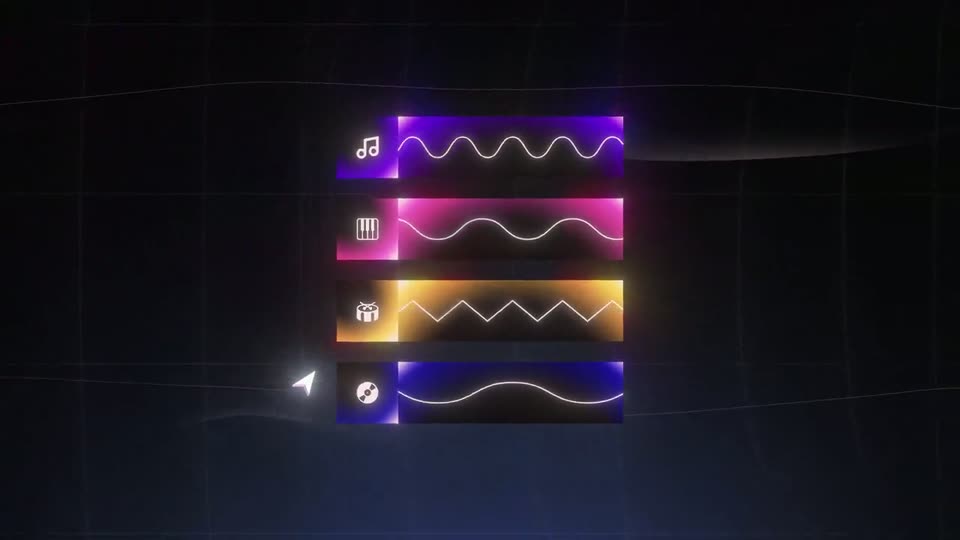 0:16–0:17Splice · Splice - Find your spark in seconds ⚡️ We’ve expanded Create mode so you canA dark gridded backdrop holds four neon bars (purple, pink, orange, blue) with white waveform lines and small icons. Five genre labels sit over them, the pink one glowing, then scale out to expose the icon rows as a white cursor slides to the lower left.
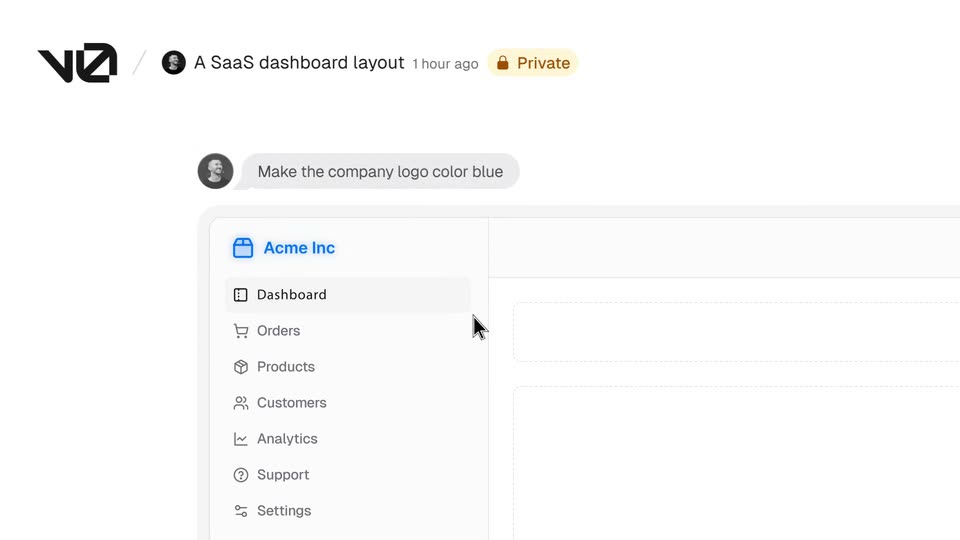 0:13–0:29Vercel · Introducing v0: Generative UIThe cursor clicks the Acme Inc header of a dashboard mockup, a prompt box opens, and the instruction Make the company logo color blue is typed; Update turns the logo blue. The view zooms out, and the cursor clicks the Canvas button, and the mockup fades.
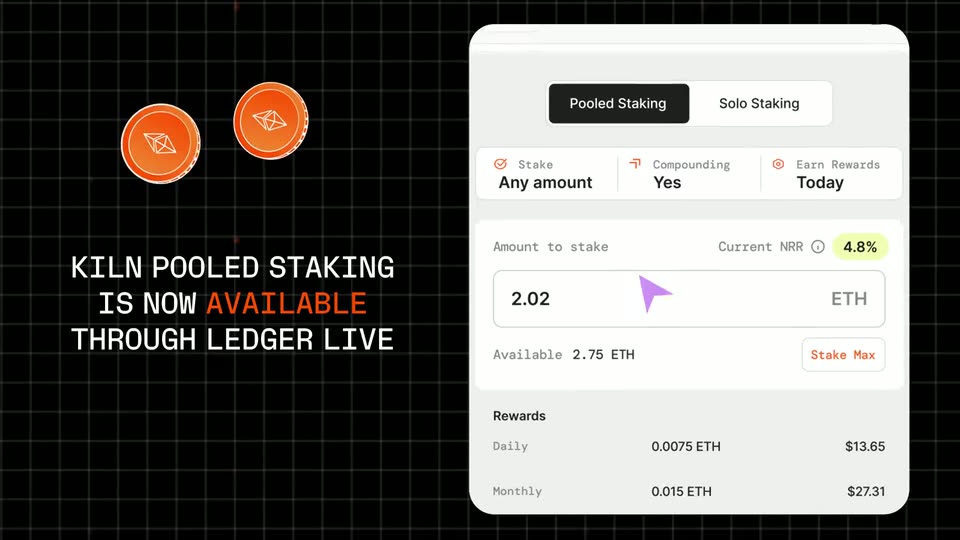 0:06–0:10Ledger · Ledger - If you want to stake ETH from the security of your Ledger, but don'tA black grid stage holds two floating orange Ethereum coins and a white monospace headline that decodes from scrambled letters. On the right, the Kiln staking panel updates its fields as a purple cursor hovers the Pooled Staking toggle, then the panel zooms in.
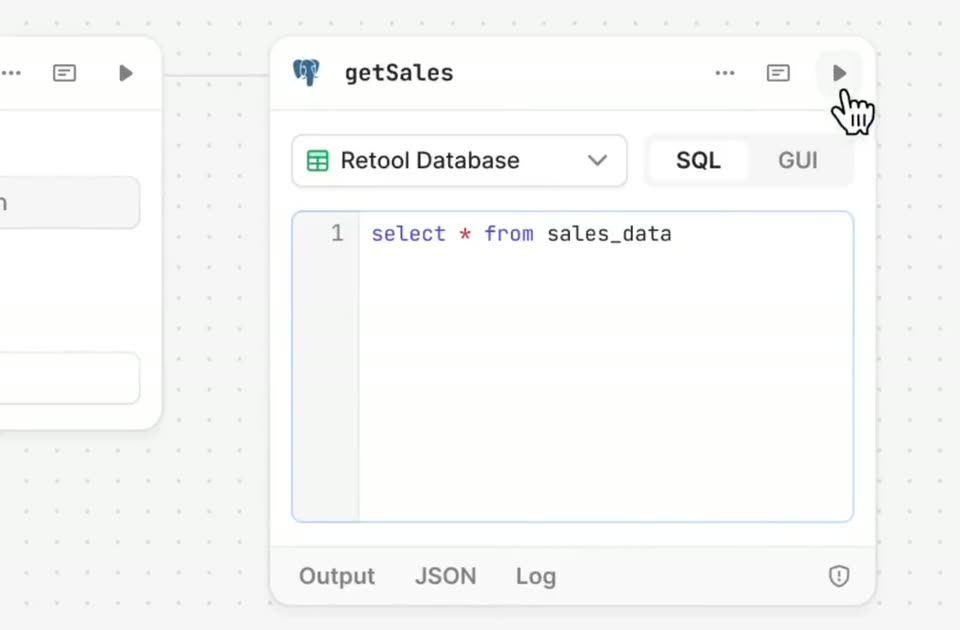 0:03–0:09Retool · Retool - Say hello to the fusion of visual programming, code, and AI. RetoolA hand cursor opens a resource dropdown and picks Retool Database, the panel switching to a SQL editor that types a query line. The cursor clicks play, and the frame zooms into the output table of sales rows.
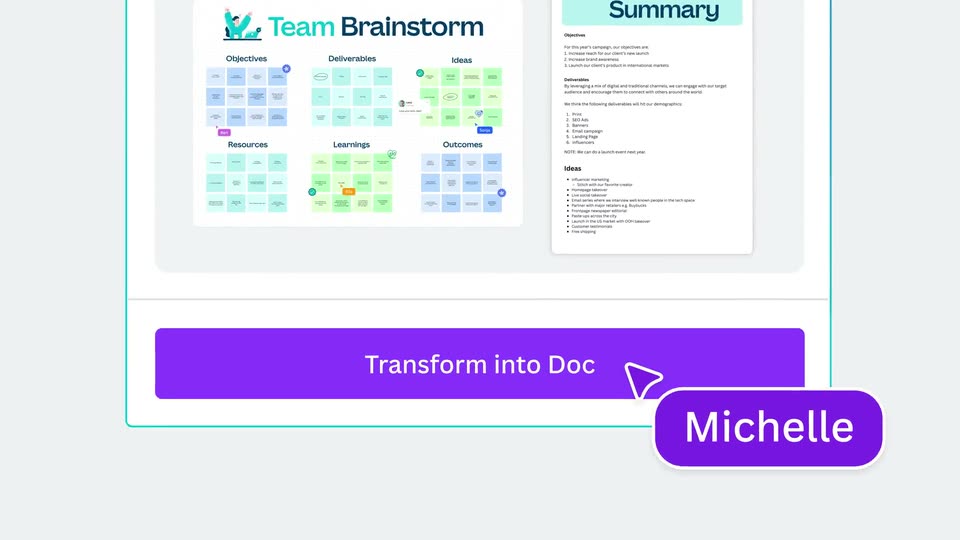 0:31–0:34Canva · Canva - Meet Magic Studio. Supercharge your workflow with all the power of AIA purple cursor drops from the Magic Switch tab, trailing a Michelle name label, as the interface scrolls down past a brainstorm board and summary doc to land on a wide purple Transform into Doc button.
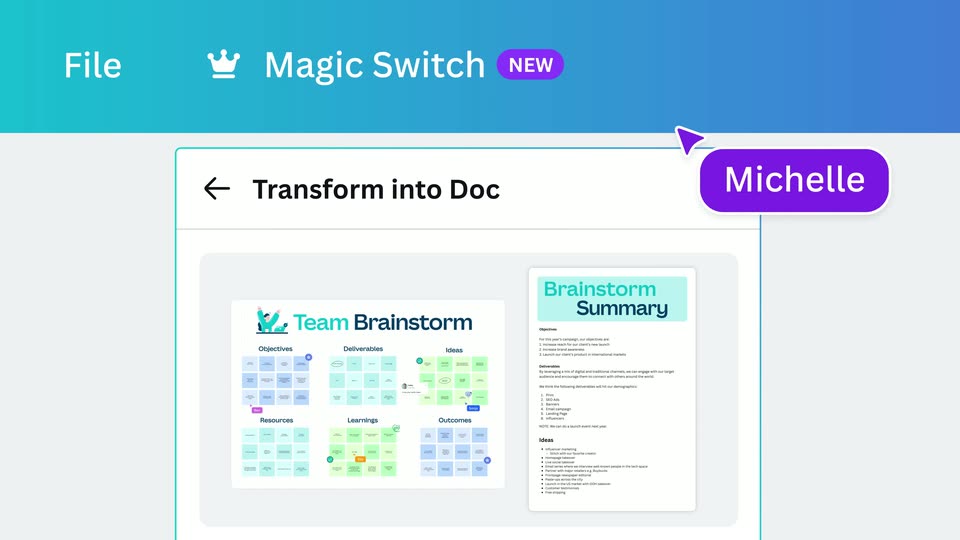 0:31–0:33Canva · Meet Magic Studio | Let the power of AI supercharge your workA product screen shows the Transform into Doc view with a Team Brainstorm board and a Brainstorm Summary page side by side. A purple collaborator cursor labeled Michelle moves down from the top toolbar and hovers over the right document.
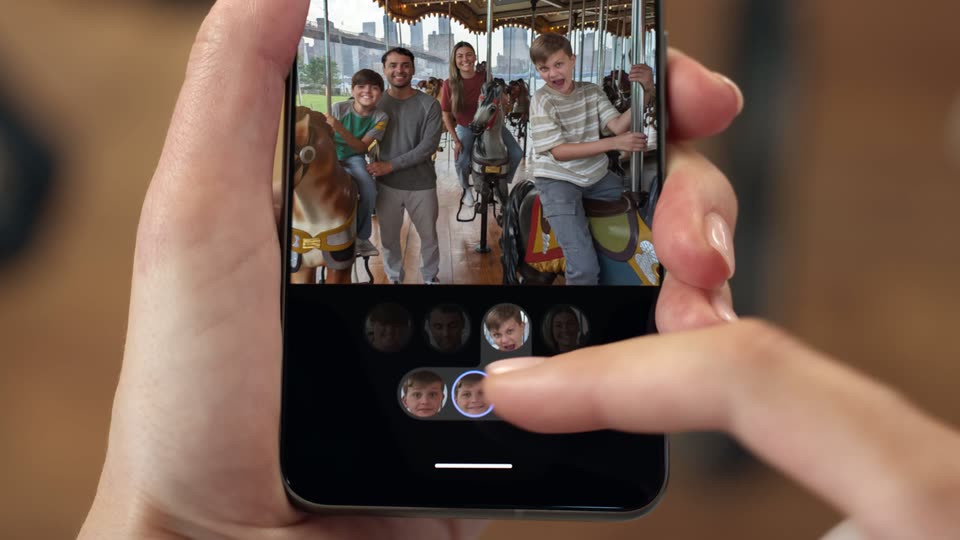 0:43 · 0.9sGoogle · Meet Google Pixel 8 and Pixel 8 ProA hand holds a phone showing a carousel family photo above two rows of circular face thumbnails on a dark panel. A finger taps the bottom row as a blue selection ring moves from the left avatar to the middle one.
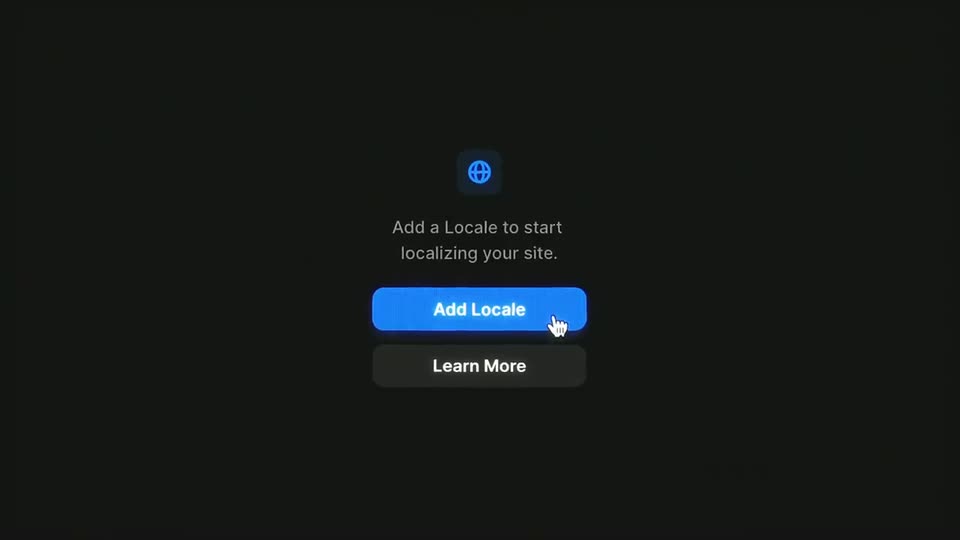 0:11–0:12Framer · Framer - 🌎 Hola, Bonjour, こんにちは! Introducing AI-powered Localization for yourA dark localization panel shows a globe icon, a caption, and two stacked buttons. A hand cursor hovers the blue Add Locale button, then a modal form with language, name, slug, and fallback fields opens over a dimmed background.
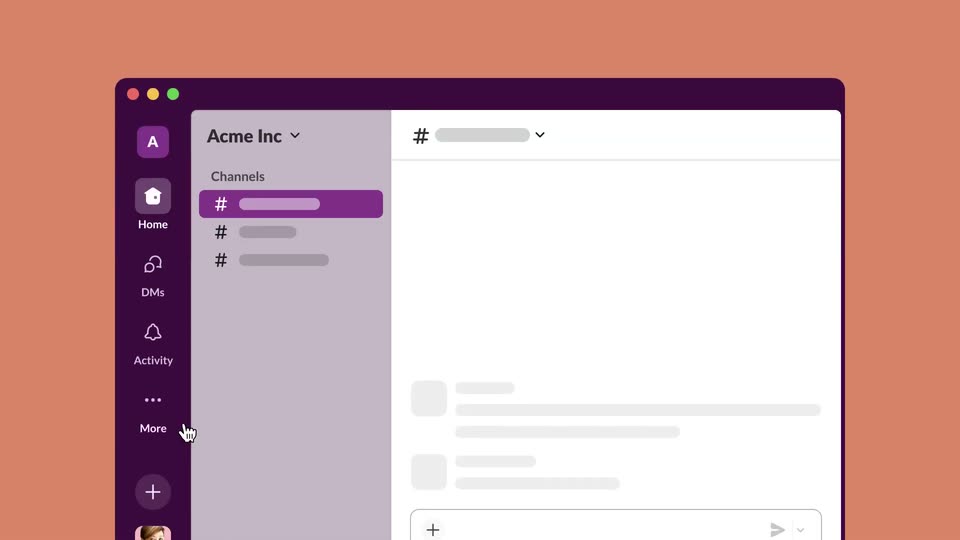 0:22–0:23Slack · Conversations in SlackOn a terracotta background, a purple # sales-team pill with four circular headshots and a white hand cursor slides upward, revealing a flat chat-app window below with a sidebar and placeholder message bars; the cursor drops onto the sidebar.
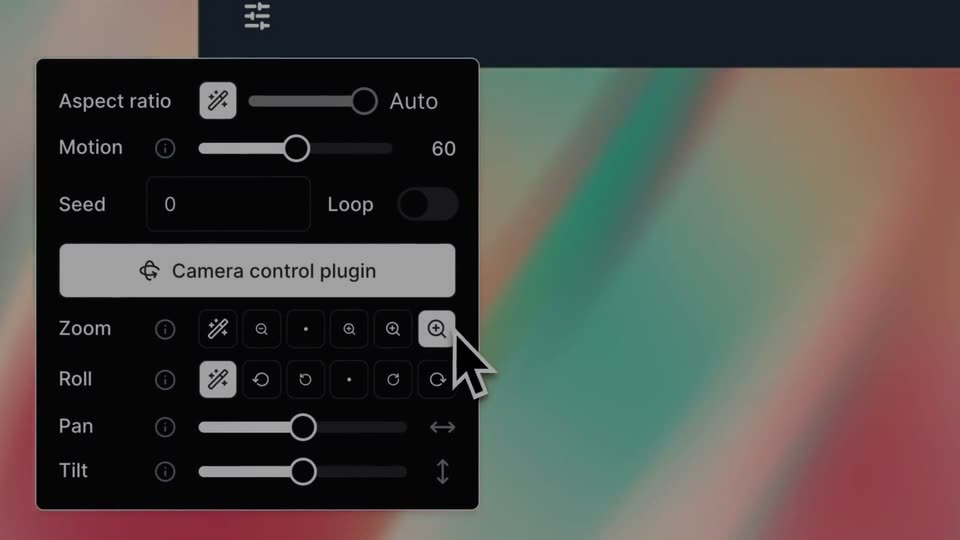 0:08–0:09Genmo · Genmo - Camera movement drives emotion, pace, and mood in filmmaking. AnnounA dark control panel with sliders and icon buttons sits on the left over a blurred teal-and-orange gradient. A white cursor glides to the Zoom row and clicks the zoom-in icon, which highlights, then the whole frame fades to black.
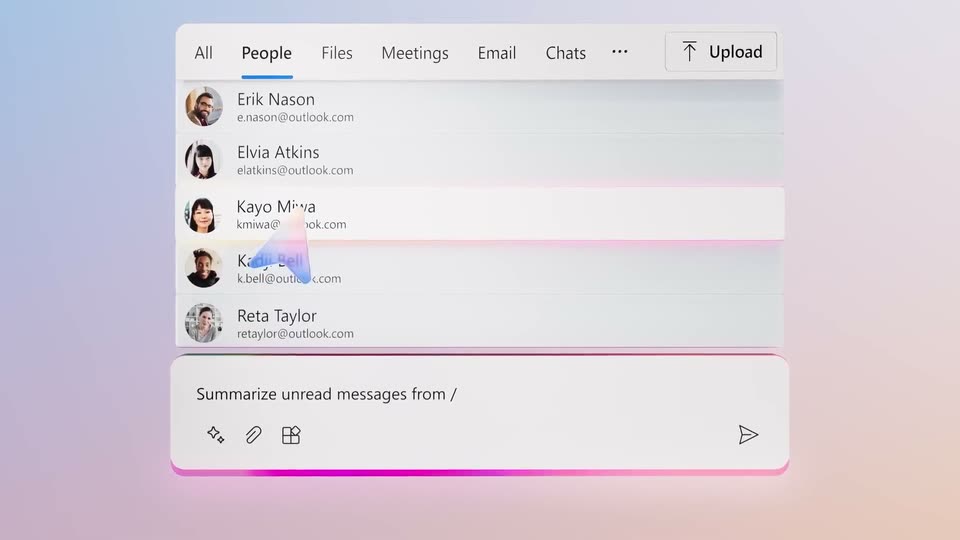 0:04–0:07Microsoft · Introducing Microsoft 365 ChatA tilted 3D panel of a People list floats on a soft pink-blue gradient. The rows shift as a blue text caret appears in the command bar below, where the name Kayo Miwa is typed after the prompt Summarize unread messages from.
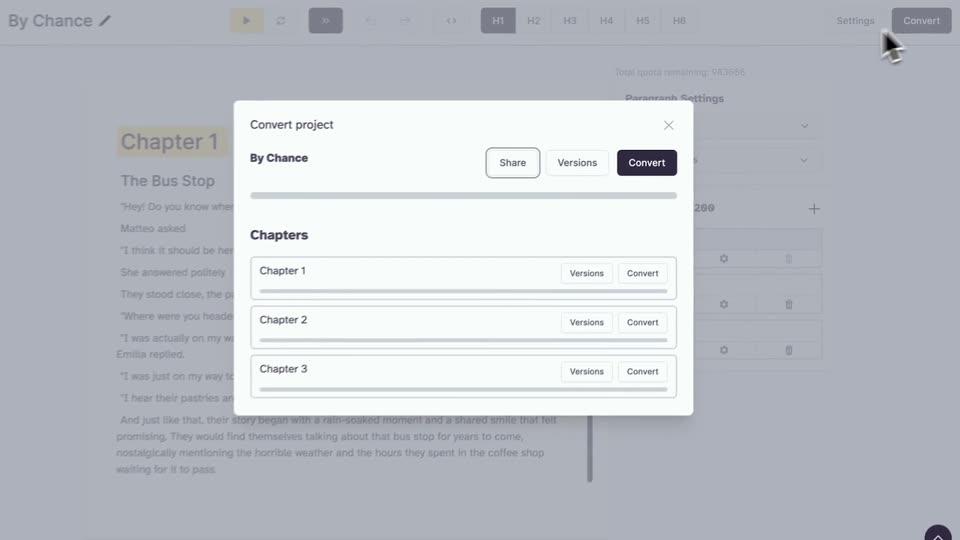 0:18–0:19ElevenLabs · Introducing: ProjectsA hand cursor clicks the Convert button in the top toolbar, and a Convert project modal scales in over a blurred document page. The modal shows a By Chance field and a chapter list with Share, Versions and Convert buttons.
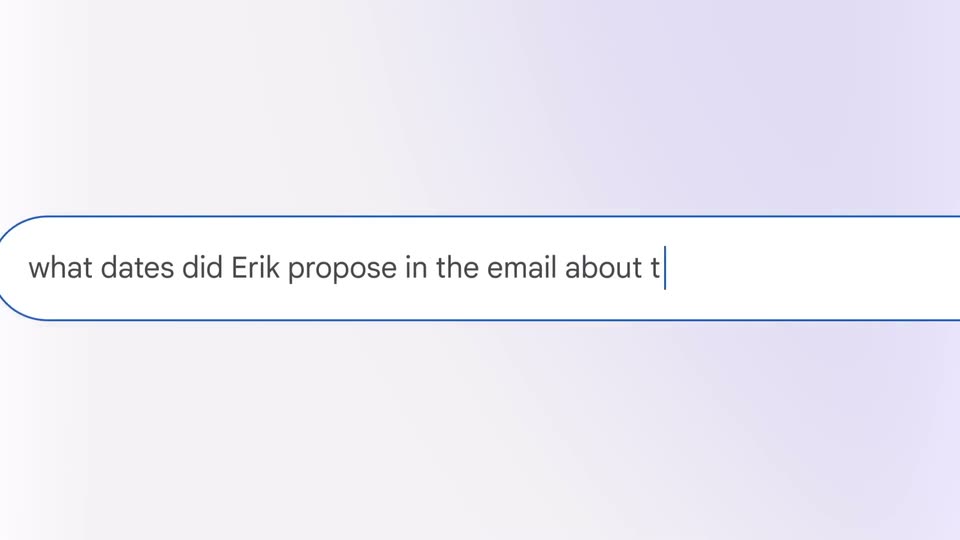 1:06–1:10Google · Introducing Extensions ✨ | BardOn a pale lavender field, a circular photo avatar sits beside a blue-outlined search pill. A query types out word by word with a blinking caret as the bar slides left, carrying the avatar off-frame until the full question spans the screen.
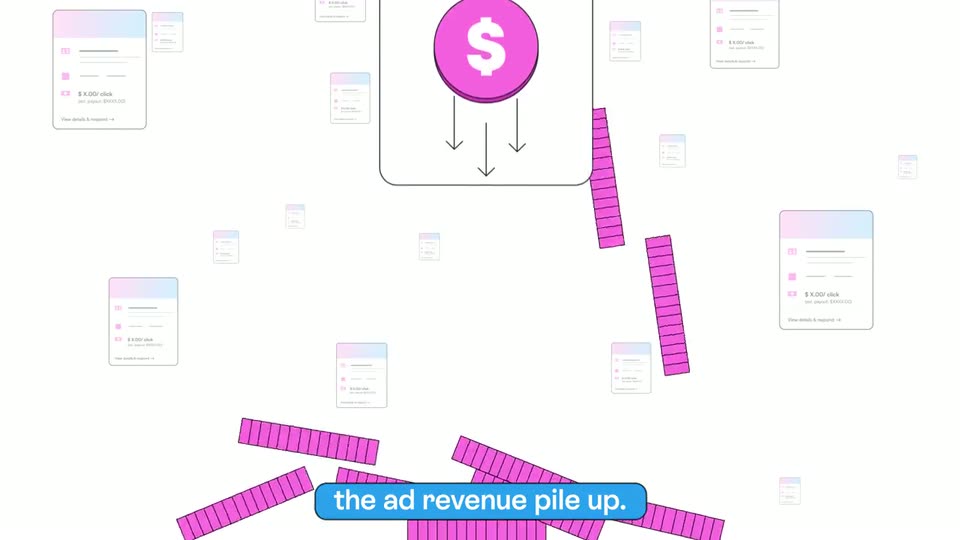 0:38–0:44beehiiv · beehiiv 🐝 - your newsletter 🤝 quality sponsors enter: the built in ad networkA blue cursor taps a central card holding a pink dollar coin; the card bobs upward while pink segmented bars drop and scatter into a pile at the bottom, with small ad cards floating on a white background. Bottom captions cycle through the message.
 0:31–0:36Slack · A new day for work, powered by AIA flat chat window floats on cyan. A cursor taps the sparkle button, the blue '39 new messages' badge turns purple, 'Summarizing 39 unread,' and a Summary panel slides in from the right. A blue cloud wipes the frame, revealing four colored circles on cream.
 0:04–0:05Adobe · Adobe Firefly: Out of Beta & Ready For Your Imagination | AdobeA black-outlined cursor hovers on a blue Generate button inside a white rounded field. The button then fades to a pale blue fill with a blue outline and grayed label, marking a pressed or loading state. The frame stays locked.
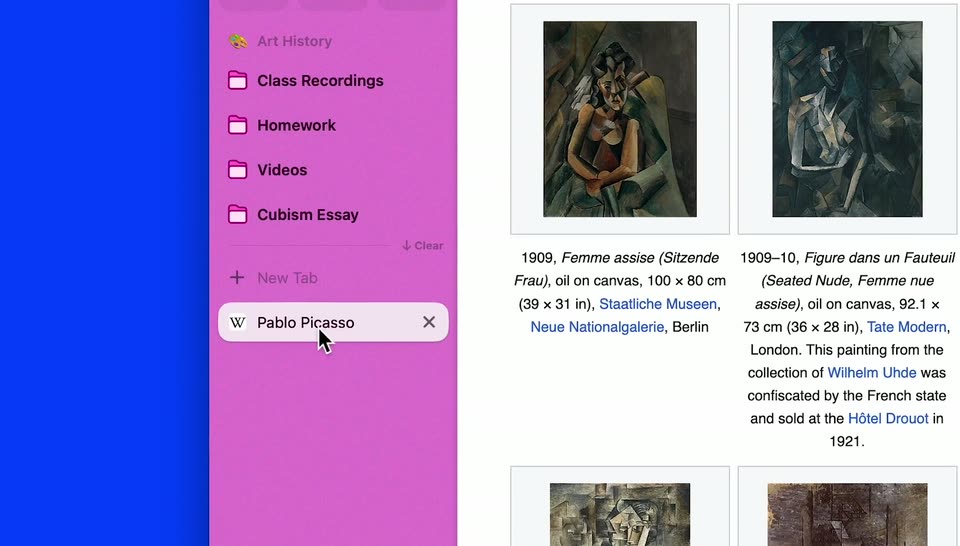 0:09–0:12The Browser Company · Arc for Students | Everything in its right placeA flat browser window with a pink sidebar of saved folders sits on a blue field. The camera zooms into the sidebar as the cursor hovers the highlighted “Pablo Picasso” tab, shown as a white pill with a close button.
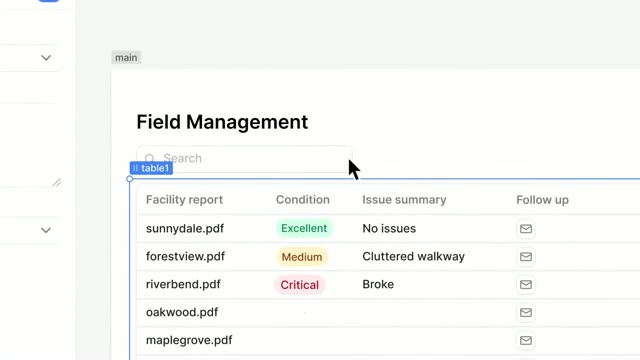 0:02 · 0.8sRetool · Introducing Retool AI—powerful AI building blocksA split view shows a code editor beside a rendered app screen. A blue bounding box labeled table1 wraps a data table and is dragged down, while the view pans right to reveal the full table with colored condition badges and issue text filling in.
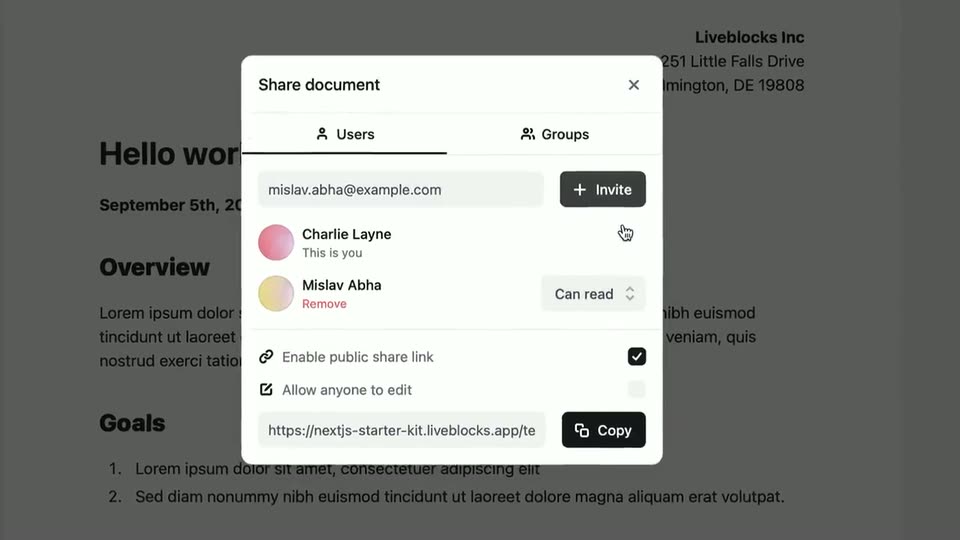 0:04–0:06Liveblocks · Liveblocks - Introducing the most advanced platform for Yjs. →A white Share document dialog sits centered over a dimmed document page. A cursor clicks the dark Invite button, and a new user row with a Can read dropdown slides in below the email field. The faded background shows document headings and a company address.
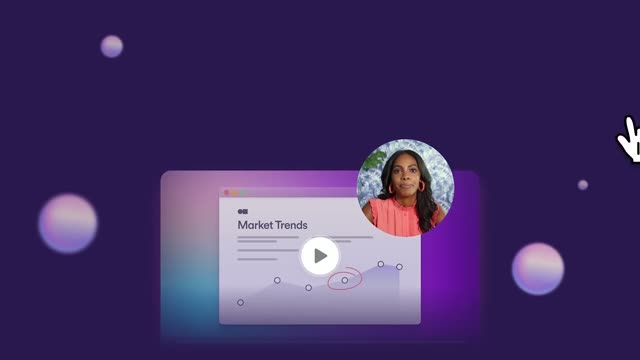 0:08–0:09Loom · Introducing Loom AIA circular video of a woman in a coral top sits on a purple field with bokeh dots; a hand cursor taps a red circle at its edge. The circle pops out and a white browser window with a line chart floats in as the video slides upper right.
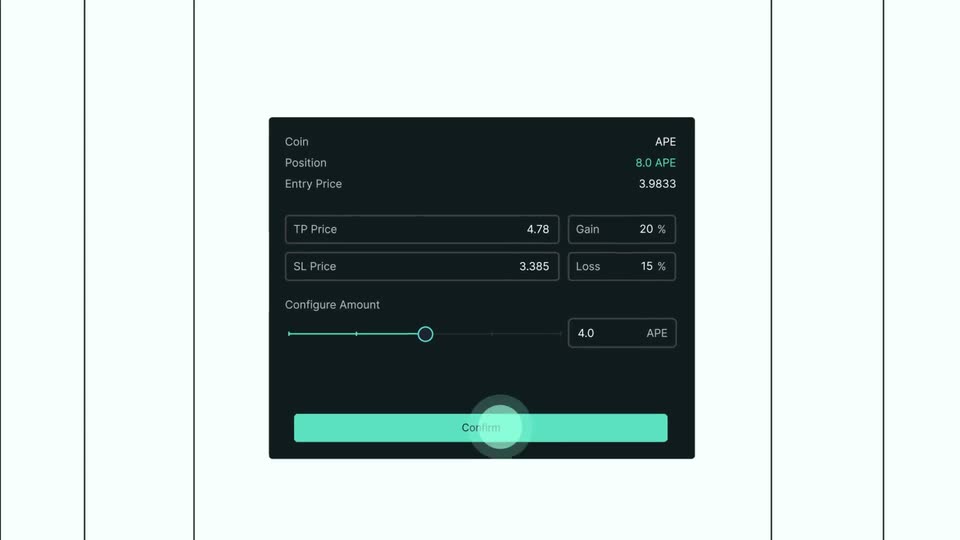 0:24–0:29Hyperliquid · Hyperliquid - Welcome to Hyperliquid. Trade 40+ perps on the Hyperliquid L1, incluA dark order panel sits centered on a light chart grid. A glowing teal dot glides along the TP and SL price sliders, the values filling in, then lands on the Confirm button. The panel slides up as a dark rounded shape rises from the bottom.
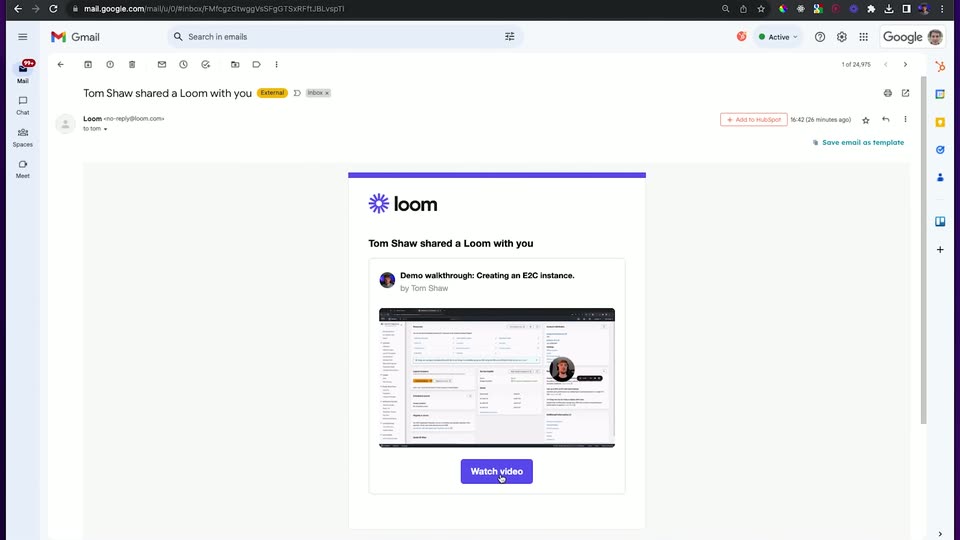 0:20–0:21Loom · Loom | Sync Faster, Meet LessA Gmail message view shows a Loom share email with a video thumbnail and a purple Watch video button. The mouse cursor glides down and hovers over the button as the clip ends.
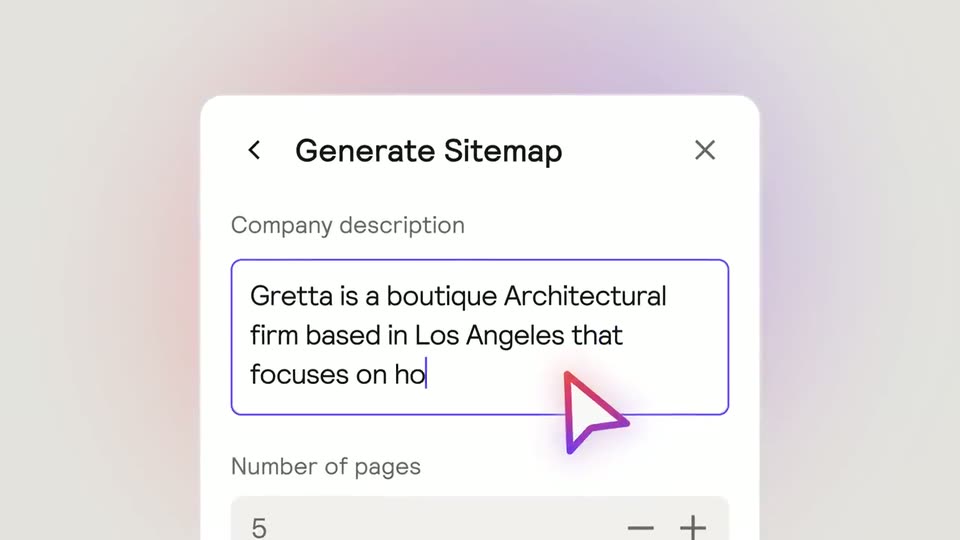 0:16–0:20Relume · Relume - The fastest way to design & build a website with the help of AI ✨A white Generate Sitemap modal sharpens into focus over a soft gradient background. A gradient arrow cursor slides into the company description field, and a sentence about an architectural firm types out letter by letter, the field border turning purple as it fills.
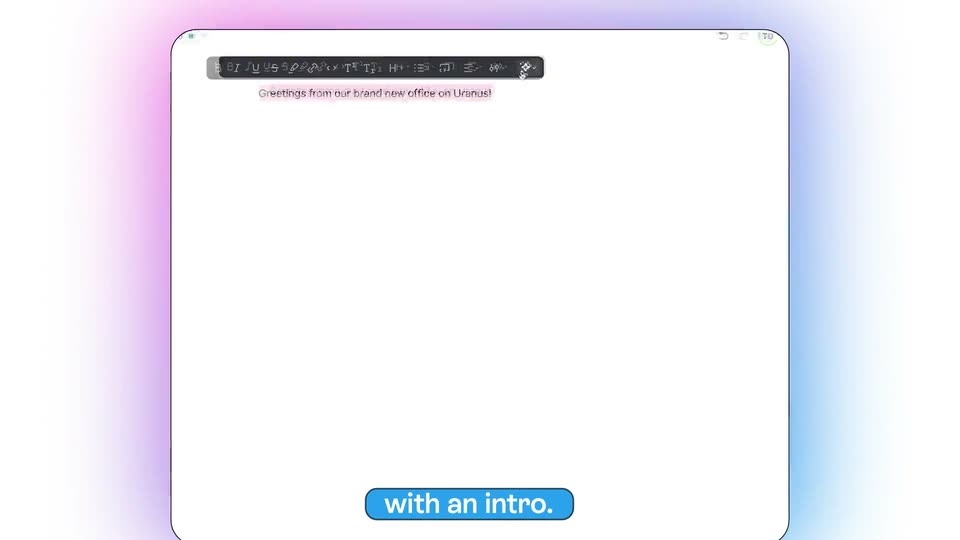 0:14–0:17beehiiv · beehiiv 🐝 - Introducing beehiiv AI ✨ Coming live from UranusA white document editor on a pink-blue gradient shows a greeting sentence, with blue caption pills at the bottom reading 'I'll get started' then 'with an intro.' The view zooms into the dark toolbar as a cursor opens a sparkle menu listing AI writing options.
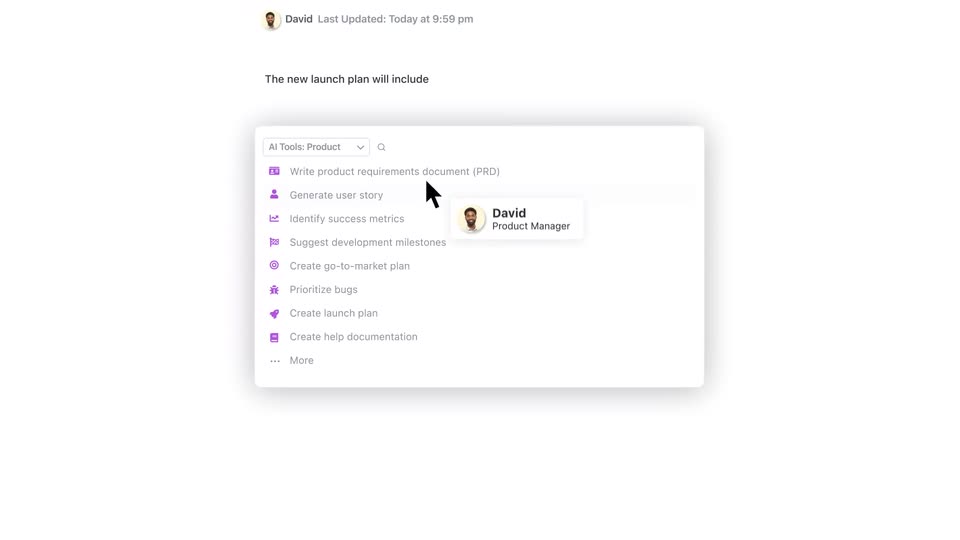 0:09–0:13ClickUp · Introducing ClickUp AIA document editor shows the line “The new launch plan will include”. A cursor types “/AI Tools”, opening a dropdown that expands into a panel of AI actions; the cursor then hovers over “Create launch plan” while a small “David, Product Manager” card drifts nearby.
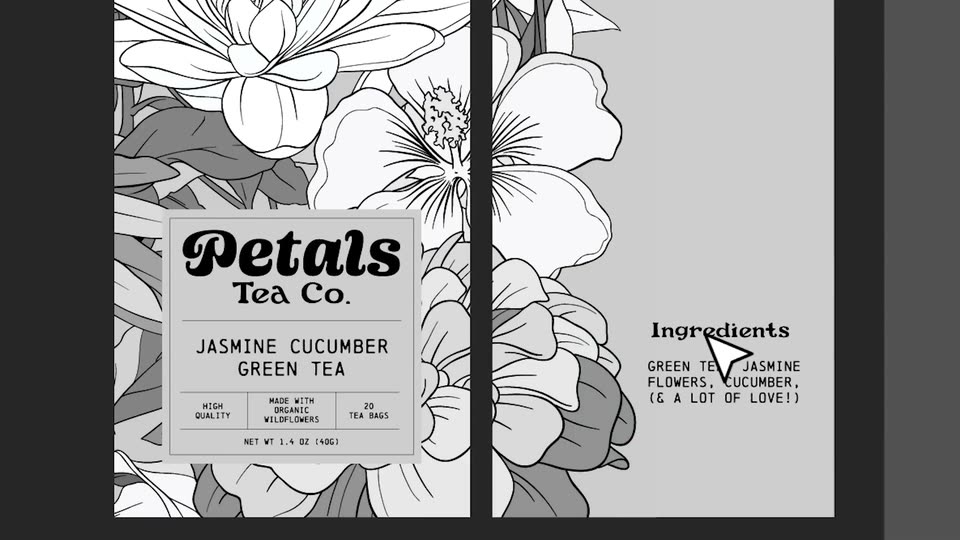 0:06–0:07Adobe · Adobe Illustrator x Adobe Firefly: Announcing Generative Recolor | AdobeA design editor canvas shows a black-and-white floral illustration with a tea label on the left. A cursor drags a selected Ingredients text box from the center to the right while a second box is positioned at the bottom.
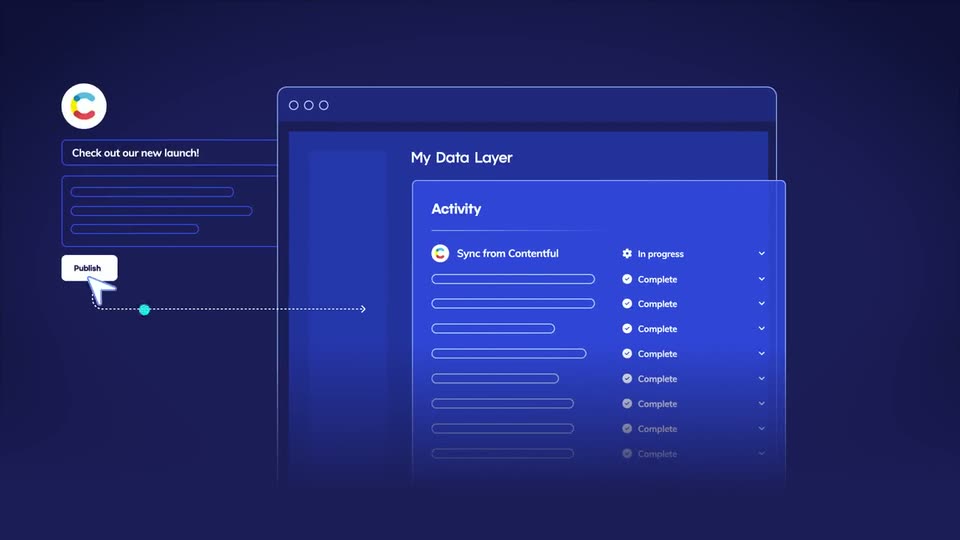 0:28–0:30Netlify · Netlify - We’re proud to announce the launch of Netlify Connect! Give your webA blue interface mockup shows a My Data Layer window with an Activity panel of sync rows marked In progress and Complete. A page card on the left holds a Publish button linked by a dotted line, the cursor moves to it, and the view zooms in.
 0:42–0:53Superhuman · Superhuman - Introducing our new enterprise AI features! With Grammarly Business,Two gradient circles drift and overlap on a pale blue field as the line “and make every communication on-brand with one click” appears line by line on the left. The circles merge into one, then a flat interface mockup appears with a cursor hovering over the top card.
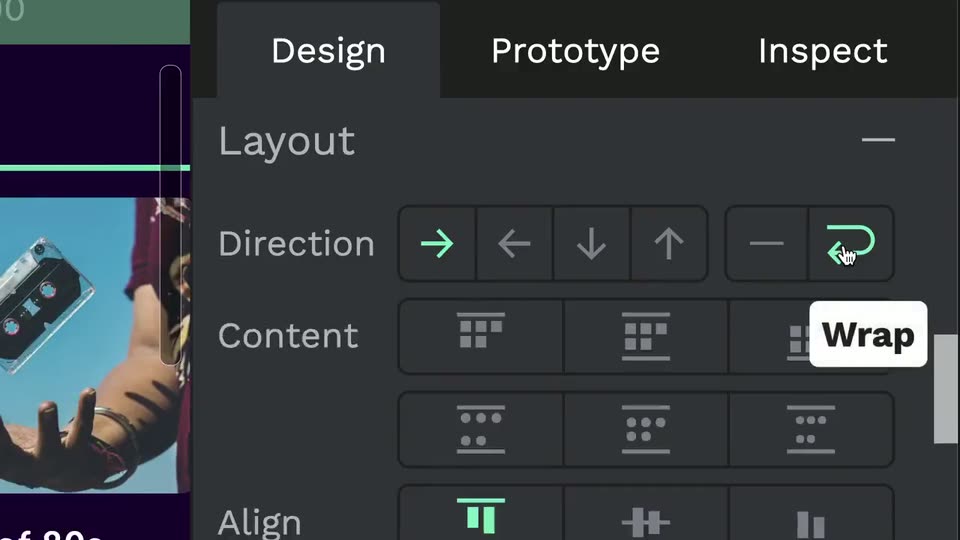 0:11–0:13Penpot · Penpot - Flex Layout, best of both worlds Flex Layout is Penpot’s ground-breaA close-up of a design tool's right panel shows the Layout section with Direction, Align and Justify rows. A cursor hovers over the wrap control and a Wrap tooltip pops in beside it.
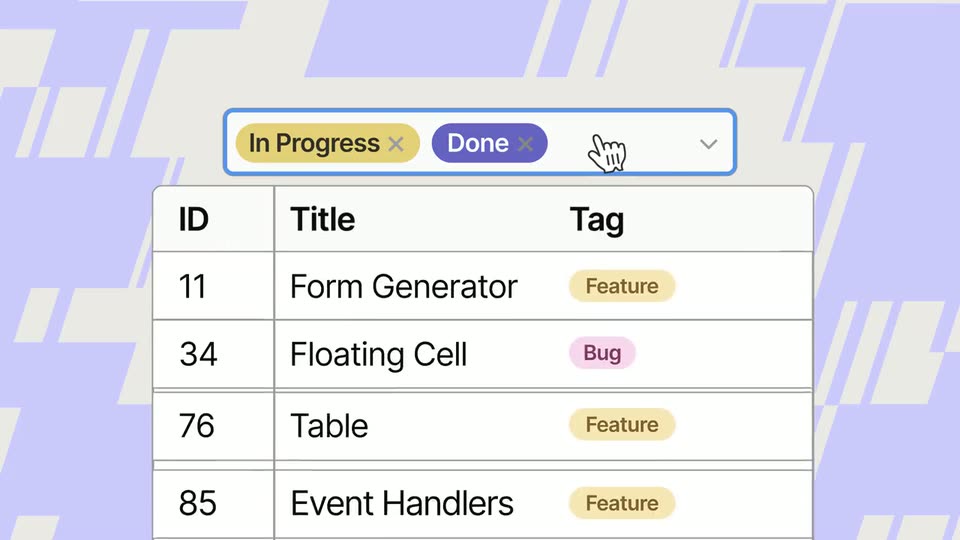 0:15–0:18Retool · Retool - Faster, stronger, smarter. ⚡We’ve supercharged our Table.⚡ Try it ouA spreadsheet-style interface sits on a lavender background with beige shapes. A hand cursor opens the Filter dropdown and picks In Progress and Done as pills; the table refreshes to filtered rows, then the mockup slides down to reveal Now available at rctool.com.
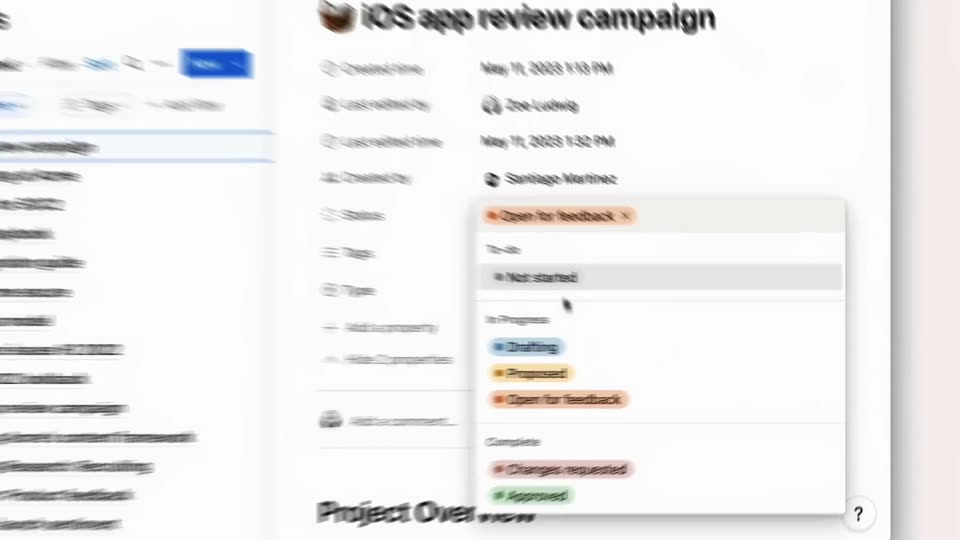 0:33–0:37Notion · Welcome to Notion ProjectsA flat Notion interface fills the frame as a cursor clicks the Status field and a dropdown of colored status chips opens. The view zooms into the right panel while the cursor selects Approved, swapping the orange chip for a green one.
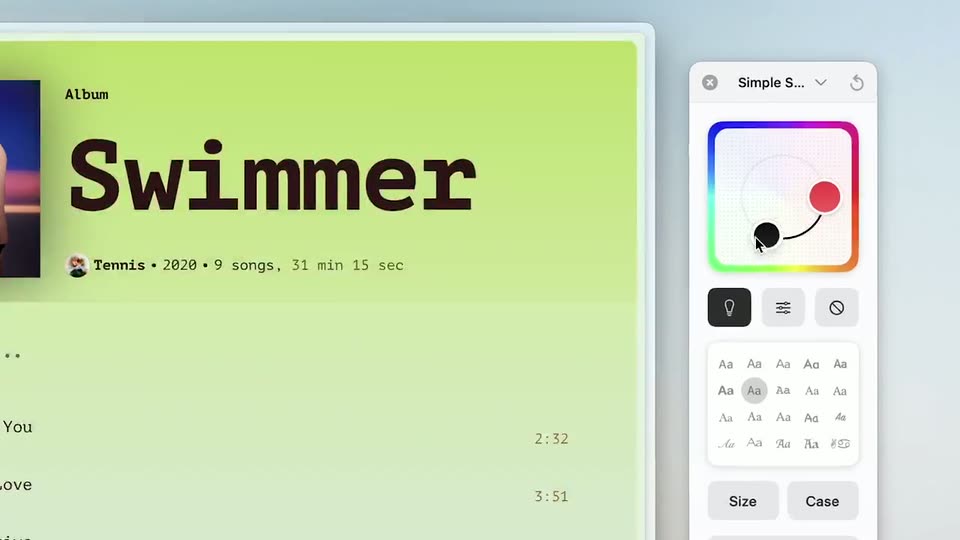 0:09–0:10The Browser Company · The Browser Company - What if the internet... was actually 𝑦𝑜𝑢𝑟 internet? 🎨 Introducing BA music app view of the album “Swimmer” sits left of a light control panel with a color picker and font grid. The app theme crossfades from dark purple to warm cream, the cover art brightens, and the panels drift left as a cursor hovers on the color picker.
 0:12–0:14The Browser Company · Boosts by Arc | Meet Your New InternetA white panel with rounded buttons for Size, Case, Zap and Code sits over a blurred blue background. A black cursor hovers over Zap, darkening it, then slides down toward the Code button.
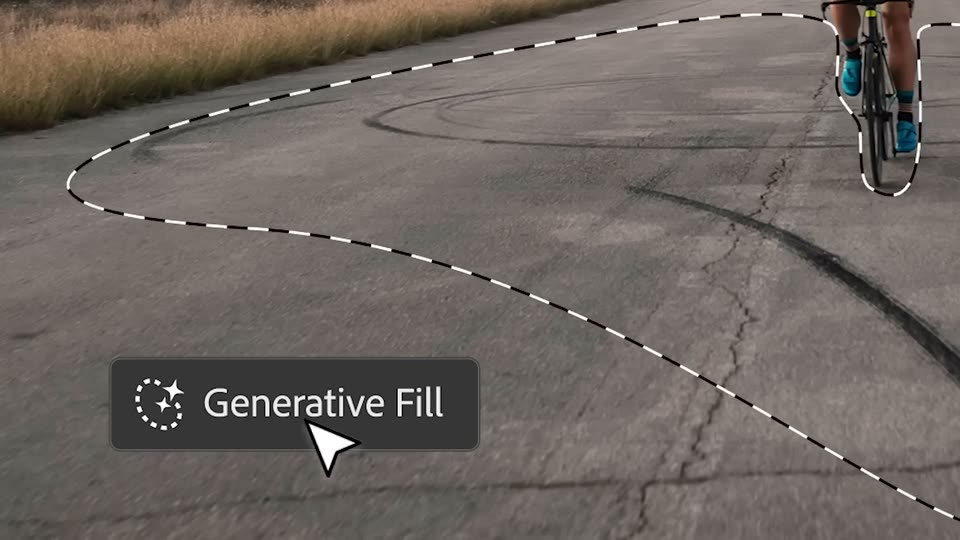 0:05–0:06Adobe · Adobe Photoshop (beta) x Adobe Firefly: Announcing Generative Fill | AdobeLocked-off close-up of a photo canvas: a cyclist's legs and rear wheel ride on cracked asphalt, traced by a dashed white selection path that loops across the road. A cursor glides down as a dark Generative Fill button with a sparkle icon scales in at the lower left.
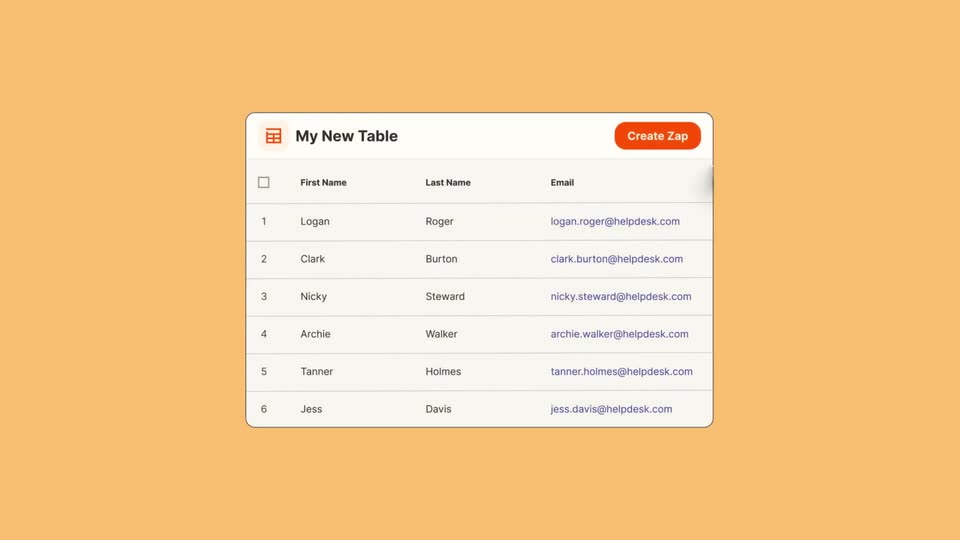 0:17–0:19Zapier · Introducing Zapier TablesA white table card sits centered on a flat orange field. A cursor hovers the Notify in Slack buttons, then the card swaps to a First Name, Last Name, Email layout with an orange Create Zap button as the cursor moves to it.
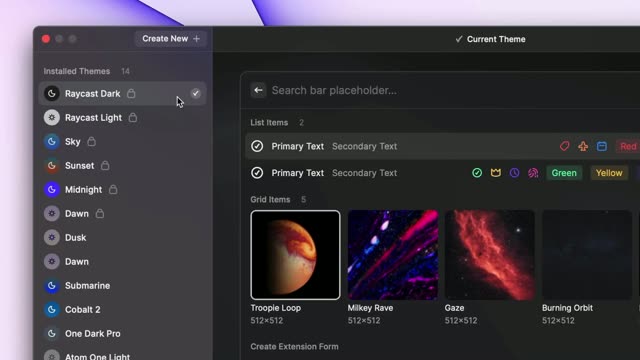 0:18–0:19Raycast · Introducing Raycast ProA dark theme-manager window shows a left list of installed themes and a right preview with a search bar, list rows and a grid of space images. A cursor moves down the list, highlighting the Raycast Light row.
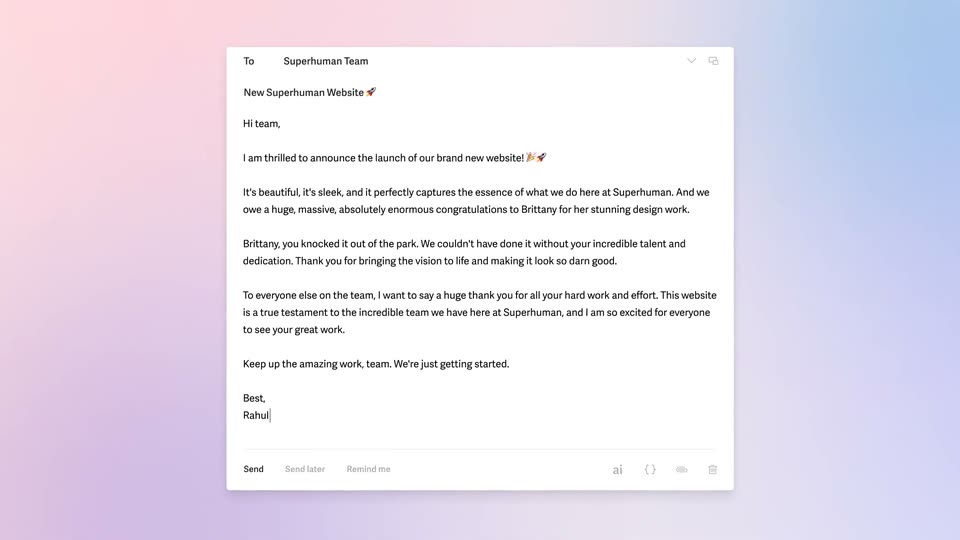 0:16–0:23Superhuman · Superhuman AIA gradient-bordered email draft completes as grayed text fades to solid black. A cursor hovers and a dropdown of edit options opens, then the view pulls back to reveal the full message card with recipient line and send toolbar.
 0:04–0:07Vercel · Vercel - Introducing Visual Editing for Headless ◆ Designed with our launch pClose-up of a dark product page with a large white headline. A light comment card from Cody, 1h, reading Too much time! fades in, a red cursor clicks its checkmark, then the card, headline and Learn more link fade out as the cursor moves to the share icon in the bottom toolbar.
 0:25–0:26Perplexity · Perplexity - We are excited to launch the next version of Introducing login, threaA white answer page displays a comparison table contrasting two laptop models, with a black cursor resting on the first column. The view holds briefly, then dissolves into a radial zoom blur that smears every element outward.
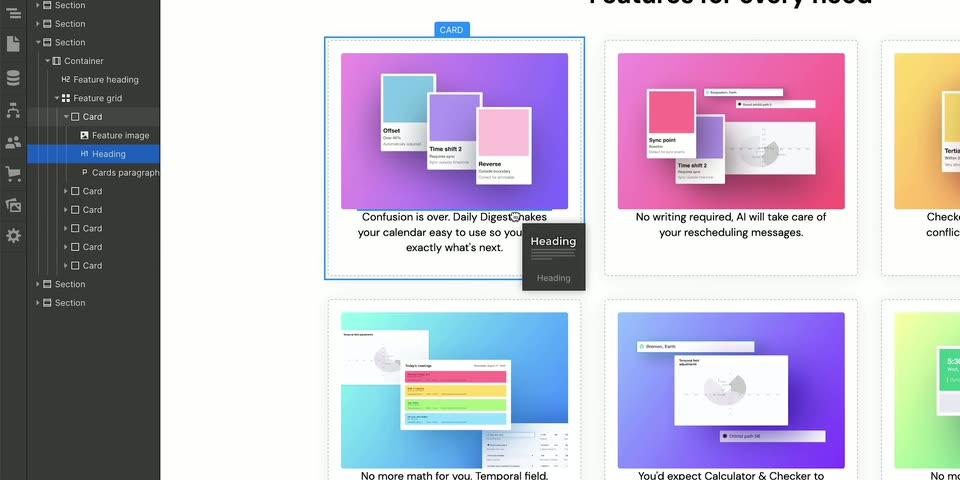 0:28–0:32Webflow · Introducing WebflowA web editor shows a dark layers panel left and a grid of gradient feature cards on a white canvas. A cursor drags an H3 Heading element from the panel into the selected card, ghosted heading labels trailing the pointer, then drops it above the body text.
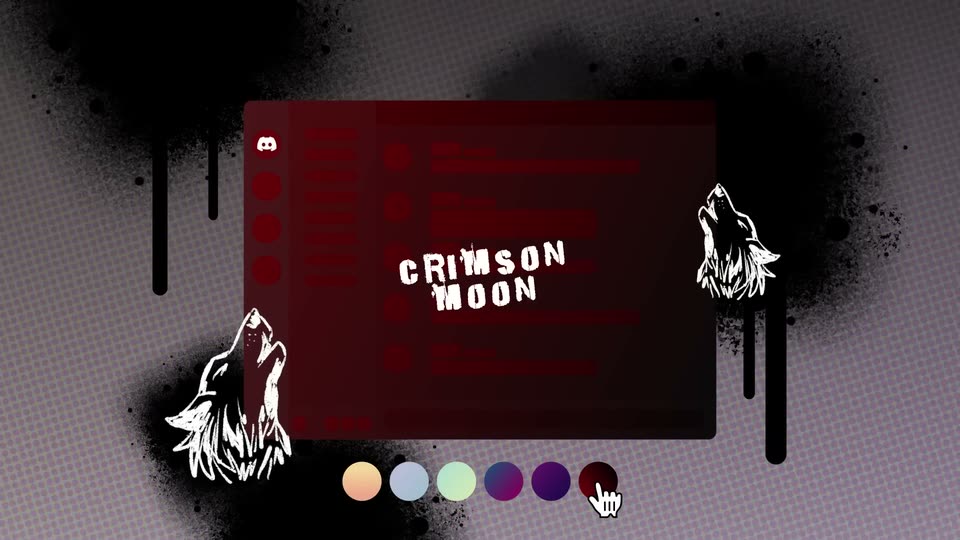 0:13–0:17Discord · Announcing 4 new Nitro PerksA dark red Discord-style window sits on a gray halftone backdrop with black ink splatters and two howling wolf sketches. CRIMSON MOON is centered on the window. A hand cursor hovers over the dark red swatch in a row of six color dots below, then tilts.
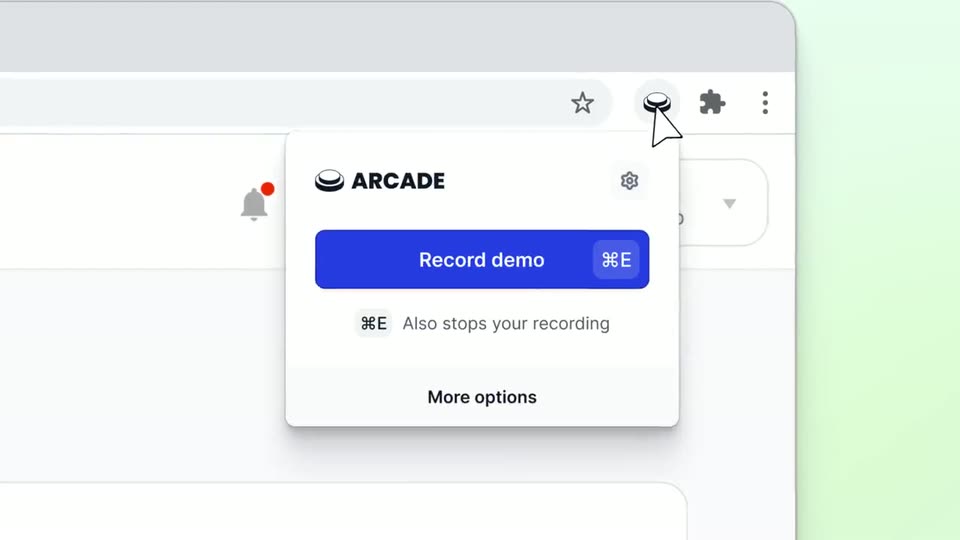 0:21–0:22Arcade · Arcade - Introducing Arcade Growth:A close-up of a browser toolbar shows a cursor clicking the Arcade icon, which opens a dropdown menu with a blue Record demo button. The cursor then moves down to hover on that button.
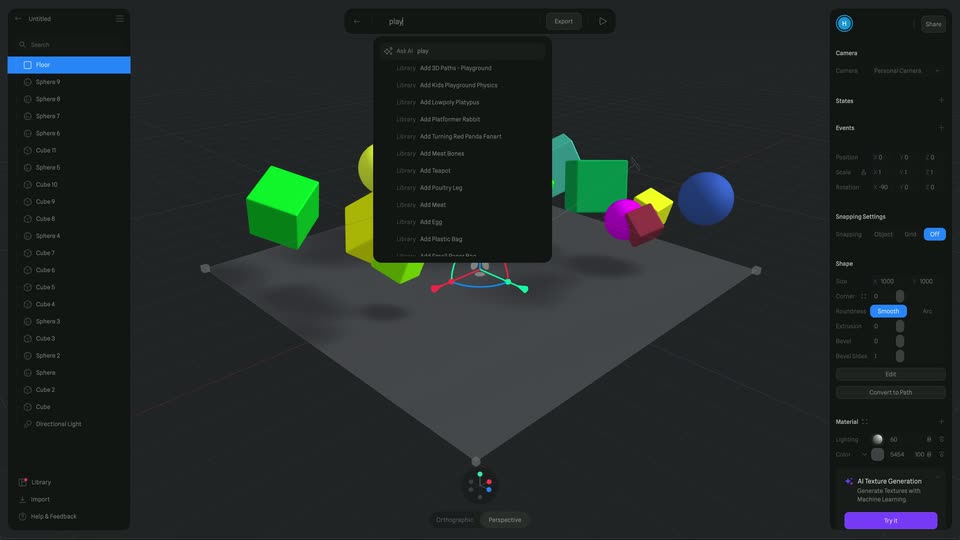 0:11–0:12Spline · Introducing Spline AI - Design in 3D using AIA 3D design tool interface with side panels frames a viewport of colorful cubes and spheres on a gray plane. A cursor types in the top command bar, 'pla' becomes 'play', the dropdown of library actions refreshes, and the shapes animate in the viewport.
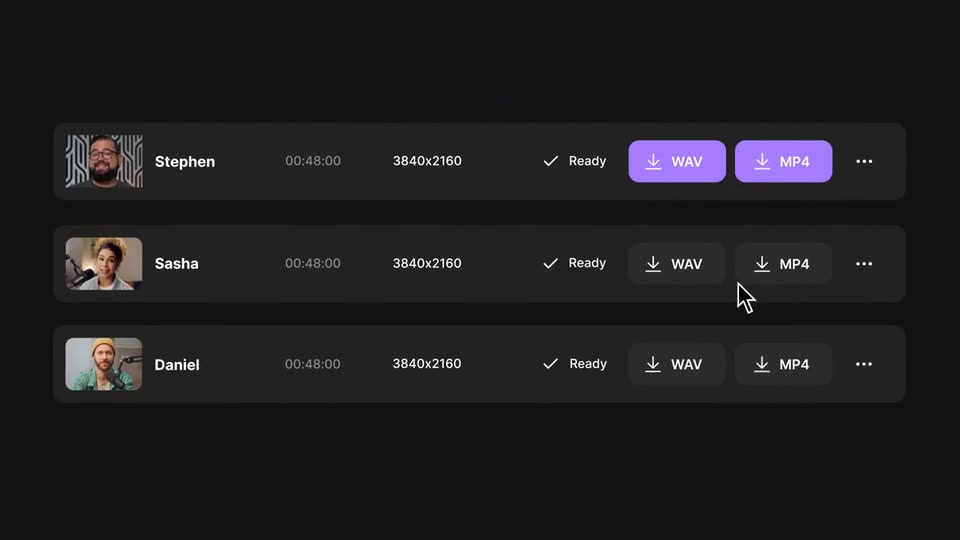 0:24–0:27Riverside · Riverside - Meet the new Riverside. The one place to record, edit, and share yourA dark list of three participant tracks, each with an avatar, duration, resolution and WAV, MP4 buttons. A cursor moves down the rows, lighting the buttons purple, then the list dims as the title Local Recording fades in at center.
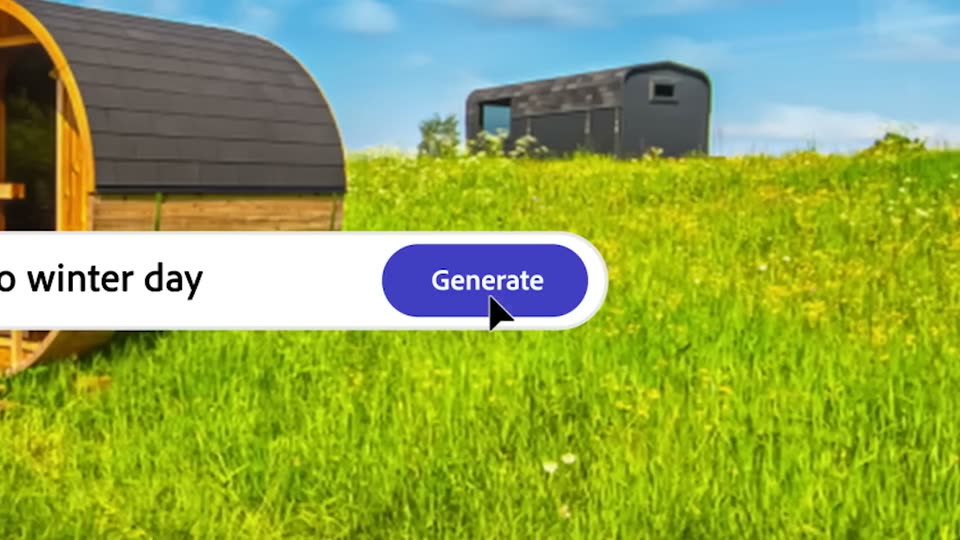 0:03–0:04Adobe · Adobe Firefly: Family of New Creative Generative AI Models | AdobeA white prompt bar reading “o winter day” with a blue Generate button sits over a locked-off shot of a sunny meadow with a wooden yurt and a dark cabin. The cursor clicks the button, and the label darkens as it is pressed.
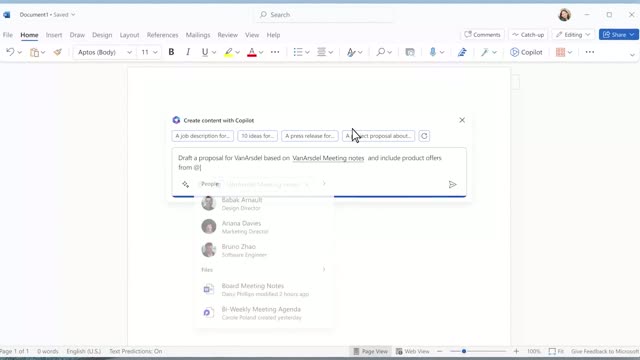 0:32–0:39Microsoft · The Microsoft 365 Copilot AI Event in Less than 3 MinutesThe view zooms into a Word window as the Copilot create-content panel opens. A cursor types a proposal prompt, selects two files from a dropdown list, and clicks the send button, attaching both as chips under the prompt.
 0:11–0:12Grammarly · Superhuman - Introducing GrammarlyGO—a new generation in writing. Speed up your wA white voice-settings card with highlighted tone pills blurs and slides up off frame while a green-to-blue gradient orb rises from the bottom. A cursor rests on the Use this voice button, and the headline Draft high fades in at the top left.
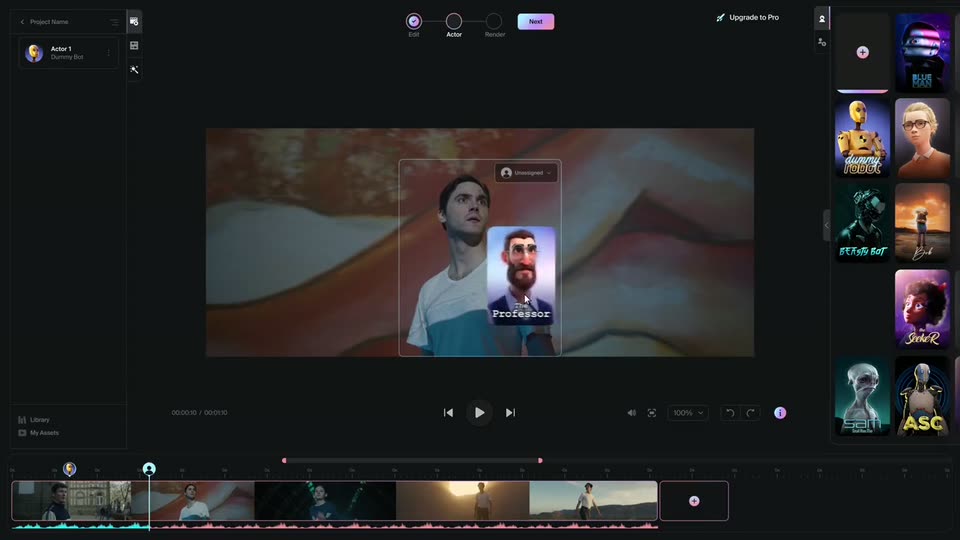 0:14–0:17Wonder Studio · Autodesk Flow Studio - We are proud to introduce Wonder Studio. An AI tool that automaticalInside the Wonder Studio editor, a selection box frames a man in the preview as the cursor drags a bearded character card from the right panel onto him. The label switches from Unassigned to The Professor and the left panel adds Actor 2.
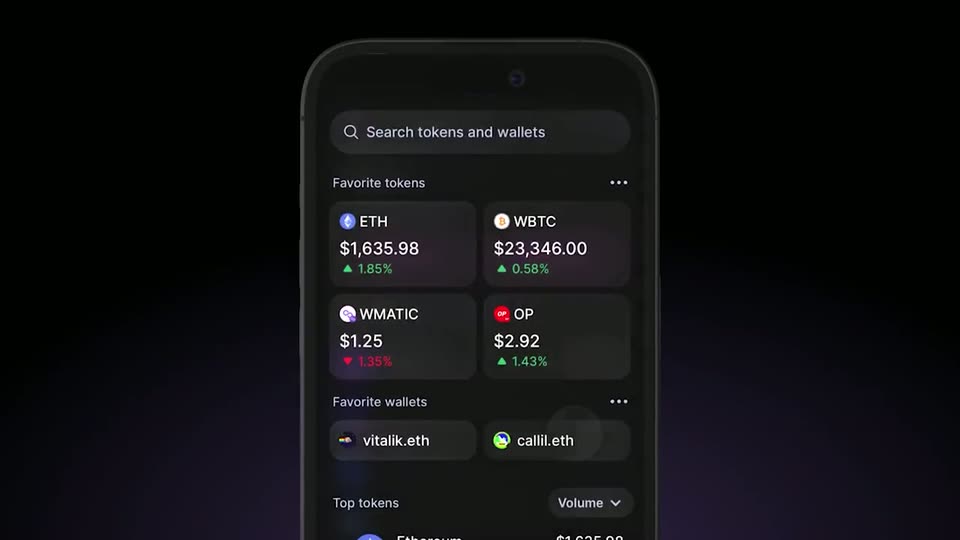 0:21 · 0.8sUniswap · Uniswap - 1/ Introducing the Uniswap mobile wallet 🦄✨ A completely self-custodA dark phone mockup sits in 3D perspective against a black background, its screen showing a crypto wallet with token price cards and wallet chips. The device drifts slowly while a circular tap cursor fades in over the callii.eth wallet button.
 0:12–0:15Notion · Notion AI is here, for everyoneA white document view shows an AI writing bar beneath body copy while a four-item checklist fills in line by line. The frame then reframes down to a context menu, where a hand cursor hovers over the Done option.
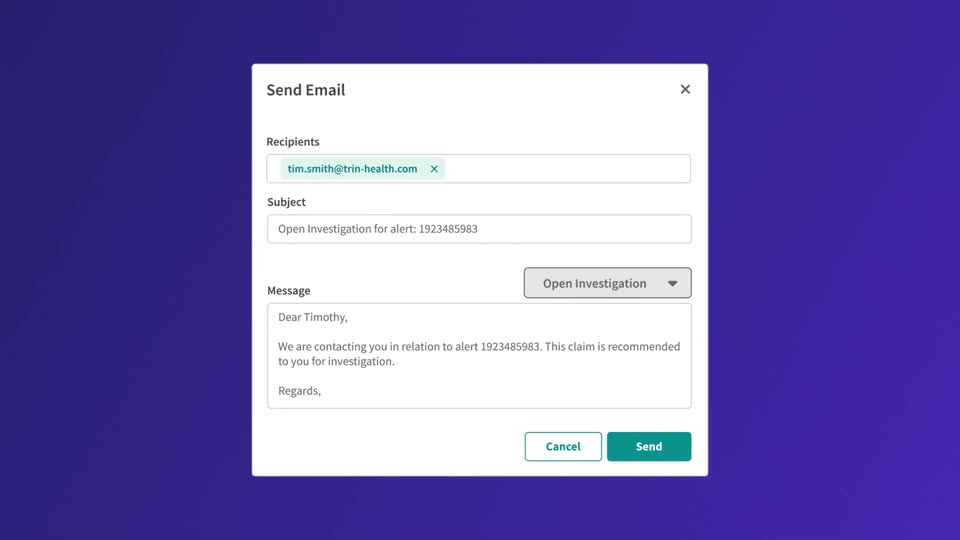 0:16–0:21Shift Technology · SHIFT_Improper Payment Detection_Integrated Case Management_Video_V4A white Send Email dialog sits centered on a flat purple background. The Select a Template dropdown opens, Open Investigation is chosen, and the message field fills with a prewritten note as the cursor moves to the Send button.
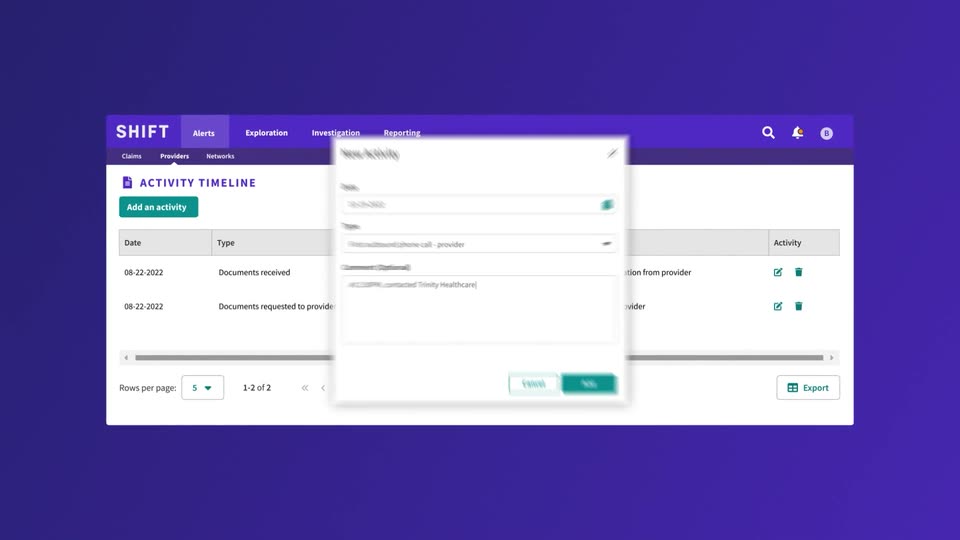 0:24–0:31Shift Technology · SHIFT_Improper Payment Detection_Integrated Case Management_Video_V4A flat activity timeline table sits on a purple field. A New Activity modal opens at center; a cursor opens the type dropdown, highlights the first option, types a comment, and clicks Add, and a new row appears at the top of the table.
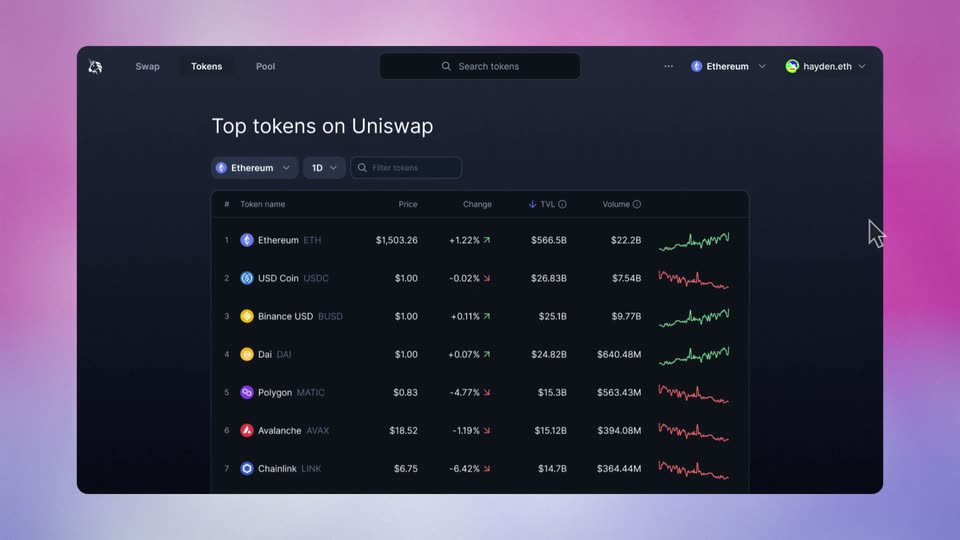 0:12–0:20Uniswap · Introducing the Refreshed Uniswap Web AppA dark Uniswap token table on a pink gradient opens as a blurred close-up, then zooms out to the full list, which scrolls down and back to the top. A cursor glides in and rests on the Volume column header.
 0:30–0:31Liveblocks · Liveblocks - #LiveblocksLaunchWeek – Day 1 Introducing Liveblocks 1.0: the compleOn a dark grid, a dashed-line node diagram of circles, a pill and red triangles drifts as the frame pans; a small cursor arrow hops from one node to another.
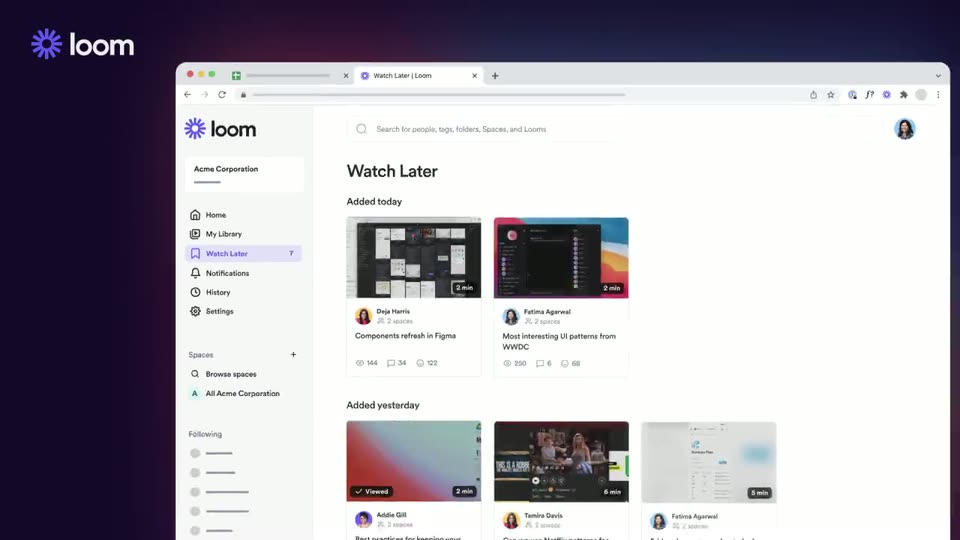 0:13–0:16Loom · Loom - 🆕 Need a better way to keep track of looms you want to get back to?A white sidebar panel slides in from the right over a dark purple field, then the view pulls back to a tilted browser window showing the Loom Watch Later page. A cursor hovers the Watch Later item as the tagline slides in.
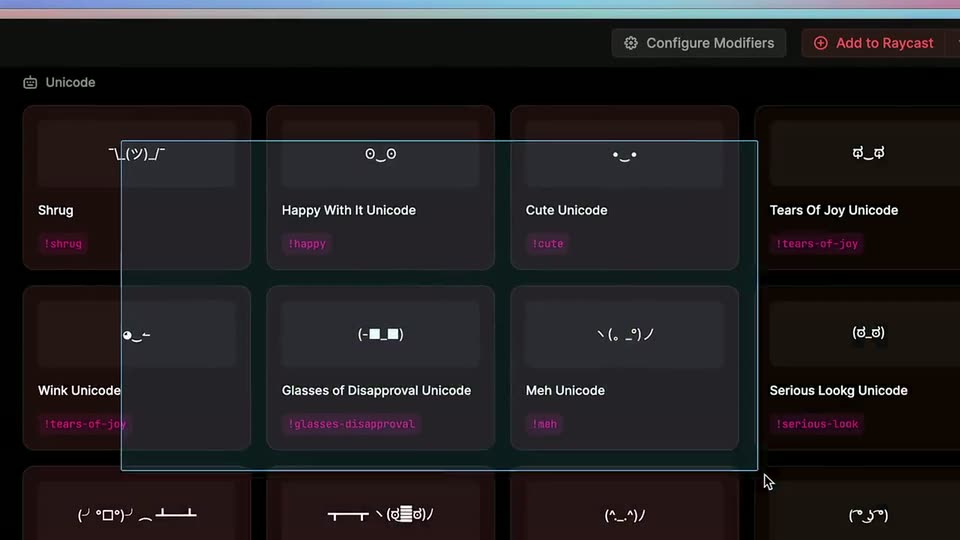 0:20 · 0.4sRaycast · Raycast - 🕵️♂️ Announcing Snippet Explorer — our first open source project! AA dark grid of Unicode emoticon cards fills the screen, each pairing a face glyph with a white name and a pink tag. A cursor drags a thin blue selection rectangle outward from the center, enclosing two rows of cards. The top bar holds two buttons.