1:20

ShowAndTell: AI agents for dental patient operations
Avora · Healthcare · Nov 2024
Revox · 1:51 · AI-annotated
Revox’s 1:51 launch film runs 5 scenes, about 22 s each. The product is on screen from the first frame and 1 feature is revealed. There is no explicit call to action; a voiceover carries the film. The video is a single continuous walkthrough: a split screen pins the presenter to the right while the Revox UI or the live call fills the left, collapsing to a full frame webcam shot only for the phone call. Pacing is slow and conversational with almost no cuts, relying on zoom ins on form fields and line by line subtitle pills as the main motion accents.
Is this your launch? to your site or press kit.
Avora · Healthcare · Nov 2024
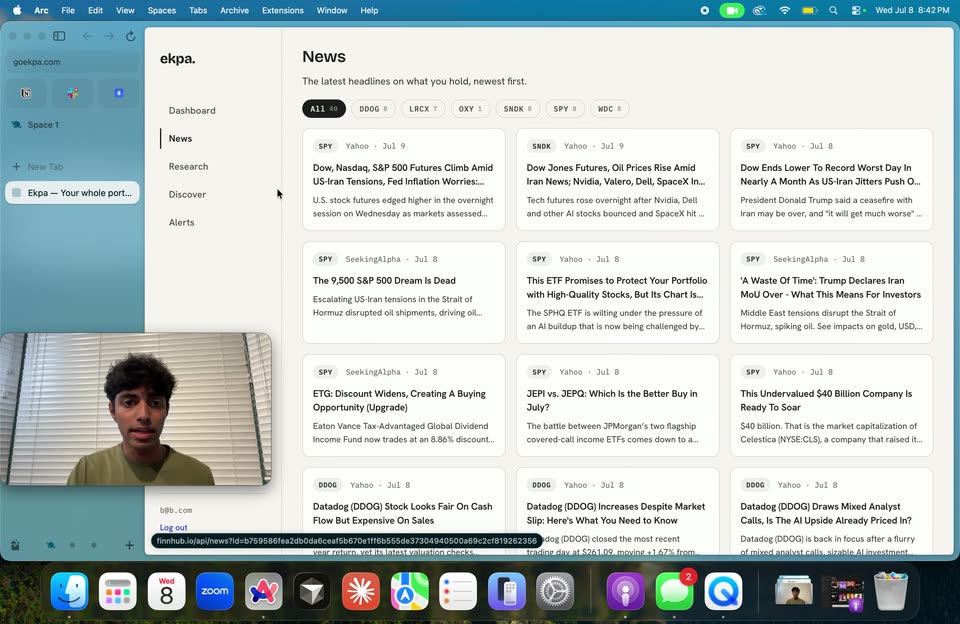
Ekpa · Fintech · Jul 2026
Tiny · B2B · Nov 2024
Films whose music sounds like this one, voice left out
Kestral · Corporate Tech Demo
Dawn Industries · Corporate tech presentation
Replicas
A man in a beige shirt speaks to the camera inside a purple-bordered video call frame against a red wall. A white Edit Assistant panel slides in from the left over the video. A caption bar with white text sits at the bottom.
On-screen text: “I'm super happy to share with you the new Revox”
Camera: Pan
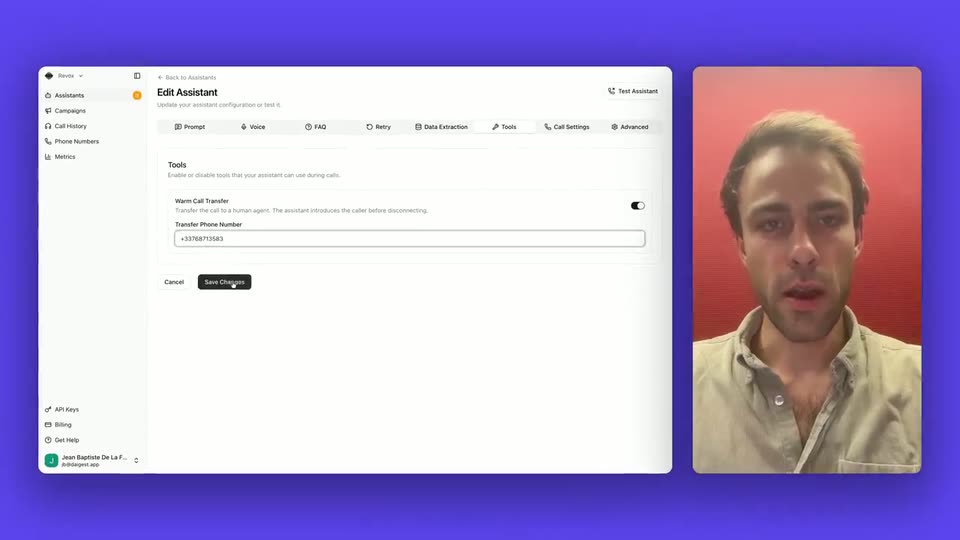
A product UI sits left and a presenter speaks to camera right on a purple gradient. A cursor clicks the Tools tab, toggles Warm Call Transfer, the view zooms in as a phone number is typed, then zooms out and saves with a green toast. Subtitles caption the bottom.
On-screen text: “I'm super happy to share with you the new Revox”, “feature.”, “it is a warm,”, “cold transfer,”, “so you can come to your assistant section,”, “go to Tools,”, “and then you can add”, “the phone number for the”, “phone transfer.”, “let's try out right now. So in this situation we got Lucy from Microsoft Azure that is going to call me”
Techniques: Split screen, Cursor demo, UI zoom
Camera: Pull out
Screen recording of the Revox Edit Assistant dashboard, presenter's webcam pinned at right over a red gradient. A cursor types a phone number and the name and company values into the Test Assistant panel, then the frame zooms out to reveal the full interface and left sidebar. Subtitles caption the voiceover along the bottom.
On-screen text: “that is going to call me,”, “John from Revox,”, “and trying to understand why I paused my account.”, “So I will receive the call on my number”, “and then I will”, “play the account”, “role.”
Techniques: Cursor demo, UI zoom
Camera: Pull out
A man in a beige shirt stands before a red wall, framed by a solid blue border, holding a smartphone he raises and tilts while speaking. White subtitles in dark rounded bars appear at the bottom, changing line by line as the conversation progresses. The framing is locked off and the clip runs at a steady pace.
On-screen text: “Jean from Robox.”, “This is Lucy from Microsoft Azure.”, “Did I catch you at an okay time?”, “Thanks.”, “Great.”, “I noticed your Microsoft Azure business account”, “hasn't been used in about 30 days.”, “Is there anything that's been holding you back”, “from using it lately?”, “I couldn't find how to deploy my server., Got it., That can be tricky the first time around., I can transfer you to an, account manager who can, For sure., Now,”
Camera: Pan
Split screen on a violet background: the Revox Edit Assistant interface occupies the left, a presenter talks in a vertical video window on the right. Subtitle phrases swap in a dark pill at the bottom as he gestures.
On-screen text: “as you can see,”, “you got the”, “call transfer working well.”, “You are briefed by the AI before”, “interacting with your prospect.”, “happy to”, “share this feature and see you”, “using it on the Revox platform.”, “Bye”
Techniques: Split screen, Cursor demo
Camera: Static